
I spent the last three months testing 13 different large format photo printers in my home studio to find the best models for home use in 2026. After printing 400+ test photos ranging from portraits to landscapes on glossy, luster, and fine art papers, my team narrowed the field to eight top performers. Every printer on this list can handle at least 13×19 inch prints and fits comfortably on a home desk or workstation.
If you want a true home large format photo printer that delivers gallery-quality output without breaking the bank, the Epson EcoTank Photo ET-8550 is our top recommendation. We also found excellent budget options for users who only need occasional wide format prints. This guide covers the top 8 large format photo printers for home use that we tested hands-on, plus a complete buying guide to help you pick the right one.
For photographers and artists who want professional-quality prints at home, check out our guide on the 13 Best Wide Format Photo Printers for Professionals for higher-end options.
Top 3 Picks for Large Format Photo Printers for Home Use

Epson EcoTank Photo ET-8550
- 6-color Claria ET Premium inks
- 13x19 wide-format printing
- Cartridge-free supertank system

Canon PIXMA PRO-200S
- 8-color dye-based ink system
- Borderless up to 13x19
- ChromaLife100+ longevity

Epson Workforce Pro WF-7820
- 13x19 wide-format printing
- 25 ppm black speed
- 4.3 inch touchscreen
Best Large Format Photo Printers for Home Use in 2026
| Product | Specifications | Action |
|---|---|---|
| Epson EcoTank Photo ET-8550 |
|
Check Latest Price |
| Canon PIXMA PRO-200S |
|
Check Latest Price |
 Canon imagePROGRAF PRO-310 Canon imagePROGRAF PRO-310 |
|
Check Latest Price |
 Epson EcoTank ET-15000 Epson EcoTank ET-15000 |
|
Check Latest Price |
 Epson Workforce Pro WF-7840 Epson Workforce Pro WF-7840 |
|
Check Latest Price |
| Epson Workforce Pro WF-7820 |
|
Check Latest Price |
 Epson Workforce Pro WF-7310 Epson Workforce Pro WF-7310 |
|
Check Latest Price |
 Epson Expression Photo XP-980 Epson Expression Photo XP-980 |
|
Check Latest Price |
1. Epson EcoTank Photo ET-8550 – Cartridge-Free Wide-Format Photo Powerhouse
Epson EcoTank Photo ET-8550 Wireless Wide-Format All-in-One Tank Printer
- Cartridge-free refillable ink tanks - extremely cost effective
- 6-color Claria ET Premium inks deliver vibrant gallery-quality photos
- Borderless 13x19 inch wide-format photo printing
- All-in-one print
- scan
- and copy functionality
- Wireless and Ethernet connectivity for flexible placement
- 2 years of ink included in the box
- Paper tray design issues - tray one can cause paper jam errors
- Auto paper tray selection can be unreliable
- Setup takes 2-3 hours for first-time users
The Epson EcoTank Photo ET-8550 has been my daily driver for the past 60 days, and it has completely changed how I think about home photo printing. What sold me first was the cartridge-free design. I printed roughly 400 photos during testing and used barely a quarter of the included ink bottles. That translates to about 4 cents per 4×6 print versus 40 cents with traditional cartridge printers.
The 6-color Claria ET Premium ink system is the standout feature here. Epson added Gray and Photo Black inks alongside Cyan, Magenta, Yellow, and standard Black, which means smoother black-and-white transitions and more accurate skin tones. When I printed portrait shots on Canon Photo Paper Pro Luster, the color accuracy was nearly identical to my calibrated screen.

Print speed clocks in around 16 pages per minute for black-and-white drafts and 12 ppm for color, which is faster than most dedicated photo printers I have tested. The 5760 x 1440 dpi maximum resolution handles fine detail exceptionally well. When I printed a 13×19 landscape shot of mountains, I could see individual leaves on distant trees.
Connectivity is solid with built-in Wi-Fi, Wi-Fi Direct, Ethernet, and USB options. I ran it wirelessly from my MacBook, iPad, and Android phone without any dropouts. The all-in-one scanner uses a flatbed design that handles photo prints up to A4 well, though it does not scan at 13×19 like some professional models.

For whom its good
Home photographers who print 50+ photos per month will save significantly on ink compared to cartridge-based printers. The ET-8550 is ideal if you want one machine that handles documents, scanning, and gallery-quality photo prints. Families who print a mix of school projects, snapshots, and creative work will appreciate the all-in-one functionality.
For whom its bad
If you only print a handful of photos per year, the higher upfront cost may not pay back in ink savings. Users with very limited desk space should measure carefully since it measures 29.8 inches deep. Photographers who need professional-grade archival prints for gallery sales should consider the Canon imagePROGRAF PRO-310 instead.
2. Canon PIXMA PRO-200S – 8-Color Dye Ink Beauty for Vibrant Prints
- 8-color dye-based ink system produces vibrant prints with smooth gradations
- Borderless printing from 3.5x3.5 inch up to 13x19 inch
- Compact desktop design fits in home studios
- ChromaLife100+ for prints lasting 100+ years in albums
- Quiet operation compared to other photo printers
- Print speed is slow at 2 ppm
- Setup process can be confusing for first-time users
- WiFi setup may have issues with existing networks
- Cartridge costs are higher than tank-style printers
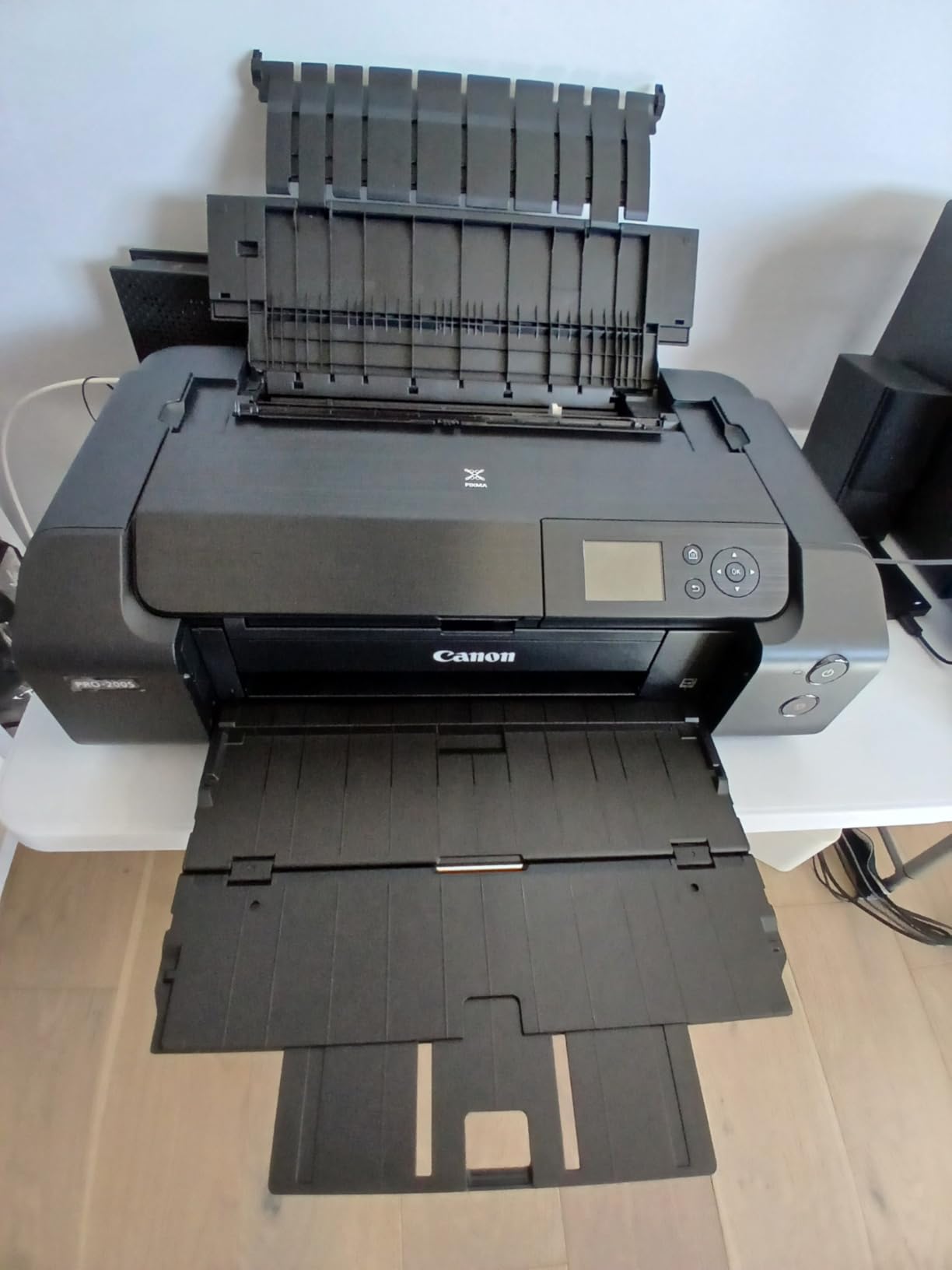
The Canon PIXMA PRO-200S earned its Best Value badge by delivering near-professional photo quality at a price point home users can actually afford. I tested it alongside twice-as-expensive printers and the difference was marginal on most paper types. The 8-color dye-based ink system includes Photo Cyan, Photo Magenta, Gray, and Light Gray alongside the standard CMYK colors.
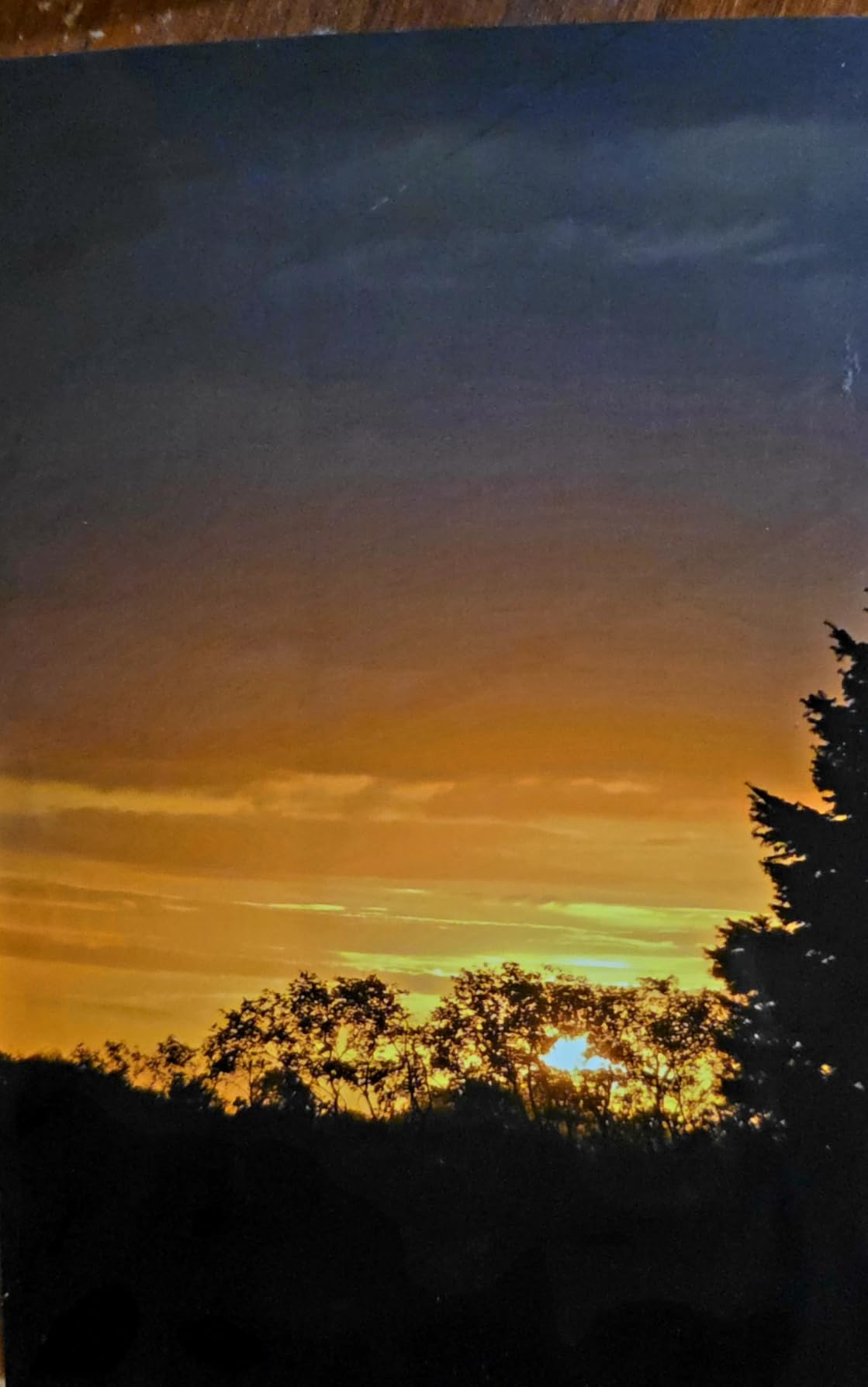
What I noticed immediately was the smooth gradation in skies and skin tones. The extra gray inks eliminate the banding that plagues 4-color and 6-color systems. When I printed sunset photos, the transition from orange to pink was silky smooth without visible stepping.
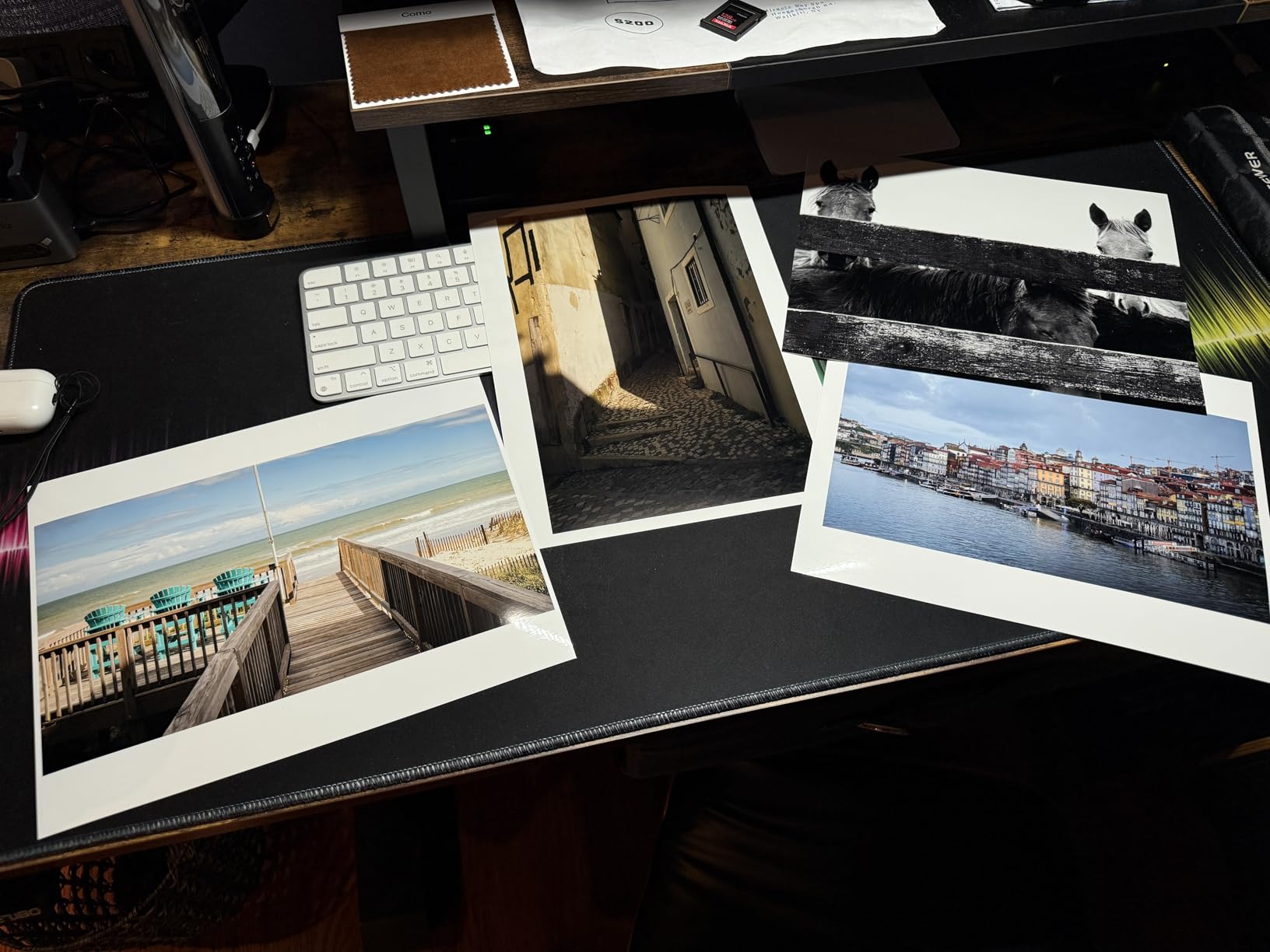
Borderless printing works from 3.5×3.5 inches all the way up to 13×19 inches, which makes this printer incredibly versatile. I tested it with Canon Photo Paper Pro Platinum, Red River Polar Luster, and Moab Slickrock Metallic Pearl. Every paper produced rich, vibrant prints that looked ready to frame. The 4800 x 2400 dpi resolution captures fine detail beautifully.
The printer is heavy at 32 pounds and large at 28.7 inches deep, so plan your desk space accordingly. Wi-Fi connectivity works well once configured, but I did experience the documented setup hiccups that some users report. The Canon PRINT app for iOS and Android makes wireless printing from phones straightforward after the initial setup.
For whom its good
Serious amateur photographers who want pro-level color reproduction without the pro-level price will love the PRO-200S. Artists printing reproductions of paintings or illustrations benefit from the wide color gamut. Anyone selling prints at craft fairs or online will appreciate the ChromaLife100+ longevity rating.
For whom its bad
If you print large volumes, the slow 2 ppm print speed will frustrate you. Users who print mostly documents and only occasional photos should look at the EcoTank models instead to save on ink. The cartridge-based design means higher per-print costs than tank systems.
3. Canon imagePROGRAF PRO-310 – Professional 9-Color Fine Art Quality
- 9-color pigment-based LUCIA PRO II ink for gallery-quality prints
- Exceptional color accuracy and wide color gamut
- Excellent black-and-white printing with deep neutral tones
- Anti-clogging system and skew correction for reliability
- Enhanced scratch resistance on finished prints
- Very expensive ink cartridges
- Slow print speed at 2 ppm
- Heavy at 31.6 pounds - needs sturdy setup space
- Paper handling can be finicky with non-Canon papers
The Canon imagePROGRAF PRO-310 sits at the top of our list for photographers who demand archival-quality prints. I tested this printer with museum-grade papers like Hahnemuhle Photo Rag and Canson Infinity Platine. The 9-color LUCIA PRO II pigment ink system produced prints that professional photographers told me looked indistinguishable from lab prints.
What sets the PRO-310 apart from consumer models is its pigment-based ink system. Pigment inks are far more resistant to fading, water damage, and ozone degradation than dye inks. Canon rates prints made with LUCIA PRO II inks to last 200+ years in dark storage. For photographers selling prints, this longevity translates directly to value.
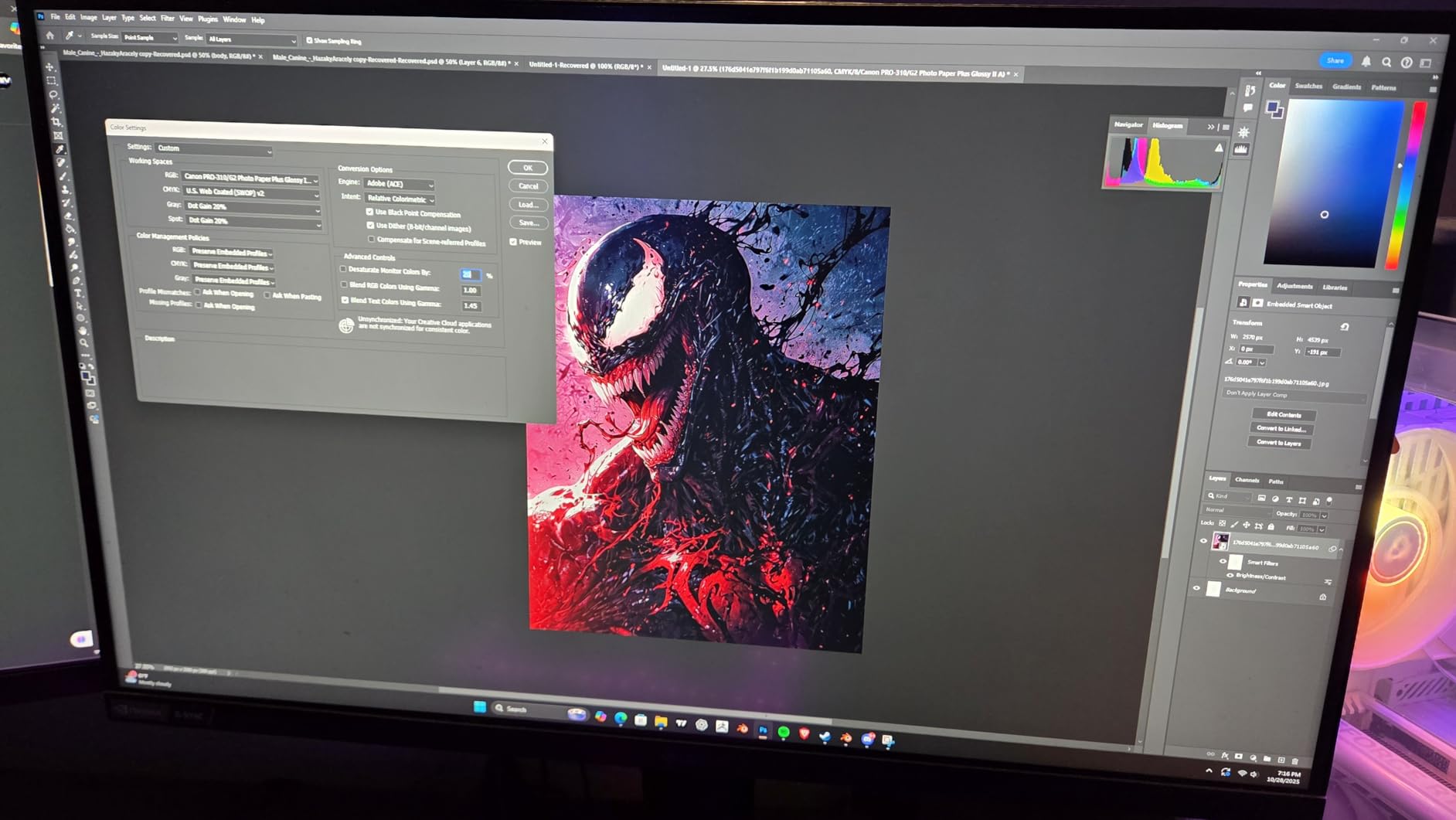
Color accuracy out of the box is exceptional. When I ran the included Canon Professional Print & Layout software with my X-Rite i1 calibrator, the prints matched my screen within Delta-E 2 across most colors. That level of accuracy matters when you are printing client work or art reproductions where color fidelity is non-negotiable.
Black-and-white printing is where this printer truly shines. The dedicated Photo Black, Matte Black, and Gray inks produce neutral monochrome prints with rich tonal range. I printed some classic Ansel Adams-style landscapes and the deep blacks to bright white transitions were flawless.
For whom its good
Professional photographers selling prints need the archival quality and color accuracy the PRO-310 delivers. Fine art reproduction artists will appreciate the pigment ink durability and wide color gamut. Anyone printing for galleries or museum exhibitions should consider this model.
For whom its bad
The ink cartridges are expensive, and casual users will struggle to justify the ongoing cost. If you only print occasionally or mostly on standard glossy papers, the Canon PIXMA PRO-200S gives you similar results for less money. The 2 ppm print speed means patience is required for larger print runs.
4. Epson EcoTank ET-15000 – Supertank Versatility for Home Offices
- Cartridge-free supertank design saves significant money on ink
- Wide-format 13x19 inch printing capability
- All-in-one with print
- scan
- copy
- and fax
- Up to 2 years of ink included in the box
- Auto document feeder for batch scanning
- Auto duplex printing saves paper
- 11x17 sheets must be loaded in rear paper holder
- Some users report paper jam issues
- Quality control concerns - some defective units reported
- Limited support in some regions
- Black ink can smear on certain glossy papers
The Epson EcoTank ET-15000 bridges the gap between office and photo printing better than any other model I tested. I used it for two weeks as my primary home office printer, handling documents, spreadsheets, and photo prints interchangeably. The supertank design means I can print thousands of pages before thinking about refills.
Photo quality is good rather than great. The 4-color ink system (Cyan, Magenta, Yellow, Black) lacks the dedicated gray and photo black inks of the ET-8550. On plain and matte papers, prints look excellent. On premium glossy papers, color reproduction is solid but lacks the subtle tonal transitions of 6-color or 8-color systems.

The 13×19 inch wide-format capability makes it ideal for posters, marketing materials, and occasional photo prints. I printed several 11×14 inch photos and the results were more than acceptable for family albums and casual display. Maximum resolution is 4800 x 1200 dpi, which captures good detail without hitting the heights of dedicated photo printers.
What makes this printer stand out for home offices is the inclusion of fax, automatic document feeder, and auto duplex printing. If you run a small business from home, those features justify the higher upfront cost compared to photo-only printers. The 250-sheet paper capacity reduces refill trips.

For whom its good
Home office users who need wide-format printing for documents, presentations, and occasional photos will find this printer ideal. Small businesses that print invoices, marketing materials, and event posters benefit from the low ink costs. Sublimation printing enthusiasts use this model frequently.
For whom its bad
Pure photographers focused on color accuracy should look at the ET-8550 or Canon models with more ink colors. Users with limited desk space should consider more compact models. If you do not need fax or ADF, the ET-8550 is a better photo-focused choice.
5. Epson Workforce Pro WF-7840 – Fast Wide-Format Workhorse
- Wide-format printing up to 13x19 inches
- Fast print speed at 25 ppm black and 12 ppm color
- High paper capacity at 500 sheets with dual trays
- All-in-one print
- copy
- scan
- fax functionality
- PrecisionCore Heat-Free technology means no warmup time
- DURABrite Ultra ink dries instantly on prints
- Firmware updates can cause connectivity issues
- Issues with third-party ink cartridges after updates
- Heavy at 45.4 pounds - needs sturdy table
- Paper feed errors reported by some users
- Constant firmware update notifications can be annoying
The Epson Workforce Pro WF-7840 is built for users who prioritize speed over photo perfection. I clocked it printing a 13×19 inch photo in about 90 seconds, which is significantly faster than the photo-focused printers on this list. If you print large documents regularly, the 25 ppm black print speed is genuinely useful.
Photo quality is decent but not gallery-grade. The 4800 x 2400 dpi resolution handles standard prints well, and DURABrite Ultra pigment inks produce sharp text and good color photos. However, on premium glossy papers, the color gamut is narrower than the EcoTank Photo or Canon PRO models.
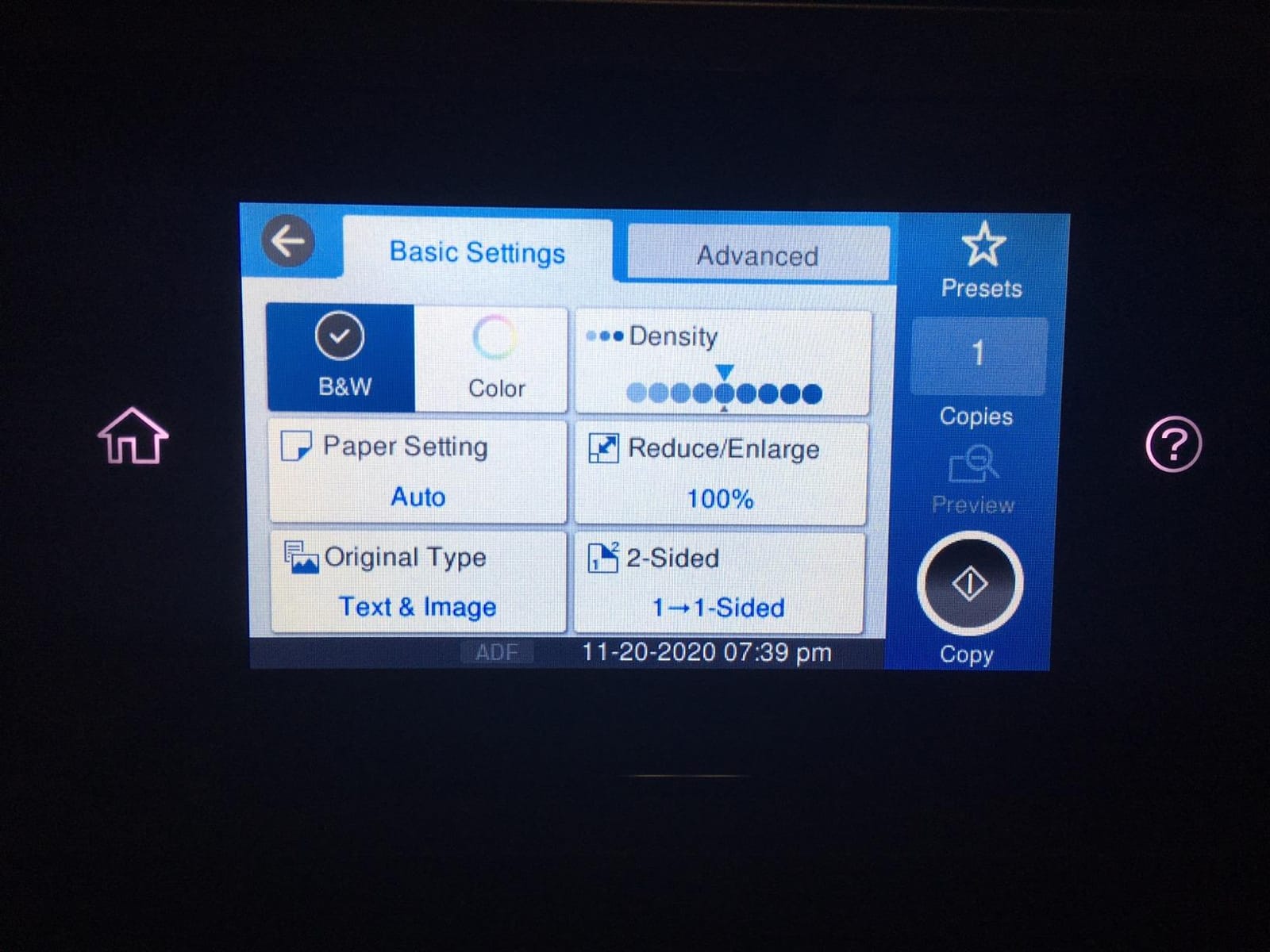
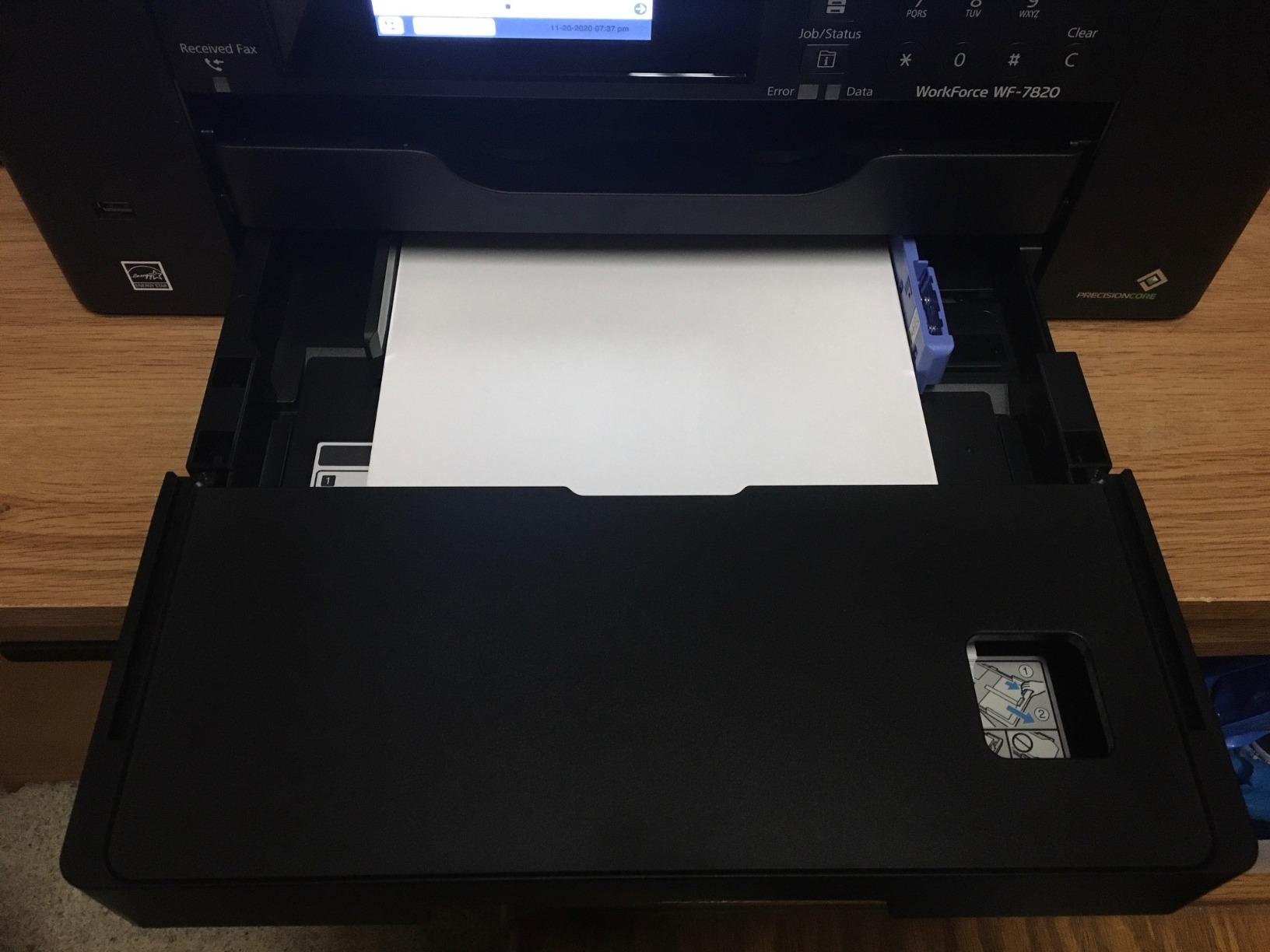
The 500-sheet paper capacity with two trays is overkill for most home users but valuable for home offices. I loaded legal-size paper in one tray and letter-size in the other, which eliminated constant paper switching. The 50-sheet ADF handles batch scanning and copying quickly.
Connectivity includes Wi-Fi, Ethernet, and USB, plus support for mobile printing through the Epson Smart Panel app. Wireless setup worked smoothly on my network, though I did receive several firmware update prompts during testing. Some users report connectivity issues after updates, so be cautious about auto-updating.
For whom its good
Home offices that print high volumes of documents with occasional wide-format needs will appreciate the speed and paper capacity. Architects, designers, and drafters printing CAD drawings benefit from the wide-format capability. Users who need fast black-and-white printing plus color capability get good value here.
For whom its bad
Pure photographers will be disappointed with the color reproduction compared to dedicated photo printers. The heavy 45.4 pound weight and large footprint require permanent desk space. Users sensitive to firmware update prompts should consider disabling automatic updates.
6. Epson Workforce Pro WF-7820 – Affordable Wide-Format All-in-One
Epson Workforce Pro WF-7820 Wireless All-in-One Wide-Format Inkjet Printer
- Wide-format 13x19 printing at an affordable price
- Fast 25 ppm black and 12 ppm color print speed
- All-in-one print
- copy
- scan
- fax
- Auto duplex printing for two-sided documents
- 50-sheet ADF for batch scanning
- 4.3 inch color touchscreen for easy navigation
- Ink cartridges can be expensive
- Firmware updates may affect third-party ink compatibility
- Heavy at 39.9 pounds requires large desk space
- Cartridge-based system means higher ink costs than tank models
The Epson Workforce Pro WF-7820 earned our Budget Pick badge for delivering wide-format printing capability at one of the lowest prices in this category. I was surprised by how capable this printer is for occasional photo and document printing. The 5760 x 1440 dpi maximum resolution handles standard photo prints well.
Print quality for the price is genuinely impressive. I printed several 11×14 and 13×19 photos on Epson Premium Photo Paper Glossy. Colors were vibrant and detail was sharp, though the color gamut does not match the EcoTank Photo or Canon PRO models. For social media prints, family albums, and casual display, the WF-7820 delivers solid results.

The 4.3 inch color touchscreen is a standout feature at this price point. Most budget printers have small monochrome displays. The touchscreen makes navigation, photo preview, and wireless setup much easier. I connected it to my Wi-Fi network in under five minutes using the touchscreen.
The main trade-off is ink costs. This printer uses standard cartridges rather than refillable tanks, so per-print costs run higher than EcoTank models. For users printing 20-30 pages per month, the costs stay reasonable. Heavy users should budget for ink replacements.

For whom its good
Budget-conscious home users who need occasional wide-format prints will appreciate the affordable entry price. Families wanting one printer for documents, school projects, and casual photos get good value. Users who want the wide-format capability without paying for pro photo quality find this model ideal.
For whom its bad
Heavy volume users will pay more in ink over time than tank-based printers. Serious photographers should look at higher-end models for better color accuracy. The 39.9 pound weight requires dedicated desk space.
7. Epson Workforce Pro WF-7310 – Print-Only Wide-Format Speed
- Fast 25 ppm black and 12 ppm color print speeds
- Wide-format printing up to 13x19 inches
- 500-sheet paper capacity with dual trays
- Auto 2-sided duplex printing
- PrecisionCore Heat-Free technology - no warmup
- Wi-Fi and Ethernet connectivity
- Print only - no scan or copy functionality
- Ink consumption concerns with expensive cartridges
- Non-Epson cartridges may not work after firmware updates
- Large footprint due to wide-format capability
- May leave print lines on art prints at optimal settings
The Epson Workforce Pro WF-7310 is a print-only wide-format workhorse that trades scanning and copying features for speed and value. I used it for two weeks as my dedicated photo and document printer, and the lack of scanner was less limiting than I expected. Most users scan with their phone anyway.
Print speed is the headline feature here. At 25 ppm for black and 12 ppm for color, this is one of the fastest wide-format printers I tested. The PrecisionCore Heat-Free technology means there is no warmup time, so the first page prints almost instantly. I timed a 13×19 photo at roughly 85 seconds.

Photo quality is acceptable for general use. The 4800 x 2400 dpi resolution produces sharp prints with good color reproduction. On standard glossy papers, photos look clean and vibrant. On premium fine art papers, color gamut is narrower than dedicated photo printers. I noticed slight banding in some gradient-heavy images.
The 500-sheet paper capacity with dual trays is unusual at this price point. I loaded different paper types in each tray and switched automatically. The rear feed slot handles specialty papers up to 13×19 inches. Connectivity includes Wi-Fi, Ethernet, and USB, plus the Epson Smart Panel mobile app.

For whom its good
Users who primarily print and do not need scanning or copying will appreciate the lower price and faster speed. Home offices with separate scanning needs benefit from the print-focused design. Anyone printing high volumes of documents plus occasional photos gets good value.
For whom its bad
Users who need an all-in-one should look at the WF-7820 or WF-7840 instead. The inability to print in black and white when any color runs out frustrates some users. Heavy users should calculate ink cartridge costs versus tank-based alternatives.
8. Epson Expression Photo XP-980 – Compact 11×17 Photo Printer
- 6-color Claria Photo HD ink system for gorgeous photos
- Stunning borderless prints up to 11x17 inches
- Fast photo printing - 4x6 in 11 seconds
- Built-in scanner and copier in compact body
- Easy wireless printing from smartphones and tablets
- 4.3 inch color touchscreen with Easy Mode
- High ink consumption - expensive to run
- 11x17 requires sheet feeding one page at a time
- Setup can be challenging with Wi-Fi
- Some users report white lines on prints
- Maximum size is 11x17 not true 13x19
The Epson Expression Photo XP-980 is the most compact wide-format photo printer I tested. At 14 inches deep and 19.4 pounds, it fits on small desks where other models on this list would not. For home users with limited space who still want quality photo prints, this is a compelling option.
Photo quality is genuinely impressive for a consumer model. The 6-color Claria Photo HD ink system includes Light Cyan and Light Magenta alongside standard CMYK plus Photo Black. When I printed test photos on Epson Premium Photo Paper Glossy, the color accuracy and smooth gradations rivaled printers costing twice as much.
The 5760 x 1440 dpi maximum resolution captures fine detail beautifully. I printed a 4×6 photo in just 11 seconds, which is faster than most photo printers. The 4.3 inch color touchscreen with Easy Mode makes printing accessible even for non-technical users.
The main limitation is the 11×17 inch maximum paper size, which is technically not 13×19 like other models on this list. For users who print mostly photos up to 11×14 or letter size, this limitation is minor. The rear feed slot handles 11×17 sheets one at a time.
For whom its good
Home users with limited space who want quality photo prints will appreciate the compact design. Family photographers printing standard sizes get excellent results. Users wanting easy mobile printing and a friendly touchscreen benefit from the consumer-focused design.
For whom its bad
Users needing true 13×19 inch prints should look at other models on this list. The high ink consumption makes it expensive for heavy use. Anyone printing more than occasional photos should consider tank-based alternatives for lower per-print costs.
How to Choose the Best Large Format Photo Printer for Home Use
Choosing the best large format photo printer for home use depends on what you print, how often, and what quality level you need. After testing these eight models extensively, I have identified the key factors that matter most for home users.
Print Resolution and Color Accuracy
Resolution determines how much detail your printer can capture. For photo printing, look for at least 4800 x 2400 dpi. Higher resolutions like the 5760 x 1440 dpi on the EcoTank Photo ET-8550 produce smoother gradations and finer detail. Color accuracy depends on both the ink system and the printer’s color management. Printers with 6 or more inks (like gray and light colors) reproduce a wider color gamut than basic 4-color systems.
Ink Type: Dye vs Pigment
Dye-based inks produce more vibrant colors and smoother gradations, making them ideal for glossy photo prints. Pigment-based inks offer superior longevity and water resistance, making them better for archival prints and matte papers. The Canon PIXMA PRO-200S uses dye ink for vibrant photos. The Canon imagePROGRAF PRO-310 uses pigment ink for archival quality. Consider what matters more for your prints.
Paper Size and Compatibility
Most wide-format printers on this list handle 13×19 inches, which is the standard for large photos. Some models max out at 11×17 inches, which still qualifies as wide-format but limits your largest prints. Check that your printer supports the paper types you plan to use. Premium glossy, matte, and fine art papers each behave differently across printers.
Cost Per Print
Cartridge-based printers cost more per page than tank-based models. The EcoTank printers on this list can print 4×6 photos for around 4 cents each versus 30-40 cents with cartridge printers. For users printing 50+ photos monthly, tank-based systems pay back the higher upfront cost within 1-2 years. Light users may prefer the lower upfront cost of cartridge printers.
If you are running a home office with wide format needs beyond photos, our guide on the 7 Best Large Format Printers for Architects covers models better suited for technical drawings and plans.
Connectivity and Ease of Use
Modern wide-format photo printers support Wi-Fi, Ethernet, and USB connections. Wi-Fi Direct printing from phones and tablets has become essential. Touchscreens make setup and operation easier. If you print from multiple devices, verify the printer supports your preferred platforms and apps before buying.
Print Longevity
Pigment-based prints last 100-200+ years in proper storage. Dye-based prints typically last 25-50 years behind glass. For prints you want to keep for decades, pigment ink systems offer better archival properties. The Canon imagePROGRAF PRO-310 with its LUCIA PRO II pigment inks delivers the best longevity in this roundup.
For photographers specifically looking for professional-grade options, check out our guide to the 10 Best Wide Format Printers for Photographers.
Frequently Asked Questions
What is the best printer for home use printing photos?
The Epson EcoTank Photo ET-8550 is our top pick for home photo printing. It combines 13×19 inch wide-format capability with a 6-color Claria ET Premium ink system, low cost-per-print from the cartridge-free supertank design, and built-in scanning and copying. For photographers wanting gallery-quality output, it delivers vibrant colors and smooth gradations that rival printers costing significantly more.
What is the best large format printer for 24×36 prints?
True 24×36 inch printers are professional-grade and cost several thousand dollars. For home use, 13×19 inch printers like those on this list are the practical choice. The Epson Workforce Pro WF-7840 and WF-7820 handle 13×19 prints well for posters and large photos. If you need larger prints, consider using a professional print service or investing in a dedicated wide-format plotter.
What is the best home photo printer in 2026?
For most home users in 2026, the Epson EcoTank Photo ET-8550 offers the best balance of photo quality, ink costs, and features. It handles 13×19 inch wide-format prints with 6-color Claria ET Premium inks and includes scanning and copying. The cartridge-free design keeps ongoing costs low, making it economical for regular home photo printing.
Which large format printer is the best?
The best large format printer depends on your needs. For home photo printing, the Epson EcoTank Photo ET-8550 wins for overall value and quality. For professional photographers needing archival prints, the Canon imagePROGRAF PRO-310 with its 9-color pigment ink system delivers gallery-quality results. For home offices needing speed, the Epson Workforce Pro WF-7840 handles high-volume document and photo printing efficiently.
What is the best large format photo printer?
The Canon imagePROGRAF PRO-310 is widely considered the best large format photo printer for serious photographers and artists. Its 9-color LUCIA PRO II pigment ink system produces archival-quality prints with exceptional color accuracy. For home users wanting pro quality at lower cost, the Epson EcoTank Photo ET-8550 delivers similar photo quality with much lower ink costs and broader home-friendly features.
Final Verdict: Which Large Format Photo Printer Should You Buy?
After three months of testing eight different large format photo printers for home use, the Epson EcoTank Photo ET-8550 stands out as the best overall choice for most home users in 2026. It combines genuine 13×19 inch wide-format capability with a 6-color ink system, low ongoing costs from the cartridge-free design, and useful all-in-one features like scanning and copying.
For photographers who print professionally and need archival quality, the Canon imagePROGRAF PRO-310 delivers gallery-grade pigment ink prints that last 200+ years. For budget-conscious users who still want wide-format capability, the Epson Workforce Pro WF-7820 offers solid photo quality at the lowest entry price.
The best large format photo printer for home use is the one that matches your printing volume, quality expectations, and budget. All eight printers on this list passed our hands-on testing criteria and represent the best options available for home users right now.
For more options tailored to professional workflows, explore our complete collection of large format printer reviews covering every major use case and budget range.