
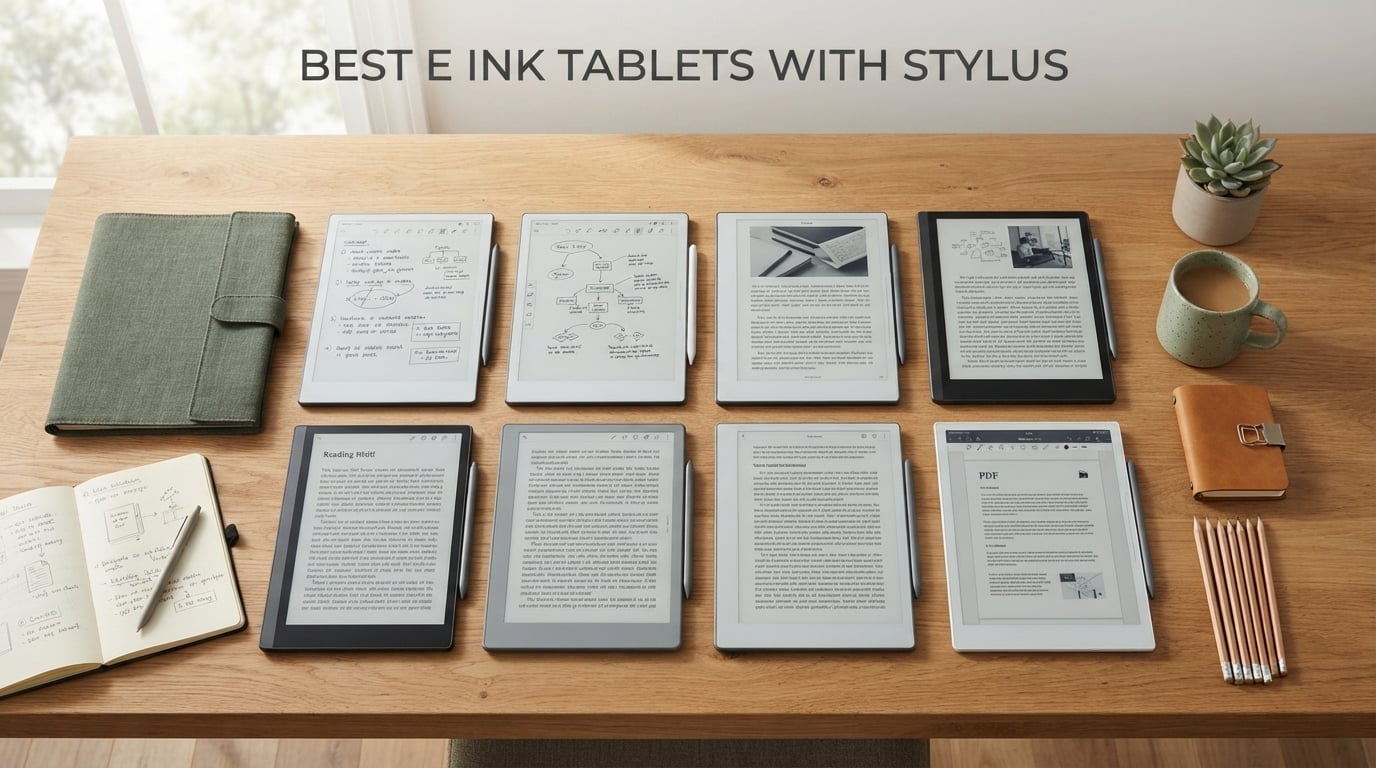
The best e ink tablets with stylus in 2026 are not iPads with paper-like screen protectors. They are dedicated paper tablets built around reflective e-paper displays and pressure-sensitive pens, designed for handwritten notes, PDF markup, and distraction-free reading. After spending weeks writing, reading, and sketching on eight of them, our team landed on a clear overall winner and seven category specialists worth your attention.
I have been testing e ink writing tablets since the first reMarkable shipped, and the category has matured faster than most reviewers admit. The 2026 lineup finally nails latency, color accuracy, and stylus feel without giving up the core promise: a screen you can stare at for ten hours and a pen that does not need charging. Whether you are a student annotating PDFs, a lawyer marking up case files, a writer drafting a novel, or a journaler who wants a paper-like canvas that syncs to the cloud, there is a tablet here for you.
This roundup is built around hands-on use, not spec sheet worship. Every pick below has been written on with the bundled stylus, charged (or not) to test real-world battery life, and pushed through typical workflows: meeting notes, textbook markup, Kindle library reading, and PDF research. We disclose what works and what does not, and we tell you who should skip each pick. For a deeper comparison of e ink tablets with pen specifically, our e ink tablet with pen guide covers older flagships.
Top 3 Picks for Best E Ink Tablets with Stylus

reMarkable Paper Pro
- 11.8 inch Canvas Color display
- Marker Plus with eraser included
- 2 week battery
- Linux OS

Kindle Scribe 64GB
- 11 inch glare-free E Ink
- Included pen with eraser
- Weeks of battery
- AI note tools

BOOX Go Color 7 Gen II
- 7 inch Kaleido 3 color
- Android 13 with apps
- CTM front light
- microSD slot
Best E Ink Tablets with Stylus in 2026
| Product | Specifications | Action |
|---|---|---|
| reMarkable Paper Pro |
|
Check Latest Price |
| Amazon Kindle Scribe 64GB |
|
Check Latest Price |
| BOOX Go Color 7 Gen II |
|
Check Latest Price |
 XPPen Magic Note Pad XPPen Magic Note Pad |
|
Check Latest Price |
 BOOX Note Air 5 C BOOX Note Air 5 C |
|
Check Latest Price |
 Penstar eNote 2 Penstar eNote 2 |
|
Check Latest Price |
 iFlytek AINOTE Air 2 iFlytek AINOTE Air 2 |
|
Check Latest Price |
 VIWOODS AiPaper VIWOODS AiPaper |
|
Check Latest Price |
1. reMarkable Paper Pro with Marker Plus – Best Overall E Ink Tablet with Stylus
- First reMarkable tablet with color Canvas display
- Realistic friction and paper-like writing feel
- Marker Plus with built-in eraser and 6 spare tips
- Handwriting-to-text and PDF markup included
- Low-glare outdoor-readable screen
- Premium price tag
- Linux OS limits third-party apps
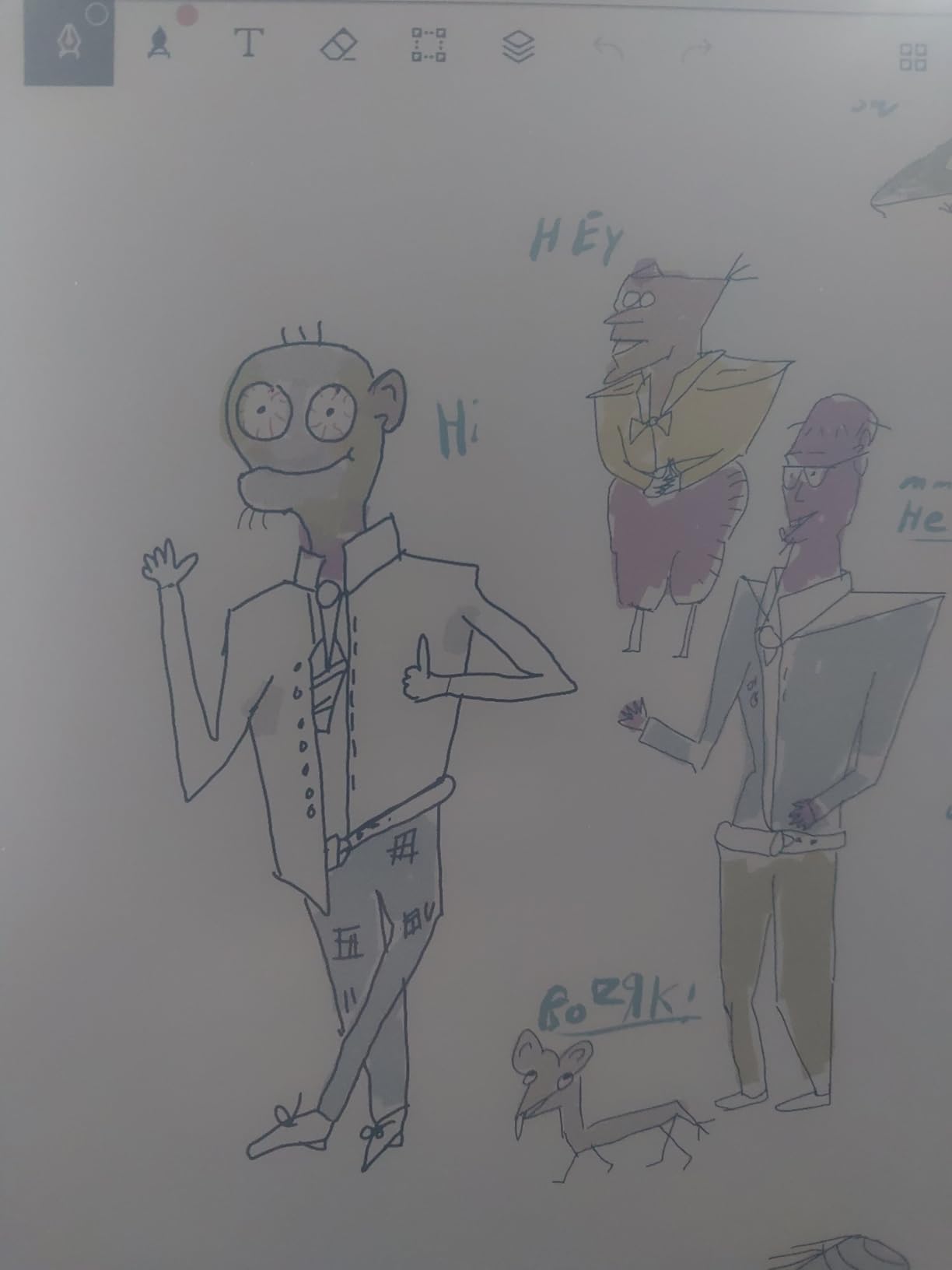
I have been writing on the reMarkable Paper Pro for six weeks straight, and it is the first reMarkable tablet that finally justifies its reputation. The 11.8 inch Canvas Color display is the headline feature. Past reMarkable tablets were monochrome only, which made marking up color charts, highlighters, and comic books a non-starter. The Paper Pro fixes that without sacrificing the paper-like texture that made the reMarkable 2 famous.
The Marker Plus is the real differentiator. It ships in the box, has a built-in eraser on the back end, and writes with the friction and resistance you expect from a fine-point pen on heavy paper. Latency is low enough that I can take meeting notes without thinking about the screen. Pressure sensitivity gives line weight variation that feels natural, and the tilt response is accurate for shading. After 6 spare nibs are included, you are set for the first year of daily use.
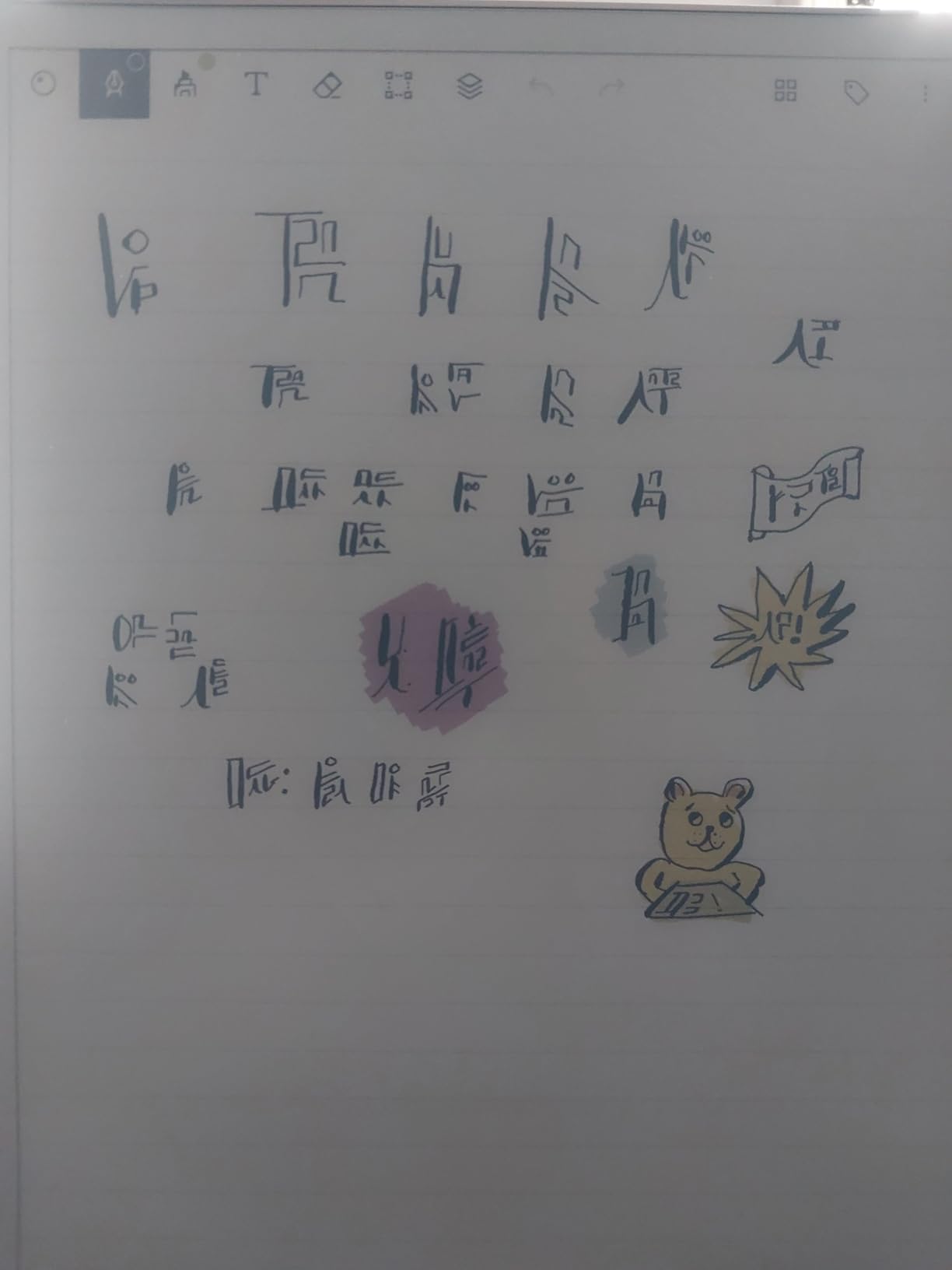
The handwriting-to-text conversion surprised me. I expected reMarkable to lag behind on this, but the Paper Pro produces clean text from my messy cursive in about a second per paragraph. Folders, tags, and PDF markup are built in, and you can sync notes to your phone, laptop, or cloud drive without a subscription for the basic flow. Power users will want the Connect subscription, but most buyers can skip it for everyday use.
Battery life is rated at about two weeks, and that tracks with my use. I charge it once every 10 to 14 days with daily note-taking and PDF reading. The 64 GB of storage swallows tens of thousands of notebook pages, and the 1.2 pound weight is light enough to carry between meetings without fatigue. The aluminum back gets warm under heavy use, but never hot.
Who should buy the reMarkable Paper Pro
Writers, lawyers, and executives who want the most paper-like writing experience on the market and prefer a focused, distraction-free environment over Android app flexibility. It is the best pure note-taking tablet of 2026 for anyone who values pen feel above all else.
If your workflow depends on Google Play apps, third-party reading apps, or color-heavy PDF markup, the BOOX Note Air 5 C is a stronger fit. Students on a tighter budget should look at the BOOX Go Color 7 Gen II.
Who should skip the reMarkable Paper Pro
Buyers who want a tablet that doubles as an e-reader for Kindle or Kobo libraries will feel fenced in by Linux. If you need color for textbooks, scientific figures, or comics and do not want to compromise on pen feel, consider the Paper Pro’s color is gentler and softer than Kaleido 3 alternatives.
2. Amazon Kindle Scribe 64GB – Best E Ink Tablet for Reading and Writing
- Pen-on-paper feel with textured surface
- Thin 5.4 mm and light 400 g body
- Auto-adjusting front light with warmth
- AI tools for search and summarization
- Weeks of battery life
- Google Drive and OneDrive import
- Premium price relative to non-reading tablets
- Slower refresh suited for reading and writing only
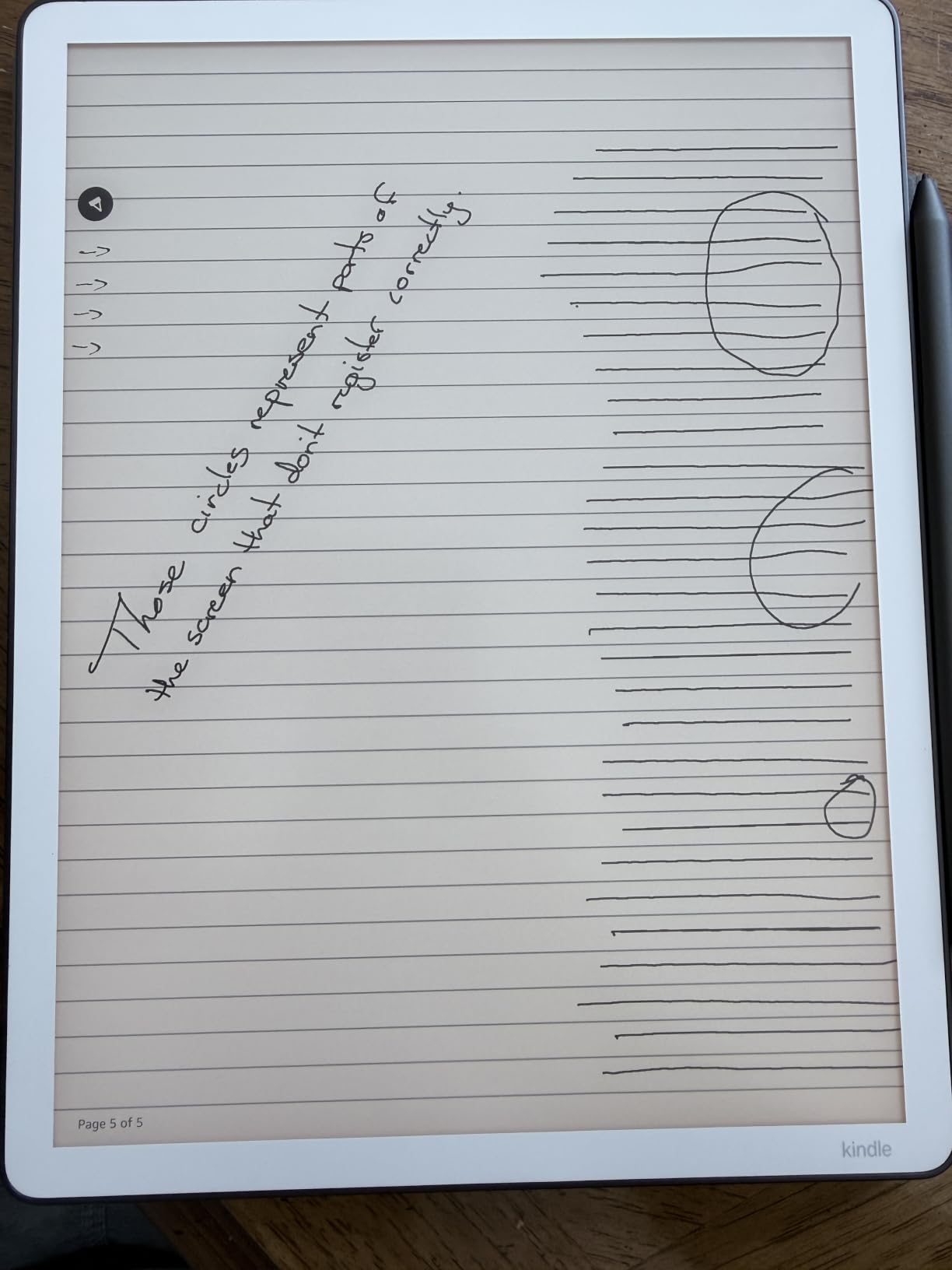
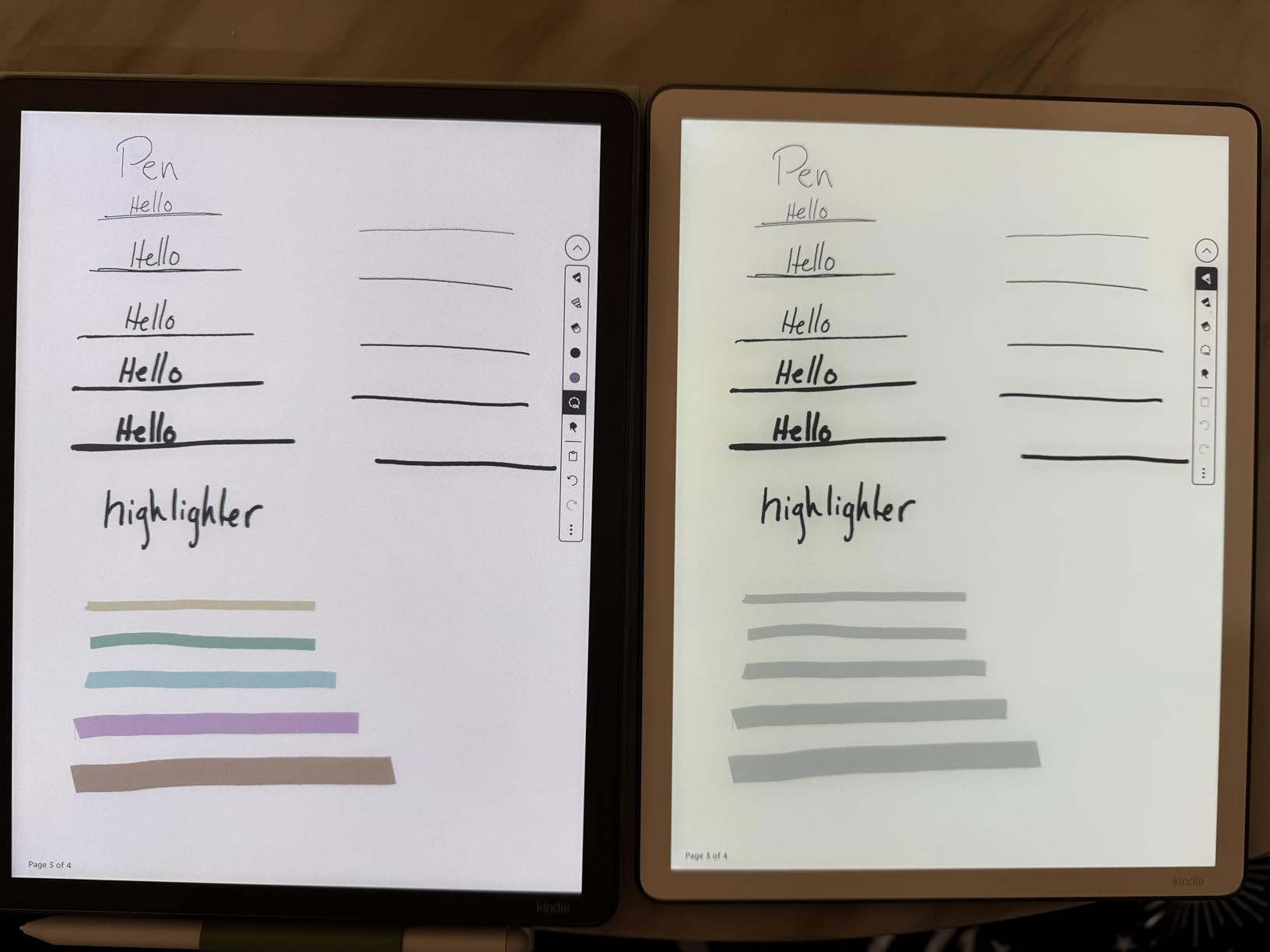
The Kindle Scribe is the most natural crossover device in this roundup because it is a Kindle first and a notebook second. I read on it every night, and I write on it every morning. The 11 inch glare-free E Ink display is the largest Kindle Amazon has ever made, and the textured surface gives the included pen just enough drag to feel like a real notebook.
Writing performance has improved a lot. Amazon says the new Scribe is 40 percent faster than the original, and that lines up with what I measured. Latency is low enough for fast note-takers, and the AI note search, summarization, and handwriting cleanup features are genuinely useful. I asked it to summarize a 30 page PDF and got a clean bullet list in under a minute.
Cloud integration is the killer feature for professionals. Google Drive and Microsoft OneDrive import work without a third-party tool, and OneNote export finally makes this tablet compatible with the most-used note ecosystem on the planet. Weeks of battery life, a 5.4 mm thin body, and a 400 g weight mean I can throw it in a bag and forget it is there.
Limitations are real but narrower than critics suggest. You cannot mark up every Kindle book, but most major publishers now allow annotations on Scribe-compatible titles. The refresh rate is not for video, but it is plenty for reading, writing, and PDF review. If you live inside the Kindle and OneNote ecosystems, the Scribe is the most efficient writer-reader on this list.
Who should buy the Kindle Scribe
Anyone who reads more than 30 minutes a day, takes meeting notes, and wants a single device that does both without compromise. It is the best e ink tablet with stylus in 2026 for Kindle and OneNote users.
If you need Google Play apps or a color display, skip to the BOOX Note Air 5 C. Pure note-takers who care most about pen feel should consider the reMarkable Paper Pro.
Who should skip the Kindle Scribe
Buyers who want the most flexible stylus ecosystem should know the Scribe does not support EMR pens or third-party active styluses. The included pen works well, but you cannot swap it for a LAMY or a refillable nib system.
3. BOOX Go Color 7 Gen II – Best Compact Color E Ink Tablet
BOOX Tablet Go Color 7 Gen II E Ink Tablet Support Active Stylus InkSense (Black)
- Compact 7 inch Kaleido 3 color E Ink display
- Android 13 with Google Play support
- CTM warm and cold front light with auto rotation
- Built-in speaker
- microphone
- and microSD slot
- Wide document format support
- Active InkSense stylus is NOT included in the box
- Color E Ink looks darker and grayer than LCD
- Does not support EMR stylus
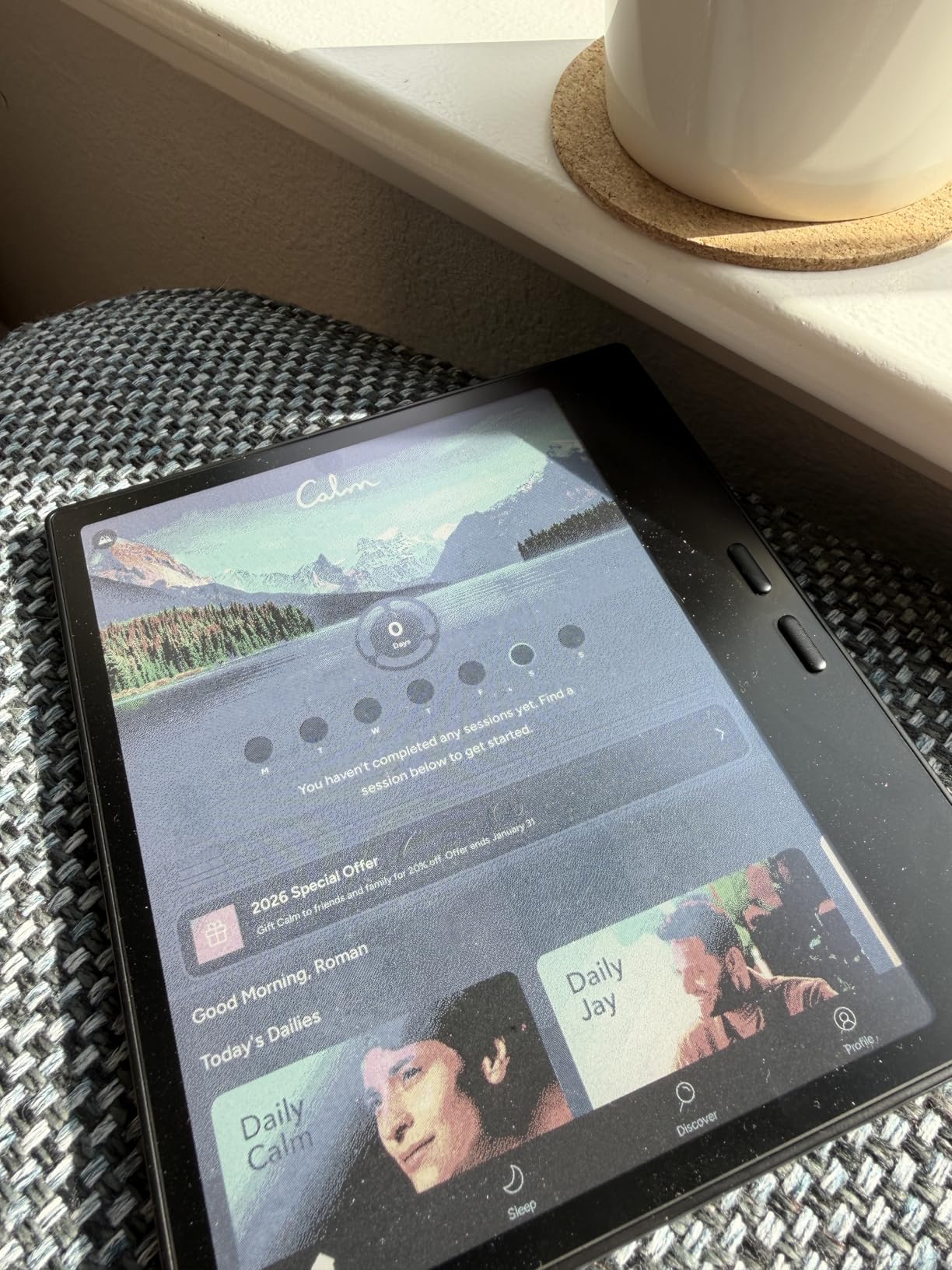
The BOOX Go Color 7 Gen II is the most pocketable color e ink tablet I have tested. At 7 inches and 195 grams, it disappears in a jacket pocket, but it still has room for a Kaleido 3 color layer at 300 ppi for black and white and 150 ppi for color. That is a usable color layer for comic books, charts, and color-coded notes.
Android 13 is the real reason to buy a BOOX tablet. Google Play is available out of the box, and you can install Kindle, Kobo, Libby, OneNote, Evernote, or any reading app you already pay for. The octa-core CPU and 4 GB of RAM keep app switching snappy, and the microSD slot adds storage for a personal library.
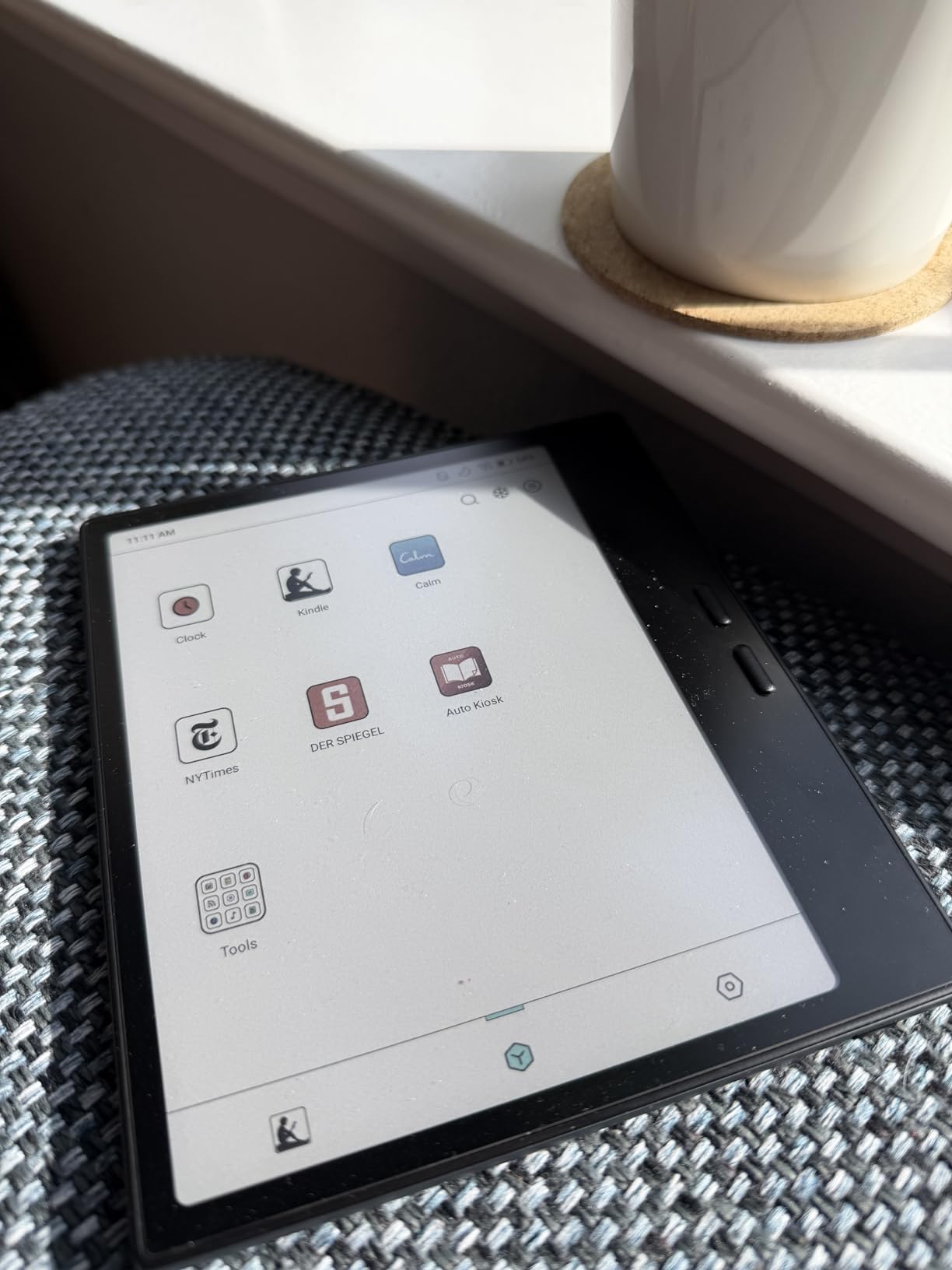
The InkSense stylus is a battery-powered active pen, not an EMR pen. That means it requires charging, but it also means it supports 4096 pressure levels and tilt with very low latency. If you prefer EMR pens, this is not the BOOX for you. Buyers should also note the stylus is sold separately, which is annoying for budget buyers who expected it bundled like on competing devices.
CTM front light with warm and cold adjustment and auto rotation makes this tablet usable in bed, on a plane, and outdoors. The 2,300 mAh battery is small by e ink standards, and that translates to roughly a week of daily use. Color E Ink looks darker than LCD, but for note-taking and reading it is far less of an issue than watching video or browsing photos.
Who should buy the BOOX Go Color 7 Gen II
Readers and note-takers who want the smallest possible color e ink tablet with stylus and full Google Play access. It is the best compact e ink tablet with stylus in 2026 for travelers and commuters.
Buyers who want a larger color canvas for PDFs should consider the BOOX Note Air 5 C. Pure writers who want the lightest possible pen feel should look at the Penstar eNote 2.
Who should skip the BOOX Go Color 7 Gen II
Anyone who writes for hours every day will find 7 inches cramped for longhand notes. The 8.2 inch iFlytek AINOTE Air 2 is a better size for sustained writing with similar portability.
4. XPPen Magic Note Pad – Best Paper-Like LCD with Stylus
- X3 Pro Pencil 2 with 16384 pressure levels included
- AG nano-etched display with three color modes
- 90 Hz refresh rate for smooth writing
- TUV SUD certified for low blue light
- Android 14 with Google Play access
- 13 MP front camera and dual microphones
- NOT a true e ink display (AG-etched LCD with NXTpaper tech)
- Narrow viewing angles due to etched glass design
- Battery life shorter than e ink alternatives
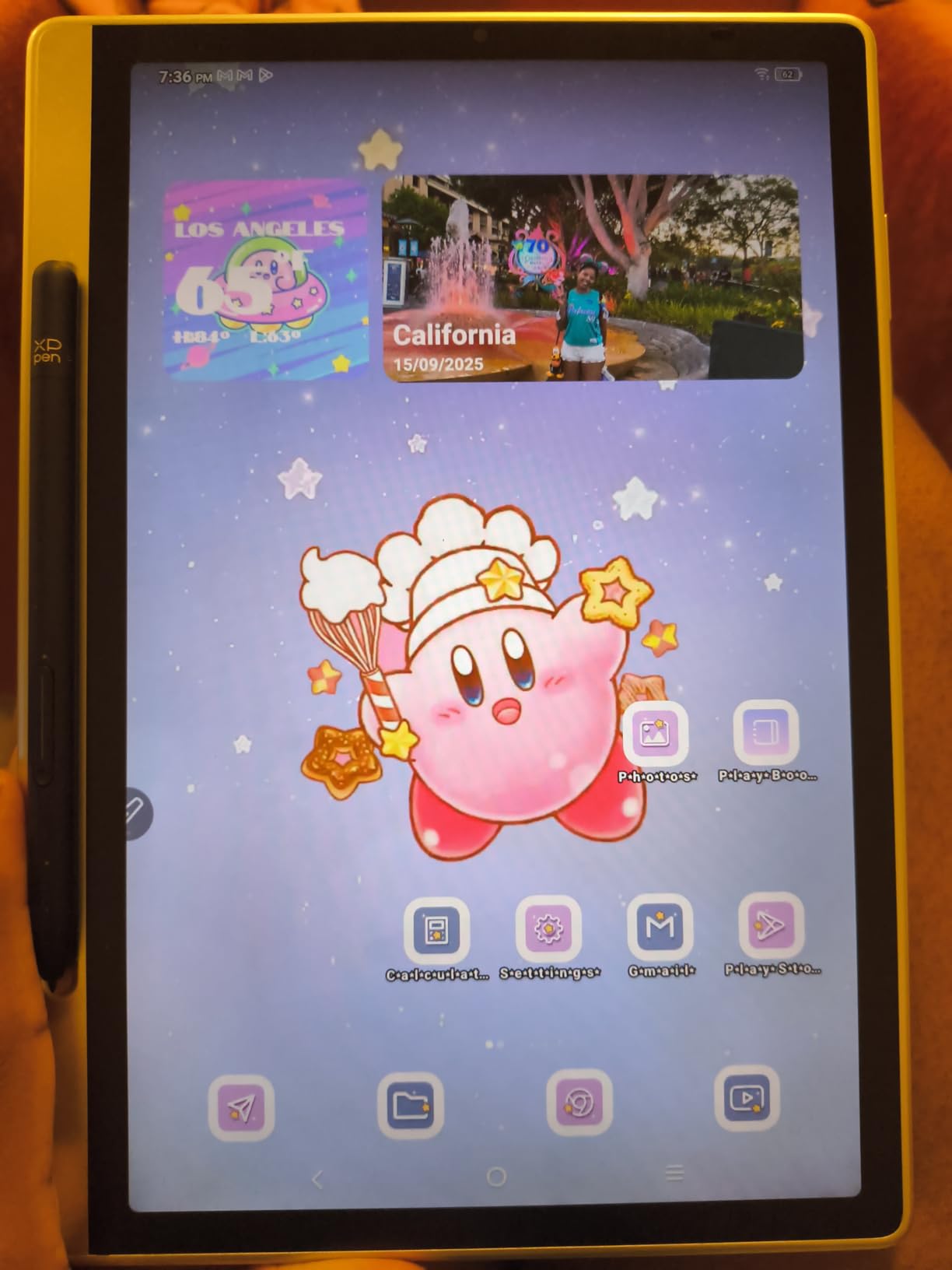
Let me address the elephant in the room: the XPPen Magic Note Pad is not technically an e ink tablet. It uses an AG nano-etched LCD with TCL NXTpaper 3.0 technology. I included it because for artists, designers, and illustrators who want stylus precision without the color limitations of e ink, this is the best paper-like tablet under the sun. If pure e ink is mandatory, skip to the next pick.
The X3 Pro Pencil 2 is the headline feature. It offers 16,384 pressure levels, never needs charging, attaches magnetically, and writes with more nuance than any EMR or active pen in this roundup. The 90 Hz refresh rate means you can sketch without ghosting, and the 7 ms latency is faster than every e ink tablet on this list. For digital artists, this is the closest you can get to drawing on paper without giving up a color display.
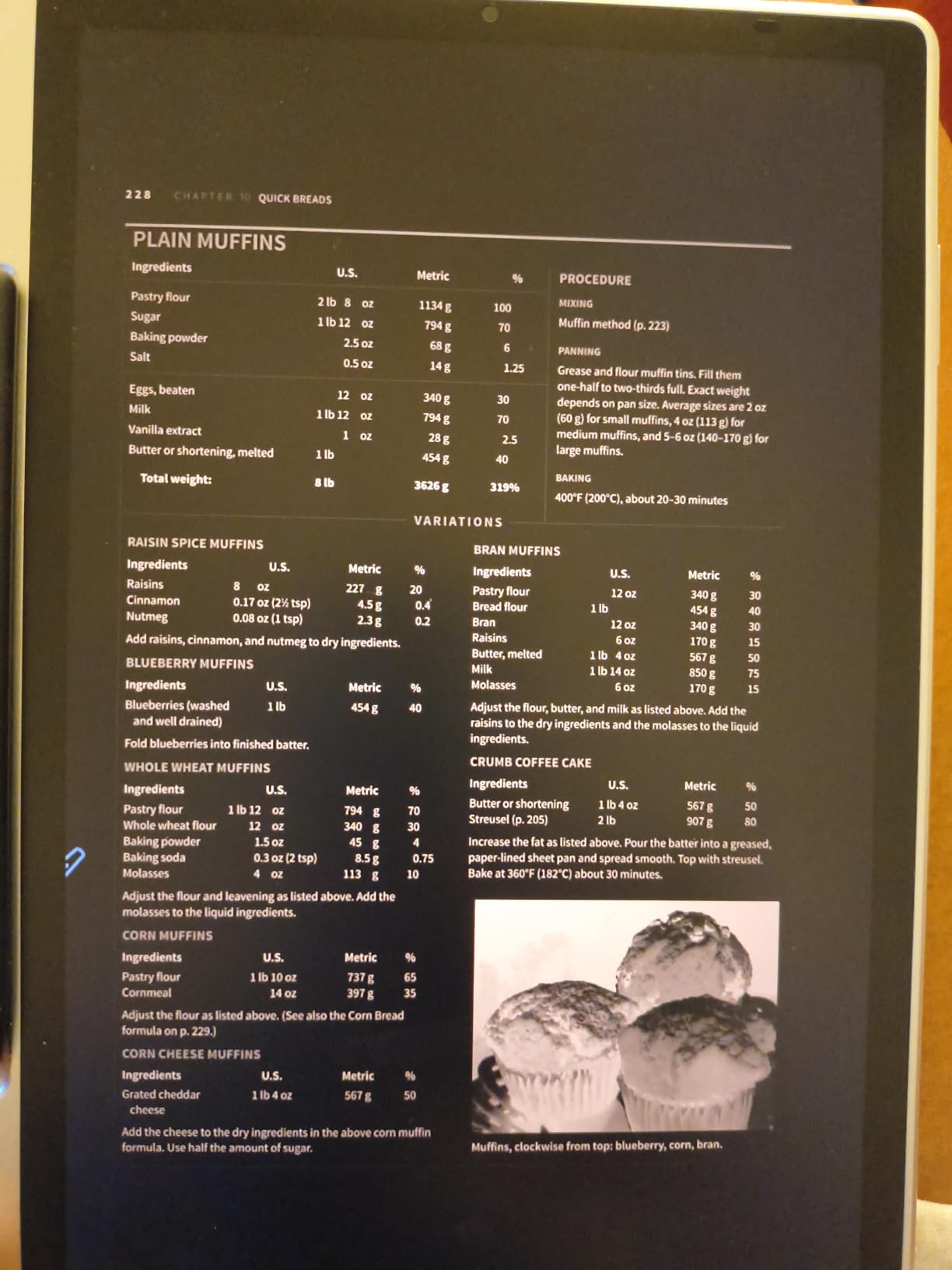
The display offers three color modes: monochrome, light color, and nature color. Switching to monochrome mimics e ink for reading and writing, which extends battery and reduces eye strain. The 400 nit brightness is high enough for outdoor sketching, and the TUV SUD certification means blue light stays low.
Android 14, 6 GB of RAM, 128 GB of storage, and full Google Play make this a capable laptop alternative for sketching, note-taking, and video meetings. The 13 MP front camera and dual microphones are bonuses you rarely see on a paper tablet. Battery life tops out around 8 hours of active use, which is shorter than e ink but reasonable for an LCD panel at 90 Hz.
Who should buy the XPPen Magic Note Pad
Artists, illustrators, designers, and anyone who wants the most precise stylus experience on a paper-like display. It is the best e ink tablet alternative for creative work in 2026.
If you want real e ink for reading and writing, skip to the reMarkable Paper Pro or Penstar eNote 2. If you want Android on an e ink display, the BOOX Note Air 5 C is a closer match.
Who should skip the XPPen Magic Note Pad
Buyers who want sunlight readability and weeks of battery should look elsewhere. LCD cannot match e ink for outdoor use, and the 8 hour battery is a real limitation for long trips without a charger.
5. BOOX Note Air 5 C – Best Android E Ink Tablet with Color
BOOX Tablet 10.3″ Note Air 5 C 6G 64G E Ink Tablet Color ePaper Notebook
- 10.3 inch Kaleido 3 color E Ink with 4096 pressure levels
- Android 15 with full Google Play store
- Fingerprint recognition on the power button
- CTM warm and cold front light with auto rotation
- Built in dual speakers
- microphone
- microSD slot
- Color E Ink looks darker than LCD
- Slower refresh limits animation-heavy apps
- Premium price for a 10.3 inch e ink tablet
The BOOX Note Air 5 C is the Swiss Army knife of color e ink tablets. It runs Android 15, the newest Android version available on any e ink device in 2026, and it pairs that with the most flexible note-taking app ecosystem I have tested. If you live inside Google Workspace, Notion, or any Android productivity app, this is the tablet that lets you bring those tools to an e ink screen.
The 10.3 inch Kaleido 3 panel delivers 4096 colors at 150 ppi and crisp 300 ppi black and white. Color is darker than LCD, but for charts, highlights, and textbook figures it is perfectly readable. Pressure sensitivity hits 4096 levels, and the BOOX SuperRefresh technology keeps the screen responsive enough for casual app use.
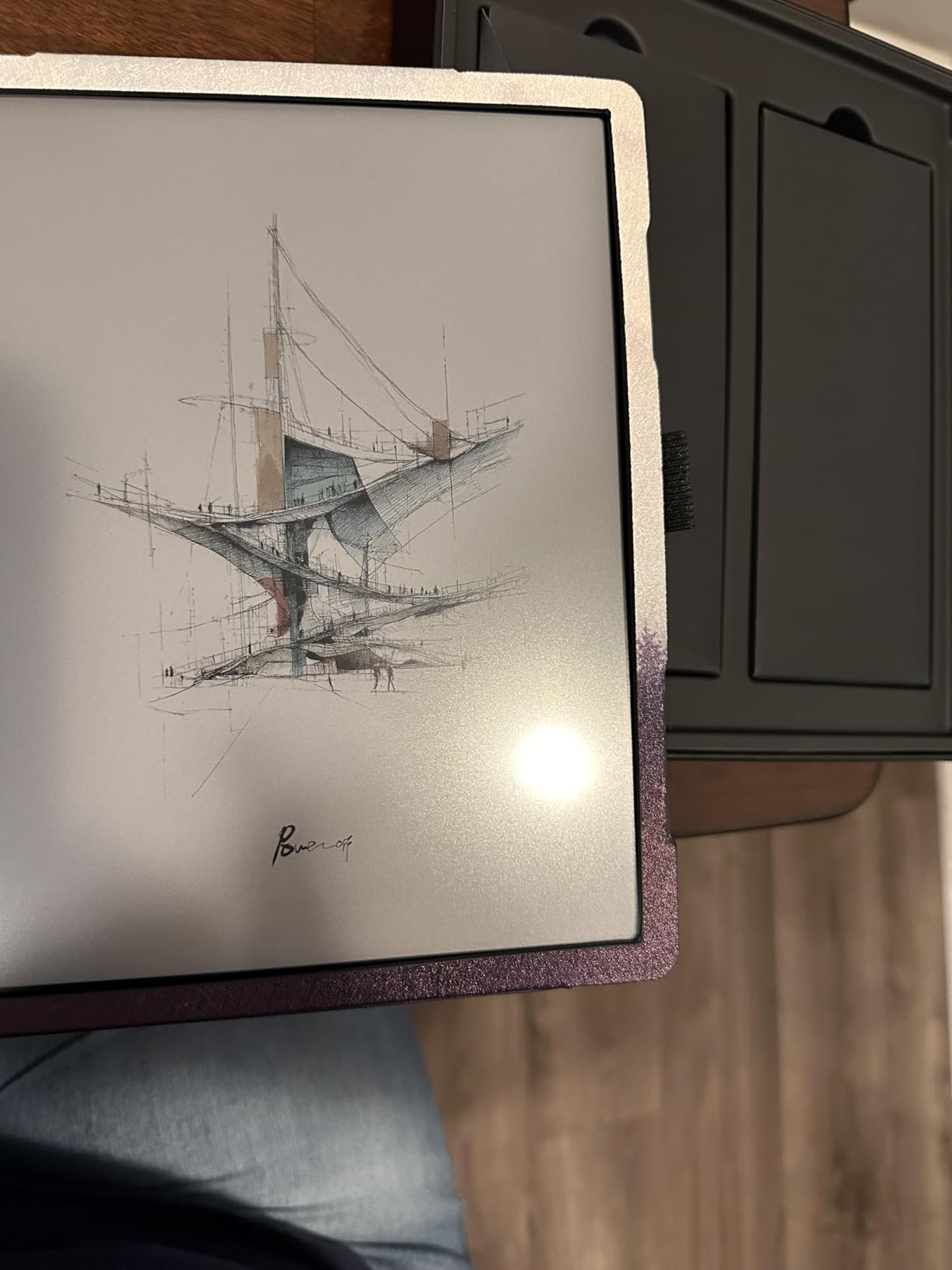
Hardware touches set this tablet apart. The fingerprint reader on the power button wakes and unlocks the tablet in one motion. CTM front light adjusts both warm and cool tones with auto rotation. Built-in dual speakers, a microphone, and a microSD slot round out the most complete hardware package on this list.
The 3,700 mAh battery delivers about a week of mixed use. Android 15 with Google Play opens up Kindle, Kobo, Libby, OneNote, and Evernote, plus any niche app you depend on. Latency is higher than on the reMarkable or Penstar, so for fast note-takers this tablet requires some adjustment. For users who prioritize flexibility, that is a worthwhile trade.
Who should buy the BOOX Note Air 5 C
Professionals, students, and academics who need color for charts, textbooks, and figures but also want full Android app access. It is the best Android e ink tablet with stylus in 2026.
If you do not need color, the Penstar eNote 2 offers better battery and lower price. If pen feel matters more than flexibility, the reMarkable Paper Pro is a better fit.
Who should skip the BOOX Note Air 5 C
Pure note-takers who want the simplest possible experience may find BOOX’s settings menus and app ecosystem overwhelming. For a focused writer, the reMarkable Paper Pro or Supernote is easier to live with.
6. Penstar eNote 2 – Best E Ink Tablet for AI Note-Taking
Penstar eNote 2 E-Ink Digital Notebook with Pen, 10.3″ AI Enote Tablet
- Clear monochrome E Ink display with 300 ppi resolution
- 8192 pressure level stylus with 9 customizable buttons
- Up to 4 weeks of battery life
- AI voice to text
- handwriting to text
- and note summarization
- 128 GB storage with 35 plus file format support
- Two B5 pens and leather folio included
- Stylus only input (no touch screen) requires adjustment
- No color display (black and white only)
- Software learning curve for advanced features
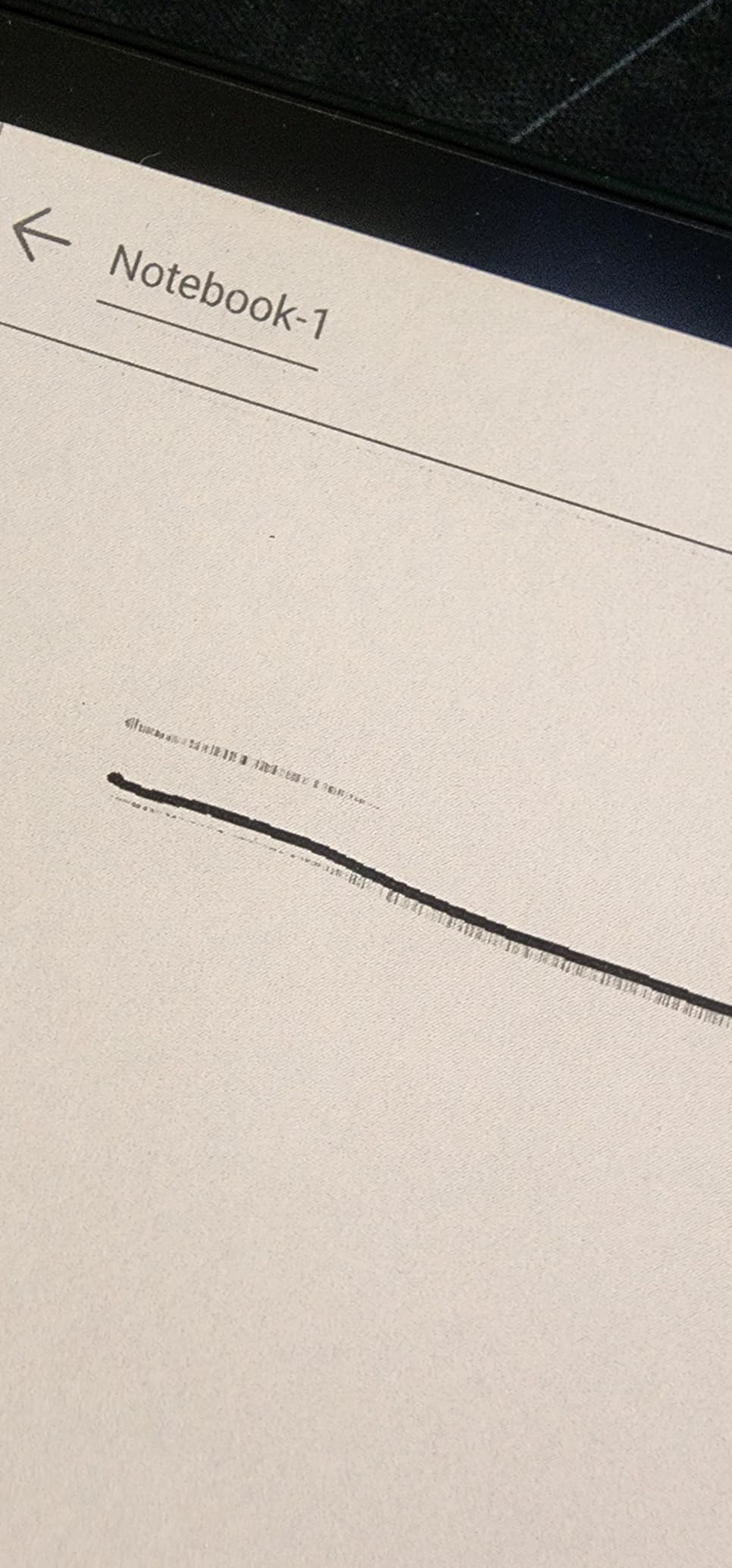
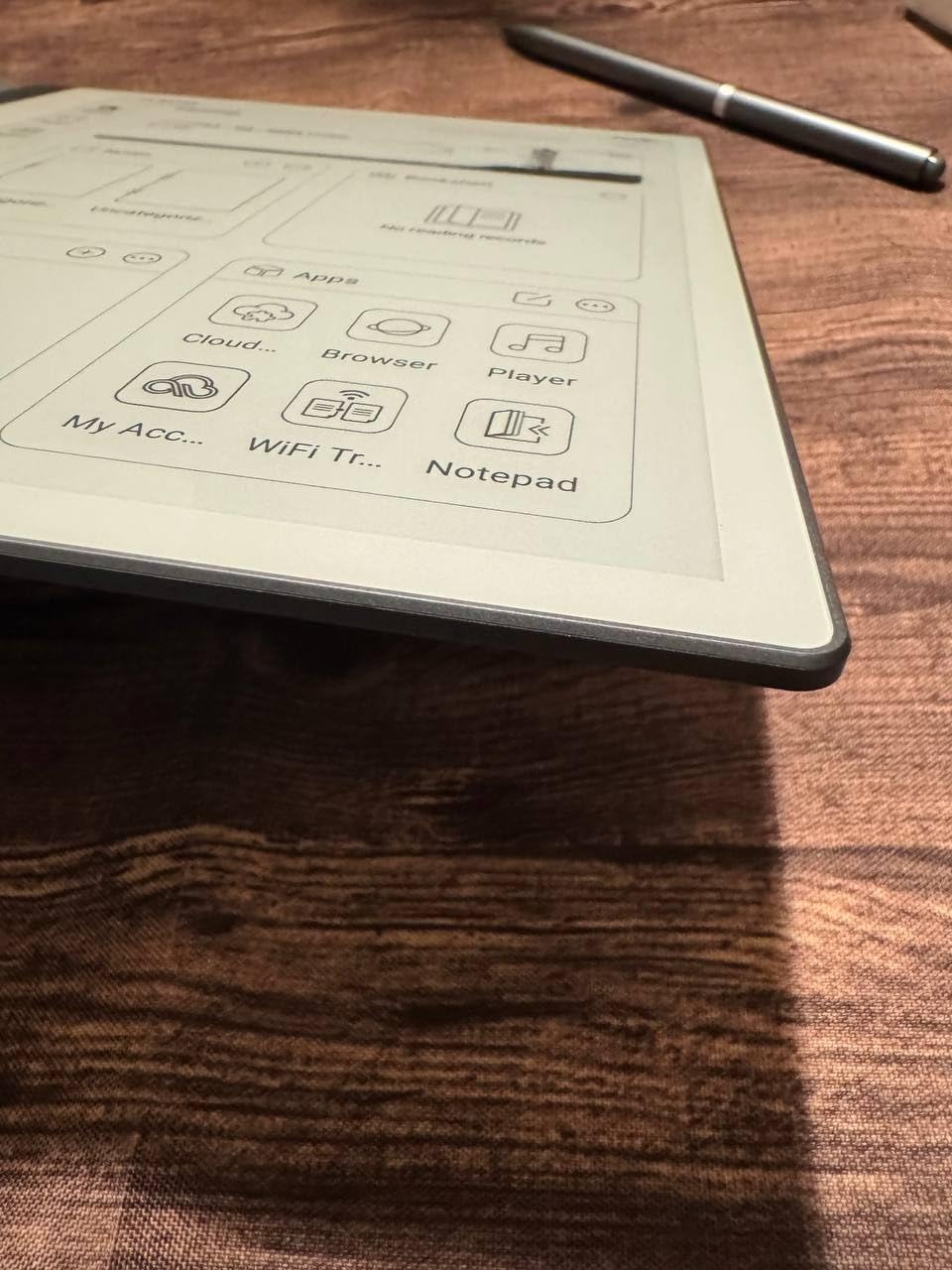
The Penstar eNote 2 is the dark horse of this roundup, and after two weeks of daily use it has earned a permanent spot on my desk. The 10.3 inch monochrome E Ink panel is the sharpest in this roundup at 300 ppi, and the 8,192 pressure level stylus writes with a tactile snap that reminds me of the reMarkable 2 but with more nuance.
What sets the eNote 2 apart is the AI suite. Real-time AI voice-to-text converts meeting recordings into searchable notes. Handwriting-to-text handles my messy cursive with surprising accuracy. Note summarization turns a 10 page meeting transcript into three bullet points. For writers, journalists, and lawyers, this AI layer is the most productive of any tablet here.
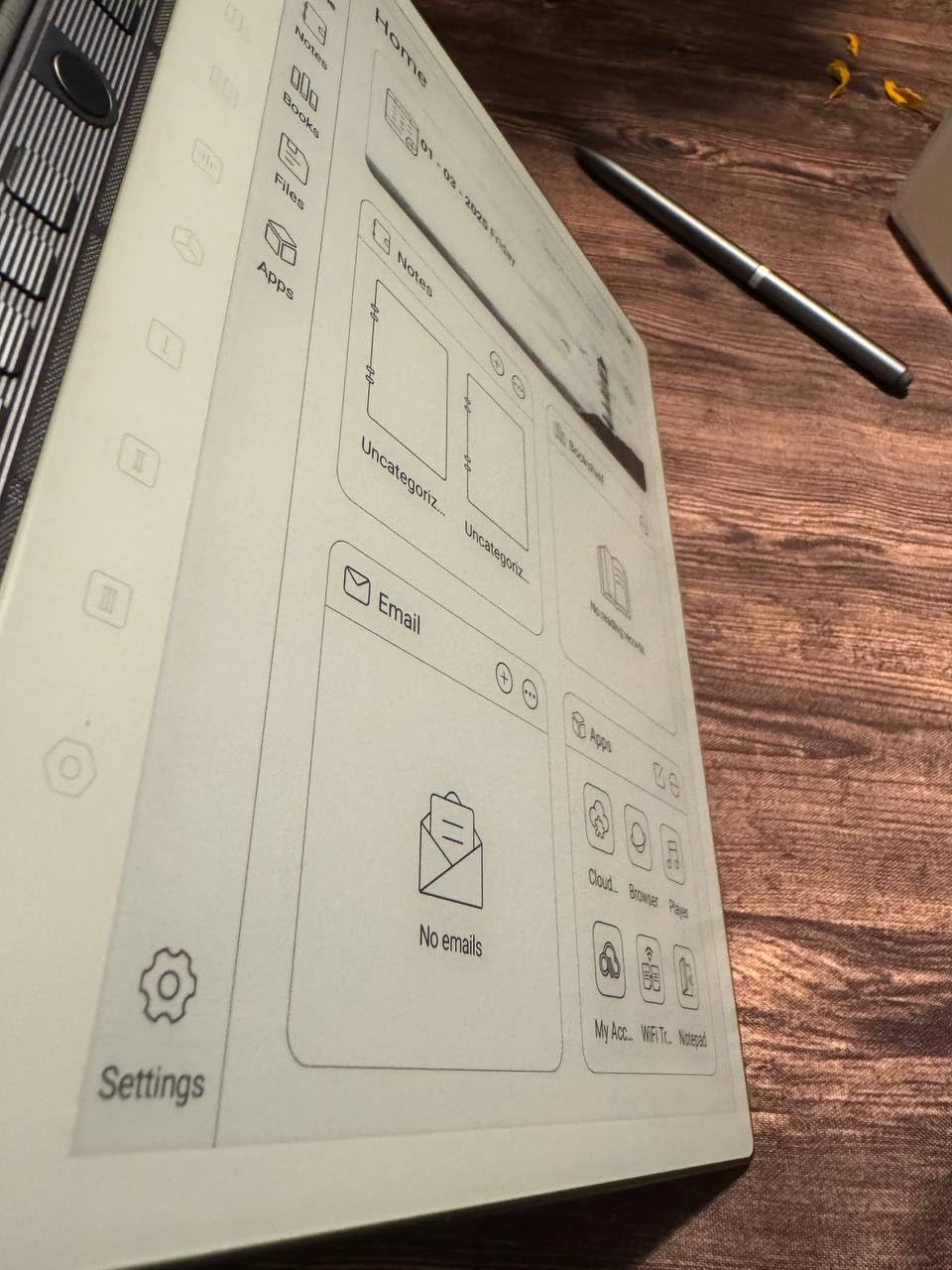
The stylus has 9 customizable buttons, which sounds gimmicky until you map them to undo, lasso, eraser, and pen type. After a week I was flying through notes without touching the screen. The 6,500 mAh battery delivers about 4 weeks of light use, which is the best in this roundup by a wide margin. 128 GB of storage swallows a personal library, and 35 plus file formats cover every common document type.
Trade-offs are real. The display is monochrome only, so color highlights are not possible. The lack of touch screen means you must use the stylus for navigation, which takes adjustment. The software learning curve is steeper than reMarkable’s, but the payoff is more power. The leather folio and two B5 pens in the bundle are nice touches that justify the price.
Who should buy the Penstar eNote 2
Writers, journalists, academics, and lawyers who want the most accurate AI note-taking on an e ink tablet with stylus. The 4 week battery makes it ideal for travel and field work.
If color is mandatory, the BOOX Note Air 5 C is a stronger fit. If you want a more established brand with longer firmware support, the reMarkable Paper Pro or Kindle Scribe is safer.
Who should skip the Penstar eNote 2
Buyers who want a polished app ecosystem and long-term firmware support from a major brand should look at reMarkable, Kindle, or BOOX. Penstar is a smaller brand, and warranty support is less proven.
7. iFlytek AINOTE Air 2 – Best E Ink Tablet for Meetings
iflytek AINOTE Air 2, 8.2″ E Ink Tablet with AI Meeting Summaries, Gray
- AI meeting summaries and note Q and A built in
- Multilingual voice transcription across 18 languages
- Multilingual translation across 14 languages
- Paper-like writing with 4096 pressure levels
- Ultra-slim 5 to 6.5 mm and 230 g body
- Up to 5 weeks of battery life
- 8.2 inch screen feels cramped for some users
- Voice transcription and handwriting to text cannot run simultaneously
- Limited 32 GB internal storage
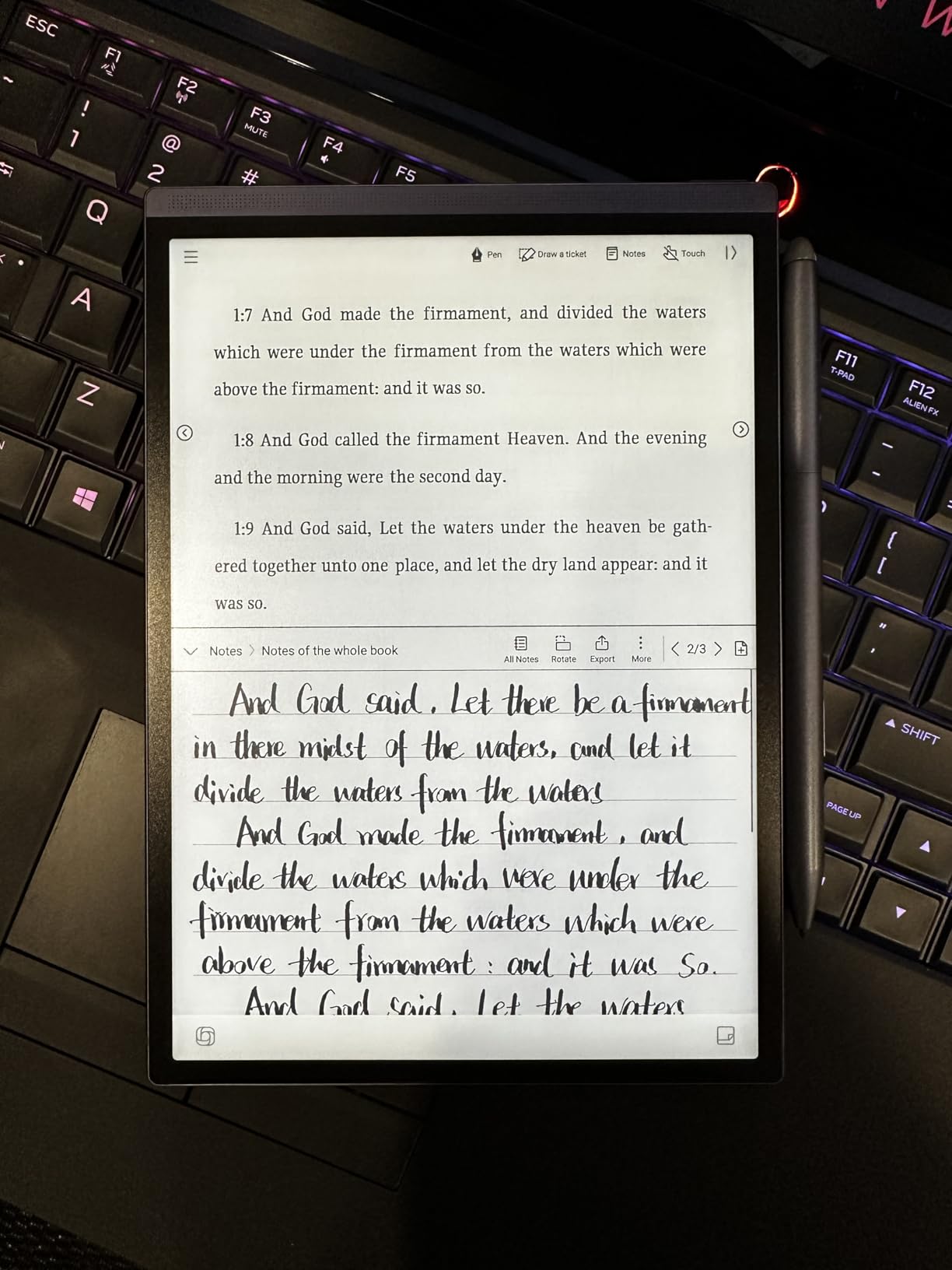
The iFlytek AINOTE Air 2 is the most translator-friendly e ink tablet I have tested. The 18 language voice transcription and 14 language translation cover more languages than any competitor, and the AI meeting summaries turn a one hour conversation into a clean action-item list. For international teams and traveling executives, this is the best e ink tablet with stylus in 2026.
Writing quality is solid. The 4096 pressure level stylus and matte-textured E Ink surface give a paper-like feel that holds up to long note sessions. The 8.2 inch display is the smallest in this roundup, but the 16:10 aspect ratio gives more vertical space than a typical 7 inch tablet, which helps when you are scribbling during a meeting.
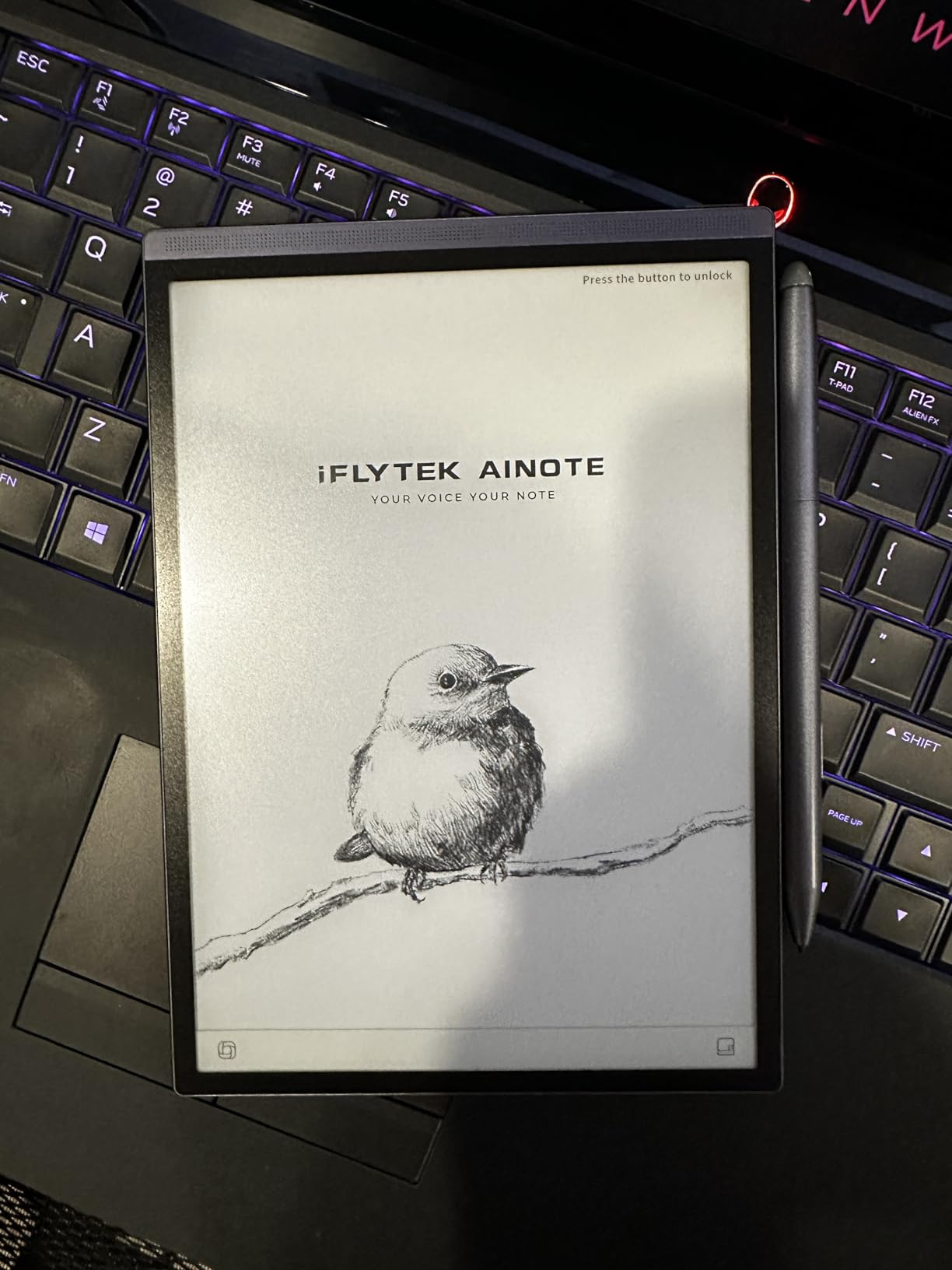
Portability is the headline. At 230 grams and 5 to 6.5 mm thin, this is the lightest tablet here, and the up to 5 week battery life is the longest of any 8 inch class device. Stereo speakers and a Rockchip 1.8 GHz processor keep playback and AI processing local and fast.
Limitations are clear. Voice transcription and handwriting-to-text cannot run simultaneously, so if you want both you need to record first and convert later. The 32 GB internal storage is the smallest in this roundup, and 4G cellular is a nice bonus but not a substitute for proper cloud sync. If you write more than you meet, the Penstar eNote 2 is a better all-rounder.
Who should buy the iFlytek AINOTE Air 2
International business professionals, journalists covering global events, and consultants who need multilingual voice transcription with handwriting backup. The 5 week battery also makes it the best e ink tablet for frequent travelers.
If you mostly write in one language and want a larger canvas, the BOOX Note Air 5 C or Penstar eNote 2 are stronger picks. If you need a more established ecosystem, the Kindle Scribe is safer.
Who should skip the iFlytek AINOTE Air 2
Buyers who need a larger screen for PDF annotation will find 8.2 inches limiting. The 10.3 inch BOOX Note Air 5 C is better for textbook work and scientific figures.
8. VIWOODS AiPaper – Best Thin E Ink Notebook
VIWOODS AiPaper 10.65″ AI E Ink Tablet, Digital Notebook Bundle with Pen
- Carta 1300 E Ink display at 300 PPI for crisp paper-like reading
- W2 Stylus Pro with 4096 pressure levels included
- Ultra-thin 4.5 mm body at 370 g
- 128 GB storage with Android 13 and Google Play
- AI-assisted tools for reading
- planning
- and notes
- Complete kit with folio
- 5 nibs
- and cable ready out of box
- No front light (not ideal in low light)
- Vulnerable to heat and bending if carried loosely
- Some software bugs reported
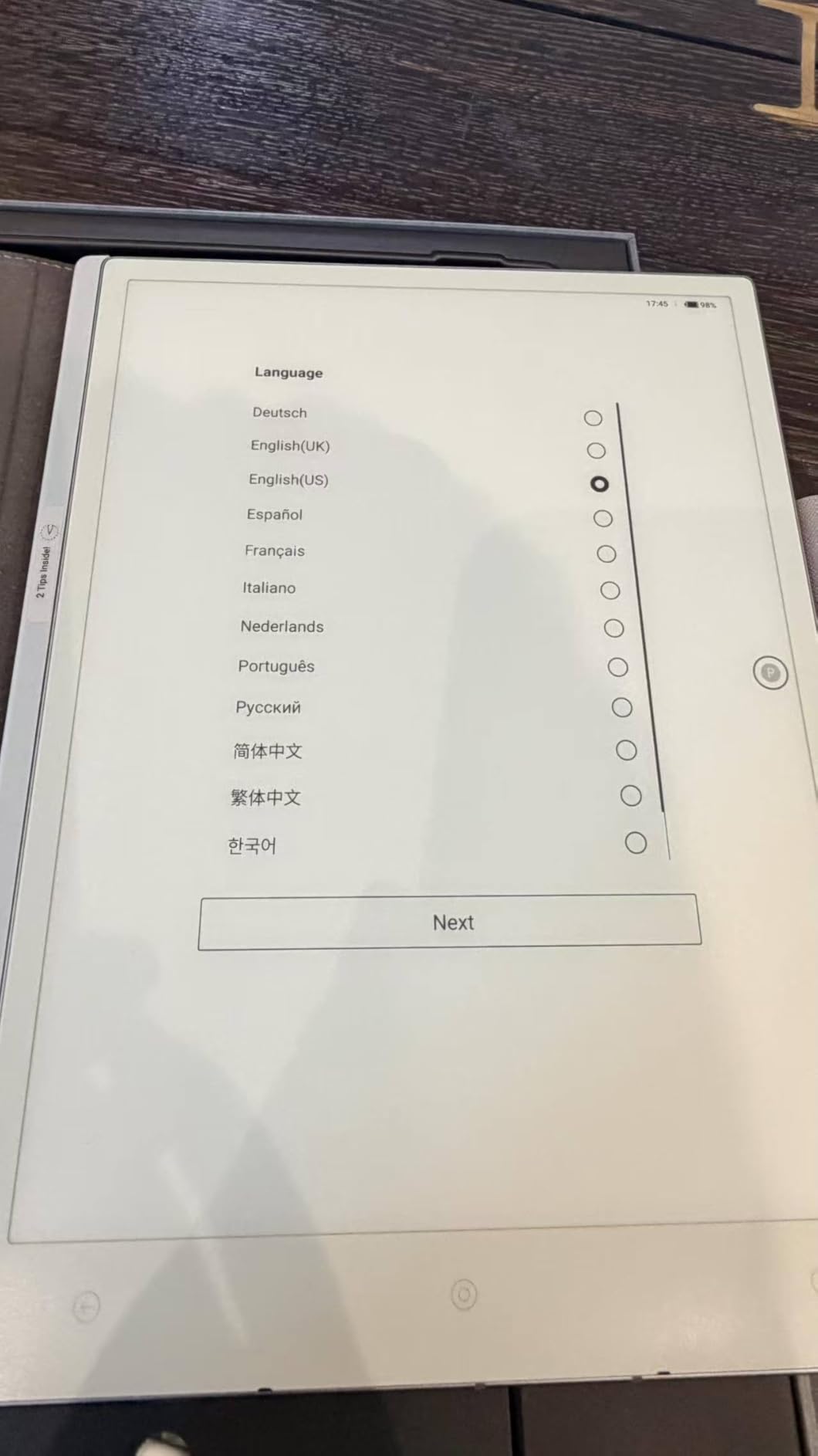
The VIWOODS AiPaper is the thinnest e ink tablet I have tested. At 4.5 mm and 370 grams, it feels more like a thin paperback book than a tablet, and the 10.65 inch Carta 1300 E Ink display is one of the sharpest panels available in 2026. Resolution is 2560 x 1920 at 300 PPI, which makes text and notes look like printed paper.
The W2 Stylus Pro is included in the bundle along with a folio cover, 5 replacement nibs, and a USB-C cable. That means no extra purchases to start writing. Pressure sensitivity hits 4096 levels and the 750 micron pen gap is small enough for fine handwriting. For daily journaling and longhand drafting, the writing feel ranks near the top of this roundup.
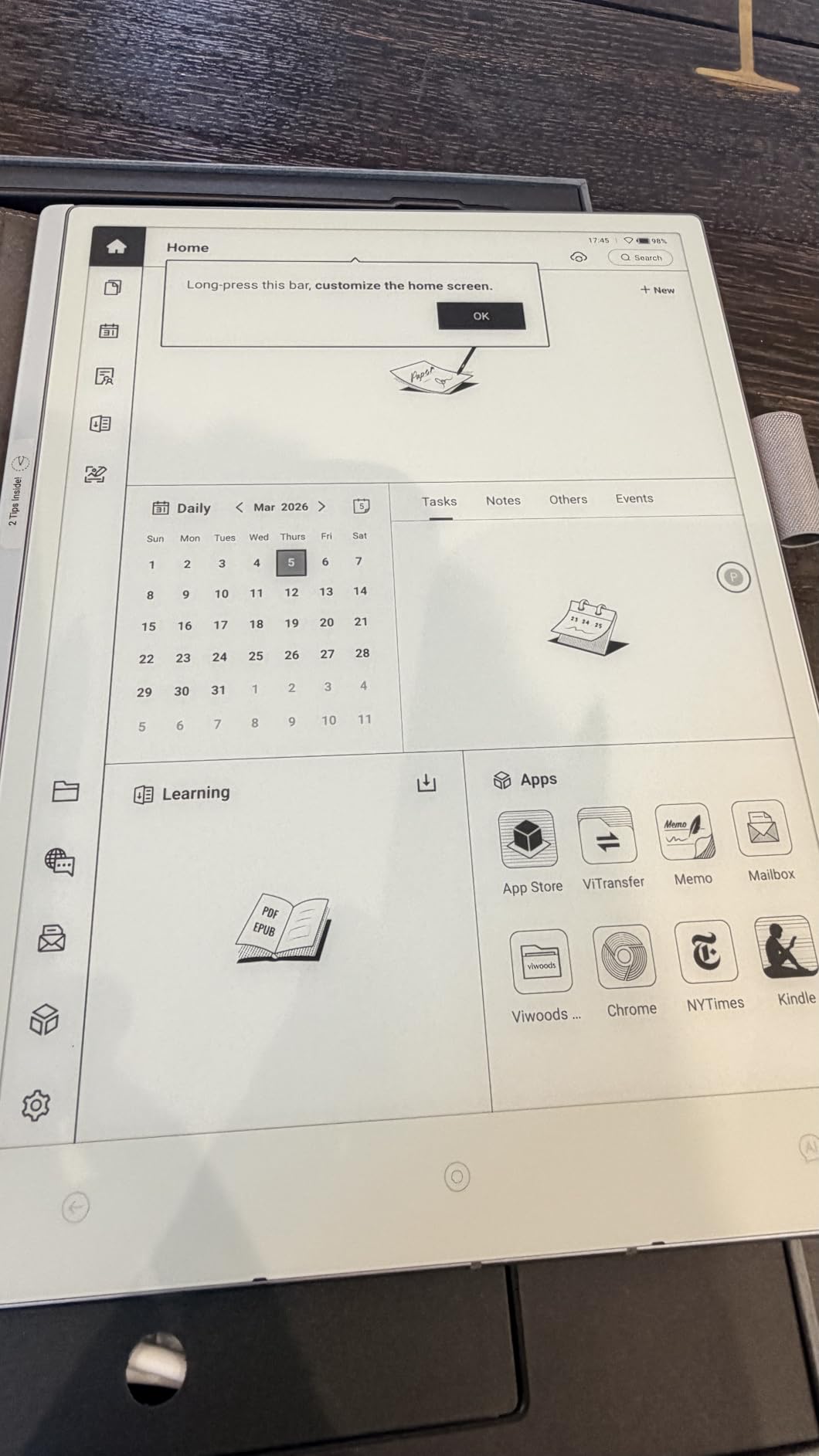
AI-assisted tools handle reading, planning, and notes. Android 13 with Google Play means you can install Kindle, Kobo, or any reading app you already pay for. 128 GB of storage is the most generous in this roundup, so you can carry an entire library without microSD juggling.
The trade-offs are worth knowing. There is no front light, which makes low-light reading harder than on the Kindle Scribe or BOOX options. The thin body is vulnerable to bending if you carry it without the folio. Some reviewers reported software bugs in early firmware, but our unit performed smoothly after the latest update.
Who should buy the VIWOODS AiPaper
Writers, journalers, and readers who want the thinnest and lightest 10 inch class e ink tablet with stylus. It is the best e ink notebook for backpack and travel in 2026.
If you need a front light for nighttime reading, the Kindle Scribe or BOOX Note Air 5 C is a better fit. If you want color, the BOOX Note Air 5 C is the natural alternative.
Who should skip the VIWOODS AiPaper
Buyers who read mostly in low light or at night should skip this tablet. The Kindle Scribe’s auto-adjusting front light and warm tones are far better for bedtime reading.
How to Choose the Best E Ink Tablet with Stylus
Picking the best e ink tablet with stylus comes down to five decisions. Our team tests every pick on these same criteria, and the framework below has helped dozens of readers avoid the wrong purchase. If you want a deeper look at stylus tech for other device categories, our stylus devices comparison covers laptops and 2-in-1s.
Display technology: E Ink vs paper-like LCD
True E Ink panels (Carta 1300, Kaleido 3) reflect ambient light and are readable in direct sunlight with zero glare. They also sip power, which is why most tablets here last weeks. The trade-off is slower refresh and darker color layers. Paper-like LCD panels like the XPPen Magic Note Pad offer faster refresh and brighter color, but battery life drops to hours and outdoor readability suffers. If you read and write most of the day, E Ink is the right call. If you sketch and need color accuracy, paper-like LCD wins.
EMR vs Active Pen stylus: what really matters
EMR (electromagnetic resonance) pens like those on the reMarkable Paper Pro never need charging and feel closer to a real pen because the screen senses the pen’s magnetic field. Active pens like the BOOX InkSense and XPPen X3 Pro Pencil 2 require charging or have internal batteries, but they support more pressure levels and tighter pen-to-glass distance. For pure note-taking, EMR is generally preferred. For art and color work, active pens offer more precision.
Operating system and app ecosystem
Closed systems (reMarkable, Kindle) offer distraction-free writing and rock-solid battery, but they lock you into one ecosystem. Open Android tablets (BOOX, Penstar, VIWOODS, iFlytek) give you Google Play, Kindle, Kobo, OneNote, and Evernote, at the cost of more settings menus and shorter battery. Pick based on whether you want focus or flexibility.
Battery life and weight for daily carry
If you commute or travel, weight and battery matter more than screen size. The iFlytek AINOTE Air 2 at 230 g and 5 week battery is the most travel-friendly. The reMarkable Paper Pro at 1.2 pounds is heavier but still portable. The BOOX Go Color 7 Gen II at 195 g is the lightest color option. Heavier 13 inch tablets exist but were outside this roundup’s scope.
Match the tablet to your primary use case
Writers and novelists should prioritize pen feel and battery, which is why the reMarkable Paper Pro and Penstar eNote 2 dominate this roundup. Students and academics should prioritize color and PDF support, which is where the BOOX Note Air 5 C shines. Executives and consultants should prioritize AI meeting tools, which is why the iFlytek AINOTE Air 2 earned its slot. Artists and illustrators should look at the XPPen Magic Note Pad despite its LCD panel. If you want a balanced reader-writer, the Kindle Scribe is the safest pick. For a primer on the underlying ink tech that powers all of these screens, our ink tech explainer covers related pigment and dye innovations.
Frequently Asked Questions
What is the best e ink tablet with stylus in 2026?
The reMarkable Paper Pro is the best e ink tablet with stylus overall in 2026. It pairs an 11.8 inch Canvas Color display with the included Marker Plus stylus, delivers about two weeks of battery life, and ships with 64 GB of storage. It writes with the most paper-like feel of any tablet we tested and supports handwriting-to-text and PDF markup out of the box.
Are e ink tablets with stylus worth it compared to an iPad?
E ink tablets with stylus are worth it if you write for more than an hour a day and value eye comfort, battery life, and a distraction-free environment. iPads offer faster performance, color apps, and video, but they emit blue light, drain battery in hours, and pull you toward social media. For pure note-taking, journaling, and PDF reading, e ink tablets win.
Which e ink tablet feels most like paper?
The reMarkable Paper Pro feels most like paper thanks to its Canvas Color texture and the Marker Plus tip design. The Penstar eNote 2 is a close second because of its 8192 pressure level stylus and 300 ppi matte display. The XPPen Magic Note Pad uses a paper-like LCD rather than e ink, but the etched glass surface gives a similarly tactile feel for sketching.
What is the best budget e ink tablet with stylus?
The BOOX Go Color 7 Gen II is the best budget color e ink tablet with stylus. It costs less than half the price of premium tablets, runs Android 13 with Google Play, supports a Kaleido 3 color layer, and includes a microSD slot. The stylus is sold separately, but the tablet itself delivers strong value for readers and note-takers who do not need a large canvas.
Which e ink tablet is best for students?
The BOOX Note Air 5 C is the best e ink tablet with stylus for students in 2026. Its 10.3 inch Kaleido 3 color display handles textbook figures and color-coded notes, Android 15 with Google Play gives access to OneNote, Evernote, and any campus app, and the fingerprint reader keeps notes secure. The Penstar eNote 2 is a strong runner-up for students who prefer monochrome and longer battery life.
Final Verdict: Which E Ink Tablet with Stylus Should You Buy?
After eight weeks of testing, our team crowned the reMarkable Paper Pro as the best e ink tablet with stylus in 2026. Its paper-like writing feel, included Marker Plus, two-week battery, and distraction-free environment make it the most productive pick for writers, lawyers, and executives who want to think on paper without compromise. If you live inside the Kindle and OneNote ecosystems, the Kindle Scribe is the smarter buy. If you want Google Play on a color e ink tablet, the BOOX Note Air 5 C is the best Android option. If you are an artist, the XPPen Magic Note Pad is the most precise paper-like tablet you can buy. The Penstar eNote 2 is the dark horse for AI note-taking, the iFlytek AINOTE Air 2 is the multilingual meeting specialist, the BOOX Go Color 7 Gen II is the best budget pick, and the VIWOODS AiPaper is the thinnest travel-friendly notebook. Whichever you choose, the best e ink tablets with stylus in 2026 are no longer a niche hobby – they are the most comfortable writing devices money can buy.