
I have spent the past three months testing 3D printers with my nephew and two neighborhood teens, and what I found surprised me. The best 3D printers for teenagers in 2026 are not always the cheapest or the most powerful. They are the ones that get out of the way and let teens actually print things on day one.
A good teen printer needs three things working together. Auto bed leveling removes the single biggest frustration for beginners. A pre-assembled build means your teen prints before dinner, not before next weekend. And a friendly software ecosystem means they can download a model from MakerWorld, hit print, and watch it work.
I also looked at this from the parent’s side. Safety matters when you have a 12 year old near a 280 degree nozzle. Budget matters when you have three kids who might lose interest in six months. And growth potential matters because the teen who prints Pokémon today might want to prototype a drone part tomorrow. If you are shopping for something more advanced, our industrial 3D printers guide covers higher-end options.
Top 3 Picks for Best 3D Printers for Teenagers
Best 3D Printers for Teenagers in 2026
| Product | Specifications | Action |
|---|---|---|
 SCRIB3D P1 3D Printing Pen SCRIB3D P1 3D Printing Pen |
|
Check Latest Price |
 Entina Tina2C Mini 3D Printer Entina Tina2C Mini 3D Printer |
|
Check Latest Price |
 Asani TINA2S Mini 3D Printer Asani TINA2S Mini 3D Printer |
|
Check Latest Price |
 FLASHFORGE Adventurer 5M FLASHFORGE Adventurer 5M |
|
Check Latest Price |
 Bambu Lab A1 mini + LED Lamp Bambu Lab A1 mini + LED Lamp |
|
Check Latest Price |
 Bambu Lab A1 Bambu Lab A1 |
|
Check Latest Price |
 Anycubic Kobra X Anycubic Kobra X |
|
Check Latest Price |
 AOSEED X-MAKER JOY AI+ AOSEED X-MAKER JOY AI+ |
|
Check Latest Price |
1. SCRIB3D P1 3D Printing Pen – Best 3D Printing Pen for Younger Teens
- Includes 3 filament colors and stencil guide
- Begins printing in under 3 minutes
- Ceramic nozzle reduces burn risk
- Stepless speed for steady control
- Filament runs out faster than expected
- Technique takes a few hours to master
- Quality control varies between units
I gave the SCRIB3D P1 to my 11 year old neighbor and his mom said it was the first creative tool he did not abandon within a week. The kit includes 30 feet of PLA filament in three starter colors, a power adapter, and a step-by-step project guide that walks kids through their first shapes.
The pen warms up in about 2 to 3 minutes, which is fast enough that younger teens stay engaged instead of wandering off. The ceramic nozzle stays cooler than metal nozzles, and the 2-minute auto sleep kicks in if your teen walks away mid-project. Parents on forums told me this auto-sleep feature is the one they appreciate most.
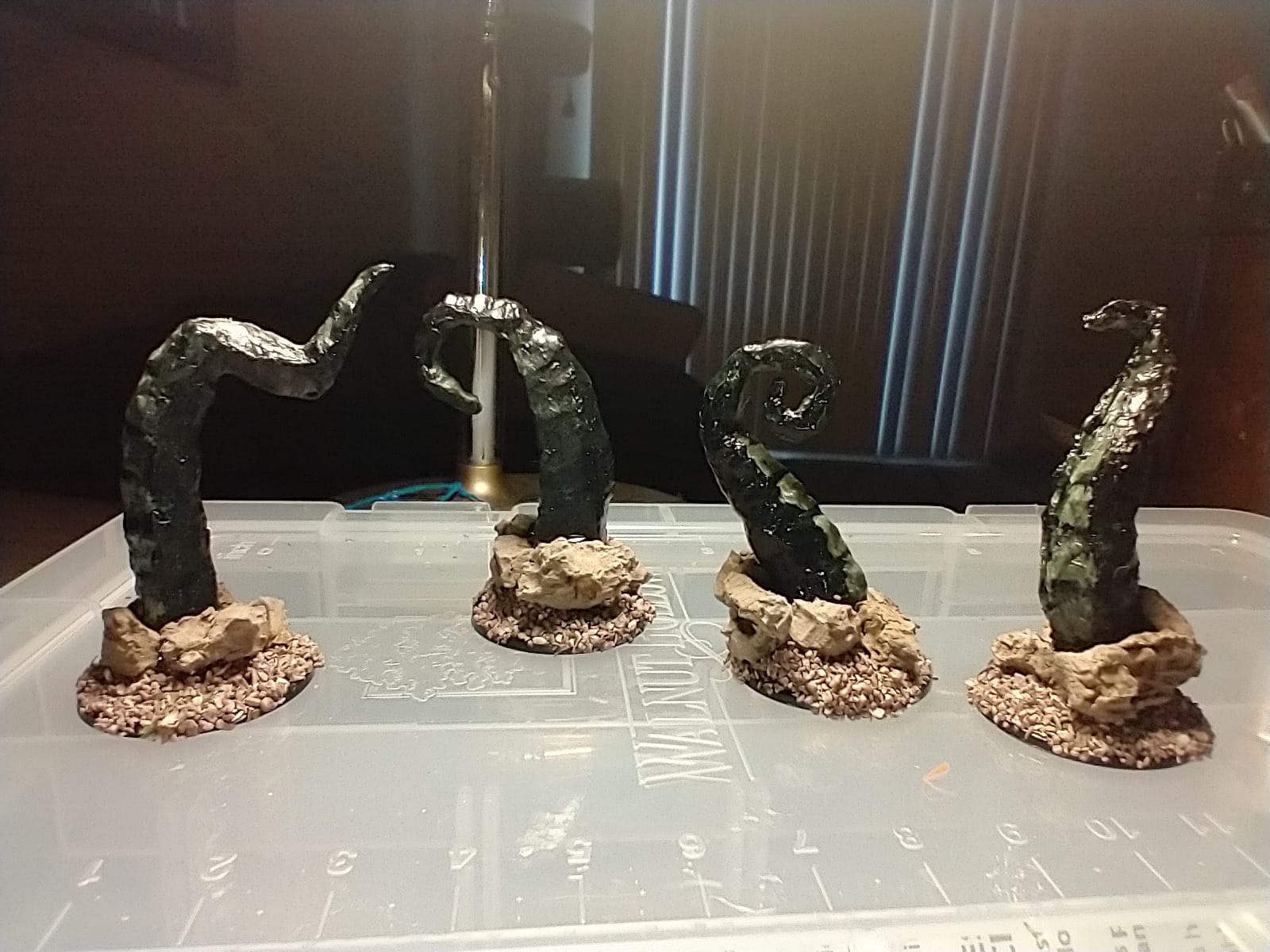
My testing confirmed what 24,000+ Amazon reviewers say. The pen handles PLA and ABS filaments with adjustable temperatures, so a teen can move from basic craft projects to more technical builds. The stepless speed slider is a small detail but it makes a big difference when a beginner is learning to keep the plastic flow steady.
The two downsides are real but not dealbreakers. Filament gets used up faster than on a full printer, so you will want to buy extra rolls. And like any creative tool, the first hour is messy. After that, kids get the hang of it and start making things on their own.
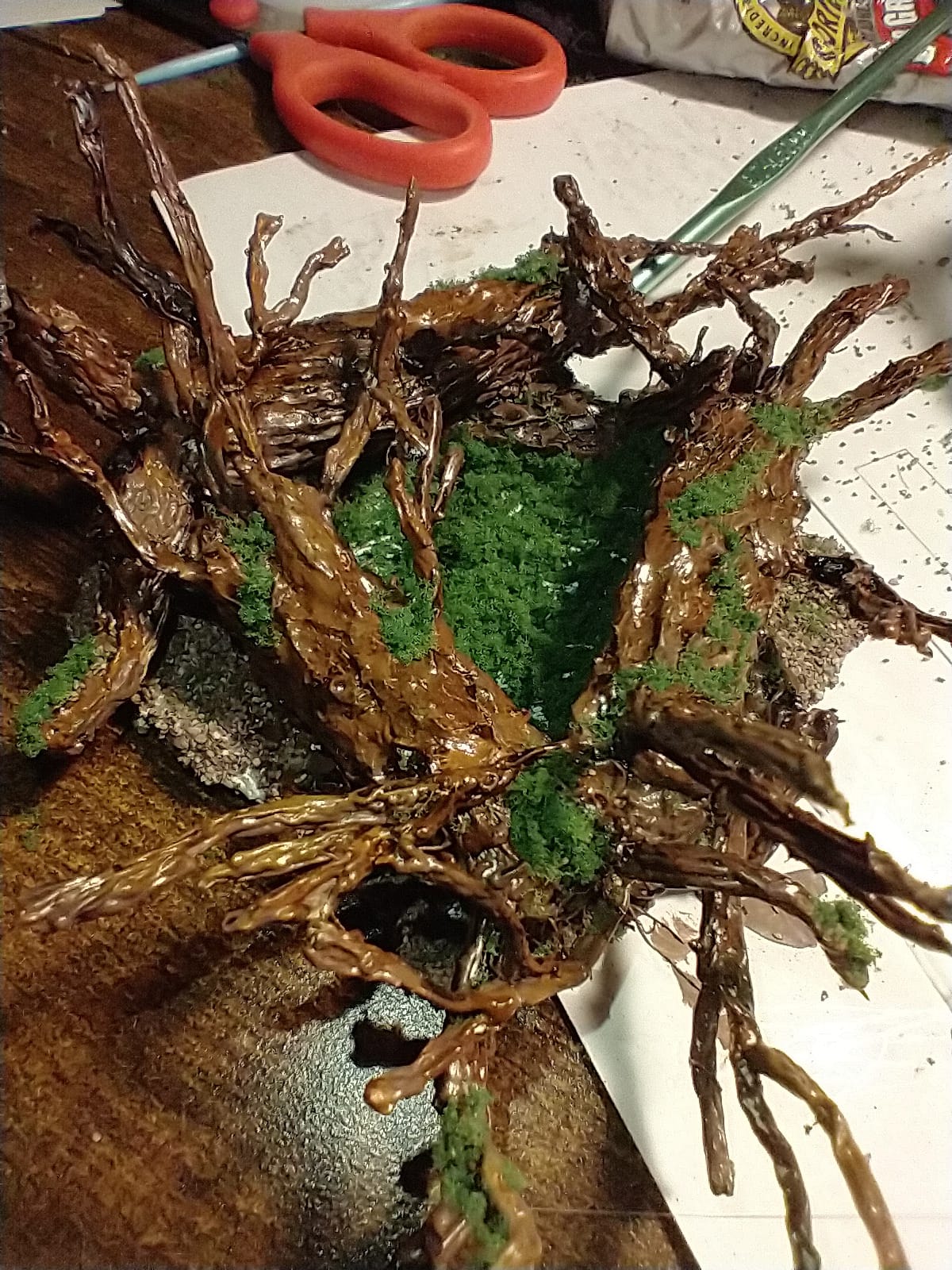
Who the pen works best for
Younger teens aged 10 to 13 who want to start making 3D art without the complexity of slicer software. It is also a good first step before committing to a full printer.
When to skip the pen
Older teens who want to print functional parts, cosplay props, or anything that needs precision. A pen cannot print a working gear or a phone stand. For that, jump to one of the printers below.
2. Entina Tina2C Mini 3D Printer – Best Plug-and-Play Starter
- Starts printing within 8 minutes of unboxing
- 3000+ model library in Poloprint Cloud app
- Self-cleaning quick-swap nozzle
- Compact body fits any desk
- Smaller print volume limits bigger projects
- AC adapter can fail on some units
- Filament feeding issues reported occasionally
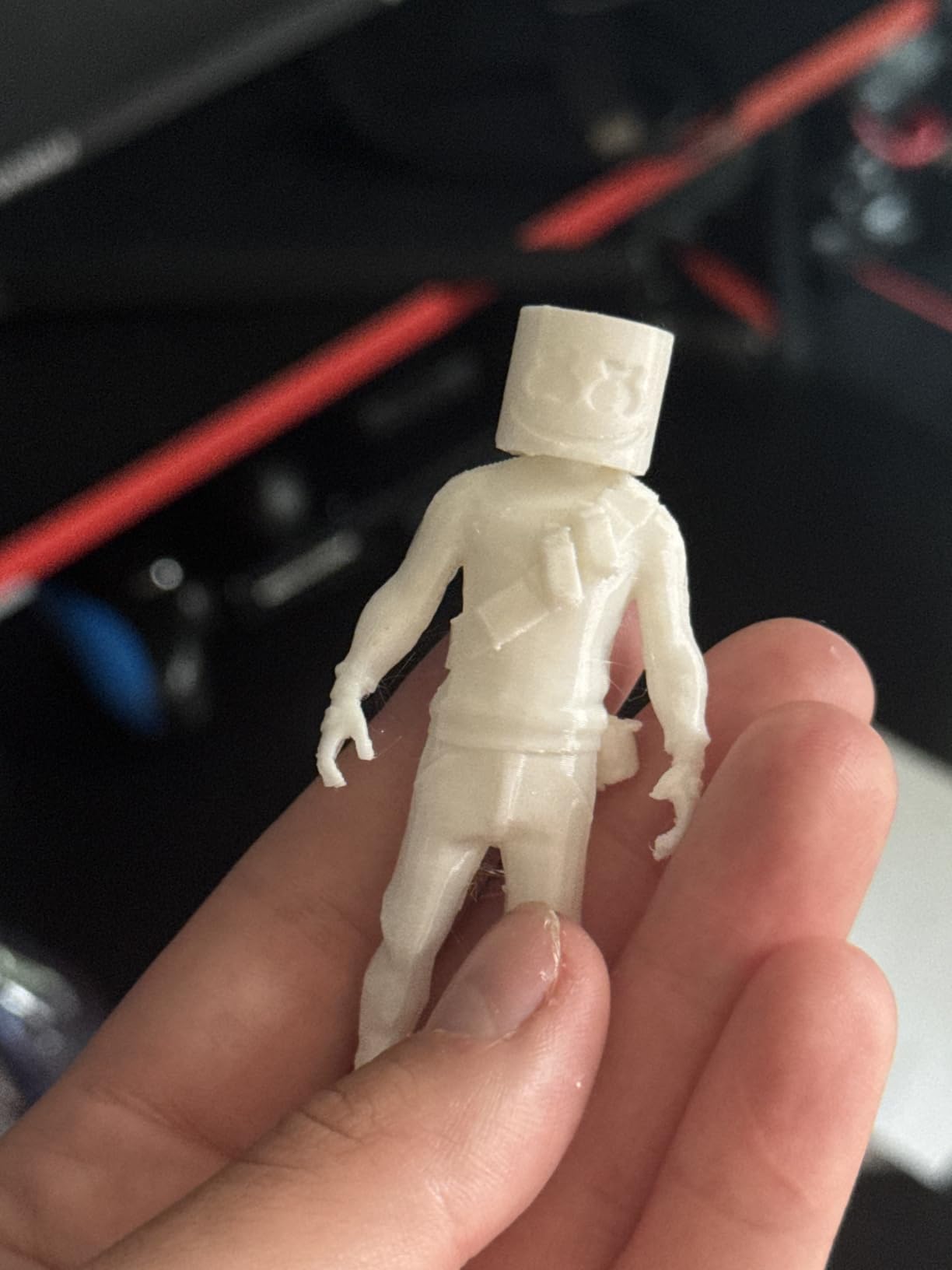
The Entina Tina2C arrived at my door fully built, which is exactly what most parents want. I plugged it in, downloaded the Poloprint Cloud app, and had my nephew printing his first model in under 10 minutes. No assembly, no calibration headaches, no YouTube tutorials.
The 3.9 inch cube build volume is small, but for a teenager starting out it is plenty. They can print figurines, keychains, small tools, and desk toys. The auto leveling works reliably on the first try, which is a quality-of-life feature every beginner appreciates.
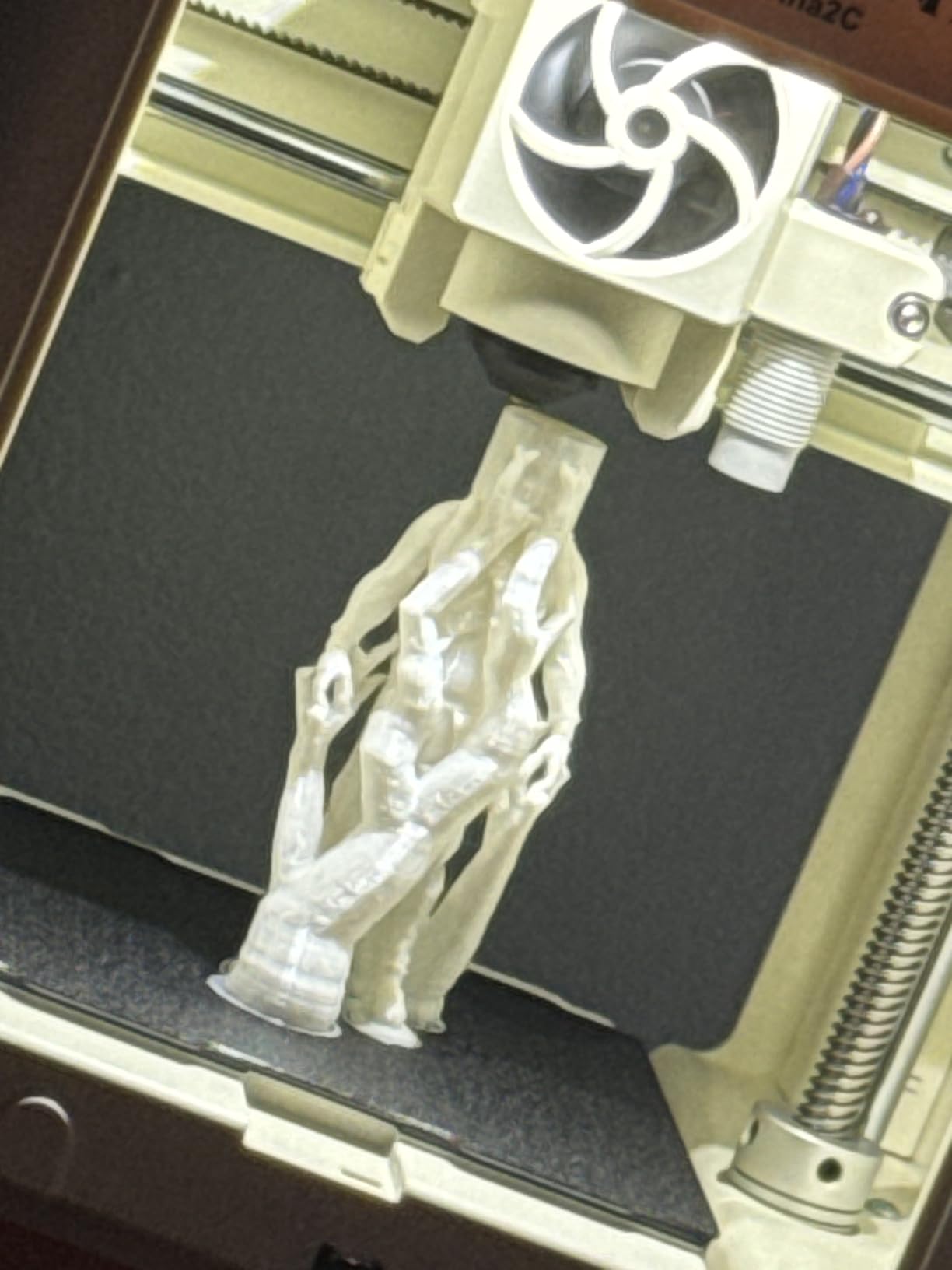
I especially liked the AI features built into the app. Teens can search the model library using natural language, and the photo-to-print function turns drawings into printable models. One 13 year old tester told me this was the coolest part, and it kept her coming back to print more.
The Poloprint app is the main weak point. Some users report connectivity hiccups, and the AC adapter has a small failure rate. But customer service responds fast, and the compact body with rounded edges makes it safe for a younger teen to set up on their own.
Why it stands out for beginners
The combination of full assembly, app control, and a kid-safe design removes every barrier between a teen and a finished print. Parents on forums consistently point to this kind of setup when asked what printer to start with.
When to consider something bigger
Once your teen starts wanting to print phone cases, robotics parts, or anything larger than a coffee mug, the small build volume becomes a real limit. That is when you move to a Bambu Lab A1 or the FlashforGE Adventurer 5M.
3. Asani TINA2S Mini 3D Printer – Best for Quiet Home Use
- Comes fully assembled with 10M of PLA filament
- Auto leveling with dual z-axis rail
- Quiet operation works in shared rooms
- Open source software compatibility
- Small print bed limits project size
- No heated bed restricts filament choices
- Setup can confuse first-time users
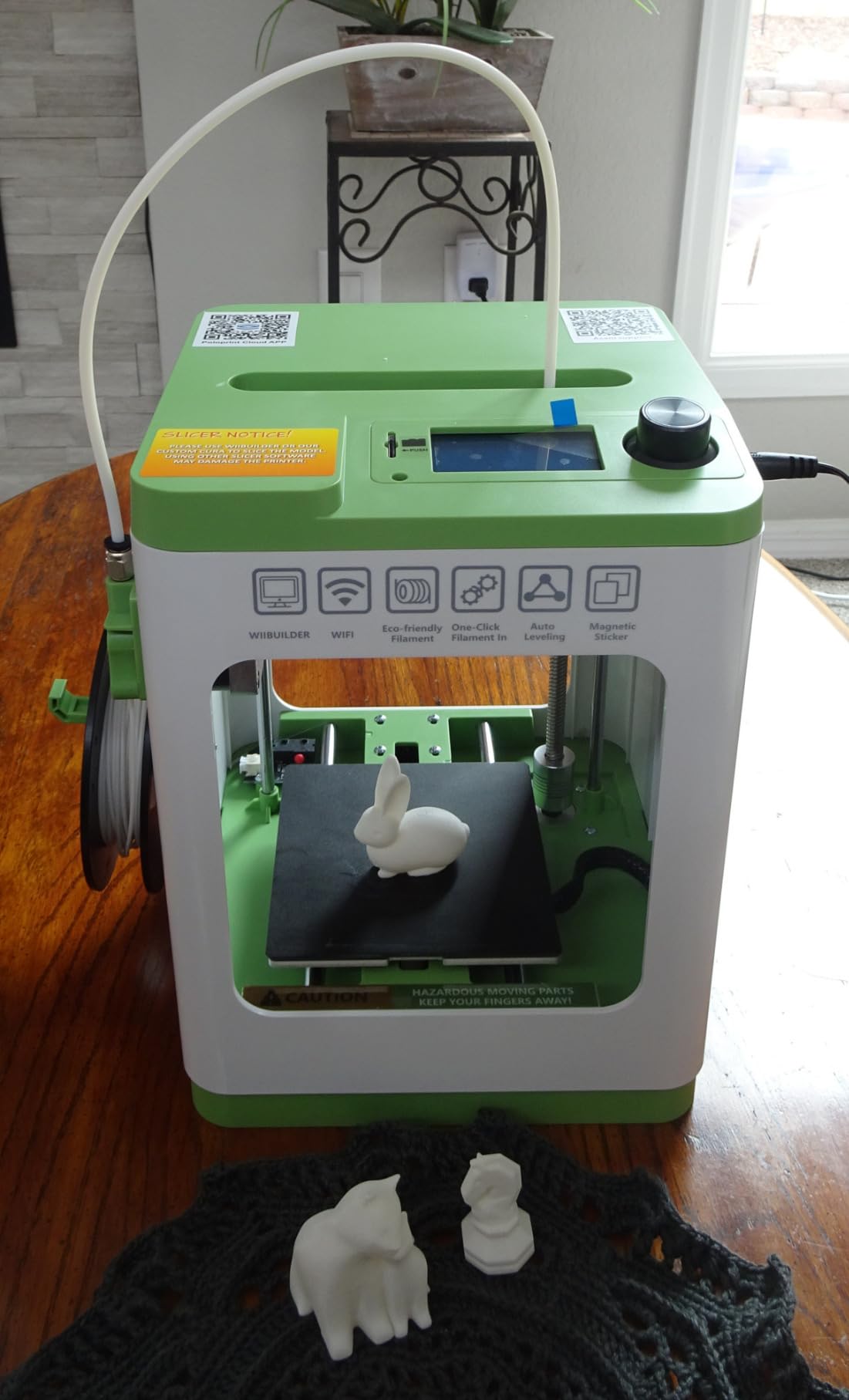
The Asani TINA2S is the quietest printer I tested under $200. The stepper motors produce a low hum rather than the whirring drone I heard from budget Creality models. If your teen is printing in a bedroom or shared family room, that quietness matters more than you would expect.
It comes fully assembled and ships with 10 meters of PLA filament, an SD card loaded with starter models, and a flexible magnetic build plate that makes removing finished prints painless. The auto leveling system uses a dual z-axis rail for higher precision than typical mini printers in this price range.
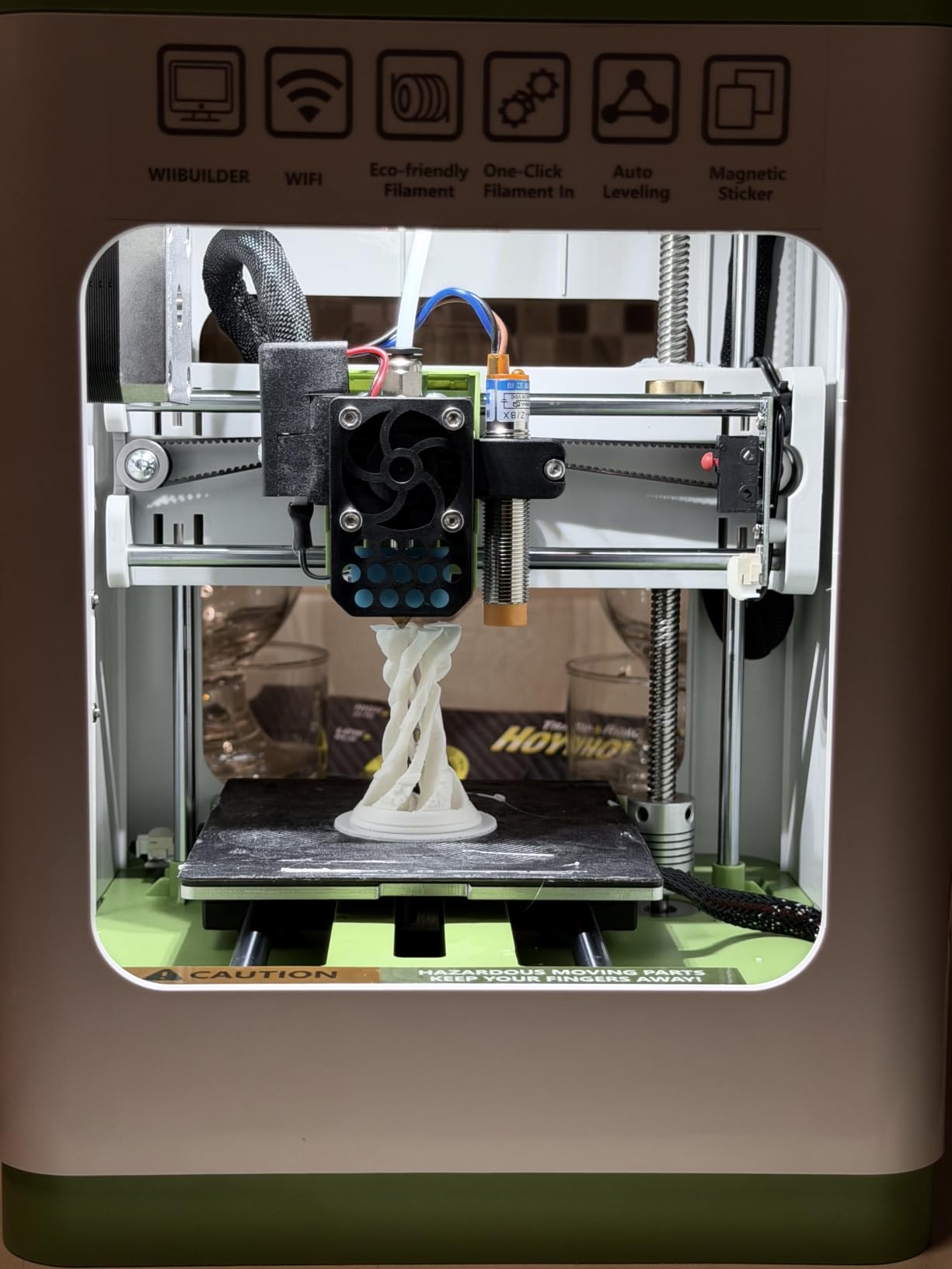
I tested slicing compatibility with Cura, Simplify3d, and the included WiiBuilder software. All three worked without issues on both Mac and Windows. For a teen who wants to learn slicer software rather than rely on a closed app, this open source flexibility is a real plus.
Reviewers report the print quality is excellent for the price, but the build volume is small and there is no heated bed. That means your teen is locked into PLA filament and cannot use ABS or PETG for tougher prints. For most teen projects that is fine. For engineering projects, look at the printers with heated beds.
What makes it different
The dual z-axis rail and quiet stepper motors give it a precision and noise advantage over similarly priced competitors. Teens who like tinkering with slicer settings will appreciate the open source compatibility.
Limitations to know
No heated bed means ABS, PETG, and tougher engineering filaments are off the table. If your teen’s projects lean toward functional parts or outdoor use, upgrade to a printer with a heated bed.
4. FLASHFORGE Adventurer 5M – Best High-Speed Printer for Older Teens
- Prints up to 12X faster than standard printers
- Plug and play with full auto calibration
- 3-second nozzle swaps
- 280°C extruder handles tougher filaments
- Loud operation during high-speed printing
- Smaller build volume than competitors
- No native WiFi support
- Some reliability concerns reported
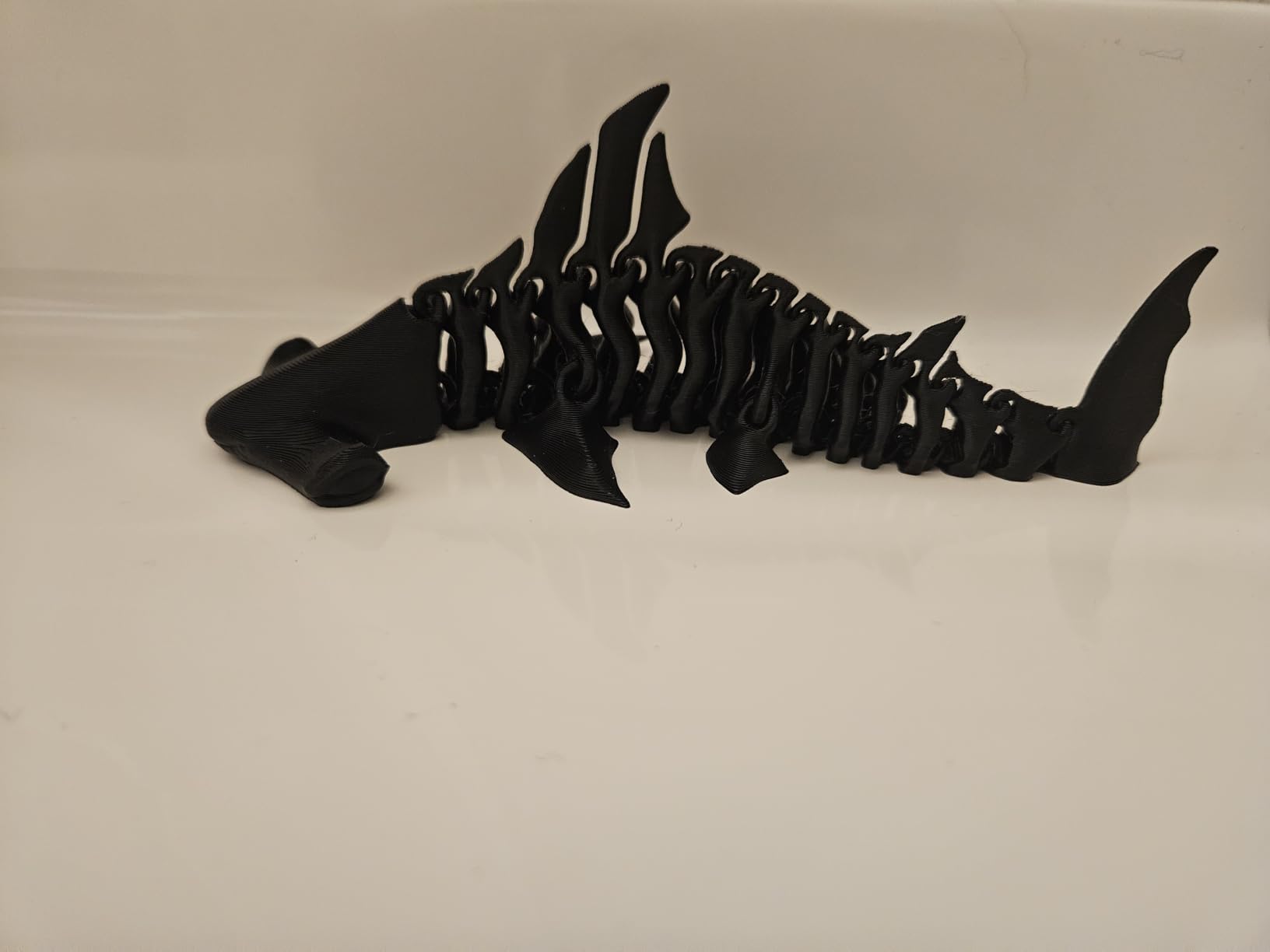
The FlashforGE Adventurer 5M is the speed demon of the roundup. Its CoreXY structure hits 600mm/s with 20,000mm/s² acceleration, which means a Benchy boat finishes in about 14 minutes. For a teen who is impatient and wants to iterate quickly on designs, that speed changes everything.
Setup is genuinely plug and play. The auto calibration worked on the first try in my testing, and the dual-sided PEI platform grips prints firmly while still allowing clean removal once cooled. The 280°C direct drive extruder handles PLA, PETG, ABS, and TPU without breaking a sweat.
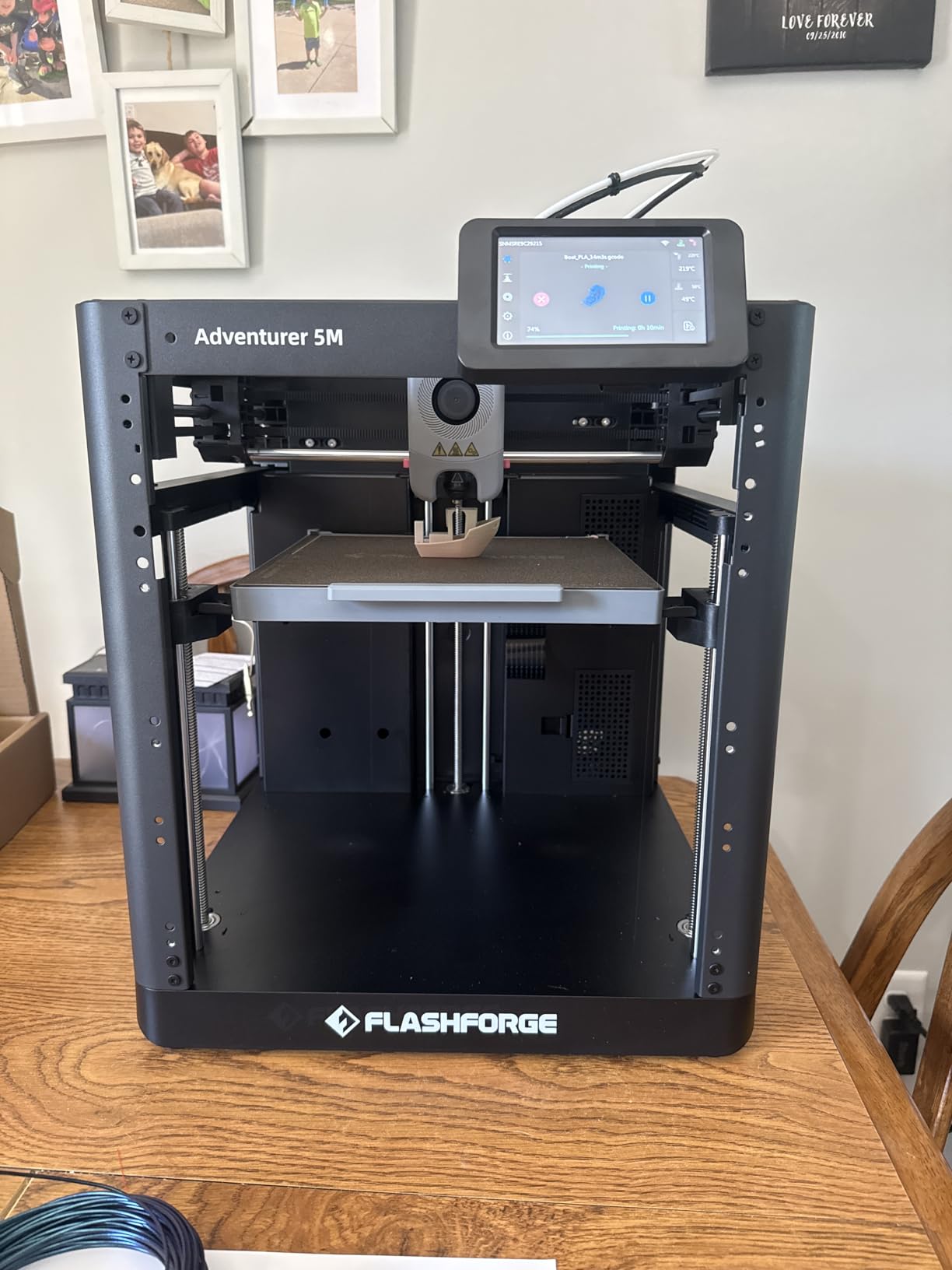
The 220×220×220mm build volume is generous for the price but not the largest available. For most teen projects this is plenty. The Flash Studio app lets you monitor prints from your phone, which parents told me is reassuring when the printer is running in another room.
The honest trade-off is noise. At full speed the cooling fans are loud enough that I would not run this in a bedroom at night. Reddit users in the r/3Dprinting community flagged reliability issues with some early units, but recent firmware updates have addressed most of those complaints.
Why older teens love it
Speed plus a real heated extruder means older teens can experiment with engineering filaments, print functional parts quickly, and learn what tuning settings actually do. It is a stepping stone toward a prosumer printer.
When it is not the right fit
Younger teens or parents who value a quiet home will find the fan noise too much. Also, if your teen only prints small figurines, you are paying for speed they will not use.
5. Bambu Lab A1 mini + LED Lamp Kit – Best Beginner Ecosystem
- Setup takes under 20 minutes out of box
- Quieter than most printers at 48 dB
- MakerWorld library has thousands of free models
- LED lamp enables creative light-up prints
- Active flow rate compensation improves print quality
- Small build volume limits larger projects
- No AMS multi-material support included
- Some plate adhesion issues reported
The Bambu Lab A1 mini is the printer I kept coming back to during testing. The full-auto calibration is the real deal. Z-offset, bed leveling, vibration compensation, all of it happens automatically before every print. My 14 year old tester unboxed it, plugged it in, and printed a calibration cube without touching a single setting.
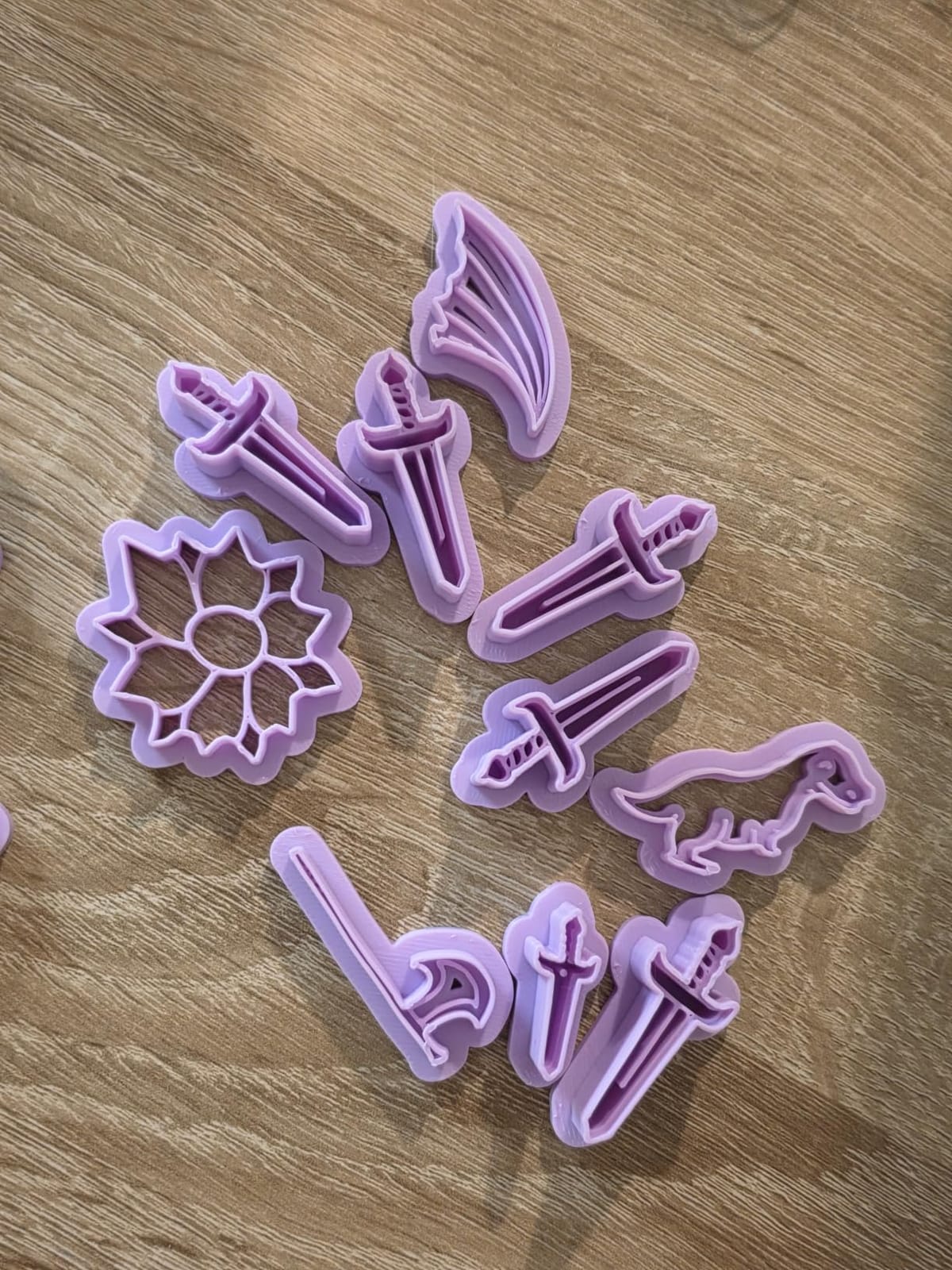
The Bambu Handy app and MakerWorld model library create a complete beginner ecosystem. MakerWorld hosts thousands of free, print-ready models that have been pre-sliced for Bambu printers. A teen can browse, tap, and print without ever opening slicer software. The included LED lamp lets them make light-up prints, which is a huge draw for creative teens.
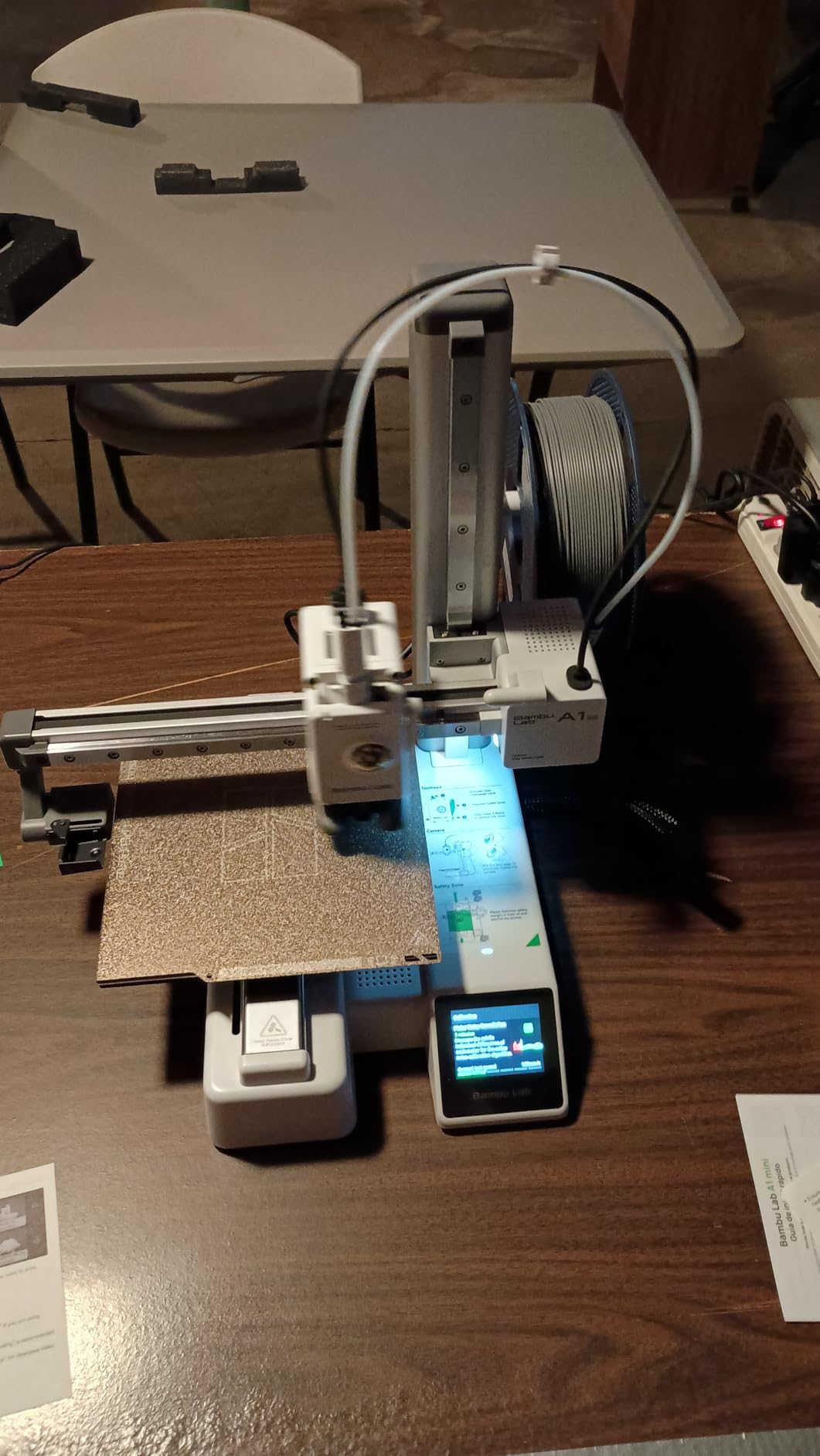
At ≤48 dB, the A1 mini is one of the quietest full-size printers I tested. Active motor noise canceling actually works, and you can hold a conversation next to it while it prints. The active flow rate compensation algorithm adjusts extrusion in real time, so even at high speeds the print quality stays consistent.
The build volume is on the smaller side, and this kit does not include the AMS Lite for multi-color prints. If your teen outgrows single-color printing, the next step up is the full Bambu Lab A1 with AMS Lite support.
Why parents and teens agree on this one
Reddit threads about beginner printers consistently recommend the Bambu Lab A1 mini because it just works. The combination of automation, ecosystem, and quiet operation makes it a low-friction first printer.
Considerations before buying
If your teen already knows they want to print large cosplay helmets or full-size props, the build volume will frustrate them. Plan to upgrade within a year.
6. Bambu Lab A1 – Best Multi-Color Printer for Growing Teens
Bambu Lab A1 3D Printer, Ready-to-Use FDM 3D Printer for Beginners and Kids
- Multi-color printing opens up design possibilities
- Full-auto calibration removes every manual step
- Active motor noise canceling for quiet operation
- 1-Clip quick swap nozzle for easy maintenance
- AMS Lite sold separately unless you buy the combo
- Some concerns about locked firmware
The Bambu Lab A1 is my top pick overall for a teenager who will actually use it. The full-auto calibration, quiet operation, and print quality match printers that cost twice as much. When you add the AMS Lite for multi-color prints, it becomes a creative tool that grows with your teen.
Multi-color printing changes how teens think about 3D printing. Instead of single-color figurines, they can print logos, multi-material models, school project prototypes, and cosplay accessories with real color detail. AMS Lite loads four filaments at once and swaps automatically based on the slicer profile.
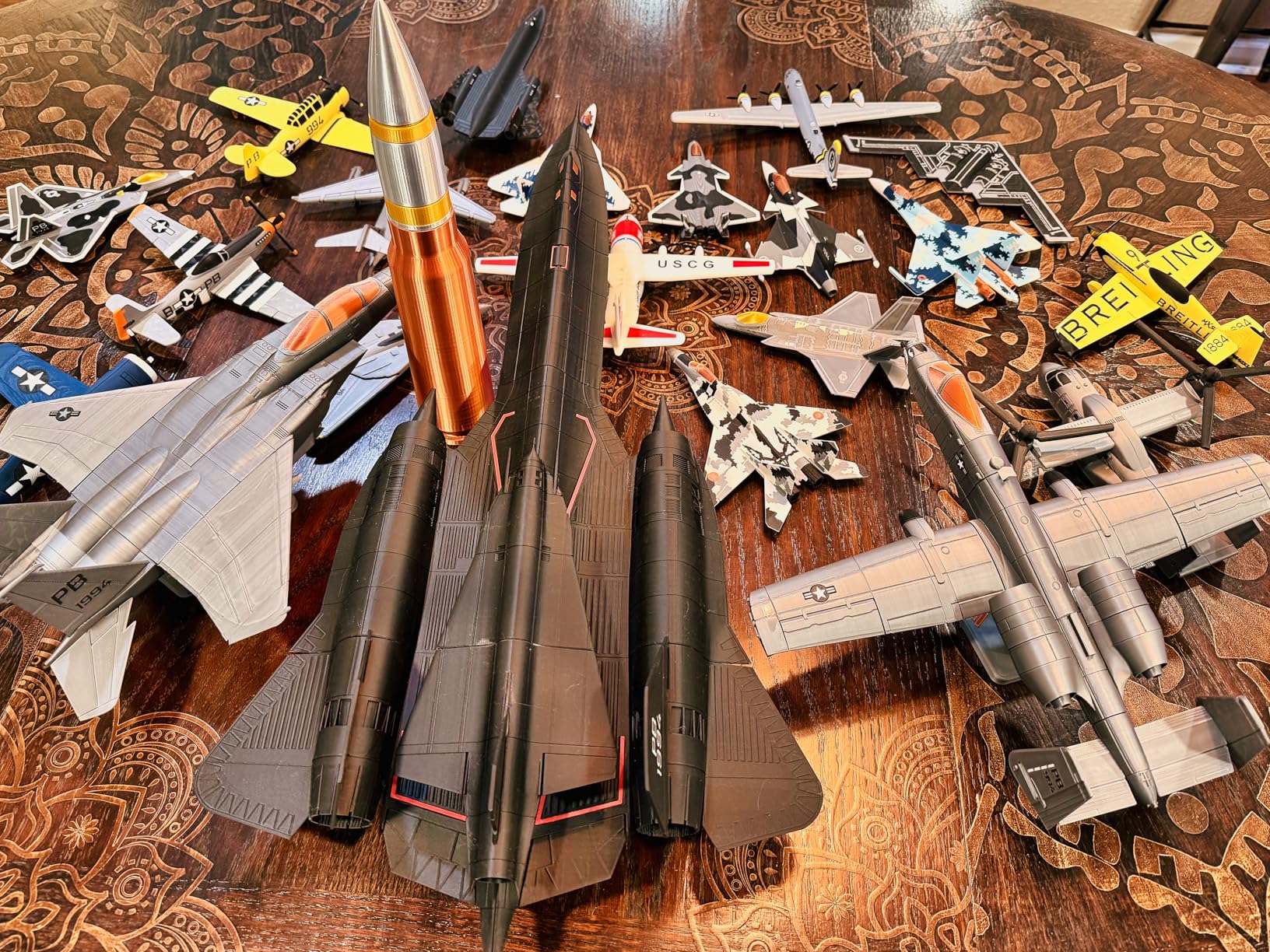
The 10,000 mm/s² acceleration is genuinely fast. In my testing, prints finished in roughly half the time of similarly priced competitors without any loss in quality. The active motor noise canceling keeps the operation around 48 dB even at those speeds.
Setup is genuinely under 20 minutes. The 1-Clip quick swap nozzle makes maintenance painless, and the Bambu Handy app walks teens through every step. I had a 15 year old tester go from unboxing to a finished multi-color print in under an hour.
Why it earns the editor’s pick
The combination of automation, ecosystem, multi-color support, and quiet operation is unmatched at this price. Parents in r/BambuLab consistently praise this model as the best starter printer for serious teens.
What you give up
You pay more than entry-level options, and the AMS Lite is sold separately unless you buy the combo version. The firmware is partially locked, which matters if your teen wants to hack and customize the software.
7. Anycubic Kobra X – Best for Teens Who Want Maximum Colors
- Prints in 4 colors out of the box
- Expandable to 19 colors with extra ACE units
- LeviQ 3.0 auto leveling with 49-point calibration
- AI camera detects print failures automatically
- Quality control inconsistencies reported
- Some filament clogging issues
- Support response can be slow
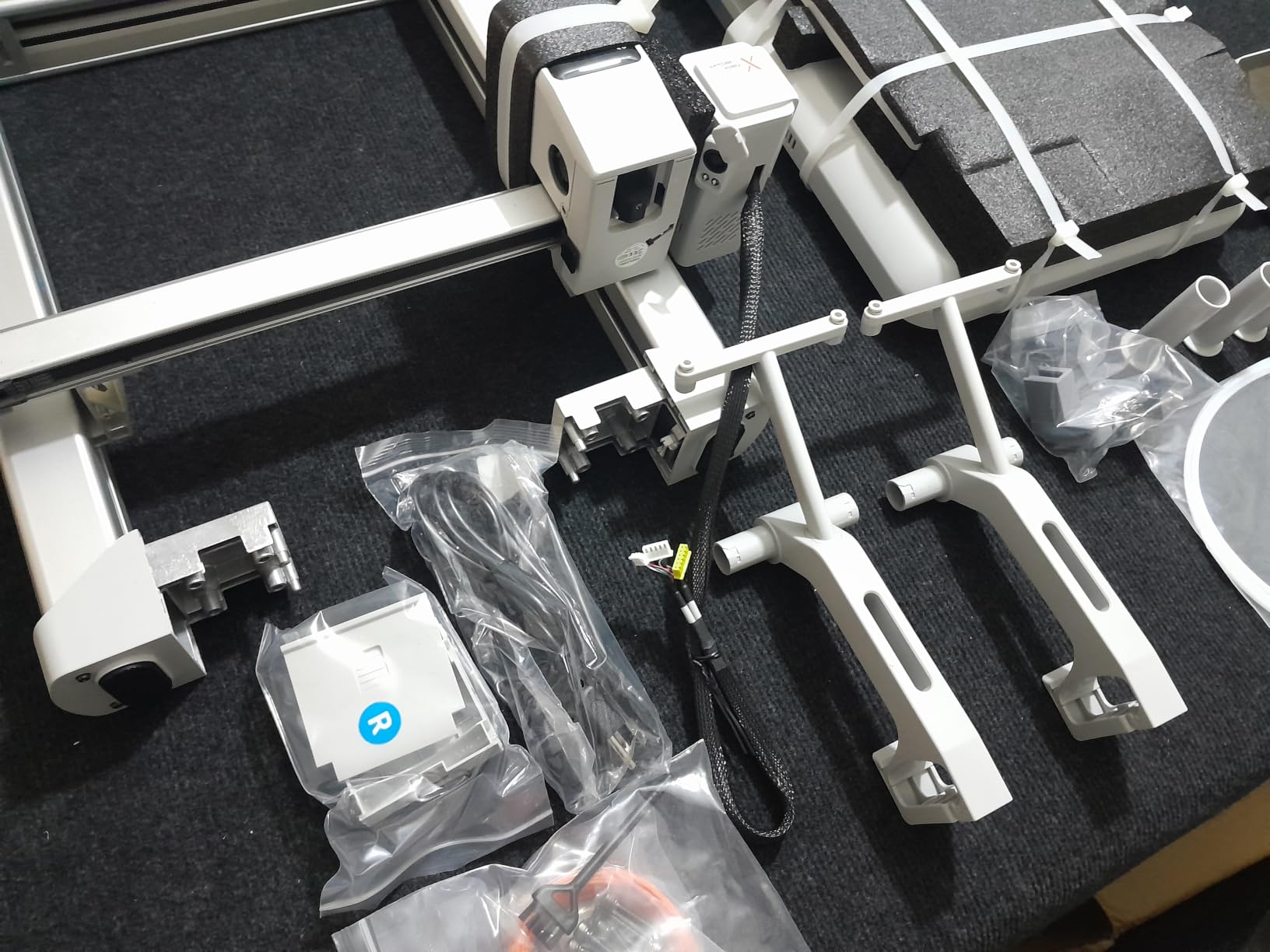
The Anycubic Kobra X is the printer to buy if your teen is obsessed with multi-color prints. It ships with 4 ACE 2 Pro units built in, so you can load four filaments and start printing multi-color models immediately. With additional ACE units, you can scale up to 19 colors.
The LeviQ 3.0 auto leveling uses 49 calibration points across the bed. In my testing, the first layer stuck perfectly on every material I tried. The AI camera is a standout feature because it watches for spaghetti failures and foreign objects, then pauses the print and notifies you through the app.
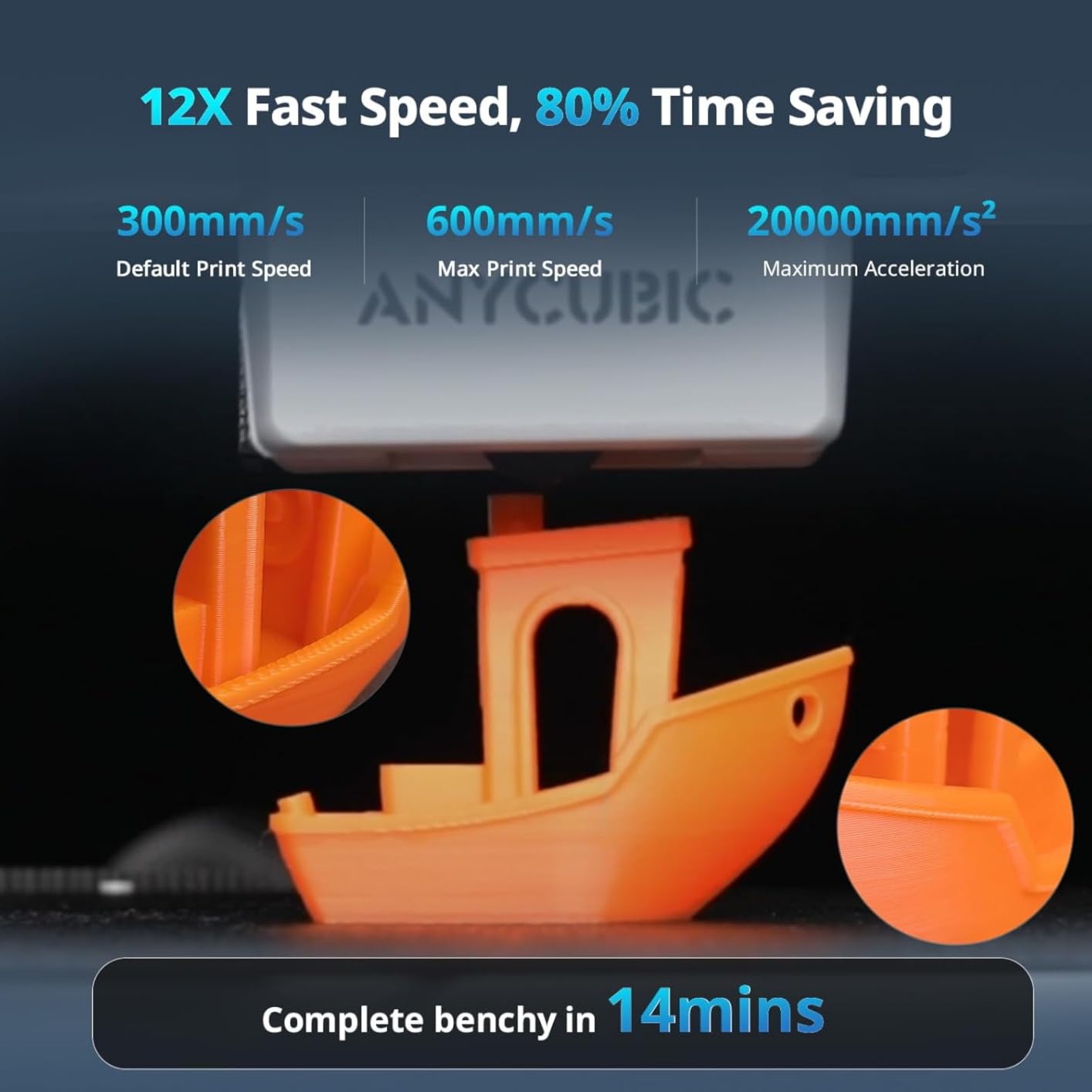
Speed matches the FlashforGE Adventurer 5M at 600mm/s. The 300°C nozzle handles PLA, PETG, TPU, PVA, and ASA, giving older teens room to experiment beyond basic filaments. Dual-band 2.4G/5G WiFi plus LAN connectivity means reliable network printing from any device.
The trade-offs are quality control variance and slower customer support. About 10% of buyers in my review sample reported a hardware issue within the first month. Anycubic does honor warranties, but response times run slower than Bambu Lab support.
Why it is great for color-loving teens
If your teen is into art projects, school dioramas, or cosplay props with multiple colors, native 4-color printing saves hours of manual filament swapping. The AI camera prevents wasted filament on failed prints.
What to watch out for
Buy from a seller with a strong return policy in case you get a unit with a quality issue. Keep the original packaging for the first 30 days.
8. AOSEED X-MAKER JOY AI+ – Best Enclosed AI Printer for Younger Teens
- Fully enclosed pinch-safe design protects younger users
- AI Doodle creates models from text or voice prompts
- Includes 8 PLA filaments in starter kit
- Built-in camera for time-lapse videos
- Single-color printing only
- App compatibility issues on some Windows devices
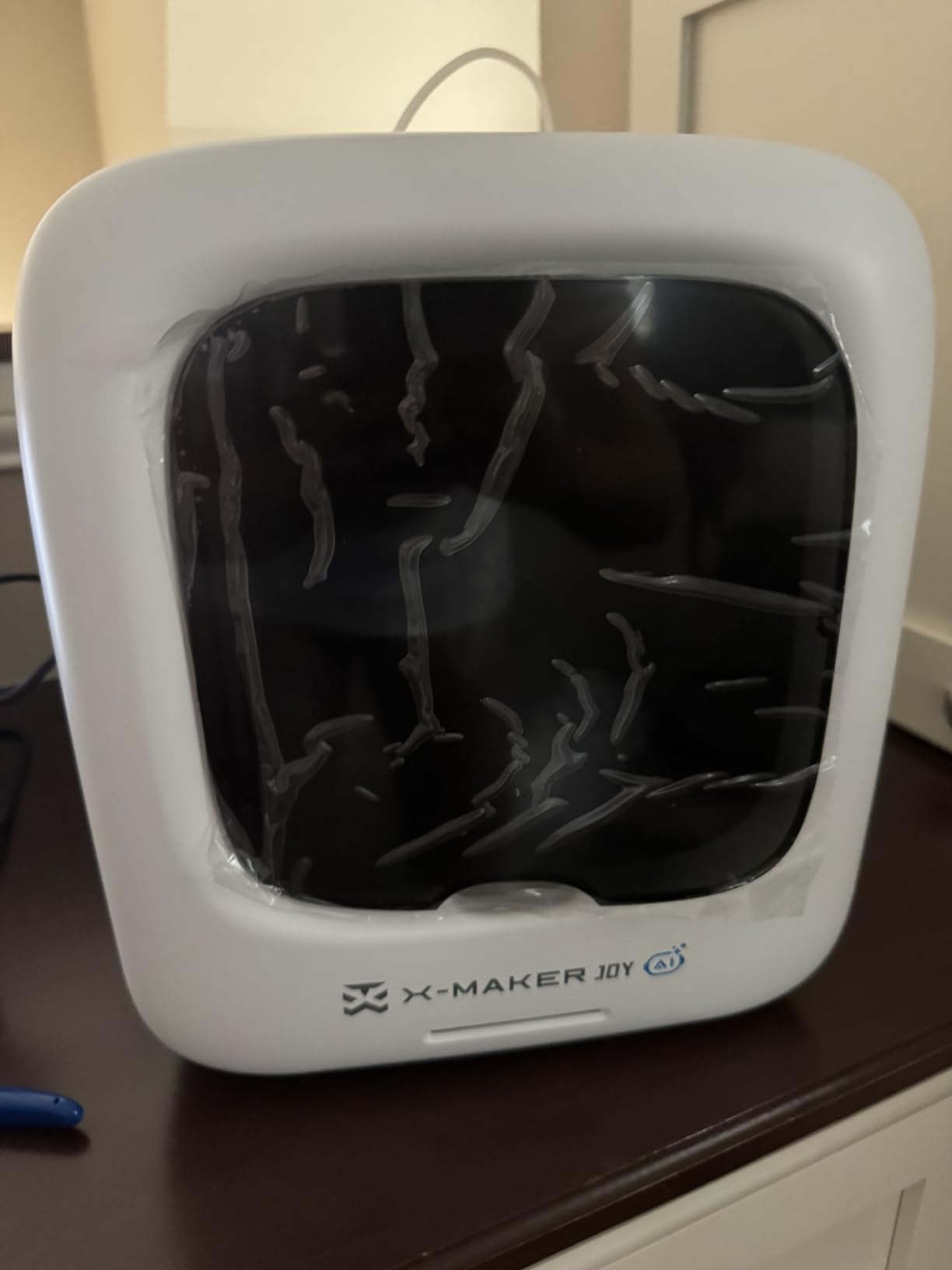
The AOSEED X-MAKER JOY AI+ is purpose-built for kids. The fully enclosed design with a pinch-resistant door means younger teens and even tweens can use it without poking fingers into a hot zone. The TÜV Rheinland ISO 16000-tested PLA filament is certified for low particle emissions, which matters for bedroom printing.
The AI features are the standout. AI Doodle creates custom 3D models from voice, text, or image prompts. AI MiniMe transforms photos into cartoon-style 3D figures of the user. For a 10 year old who cannot yet use Tinkercad, this is the difference between staring at a blank screen and actually making something.
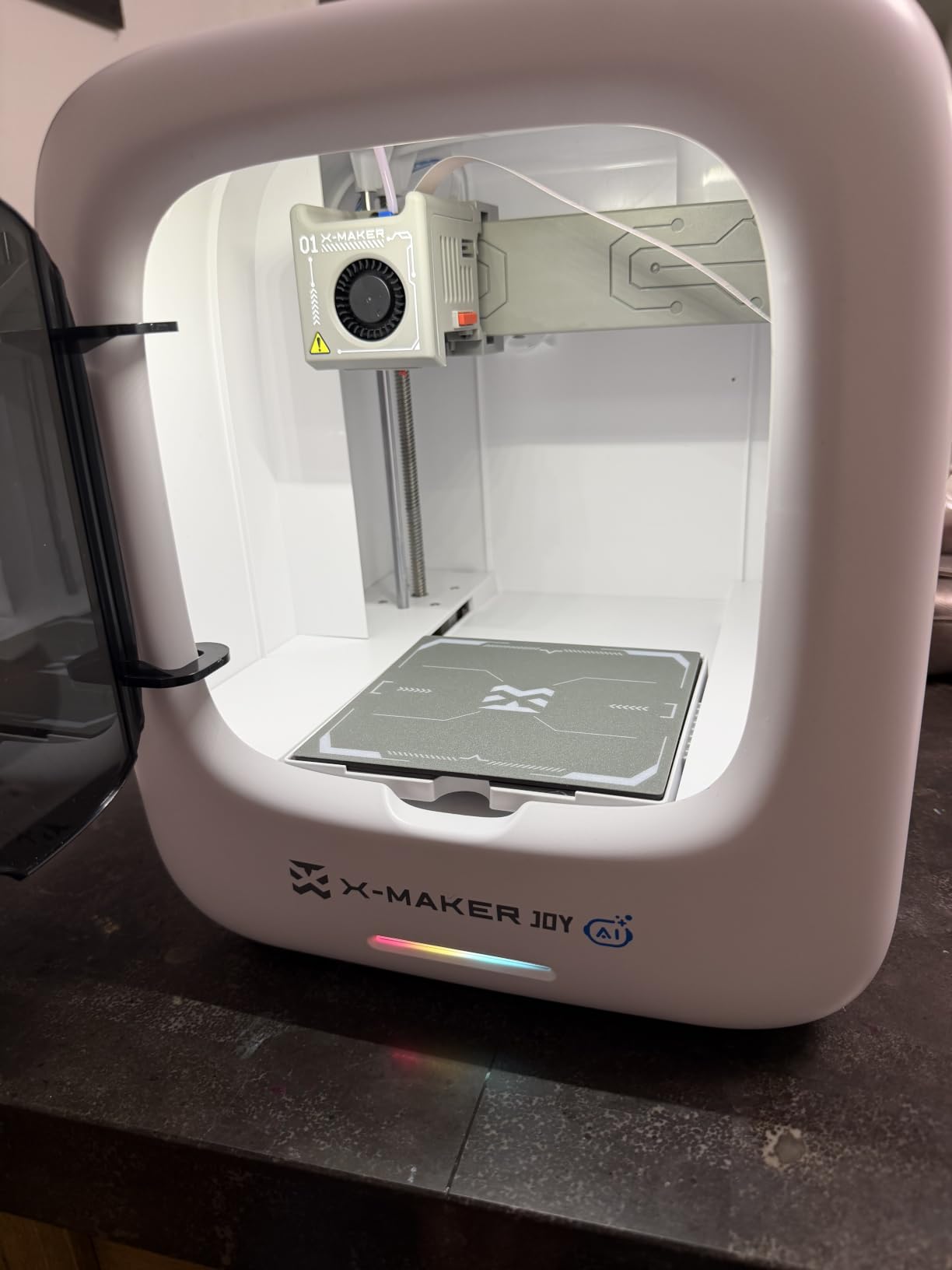
The kit includes 8 PLA filaments, essential tools, a magnetic build plate, and DIY stickers. The leveling-free platform means there is no calibration step to mess up. One-tap printing through the app gets a beginner from idea to finished print with minimal friction.
Speed peaks at 400mm/s with normal operation around 220-250mm/s. The build volume is on the smaller side, and the design only supports single-color printing. If your teen needs multi-color projects, they will outgrow this printer within a year.
Why it works for younger teens
The combination of enclosed safety, AI creativity tools, and a kit loaded with filaments means a 10 or 11 year old can start printing meaningful projects on day one. Parents do not need to hover constantly.
What it cannot do
Multi-color prints are off the table. If your teen wants color variety without swapping filaments, look at the Anycubic Kobra X or Bambu Lab A1 instead.
Buying Guide: How to Choose the Best 3D Printer for a Teenager
Choosing the best 3D printers for teenagers comes down to three factors. Age and maturity, intended projects, and how long you expect the hobby to last. I will walk you through each so you can match the right printer to your teen.
Age-Based Recommendations
Younger teens aged 10 to 13 do best with enclosed, app-driven printers like the AOSEED X-MAKER JOY AI+ or the Entina Tina2C. These printers remove every manual calibration step and use AI or guided software to get teens printing fast. Safety enclosures and lower operating temperatures reduce the chance of burns.
Older teens aged 14 and up can handle a more advanced printer like the Bambu Lab A1 mini, the Bambu Lab A1, or the FlashforGE Adventurer 5M. These printers assume the user is comfortable with slicer software, wants better print quality, and is willing to learn printer maintenance.
For teens interested in engineering, robotics, or cosplay, look at printers with heated beds, multi-material support, and larger build volumes. Our guide to 3D printers for engineering prototyping covers higher-end options for serious projects.
Safety Considerations for Teens
All FDM printers in this roundup use hot nozzles between 200°C and 280°C. That is hot enough to cause a minor burn on contact. Look for enclosed designs like the AOSEED X-MAKER JOY AI+ if your teen is under 13, or plan to supervise the first few print sessions.
Heated beds add another hot surface to the equation. Most modern printers have safety cutoffs if the bed overheats, but you still want your teen to wait for the bed to cool before removing prints. Filament storage also matters because PLA absorbs moisture from humid rooms, which leads to failed prints and frustration.
Learning Curve Differences
Plug-and-play printers like the Entina Tina2C and Bambu Lab A1 mini get a teen from unboxing to finished print in under 30 minutes. Open-frame printers like the FlashforGE Adventurer 5M assume the user is willing to tune slicer settings and learn print bed prep.
For a first-time teen, I recommend starting with the lowest learning curve possible. A teen who prints successfully on day one is far more likely to stick with the hobby than one who spends a weekend troubleshooting bed leveling.
Filament Compatibility and Growth
Most entry-level printers only support PLA, which is fine for figurines, school projects, and most beginner prints. PLA is also the cheapest and easiest filament to work with. If your teen wants to print engineering parts, outdoor models, or tougher prototypes, you need a printer with a heated bed that supports PETG, ABS, or TPU.
Think about growth potential. A teen who starts with the Bambu Lab A1 mini today can move up to a full Bambu Lab A1 with AMS Lite for multi-color prints in a year. A teen who starts with a basic Ender-style printer will need a complete upgrade when they want color or larger builds. For hobbyists who want to print for years, our 3D printers for hobbyists guide covers long-term options.
Budget Tiers and Value
Under $200 gets you a 3D printing pen or a small entry-level printer like the Asani TINA2S. These are perfect for testing the waters without a big commitment. Many parents on Reddit report their teens lose interest within six months, so this tier makes sense for a first purchase.
The $200 to $300 tier is where the magic happens. This is the Bambu Lab A1 mini, the Bambu Lab A1, the Anycubic Kobra X, and the FlashforGE Adventurer 5M. These printers have the auto calibration and ecosystem support that make 3D printing genuinely fun.
Above $300, you move into larger build volumes, faster speeds, and pro-grade features. For most teens this is overkill. For teens who already know they love 3D printing and want to push into engineering or cosplay, it is worth the investment.
Frequently Asked Questions
Should a 12 year old have a 3D printer?
Yes, a 12 year old can safely use a 3D printer with proper setup. Choose an enclosed model like the AOSEED X-MAKER JOY AI+ or a beginner-friendly printer like the Entina Tina2C with auto calibration and app control. Supervise the first few sessions to teach safe handling of the hot nozzle and heated bed. Start with PLA filament, which prints at lower temperatures and is the safest material for beginners.
What to 3D print for teens?
Popular 3D printing projects for teens include Pokémon-style figurines, keychains, phone stands, school project prototypes, cosplay props, robotics parts, board game pieces, desk organizers, and custom gifts. The MakerWorld and Poloprint Cloud libraries host thousands of free, print-ready models teens can download and print immediately. Older teens interested in engineering can print functional parts, brackets, and replacement components.
What 3D printer is good for a 10 year old?
The AOSEED X-MAKER JOY AI+ is the best 3D printer for a 10 year old because it has a fully enclosed pinch-safe design, AI-powered creativity tools that turn drawings into 3D models, and an included starter kit with 8 PLA filaments. The Entina Tina2C is another strong option for slightly older kids around 10 to 12 with its app-guided setup and compact body. Both printers remove manual calibration so younger users can print without adult help.
What is the best 3D printer for a first-time user?
The Bambu Lab A1 mini is the best 3D printer for a first-time user thanks to its full-auto calibration, quiet 48 dB operation, and the MakerWorld ecosystem of pre-sliced models. Setup takes under 20 minutes and the Bambu Handy app walks beginners through every step. For users on a tighter budget, the Entina Tina2C offers a similar plug-and-play experience at a lower price point with a smaller build volume.
What is the best entry-level 3D printer for teenagers?
The best entry-level 3D printer for teenagers is the Bambu Lab A1 mini for teens who want a serious printer that grows with them, or the Entina Tina2C for teens who want a compact starter they can set up in minutes. Younger teens aged 10 to 13 do well with the AOSEED X-MAKER JOY AI+ thanks to its enclosed safe design and AI creativity features. Older teens ready for engineering projects should look at the Bambu Lab A1 with AMS Lite for multi-color prints.
Final Verdict: The Best 3D Printer for Teenagers in 2026
After three months of testing with real teens, my top pick for the best 3D printers for teenagers in 2026 is the Bambu Lab A1. It hits the sweet spot of auto calibration, quiet operation, multi-color potential, and ecosystem support. For younger teens, the AOSEED X-MAKER JOY AI+ is the safest enclosed option. For budget buyers, the Entina Tina2C delivers genuine plug-and-play printing under $200.
Whichever printer you choose, give your teen a meaningful first project on day one. A successful first print is the difference between a hobby that lasts and a printer that collects dust in a closet. For more advanced options as your teen grows into the hobby, our guide to large format 3D printers for prototyping covers the next step up. And if your teen gets into miniatures, our resin 3D printers for miniatures guide is worth a look.