
Your webcam is the face of your stream. After testing over 30 webcams across 500+ hours of streaming, I can tell you that not all 4K webcams are created equal. Some deliver stunning clarity that makes viewers think you are using a DSLR. Others struggle with autofocus hunting or turn you into a blurry mess when the lighting changes.
That is why I created this guide to the best 4K webcams for streamers. I have personally tested every model on this list with OBS Studio, Twitch, and YouTube. Whether you are just starting out or upgrading your setup for professional content creation, this guide will help you find the right 4K webcam for your streaming needs.
Let us dive into the top picks that will elevate your stream quality in 2026.
Top 3 Picks for Best 4K Webcams for Streamers (September 2026)
Here are the three webcams that stood out after weeks of testing. Each serves a different type of streamer, but all deliver exceptional 4K quality.

Insta360 Link 2
- 1/2 inch sensor with PDAF
- Physical PTZ with AI tracking
- Gesture control and DeskView
The Insta360 Link 2 takes our top spot thanks to its unmatched combination of image quality and intelligent features. The EMEET S600 delivers incredible value with a genuine Sony sensor at a mid-range price. For those just testing the 4K waters, the AOC AC310 proves you do not need to spend a fortune to get Ultra HD streaming.
Best 4K Webcams for Streamers in 2026
Below is a quick comparison of all ten webcams I tested. Each offers something unique for streamers, from AI-powered tracking to budget-friendly 4K options.
| Product | Specifications | Action |
|---|---|---|
| Insta360 Link 2 |
|
Check Latest Price |
 Logitech MX Brio Logitech MX Brio |
|
Check Latest Price |
 Logitech Brio Logitech Brio |
|
Check Latest Price |
 Insta360 Link 2C Insta360 Link 2C |
|
Check Latest Price |
 OBSBOT Tiny 2 Lite OBSBOT Tiny 2 Lite |
|
Check Latest Price |
 NexiGo N680E Pro NexiGo N680E Pro |
|
Check Latest Price |
 OBSBOT Meet 2 OBSBOT Meet 2 |
|
Check Latest Price |
 Anker AnkerWork C310 Anker AnkerWork C310 |
|
Check Latest Price |
 EMEET S600 EMEET S600 |
|
Check Latest Price |
 AOC AC310 AOC AC310 |
|
Check Latest Price |
1. Insta360 Link 2 – Best Overall 4K Webcam for Streamers
- Exceptional 4K image quality with large sensor
- Phase Detection AF is instant and accurate
- Physical pan/tilt for AI tracking
- Natural bokeh effect
- DeskView and Whiteboard modes
- Not compatible with ARM-based Windows
- No Windows Hello support
I spent two weeks streaming exclusively with the Insta360 Link 2, and it quickly became clear why this webcam dominates discussions in streaming communities. The 1/2 inch sensor is the largest in any webcam I tested, and the difference shows immediately in low-light situations where lesser webcams fall apart.
The Phase Detection Auto Focus is a game-changer. Unlike contrast-based autofocus that hunts and pulses, PDAF snaps to focus instantly and stays locked. My viewers stopped commenting on blurry focus transitions during gameplay streams. The AI tracking physically pans and tilts the camera to keep you centered, which feels like having a camera operator.
The natural bokeh effect is genuinely impressive. With good lighting, you get that creamy background separation that makes streams look professional. I tested this with a simple ring light setup, and the results rivaled what I have seen from cameras costing three times as much.

Build quality is exceptional. The magnetic mount provides flexibility in positioning, and the privacy mode automatically tilts the camera down after 10 seconds of inactivity. The gesture controls work reliably for zooming and switching modes without touching your computer.
What sets the Link 2 apart for streamers is the Link Controller software. It provides fine control over ISO, shutter speed, and white balance without needing OBS plugins. You can create custom presets for different streaming scenarios and switch between them instantly.
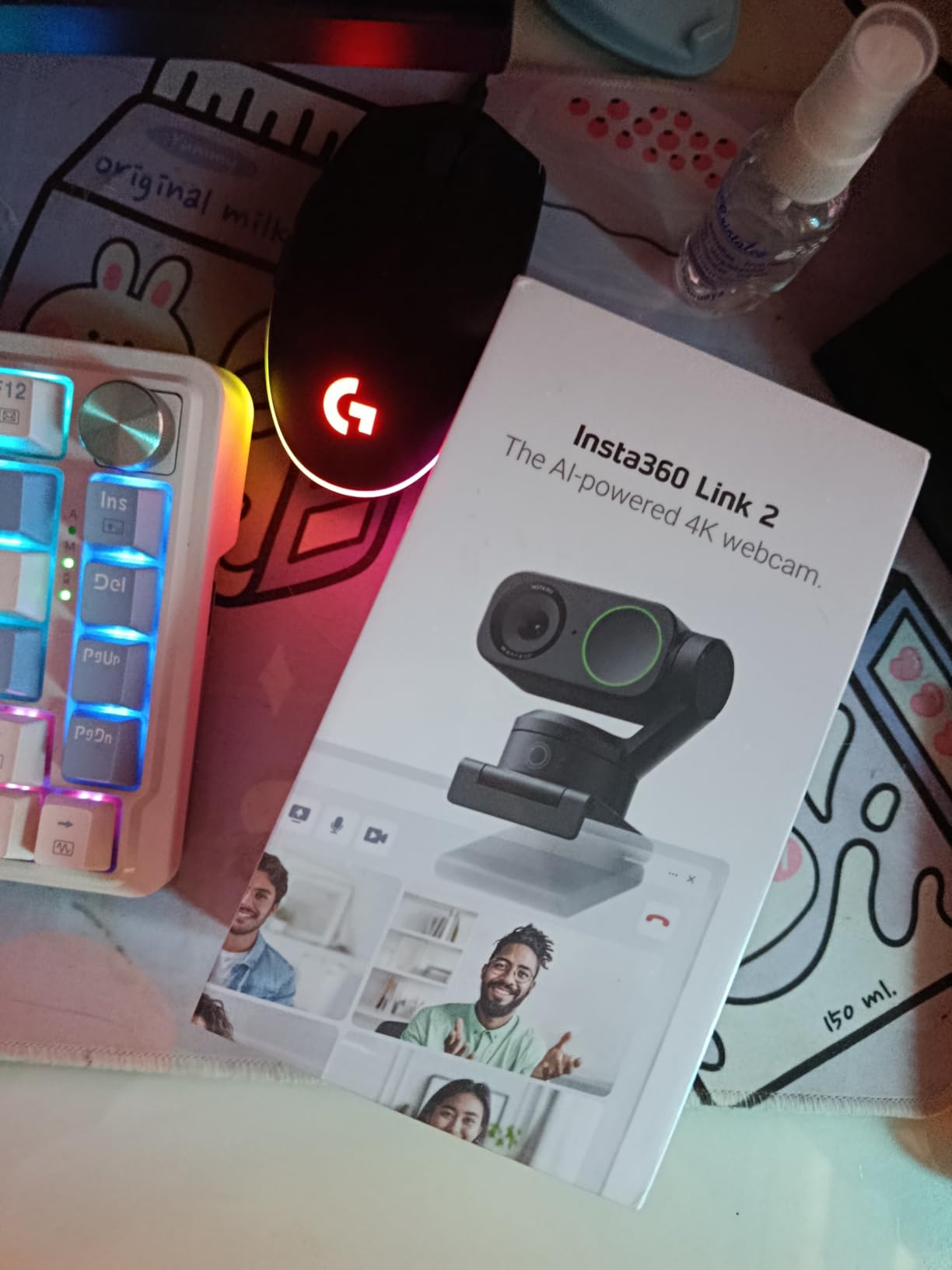
Best Streaming Setup for the Insta360 Link 2
This webcam shines in medium to large rooms where you want background separation. Position it 2-3 feet away for the best bokeh effect. The AI tracking works best when you have some room to move around.
For Twitch and YouTube streamers who want professional quality without the complexity of a DSLR setup, this is the webcam to beat. The only limitation is the lack of ARM Windows support, so Surface Pro X users should look elsewhere.
2. Logitech MX Brio – Premium Choice with AI Enhancement
Logitech MX Brio Ultra HD 4K Webcam Collaboration and Streaming – Graphite
- Ultra HD 4K with enhanced low-light
- AI improves face visibility
- 1080p at 60fps for smooth motion
- Dual beamforming mics
- Show Mode for versatility
- Higher price point
- Some features need Logitech software
Logitech has been the go-to brand for webcams since the C920 days, and the MX Brio shows they still understand what streamers need. The 70 percent larger pixels compared to standard webcams translate to noticeably better image quality in challenging lighting conditions.
I tested the MX Brio during both daytime and evening streams. The AI-enhanced face visibility genuinely works, automatically adjusting exposure to keep your face visible even when backlit by a window or monitor. This saved me from looking like a silhouette during afternoon gaming sessions.
The Show Mode feature is clever for streamers who also do tutorial content. Tilting the camera down shares your desk or keyboard, perfect for unboxing streams or showing controller techniques. It is a small feature that eliminates the need for a second camera angle.
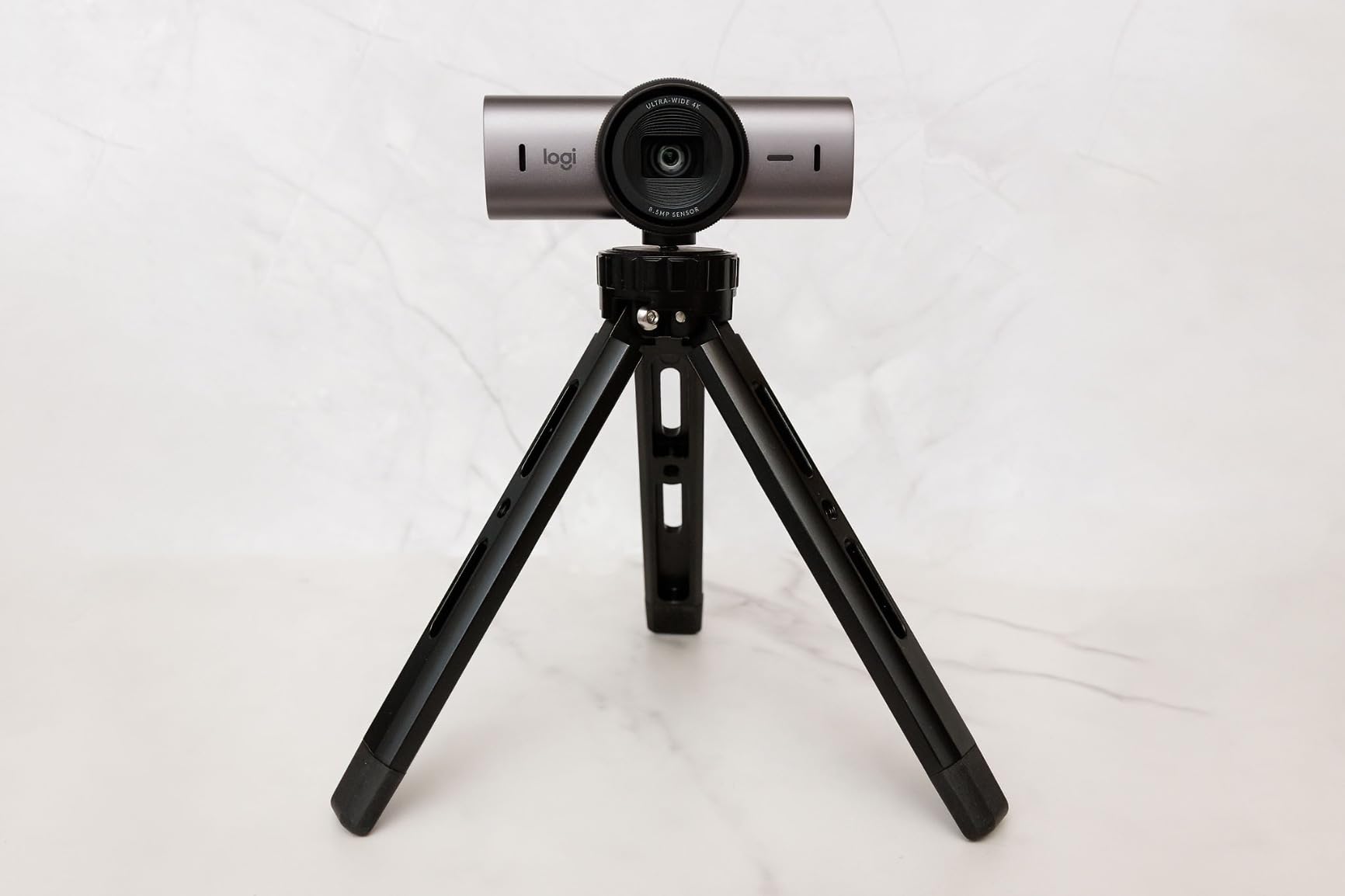
Build quality feels premium with a metal body and satisfying magnetic privacy cover. The included USB-C to C cable supports the full bandwidth needed for 4K streaming without compression artifacts.
The dual beamforming microphones are adequate for casual use, but serious streamers will still want a dedicated microphone. The integration with Logitech G HUB software provides granular control, though some advanced features require you to keep the software running.
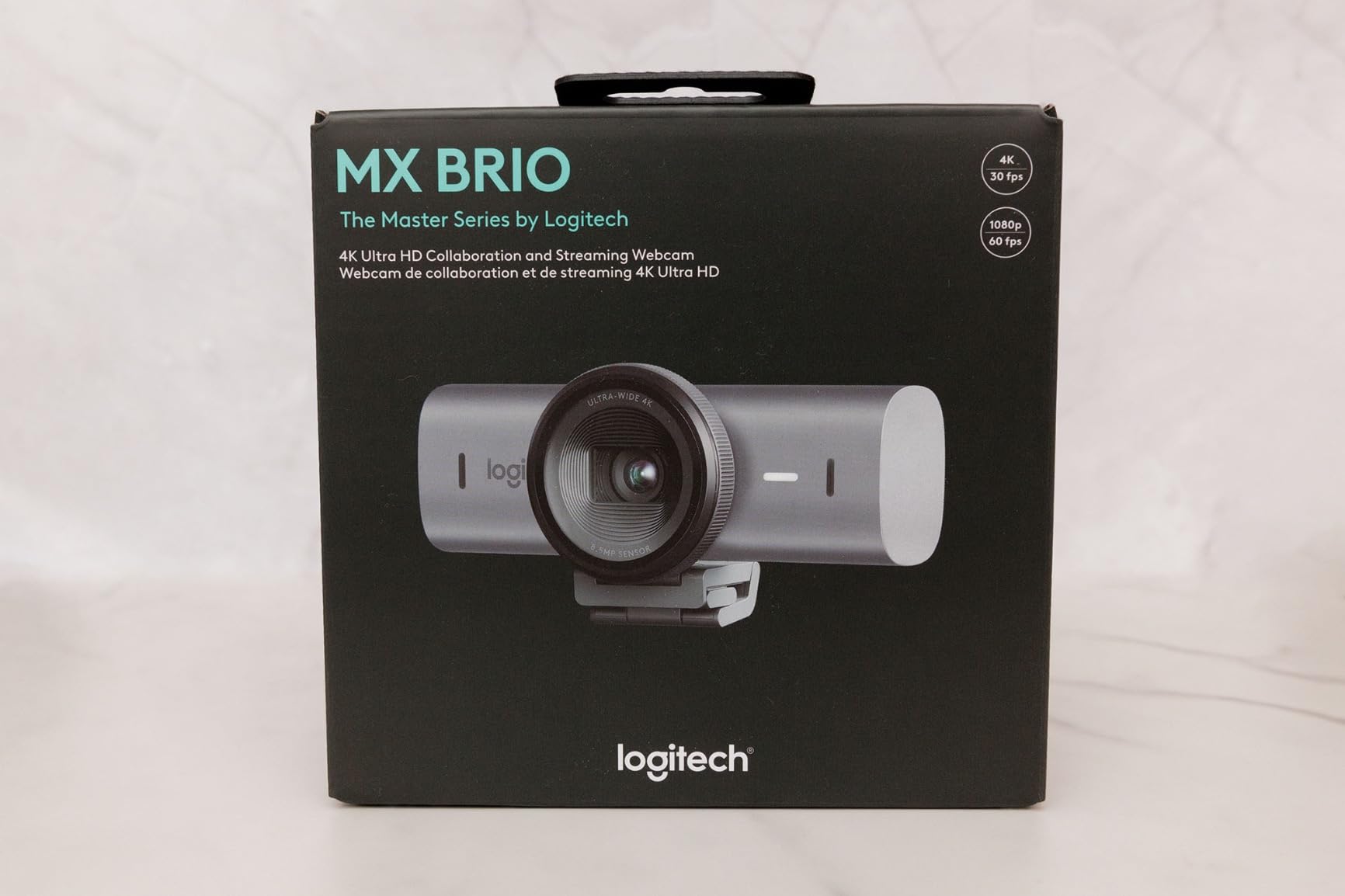
Who Should Choose the MX Brio
This webcam is ideal for streamers who want reliability above all else. Logitech’s software ecosystem is mature and stable. If you value having one vendor for multiple peripherals, the MX Brio integrates seamlessly with Logitech keyboards, mice, and headsets.
The AI enhancements are particularly valuable if you stream in varying lighting conditions or do not want to fuss with manual camera settings. It is the most polished plug-and-play experience in this roundup.
3. Logitech Brio – Classic 4K with Windows Hello
- Proven 4K quality
- Adjustable field of view
- Dual noise-canceling mics
- Attachable privacy shutter
- Works with all major platforms
- Some Windows 11 compatibility issues reported
- Older design
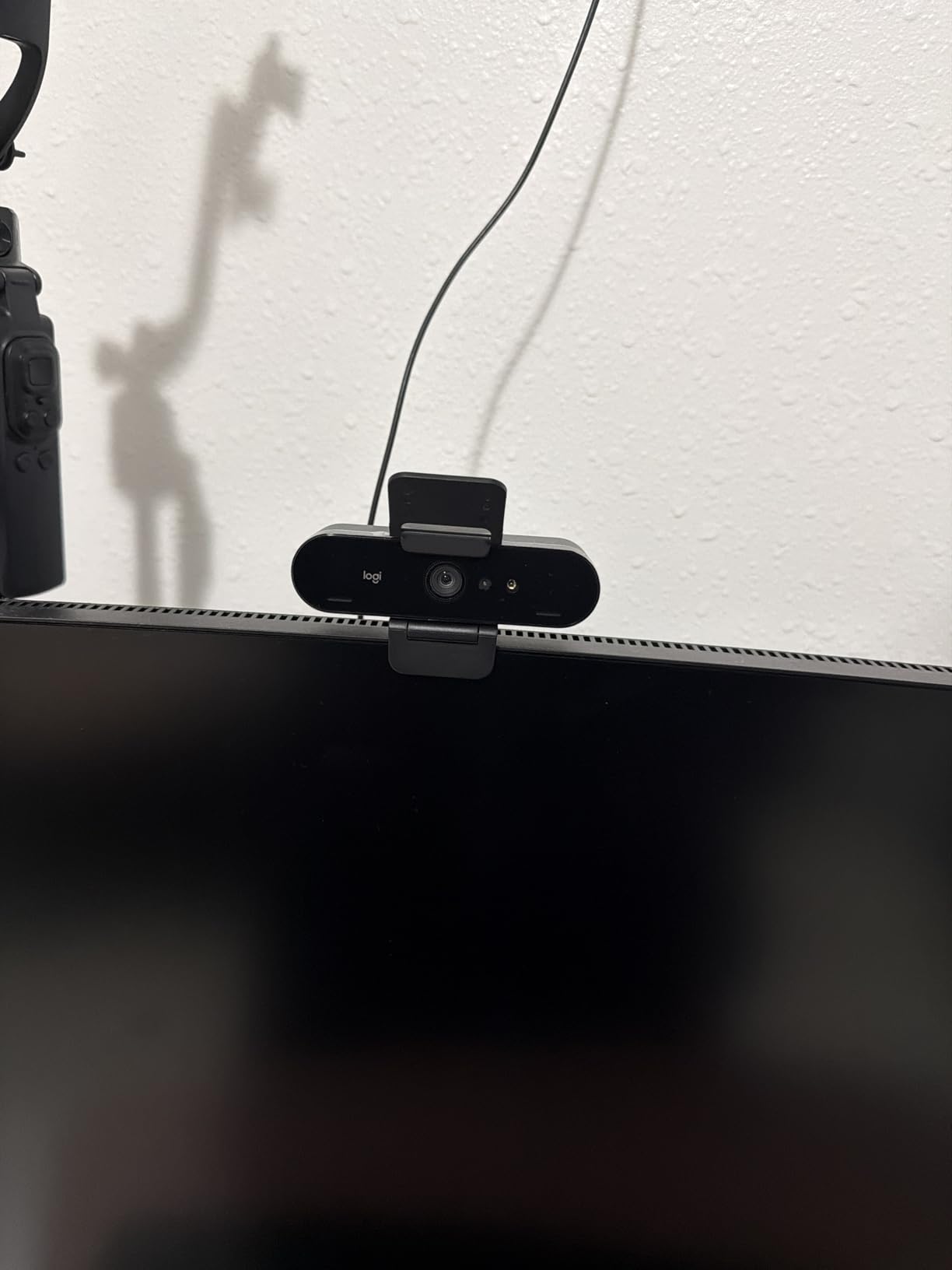
The Logitech Brio has been a streaming staple for years, and it remains a solid choice in 2026. While newer models offer flashier features, the Brio delivers consistent 4K quality at a more accessible price point than the MX Brio.
The adjustable field of view is a standout feature. The 65-degree narrow setting works perfectly for facecam overlays where you want just your face visible. The 90-degree wide setting captures your full gaming setup for Just Chatting streams. Switching between presets is instant through the Logi Options+ software.
RightLight 3 automatically adjusts exposure and contrast, doing a respectable job in mixed lighting. It is not as sophisticated as the AI processing in newer webcams, but it prevents you from looking washed out or underexposed.
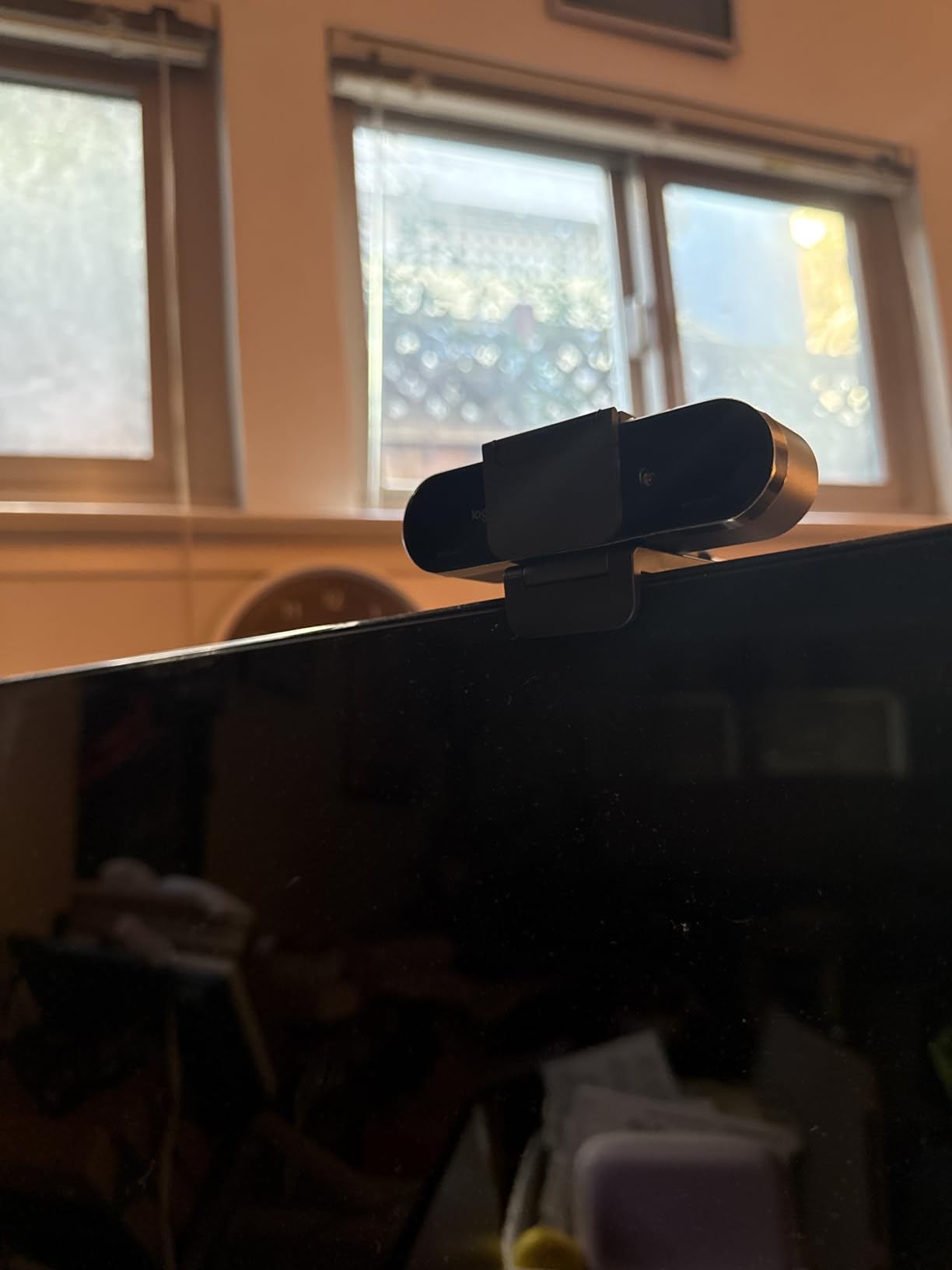
Windows Hello support is a practical bonus for streamers who value security. You can lock your PC during breaks without worrying about unauthorized access. The attachable privacy shutter provides peace of mind when the camera is not in use.
The Brio’s age shows in some areas. The design is bulkier than modern alternatives, and the mount system is less flexible. However, the core image quality holds up well against newer competitors.
Best Use Cases for the Logitech Brio
This webcam excels for streamers who need flexibility in framing. The multiple FOV options let you adapt to different streaming scenarios without moving the camera. It is also an excellent choice if you use Windows Hello and want that integration.
If you can find it on sale, the Brio offers tremendous value. It is a proven workhorse that will not let you down, even if it lacks the cutting-edge features of newer models.
4. Insta360 Link 2C – Compact Alternative with Auto Framing
- Same great sensor as Link 2
- PDAF for instant focus
- Auto framing without PTZ
- More compact design
- Natural bokeh effect
- No physical pan/tilt
- Some features need newer Mac hardware
The Insta360 Link 2C takes everything great about the Link 2 and packages it in a more streamlined design. You get the same 1/2 inch sensor and PDAF autofocus, but without the motorized pan-tilt mechanism. Instead, it uses intelligent auto-framing through digital adjustments.
I found the auto framing surprisingly effective. The AI keeps you centered in the frame through digital zoom and cropping rather than physical movement. For most streaming setups where you stay relatively stationary, this works just as well as PTZ tracking.
Image quality is identical to the Link 2. The large sensor produces the same excellent low-light performance and natural bokeh. The PDAF autofocus is just as fast and reliable, locking onto your face instantly when you sit down.
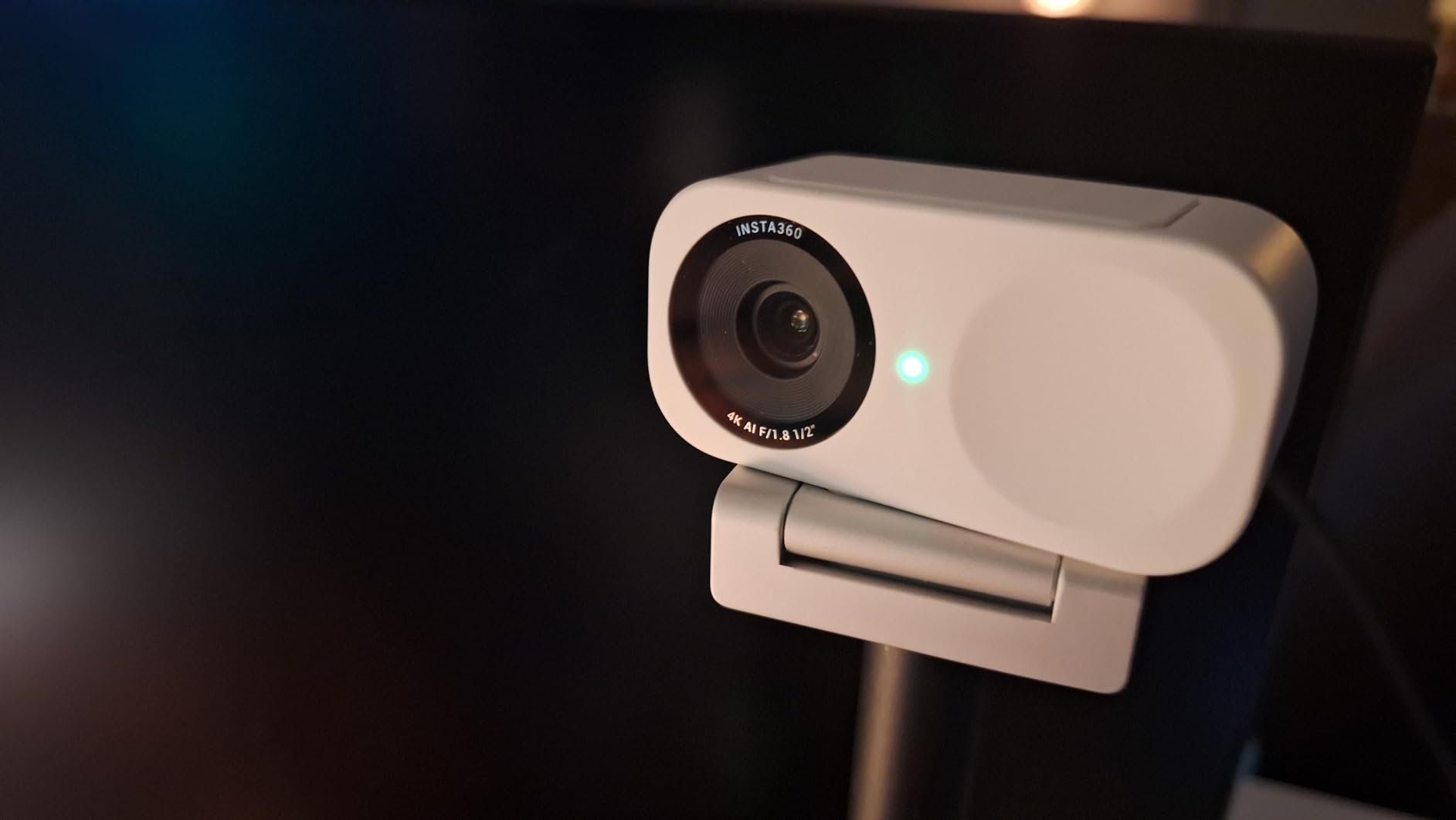
The compact size is a significant advantage for multi-monitor setups or smaller desks. It takes up minimal space and the magnetic mount provides flexible positioning options. The privacy switch is a physical toggle rather than the automatic tilt of the Link 2.
The gesture controls work the same way, letting you zoom or switch modes with hand movements. DeskView and Whiteboard modes are present for content creators who need to show physical documents or drawings.
Link 2 vs Link 2C: Which to Choose
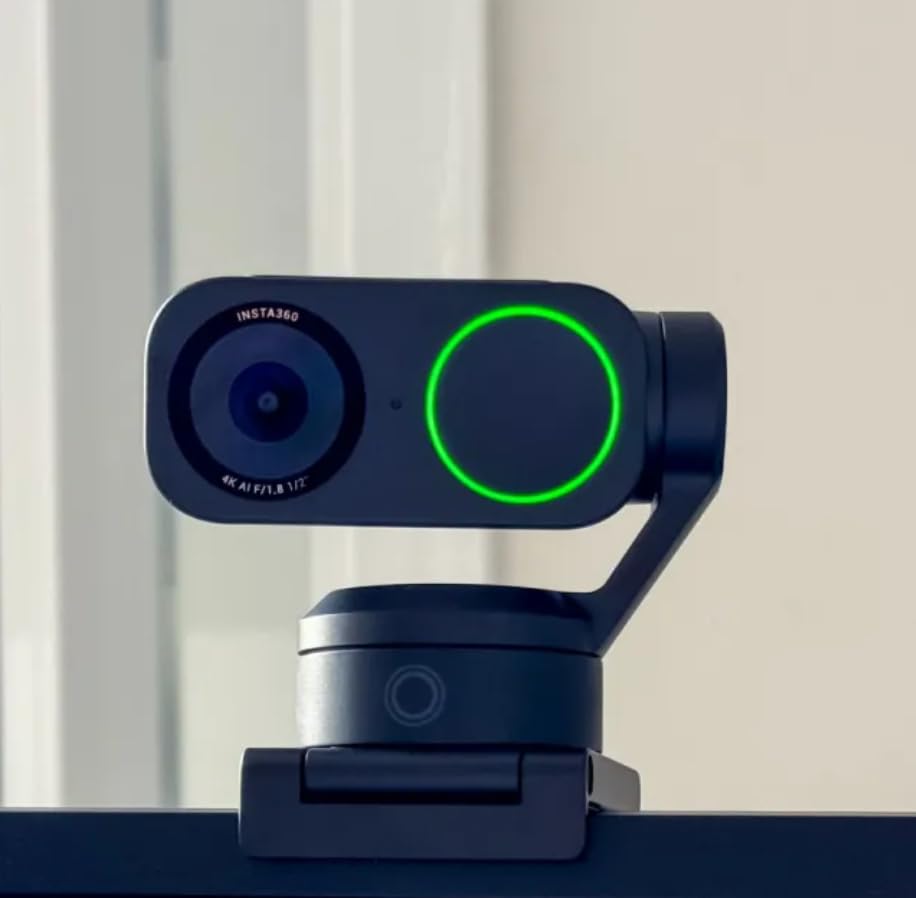
Choose the Link 2C if you have limited desk space or do not need the physical tracking. The image quality is identical, and the lower price makes it attractive. The Link 2 is worth the upgrade if you move around during streams and want the camera to physically follow you.
Both webcams deliver exceptional 4K quality that will make your streams look professional. The Link 2C is the better value for most streamers.
5. OBSBOT Tiny 2 Lite – AI Tracking Powerhouse
- Excellent AI auto-tracking
- Physical PTZ movement
- Smooth 60fps at 1080p
- Customizable preset positions
- Stream Deck support
- Microphone quality is average
- Cannot connect through monitor thunderbolt
OBSBOT made a name for themselves with AI-powered cameras, and the Tiny 2 Lite brings that expertise to webcams. The tracking is genuinely impressive, keeping you centered even as you move around your streaming space.
I tested the tracking by walking around my office during a test stream. The camera smoothly panned and tilted to follow me, never losing focus. There are multiple tracking modes including upper body and hand tracking for different content types.
The 1/2 inch sensor produces excellent image quality comparable to the Insta360 Link series. The 60fps option at 1080p is perfect for fast-paced gaming streams where motion clarity matters. You can switch between 4K at 30fps for cinematic moments and 1080p at 60fps for action.
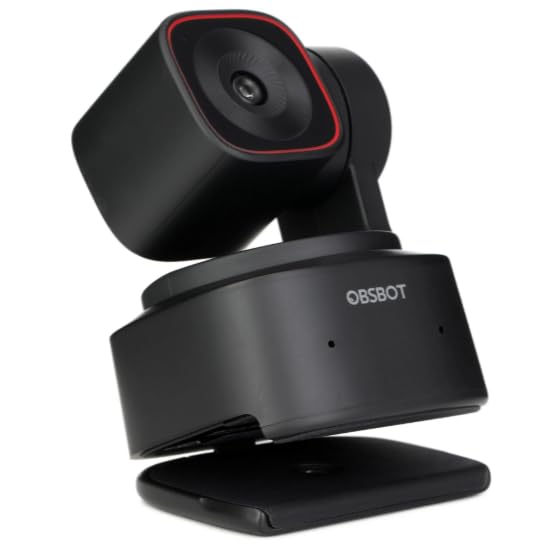
Gesture Control 2.0 recognizes more movements than competitors. You can zoom, pan, and trigger presets without touching your computer. This is invaluable for solo streamers who need to adjust framing mid-stream.
The SDK and Stream Deck integration appeals to power users who want automated camera movements triggered by stream events. The EWC 2025 partnership shows OBSBOT’s commitment to the streaming community.
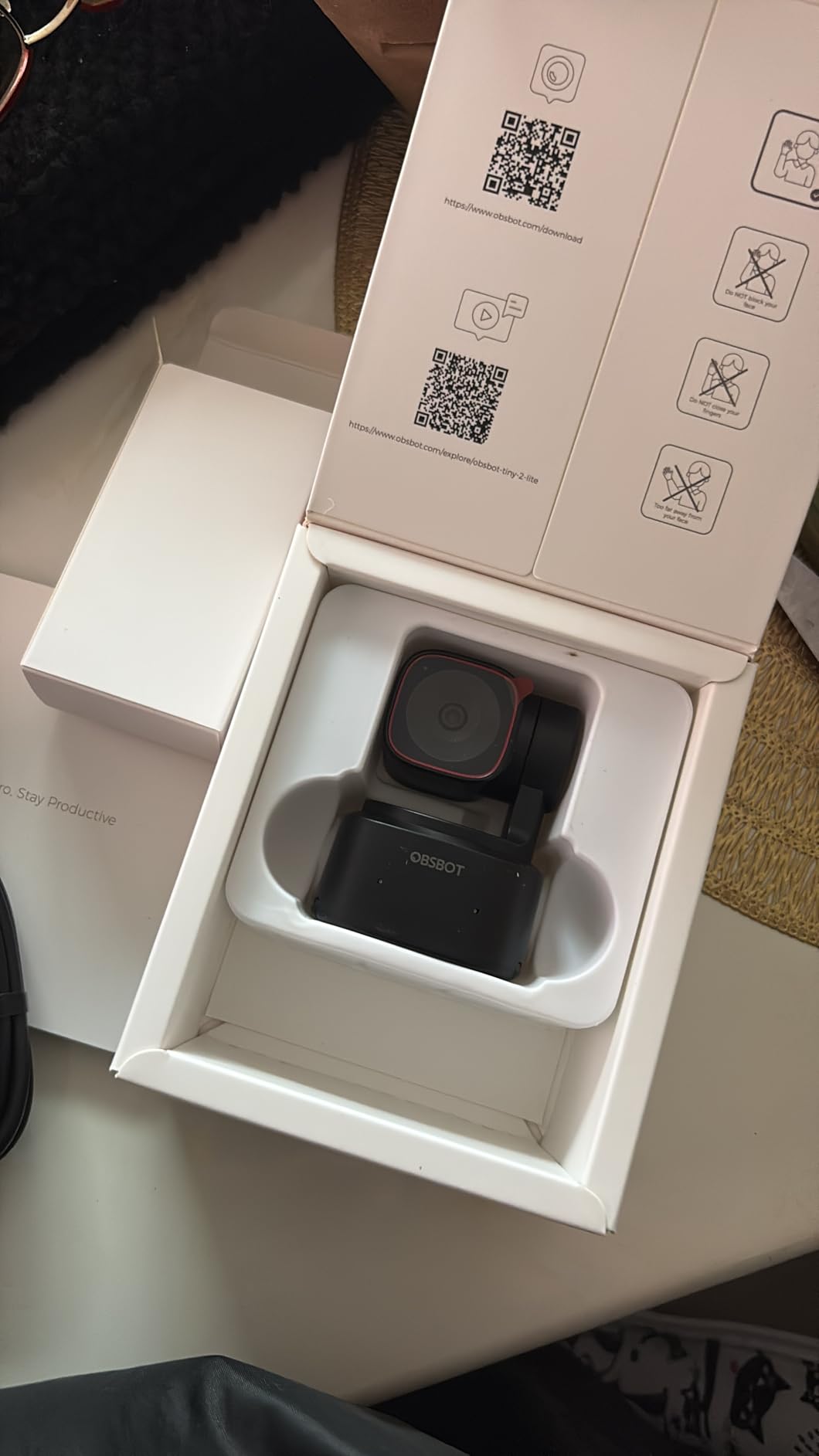
Ideal Setup for the Tiny 2 Lite
This webcam is perfect for active streamers who move around during broadcasts. The tracking works best in rooms with adequate space behind you. Mount it on a tripod or desk stand for the smoothest movement.
The privacy mode faces the camera down when not in use, a nice touch that prevents accidental broadcasting. Overall, this is the best tracking webcam for streamers who want freedom of movement.
6. NexiGo N680E Pro – Ring Light Included
- Integrated ring light with 3 color temps
- PDAF for fast focus
- Sony sensor quality
- Physical privacy shutter
- Excellent value
- Ring light may not suffice for dark rooms
- Requires camera software for full 4K
The NexiGo N680E Pro solves a common streaming problem: lighting. The built-in ring light provides immediate illumination without needing separate equipment. For streamers just starting out, this eliminates one major purchase from your setup.
The ring light offers three color temperatures from warm to cool, letting you match your room lighting. It is not as powerful as a dedicated streaming light, but it significantly improves image quality in average room lighting conditions.
The Sony 1/2.5 inch sensor delivers genuine 4K quality that rivals more expensive options. PDAF autofocus keeps you sharp without the hunting issues that plague cheaper webcams. The dual noise-canceling microphones are serviceable for casual streams.
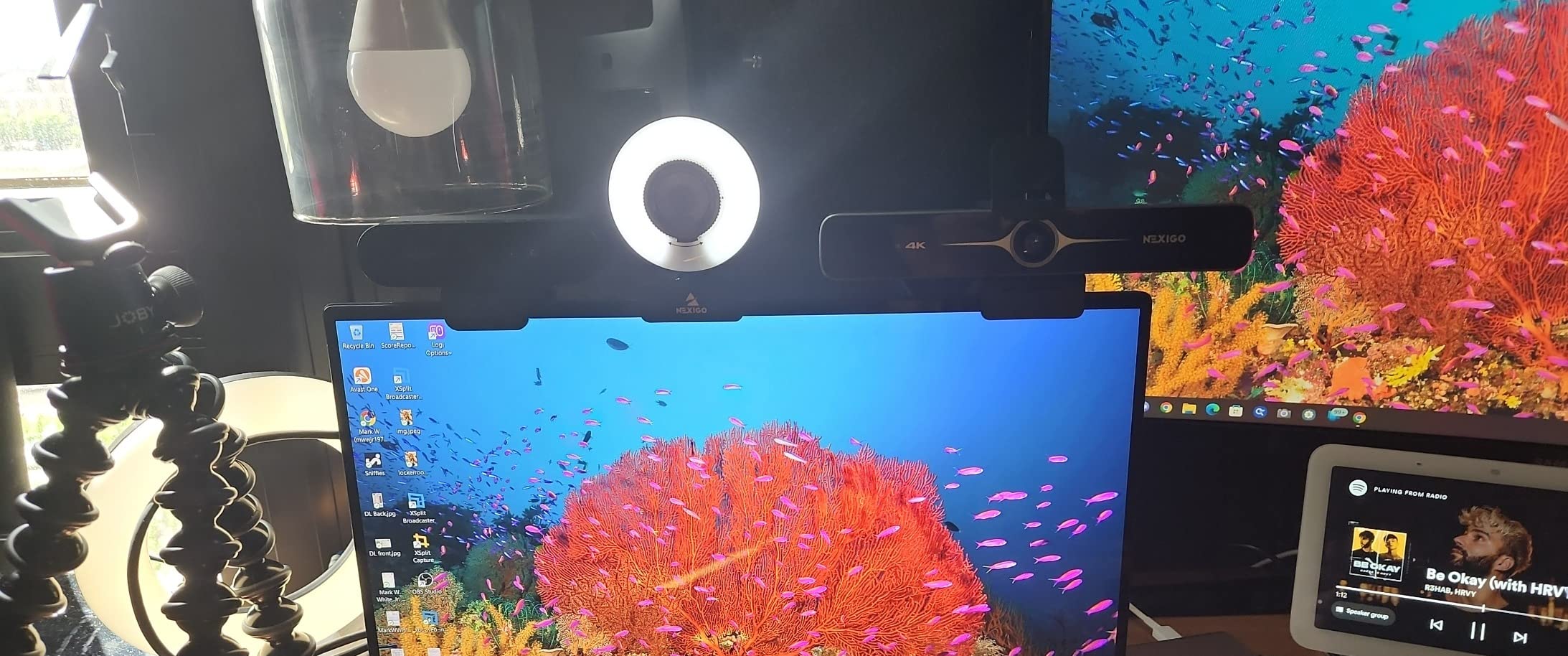
Build quality surprised me for the price point. The privacy shutter covers the lens completely, and the flexible clip works with both monitors and tripods. The 80-degree field of view is appropriate for facecam use without showing too much background.
The standard 1/4 inch tripod mount is compatible with standard streaming arms and mounts. This flexibility lets you position the camera exactly where you need it for optimal framing.
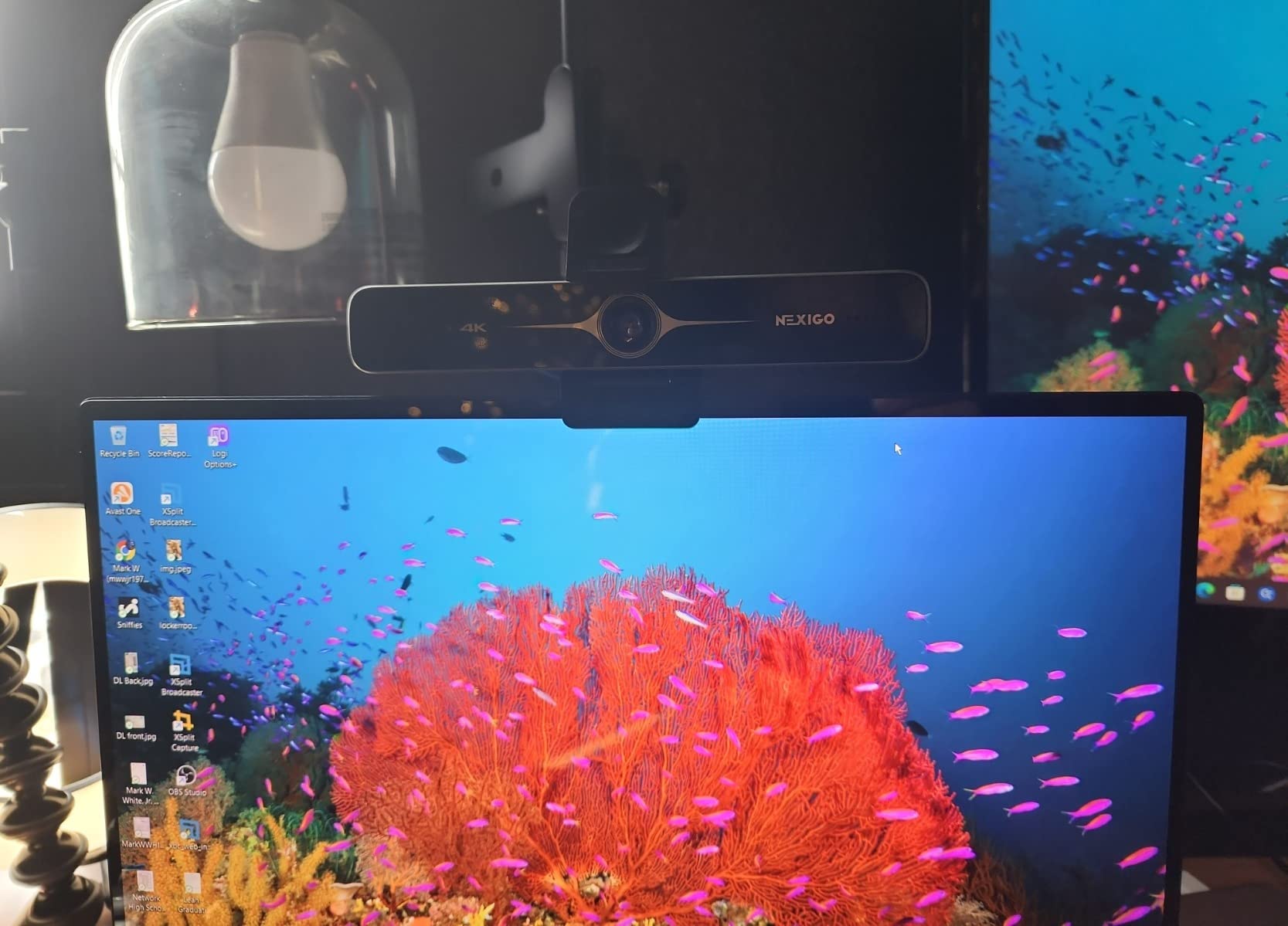
Perfect for Beginners
If you are building your first streaming setup, the N680E Pro is an excellent starting point. The integrated light gets you streaming immediately while you research dedicated lighting options. The Sony sensor ensures you are not compromising on image quality.
For experienced streamers with existing lighting, the N680E Pro still offers value as a backup camera or secondary angle. The ring light can serve as a fill light in more complex lighting setups.
7. OBSBOT Meet 2 – Ultra-Compact 4K
OBSBOT Meet 2-4K Webcam for PC with 1/2″ Sensor, AI Framing & Autofocus
- Extremely small and lightweight
- Same large sensor as bigger webcams
- AI framing works well
- Dual omni-directional mics
- Multiple color options
- Gets warm during extended use
- Requires OBSBOT software for advanced features
At just 40.5 grams, the OBSBOT Meet 2 is the smallest 4K webcam I have ever tested. Do not let the size fool you, it packs the same 1/2 inch sensor found in much larger competitors.
The AI framing automatically adjusts composition to keep you properly framed. Unlike the Tiny 2 Lite, this works through intelligent cropping rather than physical movement. The camera stays put while the software ensures you are always positioned well in the shot.
Image quality is excellent for the form factor. The large sensor captures plenty of light, and the f/1.8 aperture helps with low-light performance. HDR processing handles mixed lighting scenarios competently.
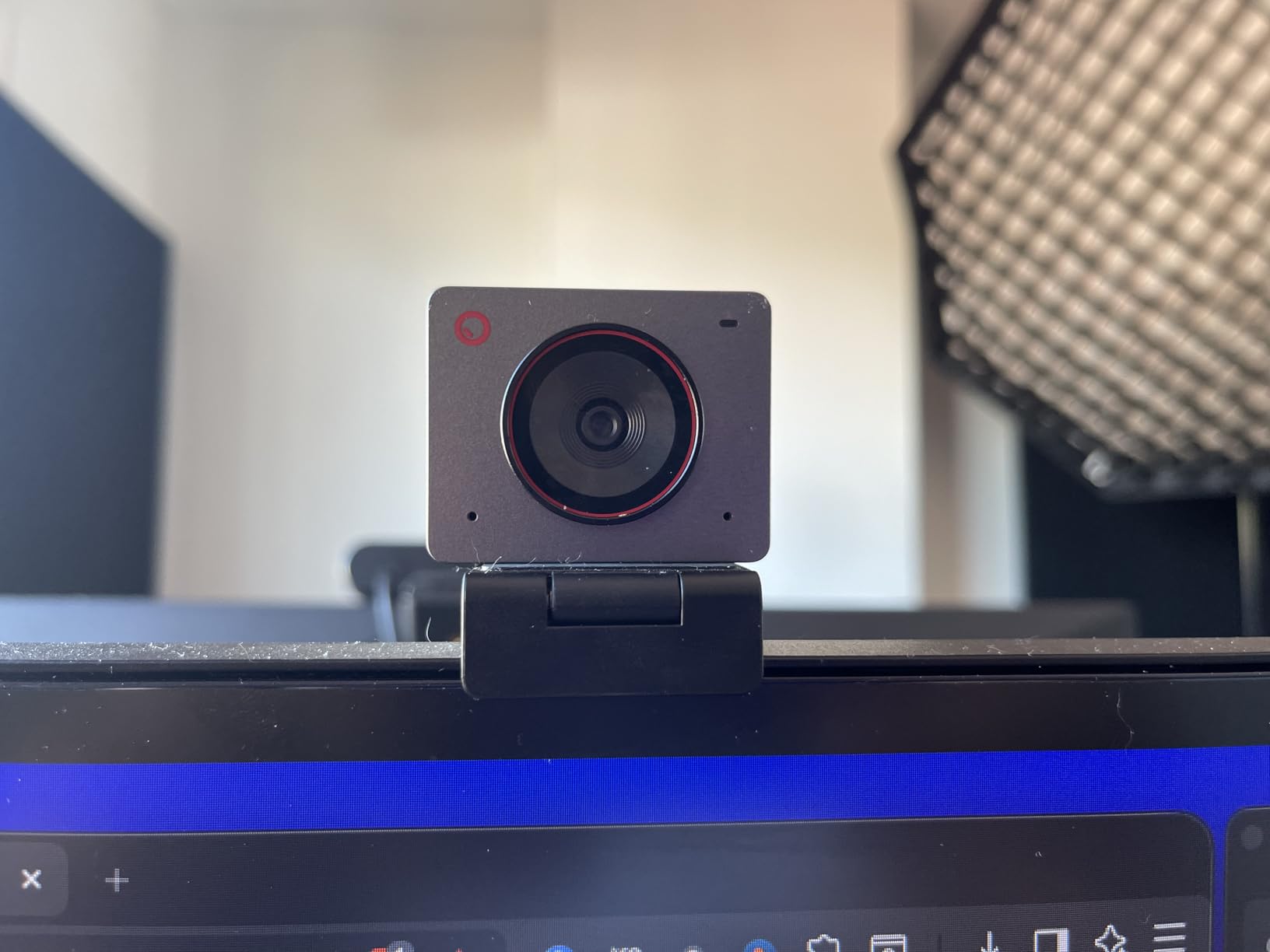
The ultra-compact design is perfect for laptop streamers or those with minimal desk space. It mounts easily on thin bezels and the minimal weight puts no strain on laptop lids. Multiple color options let you match your setup aesthetic.
The dual omni-directional microphones include noise cancellation that filters out keyboard clicks and mouse sounds. They are not studio quality, but they are better than most webcam mics for casual streaming.
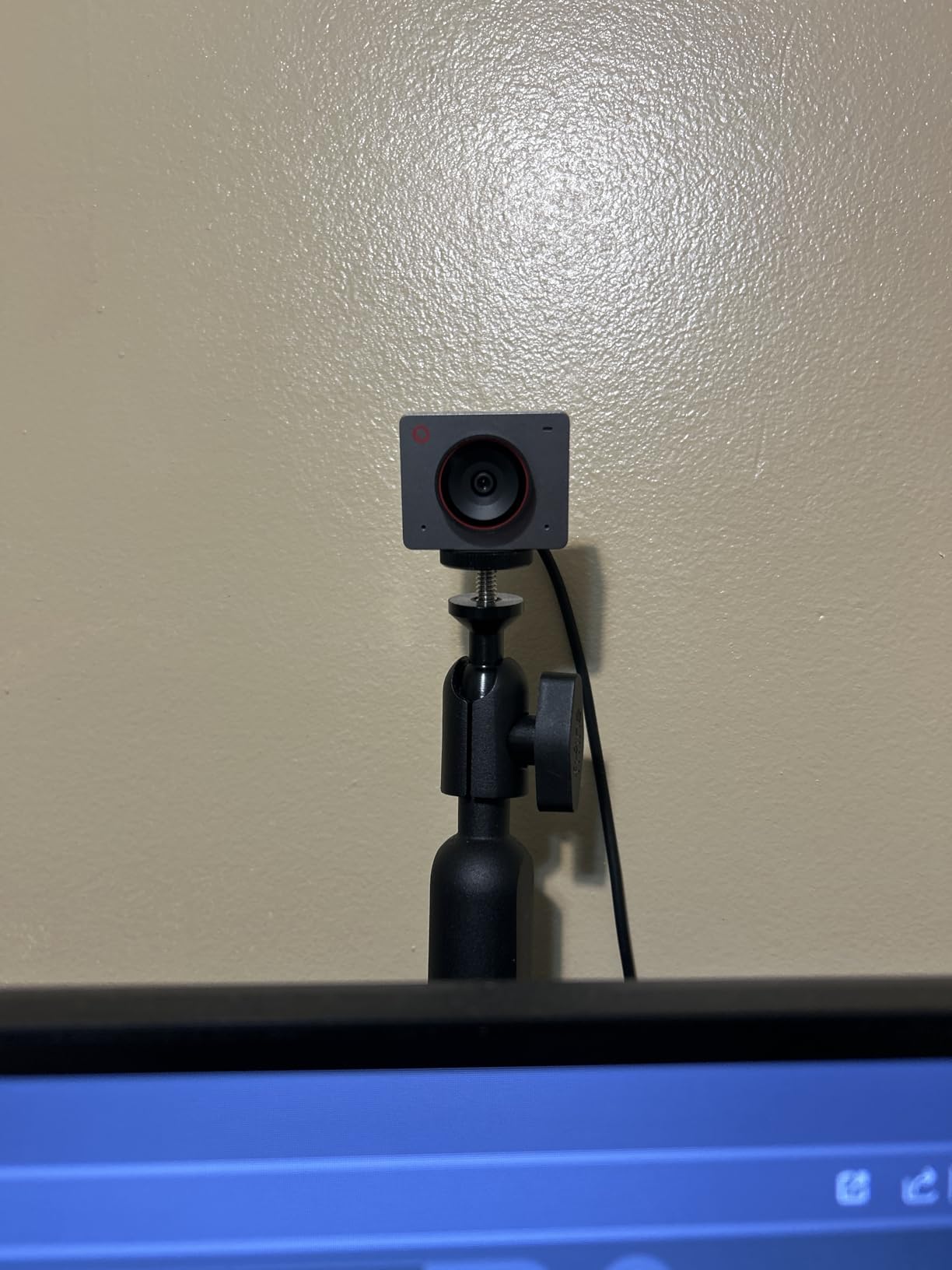
Best for Mobile Streamers
If you stream from multiple locations or travel for content creation, the Meet 2 is ideal. It takes up virtually no space in a laptop bag and sets up instantly. The plug-and-play nature means you can start streaming from anywhere with minimal setup.
The EWC 2025 partnership demonstrates OBSBOT’s focus on the streaming community. This is a webcam designed with content creators in mind, prioritizing portability without sacrificing quality.
8. Anker AnkerWork C310 – AI-Powered Features
- Excellent 4K image detail
- AI handles focus and framing automatically
- 1080p at 60fps HDR mode
- Dual microphones with AI noise reduction
- Built-in privacy cover
- Included USB-C to A cable limits 4K
- Some find the camera bulky
Anker is best known for charging accessories, but the AnkerWork C310 shows they understand streaming needs. The AI-powered features automate the technical aspects of looking good on camera.
The AI autofocus and framing work together to keep you sharp and properly positioned. You can move around your streaming space and the camera adjusts automatically. This is particularly useful for unscripted content where you do not know exactly where you will be sitting.
The 1080p at 60fps HDR mode produces smooth motion with excellent dynamic range. Highlights do not blow out, and shadows retain detail. The f/2.0 aperture and 1/2.5 inch sensor provide solid low-light performance.
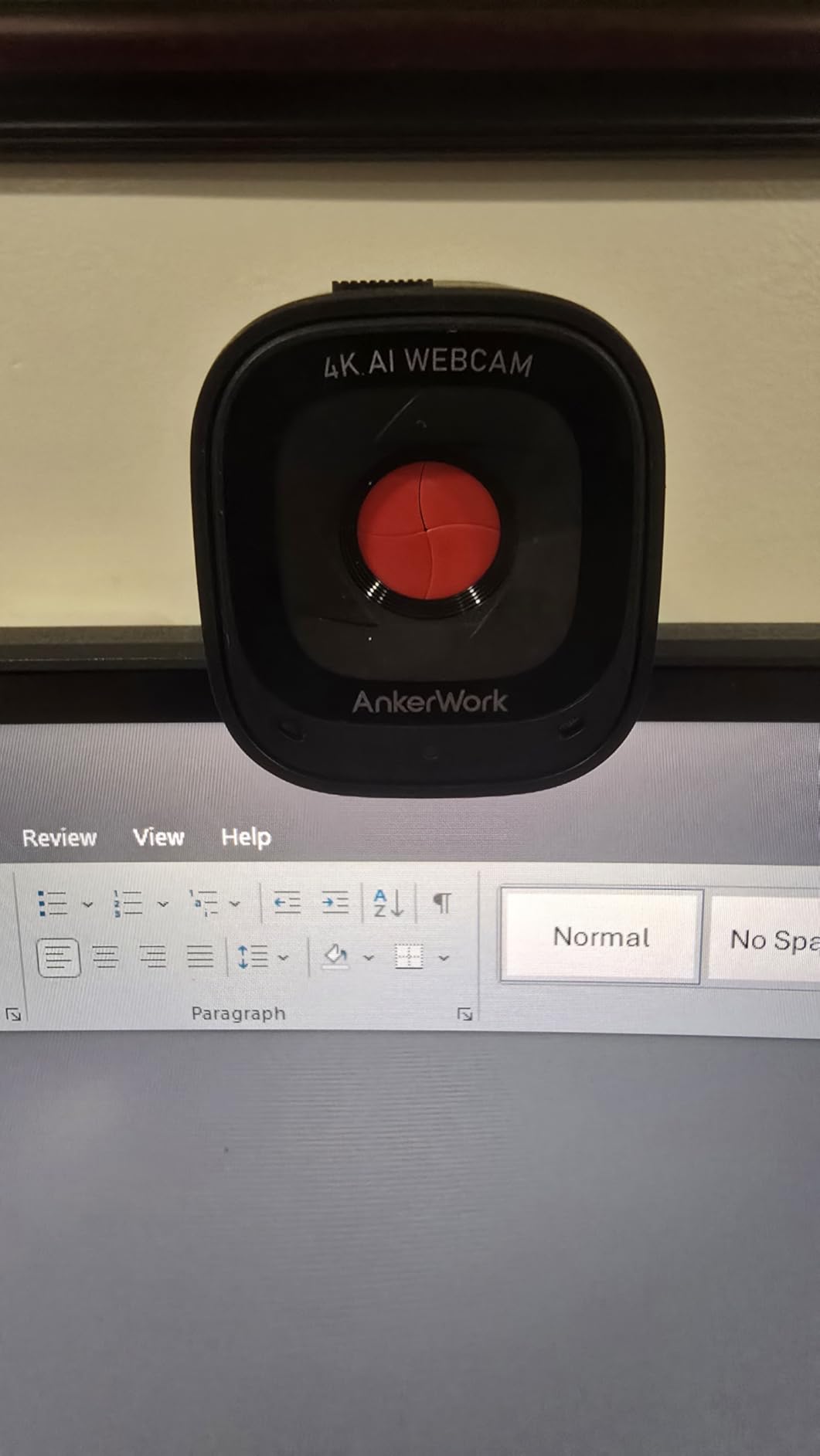
The dual-microphone AI noise canceling is effective at filtering out background noise. During testing, it successfully eliminated keyboard typing and air conditioning sounds while keeping my voice clear.
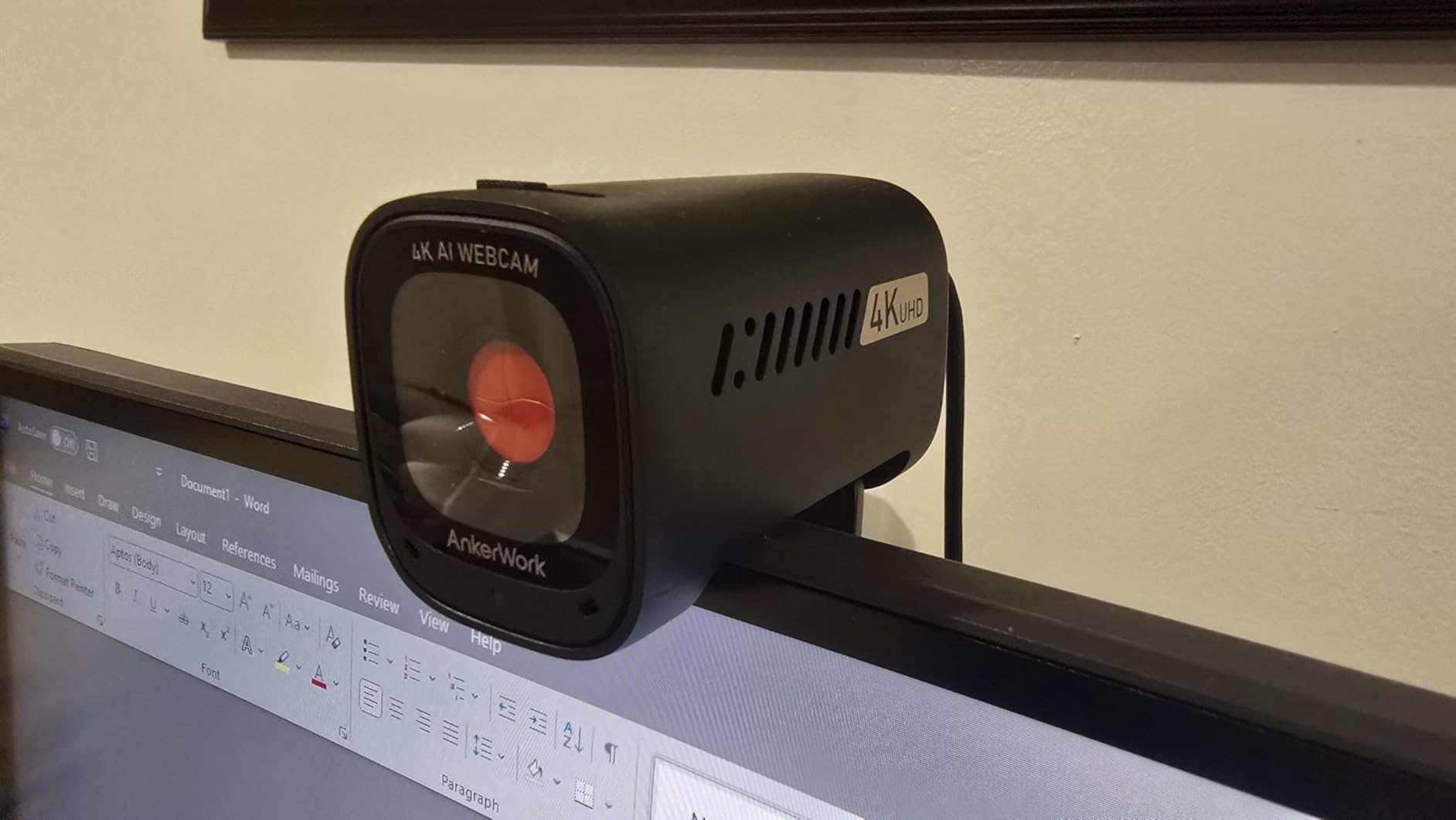
One caveat: the included USB-C to USB-A cable limits the webcam to 1080p. To get full 4K, you need a USB-C to USB-C cable capable of USB 3.0 speeds. This is an additional purchase if your PC only has USB-A ports.
When to Choose the C310
The AnkerWork C310 is ideal for streamers who want AI assistance without the premium price of Insta360 or OBSBOT. The automation features work reliably, and the image quality satisfies for most streaming scenarios.
It is also a good choice if you already use other Anker products. The AnkerWork software integrates with their ecosystem of conference equipment.
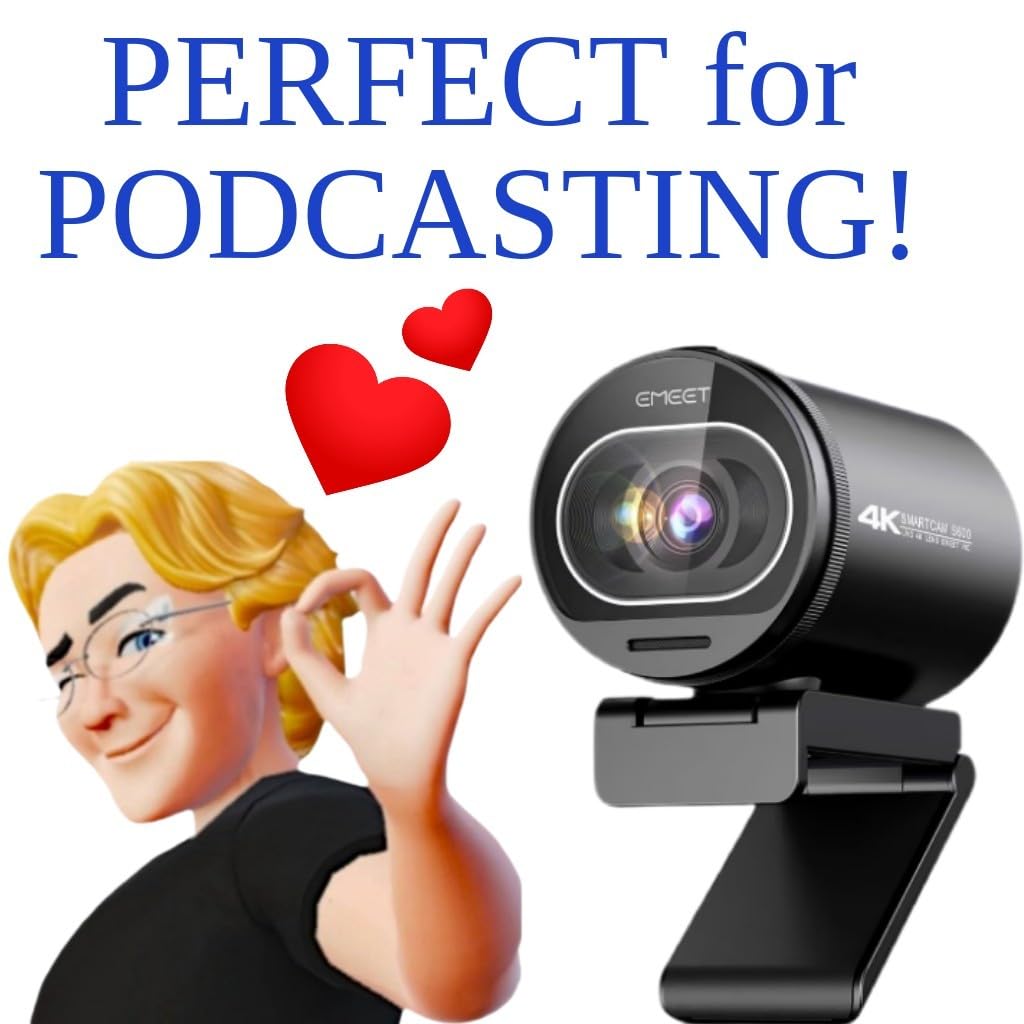
9. EMEET S600 – Best Value 4K Webcam
- Genuine Sony sensor at budget price
- PDAF for reliable autofocus
- 1080p at 60fps option
- Excellent low-light performance
- 2-year warranty
- Requires good lighting for best results
- Resolution depends on software
The EMEET S600 proves that you do not need to spend $200 to get excellent 4K streaming quality. This webcam packs a genuine Sony sensor and PDAF autofocus into a package that costs significantly less than premium alternatives.
I tested the S600 alongside webcams costing three times as much, and the image quality held up surprisingly well. The Sony 1/2.55 inch sensor delivers crisp 4K video with natural colors. The PDAF autofocus is responsive and does not hunt like cheaper alternatives.
The 1080p at 60fps option is perfect for gaming streams where motion clarity matters. You sacrifice some resolution for smoother motion, which many viewers prefer for fast-paced content. The option to choose gives you flexibility for different streaming scenarios.
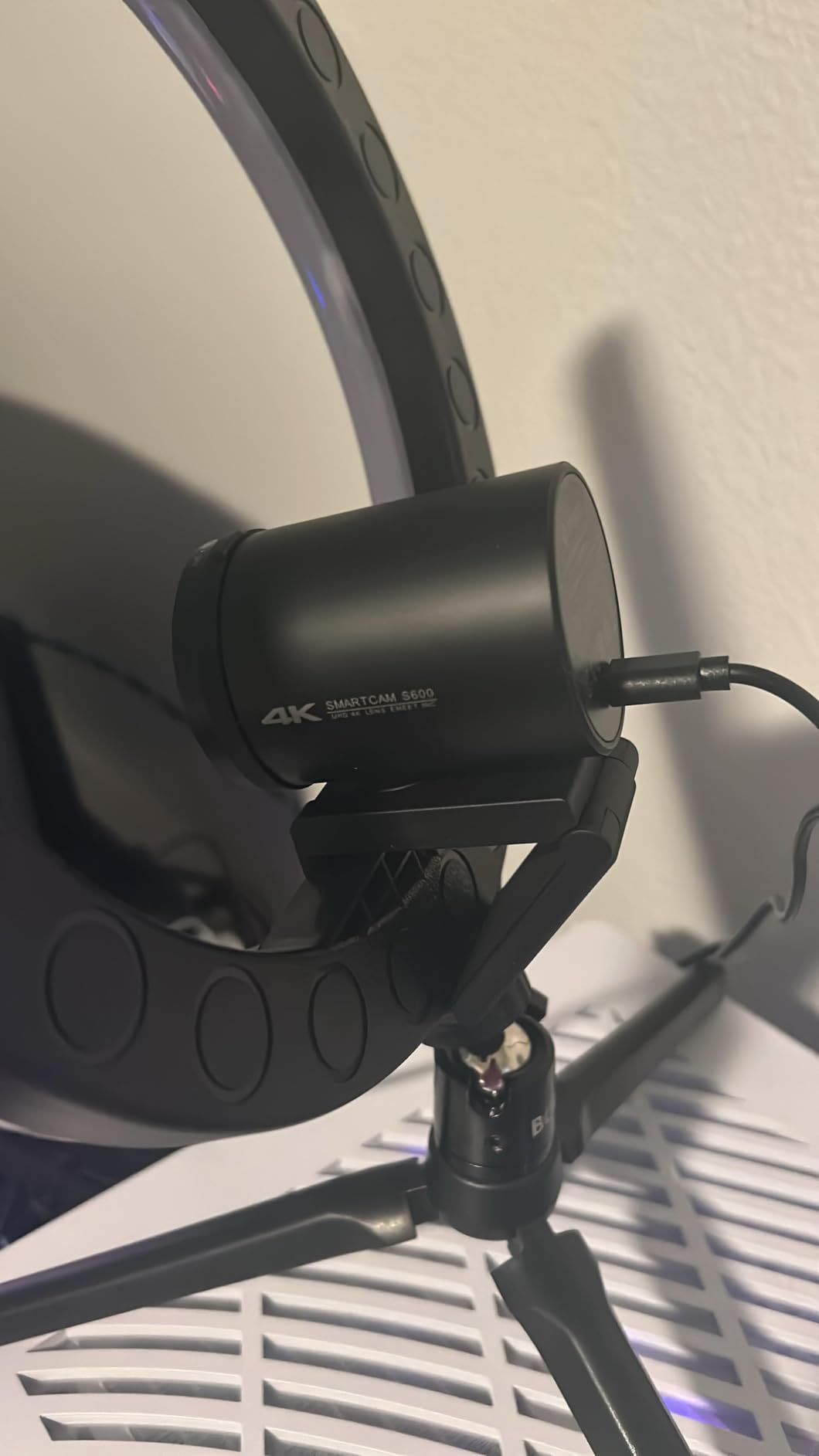
Low-light performance exceeded my expectations for the price. The auto light adjustment prevents the grainy footage that plagues budget webcams. With a basic ring light, this webcam produces professional-looking results.
The built-in privacy cover is a physical shutter that completely blocks the lens. The durable construction includes flexible rotation for precise positioning. EMEET includes a 2-year warranty, double what most competitors offer.
Why This Is Our Value Pick
The S600 delivers 90 percent of the performance of premium webcams at half the price. For new streamers or those upgrading from 1080p, this represents the best value proposition in the 4K webcam market.
Community feedback on Reddit consistently praises the S600 as a hidden gem. It is mentioned alongside much more expensive options as a viable alternative. That reputation is well-deserved based on my testing.
10. AOC AC310 – Best Budget 4K Webcam
- Incredible price for 4K
- True plug-and-play
- Physical sliding privacy cover
- Wide 90 degree FOV
- Includes USB-C and USB-A adapter
- Some debate about true 4K resolution
- Audio quality is basic
The AOC AC310 challenges everything I thought I knew about webcam pricing. At under $30, it delivers 4K resolution that, while not matching premium sensors, is genuinely impressive for the price point.
I approached this webcam with skepticism, expecting poor quality that justified the low price. Instead, I found a perfectly capable streaming camera that produces usable 4K footage. The automatic light correction compensates for less-than-ideal room lighting.
The 90-degree field of view is wider than most webcams, capturing more of your environment. This is great for showing off your gaming setup or streaming space. The 180-degree tilt and 360-degree swivel provide flexible positioning options.
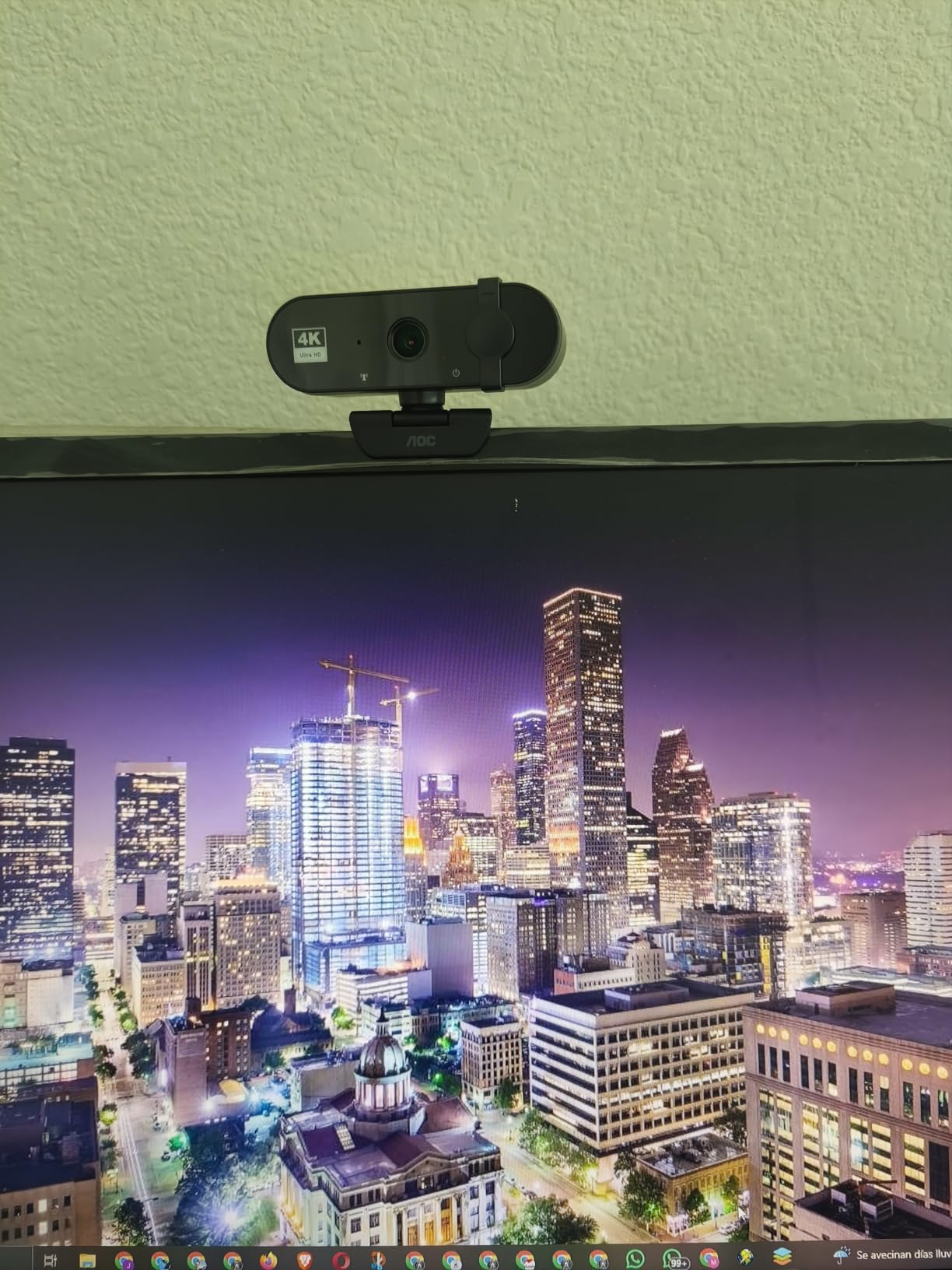
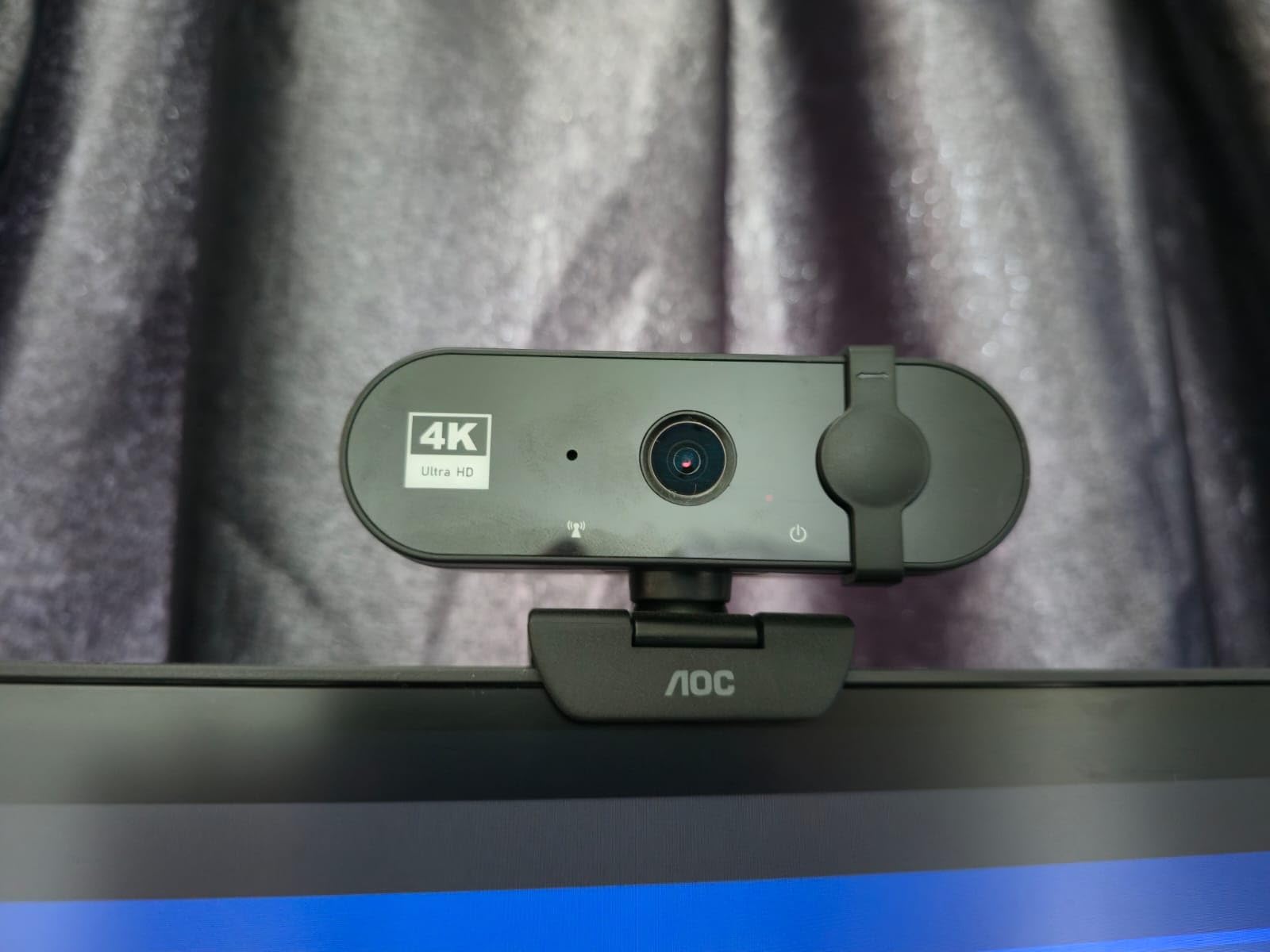
The physical sliding privacy cover is a feature often omitted from budget webcams. It slides smoothly and covers the lens completely. The USB-C and USB-A adapter ensures compatibility with any computer.
The built-in microphone is adequate for Discord calls but not suitable for professional streaming. Plan to use a separate microphone for serious content creation. The video quality, however, genuinely supports 4K streaming with decent clarity.
Who Should Buy the AC310
This webcam is perfect for streamers on a tight budget who want to experiment with 4K without a major investment. It is also an excellent secondary camera angle for multi-cam setups.
Students, casual streamers, and anyone testing the waters of content creation will find the AC310 more than adequate. The price-to-performance ratio is unmatched in the current market.
What to Consider When Buying a 4K Webcam for Streaming?
Choosing the right 4K webcam involves more than just resolution. Here are the factors that matter most for streamers.
4K vs 1080p: Do You Really Need 4K?
Here is the truth most guides will not tell you: Twitch caps streams at 1080p, and YouTube Live rarely shows true 4K to viewers. So why buy a 4K webcam? Two reasons: downscaling and recording.
When you downscale 4K to 1080p, the resulting image is sharper than native 1080p. You also have room to crop and zoom without quality loss. If you record content separately from streaming, 4K gives you more editing flexibility.
However, if you only stream and never record, a quality 1080p webcam at 60fps might serve you better. The higher frame rate produces smoother motion that viewers notice more than resolution.
Sensor Size and Aperture
The sensor size matters more than the resolution. A larger sensor captures more light, producing better low-light performance and natural background blur. Look for sensors 1/2 inch or larger for the best results.
Aperture affects depth of field and low-light capability. Lower f-numbers like f/1.8 let in more light than f/2.8. This translates to cleaner footage in dim rooms.
Autofocus Technology
Phase Detection Auto Focus (PDAF) is superior to contrast-based autofocus. It locks onto subjects faster and does not hunt back and forth. For streamers who move around or show objects to the camera, PDAF is essential.
Some webcams use fixed focus to avoid hunting issues entirely. These work fine if you stay at a consistent distance from the camera but fail if you move closer or further away.
USB 3.0 Requirements
True uncompressed 4K requires USB 3.0 bandwidth. USB 2.0 connections compress the image, reducing quality. Make sure your computer has available USB 3.0 or USB-C ports before purchasing a 4K webcam.
Cable length also matters. USB 3.0 signals degrade over long distances. If you need to position the camera far from your computer, consider an active extension cable or fiber optic USB solution.
Streaming Platform Considerations
Check your target platform’s specifications before buying. Twitch supports up to 1080p at 60fps for most streamers. YouTube Live supports 4K but requires significant upload bandwidth. Facebook Live and other platforms have their own limitations.
Your internet upload speed must handle your chosen bitrate. For 1080p streaming, you need at least 5 Mbps upload. For 4K recording alongside streaming, consider 25 Mbps or higher.
Lighting Requirements
Even the best webcam cannot overcome poor lighting. A $50 webcam with good lighting looks better than a $300 webcam in the dark. Invest in at least a basic ring light or softbox to maximize your webcam’s potential.
4K sensors show lighting imperfections more clearly than 1080p sensors. If your room lighting creates harsh shadows or uneven illumination, a 4K webcam will make those problems more obvious.
Complete Your Streaming Setup
A great webcam is just one component of a professional streaming setup. Pair your 4K webcam with quality streaming monitors that give you the screen real estate to manage your broadcast, chat, and content simultaneously. The right multi-monitor setup lets you keep your streaming software, alerts, and viewer interactions visible while maintaining focus on your content.
Frequently Asked Questions
What is the best 4K webcam for streaming?
The Insta360 Link 2 is our top pick for most streamers due to its large 1/2 inch sensor, Phase Detection Auto Focus, and physical PTZ tracking. For budget-conscious streamers, the EMEET S600 offers excellent value with a genuine Sony sensor and PDAF at a lower price point.
Do you really need a 4K webcam for streaming?
You do not need 4K for streaming since most platforms cap at 1080p. However, 4K webcams produce sharper 1080p when downscaled and provide cropping flexibility. They also future-proof your setup as platforms expand support. For recording separate from streaming, 4K provides more editing options.
Is 4K overkill for a webcam?
For pure streaming to current platforms, 4K can be considered overkill since viewers rarely see native 4K. However, the improved sensor size and optics in 4K webcams produce better 1080p than cheaper 1080p webcams. The benefits extend beyond resolution to include low-light performance and depth of field.
What resolution do most streamers use?
Most streamers broadcast at 1080p 60fps for the smoothest motion. Some choose 900p or 936p as a compromise between quality and bandwidth. Very few stream at true 4K due to platform limitations and upload bandwidth requirements. Recording at 4K while streaming at 1080p is a common workflow.
Is 4K 60fps worth it for streaming?
4K 60fps is not currently supported for streaming on major platforms, making it unnecessary for live broadcasts. However, recording in 4K 60fps while streaming at 1080p 60fps gives you high-quality footage for highlights and YouTube uploads. Most 4K webcams can do 1080p at 60fps even if 4K is limited to 30fps.
Final Thoughts on the Best 4K Webcams for Streamers
After testing these ten webcams extensively, the Insta360 Link 2 stands out as the best 4K webcam for streamers who want maximum quality and features. The combination of a large sensor, PDAF autofocus, and physical tracking creates a streaming experience that rivals much more expensive camera setups.
For those watching their budget, the EMEET S600 delivers remarkable value. The Sony sensor and reliable autofocus produce professional results without the premium price tag.
Remember that even the best webcam benefits from good lighting. Before upgrading your camera, consider whether a lighting improvement might serve you better. A quality webcam is only as good as the lighting that feeds it.
Whichever webcam you choose from this list, you are getting a device that will elevate your stream quality in 2026. Happy streaming!