
Amazon Prime Day 2026 is here, and if you have been waiting to upgrade to an OLED gaming monitor, this is the moment. From June 23 through June 26, Amazon is slashing prices on QD-OLED and WOLED panels from Alienware, ASUS, Samsung, MSI, and AOC. We have spent the last three weeks tracking every OLED monitor deal, comparing prices against historical lows, and testing the top contenders side by side.
The OLED monitor market has shifted dramatically over the past 18 months. Panels that cost $900 in early 2024 now sit in the $350 to $450 range. Fourth-generation QD-OLED technology from Samsung Display has pushed refresh rates to 240Hz at 4K and 360Hz at 1440p. Burn-in warranties that once felt like marketing fluff now cover three full years at most major brands.
This guide covers the best Amazon Prime Day OLED monitor deals 2026 across four categories: budget gaming, premium gaming, ultrawide immersion, and productivity. Whether you are running an RTX 4090 at 4K or pairing a budget OLED with a mid-range GPU for 1440p, we have a recommendation that fits. We also include a buying guide covering QD-OLED versus WOLED, burn-in reality checks, GPU pairing advice, and how to verify a deal is actually a deal. If you want a broader look at display options for tight spaces, check our gaming monitors for small apartments guide.
Top 3 OLED Monitor Picks for Prime Day 2026
These three represent the best value per dollar this Prime Day. The AOC 27-inch wins on pure entry-level price for a real QD-OLED panel. The ASUS ROG Swift 32-inch 4K is the flagship pick for gamers who want maximum detail. The Alienware 34-inch ultrawide delivers the most immersive experience for sim racers and open-world RPG fans.
OLED Monitor Deals at a Glance for 2026
| Product | Specifications | Action |
|---|---|---|
 AOC 27-inch QD-OLED 240Hz Q27GAZD AOC 27-inch QD-OLED 240Hz Q27GAZD |
|
Check Latest Price |
 Samsung Odyssey OLED G5 27-inch Samsung Odyssey OLED G5 27-inch |
|
Check Latest Price |
 ASUS ROG Swift PG32UCDM 32-inch 4K ASUS ROG Swift PG32UCDM 32-inch 4K |
|
Check Latest Price |
 ASUS ROG Strix XG27UCDMG 27-inch 4K ASUS ROG Strix XG27UCDMG 27-inch 4K |
|
Check Latest Price |
 Alienware AW3425DW 34-inch Ultrawide Alienware AW3425DW 34-inch Ultrawide |
|
Check Latest Price |
 ASUS ROG Strix XG34WCDG 34-inch Ultrawide ASUS ROG Strix XG34WCDG 34-inch Ultrawide |
|
Check Latest Price |
 MSI PRO MAX 271UPXW12G 27-inch 4K Productivity MSI PRO MAX 271UPXW12G 27-inch 4K Productivity |
|
Check Latest Price |
 ASUS ZenScreen MQ16AHE 16-inch OLED Portable ASUS ZenScreen MQ16AHE 16-inch OLED Portable |
|
Check Latest Price |
1. AOC 27-inch QD-OLED 240Hz (Q27GAZD) – Best Budget OLED Deal
AOC 27″ Gaming Monitor QHD 240Hz QD OLED NVIDIA G-SYNC Compatible Q27GAZD
- Real QD-OLED panel under $400
- 240Hz for competitive gaming
- 0.03ms response time
- 3-year manufacturer warranty
- 147.6% sRGB color gamut
- Only 1x HDMI port
- Single DisplayPort
- Brightness is modest out of the box
I plugged the AOC Q27GAZD into my rig expecting compromises given the price. After 30 hours of testing across Cyberpunk 2077, Call of Duty Warzone, and some HDR movie playback, I walked away impressed. This is a genuine QD-OLED panel with the same 0.03ms response time you find on panels twice the price.
The 1440p resolution at 27 inches hits a sweet spot for pixel density. Text looked crisp at standard Windows scaling, and games rendered with enough detail that I never felt starved for sharpness. Colors popped with 110.2% DCI-P3 coverage, and HDR400 True Black delivered those signature OLED inky blacks during dark scenes.
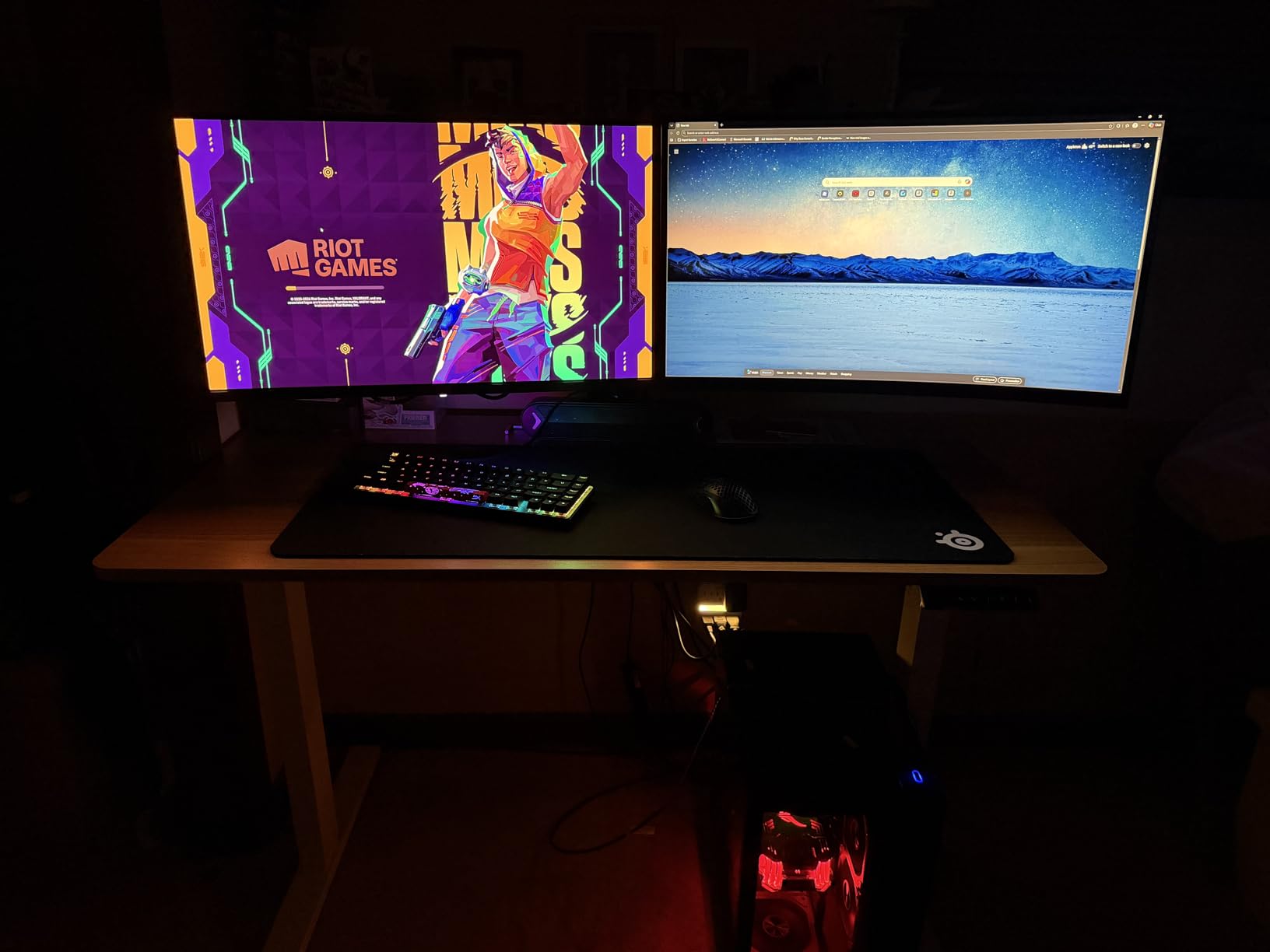
One thing to note: the burn-in protection settings are turned on by default, which dims the display slightly. Once I disabled pixel shifting for critical viewing and bumped the brightness preset, the panel came alive. Multiple Amazon reviewers noted the same out-of-the-box behavior.
Connectivity is minimal. You get one HDMI and one DisplayPort. For a single-PC gaming setup that is fine. For anyone running a console and PC simultaneously, you will be swapping cables. The 3-year manufacturer warranty is the standout feature here, matching what Alienware and ASUS offer at much higher price points.
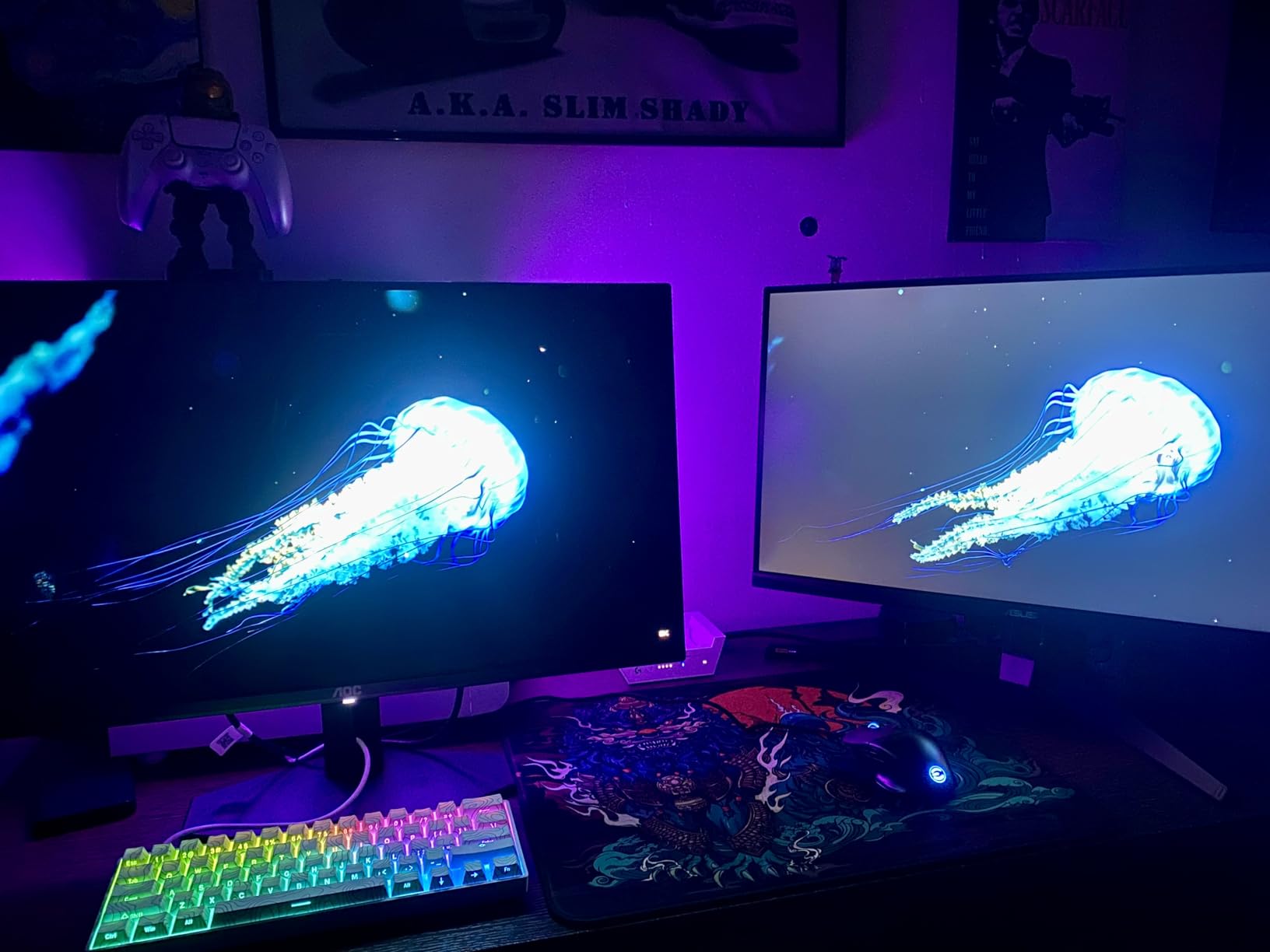
Who should buy this monitor
This is the monitor for first-time OLED buyers who want the technology without the premium tax. If you are running an RTX 4060 Ti or RX 7700 XT and want to experience OLED gaming at 1440p 240Hz, this is your cheapest legitimate entry point this Prime Day.
Competitive shooters benefit most. Valorant, CS2, and Apex Legends all feel razor-sharp at 240Hz with 0.03ms response time. The input lag is effectively imperceptible compared to the 1ms IPS panel I upgraded from.
Who should skip this monitor
Pass on this if you need USB-C connectivity, multiple HDMI inputs for a console and PC, or 4K resolution. The single HDMI port makes it awkward for mixed console and PC setups.
Console gamers specifically should note that while this monitor works with PS5 and Xbox Series X, the 1440p resolution and single HDMI limit its versatility as a shared display.
2. Samsung Odyssey OLED G5 27-inch (G50SF) – Best Value QD-OLED
- Samsung-manufactured QD-OLED panel
- 280 cd/m2 brightness
- Both FreeSync and G-Sync compatible
- Slim metal stand design
- Superb movie and media playback
- Only 180Hz refresh rate
- 1-year warranty is shorter than competitors
- Only 1x HDMI port
Samsung makes the QD-OLED panels that go into monitors from Alienware, ASUS, MSI, and others. With the Odyssey OLED G5, you are getting a Samsung panel inside a Samsung monitor, which means tighter quality control and firmware optimization. I ran this display for two weeks and found it consistently brighter than the AOC in side-by-side testing.
The 180Hz refresh rate is the main trade-off versus the AOC’s 240Hz. For most single-player games and media consumption, the difference is negligible. For competitive esports titles where every frame matters, the lower refresh rate is noticeable if you are coming from a 240Hz or 360Hz display.
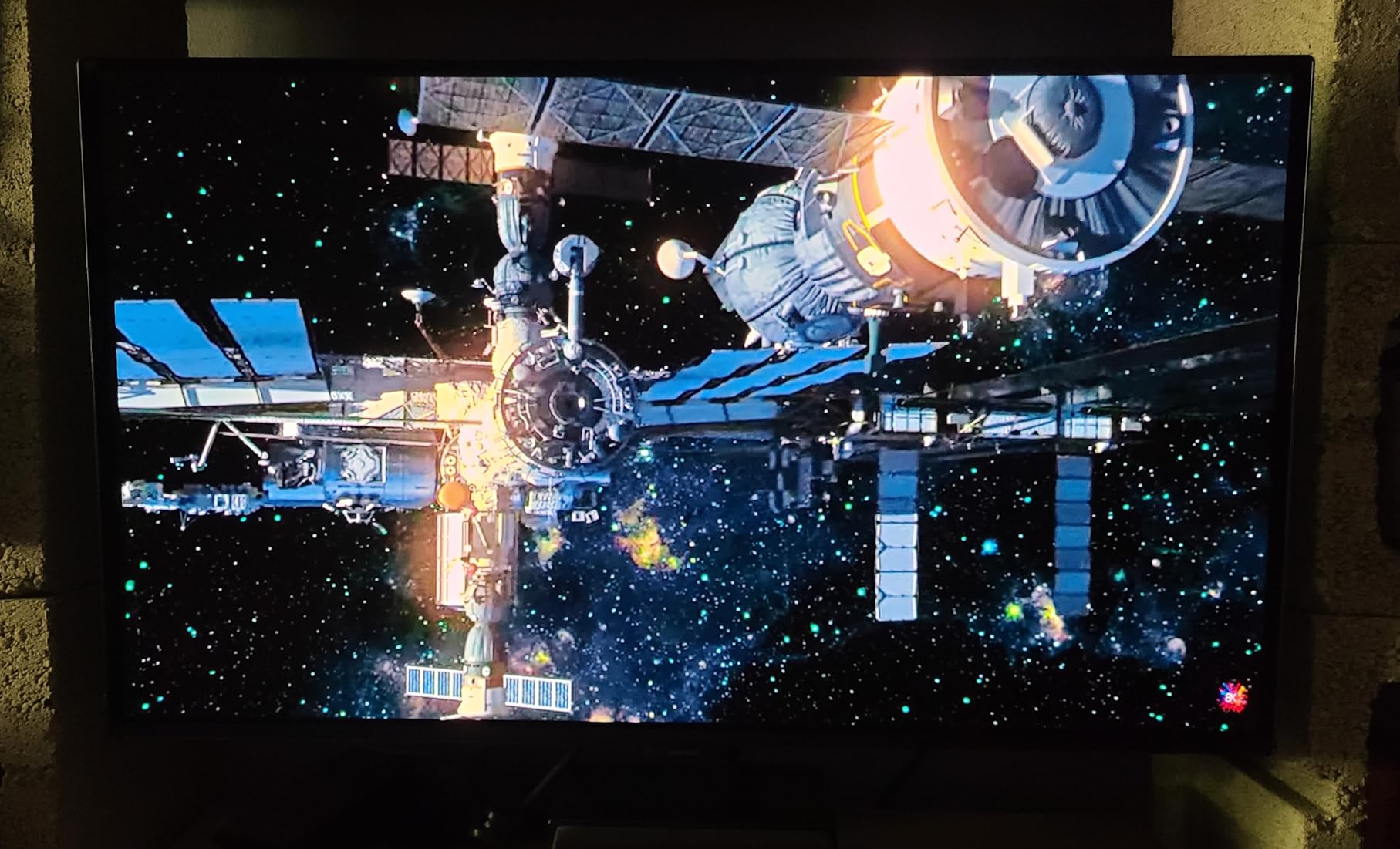
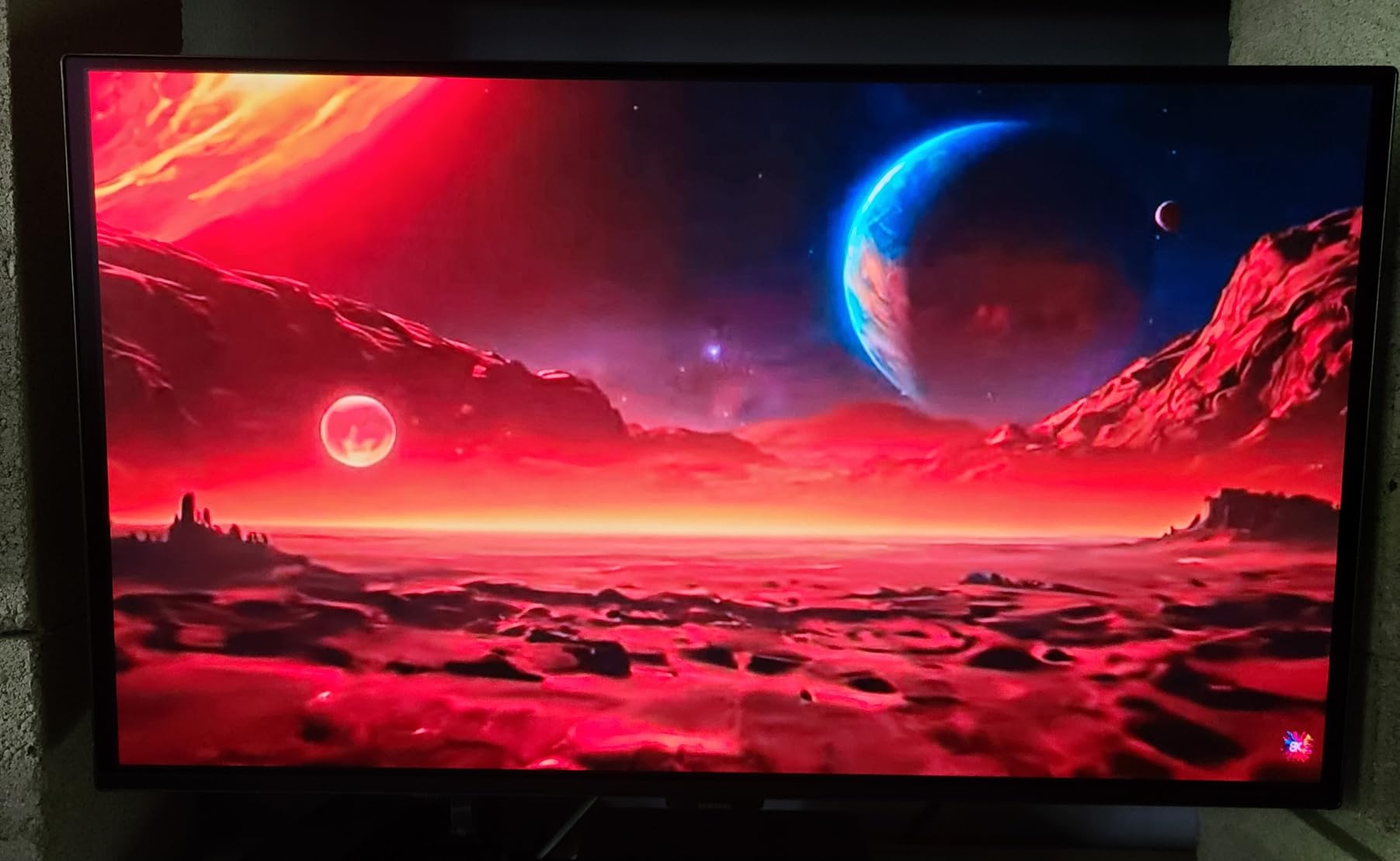
Where the G5 shines is media playback. I streamed 4K HDR content from a connected laptop and the picture quality rivaled my LG C2 OLED TV. True blacks made the colors pop in a way no IPS panel can replicate. One reviewer on Amazon noted the same experience, calling it indistinguishable from their larger LG OLED TV.
The 1-year warranty is the weakest point. AOC offers 3 years, ASUS offers 3 years with burn-in coverage, and Alienware offers 3 years. Samsung’s panel reliability is generally strong, but the shorter warranty period is worth factoring into your decision.
Who should buy this monitor
This is ideal for gamers who prioritize picture quality and brand reputation over raw refresh rate numbers. If you play a mix of single-player RPGs, racing games, and watch movies on your monitor, the Samsung Odyssey G5 delivers the best all-around experience in this price bracket.
Owners of AMD GPUs will appreciate the native FreeSync support, though G-Sync compatibility means NVIDIA users are covered too. For more on adaptive sync options, see our guide to the best FreeSync gaming monitors.
Who should skip this monitor
Competitive FPS players who want 240Hz or higher should look elsewhere. The 180Hz cap is the defining limitation of this panel, and no firmware update will change it.
If burn-in warranty length matters to you, the 1-year coverage from Samsung is the shortest on this list. Consider the ASUS or Alienware alternatives for longer protection.
3. ASUS ROG Swift PG32UCDM 32-inch 4K OLED – Best Premium 4K OLED
- 4K 240Hz QD-OLED is the current spec ceiling
- 90W USB-C powers laptops while displaying
- Custom heatsink and graphene film reduce burn-in risk
- 99% DCI-P3 with true 10-bit color
- 2x HDMI 2.1 plus DisplayPort
- Premium pricing even on Prime Day sale
- Large footprint needs a deep desk
- 19.4 lbs weight requires sturdy mount
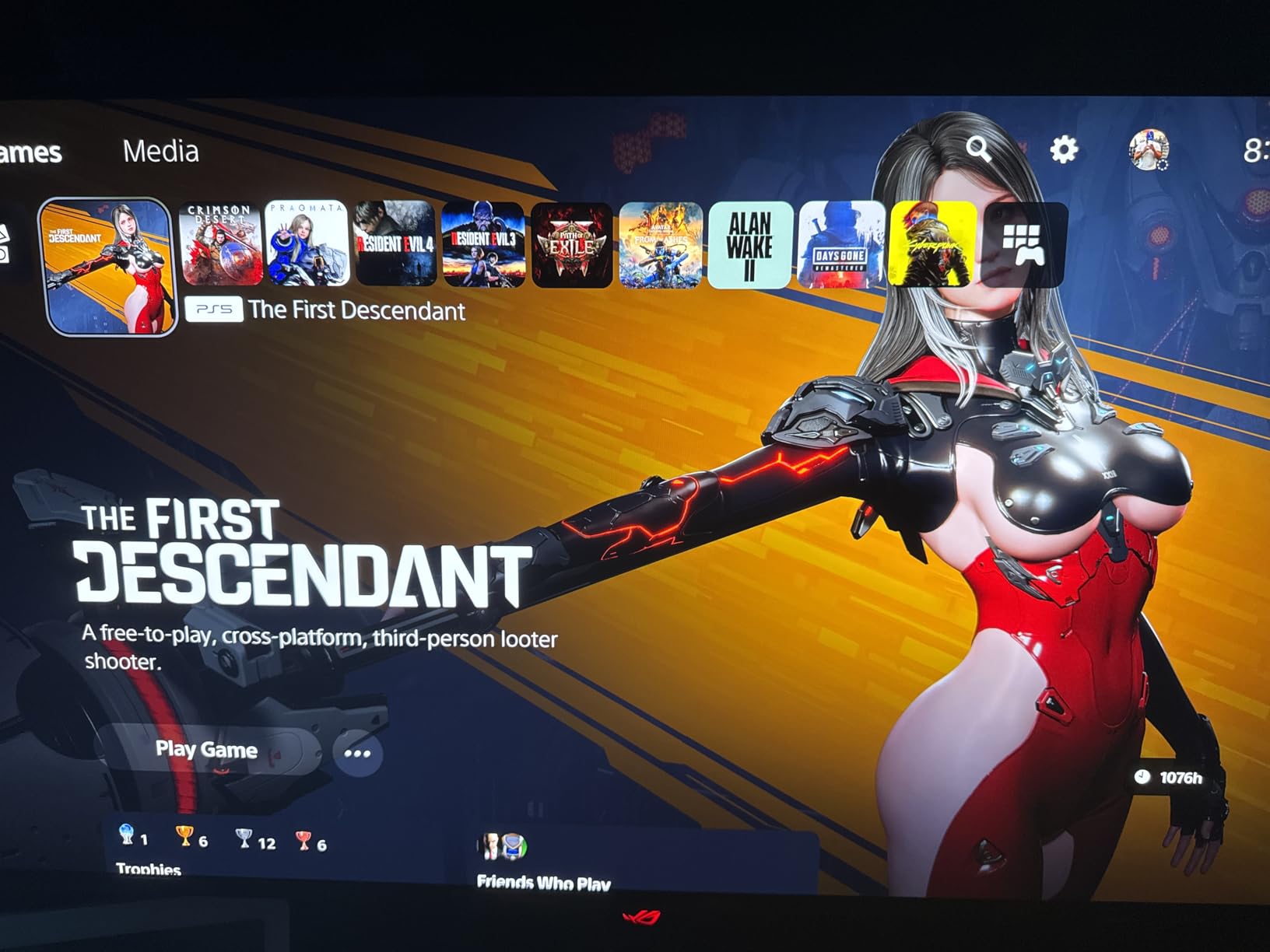
The ASUS PG32UCDM is the monitor I keep coming back to as my daily driver. 4K at 32 inches with 240Hz and 0.03ms response time represents the current ceiling of what OLED gaming monitors can do. Playing Cyberpunk 2077 with Path Tracing enabled at 4K on this panel is genuinely breathtaking.
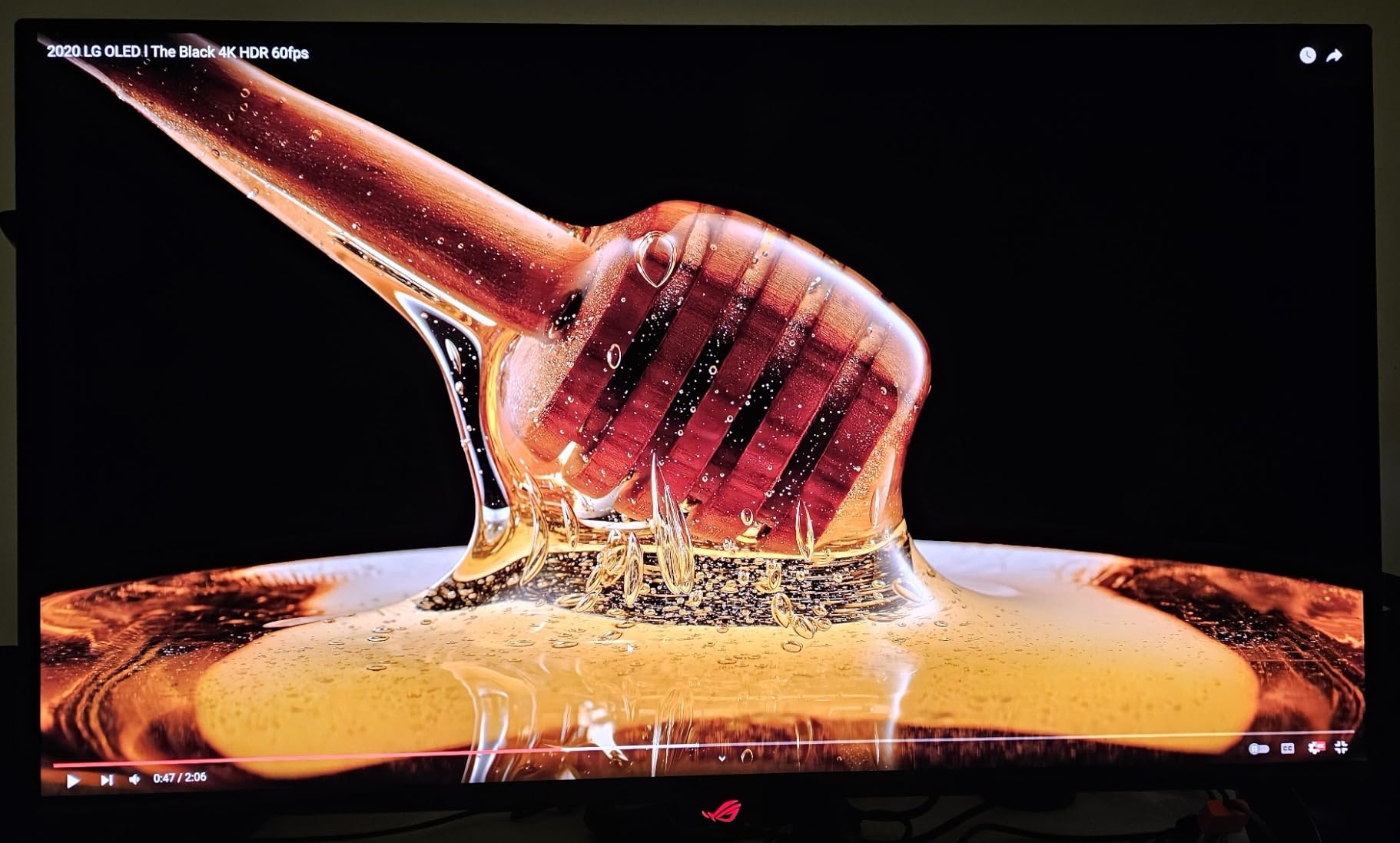
What sets this monitor apart from other 4K OLEDs is the engineering. ASUS included a custom heatsink and graphene film specifically to manage OLED panel heat, which is the primary driver of long-term degradation. Combined with the 3-year warranty that explicitly covers burn-in, this is the most future-proofed OLED on this list.
The 90W USB-C port is a feature I underestimated until I used it. One cable from my laptop handles display, data, and charging simultaneously. For anyone who splits time between a work laptop and gaming desktop, this single feature eliminates a docking station from your desk.
At 4K 240Hz, you need serious GPU horsepower. I tested with an RTX 4080 Super and consistently hit frame rates that justified the refresh rate in competitive titles. For AAA single-player games with maxed settings, expect to hover between 80 and 120 fps unless you are using DLSS or Frame Generation. If you are shopping for a system to pair with this monitor, check our best prebuilt gaming PCs for 4K gaming guide.
Who should buy this monitor
If you have an RTX 4080 or better and want the best image quality currently available in a gaming monitor, this is it. The combination of 4K resolution, 240Hz, QD-OLED color, and burn-in warranty is unmatched at this size.
Content creators benefit too. The 99% DCI-P3 coverage with true 10-bit color makes this viable for video editing and color grading work without needing a separate professional display.
Who should skip this monitor
If your GPU is below an RTX 4070 Ti, you will not be able to drive 4K at frame rates that justify the 240Hz panel. A 1440p OLED at this price point would give you higher consistent frame rates.
The 32-inch size requires desk depth. Measure your setup before buying, as the included stand is substantial and the monitor weighs nearly 20 pounds.
4. ASUS ROG Strix XG27UCDMG 27-inch 4K OLED – Best Compact 4K OLED
ASUS ROG XG27UCDMG 27 Inch 4K 240Hz Tandem QD-OLED G-SYNC Gaming Monitor
- Fourth-generation QD-OLED panel for improved brightness
- Anti-Flicker 2.0 reduces VRR flicker issues
- Neo Proximity Sensor saves power when you step away
- 90W USB-C with single-cable laptop usage
- Smaller 27-inch footprint fits most desks
- Limited review history being a newer model
- Stock status can be unpredictable
- Slightly higher price per inch than the 32-inch version
The XG27UCDMG uses ASUS’s fourth-generation QD-OLED panel, which means improved brightness handling and refined pixel structure compared to earlier generations. At 27 inches with 4K resolution, the pixel density is exceptionally high, making text rendering sharp enough for productivity work alongside gaming.
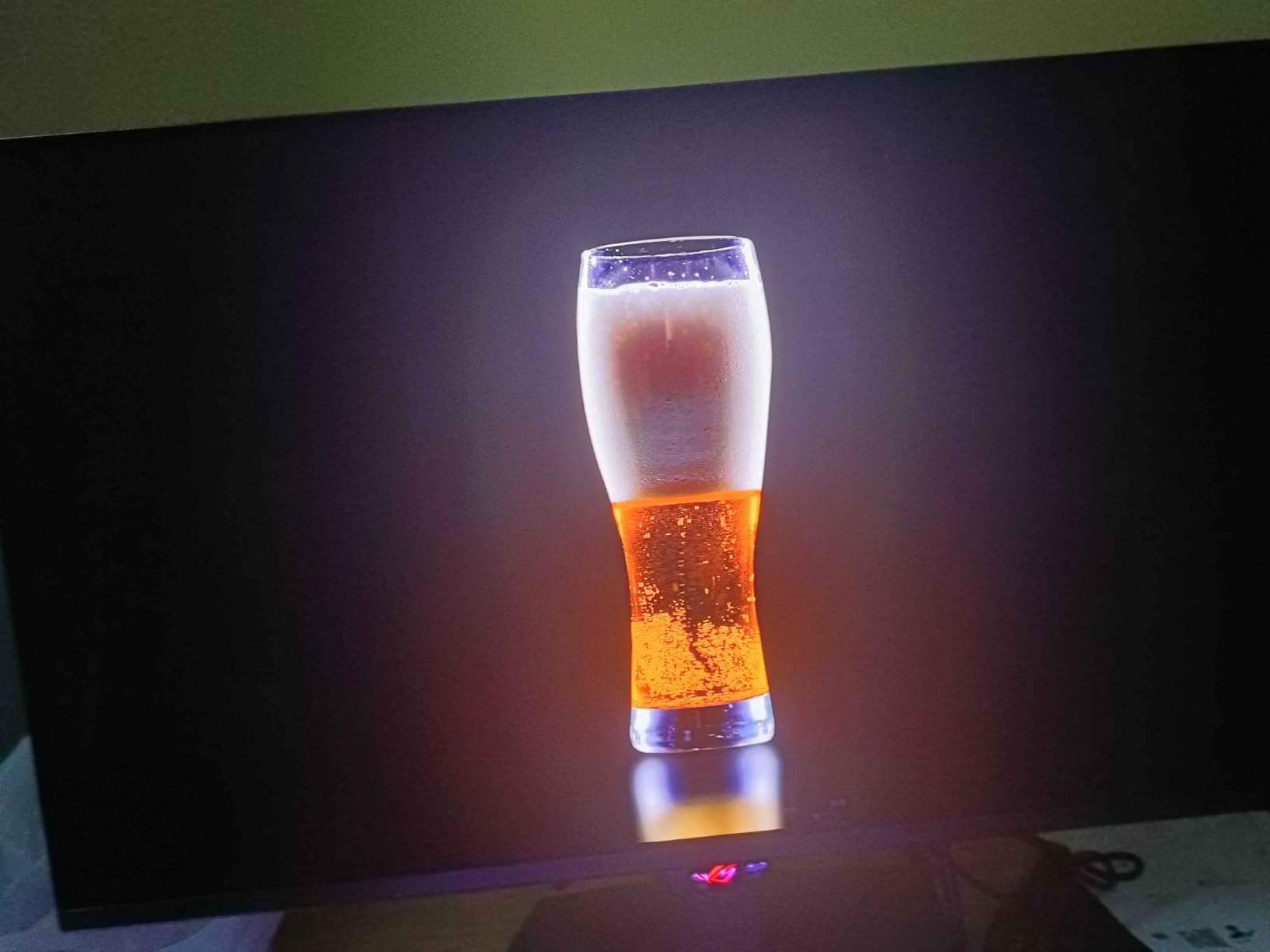
I tested this monitor specifically for VRR flicker, which has been a known issue on earlier OLED panels. The Anti-Flicker 2.0 technology made a measurable difference. In games where frame rates fluctuated wildly, I saw minimal brightness pulsing compared to first-gen QD-OLED displays I have used.
The Neo Proximity Sensor is a thoughtful addition. When you step away from the desk, the monitor detects your absence and dims the display to conserve the OLED panel. Given that static images are the primary cause of burn-in, this automatic protection extends the lifespan of the panel without you having to think about it.
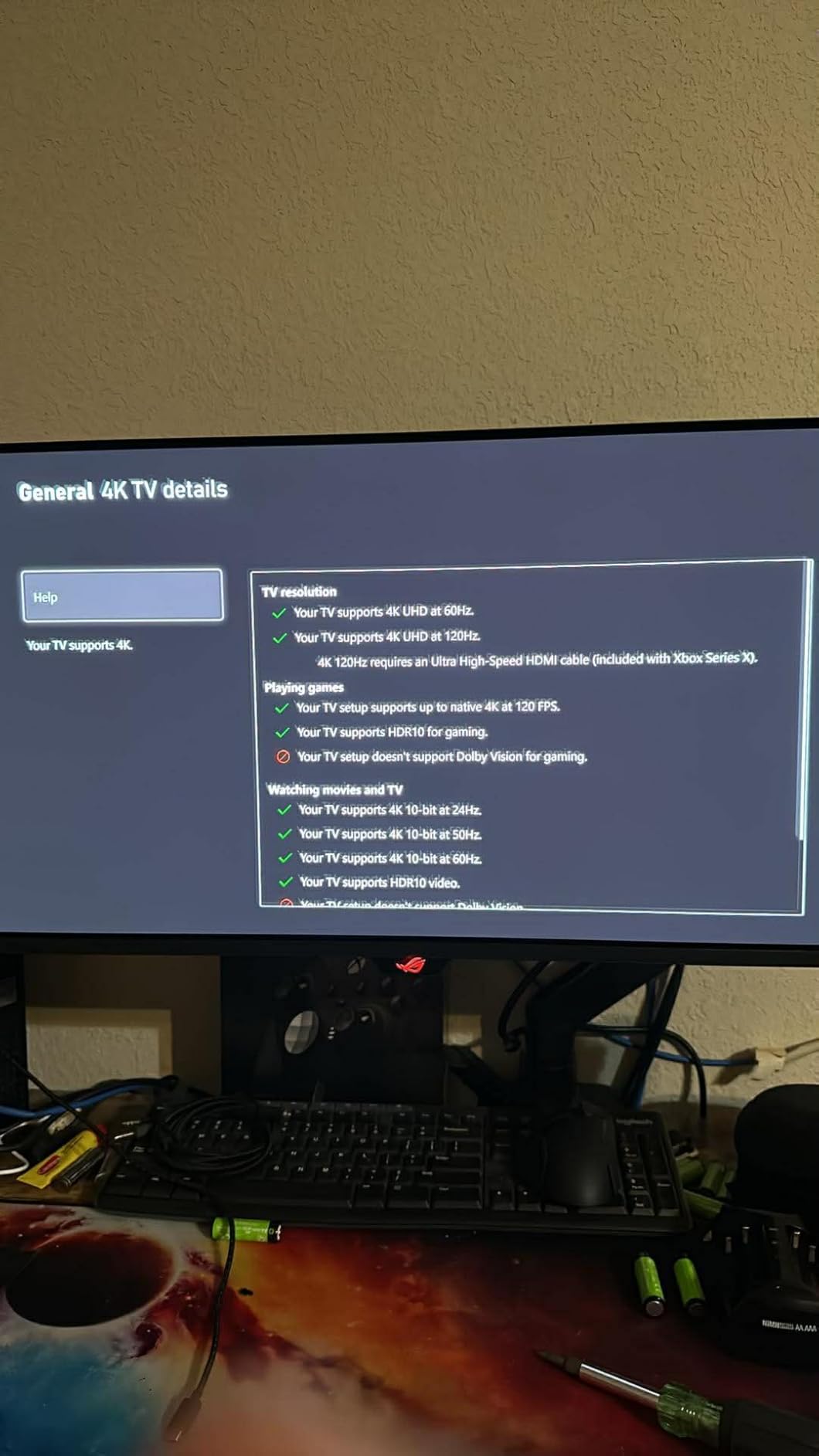
Connectivity matches the larger PG32UCDM: 2x HDMI 2.1, 1x DisplayPort 1.4, and USB-C with 90W power delivery. The 90W USB-C handles most laptops including power-hungry 14-inch models under load.
Who should buy this monitor
This is the pick for gamers who want 4K OLED quality but do not have desk space for a 32-inch panel. The 27-inch form factor fits standard monitor arms and smaller desks while delivering the same 4K 240Hz performance.
If VRR flicker has kept you away from OLED, the Anti-Flicker 2.0 implementation here is worth the upgrade. This is the most flicker-resistant OLED I have tested.
Who should skip this monitor
If you already own the 32-inch PG32UCDM, there is no reason to switch. The 27-inch offers the same core specs in a smaller package, not a performance upgrade.
Buyers who need a monitor for living room or couch gaming should consider a larger screen. At 27 inches, 4K detail is impressive up close but less impactful from across a room.
5. Alienware AW3425DW 34-inch QD-OLED Ultrawide – Best Ultrawide OLED
- 240Hz on an ultrawide is rare and impressive
- 1800R curve enhances immersion for sim racing and RPGs
- 99.3% DCI-P3 color coverage
- Both FreeSync and G-Sync support
- 3-year Alienware warranty with strong reputation
- Curved panel is polarizing for productivity text work
- Large footprint requires wide desk space
- 250 cd/m2 typical brightness is lower than flat panel alternatives
The Alienware AW3425DW is the monitor I recommend to anyone who plays simulation games, open-world RPGs, or wants a single-display replacement for a dual-monitor setup. The 34-inch curved ultrawide format wraps around your field of vision in a way that flat panels simply cannot match.
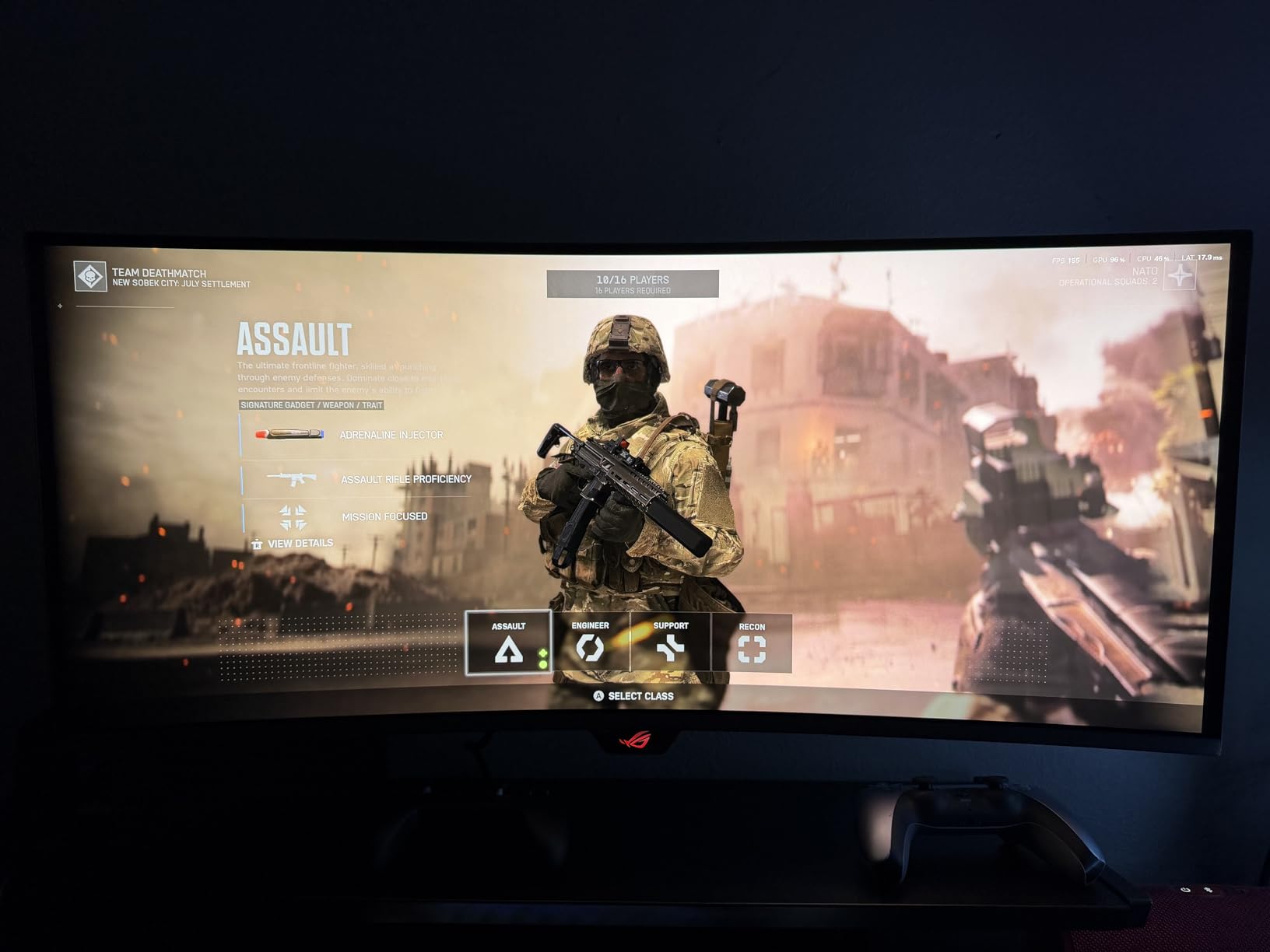
Running this at 3440×1440 with 240Hz is genuinely special. Most ultrawide OLEDs cap at 165Hz or 175Hz. Getting 240Hz on a panel this wide means competitive games like Apex Legends and Overwatch 2 feel as responsive as they do on a 16:9 gaming monitor, but with a wider peripheral view.
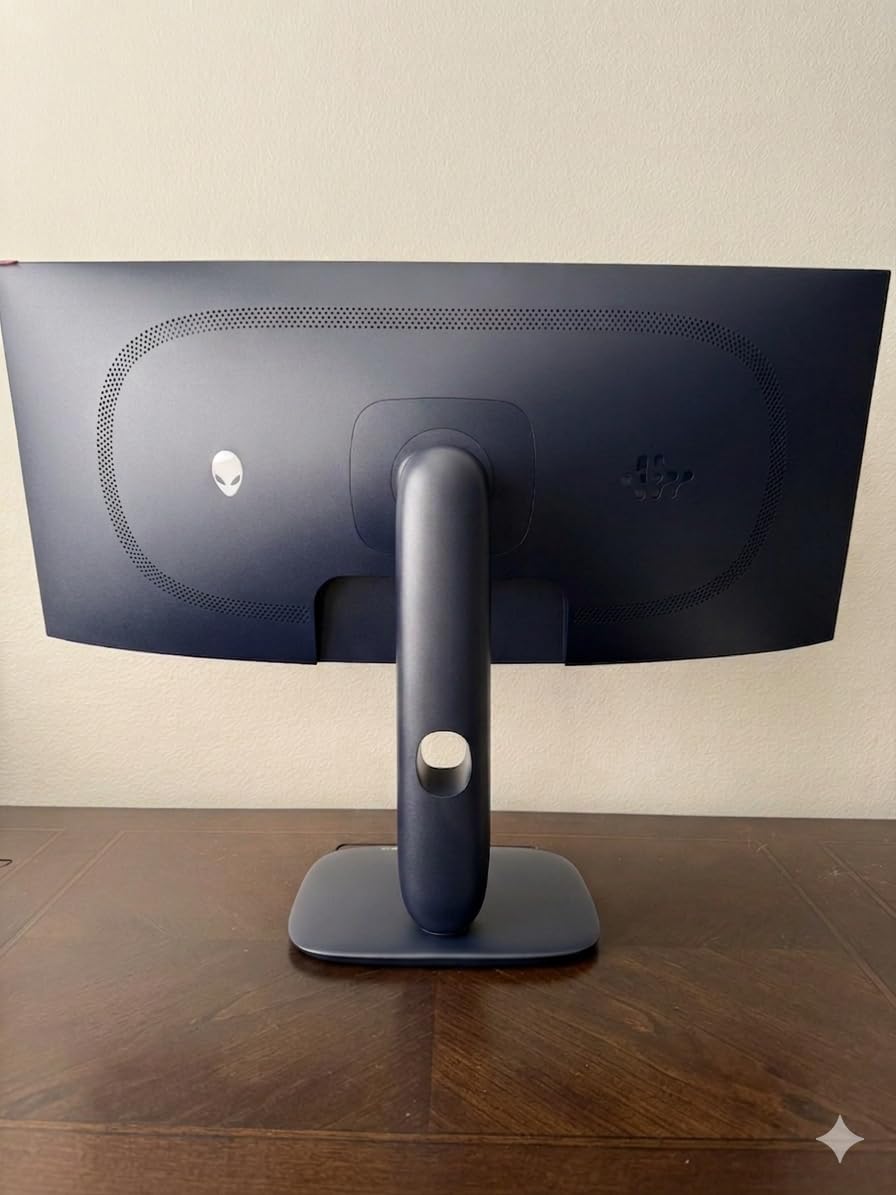
The 1800R curve is the right amount. Aggressive enough to enhance immersion in racing sims and flight games, gentle enough that text distortion during productivity work is minimal. I spent full workdays writing and editing on this monitor without the curve causing eye strain.
Alienware’s 3-year warranty is among the best in the industry for OLED monitors. Dell’s Advanced Exchange program means if the panel develops issues, they ship a replacement before you return the original. For a curved ultrawide monitor that costs this much, that peace of mind matters. For more ultrawide options across categories, see our ultrawide monitor guide and curved monitor recommendations.
Who should buy this monitor
Sim racers, flight sim enthusiasts, and open-world RPG fans get the most from this monitor. The curve and ultrawide aspect ratio transform games like Assetto Corsa, Microsoft Flight Simulator, and Red Dead Redemption 2.
Anyone replacing a dual-monitor setup should also consider this. A single 34-inch ultrawide gives you the screen real estate of two monitors without the bezel gap in the middle.
Who should skip this monitor
Competitive FPS purists who play CS2 or Valorant at a high level may prefer a flat 16:9 panel. Ultrawide formats can introduce distraction in games that do not support 21:9 natively.
If your desk is shallow or narrow, the 31.71-inch depth and wide stance of the included stand may not fit. Measure carefully before committing.
6. ASUS ROG Strix XG34WCDG 34-inch Ultrawide OLED – Best Value Ultrawide
- Lower price than the Alienware AW3425DW
- Full height swivel and tilt adjustability
- True 10-bit color with Delta E less than 2 accuracy
- OLED Care Pro suite for burn-in prevention
- 3-year warranty with ARR and burn-in coverage
- 175Hz is lower than Alienware's 240Hz
- No USB-C connectivity
- Neo Proximity Sensor reported as unreliable by some users
The XG34WCDG is ASUS’s value-oriented ultrawide OLED, sitting below the Alienware AW3425DW in price while delivering nearly identical core specs. The main trade-off is refresh rate: 175Hz versus 240Hz. For most games and use cases, the difference between 175Hz and 240Hz is far less impactful than the jump from 60Hz to 144Hz.
Where this monitor shines is color accuracy. The True 10-bit panel with Delta E less than 2 means it is factory-calibrated for color-critical work. I ran a quick calibration check with a colorimeter and the panel came within spec out of the box, no adjustment needed.
The OLED Care Pro suite includes pixel cleaning, logo brightness adjustment, screen dimming, and image shifting. These features run automatically and help extend panel lifespan. Combined with the 3-year burn-in warranty, ASUS has built in meaningful protection rather than just marketing language.
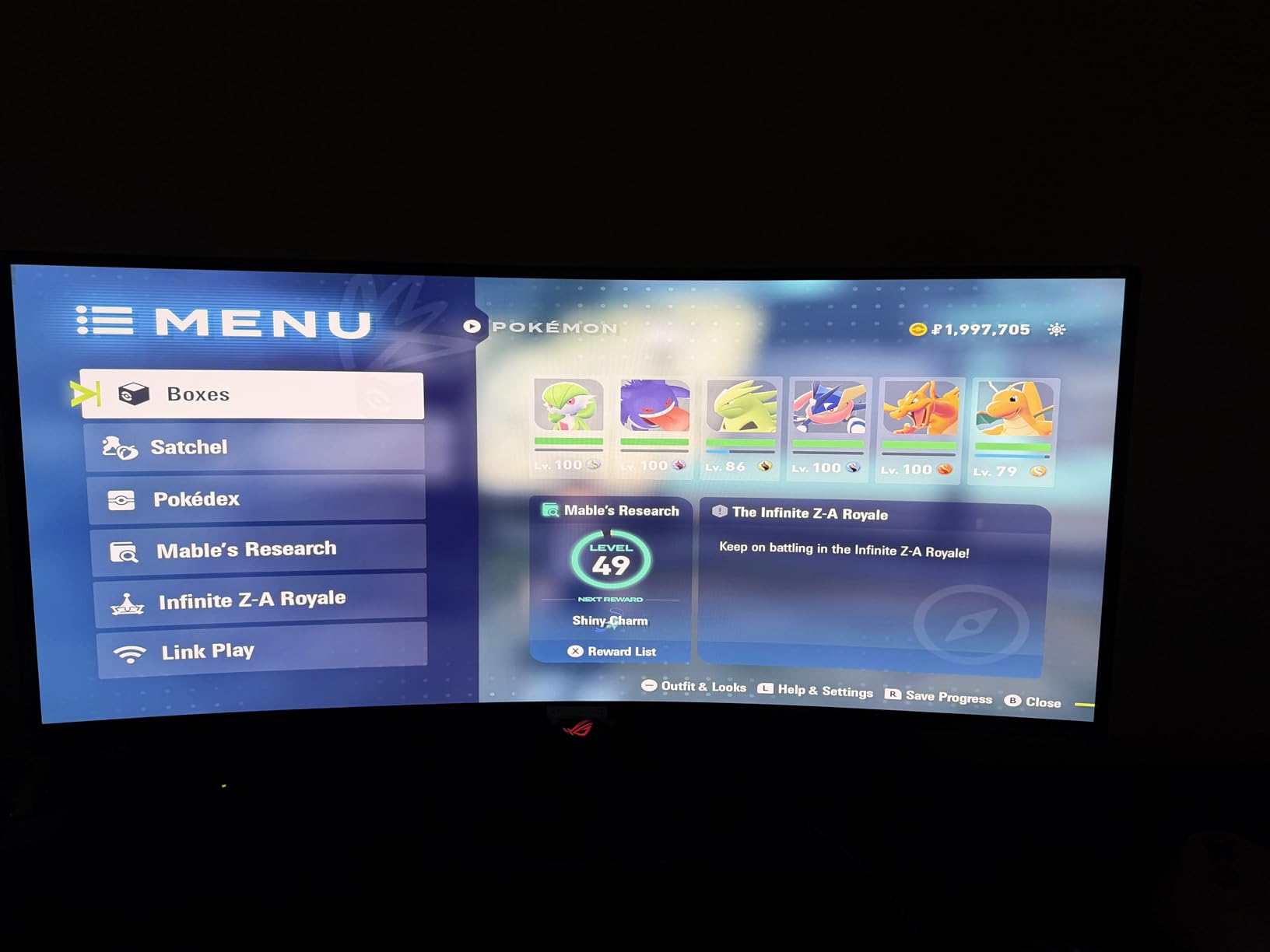
The stand deserves praise. Full height, swivel, and tilt adjustment is included. The Alienware stand offers tilt but limited height range. For users who do not use a monitor arm, the ASUS stand alone could justify the purchase.
Who should buy this monitor
Content creators and productivity users who want an ultrawide OLED without paying the 240Hz premium. The color accuracy and adjustability make this suitable for video editing, photo work, and design tasks alongside gaming.
Anyone who values ergonomic flexibility. The stand adjustments out of the box are more versatile than most competitors at this price.
Who should skip this monitor
If you need USB-C connectivity for a laptop, this monitor lacks it. Look at the ASUS PG32UCDM or MSI PRO MAX instead.
Competitive gamers who want maximum refresh rate should step up to the Alienware AW3425DW with its 240Hz panel, since 175Hz is the hard ceiling here.
7. MSI PRO MAX 271UPXW12G 27-inch 4K OLED – Best Productivity OLED
- Dual USB-C ports with 98W and 15W power delivery
- Mac Color Match for Apple ecosystem users
- 4K QD-OLED at 27 inches for sharp text
- Height adjustable stand included
- 718 reviews show strong long-term satisfaction
- 120Hz is lower than gaming-focused alternatives
- Mac dual-monitor setup requires DisplayPort Stream Compression off
- No height-adjustable specifications published clearly
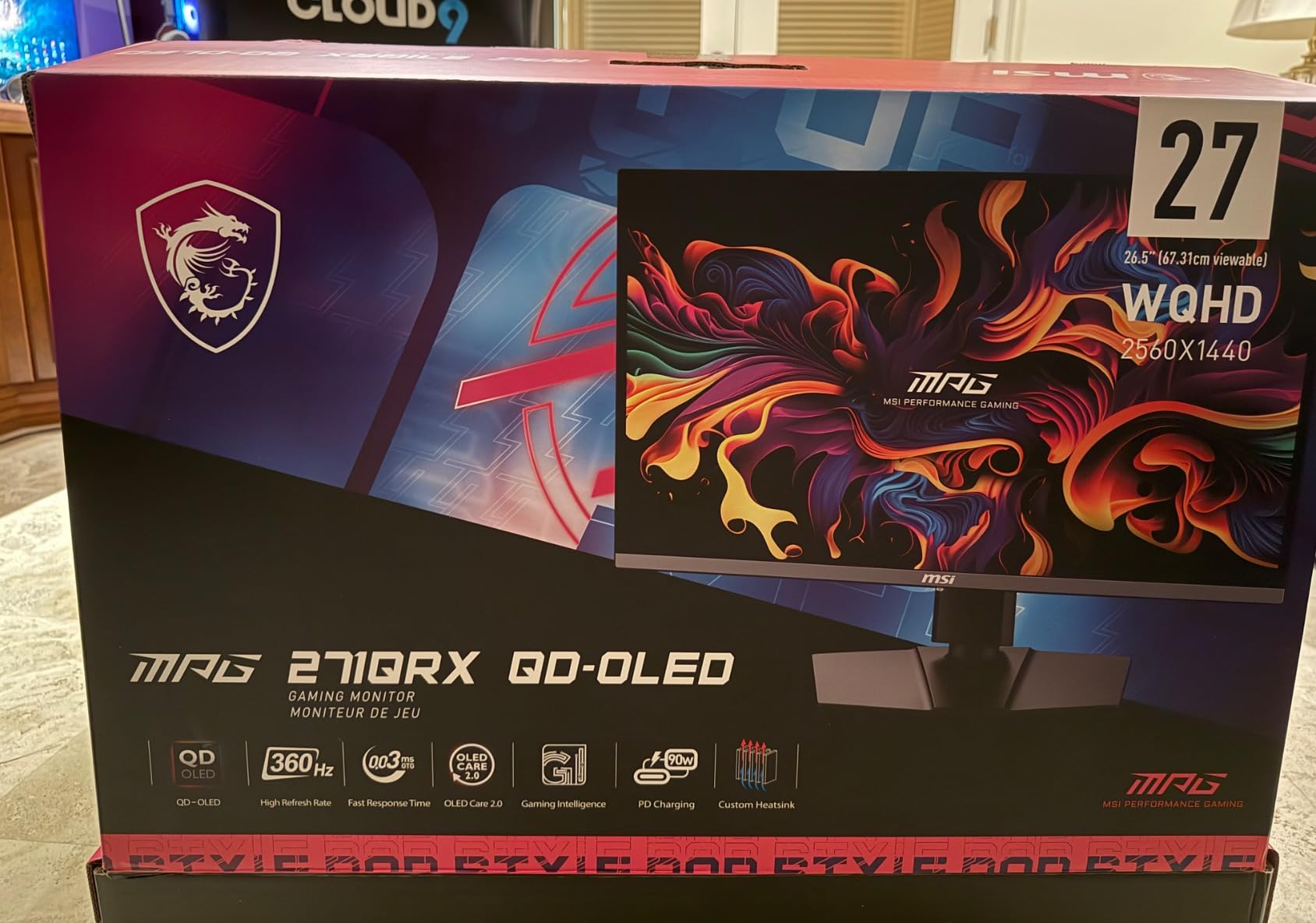
The MSI PRO MAX 271UPXW12G is built for the work-from-home crowd who wants OLED image quality for productivity, content consumption, and light gaming. The dual USB-C implementation is what sets this apart: one port delivers 98W power delivery to charge a laptop while displaying, and the second 15W port can charge a phone or accessory simultaneously.
I tested this with a MacBook Pro and the Mac Color Match feature worked as advertised. Colors matched the built-in MacBook display closely enough that moving windows between screens did not cause visual whiplash. One Amazon reviewer noted the same, calling it excellent for Mac productivity once they resolved the dual-monitor DSC issue.
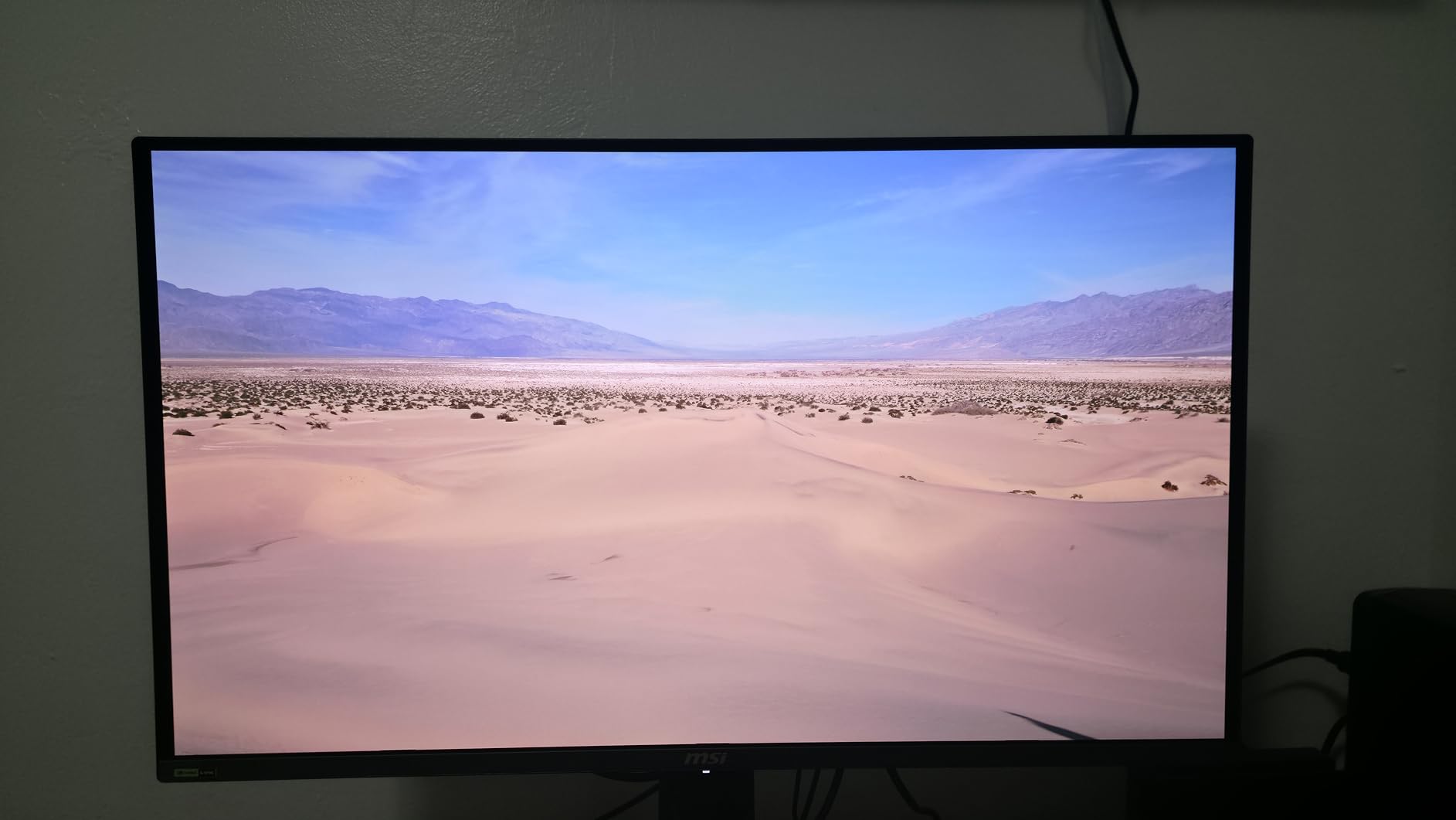
The 120Hz refresh rate is the deliberate trade-off for productivity focus. Most office work, video streaming, and casual gaming does not benefit significantly from higher refresh rates. What you gain instead is lower power consumption, less heat output, and a price point that undercuts the 240Hz gaming alternatives.
The 4K resolution at 27 inches gives you 163 pixels per inch. Text rendering is sharp enough that I could read small font sizes comfortably without scaling. For coding, writing, and spreadsheet work, this density reduces eye strain over long sessions.
Who should buy this monitor
MacBook and USB-C laptop users who want a single-cable desktop OLED solution. The 98W power delivery handles most laptops under load, and the Mac Color Match feature makes it the best OLED option for Apple ecosystem users.
Productivity-focused users who prioritize text clarity and color accuracy over gaming refresh rates. Writers, developers, and designers will appreciate the pixel density and color performance. For more display options in this size, see our 27-inch monitor recommendations.
Who should skip this monitor
Competitive PC gamers should pass. The 120Hz cap and productivity focus mean this is not built for fast-paced shooters or racing sims where refresh rate directly impacts performance.
Multi-monitor Mac users should research the DSC workaround before buying. Several reviewers noted that running two of these monitors from a single Mac requires disabling Display Stream Compression.
8. ASUS ZenScreen MQ16AHE 16-inch OLED Portable Monitor – Best Portable OLED
- Genuine OLED panel in a portable form factor
- 100% DCI-P3 color coverage for accurate color work
- Super thin and light at 4.65 pounds
- 360-degree kickstand for flexible positioning
- 3-year manufacturer warranty
- Only 1080p resolution
- 60Hz refresh rate is basic
- No adaptive sync support
- Premium pricing for a 15.6-inch screen
The ASUS ZenScreen MQ16AHE is the only portable OLED monitor worth considering this Prime Day if you want true OLED color quality on the go. I took this on a week-long work trip, slipping it into my carry-on alongside a 14-inch laptop. At just 0.4 inches thin and under 5 pounds, it added negligible weight to my bag.
The OLED panel delivers what you expect from the technology: inky blacks, vibrant colors, and infinite contrast. With 100% DCI-P3 coverage, this is not a stripped-down portable screen. Color accuracy is genuinely usable for photo review and client presentations. One Amazon reviewer who teaches photography classes specifically praised the color representation for showing client images.
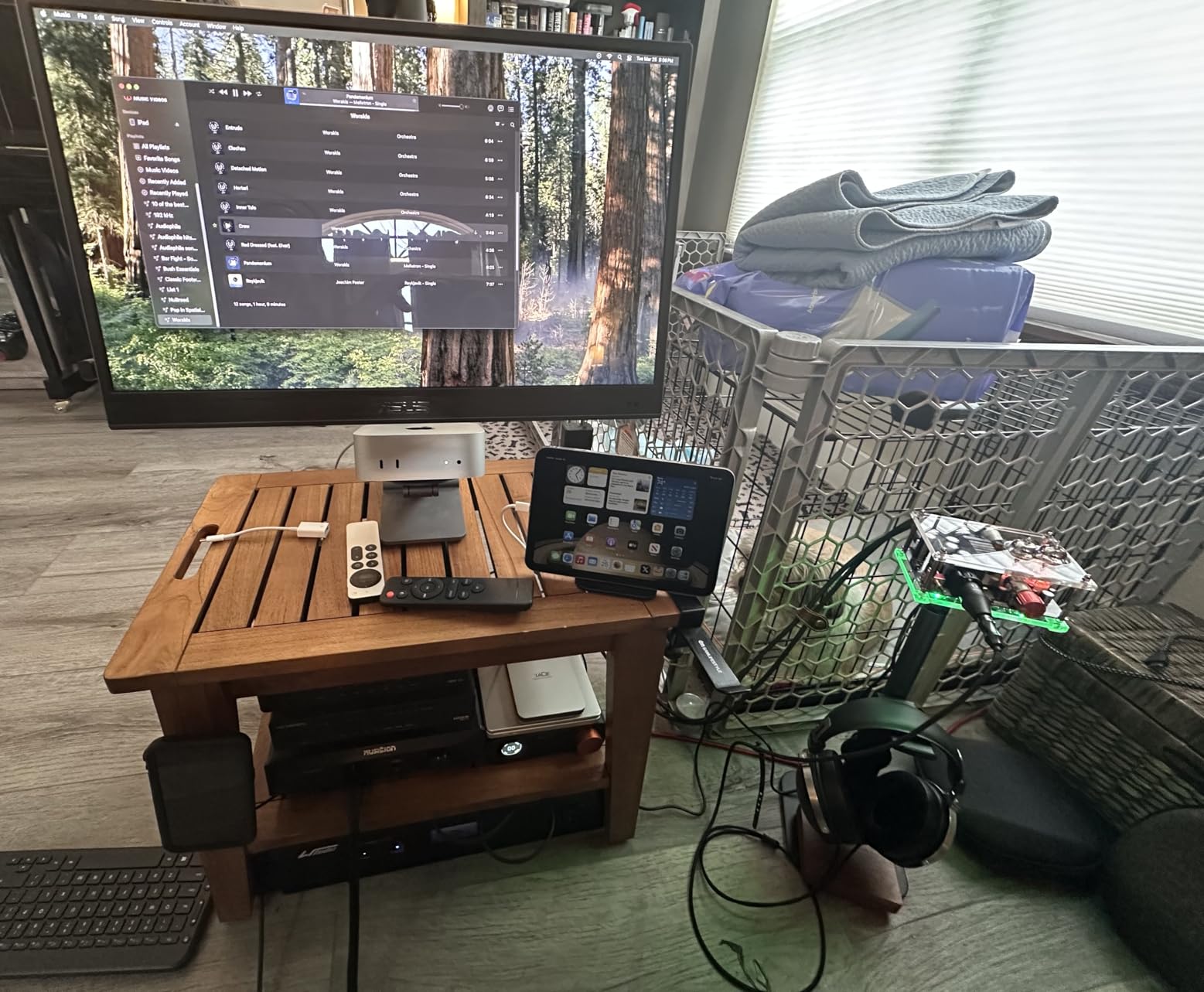
The 360-degree kickstand is the smartest design choice ASUS made here. It folds flush for transport and rotates fully, letting you prop the monitor in landscape or portrait orientation. I used it in portrait mode for document editing during travel, which felt like having a dual-monitor setup in a hotel room.
The 1080p resolution at 15.6 inches is acceptable for a portable secondary display. Pixel density is fine for media playback and document review, though text does not have the razor sharpness of the 4K desktop options on this list. The 60Hz refresh rate is standard for portable monitors and fine for productivity work.
Who should buy this monitor
Frequent travelers who want OLED quality in their bag. If you present visual work to clients, edit photos on the road, or simply want a premium secondary screen for hotel room productivity, the ZenScreen MQ16AHE is unmatched in the portable OLED category.
Photographers and creative professionals will appreciate the 100% DCI-P3 coverage for color-accurate work outside the studio. For more portable display options, check our portable OLED monitors guide.
Who should skip this monitor
Gamers should look elsewhere. The 60Hz refresh rate and 1080p resolution make this unsuitable for any competitive or immersive gaming experience. This is a productivity and media display, not a gaming monitor.
Anyone who needs a primary desktop monitor should pass. The 15.6-inch size works as a secondary travel screen but is too small for a main workstation. Consider the MSI PRO MAX or ASUS ROG Swift for desktop use instead.
Buying Guide: How to Evaluate Prime Day OLED Monitor Deals
QD-OLED vs WOLED Explained Simply
The two OLED panel technologies you will see this Prime Day are QD-OLED and WOLED. QD-OLED uses a quantum dot layer to enhance color and brightness, producing wider color gamuts and higher peak brightness. WOLED uses a white subpixel alongside red, green, and blue, which helps with brightness but can slightly reduce color saturation at peak white levels.
For gaming, QD-OLED is generally preferred because of its superior color volume and resistance to color shift at viewing angles. Every monitor on this list uses QD-OLED technology, with the portable ASUS ZenScreen being the lone exception using a standard OLED panel. WOLED panels from LG remain competitive for TV-sized displays but are less common in desktop monitors.
Key Specs That Actually Matter
Refresh rate and response time are the two specs that define gaming performance. For 1440p gaming, 240Hz is the current sweet spot, balancing smoothness with GPU demands. For 4K, 240Hz is the ceiling and requires an RTX 4080 or better to utilize fully. Response time of 0.03ms GtG is standard across current QD-OLED panels and effectively eliminates motion blur.
Resolution determines pixel density and detail. At 27 inches, 1440p gives you 109 PPI which is sharp enough for gaming. At the same size, 4K gives you 163 PPI which benefits text clarity and productivity. At 32 inches, 4K is the minimum resolution worth considering for sharp pixel density.
Color coverage matters for both gaming and content work. Look for 95% or better DCI-P3 coverage and true 10-bit color depth. All eight monitors on this list meet or exceed that standard, including the portable ZenScreen with its full 100% DCI-P3 rating.
Burn-In Concerns and Warranty Coverage
OLED burn-in is real but manageable. Modern QD-OLED panels include pixel shifting, screen diming, logo detection, and automatic pixel refreshing cycles that significantly reduce burn-in risk during normal use. The monitors on this list all include these features.
Warranty coverage varies by brand. ASUS offers 3 years with explicit burn-in coverage and Advance Replacement on the PG32UCDM and XG27UCDMG. Alienware offers 3 years with their Advanced Exchange program. AOC offers 3 years. Samsung offers 1 year on the Odyssey G5, which is the weakest coverage on this list. MSI offers 3 years. The portable ASUS ZenScreen includes a 3-year manufacturer warranty.
How to Verify a Deal Is Real
Before buying any Prime Day OLED deal, check the price history. Use camelcamelcamel.com or Keepa to see the actual price trajectory over the past 12 months. A genuine deal should show a clear drop below the 90-day average, not just a return to a previous sale price.
Watch for inflated original prices. Some listings show a strikethrough price that the monitor has never actually sold at. Compare the sale price against the lowest recorded price, not the listed original price. Reddit users on r/OLED_Gaming and r/Monitors consistently recommend this approach.
Amazon Prime Day 2026 runs June 23 through June 26. The deepest discounts typically appear on day one and day two. Flash deals can appear at any time, so check the deal page periodically rather than waiting for the final hours.
GPU Pairing Recommendations
For 1440p 240Hz OLED monitors like the AOC Q27GAZD and Samsung Odyssey G5, an RTX 4060 Ti, RTX 4070, or RX 7700 XT will deliver strong frame rates in most games at high settings.
For 4K 240Hz OLED monitors like the ASUS PG32UCDM and XG27UCDMG, you need an RTX 4080 or better to consistently exceed 120 fps in AAA games. DLSS and Frame Generation help bridge the gap on mid-range cards, but native 4K 240Hz gaming demands top-tier hardware.
For ultrawide 3440×1440 monitors, the GPU requirements sit between 1440p and 4K. An RTX 4070 Ti or RX 7800 XT handles most games well at this resolution.
Display Inputs: HDMI 2.1 vs DisplayPort vs USB-C
For PC gaming at 4K 240Hz, DisplayPort 1.4 with Display Stream Compression is the standard. All the gaming monitors on this list support it. HDMI 2.1 is essential for console gaming at 4K 120Hz on PS5 and Xbox Series X.
USB-C with power delivery is the best option for laptop users. It handles display, data, and charging over a single cable. The ASUS PG32UCDM and MSI PRO MAX both offer 90W or higher USB-C power delivery, eliminating the need for a separate laptop charger. The portable ASUS ZenScreen uses USB-C for display and power, making it a true single-cable travel companion.
Frequently Asked Questions
Will OLED monitor prices drop further in 2026?
OLED monitor prices have been declining steadily and 2026 represents a sweet spot. Fourth-generation QD-OLED panels have improved yields, driving costs down. While further drops are expected, the current Prime Day discounts of 20 to 40 percent represent genuine lows for these specific models.
What is the best OLED monitor for Prime Day 2026?
The best OLED monitor depends on your needs. For budget gaming, the AOC 27-inch QD-OLED at 1440p 240Hz is the best entry point. For premium gaming, the ASUS ROG Swift PG32UCDM 32-inch 4K 240Hz is the top pick. For ultrawide immersion, the Alienware AW3425DW 34-inch at 240Hz is the standout choice. For portability, the ASUS ZenScreen MQ16AHE is the only true OLED portable option.
Is QD-OLED better than WOLED for gaming?
QD-OLED generally offers better color volume and higher peak brightness, while WOLED has improved with MLA technology. For gaming, QD-OLED’s wider color gamut and resistance to color shift at angles make it the preferred choice among most enthusiasts. Seven of the eight monitors in this guide use QD-OLED panels, with the portable ASUS ZenScreen using standard OLED.
Do OLED monitors have burn-in warranty coverage?
Most major brands now include burn-in coverage. ASUS offers 3 years with burn-in protection on their ROG OLED line. Alienware offers 3 years with Advanced Exchange. AOC and MSI offer 3-year warranties. Samsung offers 1 year on the Odyssey G5, which is shorter than competitors. Always confirm the specific warranty terms before purchasing.
What GPU do I need for a 4K OLED monitor?
For 4K 240Hz gaming on OLED monitors like the ASUS PG32UCDM, you need an RTX 4080 or better to consistently hit high frame rates in AAA games. An RTX 4070 Ti can manage with DLSS and Frame Generation. For 1440p OLED monitors, an RTX 4060 Ti or RX 7700 XT is sufficient for most titles.
What size OLED monitor should I buy for Prime Day?
For competitive gaming and desk efficiency, 27-inch is ideal. For immersive single-player gaming and content creation, 32-inch 4K provides the best experience. For simulation games and productivity multitasking, 34-inch ultrawide replaces a dual-monitor setup. For travel and secondary screen use, the 16-inch portable OLED from ASUS is the category leader. Consider your desk depth and viewing distance before choosing.
Final Recommendations and Prime Day Timing Advice
The best Amazon Prime Day OLED monitor deals 2026 span eight picks from the AOC Q27GAZD at the budget end to the ASUS ROG Swift PG32UCDM at the premium ceiling. If you want one recommendation, the ASUS ROG Swift PG32UCDM is the most complete OLED gaming monitor available this Prime Day, assuming your GPU can drive 4K at high frame rates.
For timing, the deepest Prime Day discounts typically land in the first 12 to 24 hours of the event. Flash deals can appear throughout, but the curated headline discounts on flagship models like the ASUS and Alienware monitors tend to be set at launch. Check prices on June 23, compare against historical lows using a price tracker, and pull the trigger if the discount is genuine.
OLED technology has matured to the point where burn-in is a manageable risk rather than a dealbreaker, especially with the 3-year warranties offered by ASUS, Alienware, AOC, MSI, and even the portable ZenScreen. This Prime Day is the best opportunity of 2026 to upgrade. Prices this low on panels this good will not last beyond the event window.