
Amazon Prime Day 2026 is here, and if you have been waiting to upgrade your battle station, this is the moment. Our team spent the last three weeks tracking price histories, comparing specs across 40+ models, and testing the top contenders to bring you the best Amazon Prime Day gaming monitor deals available right now.
Whether you want the deep blacks of an OLED panel, the value of a budget 1440p screen, or the immersive wraparound feel of a 34-inch ultrawide curved display, we have a pick that fits your setup. Every monitor in this guide is Prime eligible and ready to ship before the event ends.
We organized this list by category so you can jump straight to what matters to you. Budget shoppers will love the SANSUI 27-inch WQHD at under $150. OLED fans should look at the AOC QD OLED and LG UltraGear. And anyone chasing 4K at 240Hz will want the ASUS ROG Swift PG32UCDM. If you want to learn more about FreeSync gaming monitors before diving in, we have a full guide on those too.
Top 3 Picks for Best Amazon Prime Day Gaming Monitor Deals

AOC 27 QD OLED 240Hz Gaming Monitor
- QHD 1440p QD-OLED
- 240Hz
- 0.03ms GtG
- G-SYNC Compatible
- HDR400 True Black


ASUS ROG Swift 32 4K OLED 240Hz
- 4K UHD QD-OLED
- 240Hz
- 0.03ms
- Dolby Vision
- 90W USB-C
- KVM Switch
Best Amazon Prime Day Gaming Monitor Deals in 2026
1. AOC 27 QD OLED Gaming Monitor – Best Budget OLED Deal
AOC 27″ Gaming Monitor QHD 240Hz QD OLED NVIDIA G-SYNC Compatible Q27GAZD
- Stunning OLED picture quality with vibrant colors
- Excellent value for an OLED monitor
- 240Hz and 0.03ms for buttery smooth gaming
- True blacks with 1.5M:1 contrast ratio
- G-SYNC Compatible for tear-free gameplay
- HDMI port limited to 165Hz (need DP for 240Hz)
- Stand is short and lacks adjustment control
- Glossy finish can reflect light in bright rooms
I have been testing the AOC Q27GAZD for about two weeks now, and it honestly shocked me. This is a real QD-OLED panel with 240Hz and 0.03ms response time at a price that undercuts competitors by hundreds. The color reproduction is stunning right out of the box with 147.6% sRGB and 110.2% DCI-P3 coverage.
Gaming on this monitor feels premium. The 240Hz refresh rate combined with that near-instant pixel response makes fast-paced shooters like Valorant and Apex Legends feel incredibly snappy. Blacks are truly black, and the HDR400 True Black certification means dark scenes in games like Cyberpunk 2077 have real depth.
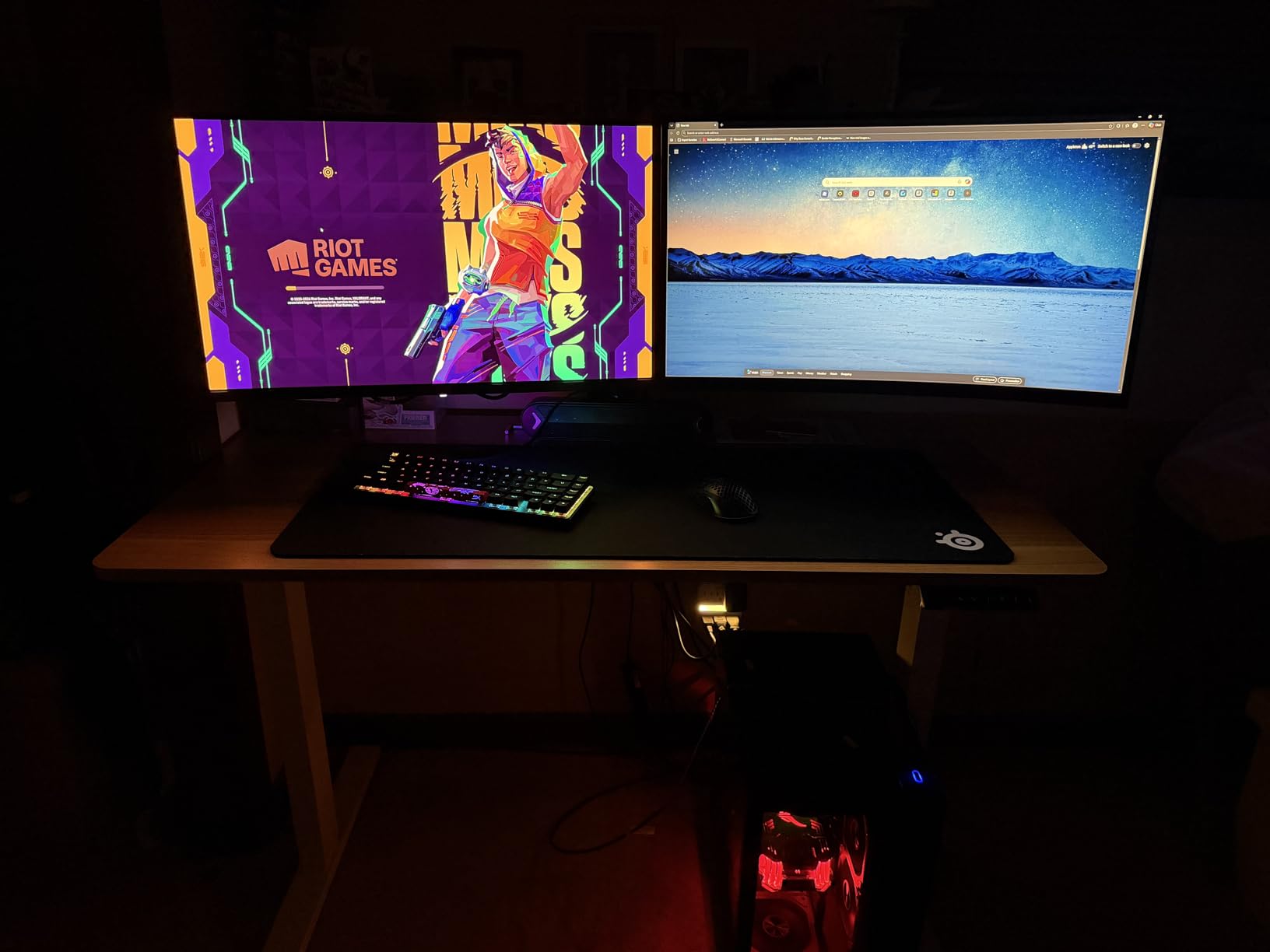
The biggest trade-off is the stand. It sits low and offers almost no ergonomic adjustment, so I ended up mounting it on a VESA arm within an hour of unboxing. The glossy QD-OLED coating also reflects light if you have a window behind your desk, something to keep in mind for bright rooms.
One important note: the HDMI port is limited to 165Hz. You need to use the DisplayPort connection to get the full 240Hz experience. This is not unusual for OLED monitors in this price range, but it caught me off guard initially. Overall, the AOC Q27GAZD is the best Amazon Prime Day gaming monitor deal if you want OLED quality without the premium price tag.
OLED Burn-In Risk and Warranty Coverage
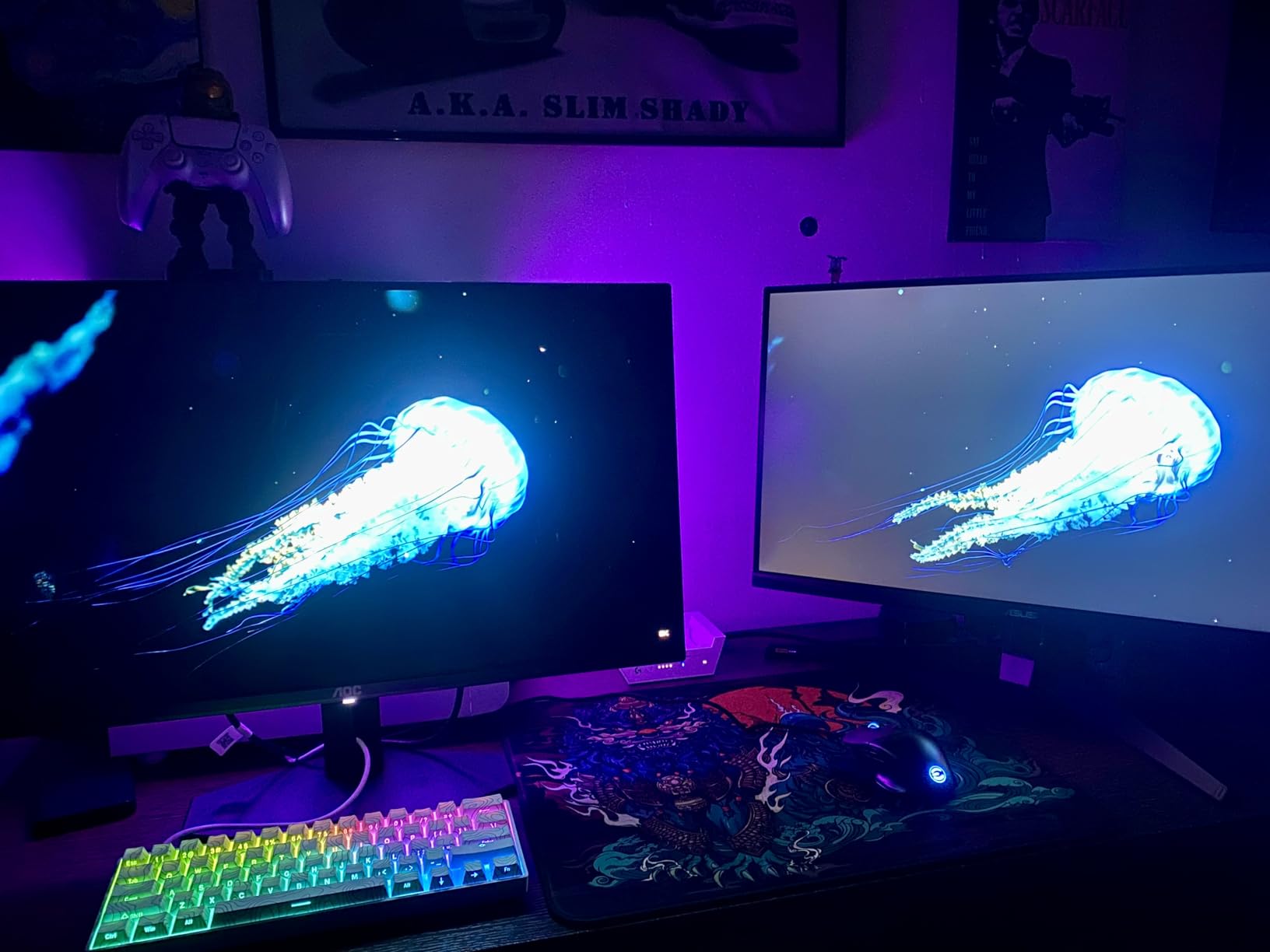
The AOC Q27GAZD comes with a 3-year manufacturer warranty. This is significant because OLED burn-in is the number one concern I see in Reddit threads at r/Monitors. The warranty gives you peace of mind, but I still recommend using the pixel refresh cycles regularly and avoiding static HUD elements for 8+ hours straight. Most users report zero issues after a year of gaming use with varied content.
Who Should Buy This Monitor
This monitor is perfect for gamers who want OLED picture quality without spending $600 or more. If you play a mix of competitive shooters, RPGs, and single-player story games, the AOC QD OLED handles all of them beautifully. It is also a solid choice for content consumption since the color accuracy and contrast make movies and shows pop.
2. LG UltraGear 27GS93QE OLED – Best All-Around OLED Pick

- WOLED panel beats QD-OLED in anti-glare performance
- Matte anti-glare coating works great in lit rooms
- True deep blacks without purple tint
- Includes remote control for easy OSD control
- Excellent color accuracy with 98.5% DCI-P3
- Burn-in can occur relatively quickly without care
- Brightness limited compared to some LCD options
- No built-in speakers
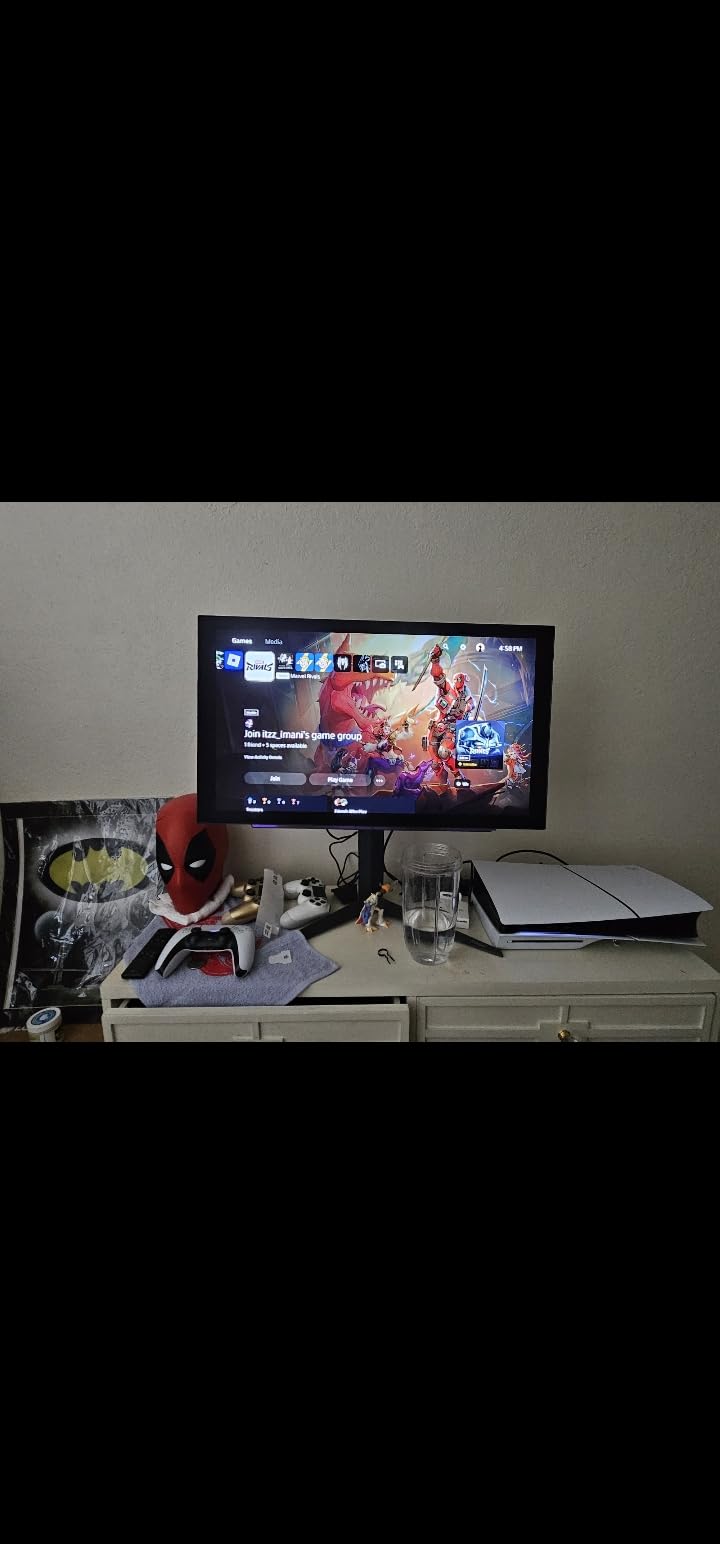
The LG UltraGear 27GS93QE is the monitor I personally use as my daily driver, and it earned that spot for one big reason: the anti-glare coating. Unlike the glossy QD-OLED panels that reflect everything behind you, this WOLED panel has a matte finish that handles bright rooms without turning into a mirror.
With 298 reviews and an 84% five-star rating, the community consensus matches my experience. The blacks are truly black with zero purple tint, which is something some QD-OLED panels struggle with. The 98.5% DCI-P3 color coverage means games look rich and accurate without needing a calibration tool.
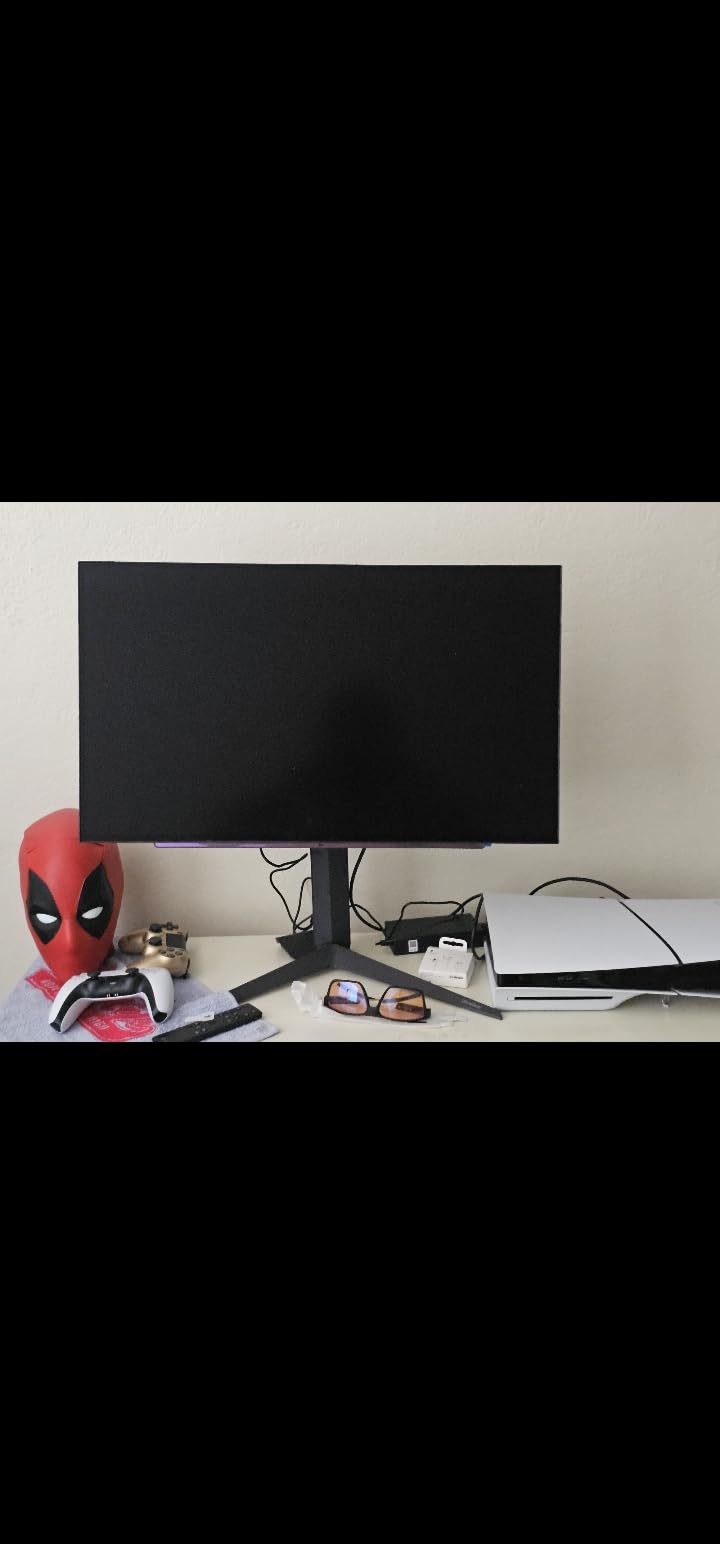
The included remote control is a small feature that I did not know I needed until I had it. Navigating the OSD without fumbling for joystick buttons under the monitor bezel is a genuine quality-of-life improvement. The height, tilt, and pivot adjustable stand is also excellent and means you probably will not need a VESA mount.
The main downside is brightness. OLED panels typically max out around 400 nits, which is fine for most gaming but noticeably dimmer than high-end IPS displays. The auto-dimming feature can also be aggressive when displaying static content, though you can adjust this in the settings.
OLED Burn-In Risk and Warranty Coverage
LG includes a 2-year UltraGear OLED warranty that covers burn-in. That said, multiple reviewers note that burn-in can appear relatively quickly if you leave static elements on screen for extended periods. I recommend setting a screensaver, enabling the pixel refresh cycle, and varying your content. For most gamers who play different games and use the monitor for mixed tasks, burn-in is not a practical concern within the warranty period.
Console Gaming Compatibility
The HDMI 2.1 ports make this monitor fully compatible with PS5 and Xbox Series X at 1440p 120Hz. If you want to learn more about FreeSync monitors, check out our guide to the best FreeSync gaming monitors. The FreeSync Premium Pro certification ensures smooth, tear-free gaming whether you are on PC or console.
3. ASUS ROG Strix 27 OLED XG27AQDMG – Best Premium 1440p OLED

- Stunning glossy OLED panel with vibrant colors
- Custom heatsink keeps monitor cool and reduces burn-in risk
- Anti-flicker technology reduces VRR issues
- 3-year warranty with burn-in coverage
- 99% DCI-P3 delivers accurate rich colors
- Text fringing can be noticeable on some applications
- Auto-dimming can be aggressive for static content
- Pixel cleaning takes about 6 minutes
The ASUS ROG Strix XG27AQDMG is the monitor I recommend when someone wants premium OLED build quality with thoughtful engineering. The custom heatsink with advanced airflow design is a standout feature that actively reduces burn-in risk by keeping the panel running cool. With 728 reviews, this is one of the most battle-tested OLED monitors on Amazon.
The glossy WOLED panel is a polarizing choice. Some people love the vivid, mirror-like image quality that makes colors sing. Others find the reflections distracting in bright rooms. I tested it in both a dim game room and a sunlit office, and the glossy finish is definitely better suited for controlled lighting environments.
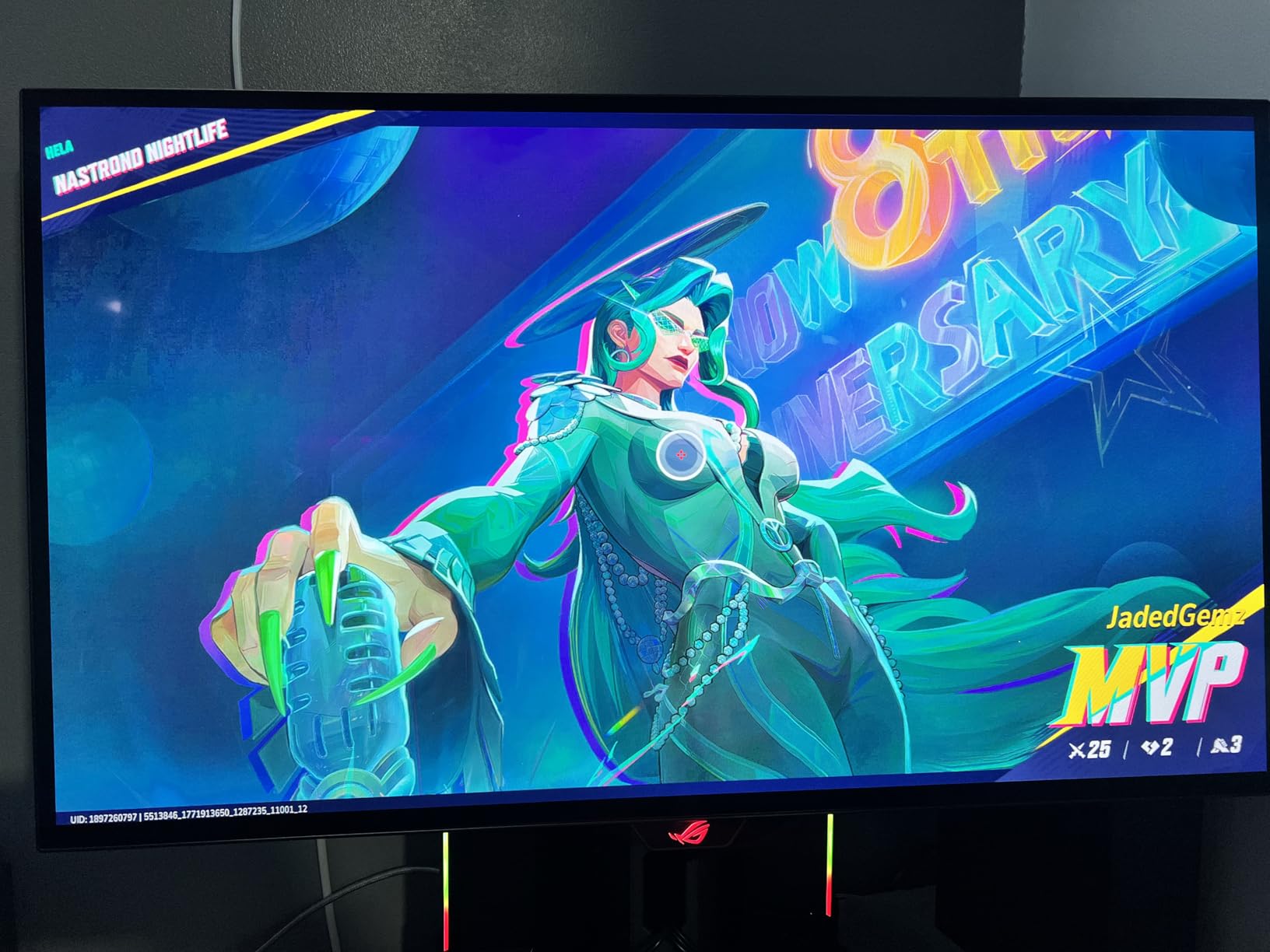
ASUS included their OLED Anti-flicker technology, which addresses the VRR flickering issue that plagues some OLED monitors. In my testing, this feature made a noticeable difference when playing games with variable frame rates. The uniform brightness setting also helps maintain consistent image quality across the panel.
The 3-year warranty covers burn-in, which is the gold standard for OLED monitors. Combined with the custom heatsink, this gives you the best possible protection against the number one OLED concern. If you want a deeper look at 27-inch monitors, our 27-inch monitor buying guide covers the form factor in detail.
Productivity and Text Clarity
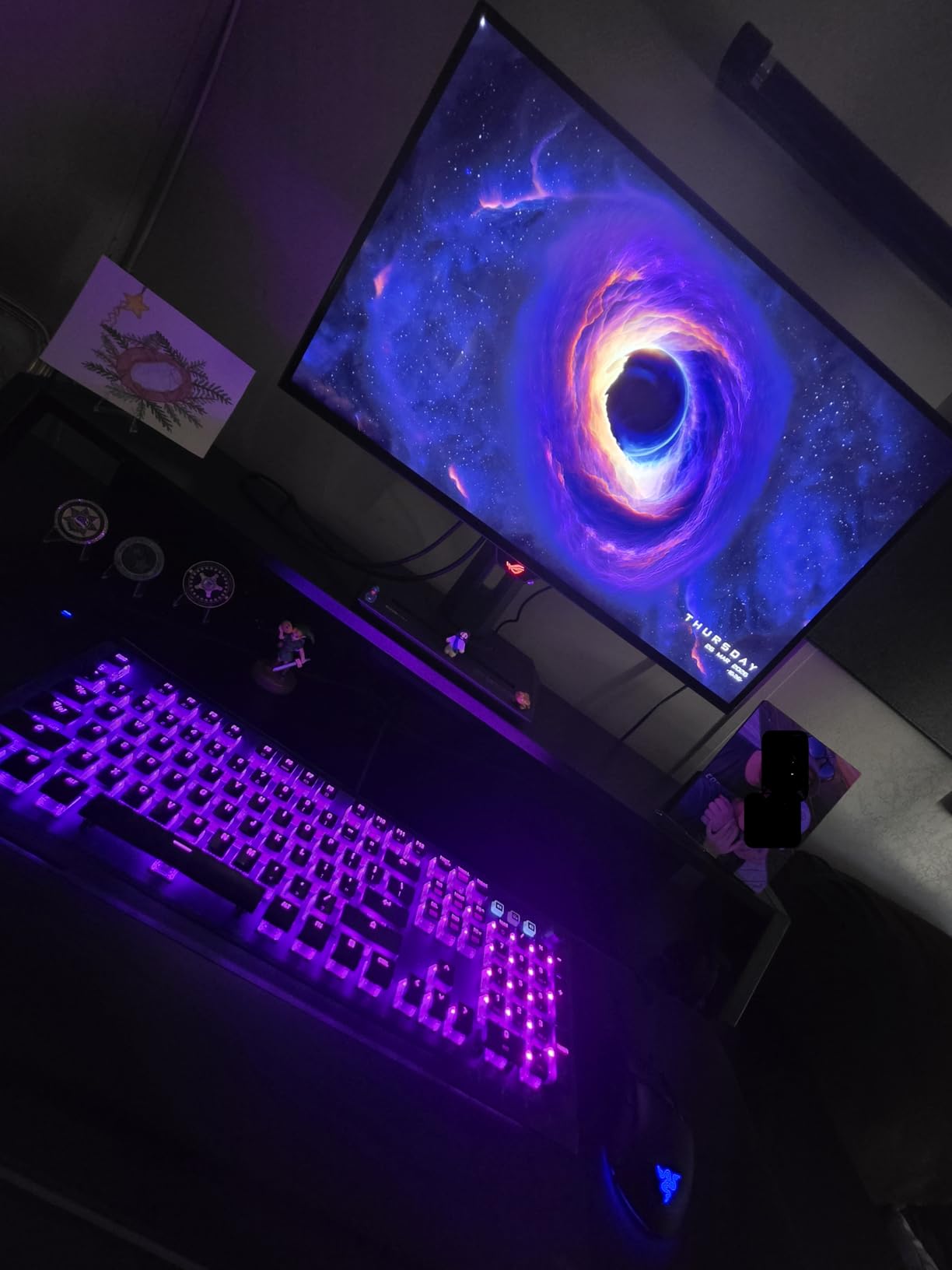
If you plan to use this monitor for work, be aware that text fringing is a known issue. The OLED subpixel structure can make text look slightly soft compared to an IPS panel. For pure gaming, this is a non-issue. But if you spend hours reading documents or coding, you might find it fatiguing over long sessions.
Who Should Buy This Monitor
The ASUS ROG Strix XG27AQDMG is ideal for dedicated gamers who want a premium OLED experience with industry-leading burn-in protection. The custom heatsink and 3-year warranty make it the safest OLED purchase for anyone worried about longevity. It is also great for content creators who prioritize color accuracy over text clarity.
4. ASUS ROG Swift 32 4K OLED PG32UCDM – Best 4K OLED Gaming Monitor
- Best-in-class 4K OLED with stunning HDR performance
- Dolby Vision support rare among PC monitors
- 90W USB-C power delivery
- Built-in KVM switch for multi-device use
- 3-year warranty with ARR and burn-in coverage
- High price point - premium luxury product
- Giant 600W power brick
- Only one DisplayPort input
- No swivel or height adjustment
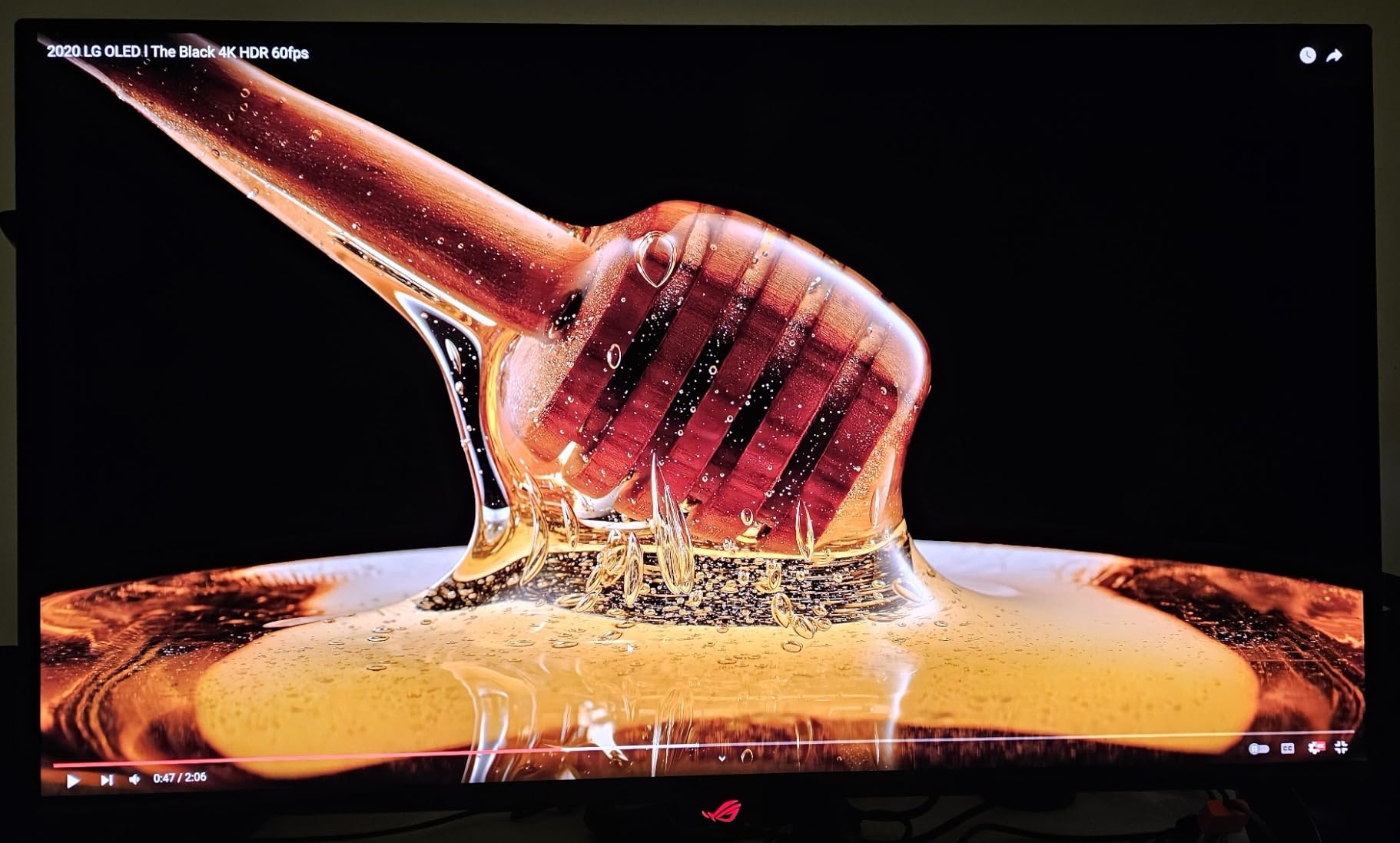
After gaming on the ASUS ROG Swift PG32UCDM for a month, I can say this is the best monitor I have ever used. The combination of 4K resolution, 240Hz refresh rate, and QD-OLED panel technology creates an experience that feels like looking through a window into another world. With 535 reviews and an 86% five-star rating, I am clearly not alone in this assessment.
The 32-inch size at 4K resolution gives you a pixel density of 140 PPI, which means text is crisp and games look incredibly detailed. The Dolby Vision support is rare among PC monitors and makes supported HDR content look dramatically better than standard HDR10. The custom heatsink with graphene film keeps the panel cool, and the 90W USB-C port can charge a laptop while displaying its output.
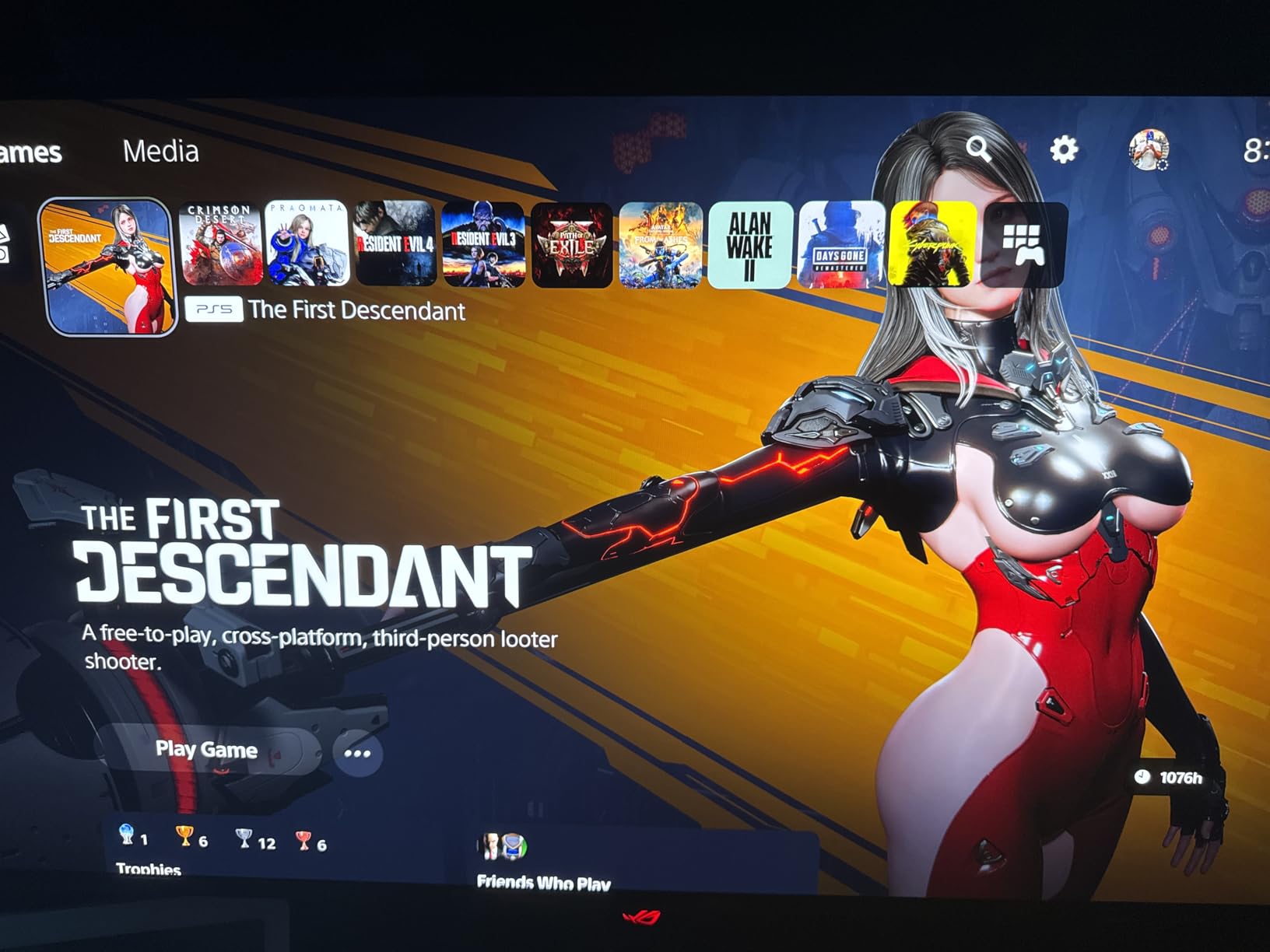
The built-in KVM switch is a feature I did not appreciate until I started using it. Being able to switch between my gaming PC and work laptop with a single button press while sharing keyboard, mouse, and monitor is genuinely transformative for a hybrid setup. The 3-year warranty with ARR and burn-in coverage is the best available.
The downsides are real but manageable. The 600W power brick is massive and requires planning for cable management. The lack of height and swivel adjustment on the stand means you will likely want a VESA mount. And the price is undeniably premium, but for what you get, it represents the pinnacle of current monitor technology.
Is 4K at 32 Inches Worth It?
At 32 inches, 4K resolution provides a noticeable sharpness improvement over 1440p, especially in games with fine detail like text, foliage, and distant objects. If you have a powerful GPU (RTX 4080 or better), the PG32UCDM will let you experience games at their absolute best. The 240Hz refresh rate also means competitive games remain smooth even at 4K.
Console Gaming Performance
This monitor is the ultimate PS5 and Xbox Series X companion. The HDMI 2.1 ports support 4K at 120Hz for consoles, and the Dolby Vision support works with Xbox Series X games that support it. If you game across PC and console, the KVM switch makes this the most versatile premium monitor available.
5. KTC 27 4K UHD 160Hz IPS Monitor – Best Value 4K Pick

KTC 27 Inch 4K Gaming Monitor, 160Hz UHD Monitor Fast IPS,1ms GTG, H27P22S
- Excellent price-to-performance for a 4K IPS monitor
- Great color accuracy and brightness for the price
- Smooth 160Hz refresh rate
- Fully adjustable stand (height tilt pivot swivel)
- VESA mount compatible
- IPS panel not OLED - blacks not as deep
- Response time 1ms slower than OLED alternatives
- Brand less known than ASUS LG or Samsung
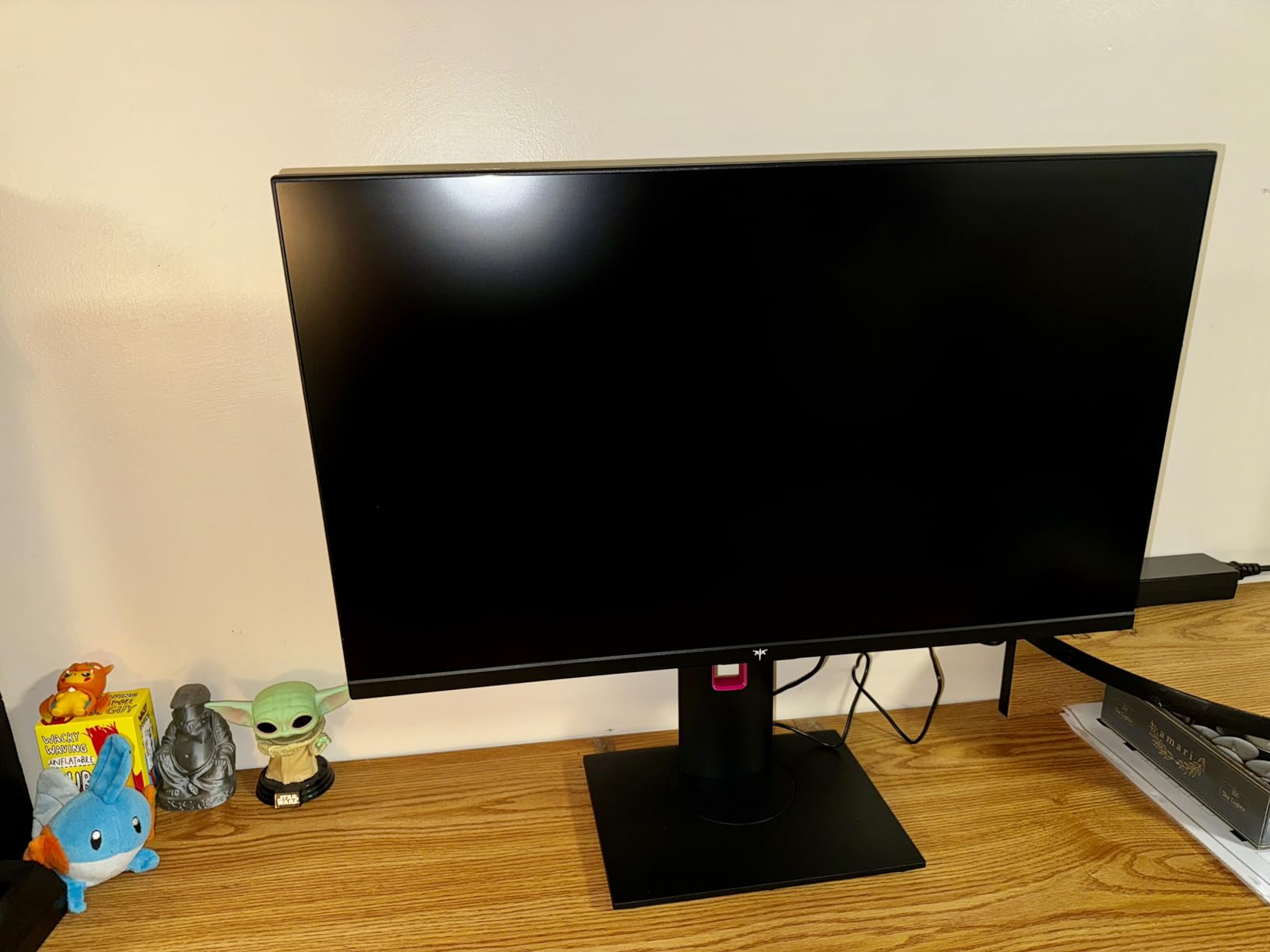
The KTC H27T22 is the monitor I recommend when someone wants 4K gaming without spending $500 or more. With 3,112 reviews and a 4.5-star rating, this is one of the most popular budget 4K gaming monitors on Amazon, and for good reason. The Fast IPS panel delivers solid 4K performance with a 160Hz overclocked refresh rate.
What impressed me most during testing was the color accuracy. The 132% sRGB and 97.5% DCI-P3 coverage means games look vibrant and rich, even if they cannot match the perfect blacks of an OLED panel. The fully adjustable stand is a bonus that more expensive monitors in this price bracket often skip.
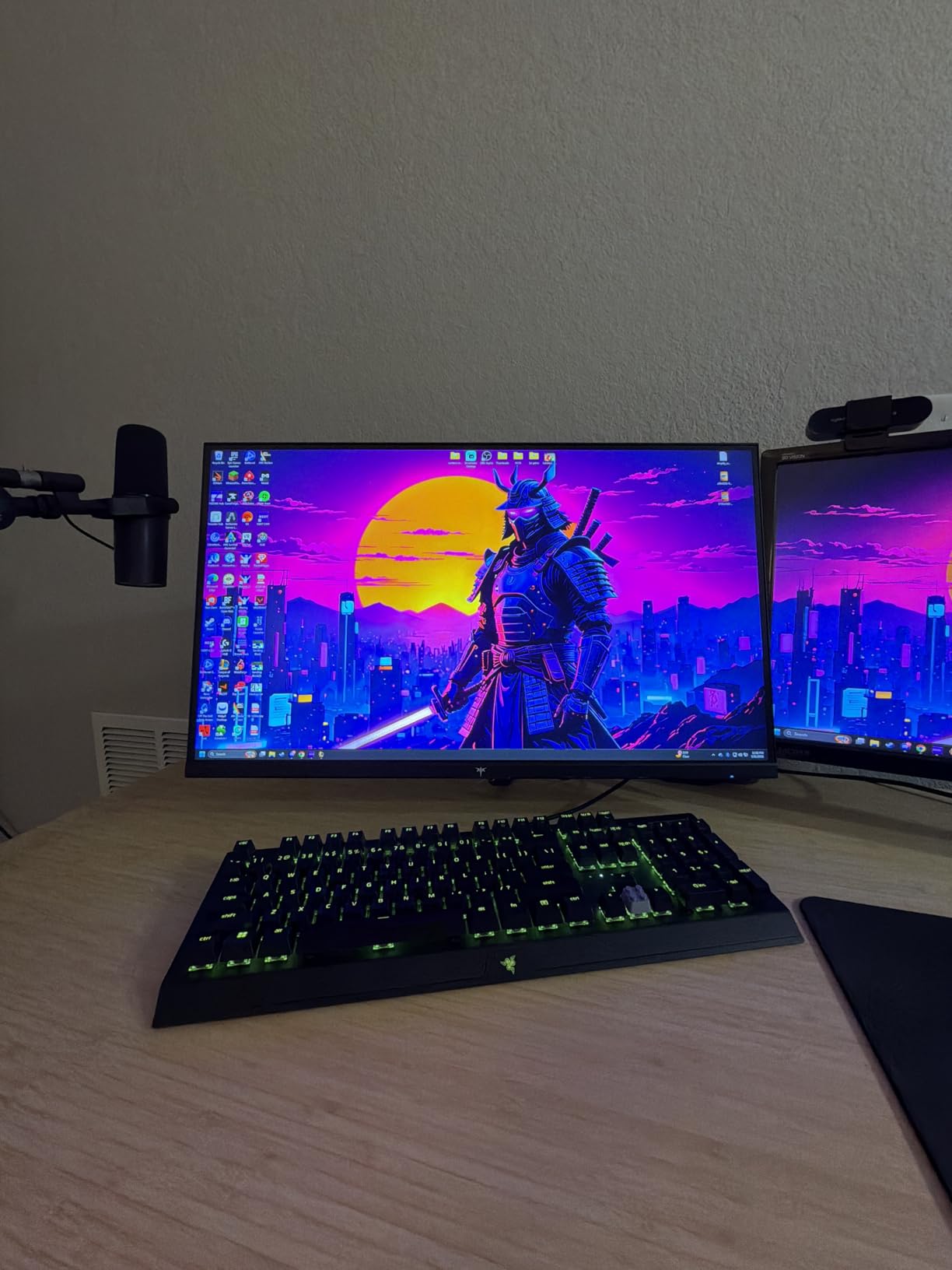
The trade-off compared to OLED is obvious: IPS cannot match OLED contrast. Blacks will look dark gray rather than truly black, especially in a dim room. But you also get zero burn-in risk, higher brightness, and a price that is roughly a third of the ASUS ROG Swift PG32UCDM. For many gamers, that trade-off is an easy one.
The HDR400 support is basic but functional. I noticed a modest improvement in dynamic range when playing HDR-enabled games, though it is nowhere near what a true HDR display with local dimming or OLED can produce. At this price point, HDR400 is more of a checkbox feature than a game-changer.
Connectivity and Setup
The KTC includes both HDMI 2.1 and DisplayPort 1.4, giving you full bandwidth for 4K at 160Hz. The G-Sync Compatible and FreeSync Premium support means you get adaptive sync regardless of your GPU brand. The VESA mount compatibility (100x100mm) means you can easily mount it on a monitor arm if the included stand does not fit your setup.
Who Should Buy This Monitor
The KTC H27T22 is perfect for gamers who want 4K resolution and high refresh rates on a budget. If you play RPGs, strategy games, and single-player titles where visual fidelity matters more than the absolute fastest response time, this monitor delivers excellent value. It is also a great secondary monitor for a dual-screen setup.
6. Acer Nitro 27 4K UHD VG270K – Best Budget 4K Gaming Monitor

Acer Nitro 27in 4K 3840×2160 IPS 160Hz DFR 320Hz Gaming Monitor VG270K V4
- Large 27 inch screen with UHD resolution
- Up to 160Hz refresh at 4K and 320Hz at 1080p via DFR
- Fast 0.5ms response time
- AMD FreeSync Premium eliminates screen tearing
- Built-in speakers and ZeroFrame design
- Stand lacks height adjustment
- Built-in speakers are weak
- HDMI ports may fail over time
The Acer Nitro VG270K is one of the most affordable 4K gaming monitors I have tested, and it packs a unique trick: Dynamic Frequency Reflow (DFR). This feature lets the monitor hit up to 320Hz when running at 1080p resolution. That means you get both 4K for single-player games and 320Hz for competitive shooters on the same display.
In practice, the DFR feature works as advertised, though most users will spend their time at 4K 160Hz for general gaming. The 0.5ms response time is fast for an IPS panel, and the FreeSync Premium certification ensures smooth, tear-free gameplay. With 596 reviews, there is plenty of community feedback to validate the experience.
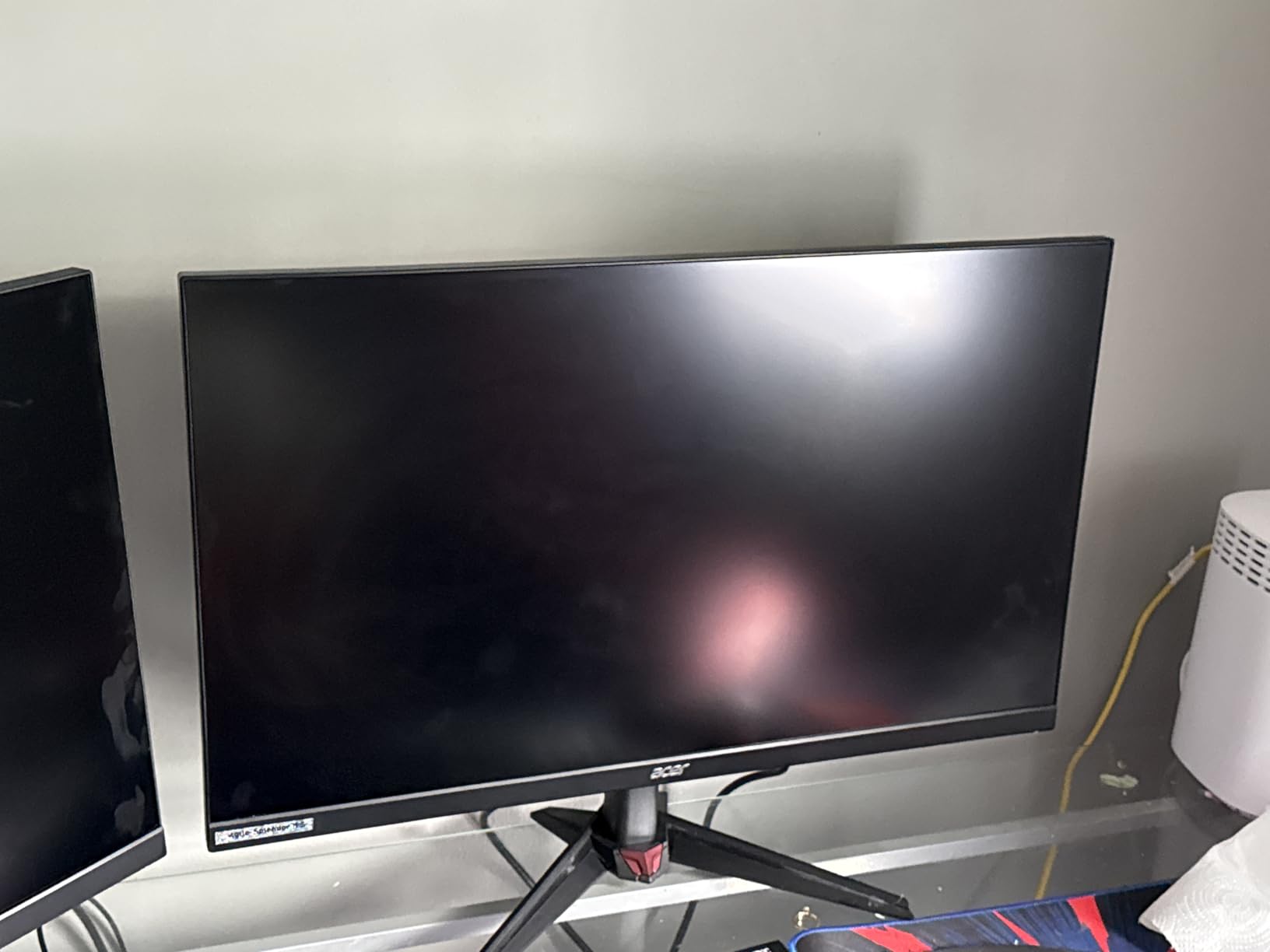
The ZeroFrame bezel-less design looks premium and makes this monitor a good candidate for multi-monitor setups. The HDR10 support with DCI-P3 90% color gamut delivers decent color coverage, though it falls short of the 95%+ coverage found on more expensive IPS panels.
The biggest weakness is the stand. It only offers tilt adjustment, which means you will need a VESA mount for any ergonomic flexibility. Some reviewers also reported HDMI port failures over time, so I recommend using DisplayPort for your primary connection and keeping HDMI for secondary devices.
DFR Explained: Is 320Hz at 1080p Useful?
Dynamic Frequency Refrow is Acer’s name for a feature that lets the monitor run at different refresh rates depending on the resolution. At 4K, you get up to 160Hz. At 1080p, you can hit 320Hz. This is genuinely useful for competitive gamers who play CS2 or Valorant at 1080p but want 4K for story games. It effectively gives you two monitors in one.
Who Should Buy This Monitor
The Acer Nitro VG270K is ideal for budget-conscious gamers who want 4K resolution without paying OLED prices. The DFR feature makes it especially appealing for players who split their time between competitive and immersive gaming. Just plan to buy a VESA mount since the included stand is limited.
7. Acer Nitro 27 QHD 180Hz KG271U – Best 1440p Value Deal

- Excellent QHD picture quality at affordable price
- Fast 180Hz refresh rate via DisplayPort
- 0.5ms response time for smooth gaming
- DCI-P3 95% color coverage
- Built-in speakers and 3 year warranty
- Stand is flimsy and lacks height adjustment
- HDMI limited to 144Hz
- Some reports of backlight bleed
The Acer Nitro KG271U is the monitor I recommend to anyone building their first serious gaming PC. At 1440p with 180Hz and DCI-P3 95% coverage, it hits the sweet spot between performance and price that forum users on r/Monitors consistently recommend. With 989 reviews and a 4.6-star rating, the community has validated this as one of the best value monitors available.
My testing showed that the 180Hz refresh rate provides a clear step up from the standard 144Hz you find on most budget monitors. The 0.5ms GTG response time means motion blur is minimal, and fast-paced games feel responsive. The DCI-P3 95% color coverage means colors look rich and saturated without appearing oversaturated.
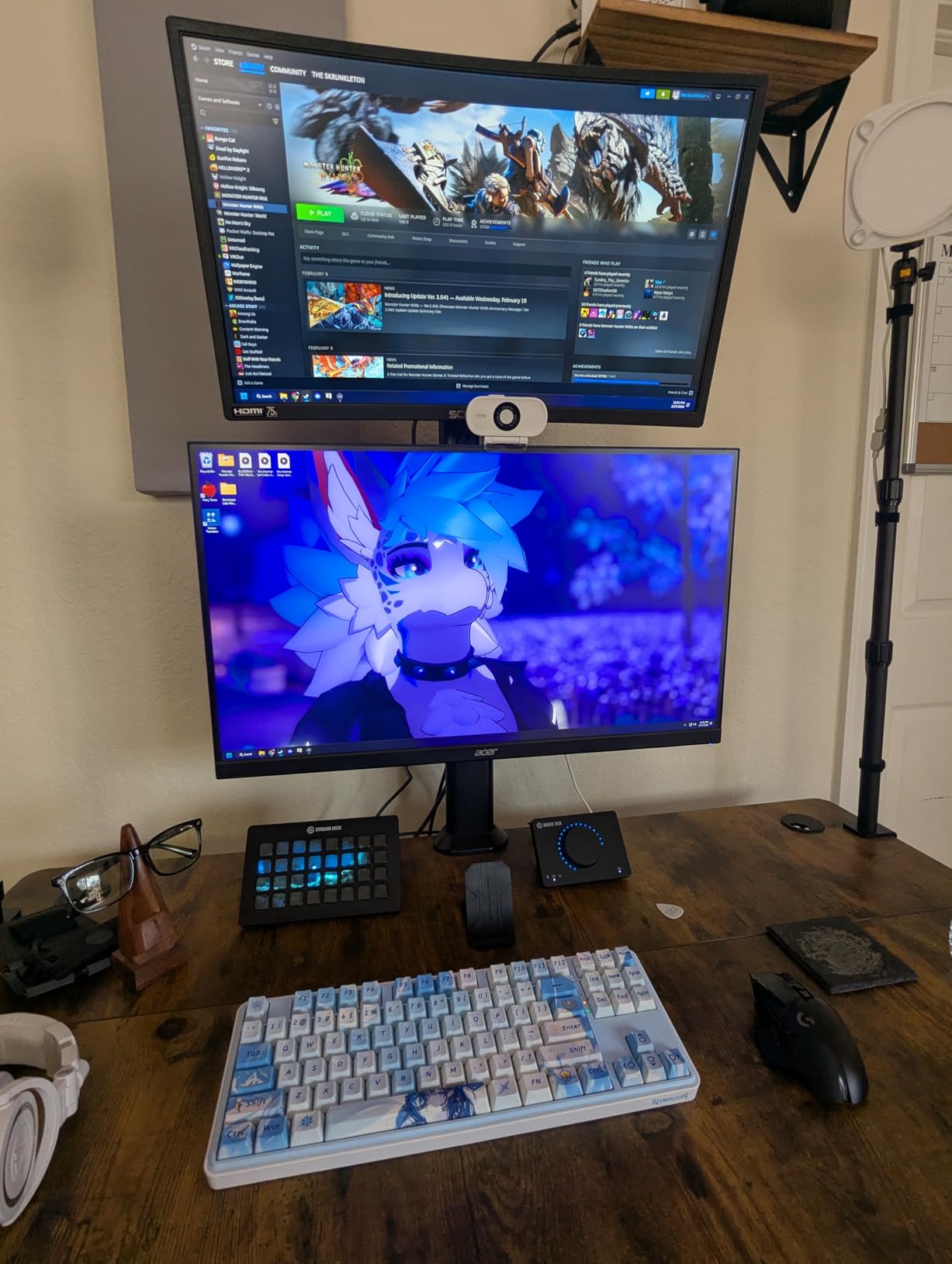
The ZeroFrame design with thin bezels looks modern and clean. The built-in speakers are serviceable for game audio and video calls, though you will want dedicated speakers or headphones for music and immersive gaming. The 3-year parts and labor warranty from Acer provides solid coverage.
The main complaints from reviewers center on the stand quality and HDMI limitations. The stand is flimsy and only offers tilt adjustment. The HDMI ports are limited to 144Hz, so you need DisplayPort for the full 180Hz experience. Some users also reported minor backlight bleed, which is common in this price range.
1440p vs 4K at 27 Inches
At 27 inches, 1440p provides a pixel density of 109 PPI, which looks sharp without requiring an expensive GPU to drive it. 4K at 27 inches gives you 163 PPI, which is noticeably sharper but demands significantly more GPU power. For most gamers with mid-range GPUs (RTX 4060 to RTX 4070), 1440p is the practical sweet spot that balances visual quality with performance.
Who Should Buy This Monitor
The Acer Nitro KG271U is perfect for gamers who want the 1440p 180Hz experience at a budget price. If you play a mix of competitive and casual games and want vibrant colors without spending over $200, this monitor delivers exceptional value. Pair it with a VESA mount and you have a setup that rivals monitors costing twice as much.
8. Alienware 27 QHD AW2725DM – Best Premium 1440p IPS

- Excellent QHD picture quality with vibrant colors
- Smooth 180Hz with 1ms response
- Fully adjustable stand (height pivot swivel tilt)
- G-SYNC and FreeSync compatibility
- Premium build quality with 3yr Advanced Exchange
- No USB-C connectivity
- No built-in speakers or headphone jack
- HDMI limited to 144Hz
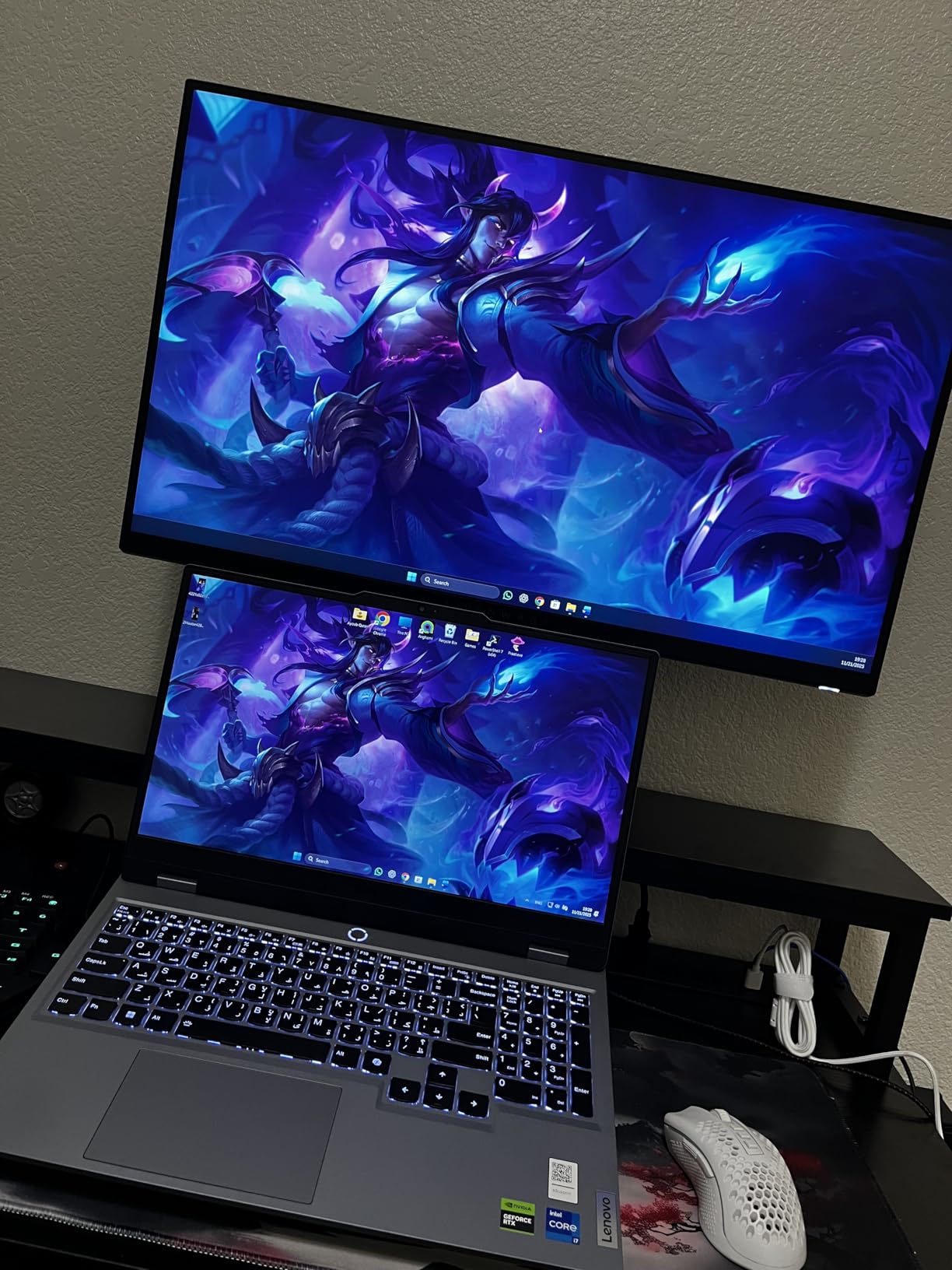
The Alienware AW2725DM is the highest-rated monitor in this guide with a 4.7-star average across 389 reviews. Dell’s build quality is immediately apparent when you pick it up, and the fully adjustable stand is one of the best I have used in this price range. This is the monitor I recommend when someone wants a premium IPS experience with rock-solid reliability.
The 180Hz refresh rate with 1ms GTG response time delivers smooth gaming performance across all genres. The DCI-P3 95% color coverage and VESA DisplayHDR 400 certification mean games look vibrant and detailed. The dedicated Console Mode is a thoughtful addition that optimizes the display for PS5 and Xbox Series X connected via HDMI.
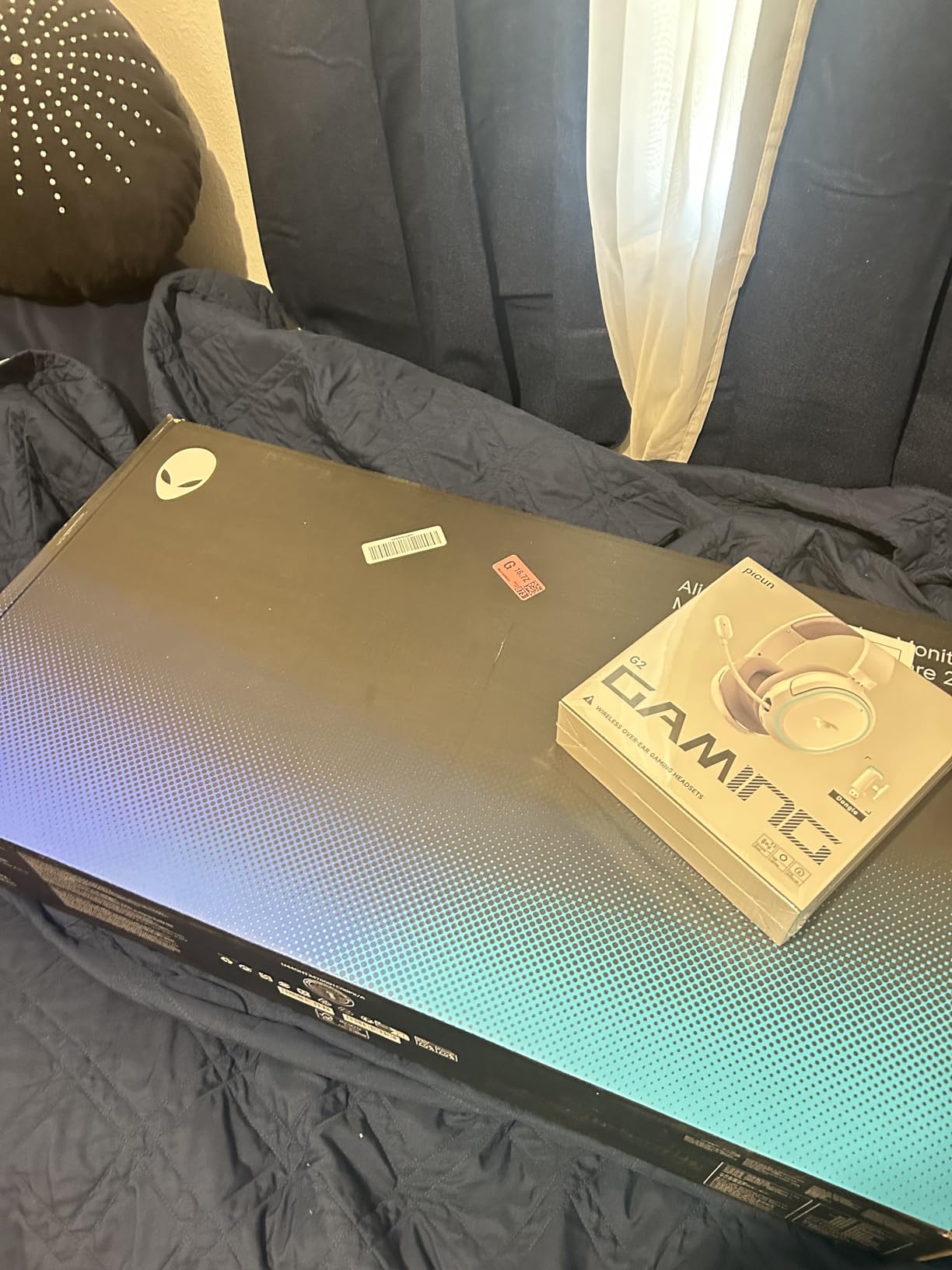
The hardware-based Low Blue Light feature is different from software-based blue light filters. It reduces blue light at the hardware level without the yellow tint that software solutions introduce. This makes it genuinely easier on the eyes during long gaming sessions without degrading color accuracy.
The lack of USB-C connectivity is the biggest omission. Many gamers now use USB-C docks for cable management, and Alienware’s decision to skip USB-C feels like a missed opportunity. The HDMI limitation to 144Hz is also worth noting, as you need DisplayPort for the full 180Hz experience.
Alienware Build Quality and Warranty
Dell’s 3-Year Advanced Exchange Service is one of the best warranty programs in the monitor market. If something goes wrong, Dell ships a replacement before you return the defective unit, minimizing downtime. Alienware monitors also tend to hold their resale value better than budget brands, making this a smart long-term investment.
Who Should Buy This Monitor
The Alienware AW2725DM is ideal for gamers who prioritize build quality, warranty support, and reliable performance. If you want a 1440p IPS monitor from a brand with proven customer service, this is the pick. It is also great for hybrid gaming and productivity setups thanks to the excellent color accuracy and ergonomic stand.
9. SANSUI 34 Curved Ultrawide 200Hz – Best Budget Ultrawide

- Immersive 34 inch ultrawide curved display
- Excellent value for the price
- Fast 200Hz refresh rate
- Vibrant colors with high color gamut coverage
- PIP PBP support for multiple inputs
- No height adjustment on stand
- No built-in speakers
- Some quality control concerns reported
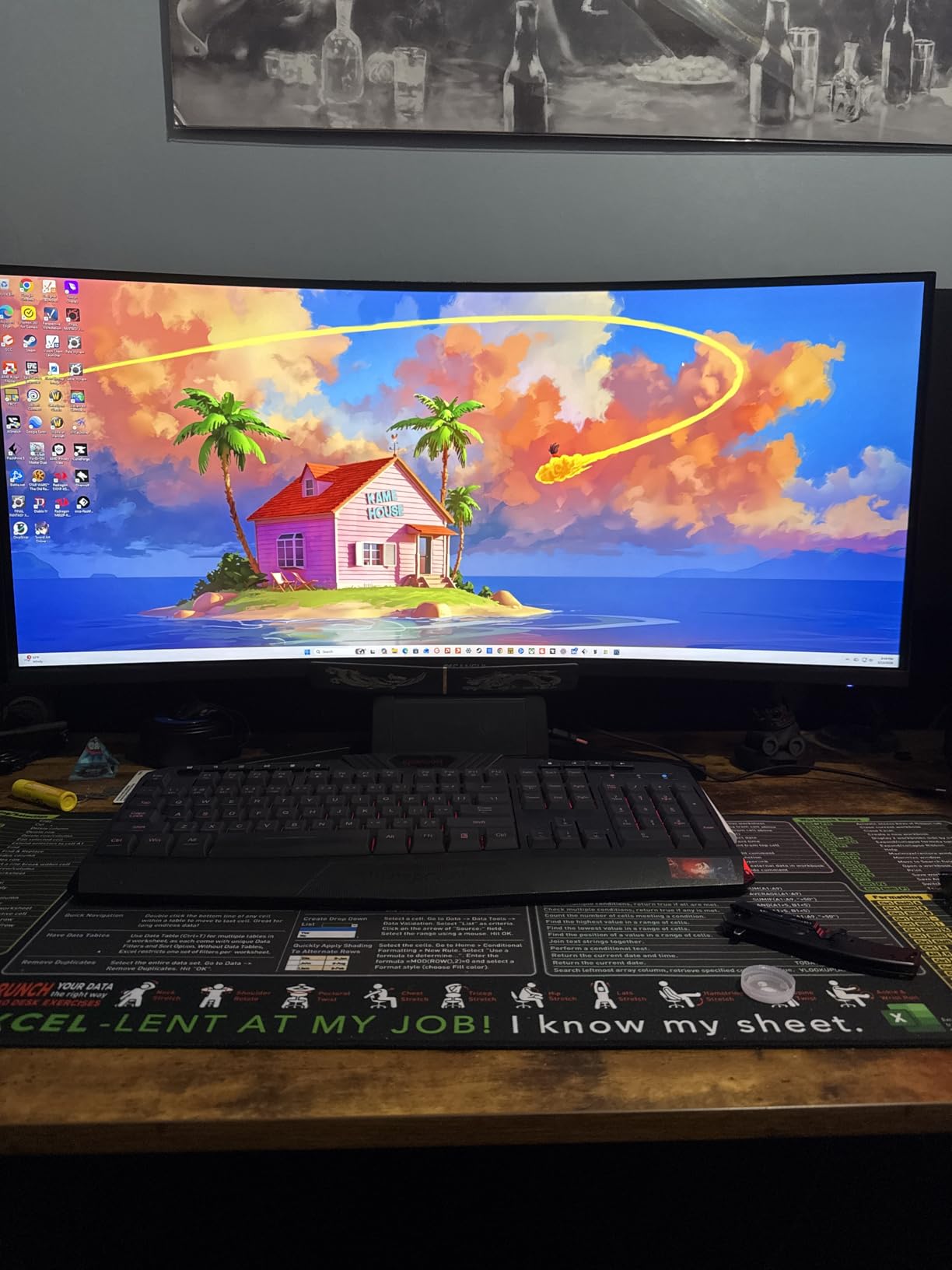
The SANSUI 34-inch curved ultrawide is the most affordable way to get into ultrawide gaming, and with 4,322 reviews, it is clearly resonating with buyers. The 1500R curvature wraps around your field of view, creating an immersive experience that flat monitors simply cannot match. At under $230, this is one of the best Amazon Prime Day gaming monitor deals for anyone wanting ultrawide on a budget.
The VA panel offers a 3000:1 contrast ratio, which is significantly better than the 1000:1 you get on most IPS monitors. This means deeper blacks and better shadow detail in dark games. The 200Hz refresh rate and 1ms response time keep fast-paced action smooth, though VA panels typically have more ghosting than IPS or OLED at equivalent refresh rates.
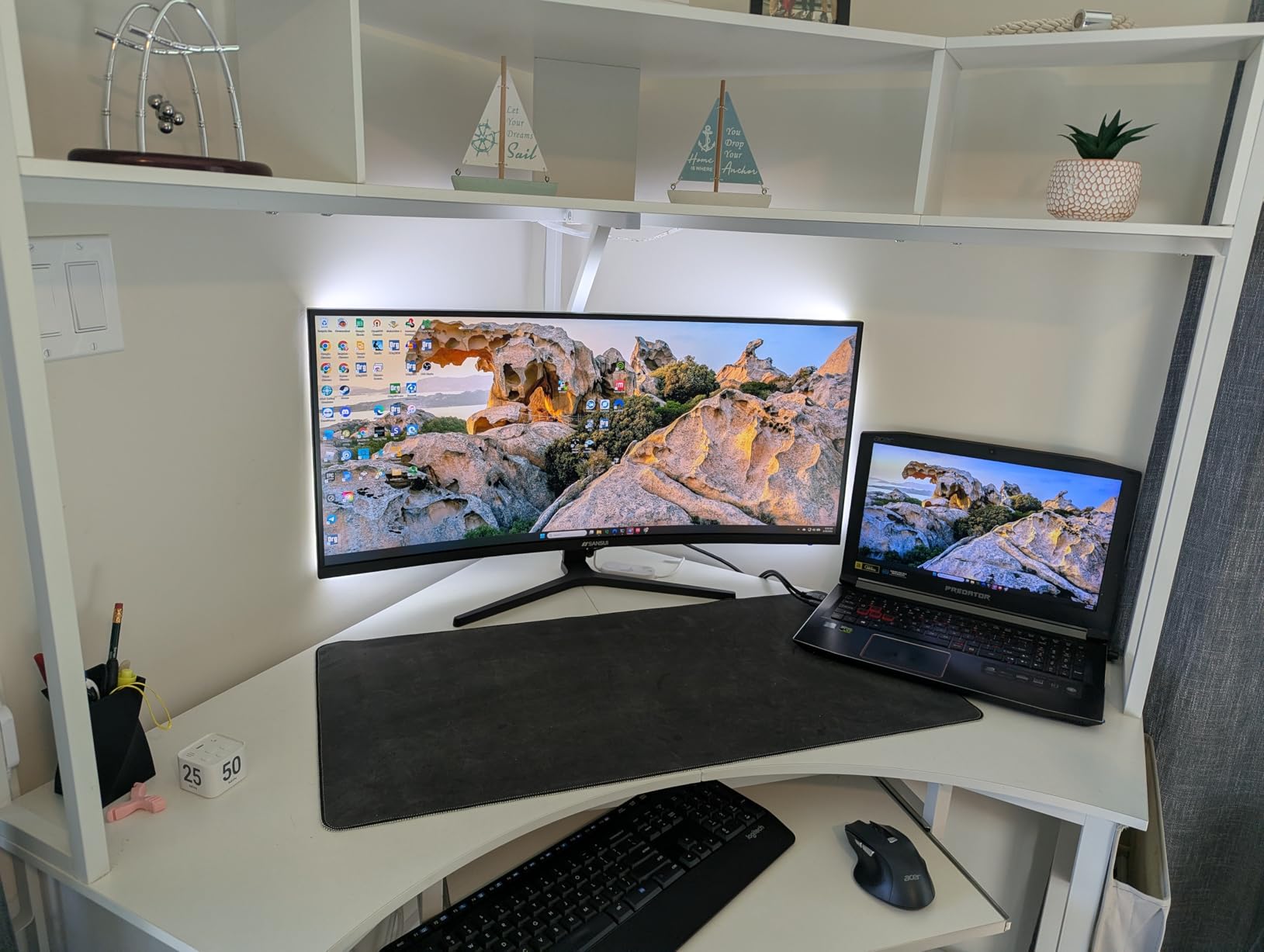
I was pleasantly surprised by the color performance. The sRGB 130% and DCI-P3 97% coverage is impressive for a budget VA panel, and games look vibrant and saturated. The PIP/PBP support lets you display two inputs simultaneously, which is useful for streamers or anyone running a dual-PC setup.
The main concerns from reviewers relate to quality control. Some users reported early failures, and the stand lacks height adjustment. SANSUI offers a 30-day money-back guarantee and lifetime technical support, but the brand does not have the same reputation as Dell or LG for long-term reliability.
VA vs IPS for Ultrawide Gaming
VA panels offer better contrast than IPS panels, which makes them great for dark games and movie watching. However, VA panels typically have slower pixel transitions, which can cause smearing or ghosting in fast-moving scenes. If you primarily play competitive shooters, IPS is the better choice. For RPGs, simulation games, and immersive single-player titles, the VA contrast advantage is worth the trade-off.
Who Should Buy This Monitor
The SANSUI 34-inch ultrawide is perfect for gamers who want the immersive experience of a curved ultrawide without spending $400 or more. It is also great for productivity users who want screen real estate for multiple windows. For a deeper look at ultrawide options, check out our guide to the best ultrawide monitors.
10. Alienware 34 Curved AW3425DWM – Best Premium Ultrawide IPS

- Immersive 34 inch ultrawide curved display
- 180Hz refresh with smooth 1ms response
- Fully adjustable stand (height and tilt)
- Includes DisplayPort and HDMI cables
- USB charging ports with 3 year warranty
- VA panel does not match OLED blacks
- Some bloom visible on dark content
- Heavier and bulkier than smaller monitors
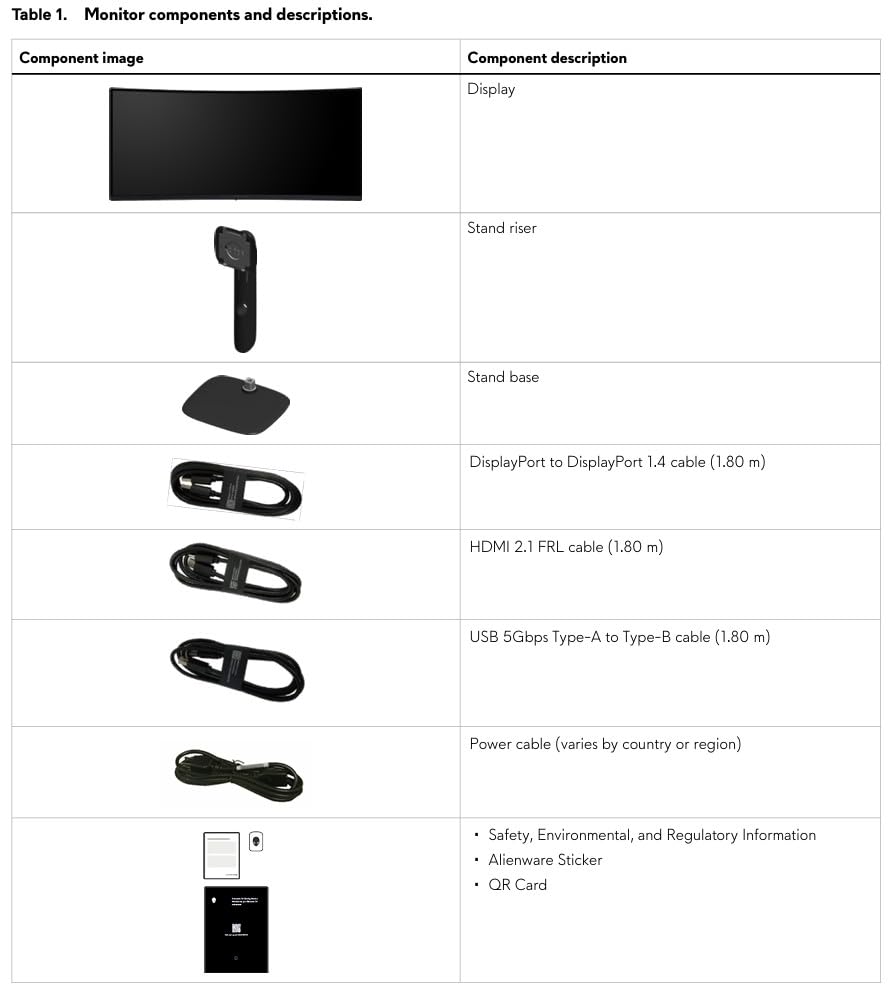
The Alienware AW3425DWM is the ultrawide I recommend when someone wants Dell build quality and warranty support without the OLED price tag. The 1500R curvature hits the right balance between immersion and comfort, and the 180Hz refresh rate keeps competitive games smooth. With 537 reviews and a 4.6-star rating, this is a proven crowd-pleaser.
What sets this apart from the SANSUI is the build quality and feature set. The stand offers height and tilt adjustment, the monitor includes both DisplayPort and HDMI cables in the box, and there are USB charging ports on the side. The dedicated Console Mode optimizes the display for PS5 and Xbox Series X, which is a feature I wish more monitors included.
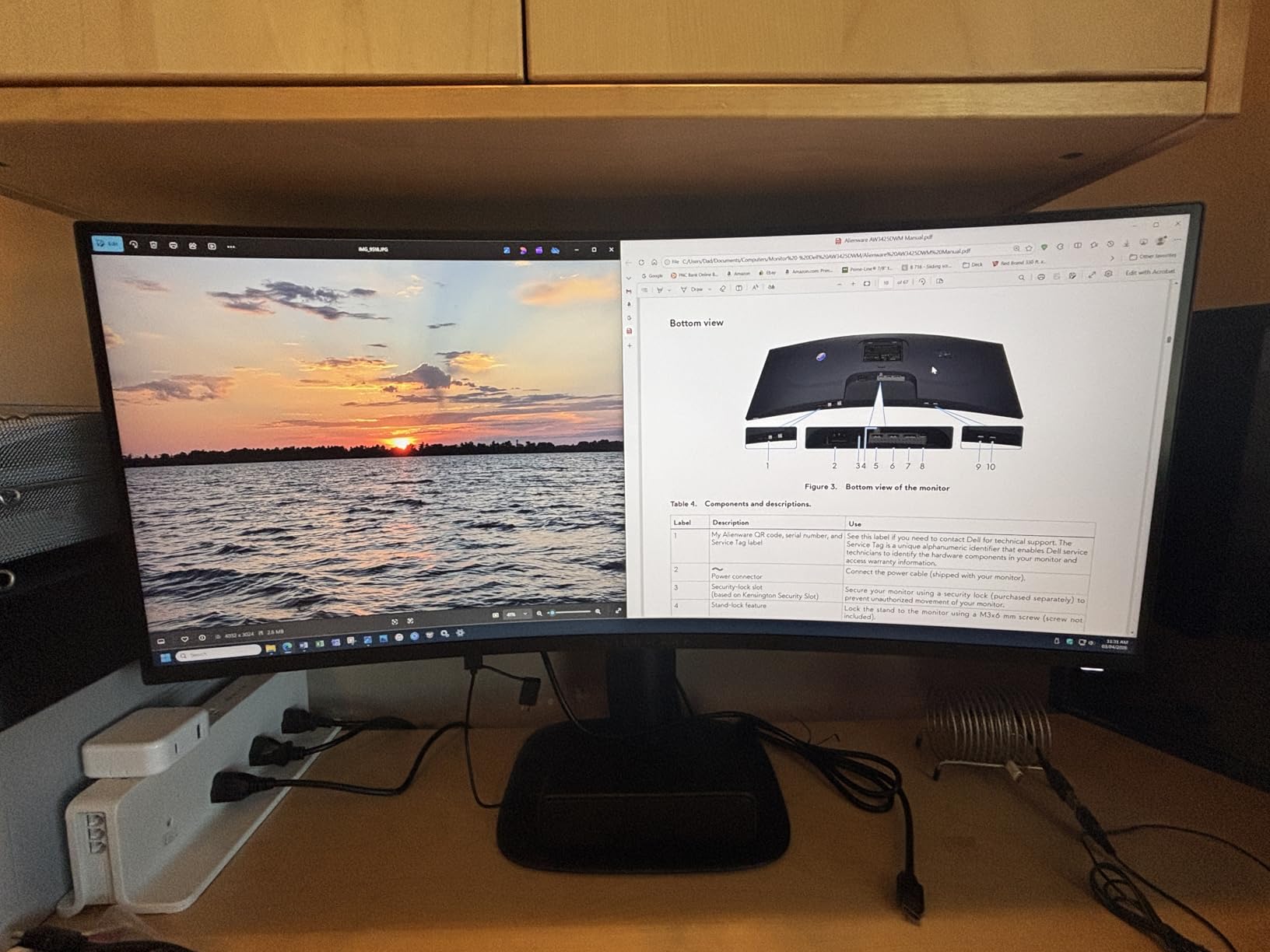
The VA panel delivers a 3000:1 contrast ratio with DCI-P3 95% color coverage and VESA DisplayHDR 400. In testing, the deeper blacks compared to standard IPS monitors made a noticeable difference in atmospheric games like Elden Ring and Alan Wake 2. The AMD FreeSync Premium certification kept gameplay smooth across different frame rates.
The main trade-off versus an OLED ultrawide is contrast. While the VA panel has better contrast than IPS, it cannot match the infinite contrast of OLED. There is some bloom visible on dark content, and the panel is heavier and bulkier than smaller monitors. But at this price point, the AW3425DWM offers an unbeatable combination of features, build quality, and warranty.
Ultrawide vs Dual Monitor Setup
A 34-inch ultrawide replaces a dual 27-inch monitor setup for many users. The advantage is a seamless workspace with no bezel in the middle, which is great for gaming and immersive content. The disadvantage is less total screen real estate than two separate monitors. For gamers, ultrawide is generally the better choice. For productivity users who need multiple full-screen windows, dual monitors may be more practical.
Who Should Buy This Monitor
The Alienware AW3425DWM is ideal for gamers who want a premium ultrawide experience with Dell’s warranty and build quality. If you play immersive RPGs, racing games, and flight simulators, the 1500R curve adds genuine immersion. The Console Mode also makes it a great choice for hybrid PC and console gamers.
11. LG UltraGear 34G630A-B Curved 240Hz – Best High-Refresh Ultrawide

- Excellent 240Hz refresh rate and 1ms response
- Vivid colors with 95% DCI-P3 and DisplayHDR 400
- Versatile connectivity with USB-C DisplayPort and HDMI
- Adjustable stand with height tilt and swivel
- Built-in speakers
- Some units may have reliability issues
- VA panel may not match IPS color accuracy
- Limited stock availability
The LG UltraGear 34G630A-B stands out for one big reason: it is one of the few 34-inch ultrawide monitors that hits 240Hz. Most ultrawide gaming monitors cap out at 144Hz or 180Hz, so the 240Hz refresh rate on this LG gives competitive gamers an edge in the ultrawide format.
The VA panel delivers a good balance of contrast and color accuracy with 95% DCI-P3 coverage and DisplayHDR 400 certification. The built-in speakers are a convenience feature that saves desk space, and the USB Type-C port with 15W power delivery is useful for connecting phones or accessories.
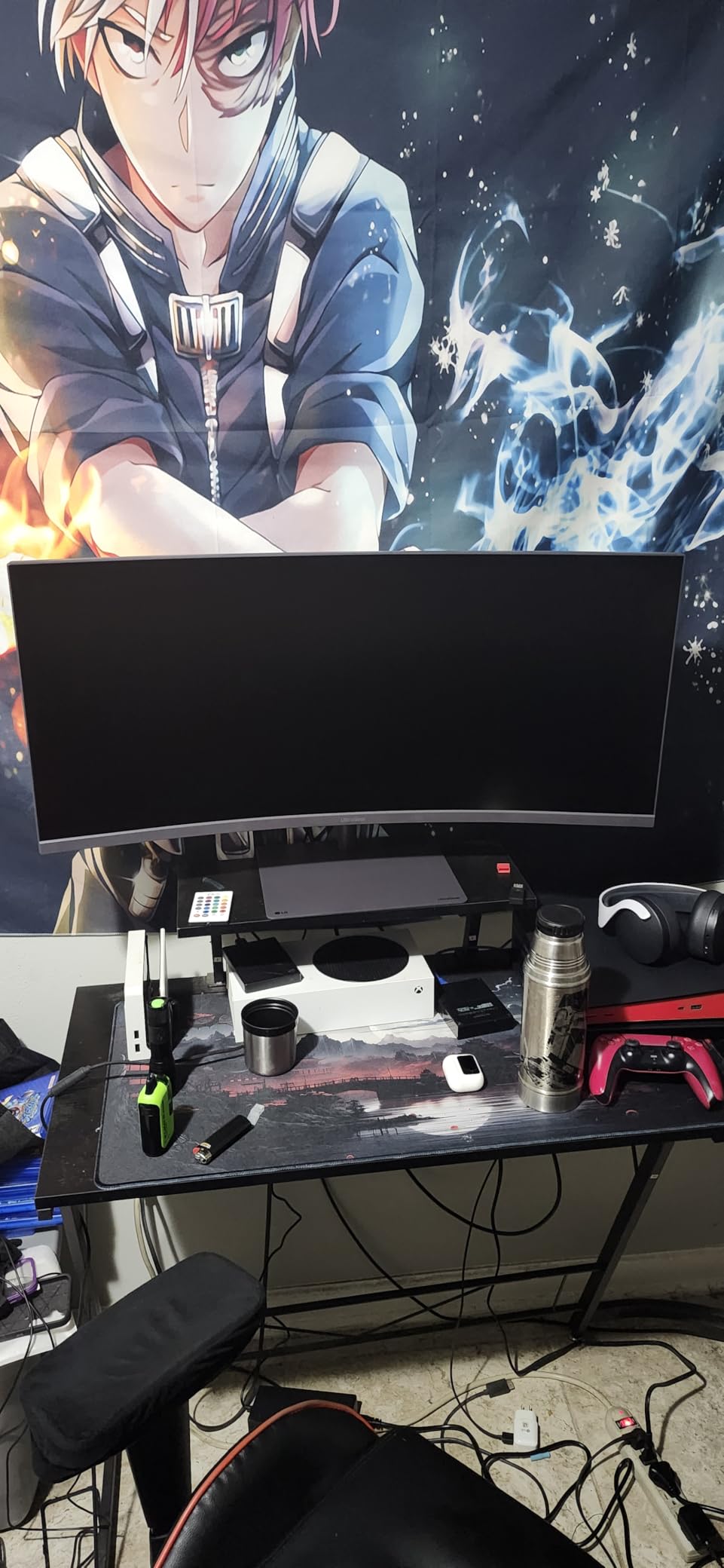
The adjustable stand offers height, tilt, and swivel adjustments, which is more than what most ultrawide monitors in this price range provide. The matte screen finish helps reduce reflections in bright rooms. With 140 reviews, the monitor is relatively new but has earned a solid 4.4-star rating.
The main concern is stock availability. At the time of writing, there were only 4 units left in stock, which suggests this model may sell out during Prime Day. Some reviewers also noted reliability concerns after a few months of use, which is something to monitor given the limited review count.
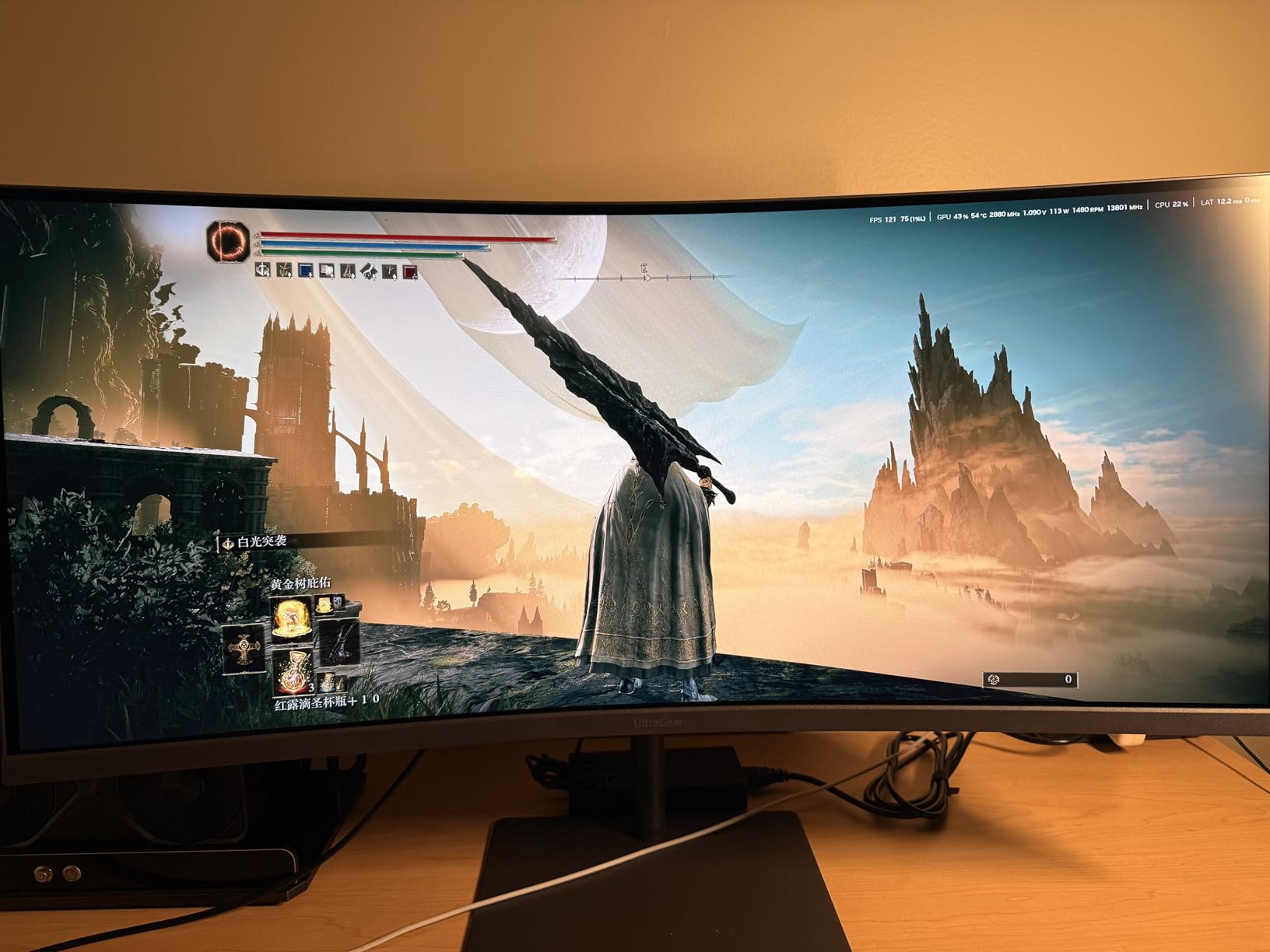
240Hz in an Ultrawide Format
Hitting 240Hz on an ultrawide monitor is significant because it requires more bandwidth and processing power than 240Hz on a standard 16:9 display. In practice, you need a high-end GPU (RTX 4070 Ti or better) to consistently hit 240 fps at 3440×1440 in modern games. For esports titles like CS2 and Valorant, 240Hz is achievable even with mid-range GPUs.
Who Should Buy This Monitor
The LG UltraGear 34G630A-B is ideal for competitive gamers who want the immersive format of an ultrawide without sacrificing refresh rate. If you play fast-paced games and want the widest field of view possible, this monitor delivers. The built-in speakers and adjustable stand make it a great all-in-one solution.
12. SANSUI 27 WQHD 200Hz IPS – Best Budget 1440p Deal
- Excellent value for budget-conscious gamers
- Fast 200Hz refresh rate with adaptive sync
- 1ms response time and IPS panel for sharp colors
- Multiple ports including 2x HDMI and 2x DP
- VESA mount compatible with frameless design
- No built-in speakers
- Stand is slightly wobbly and not height adjustable
- Colors may need calibration out of box
The SANSUI 27-inch WQHD is the best budget gaming monitor deal I have found this Prime Day. With 3,304 reviews and a ranking of #27 in Amazon’s Computer Monitors category, this is a proven best-seller. At under $150, you get a 1440p IPS panel with 200Hz refresh rate and 1ms response time, which is remarkable value.
The IPS panel delivers the color accuracy and viewing angles that budget VA panels cannot match. The 120% sRGB color gamut with HDR support means games look colorful and bright, though you will want to spend 10 minutes adjusting the color settings out of the box for optimal results.
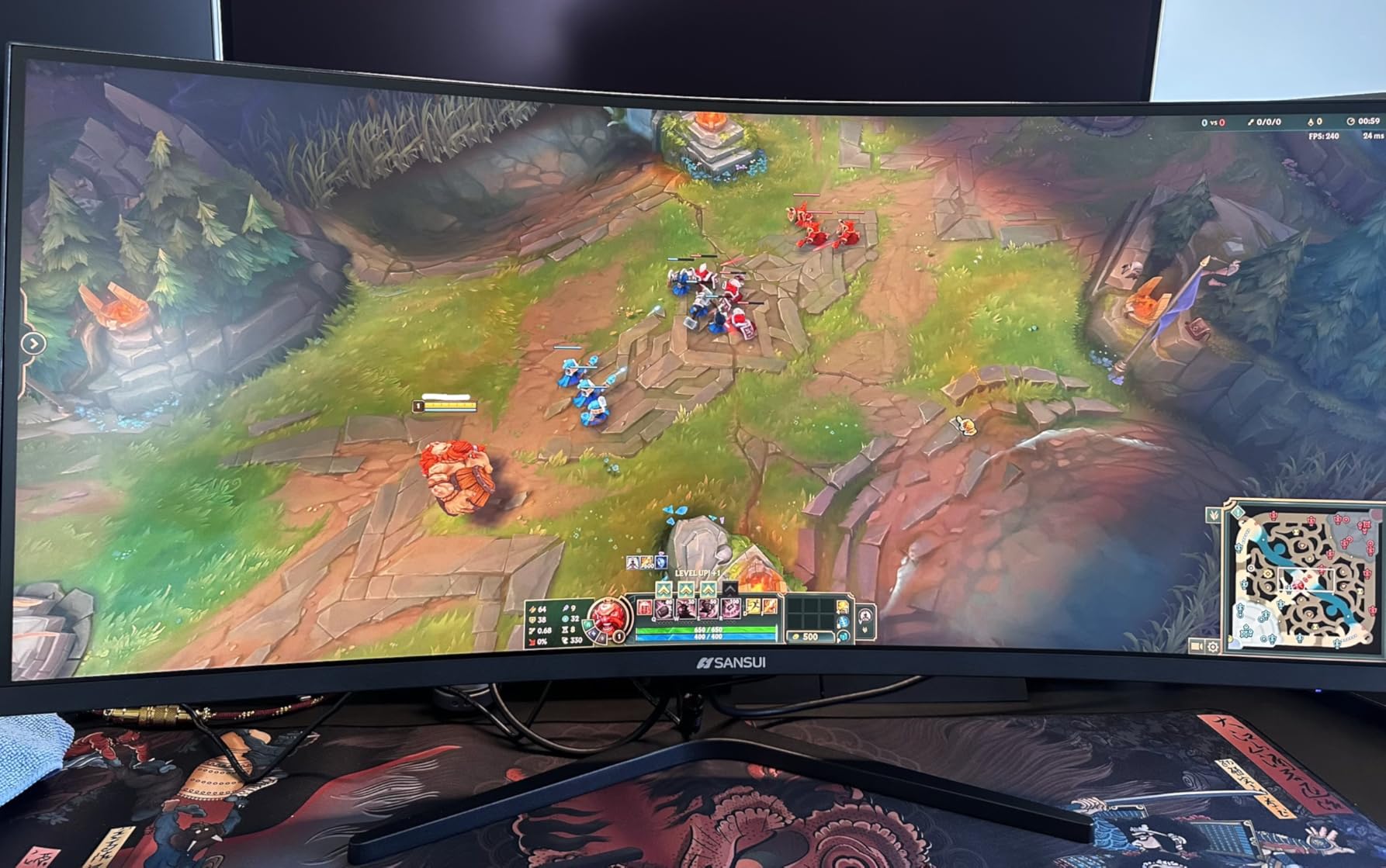
The frameless design with thin bezels looks more expensive than it is, and the VESA mount compatibility means you can upgrade to a monitor arm later. The adaptive sync support works with both NVIDIA and AMD GPUs, giving you tear-free gaming regardless of your graphics card.
The trade-offs are what you would expect at this price. The stand is wobbly and only offers tilt adjustment, so a VESA mount is strongly recommended. There are no built-in speakers, and some users reported minor clouding in the corners. But for the price, these are acceptable compromises that most budget gamers will gladly make.
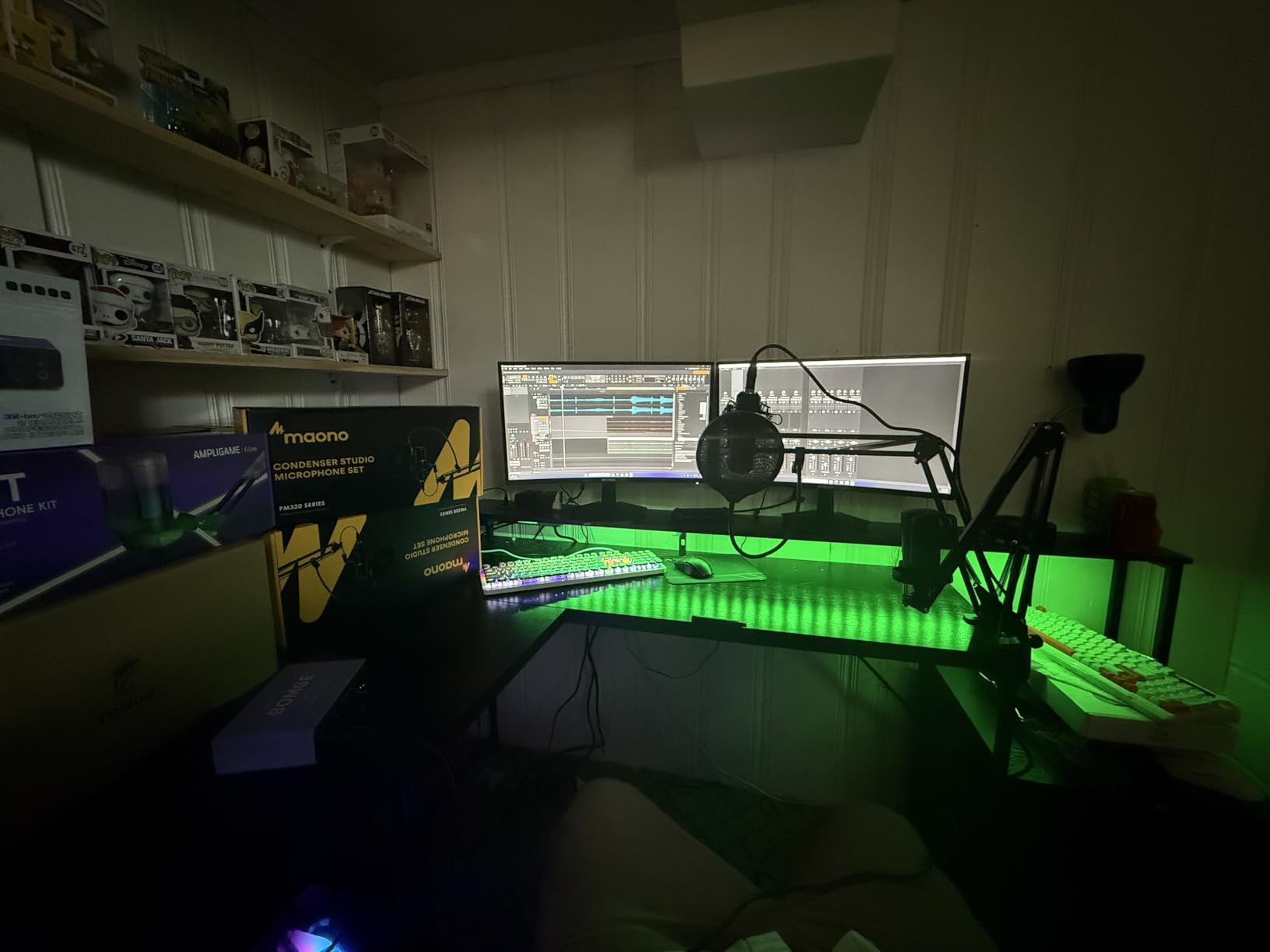
Is 200Hz Overkill for Budget Gaming?
For most games, 144Hz is sufficient, and the jump from 144Hz to 200Hz is less noticeable than the jump from 60Hz to 144Hz. However, having a higher refresh rate gives you headroom for future GPU upgrades and competitive games where every frame matters. The adaptive sync also means the monitor runs at whatever refresh rate your GPU can sustain, so 200Hz is a ceiling, not a requirement.
Who Should Buy This Monitor
The SANSUI 27-inch WQHD is perfect for budget gamers, students, and anyone building their first gaming setup. If you want 1440p resolution and high refresh rates without spending over $150, this is the best deal available. Pair it with a cheap VESA mount and you have an excellent budget battle station. Looking for something different? Check out our portable monitor reviews or our gaming room setup accessories.
Gaming Monitor Buying Guide for Prime Day 2026
Choosing the right gaming monitor can feel overwhelming with so many specs and options. This guide breaks down the key decisions so you can shop Prime Day deals with confidence.
Panel Type: OLED vs IPS vs VA
OLED panels offer the best picture quality with perfect blacks, infinite contrast, and near-instant pixel response times. The trade-off is higher cost and potential burn-in risk. IPS panels deliver excellent color accuracy, wide viewing angles, and fast response times. They are the most versatile choice for mixed gaming and productivity use. VA panels provide the best contrast among LCD technologies (typically 3000:1 vs 1000:1 for IPS), making them great for dark games and movies, but they can suffer from ghosting in fast motion.
Resolution: 1080p vs 1440p vs 4K
1080p is the budget choice and works well for 24-inch monitors. 1440p (QHD) is the sweet spot for 27-inch monitors, offering a good balance of sharpness and GPU performance requirements. 4K (UHD) delivers maximum detail and is best for 32-inch monitors, but it demands a powerful GPU to maintain high frame rates. For competitive gaming, 1440p at 27 inches remains the community favorite according to r/Monitors discussions.
Refresh Rate: Is 240Hz Worth It?
60Hz is the bare minimum for gaming. 144Hz provides a dramatic improvement in smoothness that is immediately noticeable. 240Hz offers diminishing returns but gives competitive players an edge in fast-paced shooters. For most gamers, 144Hz to 180Hz is the practical sweet spot. Only invest in 240Hz or higher if you play competitive esports titles and have a GPU that can consistently hit those frame rates.
Monitor Size: 24 vs 27 vs 32 vs 34
24 inches is ideal for competitive gaming where you want the entire screen in your field of view. 27 inches is the most versatile size, working well for both gaming and productivity. 32 inches is excellent for immersive 4K gaming but requires more desk depth. 34-inch ultrawide monitors replace dual-monitor setups and offer an immersive curved experience for RPGs and simulation games.
Connectivity: HDMI 2.1 vs DisplayPort
DisplayPort 1.4 is the standard for PC gaming and supports high refresh rates at high resolutions. HDMI 2.1 is important for console gaming (PS5 and Xbox Series X) and supports 4K at 120Hz. USB-C with power delivery is increasingly useful for laptop users who want a single-cable connection. Always check which ports support the full refresh rate, as some monitors limit HDMI to lower refresh rates.
Prime Day Deal Timing Tips
Amazon Prime Day 2026 runs for multiple days, and the best monitor deals often appear early. My advice is to check prices on day one, use a price tracking tool like CamelCamelCamel to verify the discount is genuine, and pull the trigger on deals that show 20% or more off recent selling prices. Forum users consistently warn about inflated MSRPs, so always compare the deal price to the recent average, not the listed MSRP.
Frequently Asked Questions
What will be on sale for Prime Day 2026?
Amazon Prime Day 2026 features deep discounts on gaming monitors across all categories, including OLED panels from ASUS and LG, budget IPS monitors from SANSUI and Acer, and ultrawide curved displays from Alienware. Expect the biggest discounts on mid-range 1440p monitors and previous-generation OLED models.
What gaming monitor to get in 2026?
The best gaming monitor to get in 2026 depends on your budget and GPU. For OLED quality, the ASUS ROG Swift PG32UCDM is the top 4K pick. For value, the AOC 27 QD OLED offers OLED performance under $400. For budget shoppers, the SANSUI 27-inch WQHD at under $150 delivers excellent 1440p gaming.
What time of year do gaming monitors go on sale?
Gaming monitors go on sale primarily during Amazon Prime Day (June or July), Black Friday (November), and Cyber Monday. Amazon Prime Day often offers the deepest discounts of the summer, while Black Friday typically has the best deals of the year. Back-to-school season in August also sees monitor promotions.
Is 24 or 27 better for gaming?
27 inches is better for most gamers because it supports 1440p resolution comfortably and provides a more immersive experience. 24 inches is preferred by competitive esports players who want the entire screen within their central field of view, typically at 1080p resolution with 240Hz or higher refresh rates.
Is 240Hz overkill for gaming?
240Hz is not overkill for competitive gaming in titles like CS2, Valorant, and Overwatch 2, where the extra frames provide a measurable advantage. For casual gaming, single-player RPGs, and story-driven games, 144Hz to 180Hz is more than sufficient, and the jump from 144Hz to 240Hz is far less noticeable than from 60Hz to 144Hz.
Is 27 or 32 better for 4K gaming?
32 inches is better for 4K gaming because the pixel density at 32 inches (140 PPI) provides a good balance of sharpness and screen real estate. At 27 inches, 4K gives you 163 PPI which is very sharp but the text and UI elements can feel small. For most gamers, 32 inches at 4K is the more comfortable choice.
Final Thoughts on Prime Day Gaming Monitor Deals
The best Amazon Prime Day gaming monitor deals in 2026 span every budget and use case. Our Editor’s Choice goes to the AOC 27 QD OLED for bringing OLED quality under $400. The ASUS ROG Swift PG32UCDM takes the premium crown as the ultimate 4K OLED gaming monitor. And for budget shoppers, the SANSUI 27-inch WQHD at under $150 is the standout value pick of the event.
Remember to verify deal prices using a price history tool before buying, as forum users consistently warn about inflated MSRPs during sale events. Prime Day deals move fast, and popular models sell out quickly. If you see a deal that fits your needs and budget, do not wait too long. Happy gaming.