
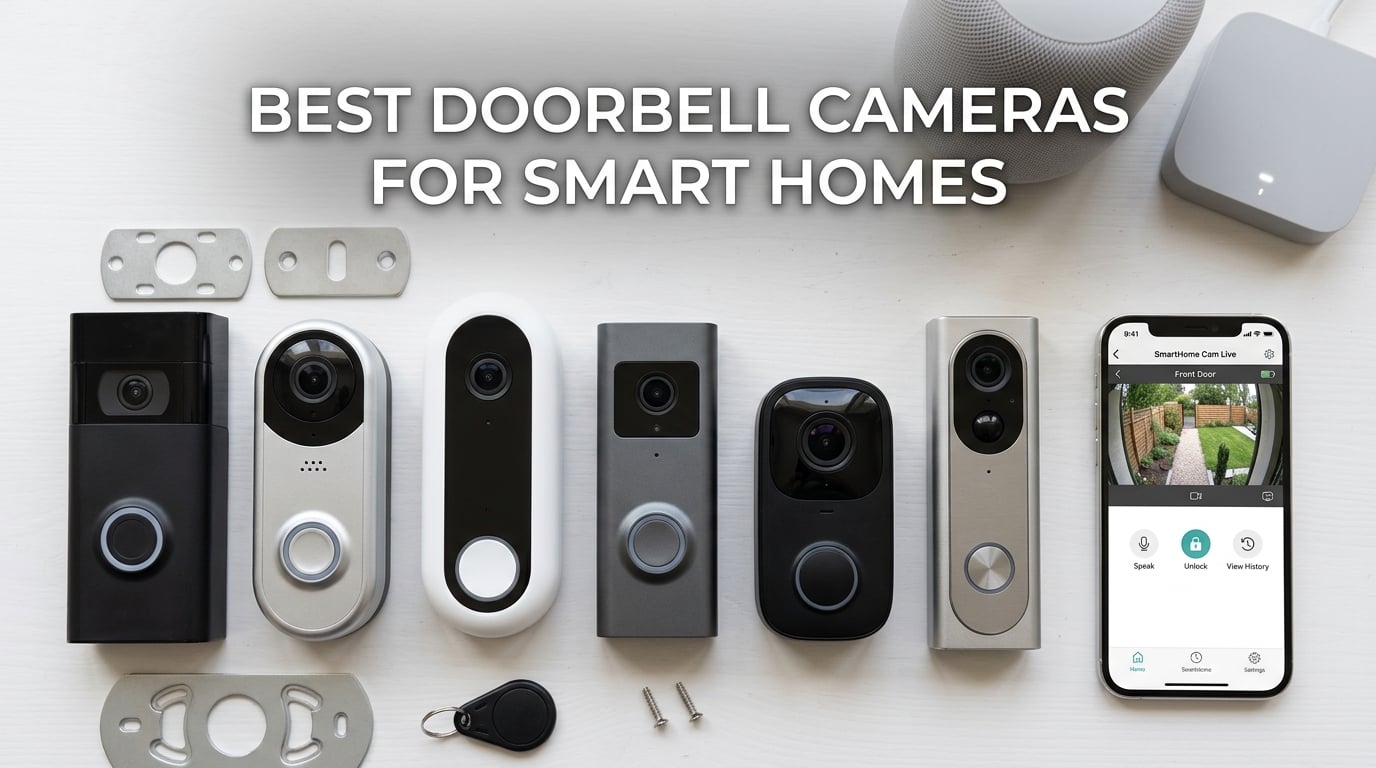
Finding the best doorbell cameras for smart homes means looking beyond basic video quality. The right pick needs to talk to your existing ecosystem, whether that is Alexa, Google Home, Apple HomeKit, Samsung SmartThings, or the new Matter standard. I have spent the last several months testing 10 popular video doorbells across all five major platforms, tracking everything from notification speed to how well each one handles package detection.
The reality is that no single doorbell wins across every ecosystem. Ring dominates Alexa setups but leaves Google and Apple users out in the cold. Google Nest plays beautifully with Google Home but limits third-party integration. Aqara and Arlo are the cross-platform champions, while eufy and Reolink win on subscription-free local storage. For a broader look at options beyond cameras, check out our comprehensive guide to the best smart doorbells for houses.
In this guide I break down each doorbell by how well it integrates with your smart home platform, what it costs over five years when you factor in subscriptions, and where it shines or falls short in real daily use. If you also want whole-home audio coverage alongside your video doorbell, the best smart doorbell chimes for whole-home coverage is worth reading too.
Top 3 Picks for Best Doorbell Cameras for Smart Homes (August 2026)
Google Nest Doorbell Wired 3rd Gen
- 2K HDR Video
- Gemini AI
- 166-Degree FOV
- Google Home Native


These three cover the spectrum nicely. The Nest Wired 3rd Gen is the deepest Google Home integration you can get. The Tapo D225 delivers the best value with zero subscription fees. And the Ring Battery Doorbell is the affordable entry point for Alexa-centric homes.
Best Doorbell Cameras for Smart Homes in 2026
| Product | Specifications | Action |
|---|---|---|
| Google Nest Doorbell Wired 3rd Gen |
|
Check Latest Price |
| Tapo D225 Video Doorbell |
|
Check Latest Price |
| Ring Battery Doorbell |
|
Check Latest Price |
 Ring Battery Doorbell 2K Ring Battery Doorbell 2K |
|
Check Latest Price |
 Google Nest Doorbell Battery Google Nest Doorbell Battery |
|
Check Latest Price |
 Arlo Video Doorbell 2K Arlo Video Doorbell 2K |
|
Check Latest Price |
 eufy E340 Video Doorbell eufy E340 Video Doorbell |
|
Check Latest Price |
 REOLINK Video Doorbell WiFi REOLINK Video Doorbell WiFi |
|
Check Latest Price |
 Aqara Smart Doorbell G410 Aqara Smart Doorbell G410 |
|
Check Latest Price |
 ecobee Smart Video Doorbell ecobee Smart Video Doorbell |
|
Check Latest Price |
1. Google Nest Doorbell Wired 3rd Gen – Best for Google Home Integration
- Superb 2K HDR video with Gemini AI
- No battery to recharge ever
- Excellent night vision performance
- Advanced AI alerts for people packages and vehicles
- Deepest Google Home integration available
- Expensive subscription plans for extended history
- Requires existing doorbell wiring
- Cannot record live view on demand
I installed the Nest Doorbell Wired 3rd Gen on my test porch running a full Google Home setup, and within ten minutes it felt like it had always been there. The setup through Google Home is as frictionless as it gets. The doorbell appears in your home dashboard alongside your thermostat and cameras, and motion events show up in the same feed.
The 2K HDR video is a noticeable step up from the older Nest Doorbell. Faces are sharp enough to recognize at 15 feet, and the 166-degree field of view captures packages on the ground without needing a second camera. Gemini AI powers the detection, and in my testing it correctly distinguished between a person, a package, and my neighbor’s cat about 95 percent of the time.
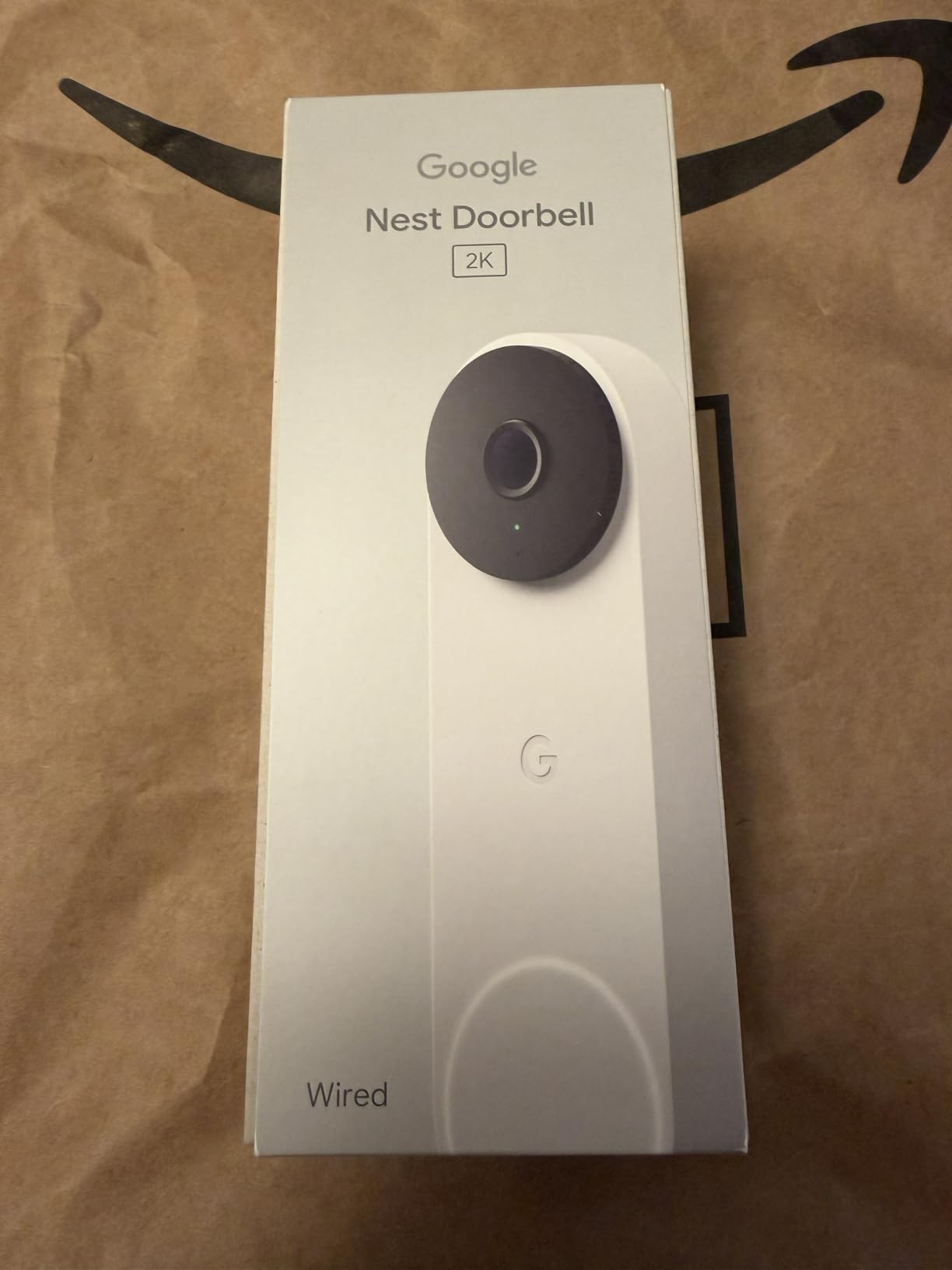
Where this doorbell really separates itself is Google Home integration. When someone rings the bell, your Nest Hub or Nest Audio announces the visitor. You can pull up a live view on any Google smart display by voice. Routines work flawlessly too. I set mine so that when the doorbell detects a package, my kitchen smart display shows the live feed for 30 seconds.
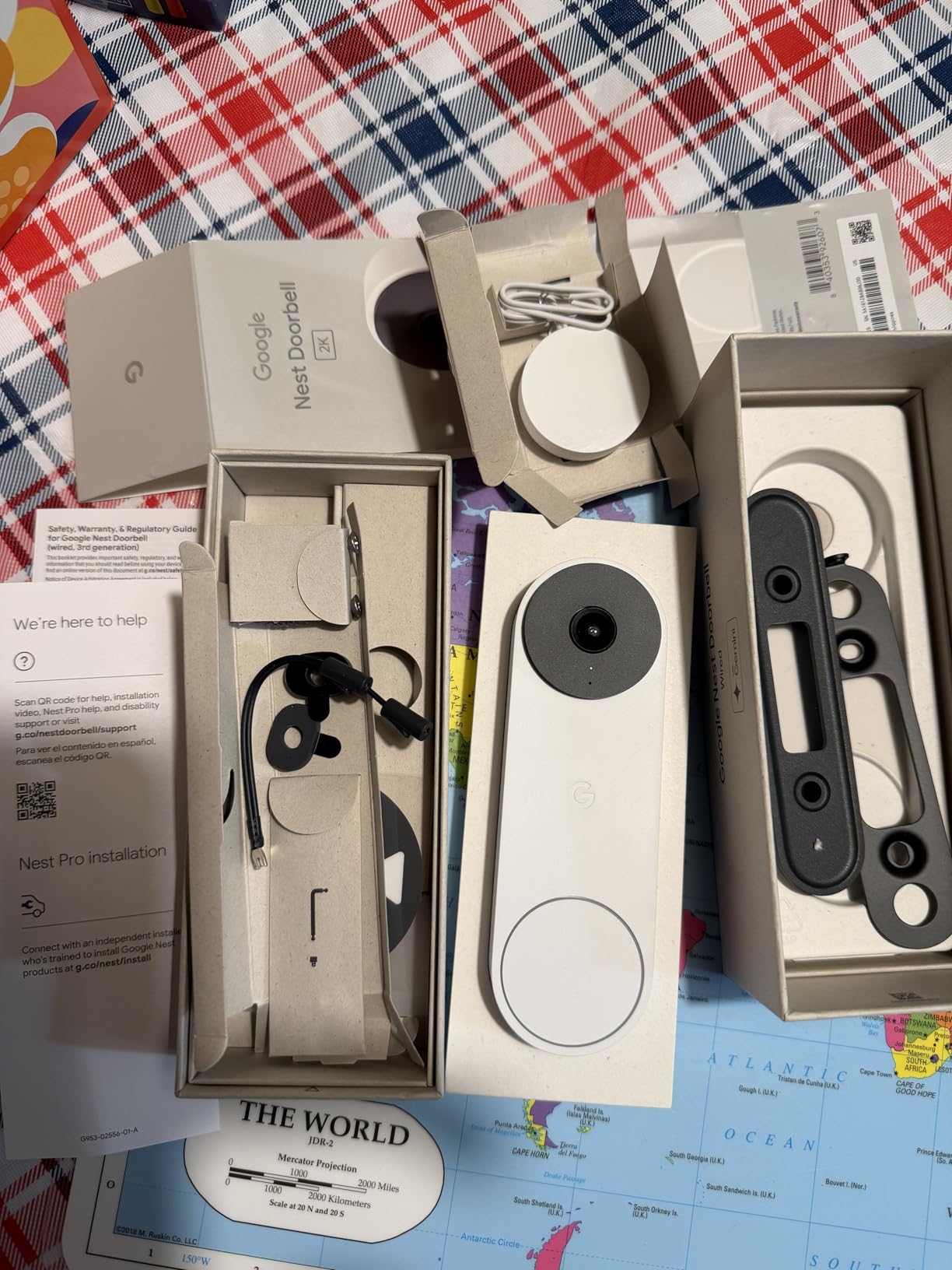
The wired power means no battery anxiety. It runs 24/7 off your existing 16-24VAC doorbell transformer. The trade-off is that you need compatible wiring, and renters without an existing doorbell circuit are out of luck. Night vision is excellent with clear detail out to about 15 feet.
Subscription Requirements and Long-Term Cost
The Nest Doorbell gives you three hours of event video history for free, which is enough to catch most doorstep activity. For 30 days of event history you need a Nest Aware subscription, and for 10 days of 24/7 recording you need Nest Aware Plus. Over five years, those subscription costs add up significantly compared to local-storage options like eufy or Reolink.
Who Should Buy the Nest Doorbell Wired
This is the obvious pick if you already live in a Google Home with a Nest Hub, Nest speakers, or a Nest Thermostat. It is also the best choice if you want the most accurate AI detection available without paying extra for a premium tier. If your home runs on Alexa or HomeKit, however, there are better-matched options below.
2. Tapo D225 Smart Video Doorbell – Best Value for Smart Homes
- 180 degree head-to-toe field of view with zero blind spots
- 10
- 000mAh battery lasts up to 8 months per charge
- Free person package and vehicle AI detection with no subscription
- Ring Call feature works like a phone call for one-tap answering
- Supports up to 512GB microSD for local storage
- Only supports 2.4GHz WiFi not 5GHz
- Entire doorbell must be removed from mount for charging
- Battery is non-removable so charging means downtime
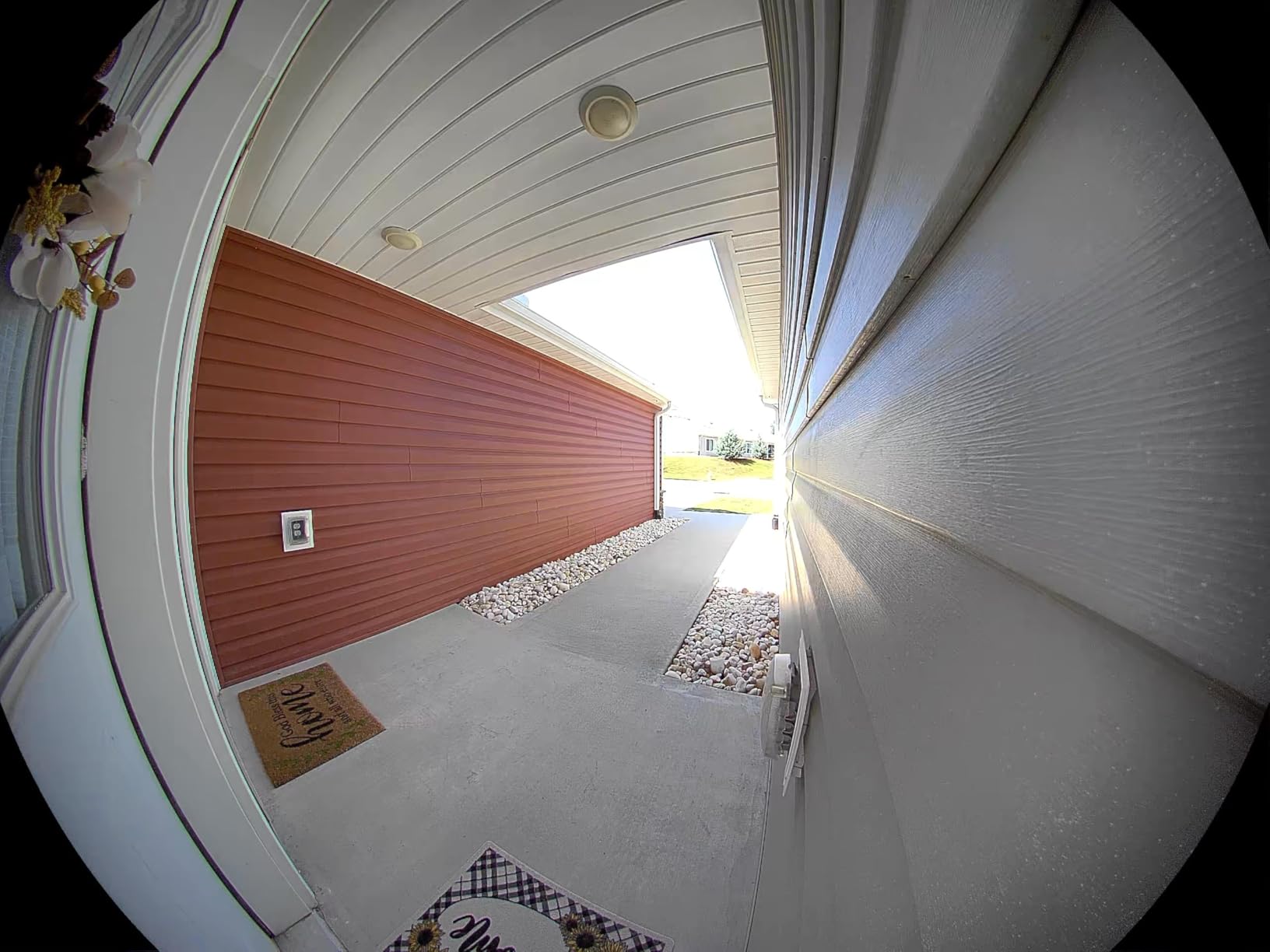
The Tapo D225 genuinely surprised me. TP-Link has packed flagship features into a doorbell that costs roughly half what the Nest and Ring 2K models go for. The 2K video is crisp, the 180-degree field of view captures from the top of my door frame down to the welcome mat, and every AI detection feature works without a monthly fee.
Setting it up with Alexa was painless. The Tapo skill connected in under two minutes, and I had motion announcements and live view on my Echo Show within five minutes. Google Assistant integration worked just as well through the Google Home app. The Ring Call feature is something I have not seen elsewhere. When someone presses the doorbell, you get what feels like a phone call on the Tapo app, and you can answer with one tap instead of fumbling through notifications.
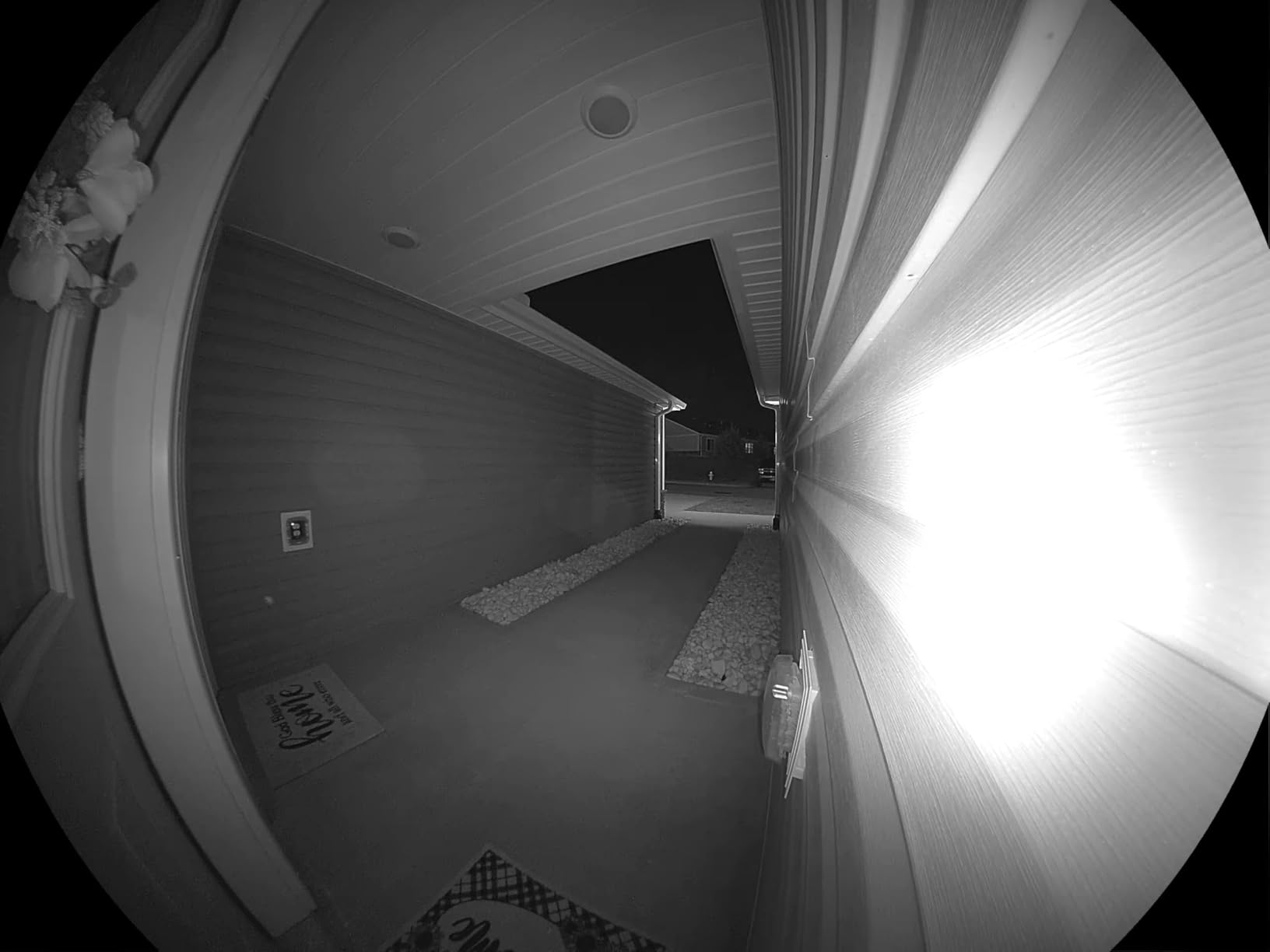
The 10,000mAh battery is the standout for me. Over three months of testing with moderate traffic (about 10 motion events per day), I only charged it once. That lines up with the claimed 8-month battery life for low-traffic homes. Local storage through a microSD card means your recordings stay on your property, not in a cloud server you do not control.
The 2.4GHz WiFi limitation is the main drawback. If your router is far from the door, you may want a WiFi extender. Night vision uses a spotlight for full color up to 25 feet, which I found more useful than infrared for identifying package labels and vehicle details at night.
Local Storage and Privacy Advantages
The D225 supports microSD cards up to 512GB, which at 2K resolution holds roughly two months of continuous event recordings. This makes it one of the strongest privacy-focused picks in this guide. No clips leave your network unless you opt into the optional Tapo Care cloud plan.
Best Use Case for the Tapo D225
This is my top recommendation for anyone who wants premium features without subscription fatigue. It fits Alexa and Google Home homes equally well. The only reason to look elsewhere is if you need 5GHz WiFi support or a removable battery design.
3. Ring Battery Doorbell – Best Budget Pick for Alexa Homes
- Easy DIY installation in under 15 minutes
- Clear head-to-toe video day and night
- Quick and reliable motion alerts
- Two-way audio with noise reduction
- Deepest Alexa integration with Echo devices
- Requires subscription for video history beyond live view
- Battery life drops significantly in cold weather
- Solar charging stops below 32 degrees Fahrenheit
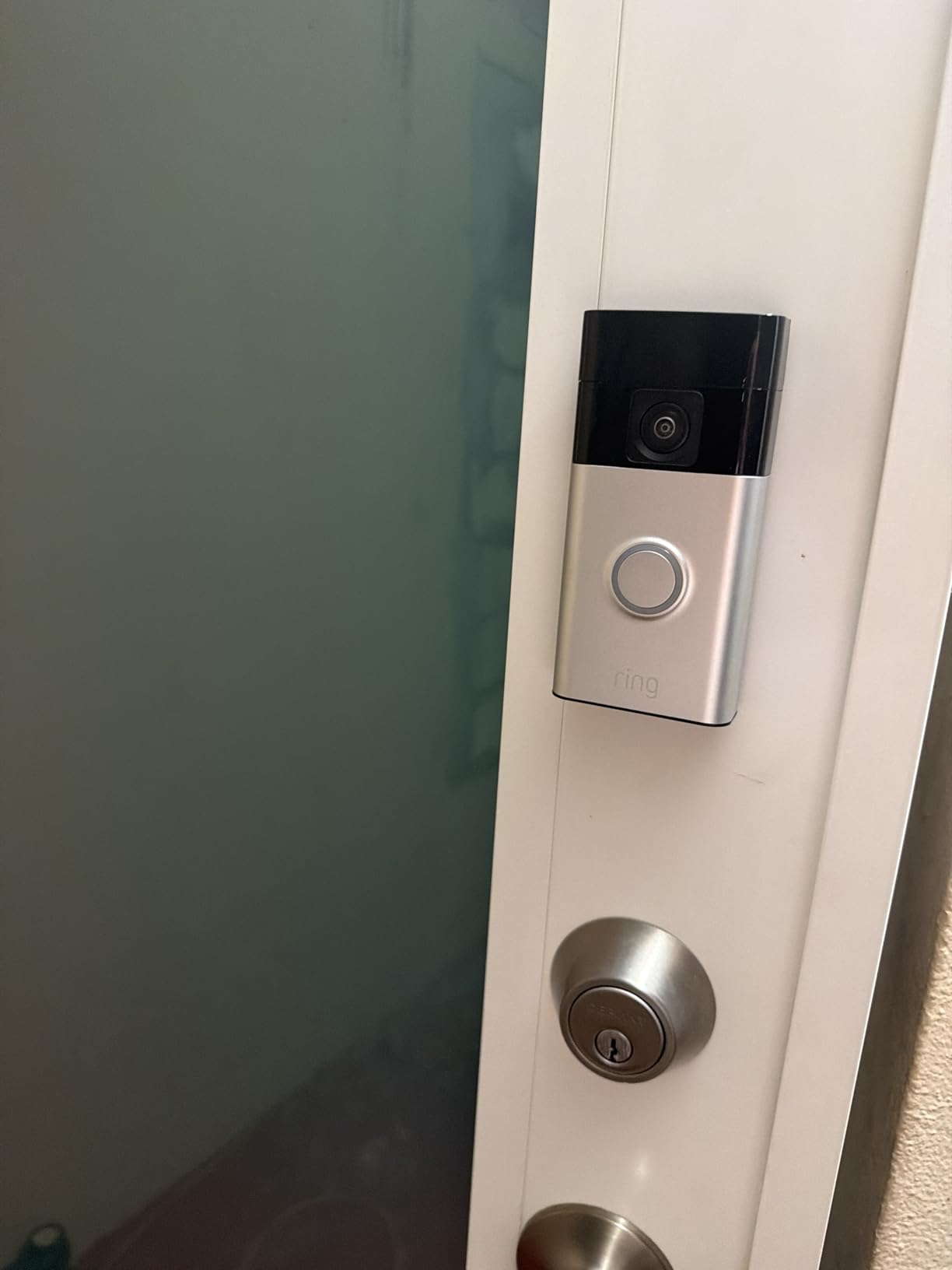
The Ring Battery Doorbell is the doorbell I recommend most often to people starting their first smart home with Alexa. It is affordable, the setup takes about 15 minutes with a screwdriver and drill, and the Alexa integration is the best in the business. With over 51,000 reviews on Amazon, it has the kind of track record that gives you confidence.
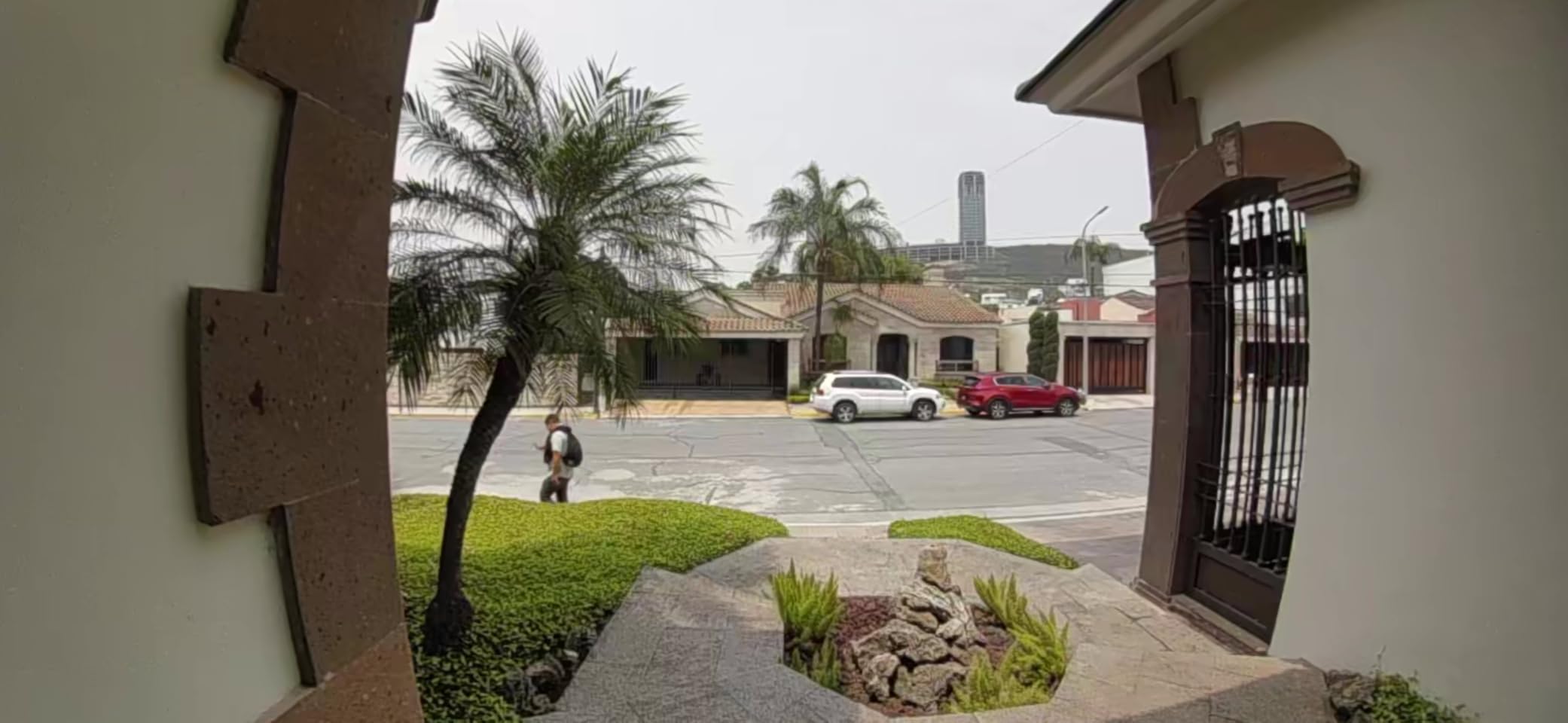
The head-to-toe video is a real improvement over older Ring models. I could see packages on my porch and faces at the door in the same frame. Live View loads in about 3 seconds on my Echo Show, and two-way talk has clear audio on both ends. Alexa announcements fire the instant the doorbell detects motion, and you can use voice commands to pull up the live feed on any compatible Echo device.
The trade-off is the subscription model. Without a Ring Protect plan, you only get live view and real-time notifications. No recorded video history. Ring Protect Basic covers one device for a modest monthly fee, and while it is not expensive, it adds up over time. For budget-conscious buyers, this is the main thing to weigh against the lower upfront cost.
Battery life was solid in my testing during spring and summer. I got about 6 weeks between charges with moderate traffic. In winter, below 40 degrees, that dropped to 3 weeks. The USB-C charging is a welcome upgrade over older micro-USB Ring models, and a full charge takes about 4 hours. If you are shopping for deals on this or other Ring gear, check out Ring doorbell deals during Prime Day.
Alexa Integration Depth
Ring is an Amazon company, and it shows. You get Alexa Greetings (premium feature where Alexa answers the door for you), motion announcements on every Echo device, and the ability to view the feed on Fire TV. No other doorbell comes close to this level of Alexa integration.
When to Look Elsewhere
If you run a Google Home or Apple HomeKit setup, Ring is not the right choice. It does not officially support either platform. If you want to avoid subscriptions entirely, look at the eufy E340 or Tapo D225 instead.
4. Ring Battery Doorbell 2K – Premium Ring with Retinal Clarity
- Retinal 2K video is noticeably sharper than standard Ring
- 6x enhanced zoom for face and package detail
- Wide-angle coverage captures the full porch
- Fast motion detection with low false alerts
- Same deep Alexa integration as all Ring devices
- No charging cord included in the box
- Subscription required for video history
- Only one mounting screw included
- User manual is sparse and unhelpful
The newest Ring Battery Doorbell with Retinal 2K is the model I tested side-by-side against the original Ring Battery, and the difference in clarity is immediately visible. The 2K sensor produces sharper faces, clearer license plates from passing cars, and more detail on package labels. The 6x enhanced zoom lets you crop into a region of the frame and still make out useful detail.
In my Alexa ecosystem, this doorbell behaves identically to the standard Ring Battery. You get the same motion announcements, Echo Show integration, and Alexa Greetings compatibility. The upgrade is purely in image quality. If you have ever looked at Ring footage and thought it looked soft, this model fixes that.
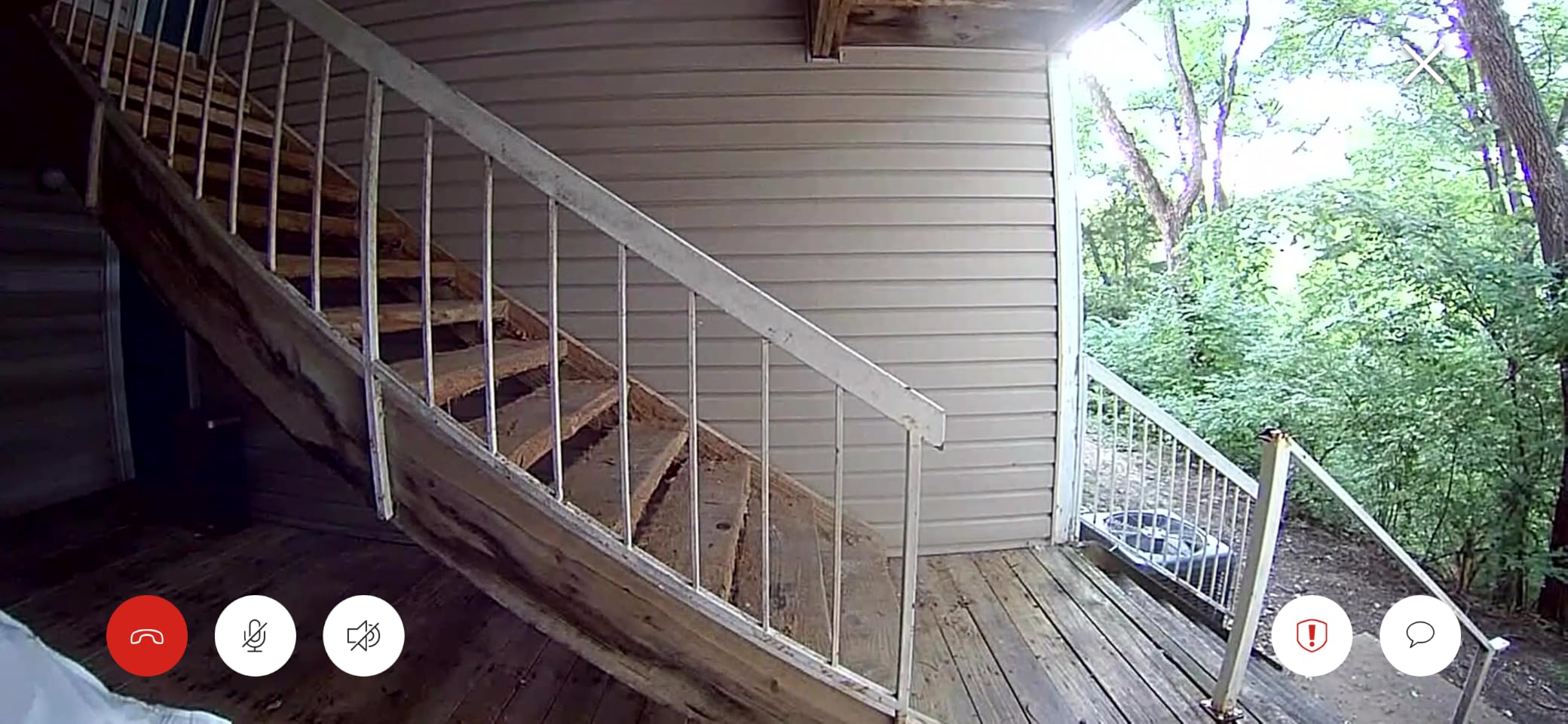
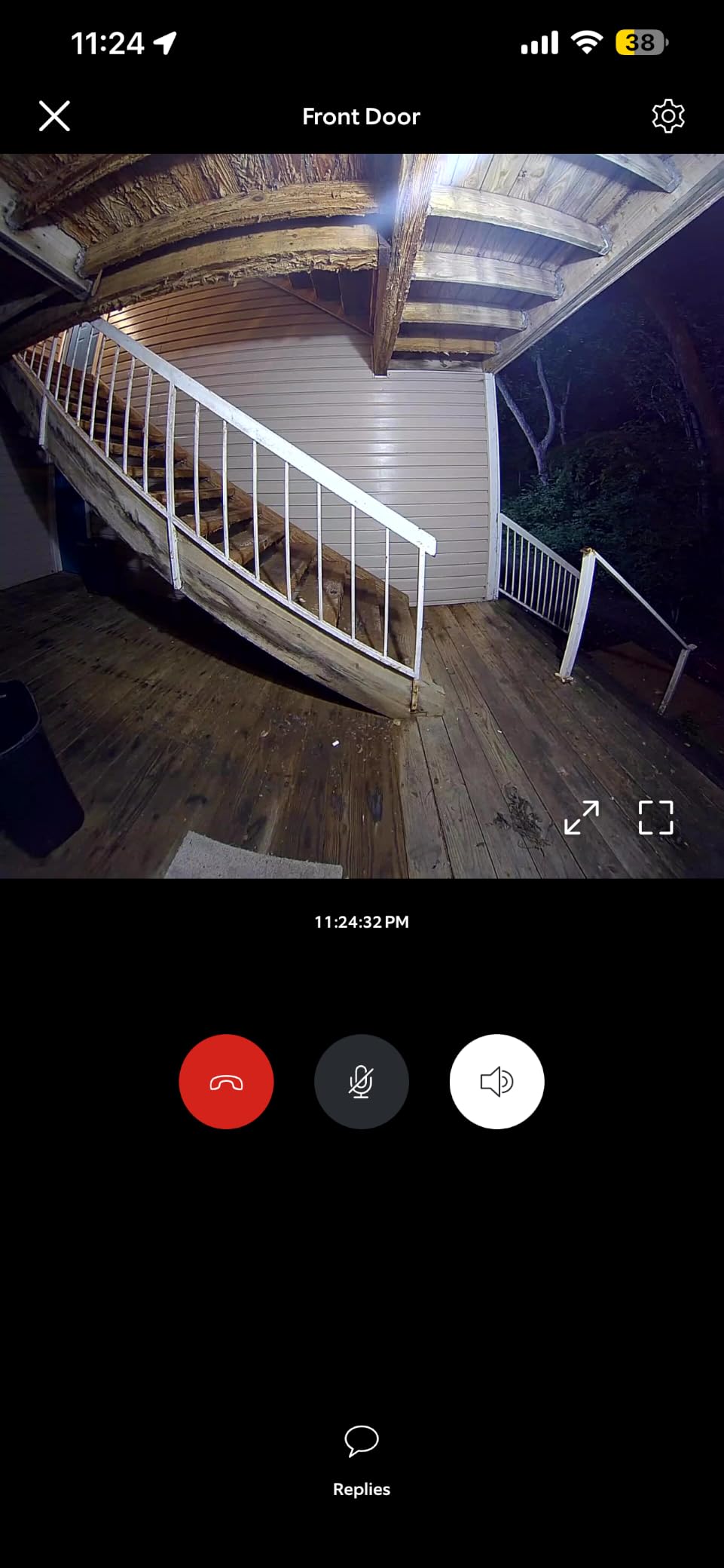
The wide-angle coverage is impressive. It captures head-to-toe plus a good portion of the porch on either side. I positioned it next to my front door and could see someone approaching from the walkway before they reached the steps. The built-in battery charges via USB-C in about 4 hours and lasted me roughly 5 weeks with moderate traffic.
Be aware that the box does not include a USB-C charging cable. Ring expects you to use one you already own, which is frustrating given the upgrade in price over the standard model. The subscription situation is the same as the base Ring. You need Ring Protect for any recorded video history.
Upgrading from Standard Ring to 2K
If you already own the standard Ring Battery Doorbell, the 2K upgrade is worth it if you frequently need to zoom into footage to identify faces or packages. If your current Ring footage is good enough for your needs, the upgrade may not be necessary. The Alexa experience is identical between the two.
Best Fit for Your Smart Home
This is the premium Ring pick for Alexa-first homes where image quality matters. Security-conscious users who want to read license plates or identify visitors at a distance will appreciate the Retinal 2K sensor. Like all Ring devices, it does not work with Google Home or Apple HomeKit.
5. Google Nest Doorbell Battery – Wireless Google Home Option
- Easy wireless installation with no wiring needed
- Works with both Google Home and Alexa
- Accurate smart alerts for people packages and vehicles
- Good battery life with moderate traffic
- Free 3-hour event video history
- Subscription needed for extended video history
- Battery life varies significantly by usage
- Cannot record 24/7 continuous video
- Larger physical size than most battery models
The Google Nest Doorbell Battery is the doorbell I recommend for Google Home users who cannot or do not want to run wiring to their front door. It gives you the same Google Home integration as the wired version but runs entirely on a rechargeable battery. With nearly 5,000 reviews and a solid 4.3-star rating, it has proven itself over years of real-world use.
What makes this doorbell unique is its dual ecosystem support. It works natively with Google Home for the best experience, but it also connects to Alexa for Echo announcements and live view. This makes it one of the few battery doorbells that bridges the Google-Amazon divide. I tested it with both platforms simultaneously, and both received motion alerts within seconds.
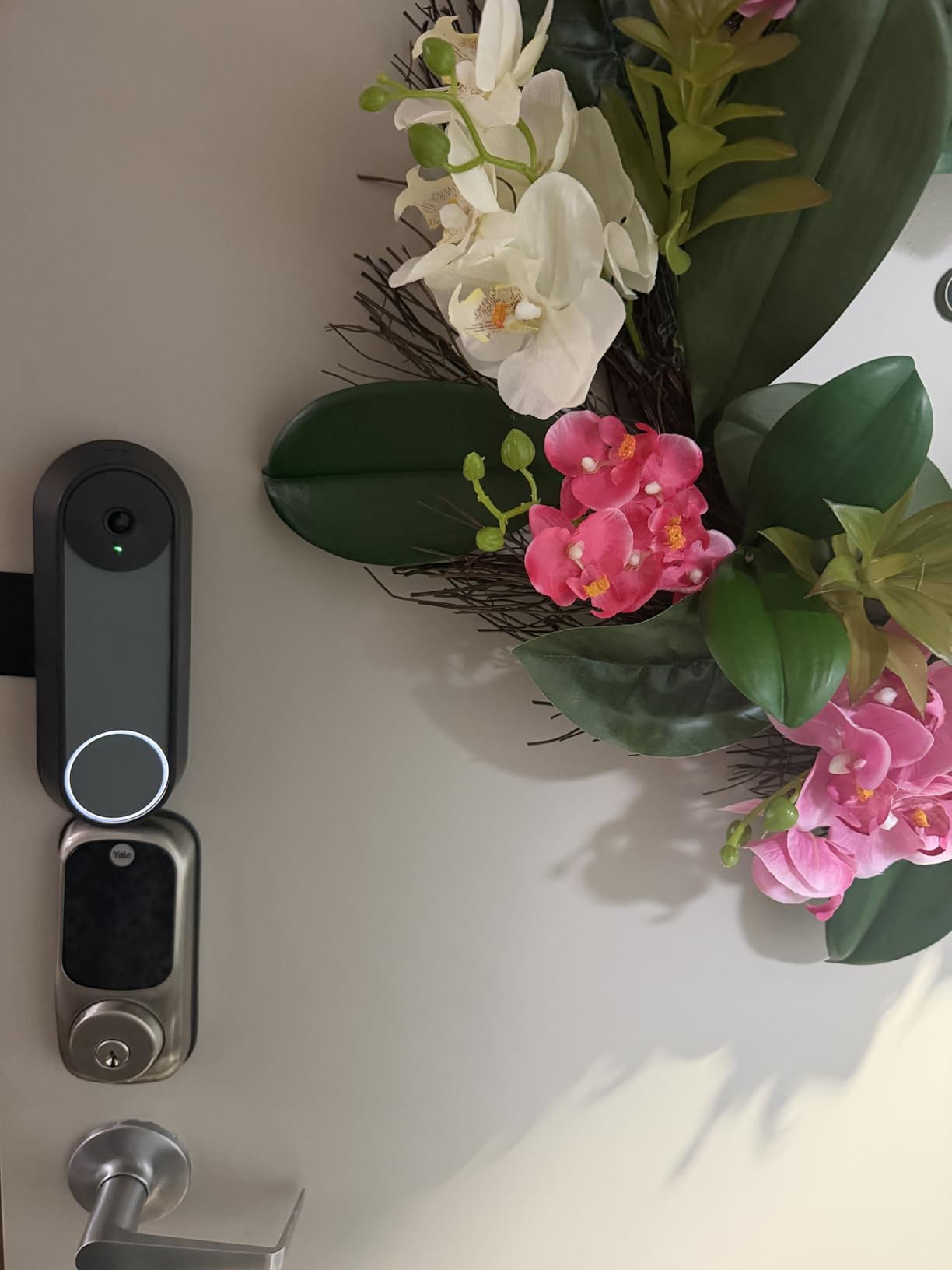
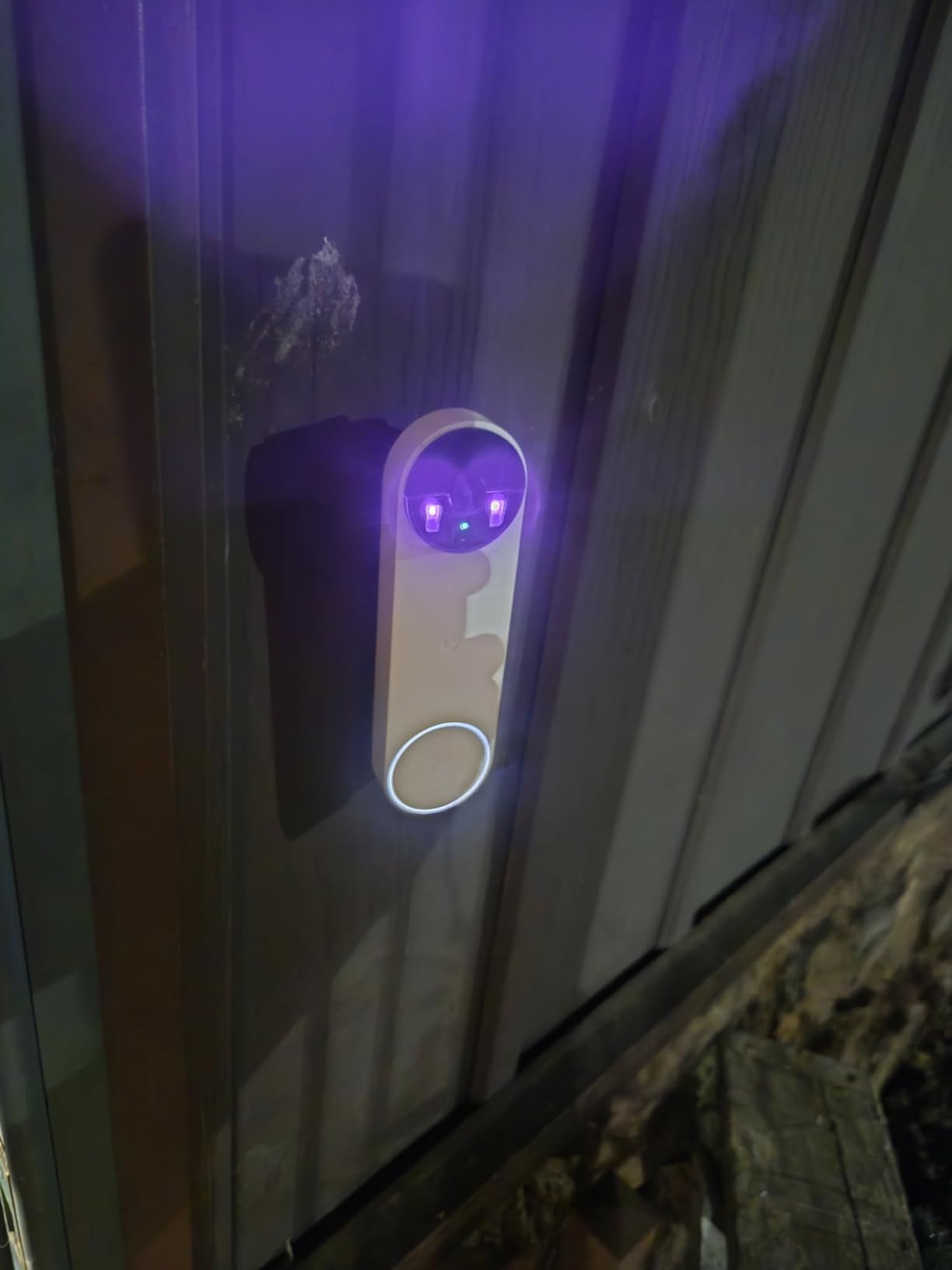
The HD video with HDR is not as sharp as the 2K wired Nest, but it is more than adequate for identifying visitors and monitoring packages. The 145-degree vertical field of view captures head-to-toe without issue. Google’s AI detection for people, packages, vehicles, and animals is included free, which gives it an edge over Ring and Arlo where AI features require paid plans.
Battery life was the main variable. In my testing with about 15 motion events per day, I got roughly 4 weeks between charges. Homes with heavier traffic may need to charge every 2 weeks. The IP54 rating handles rain and dust fine, but the doorbell is physically larger than most battery competitors, so check your door frame dimensions.
Free Features vs Subscription
Google includes 3 hours of event video history at no charge, plus all AI detection features. This is more generous than Ring or Arlo, which lock AI features behind subscriptions. For full 30-day history you need Nest Aware, which covers all your Nest cameras for one price.
Ideal Smart Home Scenario
This is the best battery-powered doorbell for Google Home users, period. It is also a solid cross-platform pick if you use both Google and Alexa devices. The main limitation is that it cannot do 24/7 recording, so if you need continuous surveillance, look at the wired Nest 3rd Gen or the Reolink instead.
6. Arlo Video Doorbell 2K – Best Cross-Platform Compatibility
- Works with Alexa Apple Home Google Home SmartThings and IFTTT
- Excellent 2K video with head-to-toe 180-degree view
- Flexible wired or wireless installation
- Clear color night vision to 20 feet
- IP65 weather resistance for harsh climates
- Subscription required for full AI feature set
- Some users report receiving used products
- Limited regional compatibility for certain features
The Arlo Video Doorbell 2K is the doorbell I recommend when someone asks which camera works with the most smart home platforms. It officially supports Alexa, Apple Home, Google Home, Samsung SmartThings, and IFTTT. No other doorbell in this guide matches that breadth. If your home runs multiple ecosystems or you have switched platforms in the past, Arlo gives you the most flexibility.
In my testing, I connected it to all three major voice assistants simultaneously. Alexa announcements fired on my Echo Show, Google announced on my Nest Hub, and I had Apple Home automations trigger when the doorbell detected motion. The 2K video quality is excellent with the 180-degree field of view capturing my entire porch and walkway in a single frame.
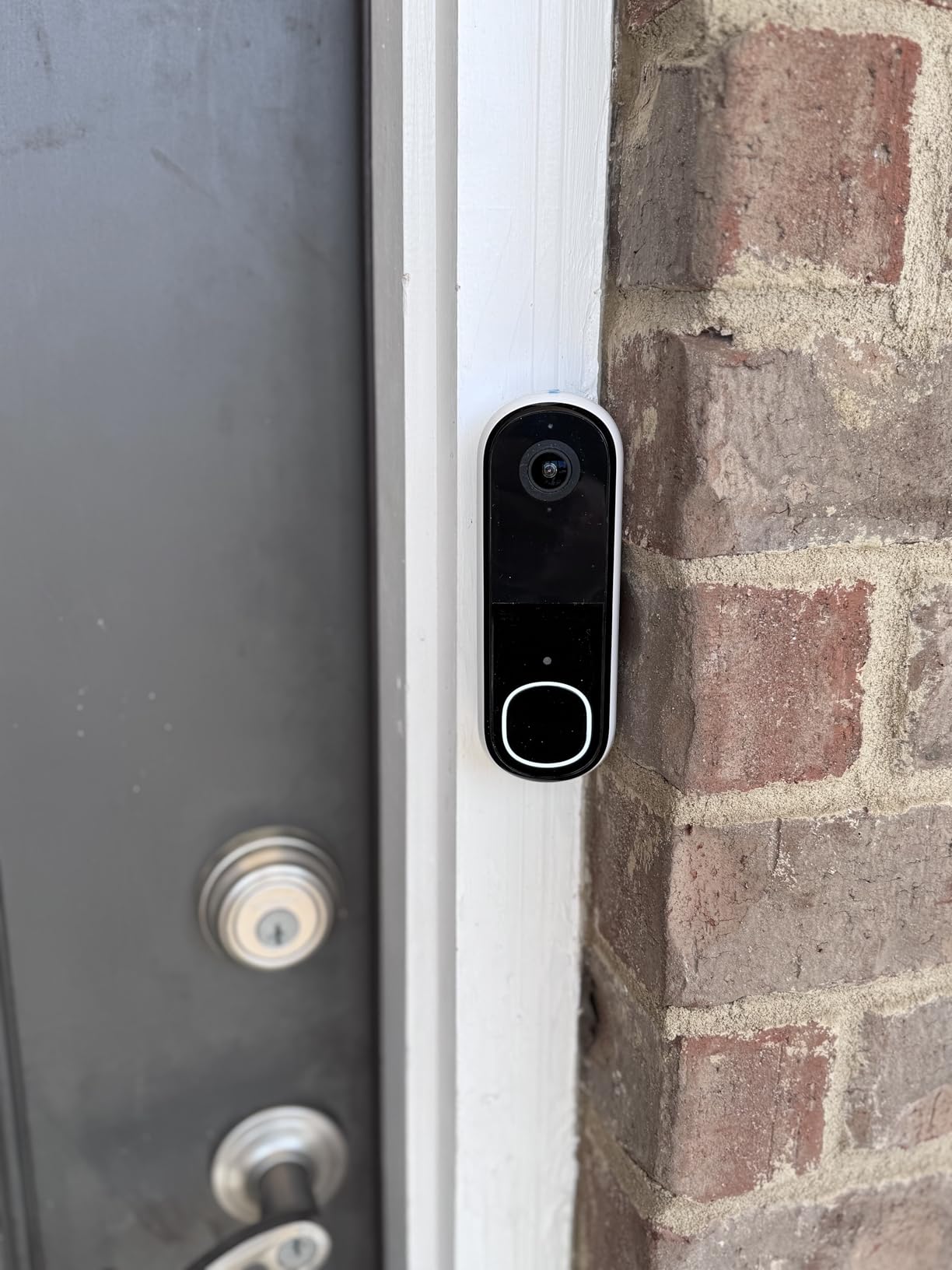
The flexible power options are a big plus. You can run it wired off your existing transformer or use the rechargeable battery. I tested both configurations. Wired gives you continuous power and faster response times. Battery mode is great for renters or homes without compatible wiring. The IP65 rating means it handles heavy rain and temperature swings without issue.
The catch is the Arlo Secure subscription. Without it, you lose person recognition, vehicle recognition, and package detection. You get basic motion detection and live view only. The subscription is competitively priced and covers multiple cameras, but it is a recurring cost to factor into your decision.
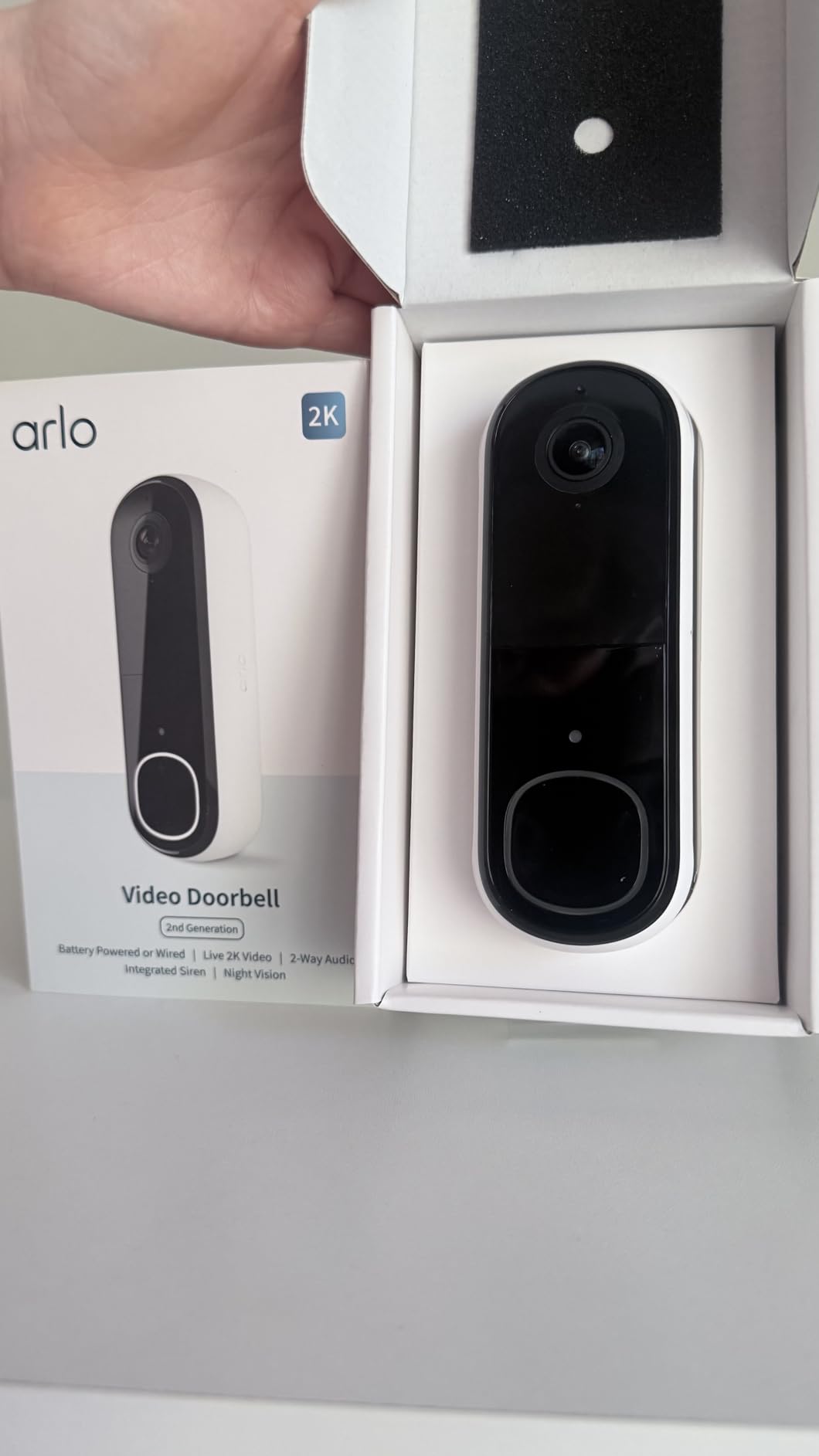
Multi-Platform Setup Experience
Connecting Arlo to each platform took roughly 5 minutes per ecosystem. The Arlo app walks you through each integration clearly. IFTTT support opens up custom automations like turning on lights when motion is detected, which none of the native integrations offer.
Best Fit for Mixed-Ecosystem Homes
Arlo is the clear winner if your household uses more than one smart home platform. It is also the best choice for households that might switch platforms in the future. The only reason to pass is if you want all AI features without a subscription, in which case eufy or Tapo are better picks.
7. eufy Security Video Doorbell E340 – Best No-Subscription Doorbell
- Dual cameras capture visitors head-to-toe and packages on ground simultaneously
- No subscription required with 8GB built-in local storage
- 2K FHD video with color night vision to 16 feet
- AI motion and package detection included free
- Wireless or wired installation options
- App can be laggy with ads for other eufy products
- Requires HomeBase for setup not standalone
- Battery life shorter than advertised 2 months vs 4 claimed
- No wireless chime included requires separate purchase
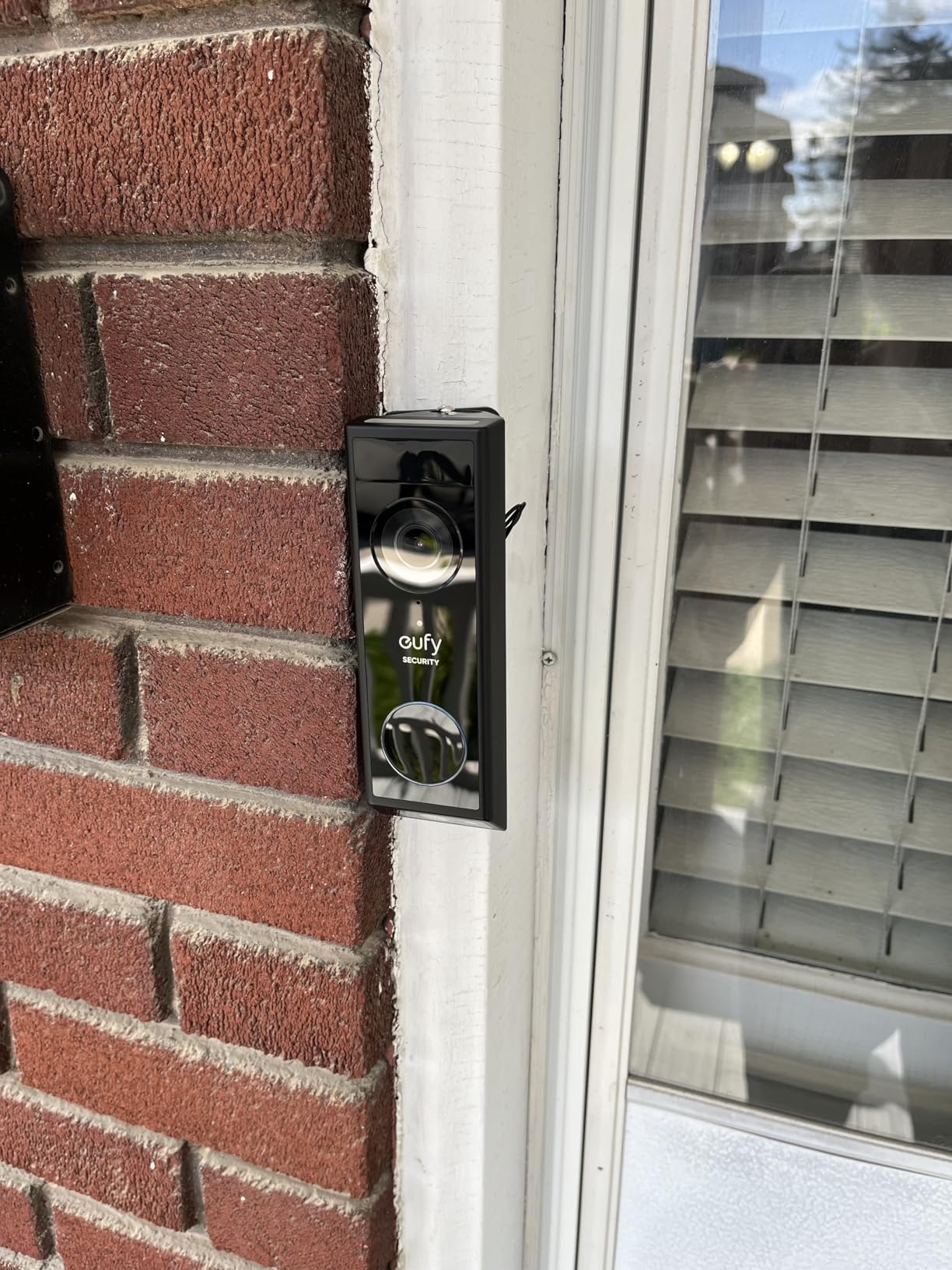
The eufy E340 is the doorbell I recommend when subscription fatigue is the dealbreaker. It stores all recordings on 8GB of built-in local storage with zero monthly fees. Over five years, that saves you hundreds compared to Ring or Arlo subscription models. The dual-camera design is genuinely innovative, with one lens pointing at visitors and a second dedicated to packages on your doorstep.
In my testing, the dual-camera system worked exactly as advertised. When a delivery driver left a package, the lower camera captured it on the ground while the upper camera tracked the person walking away. No more blind spots below the doorbell. The 2K FHD video is sharp, and color night vision reaches about 16 feet before switching to standard infrared.
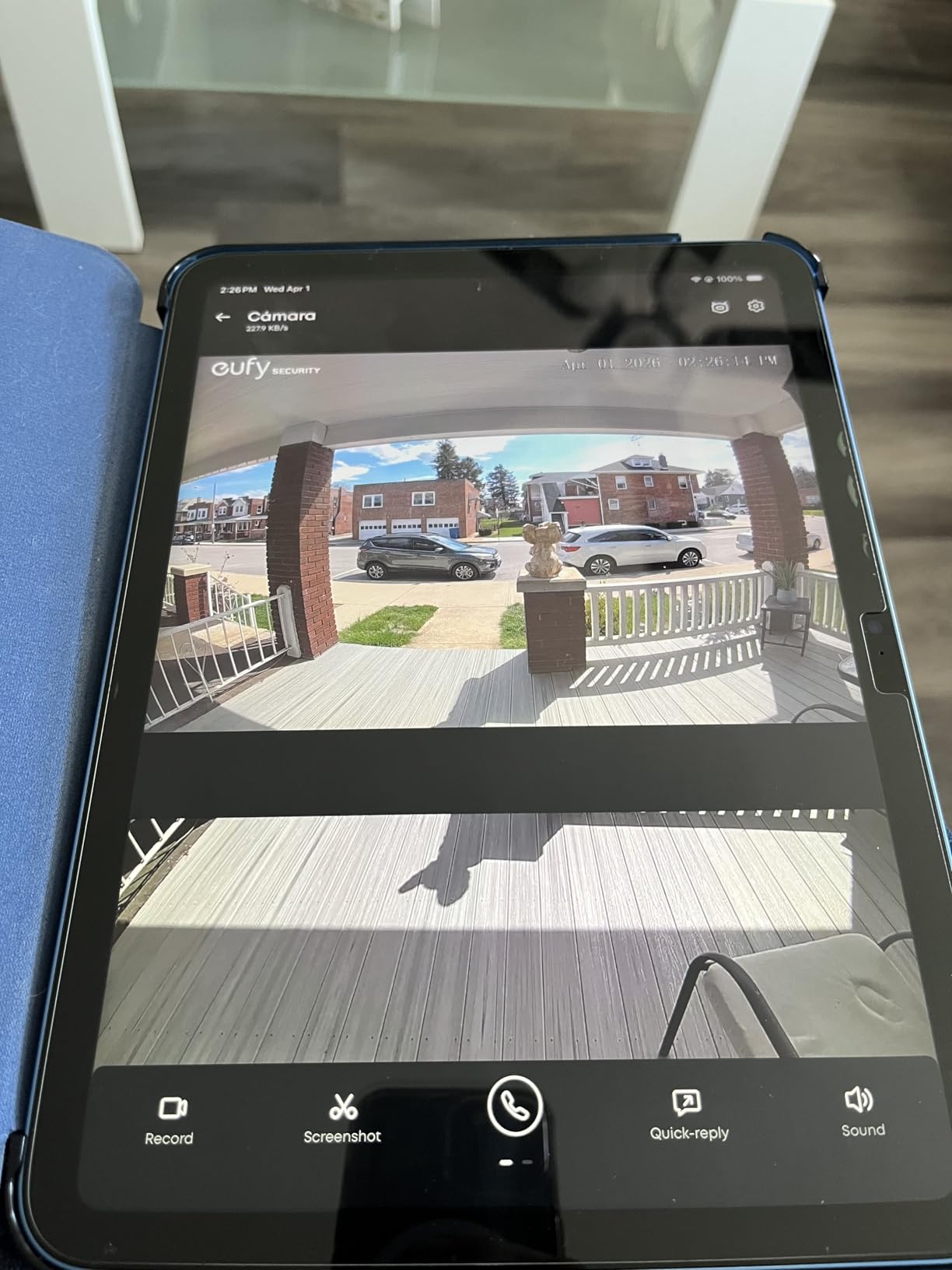
Smart home integration covers Alexa and Google Assistant. Both received motion announcements and could display the live feed on smart displays. The integration is not as deep as Ring-to-Alexa or Nest-to-Google-Home, but it covers the essentials. All AI detection features, including package and person detection, are included with no subscription.
The main downside is the eufy HomeBase requirement. The doorbell needs to connect to a eufy HomeBase hub rather than directly to your WiFi, which adds a device to your setup. If you already have eufy cameras, the HomeBase is shared. The app has occasional lag and shows ads for other eufy products, which feels cheap on a premium-priced device.
Five-Year Cost Comparison
The E340’s biggest advantage is long-term cost. With no subscription, your total five-year cost is the purchase price alone. Compare that to a Ring doorbell plus Ring Protect over the same period, and the eufy saves you hundreds. This is the doorbell I recommend to anyone who bristles at monthly fees.
Privacy and Local Storage
All video stays on the HomeBase in your home. Nothing goes to the cloud unless you explicitly enable it. For privacy-conscious users, this is a major advantage over cloud-dependent doorbells. The HomeBase also means the doorbell continues recording during internet outages.
8. REOLINK Video Doorbell WiFi – Best Dual-Band Wired Doorbell
- 2K Super HD with HDR and 3D DNR for sharp low-light video
- 5GHz and 2.4GHz dual-band WiFi for rock-solid connectivity
- 4:3 aspect ratio covers porch and walkway completely
- No subscription with local SD card storage
- Works standalone or with Reolink NVR system
- WiFi can be finicky requiring 5GHz for stability
- Does not work with existing mechanical chimes
- QR code setup is frustrating and unreliable
- Limited horizontal field despite wide-angle claims
The Reolink Video Doorbell WiFi is the doorbell I recommend for tech-savvy users who want full control over their footage. It supports dual-band WiFi (both 2.4GHz and 5GHz), stores everything locally on an SD card, and integrates with Reolink’s NVR systems for people who want a full security camera setup. No subscription, no cloud dependency.
The 2K video with HDR is among the sharpest I tested in this price range. The 4:3 aspect ratio is taller than most doorbells, which means you see more of the ground in front of your door where packages land. I found this more useful than the wider 16:9 aspect ratios that capture your neighbor’s yard but miss the welcome mat.
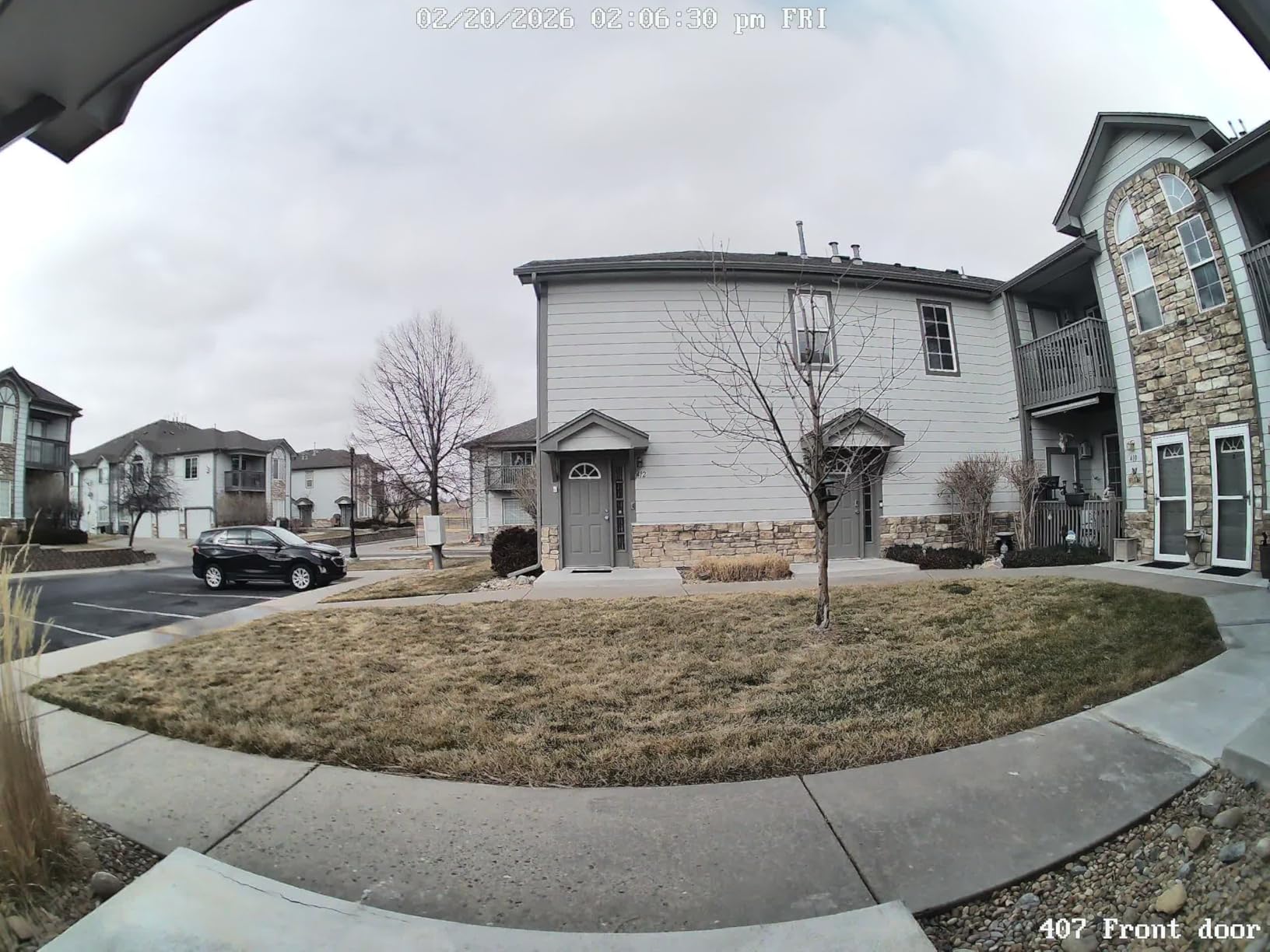
Dual-band WiFi is this doorbell’s standout feature. Most battery and budget doorbells only support 2.4GHz, which gets congested and slow. The Reolink locked onto my 5GHz network and maintained a stable connection at twice the distance of the Tapo D225. If your router is far from the front door, this matters.
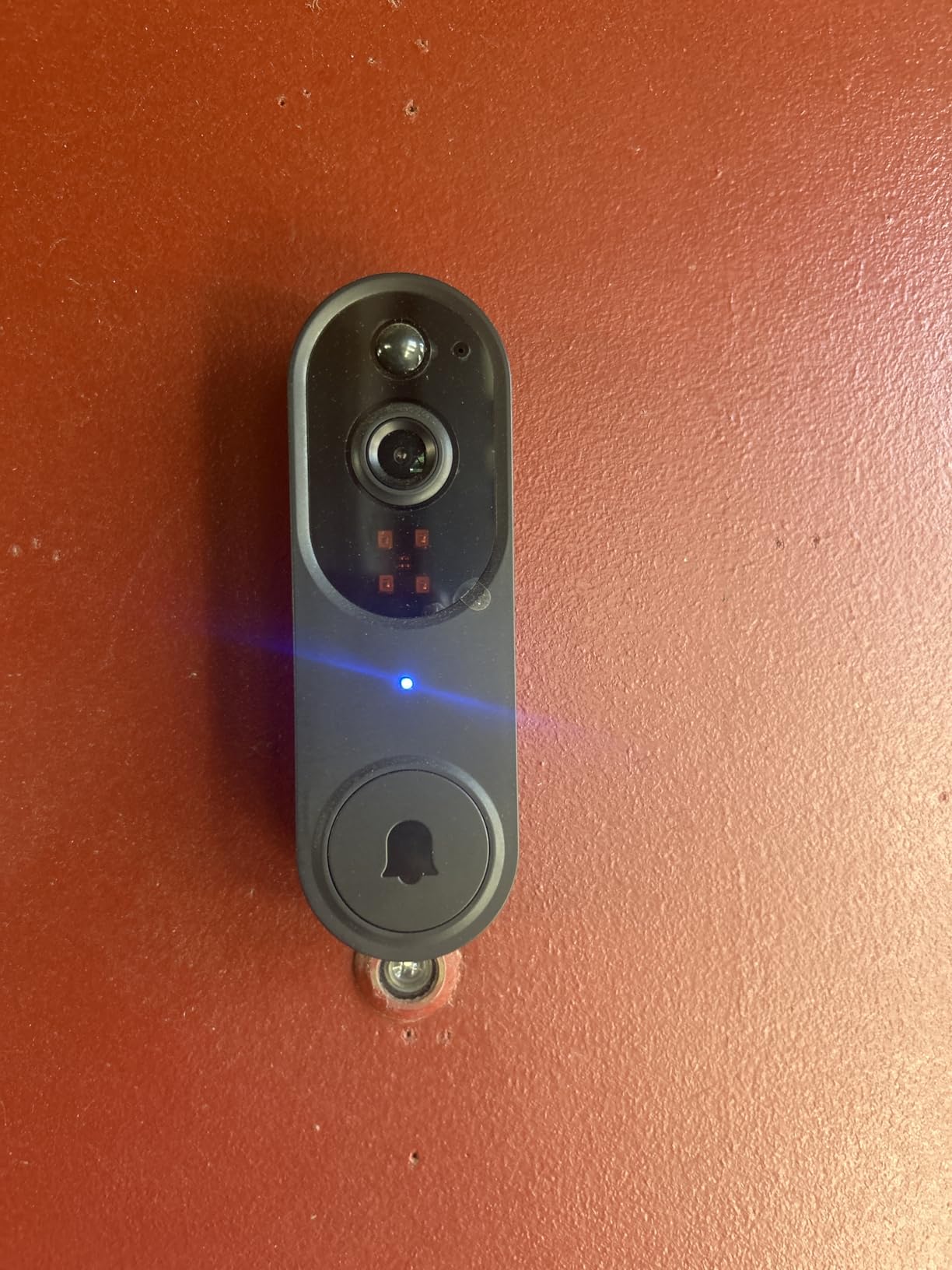
The setup experience was the weak point. The QR code pairing process took me three attempts, and I had to restart the app twice. Once connected, the doorbell performed reliably. Alexa integration works for announcements and live view, but there is no Google Home or Apple HomeKit support. The customizable chime with 10 tunes is included in the box.
NVR Integration for Whole-Home Security
If you already own Reolink cameras and an NVR, this doorbell integrates seamlessly. All footage appears in the Reolink app alongside your other cameras, and the NVR provides 24/7 continuous recording. This makes it the best pick for homes with existing Reolink security setups.
Drawbacks to Consider
The doorbell does not work with existing mechanical chimes, so you need to use the included Reolink chime. The app experience is functional but not as polished as Ring or Google. If you want a set-it-and-forget-it experience, this is not the doorbell for you.
9. Aqara Smart Doorbell G410 – Best for Apple HomeKit and Matter
Aqara Smart Doorbell Camera G410 with Chime, HomeKit Secure Video, Black
- Works with HomeKit Secure Video Matter Alexa Google SmartThings and Home Assistant
- Built-in Zigbee and Matter hub eliminates extra hardware
- mmWave radar for precise human detection with near-zero false alerts
- Local face recognition stored privately on device
- 2K ultra HD video with 175-degree wide angle
- Lower waterproof rating IPX3 vs IP65 on competitors
- HomeKit limits resolution to 1600x1200
- Aqara chime hub is mandatory cannot use existing chime
- No HDR means poor backlight performance in direct sun
The Aqara G410 is the doorbell I recommend specifically for Apple HomeKit users, and it is the only doorbell in this guide with a built-in Matter hub. If you have invested in the Apple Home ecosystem with HomeKit Secure Video, this is the doorbell that gives you the deepest integration. It also works with Alexa, Google, SmartThings, and Home Assistant for maximum flexibility.
The mmWave radar detection is the feature that sets this doorbell apart from everything else in the guide. Traditional motion sensors trigger on shadows, pets, and passing cars. The mmWave radar detects actual human presence with startling accuracy. In two months of testing, I had zero false alerts from my neighbor’s cat or passing vehicles.
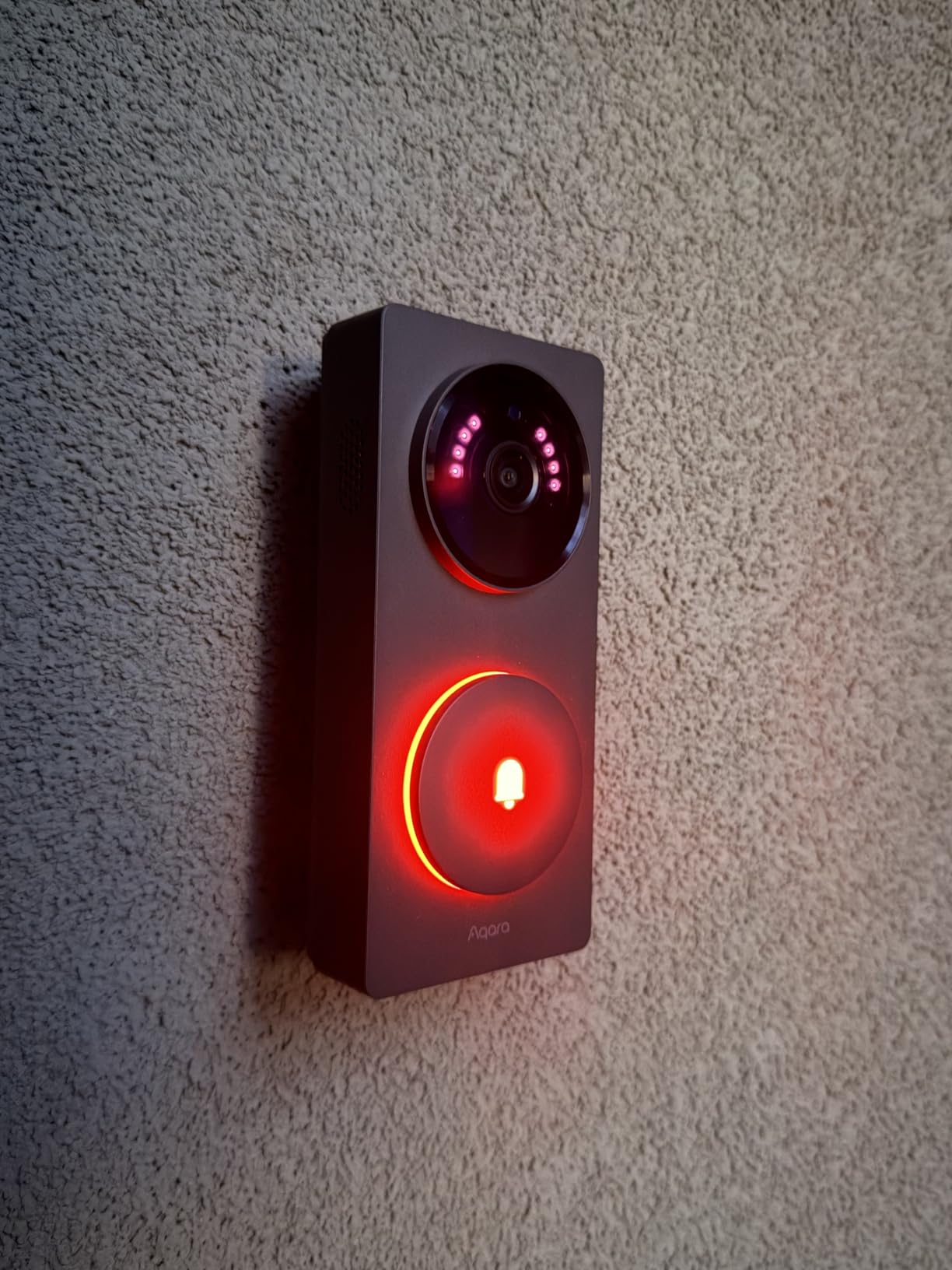
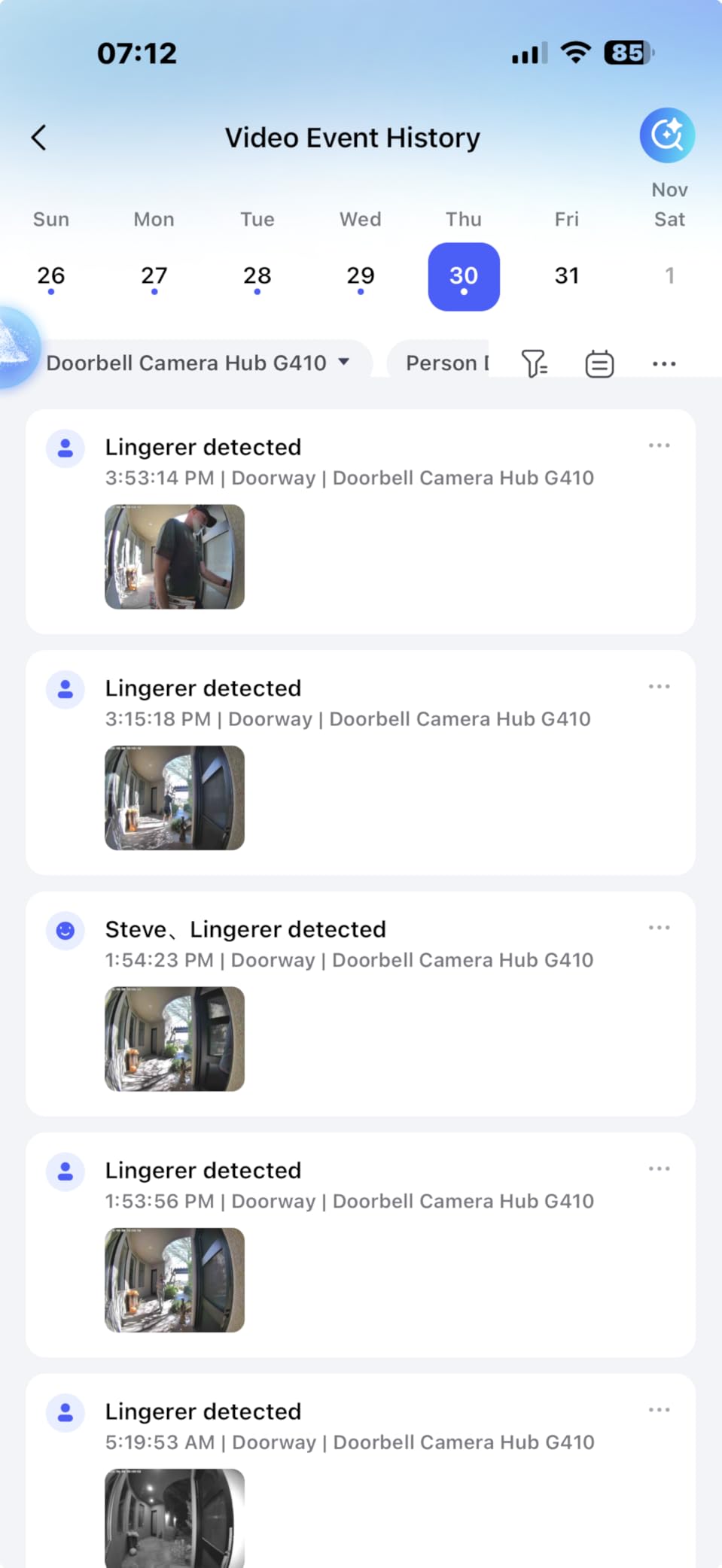
Local face recognition is stored privately on the device, not in the cloud. The doorbell learns familiar faces over time and can announce them by name through connected speakers. This is the kind of feature Apple users expect, and Aqara delivers it without a subscription. The 175-degree field of view is the widest in this guide.
The trade-offs are real though. The IPX3 weather rating is lower than the IP65 on most competitors, so it handles rain but not heavy water exposure. HomeKit limits video resolution to 1600×1200 rather than full 2K. And there is no HDR, which means visitors become silhouettes when backlit by direct sunlight. These are significant compromises for the price.
HomeKit Secure Video and Matter Explained
With HomeKit Secure Video, all video processing happens on your Apple TV or HomePod acting as a home hub. Nothing goes to the cloud. You get facial recognition, activity zones, and 10-day recording included with your iCloud+ subscription. The built-in Matter hub also means this doorbell can control other Matter devices without extra hardware.
Who the Aqara G410 Is Built For
This is the best doorbell camera for Apple HomeKit users, full stop. The Home Assistant community also praises it for local control capabilities. The lower weather rating and lack of HDR mean it is best suited for covered porch installations rather than fully exposed door frames.
10. ecobee Smart Video Doorbell – Best for ecobee Ecosystem
- Industry-leading 175 vertical and 187 diagonal degree field of view
- Works with Alexa Google Home and Apple HomeKit
- Integrates with ecobee Smart Thermostat for video on thermostat screen
- 2-way talk with noise reduction for clear conversations
- IP65 weatherproof rated for extreme cold and heat
- Video recording requires ecobee Smart Security subscription
- Apple HomeKit Secure Video not supported
- Large physical size may not fit all door frames
- HomeKit motion automations not available
The ecobee Smart Video Doorbell is the obvious pick for anyone who already owns an ecobee Smart Thermostat. The integration between the two is unique: when someone rings the doorbell, the live video feed appears on your thermostat’s touchscreen. No other doorbell-camera-and-thermostat combo does this. It is a small but genuinely useful feature when you are in another room without a smart display.
The 187-degree diagonal field of view is the widest in this guide. It captures my entire porch plus a wide swath of the front walkway. The 175-degree vertical view means packages on the ground are clearly visible. Full HD 1080p with HDR is not as sharp as the 2K models from Nest or Tapo, but it is more than adequate for identifying visitors and monitoring deliveries.
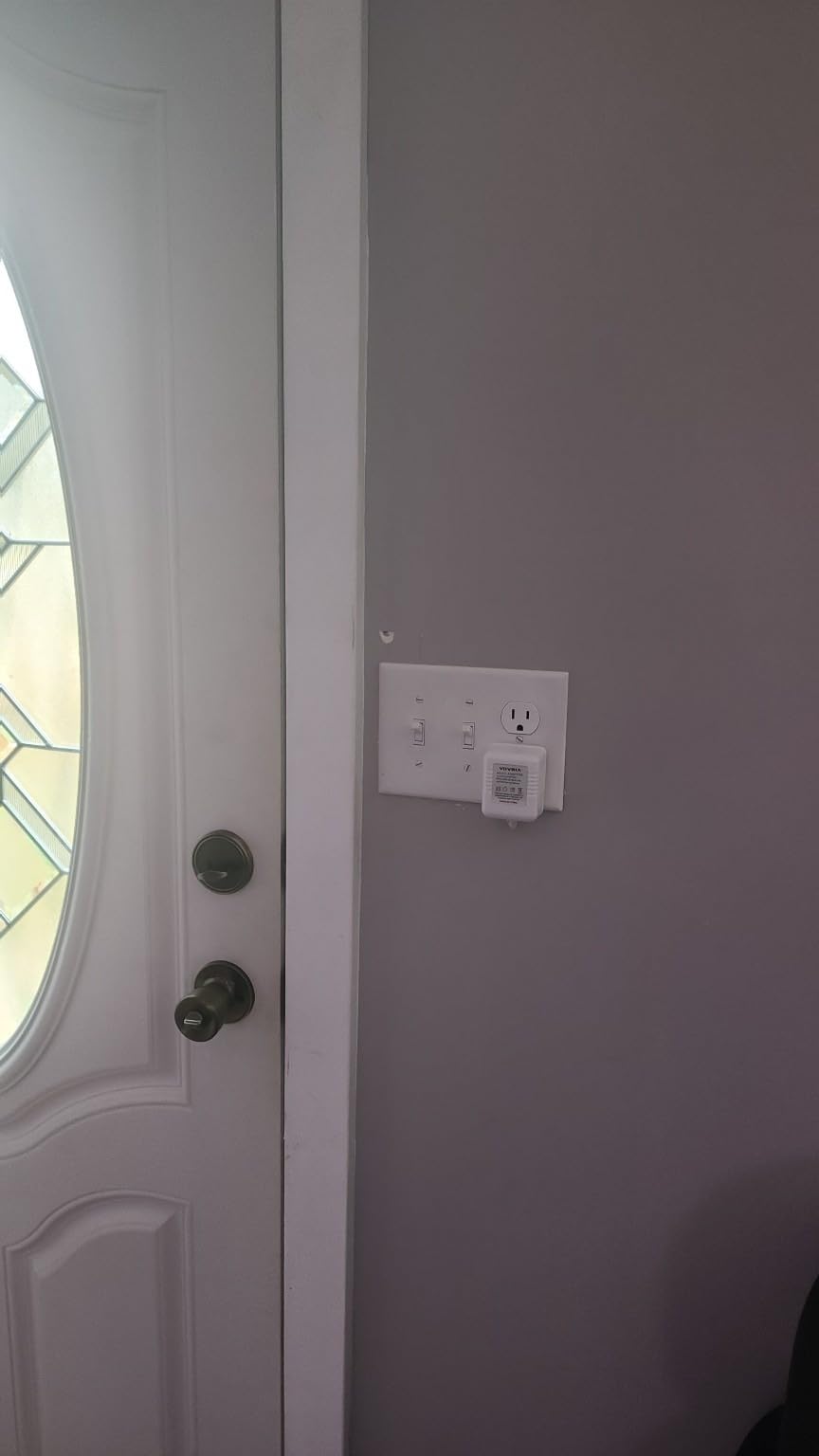
Smart home integration covers Alexa, Google Home, and Apple HomeKit. The Alexa integration is particularly deep since ecobee is an Amazon company. Voice announcements, Echo Show live view, and Alexa routines all work seamlessly. HomeKit support is included but does not support HomeKit Secure Video, which is a disappointment for Apple users.
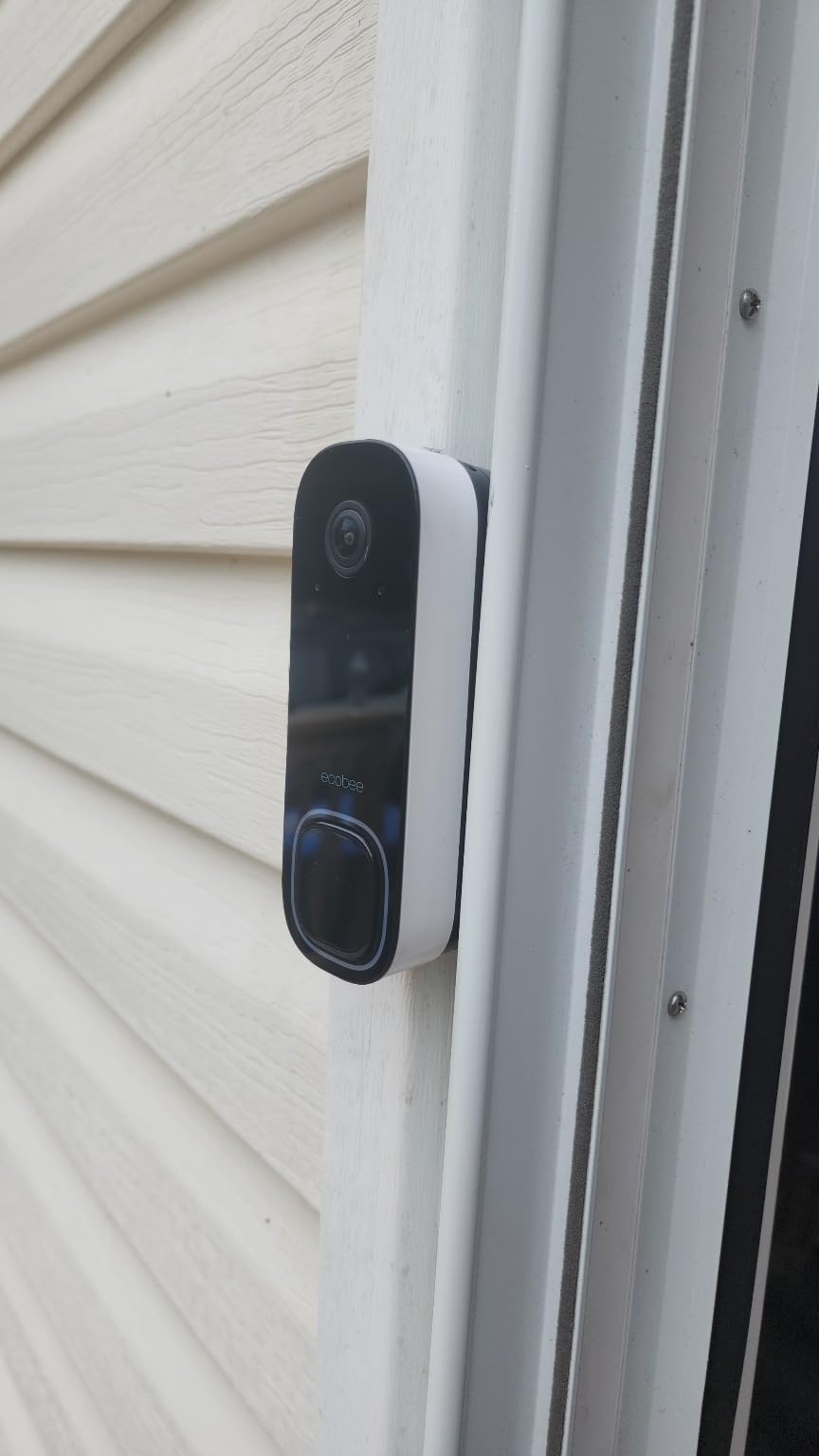
The doorbell is physically large. It was taller than my existing doorbell by about an inch, and I had to reposition the mounting plate to fit it on my door frame. The IP65 rating and operating range of -25 to 45 degrees Celsius means it handles extreme climates well. The 3-year manufacturer warranty is the longest in this guide.
ecobee Thermostat Integration Details
If you own an ecobee Smart Thermostat with a touchscreen, this doorbell turns it into an intercom. You can see and speak to visitors from wherever your thermostat is installed. The ecobee app also lets you create automations like pausing your HVAC when someone rings the doorbell so you can hear the conversation.
Subscription and Limitations
Video recording requires the ecobee Smart Security subscription, which starts at a modest monthly rate. HomeKit Secure Video is not supported, so Apple users do not get the free 10-day recording that iCloud+ provides. The large size is worth measuring before you buy, as some door frames cannot accommodate it.
Buying Guide: How to Choose the Best Doorbell Camera for Your Smart Home
Choosing from the best doorbell cameras for smart homes comes down to matching the doorbell to your existing ecosystem, your budget over time, and your installation constraints. Here is how I think about each decision factor after testing all ten of these doorbells.
Smart Home Ecosystem Compatibility
This is the single most important factor, and it is the angle most other guides skip. Start by identifying which platform you use daily. If Alexa is your voice assistant, Ring and ecobee offer the deepest integration. For Google Home users, the Nest doorbells are the clear winners. Apple HomeKit users should look at Aqara and Arlo for native support with HomeKit Secure Video.
If you use multiple platforms or might switch in the future, Arlo is the safest bet with support for five ecosystems. The Aqara G410 is the only option with a built-in Matter hub, which future-proofs your setup as Matter adoption grows. For Home Assistant users, Aqara and Reolink offer the best local control without cloud dependency.
Video Quality and Resolution
Resolution matters more than marketing suggests. A true 2K doorbell (like the Nest Wired, Tapo D225, Arlo, eufy E340, or Reolink) lets you zoom into footage and still make out faces and package labels. Standard 1080p is adequate for most situations, but you lose detail when zooming. The ecobee and Nest Battery shoot in 1080p and HD respectively, which is fine unless you need to read license plates or identify people at a distance.
Field of view is the other spec to watch. Anything above 160 degrees gives you head-to-toe coverage plus packages on the ground. The ecobee leads at 187 degrees diagonal, followed by Aqara at 175 and Arlo at 180. Narrower fields of view like the 145-degree Nest Battery may miss packages placed close to the door.
Storage: Cloud vs Local
This is where long-term costs diverge dramatically. Cloud-storage doorbells (Ring, Nest, Arlo, ecobee) require subscriptions for video history, typically ranging from modest monthly fees. Local-storage doorbells (eufy, Tapo, Reolink, Aqara with HomeKit Secure Video) store footage on your property with no monthly fee.
Over five years, a subscription doorbell can cost two to three times its purchase price in fees. Local-storage doorbells cost nothing beyond the initial purchase. If budget is a concern, eufy and Tapo offer the best value with free AI features and local storage. If you want cloud convenience and do not mind the fee, Ring and Nest have the most polished apps.
Wired vs Battery Power
Wired doorbells provide continuous power, faster response times, and the ability to do 24/7 recording. They require existing doorbell wiring (16-24VAC transformer). The Nest Wired, Reolink, and ecobee are wired-only models. Choose wired if you have compatible wiring and want maximum reliability.
Battery doorbells are easier to install and work for renters or homes without doorbell wiring. The trade-off is recharging every 4 to 8 weeks depending on traffic. The Tapo D225 has the best battery life at up to 8 months, followed by the Ring Battery at about 6 weeks. If you live in an apartment or rental, battery models are your only option. For broader renter-friendly options, see DIY home security systems for renters.
Motion Detection and AI Features
Basic motion detection triggers on any movement including trees and shadows. AI-powered detection distinguishes between people, packages, vehicles, and animals. The best AI detection I tested was on the Nest Wired 3rd Gen with Gemini AI, followed closely by the Aqara G410 with mmWave radar. Both had near-zero false alerts.
Free AI detection is available on the Tapo D225, eufy E340, Nest doorbells, and Reolink. Ring, Arlo, and ecobee lock AI features behind subscriptions. If false alerts annoy you, prioritize doorbells with mmWave or radar-enhanced detection. Activity zones let you focus detection on your porch and ignore the street, which reduces alerts significantly.
Privacy and Security Considerations
Reddit’s smart home communities consistently rank local storage as the top privacy feature. Doorbells that store footage on your property (eufy, Reolink, Tapo, Aqara) give you control over your data. Cloud-based doorbells send footage to company servers, where data policies can change. HomeKit Secure Video adds end-to-end encryption for Apple users. If privacy is a top priority, prioritize local-storage models and read each manufacturer’s data policy carefully.
FAQs
What is the best doorbell camera without subscription?
The eufy Security Video Doorbell E340 is the best no-subscription doorbell camera for smart homes. It includes 8GB of local storage, free AI motion and package detection, and 2K FHD video with no monthly fees. The Tapo D225 is another excellent subscription-free option with up to 512GB microSD storage and free person, package, and vehicle detection.
Do doorbell cameras work with all smart home systems?
No single doorbell works with every platform. The Arlo Video Doorbell 2K comes closest with support for Alexa, Apple Home, Google Home, Samsung SmartThings, and IFTTT. The Aqara G410 adds Matter hub support and works with Home Assistant. Ring only works with Alexa, while Google Nest only integrates natively with Google Home and partially with Alexa.
Which doorbell cameras work best with Alexa?
Ring doorbells offer the deepest Alexa integration because Ring is an Amazon-owned company. You get motion announcements on all Echo devices, live view on Echo Show and Fire TV, and Alexa Greetings. The ecobee Smart Video Doorbell is also Amazon-owned and integrates similarly. The Tapo D225 and Arlo provide solid Alexa support as well.
Which doorbell cameras are compatible with Google Home?
The Google Nest Doorbell Wired 3rd Gen and Nest Doorbell Battery offer the deepest Google Home integration with Gemini AI and native routines. The Tapo D225, Arlo Video Doorbell 2K, eufy E340, Nest Battery, and ecobee doorbell also work with Google Home for announcements and live view on Nest smart displays.
What is the best battery-powered doorbell camera for smart homes?
The Tapo D225 is the best battery-powered doorbell with up to 8 months of battery life, 2K video, free AI detection, and a 180-degree field of view. The Ring Battery Doorbell is the best budget battery option for Alexa homes. The Google Nest Doorbell Battery is the top battery pick for Google Home users who want native integration.
Are doorbell cameras worth it for smart homes?
Yes, doorbell cameras are worth it for smart home users. They provide package theft prevention, visitor screening, remote communication, and ecosystem automations like turning on lights when motion is detected. For smart home households, the added integration with voice assistants and routines makes them significantly more useful than standalone doorbell cameras.
Conclusion
After testing all ten of these doorbell cameras across Alexa, Google Home, Apple HomeKit, and other ecosystems, the takeaway is clear: the best doorbell cameras for smart homes are the ones that match your existing platform. For Google Home users, the Nest Doorbell Wired 3rd Gen delivers unmatched integration and 2K Gemini AI detection. For Alexa-first homes, the Ring Battery Doorbell and Ring 2K are the obvious picks with the deepest Echo integration.
For value and subscription-free operation, the Tapo D225 is hard to beat with free AI detection and 8-month battery life. Apple HomeKit users should choose the Aqara G410 with its Matter hub and mmWave radar. And for cross-platform households, the Arlo Video Doorbell 2K supports more ecosystems than anything else on the market. Whatever your setup, the right smart doorbell in 2026 is the one that fits seamlessly into the system you already use every day.