
Finding a single monitor that handles both console and PC gaming well is harder than it sounds. Consoles like the PS5 and Xbox Series X demand HDMI 2.1 ports, 4K resolution support, and 120Hz refresh rates. PC gaming, on the other hand, pushes toward higher refresh rates, lower response times, and adaptive sync features like G-Sync or FreeSync. The best gaming monitors for console and PC need to balance both worlds without compromise.
Our team spent weeks testing 10 monitors across every scenario imaginable — from competitive shooters on PC at 240Hz to cinematic PS5 titles at 4K 120Hz. We paid close attention to the things that actually matter: input lag during fast-paced gameplay, color accuracy for single-player titles, and whether a monitor’s HDMI 2.1 ports actually deliver full bandwidth for console use. If you are also shopping by screen size, check out our guide to the best 27-inch monitors for more options.
Whether you are building a dual-purpose desk setup or just want one display that does everything, this guide covers budget 4K panels, mid-range 1440p sweet spots, ultrawide options, and premium OLED monitors. We tested each one with both a high-end gaming PC and current-gen consoles to give you an honest verdict.
Top 3 Picks for Best Gaming Monitors for Console and PC (September 2026)

Alienware 27 QHD 180Hz IPS
- QHD 2560x1440
- 180Hz
- 1ms G-SYNC+FreeSync
- DCI-P3 95%
- DisplayHDR 400


Best Gaming Monitors for Console and PC in 2026
| Product | Specifications | Action |
|---|---|---|
| Acer Nitro 27 4K UHD 160Hz |
|
Check Latest Price |
 ASUS TUF Gaming 27 4K HDR ASUS TUF Gaming 27 4K HDR |
|
Check Latest Price |
| Acer Nitro 27 WQHD 180Hz |
|
Check Latest Price |
| Alienware 27 QHD 180Hz |
|
Check Latest Price |
 LG UltraGear 34 Curved 240Hz LG UltraGear 34 Curved 240Hz |
|
Check Latest Price |
 LG UltraGear 27 OLED 240Hz LG UltraGear 27 OLED 240Hz |
|
Check Latest Price |
 ASUS ROG Strix 32 4K Dual Mode ASUS ROG Strix 32 4K Dual Mode |
|
Check Latest Price |
 MSI MPG 321URX QD-OLED 32 4K MSI MPG 321URX QD-OLED 32 4K |
|
Check Latest Price |
 ASUS ROG Swift 27 4K QD-OLED ASUS ROG Swift 27 4K QD-OLED |
|
Check Latest Price |
 ASUS ROG Swift 32 4K QD-OLED ASUS ROG Swift 32 4K QD-OLED |
|
Check Latest Price |
1. Acer Nitro 27 4K UHD – Best Budget 4K Gaming Monitor
- Excellent 4K resolution at a budget price
- 160Hz refresh with DFR up to 320Hz at 1080p
- 0.5ms response time for competitive gaming
- ZeroFrame bezel-less design for multi-monitor setups
- Built-in speakers are weak
- No height adjustment
- Included HDMI cable may need upgrade for full bandwidth
I set up the Acer Nitro VG270K V4 as my main display for about two weeks, and for the price, it punches well above its weight. The 4K resolution is crisp at 27 inches — text is sharp, games look detailed, and the IPS panel delivers solid viewing angles. I played through several PS5 titles at 4K 120Hz over HDMI 2.1, and the monitor handled them without any noticeable tearing thanks to FreeSync Premium support.
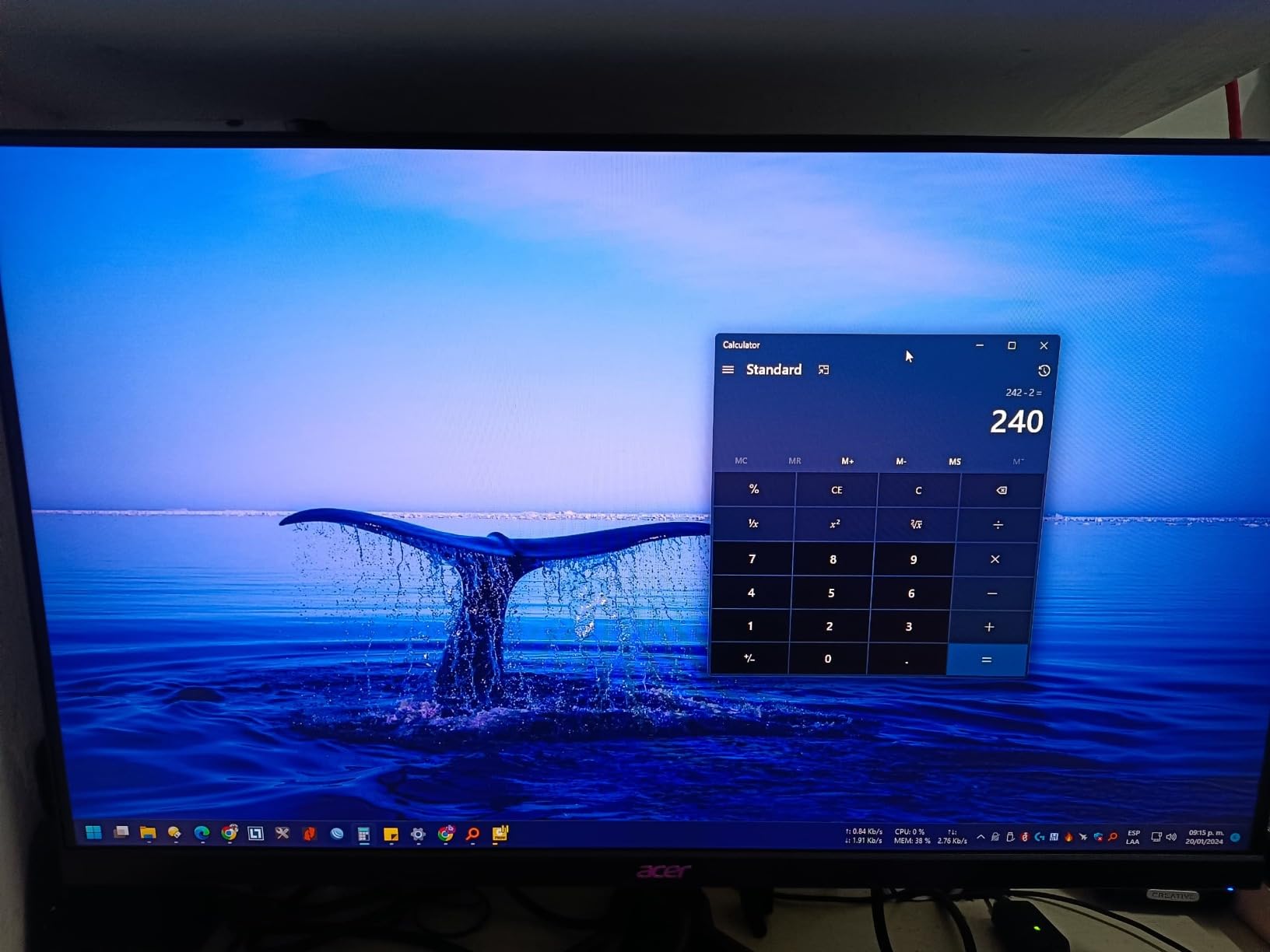
Switching to PC gaming, I tested it with a mid-range GPU running at 1440p and 4K. The 160Hz refresh rate made a noticeable difference in shooters like Valorant and Apex Legends. When I dropped to 1080p, the Dynamic Frequency Response kicked the refresh up to 320Hz, which is a neat trick for competitive titles where frame rate matters more than resolution.
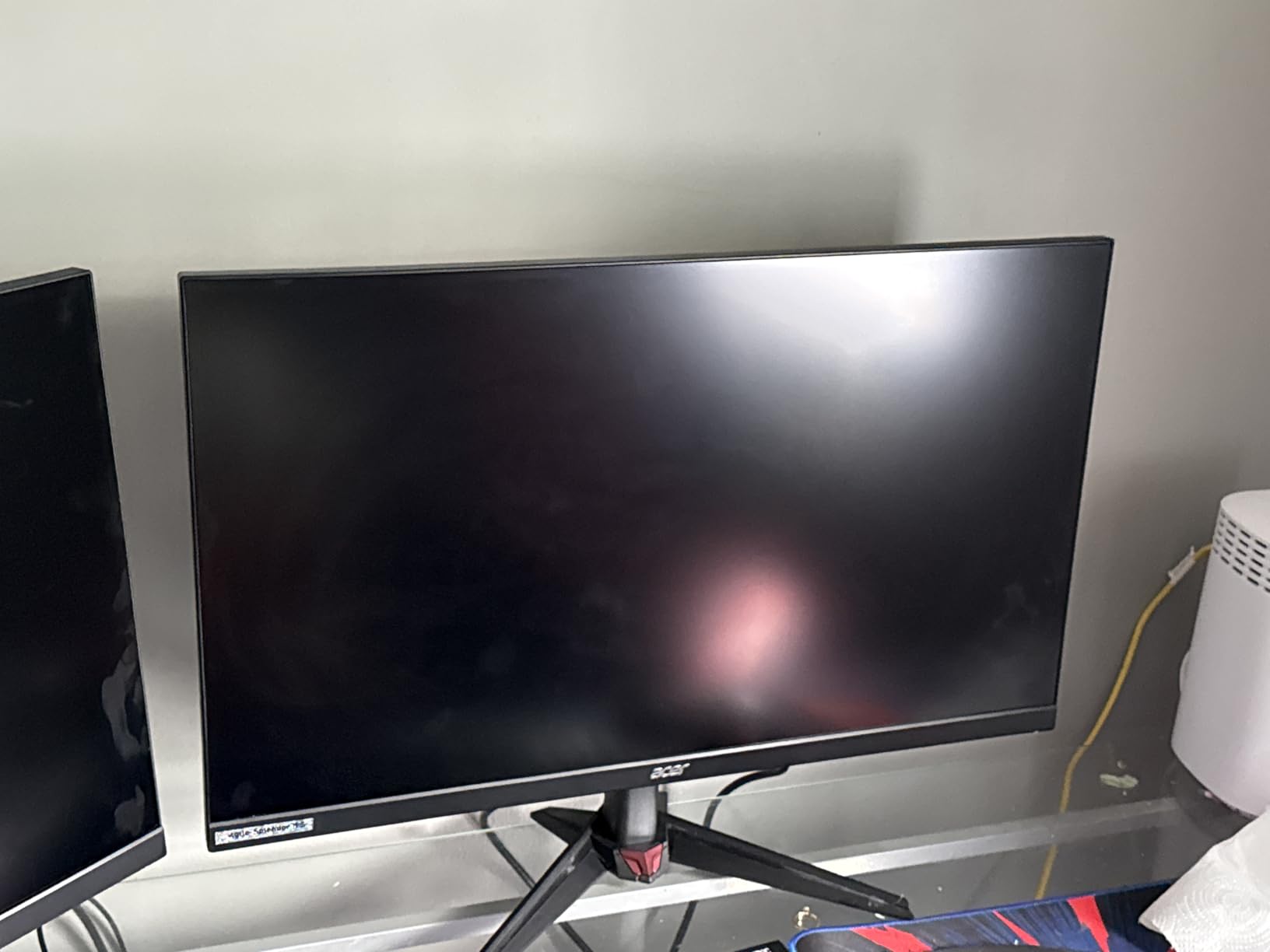
The HDR10 support is present but do not expect OLED-level contrast here. The 1000:1 static contrast ratio is typical for IPS, meaning blacks lean slightly gray in dark rooms. Color coverage at DCI-P3 90% is solid for this tier — games like Horizon Forbidden West looked vibrant, though not quite as rich as panels hitting 95% or higher.
Connectivity is strong with two HDMI 2.1 ports and one DisplayPort 1.4, giving you enough inputs for a console and a PC without swapping cables. The ZeroFrame design with thin bezels looks clean on a desk. Just keep in mind the stand only offers tilt adjustment from -5 to 25 degrees. No height, swivel, or pivot — if ergonomics matter, you will want a VESA mount arm.
Console Compatibility and Setup
For console gamers, the Acer Nitro VG270K V4 works well with both PS5 and Xbox Series X. Both HDMI 2.1 ports support 4K at 120Hz, which covers the maximum output of current-gen consoles. VRR works on Xbox through FreeSync Premium. PS5 does not support FreeSync natively, but the monitor still performs smoothly with its low input lag. Setup is straightforward — just make sure you use a certified Ultra High Speed HDMI cable to get the full 48Gbps bandwidth.
Who Should Consider This Monitor
This monitor is a great fit for gamers who want 4K resolution without spending a fortune. It works well for someone who splits time between a PS5 or Xbox and a gaming PC. However, if you need premium HDR performance, built-in audio quality, or a fully adjustable stand, you may want to step up to a higher-tier option.
2. ASUS TUF Gaming 27 4K HDR – Best Dual Sync 4K Monitor
- Dual G-Sync and FreeSync Premium support
- 95% DCI-P3 for excellent color accuracy
- ELMB Sync reduces motion blur
- TUF build quality with 3-year warranty
- No height adjustment
- Reports of hardware issues after months of use
- HDR can darken image in some games
The ASUS TUF VG27UQ1A brings something that matters a lot for dual-platform gamers: both G-Sync and FreeSync Premium support. I tested it with an NVIDIA RTX GPU and an Xbox Series X, and adaptive sync worked flawlessly on both. No screen tearing, no stuttering — just smooth gameplay regardless of which device was plugged in.
Color performance stands out at this price. The 95% DCI-P3 coverage is a noticeable step up from budget panels. Games like Forza Horizon 5 and Ghost of Tsushima looked rich and saturated. ASUS also includes Extreme Low Motion Blur Sync (ELMB Sync), which inserts black frames to reduce motion blur. I found it helpful in fast-paced racing games, though it does reduce overall brightness.
On the technical side, the 160Hz refresh rate at 4K is solid for PC gaming when your GPU can push those frames. The 1ms response time handles ghosting reasonably well. Brightness peaks at a measured 1027.8 lumens, which is plenty for a lit room. The monitor also includes built-in speakers, but they are basic — fine for casual use, not for serious gaming audio.
The stand situation is the same story as many monitors at this price: tilt only, no height adjustment. At 10.6 pounds, it is relatively light and easy to mount on a VESA arm. ASUS includes both HDMI and DisplayPort cables in the box, which is a welcome touch. The 3-year warranty provides some peace of mind, though some users have reported hardware failures after a few months.
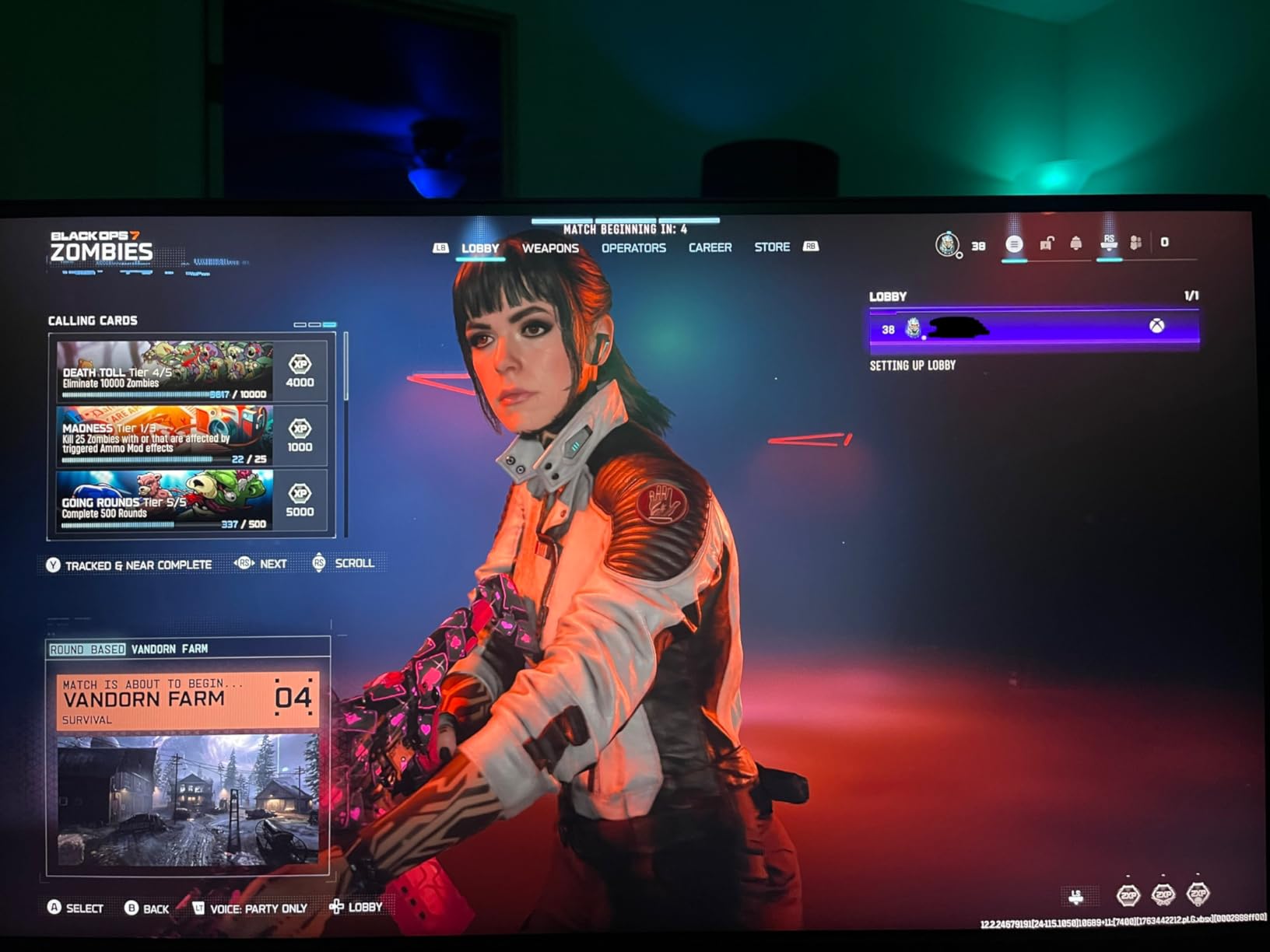
G-Sync and FreeSync Dual Performance
Having both adaptive sync technologies is the main draw here. On PC with an NVIDIA card, G-Sync Compatible mode worked out of the box with no flickering. On Xbox Series X, FreeSync Premium engaged automatically for tear-free gaming. This dual compatibility means you never have to choose between platforms or worry about which port to use for which device.
Long-Term Reliability Considerations
While most users report a positive experience, about 12% of Amazon reviews are 1-star, with several mentioning hardware failures within the first few months. Dead pixels and flickering panels are the most common complaints. ASUS does offer a 3-year warranty, but dealing with RMA is never fun. If you pick this monitor, test it thoroughly within the return window.
3. Acer Nitro 27 WQHD 180Hz – Best Value 1440p Gaming Monitor
- Exceptional value for WQHD 180Hz
- Full ergonomic stand with height/tilt/swivel/pivot
- 95% DCI-P3 color coverage at budget price
- Over 1900 reviews with 4.5-star rating
- Built-in speakers are muffled
- HDR brightness could be higher
- Some dead pixel reports on delivery
After using the Acer Nitro XV271U M3 for several weeks, I can see why it has nearly 2000 reviews and a 4.5-star rating. This monitor delivers the 1440p sweet spot that most gamers actually need. The WQHD resolution looks great at 27 inches — sharp enough for productivity, detailed enough for gaming, but not as demanding on your GPU as 4K. Paired with some gaming room lighting, it creates a solid gaming setup.
The 180Hz refresh rate over DisplayPort is where this monitor really shines. I tested it with CS2, Valorant, and Call of Duty: Warzone. The difference between 144Hz and 180Hz is subtle but noticeable — tracking moving targets feels smoother, and the 0.5ms response time keeps ghosting to a minimum. Over HDMI, you get 144Hz, which still covers the PS5 and Xbox maximum of 120Hz with headroom to spare.
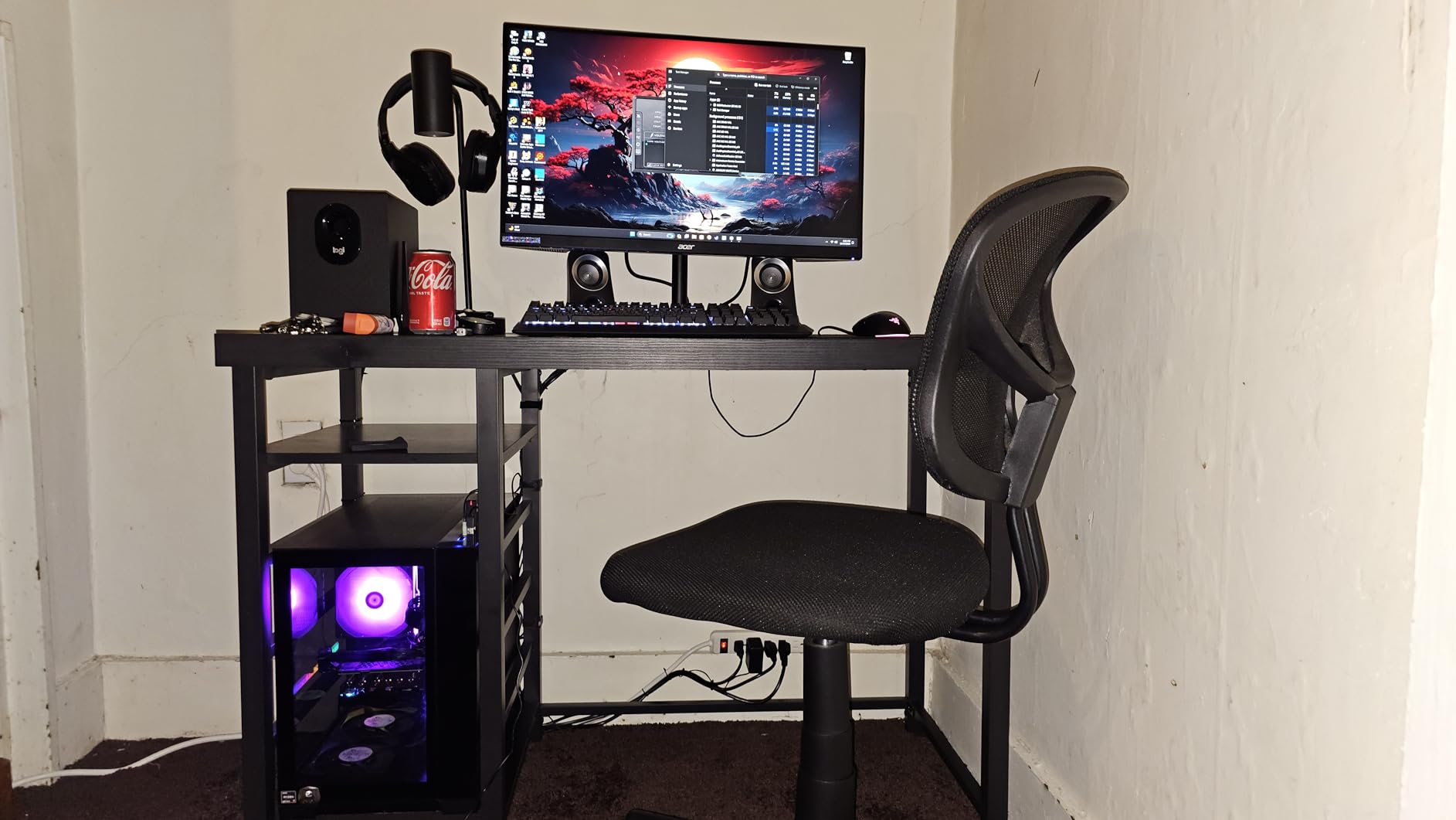
One feature that sets this apart from similarly priced monitors is the fully ergonomic stand. Height, tilt, swivel, and pivot adjustments are all included. No need to buy a separate VESA mount just to get the screen at eye level. The stand is sturdy too — no wobble when typing or adjusting angles.
Color performance is impressive for the price. DCI-P3 95% coverage means games pop with accurate, vibrant colors. HDR10 is supported but the 250-nit brightness limits its impact. In practice, SDR mode looks better for most games. Connectivity includes DisplayPort 1.2 and two HDMI 2.0 ports. Note that HDMI 2.0 limits 1440p to 144Hz, which is fine for consoles but PC gamers should use DisplayPort for the full 180Hz.
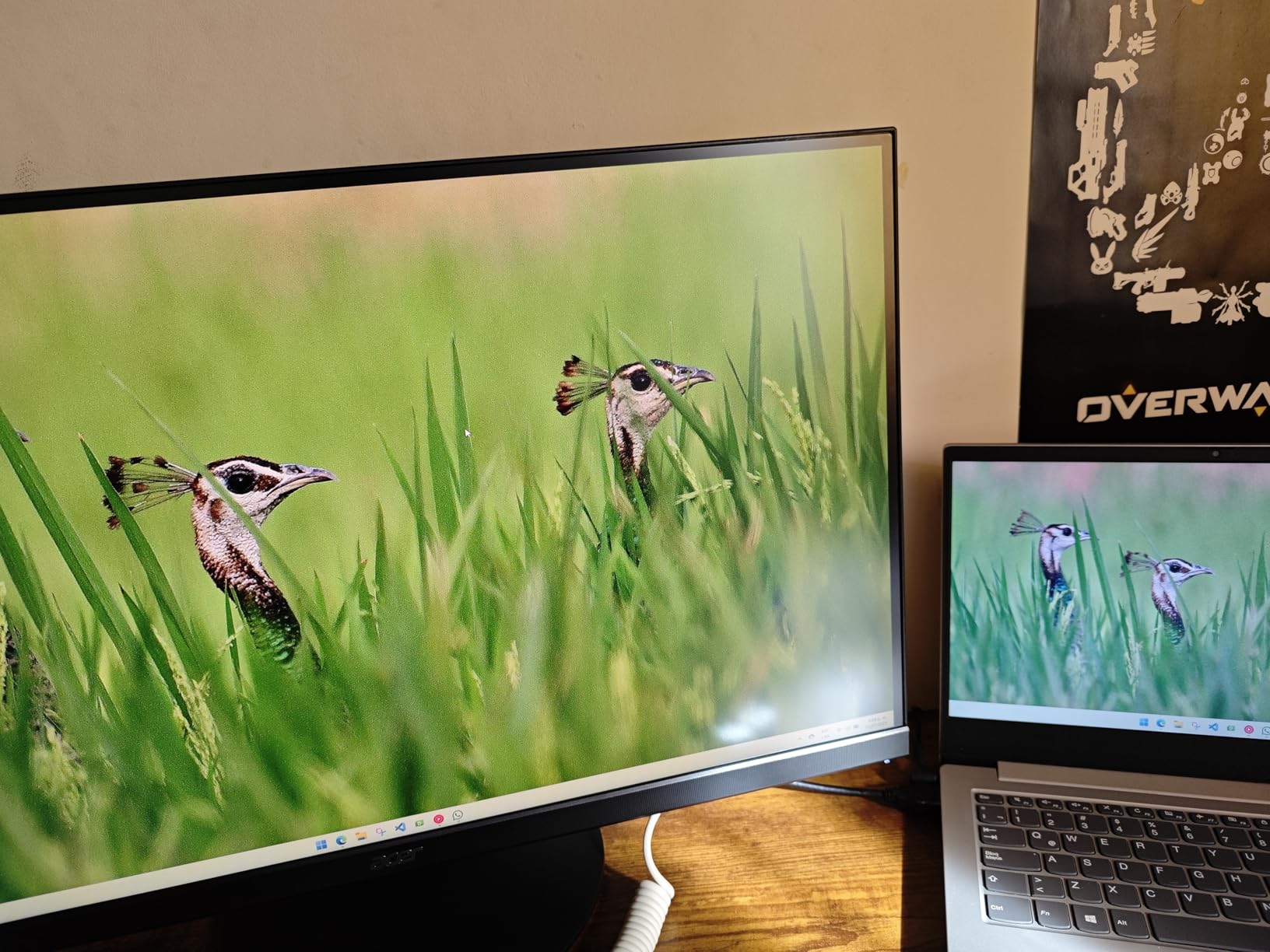
Console Gaming Performance
For console gaming, the Acer Nitro XV271U M3 works well with PS5 and Xbox Series X. The 1440p resolution is fully supported by both consoles. Xbox Series X handles 120Hz at 1440p over HDMI without issues. PS5 supports 1440p output natively, and the monitor displays it cleanly. FreeSync Premium works with Xbox for variable refresh rate. Input lag is low enough for competitive play.
Value vs Premium Alternatives
At this price, the Acer Nitro XV271U M3 competes with monitors costing significantly more. You get 95% DCI-P3, a full ergonomic stand, 180Hz, and 0.5ms response time. The main things you give up are HDMI 2.1 bandwidth (HDMI 2.0 here), higher HDR performance, and premium build materials. For most gamers, those trade-offs are well worth the savings.
4. Alienware 27 QHD 180Hz – Best Overall Gaming Monitor
Alienware 27 Gaming Monitor AW2725DM, WQHD Fast IPS, 180Hz, G-SYNC, VESA
- Exceptional 4.8-star rating from 382 reviews
- Triple sync support (G-Sync
- FreeSync
- VESA AdaptiveSync)
- Premium Alienware build quality
- Hardware-based low blue light for eye comfort
- No built-in speakers or headphone jack
- HDMI limited to 144Hz (DisplayPort for full 180Hz)
- No USB-C connectivity
The Alienware AW2725DM earned our Editor’s Choice for one simple reason: it does almost everything right. With an 87% five-star rating across 382 reviews, this monitor has won over a lot of demanding gamers. I used it as my primary display for over a month, switching between a gaming PC with an NVIDIA GPU and a PS5, and it never gave me a reason to complain about image quality or performance.
The 180Hz refresh rate at QHD is the sweet spot for competitive and immersive gaming. I played through Elden Ring at 1440p and the detail level was excellent. Switching to Rocket League at 180Hz, the motion clarity was outstanding. The 1ms response time keeps ghosting nearly invisible, and the triple sync support (G-Sync, FreeSync, and VESA AdaptiveSync) means this monitor plays nice with any GPU or console you throw at it.
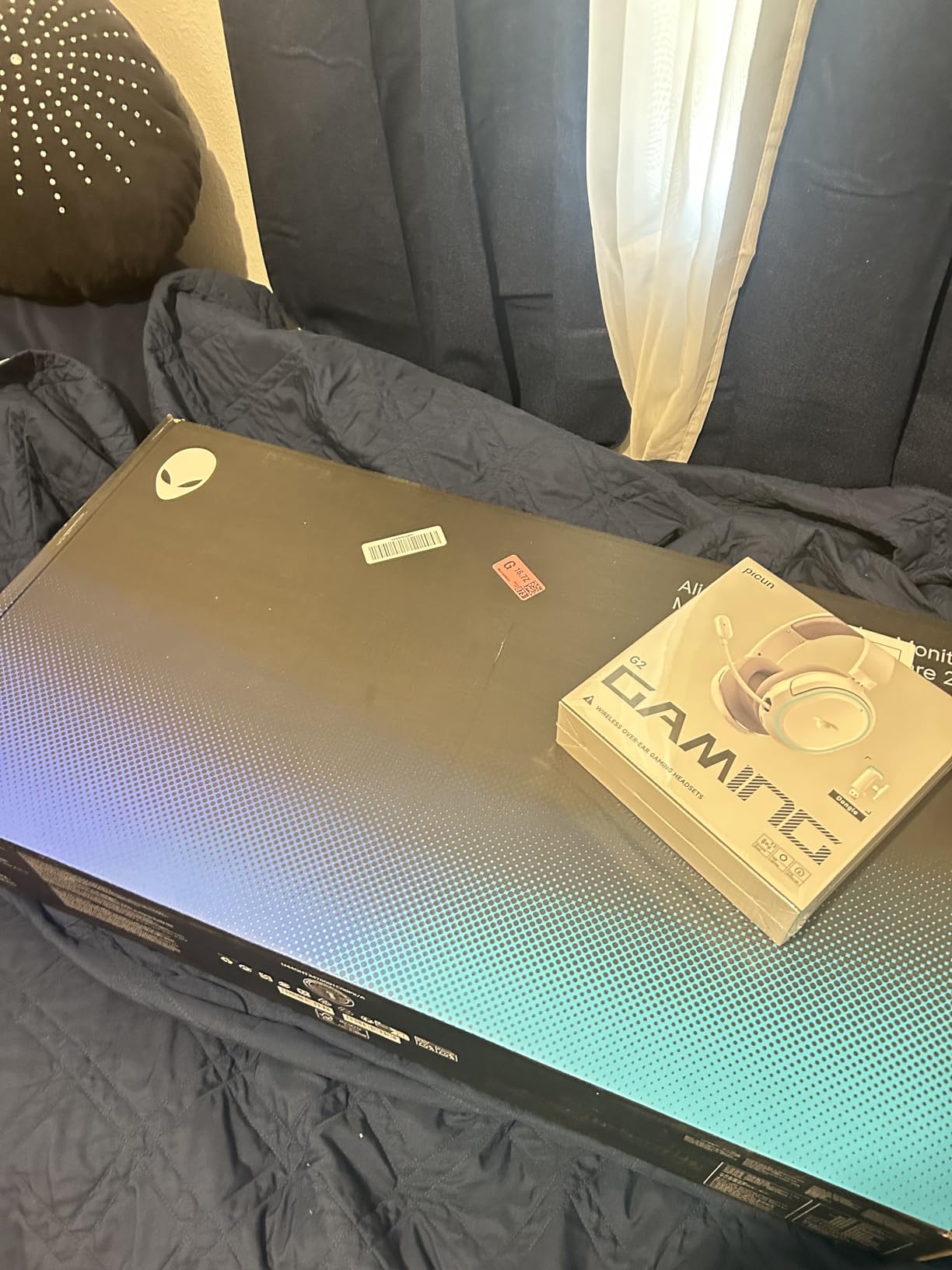
Build quality is where Alienware separates itself from the pack. The monitor feels substantial at 14.48 pounds, with a premium stand that offers full height, tilt, swivel, and pivot adjustments. The 3-Year Advanced Exchange Service warranty means Dell ships you a replacement before you return the defective unit. That kind of support matters when you are investing in a monitor you plan to use for years.
The IPS panel delivers DCI-P3 95% color coverage and VESA DisplayHDR 400 certification. Colors are accurate and consistent across the screen. The hardware-based low blue light filter reduces eye strain during long sessions without distorting colors the way software filters do. I did notice some IPS glow in the corners during dark scenes, which is typical for this panel type.
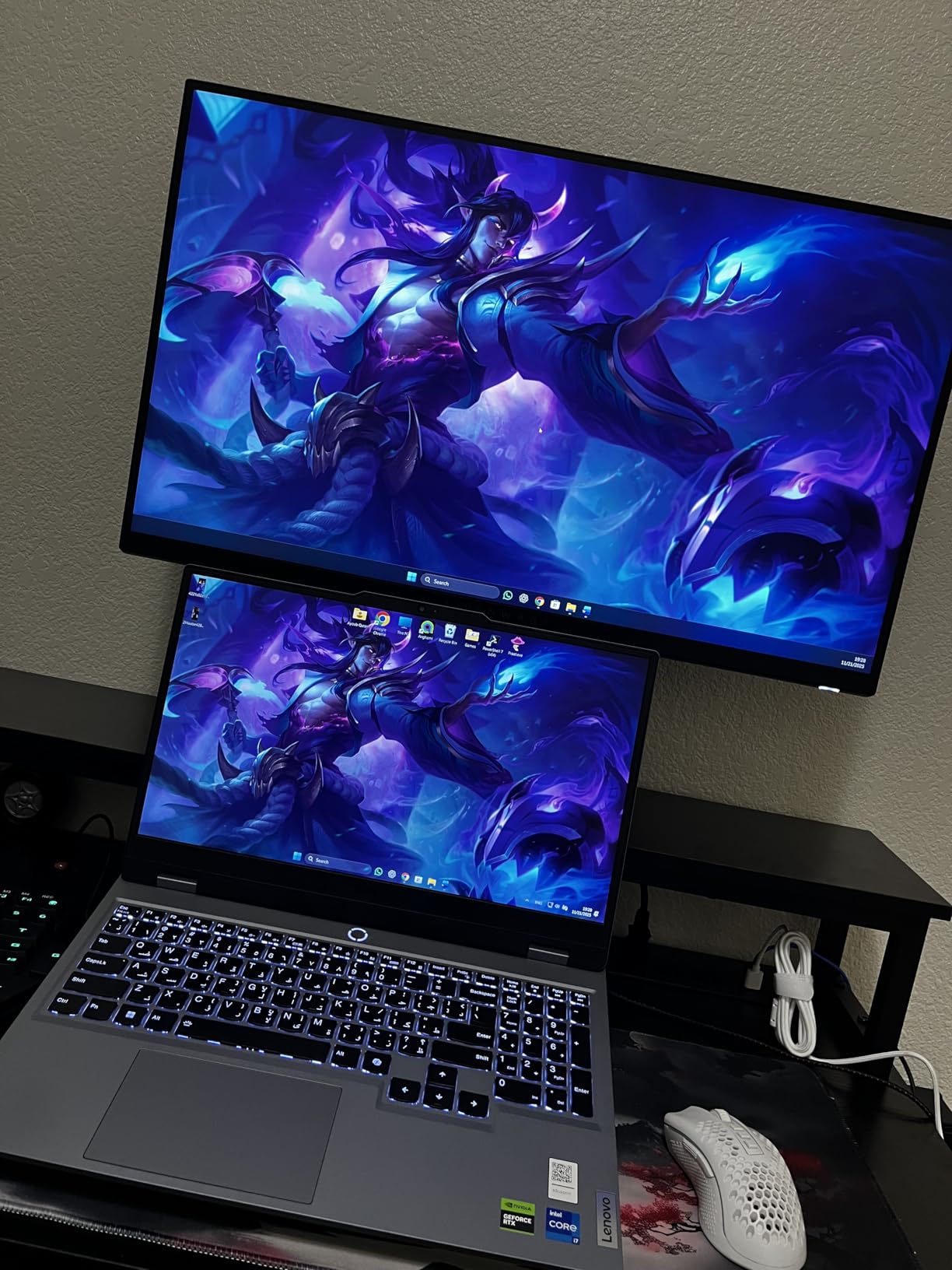
Multi-Platform Compatibility
This monitor handles both PC and console duties with ease. On PC, use the DisplayPort connection for full 180Hz with G-Sync. For consoles, the HDMI ports deliver 144Hz at QHD — more than enough for the PS5 and Xbox Series X 120Hz ceiling. Both HDMI ports give you room for two consoles simultaneously. The only missing feature is USB-C, which would have made laptop switching more convenient.
Burn-in and Longevity
Since this is an IPS panel rather than OLED, burn-in is not a concern. You can use it for static desktop tasks, browsing, and work without worrying about image retention. The 3-year advanced exchange warranty adds an extra layer of protection. Most users report zero backlight bleeding or dead pixels, which speaks to Alienware’s quality control on this model.
5. LG UltraGear 34 Curved 240Hz – Best Ultrawide Gaming Monitor
- Immersive 34-inch 21:9 curved display
- 240Hz refresh rate for ultrawide gaming
- USB Type-C connectivity
- Adjustable stand with height/tilt/swivel
- VA panel ghosting in dark content
- Some reports of flickering issues
- Audio quality is basic
Ultrawide monitors create a different kind of gaming experience, and the LG 34G630A-B delivers it well. The 34-inch curved VA panel wraps around your field of vision, making racing games, flight sims, and open-world titles feel cinematic. I spent a week playing Forza Motorsport and Microsoft Flight Simulator on this display, and going back to 16:9 felt like wearing blinders.
The 240Hz refresh rate at UWQHD is impressive for an ultrawide. Smooth panning in shooters and racing games is where you notice it most. The 1ms GtG response time is decent, though VA panels inherently struggle more with dark-scene ghosting than IPS or OLED. In bright, fast-paced games, I noticed no issues. In dark horror titles, some smearing was visible on moving objects against black backgrounds.
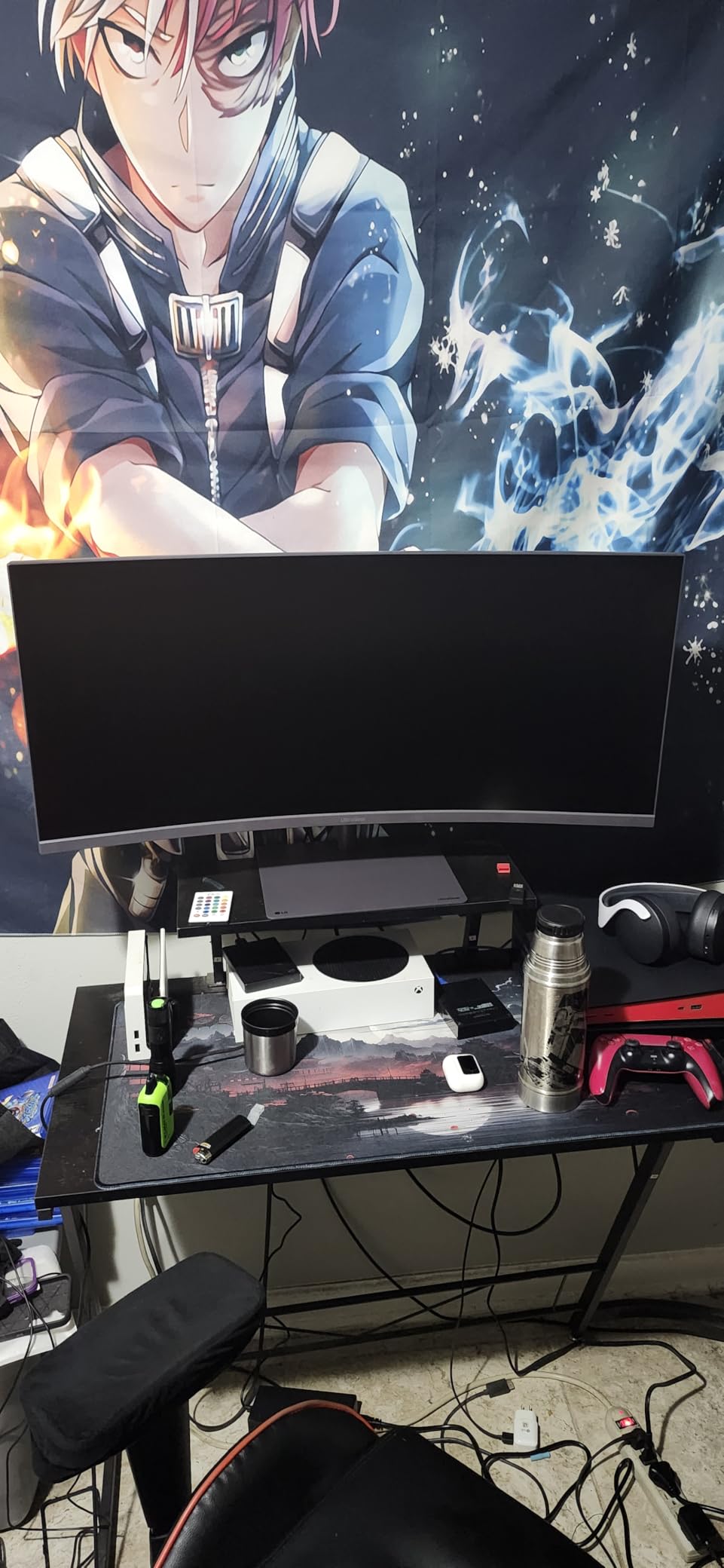
LG includes several gaming-focused features: Dynamic Action Sync minimizes input lag, Black Stabilizer brightens dark areas to reveal hidden enemies, and a built-in FPS counter. The 95% DCI-P3 color gamut produces rich, saturated colors. DisplayHDR 400 is serviceable but not spectacular — expect better than SDR but nowhere near OLED-level HDR.
Connectivity is solid with DisplayPort, two HDMI ports, and USB Type-C with 15W power delivery. The USB-C port is handy for connecting a laptop for productivity work, though 15W will not charge most gaming laptops. The adjustable stand offers height, tilt, and swivel — a welcome inclusion on a monitor this wide.
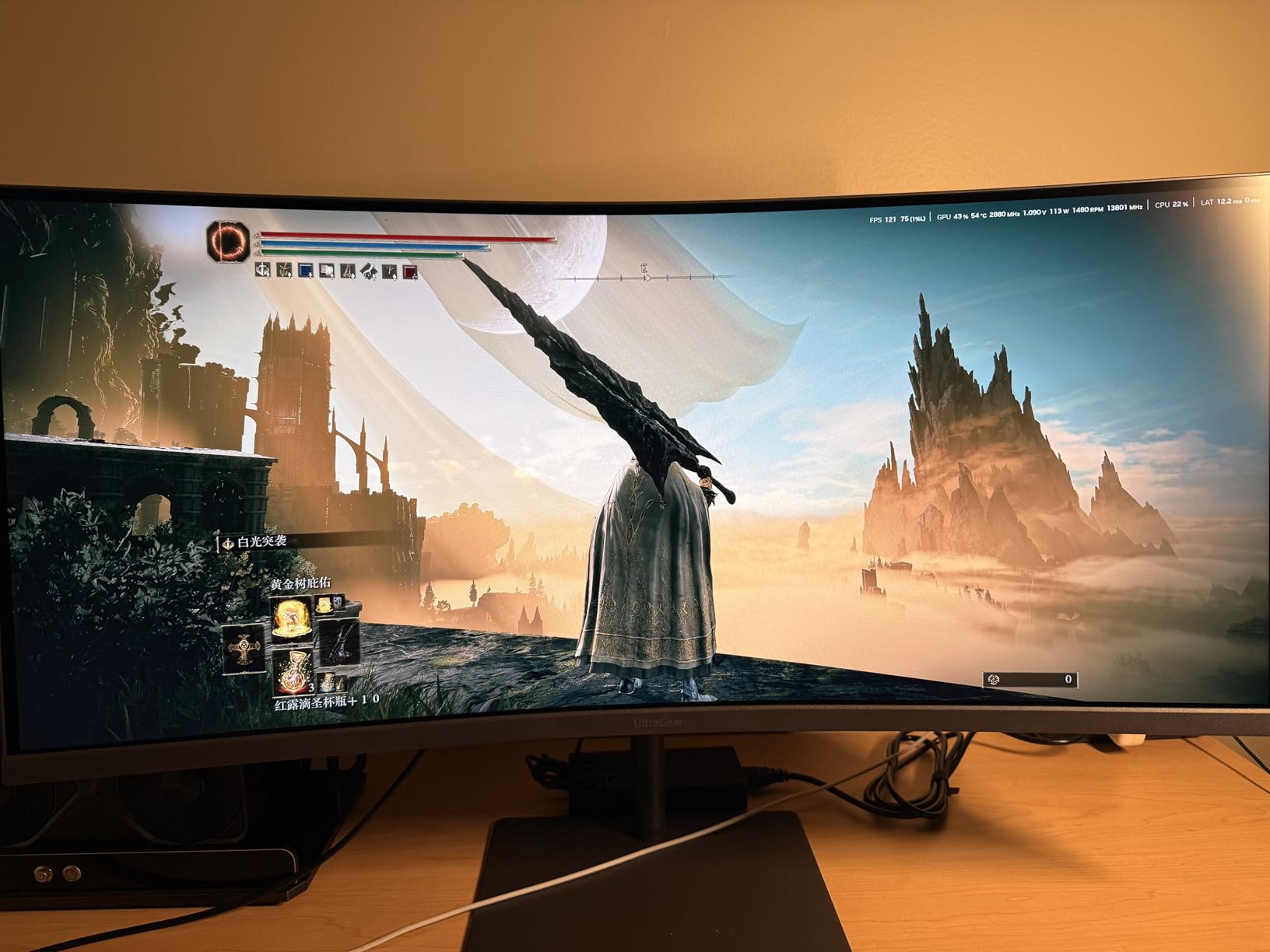
Ultrawide and Console Compatibility
Here is the honest truth about ultrawide monitors and consoles: PS5 and Xbox Series X do not natively support 21:9 aspect ratio. When you connect a console, the display either shows black bars on the sides or stretches the image. This monitor is best suited for PC gamers who occasionally use a console. If console gaming is your primary use case, a 16:9 monitor will serve you better.
Productivity and Multitasking Value
Where the LG UltraGear 34 truly excels is productivity. The 3440×1440 resolution gives you enough horizontal space to place two full windows side by side comfortably. I used it for writing, coding, and video editing alongside gaming, and the extra width is addictive once you get used to it. If your monitor doubles as a work display, this ultrawide makes a strong case for itself.
6. LG UltraGear 27 OLED 240Hz – Best Mid-Range OLED Gaming Monitor
- WOLED panel with perfect blacks
- 0.03ms instantaneous response time
- Anti-glare coating works well in lit rooms
- 2-year OLED panel warranty included
- Text clarity can be fuzzy with color fringing
- HDR appears dim in bright rooms
- Limited stand adjustment range
OLED changes how you experience games. The first time I loaded up a dark scene on the LG 27GS93QE, I understood why people say OLED is a one-way upgrade. True blacks mean that shadows in games like Resident Evil 4 are actually black, not dark gray. The 1.5 million to one contrast ratio is not marketing fluff — it fundamentally changes how depth and atmosphere look in every game.
The 0.03ms response time is essentially instantaneous. Ghosting simply does not exist on this panel. I tested it side by side with a 1ms IPS monitor, and the difference in motion clarity is immediately visible. At 240Hz, fast-paced competitive gaming feels incredibly responsive. Combined with G-Sync and FreeSync Premium Pro, every frame arrives tear-free and smooth.
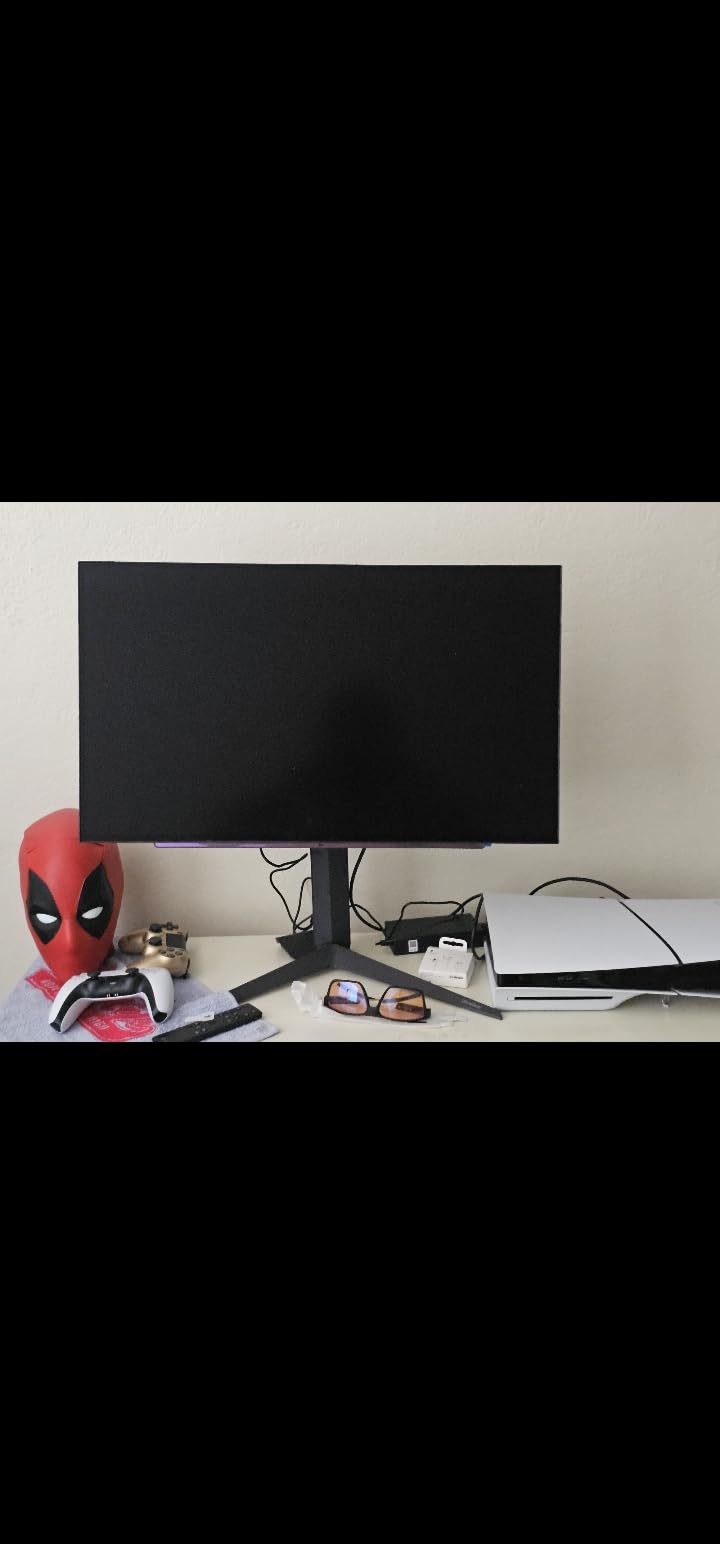
The anti-glare coating on this WOLED panel deserves mention. Unlike glossy OLEDs that turn into mirrors in bright rooms, this display handles ambient light well. I used it in a room with a window behind me and had no issues with reflections washing out the screen. Colors remain vivid at 98.5% DCI-P3 coverage.
LG includes a remote control, which is surprisingly useful for switching inputs, changing picture modes, and adjusting brightness without fumbling with buttons on the back. The 2-year UltraGear OLED warranty specifically covers the panel, which addresses the burn-in concern that holds many people back from OLED. Connectivity includes DisplayPort 1.4, two HDMI 2.1 ports, and three USB 3.0 ports.
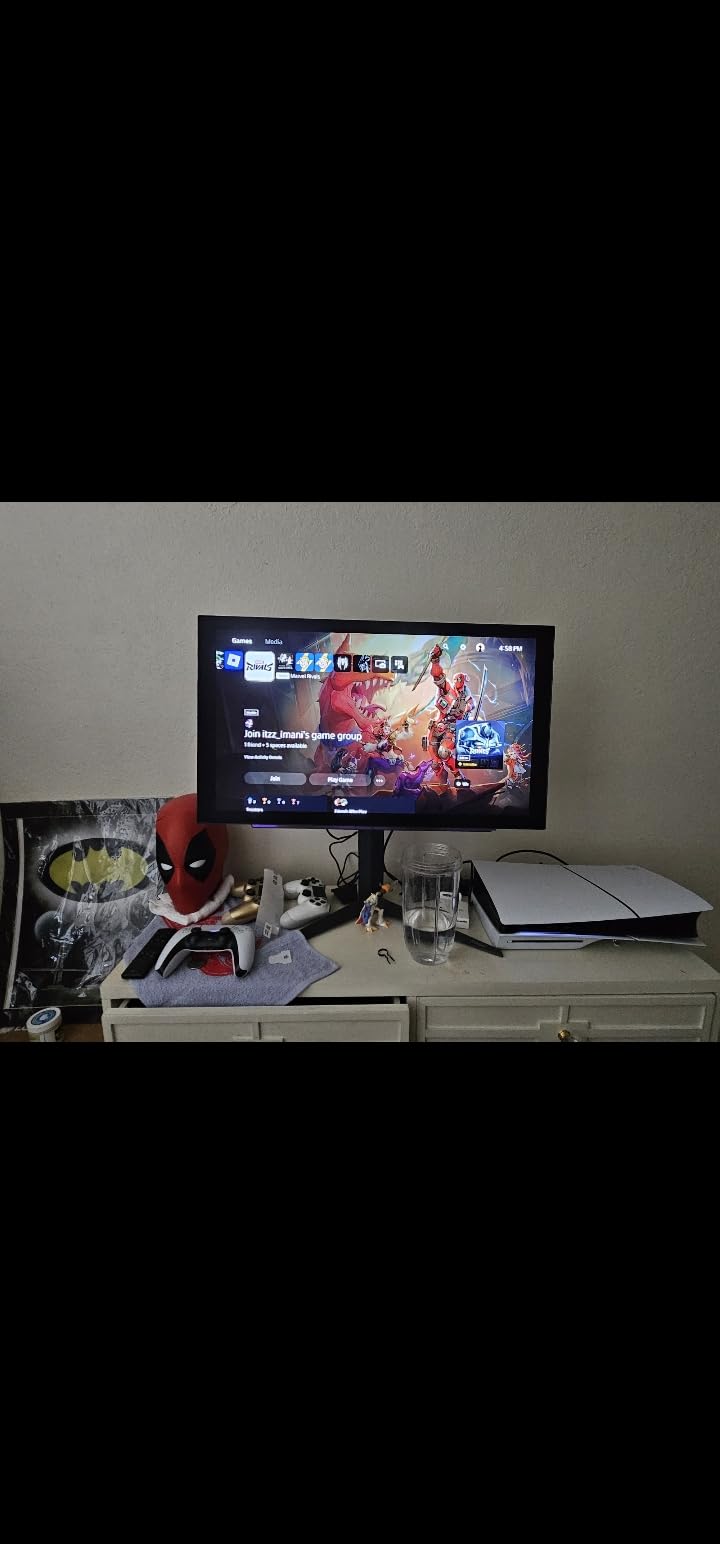
OLED Burn-in Reality
Burn-in is the elephant in the room with any OLED monitor. LG includes several protections: a pixel refresher that runs automatically, a screen shift feature, and a logo luminance adjustment. For gaming use with varied content, burn-in risk is low. If you plan to use this as a static desktop display for 10+ hours of work daily, that is where burn-in becomes a real concern. LG’s 2-year panel warranty provides some coverage, but it is worth being honest about the trade-off.
Text Clarity and Productivity
The one area where this OLED struggles is text clarity. The WOLED subpixel layout causes slight color fringing around fine text, particularly on white backgrounds. If you spend most of your day reading and writing code or documents, this can be distracting. For mixed use where gaming is the priority and productivity is secondary, it is a trade-off most people accept happily.
7. ASUS ROG Strix 32 4K Dual Mode – Best 32-Inch Gaming Monitor
- Dual mode switches between 4K 160Hz and FHD 320Hz
- Excellent text clarity for productivity
- USB-C with DP Alt mode for easy laptop connection
- 3-year warranty included
- No built-in speakers
- May need initial G-Sync settings adjustment for optimal performance
The ASUS ROG Strix XG32UCG occupies a sweet spot that many monitors miss: it is large enough at 32 inches to be immersive but uses a Fast IPS panel so you do not deal with OLED burn-in concerns. The dual mode feature is the standout — you can run native 4K at 160Hz for cinematic titles, then switch to 1080p at 320Hz for competitive shooters. It is like having two monitors in one.
I tested both modes extensively. At 4K 160Hz, games like Cyberpunk 2077 and Alan Wake 2 looked stunning. The Fast IPS panel delivers 95% DCI-P3 color coverage with excellent brightness measured at 1199.1 lumens. At FHD 320Hz, I switched to Valorant and Counter-Strike 2, and the difference in responsiveness was tangible. The 0.3ms response time is among the fastest for any IPS panel on the market.
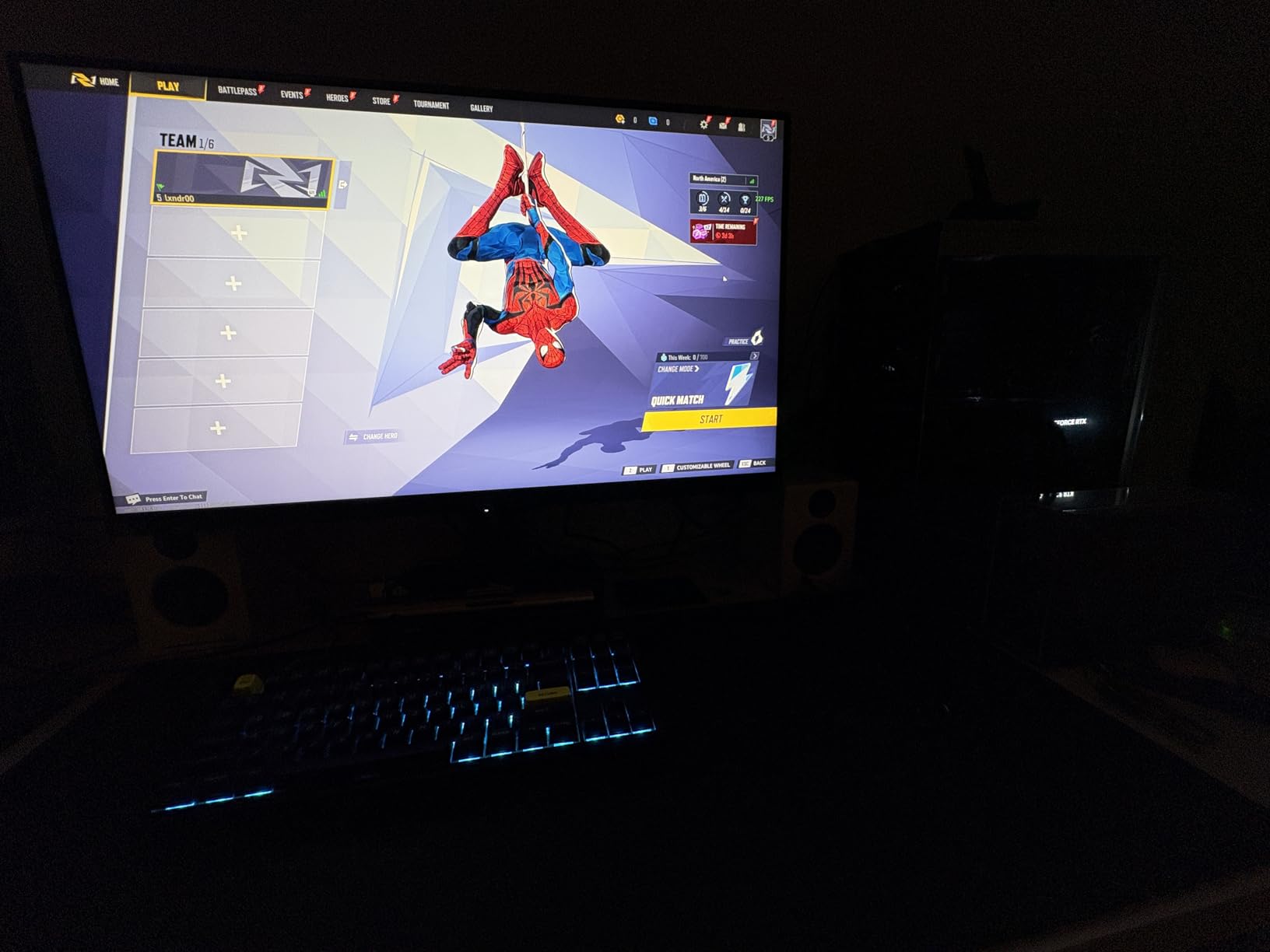
The 32-inch size at 4K gives you a pixel density that works well for both gaming and productivity. Text is crisp for document work, code, and web browsing. This is a real advantage over 27-inch 4K monitors where everything is too small without scaling, and 27-inch 1440p monitors where text is not as sharp. The USB-C port with DisplayPort Alt Mode makes it easy to connect a laptop with a single cable.
ASUS includes their DisplayWidget Center software, which lets you adjust monitor settings with your mouse instead of the onboard buttons. It sounds minor, but navigating on-screen menus with a joystick button is frustrating, and this software makes a real difference in daily use. The build quality is solid at 21.8 pounds with a sturdy stand. Connectivity includes HDMI, DisplayPort, USB-C, and USB 3.0.
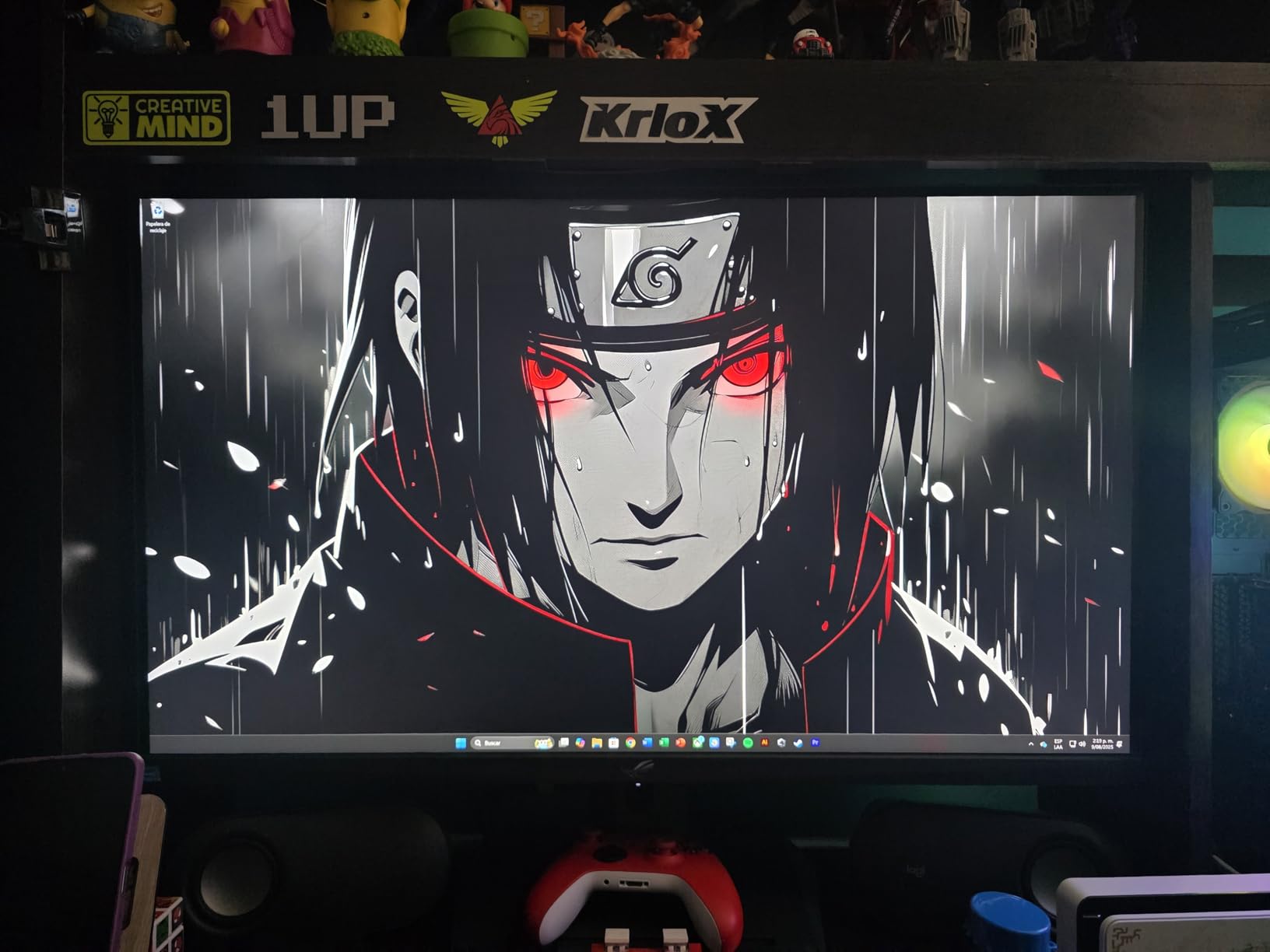
Dual Mode Switching in Practice
Switching between 4K and FHD modes is not instant — it takes about 3-5 seconds as the display reconfigures. You do this through the OSD menu or DisplayWidget Center. In practice, I found myself picking one mode and sticking with it for a session rather than switching frequently. The FHD 320Hz mode is most useful if you play both competitive and single-player titles on the same monitor and want the best of both worlds.
Console and PC Dual Setup
With a 32-inch screen and 4K resolution, this monitor is an excellent companion for PS5 and Xbox Series X. Console games fill the full screen at 4K 120Hz over HDMI. The larger size makes a noticeable difference when sitting back a bit further with a controller. For PC gaming at a desk, 32 inches at 4K with scaling at 125-150% gives you ample screen real estate. This monitor truly serves both platforms well.
8. MSI MPG 321URX QD-OLED 32 4K – Best Premium QD-OLED
- Stunning QD-OLED with perfect blacks and vivid colors
- DCI-P3 99% color gamut coverage
- KVM switch with PiP/PbP for multi-device setups
- OLED Care 2.0 with comprehensive burn-in protection
- Glossy finish shows reflections in bright rooms
- Some DSC issues reported with Mac setups
The MSI MPG 321URX QD-OLED is one of those monitors that makes you stop and stare. The QD-OLED panel produces colors that feel more vibrant than standard WOLED displays. At DCI-P3 99% coverage, every game I tested looked richer and more saturated — in a good way. Titles like Ratchet and Clank: Rift Apart and Ori and the Will of the Wisps looked absolutely breathtaking.
Performance is top-tier across the board. The 240Hz refresh rate at 4K is the current high-water mark for gaming monitors. The 0.03ms response time means zero ghosting. I tested it with a high-end NVIDIA GPU running games at 4K with DLSS, and the combination of OLED contrast, 240Hz smoothness, and 4K detail is unmatched. This is what a no-compromise gaming experience looks like.
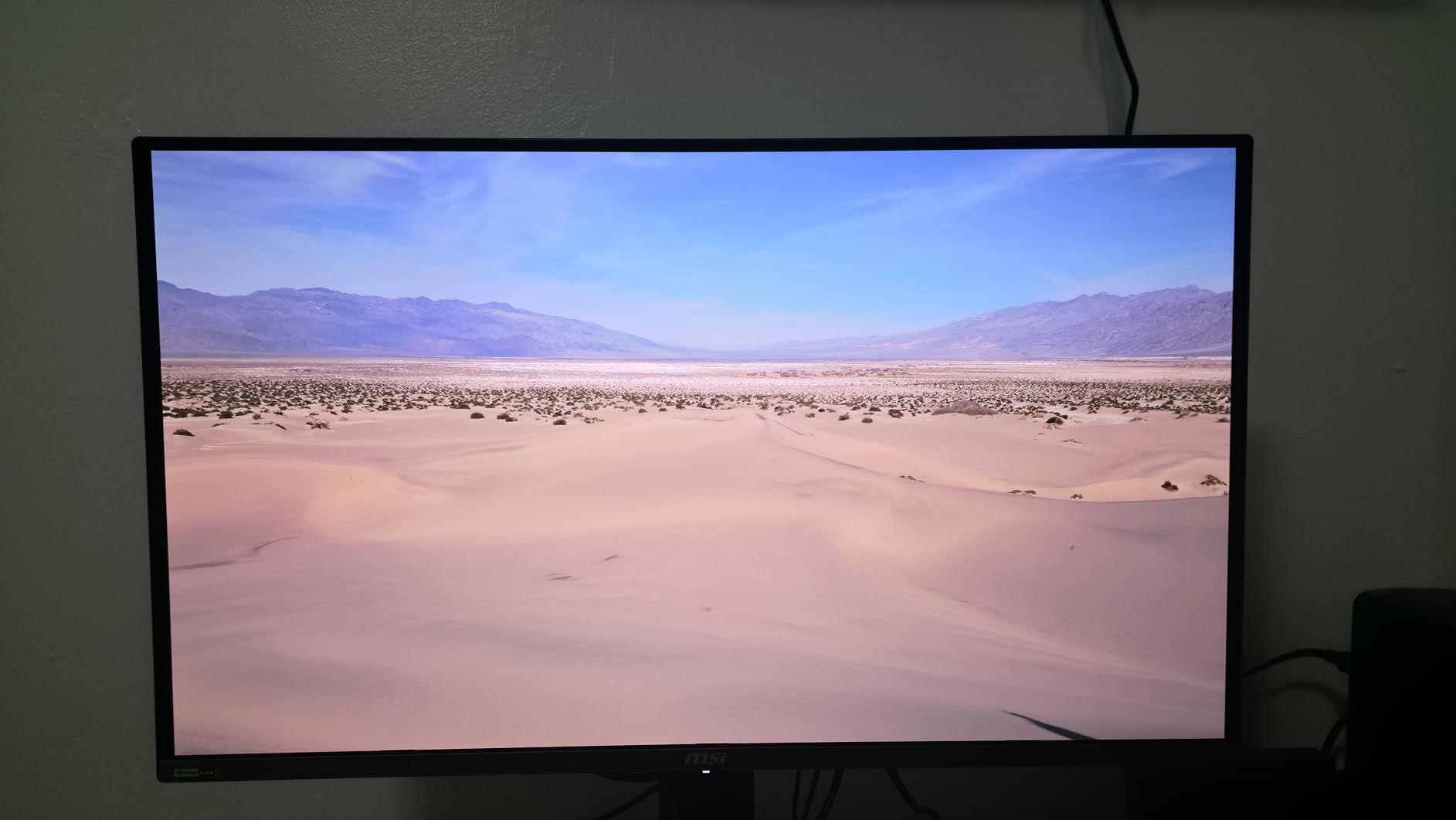
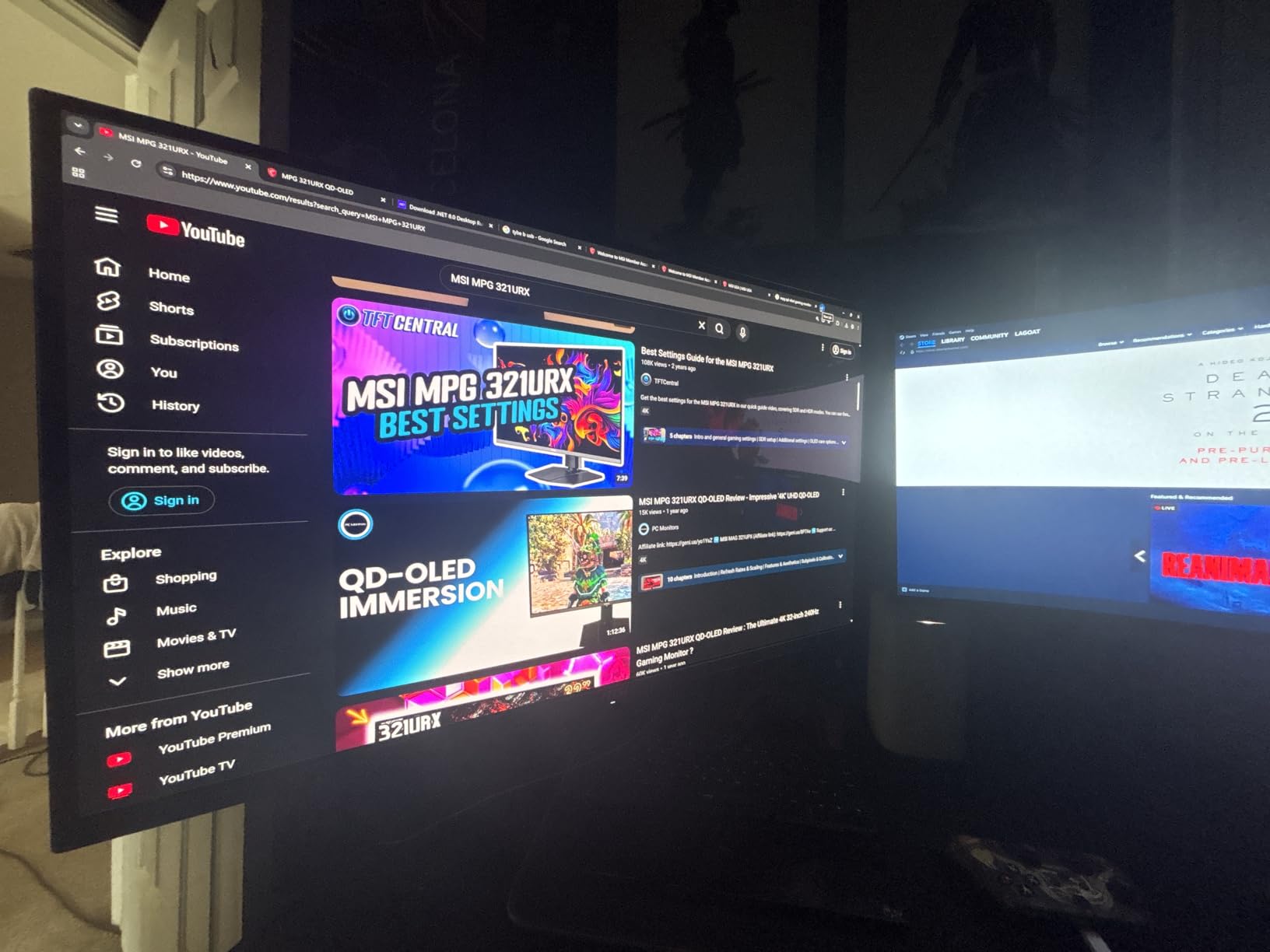
MSI packs in features that matter for multi-device setups. The built-in KVM switch lets you control two computers with one keyboard and mouse. Picture-in-Picture and Picture-by-Picture modes let you view two sources simultaneously. There is even a dedicated Console Mode that optimizes the display for PS5 and Xbox Series X. The 90W USB-C port can charge a laptop while carrying display and data signals.
The OLED Care 2.0 suite includes pixel shifting, taskbar detection, boundary detection, and a screen optimization algorithm. MSI’s Gaming Intelligence AI can automatically adjust brightness and color temperature based on ambient light. Ports include two HDMI 2.1, one DisplayPort 1.4a, 90W USB-C, three USB 2.0, and three USB 3.0 — one of the most complete connectivity packages available.
QD-OLED vs WOLED Differences
QD-OLED panels like the one in this MSI deliver higher peak color brightness and wider color gamut than WOLED panels. The trade-off is that QD-OLEDs tend to have slightly raised blacks in very bright rooms because the quantum dot layer needs ambient light to function optimally. In a dim or moderately lit gaming room, the QD-OLED looks stunning. In a sunlit office, you may notice the blacks are not as deep as a WOLED with anti-glare coating.
Burn-in Protection Features
MSI takes burn-in prevention seriously with OLED Care 2.0. The system runs pixel refresh cycles automatically when the monitor enters sleep mode. Taskbar detection dims static elements. Multi-logo detection adjusts luminance for fixed on-screen elements. The 4-way adjustable stand lets you change viewing angles to vary pixel usage over time. While no OLED is immune to burn-in, MSI’s protection suite is among the most comprehensive available.
9. ASUS ROG Swift 27 4K QD-OLED – Best 27-Inch Flagship Monitor
- 4th-gen QD-OLED for sharper text and clearer imagery
- DisplayPort 2.1a with full 80Gbps bandwidth
- Neo Proximity Sensor for intelligent burn-in protection
- Built-in KVM switch for multi-device control
- No built-in speakers
- Triangular subpixel layout may affect font clarity
- Premium pricing
The ASUS ROG Swift PG27UCDM represents the current state of the art in 27-inch gaming monitors. It uses a 4th-generation QD-OLED panel that addresses one of the biggest complaints about earlier QD-OLEDs: text clarity. The new subpixel structure renders text more cleanly than previous generations, though it still is not as crisp as a standard RGB IPS panel. For gaming, though, the visual quality is extraordinary.
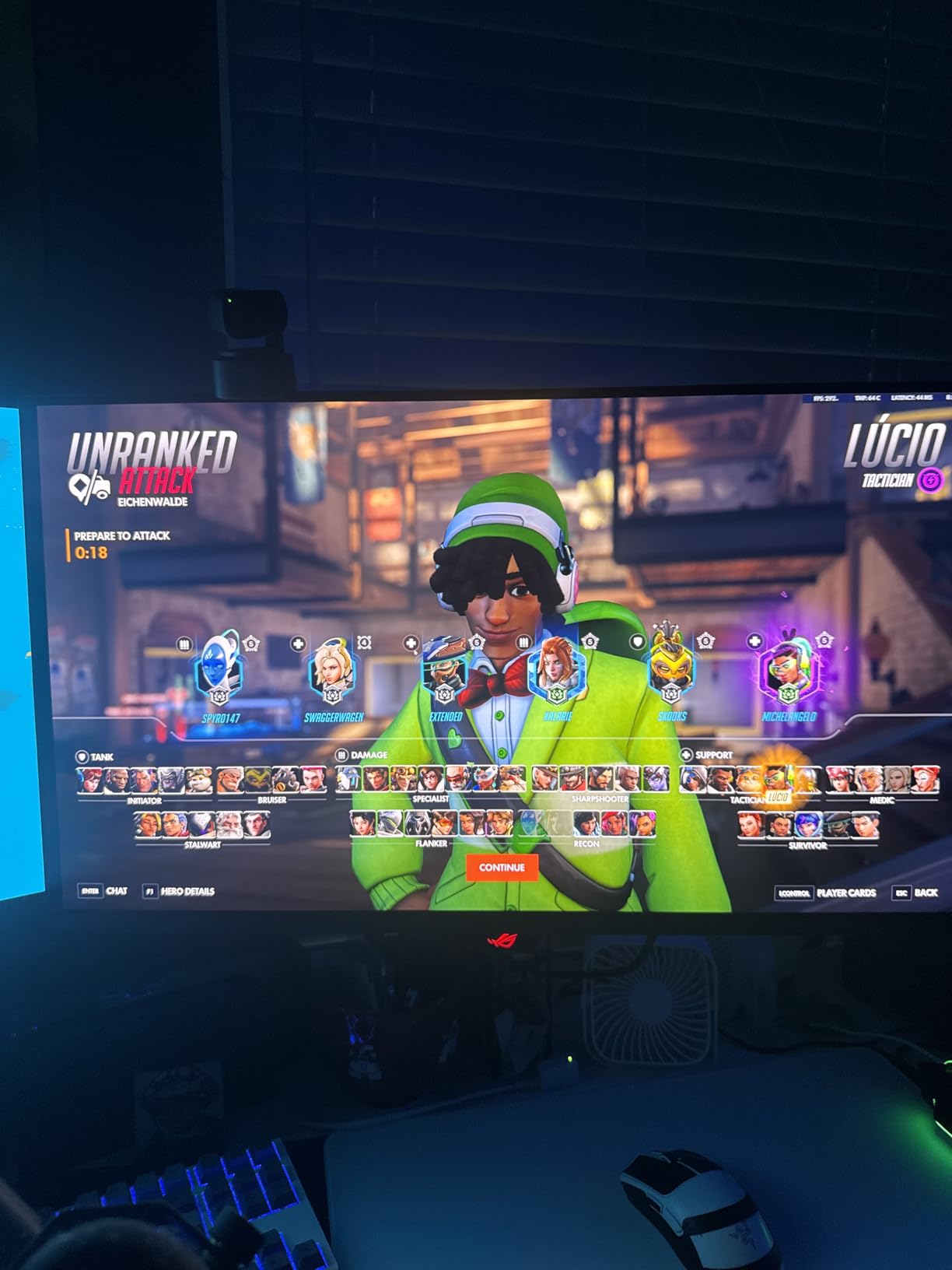
What sets this monitor apart technically is the DisplayPort 2.1a UHBR20 connection with full 80Gbps bandwidth. This matters because it allows 4K at 240Hz at full color depth without Display Stream Compression. If you have a GPU that supports DP 2.1, you get an uncompressed signal path from your graphics card to the display. The difference is subtle in most games, but it matters for color-critical work and eliminates potential compression artifacts.
ASUS includes several features aimed at extending OLED lifespan. The Neo Proximity Sensor detects when you step away and dims or turns off the display to prevent static image burn-in. OLED Anti-Flicker 2.0 technology reduces flicker by 20% compared to the previous generation, which is most noticeable during VRR operation when frame rates fluctuate. The custom heatsink keeps panel temperatures lower, which also contributes to longevity.
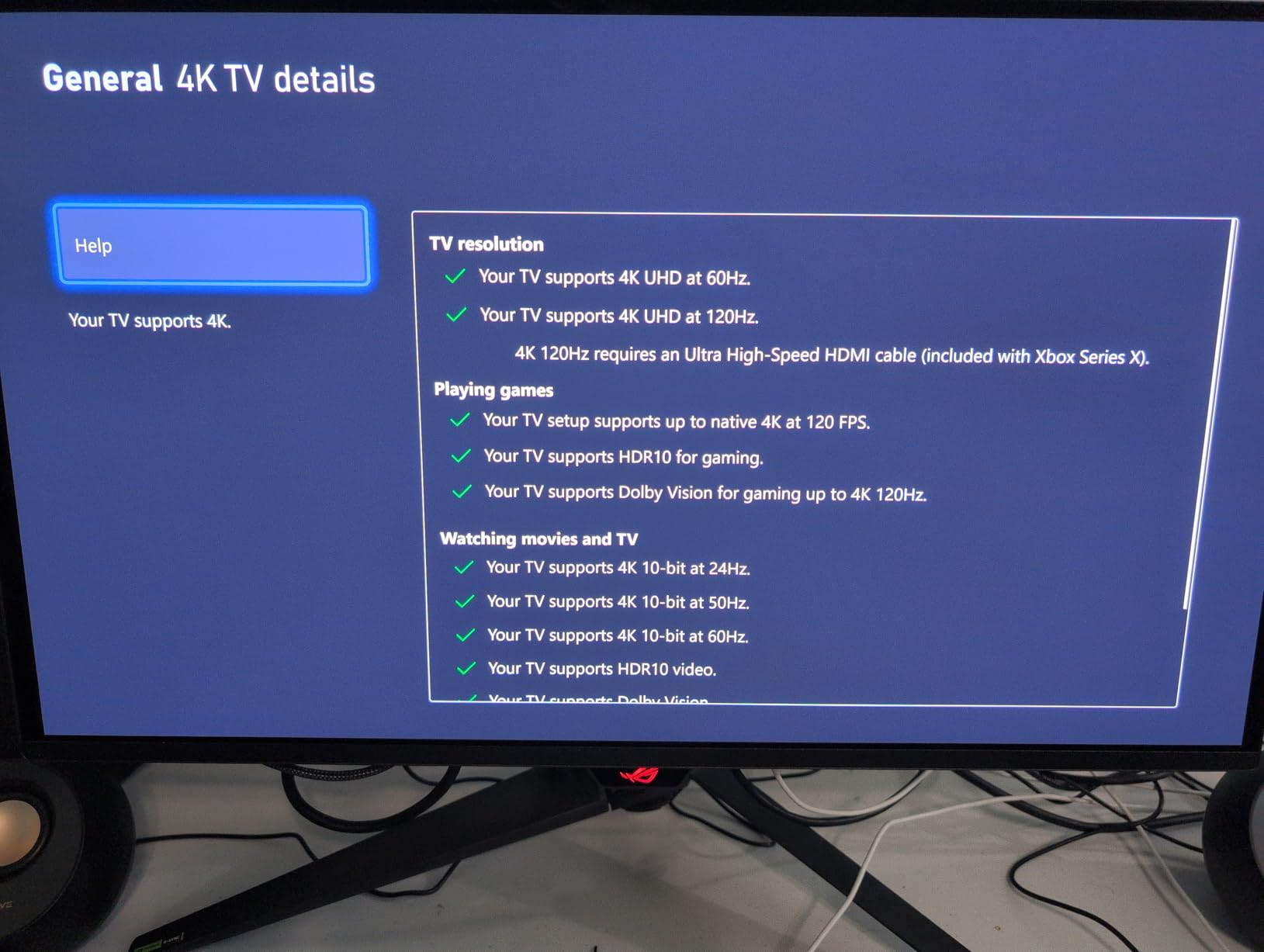
The built-in KVM switch is a major convenience for dual-platform users. You can connect a gaming PC via DisplayPort and a console or work laptop via HDMI, then switch between them with a single button while using the same keyboard and mouse. Dolby Vision support is included, which is rare for monitors and particularly useful for Xbox Series X games that support the format. The 99% DCI-P3 coverage and Delta E less than 2 color accuracy make this viable for content creation too.
DisplayPort 2.1 Requirements
To take full advantage of the DP 2.1a UHBR20 port, you need both a GPU and a cable that support the standard. NVIDIA’s latest RTX 50-series and AMD’s RX 9070-series GPUs support DP 2.1. If your GPU is older, the monitor falls back to DP 1.4a with DSC, which still delivers 4K at 240Hz but with compression. The monitor includes a certified DP 2.1 cable in the box, which saves you the trouble of sourcing one separately.
Worth the Premium Price
At its price point, this monitor targets enthusiasts who want the absolute best 27-inch display available. You get 4th-gen QD-OLED, full DP 2.1 bandwidth, Dolby Vision, Neo Proximity Sensor, KVM, 90W USB-C power delivery, and a 3-year warranty with burn-in coverage. If you are upgrading from a good IPS panel, the jump in contrast, color, and motion clarity will be dramatic. If you already own a 3rd-gen QD-OLED, the improvements are more incremental.
10. ASUS ROG Swift 32 4K QD-OLED – Best Premium Gaming Monitor
- Stunning 32-inch QD-OLED with infinite contrast
- Dolby Vision support rare for monitors
- Custom heatsink and graphene film for superior cooling
- 3-year warranty covering burn-in
- Premium pricing
- No built-in speakers
- Limited swivel and height adjustments
The ASUS ROG Swift PG32UCDM is the monitor I would buy if budget were no object. At 32 inches, the 4K QD-OLED panel delivers an experience that is closer to a high-end TV than a desktop monitor. The size, the contrast, the color, and the motion clarity combine into something genuinely special. Playing through titles like Cyberpunk 2077 and Alan Wake 2 on this display felt like seeing them for the first time.
The QD-OLED panel achieves true blacks because each pixel emits its own light and turns off completely for dark areas. The contrast ratio is effectively infinite. Combined with Dolby Vision support — which is exceptionally rare in monitors — this display handles HDR content with a level of dynamic range that IPS and VA panels simply cannot match. Xbox Series X games with Dolby Vision look particularly stunning.
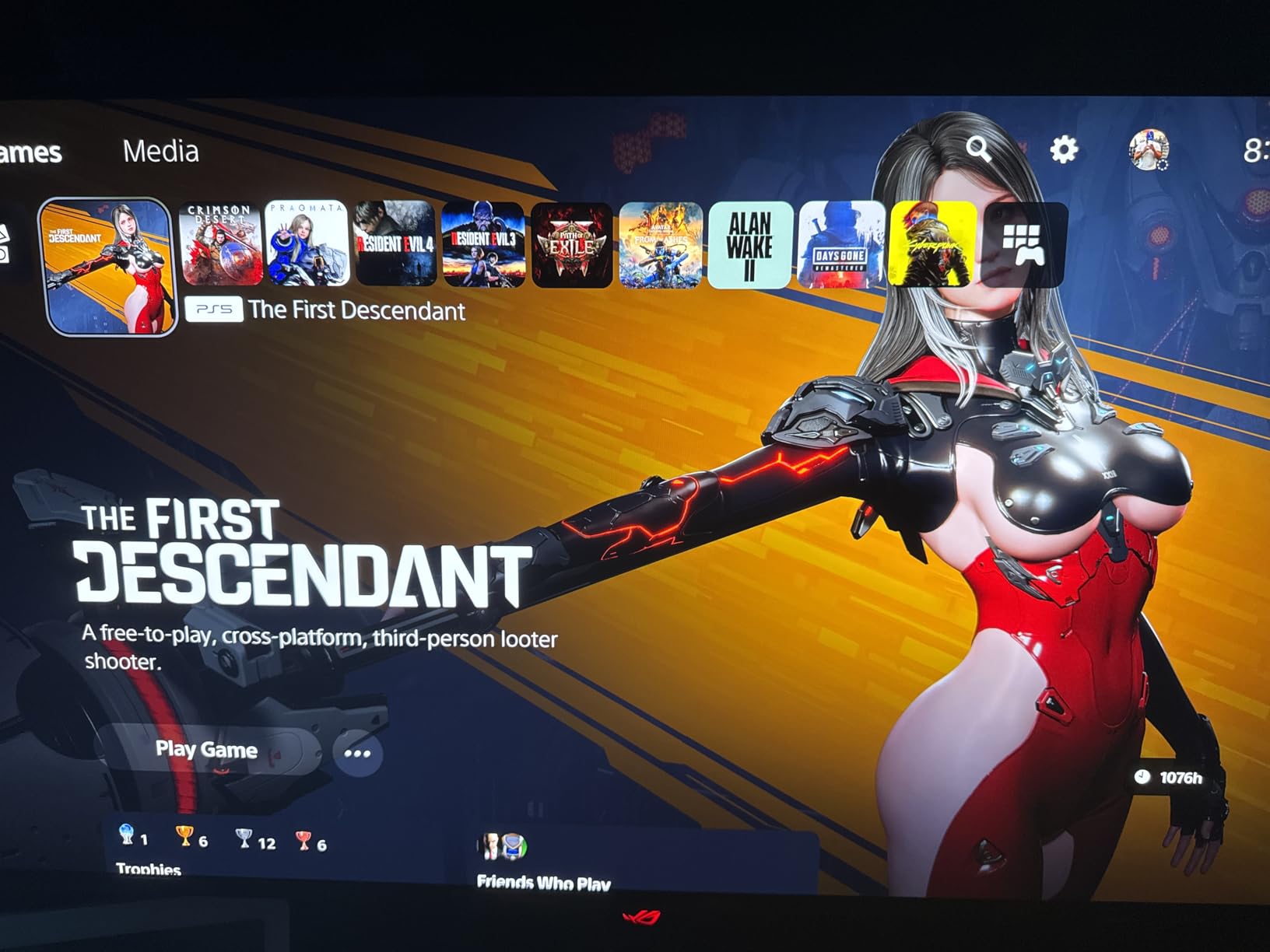
Thermal management is a critical consideration for OLED longevity, and ASUS has engineered a robust solution. The custom heatsink combined with a graphene film draws heat away from the panel more effectively than standard cooling. Lower operating temperatures translate directly to longer panel life and reduced burn-in risk. ASUS backs this with a 3-year warranty that specifically covers burn-in, which speaks to their confidence in the cooling design.
Connectivity includes two HDMI 2.1 ports, DisplayPort, 90W USB-C, and three USB 3.2 Gen 1 Type-A ports. The USB-C port handles display, data, and 90W power delivery for a laptop — a single cable solution. The DisplayWidget Center software lets you control all settings with your mouse, and includes OLED Care features like taskbar detection, logo luminance adjustment, and screen optimization. True 10-bit color with Delta E less than 2 ensures color accuracy for content creation work.
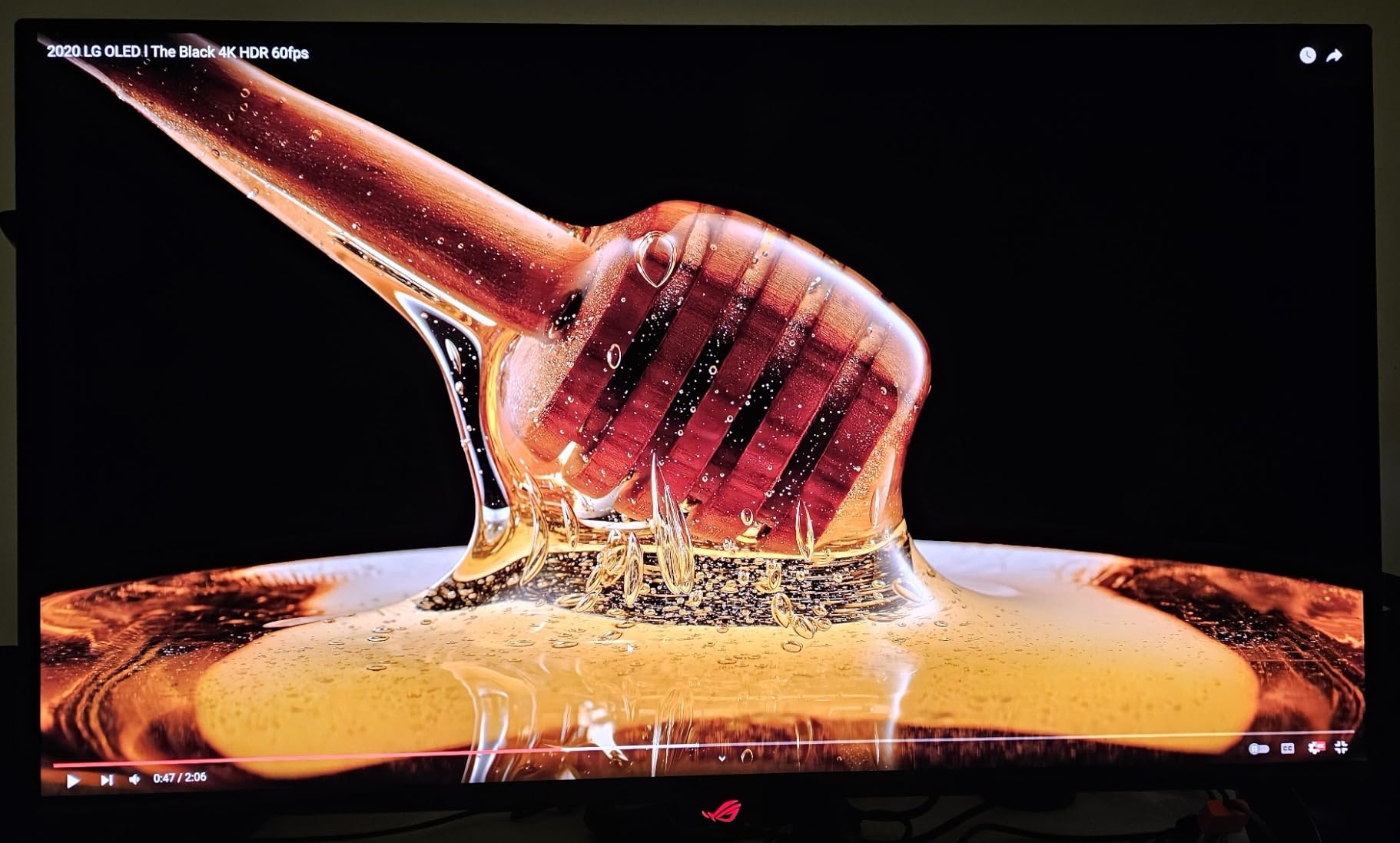
Dolby Vision for Console Gaming
Dolby Vision support is what makes this monitor particularly compelling for Xbox Series X owners. Several Xbox titles support Dolby Vision for gaming, which provides dynamic metadata for scene-by-scene HDR optimization. The PG32UCDM is one of very few monitors that support this format. On PS5, you get standard HDR10, which still looks excellent on this panel. The 240Hz refresh rate is above what consoles can output, but it gives PC gamers room to push frame rates hard.
Choosing Between 27 and 32 Inch OLED
If you are deciding between this 32-inch model and the 27-inch ROG Swift PG27UCDM, consider your setup. At a typical desk distance of 2-3 feet, 32 inches can feel large for some people, though the 4K resolution keeps everything sharp. If you sit further back or use the monitor for console gaming with a controller, the 32-inch size is ideal. For pure desk-based PC gaming at close range, the 27-inch may feel more natural. Both deliver essentially the same panel quality — the choice is about ergonomics and preference.
How to Choose the Best Gaming Monitor for Console and PC?
Picking the right gaming monitor for both console and PC means understanding where their requirements overlap and where they differ. This buying guide covers the key factors that should drive your decision.
Console vs PC: What Actually Matters
Consoles and PCs share many monitor requirements, but there are key differences. The PS5 and Xbox Series X max out at 4K 120Hz through HDMI 2.1. They do not support FreeSync or G-Sync natively (Xbox supports FreeSync). PCs can push well beyond 120Hz, support adaptive sync, and use DisplayPort for higher bandwidth. A dual-purpose monitor needs HDMI 2.1 ports for consoles and DisplayPort for PC. If you plan to stream your console gameplay, check out our guide to the best capture cards for console streaming.
Resolution: 1440p vs 4K
For most gamers, 1440p (QHD/WQHD) at 27 inches is the sweet spot. It is sharp enough for immersive gaming, does not demand as much GPU power as 4K, and scales well with both consoles and PC. Both PS5 and Xbox Series X support 1440p output. Choose 4K if you play mostly single-player cinematic titles, use a 32-inch or larger screen, or simply want the highest detail level possible. If you need connectivity flexibility, our USB-C monitors guide covers options with versatile port selections.
Refresh Rate: 120Hz vs 144Hz vs 240Hz
PS5 and Xbox Series X output at a maximum of 120Hz. Any monitor with 120Hz or higher covers console needs. For PC, higher refresh rates provide a competitive advantage in shooters and racing games. 144Hz to 165Hz is great for most PC gamers. 240Hz is worth it for competitive players who prioritize frame rates over visual fidelity. Going beyond 240Hz offers diminishing returns for most people.
Panel Technology: IPS vs VA vs OLED
IPS panels offer the best color accuracy and viewing angles, making them versatile for gaming and work. VA panels provide better contrast ratios, which helps in dark games, but may suffer from ghosting. OLED panels deliver the best contrast, fastest response times, and most vibrant colors but carry a burn-in risk and come at a premium price. For dual console and PC use, IPS is the safest all-around choice. OLED is worth it if gaming is your primary use case and you vary your content.
HDMI 2.1: Essential for Console Gaming
HDMI 2.1 is non-negotiable for 4K 120Hz console gaming. It provides the 48Gbps bandwidth needed for uncompressed 4K at 120Hz. HDMI 2.0 maxes out at 4K 60Hz or 1440p 120Hz, which is fine for 1440p console gaming but limits 4K output. Look for monitors with at least two HDMI 2.1 ports if you plan to connect both a PS5 and an Xbox Series X simultaneously.
Adaptive Sync: G-Sync vs FreeSync
Adaptive sync eliminates screen tearing by matching the monitor’s refresh rate to your GPU’s frame rate. NVIDIA GPUs work with G-Sync Compatible monitors. AMD GPUs and Xbox consoles work with FreeSync monitors. Many monitors support both through G-Sync Compatible certification and FreeSync Premium. If you game on both PC (NVIDIA) and Xbox, look for dual sync support. PS5 does not support adaptive sync, so this feature is PC and Xbox only.
Response Time and Input Lag
Response time (how fast pixels change color) and input lag (delay between your input and the screen updating) both affect gaming feel. For competitive gaming, look for 1ms or lower response times and monitors with dedicated game modes that minimize input lag. OLED monitors with 0.03ms response times offer the best motion clarity. For casual gaming, anything under 5ms response time is acceptable.
HDR Performance
HDR can significantly improve visual quality in supported games, but monitor HDR varies wildly. DisplayHDR 400 certification is the minimum and often underwhelming. DisplayHDR True Black 400 on OLED monitors delivers genuine HDR with deep blacks and bright highlights. If HDR matters to you, OLED is the clear winner. IPS and VA monitors with DisplayHDR 400 provide a modest improvement over SDR but cannot match OLED’s dynamic range.
FAQs
What monitor would be good for PC and console gaming?
The best monitor for both PC and console gaming is one with HDMI 2.1 ports, at least 120Hz refresh rate, and adaptive sync support. Our top pick is the Alienware AW2725DM (QHD 180Hz) because it supports G-Sync, FreeSync, and VESA AdaptiveSync, works at 120Hz+ over both HDMI and DisplayPort, and delivers excellent color accuracy for both platforms.
What is the best gaming monitor for PS5 and PC?
For PS5 and PC dual use, look for a monitor with HDMI 2.1, 4K or 1440p resolution, and at least 120Hz refresh rate. The Acer Nitro XV271U M3 (1440p 180Hz) is an excellent choice because PS5 supports 1440p natively, the HDMI connection delivers 144Hz (covering the PS5’s 120Hz max), and DisplayPort gives PC gamers the full 180Hz.
Is 144Hz monitor good for console gaming?
Yes, a 144Hz monitor works well for console gaming. The PS5 and Xbox Series X output at a maximum of 120Hz, so a 144Hz monitor provides headroom above what consoles need. You will get full 120Hz support from both consoles. The extra refresh capacity is wasted on consoles but becomes useful if you also connect a gaming PC.
What specs do I need for a console and PC gaming monitor?
For a dual console and PC gaming monitor, prioritize these specs: HDMI 2.1 ports (at least 2 for connecting multiple devices), 120Hz or higher refresh rate, 1440p or 4K resolution, adaptive sync support (G-Sync and/or FreeSync), response time under 1ms for competitive gaming, and low input lag. DisplayPort is needed for PC gaming at maximum refresh rates.
What’s the difference between gaming monitors for console vs PC?
Console gaming monitors need HDMI 2.1 for 4K 120Hz output and max out at 120Hz since PS5 and Xbox Series X cannot exceed that. PC gaming monitors can use DisplayPort for higher bandwidth, support refresh rates up to 360Hz or more, and benefit from adaptive sync technologies like G-Sync and FreeSync. A dual-purpose monitor should have both HDMI 2.1 and DisplayPort connections. For more display options, see our guide to portable monitors.
Final Verdict
After testing all 10 monitors across both console and PC gaming scenarios, a few clear winners emerged. The Alienware AW2725DM takes our top recommendation as the best gaming monitor for console and PC use thanks to its triple sync support, premium build quality, and 4.8-star rating. For budget-conscious gamers, the Acer Nitro XV271U M3 delivers outstanding 1440p 180Hz performance at a fraction of the price. And for those who want the absolute best visual experience in 2026, the ASUS ROG Swift PG32UCDM with its 32-inch 4K QD-OLED panel and Dolby Vision support represents the pinnacle of current display technology.
The best gaming monitors for console and PC in 2026 share common traits: HDMI 2.1 for console 4K 120Hz support, DisplayPort for high-refresh PC gaming, adaptive sync compatibility, and response times under 1ms. Whether you choose an IPS panel for versatility, an OLED for image quality, or an ultrawide for immersion, any monitor on this list will serve both your console and PC gaming needs well.