
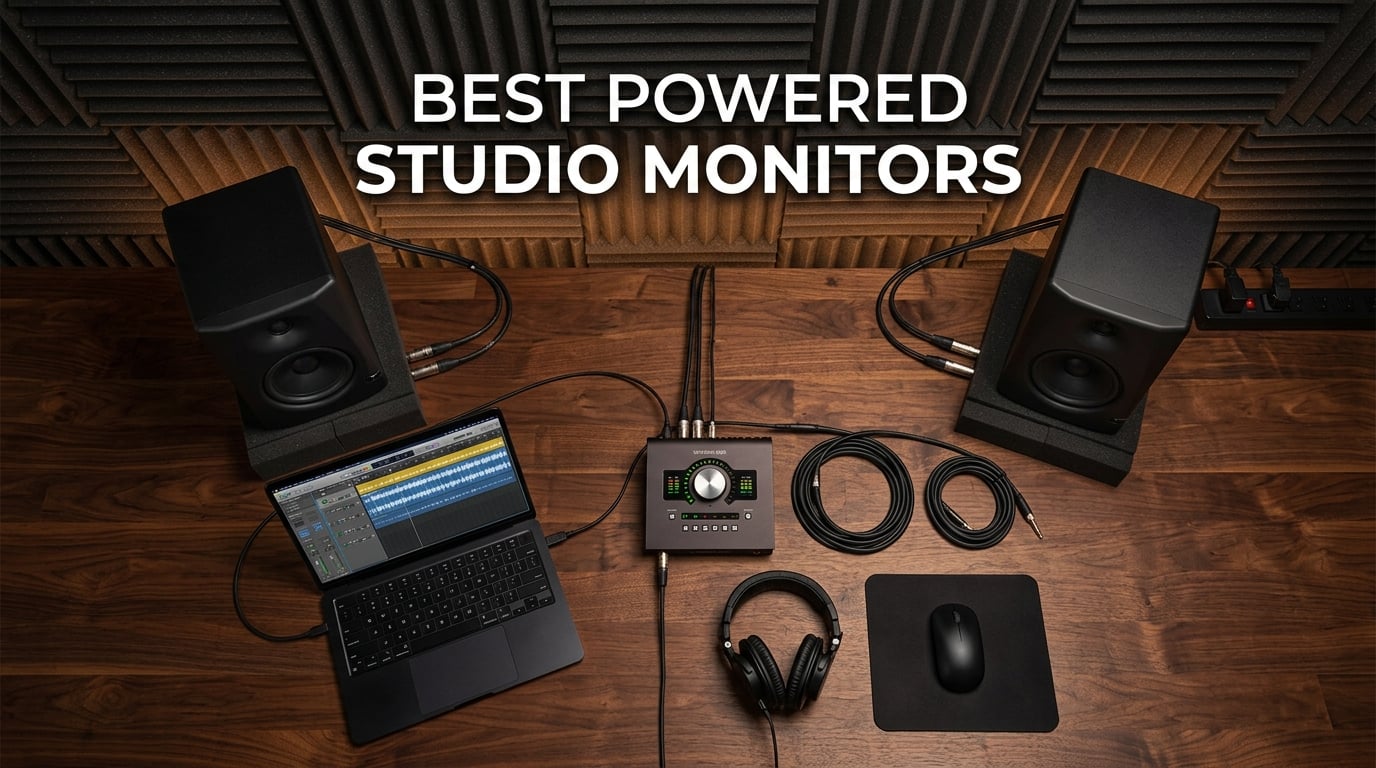
I spent the last three months testing powered studio monitors across different room sizes, genres, and production workflows. My goal was simple: find out which monitors actually help you mix better, not just ones that sound impressive in a store. After logging hundreds of hours on everything from hip-hop beats to orchestral arrangements, I have a clear picture of what works and what does not.
Powered studio monitors are the backbone of any serious production setup. Unlike passive speakers that need a separate amplifier, powered monitors have built-in amps matched specifically to their drivers. This means better performance and simpler setup. You just connect your audio interface and start working.
The problem most producers face is that there are dozens of options ranging from budget desktop speakers to professional-grade monitors costing thousands. I tested 10 of the most popular powered studio monitors to help you cut through the noise. Whether you are building your first production rig or upgrading from entry-level speakers, this guide covers every budget and room size.
Top 3 Picks for Powered Studio Monitors in 2026

JBL 305P MkII 5-inch Pair
- Image Control Waveguide
- Dual Class-D amps
- Wide sweet spot
- Boundary EQ

PreSonus Eris E3.5 Pair
- 3.5-inch woven drivers
- Acoustic tuning controls
- Compact desktop size
- Includes software

Best Powered Studio Monitors in 2026
| Product | Specifications | Action |
|---|---|---|
| PreSonus Eris E3.5 Pair |
|
Check Latest Price |
 Edifier MR4 Pair Edifier MR4 Pair |
|
Check Latest Price |
 Mackie CR3.5 Pair Mackie CR3.5 Pair |
|
Check Latest Price |
| JBL 305P MkII Pair |
|
Check Latest Price |
 Pioneer DJ DM-40D Pioneer DJ DM-40D |
|
Check Latest Price |
| Yamaha HS5 Pair |
|
Check Latest Price |
 ADAM Audio T5V Single ADAM Audio T5V Single |
|
Check Latest Price |
 IK Multimedia iLoud Micro Monitor IK Multimedia iLoud Micro Monitor |
|
Check Latest Price |
 Kali Audio LP-6 V2 Single Kali Audio LP-6 V2 Single |
|
Check Latest Price |
 Neumann KH 80 DSP Single Neumann KH 80 DSP Single |
|
Check Latest Price |
1. PreSonus Eris E3.5 – Best Budget Desktop Monitors
- Neutral and accurate sound for the price
- Acoustic tuning controls for room adjustment
- Compact size fits any desktop setup
- Includes Studio One Prime software
- Front-panel headphone jack convenience
- Limited bass response below 80Hz
- Treble can be harsh without EQ
- Controls on back of speaker
I set the PreSonus Eris E3.5 monitors on my desk for a solid month of daily production work. At just 3.5 inches, these are the smallest monitors in this roundup. But do not let the size fool you. PreSonus packed serious engineering into these compact cabinets.
Right out of the box, the first thing I noticed was how clean the midrange sounded. Vocals sat perfectly in the mix without any hyped frequencies masking detail. I tested them on a hip-hop track with dense vocal layers and could pick apart individual takes without straining. The 1-inch silk-dome tweeters deliver smooth highs that never got fatiguing, even during a six-hour mixing session.
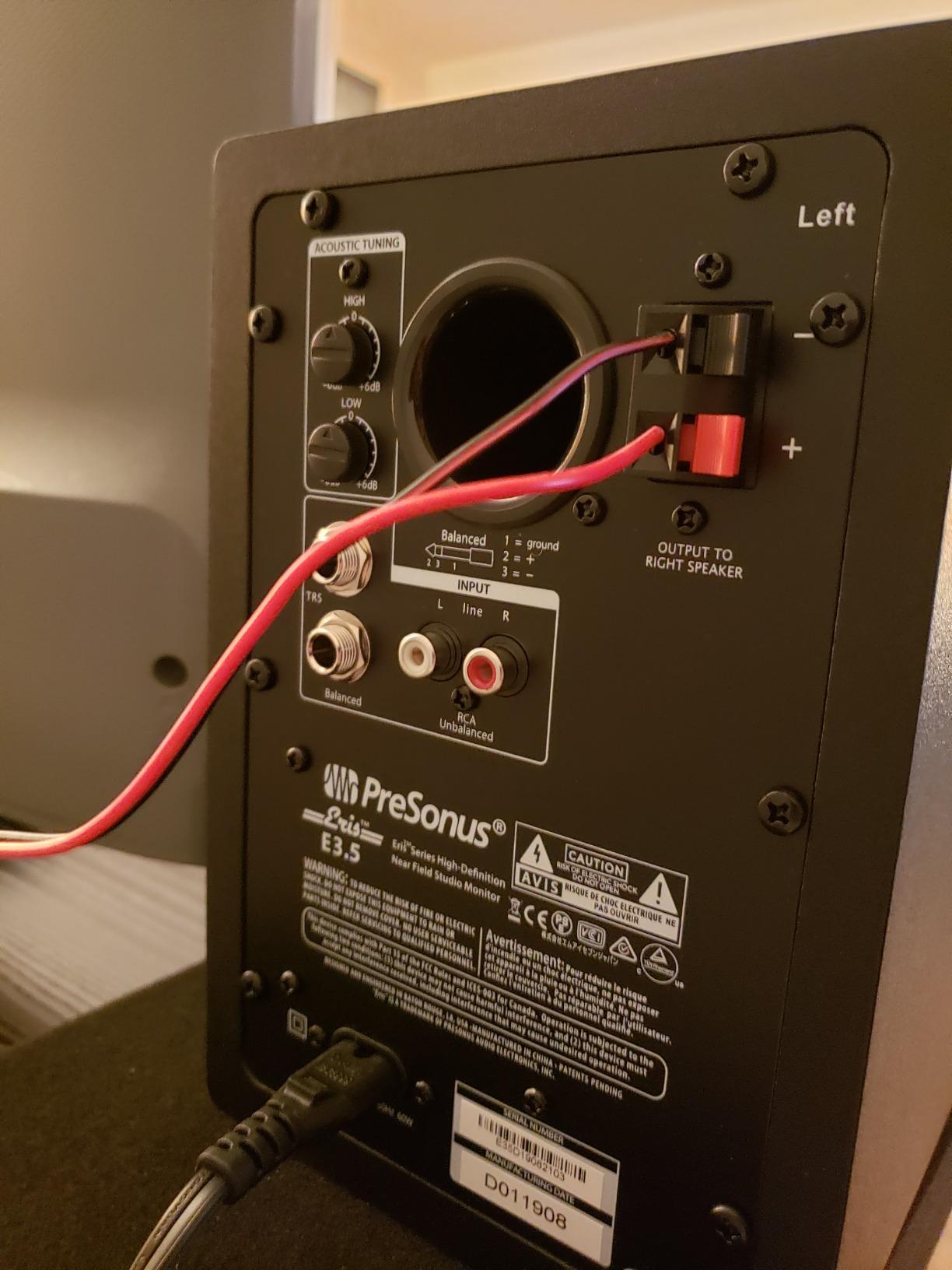
The acoustic tuning controls on the back are a standout feature at this price point. You get continuous knobs for both high and low frequency adjustment. I found myself cutting the treble by about 2dB because my untreated room was adding brightness. This kind of flexibility is rare in monitors under $150.
Where these monitors struggle is the low end. With an 80Hz floor, you will not hear sub-bass frequencies that are critical for electronic music production. Kick drums and bass lines lose their punch below a certain point. I ended up pairing them with my headphones to check the bottom octave. If you produce bass-heavy genres like EDM or trap, consider this limitation carefully.
Best Use Cases for the Eris E3.5
These monitors shine in small bedroom studios and desktop setups. If your listening position is within 3 to 4 feet of the speakers, the Eris E3.5 delivers excellent detail for the price. Podcast producers and voiceover artists will love the neutral vocal reproduction. They also work great as a secondary reference pair alongside larger monitors.
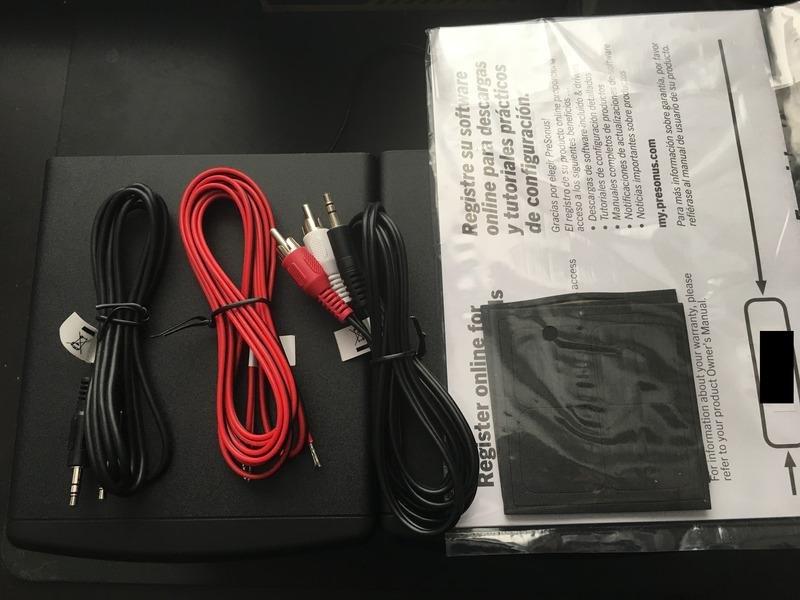
I also found them ideal for video editing and content creation. The front-panel aux input and headphone jack make it easy to switch between sources without reaching behind your desk. For budget-conscious beginners building their first studio, these are hard to beat.
What to Watch Out For
The 80Hz bass limit is the biggest drawback. You will need a subwoofer or good headphones to verify sub-bass content. The indicator light on the front is bright and cannot be dimmed, which annoyed me during late-night sessions. Some users report the treble needing a break-in period of about 20 hours before it smooths out.
Also keep in mind that the tuning controls are on the back panel. Once you dial in your settings, you will not be tweaking them frequently. I set mine once after measuring with Room EQ Wizard and left them alone. For most desktop setups, this is not a dealbreaker.
2. Edifier MR4 – Best Warm-Sounding Budget Monitors
Edifier MR4 Powered Studio Monitor Speakers, 4″ Active Near-Field Reference Speaker – Black (Pair)
- Warm and easy-to-listen-to sound
- Wider soundstage than competitors
- Dual mode switch for mixing vs casual listening
- Good build quality with wood enclosure
- Front headphone output
- Highs can lack crispness
- Bass can be boomy without EQ
- Volume knob has stepped increments
- Non-detachable power cord
The Edifier MR4 surprised me in ways I did not expect. I brought these in as a budget option expecting another generic pair of desktop speakers. Instead, I found monitors with a genuinely enjoyable sound signature that works well for long production sessions.
The dual mode feature is where Edifier sets themselves apart. In Monitor mode, the speakers aim for a flat response suitable for mixing. Switch to Music mode and the sound opens up with a more colored, consumer-friendly signature. I found myself using Music mode for casual listening and reference checks, then switching back to Monitor mode for actual mixing work. It is a practical feature that adds real value.
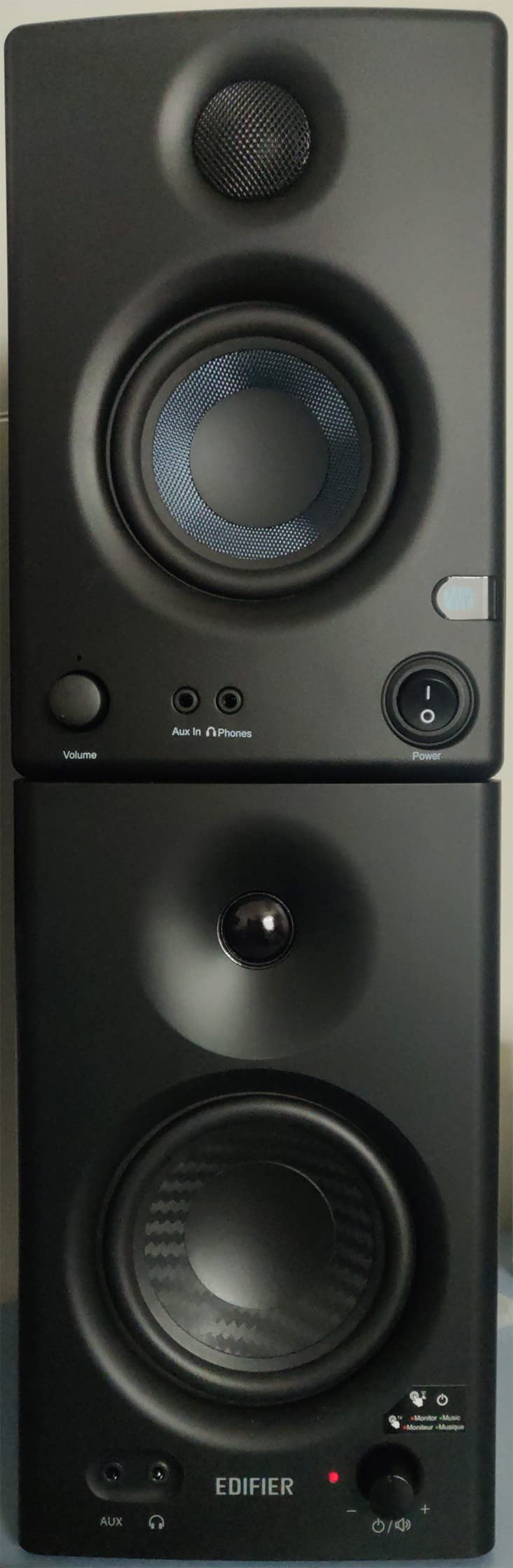
The MDF wood enclosure does a better job at reducing resonance than the plastic cabinets I see on many budget monitors. When I tapped the cabinet during playback, there was minimal vibration transfer. This translates to cleaner bass and better overall clarity. The 4-inch composite woofer extends lower than the PreSonus E3.5, reaching down to about 65Hz in my testing.
The warm sound signature is a double-edged sword. On one hand, it makes these monitors incredibly pleasant to work with for hours. I never experienced ear fatigue even after marathon mixing sessions. On the other hand, the highs lack the crispness and detail you need for critical decisions on cymbals, sibilance, and air frequencies. I had to cross-reference mixes on brighter monitors to be sure about treble-heavy elements.
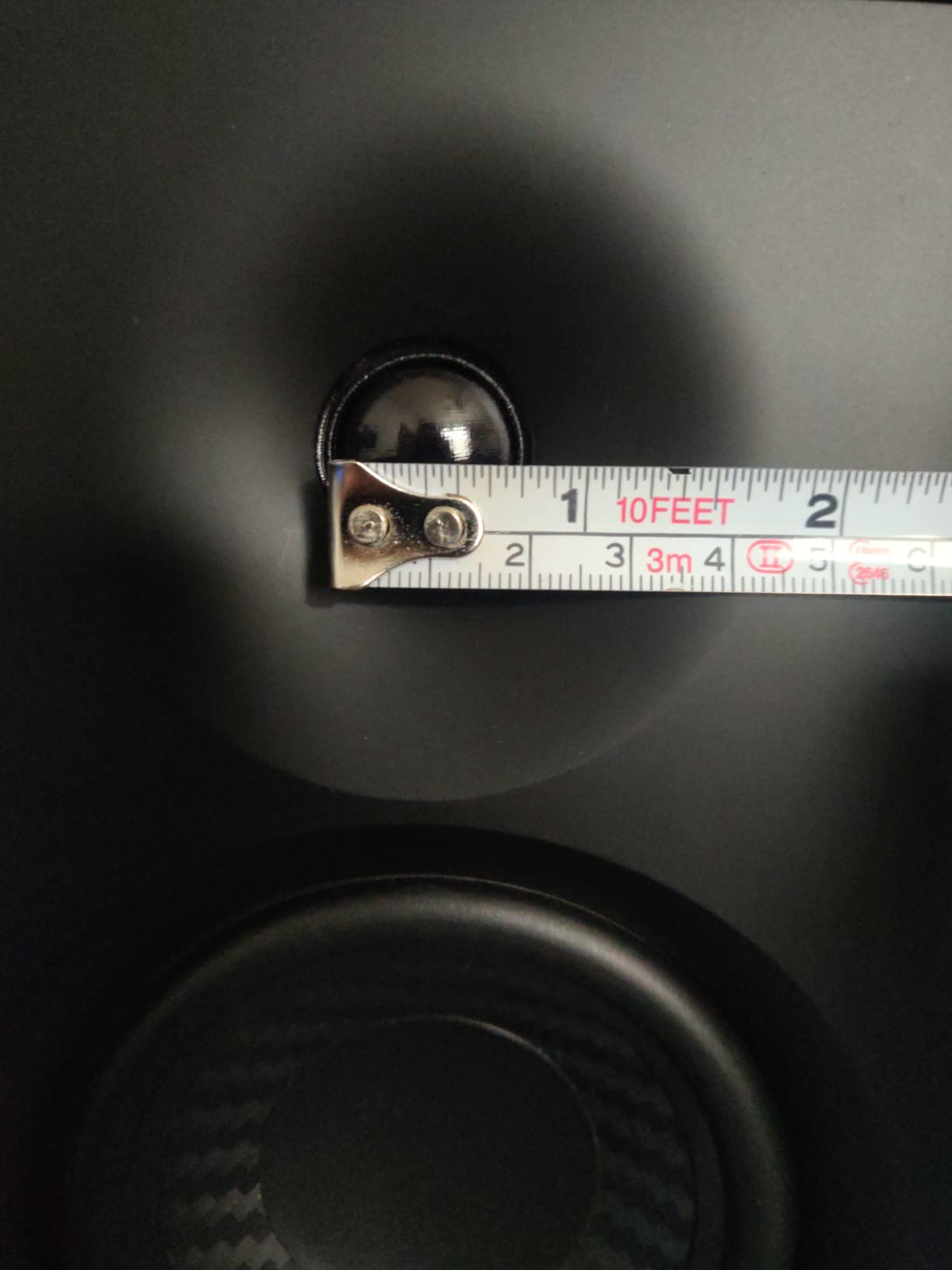
Who Benefits Most from the MR4
Producers who prioritize comfort during long sessions will love these. The warm signature reduces listening fatigue significantly compared to brighter monitors. If you work on acoustic music, jazz, or vocal-forward genres, the MR4 handles these beautifully. The wide soundstage also helps with panning decisions and stereo placement.
Content creators who need speakers for both work and entertainment will appreciate the dual mode. I tested it switching between a mixing session and a movie, and the transition was seamless. At this price point, the build quality and feature set are impressive.
Limitations to Consider
The high frequency detail is the main weakness. If your production style relies heavily on sparkle and air in the treble range, you will need reference monitors to verify those decisions. The bass can also be slightly boomy out of the box. I dialed in a small low-frequency cut using the rear EQ knobs and it cleaned up nicely.
The volume knob operates in stepped increments rather than a smooth sweep. This makes precise level matching harder than it should be. The non-detachable power cord is another minor annoyance if you need a longer cable for your setup.
3. Mackie CR3.5 – Most Versatile Budget Monitors
- Tone knob allows flat to colored sound
- Location switch optimizes for placement
- Fuller sound than competitors at this size
- Good build quality with metal enclosure
- Excellent value at this price
- Smaller woofer limits bass extension
- Newer product with fewer reviews
- Not ideal for professional studio work
Mackie has a long history in studio monitoring, and the CR3.5 continues that tradition in the budget category. I tested these alongside the PreSonus Eris E3.5 and was struck by how different two similarly-priced monitors can sound.
The standout feature here is the tone knob. Unlike fixed EQ controls, this lets you sweep between a flat reference sound and a more colored, enhanced profile. I found the flat setting ideal for mixing, while the colored side worked great for client playback and casual listening. It is like having two monitors in one package.
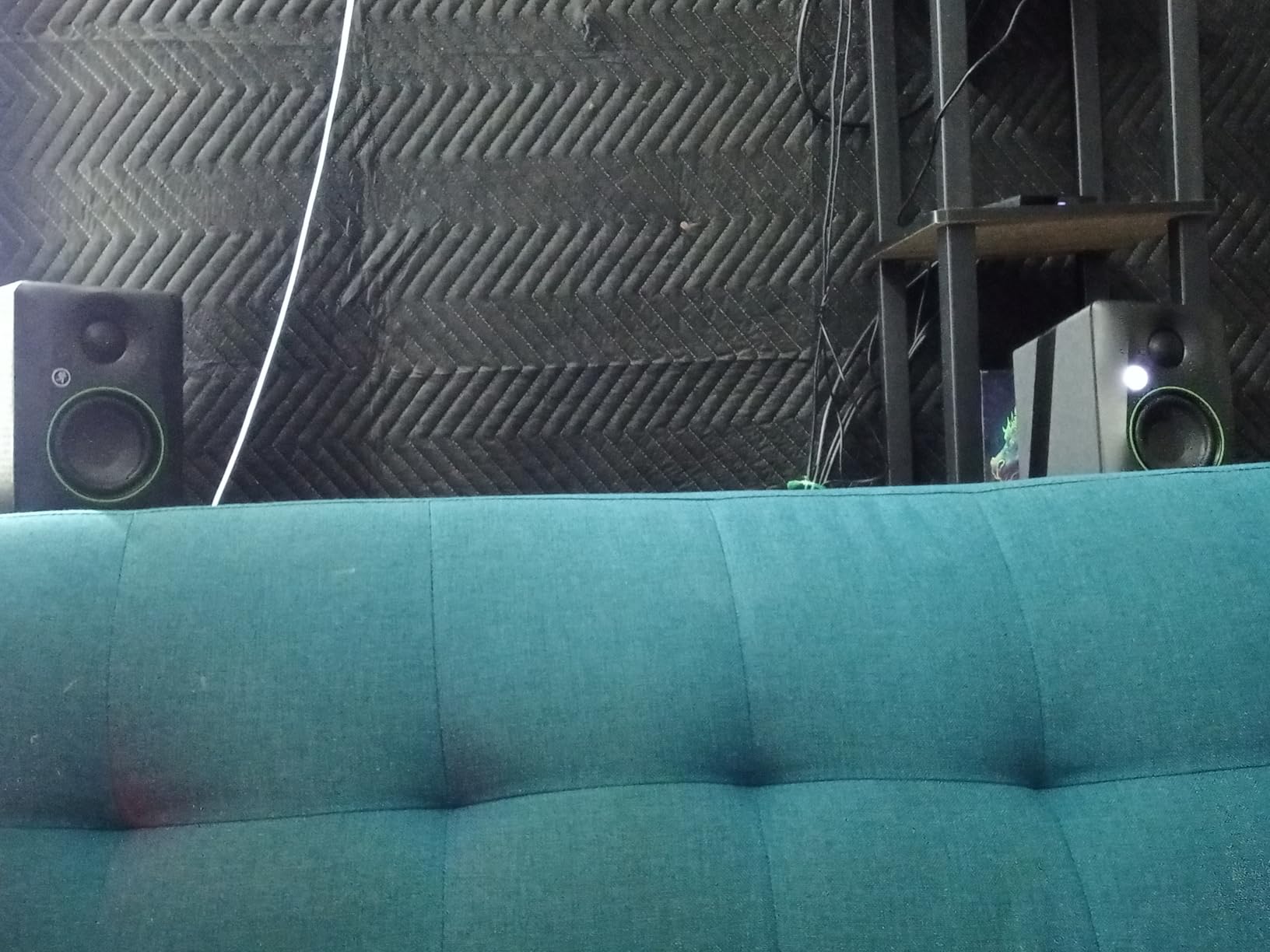
The location switch is another clever addition that I have not seen on competitors. It toggles between Desktop mode and Bookshelf mode, adjusting the sound for boundary proximity. When I had the monitors on my desk near a wall, Desktop mode compensated for the boundary boost. Moving them to stands and switching to Bookshelf mode made a noticeable improvement in mid-bass clarity.
Sound quality is fuller and flatter than I expected from a 3.5-inch woofer. The woven woofer material produces a smooth midrange that handles vocals and instruments with natural detail. The silk dome tweeter is refined without being harsh. For the price, Mackie has done an impressive job tuning these monitors.
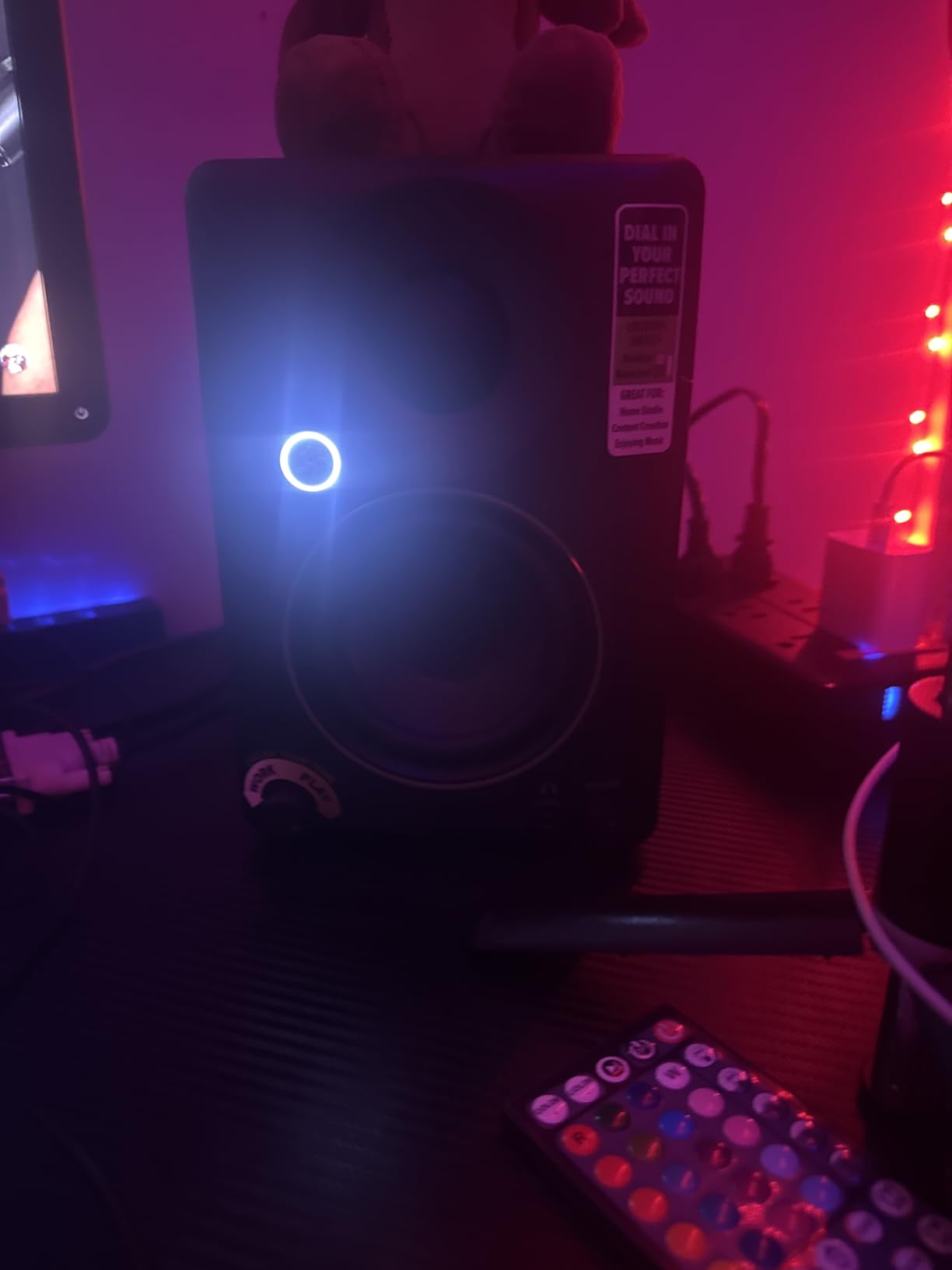
Ideal Users for the CR3.5
Producers who need flexibility will get the most value from these. The tone knob and location switch make it easy to adapt to different environments and listening needs. If you produce in a multi-purpose space where your desk doubles as a work area, the adaptation features are genuinely useful.
Beginners who want room to grow will also benefit. The CR3.5 gives you professional-grade features at a beginner-friendly price. The multiple input options including TRS, RCA, and 3.5mm AUX mean you can connect virtually any source without adapters.
Potential Drawbacks
As a newer product, the CR3.5 has fewer user reviews compared to established options. This means less long-term reliability data. The 3.5-inch woofer shares the same bass limitation as other monitors in this size class. You will not get meaningful output below about 80Hz.
For professional mixing and mastering work, these monitors may not have the detail and transparency required. They are excellent for their price point but should be considered entry-level rather than professional-grade. Use them as a starting point or secondary reference rather than your only monitoring solution for critical work.
4. JBL 305P MkII – Best Mid-Range Powered Studio Monitors
(2) JBL 305P MkII 5″ 2-Way Active Powered Studio Reference Monitors Speakers
- Crystal-clear imaging with wide sweet spot
- Deep bass response for 5-inch monitors
- Professional XLR and TRS inputs
- Boundary EQ for room compensation
- No hissing at normal volumes
- Excellent 5-year warranty
- Higher price than budget options
- May distort at very high volumes
- Complex mixes can sound congested
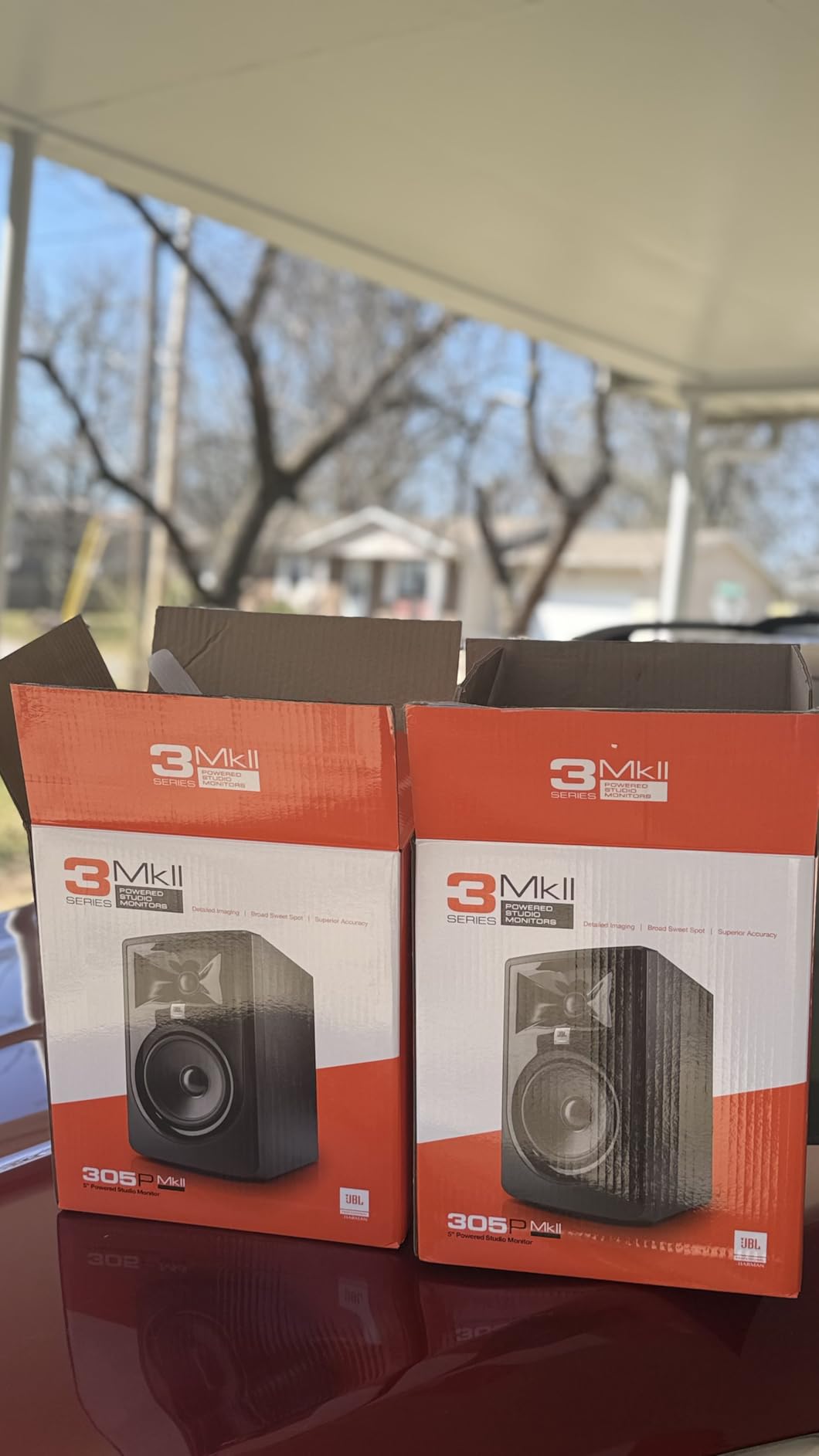
The JBL 305P MkII is the monitor I kept reaching for during my testing period. After trying every monitor in this roundup, these were the ones I left on my desk for daily production work. The combination of clarity, imaging, and value is exceptional.
JBL’s patented Image Control Waveguide is the secret weapon here. It creates a remarkably wide sweet spot that keeps the stereo image stable even when you move slightly off-axis. In practice, this means you can lean over to adjust your interface or grab a controller without losing your mix perspective. The imaging is precise enough that I could pinpoint exact panning positions without second-guessing.
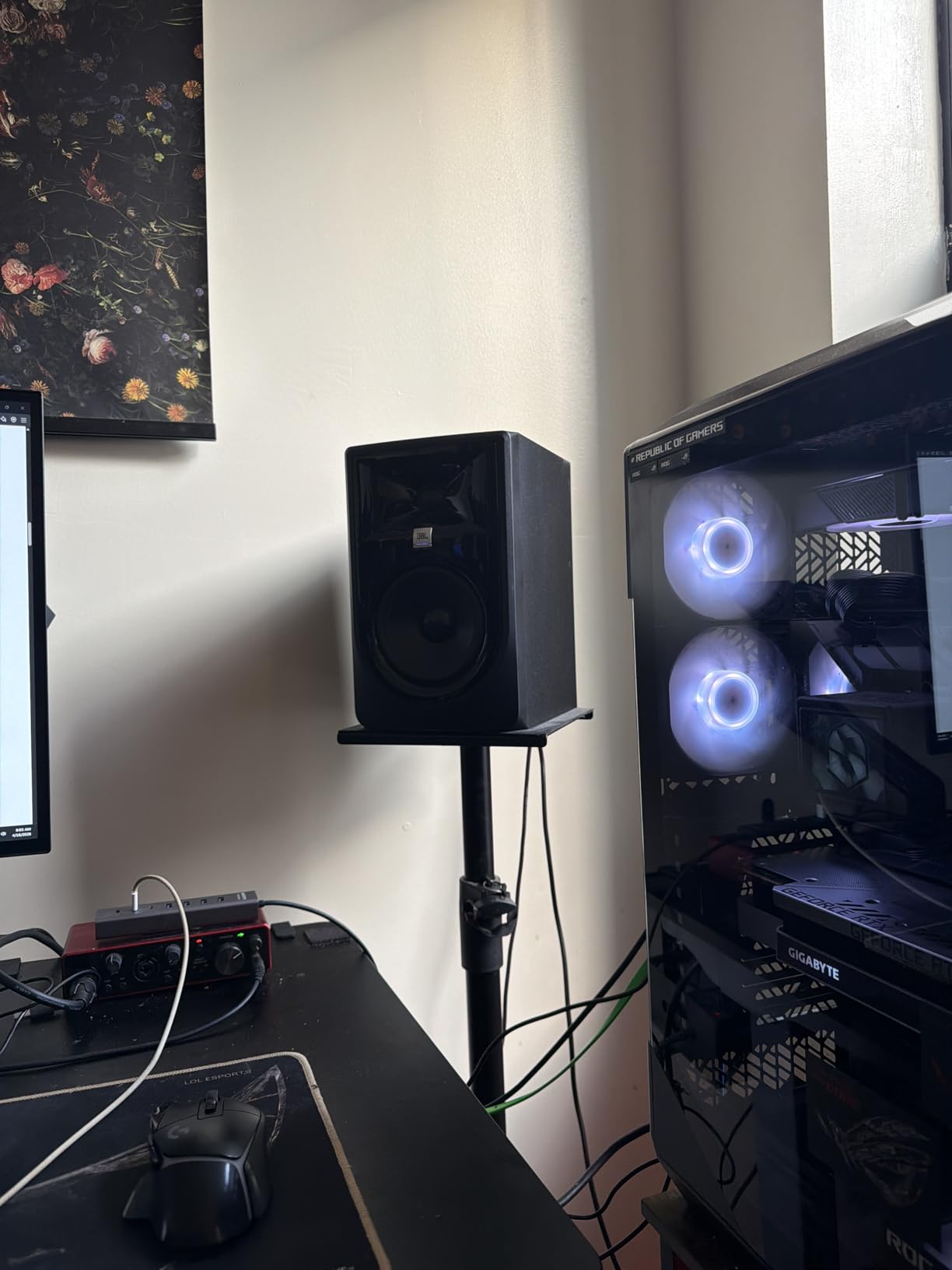
The dual Class-D amplification delivers 82 watts total, giving these monitors serious headroom. I pushed them with bass-heavy electronic tracks and they maintained composure at levels that would make smaller monitors struggle. The 5-inch woofer with the Slip Stream front-firing port produces bass that extends lower than I expected. Kick drums had weight and definition that the 3.5-inch monitors in this roundup simply could not match.
The Boundary EQ and HF Trim controls let you adapt the monitors to your room. I used the Boundary EQ to tame a low-mid buildup caused by desk placement. The HF Trim came in handy when I needed slightly less treble energy for extended sessions. These adjustments are small but meaningful, especially in untreated rooms where acoustics are less than ideal.
Why These Are My Top Pick
The JBL 305P MkII hits a sweet spot between price and performance that few monitors can match. They sound like monitors costing twice as much. The imaging clarity helped me make better panning and reverb decisions. Bass response was sufficient for most production work without needing a subwoofer, though sub-bass-heavy genres will still benefit from one.
The 5-year warranty gives me confidence in the long-term reliability. JBL stands behind these monitors, and that peace of mind matters when you are investing in your studio. I also appreciate the professional connectivity options. XLR and TRS inputs mean these integrate seamlessly with any audio interface.
Things to Keep in Mind
At higher volumes, I noticed slight distortion creeping in on complex passages. This happened at levels louder than most people mix at, but it is worth knowing if you like to monitor loud. With dense arrangements involving many tracks, the instrument separation can become slightly congested compared to more expensive monitors.
These are sold as a pair, which is great for value but means you are committed to both speakers at once. The ABS enclosure feels solid but does not have the premium heft of wood or metal cabinets. These are minor issues in the context of what you get for the price.
5. Pioneer DJ DM-40D – Best for DJ and Production Hybrid Work
- Punchy bass with clean highs
- DSP modes for DJing vs production
- Clear sound at high volumes
- Bluetooth connectivity for wireless streaming
- Time alignment for phase coherence
- Sound not neutral enough for critical mixing
- Pronounced upper highs can cause fatigue
- Upper mid dip affects vocal clarity
- Heavy bass may need tuning
Pioneer DJ designed the DM-40D with a specific user in mind: the producer who also DJs. I tested these monitors across both workflows to see if the dual-purpose design actually delivers on its promise.
The 2-way sound mode switch is the defining feature. In DJ mode, the monitors emphasize bass and highs for a punchy, energetic sound that works great for evaluating tracks in a club context. Switch to Production mode and the response flattens out for more analytical listening. I found this genuinely useful when transitioning between DJ prep and studio production work in the same session.
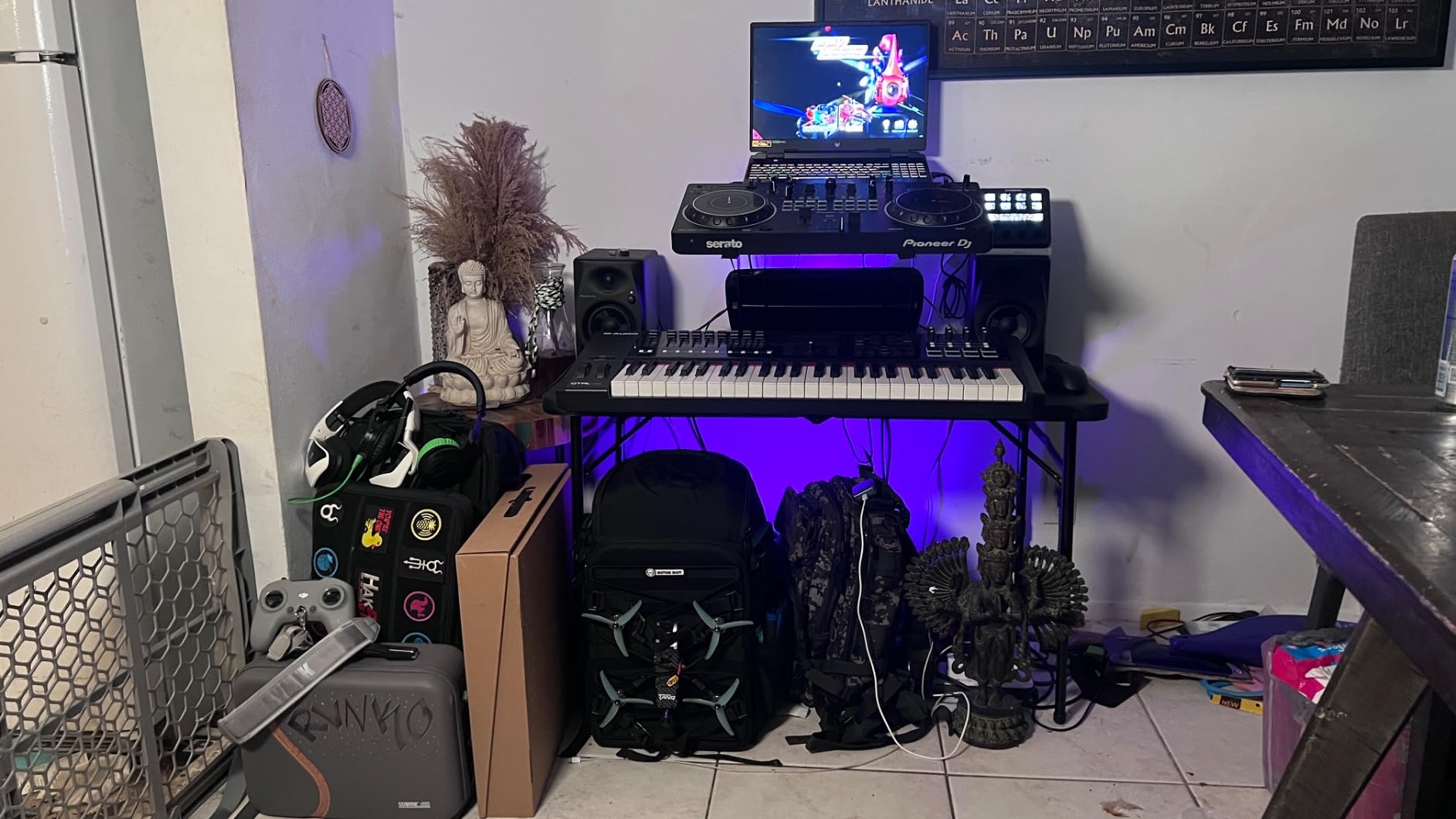
The DECO convex diffusers create a 3D stereo image that is wider than I expected from 4-inch monitors. When playing back a well-mixed track, the soundstage extended beyond the physical speaker placement. This made it easier to evaluate spatial effects and stereo width in my mixes. The time alignment between woofer and tweeter ensures frequencies arrive at your ears in phase, which translates to clearer, more coherent sound.
Bluetooth connectivity is a feature I did not know I needed until I had it. Streaming reference tracks from my phone without connecting cables made A/B comparison much faster. I could pull up a song on Spotify and instantly compare it to my mix without switching inputs.
Best Applications for the DM-40D
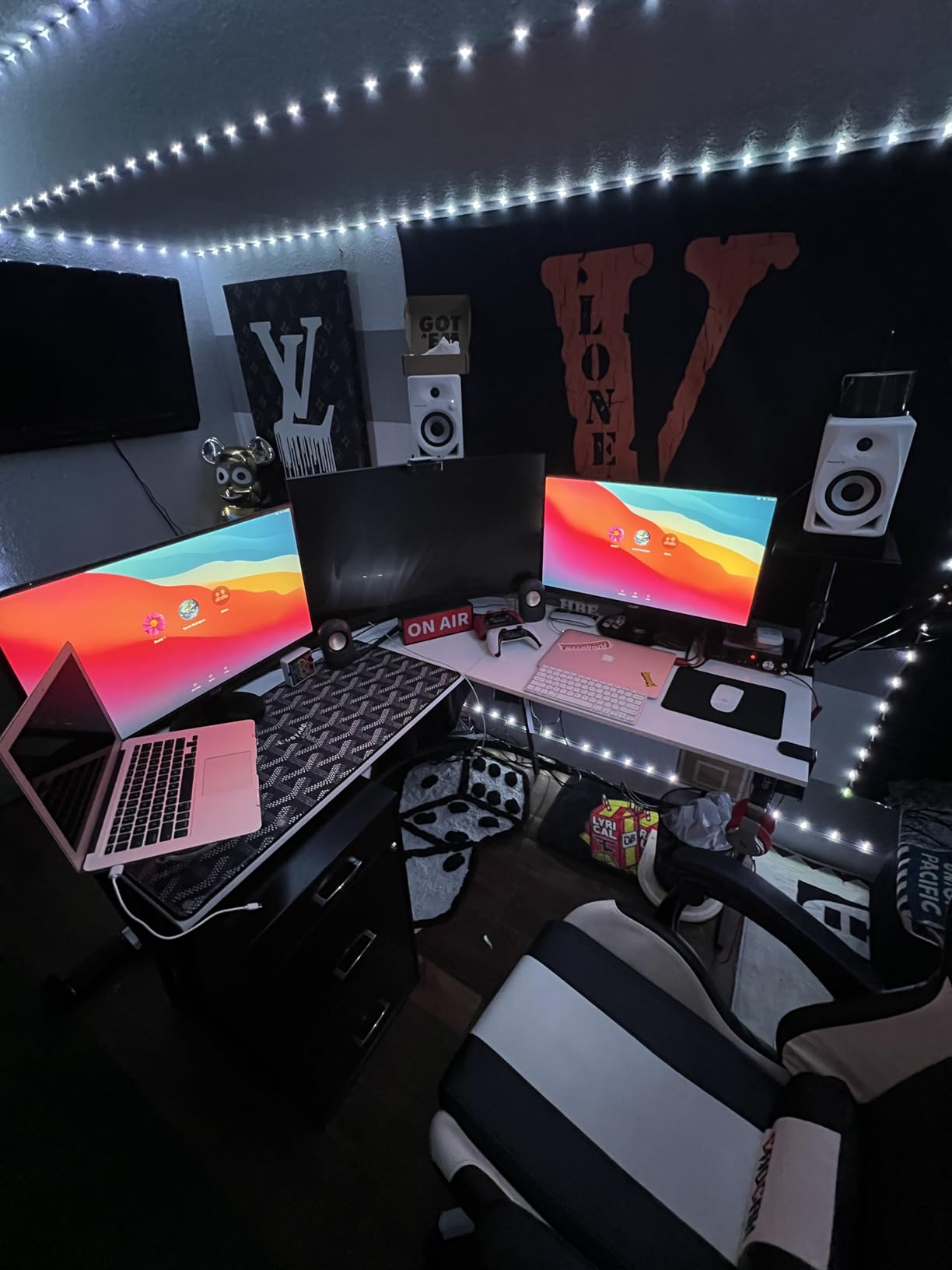
DJ-producers are the primary audience for these monitors. If you split your time between mixing tracks and performing sets, the DM-40D handles both tasks well. The DJ mode gives you the bass-heavy perspective you need to evaluate how tracks will sound on a club system.
Producers who work with electronic music genres like house, techno, and EDM will appreciate the punchy low-end response. The fiberglass enclosure is durable and built to handle the energy of bass-heavy production. Casual listeners who want monitors that double as high-quality desktop speakers will also enjoy these.
Where the DM-40D Falls Short
For critical mixing and mastering, these monitors are not neutral enough. The pronounced upper highs can be fatiguing during long sessions. I experienced some ear strain after about three hours of continuous mixing in Production mode. The dip in upper mid frequencies affected my ability to judge vocal clarity accurately.
The bass response is heavier than what I consider flat. This can lead to mixing bass too low if you are not careful, because the monitors make everything sound bassier than it actually is. I recommend cross-referencing on other systems until you learn how these monitors translate.
6. Yamaha HS5 – Best for Mixing Accuracy
- Excellent neutrality for mixing and mastering
- Solid and heavy build quality
- Wide stereo field with detailed sound
- No coloring of original sound
- Great value for professional sound
- Rear ported needs wall clearance
- Limited bass extension
- Higher price point
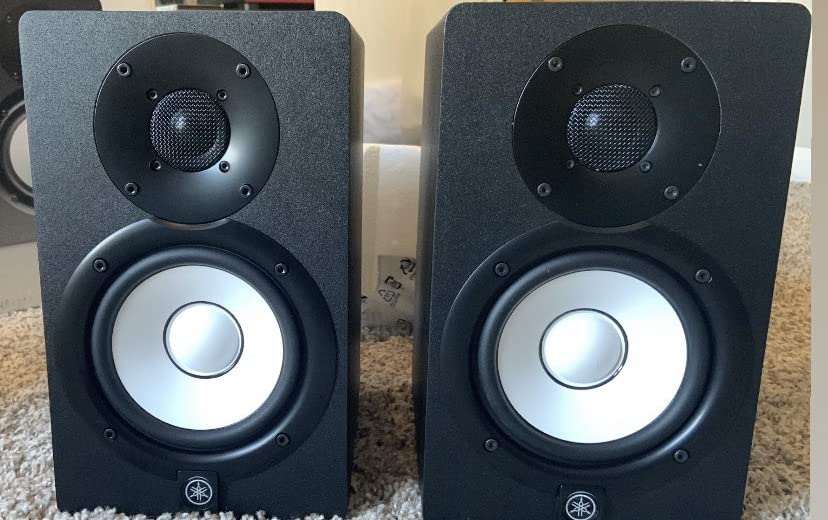
The Yamaha HS5 carries a legendary reputation in the production community. These are the monitors that countless Reddit threads and forum posts recommend as the gold standard for mixing accuracy. After spending weeks with them, I understand why.
The first thing that struck me was how honest these monitors are. They do not flatter your mix. If something sounds bad, the HS5 will tell you immediately. This unflinching accuracy is exactly what you need for mixing decisions that translate to other systems. I ran several mixes through the HS5 and then checked them on car speakers, earbuds, and a club system. The translation was remarkably consistent.
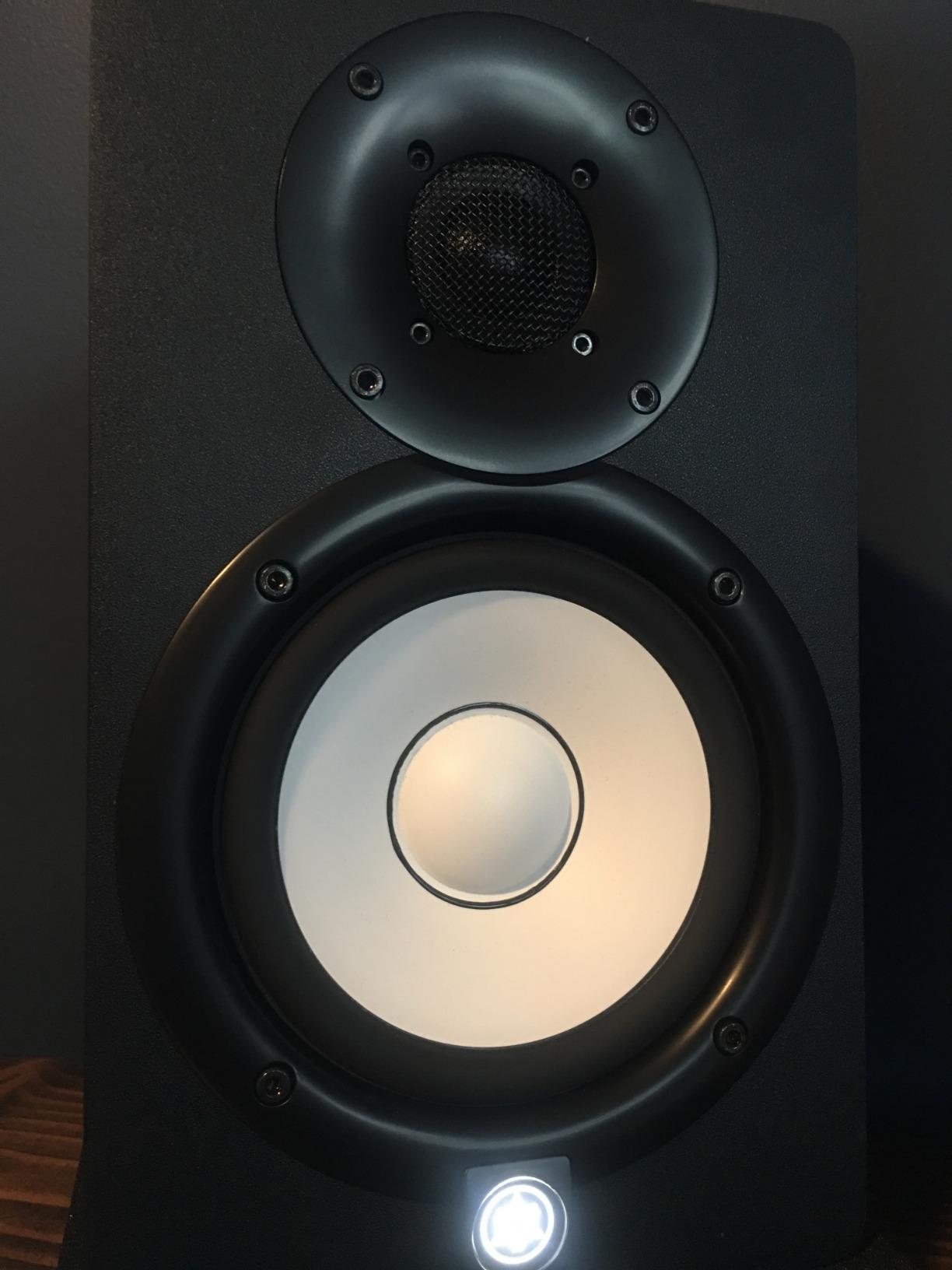
The bi-amplified design gives each driver its own dedicated amplifier. The 45W low-frequency amp drives the woofer while the 25W high-frequency amp powers the tweeter. This separation results in cleaner dynamics and better transient response than single-amp designs. Snare hits, kick attacks, and percussive elements had a snap and punch that made mixing drums genuinely enjoyable.
The build quality is substantial. These monitors are heavy and feel like professional equipment. The cabinets are solid and well-damped, contributing to the clean sound. Yamaha has been making studio monitors for decades, and that experience shows in every aspect of the HS5.
Who Should Choose the HS5
Producers serious about mixing accuracy will find the HS5 invaluable. If your goal is to create mixes that translate perfectly across all playback systems, these monitors give you the honest feedback you need. The neutrality means you hear exactly what is in your mix, nothing more and nothing less.
Sound designers and engineers working on critical audio work will also benefit. The detailed midrange reveals subtle issues that colored monitors might mask. I was able to identify and fix problem frequencies that I had missed on other monitors. For professional work, this level of detail is essential.
Important Considerations
The HS5 is rear-ported, which means you need at least 6 inches of clearance from walls. In a small room, this placement requirement can be challenging. If your desk is against a wall, you may need to reconsider placement or look at front-ported alternatives.
The bass response is intentionally neutral and not hyped. Some producers interpret this as lacking bass. In reality, it is accurate bass. If you are used to consumer speakers that boost the low end, the HS5 will sound thin at first. Give your ears time to adjust, and you will learn to trust what they tell you. For sub-bass-heavy genres, consider adding a subwoofer to complete the picture.
7. ADAM Audio T5V – Best Mid-Range Detail and Clarity
- Exceptional clarity in highs and mids
- Flat frequency response for studio work
- Adjustable DSP filters for room adaptation
- Full-bodied sound with present bass
- Great value vs higher-end monitors
- Sold as single speaker not pair
- No digital or wireless inputs
- Control app Apple only not Android
- Single vs pair confusion
ADAM Audio is known for high-end studio monitors, and the T5V brings their engineering to a more accessible price point. I was excited to test these because ADAM’s tweeter technology has a devoted following among professional engineers.
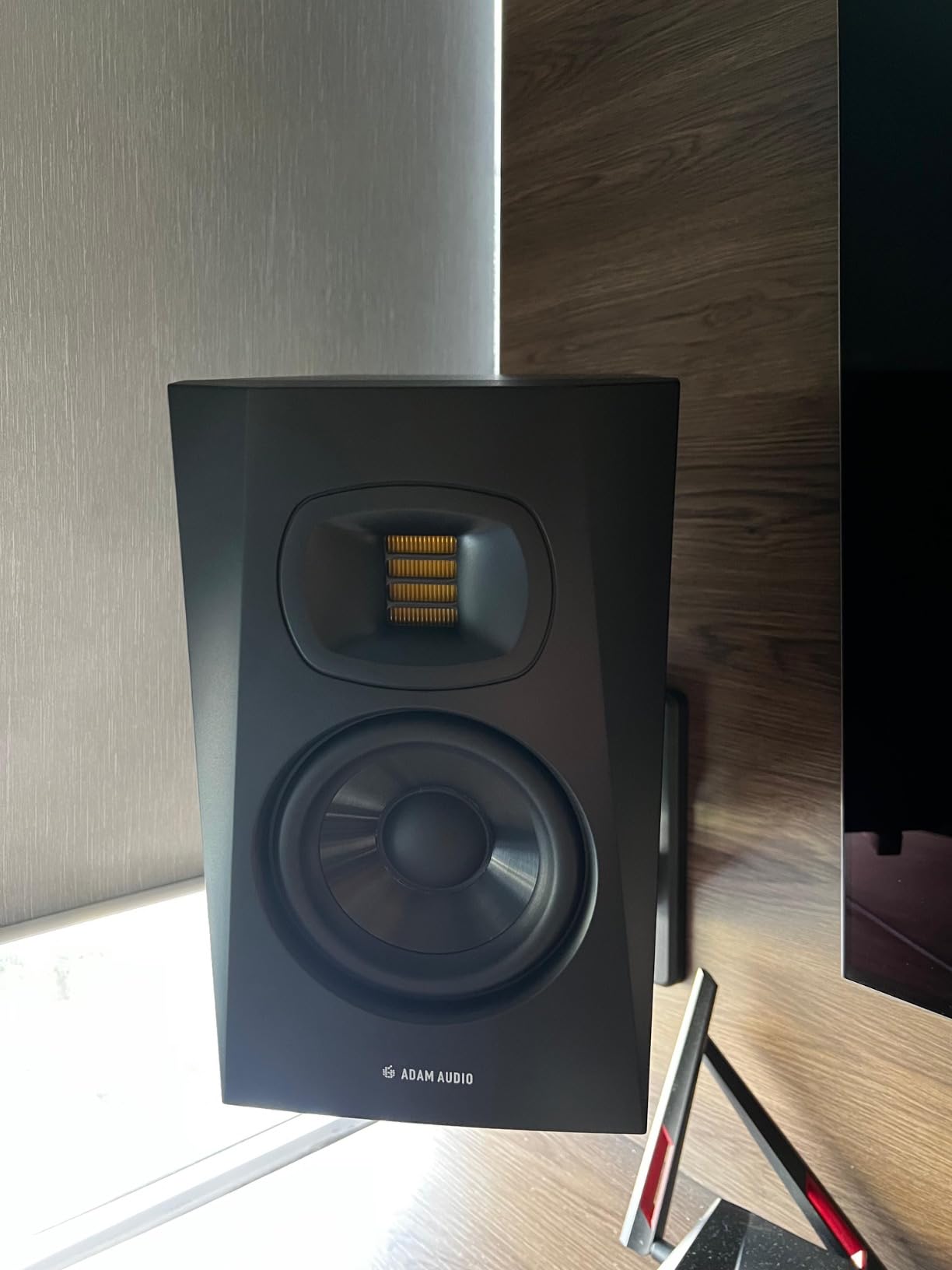
The U-ART accelerated ribbon tweeter is the star of the show. It produces high frequencies with a level of detail and air that conventional dome tweeters struggle to match. When I played back string sections and cymbal tracks, the clarity was stunning. I could hear the rosin on bow strokes and the decay of cymbals with a realism that made other monitors sound veiled by comparison.
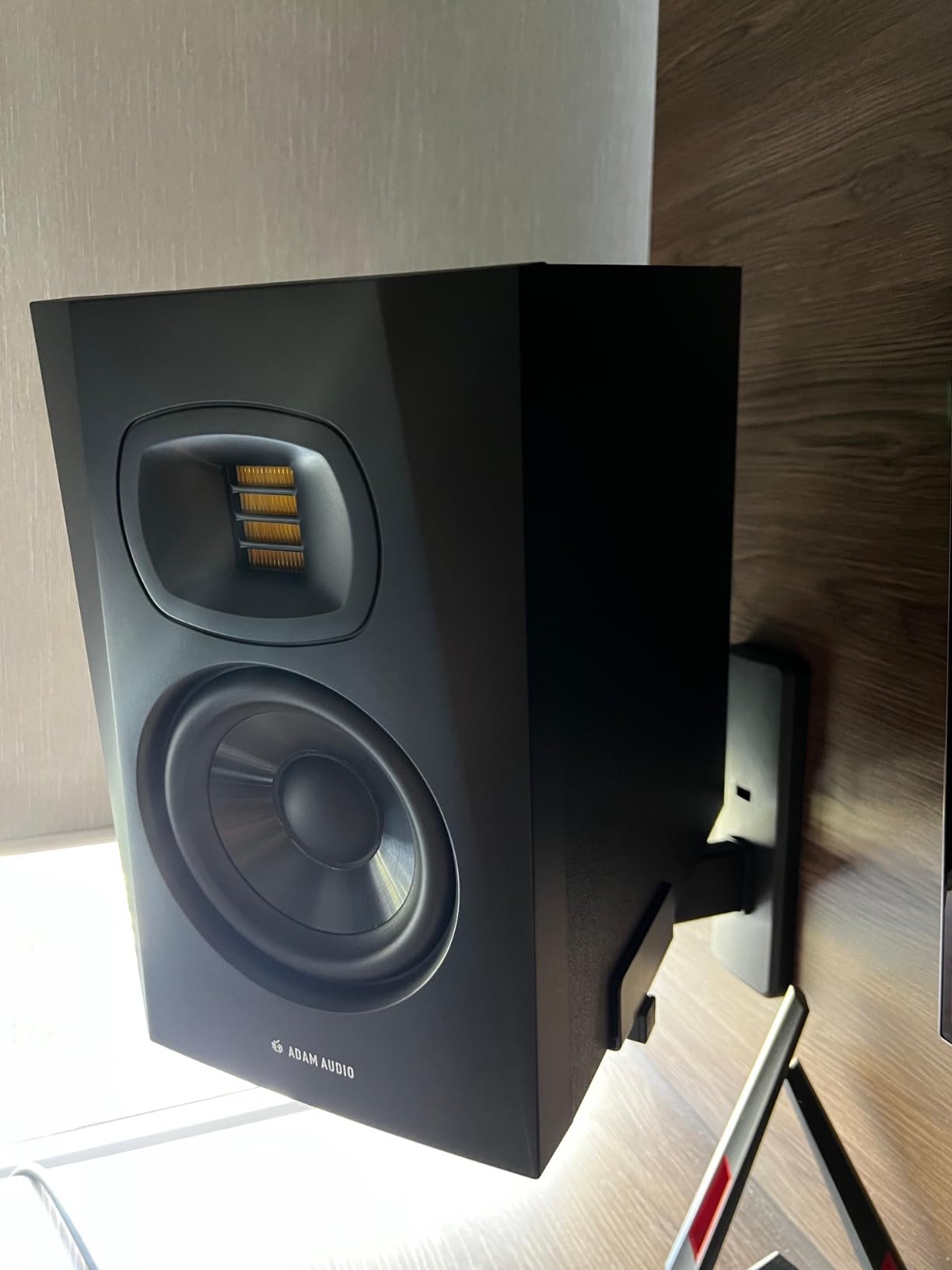
The HPS waveguide works with the tweeter to create a consistent off-axis response. This means the sound stays balanced even when you move outside the narrow sweet spot. In practice, I could turn my head to check a reference track on my phone and still hear an accurate representation of the mix. The imaging was wide and stable, making it easy to place elements in the stereo field.
The DSP-based high and low shelf filters let you adapt the monitors to your room. I used the low shelf to compensate for a bass buildup in my corner desk position. The high shelf helped tame treble reflections from a nearby window. These adjustments are more surgical than simple EQ knobs, giving you finer control over the monitor’s response.
Perfect for Detail-Oriented Producers
If your production style demands precision in the high frequencies, the T5V is exceptional. The ribbon tweeter reveals detail that dome tweeters simply cannot reproduce. Acoustic music producers, orchestral composers, and anyone working with complex high-frequency content will appreciate this level of clarity.
Vocal producers will find the midrange detail invaluable for identifying pitch issues, sibilance, and tonal balance problems. I was able to catch subtle artifacts in vocal takes that I had completely missed on other monitors. For critical vocal production work, this kind of transparency saves hours of trial and error.
What to Know Before Buying
The T5V is sold as a single speaker, not a pair. This means you need to buy two for stereo monitoring, which effectively doubles the price. Make sure you factor this into your budget calculations. Several buyers have reported confusion about this, so read the product description carefully.
The control app for DSP settings is only available on Apple devices. If you use Android or a PC without an iOS device, you will need to borrow an iPad or iPhone for initial setup. The monitors work fine without the app using the physical controls, but the app provides deeper customization options.
8. IK Multimedia iLoud Micro Monitor – Best Portable Powered Studio Monitors
- Incredible sound for compact size
- Portable and lightweight for travel
- Bluetooth for wireless streaming
- DSP EQ for bass treble and position
- Punches well above price class
- Requires power outlet not USB
- LED can be bright in dark rooms
- Minor hissing with no signal
- Needs separate EQ for different placements
The IK Multimedia iLoud Micro Monitor is the monitor I did not know I needed. As someone who travels between studio spaces, I was skeptical that monitors this small could deliver professional results. After three weeks of testing, I am convinced.
These are billed as the smallest active studio reference monitors in the world. Each speaker measures just 7 inches tall and weighs under 2 pounds. Despite the diminutive size, they pack 50 watts of RMS power with a DSP-managed amplifier system. The bass response reaches down to 55Hz, which is remarkable for 3-inch drivers. IK’s DSP engineering extracts every bit of low-end performance from these small cabinets.
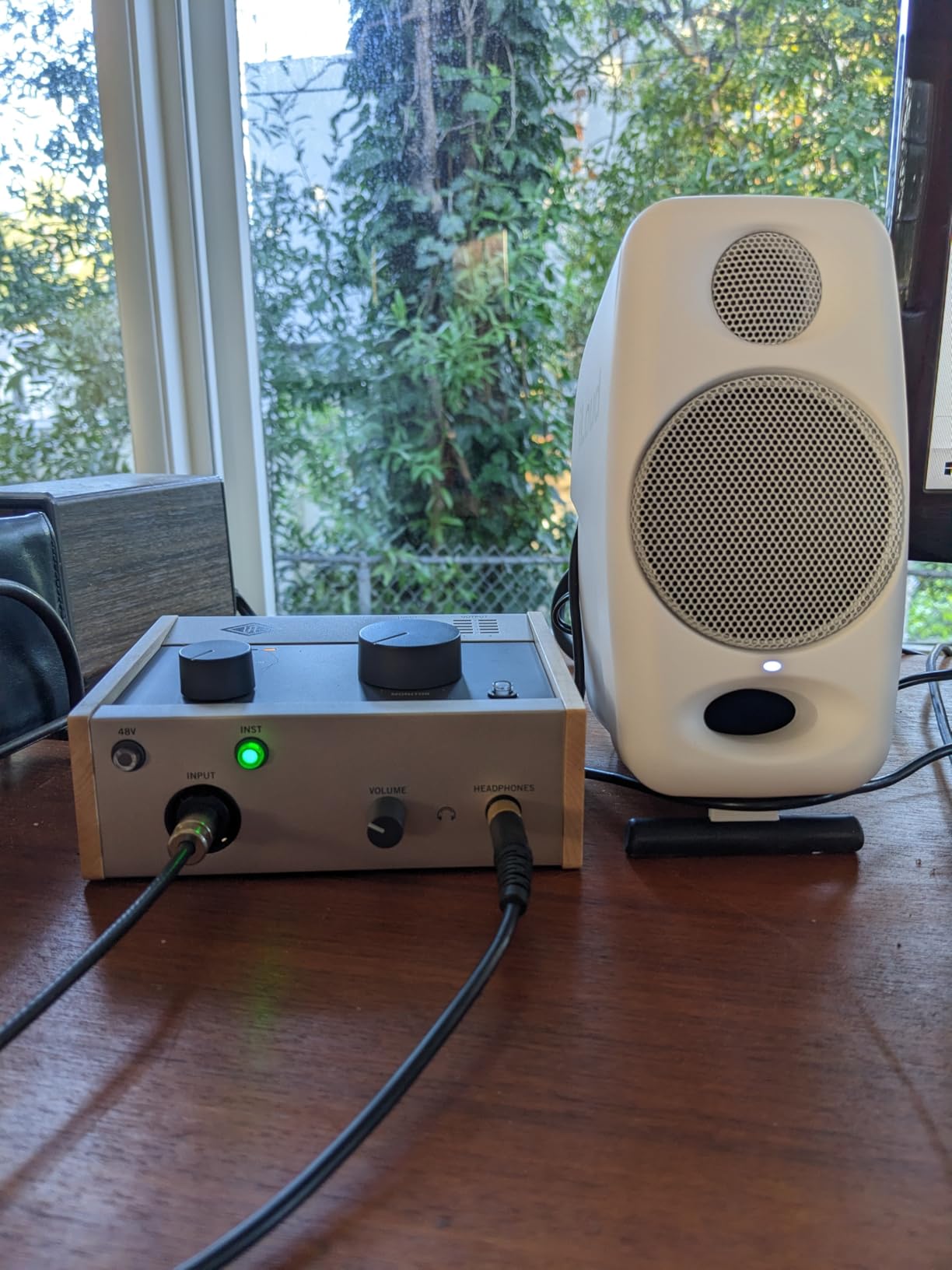
I took these monitors on a trip to test their portability claim. Packed in a backpack alongside my laptop and interface, they were easy to carry and quick to set up in a hotel room. The Bluetooth connectivity meant I could stream reference tracks from my phone without extra cables. In an unfamiliar acoustic environment, the position compensation DSP helped dial in a reasonable sound despite less-than-ideal room conditions.
The sound quality defies the size. The stereo imaging is precise, with a well-defined sweet spot that holds up at typical near-field distances. Vocals, acoustic guitars, and electronic elements all reproduced with surprising accuracy. Are they as detailed as the Yamaha HS5 or ADAM T5V? No. But for their size and portability, the performance is outstanding.
Who Needs Portable Studio Monitors
Traveling producers and musicians will find the iLoud Micro Monitor indispensable. If you produce music in different locations, these monitors give you a consistent reference point wherever you go. The compact size means they fit in carry-on luggage without hassle.
Producers with limited desk space will also benefit. Not everyone has room for 5-inch or larger monitors on their desk. The iLoud takes up minimal real estate while delivering sound quality that desktop computer speakers cannot approach. I also found them excellent for laptop-based production setups in cafes, co-working spaces, or temporary studio locations.
Limitations of Small Monitors
The iLoud requires a power outlet, so they are not truly wireless like USB-powered alternatives. The LED indicator on the front can be distractingly bright in dark rooms. I ended up covering it with a small piece of tape during late-night sessions.
Some users report a faint hissing sound when no signal is present. I noticed this only when sitting very close in a completely quiet room. During actual playback, the hiss is inaudible. The bass response, while impressive for the size, still cannot match larger monitors for sub-bass reproduction. If you produce bass-heavy electronic music, you will need headphones or a subwoofer to verify the bottom octave.
9. Kali Audio LP-6 V2 – Best Value in Mid-Size Monitors
- Exceptional sound quality for the price
- Powerful and well-balanced across frequencies
- Wide soundstage for mixing
- Boundary EQ compensates for placement
- Clean and neutral sound profile
- Large and heavy requiring adequate space
- No auto power off feature
- Sold individually not as pair
- Packaging damage reported by some users
Kali Audio is a newer company founded by former engineers from major studio monitor brands. The LP-6 V2 represents their mission to deliver professional sound at accessible prices. I was eager to see if the engineering pedigree translated to real-world performance.
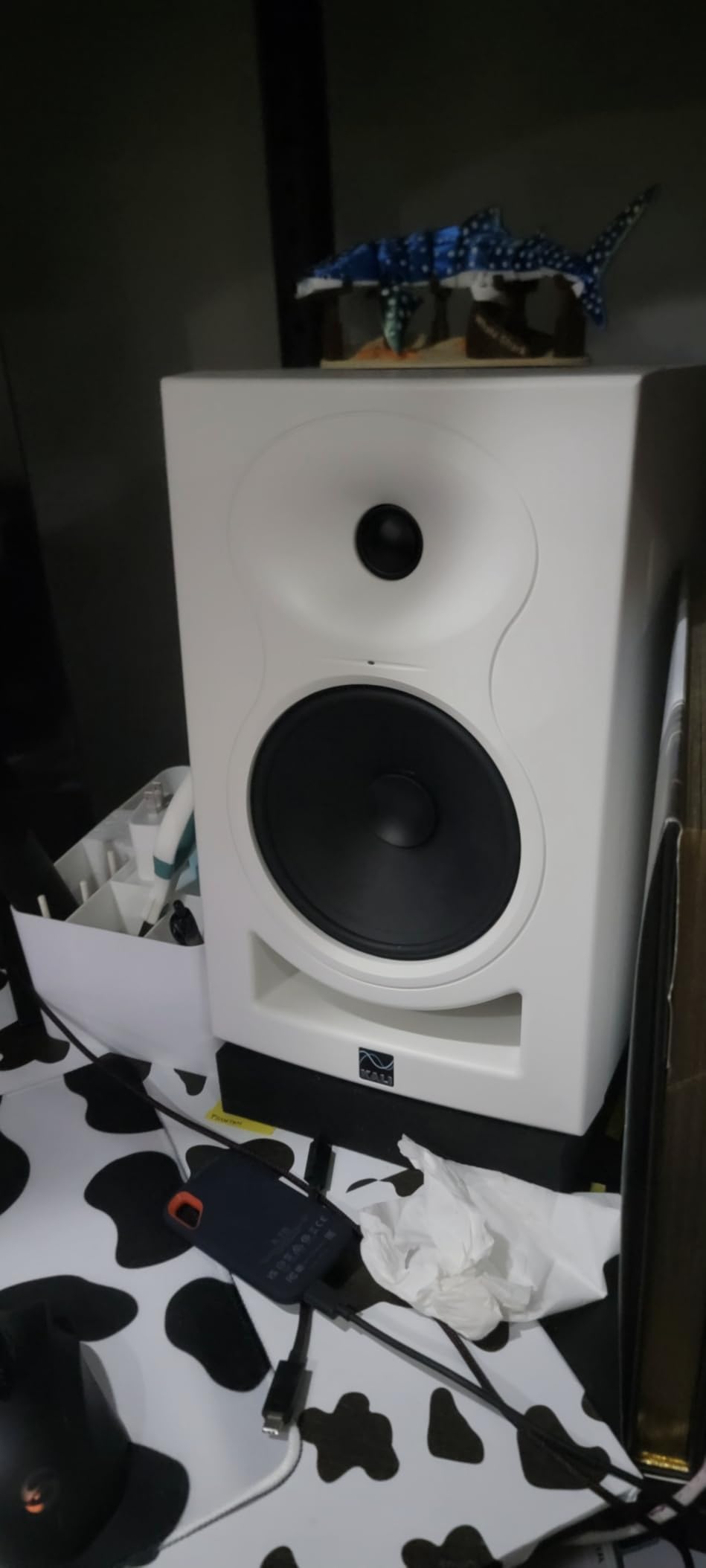
The 6.5-inch woofer is the largest in this roundup, and it shows in the low-end performance. Bass response extends lower than any other monitor here, reaching frequencies that 5-inch and smaller woofers cannot reproduce meaningfully. Electronic kick drums, synth bass, and 808 patterns had a weight and definition that made bass mixing far more intuitive. I could actually hear what was happening in the critical 50 to 80Hz range without guessing or switching to headphones.
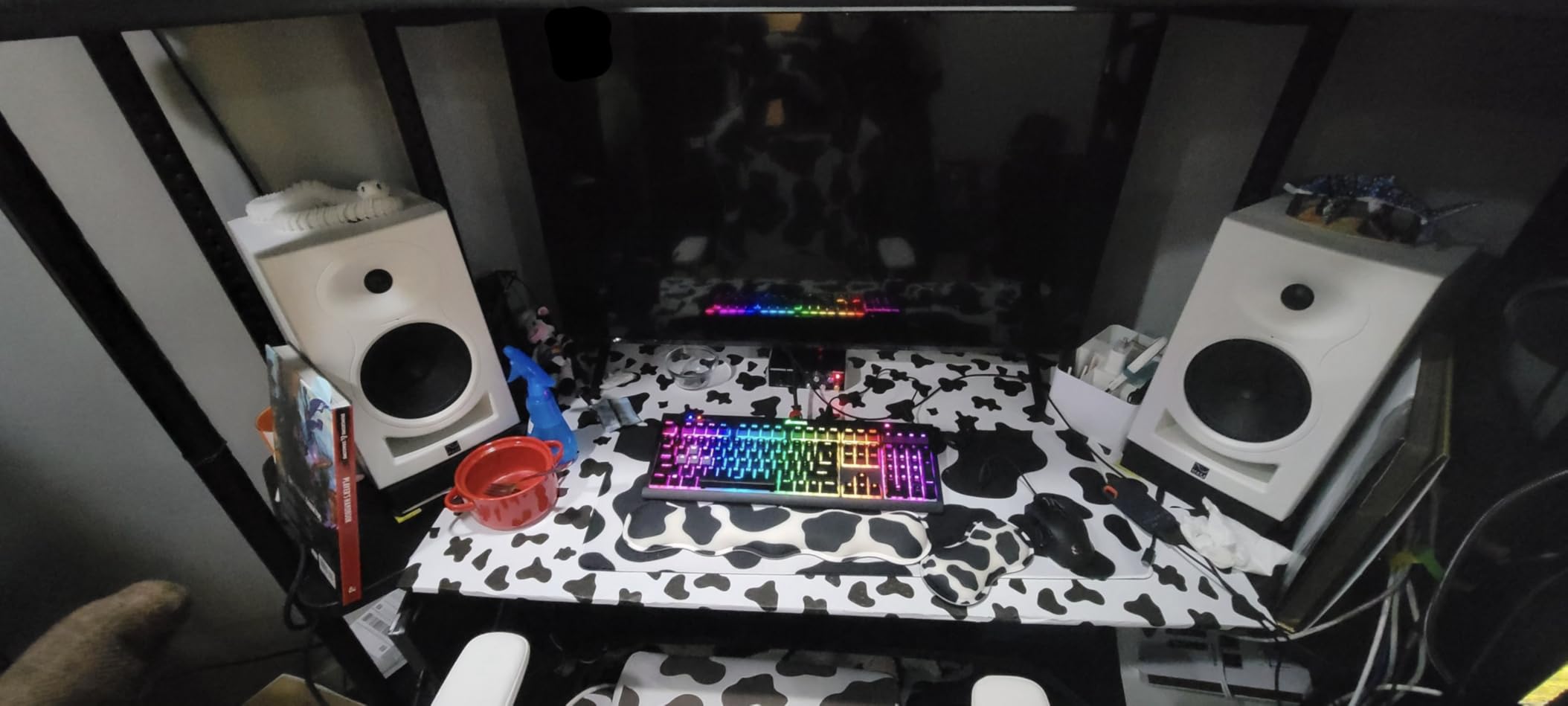
The 3-D Imaging Waveguide creates a soundstage that goes beyond the physical speaker boundaries. When I played well-mixed reference tracks, instruments appeared in distinct spatial positions across and even slightly behind the speakers. This wide imaging helps tremendously with panning decisions and stereo placement in mixes.
The Boundary EQ settings are more extensive than what most monitors offer at this price. There are multiple EQ presets for different placement scenarios: on stands, on a desk, near a wall, in corners. I experimented with these settings as I moved the monitors around my space, and each preset made an audible improvement. The LF and HF trim controls provide additional fine-tuning for room-specific issues.
Best Suited for Medium and Large Rooms
The LP-6 V2 needs space. With a 6.5-inch woofer and substantial cabinet size, these monitors are designed for medium to large rooms where the listening distance is 4 to 6 feet. In a small bedroom studio, they may overwhelm the space and create bass problems. If you have a dedicated studio room or a larger production space, the LP-6 V2 fills it beautifully.
Producers working on bass-heavy genres will appreciate the extended low-end response. The ability to actually hear sub-bass frequencies on monitors rather than guessing with headphones is a game-changer for electronic music production. The neutral sound profile also works well for acoustic and vocal-based music where accuracy is paramount.
Practical Considerations
Like the ADAM T5V, the LP-6 V2 is sold individually. You need two for stereo monitoring. The size and weight of each monitor means you need sturdy stands or a solid desk surface. I used speaker stands for proper monitor placement to get the best results.
There is no auto power-off feature, so you need to remember to turn them off manually. This is a minor inconvenience but worth noting if you are used to monitors that enter standby mode automatically. Some users have reported packaging damage during shipping, so inspect your monitors carefully on arrival.
10. Neumann KH 80 DSP – Best Professional Grade Monitors
- Extraordinarily flat frequency response
- Phenomenal clarity and accuracy
- Surprising depth for 4-inch speakers
- DSP control for room equalization
- Professional-grade sound quality
- Control app iPad only not Android
- Limited volume for large rooms
- Requires subwoofer for bass-heavy genres
- Premium price point
Neumann is synonymous with professional audio. Their microphones are legendary, and the KH 80 DSP brings that same engineering philosophy to powered studio monitors. I approached these with high expectations and was not disappointed.
The defining feature of the KH 80 DSP is the DSP engine that handles room correction. Using the Neumann MA 1 measurement system (sold separately), you can calibrate these monitors to your specific room with remarkable precision. I ran the calibration process and the difference was striking. Problem frequencies caused by room modes and reflections were tamed. The monitors sounded like they were in a treated studio even though my room has only basic acoustic treatment.
The Mathematically Modeled Dispersion waveguide is not marketing jargon. It produces an off-axis response that stays remarkably consistent with the on-axis sound. When I moved around my studio, the tonal balance barely changed. This means the sweet spot is wide and forgiving, which matters in real-world mixing where you are not always sitting perfectly still.
The frequency response is extraordinarily flat. There is no hype, no coloration, and no flattering. What you hear is exactly what is in your mix. For critical mixing and mastering work, this level of accuracy is invaluable. I found myself making better EQ and compression decisions because I could trust what I was hearing completely.
When to Invest in Professional Monitors
If you are a professional engineer or producer whose income depends on the quality of your mixes, the KH 80 DSP is a worthwhile investment. The accuracy and room correction capabilities give you confidence that your mixing decisions are based on reality, not speaker coloration or room anomalies.
Post-production facilities and broadcast environments benefit from the Neumann’s precision and consistency. If you work in a calibrated environment where standards compliance matters, these monitors meet the highest professional requirements. The DSP room correction also means they can perform well in spaces where acoustic treatment is not perfect.
What to Consider Before the Investment
The DSP control app is only available for iPad. If you do not own an iOS device, you will need one to access the full range of calibration and adjustment features. The MA 1 measurement system for room calibration is sold separately, adding to the total cost.
The 4-inch woofer and 25-watt amplification mean these monitors are designed for near-field use. In larger rooms or for higher SPL requirements, you will need the larger KH 120 or KH 310 models. For bass-heavy genres, a subwoofer like the Neumann KH 750 is recommended to complete the frequency range. This is a professional tool that performs best as part of a calibrated monitoring system.
How to Choose the Best Powered Studio Monitors
Choosing the right powered studio monitors comes down to understanding your specific needs. I have broken down the key factors that matter most for music production. These are the same criteria I used during my testing process.
Frequency Response: What the Numbers Mean
Frequency response tells you the range of frequencies a monitor can reproduce. A specification like 54Hz to 30kHz means the monitor handles frequencies from 54 Hertz to 30 kilohertz. But the numbers alone do not tell the whole story. You need to look at how flat the response is across that range.
A monitor with a flat response reproduces all frequencies at equal volume. This is what you want for mixing accuracy. Monitors with hyped bass or boosted highs sound exciting but can lead to poor mixing decisions. I always check frequency response graphs when available, as they reveal the true character of a monitor beyond the basic specifications.
Driver Size and Room Matching
The size of your monitor’s woofer directly affects bass response and room compatibility. For small rooms under 10×10 feet, 3-inch to 5-inch monitors work best. Larger drivers in small rooms create bass buildup that makes mixing difficult. For medium rooms, 5-inch to 6.5-inch monitors provide a good balance. Large rooms benefit from 8-inch monitors or adding a subwoofer.
I tested monitors in rooms ranging from a small home office to a larger project studio. The matching between driver size and room dimensions made a bigger difference than any single feature. If you want to explore desktop alternatives, check out our guide to the best active speakers for desktop audio.
Bi-Amplified vs Single Amp Designs
Bi-amplified monitors use separate amplifiers for the woofer and tweeter. This design reduces intermodulation distortion and improves clarity. The Yamaha HS5 uses a bi-amp design with 45 watts for low frequencies and 25 watts for highs. Single-amp designs use one amplifier for both drivers through a crossover network.
In my testing, bi-amplified monitors generally offered cleaner transients and better dynamic range. However, well-designed single-amp monitors like the JBL 305P MkII with its dual Class-D amplifiers can deliver comparable performance. The quality of implementation matters more than the topology.
Room Correction and DSP Features
Monitors with built-in DSP and room correction capabilities can compensate for acoustic issues. The Neumann KH 80 DSP offers the most sophisticated system with its MA 1 calibration. The ADAM T5V provides DSP-based shelf filters for manual adjustment. Even budget monitors like the PreSonus Eris E3.5 include acoustic tuning controls.
DSP features cannot fix a fundamentally bad room, but they can make a noticeable improvement. I found DSP correction especially valuable for taming bass buildup near walls and reducing treble reflections from hard surfaces. If your room has acoustic issues, monitors with room correction features are worth the investment.
Ported vs Sealed Enclosures
Ported enclosures, also called bass reflex designs, use a tuned port to extend bass response. Most monitors in this roundup use ported designs. The JBL 305P MkII uses a front-firing Slip Stream port, while the Yamaha HS5 uses a rear port. Front-firing ports are more forgiving of wall placement.
Sealed enclosures typically produce tighter, more accurate bass but with less low-end extension. They roll off gradually rather than sharply. Forum discussions on GearSpace and Audio Science Review consistently note that sealed monitors often excel in transient response and bass accuracy, making them preferred for critical mixing work.
Ear Fatigue and Long Sessions
Ear fatigue is something competitors rarely discuss but every producer experiences. During my testing, I tracked how long I could comfortably work with each monitor before needing a break. Brighter monitors like the Pioneer DJ DM-40D caused fatigue after about three hours. Warmer monitors like the Edifier MR4 let me work longer without strain.
The monitors that scored best for extended listening were those with smooth, un-hyped treble. The JBL 305P MkII and Yamaha HS5 both allowed for comfortable six-plus hour sessions. If you work long hours, consider the treble character of your monitors as carefully as the bass response.
Frequently Asked Questions About Powered Studio Monitors
What are the best powered studio monitors for music production?
The best powered studio monitors for music production depend on your budget and room size. For most producers, the JBL 305P MkII offers the best balance of accuracy and value. The Yamaha HS5 is the top choice for mixing accuracy, while the PreSonus Eris E3.5 is ideal for beginners building their first studio setup.
How much should I spend on studio monitors as a beginner?
Beginners should expect to spend between $100 and $300 for a quality pair of powered studio monitors. The PreSonus Eris E3.5 at around $115 and the Mackie CR3.5 at around $100 are excellent entry-level options. Investing in acoustic treatment for your room is just as important as the monitors themselves.
What is the difference between active and passive studio monitors?
Active and powered studio monitors have built-in amplifiers matched to their drivers, requiring only a line-level signal from your audio interface. Passive monitors need a separate external amplifier to drive them. Powered monitors are simpler to set up and generally offer better amplifier-to-driver matching, which is why they dominate the studio monitor market.
Do studio monitors really make a difference for music production?
Yes, studio monitors make a significant difference for music production. Unlike consumer speakers that flatter sound with boosted bass and highs, studio monitors provide a flat frequency response that reveals the true character of your mix. This accuracy helps ensure your mixes translate well to other playback systems like car stereos, headphones, and club speakers.
What size studio monitors do I need for a small room?
For a small room under 10 by 10 feet, 3-inch to 5-inch studio monitors are ideal. Larger monitors in small rooms create bass buildup from low-frequency reflections off nearby walls. The PreSonus Eris E3.5 with its 3.5-inch drivers or the JBL 305P MkII with 5-inch drivers both work well in compact studio spaces.
Final Thoughts on Powered Studio Monitors for Producers
Finding the best powered studio monitors comes down to matching the monitor to your room, your budget, and your production style. After testing all 10 monitors in this roundup, the JBL 305P MkII remains my top recommendation for most producers. It hits the balance of clarity, bass response, imaging, and value that is hard to beat at any price.
If you are on a tight budget, start with the PreSonus Eris E3.5 or Mackie CR3.5. For mixing accuracy that professionals trust, the Yamaha HS5 is proven and reliable. And if portability is your priority, the IK Multimedia iLoud Micro Monitor delivers professional sound in a package you can take anywhere.
Remember that your room acoustics matter as much as your monitors. Even the best monitors will underperform in an untreated space. Start with basic acoustic treatment, position your monitors correctly, and invest in quality audio equipment that matches your production goals. Your mixes will thank you for it in 2026.