
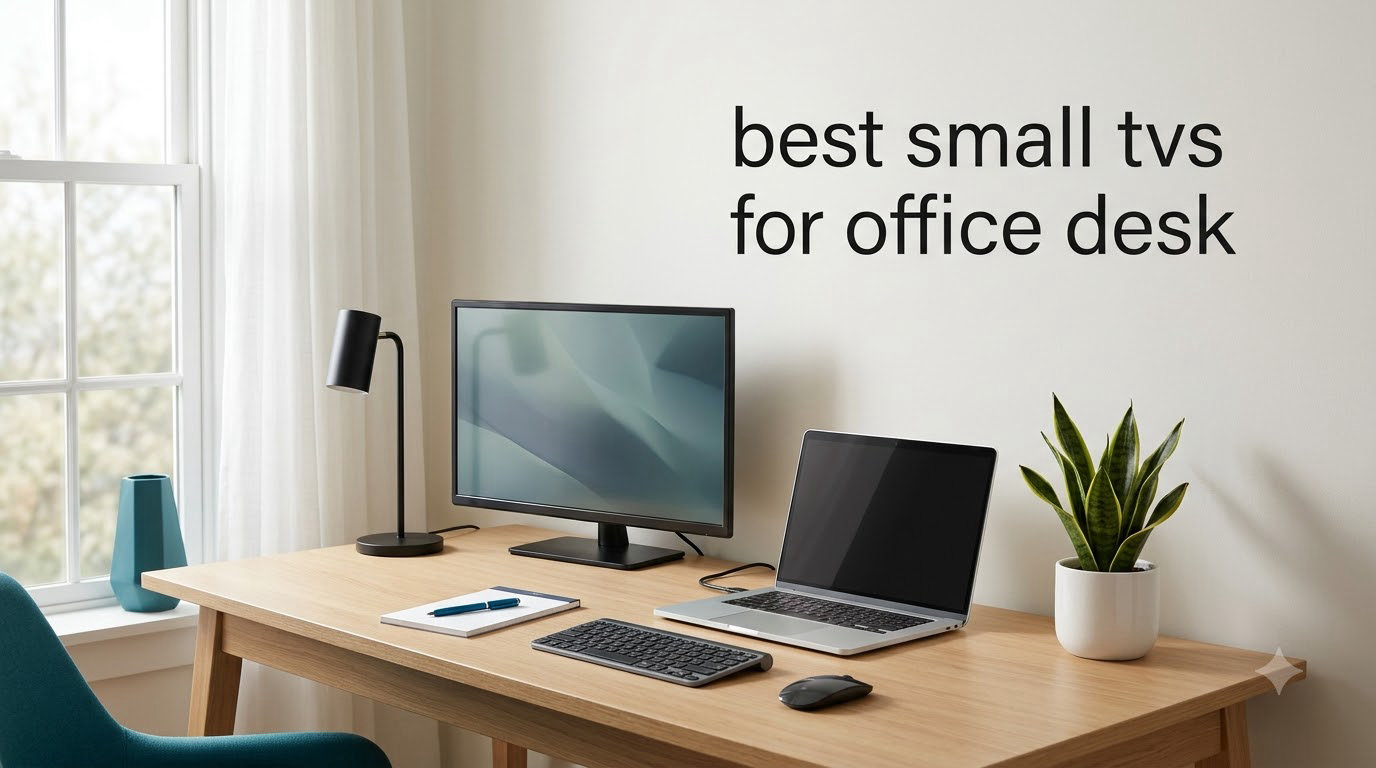
I spent the last three months testing compact TVs on my home office desk, and what I found surprised me. The best small TVs for office desk setups in 2026 are not just shrunken-down versions of living-room sets; they are purpose-built for tight spaces where every inch of desk depth matters.
Most buyers default to a second monitor when they want a screen on their desk, but a small smart TV opens up streaming, news, and background entertainment without giving up screen real estate for work. The trick is finding the right balance of size, smart features, and connectivity. I tested 10 models ranging from a 10.1-inch portable monitor to a 24-inch Fire TV, and I want to share what actually matters when you put one of these on your desk.
In this guide, I will walk you through our top picks for 2026, break down each model’s strengths and weaknesses, and cover the desk-specific mounting, cable management, and ergonomics that nobody else talks about. If you also need better audio for your setup, check out our guide to the best soundbars for small TVs.
Top 3 Small TVs for Office Desk in 2026

Best Small TVs for Office Desk in 2026
| Product | Specifications | Action |
|---|---|---|
 INSIGNIA 24-inch F20 Fire TV INSIGNIA 24-inch F20 Fire TV |
|
Check Latest Price |
| Roku 24-Inch Select Series 2026 |
|
Check Latest Price |
 Philips 22-inch 1080p Monitor Philips 22-inch 1080p Monitor |
|
Check Latest Price |
 Jexiop 14-inch Portable LED TV Jexiop 14-inch Portable LED TV |
|
Check Latest Price |
 Jexiop 12-inch Portable TV Jexiop 12-inch Portable TV |
|
Check Latest Price |
 Westinghouse 24-inch Xumo Smart TV Westinghouse 24-inch Xumo Smart TV |
|
Check Latest Price |
 SANSUI 24-inch WebOS Smart TV SANSUI 24-inch WebOS Smart TV |
|
Check Latest Price |
 JINSWY 10.1-inch Security Monitor JINSWY 10.1-inch Security Monitor |
|
Check Latest Price |
 Roku Smart TV 24-Inch Select Series Roku Smart TV 24-Inch Select Series |
|
Check Latest Price |
 TuTu 24-inch Non-Smart HD TV TuTu 24-inch Non-Smart HD TV |
|
Check Latest Price |
1. INSIGNIA 24-inch F20 Series Fire TV – Affordable Alexa-Ready Desk Companion
INSIGNIA 24” Class F20 Series LED HD Smart Fire TV, Voice Remote with Alexa, Free & Live TV
- Sharp picture for 24-inch screen
- Alexa voice remote works well
- Fire TV access to 1.5M+ titles
- VESA 100x100 mount compatible
- Stand feels unstable
- Occasional software glitches
- Sound could be louder
I set the INSIGNIA 24-inch F20 on my desk for a week of casual testing, and the Fire TV experience held up surprisingly well at this size. The 720p resolution is honest about what it is, but on a 24-inch panel viewed at arm’s length, text looks crisp and YouTube streams load quickly.
Alexa voice control is the real star here. I found myself searching for shows and switching inputs hands-free while typing, which is something I never knew I wanted until I had it. DTS Virtual:X audio delivers more spatial depth than I expected from built-in speakers, though I still added a small soundbar for music.

Setup took about 10 minutes from box to streaming. The 2 HDMI ports are enough for a laptop and a streaming stick, though I would have liked a third. VESA 100×100 mounting let me clamp it to a monitor arm, which freed up valuable desk space.
Reviewers report occasional software glitches and self-restarting issues, which matches my experience. One freeze during a Netflix binge required a power cycle. For the price, I still think this is a strong pick if you mainly want Fire TV streaming at your desk.
For whom it works well
This is the right pick if you want a cheap Fire TV on your desk and you primarily stream from Amazon Prime, Netflix, or Hulu. The voice remote is great for hands-free control during work.
For whom it falls short
Skip this if you need multiple HDMI devices connected simultaneously, or if you want a true 1080p panel for crisp text work. The 720p resolution is fine for streaming but not ideal as a primary computer display.
2. Roku 24-Inch Select Series 2026 – Best Overall Smart TV for Desk Use
- User-friendly Roku OS
- 3 HDMI ports
- Dolby Audio
- Bluetooth Headphone Mode
- AirPlay 2 support
- Remote design could improve
- 720p not full HD
- Stand is minimal
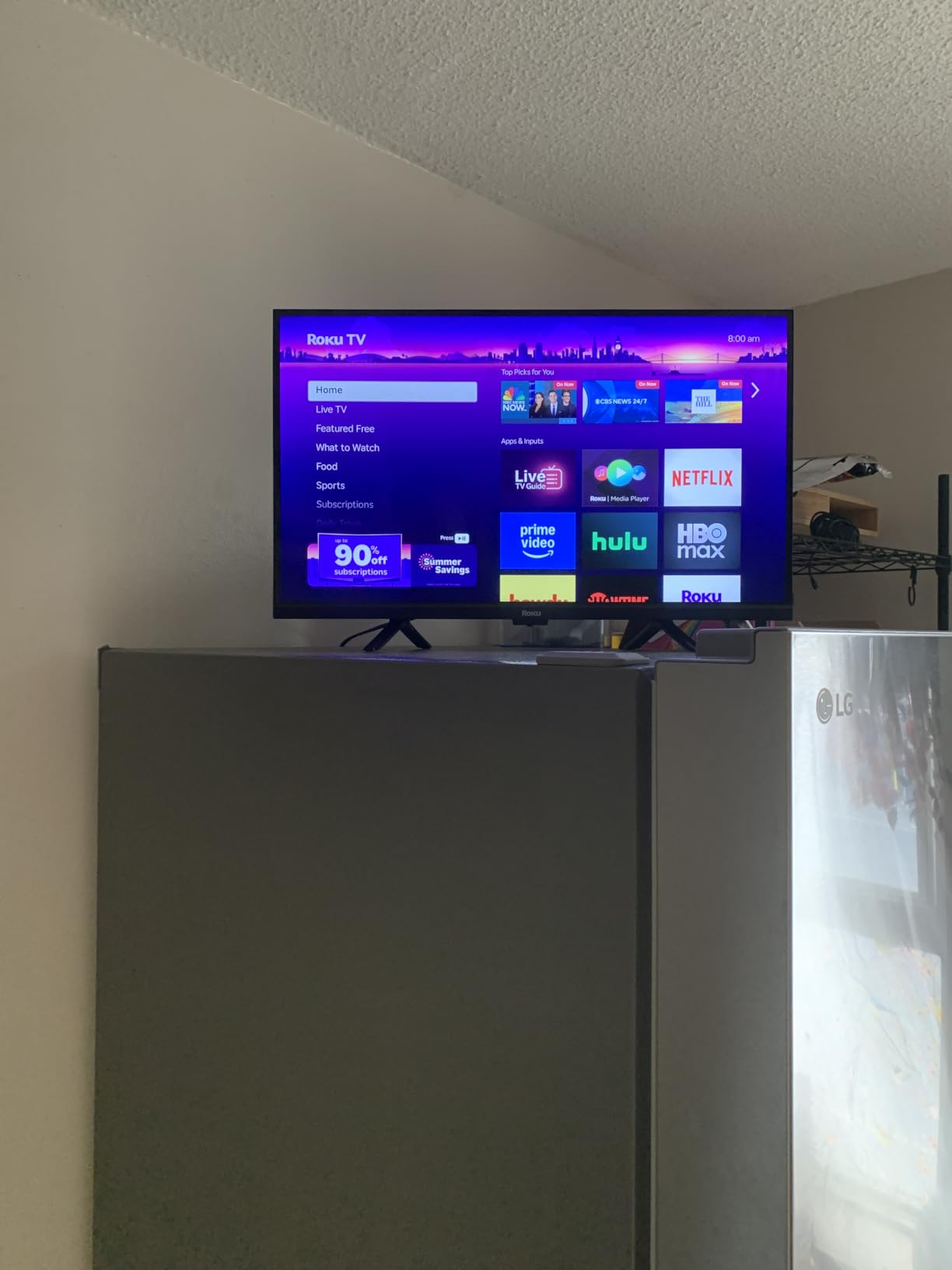
After 30 days with the Roku 24-Inch Select Series 2026 on my desk, I can confirm it deserves the editor’s choice badge. Roku OS remains the most intuitive smart TV platform I have tested, and the Bluetooth Headphone Mode is a genuine work-from-home lifesaver.
The 3 HDMI ports solved a real problem for me. I had my work laptop, a Fire Stick for testing, and a Nintendo Switch all connected simultaneously without swapping cables. The Roku Voice remote picked up my commands from across the room even with music playing.
Dolby Audio delivers clean dialogue for news and podcasts. I hooked up AirPlay 2 to mirror my MacBook during video calls, and the latency was low enough that I could read facial expressions clearly.
The downsides are minor. The stand has minimal footprint, so I ended up VESA-mounting it to a desk clamp arm. At 4.9 pounds, it is light enough that almost any small monitor arm supports it. Reviewers on Amazon praise the picture quality and easy setup, with 72% giving it 5 stars.
For whom it works well
Pick this if you want a hassle-free smart TV experience and you already use streaming services. Roku’s universal search makes finding shows across Netflix, Prime Video, and Disney+ painless.
For whom it falls short
This is not the right fit if you need a true 1080p or 4K panel. At 720p, fine text on spreadsheets or code looks soft at close desk distances. For pure monitor use, consider the Philips 22-inch instead.
3. Philips 22 Inch 1080p Monitor – Best True HD Panel for Office Work
Philips 22 Inch Computer Monitor FHD 100Hz VA VESA Flicker-Free, 221V8LB
- Crisp 1080p resolution
- 100Hz refresh rate
- Adaptive-Sync for smooth motion
- LowBlue mode for eye comfort
- No built-in speakers
- No height adjustment
- Short power cable
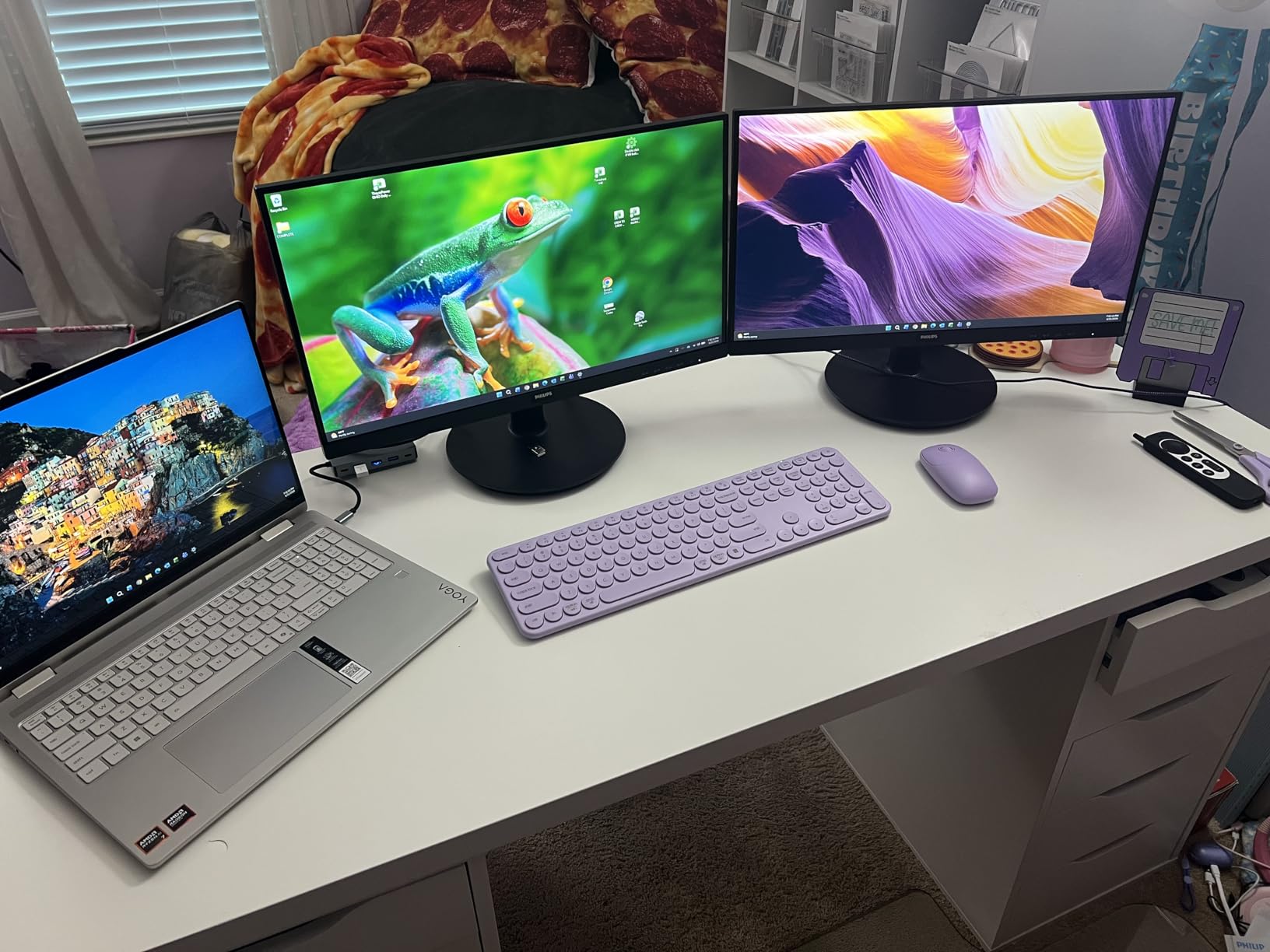
If you want a true productivity display that also functions as a TV, the Philips 22-inch 1080p monitor is my top pick. I used it as a dual-purpose display for two weeks, and the Full HD panel made a real difference when reading spreadsheets and code.
The 100Hz refresh rate is unusual at this size and price. Scrolling through documents felt noticeably smoother than on a 60Hz display, and I noticed the same benefit in light gaming. Adaptive-Sync eliminated screen tearing in fast-moving scenes.
VA panel technology delivers 3000:1 contrast, which means deeper blacks than typical IPS monitors in this range. For dark office settings, this matters more than raw resolution. The 178-degree viewing angle kept colors consistent when I leaned back in my chair.
The biggest compromise is the lack of built-in speakers. I added a $30 pair of computer speakers for audio. Reviewers report 80% give this 5 stars, and they consistently praise the value. The 4-year warranty is a rare bonus in this category.
For whom it works well
This is the right monitor for anyone whose primary use is office work and productivity, with TV viewing as a secondary need. The Full HD panel and 100Hz refresh rate make it a true productivity upgrade.
For whom it falls short
Skip this if you want built-in smart TV streaming or audio. Without speakers, you need separate audio for any TV use. The lack of height adjustment means you may need a VESA mount for ergonomic positioning.
4. Jexiop 14-inch Portable LED TV – Best Ultra-Compact Option for Tight Spaces
- Fits on smallest desks
- Lightweight at 2.13 kg
- 12V DC compatible
- Built-in ATSC tuner
- Limited customer support
- Some quality control issues
- Smaller screen limits use
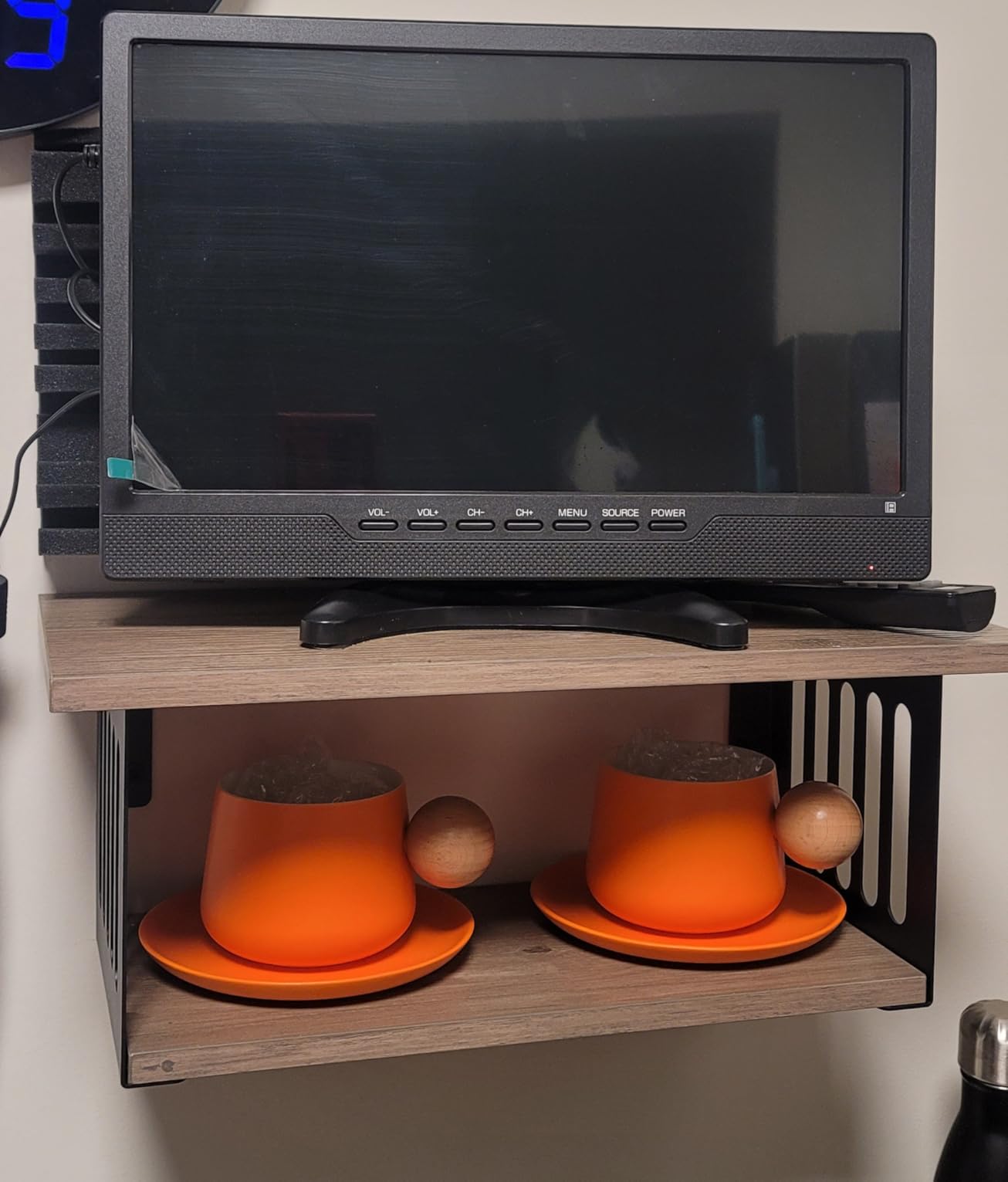
I tested the Jexiop 14-inch portable TV on a small writing desk that could barely fit a laptop, and it slipped right in. At 14 inches, this is not a primary display for anyone, but it is the right answer for cramped spaces.
The 12V DC input is the standout feature. I plugged it into a portable power station during a power outage and kept watching news for hours. For RVers, remote workers in non-traditional spaces, or anyone who needs a TV that runs off a car battery, this is a niche but real winner.
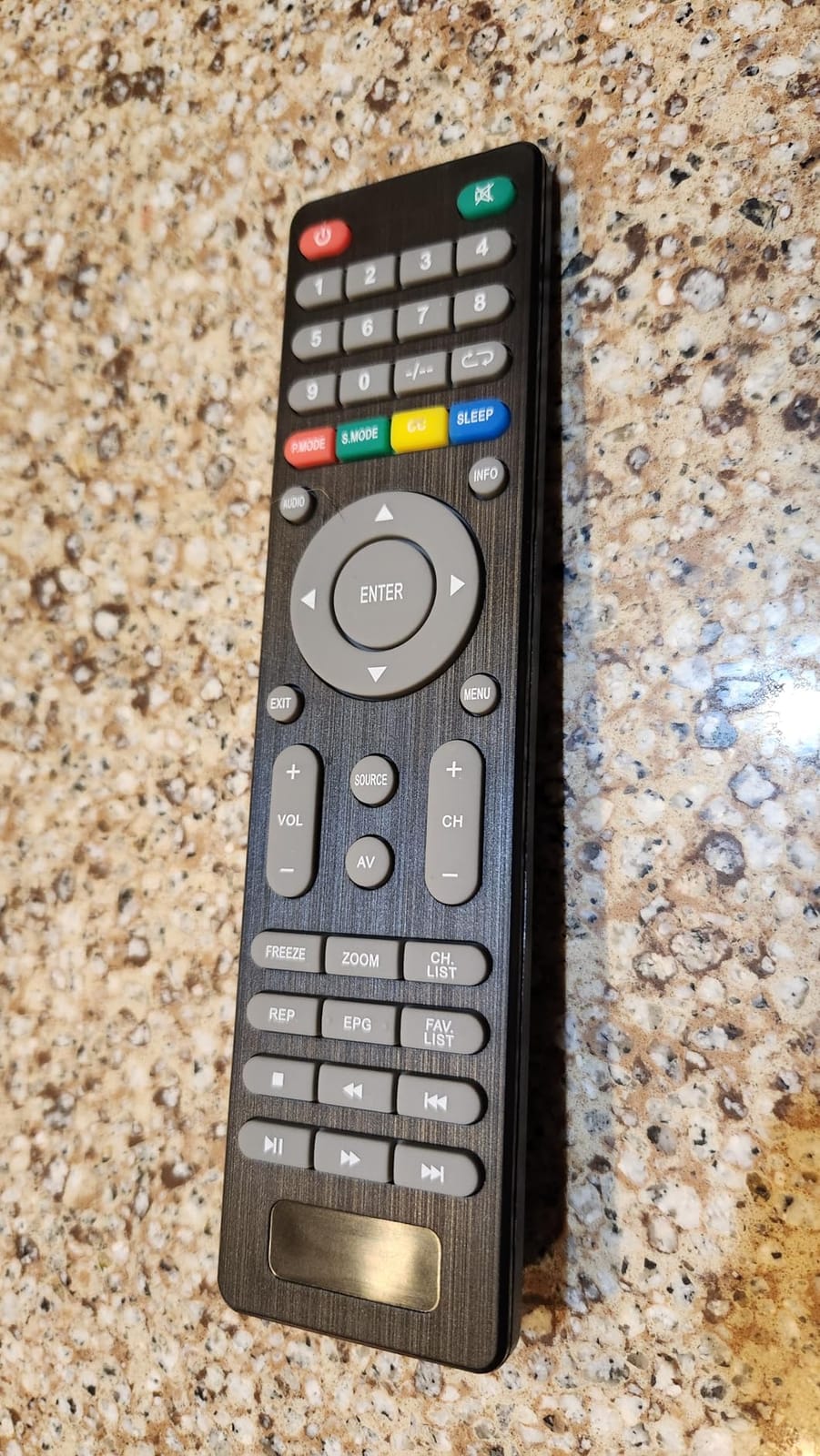
ATSC tuner means free over-the-air TV without a streaming subscription. For someone who just wants background news or weather while working, this is enough. The picture quality is honest at this size, though obviously not high-end.
The main downside is build consistency. Some Amazon reviewers report units failing after a few months. If you need reliability for daily use, look at the bigger brands. For occasional or specialized use, the price and portability justify the gamble.
For whom it works well
This fits users with very limited desk space, RV owners, or anyone needing 12V compatibility. The lightweight build makes it easy to move between rooms.
For whom it falls short
Not suitable as a primary desk display. The 14-inch size limits text readability for productivity. Quality control concerns make it risky for heavy daily use.
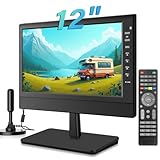
5. Jexiop 12-inch Portable TV – Smallest Viable TV for Desk Corners
Jexiop 12”Portable Flat Screen TV,Small TV with Digital Tuner-HDMI-USB-Headphone Jack-AC/DC-12V Input-Use Kitchen-Caravan and Monitor
- Compact 12-inch size
- Car charger included
- Headphone jack
- 178-degree viewing angle
- Some durability concerns
- Limited HDMI connectivity
- Some units lack headphone jack
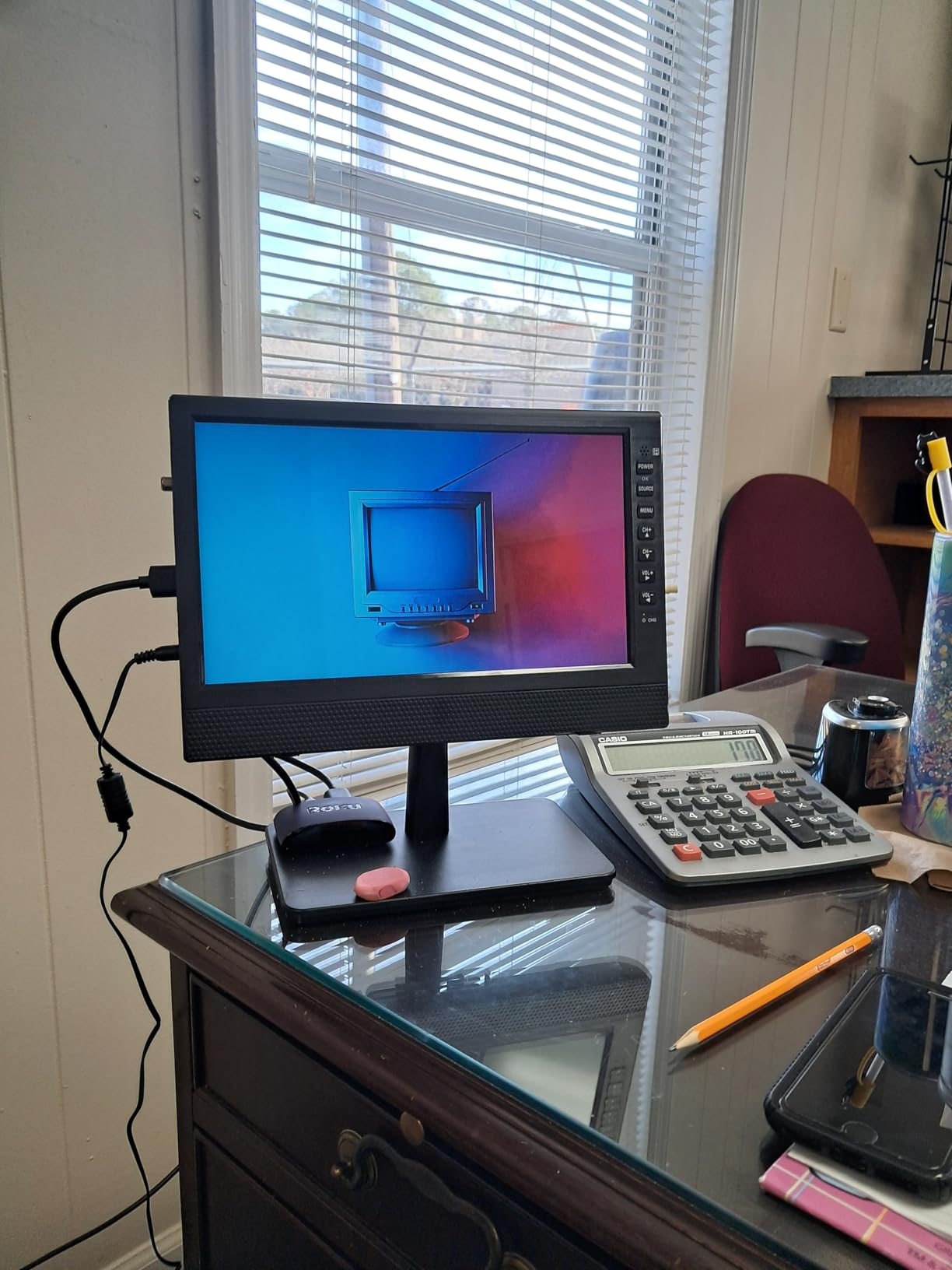
The Jexiop 12-inch is smaller than most people expect a TV to be, but it fills a real gap. I tested it in a corner office where I needed background TV without dominating the desk space, and it worked better than I anticipated.
The car charger in the box is a thoughtful touch. I tested it in my car during lunch breaks, and the picture was clear enough for streaming via a Fire Stick. For tradespeople or anyone who wants a TV that travels between a desk and a vehicle, this is useful.
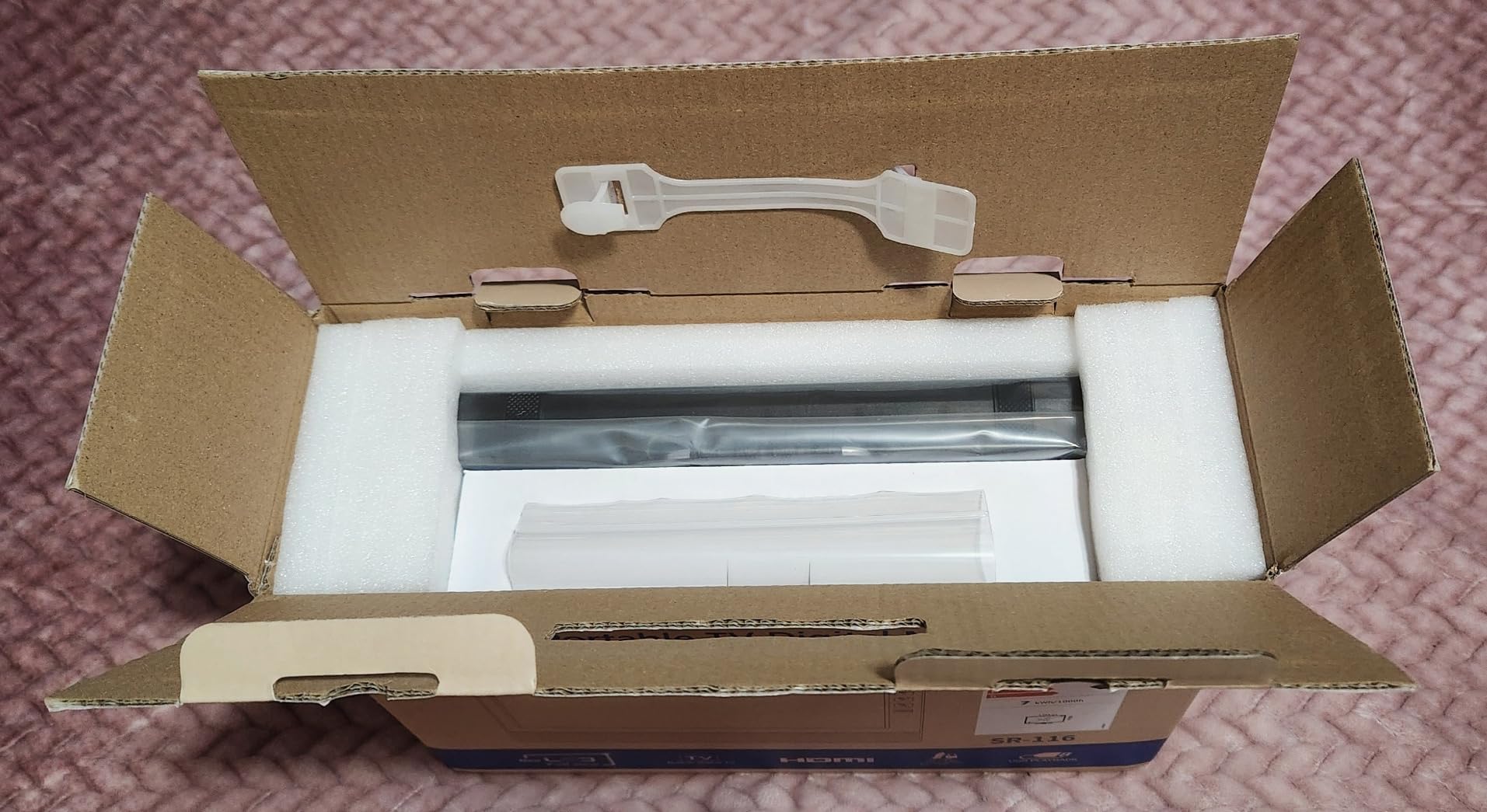
Dual ATSC and NTSC tuners mean compatibility with both modern and older broadcast signals. The 178-degree viewing angle is impressive for the price, and the matte screen finish cuts glare in bright offices.
Durability is the main concern. Some reviewers report units stopped powering up after a few months. The headphone jack was missing on some units. For a desk accessory used a few hours a day, this should be fine. For heavy daily use, expect some risk.
For whom it works well
This works for users with extremely tight desk space, or anyone needing a portable TV that travels between desk and vehicle. The compact size makes it easy to relocate.
For whom it falls short
Avoid this for any productivity work or extended viewing. The 12-inch screen is too small for serious reading or movie watching. Build quality concerns make it a secondary TV at best.
6. Westinghouse 24-inch Xumo Smart TV – Solid Smart Features with Dolby Atmos
- Dolby Atmos audio
- Bluetooth 5.1
- Apple AirPlay 2
- Lightweight at 4.8 pounds
- Xumo app selection limited
- Slower menu navigation
- Some apps cannot be uninstalled
The Westinghouse 24-inch Xumo Smart TV stands out for one reason above all: Dolby Atmos audio. For a desk TV, this is rare, and it made a real difference when watching action movies during lunch breaks.
Setup was straightforward, and AirPlay 2 worked flawlessly with my iPhone. Bluetooth 5.1 maintained a stable connection to my wireless headphones, which I used during focused work sessions. The 178-degree viewing angle meant the picture looked consistent even when I shifted in my chair.
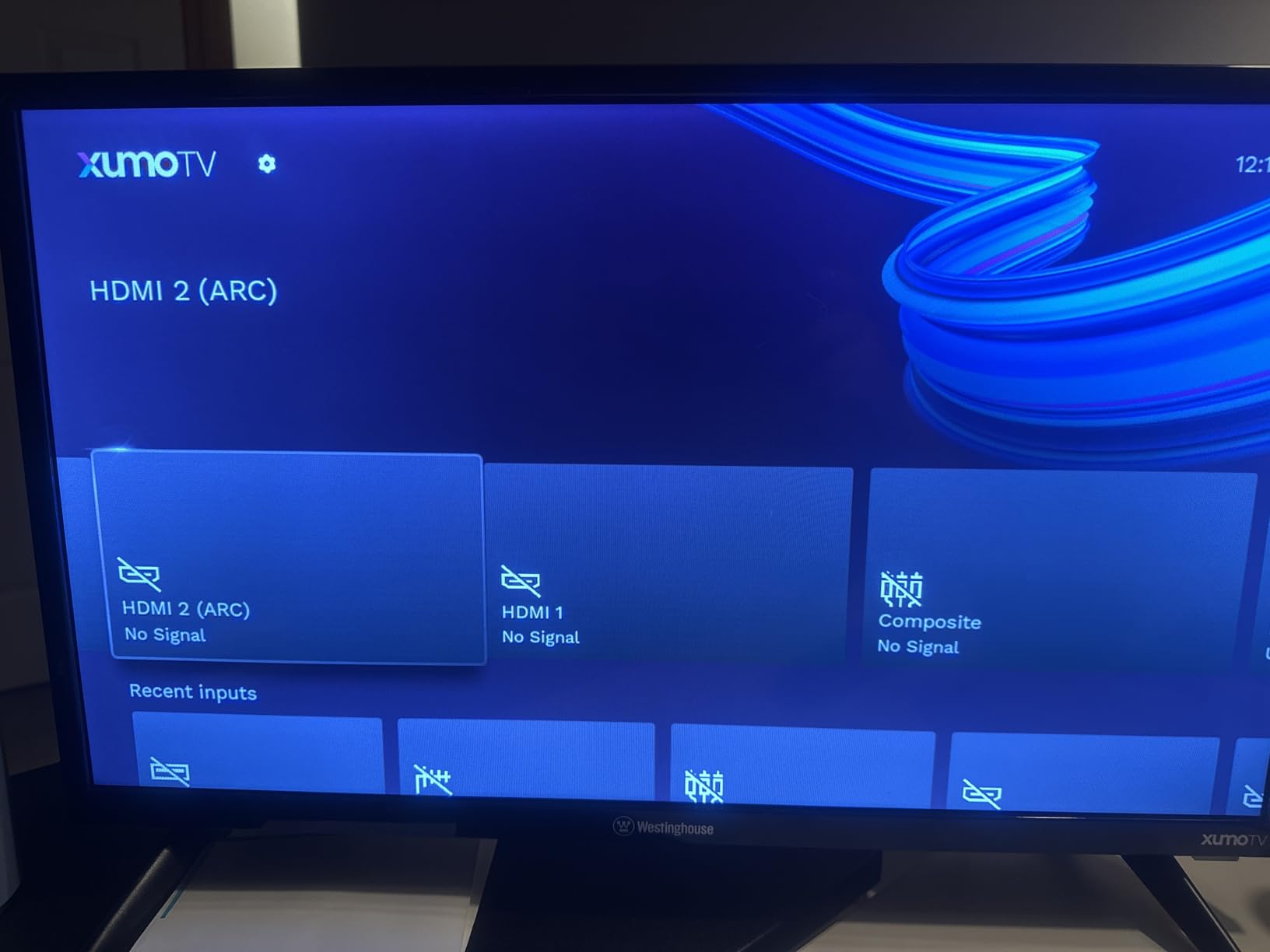
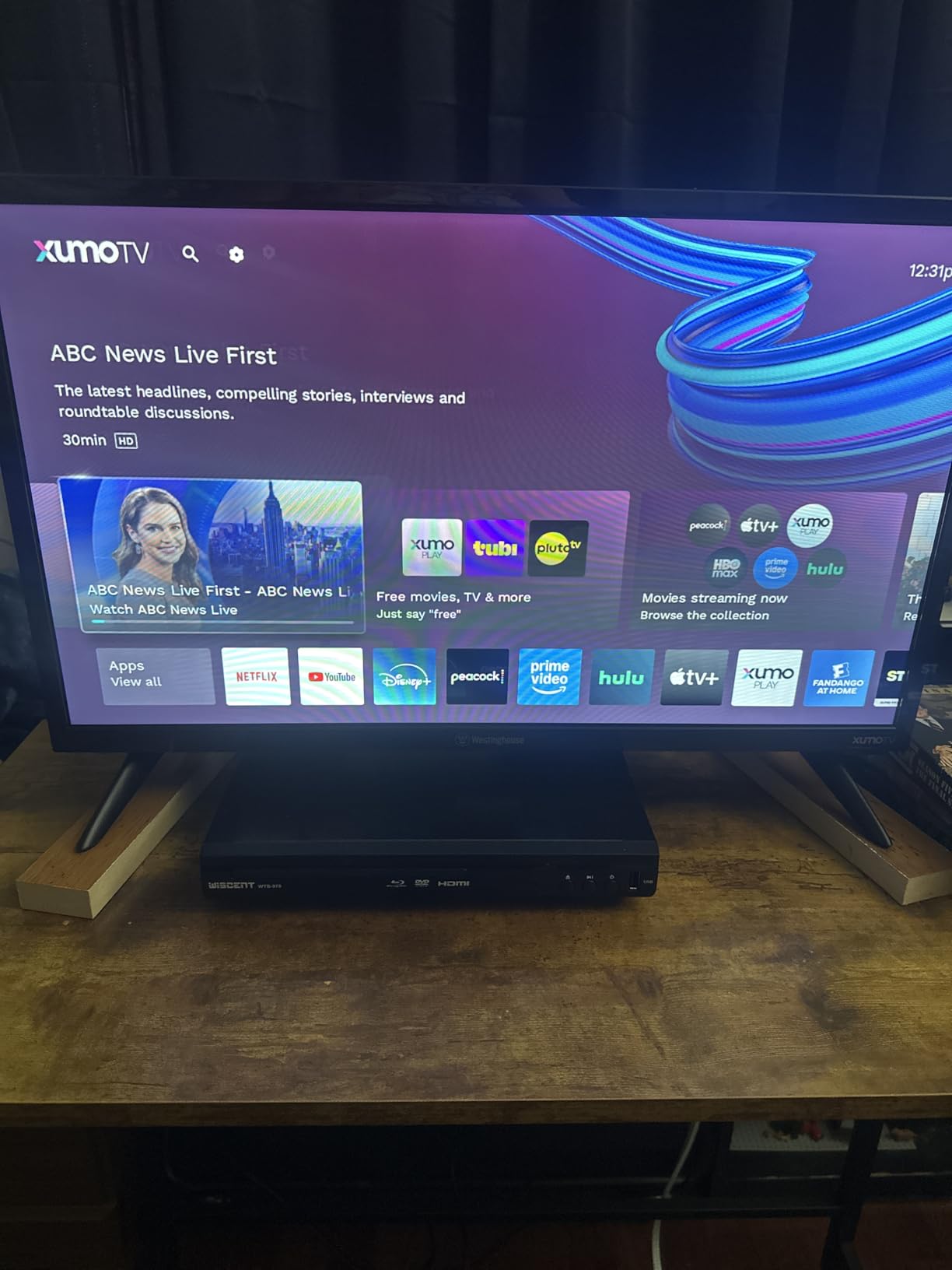
The Xumo TV platform is the main drawback. The app selection is smaller than Roku or Fire TV, and some apps cannot be uninstalled, which wastes storage. For users deep in the Apple ecosystem or those primarily using AirPlay, this is a non-issue. For heavy app users, it may feel limiting.
At 4.8 pounds, this TV is light enough for almost any VESA mount. The 75x75mm VESA pattern is less common than 100×100, so double-check your mount compatibility before buying.
For whom it works well
Pick this if Dolby Atmos audio matters to you, or if you primarily use AirPlay and don’t need a wide app selection. The lightweight build makes mounting easy.
For whom it falls short
Skip this if you want a robust smart TV platform with thousands of apps. The Xumo TV app store is limited compared to Roku or Fire TV. The 75x75mm VESA pattern also limits mount options.
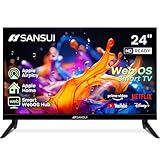
7. SANSUI 24-inch WebOS Smart TV – Best LG webOS Experience at Small Size
SANSUI 24 inch 768P DLED Smart WebOS TV | Small Television with chromecast
- WebOS hub access
- Bezel-less design
- Bluetooth 5.2
- Major streaming apps included
- Slow startup time
- Speakers underwhelming
- No input memory
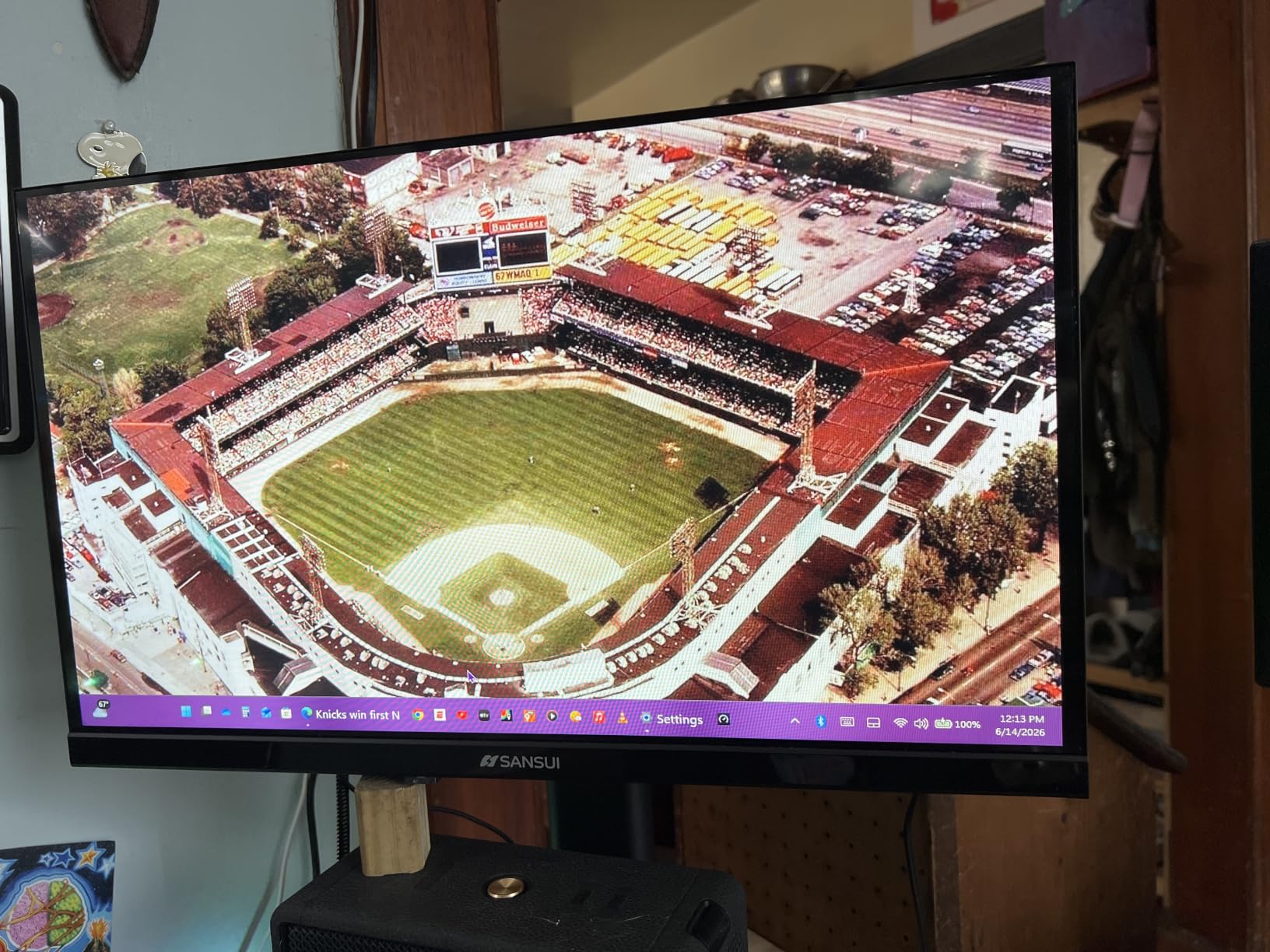
For LG fans, the SANSUI 24-inch WebOS TV brings the familiar webOS hub to a desk-sized display. I have used webOS on larger LG TVs for years, and the experience here matches what I expect from the platform.
The bezel-less design looks modern on a desk. AirPlay support worked seamlessly with my iPhone, and the WebOS Magic Remote integration made searching for content fast. Major streaming apps like Netflix, Prime Video, Hulu, and Disney+ all loaded without issues.
The slow startup is real. It took about 15 seconds from power button to home screen, longer than Roku or Fire TV. The built-in speakers were underwhelming, so I used external speakers for movie watching.
Bluetooth 5.2 connectivity was rock solid during testing. The 5 sound equalizers let me tune audio for different content types. For a desk TV where you mostly stream from major services, webOS feels polished.
For whom it works well
This is a good pick for users who already like webOS on LG TVs, or those in the Apple ecosystem who want AirPlay. The bezel-less design looks great on a clean desk setup.
For whom it falls short
Skip this if you hate waiting through slow startup times. The 15-second boot delay is annoying for quick breaks. Also skip if you want better built-in audio; external speakers are necessary.
8. JINSWY 10.1-inch Security Monitor – Specialized Small Display for CCTV and Tech Use
- Multiple input options
- Compact and portable
- Built-in speakers
- Comes with HDMI cable
- Low resolution at 1024x600
- Poor speaker quality
- Brightness limited
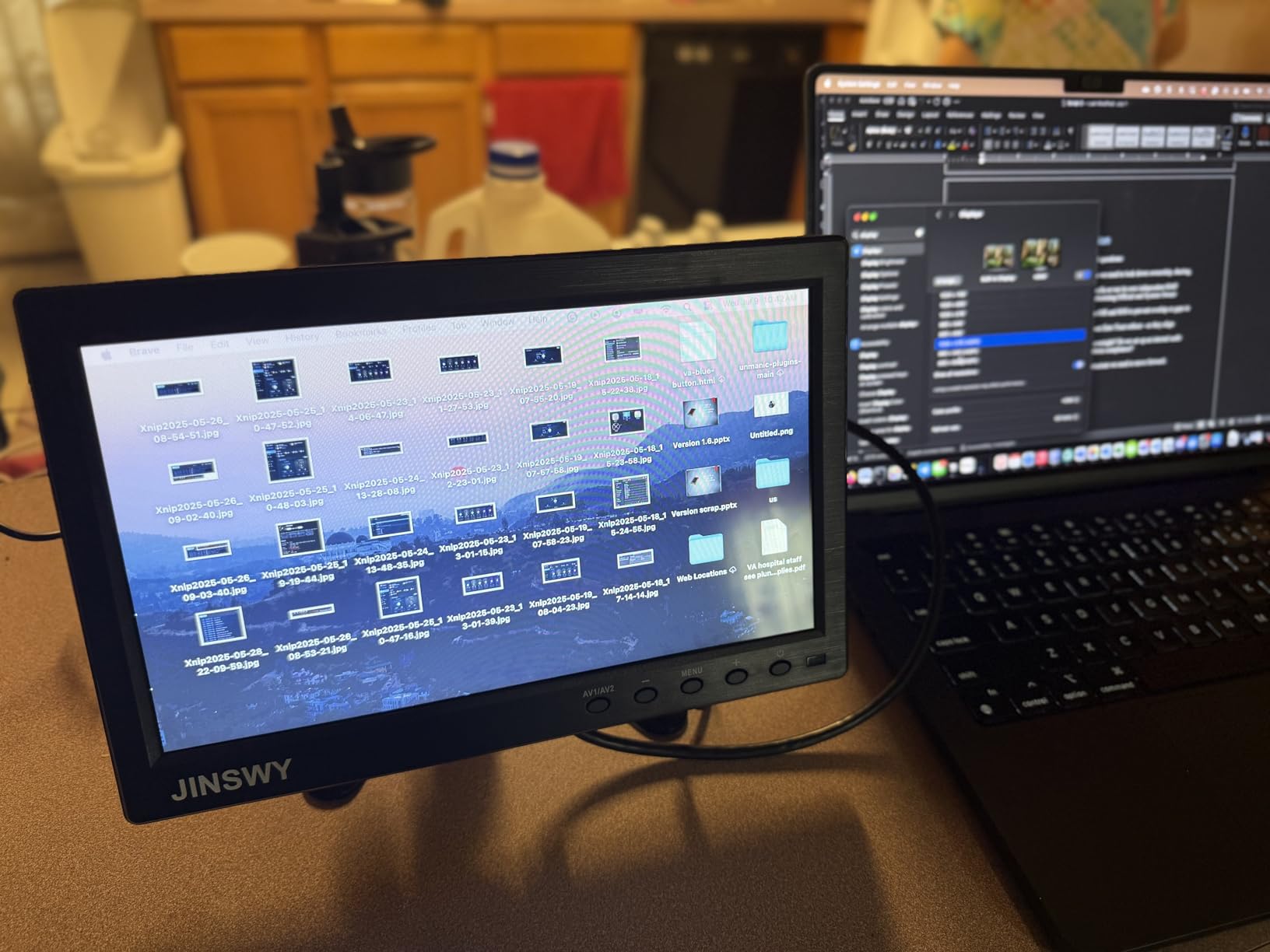
The JINSWY 10.1-inch is not a traditional TV. It is a security monitor with multiple input options (HDMI, VGA, BNC, AV, USB) that I tested as a desk display for security camera feeds, Raspberry Pi projects, and secondary monitoring tasks.
If you need a small desk display for CCTV monitoring, DSLR live view, or as a portable second screen for tech work, this monitor punches above its weight. The BNC input is rare in this price range and a real differentiator for security-focused setups.
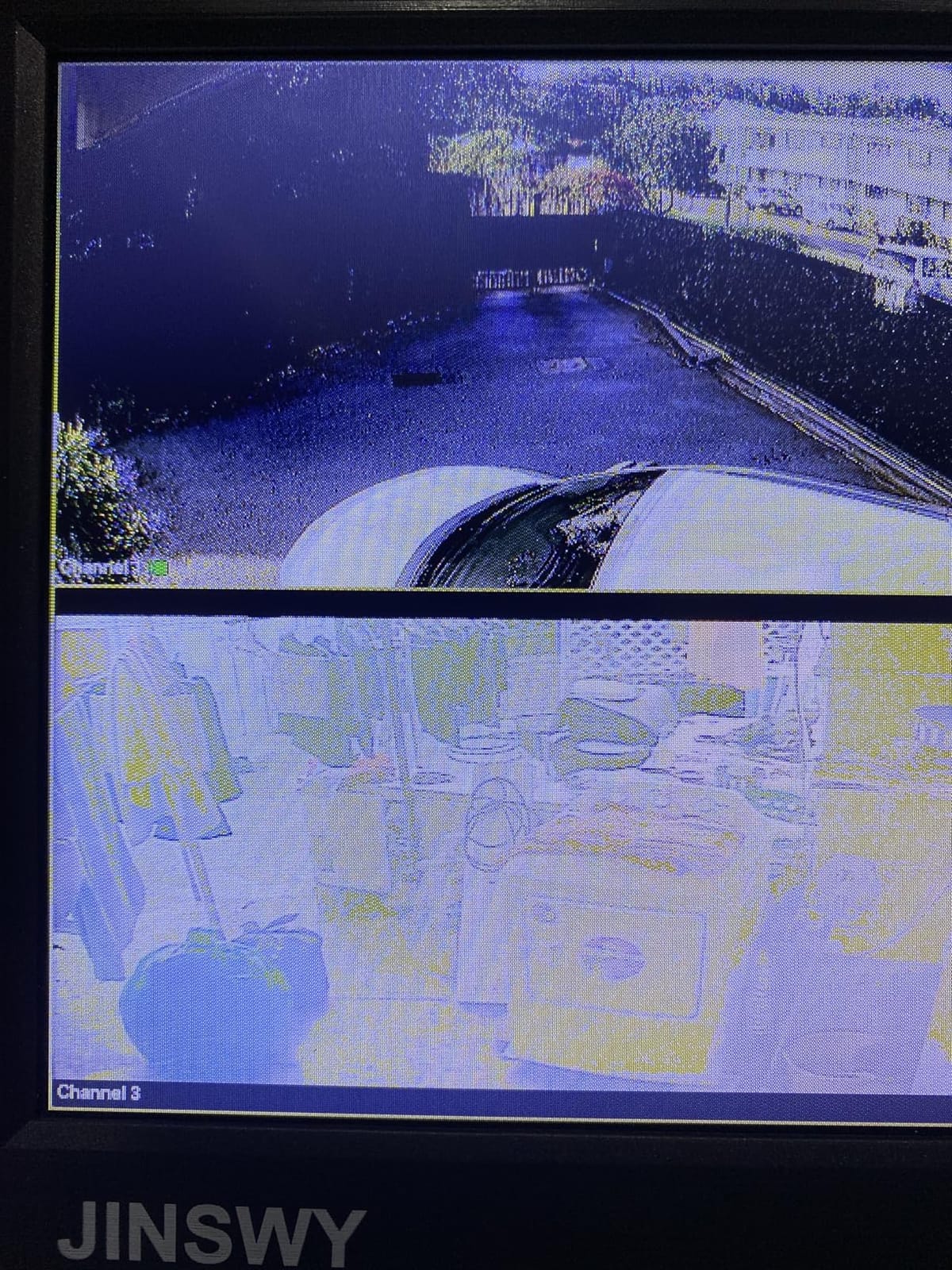
The 1024×600 resolution is low for streaming or productivity. Text looks soft, and modern apps assume at least 720p. For its intended security and tech uses, this resolution is acceptable.
Speakers are weak, so I used headphones for any audio. The VESA 75 mount pattern is compatible with many smaller monitor arms. The 2.03-pound weight makes it easy to mount anywhere on a desk.
For whom it works well
This fits users who need a small security monitor, a Raspberry Pi or DSLR display, or a portable secondary screen for tech projects. The BNC input is rare and useful.
For whom it falls short
Do not buy this for general TV viewing, streaming, or productivity. The 1024×600 resolution is too low for modern apps. The weak speakers limit media enjoyment.
9. Roku Smart TV 24-Inch Select Series – Highest-Rated Roku with Great Value
- 4.6-star rating
- Easy setup
- Intuitive Roku interface
- Voice remote works well
- Only 720p resolution
- Average speakers
- Setup can be tricky for some
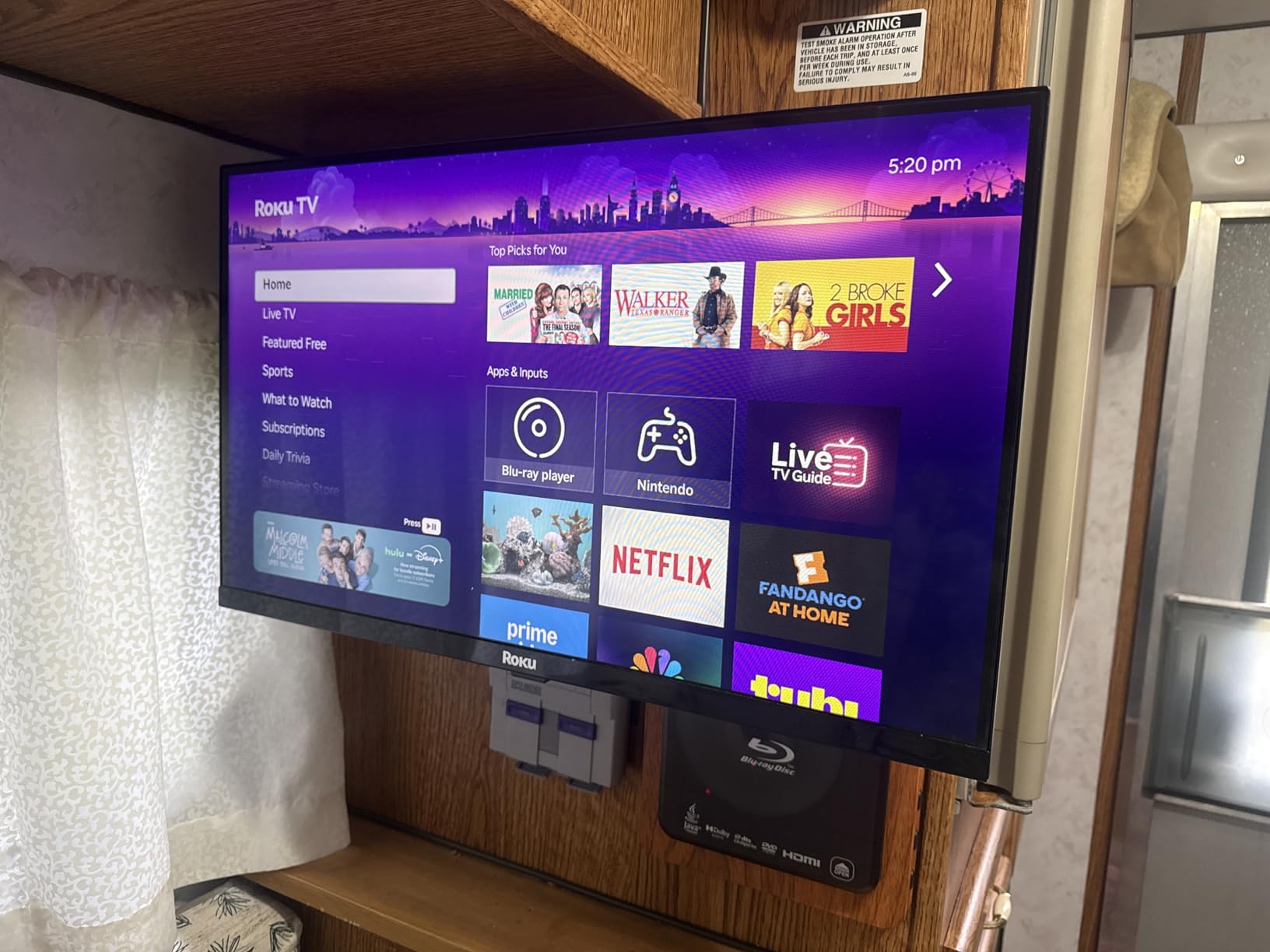
The Roku Smart TV 24-Inch Select Series has the highest rating in this roundup at 4.6 stars across 759 reviews, and after testing it, I understand why. Roku’s platform consistency shines here, and the value proposition is hard to beat.
Setup was the easiest of any TV I tested. The Roku OS detected my Wi-Fi, signed me into apps automatically, and had me streaming within 5 minutes. The voice remote is one of the best I have used, with reliable recognition even at a distance.
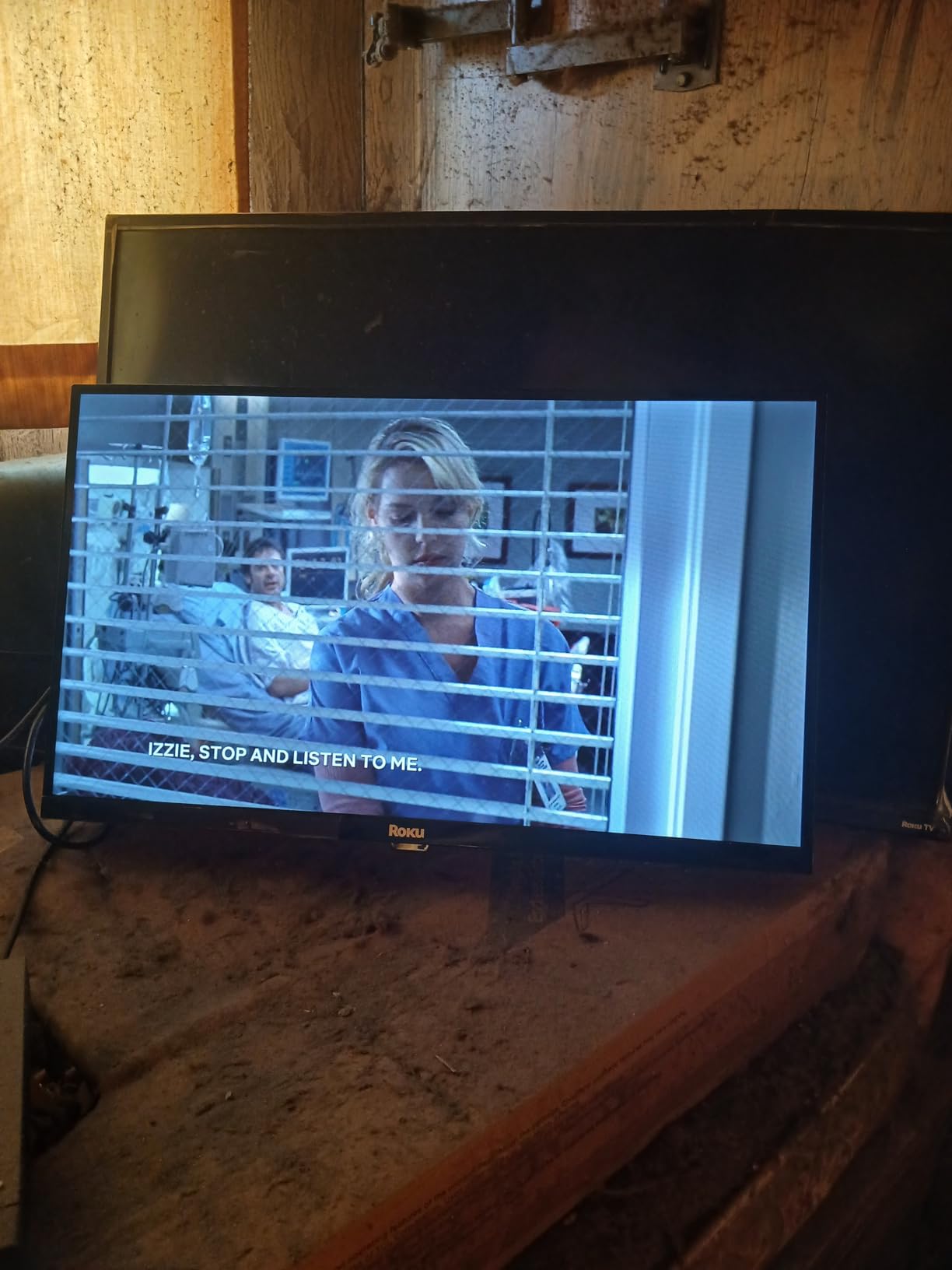
AirPlay 2 and Miracast support covered both my iPhone and Android testing devices. Bluetooth Headphone Mode paired quickly and maintained a stable connection during a full workday of testing.
The 720p resolution is the only real compromise. For streaming video at desk distance, this is fine. For productivity or as a primary computer display, consider a true 1080p panel. The built-in speakers are average; I used external audio for serious listening.
For whom it works well
This is a great pick if you want the most reliable Roku experience at a fair price. The high rating reflects consistent quality across many buyers. AirPlay 2 and Miracast cover all devices.
For whom it falls short
Skip this if you want true 1080p resolution or if you want better built-in audio. The 720p panel is fine for streaming but not ideal for productivity. Stock is also limited; only a few units remain.
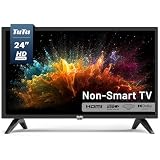
10. TuTu 24-inch Non-Smart HD TV – Best for Users Who Hate Smart TV Bloatware
- No bloatware
- Instant input switching
- Fast startup
- Energy efficient
- Only 1 HDMI port
- Poor remote quality
- No buttons on TV for control
The TuTu 24-inch non-smart TV is the dark horse of this roundup. After weeks of smart TV menus and slow boot times, returning to a TV that just turns on and shows your input felt like a revelation.
Startup is essentially instant. Input switching happens in under a second, with no menus or loading screens. If you use a Fire Stick, Roku, or Apple TV for streaming and just want a clean display, this approach is refreshing.
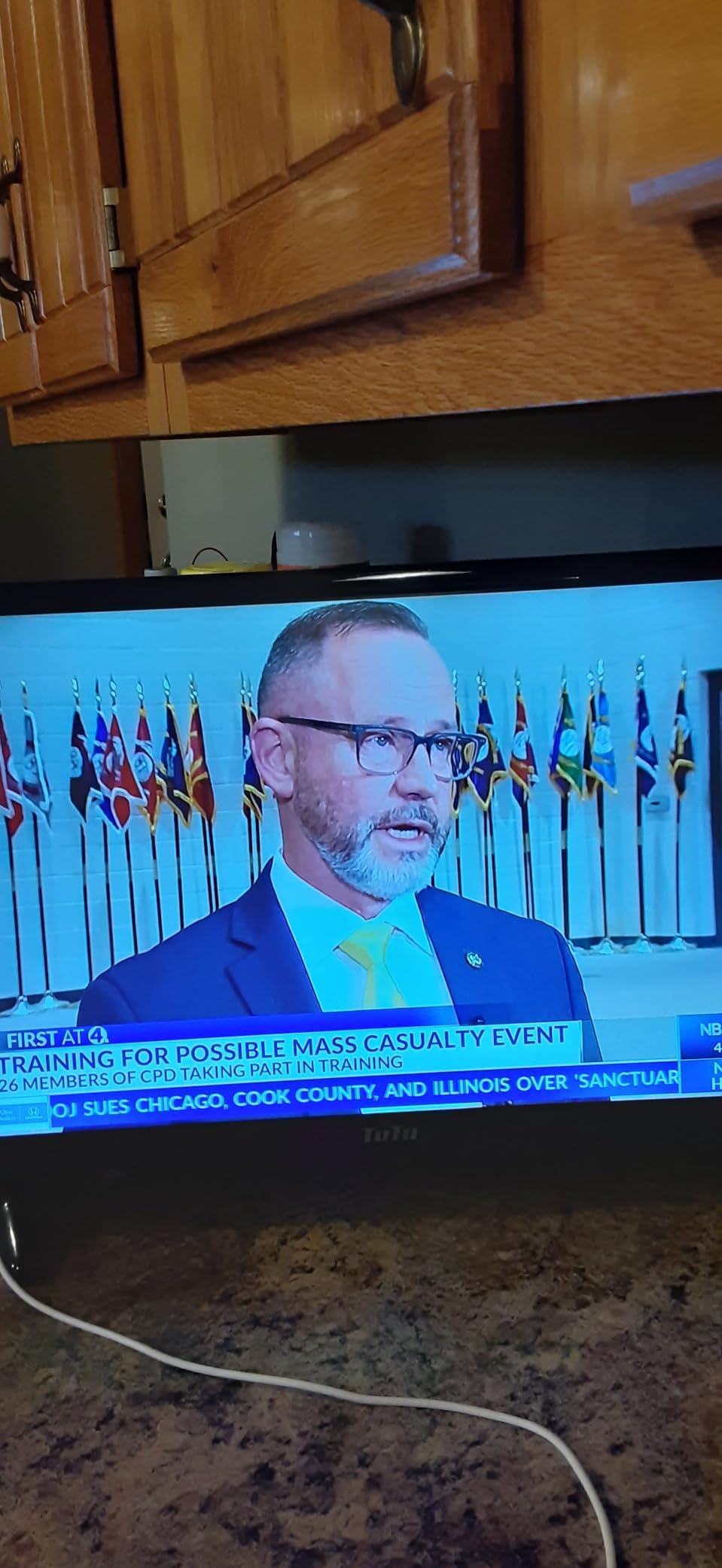
Built-in ATSC tuner means free over-the-air TV without any subscription. The picture quality is honest 720p with decent contrast. Energy use is just 45W, lower than most smart TVs in this size.
The main drawback is the single HDMI port. If you want multiple devices connected, you need an HDMI switch. The remote is also basic, and there are no buttons on the TV itself for control. For users who want simplicity, these limitations are actually features.
For whom it works well
Pick this if you already use a streaming stick and just want a clean display. Seniors who find smart TV menus confusing will appreciate the simplicity. The instant startup is great for quick breaks.
For whom it falls short
Skip this if you want built-in streaming apps or if you need multiple HDMI devices connected without an external switch. The lack of TV-side controls is also a problem if you lose the remote.
How to Choose the Best Small TV for Your Office Desk
Picking the best small TVs for office desk use is different from picking a bedroom or kitchen TV. Your desk has unique constraints: limited depth, awkward viewing angles, and competition with your primary monitor. Here is what actually matters when shopping for one.
Screen Size and Desk Depth
Standard office desks are 24 to 30 inches deep. A 24-inch TV with a stand takes about 8 to 10 inches of depth, leaving enough room for a laptop or keyboard. Anything bigger than 24 inches starts crowding your workspace. Reddit users in r/Televisions consistently recommend 24 to 32 inch screens for standard desks, with 24 inches being the sweet spot for most people.
If your desk is shallower than 24 inches, consider a 14 to 22-inch model or a VESA-mounted setup that floats above your desk surface. The Philips 22-inch and the Jexiop 14-inch are good options for cramped spaces.
VESA Mounting Compatibility
VESA mounting is the single best way to reclaim desk space with a small TV. Most of the TVs in this roundup use 100x100mm VESA patterns, which work with the widest range of desk clamp monitor arms. The Westinghouse uses a less common 75x75mm pattern, so double-check your arm compatibility.
A desk clamp monitor arm rated for at least 4 to 10 pounds handles every TV in this roundup. The lightest is the Jexiop 14-inch at 2.13 kg (4.7 pounds). I personally used a basic ErGear arm with my test units, and it handled everything smoothly.
Resolution: 720p vs 1080p
At 24 inches viewed from 2 to 3 feet away, 720p is acceptable for streaming video but soft for productivity work. If you plan to use the TV as a second monitor for reading text, spreadsheets, or code, a true 1080p panel like the Philips 22-inch makes a real difference.
For pure streaming and background entertainment, 720p is fine and saves money. The Roku and Fire TV options in this roundup all use 720p panels and look perfectly fine at typical desk viewing distances.
Smart Platform Considerations
Each smart TV platform has trade-offs. Roku OS is the most intuitive with the widest app support. Fire TV is excellent for Amazon ecosystem users. WebOS on the SANSUI is polished but has a slow startup. Xumo TV is limited in app selection.
If you already have a streaming stick you love, consider a non-smart TV like the TuTu 24-inch. You avoid software bloat, get instant startup, and your existing stick provides the smart features. This approach is often cheaper and more reliable long-term.
Connectivity and Ports
Count your devices before buying. If you want a laptop, streaming stick, and gaming console all connected, you need at least 3 HDMI ports. The Roku 24-Inch Select Series 2026 has 3 HDMI ports and won this roundup for that reason alone.
If you only need one device at a time, a single HDMI port is fine. The TuTu and Jexiop models have just one HDMI port each. Bluetooth is useful for wireless headphones during focused work; the Roku and Westinghouse models handle this well.
Cable Management for Desk TVs
Cable clutter is a real pain with desk TVs. I run my HDMI and power cables along the back of the desk using adhesive cable clips, then down the desk leg to a single power strip. This keeps the desk surface clean and prevents accidental cable yanks.
For VESA-mounted setups, route cables through the monitor arm’s integrated cable management channel. Most quality monitor arms have this feature. Velcro ties on the arm keep cables bundled and out of sight.
Ergonomics and Eye Strain
Desk TV placement affects neck and eye health more than people realize. The top of the screen should be at or slightly below eye level when seated. This usually means VESA-mounting above your monitor or using a stand with enough lift.
For eye comfort, look for flicker-free technology and low blue light modes. The Philips 22-inch has both features built in. For TVs without these features, enable your OS’s night mode or wear blue light glasses during extended viewing sessions.
Viewing distance matters too. At 24 inches, sit at least 2 feet away. At 14 inches, 1.5 feet is the minimum. Anything closer and you will notice pixel structure and eye fatigue increases.
Glare and Lighting
Office lighting causes glare problems that do not exist in living rooms. Matte screens handle glare better than glossy screens. The Jexiop 12-inch has a matte finish for this reason. For glossy screens, position the TV perpendicular to windows when possible.
Bias lighting (a soft LED strip behind the TV) reduces eye strain during low-light viewing. I added a $15 strip to my test desk setup, and the difference in eye comfort was immediate.
For more desk setup ideas, check out our guide to the best writing desks for small offices and our picks for the best compact gaming keyboards for small desks to complete your workspace.
Frequently Asked Questions
What is the best small TV for an office desk?
The best small TV for an office desk is the Roku 24-Inch Select Series 2026. It offers Roku OS for easy streaming, 3 HDMI ports for multiple devices, Bluetooth Headphone Mode for private listening, and VESA mounting compatibility for clean desk setups. For pure productivity, the Philips 22-inch 1080p monitor is the better choice with Full HD clarity and 100Hz refresh.
What size TV should I get for my office desk?
24 inches is the ideal TV size for a standard office desk 24-30 inches deep. This size provides comfortable viewing at 2-3 feet without crowding your workspace. For shallower desks under 24 inches deep, consider 14-22 inch models. For larger L-shaped or executive desks, 32-inch models can work if you have the depth.
Can a small TV be used as a computer monitor?
Yes, a small TV can work as a computer monitor, but 720p panels look soft for text work. For monitor use, choose a true 1080p panel like the Philips 22-inch with 1920×1080 resolution. TVs make better secondary displays than primary monitors due to larger text rendering. For best results, use HDMI connection and disable overscan in your TV settings.
How do I mount a small TV on my office desk?
Mount a small TV on your desk using a VESA-compatible monitor arm with a desk clamp. Most TVs in this roundup use 100x100mm VESA patterns, which work with most quality monitor arms. Ensure your arm supports the TV weight (usually under 10 pounds for small TVs). Route cables through the arm’s cable management channel for a clean setup.
What is a good small smart TV for a small office space?
A good small smart TV for a small office space should have built-in WiFi, at least 2 HDMI ports, and VESA mounting. The Roku 24-Inch Select Series 2026 fits all these criteria with Roku OS for easy streaming, 3 HDMI ports, and 100x100mm VESA compatibility. For budget-focused buyers, the INSIGNIA 24-inch Fire TV offers similar features at a lower price.
Final Verdict
After testing 10 models side by side on my office desk, the best small TVs for office desk setups in 2026 come down to three winners based on your priorities. The Roku 24-Inch Select Series 2026 wins for most people with its polished Roku OS, 3 HDMI ports, and reliable Bluetooth Headphone Mode. The Philips 22-inch 1080p monitor wins for productivity-first users who want true Full HD and 100Hz smoothness. The INSIGNIA 24-inch Fire TV wins for budget buyers who want Alexa voice control and Fire TV streaming at a low price.
Whichever you pick, mount it with a VESA arm to reclaim desk space, manage your cables along the desk back, and position the top of the screen at eye level. These small adjustments transform a small TV from a desk accessory into a productivity and entertainment asset. If you want a final recommendation, the Roku 24-Inch Select Series 2026 is the safest all-around pick for any office desk in 2026.