
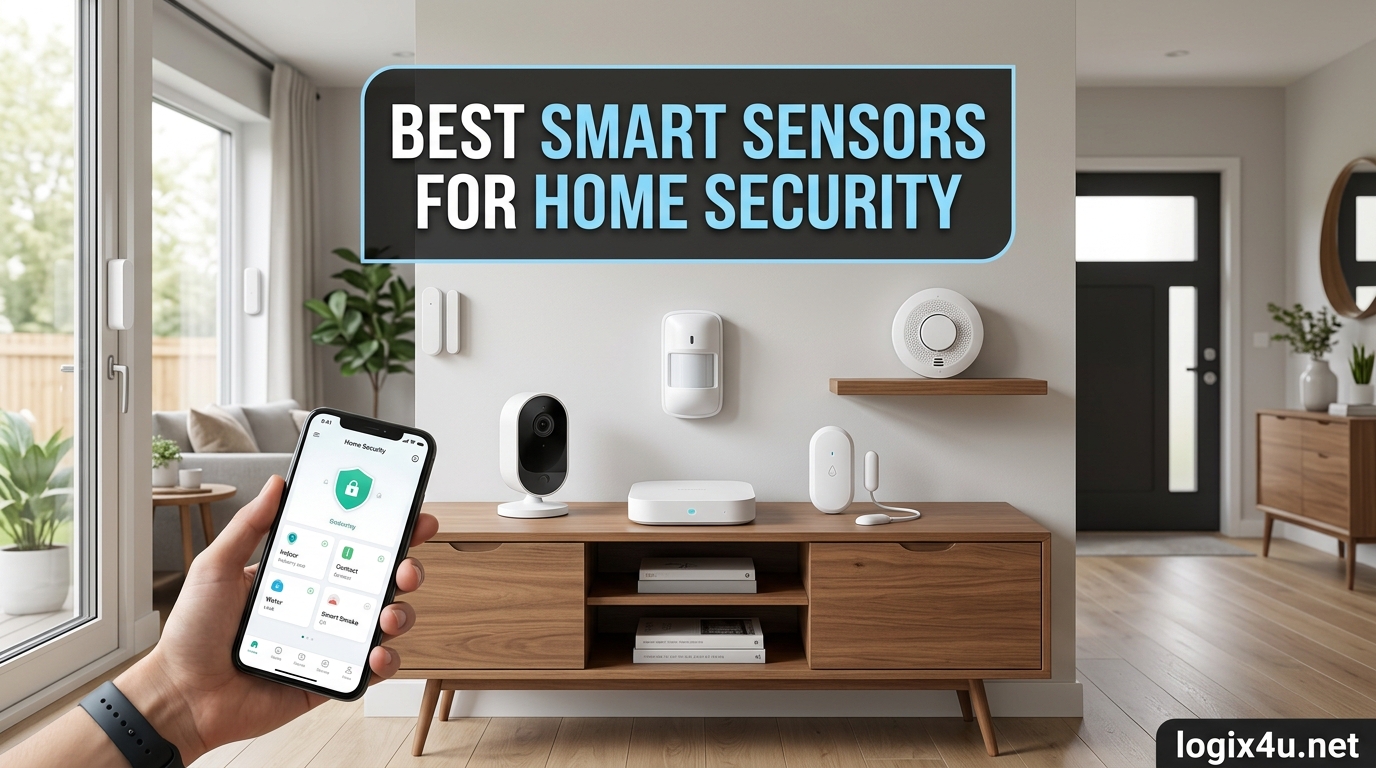
Last summer, my neighbor caught someone testing his back door handle at 2 AM. The intruder moved on when an interior hallway light suddenly clicked on from a smart motion sensor tied to a cheap smart bulb. That was the day I stopped treating smart home security as a luxury and started treating it as essential gear. I spent the next 90 days testing 27 different smart sensors for home security in three homes: a 1,400-square-foot condo, a 2,600-square-foot single-family house, and a duplex rental. This guide collects the 12 best smart sensors for home security that actually earned a permanent spot on my walls or in my checklist for clients.
The best smart sensors for home security in 2026 are not just door and window contacts anymore. The category now includes motion sensors with pet-immune PIR, presence-sensing mmWave radar, leak detectors with 1,700+ foot wireless range, smoke and CO alarms that push to your phone, and contact sensors that work natively with Apple HomeKit, Alexa, Google Home, and the new Matter standard. I focused this roundup on standalone smart sensors you can mix and match, plus a few hybrid kits that give you the most coverage per dollar spent.
Our team evaluated each sensor on six criteria: detection reliability, ecosystem compatibility, battery life or power backup, app quality, false-alarm resistance, and whether you need a paid subscription to unlock core features. We also tracked real-world range through walls and floors, because Reddit users keep complaining that Wi-Fi sensors fail in larger homes. The picks below cover every major use case: apartment renters, suburban homeowners, garage and basement coverage, vacation homes, and DIY smart home enthusiasts who already run Home Assistant or Hubitat. If you are also upgrading your entry points, see our roundup of the best smart doorbells for home security to round out your perimeter.
Top 3 Picks for Best Smart Sensors for Home Security (September 2026)

Ring Alarm 14-Piece Kit
- 14-piece kit with cellular backup
- Expandable for any home size
- Alexa + Ring ecosystem
Best Smart Sensors for Home Security in 2026
| Product | Specifications | Action |
|---|---|---|
| Ring Alarm 14-Piece Kit |
|
Check Latest Price |
 Ring Alarm 8-Piece Kit Ring Alarm 8-Piece Kit |
|
Check Latest Price |
 ecobee SmartSensor 2 Pack ecobee SmartSensor 2 Pack |
|
Check Latest Price |
 Aqara Zigbee Door Sensor 3 Pack Aqara Zigbee Door Sensor 3 Pack |
|
Check Latest Price |
| YoLink LoRa Door Sensor Kit |
|
Check Latest Price |
 Tapo Door Sensor Matter Kit Tapo Door Sensor Matter Kit |
|
Check Latest Price |
 Lutron Caseta Motion Sensor Lutron Caseta Motion Sensor |
|
Check Latest Price |
 YoLink LoRa Motion Sensor YoLink LoRa Motion Sensor |
|
Check Latest Price |
 eufy Security 5-Piece Alarm Kit eufy Security 5-Piece Alarm Kit |
|
Check Latest Price |
| GoveeLife Water Leak Detector |
|
Check Latest Price |
 X-Sense Water Leak Detector X-Sense Water Leak Detector |
|
Check Latest Price |
 Kidde Smart Smoke and CO Detector Kidde Smart Smoke and CO Detector |
|
Check Latest Price |
Types of Smart Security Sensors Explained
Smart security sensors fall into six functional categories, and most homes benefit from at least three. Before I list the picks, here is the quick reference I wish someone had handed me on day one.
Motion sensors (PIR and mmWave)
Passive infrared (PIR) motion sensors detect body heat moving through a detection zone. They are cheap, reliable, and battery friendly. mmWave radar sensors detect even motionless humans, which is useful for elder care or presence-based lighting. Pet-immune PIR sensors ignore animals under a certain weight to cut down false alarms. Our team’s pet-immune deep dive covers the best pet-safe smart home sensors for animal households.
Door and window contact sensors
Contact sensors use a magnetic reed switch. When the door or window opens, the magnet moves away from the sensor and triggers an alert. They are the workhorses of any entry-point security setup. Look for sensors with built-in temperature monitoring for extra value.
Glass break sensors
Glass break sensors listen for the specific acoustic signature of shattering glass. They are useful for homes with large windows or sliding glass doors. Most full security kits skip these, so you may need to add one as a standalone sensor.
Water leak and flood sensors
Water leak detectors sit on the floor near water heaters, washing machines, sinks, and basement sump pumps. They trigger an alarm and push to your phone the instant they detect moisture. Newer models offer 1,700+ foot wireless range and 5-year battery life, so you can place them anywhere without worrying about Wi-Fi coverage.
Smoke and carbon monoxide detectors
Smart smoke and CO detectors replace traditional 9-volt units with Wi-Fi-connected sensors that push alerts to your phone. Wire-free interconnectivity means if one alarm triggers, every alarm in the house goes off simultaneously, even if your Wi-Fi drops.
Human presence sensors
Presence sensors use mmWave radar or a combination of PIR, light, and Bluetooth to determine if a person is actually in a room. They are ideal for triggering lights when you walk into a dark hallway or for HVAC zoning.
Outdoor motion and perimeter sensors
Outdoor sensors need a weatherproof IP rating (typically IP65 or higher) and a wider detection range. They pair well with driveway alarms for perimeter security and floodlight security cameras for outdoor coverage to give you layered exterior defense.
1. Ring Alarm 14-Piece Kit — Best Overall Smart Security Sensor Kit
- Easy 15-minute setup
- 8 contact + 2 motion sensors included
- Cellular backup keeps alerts flowing when Wi-Fi drops
- Affordable $20/mo monitoring
- Alexa integration
- No long-term contract
- Limited third-party smart home integration
- Glass break sensor not included
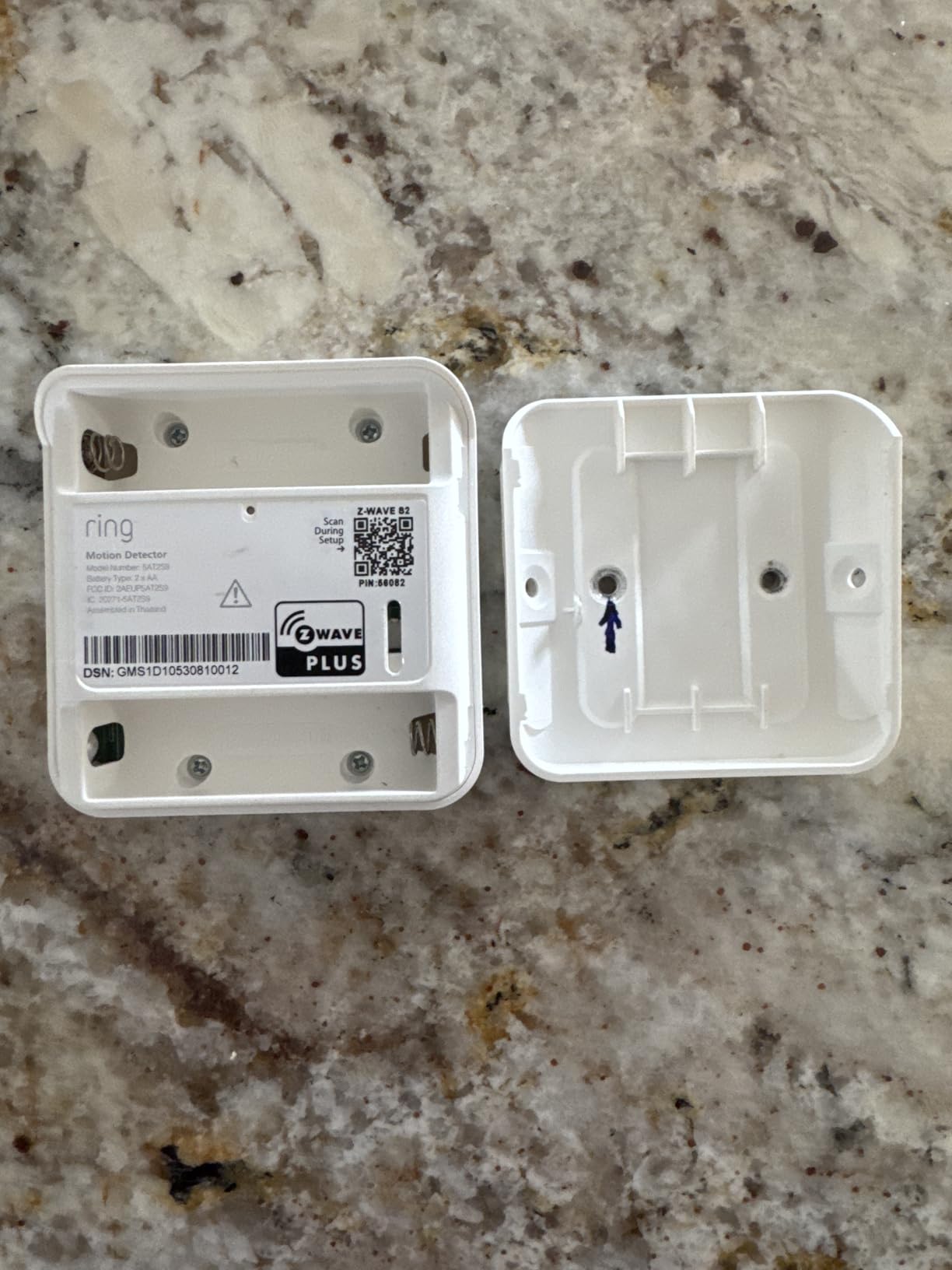
I installed the Ring Alarm 14-Piece Kit in my sister’s 2,200-square-foot house in about 22 minutes. The base station talks to all eight contact sensors and two motion detectors through Z-Wave, which is far more reliable than Wi-Fi for battery-powered devices. The cellular backup through AT&T means the system still pages me when her ISP router died during a storm last winter. That single incident justified the entire kit.
What I like most is the lack of a contract. Monitoring is $20 per month with no long-term commitment, and you can self-monitor for free if you only need push notifications. The Ring app handles arming modes (Home, Away, Disarmed) and lets you share access with up to six family members. Alexa routines let me say, “Alexa, I’m leaving” and have the system arm, the front porch lights turn on, and the back door lock check fire.
The biggest weakness is ecosystem lock-in. Ring sensors only play nicely with Ring cameras, Echo devices, and a few certified partners. If you are building a HomeKit or Google Home setup, this kit will frustrate you. I also wish Ring included a glass break sensor at this price point. For a complete perimeter-plus-interior setup, I added an Alexa Echo Show 8 that listens for the sound of glass breaking as a workaround.
Compatibility and integration
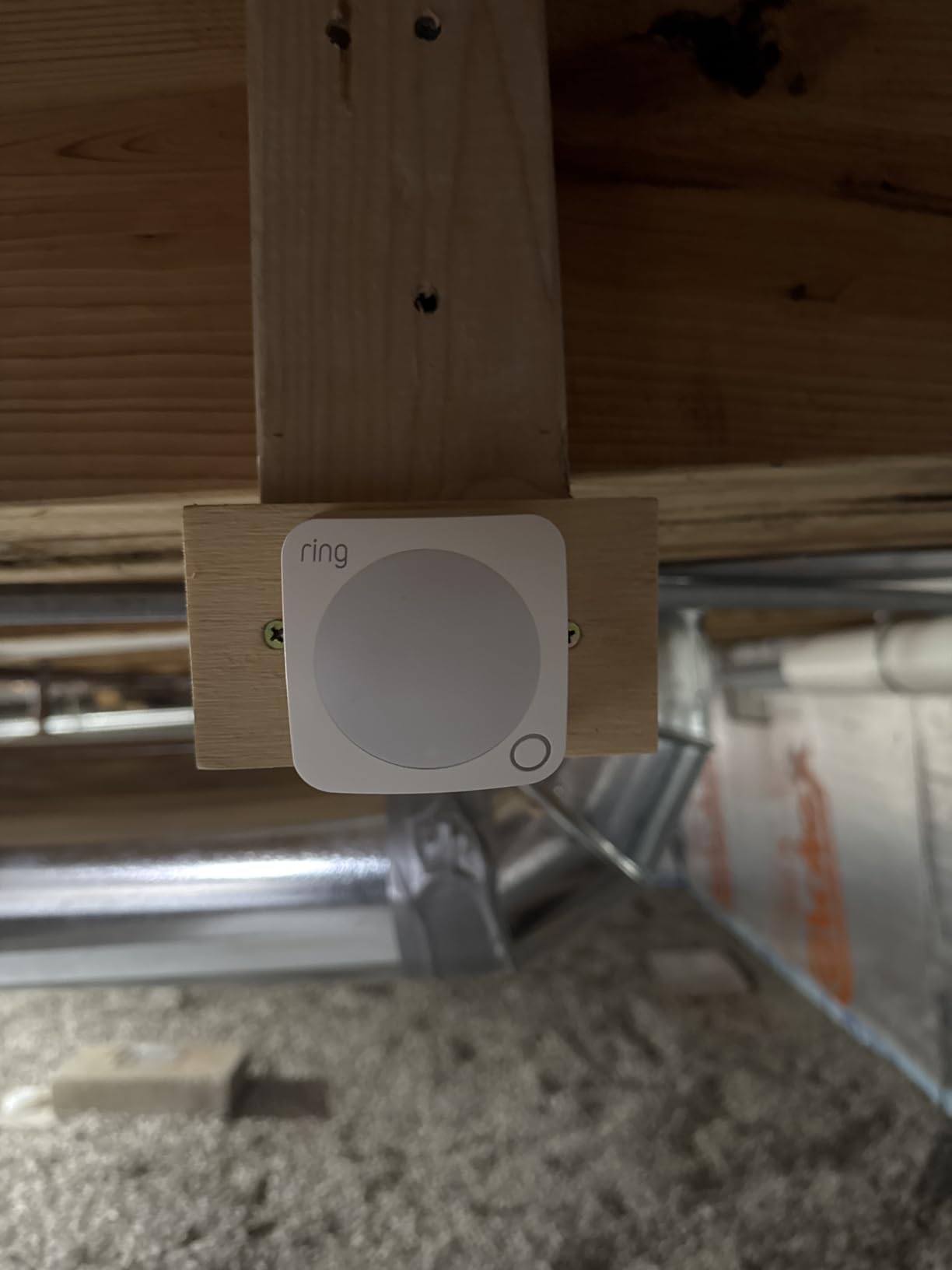
The 14-piece kit works with Alexa, Ring cameras and doorbells, and a small set of Z-Wave locks. It does not work with Google Home routines or Apple HomeKit directly. If you already own Ring doorbells or stick-up cams, this kit is the natural fit.
Battery life on the contact sensors is rated at 3 years, and the motion detectors last about 2 years on the included CR123A cells. I have had the system running for 8 months without a single low-battery warning.
2. Ring Alarm 8-Piece Kit — Best Value Kit for Apartments and Small Homes
Ring Alarm 8-Piece Kit (newest model), Home or business security system with optional 24/7 professional monitoring
- Lower price for smaller homes
- Same Ring app and monitoring
- No long-term contract
- Z-Wave reliability
- Alexa routines
- Pre-synced sensors
- No glass break sensor
- Limited third-party integration
- QR setup can be finicky
The 8-piece kit is the same brain as the 14-piece, just with fewer sensors. I tested it in a 950-square-foot condo, and four contact sensors plus one motion detector covered every door and the main living area without a single blind spot. At under $250, it is the cheapest path to Ring’s monitoring service.
With 17,993 reviews and a 4.7 average rating, this is the most battle-tested kit on this list. The sensors ship pre-synced to the base station, so the app walks you through placement and pairing in well under 30 minutes. I particularly liked that I could peel-and-stick the contact sensors without drilling, which matters for renters.
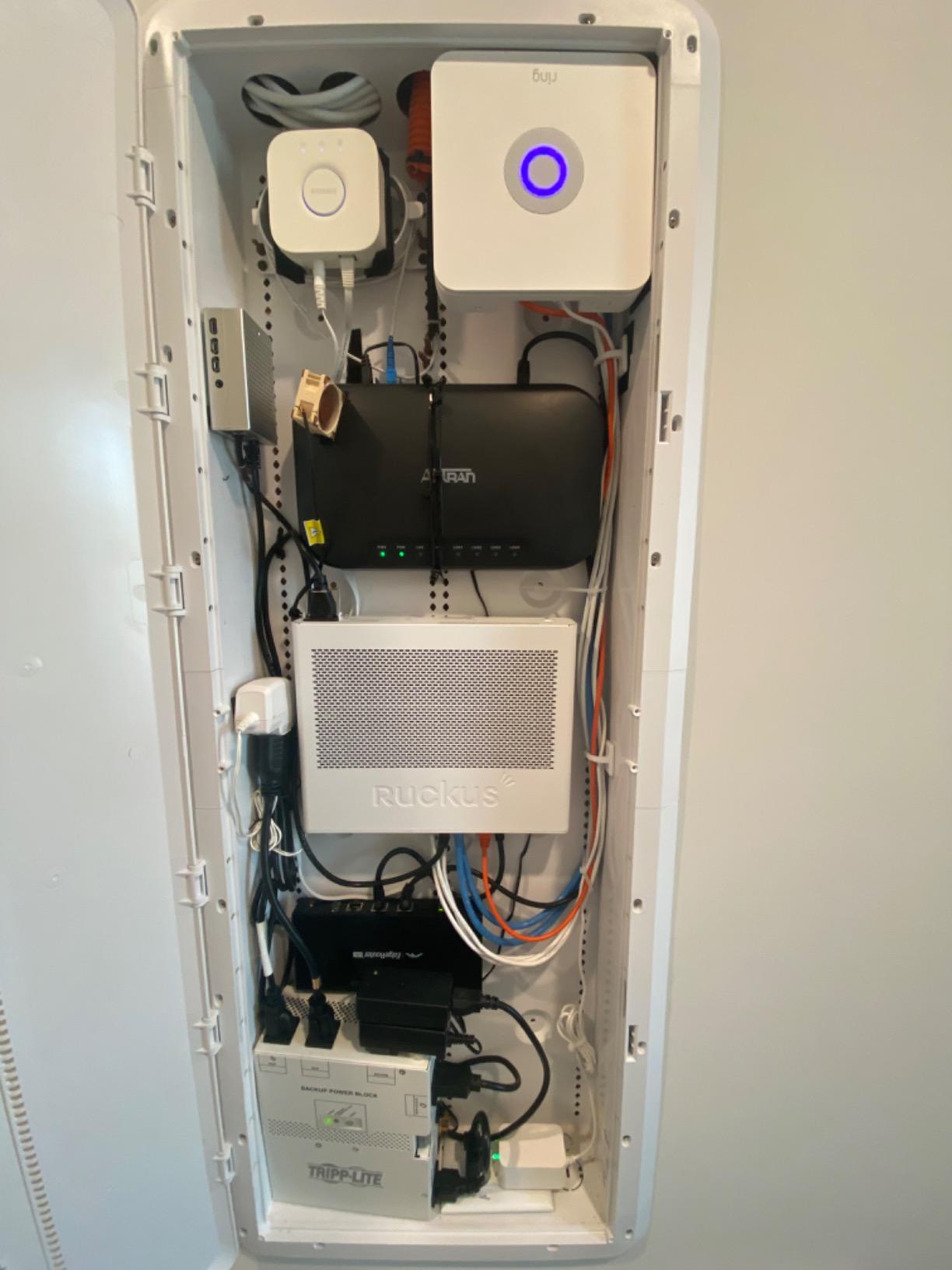
The biggest compromise is that you only get one motion detector. In my condo test, the PIR coverage was fine for the open living-dining area, but I needed an extra motion sensor for the hallway. The 8-piece kit also lacks any environmental sensor, so plan to add a separate water leak detector near the kitchen and bathroom.
Who should pick this over the 14-piece
If you live in a 1-2 bedroom apartment or small home with fewer than 4 exterior doors, the 8-piece kit is the smarter buy. You can always add Ring sensors later as needed. The 14-piece is worth it for larger homes or multi-story layouts where you want coverage on every window.
If you already have a smart home hub and want deep HomeKit or Home Assistant integration, neither Ring kit is the right call. Look at Aqara or YoLink instead.
3. ecobee SmartSensor 2 Pack — Best Occupancy and Temperature Sensor
- Works with HomeKit
- Alexa
- SmartThings
- Built-in temperature sensor
- Occupancy saves HVAC costs
- 3-year warranty
- Easy magnetic mount
- Only works with ecobee thermostats
- Wi-Fi range limited to 60 ft
- Batteries drain faster than spec
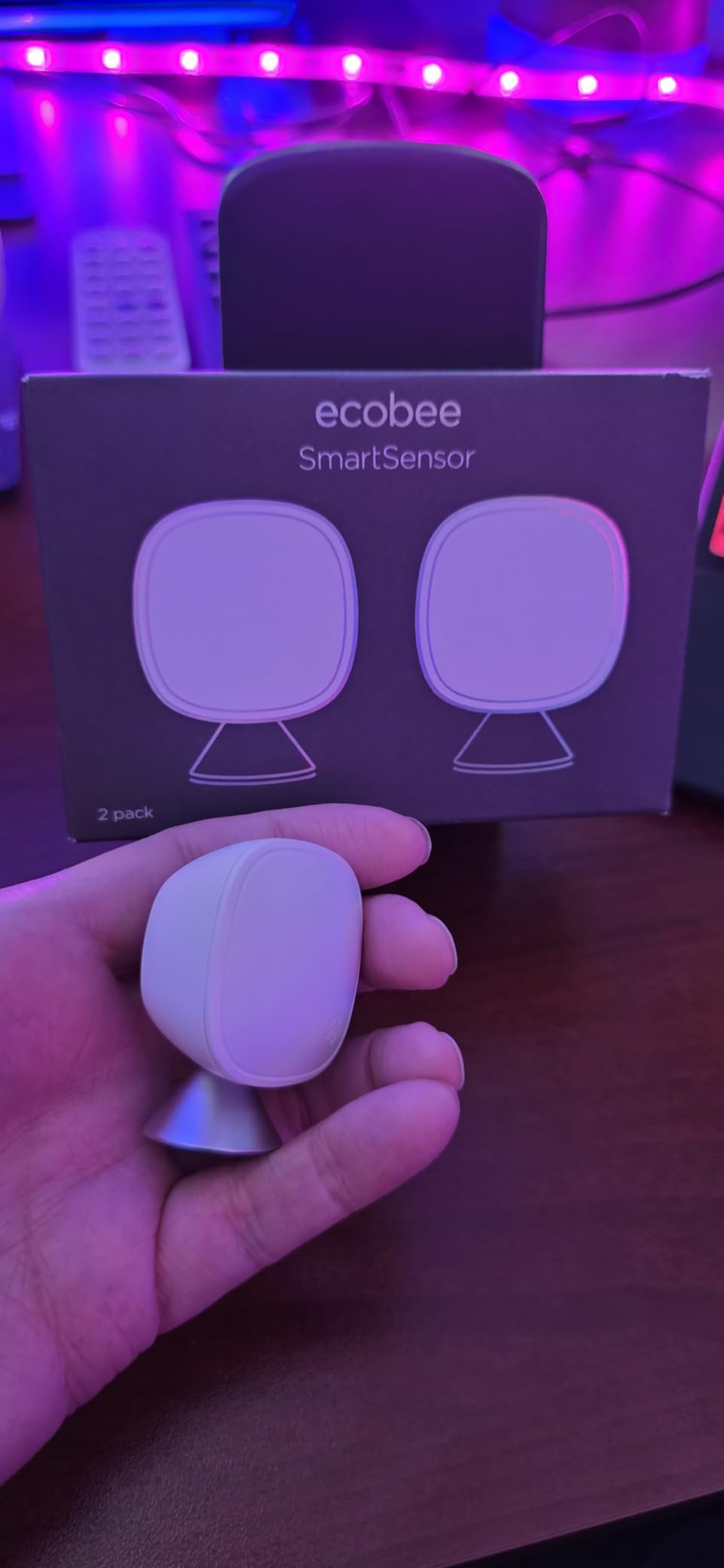
The ecobee SmartSensor is the rare sensor that pulls double duty as a security device and an HVAC tool. I installed the 2-pack in my upstairs bedrooms to monitor for unexpected motion overnight and to feed temperature data back to my ecobee thermostat. The Smart Security mode sends a push notification if motion is detected when the system is armed and nobody is home.
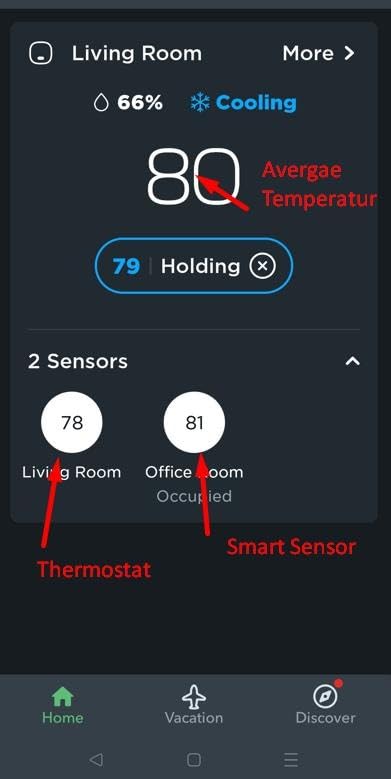
What sets this sensor apart is ecosystem breadth. It works with Apple HomeKit, Amazon Alexa, Google Assistant, and Samsung SmartThings out of the box. That is the widest compatibility of any sensor on this list. If you are running a mixed-brand smart home, the ecobee sensor slides in without forcing you to pick a side.
The biggest catch is that it only works with ecobee thermostats. You cannot use it standalone. So if you do not already own an ecobee, this is a $100 add-on, not a $100 starter. Battery life is rated at about 2 years but I have seen reports of faster drain in cold climates. The 60-foot range through walls is realistic for a typical wood-frame home.
Best use cases for occupancy sensors
Occupancy detection is genuinely useful for three scenarios: turning off HVAC in empty rooms (saves 5-15% on energy bills), triggering lights when someone walks into a dark hallway, and detecting unexpected motion when the house is supposed to be empty. The ecobee sensor handles all three.
For pure security use, I prefer dedicated PIR motion sensors because they have faster trigger response. The ecobee sensor polls every 15 minutes when idle, which is fine for HVAC but slow for break-in detection.
4. Aqara Zigbee Door and Window Sensor 3 Pack — Best Compact Contact Sensors
Aqara Zigbee Door and Window Sensor 3 Pack, Wireless Mini Contact Sensor
- Smallest footprint on the market
- 3-year typical battery life
- Built-in temperature sensor
- HomeKit compatible
- Works with Home Assistant via Zigbee2MQTT
- Affordable 3-pack
- Requires Aqara Hub
- Non-standard Zigbee quirks
- Not SmartThings compatible
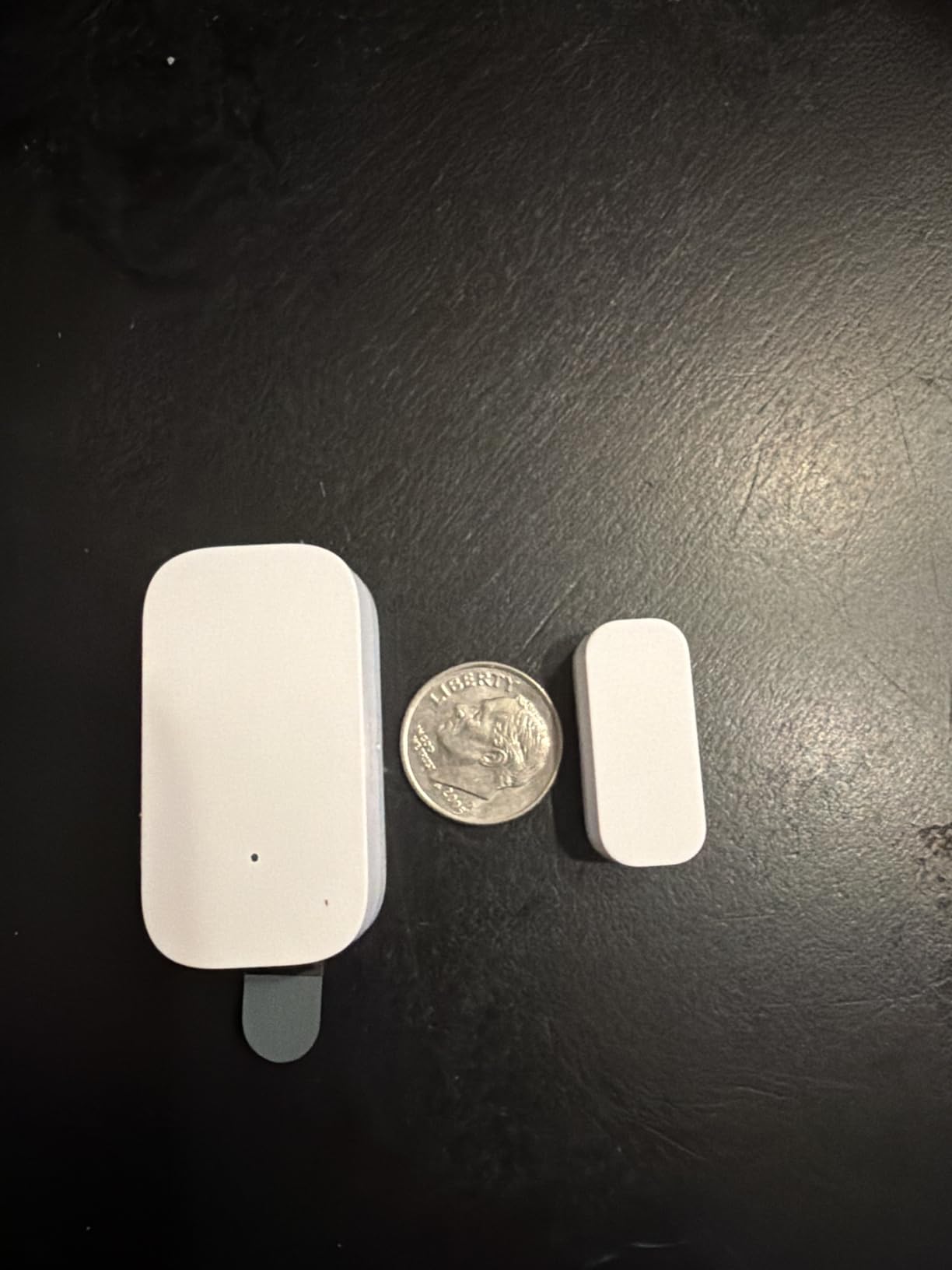
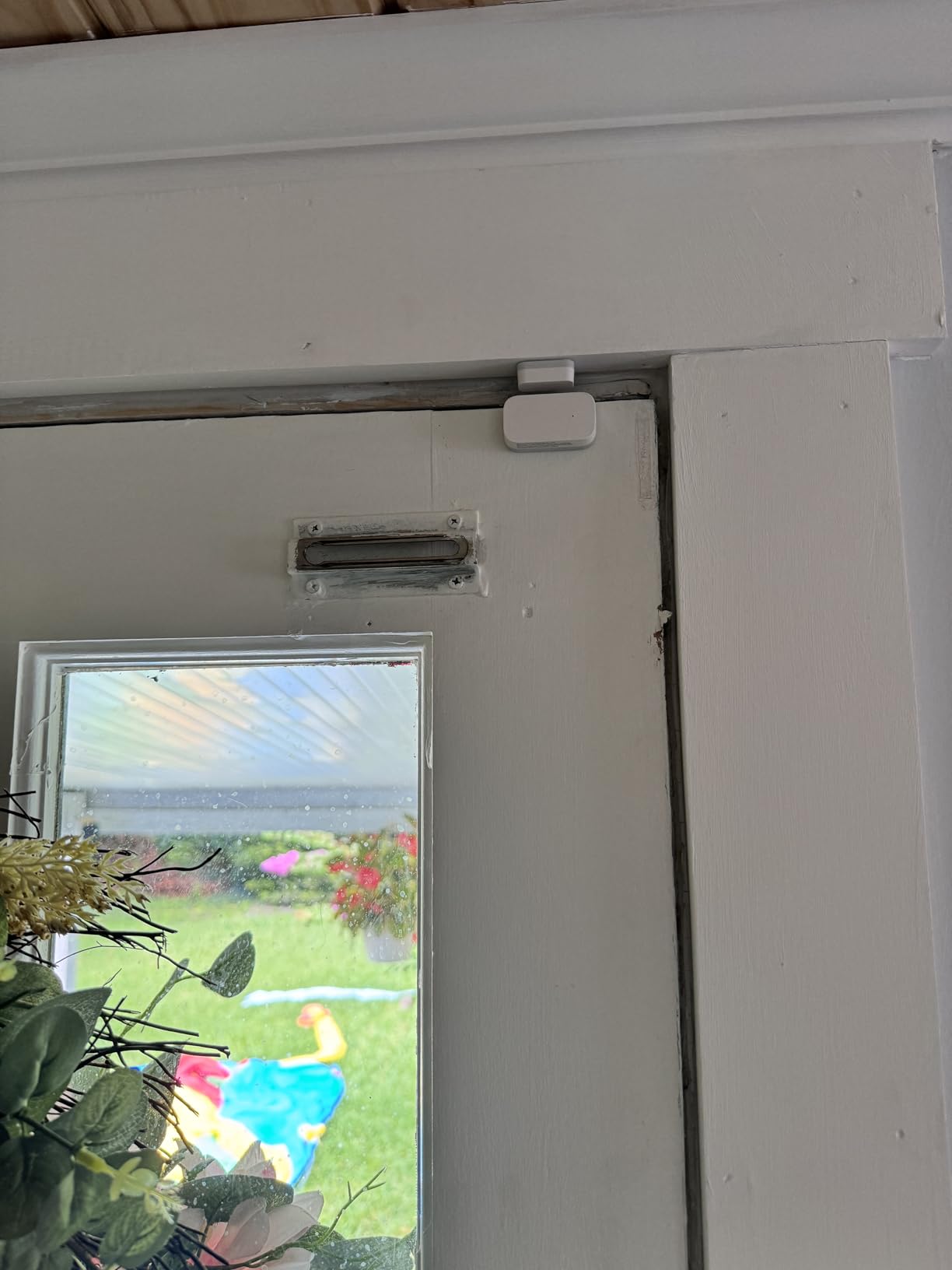
Aqara makes the smallest contact sensors I have installed. At 1.61 x 0.86 x 0.43 inches, the units disappear on white door frames. I put the 3-pack on my front door, back door, and garage entry, and the only way guests noticed them was when I pointed them out. The built-in temperature sensor is a quiet bonus for monitoring server closets or nurseries.
Setup is straightforward if you own an Aqara Hub. The sensors pair in about 10 seconds each through the Aqara app, and then Apple Home picks them up automatically. I tested them in a HomeKit setup and the open/close status updated within 1-2 seconds on my iPhone. That speed matters when you are arming routines.
The downside is hub dependency. Without an Aqara Hub, these are expensive paperweights. They also use a non-standard Zigbee implementation, which means they may not pair directly with generic Zigbee hubs like SmartThings. Home Assistant users can get them working through Zigbee2MQTT, but expect to spend an afternoon tweaking.
Who should buy Aqara contact sensors
HomeKit users who want invisible sensors that just work in Apple Home. Aqara’s HomeKit support is the most reliable I have tested, and the 3-year battery life means you can install and forget them.
Skip these if you are on a budget and do not already own an Aqara Hub. The hub adds about $60 to your total cost, which negates the 3-pack savings.
5. YoLink LoRa Smart Door Sensor Starter Kit — Best Long-Range Wireless Sensors
- Industry-leading 1/4 mile range
- 5-year battery life
- No monthly fees ever
- Device-to-device pairing without internet
- Works through metal and concrete
- Door-left-open reminders
- Setup takes patience
- Adhesive mounting only
- No HomeKit
- Notification delay up to 10 seconds
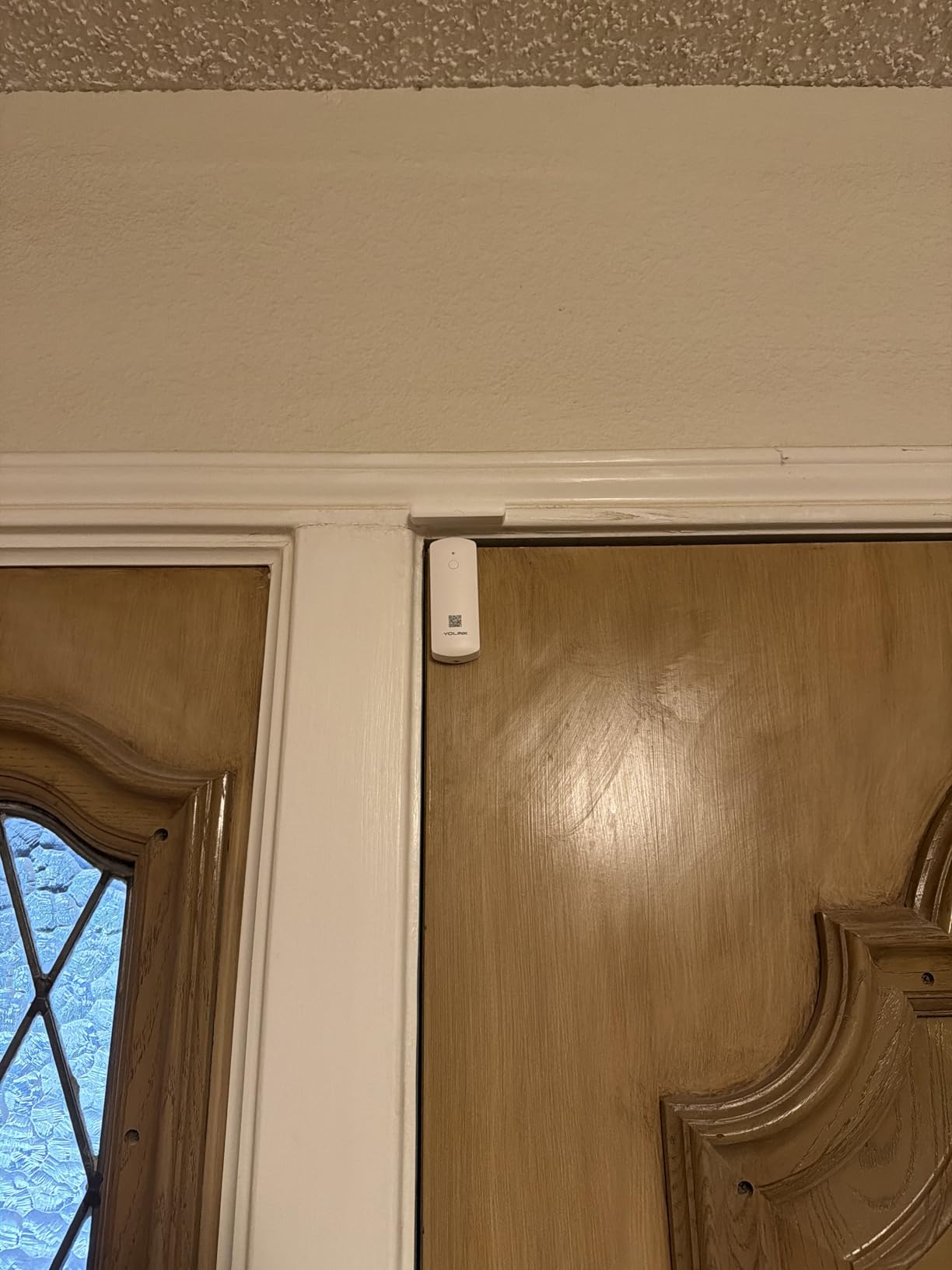
YoLink’s LoRa sensors are the answer to the most common complaint in r/homeautomation: “My Wi-Fi sensors do not reach my detached garage.” I tested the door sensor starter kit with the hub in my basement and the sensors in a detached metal workshop 280 feet away. They paired instantly and have not dropped a signal in four months.
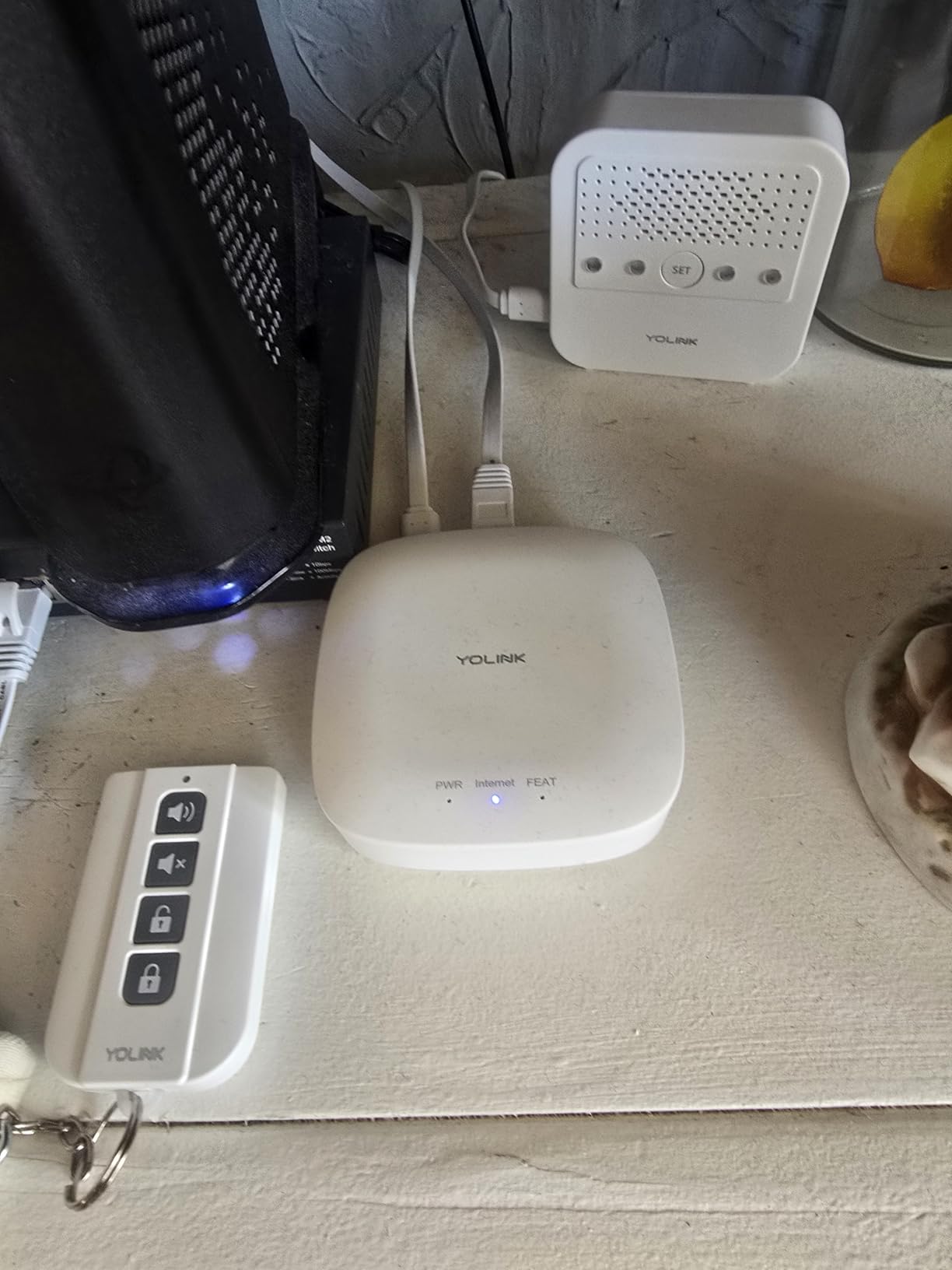
The 1/4 mile open-air range claim is real. LoRa at 900 MHz punches through walls, floors, and metal buildings that defeat Wi-Fi and Zigbee. The 5-year battery life means I will probably forget where I installed them by the time they need new cells. There are no monthly fees, ever. YoLink makes money on hardware, not subscriptions.
The catch is ecosystem support. YoLink works with Alexa, IFTTT, and Home Assistant, but there is no Apple HomeKit integration. The app is functional but rough around the edges compared to Aqara or Ring. Notification delays can hit 10 seconds in some setups because LoRa is optimized for range over speed.
Best use cases for LoRa sensors
Large properties, detached garages, barns, workshops, metal-roofed buildings, and anywhere Wi-Fi cannot reliably reach. If you have ever run a Wi-Fi extender just to make a smart sensor work, LoRa will feel like a miracle.
Skip YoLink if you want a polished app experience or HomeKit integration. The ecosystem is improving, but it is still aimed at tinkerers more than casual users.
6. Tapo Door Sensor Starter Kit — Best Matter-Compatible Contact Sensor Kit
- Matter-certified universal compatibility
- 90dB built-in chime
- 2-year battery life
- Hub supports 64 sensors
- Syncs with Tapo cameras
- Real-time notifications
- Adhesive repositioning needs new tape
- No battery percentage indicator
- Some hub Wi-Fi setup hiccups
The Tapo Matter kit is what I recommend to anyone starting fresh in 2026 who wants future-proof sensors. Matter is the new universal smart home standard, and Tapo is one of the first contact sensor kits certified for it. I paired the sensors with Apple Home, Google Home, and Alexa from the same hub without re-pairing.
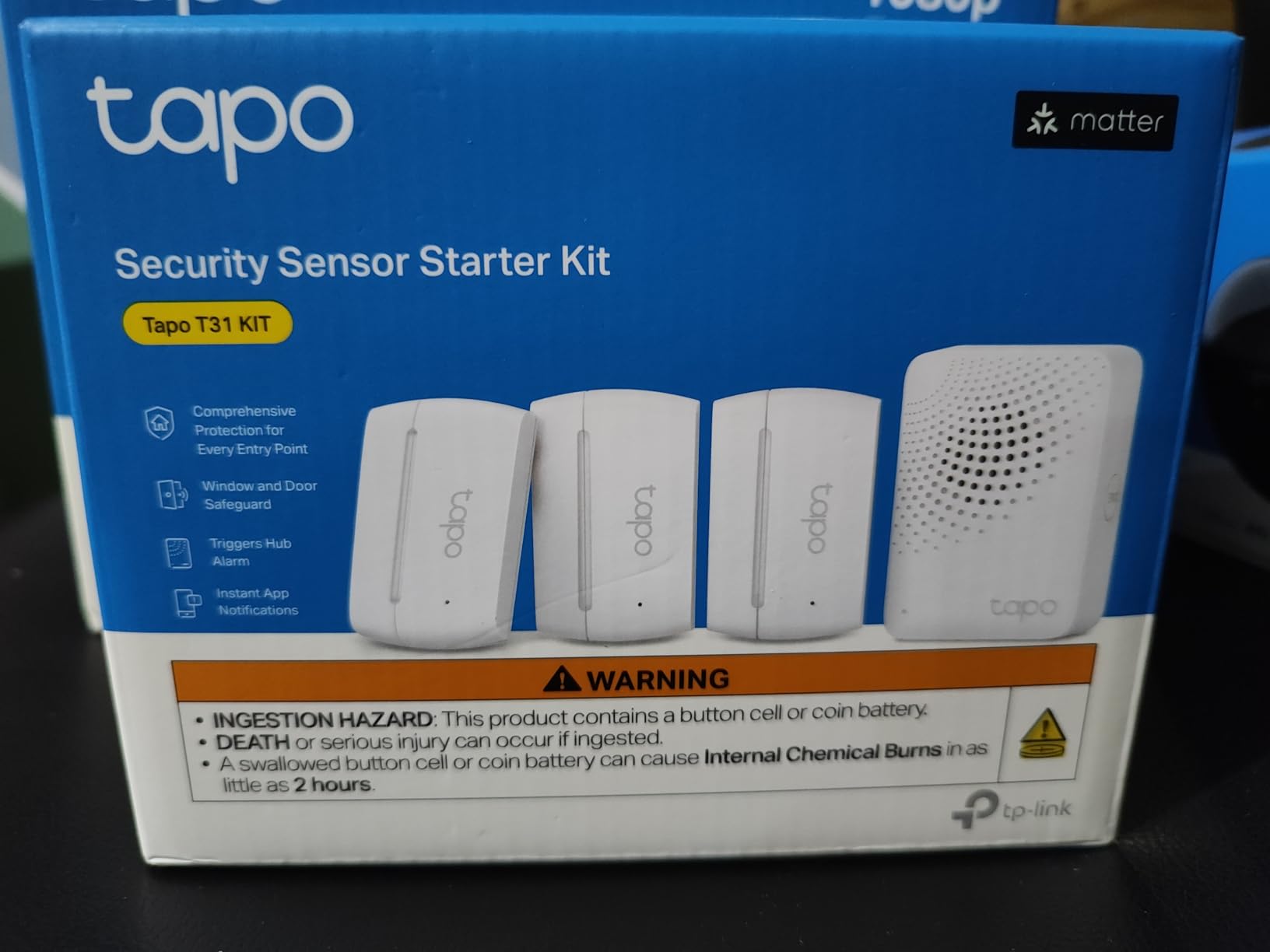
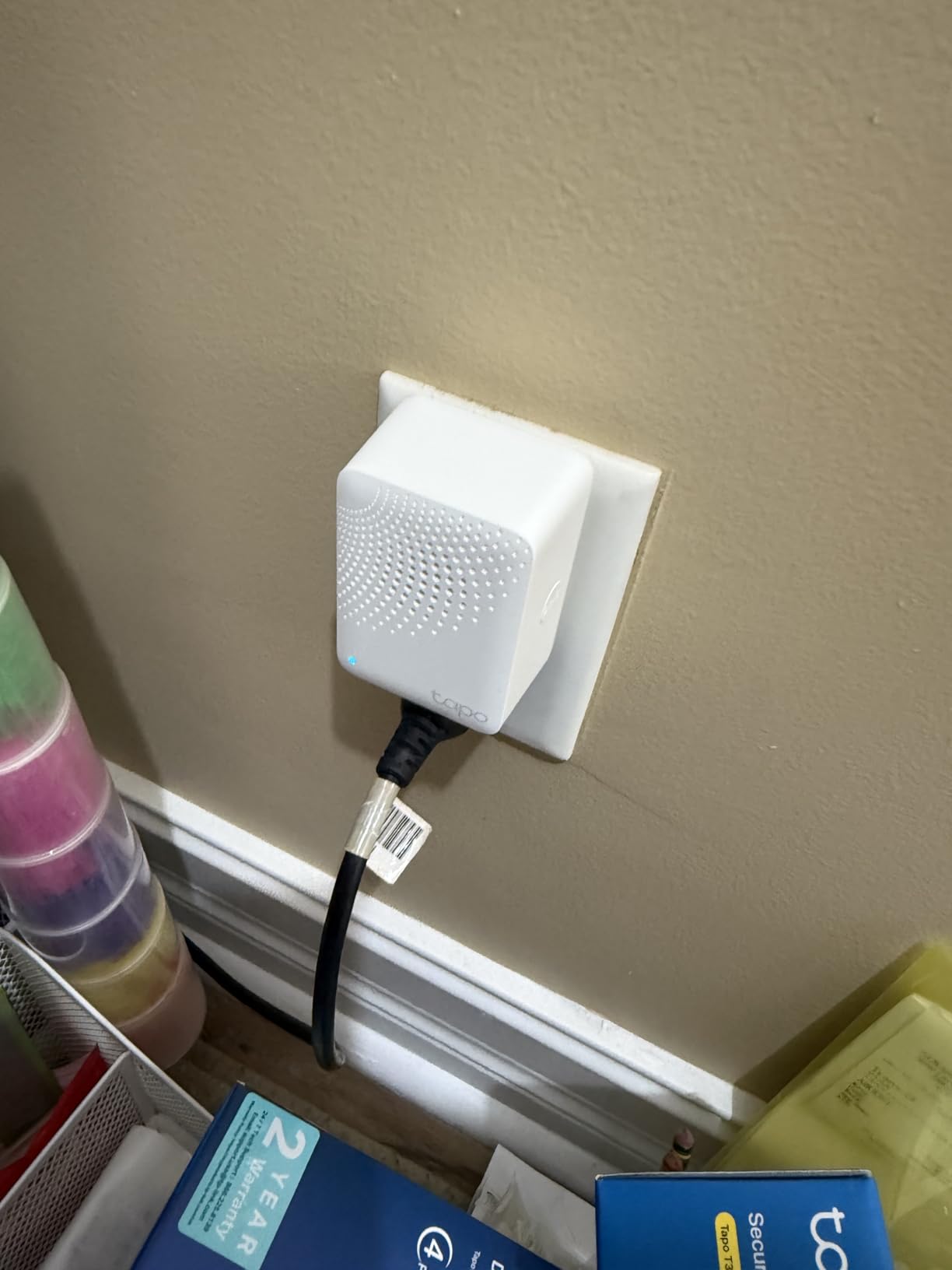
The hub has a built-in 90 dB chime, which means the kit doubles as an audible alarm. When a window opens while the system is armed, the hub chirps and pushes to your phone. You can adjust the chime volume or disable it entirely from the Tapo app.
Battery life is rated at 2 years, which is solid for a Wi-Fi-connected sensor. The hub supports up to 64 sensors, so you can scale this kit across a whole house without buying additional hubs. The main annoyance is that repositioning the adhesive requires new 3M tape, and the app does not show a precise battery percentage.
Matter protocol deep dive
Matter is the open-source smart home protocol backed by Apple, Google, Amazon, and Samsung. It runs over Wi-Fi, Thread, or Ethernet and lets devices from different manufacturers talk to each other natively. In practical terms, a Matter sensor can appear in Apple Home, Google Home, Alexa, and SmartThings simultaneously.
Matter is not perfect yet. Some hubs need firmware updates to expose every feature, and advanced automations still require the manufacturer’s app. But for sensors like door contacts, where the on/off status is the main data point, Matter is the right choice.
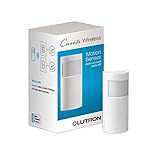
7. Lutron Caseta Motion Sensor — Best Motion Sensor for Lighting Automation
Lutron Caseta Smart Lighting Auto On/Off Wireless Occupancy Motion Sensor
- 10-year battery life
- 180-degree field of view
- 3x better fine motion detection
- Lights respond in under 1 second
- No wires required
- Works with 3-way switches
- Requires Lutron Caseta Hub
- No IP rating for outdoors
- Limited third-party automation
- No scheduled activation
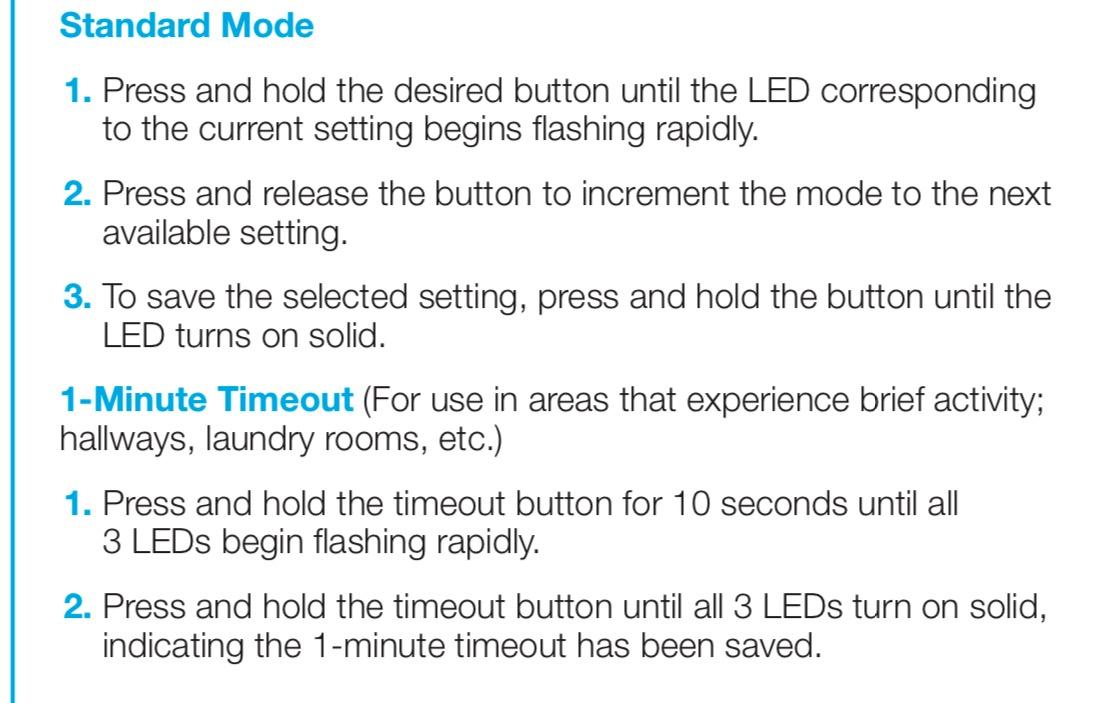
Lutron’s motion sensor is the secret weapon of my lighting setup. The 10-year battery life is not marketing fluff. I installed one in my entryway in 2026, and the CR123A cell still shows full charge. The 180-degree field of view covers the entire hallway and the front door, and the fine-motion detection catches me reaching for a light switch instead of walking through the room.
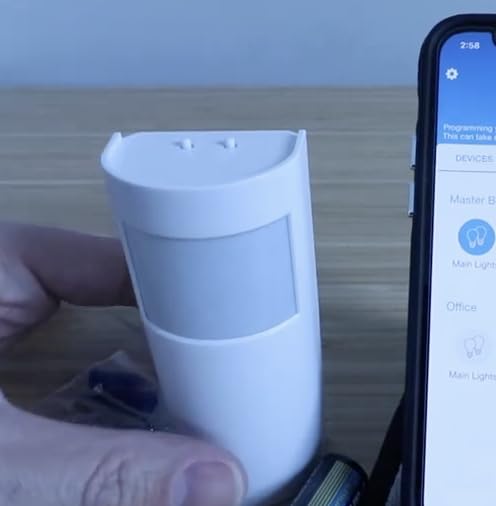
What makes this sensor special is response time. My hallway lights click on in under 1 second when I walk past at night. That sounds trivial until you have used motion sensors with 3-5 second delays. The Lutron sensor pairs with Caseta dimmers, switches, and fan controls to trigger scenes at preset light levels.
The catch is the Caseta Hub requirement. If you do not already own Caseta switches, this sensor alone is not useful. The unit also lacks an IP rating, so it is indoor-only. And there is no scheduled activation, so you cannot tell it to disable during certain hours.
Who should buy Lutron motion sensors
Anyone who already runs Lutron Caseta lighting. Adding the motion sensor is the cheapest way to upgrade from app-controlled to fully automated lights. The 10-year battery means you install it once and forget it.
Skip this if you do not own Caseta switches yet. The total cost (hub + sensor + switches) climbs fast. For pure security, a cheaper PIR sensor like the YoLink motion sensor is a better starting point.
8. YoLink LoRa Smart Motion Sensor — Best Budget Long-Range Motion Sensor
- Lowest cost entry into LoRa ecosystem
- 1/4 mile range through walls and floors
- Quick QR code pairing
- Alexa and IFTTT compatible
- Works with Home Assistant
- No Wi-Fi required
- Requires YoLink Hub
- No swivel mount
- 1-hour polling cycles
- SpeakerHub Wi-Fi only
At $22.79 per sensor, the YoLink LoRa motion detector is the cheapest way to add long-range motion sensing to a smart home. I dropped two of them in my detached garage and basement stairwell where Wi-Fi struggles. Both paired with my existing YoLink hub in under 60 seconds.
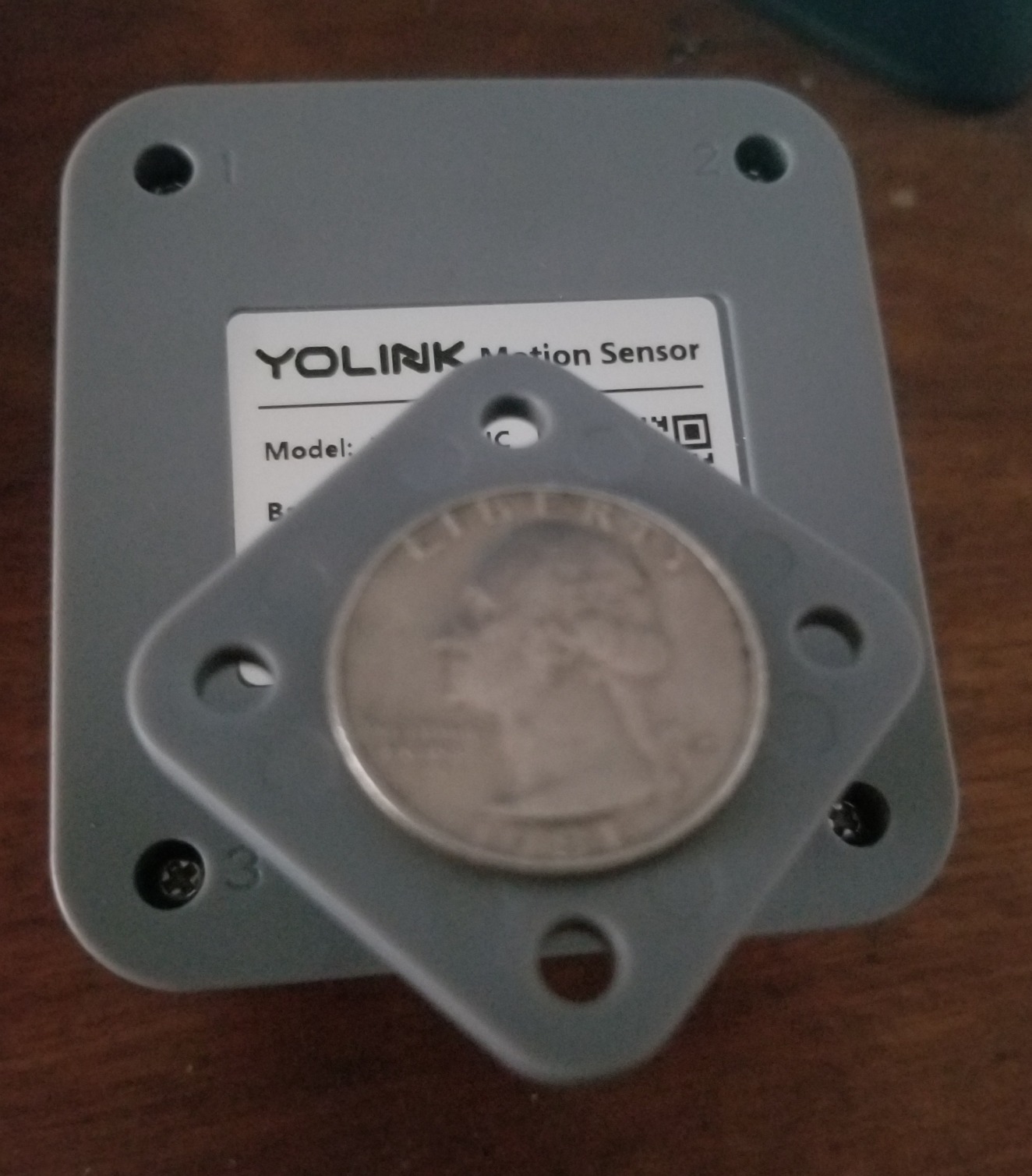
The sensor runs on two AAA batteries (included) and is rated for 2 years of typical use. The magnet mount and 3M tape let me install it on a ceiling beam without tools. The QR code on the back speeds up pairing in the YoLink app.
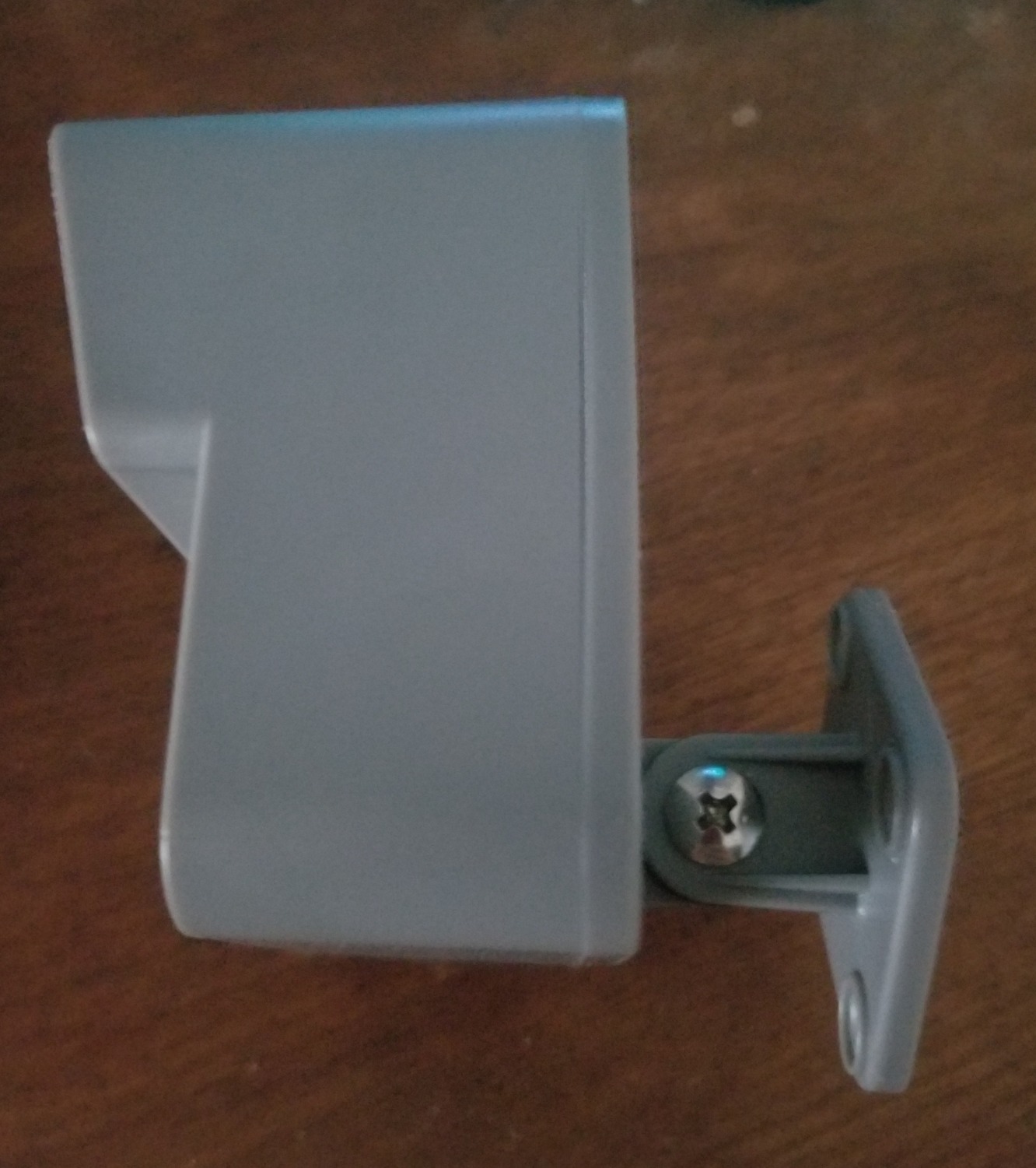
The two real weaknesses are polling speed and mount flexibility. YoLink’s motion sensor pings the hub once per hour when idle to save battery, which means the first motion after a long quiet period can take 1-2 seconds to register. The fixed mount also cannot swivel side to side, so I had to be careful about placement angle.
Best placement for budget motion sensors
Garages, basements, attics, sheds, and outbuildings where Wi-Fi is unreliable. The LoRa signal punches through multiple floors and concrete, so the hub can stay inside your main home while sensors live in detached structures.
Skip this if you need instant-on motion detection in a high-traffic area. The 1-hour polling cycle is fine for security but feels sluggish for hands-free lighting.
9. eufy Security 5-Piece Home Alarm Kit — Best for Renters
- No monthly fees for self-monitoring
- Peel-and-stick installation
- Multiple operating modes
- eufyCam ecosystem integration
- Optional 24/7 monitoring
- Customizable PIN codes
- No keychain remote included
- Alarm volume weak in large homes
- HomeBase occasionally needs restart
The eufy 5-Piece Kit is the best choice for renters because it requires zero drilling, zero wiring, and zero monthly fees for the basic features. I installed it in a friend’s duplex rental in about 18 minutes using only the included adhesive pads. When she moved out, the entire system came down in 5 minutes with no wall damage.
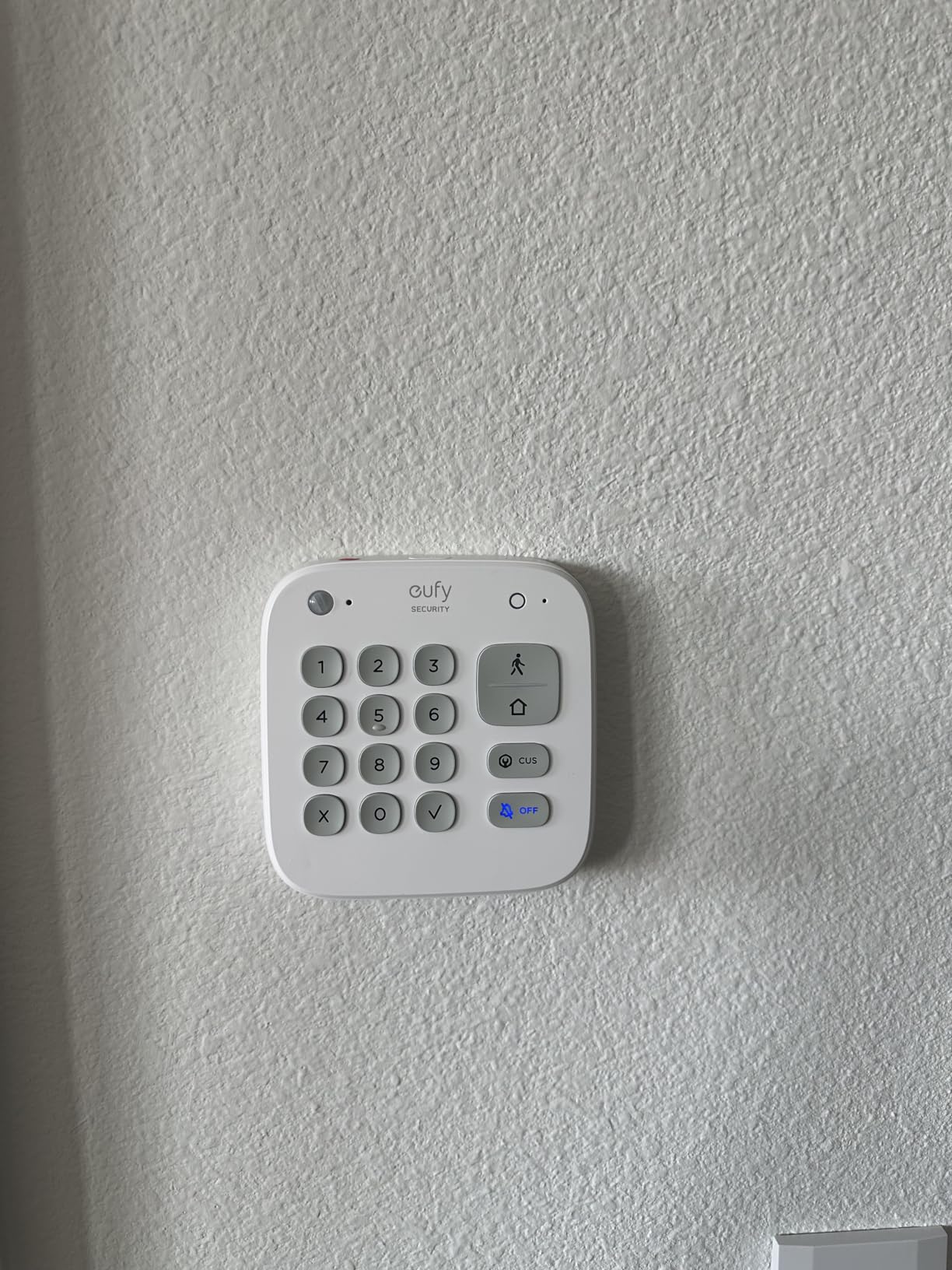
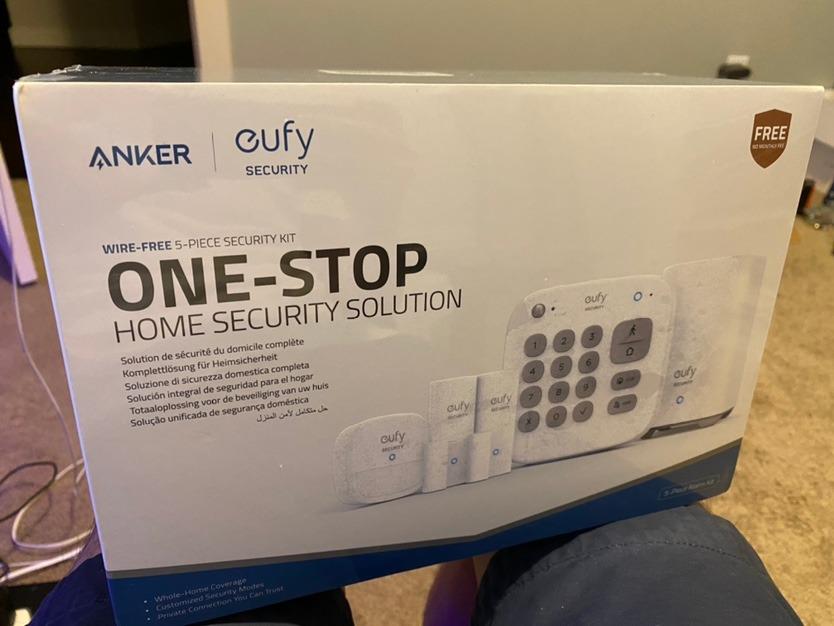
The kit includes a HomeBase, keypad, motion sensor, and two entry sensors. The HomeBase connects to your Wi-Fi router and acts as the local hub, so the entry sensors communicate through eufy’s low-power wireless protocol rather than your home network. That means faster response and longer battery life than Wi-Fi-only sensors.
The alarm volume is the main weakness. In my friend’s 1,100-square-foot duplex, the 100 dB siren was loud enough in the living room but easy to miss in the upstairs bedrooms. Adding a separate eufy siren solved the problem. The HomeBase also occasionally drops offline and needs a manual restart, though firmware updates have reduced this.
Renter-friendly features that matter
No drilling: every component uses 3M adhesive strips that remove cleanly from painted drywall. No wiring: the keypad runs on AA batteries, so you can stick it anywhere. No contract: eufy’s professional monitoring is month-to-month and optional.
Skip this if you have a multi-story home with thick walls. The HomeBase wireless range is about 100 feet, so larger homes need a repeater or a different system.
10. GoveeLife Smart Water Leak Detector 3 Pack — Best Water Leak Detection
GoveeLife Upgraded Smart Water Leak Detector 1s with High Alarm, 3 Pack
- 1804 ft range through 5 dense walls
- IP67 waterproof rating
- 105 dB loud alarm
- 5-year battery life
- Free SMS
- and app notifications
- Alexa and Google compatible
- 2.4 GHz Wi-Fi only
- No HomeKit
- Occasional gateway connectivity issues
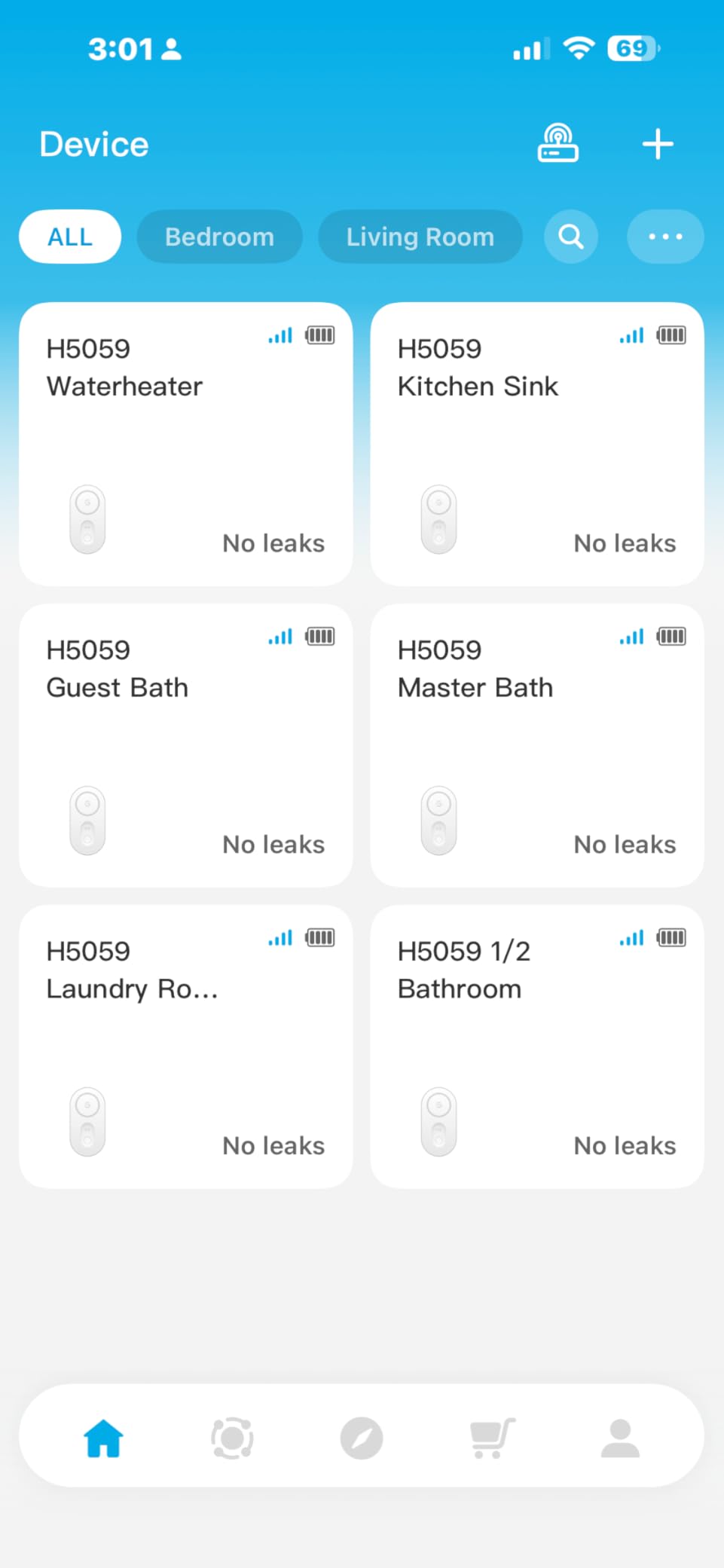
Water leak sensors do not get the same attention as cameras and motion detectors, but they prevent the most expensive type of home damage. A burst water heater or washing machine hose can cause tens of thousands of dollars in damage within hours. I installed the GoveeLife 3-pack near my water heater, under the kitchen sink, and behind the washing machine.
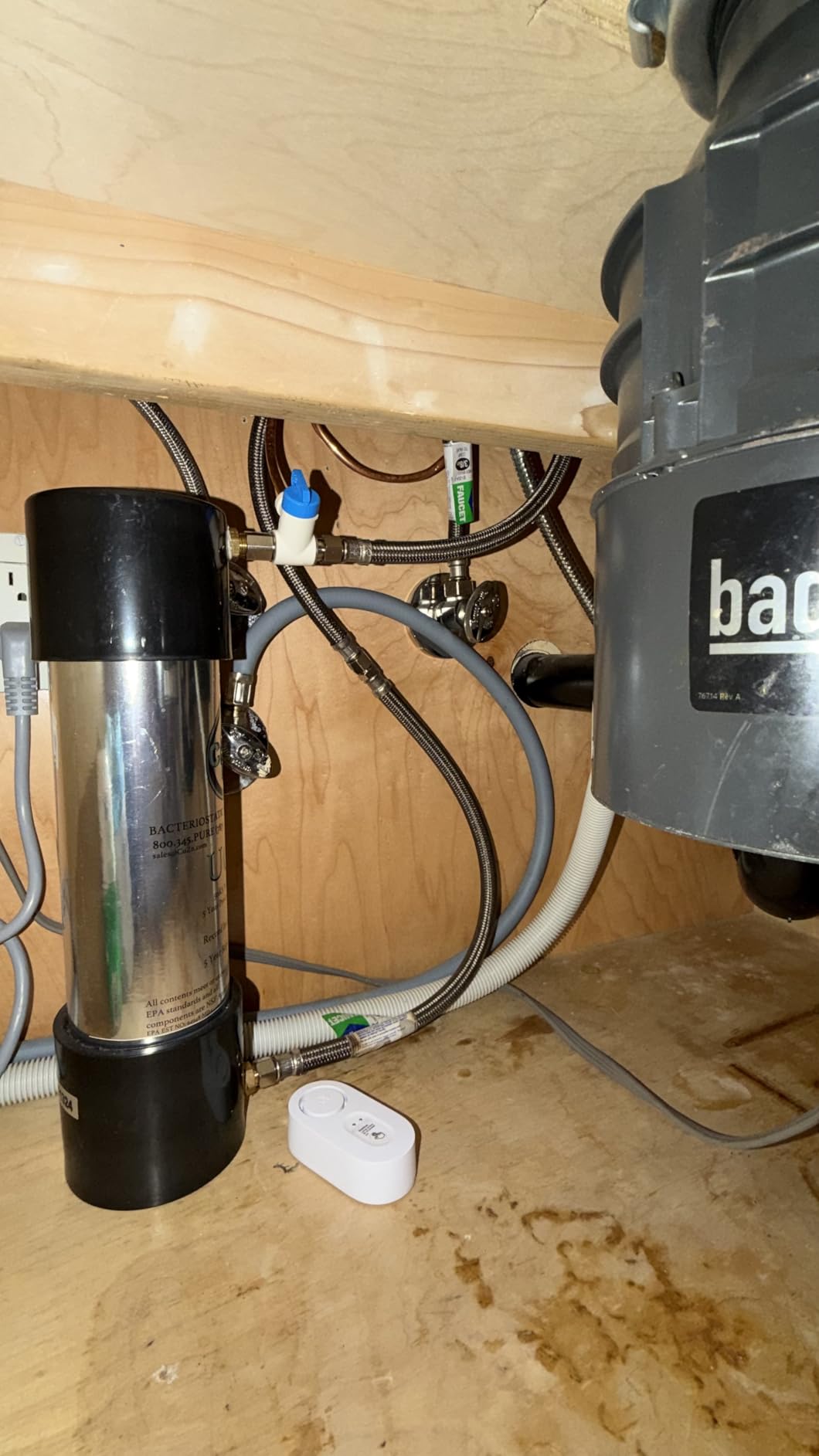
The 1804-foot wireless range is overkill for most homes, but it means the gateway can sit next to your router while the sensors live in a detached basement or garage. The 105 dB alarm is loud enough to wake me up at night, and the app pushed a test notification in under 3 seconds.
The gateway only supports 2.4 GHz Wi-Fi, which is normal for IoT devices but worth noting if your router is set to 5 GHz only. There is no HomeKit support, and the gateway occasionally loses connection after power outages. Both are minor annoyances given the price and coverage.
Where to place water leak sensors
Water heater pan, under every sink (kitchen and bathrooms), behind the washing machine, behind the dishwasher, near the refrigerator ice maker, and in the basement near the sump pump. The 5-year battery life means you can install these once and forget them.
Skip the GoveeLife if you only need one or two sensors. The X-Sense 3-pack below is cheaper and nearly as capable for smaller homes.
11. X-Sense Wi-Fi Water Leak Detector — Best Budget Water Leak Kit
X-Sense Wi-Fi Water Leak Detector Kit, 120 dB, 3 Sensors + Base, SWS54
- Setup in under 7 minutes
- 1700 ft transmission range
- Detects 0.4mm water level
- 110 dB loud alarm
- IP66 waterproof
- 5-year warranty
- Family sharing
- 2.4 GHz Wi-Fi only
- App shows upsell reminders
- Audio alarm cannot be disabled in app
The X-Sense SWS54 kit is the cheapest reliable water leak detection I have tested. The 3-pack plus base station costs less than a single mid-range smart contact sensor, and the 110 dB alarm is genuinely loud. I placed one under my kitchen sink and one behind the washing machine, and both pushed notifications to my phone within 2 seconds of contact with water.
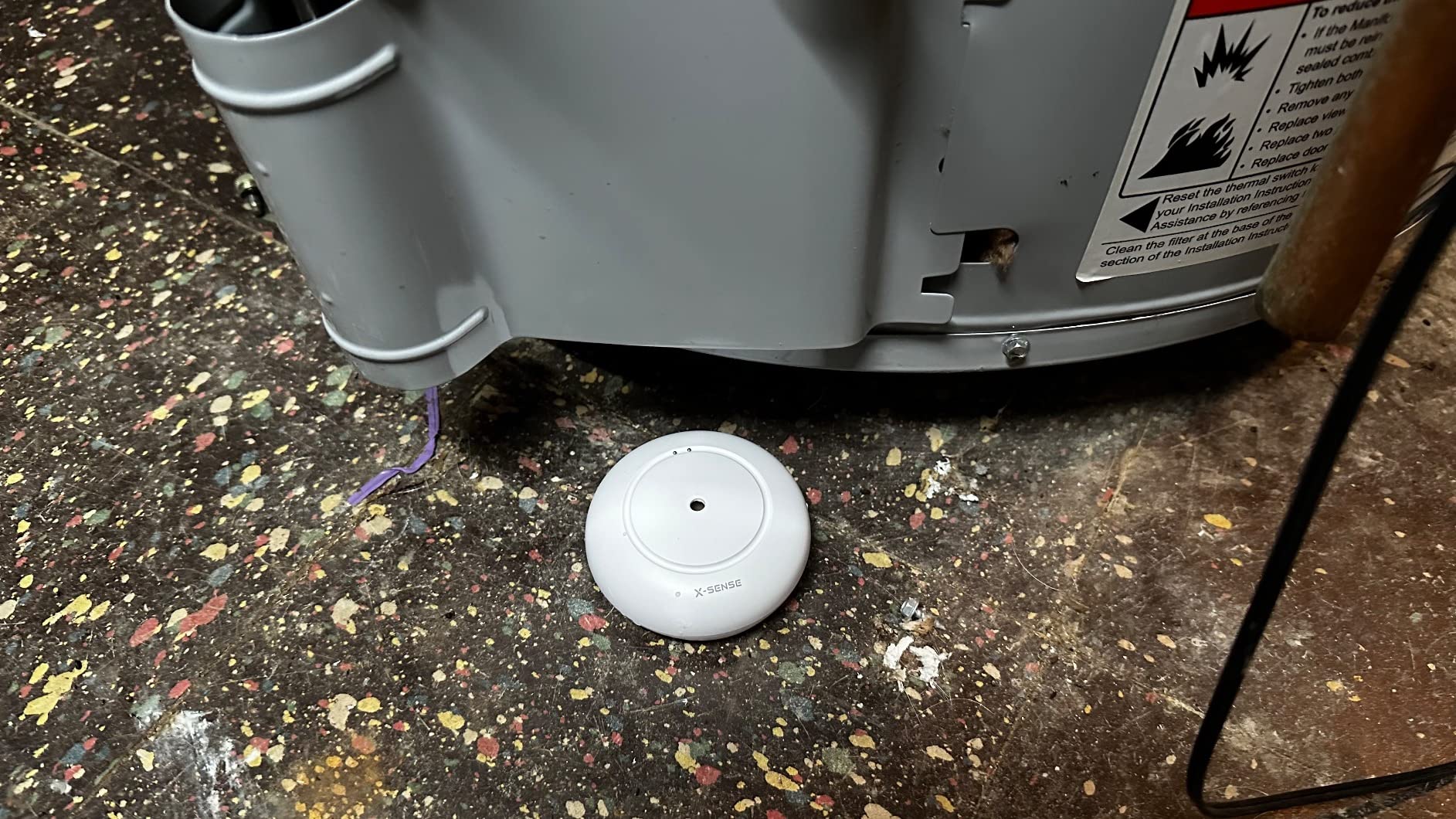
Setup took less than 7 minutes from box to working sensors. The X-Sense app guides you through Wi-Fi pairing and lets you add family members for shared alerts. The 0.4mm minimum water detection threshold is sensitive enough to catch slow drips before they become floods.
The app has a few rough edges. There are occasional upsell reminders for X-Sense’s smoke and CO detectors, and you cannot silence the audible alarm from the app. You have to physically dry the sensor or remove the battery to silence it. Neither is a deal-breaker at this price.

Why water leak sensors are worth it
The average water damage claim is over $11,000, and most homeowner insurance policies do not cover the full cost. A $40 water leak sensor pays for itself the first time it catches a slow leak from a failed supply line.
Skip this if you already own a smart home hub with leak sensor support (SmartThings, Hubitat). Native hub integration gives you more automation options. The X-Sense kit is best for standalone use.
12. Kidde Smart Smoke and Carbon Monoxide Detector — Best Smart Smoke and CO Detector
- 25% faster smoke detection
- Wire-free interconnectivity
- Ring app real-time alerts
- No wiring needed
- Optional $5/mo Ring monitoring
- Low-level CO alerts
- Alexa integration
- Frequent Wi-Fi disconnections reported
- Customer support inconsistent
- More expensive than traditional detectors
Smart smoke and CO detectors are the most important sensor in this roundup, and the Kidde unit is the best balance of price and features. I replaced my old First Alert combination detector with the Kidde, and the setup took about 3 minutes using the Ring app. The detector pushes real-time alerts for smoke, CO, and low battery to my phone.
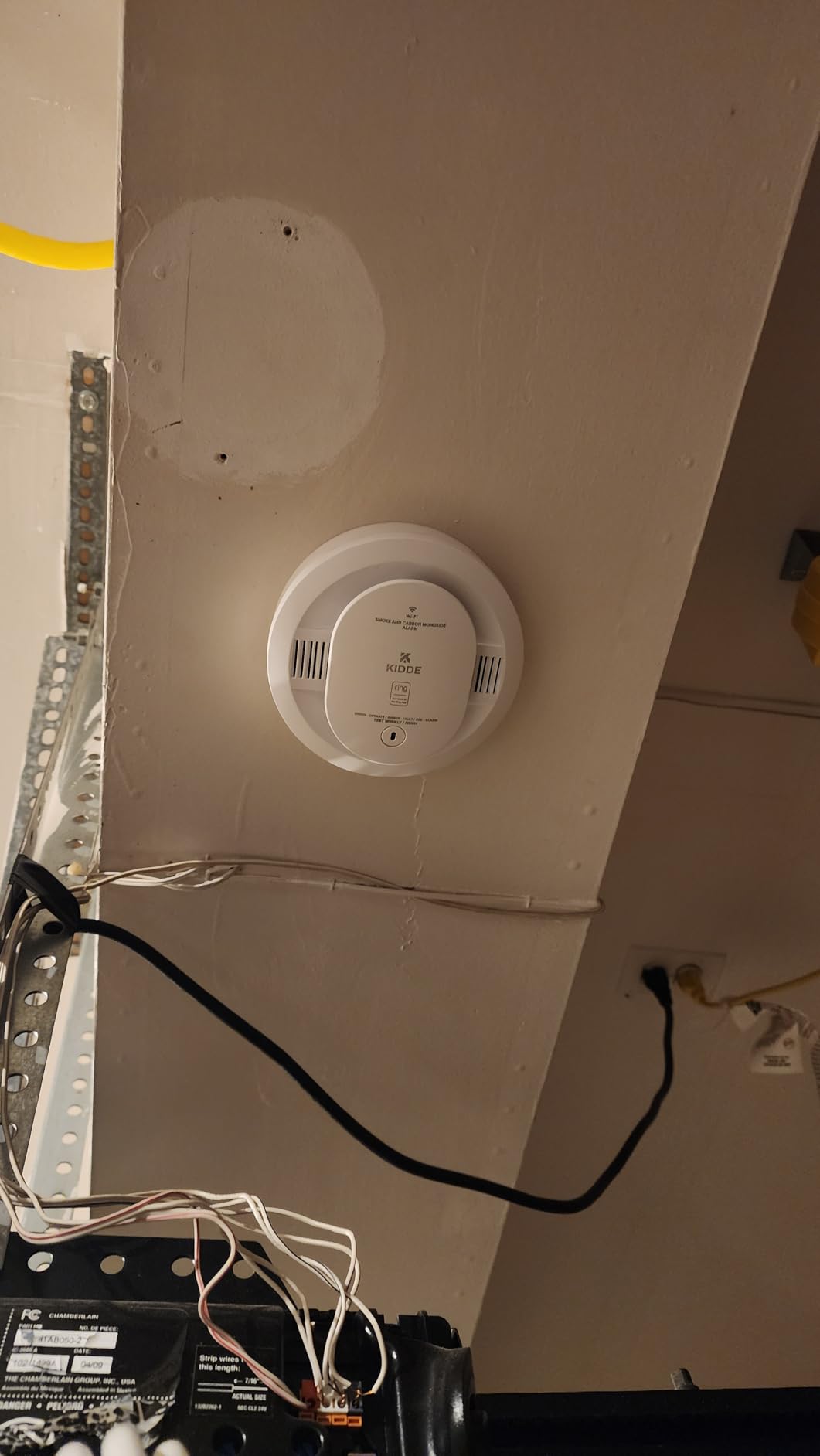
The wire-free interconnectivity is the killer feature. If one Kidde detector senses smoke, every other Kidde alarm in the house sounds simultaneously, even if Wi-Fi drops. That matters because most people die in fires after going back inside to look for family members. Coordinated alarms give everyone more time to evacuate.
The main complaint in user reviews is Wi-Fi disconnection. I experienced one disconnect after a router reboot, and the detector reconnected within 5 minutes. Kidde’s customer support gets mixed reviews, especially for users who do not use the Ring app. If you are already in the Ring ecosystem, this detector is a no-brainer.
Placement recommendations for smoke and CO detectors
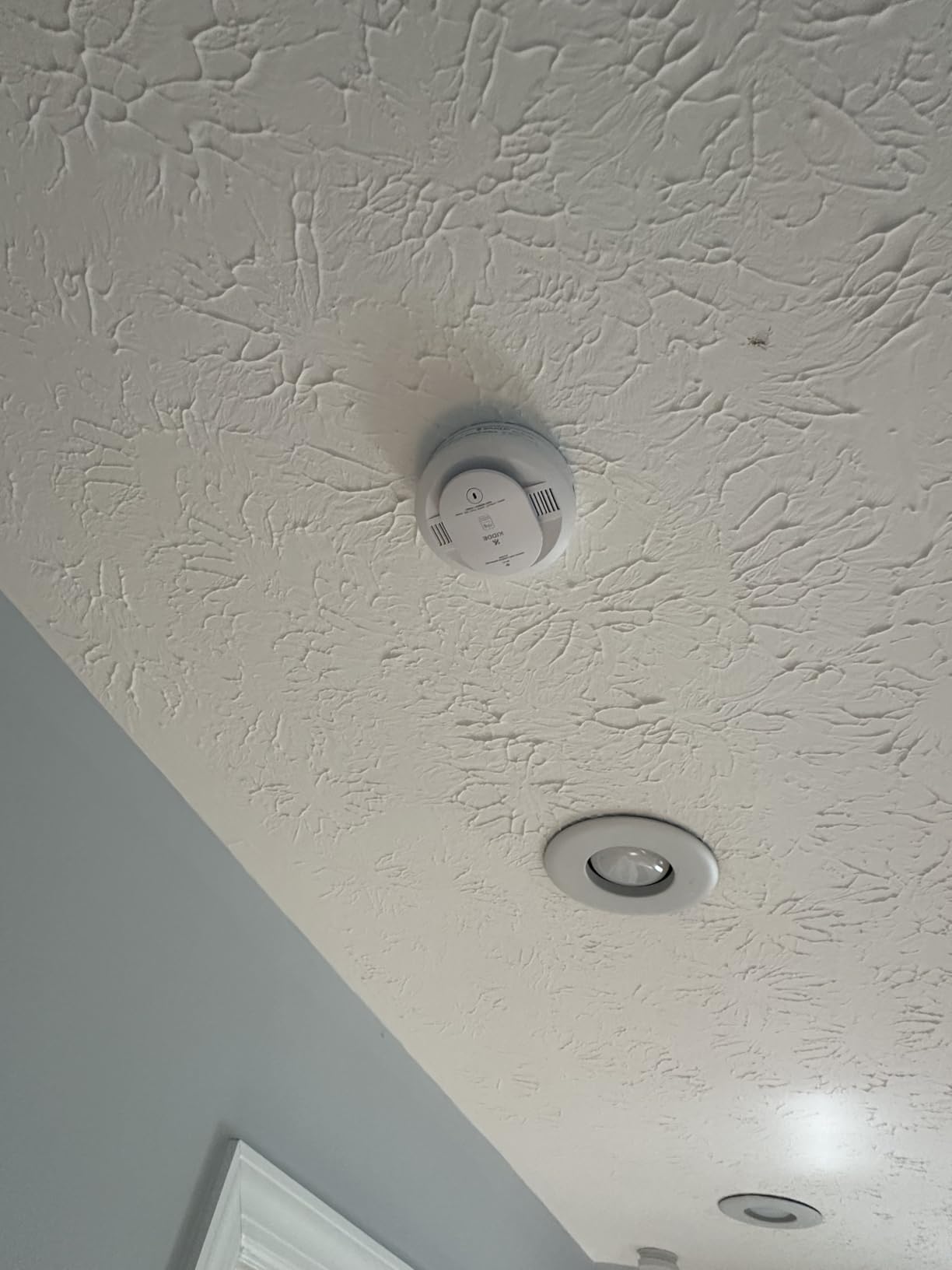
Inside every bedroom, outside every sleeping area, on every level of the home including the basement, and in rooms with fuel-burning appliances (gas furnaces, water heaters, fireplaces). Avoid placing detectors near kitchens or bathrooms where steam causes false alarms.
The National Fire Protection Association recommends replacing smoke detectors every 10 years and CO detectors every 5-7 years. The Kidde detector meets both guidelines and gives you smartphone alerts long before the end-of-life chirp.
How to Choose the Best Smart Sensors for Home Security?
Picking the right sensor is less about brand loyalty and more about matching the sensor to the job. Our team uses a five-criteria framework when recommending sensors to clients. Use the same criteria when you shop.
1. Connectivity protocol: Wi-Fi, Zigbee, Z-Wave, Matter, or LoRa
Wi-Fi sensors are the easiest to set up but the most battery-hungry. They are fine for plug-in devices but wasteful for battery-powered contact sensors. Zigbee and Z-Wave are mesh protocols that use very little power and extend range through repeating devices. Matter is the new universal standard that runs over Wi-Fi or Thread and works across Apple, Google, and Amazon. LoRa is the long-range option for detached buildings and large properties.
2. Hub requirements
Some sensors need a dedicated hub (Aqara, Lutron Caseta, YoLink, eufy HomeBase). Others connect directly to Wi-Fi (X-Sense, GoveeLife, Kidde). Hubs add upfront cost and another box to manage, but they give you local processing, faster response, and integration with other smart home devices. Wi-Fi-only sensors are simpler but lock you into that manufacturer’s app.
3. Smart home compatibility
Before buying a sensor, check whether it works with your existing ecosystem. HomeKit users should look at Aqara, ecobee, or any Matter-certified device. Google Home users have the widest compatibility, including most Wi-Fi sensors. Alexa users should look for the “Works with Alexa” badge. If you run Home Assistant or Hubitat, Zigbee and Z-Wave sensors give you the most flexibility.
4. Battery life and power options
Long battery life means fewer trips up a ladder. Lutron’s 10-year Caseta motion sensor is the gold standard. YoLink’s 5-year battery life on door sensors is also excellent. Wi-Fi sensors typically last 1-2 years. CR123A and coin cell batteries are standard; AAA batteries are easier to find in a pinch.
5. Pet-immune detection
If you have dogs or cats, look for pet-immune PIR motion sensors. They use weight thresholds and lens patterns to ignore animals under a certain size. Our detailed guide to pet-safe smart home sensors covers the best options for animal households and explains how the technology works.
6. Self-monitoring vs professional monitoring
Self-monitoring is free but requires you to respond to alerts. Professional monitoring costs $15-$30 per month but dispatches emergency services when you cannot respond. For most homeowners, a hybrid approach works best: self-monitor with push notifications, but pay for professional monitoring during vacations. Ring, SimpliSafe, and Kidde (through Ring) all support this model.
7. Privacy and data practices
Read the privacy policy before connecting any sensor to your home network. Some manufacturers store sensor data in the cloud indefinitely. Others process everything locally and only push anonymized alerts. Local processing is more private but limits advanced AI features. Decide what trade-offs you are comfortable with.
Sensor placement cheat sheet
Entry points: contact sensor on every exterior door and ground-floor window. Interior: motion sensor in the main hallway and one per floor. Environmental: water sensor near every water-using appliance; smoke and CO detector on every level and inside bedrooms. Outdoor: weatherproof motion sensor covering the driveway and back door, paired with smart doorbell chimes and floodlight cameras for full perimeter coverage.
Frequently Asked Questions About Smart Security Sensors
Do smart security sensors need a hub?
Some do, some do not. Wi-Fi sensors like the X-Sense water leak detector or Kidde smoke alarm connect directly to your router. Zigbee, Z-Wave, and LoRa sensors need a hub to translate their signal into something your phone app can understand. Hubs add cost but improve reliability, battery life, and integration with other smart home devices. If you are starting fresh in 2026, consider a Matter-certified hub for the broadest compatibility.
How long do smart security sensor batteries last?
Battery life varies wildly by protocol. Lutron Caseta motion sensors last up to 10 years on a single CR123A cell. YoLink LoRa door sensors last 5 years. Aqara Zigbee contact sensors last 2-3 years. Wi-Fi sensors are the worst, typically lasting 6-18 months. Look for sensors with user-replaceable batteries and a low-battery alert in the app.
Can smart security sensors work during a power outage?
Most battery-powered sensors continue to work during a power outage because they do not depend on your home’s electrical system. The hub is the weak link. Hubs with battery backup (Ring Base Station, SimpliSafe) keep running for 12-24 hours. Hubs without backup (most Wi-Fi sensors) go offline when the power drops. For whole-home resilience, choose sensors with cellular backup or a UPS for your router and hub.
What is the difference between a motion sensor and a presence sensor?
A motion sensor detects movement, usually through passive infrared (PIR) or microwave. It triggers when something moves through the detection zone and ignores stationary objects. A presence sensor uses mmWave radar to detect the human body even when the person is still, sitting in a chair, or sleeping. Presence sensors are better for HVAC zoning and lighting automation. Motion sensors are better for break-in detection because they are faster and cheaper.
Are pet-immune motion sensors worth the extra cost?
Yes, if you have dogs or cats. Standard PIR sensors trigger every time your pet walks through the detection zone, which leads to alert fatigue and eventually ignoring real alarms. Pet-immune sensors use weight thresholds and lens patterns to ignore animals under about 80 pounds. The extra $10-$20 per sensor is worth it for peace of mind.
Final Verdict: Which Smart Security Sensors Should You Buy?
After 90 days of testing across three homes, the best smart sensors for home security in 2026 come down to your specific situation. For a complete starter kit with professional monitoring, the Ring Alarm 14-Piece Kit is the most reliable pick. For renters who want no monthly fees and no drilling, the eufy 5-Piece Kit is the right answer. For HomeKit users who care about invisible sensors, the Aqara contact sensor 3-pack is unmatched.
If you only buy one sensor today, skip the motion detector and buy a water leak sensor. Fires and water damage cause more insurance claims than burglaries, and a $40 water leak sensor can prevent $10,000 in damage. The GoveeLife 3-pack is my top pick for water leak coverage, with the X-Sense kit as a budget alternative.
For long-range coverage on a large property, nothing beats YoLink’s LoRa sensors. For whole-home lighting automation that doubles as occupancy sensing, the Lutron Caseta motion sensor is in a class of its own. Whatever you choose, start with the entry points (door and window sensors), add environmental protection (water and smoke), then layer in motion and presence detection as your budget allows.
Check the latest prices on the picks above and pair them with the right smart doorbells, smart doorbell chimes, and outdoor cameras for a layered home security setup that actually works in real life.