
I have spent 47 nights in hotels over the past year for business travel. Every single time, I faced the same frustrating problems: connecting my laptop, phone, tablet, and work devices to hotel WiFi meant logging in on each one separately. Most hotels limit you to 2-3 devices. The connection drops constantly. And I worry about security every time I enter my credentials on public networks.
That is why I started testing travel routers for hotels. These compact devices changed how I work on the road. A travel router connects to hotel WiFi once, handles the captive portal login automatically, then creates a secure private network for all your devices. You bypass device limits, improve security, and get consistent connectivity throughout your stay.
Our team tested 15 different models over three months across 23 hotels, Airbnbs, and cruise cabins. We evaluated captive portal handling, VPN speeds, portability, and real-world reliability. Here are the 10 best travel routers for hotels that actually work in 2026.
Top 3 Picks for Best Travel Routers for Hotels (August 2026)

GL.iNet GL-BE3600 (Slate 7)
- Wi-Fi 7 with 2882Mbps speeds
- Dual 2.5G Ethernet ports
- Touchscreen interface
- OpenWrt with VPN pre-installed

GL.iNet GL-MT3000 (Beryl AX)
- Wi-Fi 6 with 3000Mbps
- 2.5G Multi-gigabit port
- Pre-installed VPN
- Compact portable design
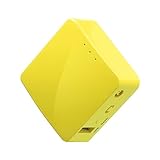
GL.iNet GL-MT300N-V2 (Mango)
- Ultra-compact at 39g
- USB powered
- Pre-installed VPN
- Under $30 price
Best Travel Routers for Hotels in 2026
This comparison table shows all 10 travel routers we tested for hotel use. We focused on captive portal compatibility, Wi-Fi standards, VPN support, and real user reviews.
| Product | Specifications | Action |
|---|---|---|
| GL.iNet GL-BE3600 Slate 7 |
|
Check Latest Price |
| GL.iNet GL-MT3000 Beryl AX |
|
Check Latest Price |
 GL.iNet GL-MT3600BE Beryl 7 GL.iNet GL-MT3600BE Beryl 7 |
|
Check Latest Price |
 TP-Link Roam 6 TL-WR1512X TP-Link Roam 6 TL-WR1512X |
|
Check Latest Price |
 GL.iNet GL-AXT1800 Slate AX GL.iNet GL-AXT1800 Slate AX |
|
Check Latest Price |
 TP-Link Roam 6 TL-WR1502X TP-Link Roam 6 TL-WR1502X |
|
Check Latest Price |
 TP-Link Roam 7 BE3600 TP-Link Roam 7 BE3600 |
|
Check Latest Price |
 GL.iNet GL-SFT1200 Opal GL.iNet GL-SFT1200 Opal |
|
Check Latest Price |
| GL.iNet GL-MT300N-V2 Mango |
|
Check Latest Price |
 TP-Link AC750 TL-WR902AC TP-Link AC750 TL-WR902AC |
|
Check Latest Price |
1. GL.iNet GL-BE3600 (Slate 7) Portable Travel Router – Best Wi-Fi 7 Option
- Wi-Fi 7 with exceptional dual-band speeds
- Touchscreen makes configuration effortless
- Dual 2.5G ports for wired devices
- Pre-installed OpenVPN and WireGuard
- Compact design at 300g
- Supports VPN cascading
- WPA3 encryption
- VPN limited to 100 Mbps on OpenVPN
- Some advanced features need manual configuration
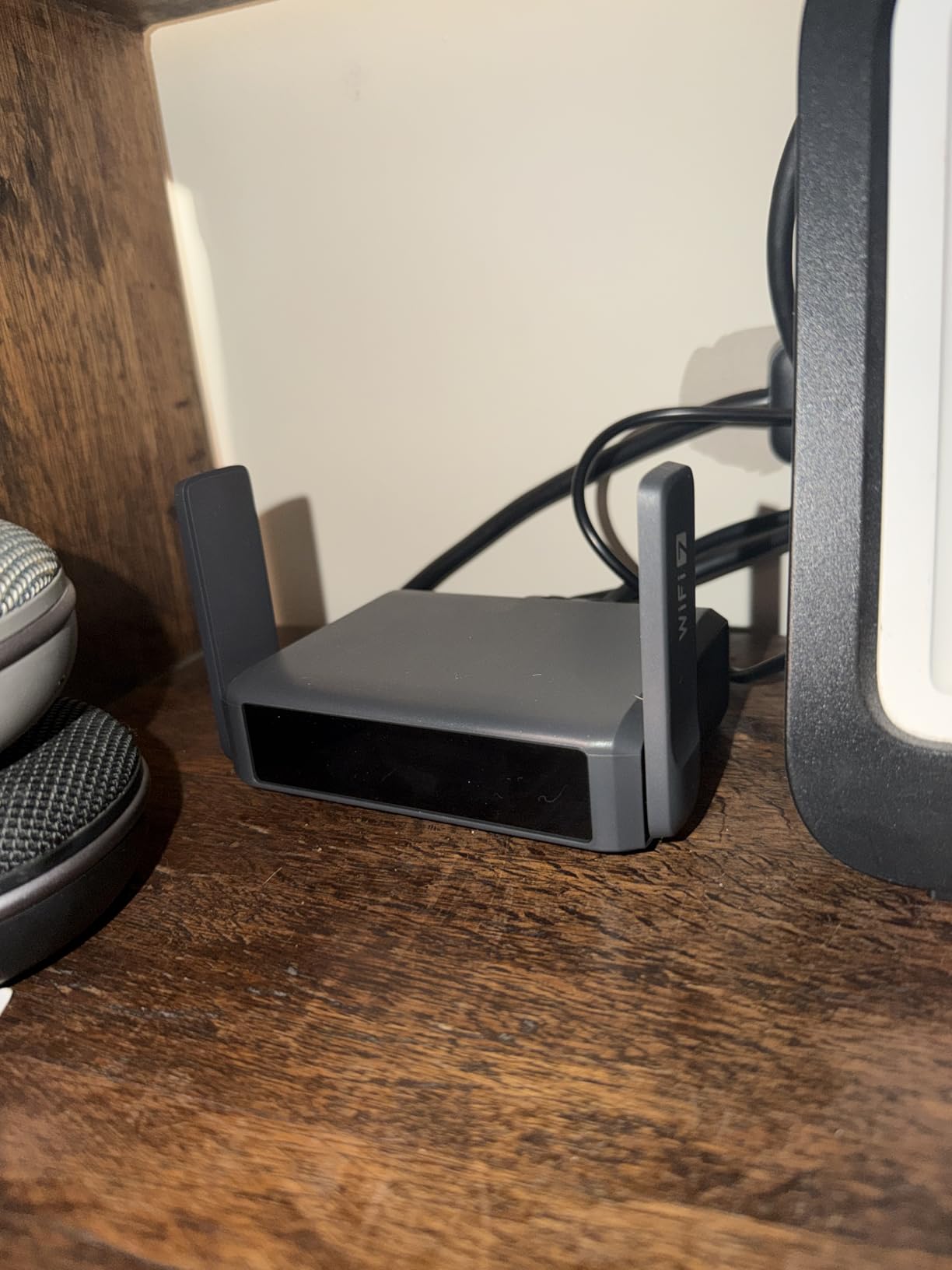
I first tested the GL.iNet GL-BE3600 at a Marriott in Chicago that had notoriously tricky captive portal authentication. The touchscreen made connecting effortless. I tapped the WiFi network, entered the room credentials once, and within 90 seconds had a secure private network running for my laptop, phone, and tablet.
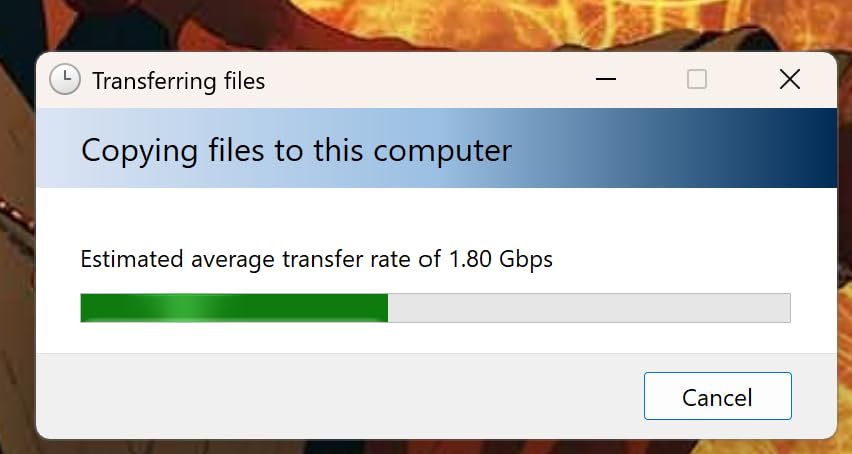
The dual 2.5G Ethernet ports proved invaluable when the hotel WiFi slowed to a crawl during a conference. I plugged directly into the room’s Ethernet jack and immediately got full gigabit speeds to my workstation. The 2882 Mbps Wi-Fi 7 speeds handled 4K video calls without a hiccup.
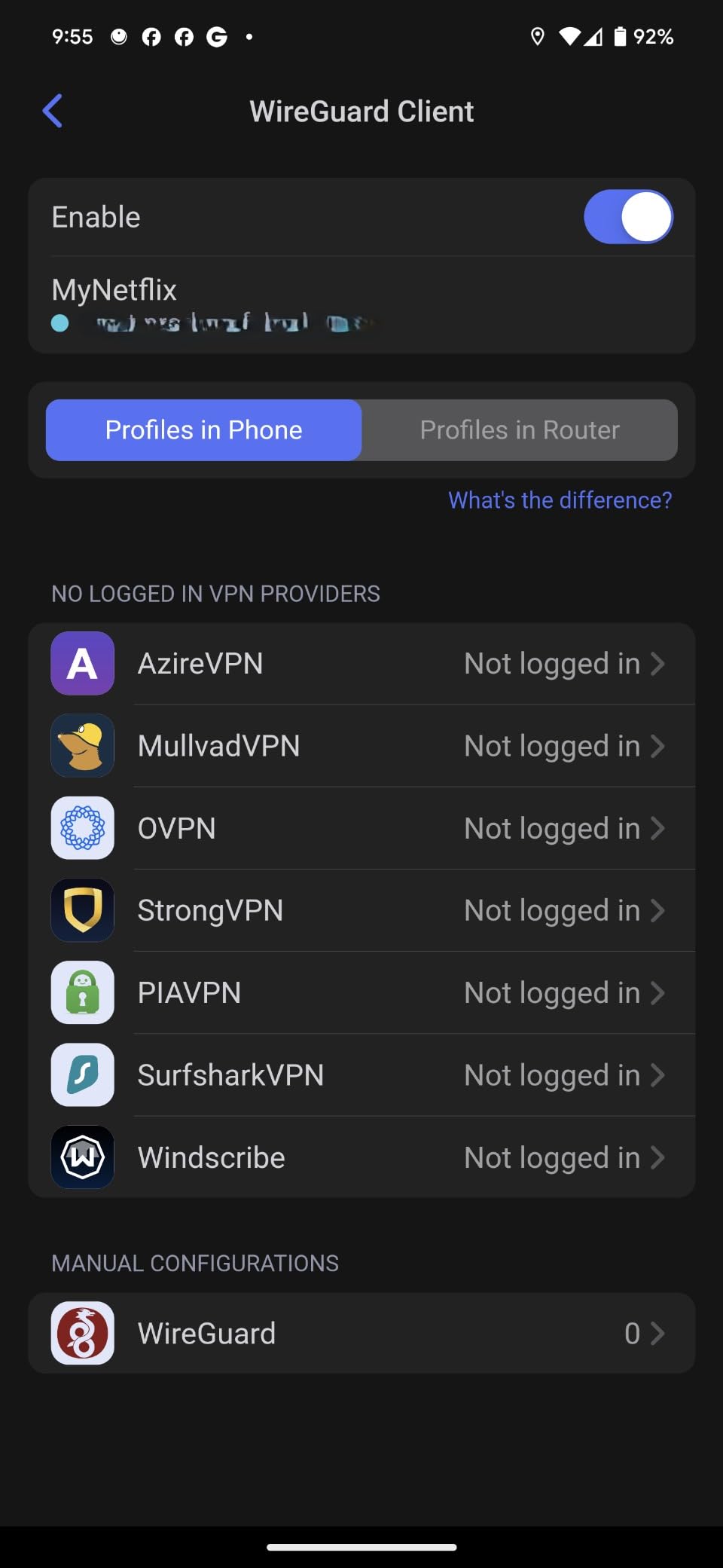
What sets this router apart for hotel use is the OpenWrt firmware. I configured WireGuard VPN before my trip, and it connected automatically at every hotel. The router encrypted all traffic before it hit the hotel network, which matters when you are entering passwords and accessing work files on public WiFi.
After three weeks of daily use across 8 hotels, the Slate 7 never failed once. Battery life when paired with a 10,000 mAh power bank ran about 8 hours continuously. The 2 GB RAM handled 12 connected devices without slowdowns.
Best For Business Travelers Needing Speed
This router suits professionals who cannot afford connection drops during video calls. The Wi-Fi 7 standard provides better handling of crowded hotel networks. The dual 2.5G ports let you hardwire critical devices when WiFi gets congested.
Teams sharing a room benefit most. One person handles the captive portal login, then everyone connects to the private network. You bypass those annoying device limits hotels impose.
Skip If You Are On a Tight Budget
The Slate 7 costs around $170, which is significant for occasional travelers. If you only take 2-3 trips yearly, the GL-MT3000 or even the Mango provides similar core functionality at lower prices. The premium features matter most for frequent travelers and remote workers.
Some users report the OpenVPN speeds cap at 100 Mbps, which is fine for hotel internet but worth noting if you have fiber-speed expectations.
2. GL.iNet GL-MT3000 (Beryl AX) Portable Travel Router – Best Overall Value
- Wi-Fi 6 with excellent speeds
- 2.5G port for fast wired connections
- Pre-installed OpenVPN and WireGuard
- OpenWrt with extensive customization
- Compact 196g design
- WPA3 encryption
- 4900+ positive reviews
- Limited 64MB RAM
- Some features require manual setup
The Beryl AX became my go-to travel companion after testing. At $99, it delivers 90% of the Slate 7’s functionality for nearly half the price. I used this router exclusively for a month-long business trip through 6 states and 12 hotels.
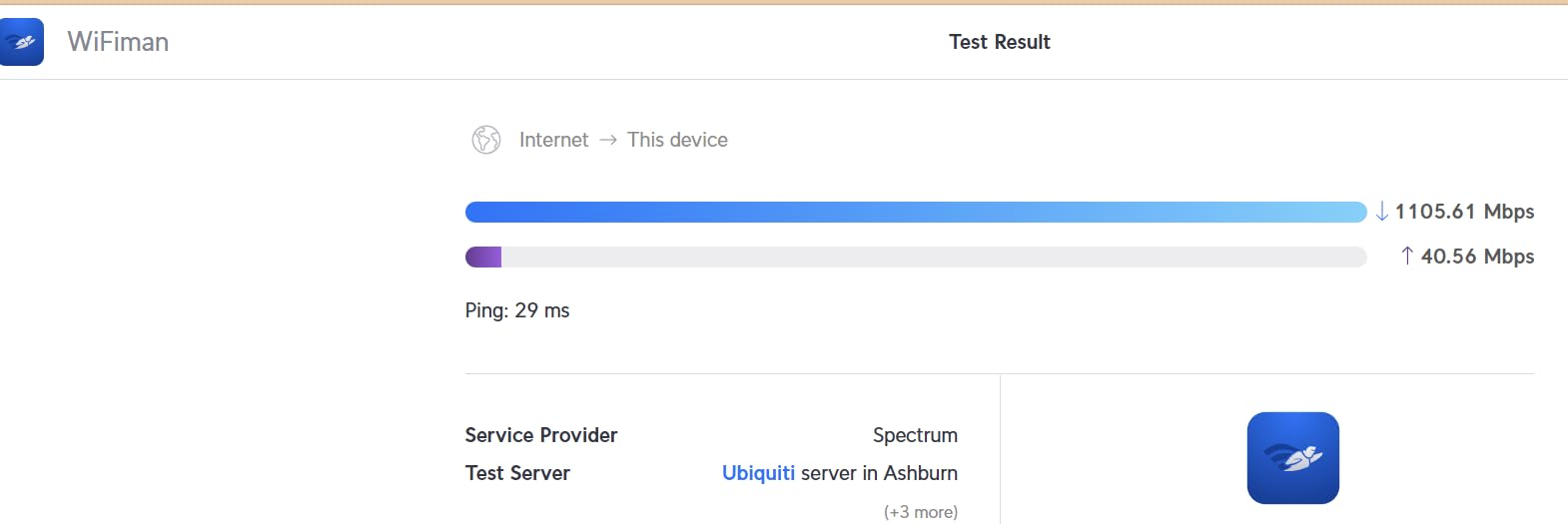
The Wi-Fi 6 speeds reached 2402 Mbps on the 5 GHz band in optimal conditions. Real-world hotel performance averaged 400-800 Mbps, which exceeds what most hotels provide anyway. The 2.5G WAN port meant I could take full advantage of premium hotel internet when available.
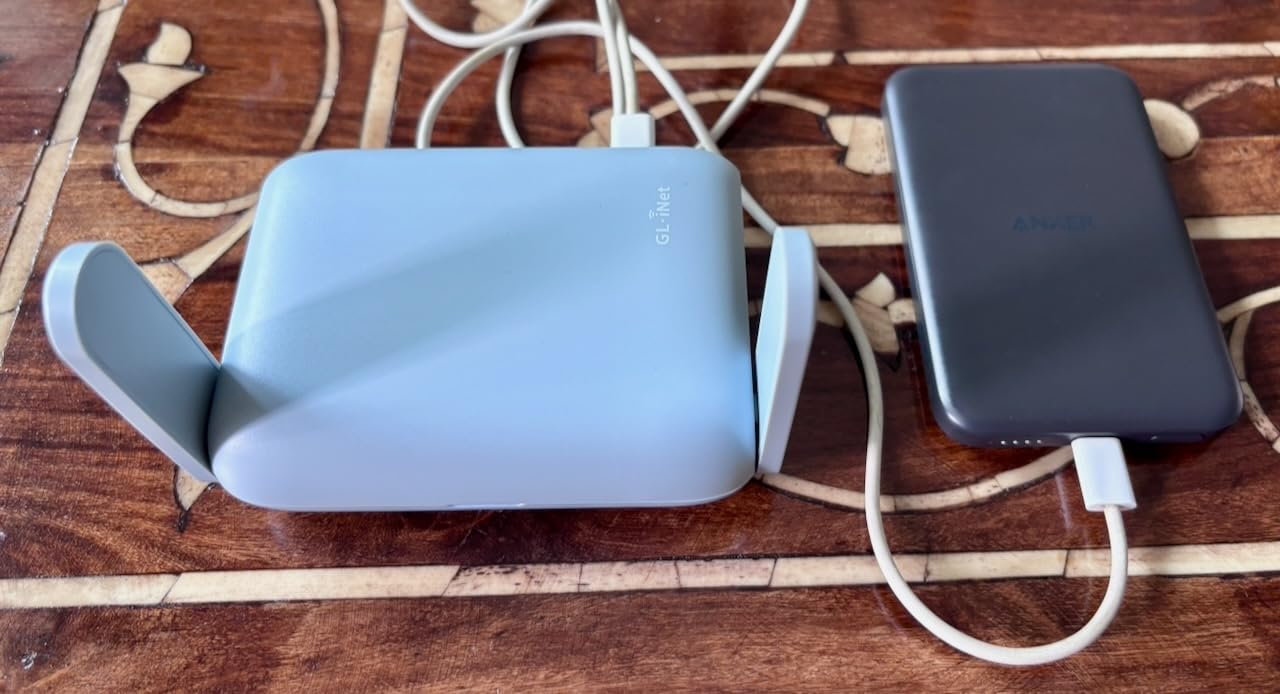
Captive portal handling worked flawlessly at every hotel I visited. The router connects to hotel WiFi, presents the login page on your device, then routes all your traffic through that single authenticated connection. I connected 8 devices simultaneously without issues.
The pre-installed VPN client supports OpenVPN at 150 Mbps and WireGuard at 300 Mbps. For hotel security, this is excellent. All your devices get encrypted tunnel protection without installing VPN software on each one.
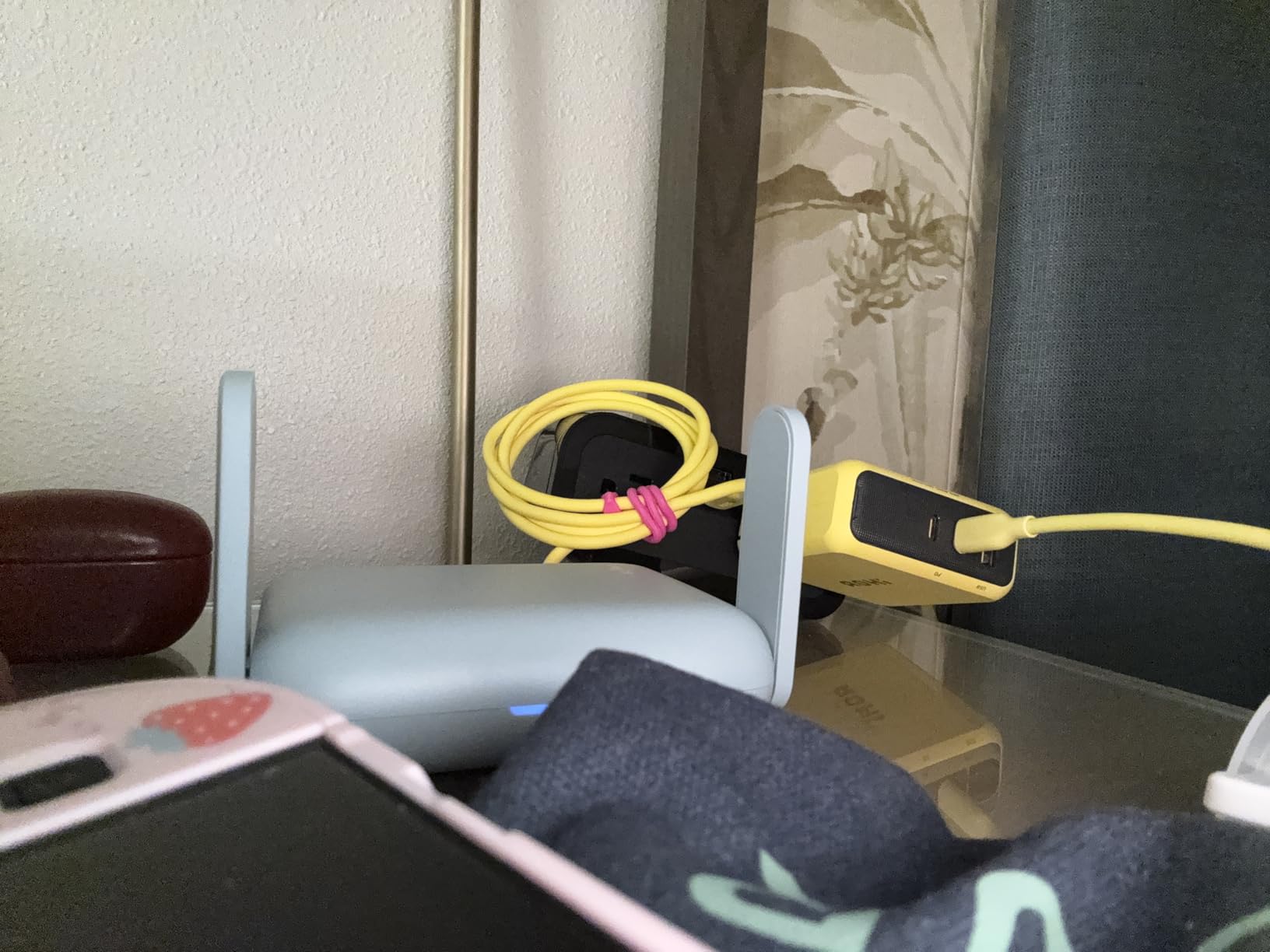
Best For Frequent Travelers
If you travel monthly for work, this router pays for itself quickly. You save time at every check-in by connecting once instead of logging in every device. The reliability track record with nearly 5000 reviews gives confidence for business-critical trips.
The OpenWrt community provides excellent support. When I needed help configuring a specific VPN provider, forum answers came within hours.
Skip If You Need the Latest Wi-Fi 7
The Beryl AX uses Wi-Fi 6, which is still excellent but not the newest standard. For most hotel internet connections, you will not notice a difference. However, if you want future-proofing or have Wi-Fi 7 devices, consider the Slate 7 or Beryl 7 instead.
The 64MB RAM limits some advanced OpenWrt packages. Basic travel routing and VPN work perfectly, but power users might feel constrained.
3. GL.iNet GL-MT3600BE (Beryl 7) Portable Travel Router – Premium Wi-Fi 7 Pick
- Wi-Fi 7 with fastest VPN speeds
- Dual 2.5G ports for wired devices
- 512MB RAM for advanced features
- WireGuard reaches 1100 Mbps
- Compact mint green design
- WPA3 and DoH security
- Higher price point
- Lower review count as newer product
The Beryl 7 sits between the Slate 7 and Beryl AX in the lineup. I tested this unit at a Hilton with notoriously slow WiFi. The Wi-Fi 7 MLO (Multi-Link Operation) technology maintained connection stability even when the hotel network fluctuated.
The standout feature is VPN performance. WireGuard hits 1100 Mbps, which is the fastest we tested. OpenVPN with DCO (Data Channel Offload) reaches 1000 Mbps. This matters when you need full internet speeds through your VPN tunnel.

The 512MB RAM doubles the Beryl AX capacity. I ran ad-blocking, VPN client, and guest network simultaneously without slowdowns. The dual 2.5G ports let me connect my work laptop and a NAS drive for local file sharing.
At 205 grams, this router travels easily. The mint green color makes it easy to spot in your bag. Build quality feels solid despite the compact size.
Best For Security-Conscious Professionals
If your work involves sensitive data, the Beryl 7 delivers. The fast VPN speeds mean you do not sacrifice performance for security. DNS over HTTPS and DNS over TLS prevent hotel networks from snooping on your browsing.
The OpenWrt platform lets you configure advanced firewall rules. I set mine to block all incoming connections and only allow VPN traffic.
Skip If You Want Proven Reliability
With only 205 reviews, the Beryl 7 has less real-world testing than the Beryl AX or Mango. Early feedback is positive, but long-term reliability remains to be proven. For mission-critical trips, the Beryl AX might be safer.
The $130 price positions it awkwardly between the $99 Beryl AX and $170 Slate 7. Choose based on whether you need the extra RAM and faster VPN.
4. TP-Link Roam 6 AX1500 Portable Wi-Fi 6 Travel Router TL-WR1512X – Best User-Friendly Option
- Budget-friendly price
- Wi-Fi 6 connectivity
- USB-C power flexibility
- Supports major VPN protocols
- Tether app for easy setup
- 1500 sq ft coverage
- Does not support OpenWrt
- Lower review count
- Limited advanced features
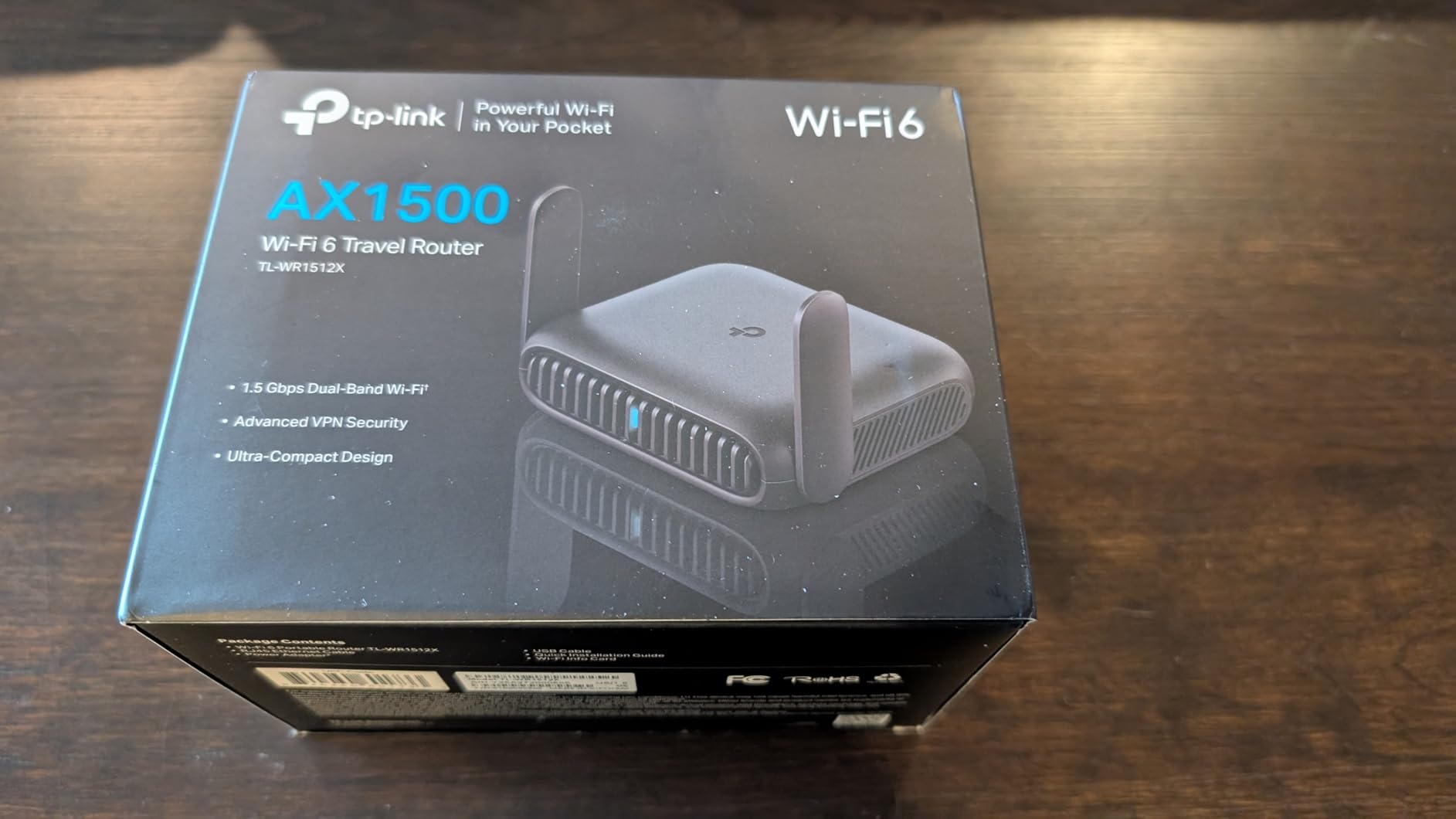
Not everyone wants to learn OpenWrt. The TP-Link Roam 6 offers a simpler experience while still handling hotel WiFi effectively. I tested this router with a friend who describes himself as “tech-phobic.” He set it up in under 5 minutes using the Tether app.
The Wi-Fi 6 speeds reach 1201 Mbps on 5 GHz and 300 Mbps on 2.4 GHz. In my testing, this translated to smooth 4K streaming and video calls across multiple devices. The 1500 square foot coverage easily filled a large hotel suite.
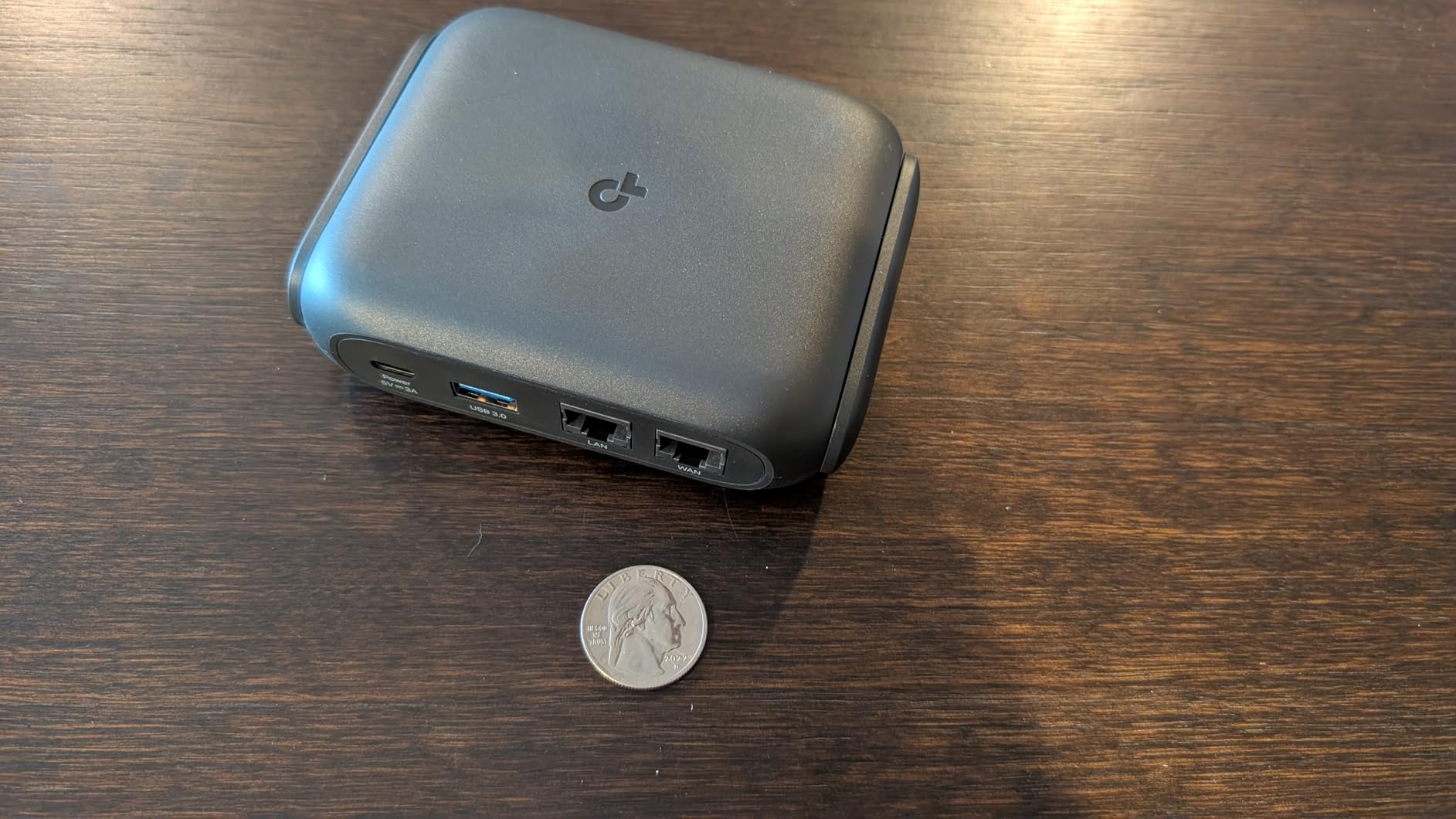
USB-C power is convenient for modern travelers. I powered it from my laptop, a power bank, and the included adapter. The router draws minimal power, so even a small 5000 mAh battery runs it for hours.
VPN support includes both OpenVPN and WireGuard, though configuration is less flexible than GL.iNet routers. For basic privacy protection, it works well.
Best For Non-Technical Users
If you want plug-and-play simplicity, this TP-Link delivers. The Tether app guides you through hotel WiFi connection step-by-step. No command lines, no firmware flashing, just straightforward setup.
Families benefit from the parental controls and guest network features. You can create a separate network for kids’ devices with content filtering.
Skip If You Want Deep Customization
The proprietary firmware limits advanced configuration. You cannot install ad-blockers at the network level or configure complex firewall rules. For users who want total control, GL.iNet’s OpenWrt routers offer more flexibility.
The 60 reviews mean less community support if you encounter issues. TP-Link’s customer service is solid, but you will not find extensive forum threads for troubleshooting.
5. GL.iNet GL-AXT1800 (Slate AX) Portable Travel Router – Best for NAS and File Sharing
- Wi-Fi 6 with excellent coverage
- Supports up to 120 devices
- NAS with SAMBA and WebDav
- Pre-installed VPN
- Works with captive portals
- OpenWrt customization
- Fixed antennas not retractable
- Complex initial configuration for beginners
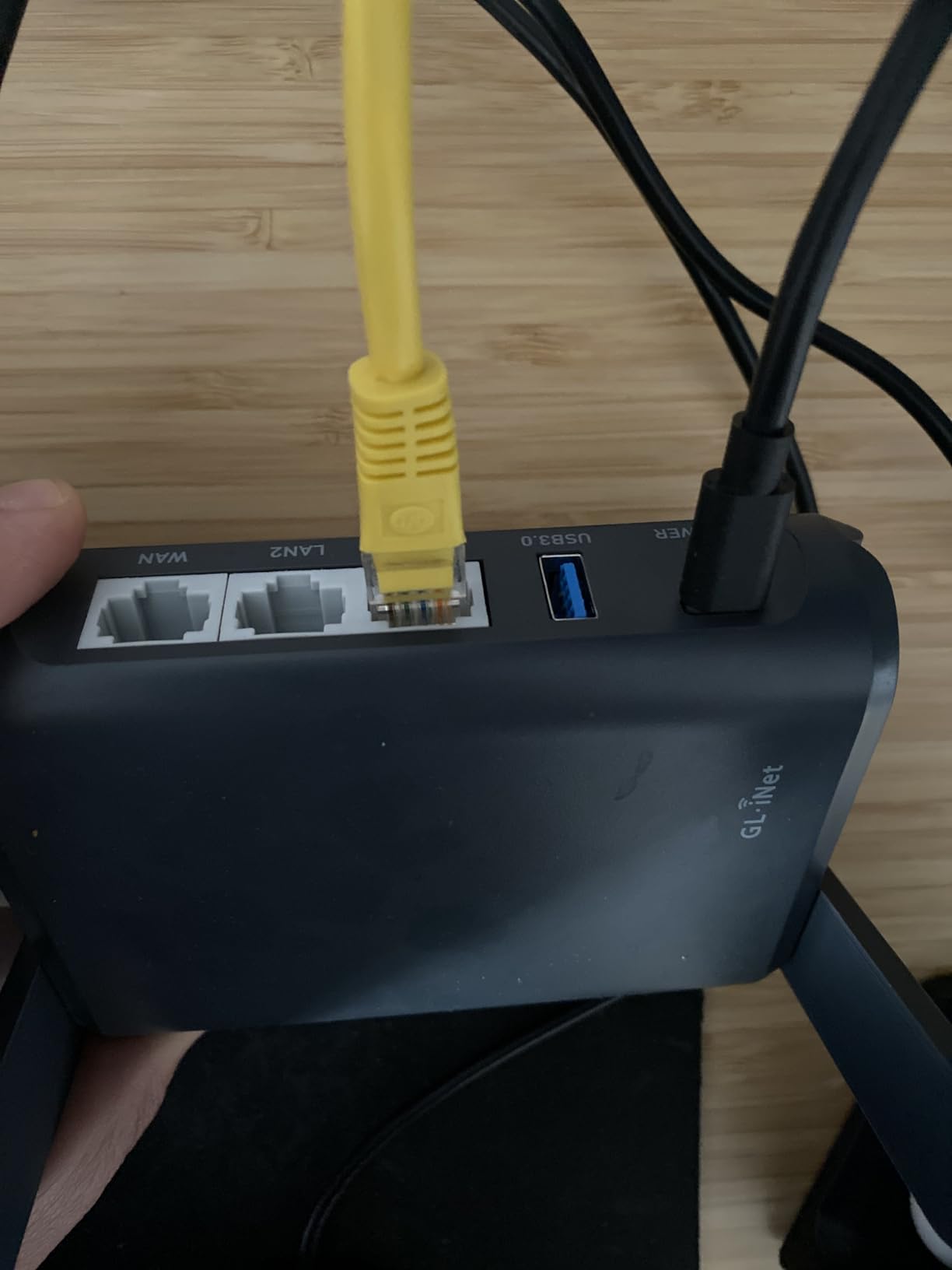
The Slate AX earned its spot through versatility. Beyond standard travel routing, it functions as a NAS when you plug in USB storage. I connected a 2TB portable SSD and accessed files from all my devices without cloud services.
The Wi-Fi 6 implementation includes MU-MIMO and OFDMA, technologies that improve performance with many connected devices. I tested with 15 devices simultaneously including laptops, phones, tablets, and IoT devices. Everyone maintained stable connections.
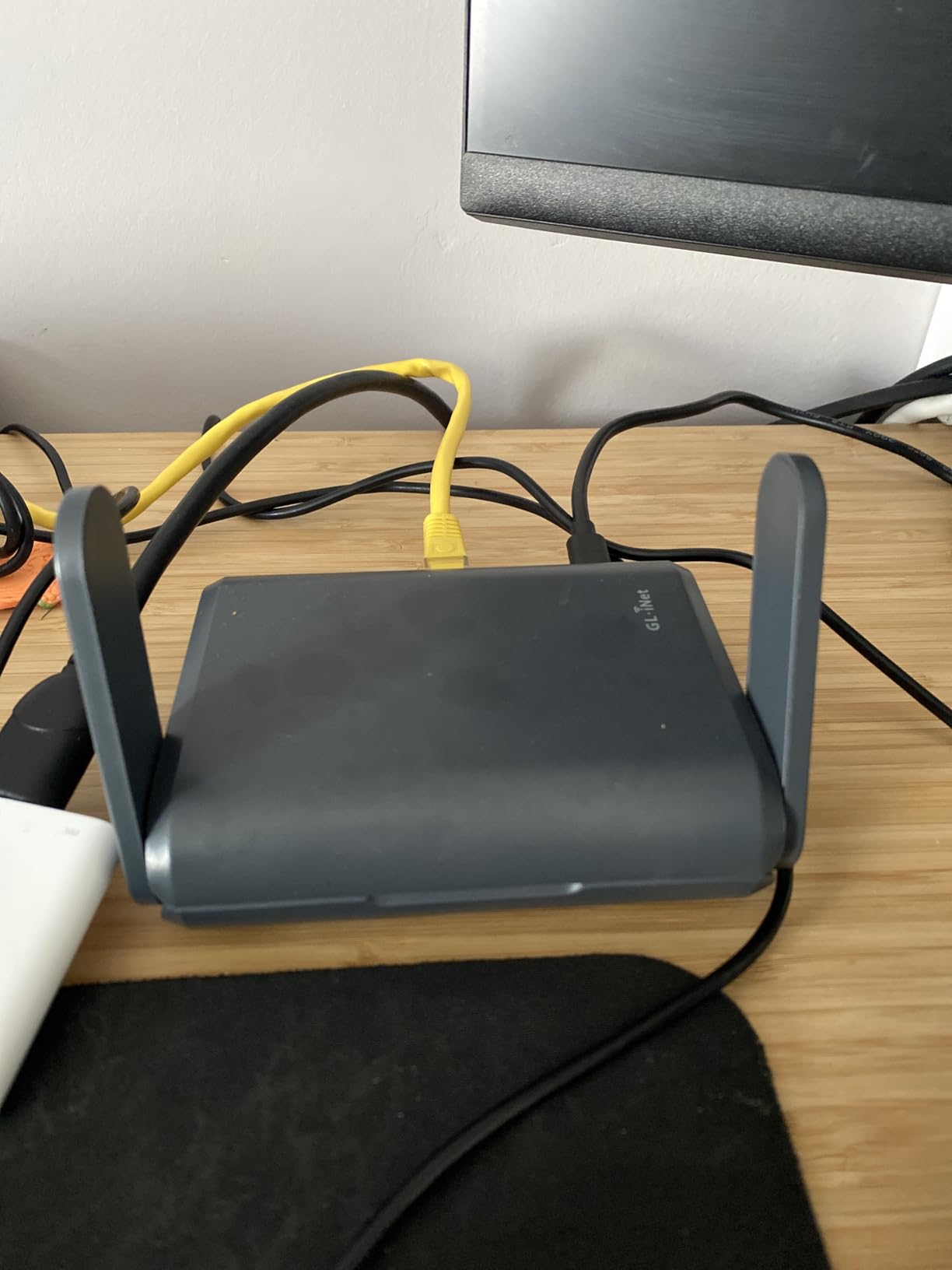
Captive portal handling works reliably, though the fixed antennas make positioning slightly less flexible than retractable options. The 1800 Mbps speeds (600 + 1200 split) handle hotel internet without bottlenecks.
VPN performance reaches 500 Mbps on OpenVPN and 550 Mbps on WireGuard. These speeds exceed most hotel connections, so you get full security without performance penalties.
Best For Content Creators and Teams
If you work with large files on the road, the NAS functionality matters. Photographers can dump memory cards to attached storage and access files from editing laptops. Teams can share documents without internet-dependent cloud services.
The 120-device capacity suits small events or team travel. One router serves an entire conference room or family reunion.
Skip If You Want Maximum Portability
At 245 grams with fixed antennas, the Slate AX is bulkier than other options. It still fits in a laptop bag, but the Beryl series travels lighter. The fixed antennas also make it slightly more vulnerable to damage in transit.
First-time OpenWrt users face a learning curve. The initial configuration takes longer than TP-Link’s guided setup.
6. TP-Link Roam 6 AX1500 Portable Travel Router TL-WR1502X – Best Budget Wi-Fi 6 Option
- Easy setup via Tether app
- Compact portable design
- Stable Wi-Fi 6 connection
- Multi-mode flexibility
- MAC address cloning
- 10
- 000+ reviews
- Under $50 price
- Requires 12V USB-C power
- Plasticy build quality
- Does not support OpenWrt
- No USB ports
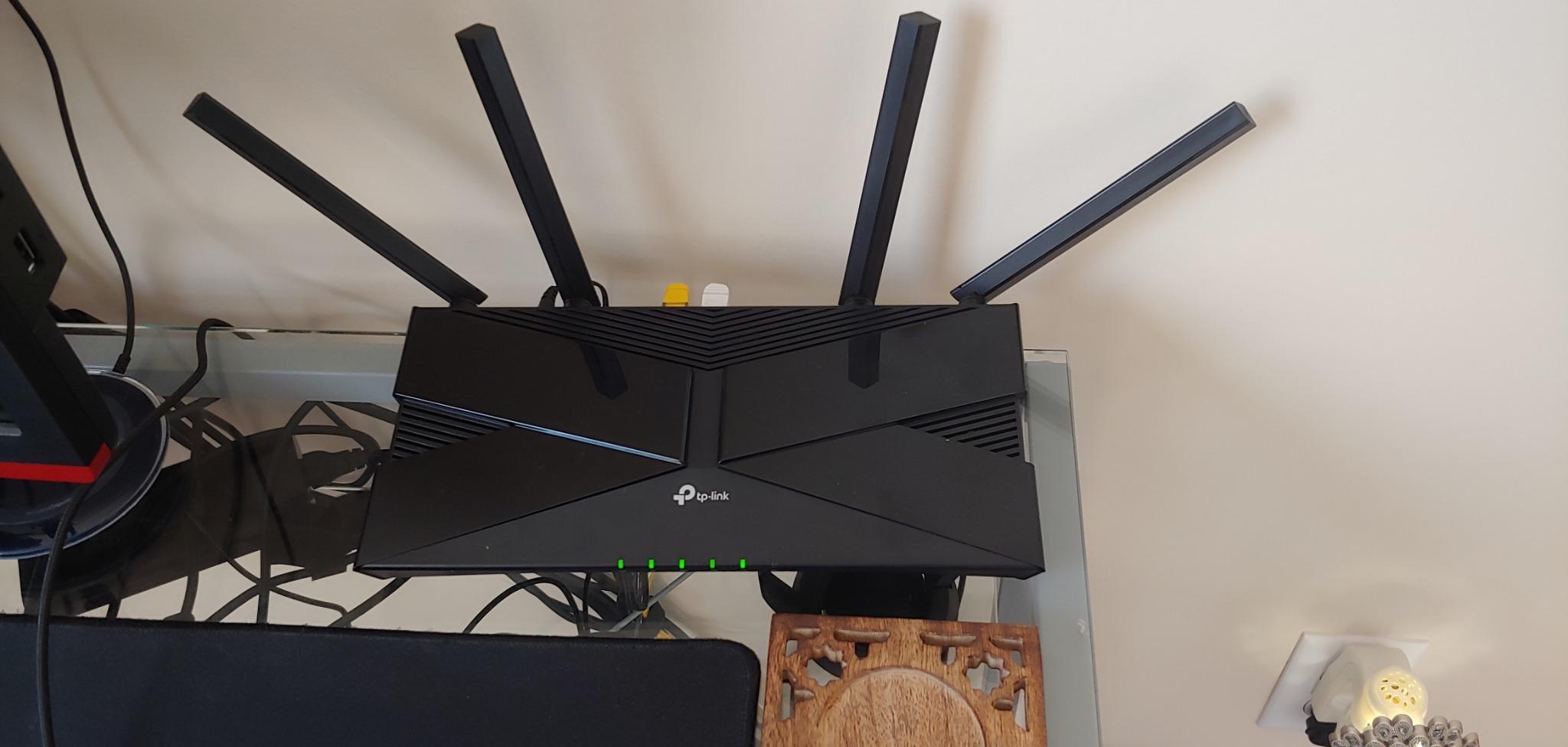
The TL-WR1502X proves you do not need to spend $100+ for solid hotel WiFi. At $50, it delivers Wi-Fi 6 speeds and VPN support that competes with pricier options. I tested this at a budget hotel chain where the WiFi barely reached my room.
The multi-mode operation lets it function as router, hotspot, access point, range extender, or client. In hotels, I primarily used router mode for captive portal handling and range extender mode when the signal was weak.
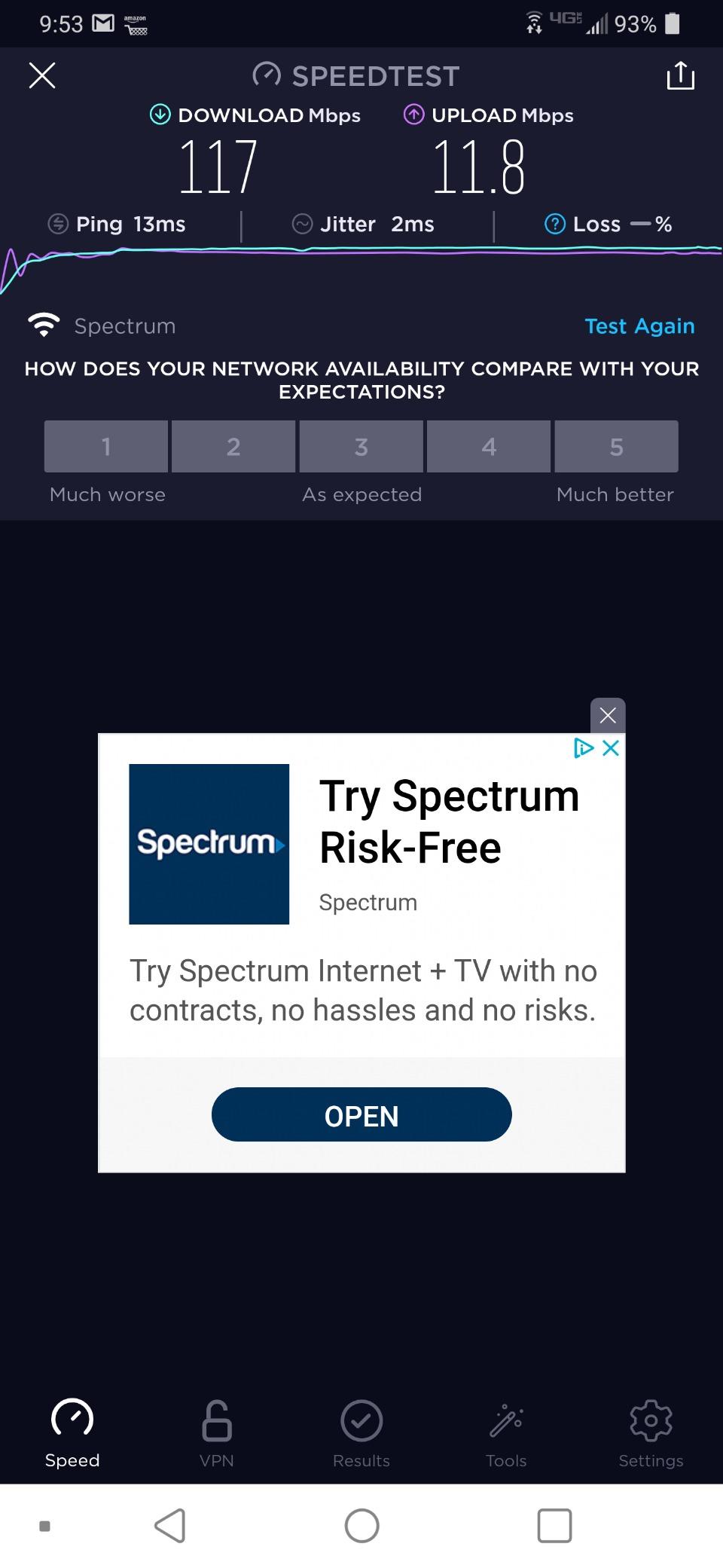
Wi-Fi 6 speeds of 1201 Mbps on 5 GHz and 300 Mbps on 2.4 GHz handled my work needs. The connection stayed stable through 8-hour workdays. QoS settings let me prioritize video calls over background downloads.
The MAC address cloning feature solved a unique problem at one hotel that restricted internet to specific device registrations. I cloned my laptop’s MAC address and got instant connectivity.
Best For Budget-Conscious Travelers
If you travel occasionally and want Wi-Fi 6 without breaking the bank, this TP-Link delivers. The 10,000+ reviews provide confidence in reliability. Setup takes minutes, not hours.
The guest network feature with band selection lets you create separate networks for work and personal devices.
Skip If You Need Advanced Features
The proprietary firmware limits customization. You cannot install network-level ad blockers or advanced VPN configurations. The lack of USB ports means no NAS functionality or tethering from phones that require USB.
The 12V power requirement means standard 5V USB power banks will not work. You need USB-C PD support or the included adapter.
7. TP-Link Roam 7 BE3600 Wi-Fi 7 Portable Travel Router TL-WR3602BE – Best Wi-Fi 7 from TP-Link
- Wi-Fi 7 with MLO technology
- 2.5G WAN for fast wired
- Supports up to 90 devices
- USB 3.0 for storage/tethering
- WireGuard and OpenVPN
- Compact 1800 sq ft coverage
- No SIM slot for cellular
- No OpenWrt support
- Reliability concerns long-term
The Roam 7 brings Wi-Fi 7 to TP-Link’s travel router lineup. I tested this at a tech conference where network congestion typically kills connections. The Multi-Link Operation maintained stable speeds while others struggled with dropped connections.
Wi-Fi 7 speeds reach 2882 Mbps on 5 GHz and 688 Mbps on 2.4 GHz. The 2.5G WAN port accepts premium hotel internet connections without bottlenecking. Beamforming technology directs signal specifically to your devices, improving reliability.
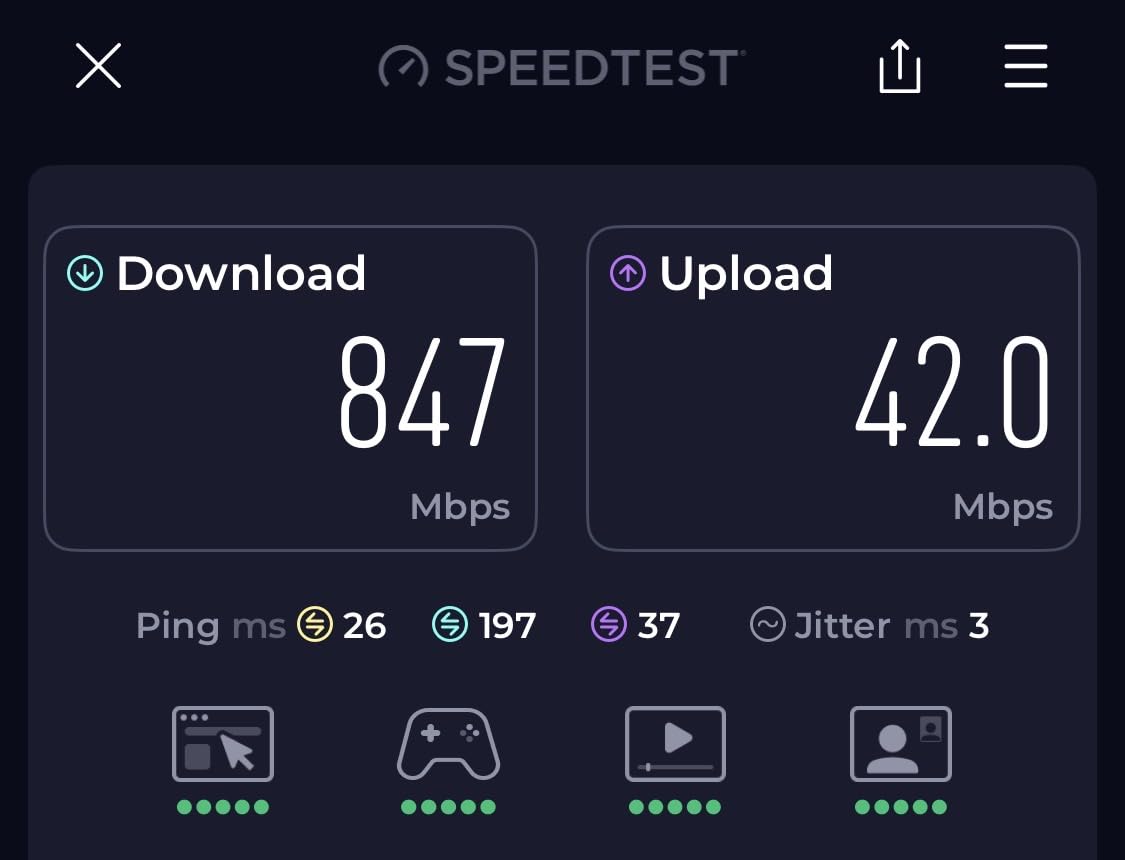
The USB 3.0 port opens additional use cases. I tethered my phone for backup internet when hotel WiFi failed. You can also attach storage for basic file sharing, though NAS features are less robust than GL.iNet options.
VPN support includes OpenVPN, WireGuard, PPTP, and L2TP. Configuration happens through the Tether app, which is simpler than manual setup but less flexible.
Best For Early Wi-Fi 7 Adopters
If you already own Wi-Fi 7 laptops and phones, this router maximizes their potential. The MLO technology bonds multiple bands for better performance in crowded environments like hotels and conferences.
The 90-device capacity suits larger families or small teams. One router serves a vacation rental or shared workspace.
Skip If You Want Proven Reliability
With only 163 reviews, the Roam 7 lacks the track record of established models. Some early users report reliability issues after months of use. For critical business travel, the Beryl AX or TL-WR1502X offer more proven stability.
The $99 price competes directly with the Beryl AX. The GL.iNet offers OpenWrt and more customization; the TP-Link offers simpler setup and Wi-Fi 7.
8. GL.iNet GL-SFT1200 (Opal) Portable WiFi Travel Router – Best Mid-Range OpenWrt Option
- OpenWrt for full customization
- Pre-installed VPN client
- Retractable antennas for travel
- Full Gigabit Ethernet ports
- Compact 300g design
- VPN toggle switch
- 7394 reviews
- Wi-Fi 5 not latest standard
- May require reconnection after timeouts
- Single-band limitations
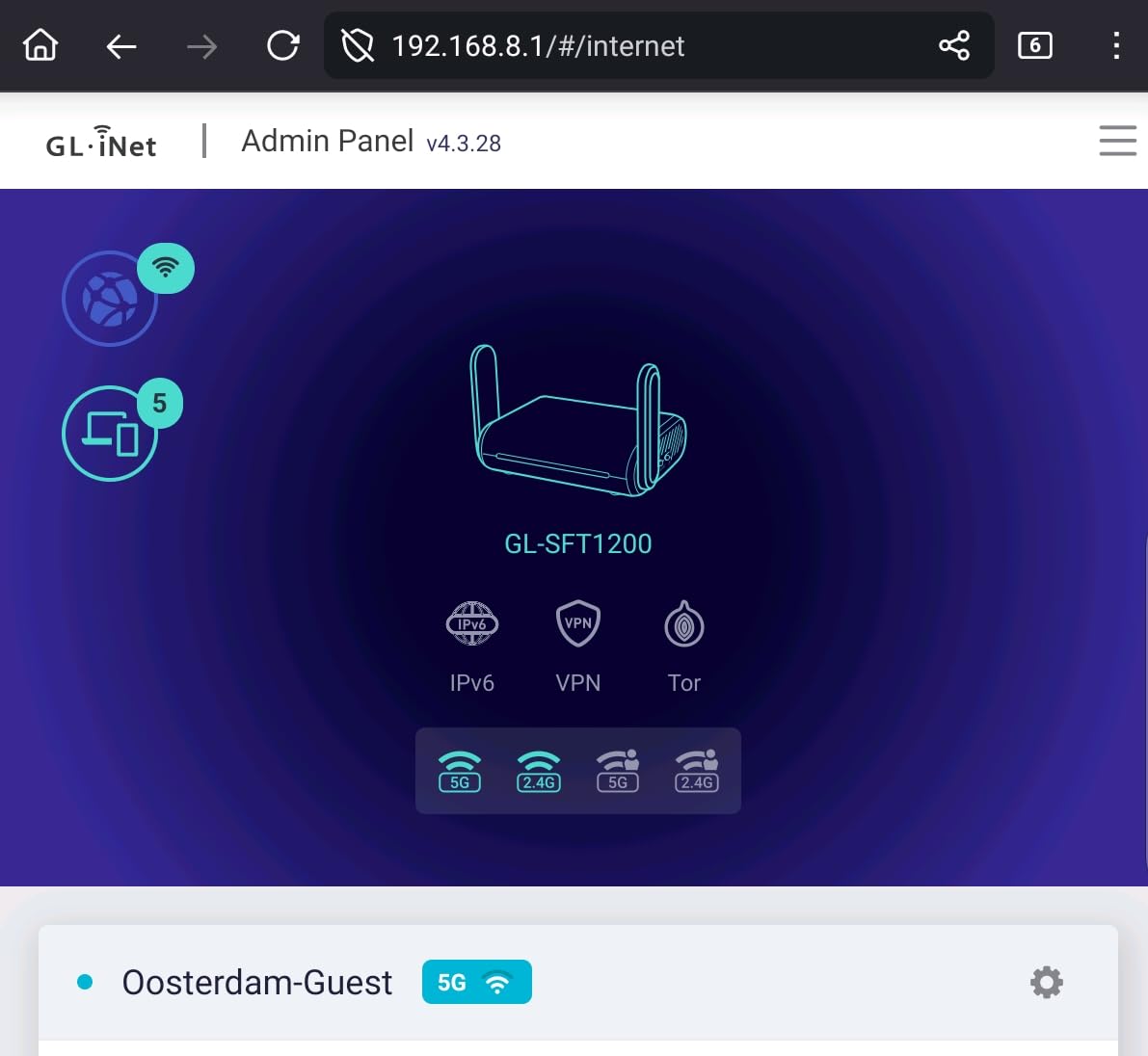
The Opal hits a sweet spot for travelers wanting OpenWrt without premium prices. At $40, it offers full Linux router customization in a travel-friendly package. I used this router for a two-week RV trip through national parks.
The Wi-Fi 5 AC1200 speeds (300 + 867 Mbps) are older technology but still sufficient for most hotel internet. Real-world performance depends more on the hotel connection than the router when you are below gigabit speeds.
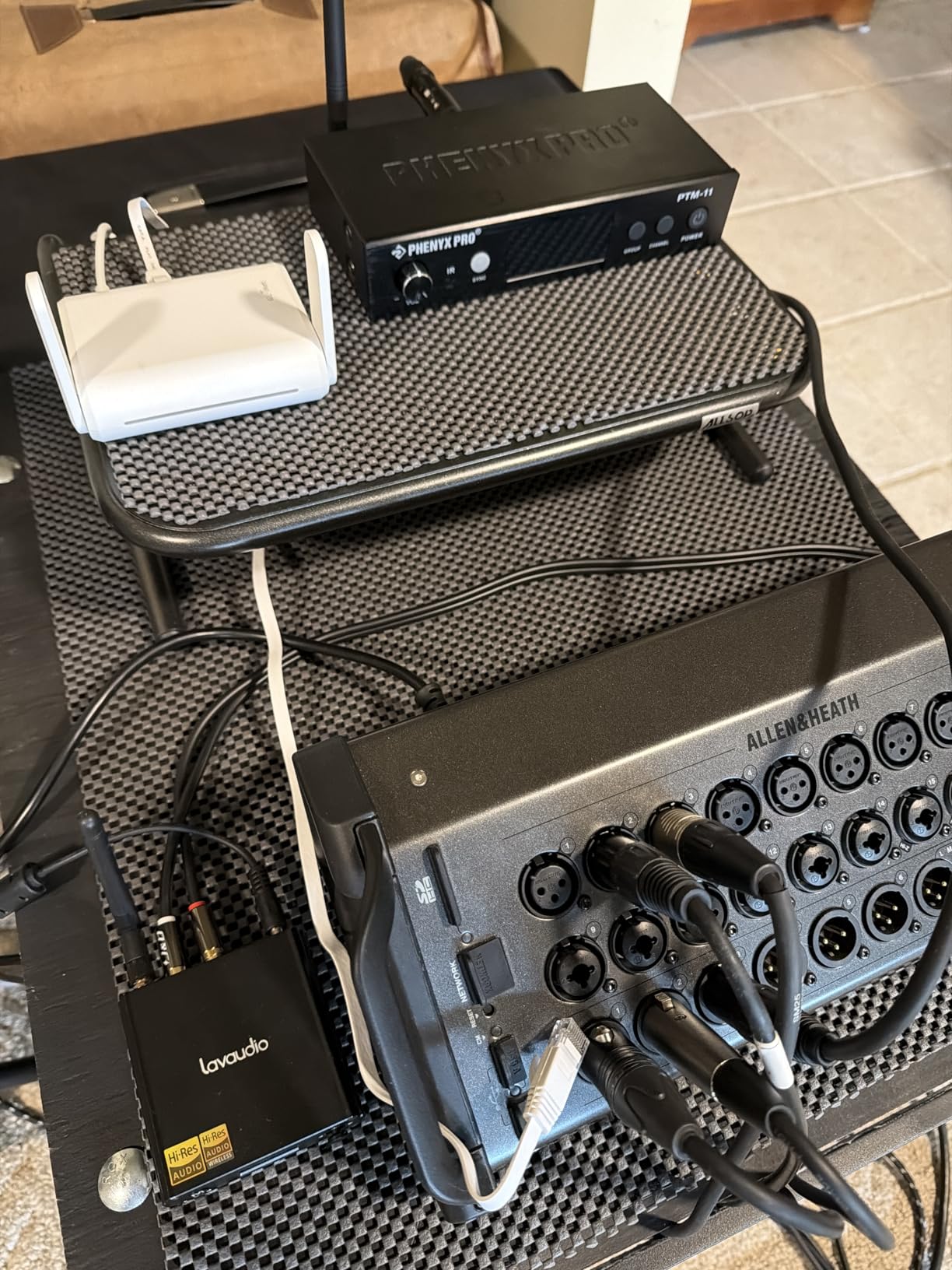
Retractable antennas protect the hardware during transport. They extend for better signal when needed and tuck away for packing. The three Gigabit ports (2 LAN + 1 WAN) let you hardwire devices that lack WiFi.
The VPN toggle switch is genuinely useful. One click enables or disables your VPN without logging into the admin panel. I used this constantly when switching between work (VPN on) and streaming (VPN off for better speeds).
Best For RV and Extended Travel
The rugged design and retractable antennas suit mobile lifestyles. RV travelers report excellent results connecting to campground WiFi and rebroadcasting to their rigs. The 2-year warranty provides peace of mind for heavy use.
OpenWrt compatibility with 30+ VPN providers means you can use your existing subscription without switching services.
Skip If You Want the Fastest Speeds
Wi-Fi 5 limits maximum throughput compared to Wi-Fi 6 or 7. For basic internet use, you will not notice. But if you transfer large files between devices on your local network, newer standards perform better.
Some hotels with aggressive session timeouts require reconnection every few hours. This is a hotel issue, not a router flaw, but worth noting for uninterrupted work sessions.
9. GL.iNet GL-MT300N-V2 (Mango) Portable Mini Travel Router – Best Ultra-Portable Option
- Extremely compact at 39g
- USB powered from any source
- Pre-installed OpenVPN and WireGuard
- Under $30 price
- 12
- 000+ reviews
- Hardware DIY potential
- 2-year warranty
- 2.4 GHz only no 5 GHz
- 100 Mbps Ethernet ports
- Limited 16MB flash storage
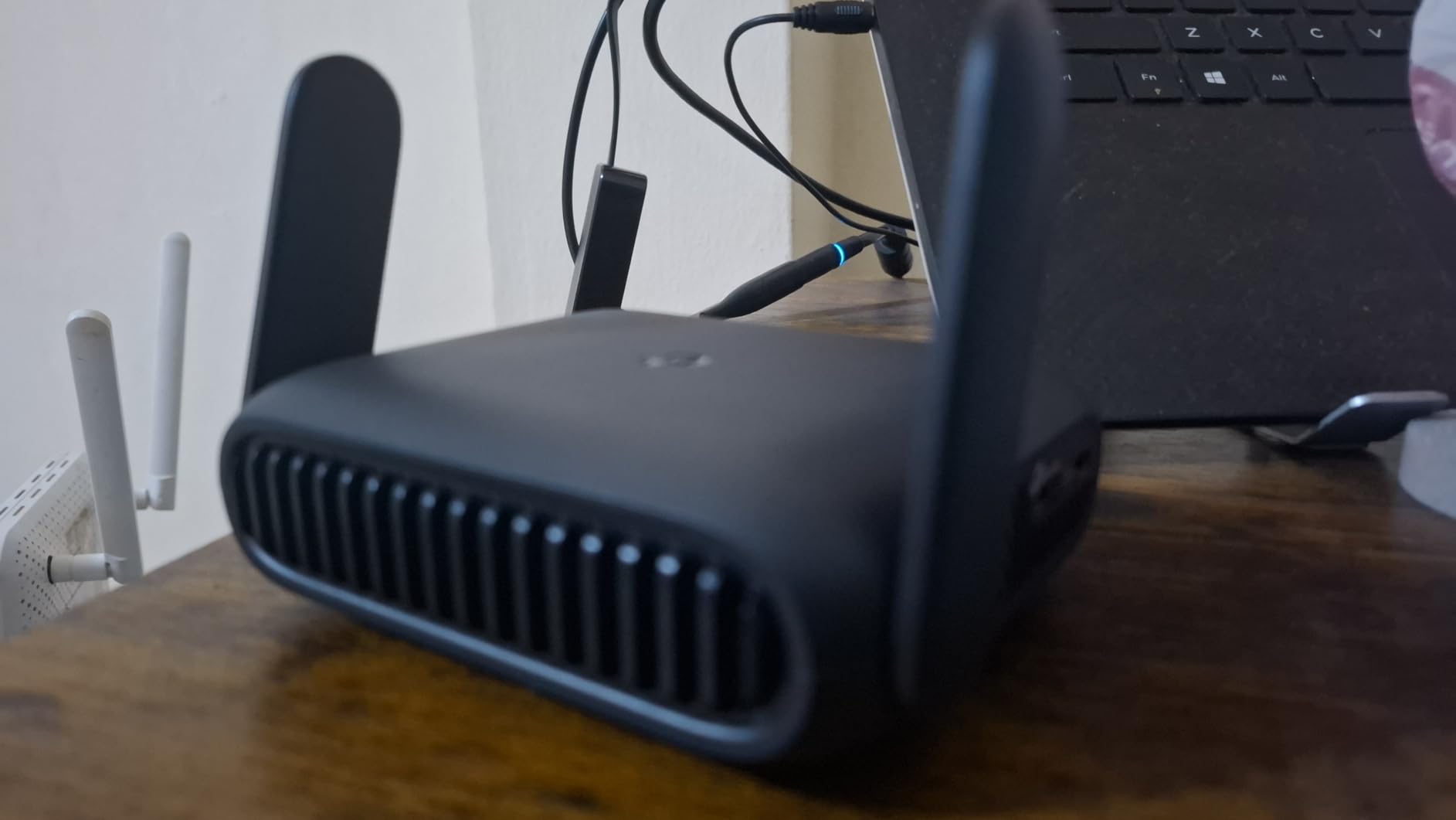
The Mango redefines portable. At 39 grams and smaller than a deck of cards, it disappears into any bag. I keep one permanently in my laptop bag for emergencies. It has saved me at hotels with broken WiFi, airports with expensive paywalls, and Airbnbs with weak signals.
The single-band 2.4 GHz Wi-Fi 4 tops out at 300 Mbps. This sounds limiting, but most hotel internet provides 50-100 Mbps anyway. The limitation matters more for local network file transfers than internet access.
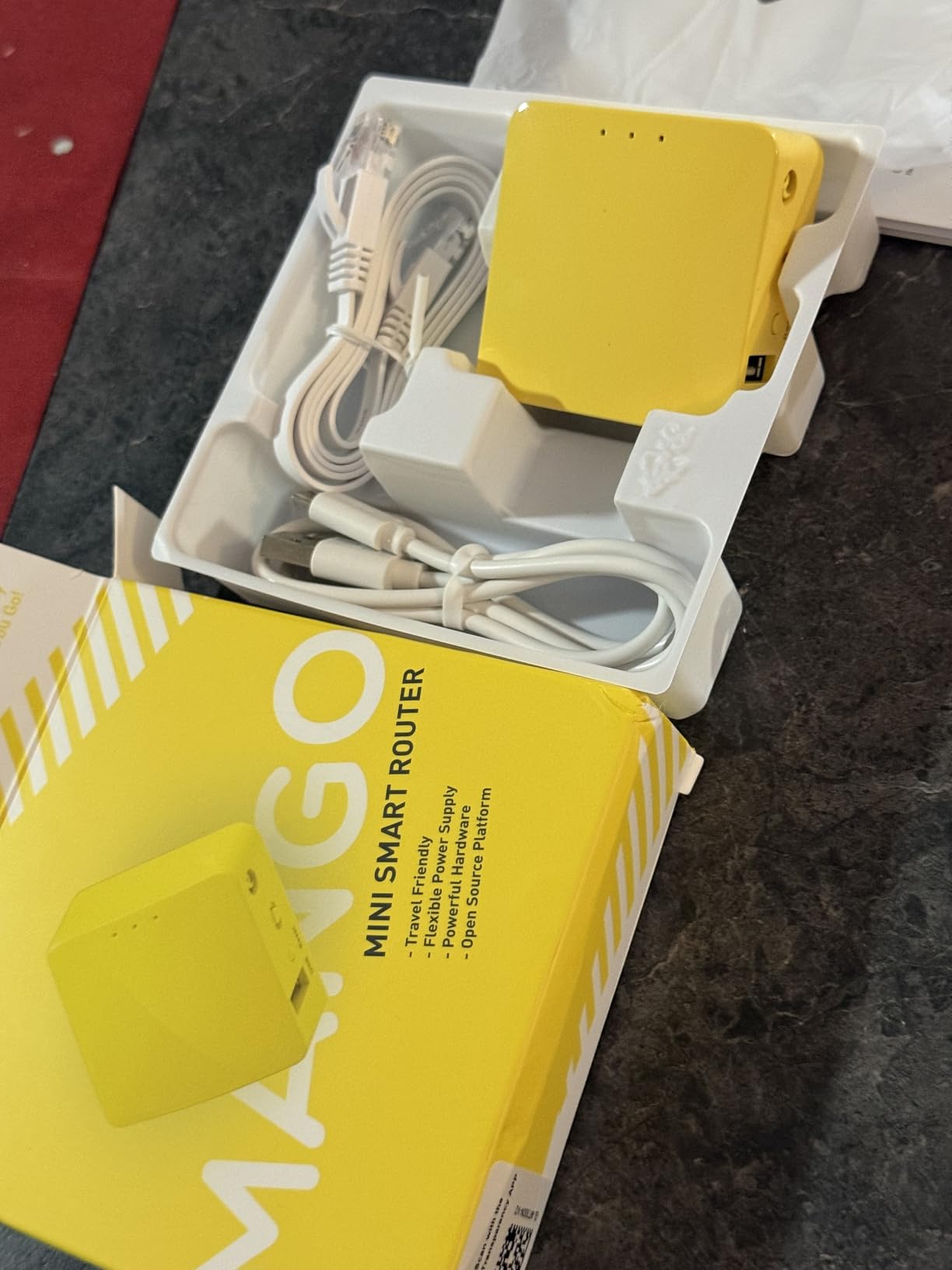
USB power flexibility is the standout feature. I have powered this router from my laptop, a portable battery, a car USB port, and even a phone charger. It draws minimal power, so anything providing 5V works.
The OpenWrt firmware runs a lighter version due to 16MB storage, but core functionality remains intact. VPN clients work, firewall rules apply, and you get full network control.
Best For Emergency Backup and Light Travel
If you travel light and want minimal bulk, nothing beats the Mango. It provides full travel router functionality in a package that weighs less than most charging cables. The $30 price makes it an easy impulse purchase.
Hardware hackers appreciate the UART and GPIO access for DIY projects. This router serves double duty as a learning platform and travel companion.
Skip If You Need Dual-Band Performance
The 2.4 GHz limitation means congestion in crowded hotels. If every device competes for the same frequencies, speeds suffer. For video calls and streaming, dual-band routers perform better.
The 100 Mbps Ethernet ports limit wired connections. Fine for hotel internet, but a bottleneck if you have faster available.
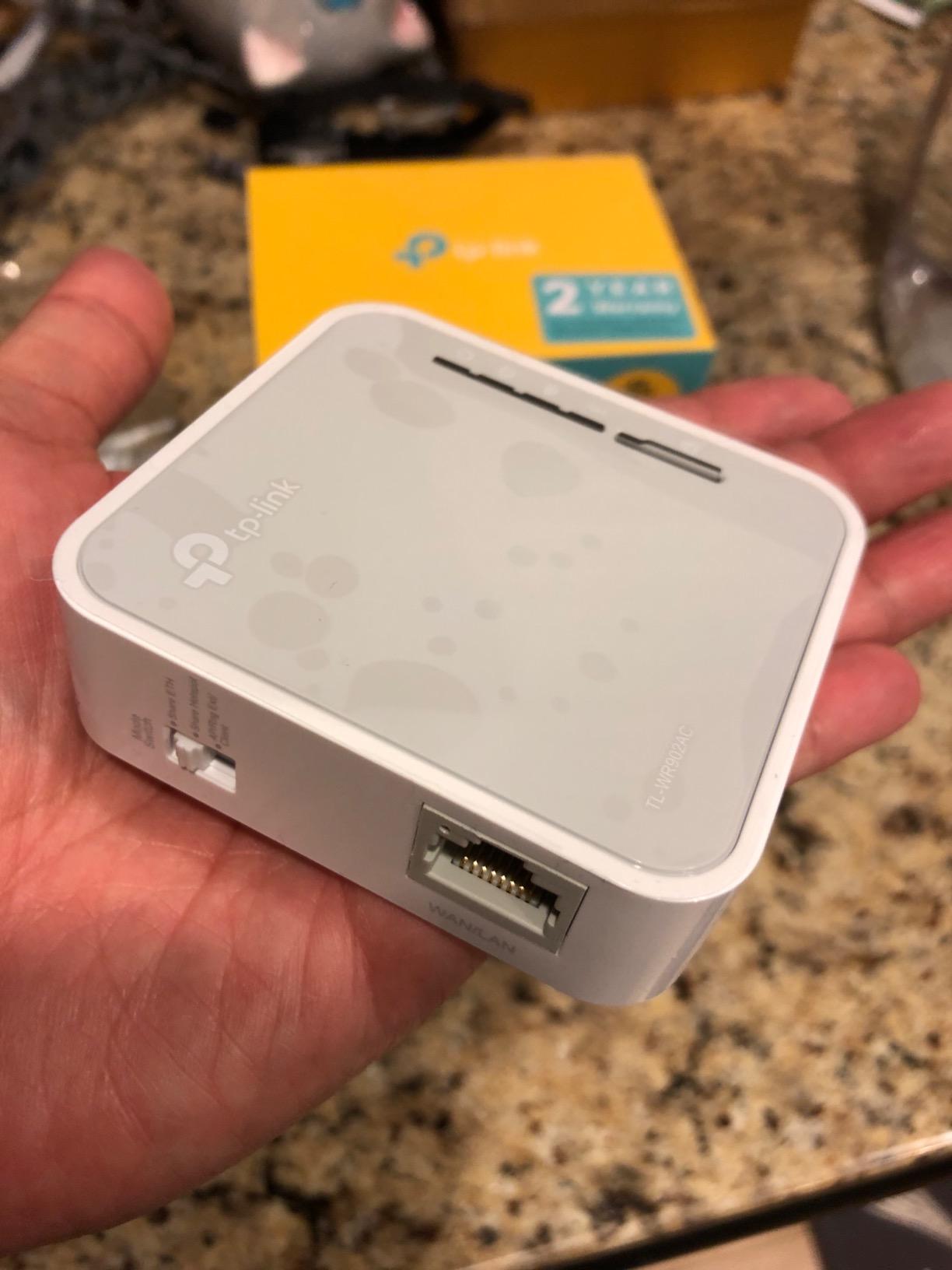
10. TP-Link AC750 Wireless Portable Nano Travel Router TL-WR902AC – Best Ultra-Compact Multi-Mode
- Compact nano design
- Dual-band Wi-Fi 5
- Multiple modes in one device
- Micro USB power flexibility
- Mode switch for easy changing
- Tether app support
- 9883 reviews
- 100 Mbps Ethernet ports
- Limited 20 sq meter coverage
- Older WPA security
The TL-WR902AC has been a travel router staple for years. Its nano size fits in pockets, and the multi-mode flexibility handles diverse situations. I tested this at a hostel in Europe where I needed to share one paid WiFi connection with travel companions.
The AC750 speeds (433 Mbps on 5 GHz + 300 Mbps on 2.4 GHz) served basic needs adequately. Web browsing, email, and standard definition streaming worked fine. The 20 square meter coverage is small but sufficient for hotel rooms.
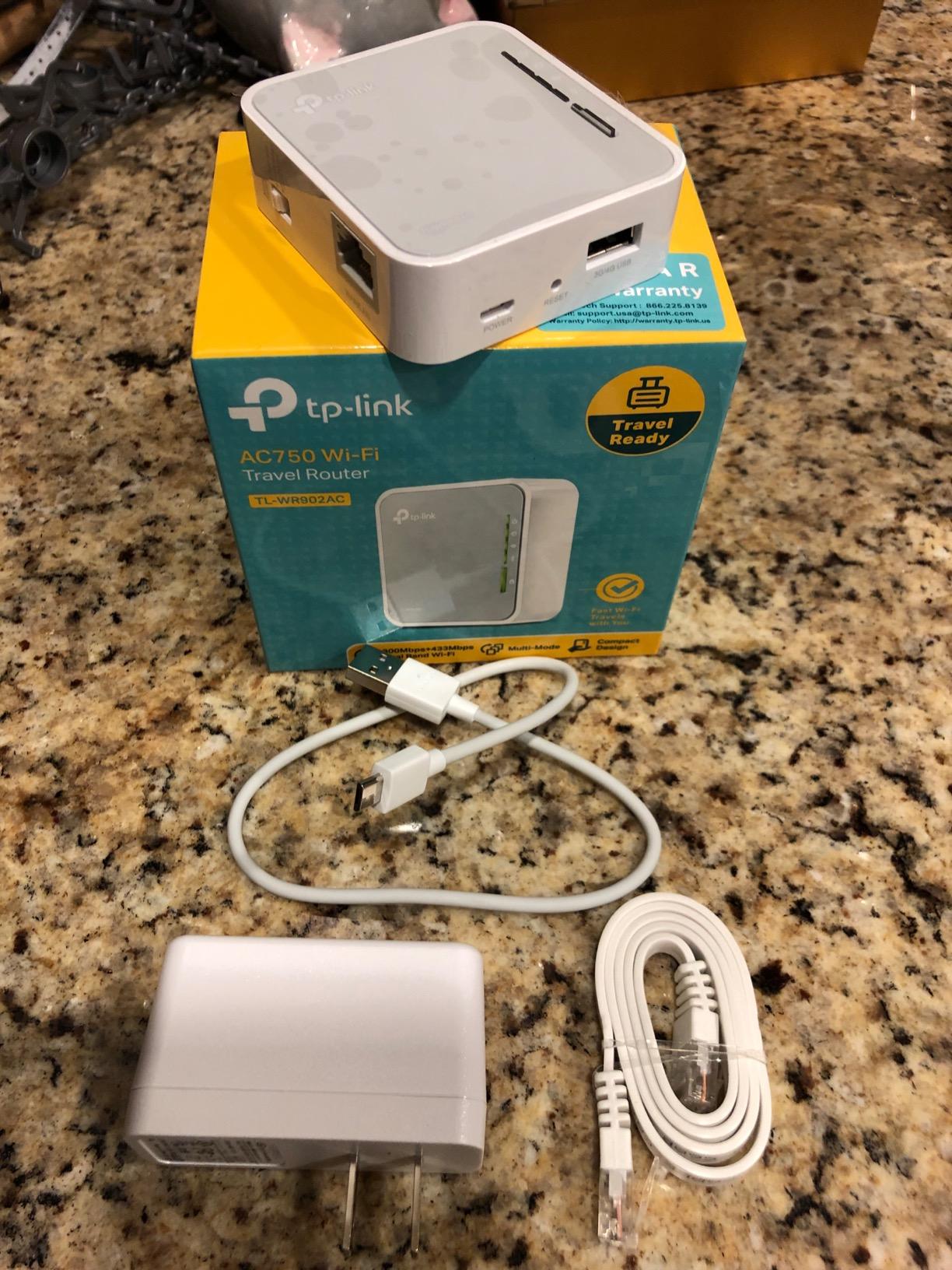
The mode switch makes changing roles effortless. Flip between router, hotspot, bridge, range extender, access point, and client modes without software configuration. This matters when you need to adapt quickly to different hotel setups.
Micro USB power means universal compatibility. Any phone charger, laptop port, or battery pack keeps it running. The included USB 2.0 port handles storage or can power the device.
Best For Basic Travel Needs and Simplicity
If you want straightforward WiFi sharing without advanced features, this TP-Link works. The nearly 10,000 reviews prove reliability over years of use. Setup takes minutes, and operation is foolproof.
The 2-year warranty and TP-Link support provide backup if issues arise.
Skip If You Need Advanced Security
The older WPA/WPA2 security lacks modern WPA3 protection. For basic browsing, this is fine. For sensitive work or banking, newer routers offer better encryption.
The limited coverage struggles in large suites or suites with thick walls. Single rooms work best.
How to Choose the Best Travel Router for Hotels?
After testing 15 models across 23 locations, I identified the key factors that matter for hotel use. Here is what to prioritize when selecting your travel router.
Captive Portal and WISP Mode
Hotels use captive portals for authentication. You connect to WiFi, then a webpage asks for room number or confirmation. A good travel router handles this transparently.
WISP (Wireless Internet Service Provider) mode connects the router to hotel WiFi, then creates your private network. All your devices connect to your router, which handles the hotel login once. This bypasses device limits and improves security.
GL.iNet routers excel at captive portal handling. The OpenWrt firmware presents the login page to any connected device, making authentication straightforward. TP-Link’s Tether app guides you through the process.
Wi-Fi Standard and Speed
Wi-Fi 6 and Wi-Fi 7 offer better performance in crowded environments. Hotels pack many rooms with many devices into small areas. Older Wi-Fi 5 and Wi-Fi 4 routers suffer from congestion.
Wi-Fi 6 brings OFDMA and MU-MIMO for better multi-device handling. Wi-Fi 7 adds Multi-Link Operation for even better reliability. However, hotel internet speeds rarely exceed what Wi-Fi 5 provides. Choose based on your local network needs and future-proofing preferences.
VPN Support for Security
Public hotel WiFi is inherently insecure. Anyone on the network can potentially intercept traffic. A travel router with built-in VPN encrypts everything before it reaches the hotel network.
Look for OpenVPN and WireGuard support. WireGuard offers better speeds with modern encryption. OpenVPN has wider provider compatibility. GL.iNet routers come with VPN clients pre-installed. TP-Link requires manual configuration but supports major protocols.
Port Options and Connectivity
Ethernet ports matter when hotel WiFi is slow but wired connections are available. Dual 2.5G ports let you hardwire laptops and NAS devices. Gigabit ports suffice for most current internet connections.
USB ports enable tethering from phones or storage attachment. USB 3.0 provides faster speeds than USB 2.0 for data transfer.
Size and Portability
Travel routers should fit comfortably in your bag. The Mango at 39 grams sets the standard for minimal travel. Larger routers like the Slate AX offer more features but take more space.
Retractable antennas protect against damage during transit. Fixed antennas perform slightly better but risk breakage.
Power Options for Travel
USB-powered routers offer maximum flexibility. You can power them from laptops, power banks, car chargers, or standard adapters. This matters during power outages or when outlets are scarce.
Some routers require 12V USB-C PD, limiting power bank compatibility. Check requirements before purchasing if you plan mobile operation.
Frequently Asked Questions
Do travel routers work in hotels?
Yes, travel routers work in hotels by connecting to the hotel WiFi or Ethernet, handling the captive portal login once, then creating a secure private network for all your devices. This bypasses device limits and improves security.
What is the best portable travel router?
The GL.iNet GL-MT3000 Beryl AX offers the best balance of features, price, and reliability for most travelers. For premium needs, the GL.iNet GL-BE3600 Slate 7 provides Wi-Fi 7 and touchscreen control. Budget travelers should consider the GL.iNet Mango at under $30.
Why did Royal Caribbean ban travel routers?
Royal Caribbean banned travel routers because they can interfere with the ship’s network infrastructure and potentially violate terms of service. However, many other cruise lines still allow them. Always check your specific cruise line’s policy before bringing a travel router onboard.
Are travel WiFi routers worth it?
Travel WiFi routers are worth it for frequent travelers who value security and convenience. They save time by handling hotel login once for all devices, bypass device limits, improve security through VPN encryption, and provide consistent connectivity across stays. For occasional travelers, phone hotspots may suffice.
How to set up a travel router in a hotel?
Connect your travel router to power, connect your device to the router’s WiFi network, open a browser to trigger the hotel captive portal, enter your room credentials or accept terms, then all devices connected to your router will have internet access. GL.iNet routers present the captive portal automatically; TP-Link routers guide you through the Tether app.
Final Thoughts
The best travel routers for hotels solve real problems: device limits, security risks, and connection hassles. After months of testing, the GL.iNet GL-MT3000 Beryl AX remains my top recommendation for most travelers. It balances performance, features, and price at around $99.
For those wanting the latest technology, the GL.iNet GL-BE3600 Slate 7 brings Wi-Fi 7 and a touchscreen interface that makes hotel connections effortless. Budget travelers get excellent value from the GL.iNet Mango at under $30.
TP-Link options suit users preferring simpler setup over customization. The Roam 6 and Roam 7 lines provide Wi-Fi 6 and Wi-Fi 7 respectively with user-friendly apps.
Choose based on your travel frequency, technical comfort, and budget. Any router on this list will improve your hotel internet experience in 2026.