
Recording vocals at home used to mean settling for thin, noisy audio that sounded nothing like what you heard in your head. I spent years fighting with built-in laptop sound cards before I realized the problem was never my microphone or my voice. It was the connection between them. That is exactly where a quality USB audio interface changes everything for vocalists.
A USB audio interface gives your voice the clean gain, low-latency monitoring, and professional conversion it deserves. Whether you are tracking demos in a bedroom studio, laying down podcast episodes, or recording voiceovers for clients, the right interface makes your vocal recordings sound polished from the start. I have tested over a dozen interfaces specifically with vocal recording in mind, and this guide covers the ones that genuinely deliver for singers and voice artists.
Before diving in, if you are also shopping for the right mic to pair with your interface, check out our guide to the best microphones for recording vocals. And if your work spans both singing and spoken content, our picks for audio interfaces for podcasters cover some great crossover options.
Top 3 Picks for USB Audio Interfaces for Vocalists (September 2026)

Best USB Audio Interfaces for Vocalists in 2026
| Product | Specifications | Action |
|---|---|---|
 Focusrite Scarlett 2i2 4th Gen Focusrite Scarlett 2i2 4th Gen |
|
Check Latest Price |
| SSL 2 MKII |
|
Check Latest Price |
 Universal Audio Volt 2 Universal Audio Volt 2 |
|
Check Latest Price |
 Focusrite Scarlett Solo 4th Gen Focusrite Scarlett Solo 4th Gen |
|
Check Latest Price |
 Shure MVX2U Gen 2 Shure MVX2U Gen 2 |
|
Check Latest Price |
 Focusrite Scarlett Solo 3rd Gen Focusrite Scarlett Solo 3rd Gen |
|
Check Latest Price |
 PreSonus AudioBox 96 25th Ann PreSonus AudioBox 96 25th Ann |
|
Check Latest Price |
 Mackie Onyx Artist 1-2 Mackie Onyx Artist 1-2 |
|
Check Latest Price |
 MAONO PS22 Lite MAONO PS22 Lite |
|
Check Latest Price |
 M-AUDIO M-Track Duo M-AUDIO M-Track Duo |
|
Check Latest Price |
 M-AUDIO M-Track Solo M-AUDIO M-Track Solo |
|
Check Latest Price |
 Behringer U-PHORIA UM2 Behringer U-PHORIA UM2 |
|
Check Latest Price |
1. Focusrite Scarlett 2i2 4th Gen – The Vocalist’s Workhorse Gets Smarter
- Auto Gain sets perfect levels automatically
- Clip Safe prevents ruined takes from clipping
- Flagship-grade 120dB converters
- Rear XLR ports keep desk tidy
- Enhanced Air mode adds vocal presence
- Firmware update needed out of the box
- Single USB 2.0 connection
- Auto Gain may not suit every scenario
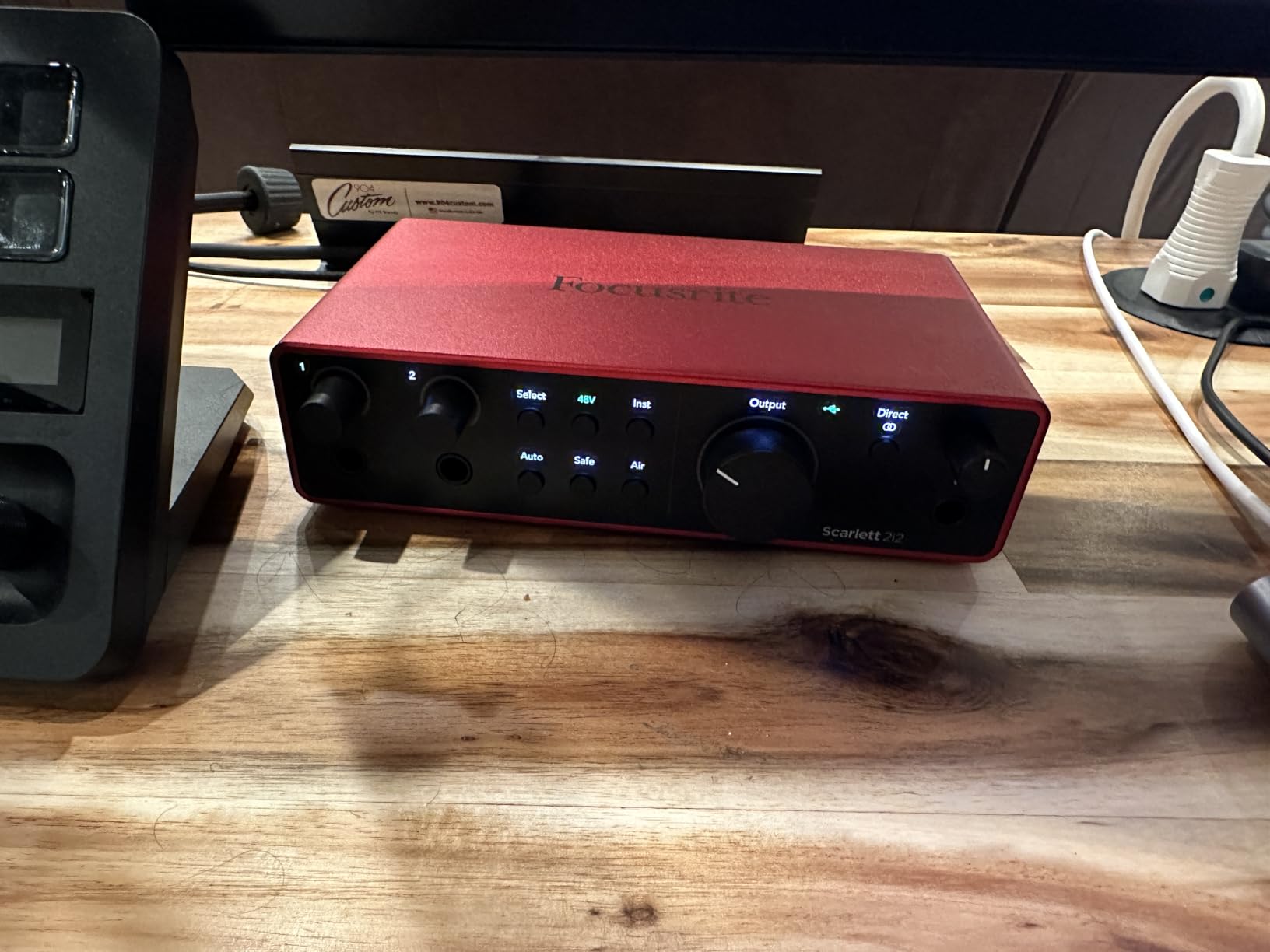
The Scarlett 2i2 has been the go-to interface for home recording for years, and the 4th Gen version is the first one that made me set down my older gear and not look back. I plugged in a condenser mic, hit the Auto Gain button, and watched it dial in a vocal level that would have taken me two minutes of careful adjustment on previous models. That feature alone saves takes, especially when you are recording yourself and cannot monitor gain knobs while singing.
Clip Safe is the other feature that sold me. It runs in the background and catches transient peaks that would normally clip your recording. I tested this with a belting vocal passage that normally requires careful gain staging, and Clip Safe handled it cleanly. For vocalists who vary between soft verses and loud choruses, this is a genuine safety net.
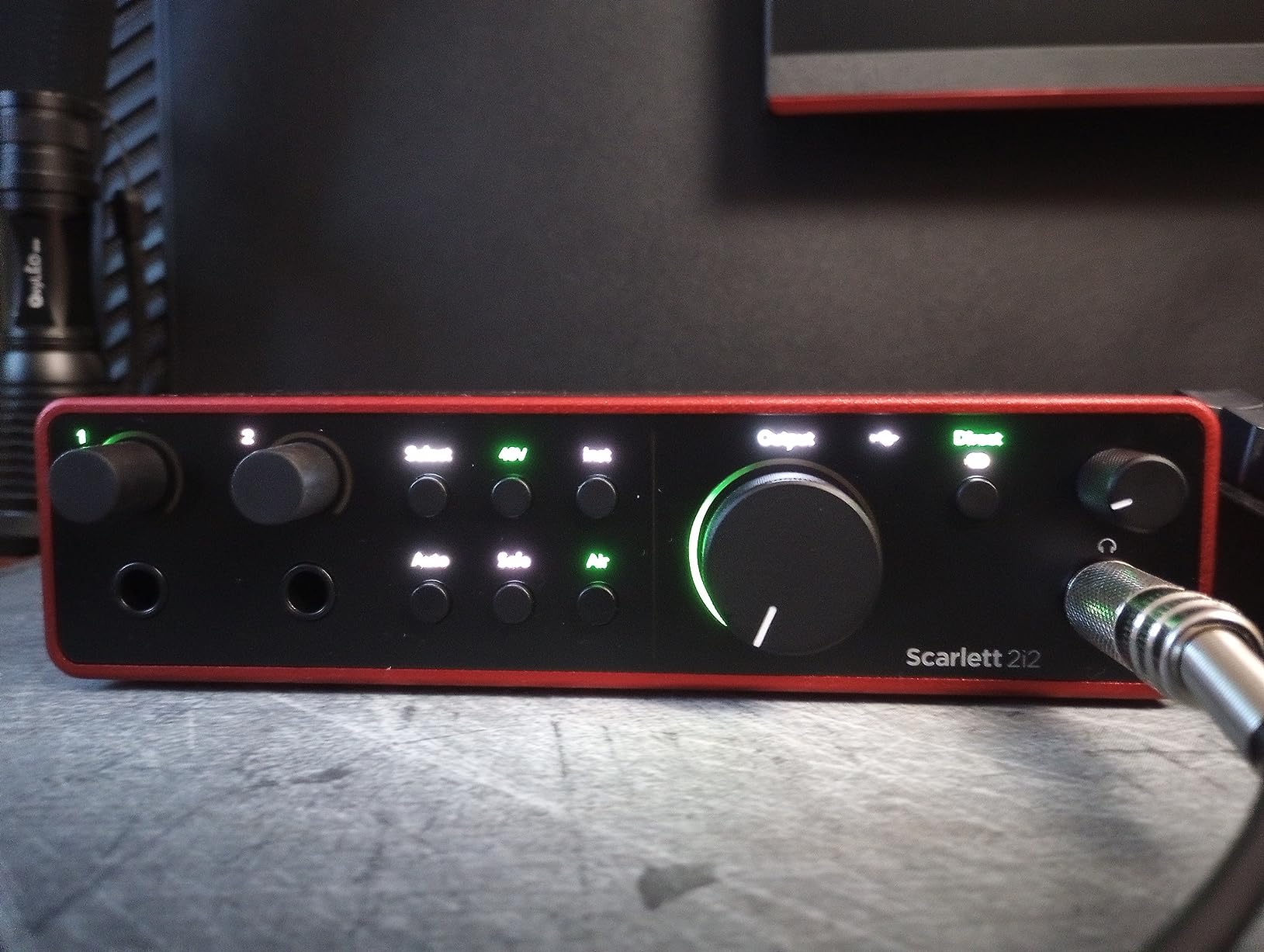
The 120dB dynamic range comes from the same converters used in Focusrite flagship interfaces costing significantly more. In practice, this means your quiet vocal nuances and your loudest moments both come through with detail and clarity. The Air mode has been improved too, adding a subtle presence peak that lifts vocals forward in a mix without sounding harsh.
The rear-mounted XLR jacks are a small but meaningful change. Cables route backward instead of sticking out the front, which keeps your desk cleaner and reduces accidental cable pulls mid-session. At 1.3 pounds, it is solid enough to stay put on a desk but light enough to toss in a bag for mobile sessions.
Who this interface is built for
This is the best all-around pick for vocalists who want professional results without overthinking their gear. If you record vocals and guitar simultaneously, need two inputs for duets or interviews, or want the safety net of Auto Gain and Clip Safe, the 2i2 4th Gen delivers. The comprehensive software bundle including Pro Tools Intro+, Ableton Live Lite, and the Hitmaker Expansion gives you everything you need to start producing finished tracks right away.
What to keep in mind
The firmware update out of the box is a minor annoyance but worth doing for optimal performance. The single USB 2.0 connection works fine for vocal recording, but if you plan to expand to a multi-channel setup later, you may want to consider the multi-channel audio interfaces we have reviewed. Auto Gain works well for most vocal types but may need manual override for very dynamic performers.
2. Solid State Logic SSL 2 MKII – Console Sound on Your Desktop
- Legendary SSL console sound quality
- Legacy 4K mode adds professional sheen
- Dual headphone outputs for artist and engineer
- Bus powered with no external supply needed
- MIDI I/O included
- Larger footprint than some competitors
- Not 32-bit float recording
- Higher price point than entry-level
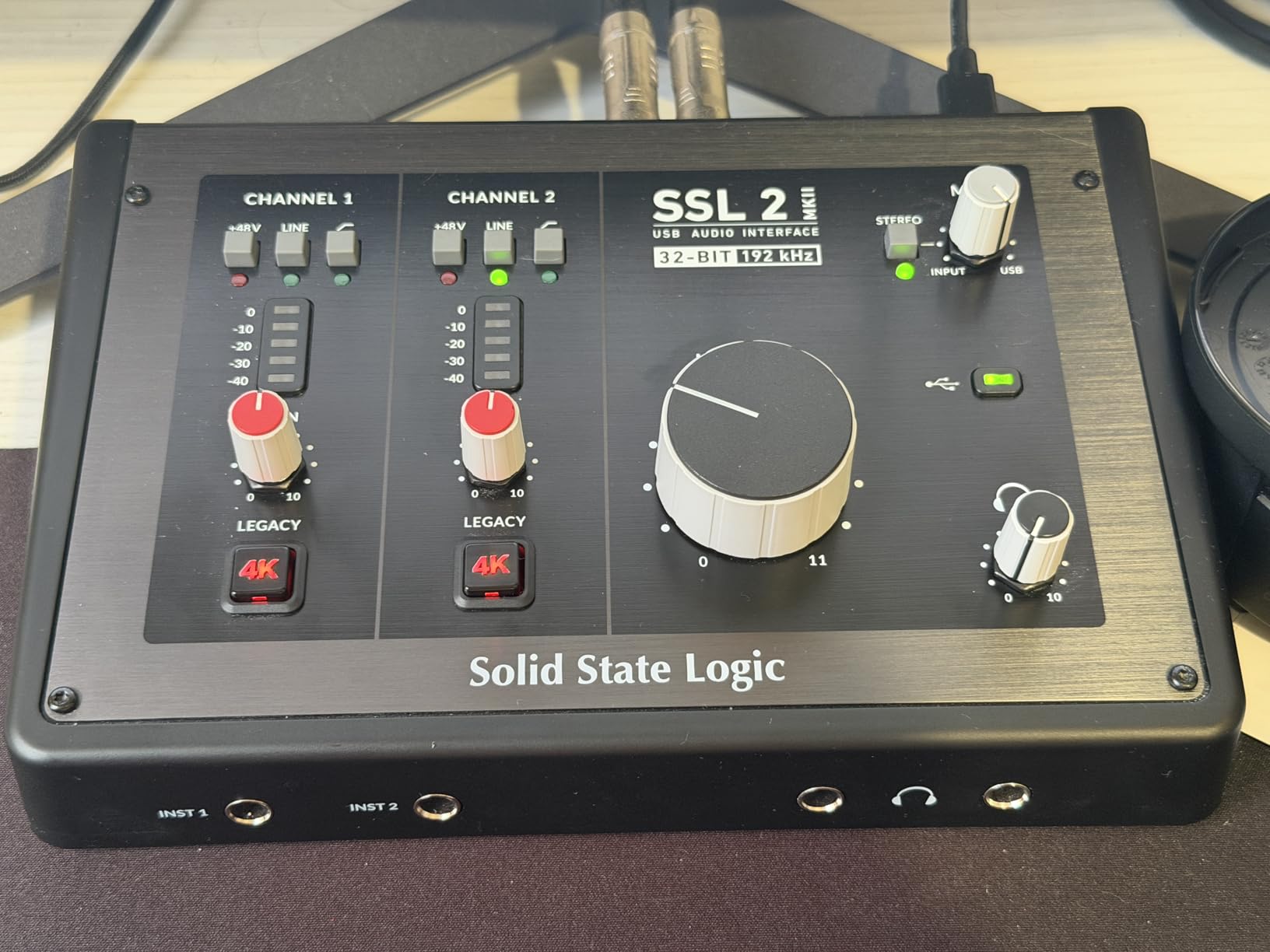
Solid State Logic consoles have been used on thousands of hit records, and the SSL 2 MKII brings that heritage to a desktop interface. The first time I recorded vocals through it, I understood the hype. There is a clarity and dimension to the sound that immediately sounds more polished than what I get from most interfaces in this price range. The preamps are exceptionally clean with a very low noise floor.
The Legacy 4K button is the standout feature for vocalists. Engaging it adds a subtle high-frequency lift and harmonic saturation inspired by the SSL 4000-series consoles. On vocals, it adds a professional sheen that sits beautifully in a mix without any EQ. I found myself leaving it on for most vocal sessions because it just sounds right.
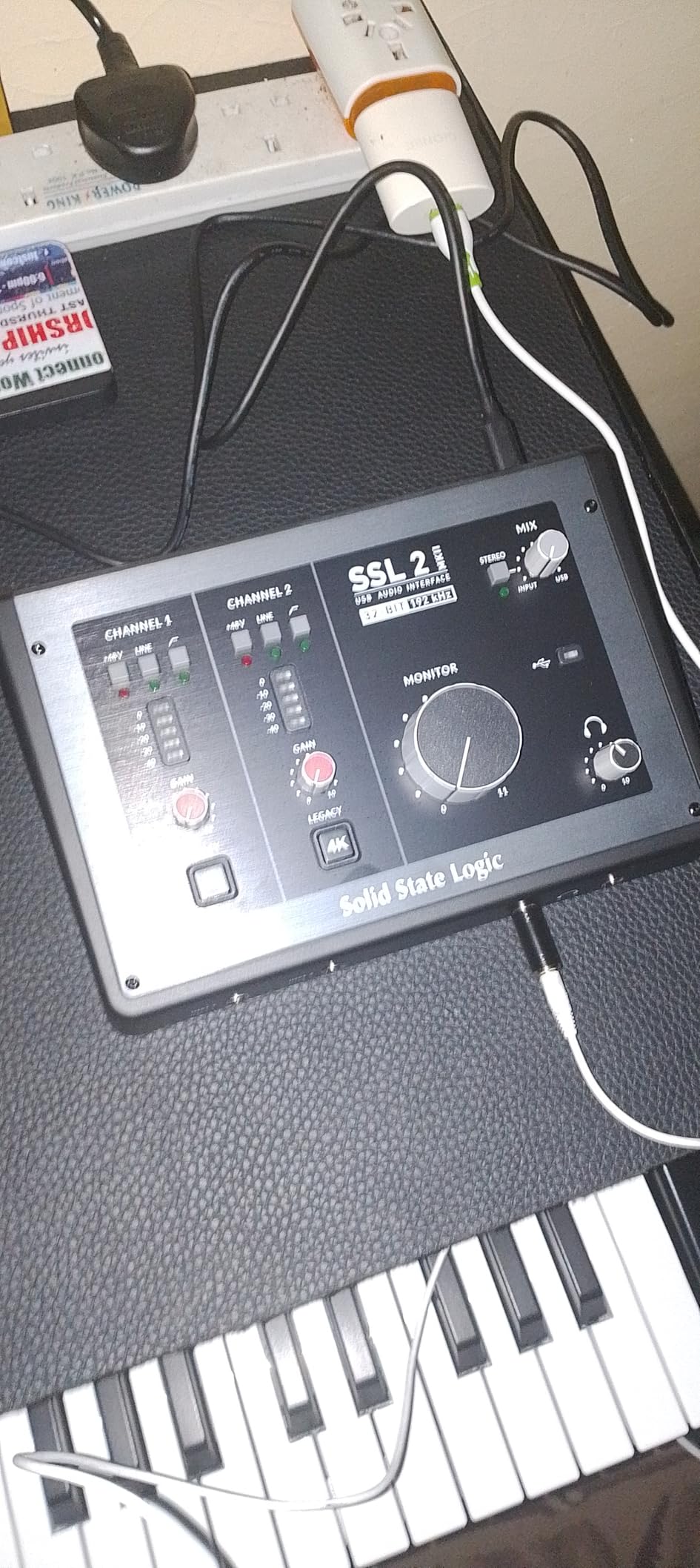
The 32-bit/192kHz converters deliver excellent conversion quality, and the high-pass filters on each input channel are invaluable for vocal recording. They cut out low-frequency rumble from handling noise, air conditioning, or foot traffic before it ever hits your DAW. Having two headphone outputs means you can monitor alongside a vocalist or run separate mixes for artist and engineer.
Build quality is outstanding with a stainless steel chassis that feels genuinely professional. The knobs are smooth and precise, with no wobble or scratchiness. At 2.57 pounds, this is the heaviest interface in our lineup, but that weight translates to stability on your desk. It stays exactly where you put it.
Who this interface is built for
Vocalists and producers who want their recordings to sound like they came through a professional console will love the SSL 2 MKII. If you are upgrading from a budget interface and want to hear an immediate, obvious improvement in your vocal quality, this is the one. It is also ideal for vocalists who work with engineers or producers who need their own headphone feed during sessions.
What to keep in mind
The larger footprint means it takes up more desk space than compact interfaces like the Scarlett series. It is also not a 32-bit float recorder, so you still need to set reasonable gain levels to avoid clipping. The higher price is justified by the sound quality, but it may be more than a beginner needs.
3. Universal Audio Volt 2 – Vintage Warmth for Modern Vocals
- Vintage 610 preamp mode adds analog warmth
- LUNA DAW with UAD plug-ins included
- Works with Mac
- Windows
- iPad
- iPhone
- Premium build quality and design
- Easy to use for beginners
- Only two LEDs for gain indication
- No direct monitoring balance control
- MOTIV software setup can be finicky
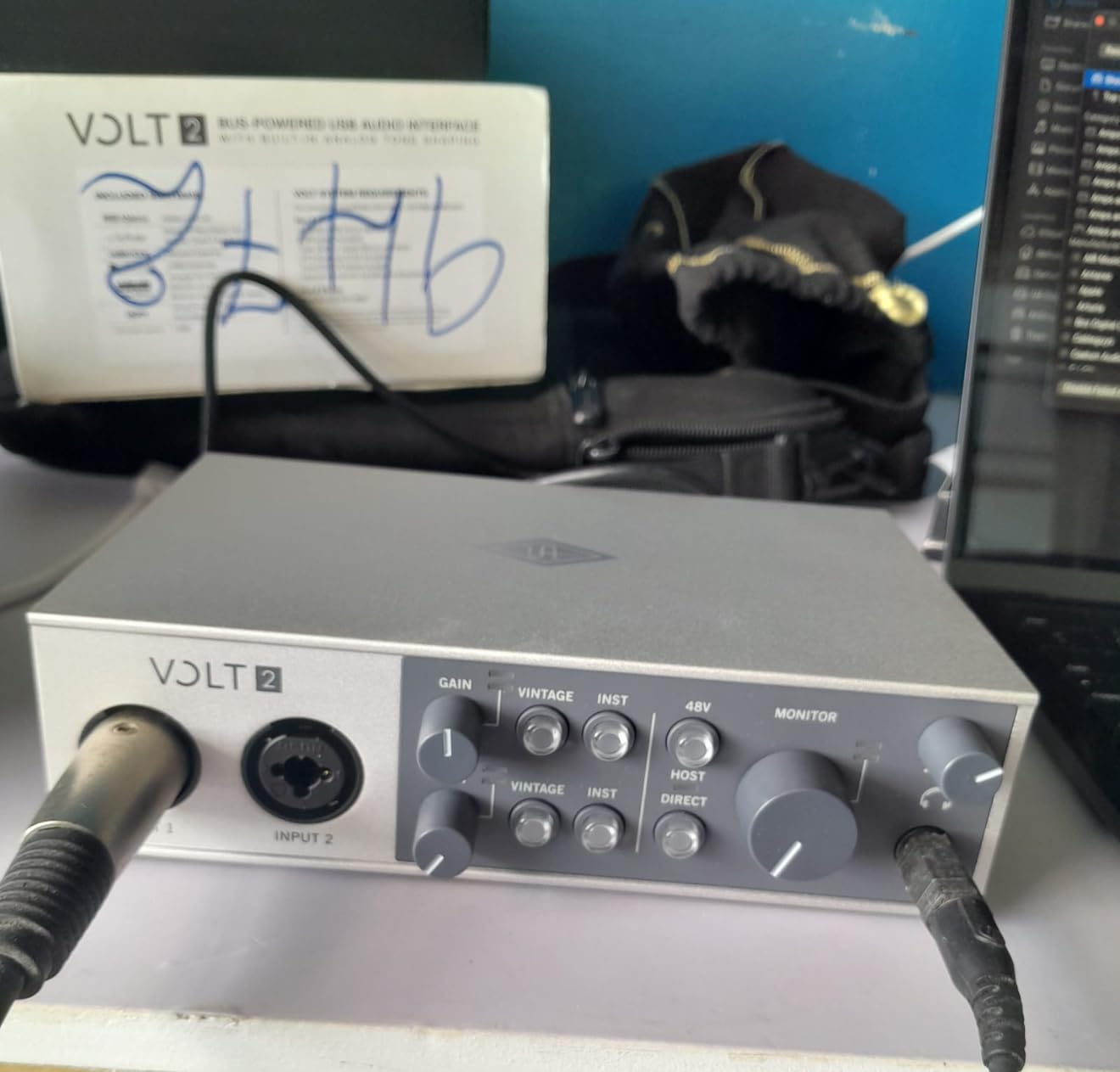
Universal Audio built their reputation on analog gear that shaped the sound of popular music, and the Volt 2 brings that legacy to an affordable USB interface. The Vintage mode activates UA’s 610 preamp emulation, which adds a warm, slightly compressed character to vocals that sounds immediately appealing. I found it especially flattering on male vocals and intimate singing styles.
Without Vintage mode engaged, the preamps are clean and transparent. This gives you two distinct flavors to work with depending on the vocal style. For a bright pop vocal, you might skip Vintage mode. For a soulful ballad or acoustic performance, engaging it adds body and character that would normally require post-production processing.
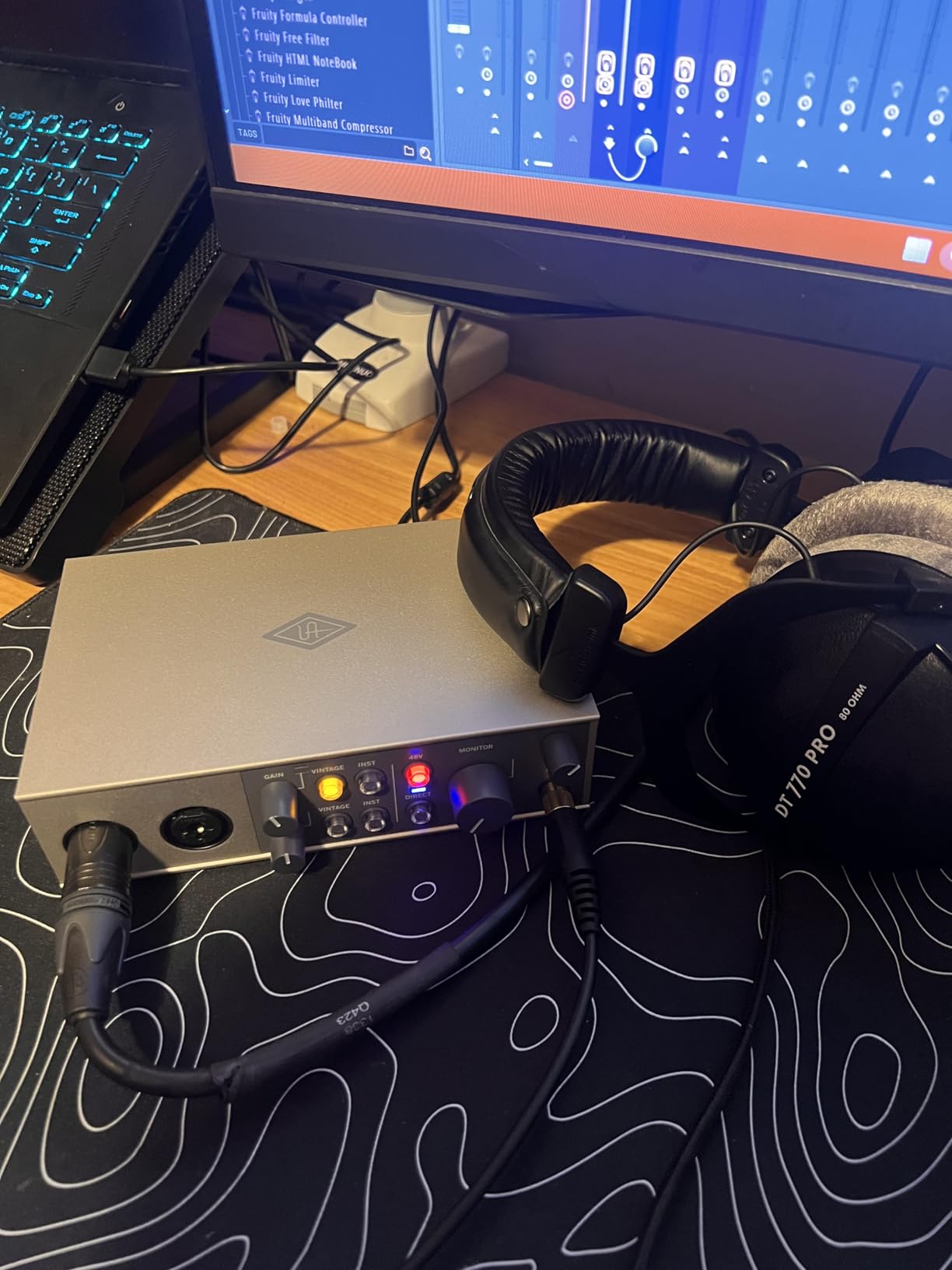
The included LUNA DAW and UAD plug-ins are a significant part of the value proposition. You get access to emulations of classic compressors, EQs, and reverbs that vocalists have used on hit records for decades. Running these inside LUNA with near-zero latency makes the recording process feel more like working in a real studio than a bedroom setup.
The Volt 2 works across Mac, Windows, iPad, and iPhone, which makes it versatile for vocalists who record in different environments. I tested it with an iPad running GarageBand and the results were excellent for mobile vocal scratch recordings and demos. The USB-C bus power means no external power supply to carry.
Who this interface is built for
Vocalists who want analog character without the complexity of external preamps will gravitate to the Volt 2. If you record vocals that benefit from warmth and presence, from soul to folk to hip-hop, the Vintage 610 mode gives you a sound that stands out. It is also a strong pick for vocalists who want to learn production with professional-grade UAD plug-ins.
What to keep in mind
Gain setting is tricky because you only get two LEDs for indication. You will need to rely more on your DAW meters to find the right level. There is no balance control between direct monitoring and DAW playback, which means less flexibility for vocalists who like to mix their headphone blend.
4. Focusrite Scarlett Solo 4th Gen – Studio Sound for Solo Vocalists
- Same flagship converters as the 2i2 4th Gen
- Improved Air mode lifts vocal presence
- Dynamic Gain Halos for visual feedback
- Compact and portable at 0.9 pounds
- Three-year manufacturer warranty
- Only one XLR input
- No MIDI connectivity
- Firmware update needed initially
- Limited gain for demanding dynamic mics
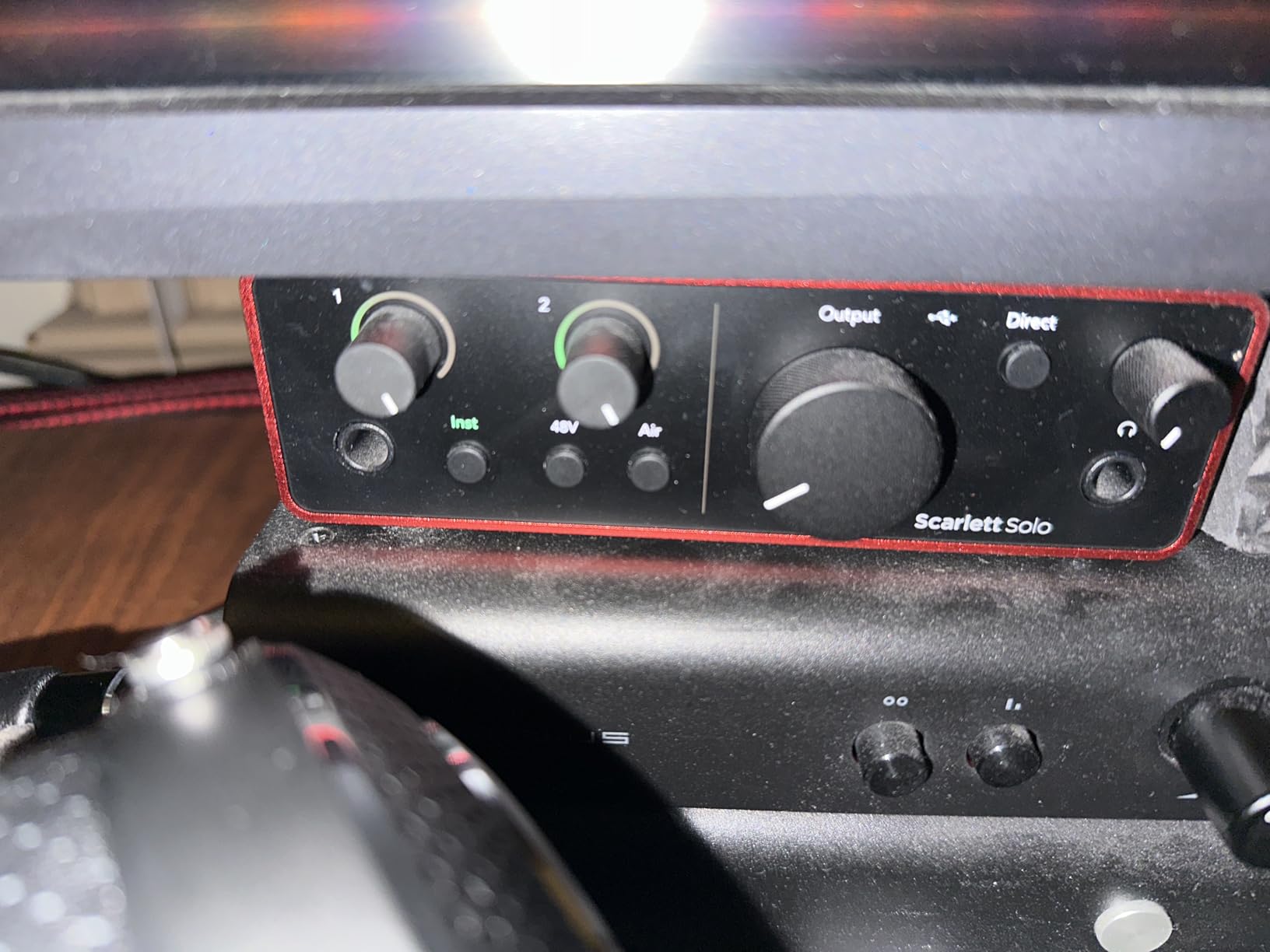
If you are a solo vocalist who only needs one microphone input, the Scarlett Solo 4th Gen gives you the same flagship-grade converters as the 2i2 in a smaller, more affordable package. I was impressed that the 120dB dynamic range is identical to its bigger sibling, meaning you do not sacrifice audio quality by choosing the single-input version.
The improved Air mode is particularly effective on vocals. It adds a presence boost around the upper midrange that makes vocal recordings sound more open and defined. I compared recordings with Air mode on and off, and the difference was immediately noticeable. Vocals cut through a mix with less EQ work when Air is engaged.
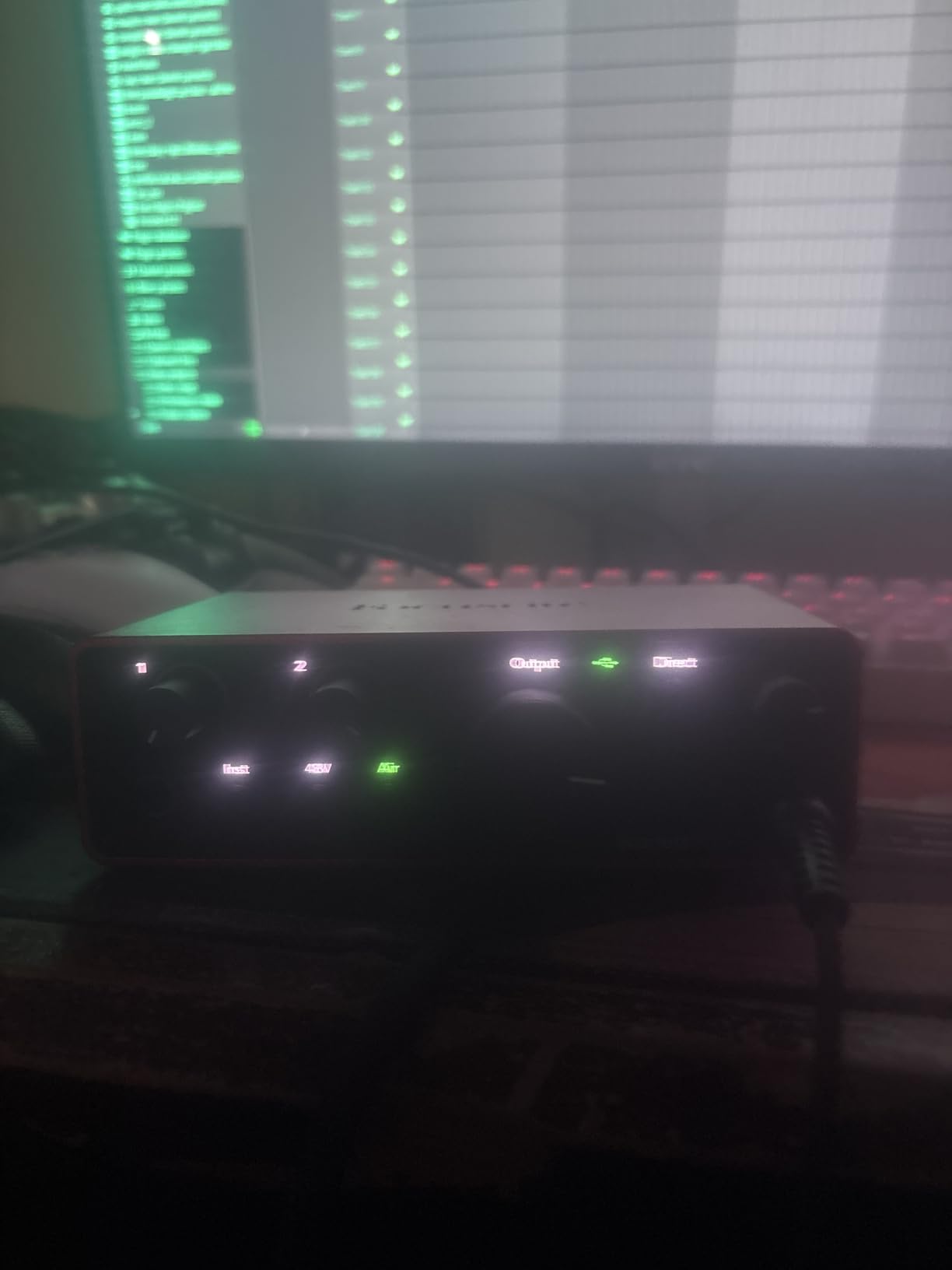
Dynamic Gain Halos are the ring of light around the gain knob that changes color from green to amber to red as your signal increases. For vocalists who cannot watch a software meter while performing, these halos give you instant visual feedback that your levels are safe. It is a simple feature that prevents a lot of ruined takes.
At 0.9 pounds, this is one of the most portable interfaces that still delivers genuinely professional sound quality. It fits easily in a laptop bag alongside your microphone, making it practical for vocalists who record in different locations or travel to sessions.
Who this interface is built for
Solo vocalists, singer-songwriters, and voiceover artists who never need more than one mic at a time will find the Solo 4th Gen perfectly matched to their workflow. If you are starting your first home vocal studio and want professional sound without paying for inputs you will not use, this is a smart choice.
What to keep in mind
The single XLR input means you cannot record vocals and guitar simultaneously through separate inputs. You also do not get MIDI connectivity, which matters if you use keyboard controllers in your productions. The gain may be insufficient for very quiet dynamic microphones like the SM7B without additional boost.
5. Shure MVX2U Gen 2 – The Portable Vocal Recording Solution
- Plug-and-play with no drivers needed
- Up to +60dB gain for dynamic mics like SM7B
- Built-in Auto Level and Denoiser
- Works with phone
- tablet
- and computer
- Settings saved even when powered off
- Gain control only through MOTIV app
- No hardware gain knob on device
- Limited to one XLR input
- Software required for advanced features
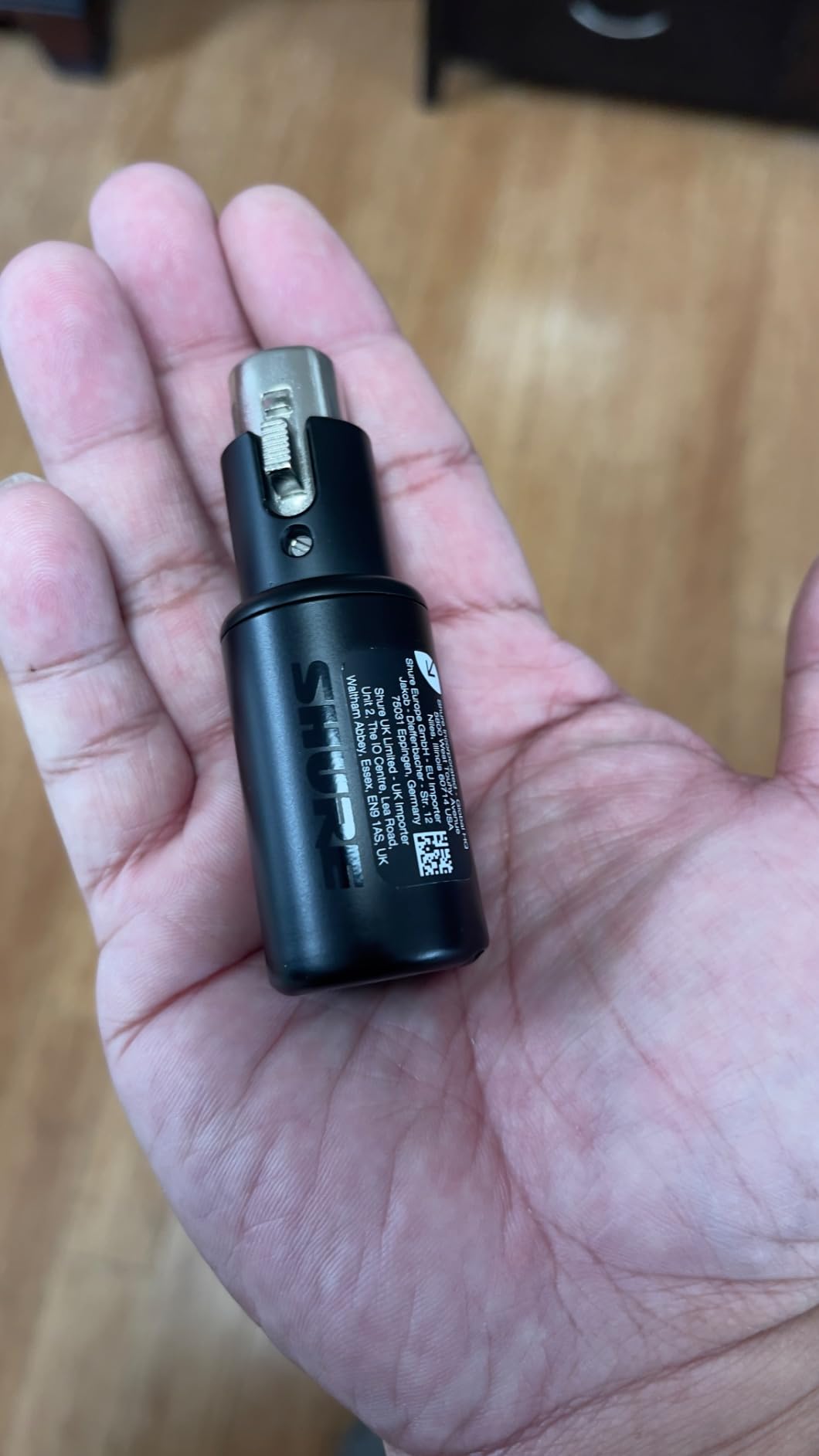
The Shure MVX2U Gen 2 is a different kind of audio interface. Instead of a desktop box, it is a compact XLR-to-USB-C adapter that connects your microphone directly to your computer, phone, or tablet. I was skeptical that something this small could deliver professional vocal quality, but the onboard DSP processing and up to +60dB of clean gain proved me wrong.
Auto Level Mode is the standout feature for vocalists. It automatically adjusts gain in real time based on your voice level, so whether you are whispering or belting, your recording stays at a consistent volume. You can choose from Dark, Natural, or Bright tone presets that shape your vocal sound without any plugins. The Real-Time Denoiser and Digital Popper Stopper are genuinely useful for vocal recording, reducing room noise and plosives before they reach your DAW.
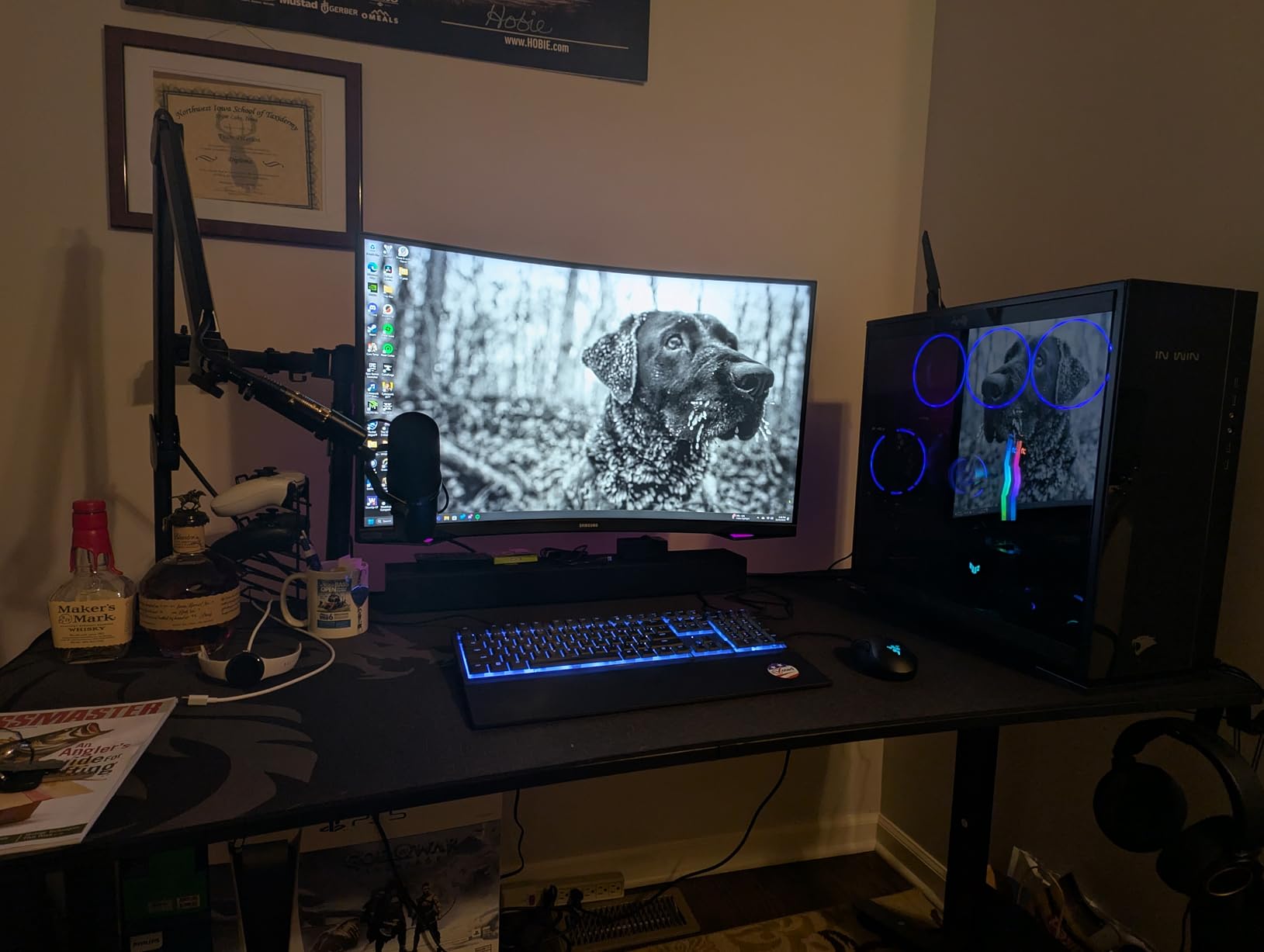
This interface provides enough clean gain to drive demanding dynamic microphones like the Shure SM7B without an additional preamp. That alone makes it compelling for podcasters and vocalists who use dynamic mics for their excellent off-axis rejection in untreated rooms. The 48V phantom power also supports condenser microphones.
The MOTIV app gives you access to EQ, compression, and limiter settings that you can dial in and save. Once configured, the device remembers your settings even when unplugged. This means you can set up your ideal vocal chain once and have it ready instantly on any device.
Who this interface is built for
Vocalists and podcasters who value portability above all else will love the MVX2U Gen 2. If you record vocals on an iPad, switch between computer and phone, or travel frequently and need a compact rig, this adapter delivers excellent sound in a package that fits in your pocket. It is also ideal for SM7B owners who want a simple, portable gain solution.
What to keep in mind
There is no physical gain knob on the device itself. All gain adjustments happen through the MOTIV software, which means you need your phone or computer nearby to change levels. The single XLR input limits you to one microphone, and you will not get the routing flexibility of a full desktop interface.
6. Focusrite Scarlett Solo 3rd Gen – The Gateway Interface for Vocal Recording
- Exceptional preamp quality for the price
- Air mode adds clarity to vocals
- Comprehensive software suite included
- Solid metal build at just 0.77 pounds
- 29k+ reviews with 4.7-star rating
- Single XLR input only
- No MIDI ports
- USB 2.0 Type-A cable included only
- Older generation without Auto Gain
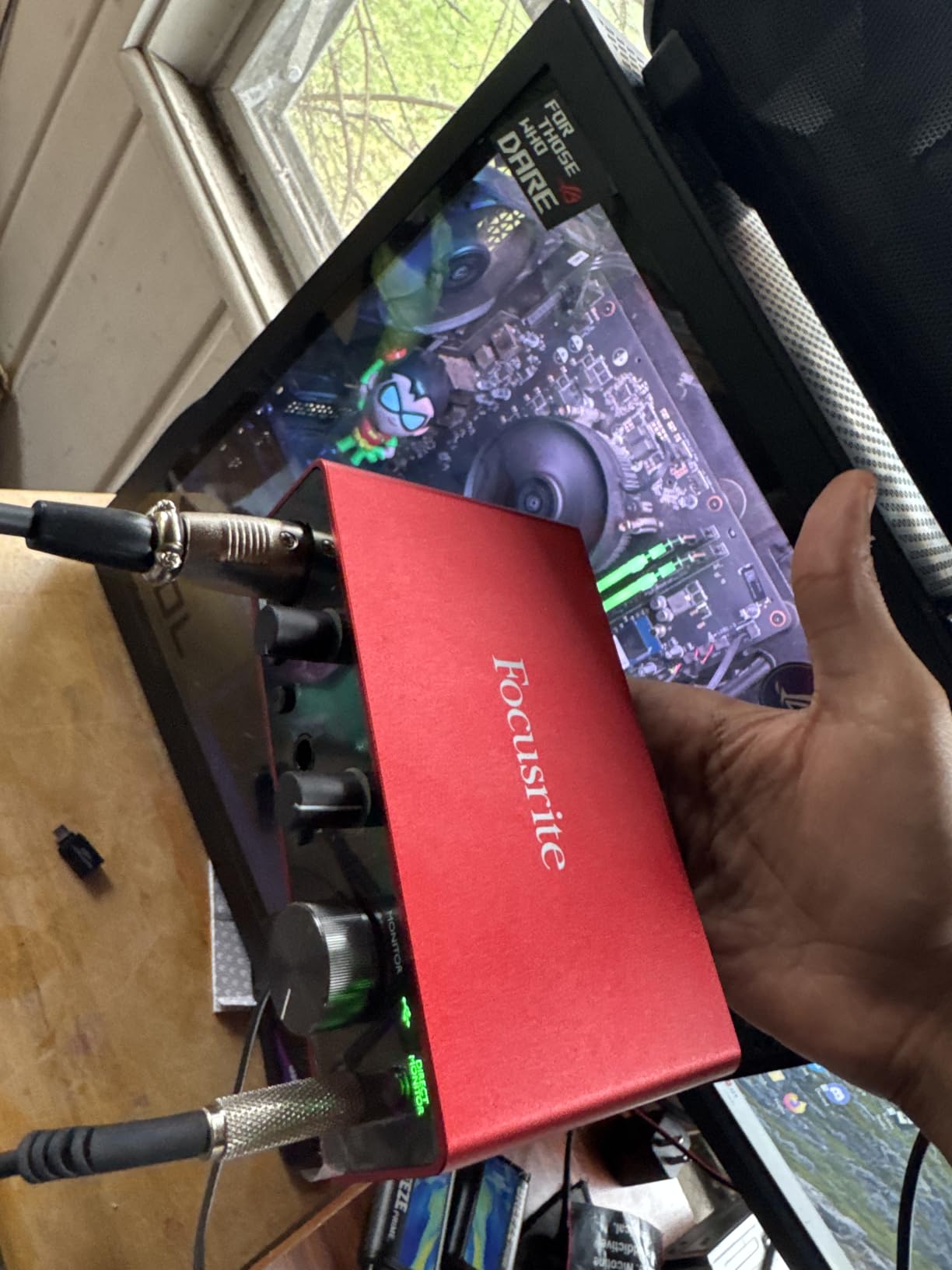
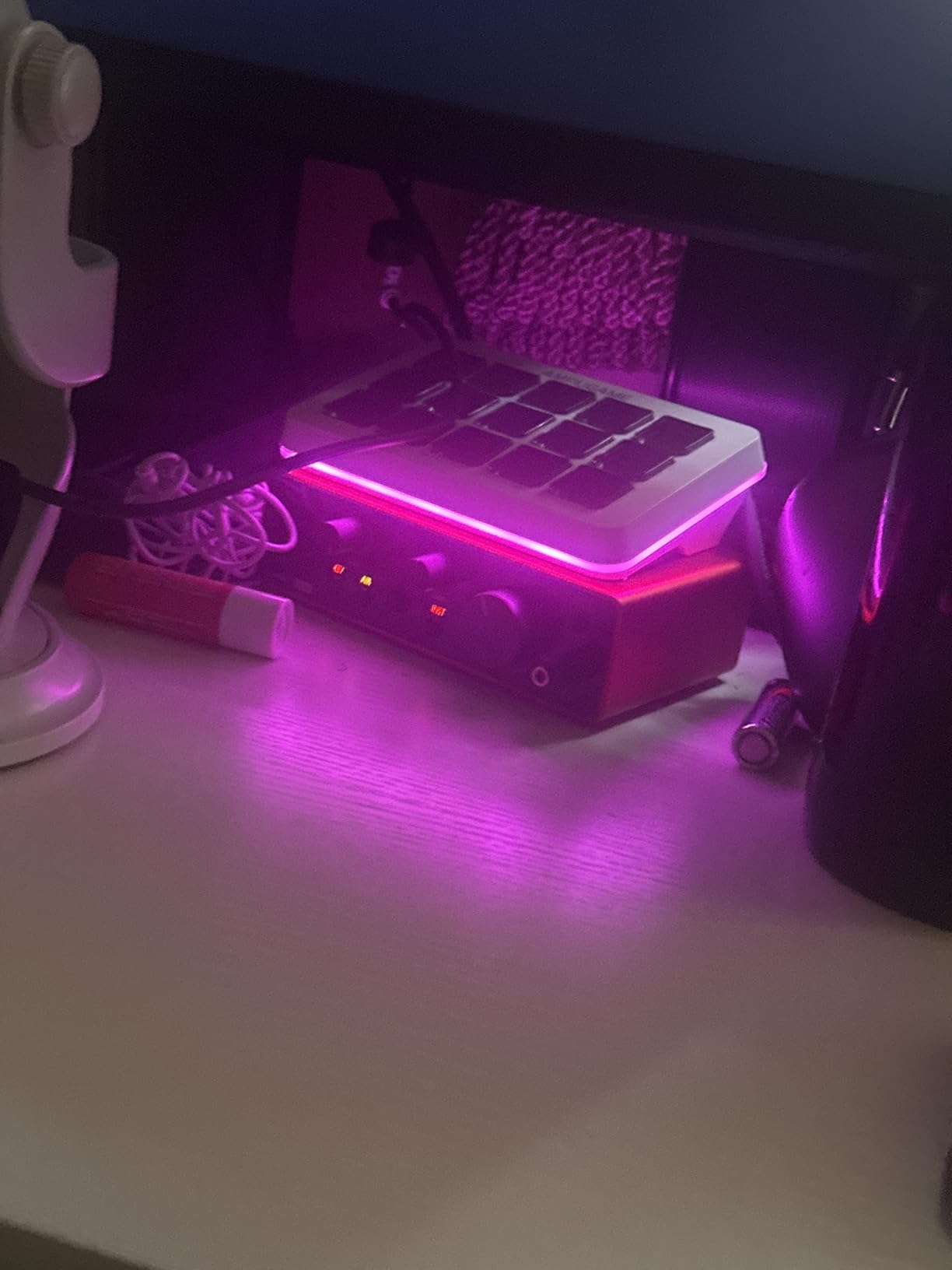
The Scarlett Solo 3rd Gen is the interface that many vocalists, myself included, started with, and it remains one of the best values in audio recording. With over 29,000 reviews and a 4.7-star rating, it has earned its reputation through consistent performance. The preamp quality punches well above its price, delivering clean gain that captures vocal nuances accurately.
Air mode is the secret weapon for vocal recording on this unit. Engaging it switches in a high-frequency boost inspired by Focusrite’s ISA preamp, adding air and presence that flatters vocal recordings. I have compared raw vocal tracks recorded with Air mode on versus off, and the difference is like lifting a thin blanket off the sound.
The included software bundle is genuinely useful rather than just marketing fluff. Pro Tools Intro+, Ableton Live Lite, Cubase LE, and the Hitmaker Expansion give you multiple DAW options and a solid collection of vocal processing plugins. For a vocalist buying their first interface, this software alone could cost more than the interface if purchased separately.
Build quality is surprisingly good at this price. The all-metal chassis feels durable and survives the bumps of regular transport. The Gain Halo indicators around the knobs provide instant visual feedback on your levels, which is essential when you are singing and cannot stare at a computer screen.
Who this interface is built for
This is the ideal first interface for vocalists on a budget who want to move beyond built-in computer audio. If you are a beginner singer, podcaster, or voiceover artist who needs clean vocal recordings without spending much, the Solo 3rd Gen is the safest starting point. It is also great as a backup interface for experienced users.
What to keep in mind
This is the older generation, so you miss out on Auto Gain, Clip Safe, and the improved 120dB dynamic range of the 4th Gen. The included USB cable is Type-A, so you will need an adapter for USB-C-only laptops. There are no MIDI ports, which limits flexibility if you produce with keyboards or drum machines.
7. PreSonus AudioBox 96 25th Anniversary – Complete Recording Package with DAW
- Includes Studio One Artist DAW (worth over $100)
- MIDI In/Out for keyboard and drum machine users
- Robust metal chassis built to last
- Class-A preamps with clean vocal capture
- Cross-platform with good driver support
- Gain knobs feel crowded together
- USB 2.0 only
- Some units report buzzing issues
- Knobs may need to be near maximum for condenser mics
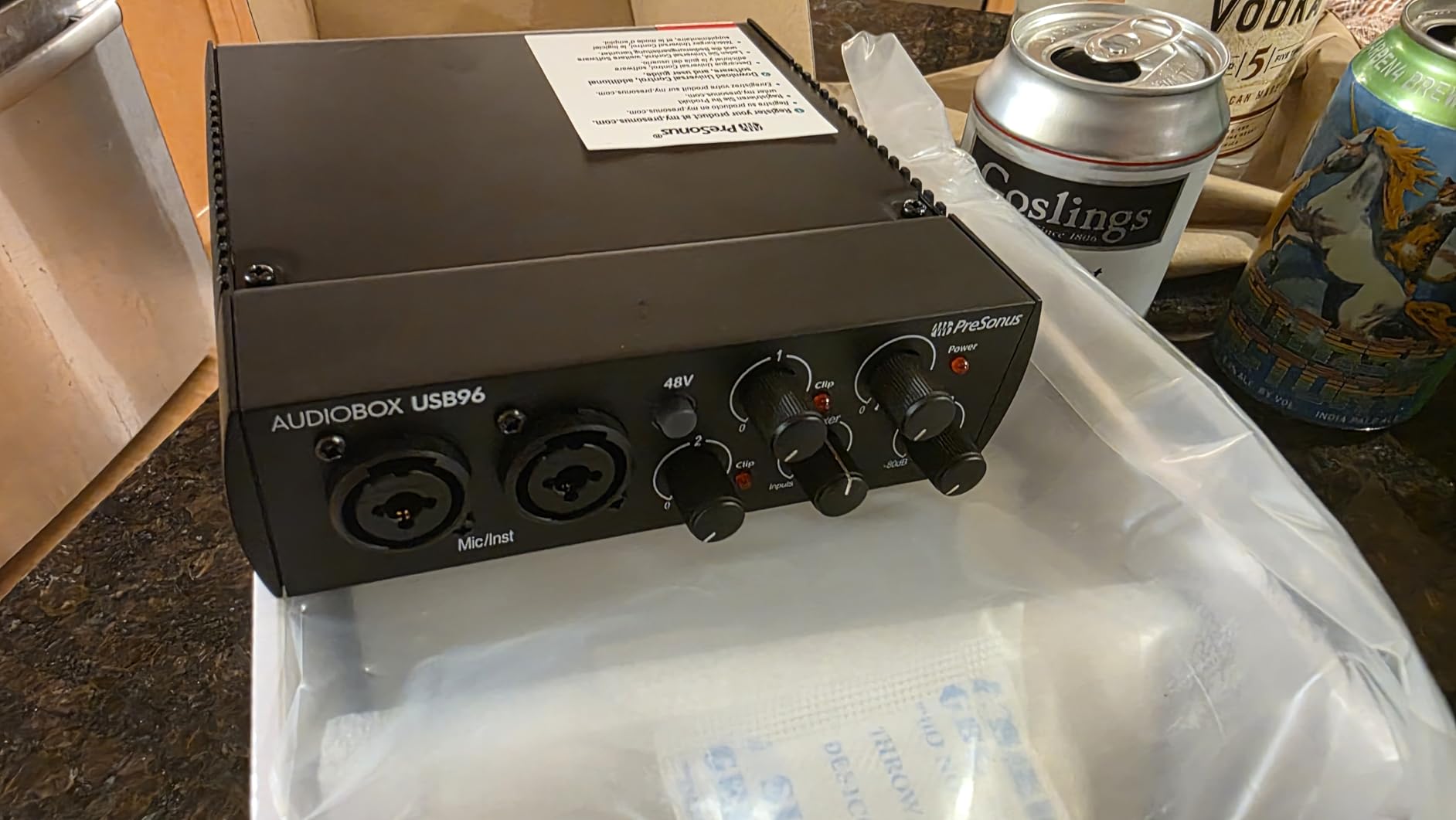
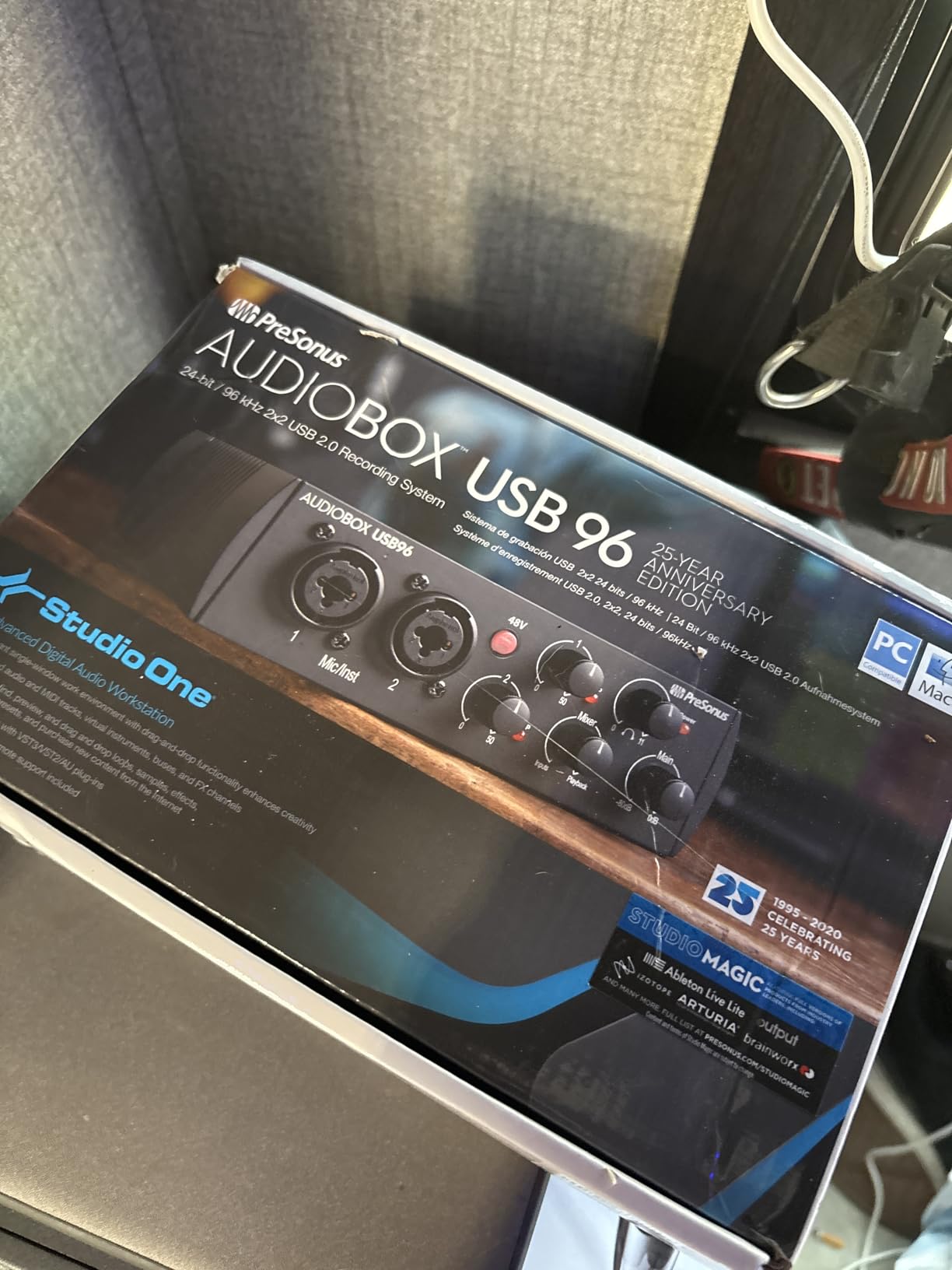
The PreSonus AudioBox 96 stands out because it ships with Studio One Artist, a fully functional DAW that many vocalists prefer over the lite versions bundled with other interfaces. Studio One is known for its intuitive workflow, and having the full Artist version means you are not limited by track counts or feature restrictions that plague introductory DAW software.
The two Class-A mic preamps deliver a warm, character-rich sound that complements vocals nicely. I found them slightly warmer than Focusrite preamps, which works well for vocal styles that benefit from a bit of body and fullness. The 24-bit/96kHz recording quality is more than sufficient for vocal work, even though some competitors offer higher sample rates.
MIDI I/O is a significant advantage if your vocal productions include virtual instruments. You can connect a MIDI keyboard to trigger soft synths, pads, and drum samples while recording vocals. This makes the AudioBox a more complete production hub than single-purpose interfaces.
The all-metal chassis feels built for years of use. At 2 pounds, it has a reassuring heft that keeps it stable on a desk. USB bus power eliminates the need for an external supply, keeping your recording setup simple and portable.
Who this interface is built for
Vocalists who also produce their own music will get the most from the AudioBox 96. The combination of Studio One Artist, MIDI I/O, and dual preamps makes it a complete production package. If you want to record vocals and build instrumental tracks around them in one workflow, this interface saves you from buying additional software and MIDI adapters.
What to keep in mind
The gain knobs are positioned close together and feel somewhat cramped, which can be annoying during precise adjustments. Some users have reported buzzing issues that may require unit replacement. The maximum 96kHz sample rate is fine for vocal recording but lower than some competitors.
8. Mackie Onyx Artist 1-2 – Boutique Preamp Quality on a Budget
Mackie Audio Interface, Onyx Artist 1X2 USB Audio Interface (Onyx Artist 1-2)
- Excellent Onyx preamp quality rivals more expensive units
- Full 192kHz recording resolution
- Durable Built-Like-A-Tank construction
- Good headphone output for monitoring
- 48V phantom power included
- Gain knob has narrow effective range
- Sharp gain increase at end of travel
- No combo XLR/Jack inputs
- Settings reset when disconnected
Mackie’s Onyx preamps have a reputation that extends well beyond this price range, and the Artist 1-2 puts that boutique preamp quality into an affordable package. Recording vocals through the Onyx preamp, I noticed a smoothness and musicality that is uncommon at this price. The high-frequency response is natural without being harsh, and the low end stays controlled even with proximity effect from close-mic techniques.
The 24-bit/192kHz capability matches interfaces costing twice as much. For vocal recording, this headroom means your quietest whispers and loudest belts both get captured with full detail. The Hi-Z switch on the instrument input is a nice bonus for vocalist-guitarists who want to record both simultaneously.
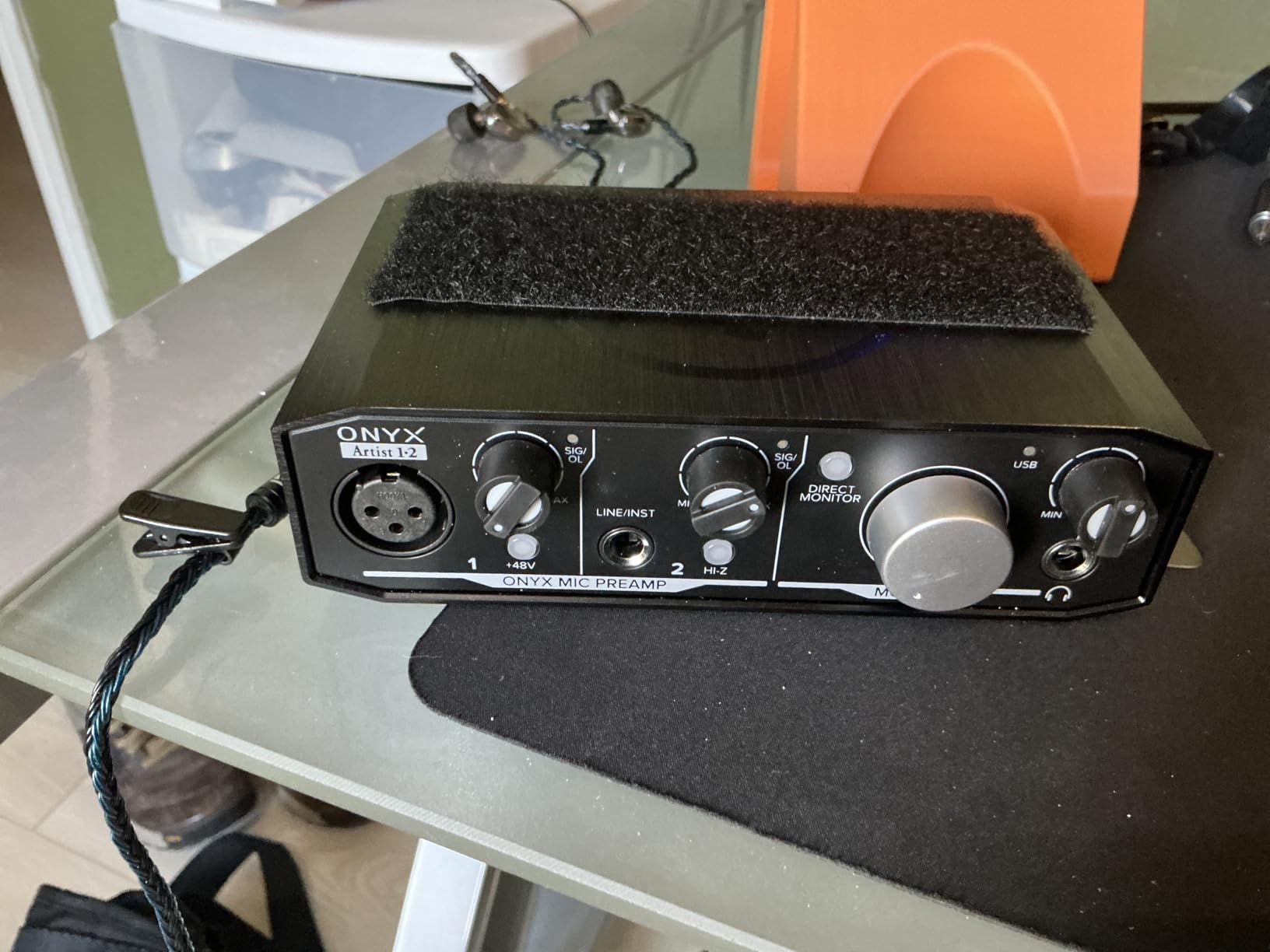
Mackie’s Built-Like-A-Tank design philosophy is evident here. The enclosure feels genuinely rugged and capable of surviving the rigors of regular transport. At 1.2 pounds, it has enough weight to stay put on a desk without being cumbersome to carry.
Zero-latency direct monitoring works as expected, letting you hear your vocal performance in real time without the delay that makes singing difficult. The headphone output has enough power to drive standard studio headphones at comfortable listening levels.
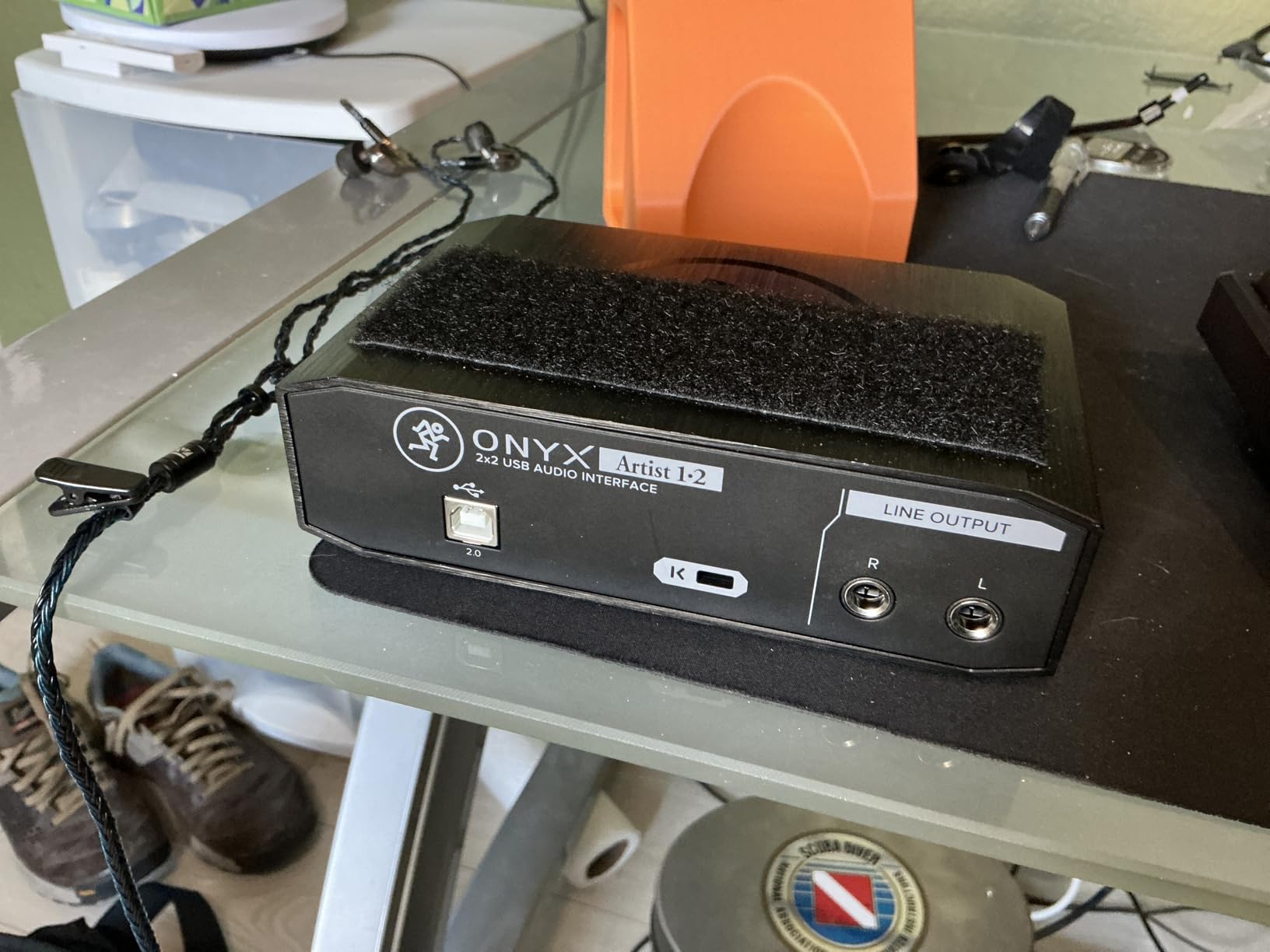
Who this interface is built for
Vocalists who prioritize preamp quality above extra features will find the Onyx Artist 1-2 delivers where it matters most. If your recordings are primarily vocal-focused and you want the best possible microphone preamp at a mid-range price, Mackie’s Onyx technology is genuinely impressive.
What to keep in mind
The gain knob has a narrow sweet spot, with most of the useful range clustered near the end of its travel. This makes fine adjustments difficult and can lead to sudden volume jumps. The interface also resets settings when disconnected, so you will need to readjust each time you plug it in.
9. MAONO PS22 Lite – Feature-Rich Budget Contender
MAONO PS22 Lite USB Audio Interface for PC for Guitar & Vocals Streaming
- High-res 24-bit/192kHz recording at budget price
- Loopback for streaming and podcasting
- ProStudio routing software with virtual channels
- ASIO driver for low latency
- Dynamic light ring for input status
- Some units have crackle issues
- All plastic construction
- No mute button on device
- Included USB cable quality varies
The MAONO PS22 Lite packs an impressive feature set into a budget-friendly package, including 24-bit/192kHz recording and loopback functionality that is usually reserved for more expensive interfaces. For vocalists who stream or podcast alongside their music work, the loopback feature lets you route computer audio back through your recording software, perfect for recording vocal reactions or live performances over backing tracks.
The ProStudio Routing Software gives you virtual channel routing that goes beyond what most budget interfaces offer. You can create separate monitor mixes, route applications to different outputs, and configure your recording setup in ways that typically require more expensive gear.
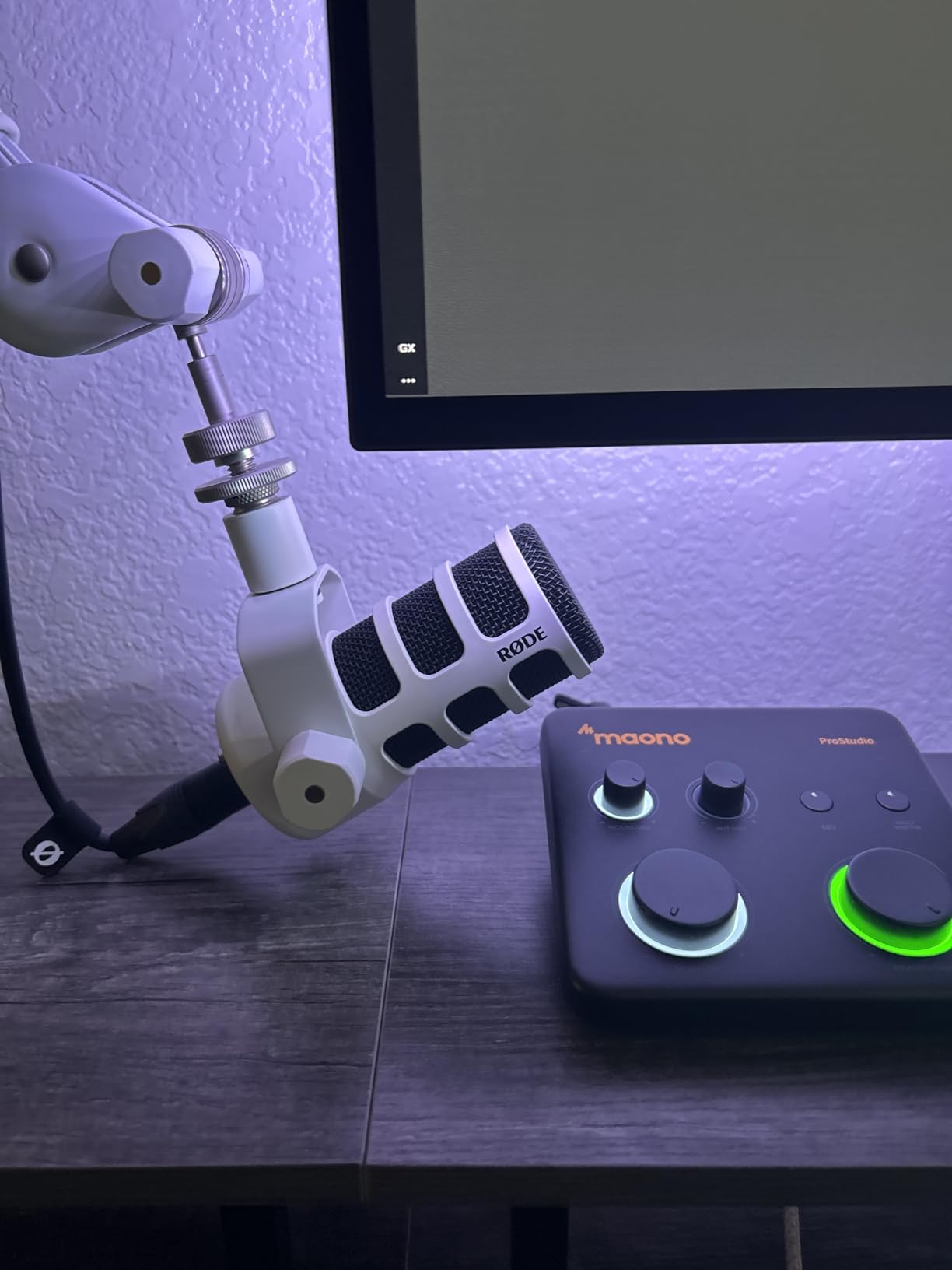
The 106dB dynamic range and 56dB of preamp gain are solid specs for this price. I found the preamp quality acceptable for vocal recording, though it lacks the clarity and low-noise performance of the Focusrite or Mackie units. The ASIO driver support ensures low latency, which is critical for comfortable vocal monitoring during recording.
The dynamic light ring around the input provides visual feedback on your signal level, glowing different colors to indicate your recording status. It is a thoughtful touch that helps vocalists who cannot watch software meters while performing.
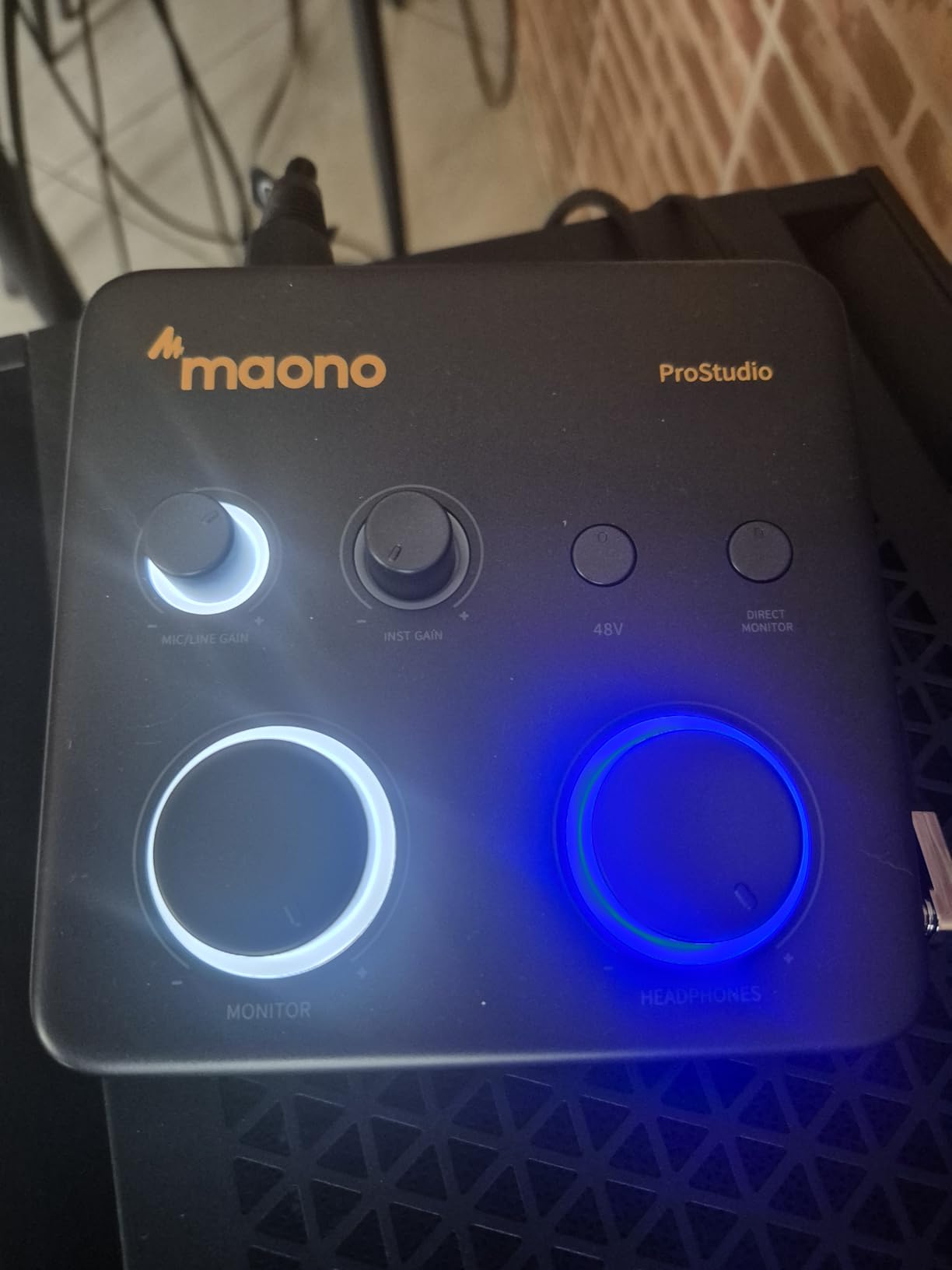
Who this interface is built for
Vocalists who stream, podcast, or create content across multiple platforms will benefit most from the PS22 Lite’s routing and loopback capabilities. If you need a single interface for recording vocals, streaming performances, and capturing computer audio, this covers all those bases at an accessible price.
What to keep in mind
Quality control appears inconsistent, with some users reporting crackle and pop issues that seem driver-related. The all-plastic construction does not inspire confidence for long-term durability. The included USB cable has been reported as defective in some units, so you may need to supply your own.
10. M-AUDIO M-Track Duo – Dual-Input Budget Option
- Two combo XLR inputs for simultaneous recording
- Crystal Preamps with clean transparent sound
- Includes MPC Beats production software
- USB-powered for portability
- Zero-latency monitoring switch
- Gain knobs are overly sensitive near maximum
- All plastic build feels less durable
- Limited 48kHz sample rate
- Lightweight unit slides on desk
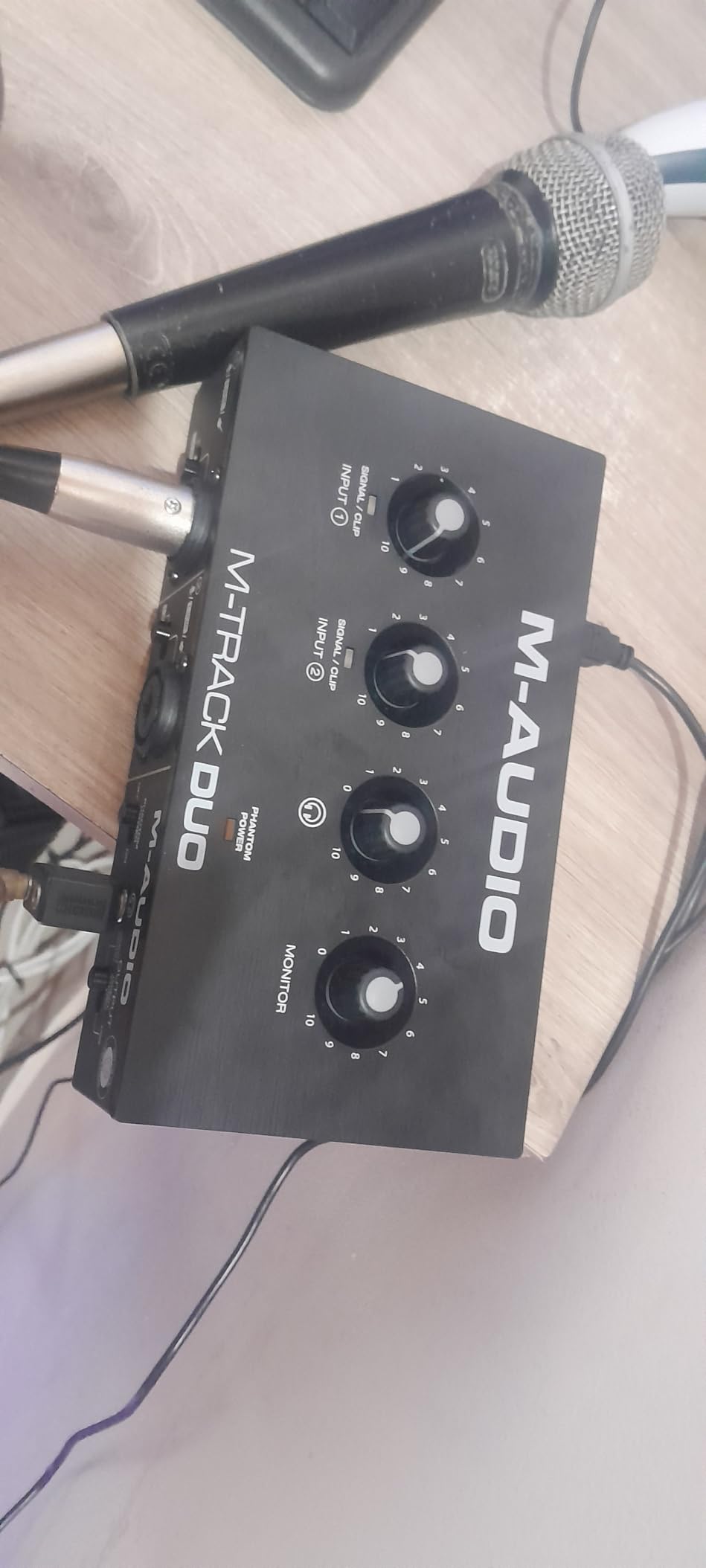
The M-Track Duo gives you two XLR inputs at a price where most interfaces only offer one. For vocalists who record harmonies with themselves, interview guests, or sing while playing guitar through a separate mic, those dual inputs make a real difference in workflow. You do not need to re-patch cables or record parts separately.
The Crystal Preamps deliver a clean, transparent sound that lets your microphone’s natural character come through. I tested it with both condenser and dynamic microphones, and the results were consistent and usable. The sound quality is not as refined as higher-end units, but it is honest and free from obvious coloration.
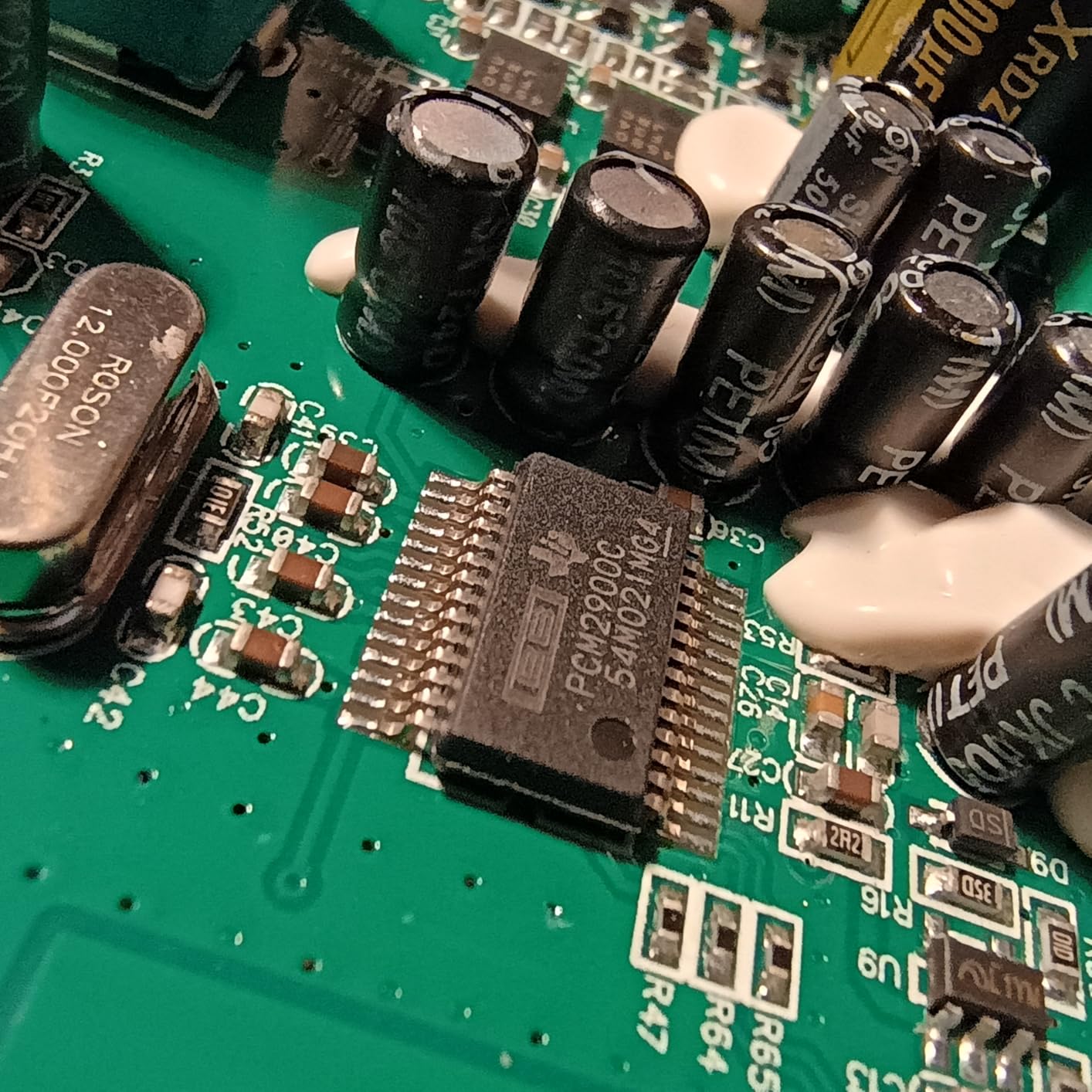
The included MPC Beats software from Akai Professional is a nice bonus for vocalists who also produce beats. It is a full production environment with sampling, sequencing, and mixing capabilities that go beyond what most bundled DAWs offer.
USB power means no wall adapter to carry, keeping your setup minimal. The zero-latency monitoring switch lets you toggle between direct monitoring and DAW playback, which is essential for hearing yourself clearly while recording vocals.
Who this interface is built for
Vocalists who need two simultaneous inputs on a tight budget will find the M-Track Duo delivers where it counts. If you record duets, interview-style content, or vocals alongside instruments through separate microphones, the dual XLR inputs at this price are hard to beat.
What to keep in mind
The gain knobs become overly sensitive near the end of their travel, making precise adjustments difficult. The 48kHz sample rate is the minimum acceptable for vocal recording and limits your options for high-resolution production. The plastic construction and light weight mean this unit slides around on a desk during use.
11. M-AUDIO M-Track Solo – The Most Affordable Vocal Interface
- Crystal Preamp for clean transparent sound
- Versatile combo XLR and instrument input
- USB-powered with no external supply
- Stereo RCA outputs for monitoring
- Cross-platform with Windows
- Mac
- and iOS
- Only one XLR input
- Limited 48kHz sample rate
- USB Type-B instead of USB-C
- Headphone output struggles with high-impedance cans
The M-Track Solo is about as affordable as a functional audio interface gets, yet it still delivers the core features vocalists need. The Crystal Preamp provides clean gain for microphones, and the 48V phantom power supports condenser mics. For a vocalist who just wants to plug in and record without fuss, this covers the basics.
I was surprised by how clean the preamp sounds at this price. There is no obvious coloration or noise at reasonable gain levels. The combo input accepts both XLR microphones and instrument cables, so you can switch between vocal recording and guitar recording without changing cables.
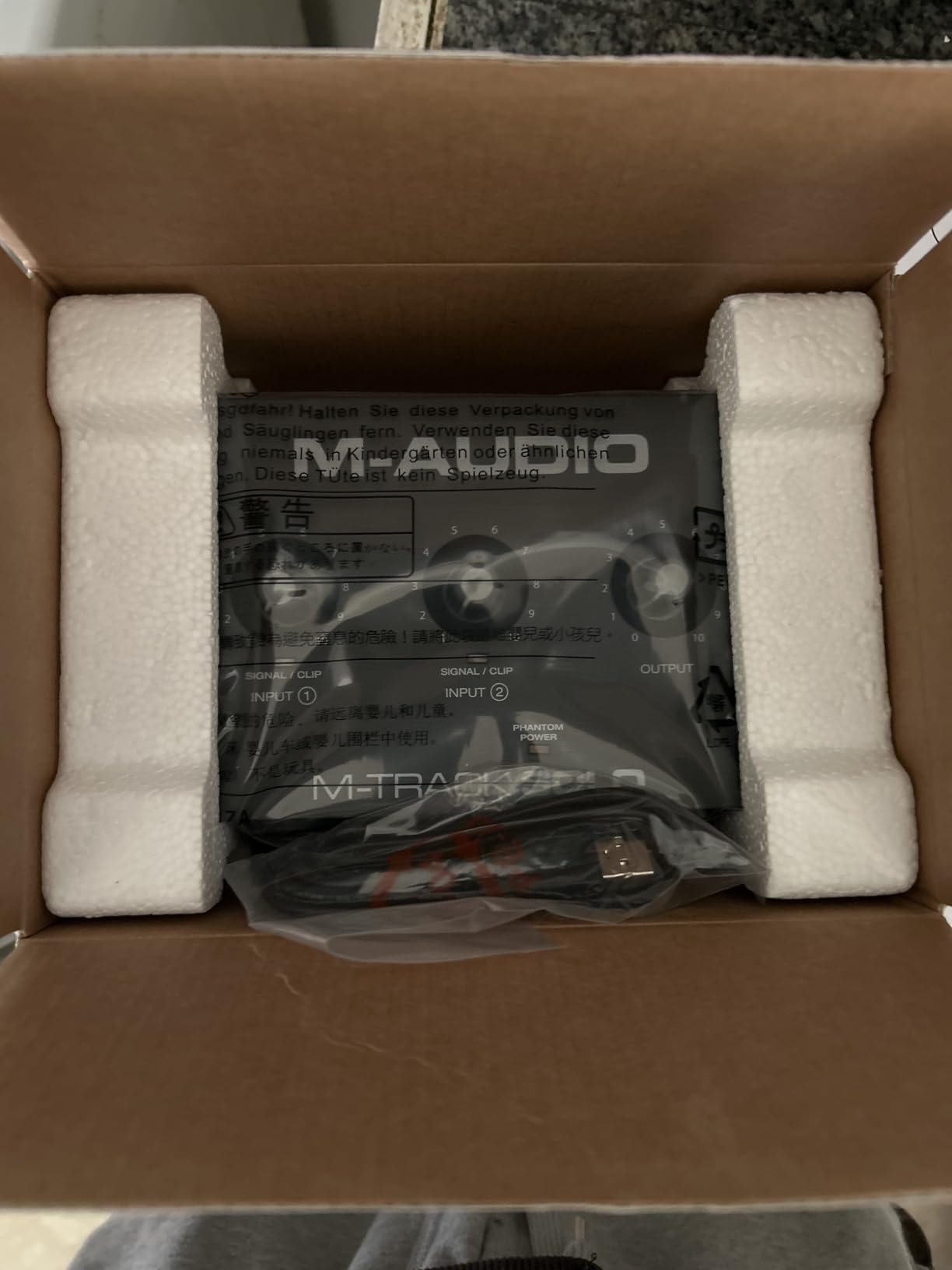
The stereo RCA outputs are useful for connecting to home stereo systems or powered monitors that use RCA inputs. The headphone output works fine with standard consumer headphones, though it may struggle to drive higher-impedance studio headphones to adequate volume levels.
At just 10.6 ounces, this is one of the lightest interfaces available. It is genuinely pocket-sized and perfect for vocalists who need to record on the go with minimal gear. The included software bundle with MPC Beats and Ableton Live Lite gets you started with production right away.
Who this interface is built for
Beginner vocalists and content creators who need the most affordable entry point into quality vocal recording will find the M-Track Solo sufficient. If you are testing whether a dedicated audio interface improves your recordings compared to a USB microphone or built-in audio, this is a low-risk way to find out.
What to keep in mind
The 48kHz sample rate is the lowest in our lineup and limits your recording resolution. The USB Type-B connection is older technology compared to the USB-C ports on newer interfaces. Customer service experiences have been mixed, which is worth noting if you anticipate needing support.
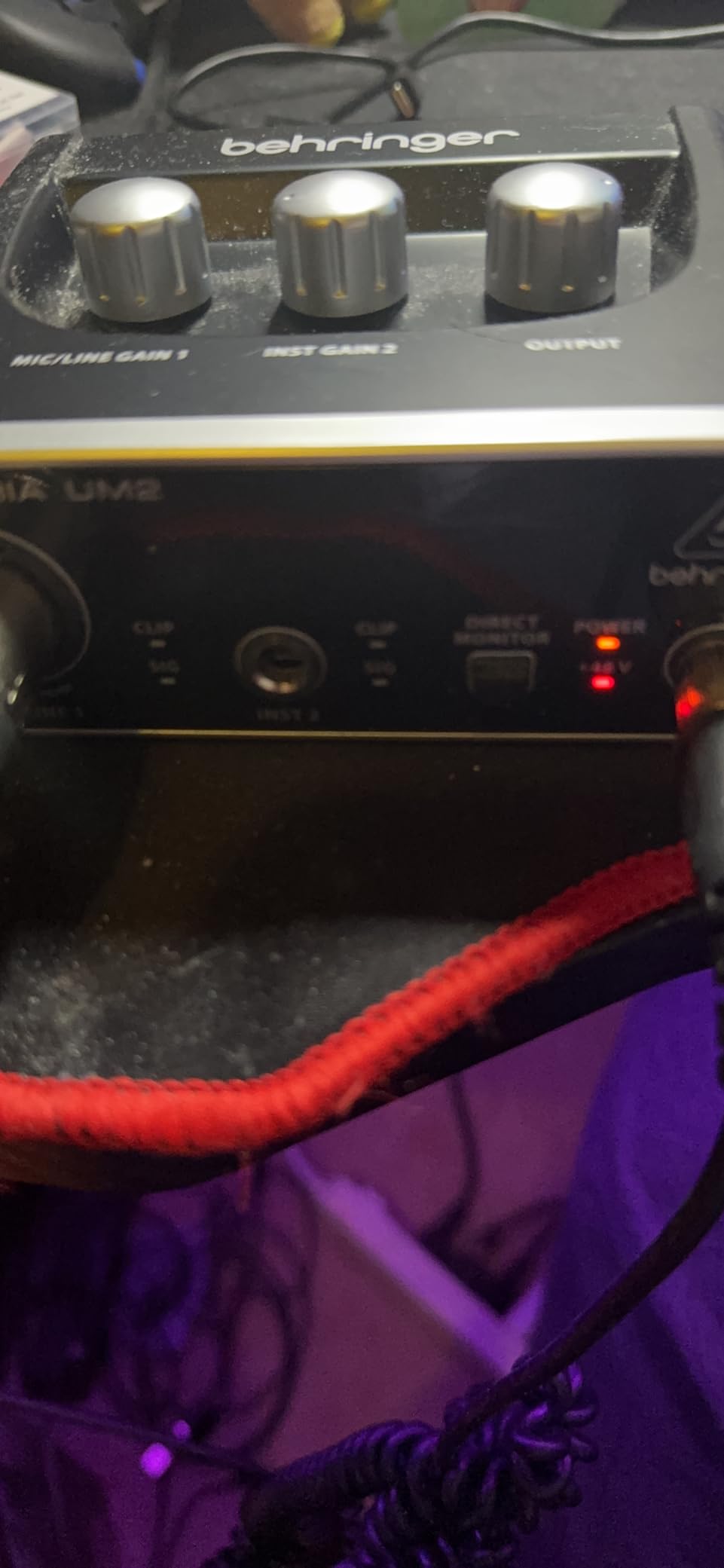
12. Behringer U-PHORIA UM2 – Ultra-Budget Vocal Recording Starter
- Extremely budget-friendly entry point
- XENYX preamp with 100dB dynamic range
- 48V phantom power for condenser mics
- USB-powered with plug-and-play setup
- Compatible with all major DAW software
- Plastic construction feels cheap
- Limited to 48kHz sample rate
- Single XLR input only
- Headphone output lacks power for studio headphones
The Behringer U-PHORIA UM2 is the least expensive interface in our roundup, and it manages to cover the essentials that vocalists need without cutting corners where it matters most. The XENYX mic preamp delivers 100dB of dynamic range, which is surprisingly capable at this price. Vocals come through with reasonable clarity and detail.
Plug-and-play setup is genuinely straightforward. I connected it to both Windows and Mac computers, and it was recognized immediately without driver installation. For a vocalist who wants to start recording today without troubleshooting technical setup, this simplicity is valuable.
The 48V phantom power means you can use condenser microphones, which are the most popular choice for studio vocal recording. The direct monitoring switch lets you hear your voice in real time without latency, which is essential for singing comfortably while tracking.
The included Tracktion 4 software is basic but functional. You can record, edit, and mix vocals without purchasing additional software. That said, most vocalists will quickly outgrow it and want to move to a more capable DAW.
Who this interface is built for
Vocalists on the absolute tightest budget who want to move beyond USB microphones or built-in laptop audio will find the UM2 a functional starting point. If you are curious about vocal recording and want to spend the minimum to try it, this interface gets you recording with real microphones and phantom power.
What to keep in mind
The plastic construction does not inspire confidence for long-term use. The 48kHz sample rate is the lowest available. The gain knob has a limited useful range, and the headphone output lacks the power to drive professional studio headphones adequately. Consider this a stepping stone rather than a long-term solution.
Buying Guide: What Vocalists Need to Know Before Buying a USB Audio Interface
Choosing the right USB audio interface for vocal recording involves understanding a few key factors that directly impact how your voice sounds in recordings. This buying guide covers the features that matter most specifically for vocalists, based on my experience testing these interfaces and the questions real users ask most often.
Preamp Quality: The Most Important Factor for Vocals
The microphone preamp is what amplifies your voice from the tiny electrical signal produced by your microphone to a level that can be recorded. For vocalists, preamp quality matters more than almost any other specification. A good preamp delivers clean gain with minimal noise, accurate frequency response, and enough headroom to handle dynamic vocal performances without distortion. Look for interfaces with dedicated preamp technology like Focusrite’s Air mode, SSL’s Legacy 4K, Mackie’s Onyx, or Universal Audio’s Vintage 610. These give your vocals character and clarity that generic preamps cannot match.
Phantom Power and Microphone Compatibility
If you use a condenser microphone for vocal recording, and most studio vocalists do, you need 48V phantom power from your interface. Every interface in this guide provides it, but it is worth confirming before buying. For dynamic microphones like the Shure SM7B or SM58, phantom power is not needed, but you do need sufficient gain. Dynamic mics produce weaker signals than condensers, so your interface needs enough clean gain to bring them to recording level. Interfaces like the Shure MVX2U with +60dB of gain are specifically designed for this scenario. Pair your interface with the right dynamic microphones for live vocals if you perform in both studio and live settings.
Latency and Direct Monitoring
Latency is the delay between when you sing and when you hear your voice through your headphones. Even small amounts of latency make singing uncomfortable and throw off your pitch and timing. For vocal recording, you want latency below 10 milliseconds, and ideally below 5ms. Direct monitoring solves this by routing your microphone signal directly to your headphones before it goes through the computer, giving you zero-latency monitoring. Every interface in this guide offers direct monitoring, but the quality of the headphone amplifier varies. If you use high-impedance studio headphones, check that the headphone output has enough power to drive them.
Sample Rate and Bit Depth
For vocal recording, 24-bit depth at 48kHz sample rate is the standard that delivers professional results. Higher sample rates like 96kHz and 192kHz provide marginally more detail, but the difference is subtle for most listeners and most vocal applications. The more important spec is dynamic range, which determines how much detail you capture between your quietest and loudest vocal moments. Interfaces like the Scarlett 4th Gen with 120dB dynamic range give you more headroom and detail than budget units with 100dB or less.
Gain Control and Visual Feedback
Setting the right gain level is one of the most common struggles for vocalists recording at home. Too little gain and your recording is noisy. Too much and it clips and distorts. Features like Auto Gain (Focusrite 4th Gen), Gain Halos (Focusrite), and Auto Level Mode (Shure MVX2U) take the guesswork out of this process. These features are especially valuable for vocalists who record themselves and cannot adjust knobs while performing.
Software Bundle Value
The software included with your interface can represent significant value. PreSonus includes Studio One Artist, which is a full-featured DAW. Universal Audio includes LUNA with UAD plug-ins. Focusrite includes Pro Tools Intro+ and Ableton Live Lite. These bundles can save you hundreds of dollars compared to purchasing software separately, so factor them into your value calculation.
Connection Type and Expandability
USB is the standard connection for the interfaces in this guide, and USB-C is becoming the norm on newer models. If you anticipate needing more inputs, outputs, or lower latency in the future, consider interfaces with ADAT expansion or check out our guide to Thunderbolt audio interfaces for professional-grade connectivity options.
Frequently Asked Questions About USB Audio Interfaces for Vocalists
What is the best USB audio interface for recording vocals?
The Focusrite Scarlett 2i2 4th Gen is the best overall USB audio interface for recording vocals thanks to its Auto Gain feature that sets perfect levels automatically, Clip Safe technology that prevents clipped takes, and 120dB dynamic range from flagship-grade converters. For vocalists wanting premium sound quality, the SSL 2 MKII delivers legendary console character with its Legacy 4K enhancement. On a budget, the Focusrite Scarlett Solo 3rd Gen provides excellent preamp quality and Air mode for vocal presence at an affordable price.
Do I need a good audio interface for recording vocals?
Yes, a quality audio interface makes a significant difference for vocal recording. Built-in computer sound cards introduce noise, lack sufficient gain for professional microphones, and have high latency that makes real-time monitoring difficult. A dedicated USB audio interface provides clean preamp gain for your microphone, low-latency direct monitoring so you can hear yourself while singing, and high-quality analog-to-digital conversion that captures the full detail of your voice. Even an entry-level interface like the Behringer UM2 or M-Audio M-Track Solo produces noticeably better vocal recordings than any built-in computer audio.
How much should I spend on an audio interface for vocals?
For vocal recording, expect to spend between $50 and $250 for a quality USB audio interface. Budget options under $70 like the M-Audio M-Track Duo and Behringer UM2 cover the basics of clean preamp gain and phantom power. The sweet spot for most vocalists is between $120 and $230, where interfaces like the Focusrite Scarlett 2i2 4th Gen and SSL 2 MKII deliver professional preamp quality, auto-gain features, and comprehensive software bundles. Professional vocalists may want to invest $230 or more for premium converters and console-quality preamps.
What features do vocalists need in an audio interface?
Vocalists should prioritize these features in an audio interface: clean microphone preamp with sufficient gain for their microphone type, 48V phantom power for condenser microphones, low-latency direct monitoring for comfortable recording, high-quality headphone output for accurate vocal monitoring, and at least 24-bit/48kHz recording resolution. Bonus features that benefit vocalists include auto-gain for easy level setting, clip protection to prevent ruined takes, Air or presence modes for enhanced vocal clarity, and loopback functionality for streaming live performances.
Which audio interface has the best preamps for vocals?
The SSL 2 MKII has the best preamps for vocals in this roundup, delivering legendary SSL console sound quality with ultra-low noise and the Legacy 4K analog enhancement that adds professional sheen to vocal recordings. The Universal Audio Volt 2 offers a unique Vintage 610 preamp mode that adds analog warmth and character. The Focusrite Scarlett 4th Gen preamps are excellent for transparent, clean vocal capture with enhanced Air mode. For budget-conscious vocalists, the Mackie Onyx Artist 1-2 provides boutique-quality Onyx preamps that rival more expensive units.
Conclusion
Finding the best USB audio interfaces for vocalists comes down to matching your specific vocal recording needs with the right combination of preamp quality, gain features, and monitoring capabilities. The Focusrite Scarlett 2i2 4th Gen earns our Editor’s Choice for its Auto Gain, Clip Safe, and flagship-grade converters that make professional vocal recording accessible to everyone. The SSL 2 MKII delivers the kind of console sound that vocalists dream of, with Legacy 4K enhancement that adds instant polish. And the Focusrite Scarlett Solo 3rd Gen remains the best budget starting point for vocalists building their first home studio in 2026.
Whatever interface you choose, pairing it with the right microphone and a treated recording space will maximize your vocal recording quality. If your setup grows beyond two inputs, explore our guide to studio mixers for producers to scale your workflow. Pick the interface that fits your budget and vocal style today, and start capturing your voice the way it deserves to be heard.