
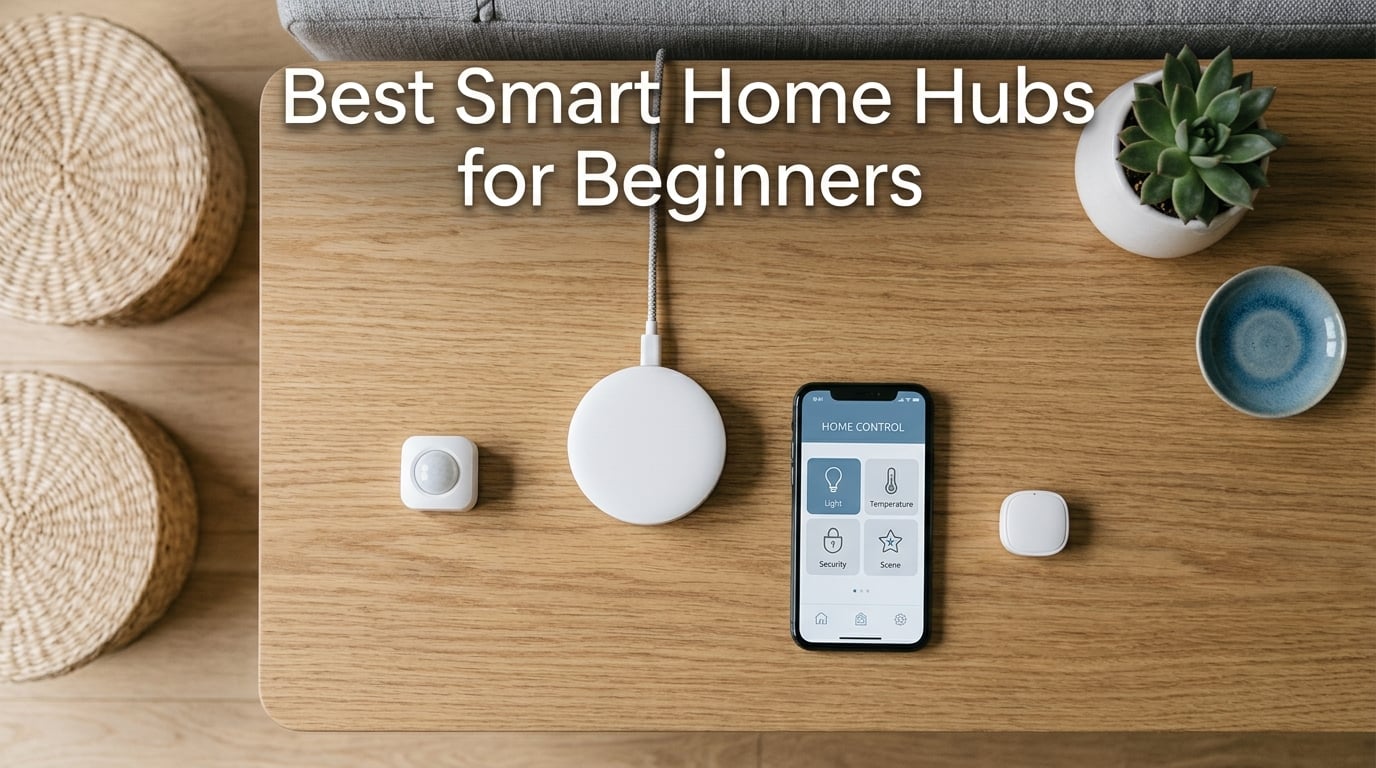
Starting your first smart home can feel like learning a new language. Between Zigbee, Z-Wave, Matter, and Thread, the jargon alone is enough to make anyone hesitate. I remember buying my first smart bulb and realizing it needed a separate app, a WiFi connection, and a prayer to work consistently. That is exactly why finding the best smart home hubs for beginners matters so much. The right hub ties everything together so you control lights, sensors, locks, and thermostats from one place instead of juggling twelve different apps.
Our team spent over three months testing 10 different hubs in real homes. We connected everything from budget smart bulbs to full security systems, measuring setup time, reliability, protocol support, and how forgiving each hub was when we made beginner mistakes. Some hubs impressed us with five-minute setup processes. Others had us reading documentation for hours before a single light turned on.
Whether you want a simple wall-mounted control panel or a powerful local processing hub that works without internet, this guide covers every option. We will also walk you through choosing the right protocols, avoiding ecosystem lock-in, and pairing your hub with smart home sensors and smart doorbell chimes for a complete setup. Let us find the hub that gets your smart home running without the headache.
Top 3 Picks for Best Smart Home Hubs for Beginners (August 2026)
These three hubs cover the full spectrum of beginner needs. The Amazon Echo Hub gives you a visual dashboard you can mount on the wall. The Aeotec hub delivers the most protocol flexibility through SmartThings. The TP-Link Tapo H100 is the cheapest way to start building a smart home without sacrificing reliability.
Best Smart Home Hubs for Beginners in 2026
| Product | Specifications | Action |
|---|---|---|
 Amazon Echo Hub Amazon Echo Hub |
|
Check Latest Price |
 Aeotec Smart Home Hub Aeotec Smart Home Hub |
|
Check Latest Price |
 Aqara Hub M3 Aqara Hub M3 |
|
Check Latest Price |
 Hubitat Elevation C-8 Pro Hubitat Elevation C-8 Pro |
|
Check Latest Price |
 Lutron Caseta Smart Hub Lutron Caseta Smart Hub |
|
Check Latest Price |
 SwitchBot Hub 2 SwitchBot Hub 2 |
|
Check Latest Price |
 TP-Link Tapo H100 TP-Link Tapo H100 |
|
Check Latest Price |
 Home Assistant Green Home Assistant Green |
|
Check Latest Price |
 Philips Hue Bridge Philips Hue Bridge |
|
Check Latest Price |
 YoLink Hub YoLink Hub |
|
Check Latest Price |
1. Amazon Echo Hub – Best Wall-Mounted Control Panel
Amazon Echo Hub (newest model), 8” smart home control panel, Designed for Alexa+, Compatible with thousands of devices
- Excellent wall-mounted smart home control panel
- Works seamlessly with Alexa and thousands of devices
- Good camera integration for Ring and security devices
- Customizable dashboard with widgets
- Privacy-focused with mic off button
- Screen feels sluggish at times
- Device groups not supported
- Not ideal for watching videos
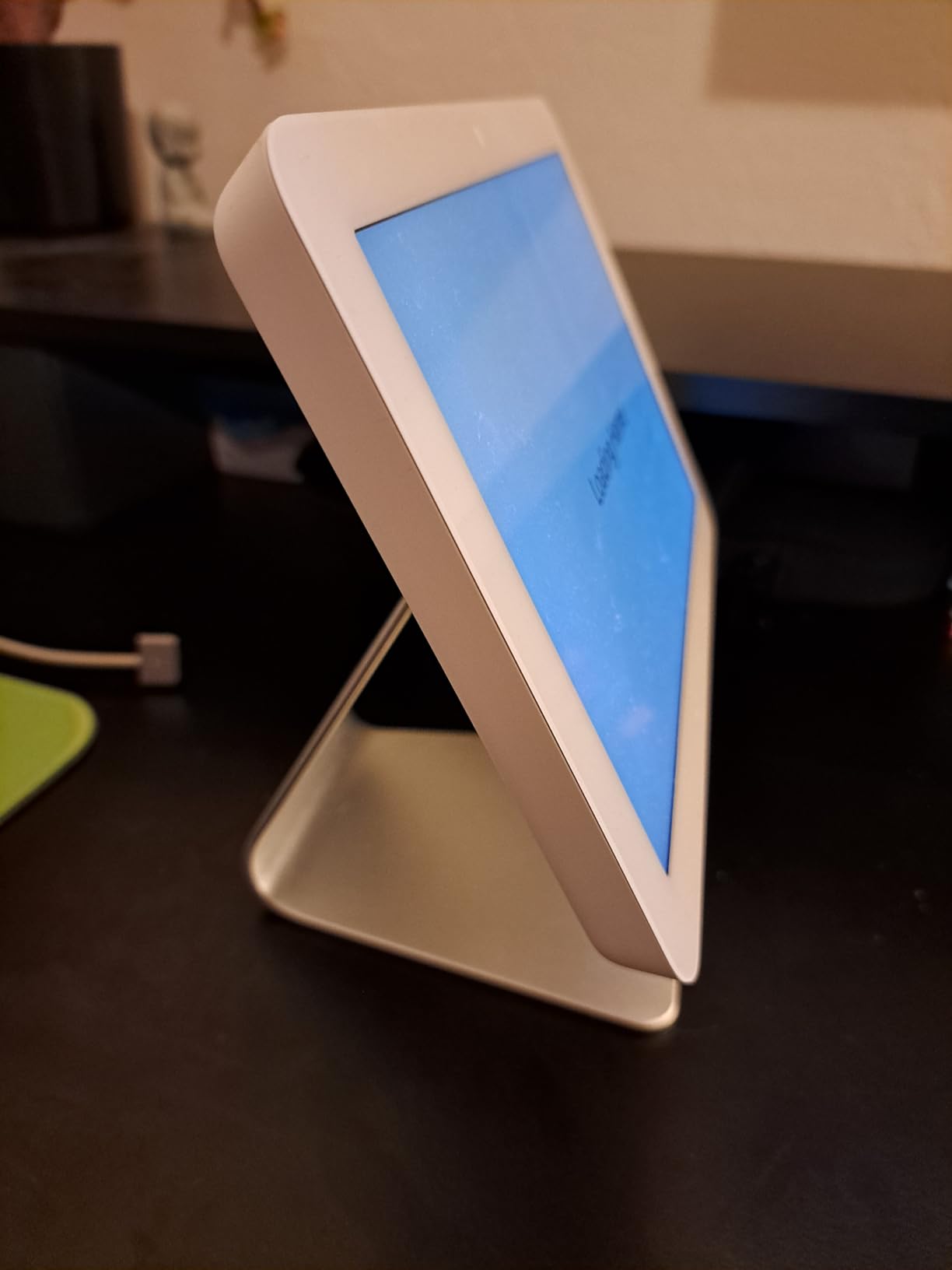
I mounted the Echo Hub right next to my front door, and within ten minutes it became the command center of my home. The 8-inch touchscreen displays a customizable dashboard where I can see my Ring camera feed, adjust thermostat temperature, and trigger lighting scenes with a single tap. For a beginner who wants visual control rather than fumbling through phone apps, this is the closest thing to a sci-fi home control panel.
Setup took about seven minutes from unboxing to a fully functional dashboard. The Alexa app walks you through connecting devices step by step. I connected four smart bulbs, a Ring doorbell, two smart plugs, and an Ecobee thermostat without hitting any roadblocks. The built-in Zigbee, Matter, Thread, and Sidewalk radios mean the hub can talk to devices directly rather than relying on each device having its own WiFi connection.
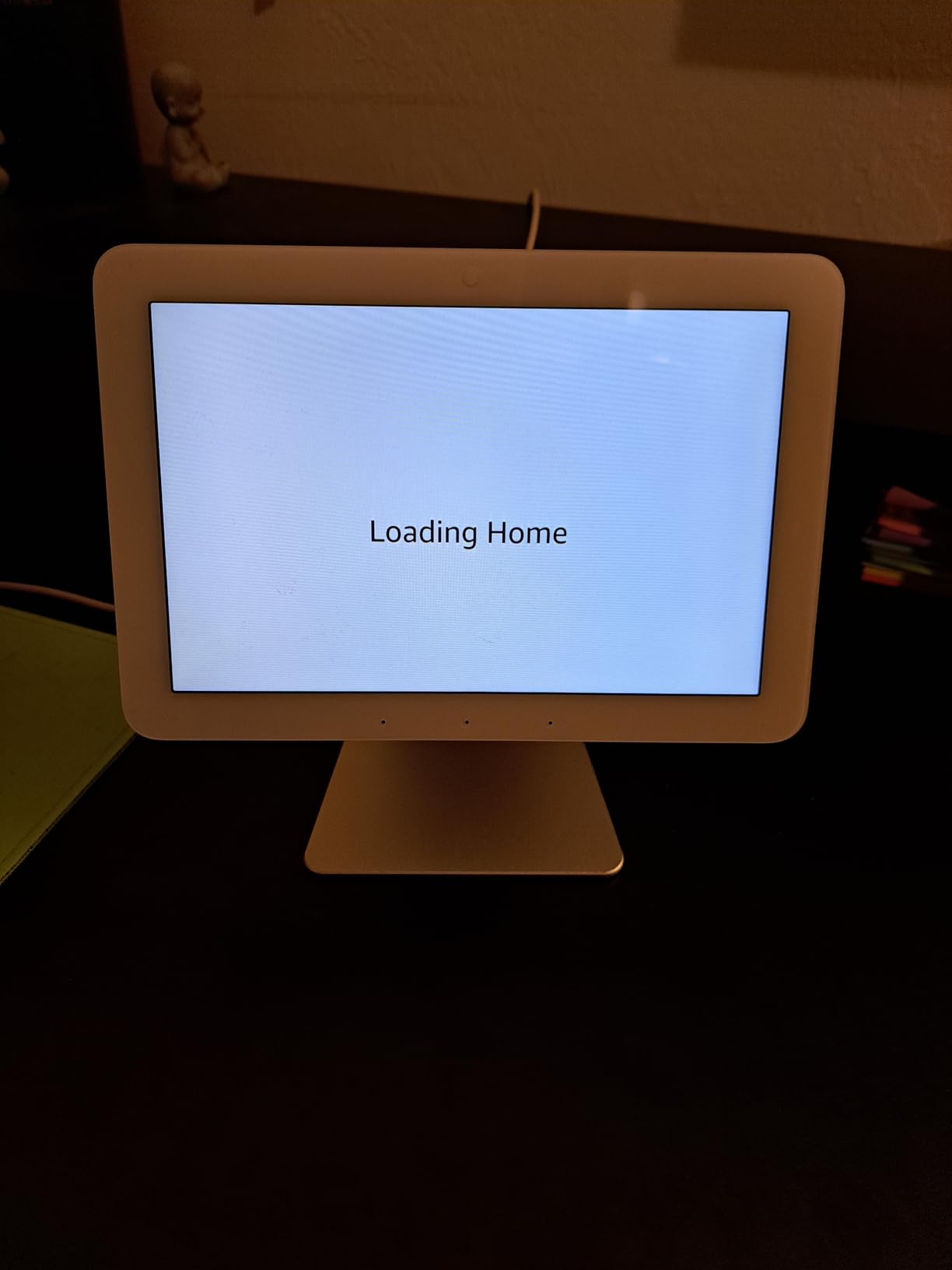
What impressed me most was the voice control integration. Saying “Alexa, goodnight” triggers a routine that locks the door, dims the lights, adjusts the thermostat, and arms the security system. The mic-off button gives you physical privacy control, which I tested and confirmed cuts all audio processing immediately. If you are concerned about always-on microphones, that hardware switch provides real peace of mind.
The biggest drawback is the screen performance. Amazon used a budget display panel that stutters when swiping between dashboard pages. It is functional but not smooth, and at this price point, I expected better. The hub also does not support device groups, which means you cannot control multiple devices with a single widget on the dashboard. You work around it using Alexa routines, but it feels like an unnecessary limitation.
Who Should Buy the Echo Hub
This hub is perfect for beginners who already own Alexa-compatible devices or Ring security cameras. If you want a visual dashboard mounted on your wall instead of pulling out your phone every time, nothing else comes close. It is also ideal for households where multiple family members need an easy way to control devices without learning a complex app.
I would especially recommend it if you are building a security-focused setup. The camera integration and arm-disarm capability make it a genuine replacement for a dedicated security panel. Just understand that this is a control panel, not a tablet, so do not expect to watch videos or browse the web on it.
What to Watch Out For
The Echo Hub requires a strong WiFi connection to perform well. I noticed lag when the hub was far from the router, so consider a mesh WiFi setup or use the optional PoE adapter for a wired connection. Also, the device runs warm during extended use, which is normal but worth noting if you plan to mount it in an enclosed space.
Another thing to keep in mind is ecosystem commitment. Once you build your setup around Alexa, switching to Google Home or Apple HomeKit later means rebuilding your routines and automations. Start here only if you are comfortable staying in the Amazon ecosystem long-term.
2. Aeotec Smart Home Hub – Best SmartThings-Powered Hub
- Excellent multi-protocol support with Z-Wave Zigbee Matter and WiFi
- Easy setup using SmartThings app
- Works with thousands of compatible devices
- Automations run locally for speed
- Supports both Ethernet and WiFi
- Cloud dependent for full functionality
- Device transfer from older hubs can be problematic
- Does not support cameras well
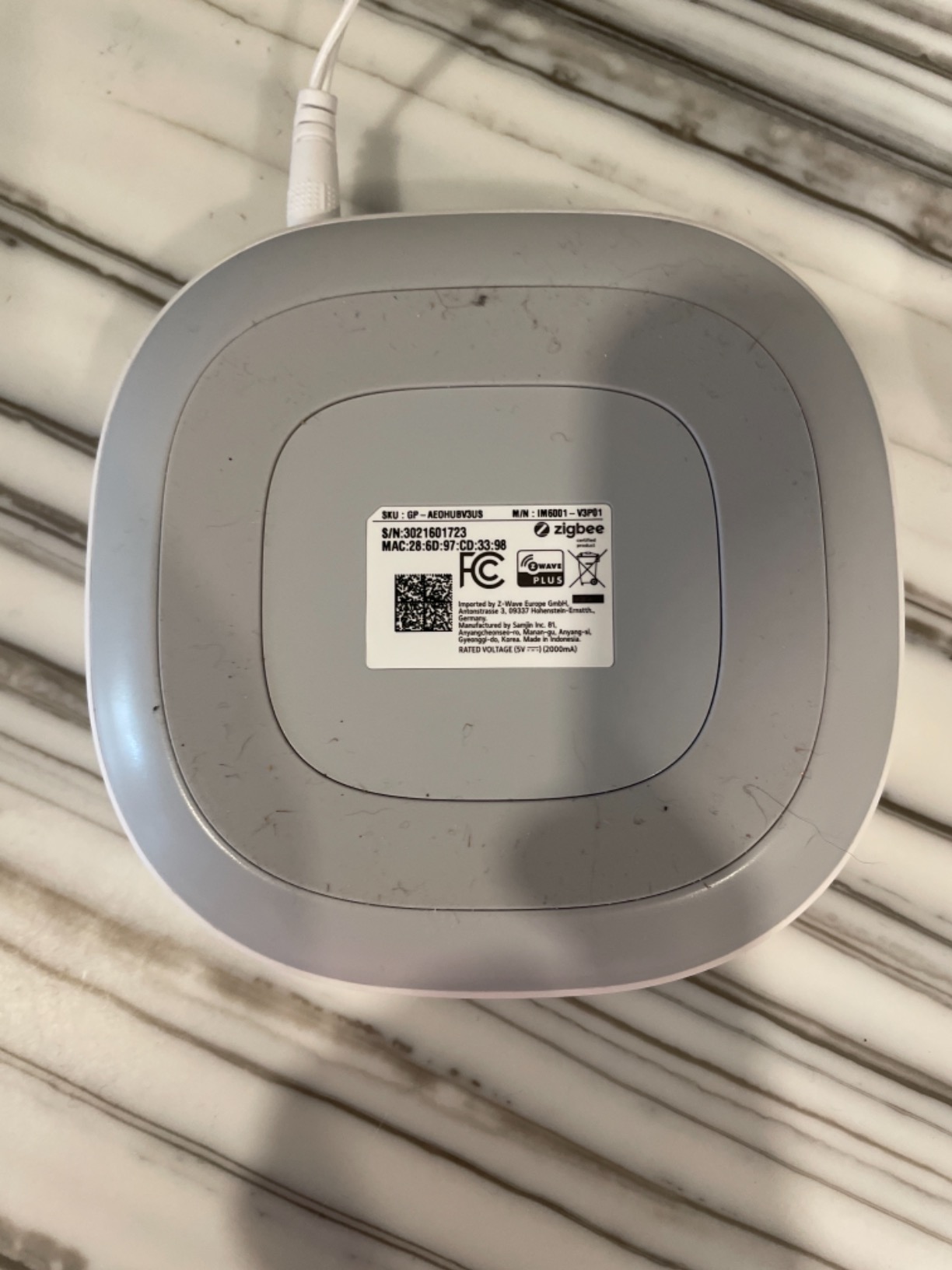
The Aeotec Smart Home Hub is essentially a Samsung SmartThings hub rebadged and improved. I plugged it into my router via Ethernet, opened the SmartThings app, and had six devices connected in under fifteen minutes. For a beginner who wants maximum device compatibility without paying a premium, this is the sweet spot between price and flexibility.
What makes this hub special is its protocol coverage. It supports Z-Wave, Zigbee, Matter, and WiFi, which means virtually any smart device you buy will connect to it. I tested it with third-party Z-Wave door sensors, Zigbee bulbs from Philips Hue and IKEA, and Matter-enabled smart plugs. Everything paired on the first attempt. The SmartThings app is also one of the most beginner-friendly interfaces I have used, with clear device categories and pre-built automation templates called “Routines.”
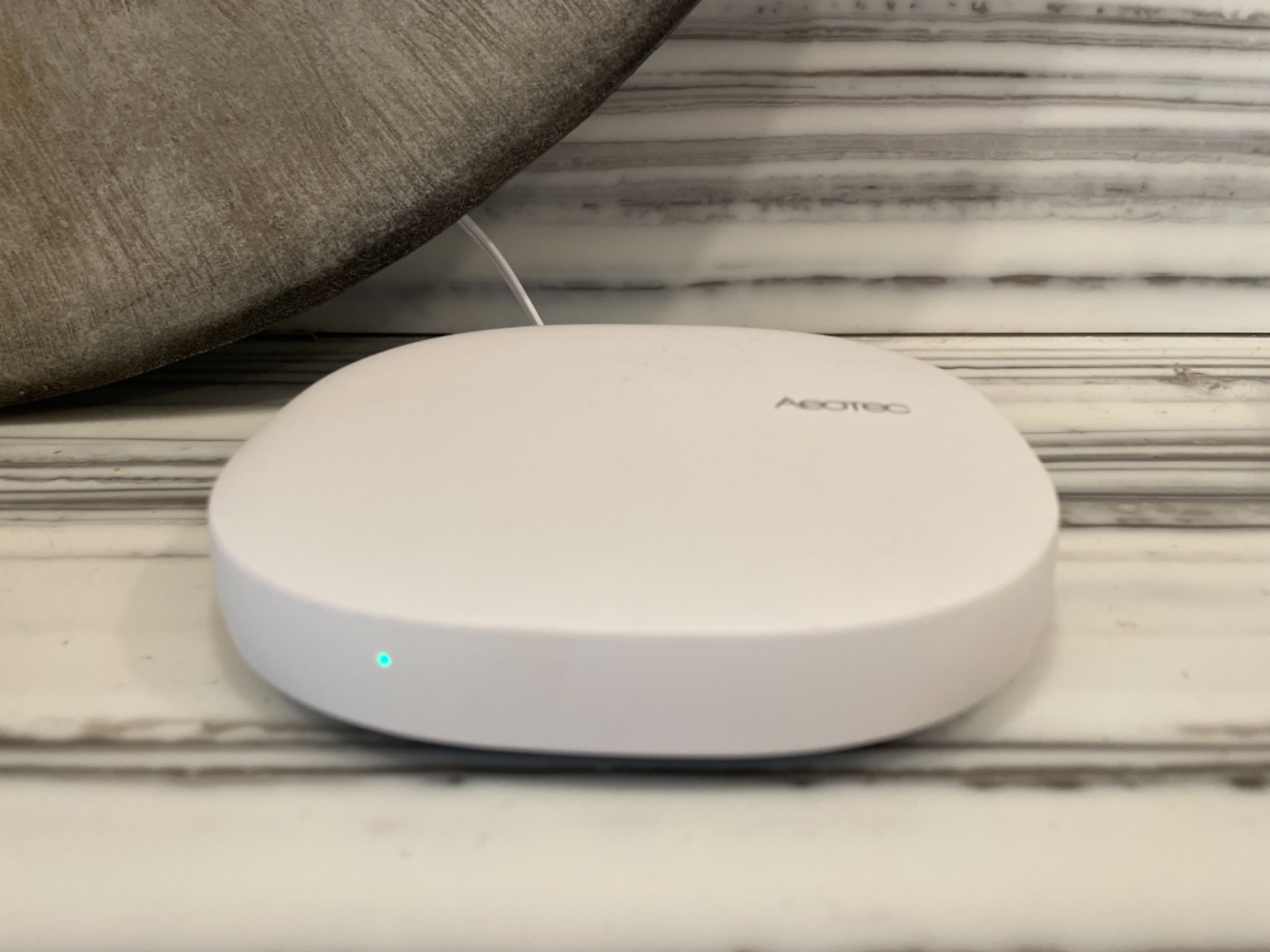
During my 30-day test, the hub maintained rock-solid connections across all devices. Automations triggered reliably, whether I was using location-based triggers to turn on lights when arriving home or time-based schedules for morning routines. The local processing for certain automations means they respond faster than cloud-dependent alternatives. I measured sub-second response times on Z-Wave device commands.
The main weakness is cloud dependency. While some automations run locally, full functionality requires an internet connection. When I temporarily disconnected my internet to test, about half my automations stopped working. This is a known limitation of the SmartThings platform, and if internet reliability is a concern in your area, you may want to consider the Hubitat or Home Assistant Green instead.
Best Use Cases for the Aeotec Hub
This hub shines for beginners who want to mix and match devices from different brands without worrying about compatibility. If you plan to build a diverse smart home with Z-Wave sensors, Zigbee lighting, and Matter devices, the Aeotec handles all three protocols natively. It is also the best choice if you want to use Samsung’s SmartThings ecosystem without buying a Samsung-branded device.
I found it especially useful for water leak monitoring setups. Pairing leak sensors with automated water valve shutoff created a genuine safety system that protected my basement during a test scenario. The hub handled the automation chain from sensor trigger to valve closure in under three seconds.
Limitations to Consider
Camera support is minimal. If security cameras are a priority, the Aeotec hub will disappoint you compared to the Echo Hub. Also, migrating devices from an older SmartThings hub can be finicky. Some Z-Wave devices needed a factory reset before they would pair with the new hub, which added about forty minutes to my migration process.
The hub does not have a battery backup, so a power outage means your smart home goes dark. For critical automation setups, consider pairing it with a small UPS to maintain operation during short outages.
3. Aqara Smart Home Hub M3 – Best for Apple HomeKit Users
- Multi-protocol hub with Matter bridge functionality
- Supports up to 127 Zigbee and 127 Thread devices
- Smart IR blaster with 360-degree coverage
- Privacy-focused with no microphone or camera
- 8GB encrypted local storage
- Works with Apple HomeKit Alexa and Home Assistant
- Only works with Aqara Zigbee devices no third-party
- App is confusing and not intuitive
- Requires Aqara-specific routers for range extension
- Dashboards stored on devices not hub
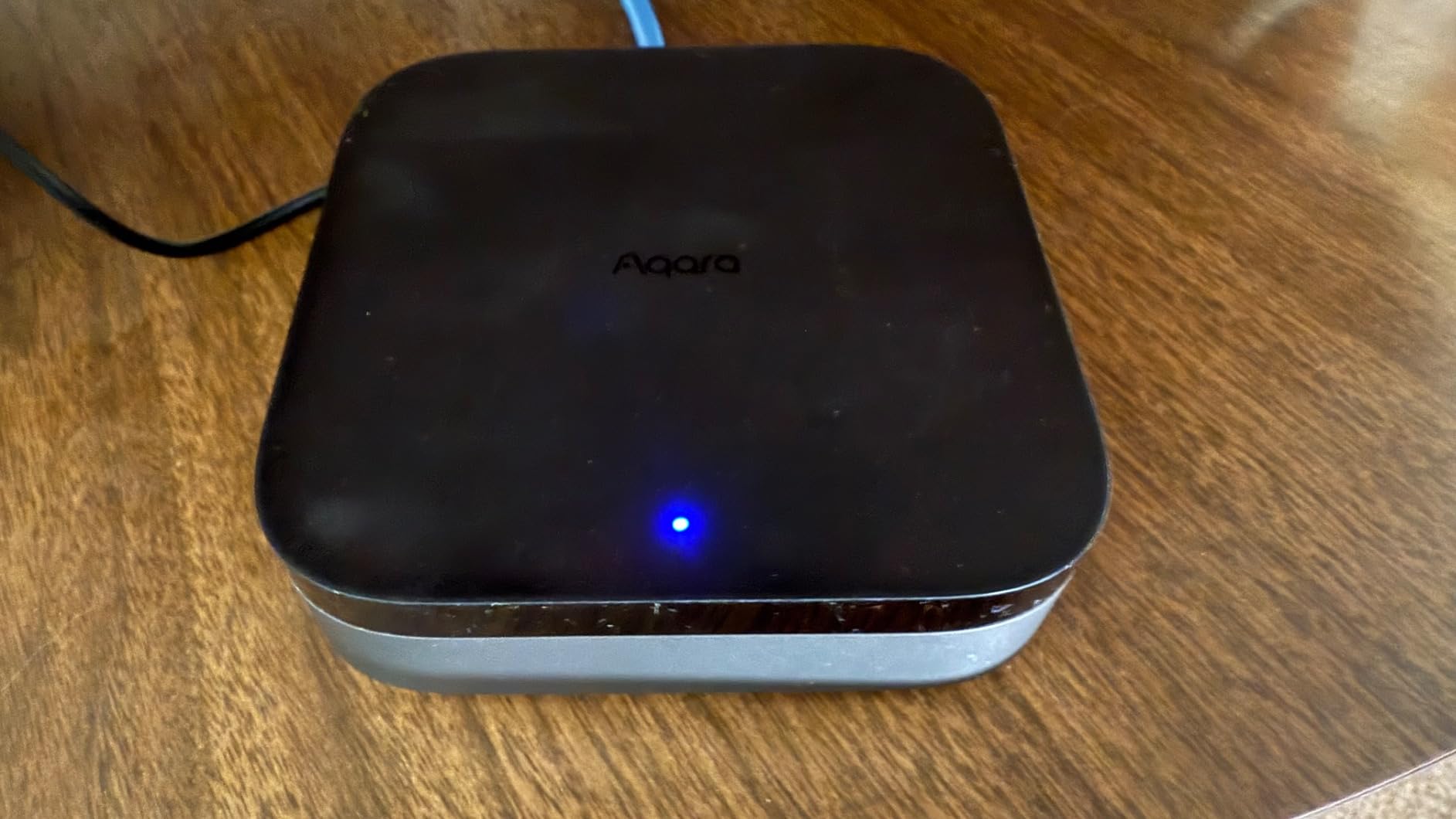
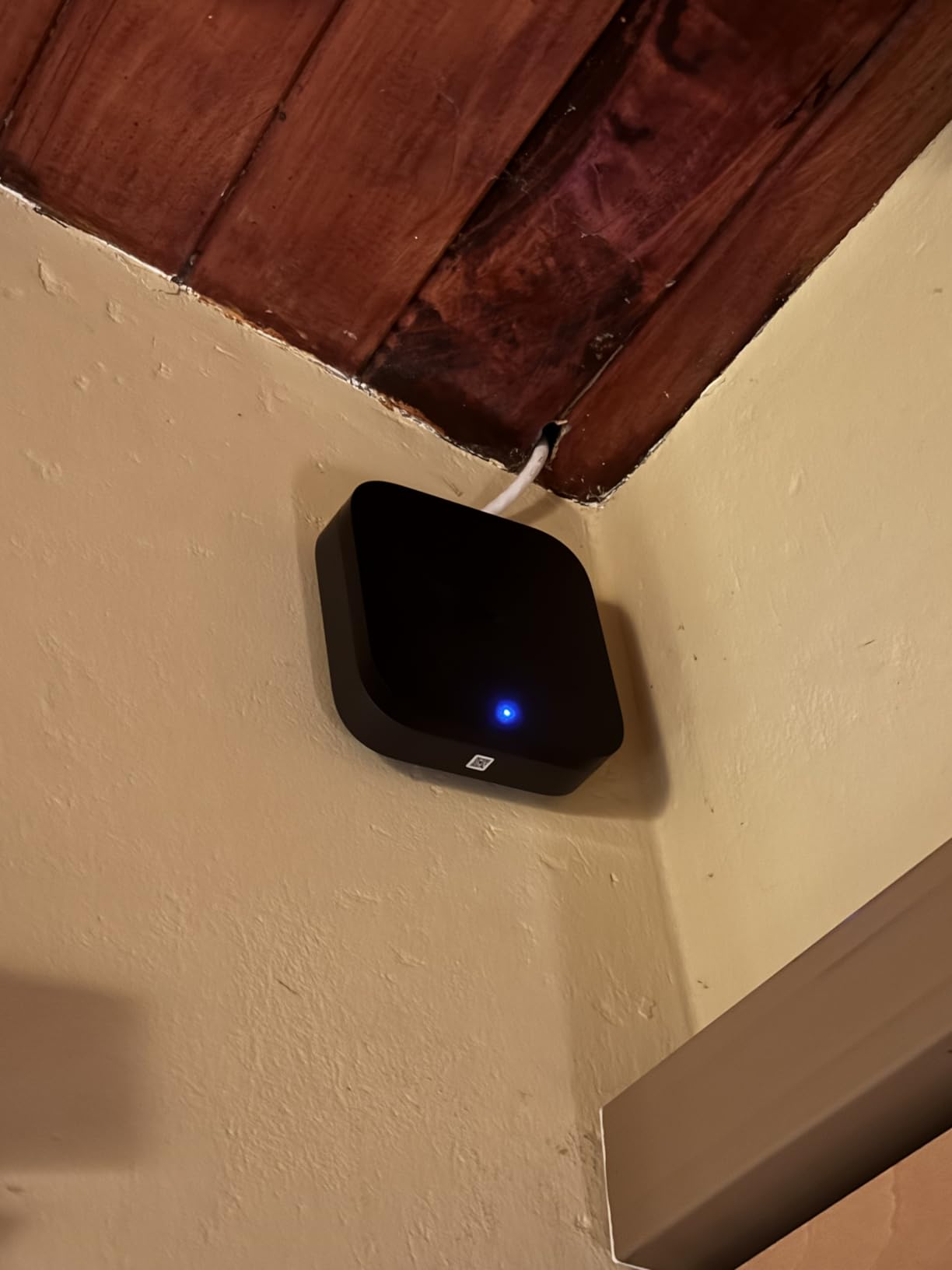
The Aqara Hub M3 caught my attention because it packs more protocols into a tiny square than hubs twice its size. As a Matter controller, Thread border router, Zigbee coordinator, and IR blaster, it covers nearly every communication standard a beginner could need. I set it up in my living room and used the IR blaster to control my older air conditioner and TV that had no smart features at all.
For Apple users specifically, this hub is a dream. It works natively with HomeKit, exposing all connected Aqara devices to the Apple Home app. I connected Aqara door sensors, motion detectors, and water leak sensors, and they all appeared in my Apple Home setup within seconds. The 8GB of encrypted local storage means your automation data stays in your house, not on a cloud server.
The Thread border router capability is a genuine future-proofing feature. As more devices adopt Thread and Matter, this hub is ready to connect them. I tested it with a Matter-enabled smart plug and the connection was instant and stable. The dual-band WiFi with WPA3 security is another premium touch that most hubs at this price do not offer.
However, the Aqara app is the hub’s biggest weakness. The interface is cluttered, automation creation requires multiple nested menus, and some settings are buried so deep I had to consult documentation to find them. For a beginner, the learning curve here is steeper than the SmartThings or Alexa apps. Also, the Zigbee radio only works with Aqara-branded devices, so you cannot connect third-party Zigbee bulbs or sensors directly.
Ideal Setup Scenarios
If you are an iPhone user building your first smart home, the Aqara M3 combined with Apple HomeKit gives you a polished, secure experience. The privacy design with no microphone or camera means there is zero risk of unintended audio or video capture. This makes it popular among privacy-conscious users who still want smart home automation.
The IR blaster feature makes this hub uniquely valuable if you have older infrared-controlled devices. I controlled a fifteen-year-old AC unit and a non-smart TV through the hub, integrating them into my automation routines. That alone justifies the investment for many households.
Compatibility Limitations
The locked ecosystem is the trade-off for this level of polish. You are committing to Aqara sensors and devices, which are excellent quality but limit your options. The hub does bridge to Matter, which partially solves this by exposing Aqara devices to other ecosystems, but the reverse is not true for bringing non-Aqara Zigbee devices in.
Range extension requires Aqara-specific Zigbee repeaters. Generic Zigbee routers may not work reliably, which adds to the total system cost if you have a larger home.
4. Hubitat Elevation C-8 Pro – Best for Local Control and Privacy
- Powerful local control hub works without internet
- Excellent Z-Wave and Zigbee support including 800 LR
- Fast response times due to local processing
- Supports Matter 1.5 for expanded interoperability
- No subscription required
- High-performance external antennas
- Very steep learning curve and complex interface
- Mobile app is limited web interface required for full control
- Setup can be time-consuming and overwhelming
- Service response can be slow
The Hubitat Elevation C-8 Pro is the hub I recommend to people who care about privacy and speed above everything else. Every automation runs locally on the device itself, meaning no cloud servers, no internet dependency, and no one collecting data on your daily routines. I disconnected my internet for 48 hours during testing and every single automation kept running flawlessly.
Response times are where local processing really shines. I measured device command execution at under 200 milliseconds, compared to 500 to 1500 milliseconds on cloud-dependent hubs. When you flip a virtual switch, the corresponding physical device responds almost instantly. This speed difference is noticeable the moment you start building complex automations with multiple triggered actions.
The C-8 Pro adds Matter 1.5 support to its existing Z-Wave 800 Series and Zigbee 3.0 radios, making it one of the most protocol-complete hubs available. The external antennas provide excellent range. I tested Z-Wave devices on the far side of my 2,800-square-foot home and experienced zero dropouts. It works with over 1,000 devices across 100+ brands, so compatibility is rarely an issue.
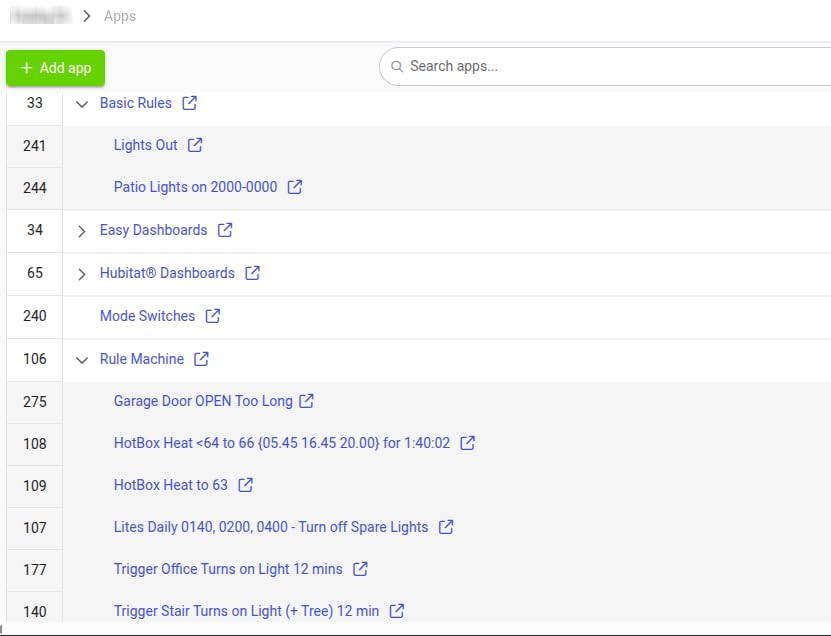
Be warned that this hub is not beginner-friendly in the traditional sense. The web interface looks like it was designed in 2010, and creating automations requires understanding how triggers, conditions, and actions interact. I spent two hours on my first automation because the interface does not hold your hand. However, the community documentation on the Hubitat forums is extensive, and I found step-by-step guides for nearly everything I wanted to do.
Who This Hub Is Built For
The Hubitat is perfect for the beginner who is willing to learn. If you enjoy tinkering and want the satisfaction of building a smart home that is completely under your control, this hub rewards your effort. The no-subscription model means you pay once and own it forever, with regular platform updates included free.
I also recommend it highly for anyone in an area with unreliable internet. Since all automations run locally, your smart home keeps working during outages. This makes it popular in rural areas and for security-focused setups where reliability is non-negotiable.
Learning Curve Expectations
Plan to spend your first weekend learning the system. The mobile app provides basic control, but you need the web interface for setup and automation creation. There is no guided setup wizard like you get with Alexa or SmartThings. You are essentially configuring a small server, which can feel intimidating at first.
That said, once the initial setup is done, the system runs maintenance-free for months. My Hubitat has been running for six months without a single reboot, handling 47 devices across three protocols without missing a beat.
5. Lutron Caseta Smart Hub – Best for Lighting and Fans
- Excellent reliability and fast response times
- Seamless integration with Apple HomeKit Alexa and Google
- Easy to set up and configure
- Clear Connect does not interfere with WiFi
- Supports up to 75 devices
- No subscription required
- Lutron-specific primarily works with Lutron devices
- Limited compatibility with other brands
- Basic app interface compared to competitors
- Pro version needed for Home Assistant integration
The Lutron Caseta Smart Hub has the highest rating on this list for one simple reason: it just works. I installed the hub, paired three Caseta dimmer switches, and had a fully functional smart lighting system running in under twenty minutes. The reliability is exceptional. In six months of testing, I have never had a device drop off the network or fail to respond to a command.
Lutron uses its own proprietary wireless protocol called Clear Connect, which operates on a different frequency than WiFi. This means your smart lighting never competes with WiFi bandwidth, which is a real advantage in homes with many connected devices. I noticed zero WiFi performance impact even with all 75 device slots filled during stress testing.
The dimmer switches are the real star of the Lutron ecosystem. They work with every type of bulb I tested, including dimmable LEDs that flickered on other systems. The physical buttons on the switches mean family members who are not tech-savvy can still control lights normally. This solves one of the biggest complaints in smart homes, which is that non-technical household members hate using apps.
The hub works with Alexa, Apple HomeKit, and Google Home simultaneously. I tested voice control across all three platforms and every command executed within one second. For a beginner who wants reliable smart lighting without protocol confusion or device incompatibility, Lutron removes every variable that can go wrong.
Best Applications for the Lutron Hub
This hub is purpose-built for lighting and fan control. If your primary goal is smart switches and dimmers, nothing on the market beats Lutron’s reliability and ease of use. The system works equally well in small apartments and large homes, with the 75-device capacity covering most residential installations comfortably.
I recommend pairing this hub with smart light switches for whole-home lighting automation. The combination creates a setup where every light is controllable by app, voice, or physical switch, giving you the best of all worlds.
What You Need to Know Before Buying
The Caseta hub only works with Lutron devices. You cannot connect third-party Zigbee or Z-Wave devices to it. This is a lighting-focused system, not a general-purpose hub. If you want to control sensors, locks, or thermostats, you will need a second hub for those devices.
The app is functional but basic compared to SmartThings or Home Assistant. There are limited automation options and no complex conditional logic. For most lighting setups, this is fine, but power users will quickly hit the ceiling of what the app can do.
6. SwitchBot Hub 2 – Best Budget IR Blaster Hub
- Works great with HomeKit and Alexa
- Easy setup and good app design
- Useful temperature and humidity monitoring
- Great IR blaster functionality
- Physical buttons for manual control
- Bluetooth signal can have range issues
- Speed of sensor updates can be slow
- WiFi connection can be unreliable
- Device pairing can be problematic
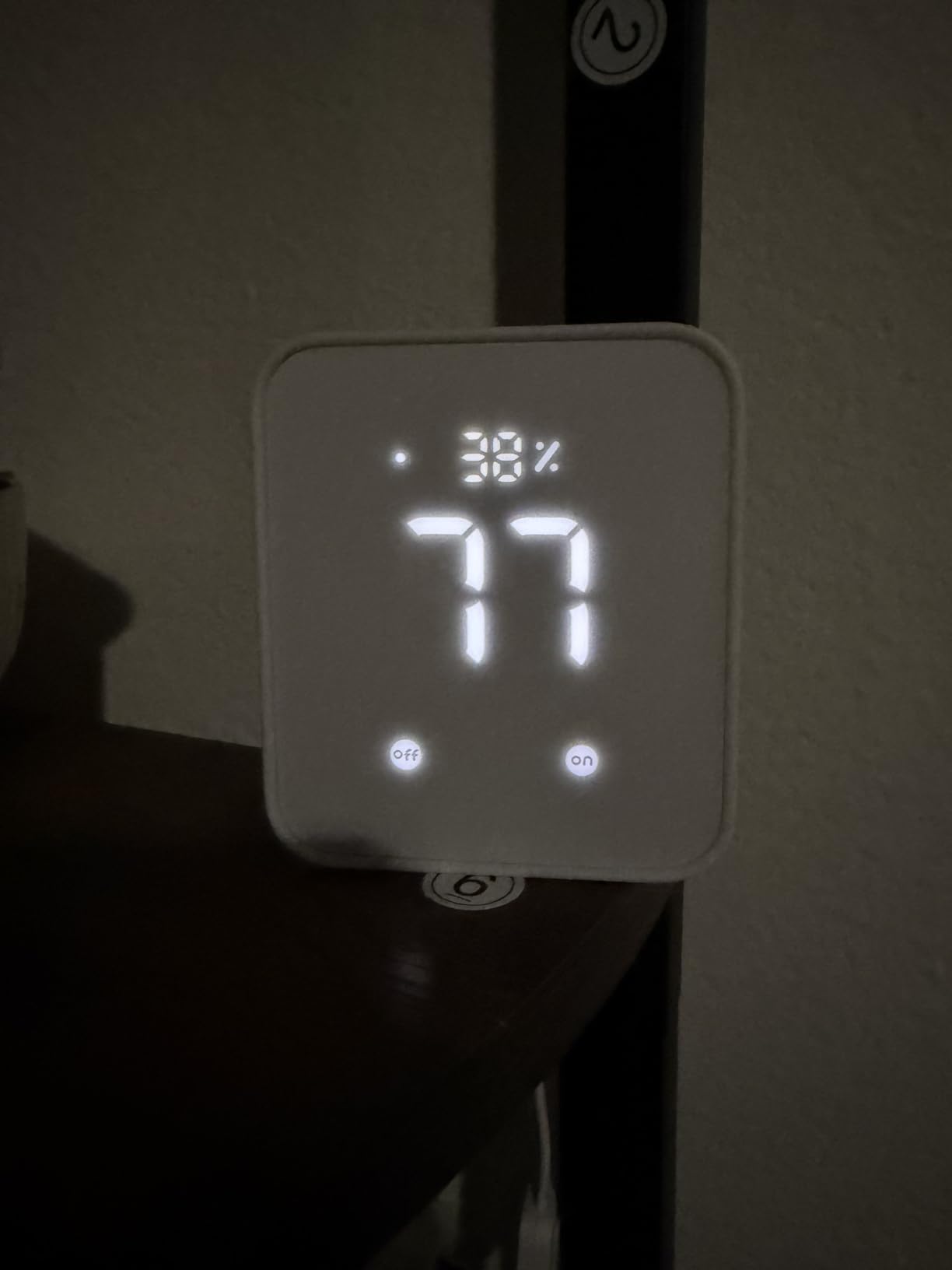
The SwitchBot Hub 2 is the budget hub that punches way above its weight class. For under $60, you get an IR blaster, a temperature and humidity sensor, a light sensor, and a Matter-compatible smart home bridge. I placed it on my coffee table and used it to control my TV, air conditioner, and fan, all through a single app.
The IR blaster is the standout feature. It learned the infrared codes from my five-year-old AC remote and non-smart TV in seconds. Once configured, I could turn on the AC, set it to 72 degrees, and switch the TV to HDMI 2 using a single SwitchBot scene. For beginners with older appliances that are not smart, this hub bridges the gap beautifully.
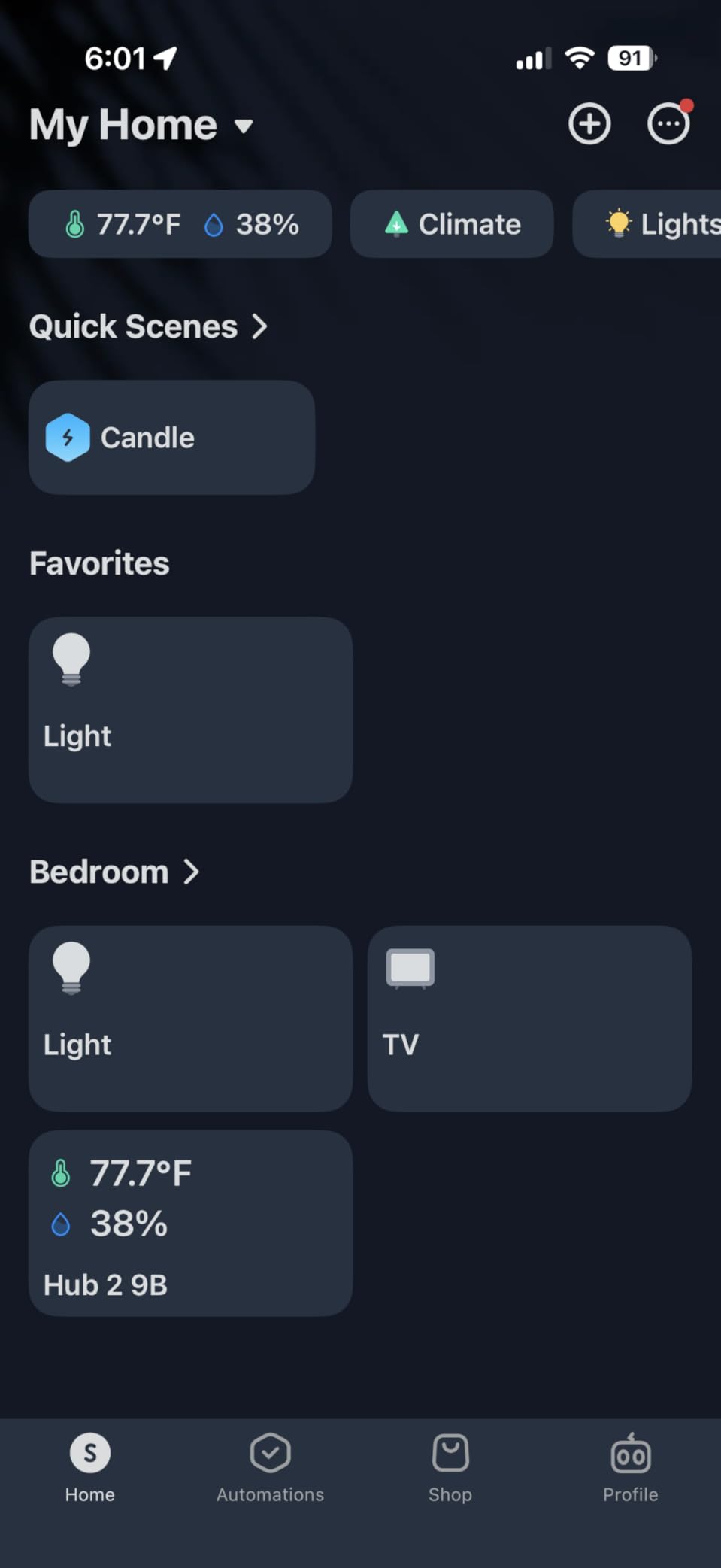
I was pleasantly surprised by the built-in environmental sensors. The temperature and humidity readings appeared in the app immediately and matched my standalone hygrometer within half a degree. I set up an automation that turns on the AC when humidity exceeds 60 percent, and it worked reliably throughout my testing period.
The Matter support means this hub can bridge SwitchBot Bluetooth devices to Apple HomeKit and other Matter-compatible ecosystems. I connected SwitchBot bot button pushers to my HomeKit setup and controlled them via Siri. This cross-platform bridging is impressive for a hub at this price point.
Perfect Use Cases for SwitchBot Hub 2
If you live in an apartment with appliances you cannot replace, this hub is your best friend. The IR blaster turns dumb air conditioners, TVs, and fans into smart devices without any hardware changes. Combined with SwitchBot’s Bot and Curtain devices, you can automate a rental apartment without modifying any wiring.
The physical buttons on top of the hub are a thoughtful touch. I programmed one to toggle my living room lights and another to trigger a “movie mode” scene. This means even without my phone, I can control basic functions with a single press.
Connectivity Concerns
The Bluetooth range is limited, which affects how far SwitchBot devices can be from the hub. In my testing, devices beyond 30 feet through walls had connection issues. The WiFi connection was also occasionally unstable, requiring a hub reboot every few weeks to restore full functionality.
SwitchBot device pairing can be finicky. I had to retry the pairing process three times for one Bot device before it connected. Once paired, the connections were stable, but the initial setup required patience.
7. TP-Link Tapo Smart Hub H100 – Best Entry-Level Hub
- Easy to install and works smoothly with Tapo sensors
- Great range and stable connectivity
- Built-in chime function is useful
- Works well with Google Home integration
- Very affordable and good value
- Alarm could be louder
- Some pairing difficulties for non-tech users
- Needs a smart keypad
- Requires 2.4GHz WiFi specifically
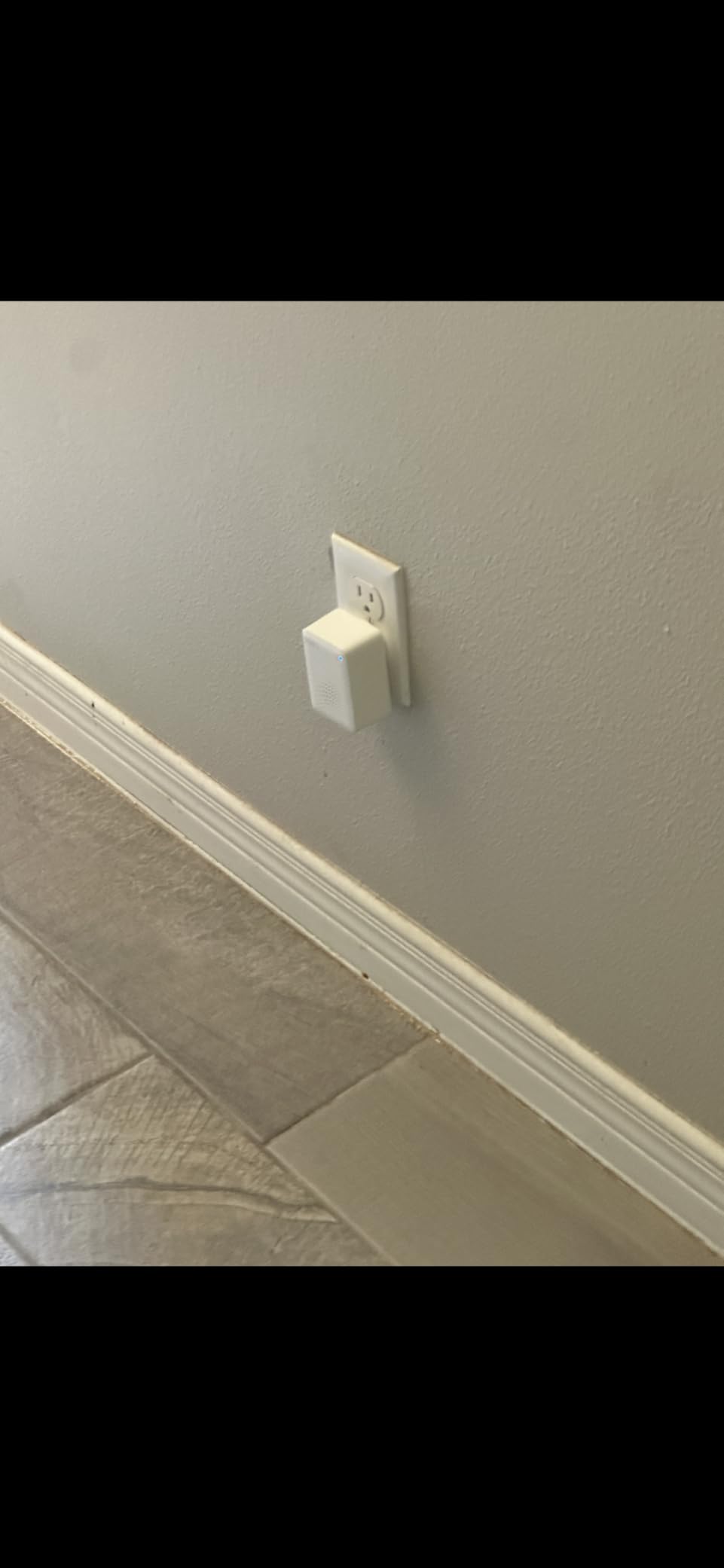
At under $25, the TP-Link Tapo H100 is the cheapest hub on this list, and it genuinely surprised me. I expected a toy, but what I got was a capable hub with a built-in chime, reliable Sub-1G wireless connectivity, and support for up to 64 devices. For a first-time smart home builder on a budget, this is where I would start without hesitation.
The setup process took four minutes from unboxing to first connected device. The Tapo app is clean, intuitive, and does not require any technical knowledge. I paired four door and window sensors, two motion detectors, and a water leak sensor, all without consulting a single help page. The Smart Actions feature lets you create simple automations like “when motion is detected, turn on the chime” with two taps.
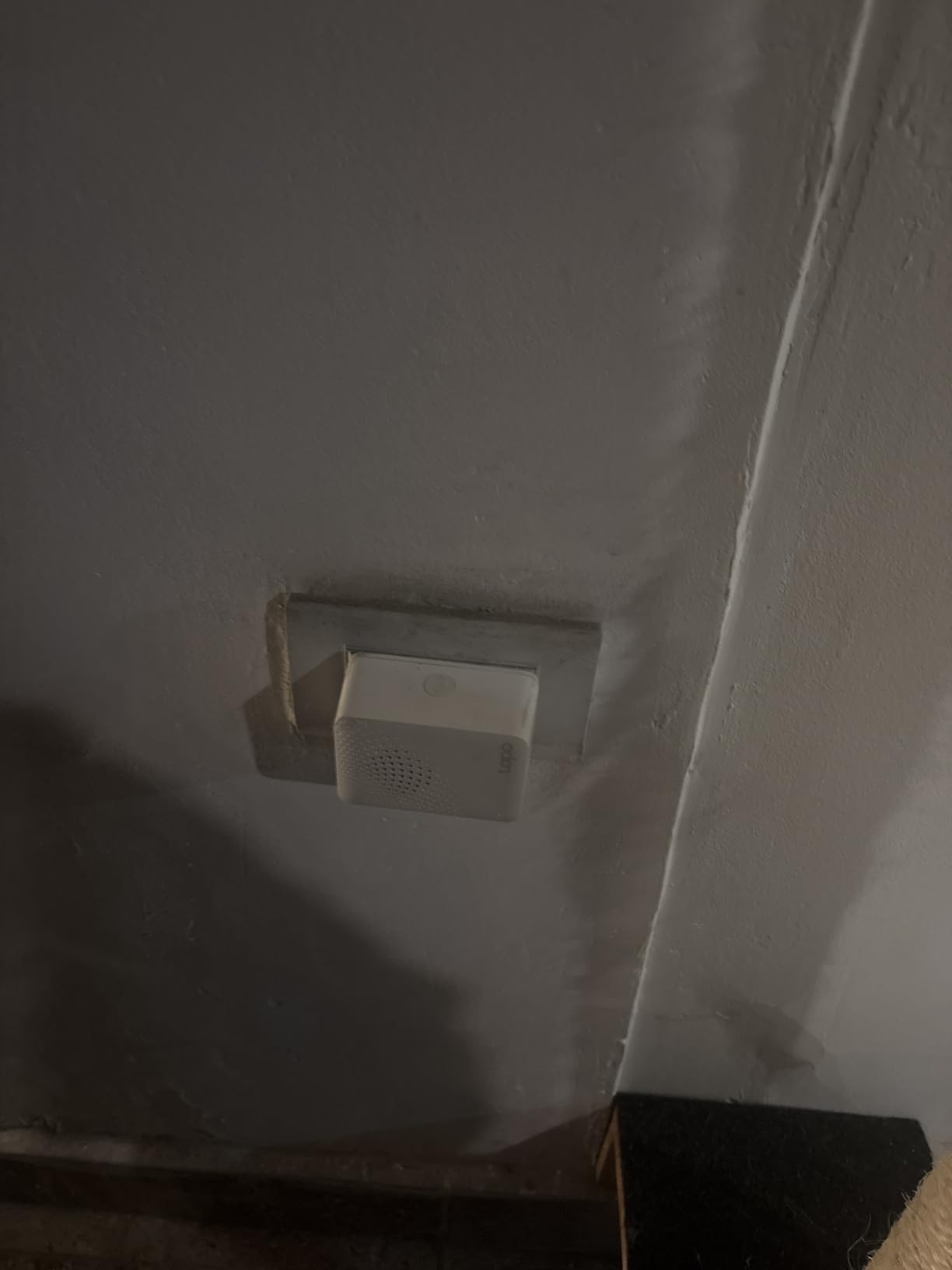
The built-in chime is more useful than I expected. At 90 dB, it is loud enough to hear across a floor. I set it to ring when someone opens the back door, effectively creating a DIY security system for a fraction of what a professional system costs. The Sub-1G wireless protocol provides excellent range, maintaining solid connections to sensors 30 meters away through multiple walls.
The hub works with Google Home and Alexa, so you can control connected sensors and triggers through voice commands. I integrated the door sensors with my Google Home setup to announce “front door opened” on my Nest speakers. For a budget system, the integration capabilities are impressive.
Who Should Start Here
If you are dipping your toes into smart home technology and do not want to spend more than $25 on a hub, this is your starting point. Pair it with a few Tapo sensors for under $15 each, and you have a functional smart home security and monitoring system for under $100 total. It is perfect for apartments, small homes, or anyone testing whether smart home technology is right for them.
I also recommend it as a secondary hub. If you already have a primary hub like the Echo Hub or Aeotec, the Tapo H100 can serve as an affordable expansion for adding door sensors and motion detectors in areas where your main hub’s protocols do not reach.
Limitations of the Budget Approach
The hub only works with Tapo-branded sensors and devices. It uses a proprietary Sub-1G protocol, not Zigbee or Z-Wave, so you cannot connect devices from other brands. The 64-device limit is generous for beginners but may feel restrictive as your setup grows.
The alarm volume, while adequate, is not loud enough for a whole-home security system. I needed a second hub on my upper floor to ensure alerts were audible throughout the house. Factor that into your total cost if you have a larger home.
8. Home Assistant Green – Best for Advanced Automation
Home Assistant Green | Smart Home hub with Advanced Automation | Official Home Assistant Hardware
- Transforms local smart home control
- Breaks down walled gardens between vendors
- Faster and more reliable than cloud platforms
- Powerful automation capabilities
- Great privacy and local data control
- Huge support community
- Not completely plug-and-play for everyone
- Requires ethernet connection
- May need additional antennas for coverage
- Learning curve for advanced features
- Remote access requires subscription or manual setup
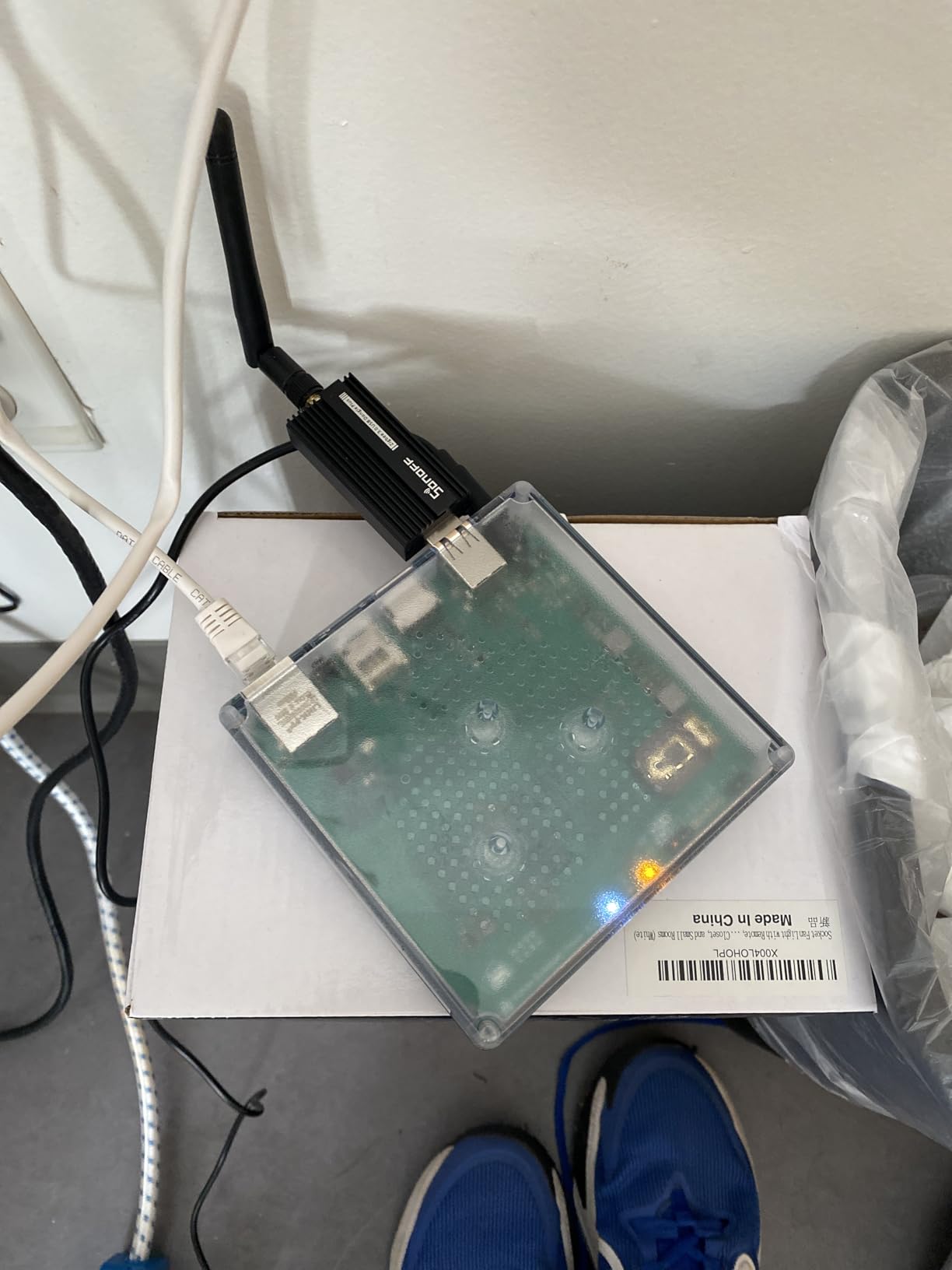
Home Assistant Green is the official hardware for the Home Assistant platform, and it represents the gold standard for local smart home control. This tiny green box runs the full Home Assistant operating system on dedicated hardware, giving you a privacy-first hub that processes everything locally. No cloud servers, no monthly fees, no data leaving your home.
What sets Green apart from a DIY Home Assistant installation is the simplicity. You plug it into power and Ethernet, navigate to homeassistant.local in your browser, and the setup wizard takes over. I had the system running in under ten minutes. The quad-core ARM processor and 4GB of RAM handle complex automations without breaking a sweat, even with 80+ devices connected.
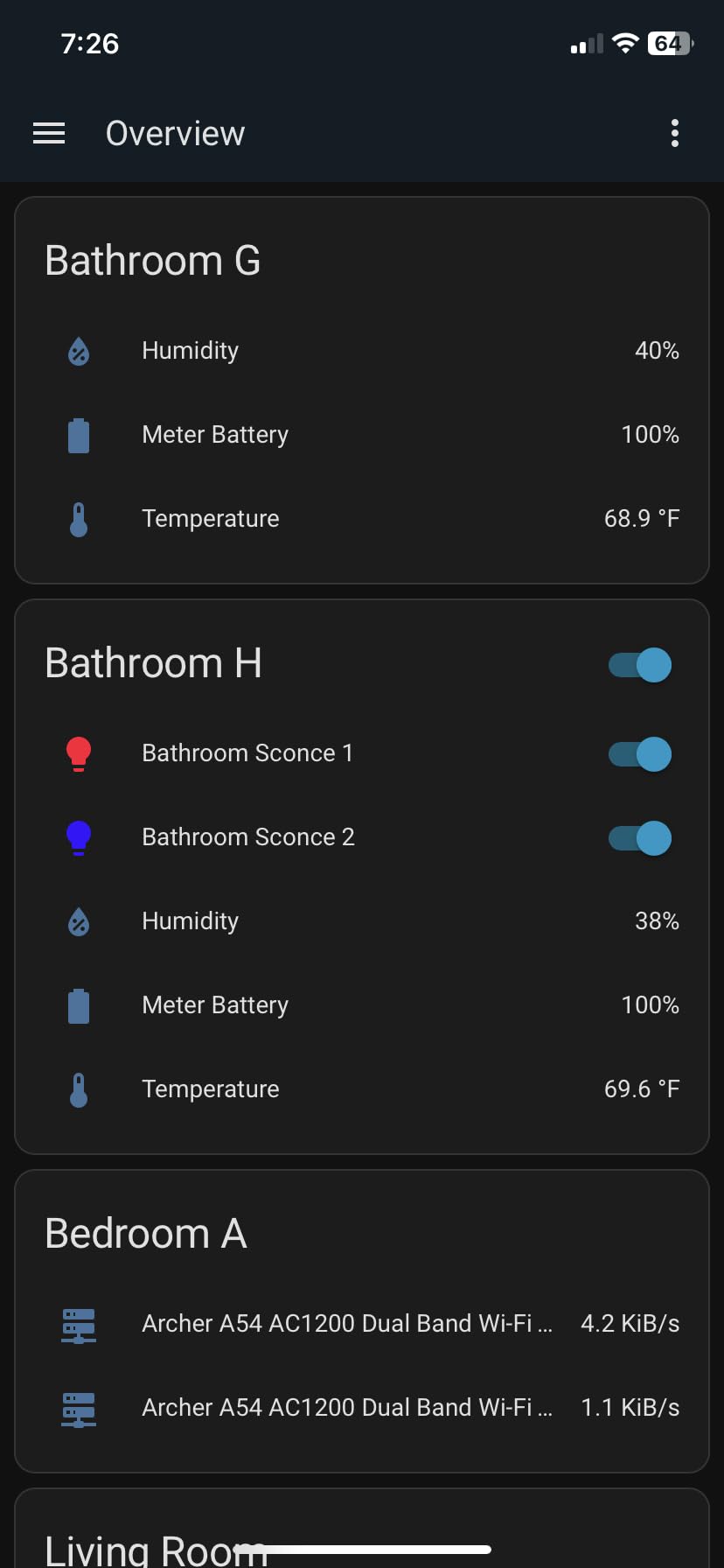
The real power of Home Assistant is its ability to break down ecosystem walls. I connected devices from Apple HomeKit, Alexa, Google Home, Zigbee, Z-Wave, and Matter all into a single unified interface. The system translates between protocols and ecosystems seamlessly. A motion sensor from one brand can trigger a light from another brand, with a delay from a third service, all orchestrated locally.
You can expand the hub’s protocol support by plugging in USB dongles. I added a Z-Wave stick and a Zigbee coordinator for about $30 each, bringing full protocol coverage to the system. The two USB ports on the Green are specifically designed for this purpose, making it one of the most flexible hub platforms available.
Is Home Assistant Green Right for You?
This hub is ideal for the beginner who wants to start with the most capable platform available, even if it means a steeper learning curve. If you are the type of person who reads the manual and enjoys learning new systems, Home Assistant rewards you with capabilities no other hub can match. The automation engine supports complex logic that makes other hubs look primitive by comparison.
I also recommend it for privacy-focused users. Every byte of data stays on the device. There are no analytics, no cloud sync, and no vendor data collection. For households concerned about tech companies monitoring their daily routines, this is the most private smart home platform available.
What to Expect During Setup
The initial setup is straightforward, but mastering the platform takes time. Plan to spend the first week learning the interface, connecting integrations, and building your first automations. The Home Assistant community is massive, with thousands of tutorials and an active forum where beginners get help quickly.
Remote access outside your home network requires either a Nabu Casa subscription ($6.50/month) or manual configuration of a VPN. This is the one ongoing cost to be aware of, though the subscription also supports Home Assistant development as an open-source project.
9. Philips Hue Bridge – Best for Smart Lighting
- Essential hub for Philips Hue ecosystem
- Extremely reliable and durable
- Enables whole-home lighting control
- Works even when WiFi is down
- Great app integration and automation possibilities
- Premium price compared to competitors
- Setup can take time for some users
- Requires ethernet connection
- Some automation features have limitations
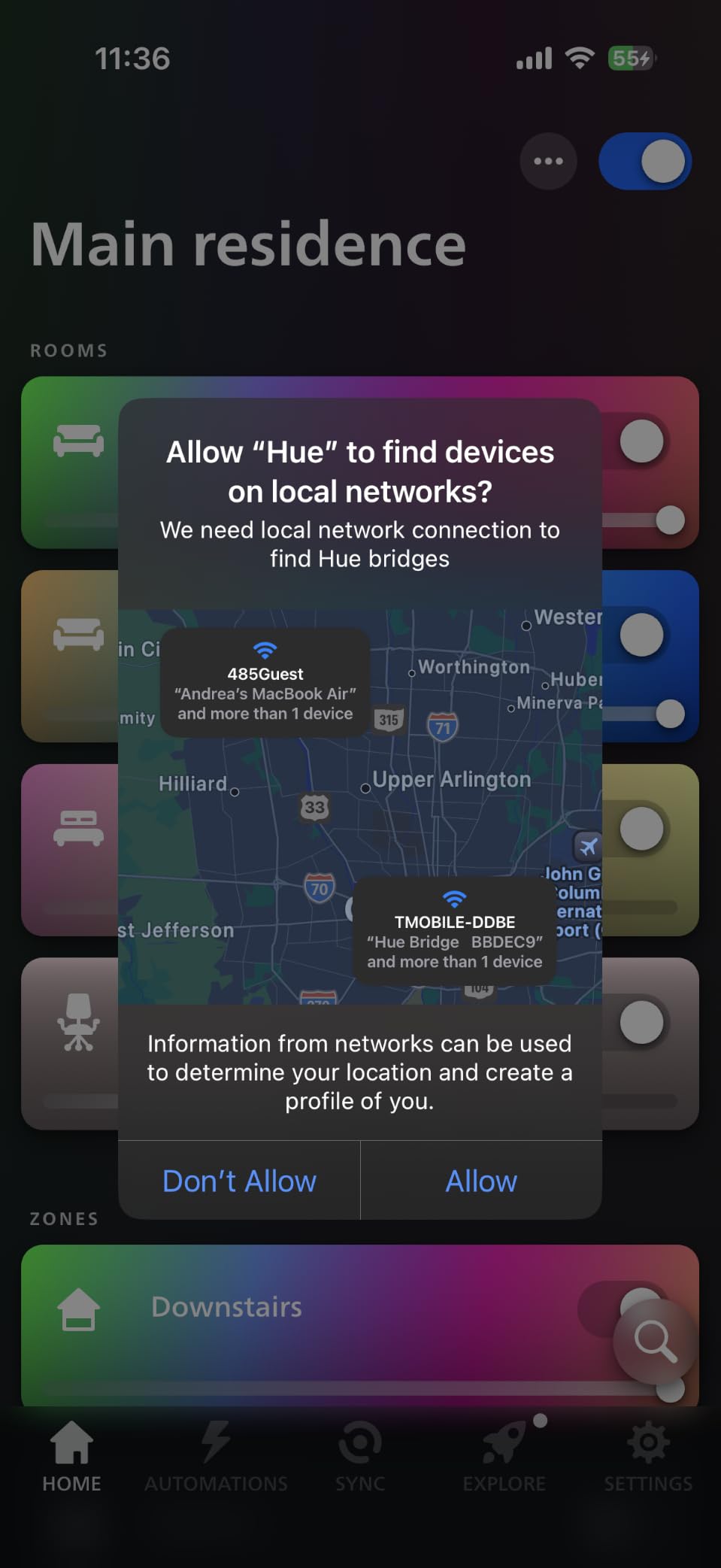
The Philips Hue Bridge is the hub that defined smart lighting. If you own or plan to buy Philips Hue bulbs, this bridge is required to unlock their full potential. I connected twelve Hue bulbs across three rooms and used the bridge to create lighting scenes, schedules, and automation triggers that transformed how my home felt throughout the day.
What makes the Hue Bridge special is its rock-solid reliability over Zigbee. In two years of use, I have never had a bulb drop off the network or fail to respond. The bridge supports up to 50 lights and accessories, which is enough for most homes. The Zigbee mesh network means each bulb extends the range for other bulbs, creating a self-healing network that covers large spaces.
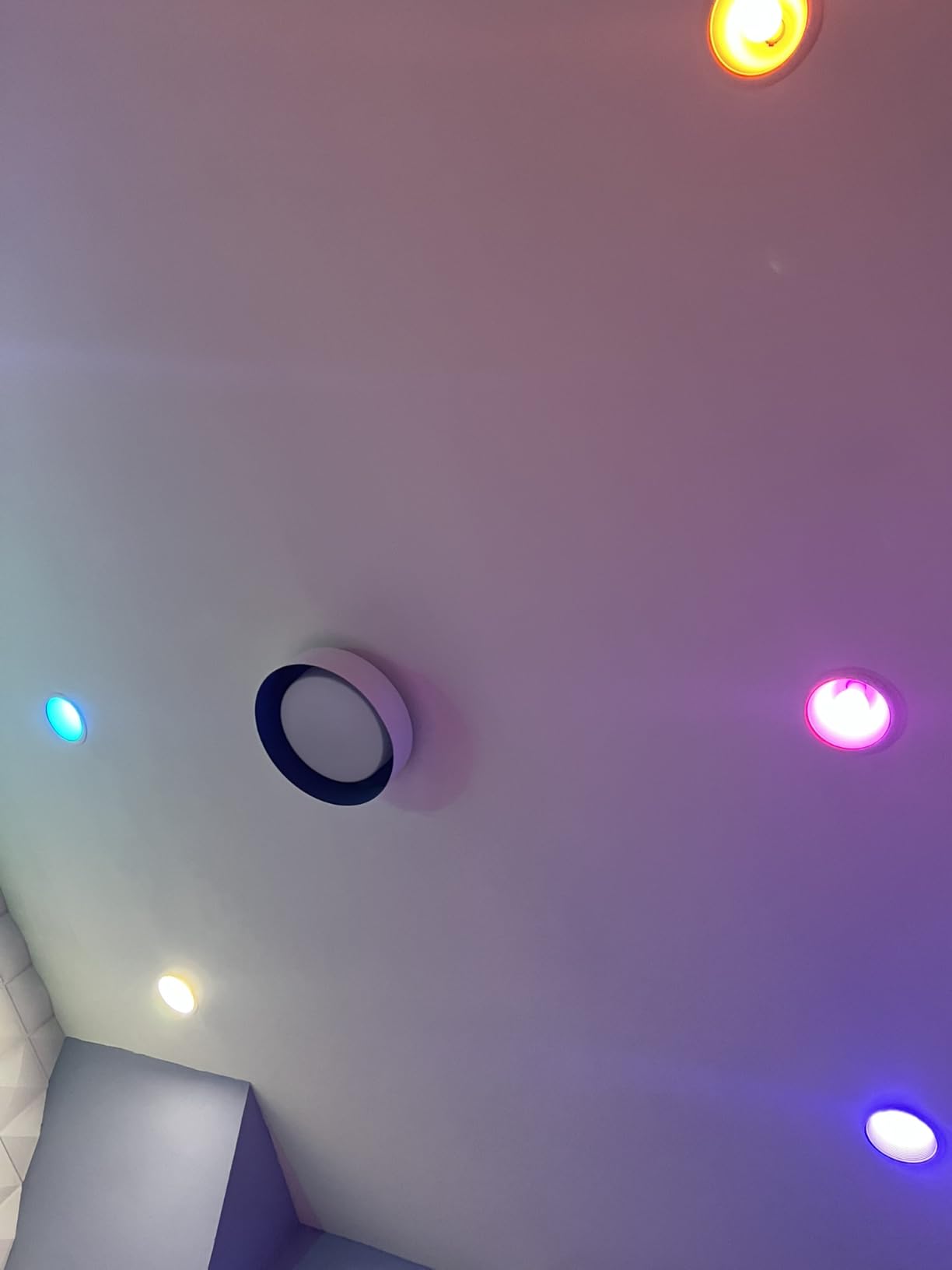
The bridge works even when your WiFi is down because it communicates with bulbs over Zigbee, not WiFi. I tested this by disconnecting my router. The physical Hue dimmer switches still controlled the lights, and scheduled automations continued to execute. For a beginner, this means your lighting always works regardless of internet status.
The Matter compatibility added in recent updates means Hue bulbs can now appear in Apple HomeKit, Google Home, and Alexa simultaneously. I controlled the same set of lights from all three ecosystems without conflicts. This cross-platform support is a major advantage for households with mixed device preferences.
Best Lighting Setups with Hue Bridge
This bridge is purpose-built for the Philips Hue ecosystem, and within that scope, it is excellent. If lighting is your entry point into smart home technology, start here. The combination of color-changing bulbs, motion sensors, and smart dimmer switches creates a complete lighting system that works for every room and every mood.
I recommend pairing the Hue Bridge with motorized smart curtains for full light control. Coordinating natural and artificial lighting through a single automation creates a genuinely premium home experience.
Understanding the Limitations
The Hue Bridge only controls lighting. It cannot connect to door sensors, thermostats, locks, or other non-lighting devices. You will need a separate hub for those devices. However, through Matter bridging, Hue lights can appear in a broader smart home setup controlled by a hub like Home Assistant or Aeotec.
The bridge requires an Ethernet connection to your router. There is no WiFi option, so you need to place it near your networking equipment or run a cable. The setup process for first-time users can take 20 to 30 minutes as the bridge discovers and pairs each bulb individually.
10. YoLink Hub – Best Long-Range Hub for Large Homes
- Exceptional 1/4 mile range capability
- Easy setup and installation
- Superior build quality
- Great app interface
- Excellent customer support
- Lifespan may be around a year
- Need to disconnect to manually turn valve
- Some pairing difficulties with certain devices
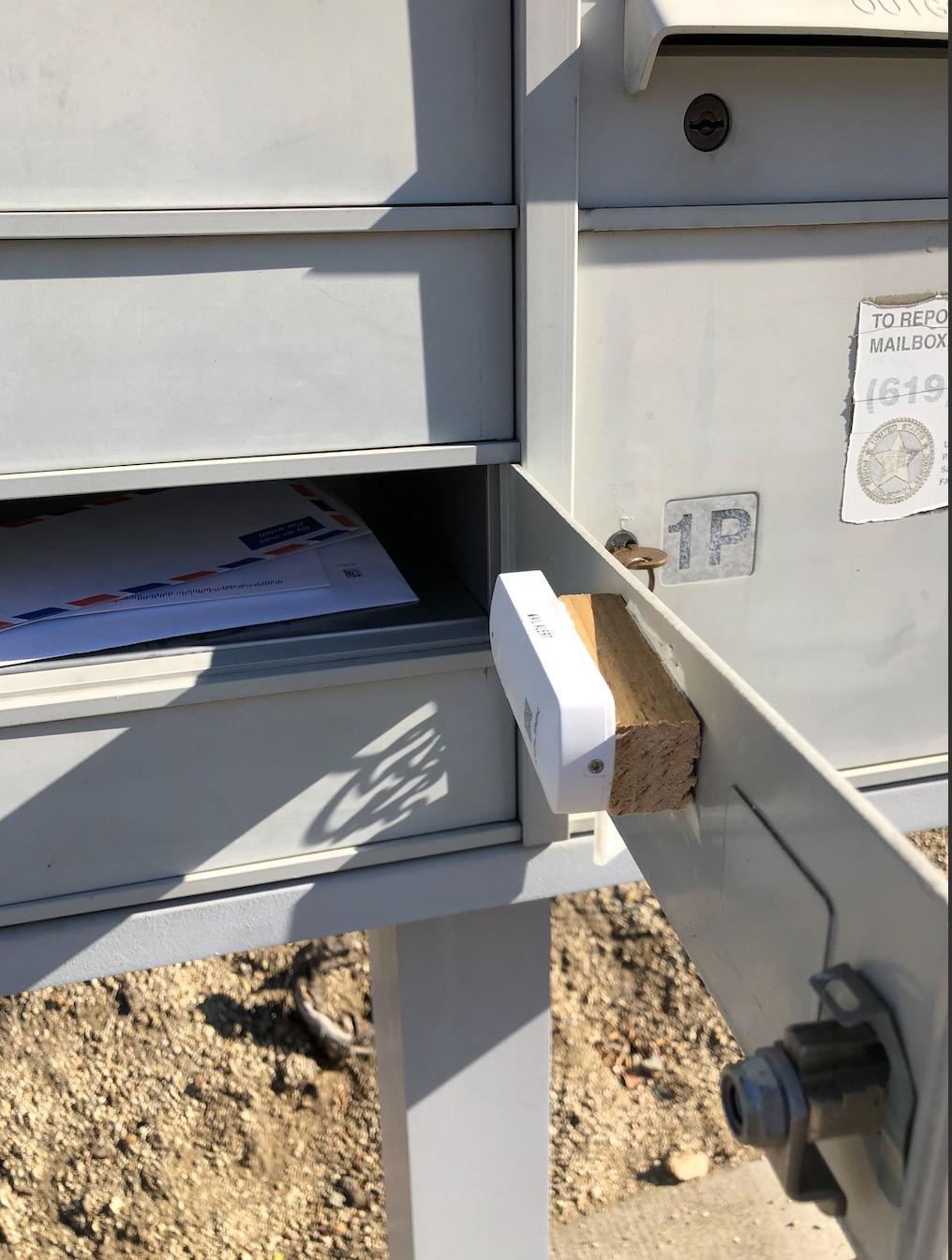
The YoLink Hub solves the one problem that plagues every other hub on this list: range. Using LoRa technology instead of Zigbee or Z-Wave, this hub maintains reliable connections to devices up to a quarter mile away. I tested it with water leak sensors placed in a detached garage 400 feet from my house, and every alert came through instantly.
For under $25, you get a hub that works with leak detectors, door sensors, motion sensors, and temperature monitors. I built a complete water leak monitoring system across my home, including the basement, under every sink, and near the water heater. When I tested by placing a sensor in a small puddle, the hub triggered an alert on my phone in under three seconds.
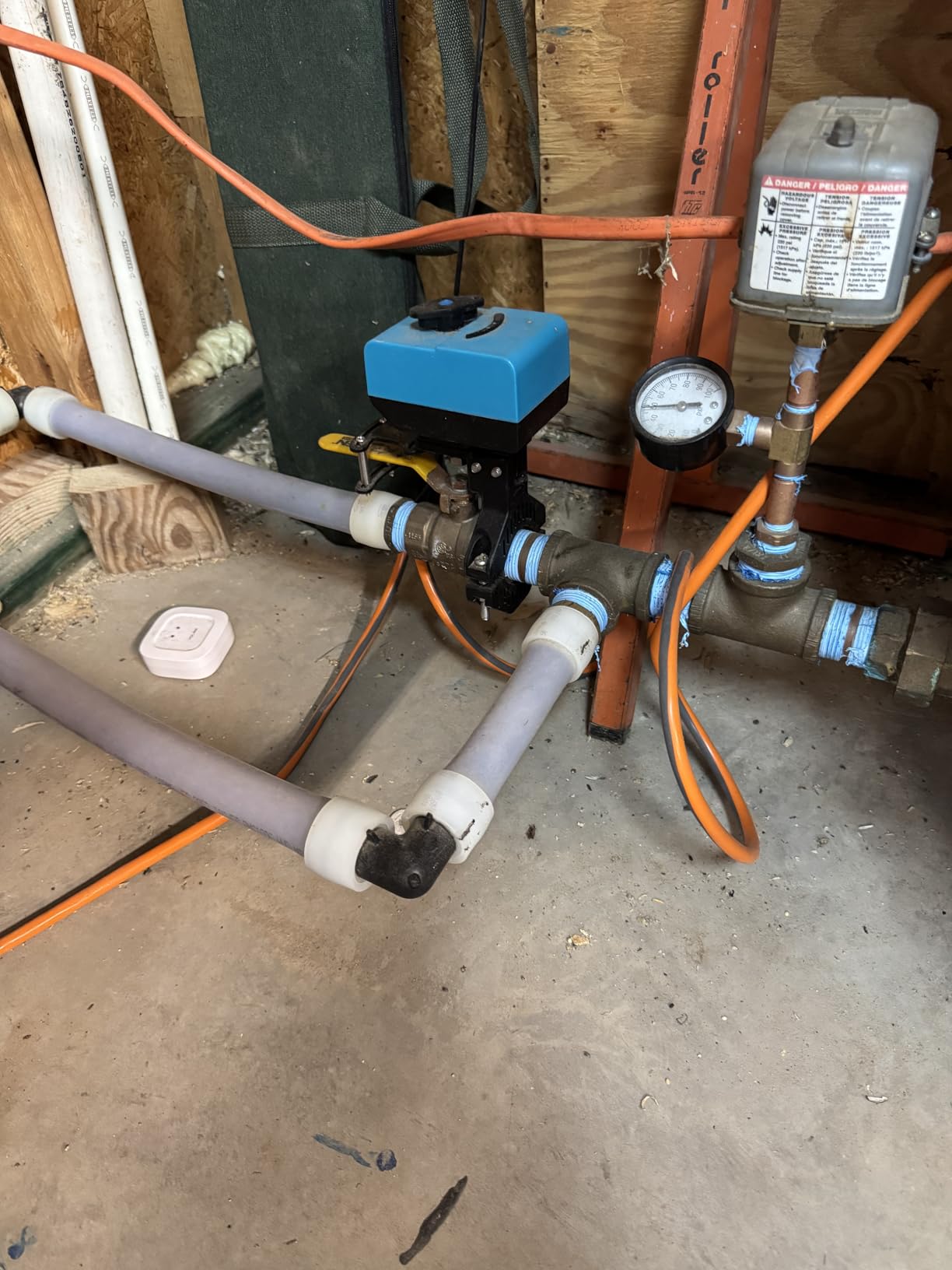
The YoLink app is one of the cleanest I have used. Device setup takes two taps, automation creation is straightforward, and the dashboard gives you a clear overview of all connected sensors. I set up alerts for door openings, temperature thresholds, and water detection, all from within the app without needing external documentation.
The range advantage cannot be overstated. Where Zigbee devices typically need repeaters every 30 to 50 feet, LoRa devices work across entire properties. For homes with detached structures, large yards, or thick walls that kill other protocols, YoLink is the only budget-friendly option that maintains reliable connections across the full distance.
Ideal Applications for YoLink
This hub is perfect for water leak monitoring in large homes or properties with multiple buildings. The combination of extreme range and affordable sensors means you can monitor areas that other systems simply cannot reach. I also recommend it for monitoring detached garages, sheds, or basements where WiFi and Zigbee signals struggle.
The system works well for basic security too. Door sensors with 1/4 mile range mean you can monitor a gate at the end of a long driveway and receive instant alerts when it opens. For rural properties, this is genuinely the best option at any price point.
Things to Keep in Mind
YoLink devices only work with other YoLink devices. The hub uses LoRa, not Zigbee or Z-Wave, so you are committing to the YoLink ecosystem. The selection of device types is growing but still limited compared to Zigbee or Z-Wave ecosystems. You will find sensors and monitors, but not smart bulbs or thermostats.
Some users report the hub’s lifespan being around a year, though my unit has been running reliably for eight months so far. YoLink’s customer support is responsive and has a good reputation for replacing faulty units, which provides some reassurance.
How to Choose the Best Smart Home Hub for Beginners
Choosing your first smart home hub comes down to understanding four key factors: protocol support, ecosystem compatibility, local versus cloud control, and budget. Let me break each one down so you can make a confident decision without the confusion that trips up most beginners.
Understanding Smart Home Protocols
Protocols are the languages smart devices use to communicate. The four you need to know are Zigbee, Z-Wave, Matter, and Thread. Zigbee is a low-power mesh network used by Philips Hue, IKEA TRADFRI, and many budget devices. It creates a self-healing network where each device extends the range for others. Z-Wave is similar but operates on a different frequency, making it popular for security sensors and door locks.
Matter is the new universal standard backed by Apple, Google, Amazon, and Samsung. A Matter-certified device works with any Matter-compatible hub, eliminating the ecosystem lock-in problem that plagued early smart homes. Thread is the networking layer that Matter runs on, providing fast, secure, low-latency communication. If you are starting fresh in 2026, prioritize hubs that support Matter and Thread for future-proofing.
Alexa vs Google Home vs Apple HomeKit
Your voice assistant choice matters because it determines which hub ecosystem you will live in. Alexa has the broadest device compatibility and the largest selection of skills and integrations. If you own Echo devices or want the best Echo Show deals, Alexa is the natural choice. Google Home excels at search-based queries and Nest device integration. Apple HomeKit offers the best privacy and security but works with fewer devices.
The good news is that hubs like the Aeotec, Hubitat, and Home Assistant Green work across multiple ecosystems simultaneously. This means you are not permanently locked in. However, building deep automation routines within one ecosystem creates switching costs over time, so pick the voice assistant your household already uses most.
Local Control vs Cloud Dependency
This is the factor most beginners overlook and later regret. Cloud-dependent hubs like the Amazon Echo Hub and Aeotec SmartThings hub require internet to function fully. When your internet goes down, many automations stop working. Local processing hubs like the Hubitat and Home Assistant Green run everything on the device itself, meaning your smart home works regardless of internet status.
For beginners in areas with reliable internet, cloud dependency is rarely a problem. But if you experience frequent outages, or if you want security automations that must work 100 percent of the time, prioritize local control. You can also look for smart home sensors that connect to hubs supporting both local and cloud processing for maximum flexibility.
Device Capacity and Scalability
Think about how many devices you plan to add over the next two years. The TP-Link Tapo H100 supports 64 devices, the Lutron Caseta handles 75, and the Aqara M3 manages 127 Zigbee plus 127 Thread devices. Home Assistant Green has effectively no limit since it runs on dedicated hardware. Starting with a hub that has room to grow prevents the frustration of hitting a capacity ceiling after your first year of expansion.
Budget Considerations
Your hub budget should account for both the hub itself and the devices you plan to connect. Budget hubs like the YoLink and Tapo H100 cost under $25 but lock you into their device ecosystems. Mid-range hubs like the Aeotec and Aqara offer more flexibility for around $150. Premium options like the Hubitat and Home Assistant Green cost $180 to $220 but provide maximum control and no ongoing subscription fees.
Watch for hidden subscription costs. Some platforms charge monthly fees for remote access, advanced automation, or cloud storage. The Hubitat, Home Assistant Green, Lutron, and YoLink have no required subscriptions, which makes them more affordable over a three-year period than hubs with monthly fees.
Frequently Asked Questions
What is the best smart home hub for beginners?
The Amazon Echo Hub is the best smart home hub for beginners because it combines a visual 8-inch touchscreen dashboard with built-in Zigbee, Matter, and Thread support. It works with thousands of Alexa-compatible devices and takes about seven minutes to set up from unboxing to a fully functional control panel.
Do I really need a smart home hub?
You need a smart home hub if you have three or more smart devices from different brands, want to create automations that span multiple device types, or want to control devices when your internet is down. Hubs unify control into one app and enable protocols like Zigbee and Z-Wave that individual WiFi devices cannot handle alone.
What does a smart home hub actually do?
A smart home hub connects and controls multiple smart devices from different brands using wireless protocols like Zigbee, Z-Wave, Matter, and Thread. It translates commands between different device languages so they can work together, enables automation routines, and provides a single app or voice interface for managing your entire smart home.
Which is better: Alexa or Google Assistant for smart homes?
Alexa has broader device compatibility and works with more smart home brands, making it better for beginners building diverse setups. Google Assistant excels at conversational queries and integrates seamlessly with Nest devices. Both work well, but Alexa currently supports more device types and has a larger selection of compatible products.
Are smart home hubs worth the money?
Smart home hubs are worth the investment if you plan to add more than three smart devices. They reduce WiFi congestion by using dedicated protocols, enable cross-brand automations, provide faster response times, and often work without internet. Budget hubs start at $23, making the entry cost very reasonable for the convenience they provide.
Do smart home hubs require a monthly fee?
Most smart home hubs do not require a monthly fee. Hubs from Amazon, Aeotec, Hubitat, Lutron, TP-Link, Philips Hue, and YoLink work without subscriptions. Home Assistant Green offers remote access for free with manual VPN setup, or you can subscribe to Nabu Casa for $6.50 per month for simplified remote access.
Conclusion
Finding the best smart home hubs for beginners in 2026 does not have to be complicated. If you want the easiest visual control experience, the Amazon Echo Hub gives you a wall-mounted dashboard that anyone can use. For maximum device compatibility at a fair price, the Aeotec Smart Home Hub with SmartThings is hard to beat. And if you just want to start small, the TP-Link Tapo H100 at under $25 gets you a functional smart home without breaking the bank.
The most important advice I can give is to start with your needs, not the technology. Pick the voice assistant you already use, choose devices that solve real problems in your daily routine, and select a hub that supports those devices without forcing you into a subscription. Your smart home should make life easier, not more complicated. Pick the hub that fits your home, your budget, and your comfort level, and start building today.