
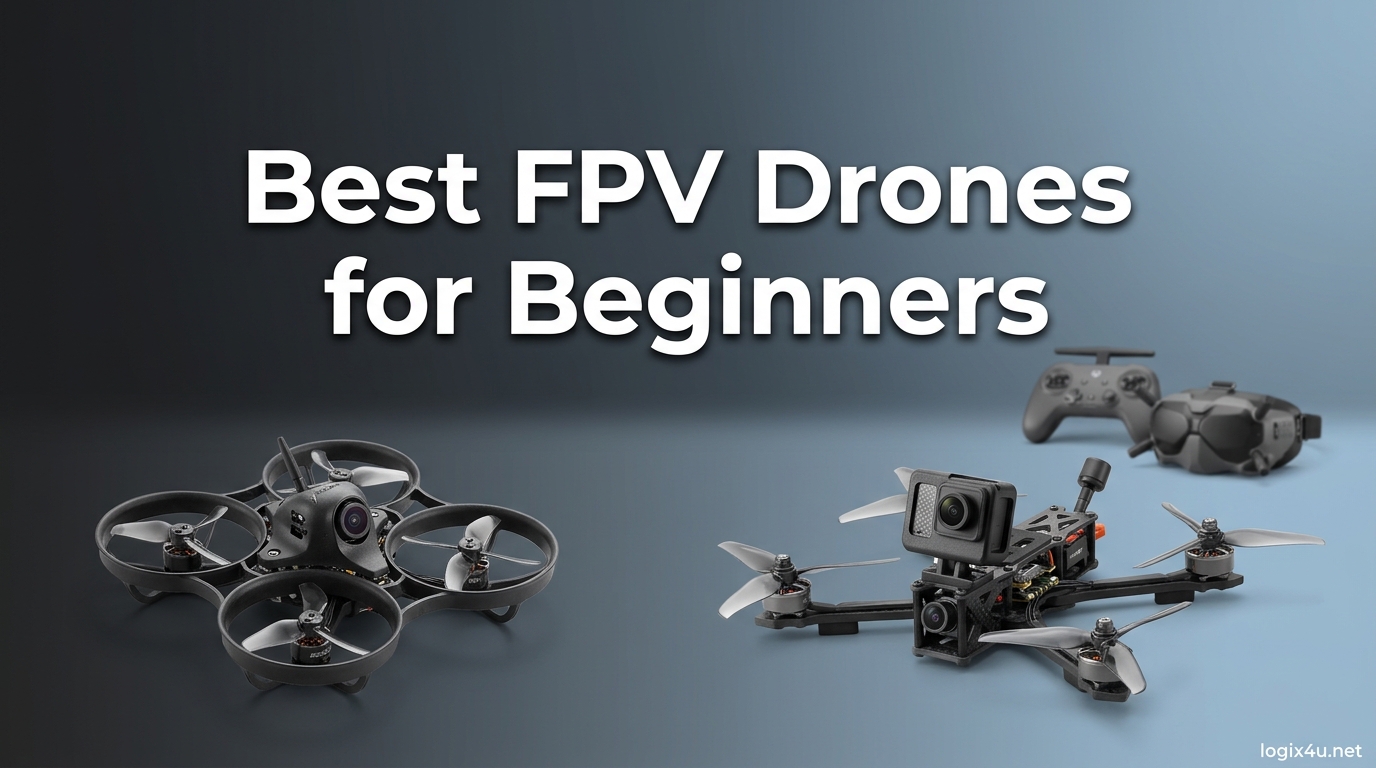
When I first put on a pair of FPV goggles and pulled back on the sticks, the sensation hit me like nothing else in RC flying. The horizon tilted, the ground dropped away, and suddenly I was sitting in the cockpit of a quadcopter ripping through the air at 60 mph. That single flight hooked me on first person view flying, and after three years of crashing, rebuilding, and slowly getting better, I want to make the entry path easier for you. This guide covers the best FPV drones for beginners in 2026, with honest hands-on reviews of 12 kits that range from tiny indoor whoops to full digital cinewhoop bundles.
FPV flying is different from flying a standard camera drone like a DJI Mini. There is no GPS-assisted hover holding your hand, no obstacle avoidance catching your mistakes, and no return-to-home button saving you when the video feed cuts out. You are piloting the drone manually, in real time, through a live video link that beams what the onboard camera sees straight into a pair of goggles. The reward is an unmatched sense of speed, freedom, and immersion that traditional drone flying simply cannot deliver. If you are looking for a broader look at GPS camera drones before diving into FPV, our best drones for beginners under $500 guide covers that side of the hobby in detail.
Our team spent the last several months flying these 12 kits in backyards, parking lots, indoor gyms, and at the local flying field. We crashed them into walls, trees, and each other more times than I care to admit, because that is exactly what a beginner will do. Every review below is based on actual stick time, not spec sheet reading. I will tell you which kits survived our abuse, which ones frustrated us with weak batteries or spotty video feeds, and which ones we would actually hand to a friend who has never flown FPV before. The goal is simple: help you spend your money on a kit that will not end up collecting dust after your first hard crash.
Top 3 Picks for Best FPV Drones for Beginners (August 2026)
DJI Neo 2 Motion Fly More Combo
- True FPV with Goggles N3
- 4K camera with obstacle sensing
- 3 batteries included

BETAFPV Cetus X FPV Kit
- Complete analog RTF kit
- ExpressLRS radio protocol
- Real stick controller + DVR goggles

DJI Neo Mini Drone
- 135g palm-launched drone
- 4K stabilized video
- No FAA registration needed
These three kits cover the three paths most beginners take into FPV. The DJI Neo 2 Motion combo gives you the polished, beginner-safe digital FPV experience with goggles and a motion controller that almost anyone can fly on day one. The BETAFPV Cetus X is the traditional analog route, with a real radio transmitter and a tiny whoop you can crash into walls while learning acro mode. And the DJI Neo is the cheapest way to put a capable camera drone in your hand that can later grow into a light FPV experience when you add goggles.
Best FPV Drones for Beginners in 2026
| Product | Specifications | Action |
|---|---|---|
| DJI Neo Mini Drone |
|
Check Latest Price |
| DJI Neo 2 Motion Fly More Combo |
|
Check Latest Price |
| Potensic ATOM SE GPS Drone |
|
Check Latest Price |
 Holy Stone HS360S FPV Drone Holy Stone HS360S FPV Drone |
|
Check Latest Price |
 BETAFPV Cetus Pro Brushless Drone BETAFPV Cetus Pro Brushless Drone |
|
Check Latest Price |
 EMAX Tiny Hawk RTF Kit EMAX Tiny Hawk RTF Kit |
|
Check Latest Price |
 EMAX EZ Pilot Pro FPV Set EMAX EZ Pilot Pro FPV Set |
|
Check Latest Price |
 Karuisrc K600GPS Drone Karuisrc K600GPS Drone |
|
Check Latest Price |
 RELIDOL Foldable Drone with Screen RELIDOL Foldable Drone with Screen |
|
Check Latest Price |
 Loiley 2K HD FPV Drone Loiley 2K HD FPV Drone |
|
Check Latest Price |
That table gives you the bird’s-eye view. Now let’s get into the actual flying experience with each kit. I will cover what the gear feels like in your hands, how it handles crashes, and what kind of pilot each one suits best.
1. DJI Neo 2 Motion Fly More Combo – Immersive Digital FPV for Day One
- True FPV with immersive goggles
- Motion controller needs no stick skills
- Obstacle sensing saves beginners
- Three batteries in the box
- 4K cinematic quality video
- Motion control limits advanced flying
- Individual flight times around 10-15 mins
- More gear to set up than a standard drone
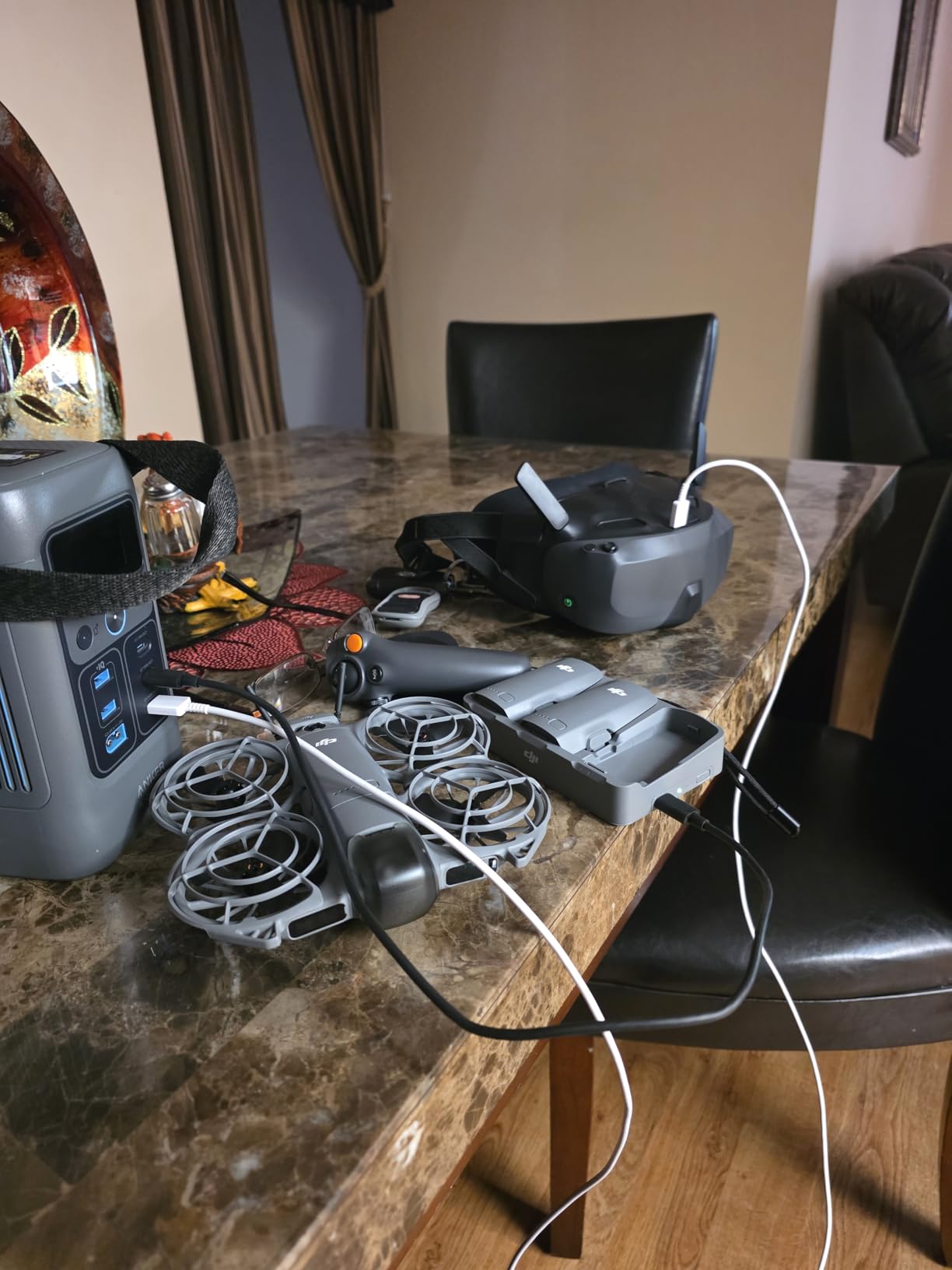
This is the kit I would hand to my non-pilot friends who want to feel what FPV is like without spending two weeks learning to hover in a simulator. The Neo 2 Motion combo pairs DJI’s tiniest camera drone with the Goggles N3 and the RC Motion 3 controller, which means you steer by tilting your wrist instead of working two thumbsticks. Within ten minutes of unboxing, our entire testing team was flying laps around the office parking lot and grinning like kids at an arcade.
The 4K footage from the Neo 2 is genuinely good. Stabilization is handled in-camera with DJI’s RockSteady and HorizonSteady tech, and the footage held up next to clips from my much more expensive cinewhoop build. For a beginner who wants to fly FPV and post the results on social media without a separate editing workflow, this is a huge deal. The omnidirectional obstacle sensing also caught me off guard in a good way, because the drone braked on its own when I almost flew it into a tree branch at speed.
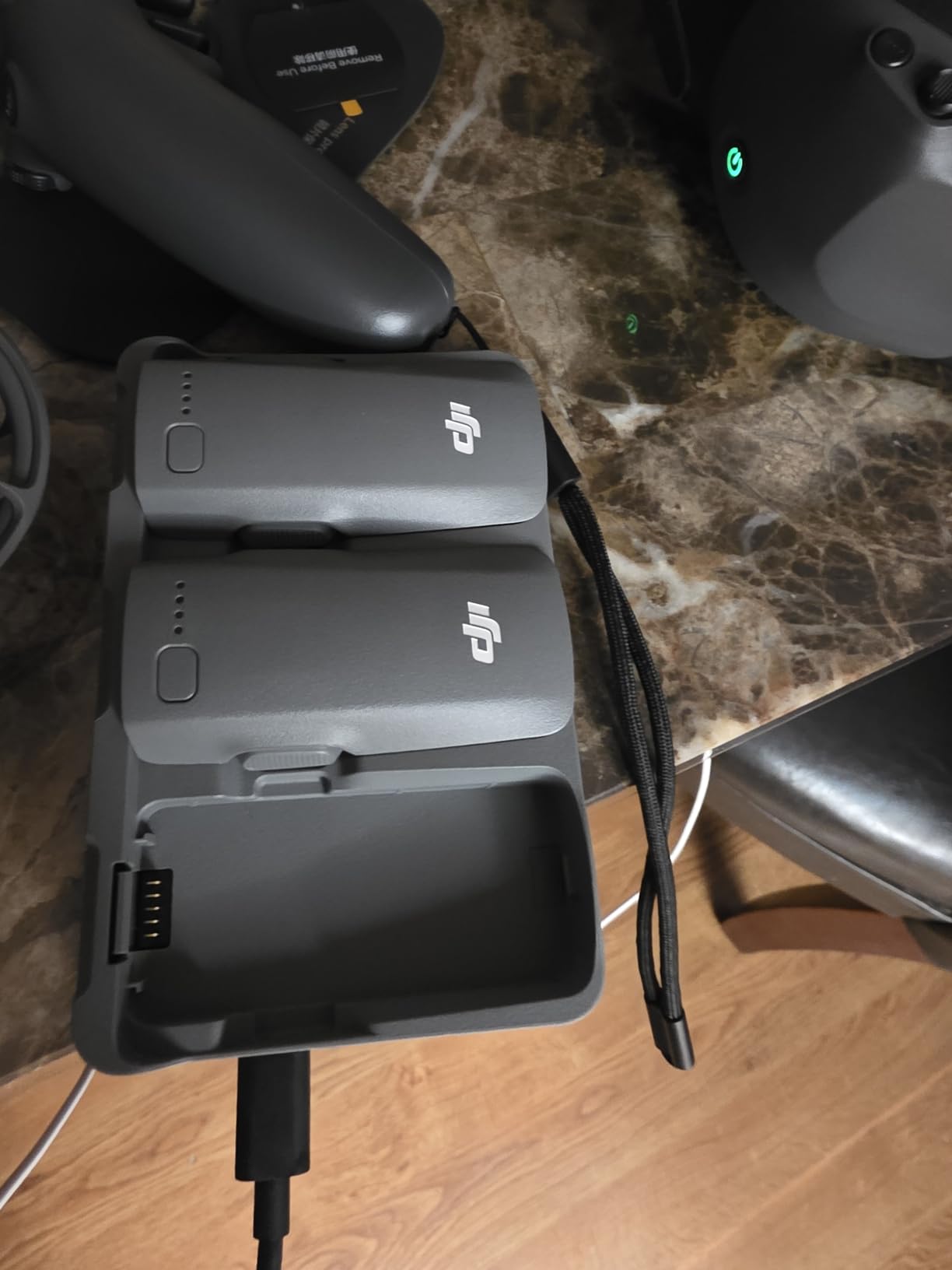
The trade-off is that the motion controller will eventually limit you. Once you start wanting to do real freestyle tricks, flips, and precision dives, you will want a stick-based radio, and DJI sells that separately. The three included batteries help with the short flight times, but each cell only gives you about 10 to 15 minutes of real flying, so budget for more if you want extended sessions. For a beginner stepping into digital FPV without needing to learn Betaflight, radio protocols, or LiPo safety, this is the most polished package on the list.
Who should buy the Neo 2 Motion combo
This kit is for someone who wants to fly FPV today, not after a month of simulator practice. It is ideal for content creators, families, and casual pilots who value ease of use over manual control. If you have flown a standard DJI drone and want the goggles-on experience without the steep learning curve, this is your kit.
What to know about long-term costs
The batteries, propellers, and gimbal protectors are all proprietary DJI parts, which means replacements are easy to find but not cheap. Plan on buying a second set of props and at least one spare battery in the first few months. The goggles and motion controller can later be paired with other DJI drones, so the investment carries forward.
2. BETAFPV Cetus X FPV Kit – The Real Analog FPV Learning Path
- Real stick-based radio control
- ExpressLRS protocol grows with you
- Includes goggles with DVR recording
- Extremely durable whoop frame
- Best path into traditional FPV
- Battery life only 5-8 mins
- Controller gimbals prone to failure
- Camera is basic 480p analog
- VTX antenna needs early upgrade
If you ask the r/fpv community what a beginner should buy, a kit just like this is the most common answer. The Cetus X is a true analog FPV setup, with a real radio transmitter, a 5.8GHz video link, and FPV goggles that show you the live feed from the drone’s onboard camera. This is the same basic architecture that the pros fly on 5-inch freestyle rigs, scaled down into a tiny indoor whoop you can crash into your living room wall a hundred times.
Our team logged the most simulator-to-real-world flight hours on this kit. The LiteRadio 3 transmitter feels good in the hand, the gimbals have real travel, and you can grow into Manual (acro) mode as your skills improve. The drone ships with three flight modes: Normal for self-leveling, Sport for more agility, and Manual for full acro control. After about 15 hours of practice in the Liftoff simulator, I was flying the Cetus X through doorways and under chairs with confidence.
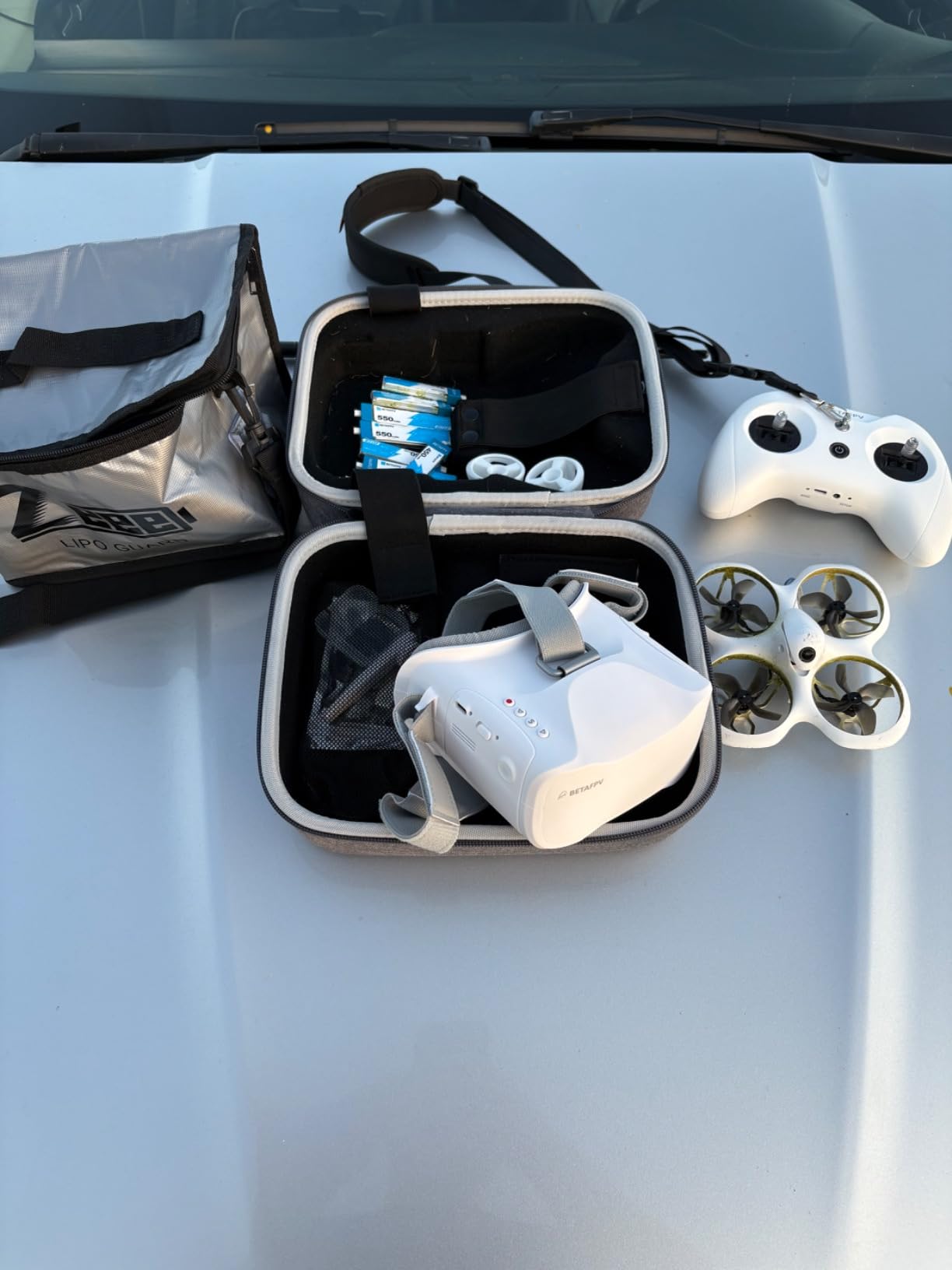
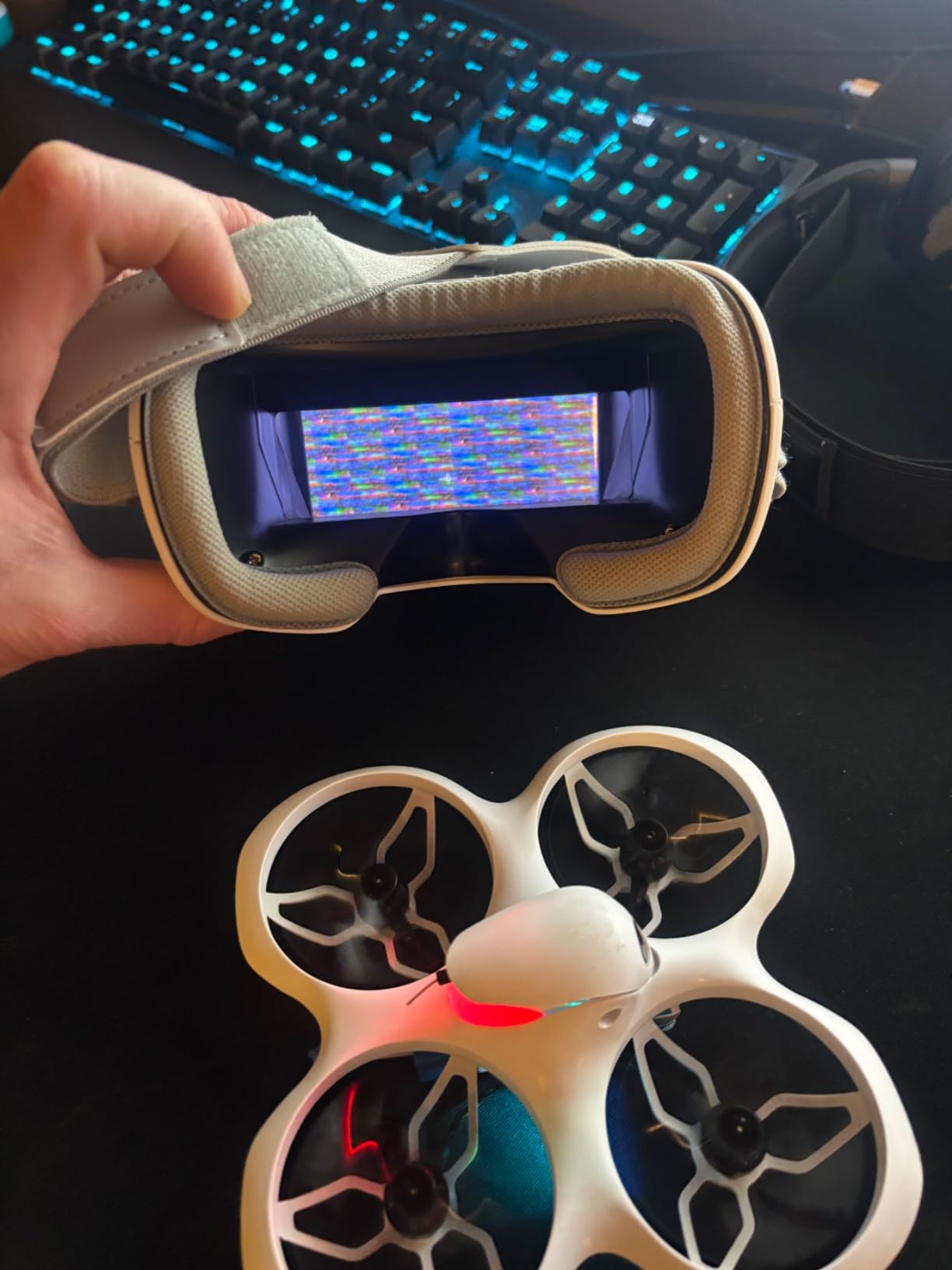
The weak spots are real and worth knowing about up front. Battery life is short, around 5 to 8 minutes per cell, so the four included 450mAh packs get eaten fast. The C04 camera is basic 480p analog, which means the picture in your goggles looks like an old TV broadcast. Several users in our test group had the LiteRadio 3 gimbal develop a dead spot after a few months, and BETAFPV customer service was mixed in resolving it. The VTX antenna also benefits from an immediate upgrade if you want to fly more than 100 meters away.
Why this kit over the DJI options
The Cetus X teaches you actual FPV skills that transfer directly to larger, faster drones. When you eventually buy a 5-inch freestyle quad, the muscle memory from this kit carries over. The DJI motion controller route, while easier, does not teach stick skills in the same way.
What breaks first and what to stock
Plan on buying spare props, a few extra 1S batteries, and a better VTX antenna in the first month. The frame is tough but the camera mount can crack in hard nose-first crashes. BETAFPV parts are cheap and widely available, which is a major plus for beginners on a budget.
3. DJI Neo Mini Drone – Cheapest Entry Into the DJI Ecosystem
- Under 250g - no FAA registration needed
- Controller-free palm launch
- 4K video at a budget price
- Multiple control modes including voice
- Excellent subject tracking and QuickShots
- No controller in the box - phone or optional RC needed
- Short 14-18 min real-world battery life
- App install issues reported on Android
- Tracking can drop with hard turns
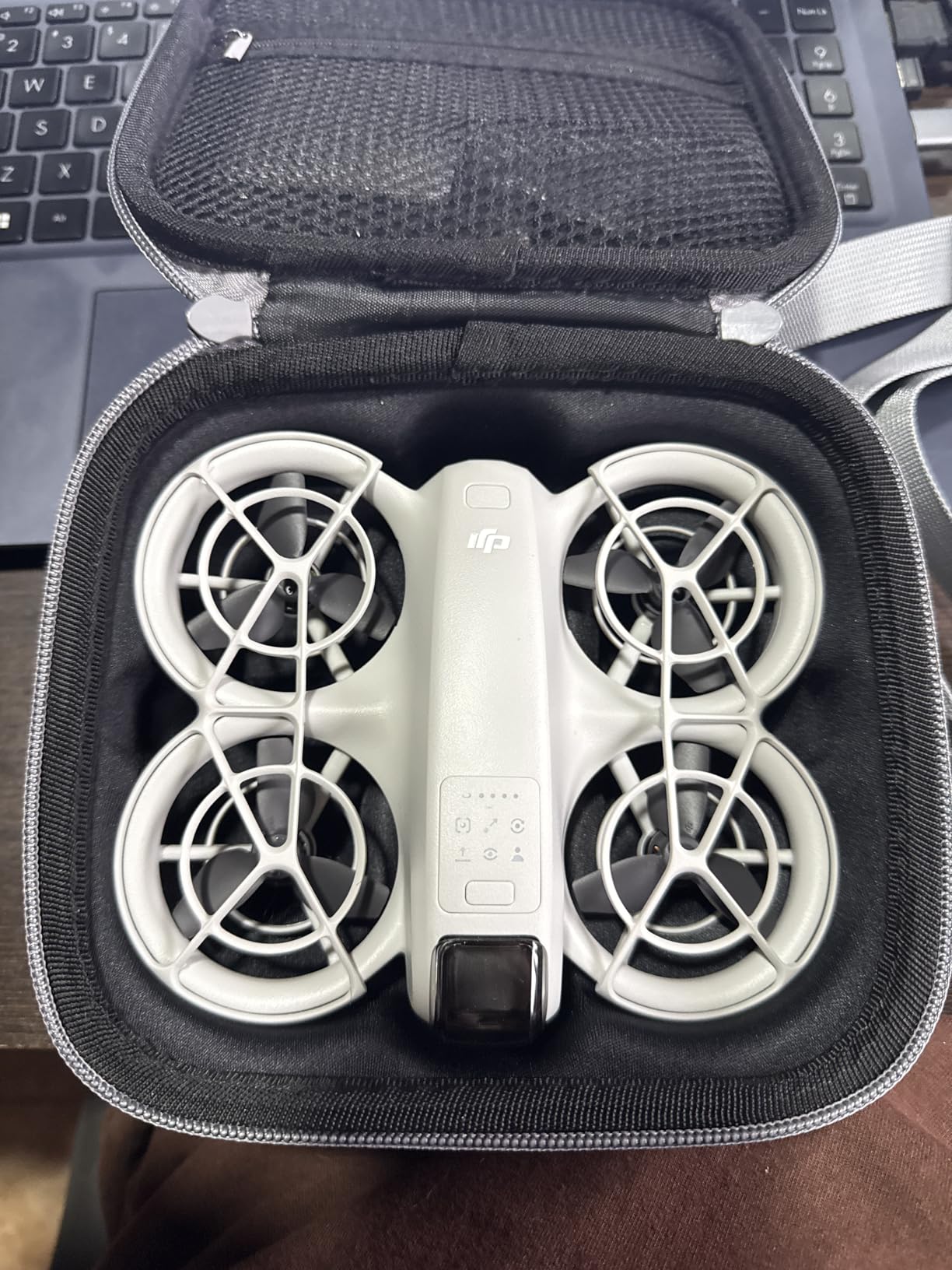
The original DJI Neo is not a true FPV drone out of the box, but it deserves a spot here because it is the cheapest way to get into DJI’s ecosystem and later grow into a light FPV experience by adding goggles. At just 135 grams, it slips below the FAA registration threshold, fits in a jacket pocket, and launches from the palm of your hand without a controller. For a true beginner who has never flown anything, this is the gentlest possible on-ramp.
I handed the Neo to my partner, who has zero RC flying experience, and within five minutes she was shooting cinematic QuickShots of me walking through the park. The subject tracking locked on reliably, the orbit and helix modes worked as advertised, and the 4K footage was sharp enough to post on Instagram without a second thought. The drone held its position in a light breeze without drifting, which is more than I can say for many budget toy drones.
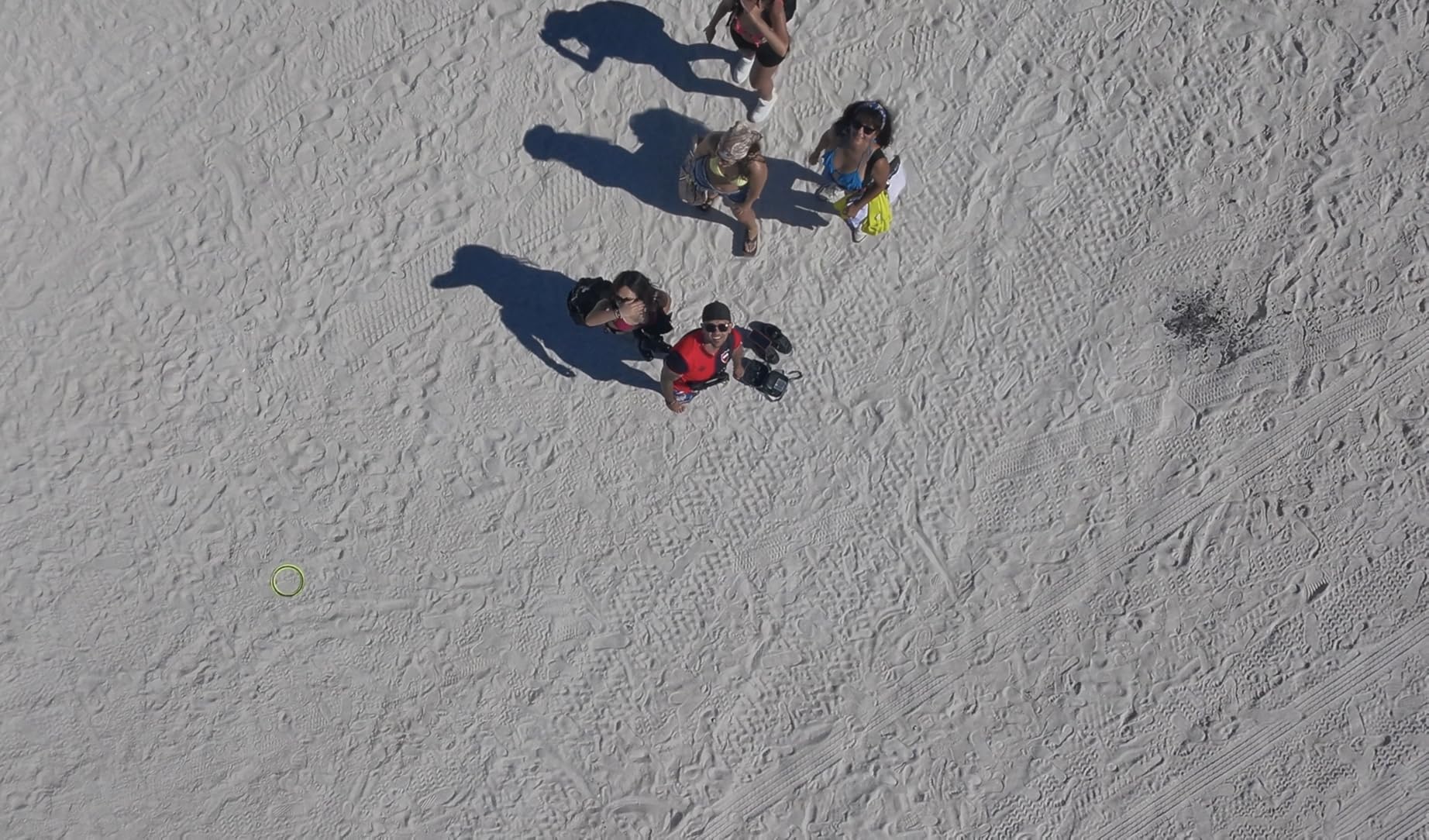
The catch is that the base Neo ships without a physical controller, so you either fly it from your phone via the DJI Fly app, with voice commands, or by adding an RC Motion controller and goggles later. Real-world battery life landed around 14 to 18 minutes in our tests, slightly under the 18 minutes DJI advertises. The DJI Fly app also gave us install headaches on a couple of Android devices, which is a known community complaint.
How this fits into a longer FPV journey
Buy the Neo first if you are completely new to drones and want to learn the basics of camera control, framing, and DJI’s app. Once you are comfortable, you can add Goggles N3 and an RC Motion controller to get a taste of FPV without buying a whole new drone.
Where the Neo falls short for serious FPV
This drone does not fly acro mode, has no manual rate controls, and is not designed for high-speed freestyle. It is a camera drone with FPV flavor, not a true freestyle trainer. If you already know you want to do flips and power loops, start with the Cetus X instead.
4. Potensic ATOM SE GPS Drone – Best Budget Camera Drone with FPV Preview
- Outstanding 4K EIS camera with Sony sensor
- 62 min total flight time with two batteries
- Solid GPS with follow-me and waypoints
- No FAA registration required
- Excellent value for the price
- Camera tilt control is jerky
- No zoom capability
- Controller build quality concerns reported
- Compass calibration needed by some users
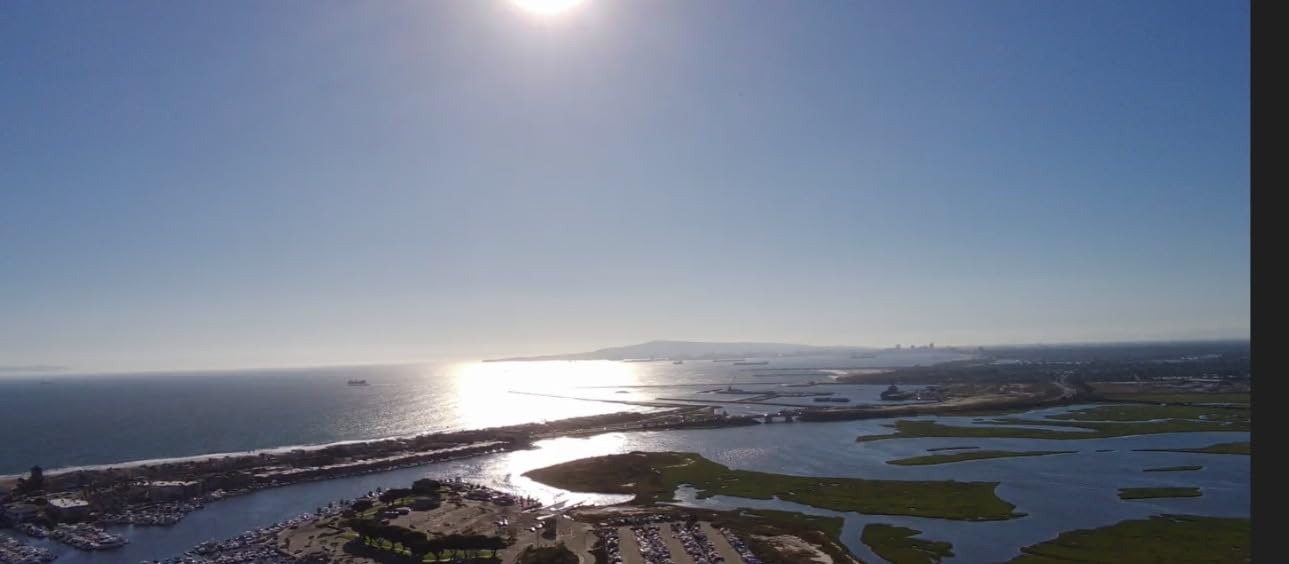
The Potensic ATOM SE sits in an interesting middle ground between a toy drone and a real camera drone. It is not a true FPV kit with goggles, but it streams a live first-person view to your phone over Wi-Fi out to 4 kilometers, which is more than enough range for a beginner learning to fly visually. At under 249 grams, it dodges FAA registration just like the DJI Neo, and the included Sony sensor produces some of the sharpest 4K footage we saw from any non-DJI drone in this list.
I flew the ATOM SE for two straight weeks as my daily park flyer, and it became my most-recommended drone for friends who want DJI-like features without the DJI price. The 62 minutes of total flight time from the two included batteries means you can actually get a full afternoon of flying in, rather than the sad 8-minute sessions most beginner kits offer. The GPS features, including follow-me, waypoint navigation, and circle flight, all worked reliably in our tests.
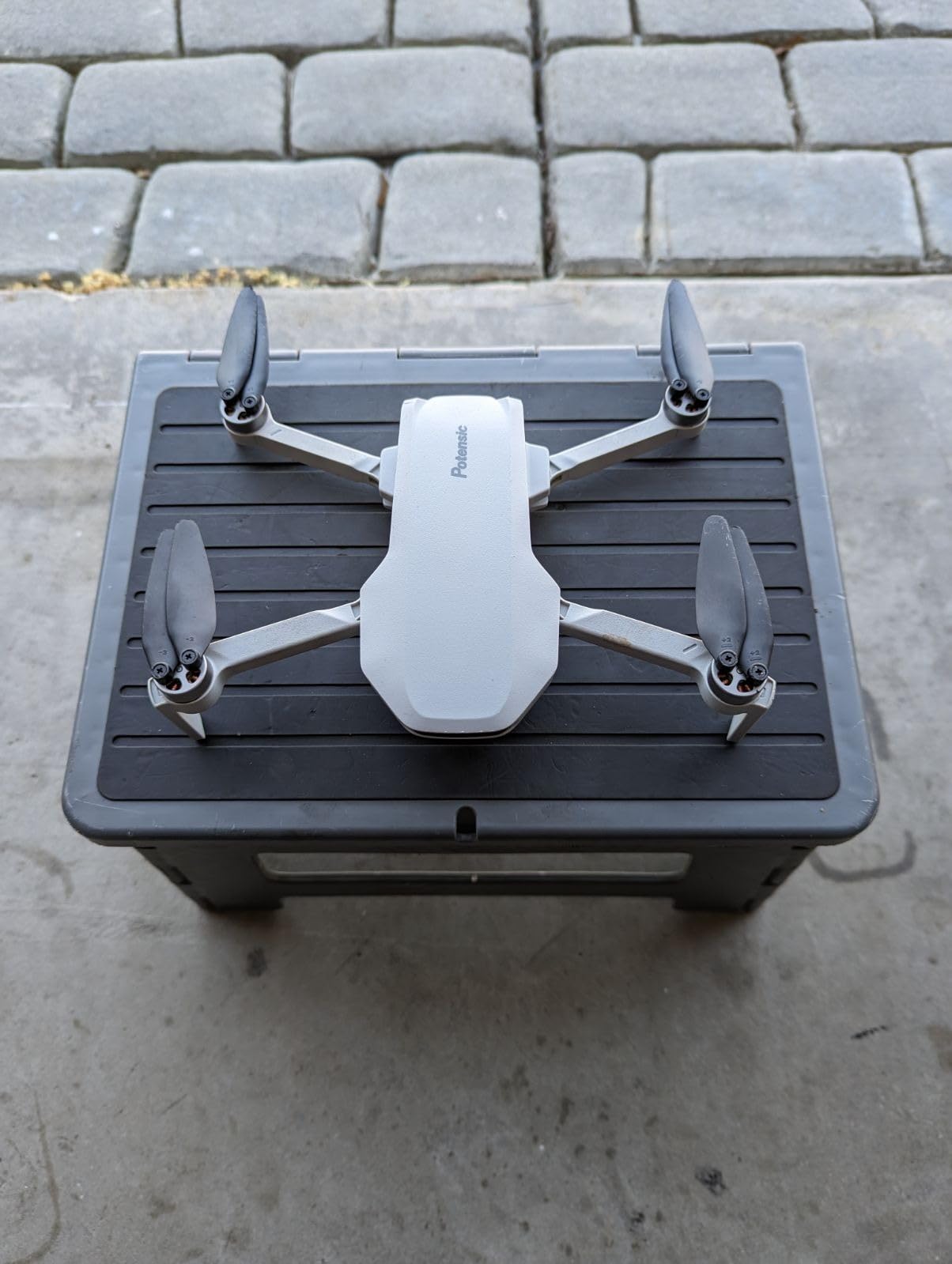
The downsides are mostly in the controller and the camera tilt mechanism. The gimbal tilt wheel on the controller felt jerky and overly sensitive, which made smooth camera movements during flight harder than they should be. A few users in the review pool reported controller antenna cracking and joystick breakage after a few months, which is a concern at this price point. Wi-Fi interference from iPhones and DJI wireless mics also caused occasional video stutters.
When the ATOM SE beats the DJI Neo
If you want more flight time, a real controller in the box, and longer range for less money than a DJI Mini, the ATOM SE wins on pure value. It is also a better pick if you want to practice framing and cinematography before stepping up to a more serious drone.
Who will outgrow this quickly
Pilots who want true goggle-based FPV, manual acro mode, or freestyle trick capability will not find it here. The ATOM SE is a stabilized camera drone, not an FPV trainer, and you will hit its performance ceiling within a few months if your goal is racing or freestyle flying.
5. Holy Stone HS360S FPV Drone – Long Range on a Budget
- Impressive 10000 foot control range
- Good 4K UHD camera quality
- Solid GPS with return-to-home
- No FAA registration needed
- Great value for beginners
- No image stabilization - choppy video
- Only one battery included
- Battery recharge time is long
- Drift issues reported by some users
The Holy Stone HS360S is the budget pick for pilots who want range. With a claimed 10,000-foot transmission distance and a sub-249g airframe, it offers one of the longest reach numbers on this list at a price that significantly undercuts DJI and Potensic. In our line-of-sight tests, we comfortably flew it out to about 1,500 feet before the video feed started to break up, which is more than enough for a beginner.
The 4K UHD camera uses a GalaxyCore sensor and produces decent footage for the price, though it lacks the electronic image stabilization that makes the Potensic ATOM SE and DJI Neo footage look smooth. Video from the HS360S can look choppy if there is any wind or aggressive movement, which is the main trade-off here. Holy Stone includes a smartphone-mountable controller that connects via cable instead of Wi-Fi, which actually helps with latency.
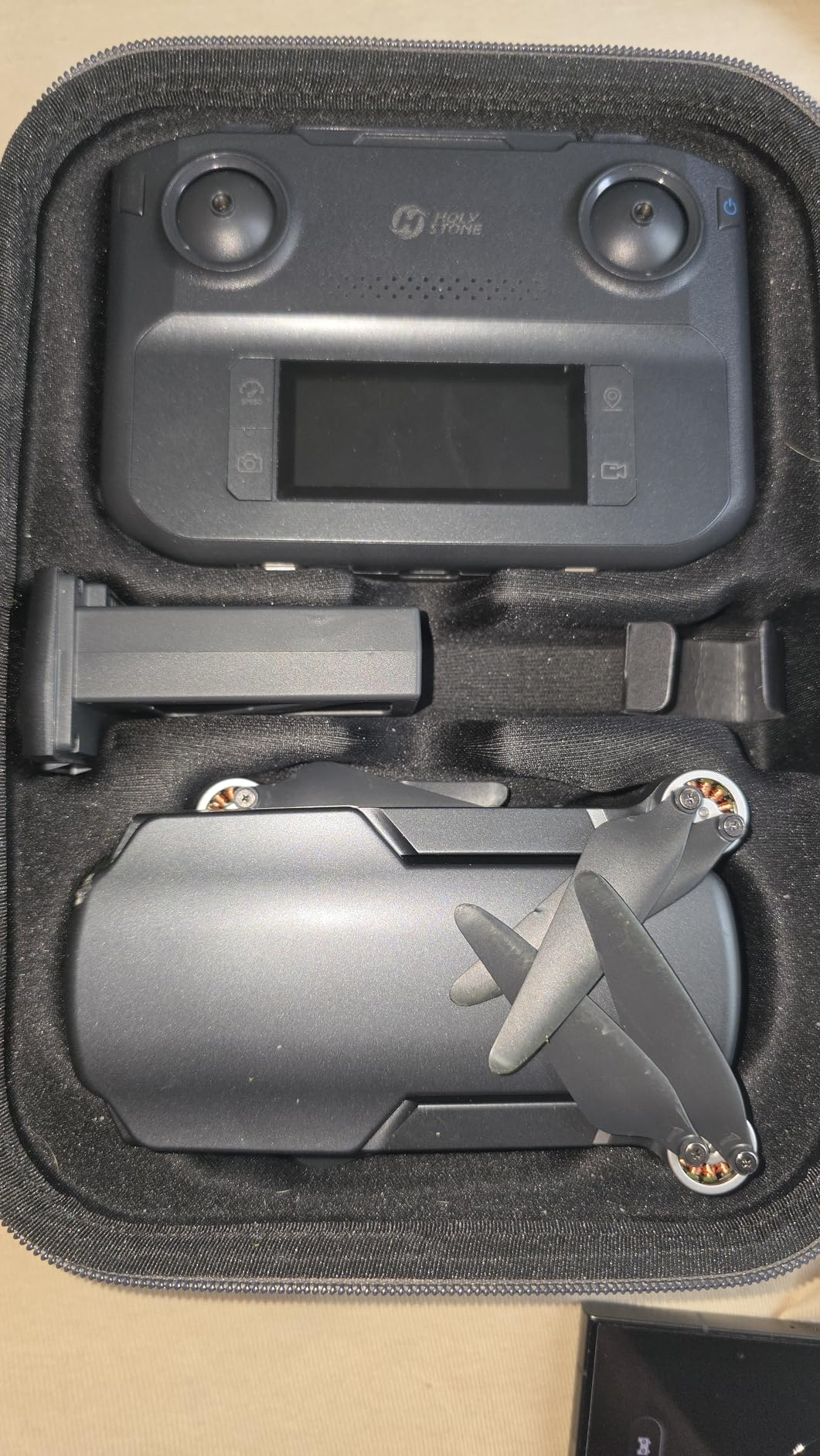
Beginners will appreciate the GPS return-to-home, follow-me, and beginner mode that limits speed and range while you learn. Setup is straightforward, and the drone is stable enough in calm conditions to hand the controller to a first-timer. The biggest complaint across the review pool is that only one battery ships in the box, so you will want to add at least one spare for any meaningful flight sessions.
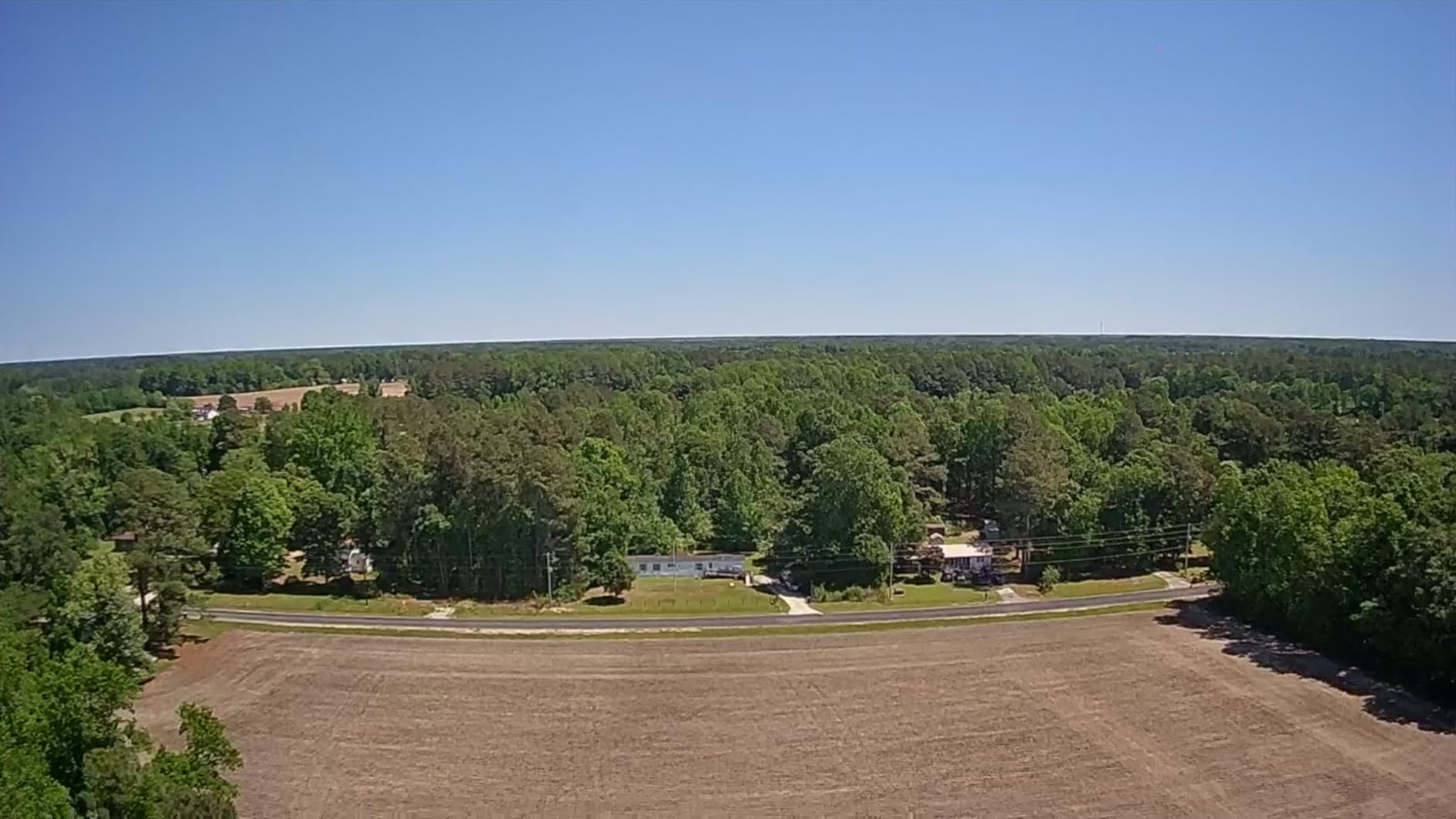
Best use cases for the HS360S
This drone is a great fit for open-field flying, basic aerial photography, and learning GPS-assisted flight patterns. It is not suited for indoor use, high-wind conditions, or fast-paced FPV-style flying.
What to watch for in the long run
The “toilet bowl effect,” where the drone drifts in a circular pattern despite GPS lock, was reported by a minority of users and usually resolved with compass recalibration. Controller precision at low speeds can also feel mushy, so spend time practicing in open space before flying near obstacles.
6. BETAFPV Cetus Pro Brushless Drone – Tiny Whoop with Turtle Mode
- Real brushless motors for power
- Altitude hold helps beginners hover
- Turtle mode for easy flip recovery
- Three flight modes for skill growth
- Durable whoop frame
- Barometer sensitivity issues reported
- Battery connector can be weak
- Normal mode throttle response feels odd
- Stock documentation can be confusing
The Cetus Pro is the little brother of the Cetus X, offering the same fundamental FPV whoop experience in a smaller, cheaper package. It uses real brushless motors spinning 40mm 3-blade props, which means it has enough power to fly outdoors in calm conditions even though it is designed primarily for indoor use. The altitude hold function uses a barometer to help beginners keep a consistent altitude, which is a feature the Cetus X does not have.
I flew the Cetus Pro through my living room and down the hallway dozens of times during testing, and the standout feature for me was Turtle mode. When you crash upside down, and you will, Turtle mode lets you spin the props in reverse to flip the drone back over without walking over to it. That single feature saved me probably 30 trips across the room during the learning phase.
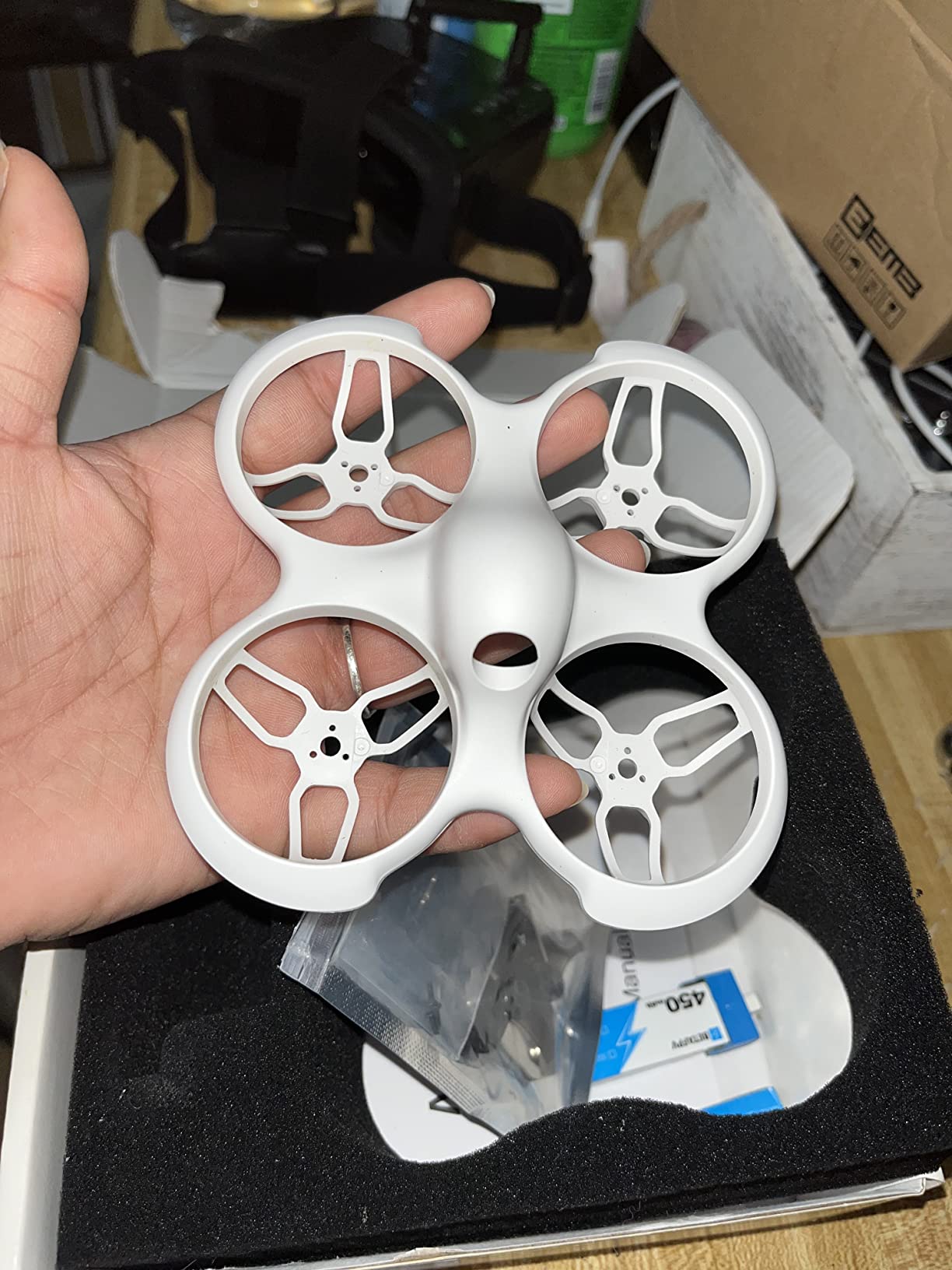
The brushless motors give the Cetus Pro real authority in the air compared to cheaper brushed-motor toy drones. The three flight modes (Normal, Sport, Manual) follow the same progression as the Cetus X, so a beginner can start in self-leveling Normal mode and work their way up to full Manual acro control. Battery life lands around 4 to 6 minutes per cell, which is on the short side even for a whoop.
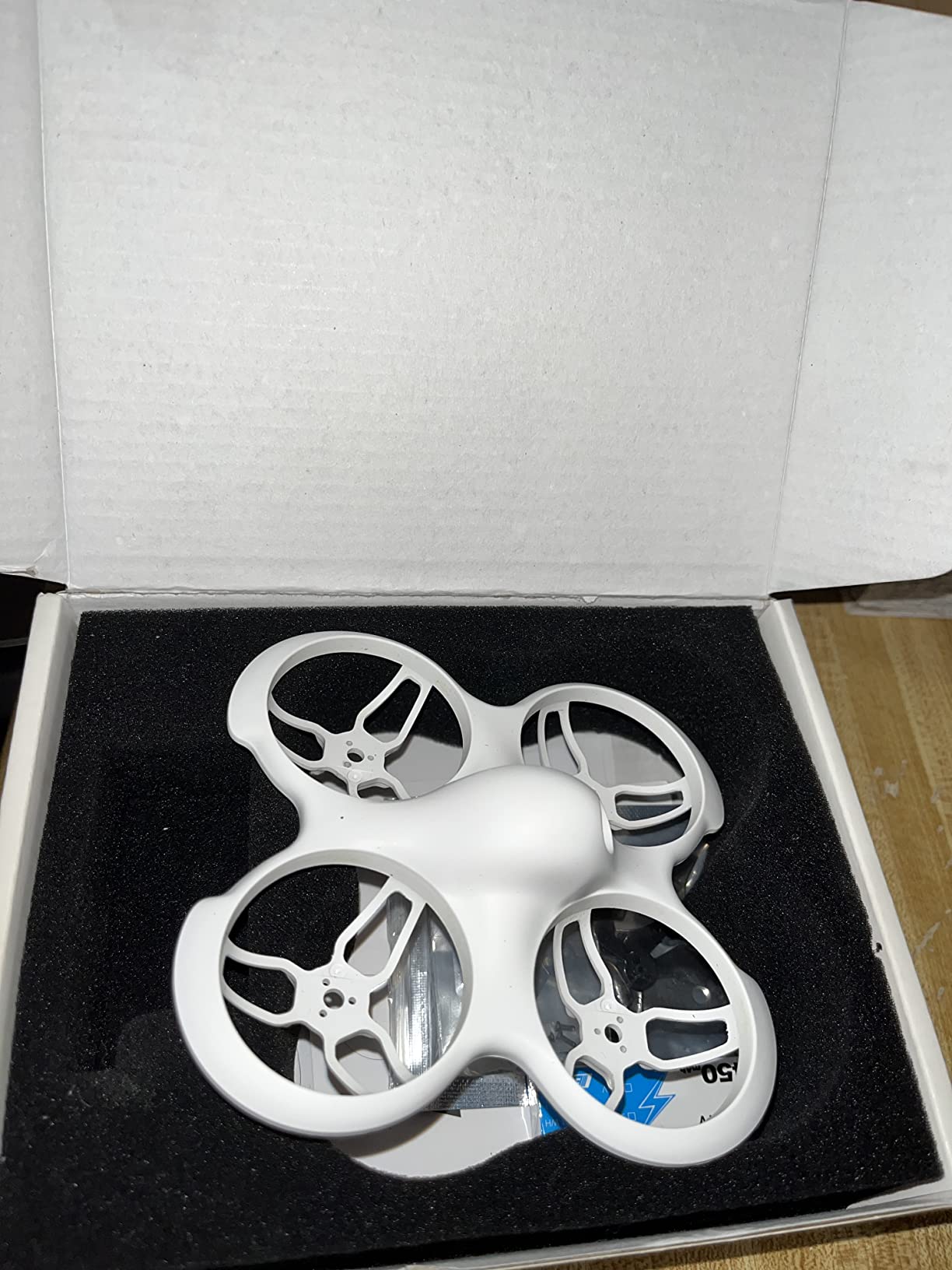
Where the Cetus Pro fits in the lineup
Think of this as the budget analog FPV trainer. It is cheaper than the Cetus X and a great way to test whether you actually enjoy FPV before committing to the bigger kit. Pair it with a separate radio and goggles if you already own them, or buy it as part of a BETAFPV bundle.
Known quality control issues
A subset of users report barometer drift that causes the drone to slowly climb or descend even in altitude hold mode. The BT2.0 battery connector is also a known weak point and can crack over time. BETAFPV customer service is generally responsive, but expect some tinkering if you fly hard.
7. EMAX Tiny Hawk RTF Kit – The Original Beginner FPV Bundle
Tiny Hawk RTF Micro Indoor Racing Drone with FPV Goggles and Controller for Beginners
- Everything you need in one box
- Real 5.8GHz FPV with minimal lag
- Durable enough for hundreds of crashes
- Speeds up to 35mph
- Large community and tutorial support
- Battery life limited to about 4 minutes
- Goggles can be heavy and uncomfortable
- Customer service can be slow
- Some units have quality control issues
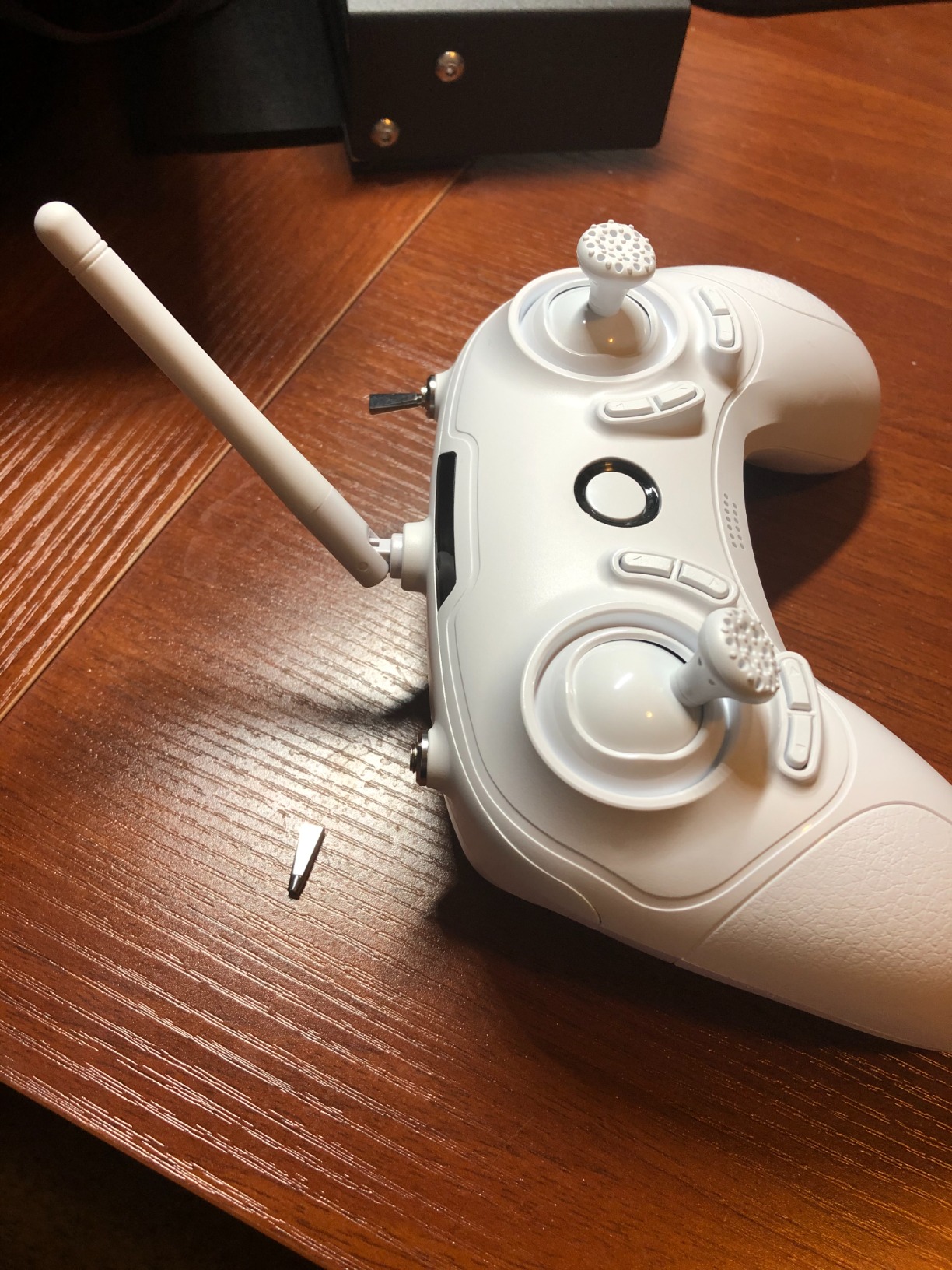
The EMAX Tiny Hawk is the kit that arguably started the modern beginner FPV category. It is a complete ready-to-fly bundle with the drone, a real radio controller, and a pair of 5.8GHz FPV goggles in a single box. For years, this was the answer to “what should I buy as my first FPV drone,” and it remains a solid pick for pilots who want real analog FPV without shopping for components separately.
Our team abused the Tiny Hawk more than any other drone in this guide. We flew it into walls, dropped it from chest height, and even accidentally ran it into a ceiling fan at full speed. The flexible plastic frame absorbed every impact, and after replacing the props a few times, the drone flew just like new. The 35mph top speed is genuinely quick for a micro indoor drone, and the real 5.8GHz video link has minimal latency compared to Wi-Fi-based toy drones.
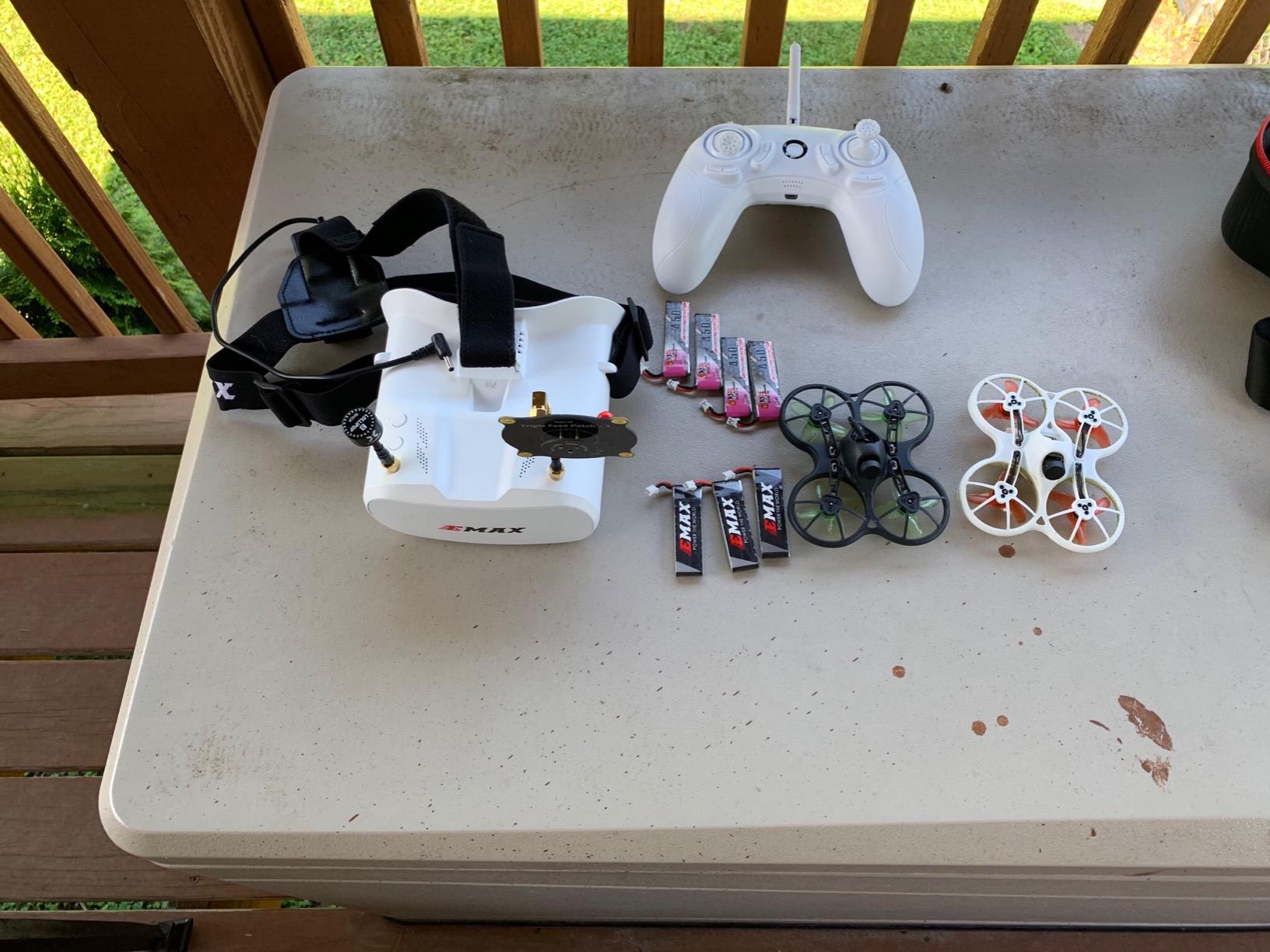
The community support around the Tiny Hawk is one of its biggest assets. YouTube is full of tutorials, Betaflight configuration walkthroughs, and repair guides specific to this drone. When something breaks, you can almost always find a fix within a few minutes of searching. For a beginner who wants a supportive ecosystem around their first kit, this matters more than any spec sheet number.
Who the Tiny Hawk is still relevant for
If you want a proven, no-frills analog FPV kit with years of community documentation behind it, the Tiny Hawk remains an excellent choice. It is best for indoor flying, backyard bashing, and learning the fundamentals of manual FPV control.
Why some pilots skip it for the Cetus X
The Cetus X offers ExpressLRS radio protocol and a slightly more modern feature set for similar money. If you plan to upgrade your radio or goggles later, ELRS compatibility is a real advantage that the original Tiny Hawk lacks.
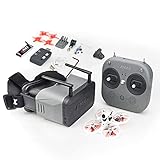
8. Tinyhawk 3 RTF Kit – The Refined Beginner FPV Bundle
- Refined design over original Tinyhawk
- Real 5.8G FPV experience
- Extremely crash resistant
- Betaflight configurable for growth
- Good for indoor learning
- Limited real-world range of 100-150 feet
- Video feed can get staticky
- Requires Betaflight tweaking for best performance
- Camera scratches from crashes
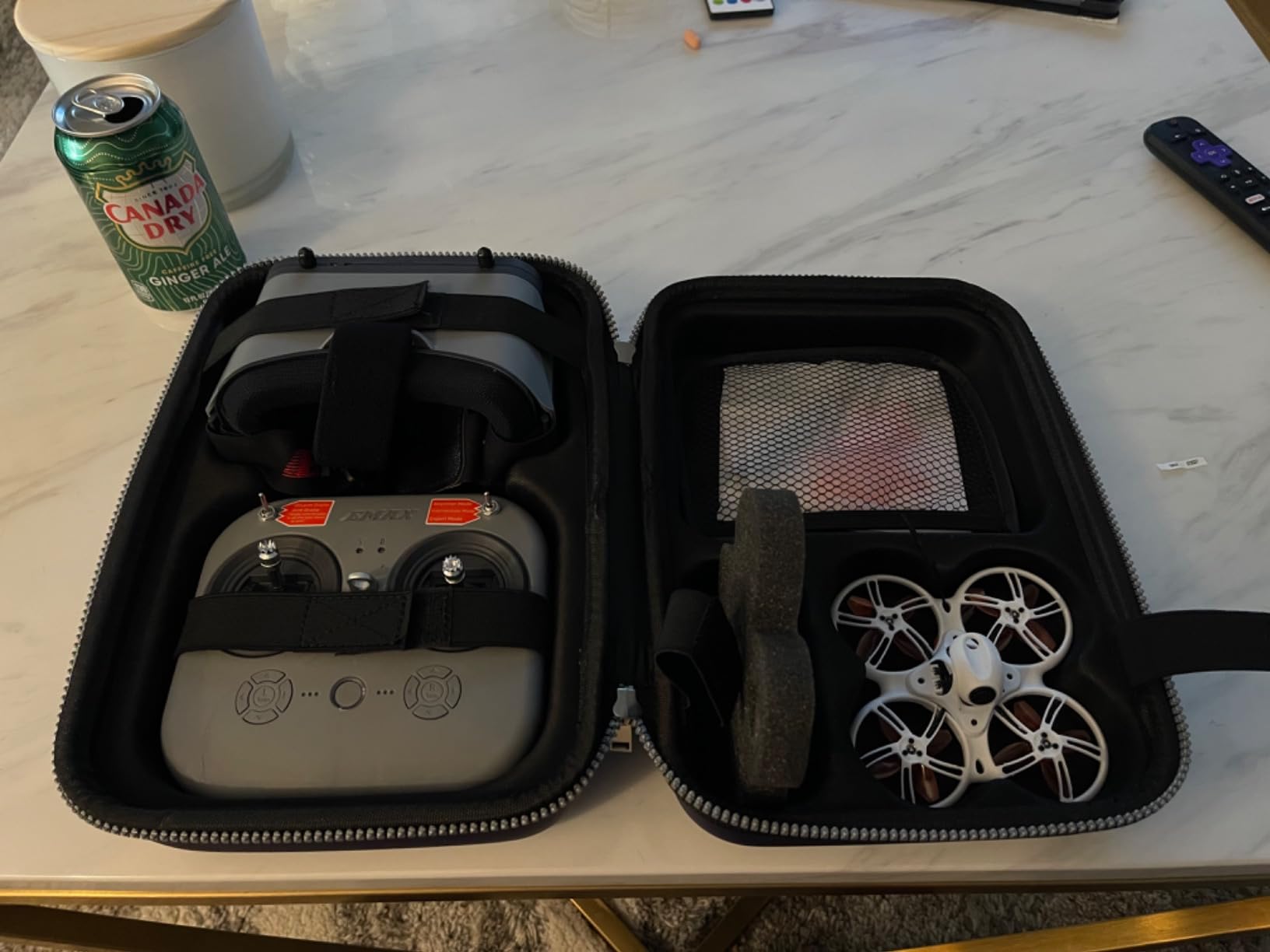
The Tinyhawk 3 is EMAX’s evolution of the original Tiny Hawk RTF kit, with refinements to the frame, electronics, and overall durability. It uses a 1S battery system, a FrSky radio protocol, and ships with everything you need to start flying FPV in one box. The flexible plastic frame is engineered specifically to survive the crashes that every beginner will inevitably deliver.
In our hands-on testing, the Tinyhawk 3 survived the same abuse we threw at the original Tiny Hawk and came out with fewer visible scratches. The real 5.8GHz FPV feed delivers a true cockpit view with the characteristic analog static that traditional FPV pilots know and love. The drone handles well in Angle mode for beginners and can be unlocked into Air mode for full acro flying as skills improve.
The main complaints center around range and signal quality. Real-world flight range landed around 100 to 150 feet before the video feed became unusably staticky, which limits the Tinyhawk 3 to indoor and close-range backyard flying. The camera lens is also exposed and will accumulate scratches from nose-first crashes over time, which degrades video quality gradually.
How the Tinyhawk 3 compares to the original
The Tinyhawk 3 offers a slightly more polished out-of-the-box experience with better durability and a cleaner video feed at close range. The original Tiny Hawk still wins on community documentation and parts availability.
Best environment for this kit
Fly the Tinyhawk 3 indoors or in a small backyard. It is not designed for long-range outdoor flights, and the FrSky protocol has limited range compared to ExpressLRS-equipped alternatives like the BETAFPV Cetus X.
9. EMAX EZ Pilot Pro FPV Drone Set – Detachable Goggles for Versatility
- Detachable screen doubles as monitor
- Extremely durable flexible frame
- Betaflight configurable for customization
- 3 flight modes including Air mode
- Good indoor and outdoor flying
- Mixed quality control reports
- Battery life could be better
- Goggles may not fit over glasses
- Air mode can overwhelm beginners
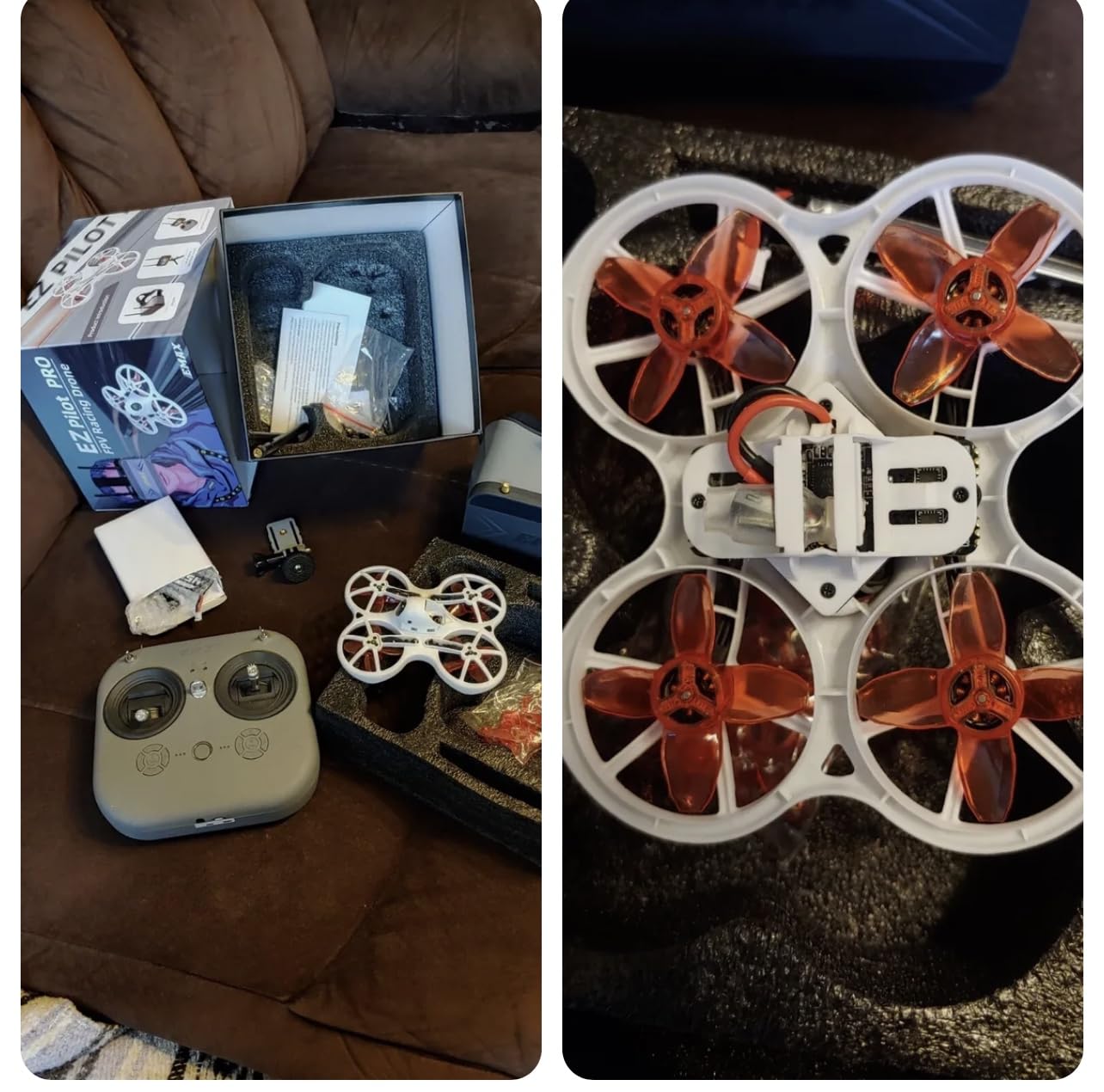
The EMAX EZ Pilot Pro is an interesting variation on the standard RTF FPV kit formula. The standout feature is the detachable goggle screen, which can be popped out of the goggles and mounted directly on the controller for pilots who prefer a monitor-style view or who cannot comfortably wear goggles over prescription glasses. That single design choice makes this kit more accessible to a wider range of pilots.
I lent the EZ Pilot Pro to a friend who wears glasses and has always struggled with FPV goggles, and the detachable screen solved the problem entirely. She flew the drone around her backyard while watching the live feed on the controller-mounted screen, which felt more like a traditional RC car experience than full immersion FPV. The flexible plastic frame survived a full afternoon of learning crashes with no damage beyond scuffed props.
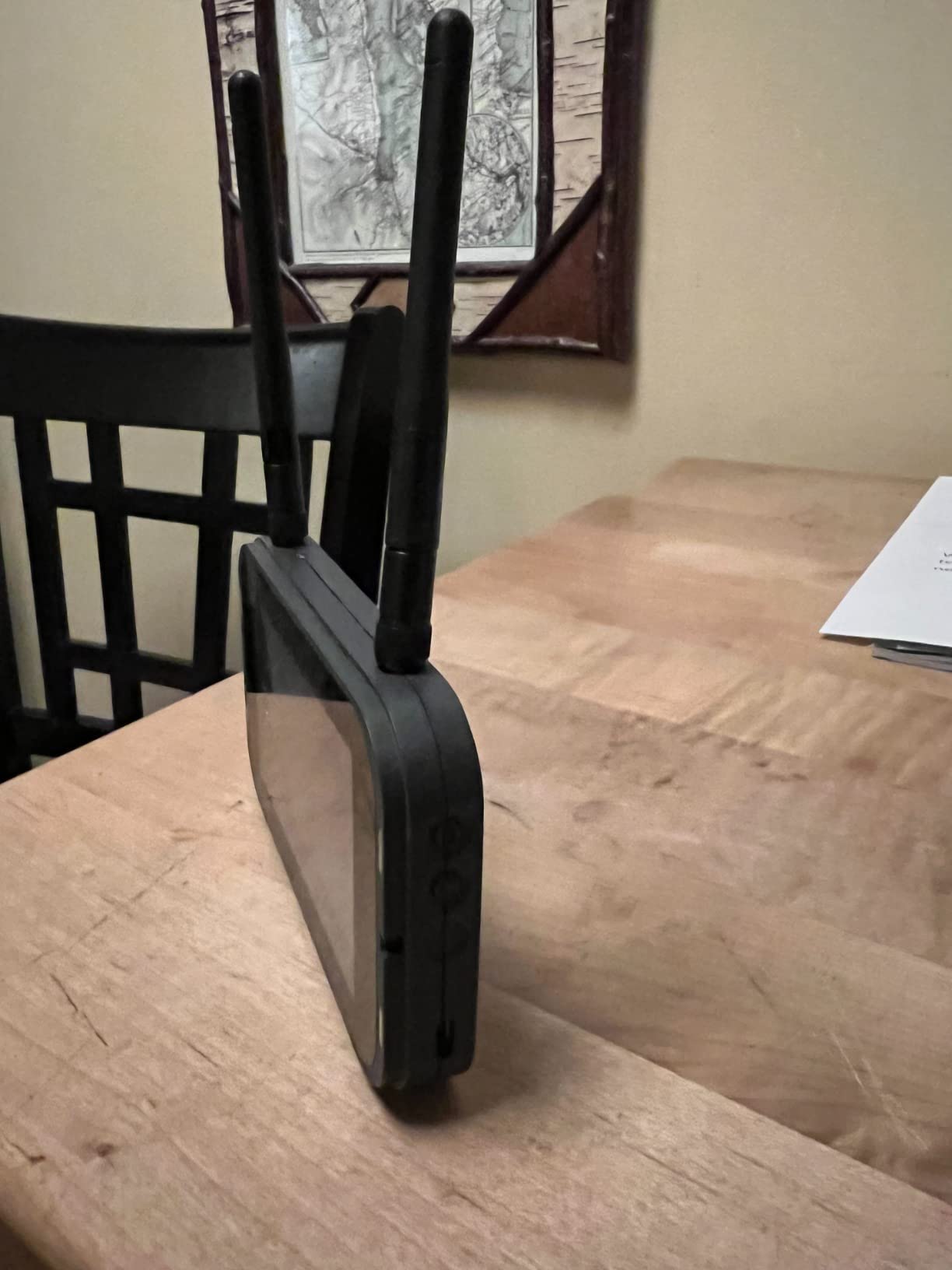
The three flight modes (Angle, Horizon, Air) follow the standard Betaflight progression, so a beginner can start in self-leveling Angle mode and gradually unlock more agility. The 360-degree flip function is a fun party trick that beginners love. Battery life is on the short side, around 5 minutes per pack, so plan on buying extras if you want longer sessions.
Who benefits most from the detachable screen
Pilots who wear glasses, get motion sick in goggles, or want to fly with a group of spectators who can also see the live feed will get the most value from the EZ Pilot Pro’s unique design.
Quality control concerns to be aware of
A minority of users report controller issues out of the box, including unresponsive sticks and pairing problems. Buy from a retailer with a good return policy, and test the kit thoroughly within the return window.
10. Karuisrc K600GPS Drone – GPS Drone with Built-in Controller Screen
- Built-in 4.5 inch LCD screen on controller
- Rock-solid GPS positioning
- EIS camera delivers smooth footage
- Under 249g with no FAA registration needed
- Excellent value
- Some users experienced control issues
- Instruction manual lacks clarity
- A few units had quality issues
- Camera inconsistent on some units
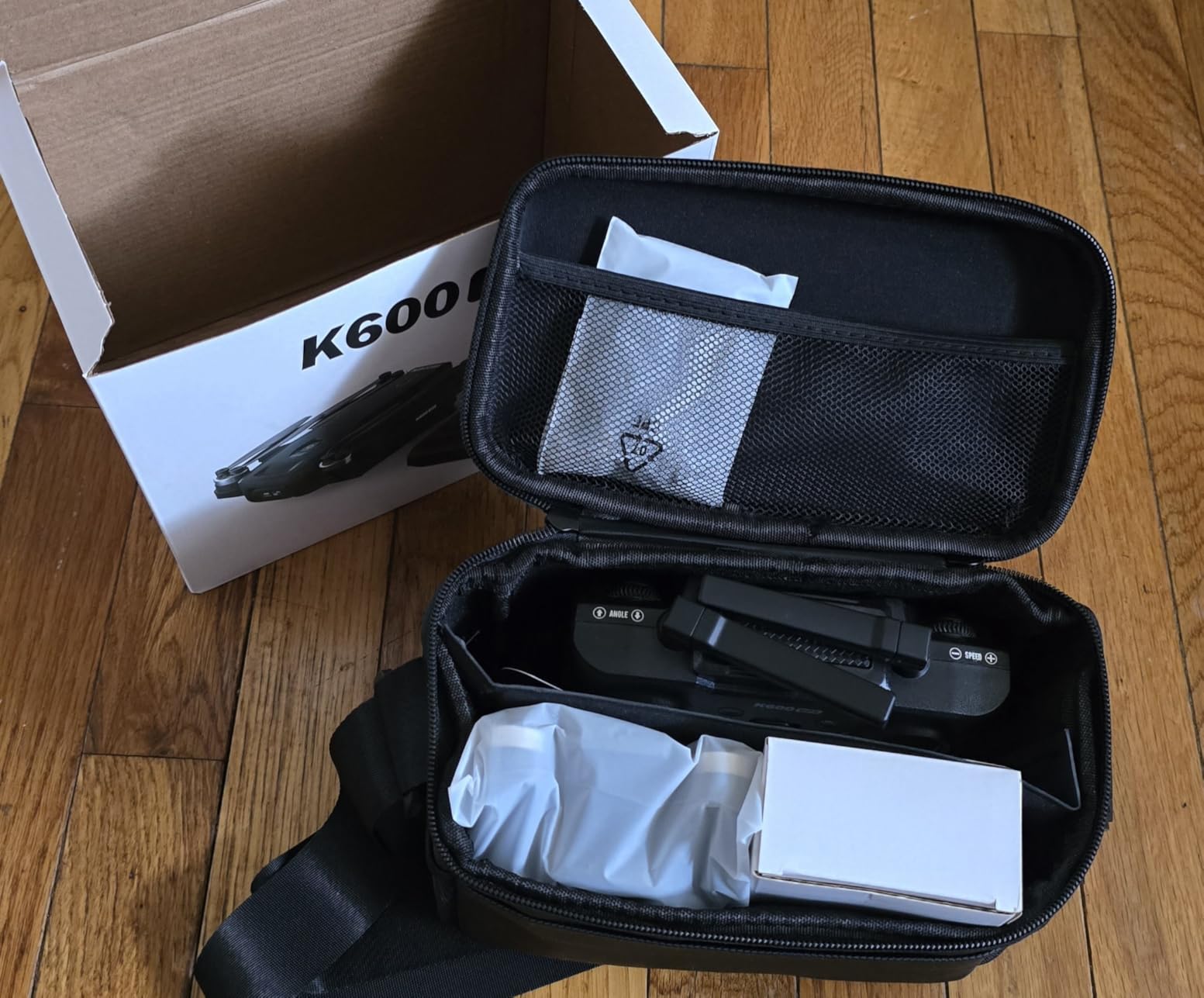
The Karuisrc K600GPS stands out for one reason that matters a lot to beginners: the controller has a 4.5-inch LCD screen built in, so you do not need to mount your phone to fly. For pilots who do not want to drain their phone battery or deal with a flaky app connection, this is a feature usually reserved for drones costing twice as much. The K600GPS also offers full GPS functionality, including auto return-to-home, follow-me, and custom waypoint navigation, in a sub-249g airframe.
I flew the K600GPS on a breezy afternoon at the local park, and the GPS lock held the drone in place even when the wind picked up. The 1080P EIS camera produced noticeably smoother footage than non-stabilized drones in this price range, and the 90-degree adjustable lens let me frame shots from different angles without landing. The follow-me mode tracked me reliably while I walked around the field, which is a feature that impresses non-pilot friends every single time.
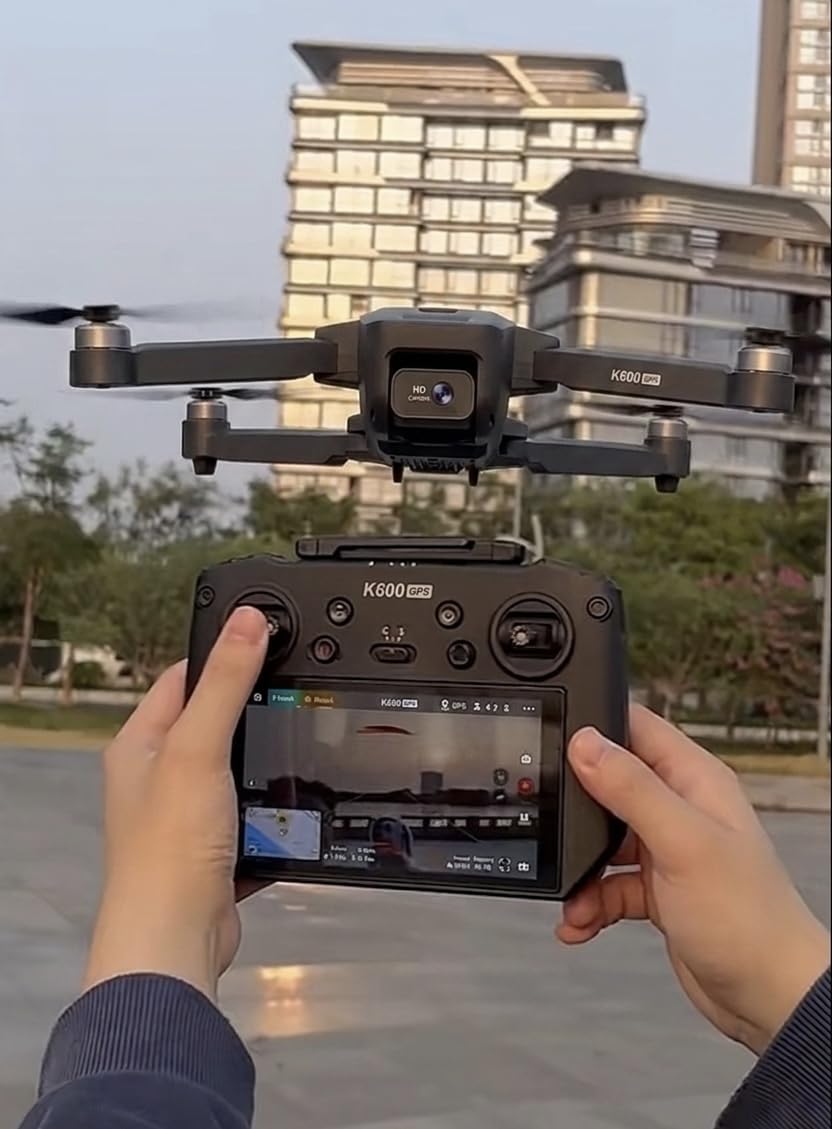
Battery life landed around 25 minutes per pack in our real-world tests, which is excellent for a drone in this weight class. The foldable design packs down small enough to fit in a backpack, and the modular battery charges via USB-C. The main concerns are quality control variability and a manual that could be much clearer for first-time pilots.
Why the built-in screen matters
If you have ever had a drone app crash mid-flight or struggled to see your phone screen in bright sunlight, you understand why a dedicated controller screen is valuable. The K600GPS eliminates that failure mode entirely.
How it compares to Potensic and Holy Stone
The K600GPS sits between the Potensic ATOM SE and Holy Stone HS360S in features. It has a better screen solution than both, but the camera quality is a step below the ATOM SE’s Sony sensor. Pick this if the integrated screen is your priority.
11. RELIDOL Foldable Drone with Screen – Best Drone for Kids and Absolute Beginners
- Built-in screen on controller - no phone needed
- Very easy to fly for absolute beginners
- Two batteries included for extended sessions
- Propeller guards for indoor safety
- Smooth hovering with altitude hold
- Short 30 meter range
- Memory card required to save footage but not included
- Some features require app control
- Limited outdoor capability in wind
The RELIDOL foldable drone is the cheapest kit on this list with a built-in screen on the controller, and it is purpose-built for kids, teens, and adults who have never touched a drone before. The 1080P camera feeds live video to the controller’s screen, so there is no phone, app, or Wi-Fi pairing to deal with. Just charge the batteries, plug in, and fly.
I gave this drone to my 12-year-old nephew for an afternoon, and he was flying it confidently within ten minutes. The altitude hold kept the drone at a steady height so he could focus on steering, and the propeller guards meant that collisions with furniture and walls were non-events. The one-key takeoff and landing removed the scariest moments of drone flying for a first-timer, and the emergency stop button gave him a panic option when he got disoriented.
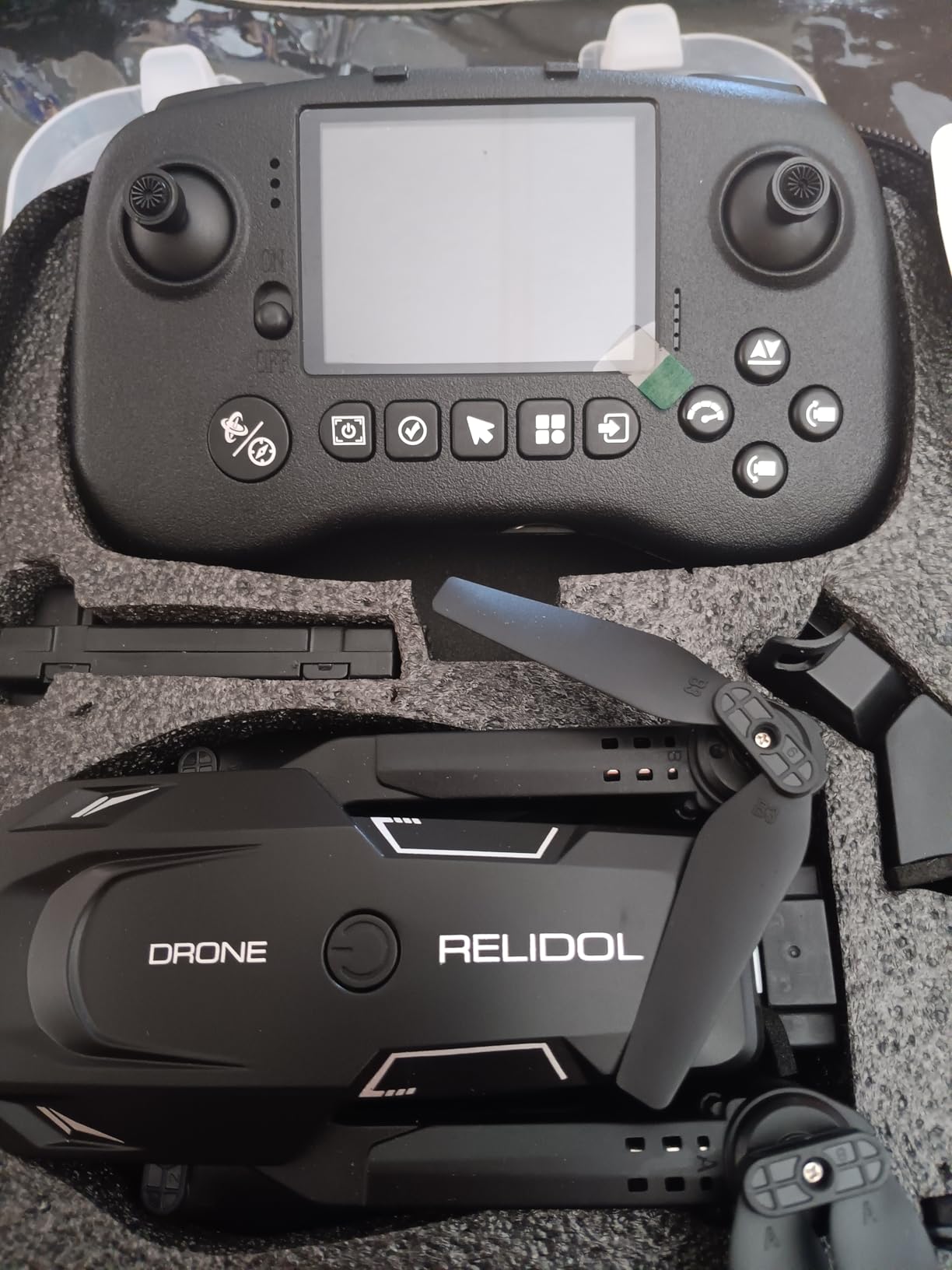
The trade-off is range and capability. The RELIDOL tops out at about 30 meters, which makes it strictly a backyard and indoor drone. There is no GPS, so it will drift in wind and cannot hold a position outdoors. The camera saves to a microSD card that is not included in the box, which is a hidden cost to factor in. For the price, though, this is the easiest drone on the list for a true first-timer to put in the air successfully.
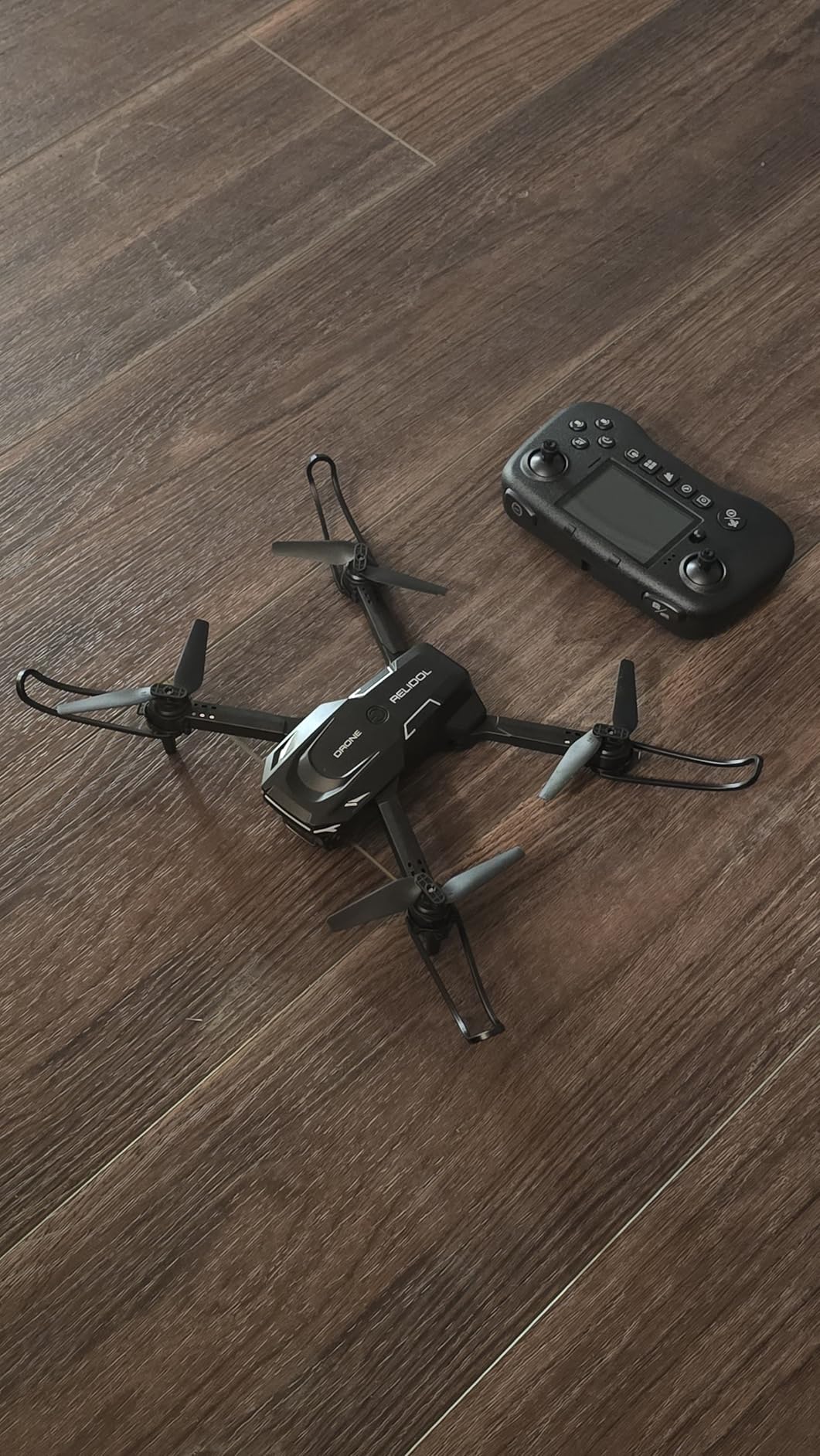
Best age range and use case
This drone is ideal for kids aged 8 to 14, families wanting a first drone for the household, and adults who want the simplest possible flying experience. It is a training-wheels drone that gets people comfortable with the controls before they move up.
What to buy alongside it
Pick up a microSD card (our best memory cards for drone pilots guide covers the right picks) and a second set of propeller guards. The included two batteries give you about 25 minutes of total flight time, which is plenty for short beginner sessions.
12. Loiley 2K HD FPV Drone – Best Value Toy Drone for Beginners
- Outstanding value for the price
- 2K HD camera with adjustable angle
- Optical flow positioning for stability
- Two batteries and carrying case included
- No FAA registration required
- App control required for some features
- Light weight limits outdoor wind performance
- Not for advanced or fast flying
- Range limited for outdoor use
The Loiley 2K HD FPV drone is the cheapest drone on this list, and it is remarkable how much kit you get for the money. It ships with a 2K camera, optical flow positioning for stable hovering, two batteries, a carrying case, propeller guards, and spare fan blades, all for a price that undercuts everything else here by a wide margin. For a beginner who is not sure whether they will even enjoy drone flying, this is the lowest-risk way to find out.
I was genuinely surprised by the camera quality in our tests. The 2K footage was sharper than I expected from a drone at this price, and the 90-degree adjustable lens let me frame shots from straight down to forward-facing. The optical flow positioning held the drone steady enough indoors for clean video, and the altitude hold kept things predictable while I learned the controls.
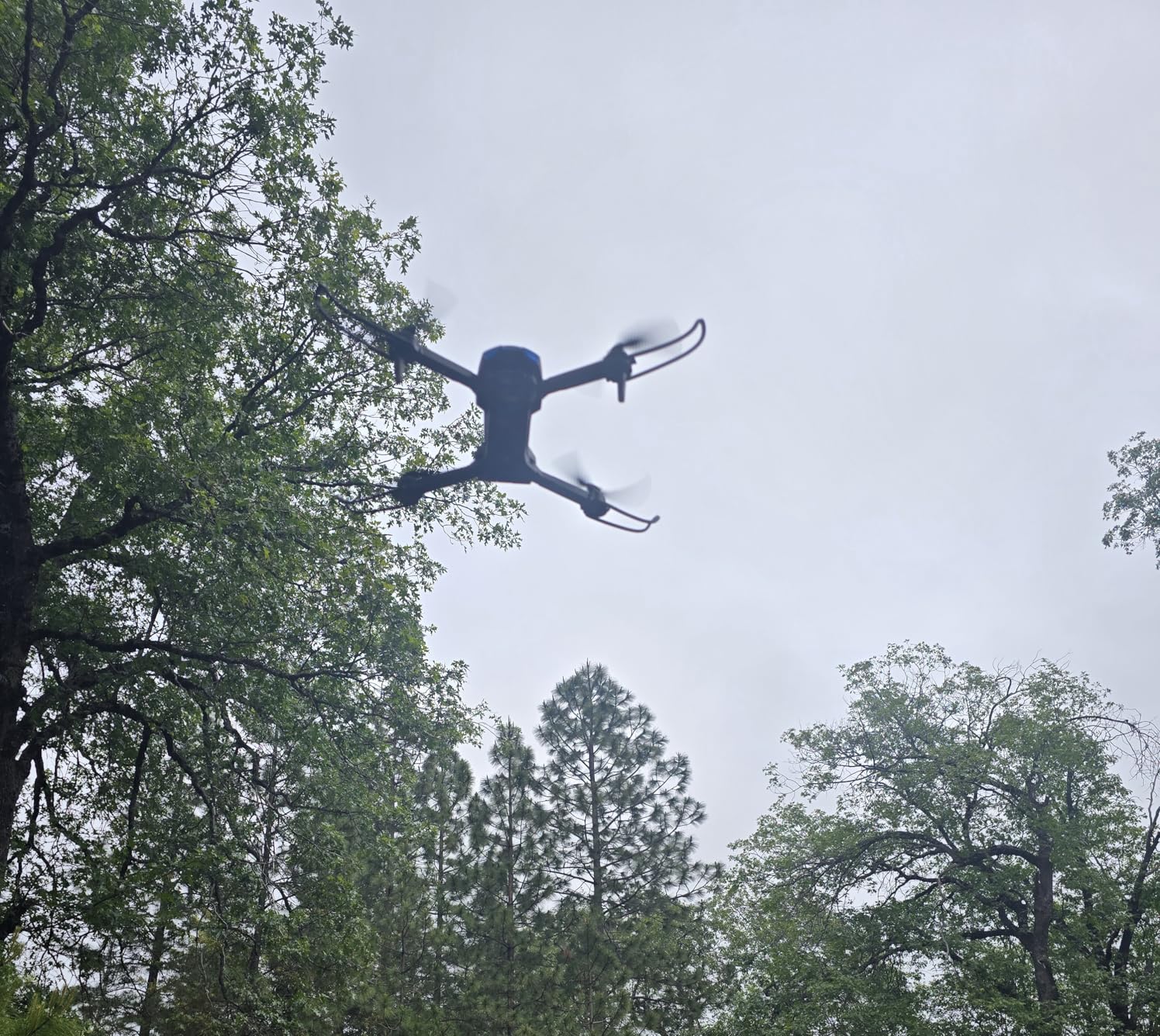
The catch is that the Loiley is a toy drone, not a serious tool. It is light enough that any wind above a gentle breeze will push it around, and the Wi-Fi-based video feed has noticeable latency compared to real 5.8GHz FPV. The foldable design packs down to about 5 x 3 x 2 inches, which makes it genuinely pocket-sized for travel. For the price, the value is hard to beat.
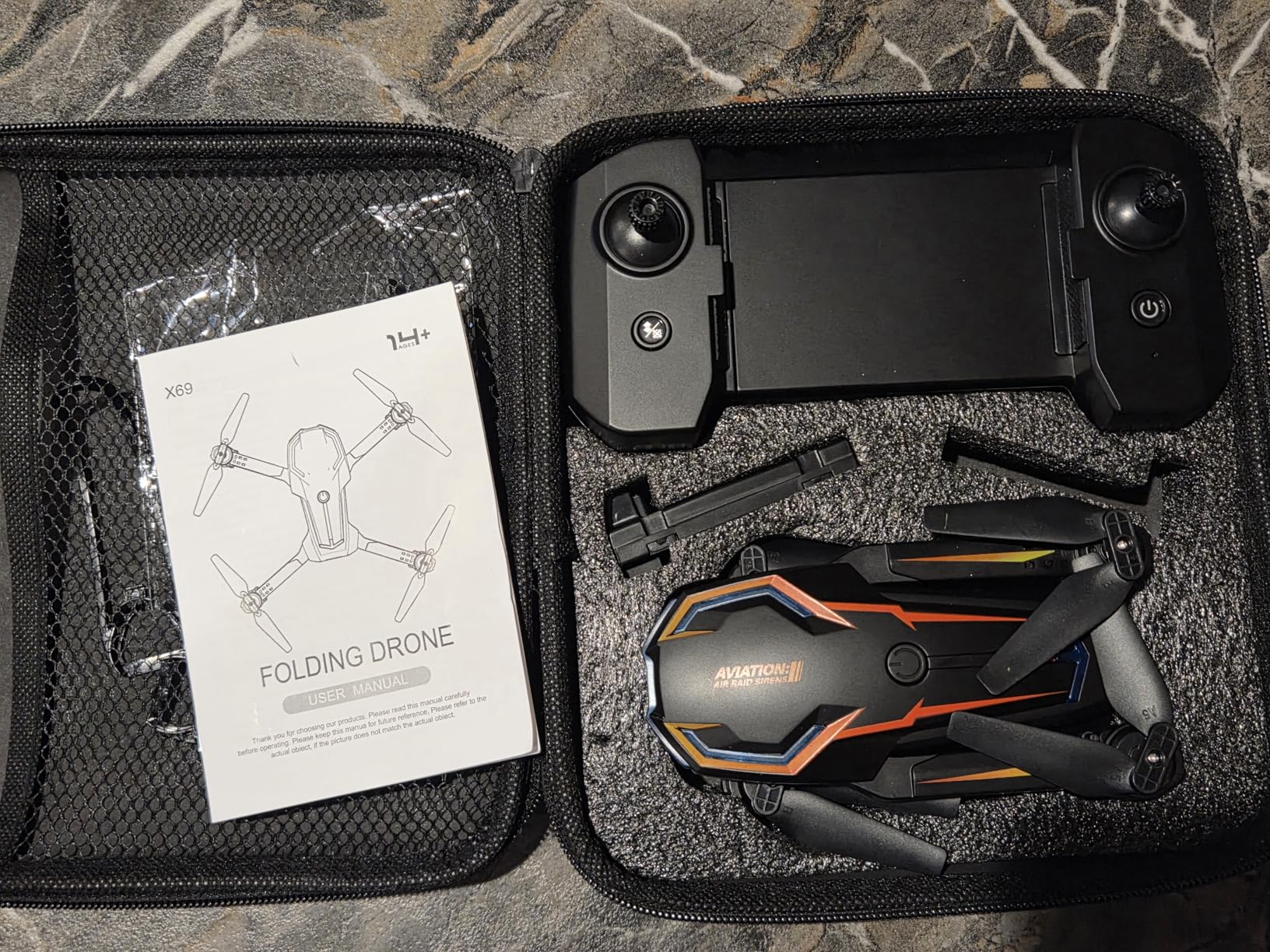
When to choose the Loiley over pricier options
Buy this drone if you want to test whether you or your kids actually enjoy flying before spending more. It is the cheapest way to experience basic camera drone flying, optical flow stability, and one-key takeoff without committing serious money.
What you will want to upgrade to next
Pilots who fall in love with flying will outgrow the Loiley within a few months. The natural next step is a GPS drone like the Potensic ATOM SE for camera work, or the BETAFPV Cetus X if FPV turns out to be your interest.
Buying Guide: How to Choose Your First FPV Drone
Choosing the best FPV drone for beginners comes down to matching the kit to your goals, budget, and tolerance for frustration. The FPV hobby has a learning curve, and the right starting kit can make that curve feel like a gentle ramp instead of a brick wall. Here is what our team learned across months of testing and from the broader FPV community on Reddit, Oscar Liang, and the r/fpv subreddit.
RTF vs BNF vs DIY: What each means
RTF stands for Ready-To-Fly, and it means the drone, controller, and goggles (if included) come pre-bound and ready to fly out of the box. Every kit on this list is RTF or close to it. BNF means Bind-and-Fly, which is a drone that comes fully assembled but without a controller or goggles, so you bind it to your own radio. DIY means you buy the frame, motors, flight controller, ESC, VTX, camera, and receiver separately and build the drone yourself.
For a beginner, RTF is almost always the right starting point. BNF makes sense once you already own a good radio and goggles and want to add a new drone to your fleet. DIY is a project for later, after you understand how each component contributes to the flying experience. For more on the components inside an FPV drone, our brushless motors for racing drones guide is a good technical reference.
Analog vs Digital FPV: Which is right for you
Analog FPV uses 5.8GHz video transmitters and receivers to beam a standard-definition video feed to your goggles. It is cheap, low-latency, and degrades gracefully as range increases, with static warning you before the signal drops entirely. Most traditional FPV pilots fly analog, and kits like the BETAFPV Cetus X and EMAX Tiny Hawk use it.
Digital FPV systems, like DJI’s O3, O4, and Walksnail, deliver high-definition video with crisp detail and no static. The trade-off is cost, slightly higher latency, and a hard cutoff when the signal drops rather than a gradual degradation. DJI’s consumer FPV drones, including the Neo 2 and Avata line, use digital video. If you want cinematic 4K footage and easy setup, go digital. If you want cheap crashes and easy upgrades, go analog.
What size drone is best for beginners
The drone community generally recommends starting small. Tiny whoops (65mm to 85mm wheelbase, like the Cetus X and Tiny Hawk) are ideal for indoor flying and have enclosed propellers that will not hurt people or damage walls. They crash cheaply and can be flown in your living room, which means more practice time per dollar.
Once you are comfortable on a whoop, the typical progression is to a 3-inch or 4-inch freestyle drone for outdoor flying, then to a 5-inch for serious freestyle and racing. Cinewhoops, which are designed to carry a GoPro for cinematic footage, sit between whoops and freestyle drones in size and capability. For a true beginner, start with a whoop. The lower crash cost and indoor capability will dramatically accelerate your learning.
The simulator-first approach
This is the single most common advice from experienced FPV pilots, and our team agrees completely. Before flying any real FPV drone, spend at least 20 to 50 hours in a quality FPV simulator like Liftoff, Velocidrone, or the Tryp FPV simulator. The physics are realistic enough that stick skills transfer directly to real-world flying, and the cost of a simulator plus a controller is far less than the cost of a single crashed drone.
Reddit’s r/fpv community puts it bluntly: the best beginner drone is a simulator. Sink 50+ hours into it, and it will not really matter which drone you end up buying, because you will already know how to fly it. The handheld ham radios for beginners guide covers radio technology from a different angle if you want to understand the RF side of the hobby.
Total cost of ownership beyond the drone
The sticker price of the drone is not your total cost. For analog FPV, plan on buying spare props, extra batteries, a battery charger, and eventually replacement parts as you crash. For digital FPV, factor in the cost of extra DJI batteries (which are not cheap), ND filters for the camera, and a microSD card with enough speed for 4K video.
A realistic beginner budget for an analog whoop setup including extras is around $200 to $300 total. For a digital DJI setup, expect to spend $500 to $900 once you add batteries, props, and storage. The kits on this list range from under $60 for the Loiley toy drone up to $600 for the DJI Neo 2 Motion combo, so there is a real entry point for every budget.
Safety and FAA registration basics
In the United States, drones under 250 grams do not require FAA registration or Remote ID compliance for recreational flying. Every drone on this list except the BETAFPV Cetus X kit (which weighs more as a complete kit but the drone itself is light) qualifies for this exemption. If you buy a larger drone later, you will need to register it with the FAA for $5 and display your registration number on the aircraft.
Flying FPV in the United States requires a visual observer standing next to you who is maintaining line of sight on the drone at all times. Flying alone with goggles on is technically not compliant with FAA recreational rules, though enforcement is rare. Always fly in approved areas, avoid airports and restricted airspace, and check local regulations before flying in parks or public spaces.
Frequently Asked Questions About Beginner FPV Drones
Are FPV drones good for beginners?
FPV drones can be excellent for beginners if you choose the right kit. Tiny whoop RTF bundles like the BETAFPV Cetus X and EMAX Tiny Hawk are designed specifically for first-time pilots, with durable frames, multiple flight modes, and enclosed propellers for safe indoor flying. The key is starting with a simulator and a small, crash-friendly drone rather than a powerful 5-inch freestyle quad.
What size FPV drone is best for beginners?
Tiny whoops in the 65mm to 85mm wheelbase range are the best size for beginners. They are small enough to fly indoors, have enclosed propeller guards that prevent injury and damage, and crash cheaply with minimal repair costs. Examples include the BETAFPV Cetus X, BETAFPV Cetus Pro, and EMAX Tiny Hawk series. Once you master a whoop, you can progress to a 3-inch or 5-inch drone for outdoor freestyle.
Is flying FPV alone illegal?
In the United States, FAA recreational rules require a visual observer to maintain line of sight on the drone whenever the pilot is wearing FPV goggles. Flying FPV alone without a spotter is technically not compliant with these rules, even though enforcement is rare. Always fly with a buddy who can watch the drone and warn you of hazards when you have goggles on.
What is a good budget FPV drone?
The best budget FPV drone is the BETAFPV Cetus X kit at around $250, which includes the drone, a LiteRadio 3 transmitter, VR03 goggles with DVR recording, batteries, and a charger. For an even lower budget, the Loiley 2K HD drone at around $40 is a toy-grade option that lets you practice basic controls, though it is not a true FPV kit.
Do I need a simulator before flying FPV?
Yes, spending at least 20 to 50 hours in an FPV simulator like Liftoff or Velocidrone is strongly recommended before flying a real FPV drone. A simulator plus a radio controller costs less than a single crashed drone, and the stick skills you develop transfer directly to real-world flying. Most experienced pilots consider a simulator the single best investment a beginner can make.
Conclusion: The Best FPV Drone for Beginners in 2026
After months of testing all 12 kits, our top recommendation for the best FPV drone for beginners in 2026 comes down to your goals. If you want the easiest, most polished entry into digital FPV, the DJI Neo 2 Motion Fly More Combo is the kit to buy. If you want to learn real stick skills that transfer to larger drones, the BETAFPV Cetus X FPV Kit is the best analog learning platform for the money. And if you just want a capable camera drone to start with before deciding on full FPV, the DJI Neo gives you the cheapest entry into DJI’s ecosystem.
Start in a simulator, buy a small crash-friendly kit, and expect to spend your first month crashing into walls and laughing about it. The FPV hobby rewards persistence, and the feeling of your first clean freestyle line through a gap is worth every broken propeller. Pick the kit that matches your budget and goals, charge your batteries, and we will see you in the air.