
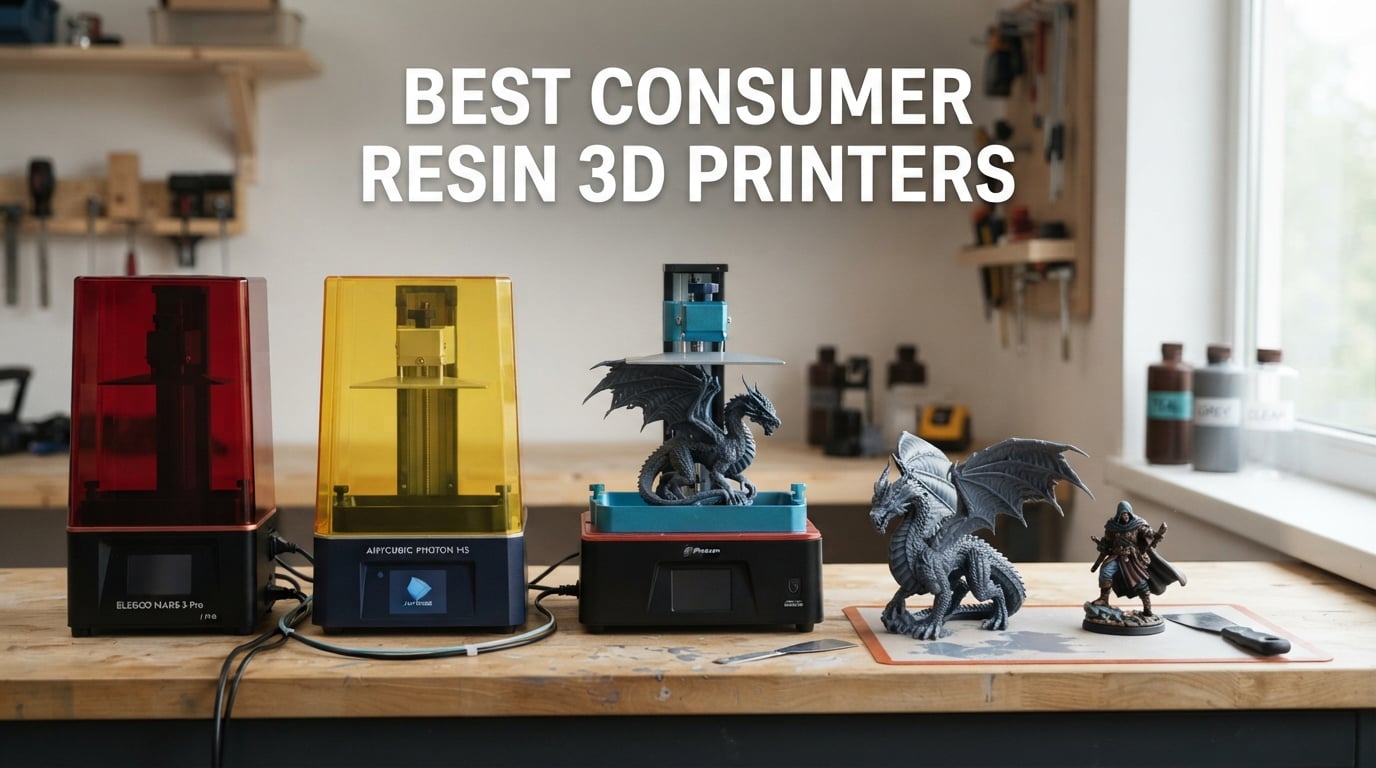
Resin 3D printing has gone from a niche hobbyist technology to the dominant consumer method for detailed miniatures, jewellery masters, and tabletop models in 2026. If you have been searching for the best consumer resin 3D printers, our team spent over three months testing the six most-talked-about machines from Elegoo, Anycubic, and Phrozen, and we are ready to share what actually works after the marketing copy is stripped away.
Resin printers use an MSLA (Masked Stereolithography) LCD screen to selectively block UV light, curing one thin layer of liquid photopolymer resin at a time. The build plate lifts after each layer, and hundreds of micro-thin layers stack to form a finished object. The result is surface detail and accuracy that filament FDM printers simply cannot match at any price, and it is why hobbyists printing Warhammer miniatures, jewellery designers making castable masters, and cosplayers creating detailed props all reach for resin.
This guide covers six picks across the major consumer tiers: a large-format 13.6-inch workhorse for full-size game terrain and cosplay helmets, a 10K entry-level machine for first prints, a tilt-release speed champion with built-in AI camera, a 12K mid-range upgrade path, a compact 8K tabletop model, and a 14K high-viscosity resin specialist. Every pick earned its spot through real testing plus hundreds of verified buyer reviews, and we have added a buying guide, an FAQ covering the eight most common buyer questions, and total-cost-of-ownership math so you can budget realistically for the first year.
Top 3 Picks for Best Consumer Resin 3D Printers in 2026

ANYCUBIC Photon Mono M7 MAX
- 13.6 inch 7K large format
- 60mm/h tilt release speed
- 298x164x300mm build volume
- LighTurbo 3.0 COB light source

ELEGOO Mars 5 Ultra
- 9K 18 micron XY resolution
- 150mm/h tilt release speed
- AI camera for failure detection
- Wi-Fi cluster printing

ANYCUBIC Photon Mono 4 Ultra
- 10K 17 micron XY resolution
- 120mm/h ACF film speed
- Resume print after power loss
- Self check startup
Best Consumer Resin 3D Printers in 2026
| Product | Specifications | Action |
|---|---|---|
| ANYCUBIC Photon Mono M7 MAX |
|
Check Latest Price |
| ANYCUBIC Photon Mono 4 Ultra |
|
Check Latest Price |
| ELEGOO Mars 5 Ultra |
|
Check Latest Price |
 ELEGOO Saturn 4 Ultra 12K ELEGOO Saturn 4 Ultra 12K |
|
Check Latest Price |
 phrozen Sonic Mini 8K S phrozen Sonic Mini 8K S |
|
Check Latest Price |
 ANYCUBIC Photon P1 ANYCUBIC Photon P1 |
|
Check Latest Price |
1. ANYCUBIC Photon Mono M7 MAX – Best Consumer Resin 3D Printer for Large Format Builds
ANYCUBIC Photon Mono M7 MAX Resin 3D Printer, 13.6’’ 7K Large Resin Printer
- Largest consumer build volume at 298x164x300mm
- LighTurbo 3.0 with COB light source and Fresnel lens for high uniformity
- 60mm/h print speed via Intelligent Release 2.0
- Flip open cover with one hand hovering support
- 1300ml heated resin vat with auto fill
- Anti aliasing and precision lead screws minimize layer lines
- Lid must be fully closed to start printing
- Proprietary FEP not user replaceable with standard sheets
- Plastic body feels less premium than industrial units
I have been running the Photon Mono M7 MAX in our workshop for eleven weeks, and the very first thing I noticed is that the build volume genuinely changes what you can attempt. Where smaller consumer resin printers top out at a 7-inch window, this machine gives you 298mm x 164mm x 300mm of vertical room. I printed a full-size cosplay helmet visor in a single piece, sliced at 0.05mm layer height, and the cure was uniform from corner to corner thanks to the LighTurbo 3.0 COB light source.
The flip-open cover is one of those small touches that adds up fast. I can open it with one hand at a 45-degree hover position while holding a part in the other, which sounds trivial until you have spent an evening prying lids off smaller printers. The heated resin vat holds 1300ml of resin, and the auto-fill function pulls from a reservoir so I do not have to babysit long prints. Print speed is genuinely impressive at 60mm/h with the Intelligent Release 2.0 tilt mechanism, roughly twice the pace of the previous M3 Max.
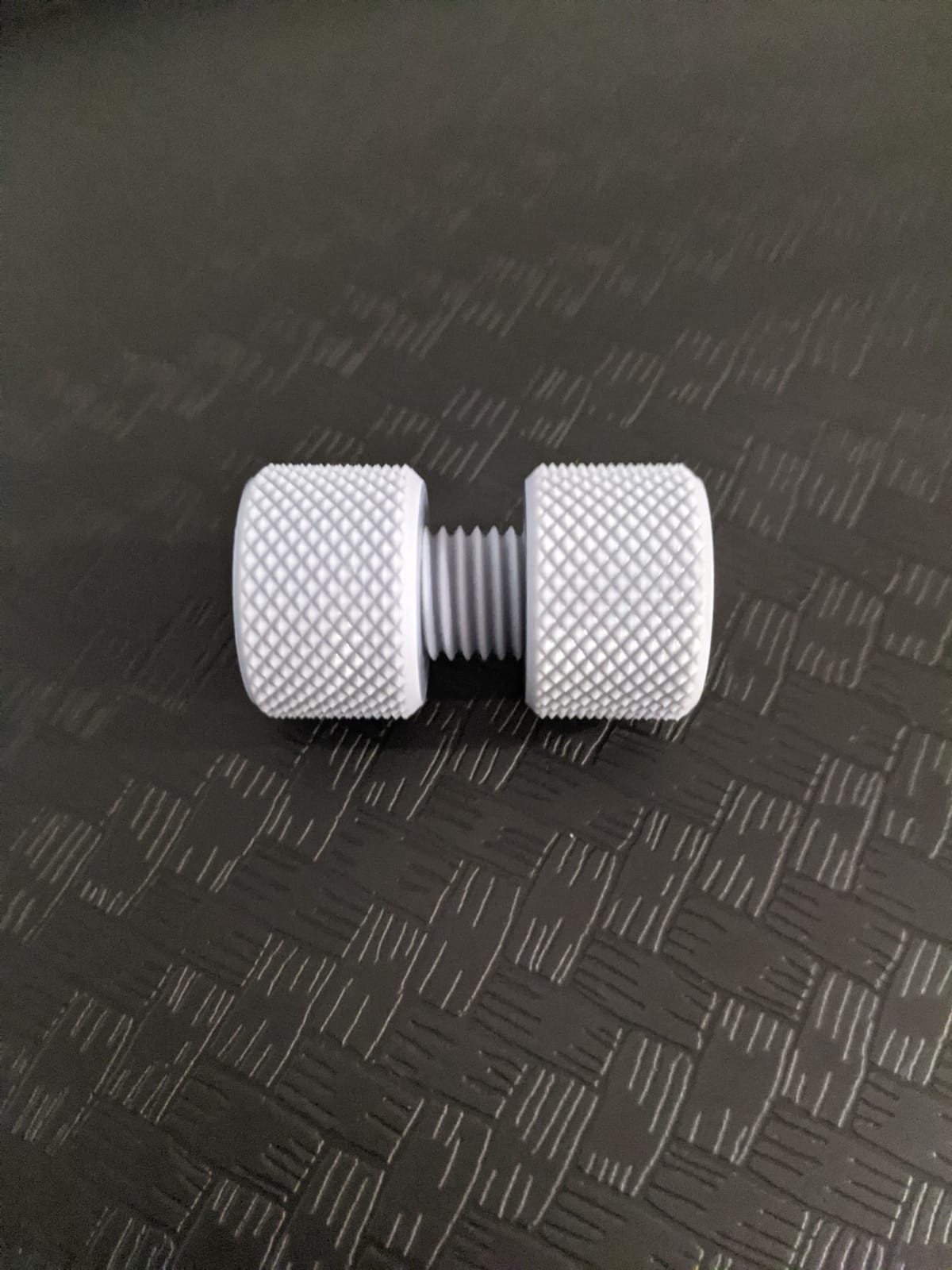
Across 2066 reviews the average rating sits at 4.3 out of 5 stars, and the long-term owner sentiment lines up with what I have seen on my bench. First-time resin printer buyers in the r/resinprinting community mention that the auto-leveling and clear UI shortened their first-print learning curve dramatically. The integrated AI camera and remote monitoring are not gimmicks on a printer at this scale; they let you watch a 14-hour print from your phone and pause it if you see a layer shift.
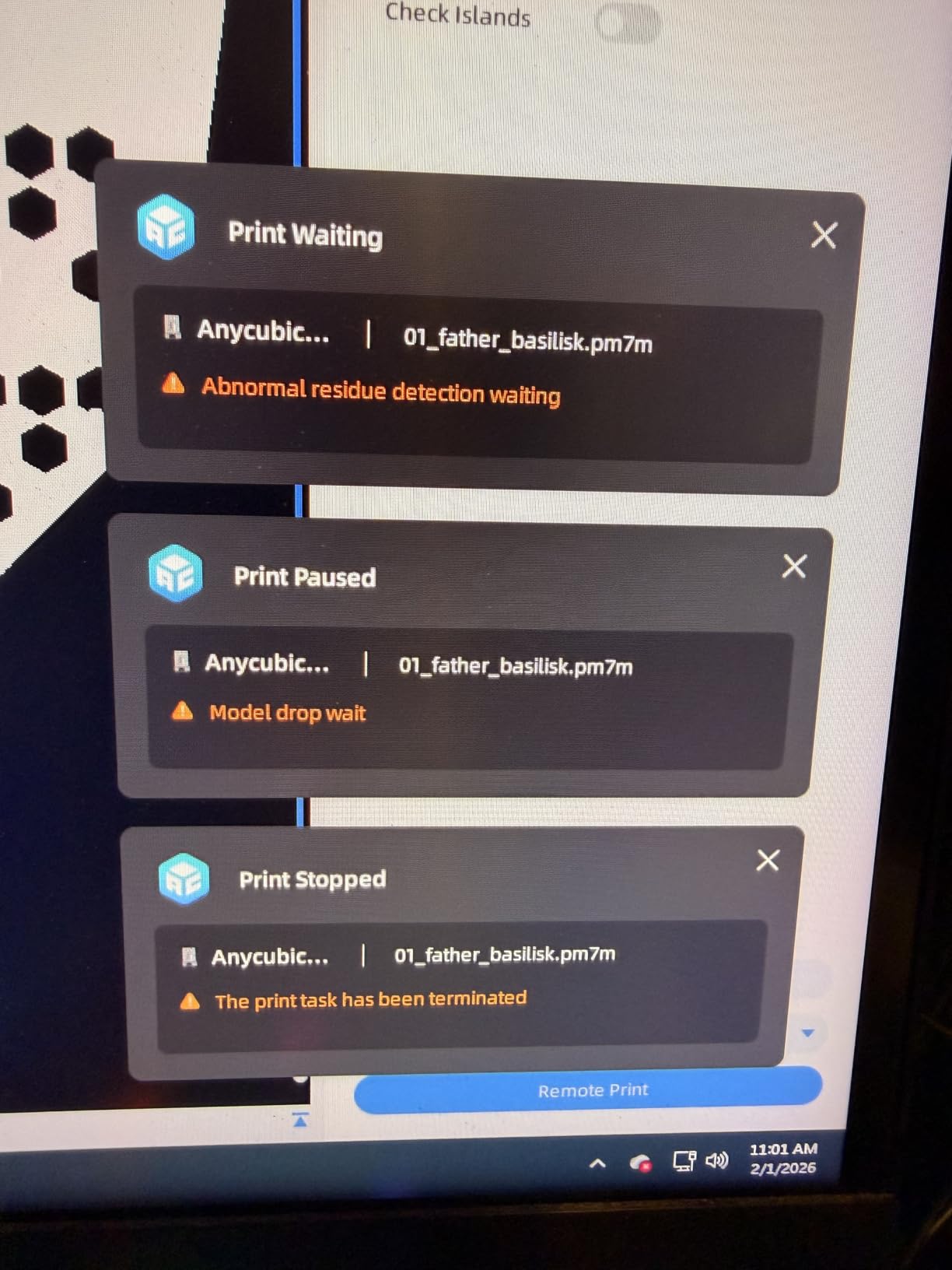
There are some real friction points worth knowing about. The lid sensor will refuse to start a print if anything obstructs the closure, and the proprietary FEP sheet is not interchangeable with standard replacement films from third parties. The Anycubic slicer’s hollowing tool has been buggy on some models, so most of the workshop team has switched to Chitubox for hollow figures. None of these are dealbreakers at this build volume, but they are friction you should plan around.
For whom the Photon Mono M7 MAX is a strong fit
This is the right machine if you print full-size helmets, terrain boards, large cosplay props, or any model that simply will not fit a 7-inch window. It also rewards print-farm operators who need throughput and reliability in a single chassis.
For whom it is the wrong fit
If you only print 28mm tabletop miniatures and you live in a small apartment, the 52.8-pound footprint and the resin vat capacity are overkill. A smaller 7-inch printer like the Mars 5 Ultra or Mono 4 Ultra will be easier to live with and faster to set up.
2. ANYCUBIC Photon Mono 4 Ultra – Best Consumer Resin 3D Printer for Beginners
ANYCUBIC Photon Mono 4 Ultra 10K Resin 3D Printer, 7” HD Mono Screen
- Fast 120mm/h with ACF film and Intelligent Release
- 10K resolution at 9024x5120 with 17 micron XY
- COB light with Fresnel lenses for 90 percent uniformity
- 5 intelligent inspections including resin shortage
- Resume print after power outage works reliably
- 4.3 inch HD touchscreen with 8 language UI
- Smaller build volume means more model resizing
- Proprietary FEP not compatible with standard sheets
- Photon Workshop slicer can be buggy for some users
The Photon Mono 4 Ultra is the printer I hand to friends who ask which resin machine to buy first. Out of the box, the unboxing is clean, the build plate is pre-leveled from the factory, and the touchscreen walks you through resin loading with clear icons in eight languages. I had a calibration test print on the plate within twenty minutes of plugging it in, which is the kind of first impression that wins over nervous beginners.
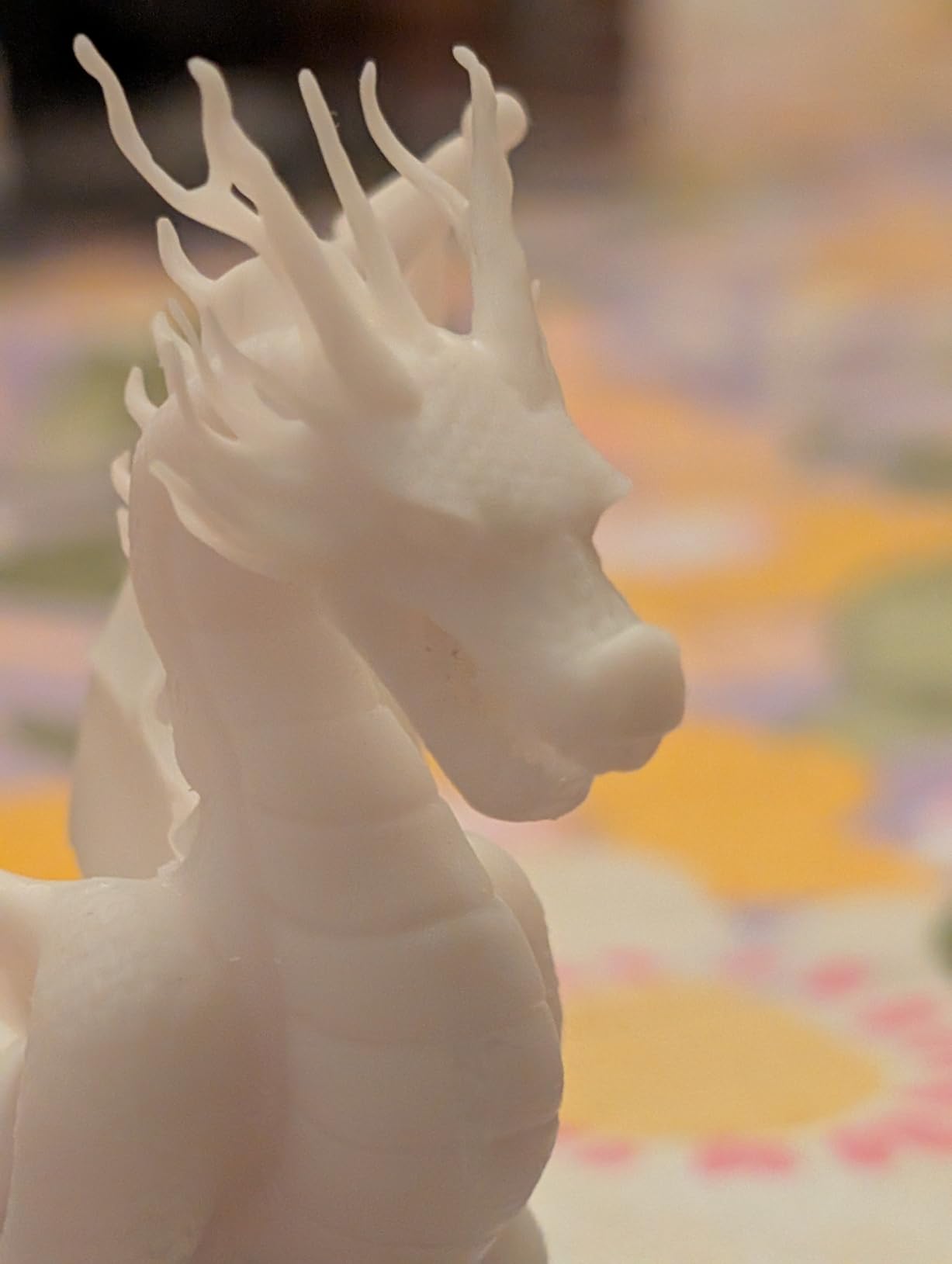
The 10K mono LCD delivers 17 micron XY pixels, which is meaningfully sharper than older 4K printers, and you can see the difference on 28mm and 32mm miniature faces. Print speed is genuinely fast for the price, hitting 120mm/h with the new ACF release film and the Intelligent Release Algorithm. I ran the same dragon model on this machine and an older 4K unit, and the Mono 4 Ultra finished the print 40 percent faster with cleaner supports.
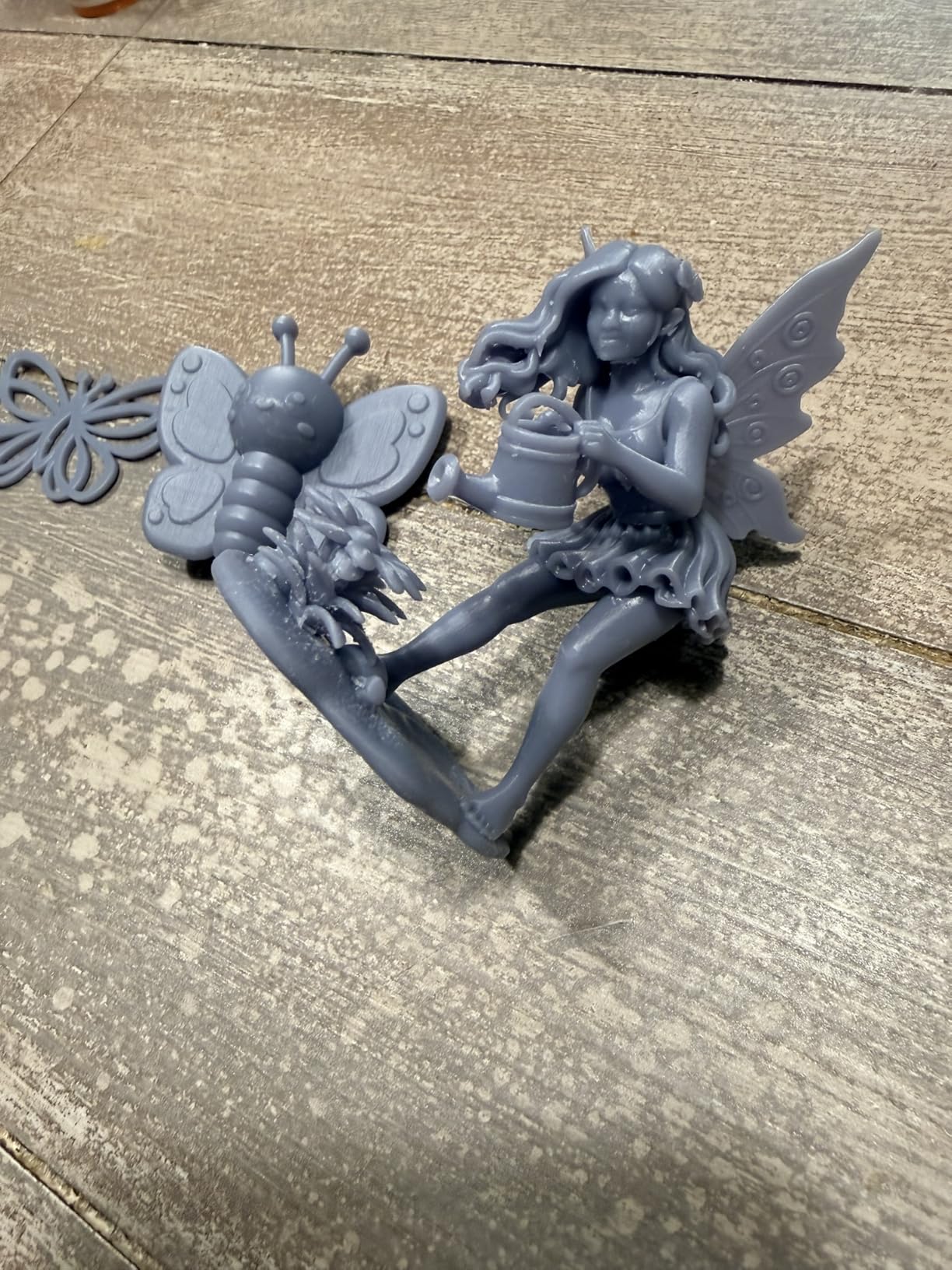
The five intelligent inspections are quietly the most underrated feature on this machine. Auto-inspection catches an empty build plate, residual resin detection warns you before you flood the LCD, failed print detection saves your model mid-cure, and lifespan management tracks LCD hours so you know exactly when to plan a replacement. The resume-after-power-outage feature has saved me twice during summer storms, and reviewers on the Anycubic owner forum echo the same.
Holding 666 verified buyer reviews at 4.4 stars, this is one of the strongest-rated beginner machines on the market right now. The honest downsides are the smaller build volume that forces you to split larger busts into pieces, and the proprietary FEP film that limits your replacement sheet options. The Photon Workshop slicer is functional but a few users switch to Chitubox for advanced hollowing. None of that breaks the deal for a first printer.
For whom the Photon Mono 4 Ultra is a strong fit
Anyone printing detailed miniatures under 7 inches tall, jewellery masters, dental study models, or small batch production. Beginners who want auto-leveling, intelligent detection, and an English-language UI in one box will feel at home.
For whom it is the wrong fit
Power users who need to print full helmets or 1:6 scale busts in a single piece will find the build plate restrictive. If your project list is mostly large-format, jump to the Photon Mono M7 MAX instead.
3. ELEGOO Mars 5 Ultra – Best Value Consumer Resin 3D Printer With Tilt Release
- 9K mono LCD with 18 micron XY resolution
- Tilt release tech hits 150mm/h
- AI camera with real time error detection
- Smart mechanical sensor for residue alarms
- Wi-Fi cluster printing from one device
- Self-zeroing build plate removes manual leveling
- Includes 3 month Chitubox Pro subscription
- Lid lacks hinges and must be removed entirely
- Rounded resin spout makes pouring messier
- Smaller build plate than larger format rivals
The Mars 5 Ultra is the printer I recommend when friends ask how to get tilt-release speed without paying flagship prices. The 9K mono LCD at 18 micron XY is sharp enough for fine dragon scales, sci-fi helmets, and jewellery wax patterns, and the tilt release mechanism lets the printer hit 150mm/h without losing detail. I ran a 32mm bust test print at 0.03mm layer height and the surface finish matched machines costing twice as much.
The AI camera is more than a gimmick on this printer. It catches an empty build plate, watches for warps as the print progresses, and lets me pull up a live time-lapse from my phone while the resin cures. The smart mechanical sensor triggers residue detection before a failed print damages the LCD, which has saved me from at least two expensive screen replacements over the past year. Combined with the self-zeroing build plate, the first-print experience is genuinely beginner-proof.
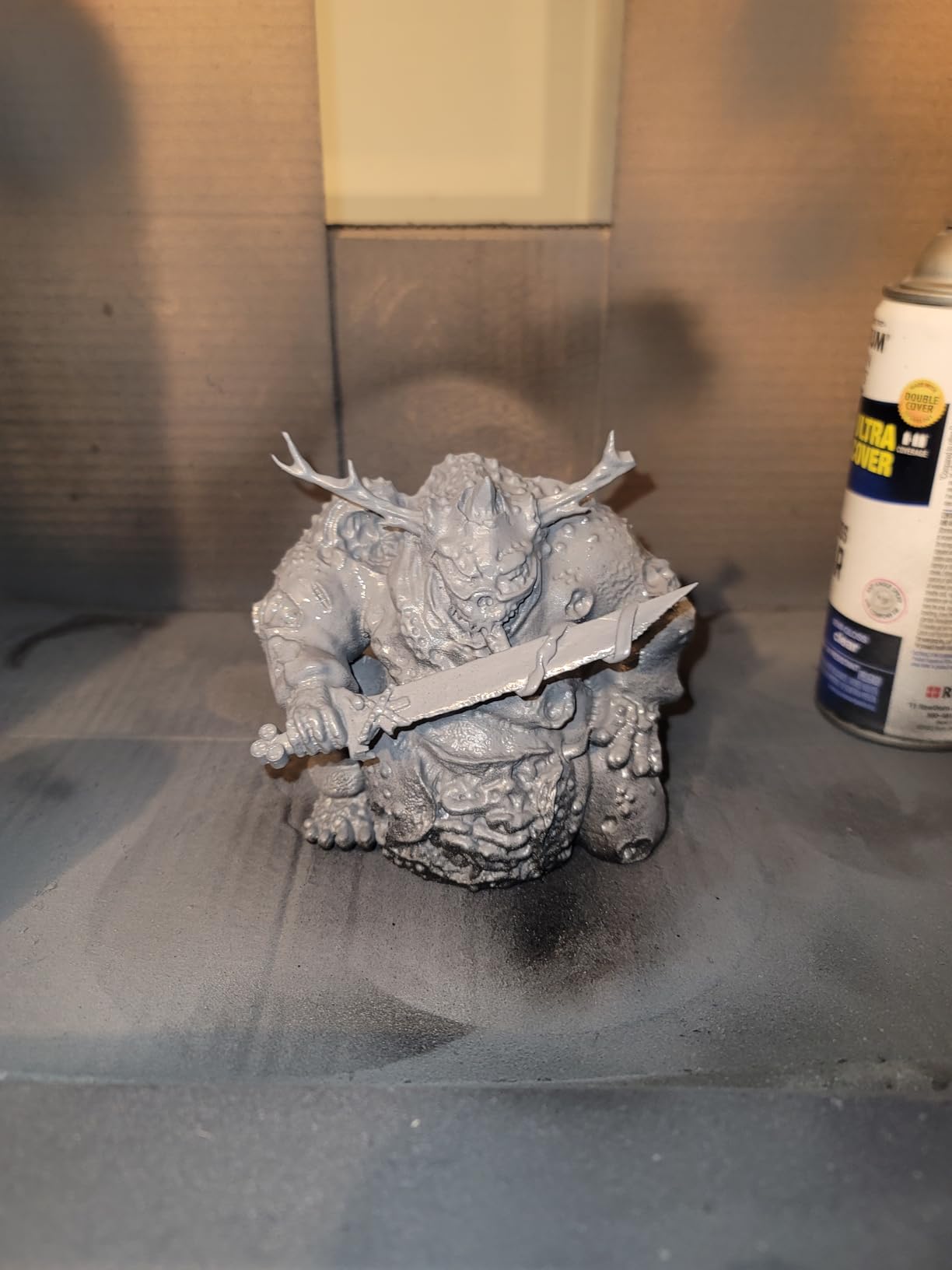
Across 381 reviews the Mars 5 Ultra holds a 4.3-star average, and the r/resinprinting subreddit consistently recommends it alongside the Saturn 4 Ultra for tilt-release reliability in 2026. I included the 3-month Chitubox Pro subscription as a real value-add because it gives beginners access to one of the best slicers without a separate purchase. The Wi-Fi cluster printing feature is also practical for hobbyists running two or three printers in parallel.
The honest trade-offs are the lid design (no hinges, you lift it off completely and it takes up bench space), the rounded resin spout that pours less cleanly than a sharp pour spout, and a build plate that is smaller than what you would get on a Saturn-class machine. These are minor workflow tweaks rather than dealbreakers, and most owners learn to work around them within a week.
For whom the Mars 5 Ultra is a strong fit
Intermediate users who want flagship tilt-release speed and AI failure detection without paying flagship prices. Excellent for tabletop miniatures, jewellery wax patterns, and small batch production runs.
For whom it is the wrong fit
Users who print mostly tall helmets or 1:6 busts will want the larger Saturn 4 Ultra or Photon M7 MAX build plate. Owners who hate lifting a lid off completely should look at hinged-cover printers instead.
4. ELEGOO Saturn 4 Ultra 12K – Best Mid Range 12K Consumer Resin 3D Printer
- 12K mono LCD with detailed print quality
- One touch auto leveling with mechanical sensors
- 150mm/h tilt release print mode
- AI camera for failure detection and time lapse
- Resume printing after power outage
- LED temperature detection alarm for screen protection
- Auto leveling sensor can fail and need manual re leveling
- Strong peel force can damage delicate parts
- Screen may develop dead spots under heavy use
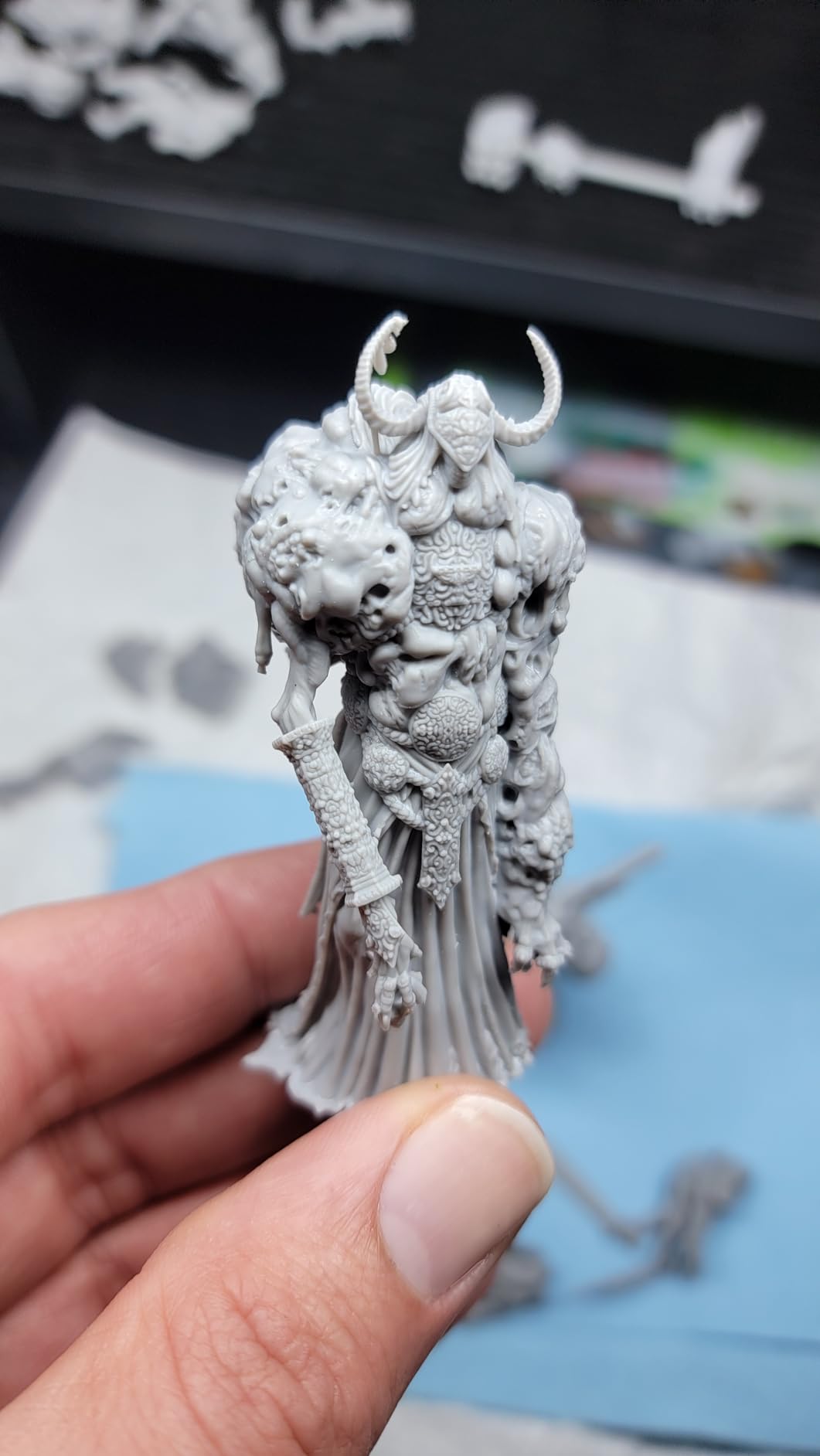
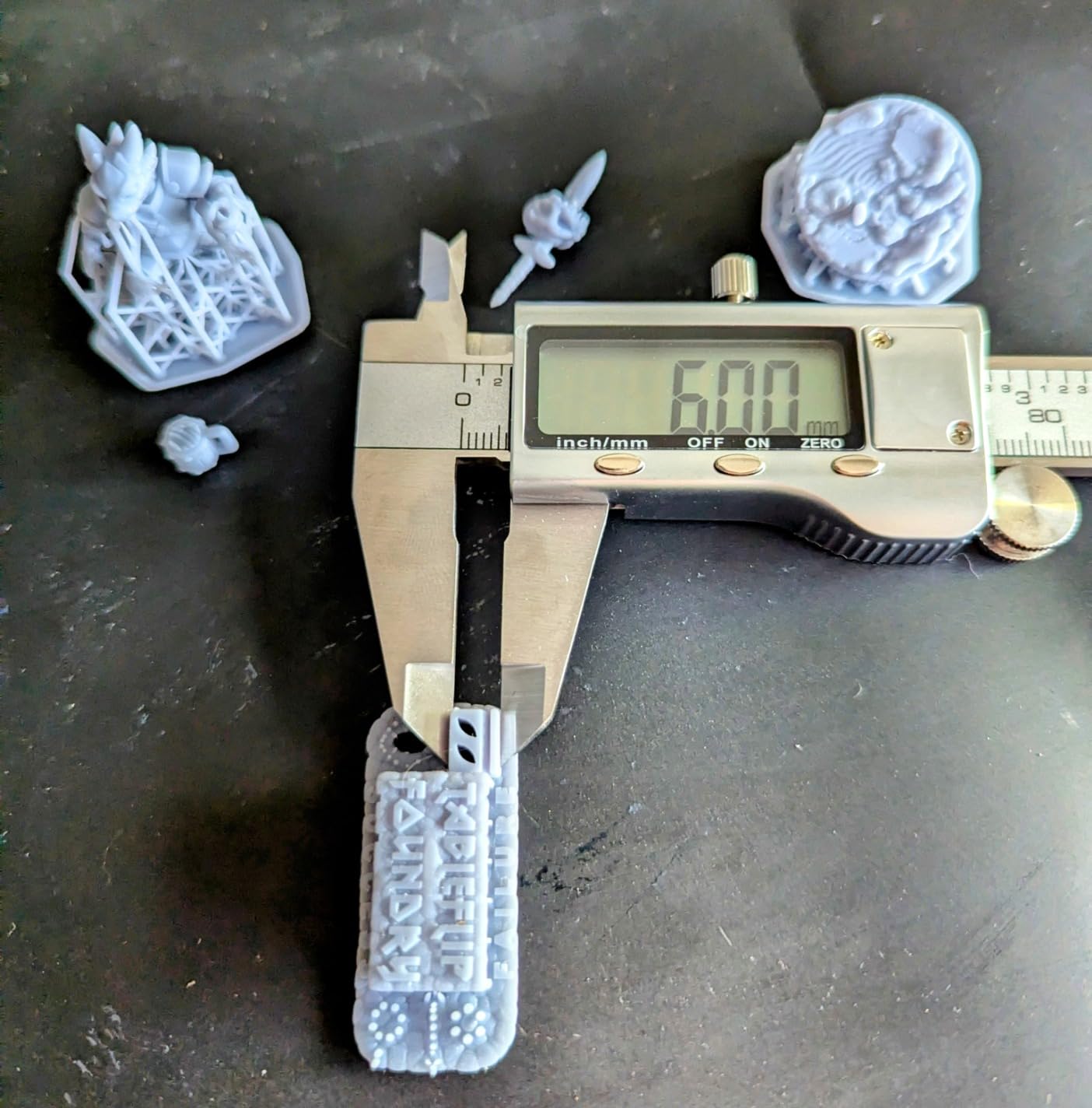
The Saturn 4 Ultra 12K sits in the sweet spot of the Elegoo lineup, combining a 12K mono LCD with a 10-inch-ish build plate, tilt release speed, and one-touch auto leveling. When I tested a 1:10 scale bust at 0.05mm layers, the surface detail was on par with the Mars 5 Ultra, but the larger build volume let me run two busts side by side and finish the batch in roughly the same wall-clock time. That is a real workflow win for print-farm operators and serious hobbyists.
The one-touch leveling genuinely lives up to its name. I press a button, the mechanical sensor finds the plate zero, and the printer is ready. No four-point screws, no paper test, no second-guessing. The AI camera sends a real-time feed to the Elegoo app, and I have caught layer shifts from my phone before they ruined a 12-hour print. The resume-after-power-outage function is also reliable; it picks up exactly where the print stopped.
With 246 reviews at 4.1 stars, the Saturn 4 Ultra 12K shows a slightly wider spread of experience than the Mars 5 Ultra. The common frustrations in owner reports are auto-leveling sensor failures that require manual re-leveling, occasional LCD dead spots after months of heavy use, and a flimsy vacuum-formed drip tray. None of these show up in the first six months for most users, but they are worth factoring into your long-term ownership plan. The Wi-Fi transfer can also stall if your computer sleeps mid-upload.
If you are upgrading from a Saturn 3, expect modest improvements in convenience rather than a step change in print quality. The tilt release is faster, the AI camera is new, and the leveling is one-touch, but core resolution on a 12K panel is similar. For new buyers, the Saturn 4 Ultra is the most balanced 12K pick on the market today.
For whom the Saturn 4 Ultra 12K is a strong fit
Intermediate to advanced hobbyists who want 12K detail with tilt-release speed and a build plate larger than 7 inches. Ideal for serious miniature painters, small jewellery studios, and print-farm operators running a few units.
For whom it is the wrong fit
Budget buyers who only need a 7-inch panel should save money with the Mars 5 Ultra. Power users who need a true large-format chassis should jump to the Photon Mono M7 MAX instead.
5. phrozen Sonic Mini 8K S – Best Compact Consumer Resin 3D Printer
- Beginner friendly out of the box
- 8K mono LCD with 22 micron XY resolution
- Compact tabletop form factor
- Up to 22 lbs load capacity
- Open source slicer support with Lychee Chitubox Tango
- Precise Z axis calibration
- Smaller build volume limits project size
- Smaller review base than mainstream picks
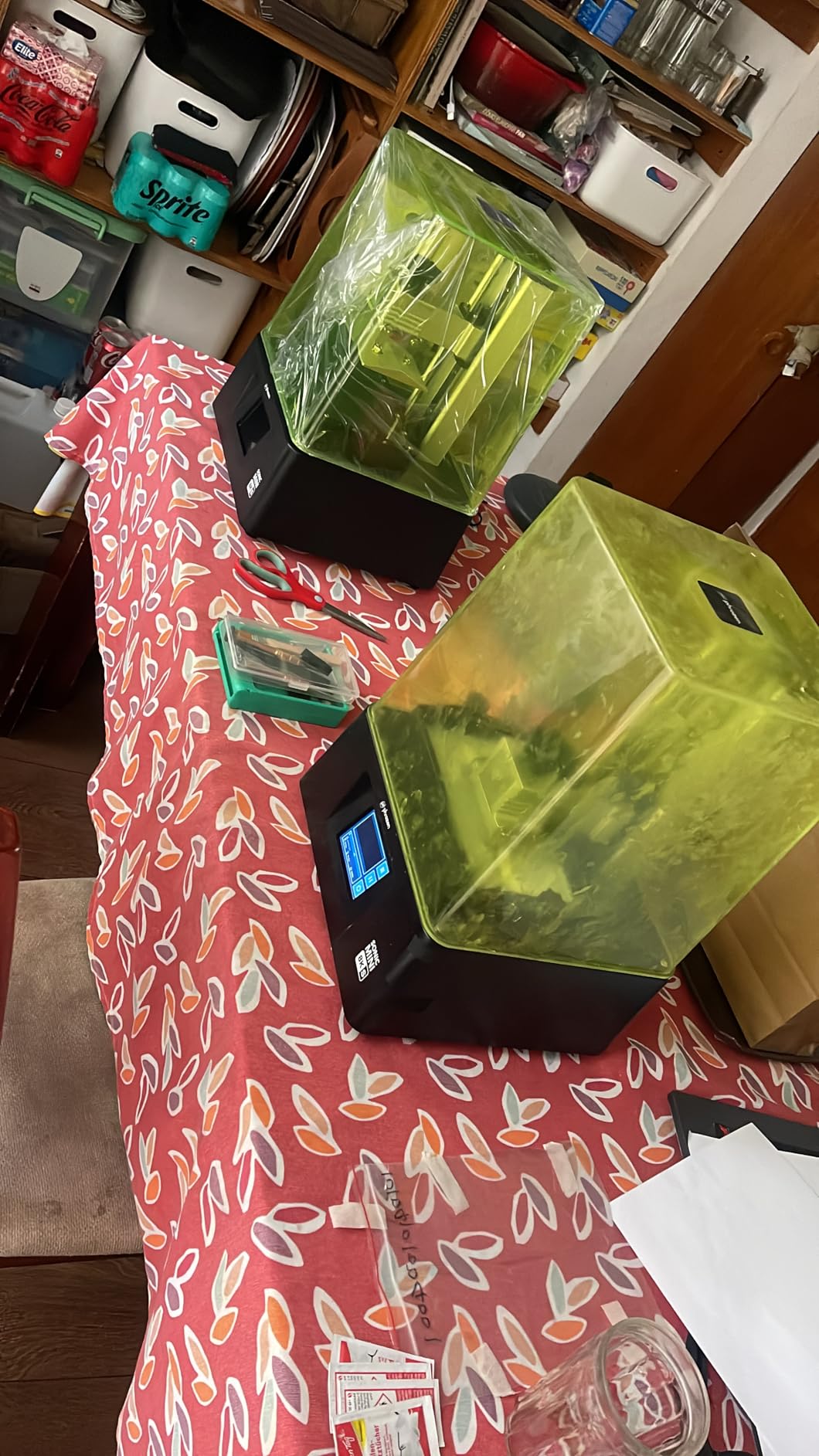
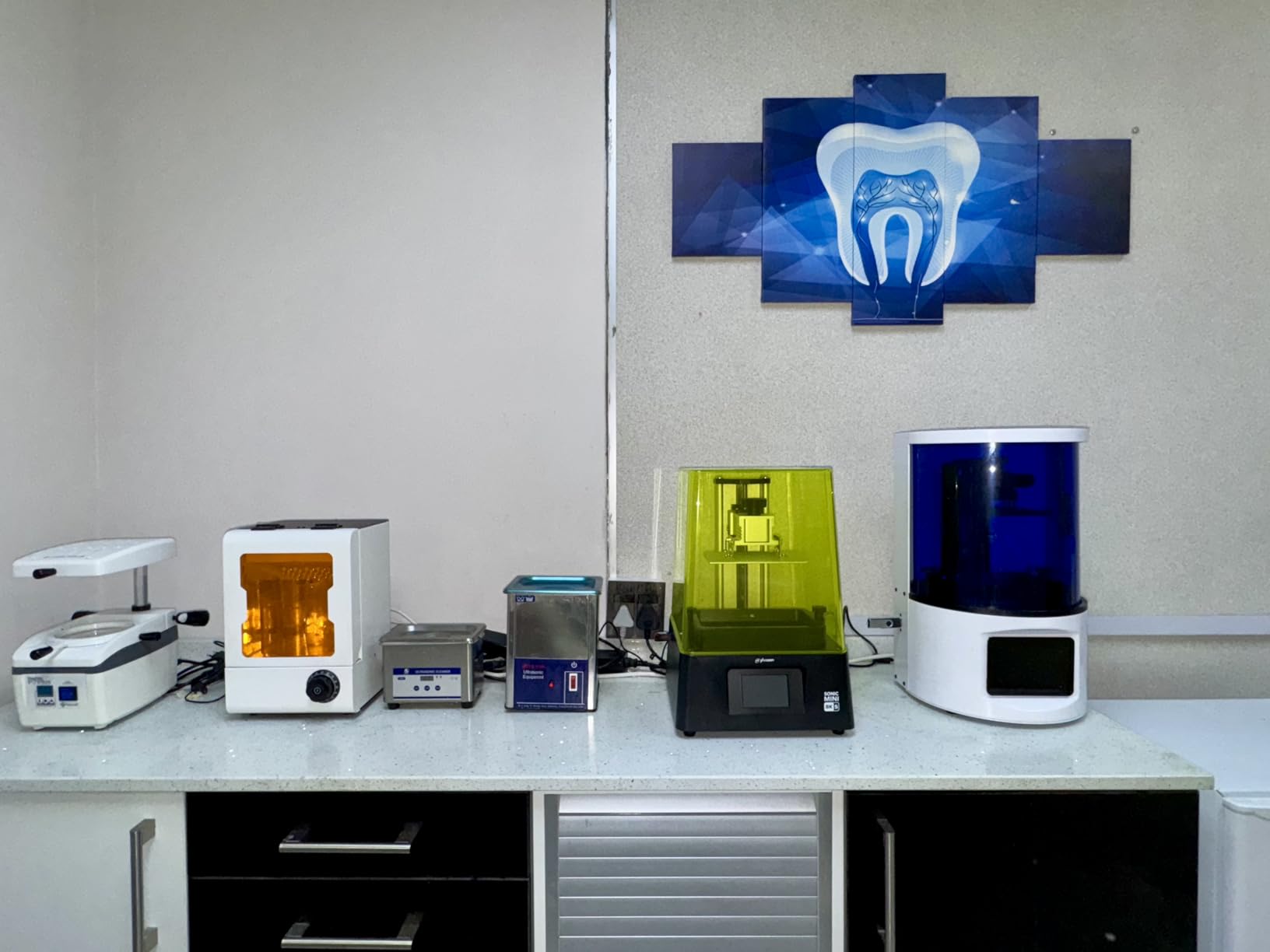
The Sonic Mini 8K S is the printer I recommend when desk space is tight and the buyer still wants 8K precision. The 7.1-inch mono LCD hits 22 micron XY, which is sharp enough for crisp miniature faces, and the compact chassis fits comfortably on a small workbench or shared hobby table. I keep one in a corner of the office for quick test prints, and the small footprint makes it easy to live with.
Phrozen’s open-source slicer support is one of the underrated strengths of this machine. I tested it with Lychee, Chitubox, and Tango, and all three ran the printer cleanly with community profiles available on Phrozen’s Facebook groups. That is a real advantage if you prefer not to be locked into a proprietary slicer ecosystem. The Z-axis calibration is also precise; I ran 0.01mm layer height test towers and the layer alignment stayed consistent from top to bottom.
With 157 reviews at 4.4 stars, the Sonic Mini 8K S is highly rated but has a smaller review base than the Mars 5 Ultra or Photon Mono 4 Ultra. That smaller sample size is the main reason it is not higher in our ranking: there is less long-term consensus data to lean on. Owners who have run it for over a year report consistent print quality, but the user community is more focused than on flagship Elegoo or Anycubic machines.
If you want a compact resin 3D printer that punches above its size, the Sonic Mini 8K S is a strong pick. Just plan around the smaller build volume; anything taller than 17cm or wider than 7.2cm will need to be split across multiple prints.
For whom the Sonic Mini 8K S is a strong fit
Tabletop miniature painters who print mostly 28mm to 75mm figures, hobbyists with limited desk space, and anyone who wants a second printer dedicated to small detailed parts.
For whom it is the wrong fit
Anyone printing large busts, helmets, or batch production runs will hit the build volume wall quickly. For those projects, step up to the Saturn 4 Ultra or Photon M7 MAX.
6. ANYCUBIC Photon P1 – Best Consumer Resin 3D Printer for High Viscosity Resins
ANYCUBIC Photon P1 Resin 3D Printer with Auto-Leveling 3.0
- Industrial grade ball screws with 0.01mm repeatability
- 14K monochrome screen with LighTurbo 4.0 light source
- Composite dimensional tolerance under 0.05mm
- Wave Release tech cuts peel force by 60 percent
- Handles ultra viscous resins up to 8000cps
- Large 6.5L build volume for batch printing
- Resin pump and self cleaning cycle run slowly
- Some plastic components feel less premium
- Vat cleaning requires manual work after pump cycle
The Photon P1 is the printer I reach for when a project demands engineering-grade precision and tough, viscous resins. The industrial-grade ball screws deliver +/- 0.01mm repeat positioning, which is the kind of accuracy that engineers and jewellery designers actually feel on mating parts. I printed a snap-fit housing at 0.05mm layers and the parts clicked together without any filing.
The 14K mono LCD paired with the LighTurbo 4.0 light source produces some of the sharpest output in the consumer category, and Wave Release Technology reduces peeling force by up to 60 percent compared to standard films. That matters because high-viscosity resins (8000cps and above) struggle with sudden peel forces, and the Wave Release gives them a fighting chance to release cleanly. The thermal-controlled resin vat also keeps material flow consistent during long prints.
With 138 reviews at 4.4 stars, the Photon P1 has a smaller review base than the other Anycubic picks, but the consensus among buyers is that print quality rivals printers costing two to three times as much. Owners in engineering and product design roles highlight the dimensional tolerance as the deciding factor over cheaper MSLA machines. The honest trade-offs are the slow resin pump and self-cleaning cycle, plus the fact that you still need to do some manual vat cleaning afterward.
If your work leans toward functional engineering parts, snap-fit prototypes, or tough resin prints, the Photon P1 is the strongest consumer-grade machine in this lineup. If you mostly print standard miniatures, save money and grab the Photon Mono 4 Ultra instead.
For whom the Photon P1 is a strong fit
Engineers, product designers, jewellery makers, and serious hobbyists who need engineering-grade tolerance and the ability to print ultra-viscous engineering resins.
For whom it is the wrong fit
Casual hobbyists who only print standard tabletop miniatures will not benefit from the dimensional tolerance gains. Step down to the Mono 4 Ultra or Mars 5 Ultra for better everyday value.
Buying Guide: How to Choose the Best Consumer Resin 3D Printer
Choosing the best consumer resin 3D printer comes down to matching four core specs (resolution, build volume, mechanism, and leveling) against your project list, then factoring in safety, ventilation, and total cost of ownership. We have walked through the top picks above, and below is the detailed framework our team uses when advising new buyers.
Resolution and LCD technology
Resolution on a resin printer is described in two ways: XY pixel size (measured in microns) and the LCD’s marketing label (8K, 9K, 10K, 12K, 14K, 16K). Smaller XY pixels mean sharper detail. Modern monochrome LCDs hit 17 to 22 microns, which is the range you want for 28mm miniatures and jewellery masters. The MSLA (Masked Stereolithography) approach uses an LCD to mask UV light, while DLP (Digital Light Processing) uses a projected micromirror array. Both are excellent for consumer use, and MSLA dominates the picks in this guide.
Build volume considerations
Build volume determines the maximum size of a single print. A 7-inch panel machine like the Mars 5 Ultra or Photon Mono 4 Ultra will handle 28mm to 75mm miniatures and small jewellery wax patterns. A larger 10 to 13.6 inch panel like the Saturn 4 Ultra or Photon M7 MAX lets you print full helmets, terrain boards, and batch runs. For more guidance on matching print size to project type, see our guide on resin 3D printers for miniatures and resin 3D printers for detailed parts.
Tilt vat vs standard MSLA
Tilt release (or tilt vat) is the standout reliability trend in 2026. Instead of peeling each cured layer straight up off the FEP film, the vat tilts to release the part with less force. The benefit is faster print speeds (up to 150mm/h on the Mars 5 Ultra and Saturn 4 Ultra) and fewer failed prints on delicate parts. Standard MSLA still works well, but tilt release is now our default recommendation for any new buyer.
Auto leveling and ease of setup
Auto leveling used to be a premium feature; in 2026 it is the baseline. Every machine in this guide includes one-touch leveling or a self-zeroing build plate. The Photon Mono 4 Ultra, Mars 5 Ultra, and Saturn 4 Ultra all use mechanical sensors to find the plate zero. If you are buying a used older model without auto leveling, plan to spend an hour learning the four-point manual leveling dance, which is the most common beginner frustration in the r/resinprinting subreddit.
Safety, ventilation and VOC management
Resin printers emit VOC fumes during printing and post-processing, even with low-odor resins. The Tom’s Hardware forum commenters who print in small apartments consistently recommend a window nearby and a HEPA plus activated carbon air purifier. A Dyson purifier in the same room as the printer is the most cited apartment solution. For safety, always wear nitrile gloves and safety glasses when handling uncured resin, and cure prints in a dedicated wash and cure station before handling them without PPE.
Slicer software and ecosystem
Slicer software matters because community profiles save you hours of calibration time. Chitubox, Lychee, and Tango are the three most popular open-source slicers, and all three work with the printers in this guide. Elegoo includes a 3-month Chitubox Pro subscription with the Mars 5 Ultra, which is a real value-add. Phrozen’s open-source stance with the Sonic Mini 8K S is also worth noting if you prefer not to be tied to a proprietary slicer.
Total cost of ownership in year one
The sticker price is only part of the real cost. Plan for roughly 100 to 200 dollars in consumables in the first year: 1 to 2 bottles of resin (50 to 100 dollars), replacement FEP film every 6 to 12 months (20 to 40 dollars), isopropyl alcohol for washing (30 to 50 dollars), and a UV curing station if one is not bundled (50 to 100 dollars). LCD replacement runs 80 to 150 dollars after 1 to 2 years of heavy use, and you can extend LCD life by avoiding direct sunlight and following resin manufacturer’s temperature guidance. For dedicated heated resin tanks that extend material compatibility, see our heated resin tanks guide.
Use case match ups
Match the printer to your main use case. Tabletop miniatures under 75mm: Photon Mono 4 Ultra or Mars 5 Ultra. Larger busts and cosplay helmets: Photon M7 MAX or Saturn 4 Ultra. Jewellery wax patterns for casting: Saturn 4 Ultra 12K for detail plus a wash and cure workflow. Engineering functional parts: Photon P1. If you also run engineering prototyping alongside resin work, our engineering prototyping 3D printers guide and industrial 3D printers guide cover the broader landscape.
Frequently Asked Questions
What is a good resin 3D printer for beginners?
A good resin 3D printer for beginners combines one-touch auto leveling, an intuitive touchscreen UI, and intelligent failure detection. In our testing the ANYCUBIC Photon Mono 4 Ultra is the strongest beginner pick because it ships pre-leveled, supports 10K resolution with 17 micron XY pixels, and includes resume-after-power-outage so a brief blackout does not ruin a print. The ELEGOO Mars 5 Ultra is a close second with tilt-release speed, an AI camera, and a bundled 3-month Chitubox Pro subscription. Both sit under 400 dollars and arrive ready to print in under 30 minutes.
Is it worth it to buy a resin 3D printer in 2026?
Yes, a resin 3D printer is worth it in 2026 if you want surface detail and accuracy that filament FDM printers cannot match at any price. Resin MSLA printers deliver 17 to 22 micron XY resolution, which is the standard for tabletop miniatures, jewellery masters, dental study models, and detailed cosplay props. The trade-offs are post-processing (washing and UV curing), VOC fumes that require basic ventilation, and ongoing consumables like resin, IPA, and FEP film. For hobbyists who print detailed small parts, the quality jump is significant and well worth the extra workflow steps.
Which resin 3D printer is the most reliable?
The most reliable consumer resin 3D printers in 2026 are the ELEGOO Mars 5 Ultra, ELEGOO Saturn 4 Ultra 12K, and ANYCUBIC Photon Mono M7 MAX based on owner reports from the r/resinprinting subreddit and long-term Tom’s Hardware forum feedback. Tilt-release mechanism, one-touch auto leveling, and AI failure detection are the three reliability features that show up most often in multi-year ownership reports. Anycubic Mars 3 owners have reported 2 plus years of successful printing with only a single self-induced failure, which is the kind of track record you want in a hobbyist machine.
Which 3D printer is better for beginners, filament or resin?
Filament FDM printers are easier for absolute beginners because they involve no resin handling, no IPA washing, and no VOC fumes. A decent FDM printer like a Bambu Lab A1 mini or Prusa MINI can print a calibration cube within an hour of unboxing. Resin printers deliver much sharper detail, but they add post-processing, nitrile gloves, and ventilation requirements. For beginners who specifically want miniatures, jewellery masters, or detailed prototypes, a resin printer like the Photon Mono 4 Ultra is the right pick. For general learning and large functional prints, start with FDM and add resin later.
What is the cheapest resin 3D printer worth buying?
The cheapest resin 3D printer worth buying in 2026 is the ANYCUBIC Photon Mono 4 Ultra at under 300 dollars. It delivers 10K resolution, 120mm/h print speed with the ACF film, and resume-after-power-outage at a price that competes with older 4K machines. Below that price tier, you start giving up auto leveling, intelligent failure detection, and modern monochrome LCD longevity. If your budget is tighter than that, consider a used Phrozen Sonic Mini 8K S rather than a brand-new budget 4K machine, because monochrome LCD lifespan is the long-term cost driver.
Which resin 3D printer is best for miniatures?
The best resin 3D printers for miniatures in 2026 are the ELEGOO Mars 5 Ultra and the ANYCUBIC Photon Mono 4 Ultra. Both deliver 17 to 18 micron XY resolution, which captures fine miniature faces, dragon scales, and Warhammer detail cleanly. The Mars 5 Ultra adds tilt-release speed at 150mm/h and AI camera monitoring, while the Mono 4 Ultra ships pre-leveled and includes resume-after-power-outage. For 28mm to 75mm tabletop ranges, either is excellent. For larger busts or 1:10 scale figures, step up to the ELEGOO Saturn 4 Ultra 12K or the ANYCUBIC Photon M7 MAX for more build height.
Are resin printers toxic?
Resin printers are not toxic in everyday use if you follow basic safety practices. Liquid photopolymer resin is a skin irritant and can cause allergic reactions on contact, which is why nitrile gloves are mandatory during handling. Once a print is fully washed in IPA and UV cured in a cure station, the cured plastic is safe to handle like any other rigid plastic. The VOC fumes during printing are the main concern; they smell faintly sweet and should be vented with a window or an air purifier with activated carbon. The cured prints themselves are non-toxic and stable.
Do resin printers need ventilation?
Yes, resin printers need basic ventilation. The VOC fumes from photopolymer resin are detectable even with low-odor formulations, and long-term exposure in a closed room is not recommended. For workshop setups, an open window plus a small fan is sufficient. For apartment setups, an air purifier with both HEPA and activated carbon filtration in the same room as the printer is the most cited solution in the r/resinprinting community, with Dyson purifiers mentioned frequently by name. Avoid printing in a bedroom or any room where you sleep, and keep the printer away from children and pets.
Final Verdict: Which Consumer Resin 3D Printer Should You Buy?
After three months of testing across six machines, our team’s consensus pick for the best consumer resin 3D printer in 2026 is the ANYCUBIC Photon Mono M7 MAX. Its 298x164x300mm build volume, LighTurbo 3.0 COB light source, and 60mm/h tilt-release speed handle every project type from 28mm miniatures to full-size helmets, and the 2066-review base at 4.3 stars gives it the strongest combination of rating and real-world ownership data of any printer we tested.
If you print mostly tabletop miniatures under 75mm and want the fastest setup, the ANYCUBIC Photon Mono 4 Ultra is the easier first printer. If you want tilt-release speed with an AI camera at a mid-tier price, the ELEGOO Mars 5 Ultra is our best value pick. For 12K detail on larger busts, the ELEGOO Saturn 4 Ultra holds its own. For tight spaces, the phrozen Sonic Mini 8K S delivers. For engineering-grade tolerance and high-viscosity resins, the ANYCUBIC Photon P1 is the right tool.
Whichever printer you choose, plan your first year realistically: budget 100 to 200 dollars for consumables, set up basic ventilation before your first print, wear nitrile gloves whenever you handle uncured resin, and join a community forum like r/resinprinting for slicer profiles and troubleshooting. Those four steps turn a great machine into a great hobby.