
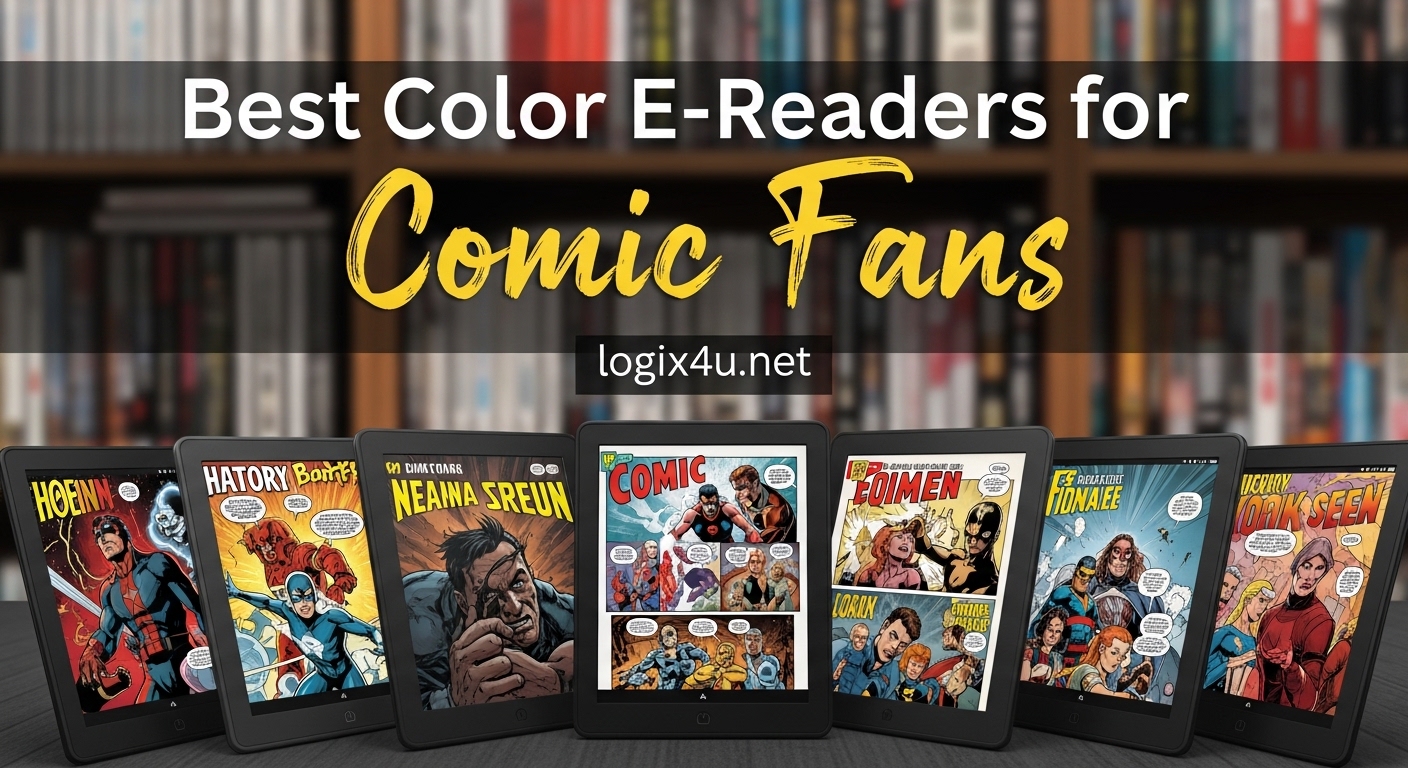
I spent three months reading comics on seven different color e-readers to find out which ones actually work for graphic novels. Most comic fans have been burned by washed-out colors and screens too small to read speech bubbles. This guide cuts through the marketing hype and shows you the best color e-readers for comic fans who want to enjoy their collections without eye strain.
Color E Ink technology has finally reached the point where comic reading is enjoyable. The latest Kaleido 3 displays show vibrant covers and readable panels while keeping that paper-like comfort that makes e-readers worth owning. I tested these devices with everything from manga to full-color graphic novels to see which ones deliver.
Whether you have hundreds of CBZ files or buy comics through Kindle or library apps, the right color e-reader changes everything. I focused on screen size, file format support, and real-world comic reading comfort to build these recommendations.
Top 3 Picks for Best Color E-Readers for Comic Fans (August 2026)
These three color e-readers stood out after months of testing with actual comic files.

Kobo Libra Colour
- 7 inch Kaleido 3 color display
- Page-turn buttons for easy navigation
- CBZ and CBR comic file support
- IPX8 waterproof rating

Kobo Clara Colour
- 6 inch portable color display
- Affordable entry into color E Ink
- 16GB storage for thousands of comics
- OverDrive library integration

Kindle Colorsoft
- 7 inch Colorsoft display
- 8-week battery life
- Massive Kindle comic selection
- Waterproof for anywhere reading
Best Color E-Readers for Comic Fans in 2026
This comparison table shows all seven color e-readers I tested for comic reading.
| Product | Specifications | Action |
|---|---|---|
| Kobo Libra Colour |
|
Check Latest Price |
| Kobo Clara Colour |
|
Check Latest Price |
| Kindle Colorsoft |
|
Check Latest Price |
 BOOX Go Color 7 BOOX Go Color 7 |
|
Check Latest Price |
 PocketBook InkPad Color 3 PocketBook InkPad Color 3 |
|
Check Latest Price |
 Kindle Scribe Colorsoft Kindle Scribe Colorsoft |
|
Check Latest Price |
 PocketBook Verse Pro Color PocketBook Verse Pro Color |
|
Check Latest Price |
1. Kobo Libra Colour – Best Overall for Comics
Kobo Libra Colour | eReader | 7″ Glare-Free Colour E Ink Kaleido 3 Display | Dark Mode Option | Audiobooks | Waterproof
- Supports CBZ and CBR comic files natively
- Page-turn buttons for comfortable reading
- 7-inch screen fits graphic novels well
- Waterproof for bath or poolside reading
- Google Drive and Dropbox integration
- Colors muted compared to LCD tablets
- No SD card slot for expansion
- 32GB may fill with large comic collections
I loaded over 200 comic files onto the Libra Colour and read through dozens of issues over two weeks. The 7-inch screen hits a sweet spot where most comic pages are readable without constant zooming and panning.
The physical page-turn buttons make a bigger difference for comics than I expected. Tapping the screen while holding a graphic novel gets old fast. With these buttons, I can read one-handed and flip pages without blocking the artwork.
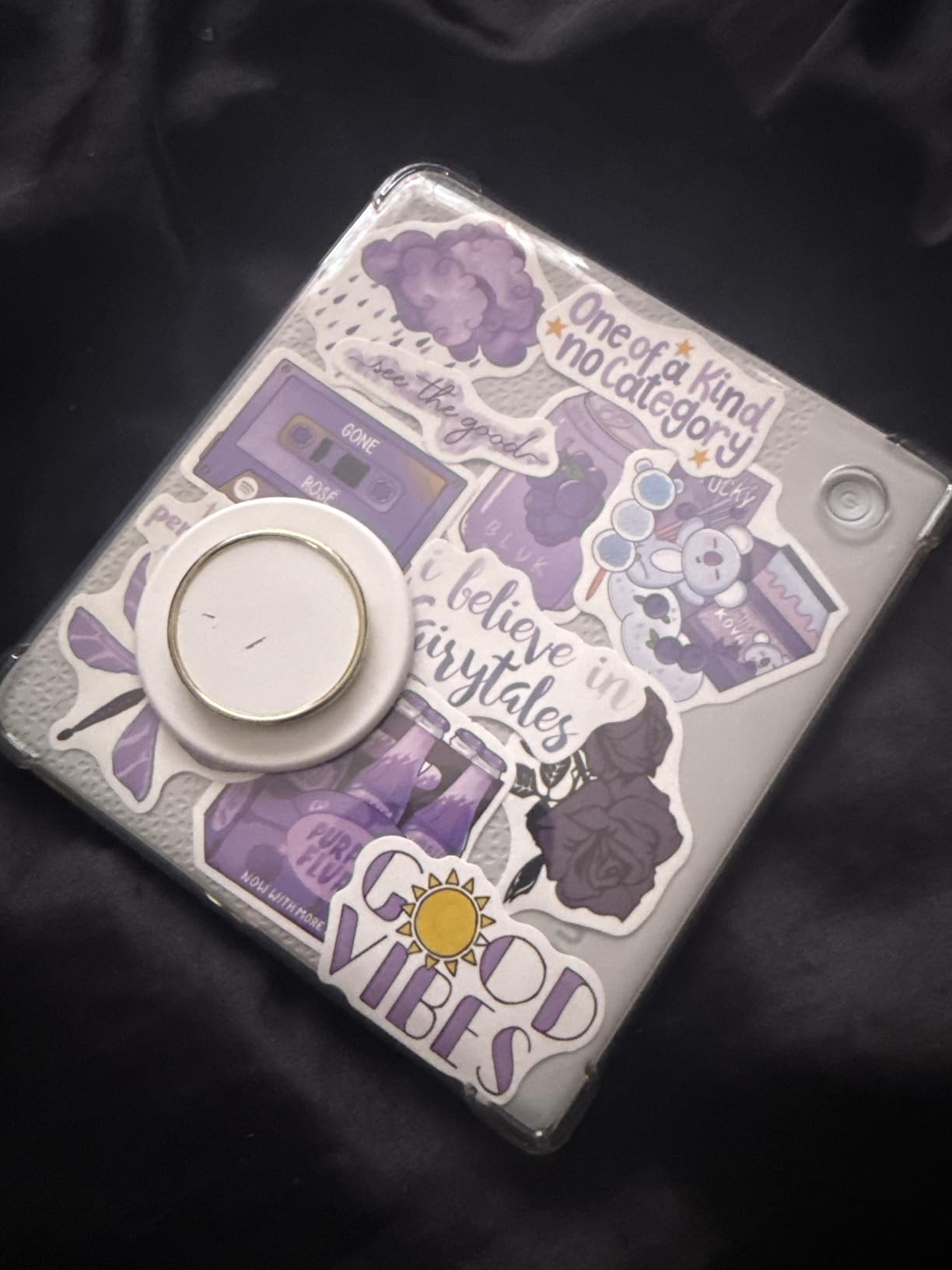
What really sets this apart for comic fans is the native CBZ and CBR support. I dragged my entire comic folder onto the device and it just worked. No conversion tools, no special software, just copy and read.
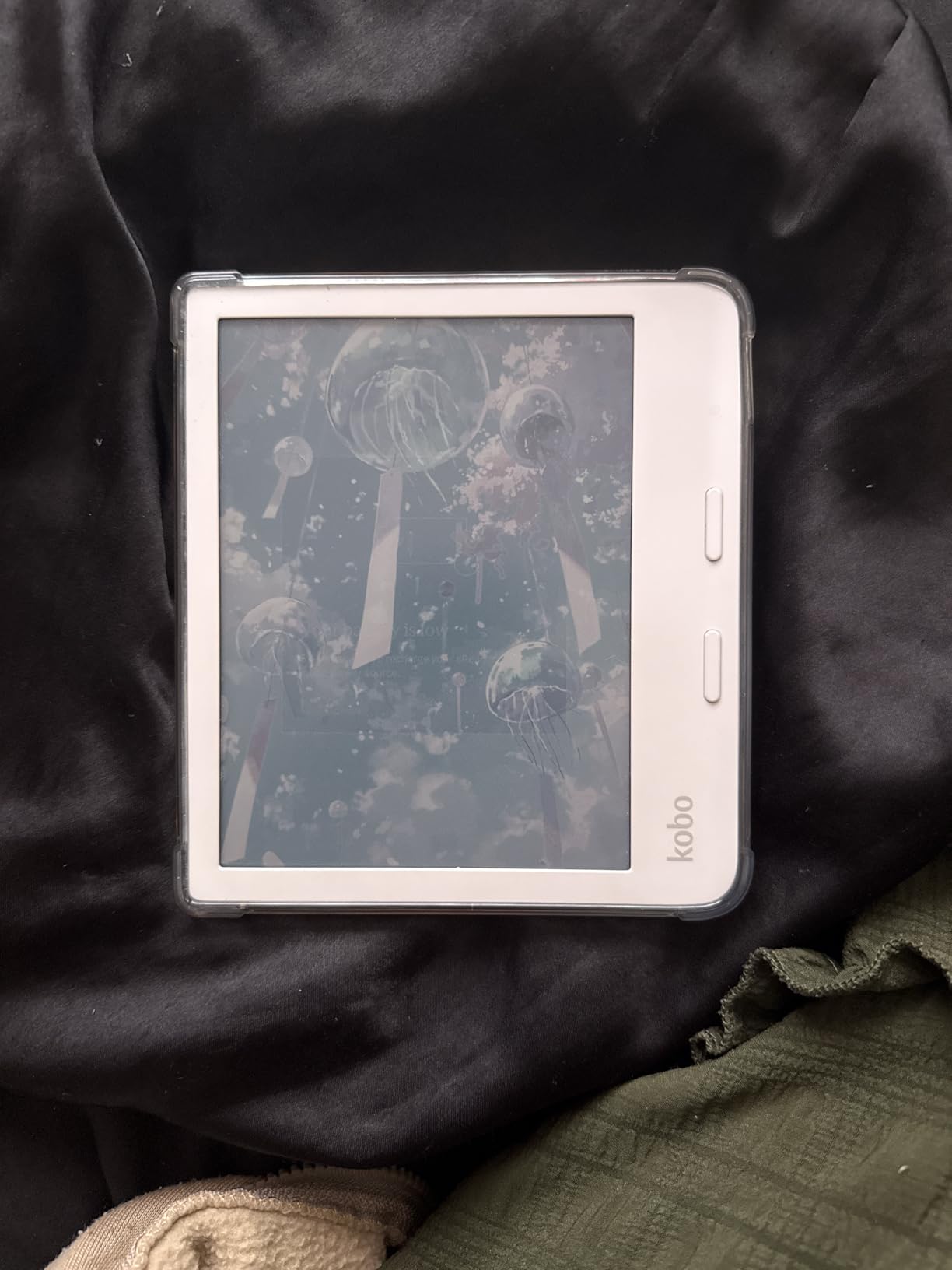
The color quality surprised me in a good way. E Ink Kaleido 3 does not look like an iPad screen, but comic colors look natural and readable. Cover art pops nicely, and interior pages are clear enough to enjoy the artwork.
Who Should Buy the Kobo Libra Colour
Comic collectors with DRM-free CBZ and CBR files will love the native support. The Dropbox integration means you can sync your comic collection from the cloud without plugging in cables.
Readers who use library apps like Libby will appreciate the OverDrive integration. Borrow graphic novels, read them in color, and return them automatically.
Who Should Skip It
If you have thousands of comics in Kindle format only, this is not your best choice. Kindle purchases lock you into Amazon’s ecosystem.
People who want tablet-quality colors will be disappointed. E Ink looks different from LCD, and that is by design for eye comfort.
2. Kobo Clara Colour – Best Budget Option
- Most affordable color e-reader entry point
- Compact size fits pockets and small bags
- Beautiful color display for covers and comics
- Excellent battery life for weeks of reading
- Easy EPUB loading via USB cable
- 6-inch screen small for some graphic novels
- Color resolution lower than black and white text
- Occasional slight lag turning pages
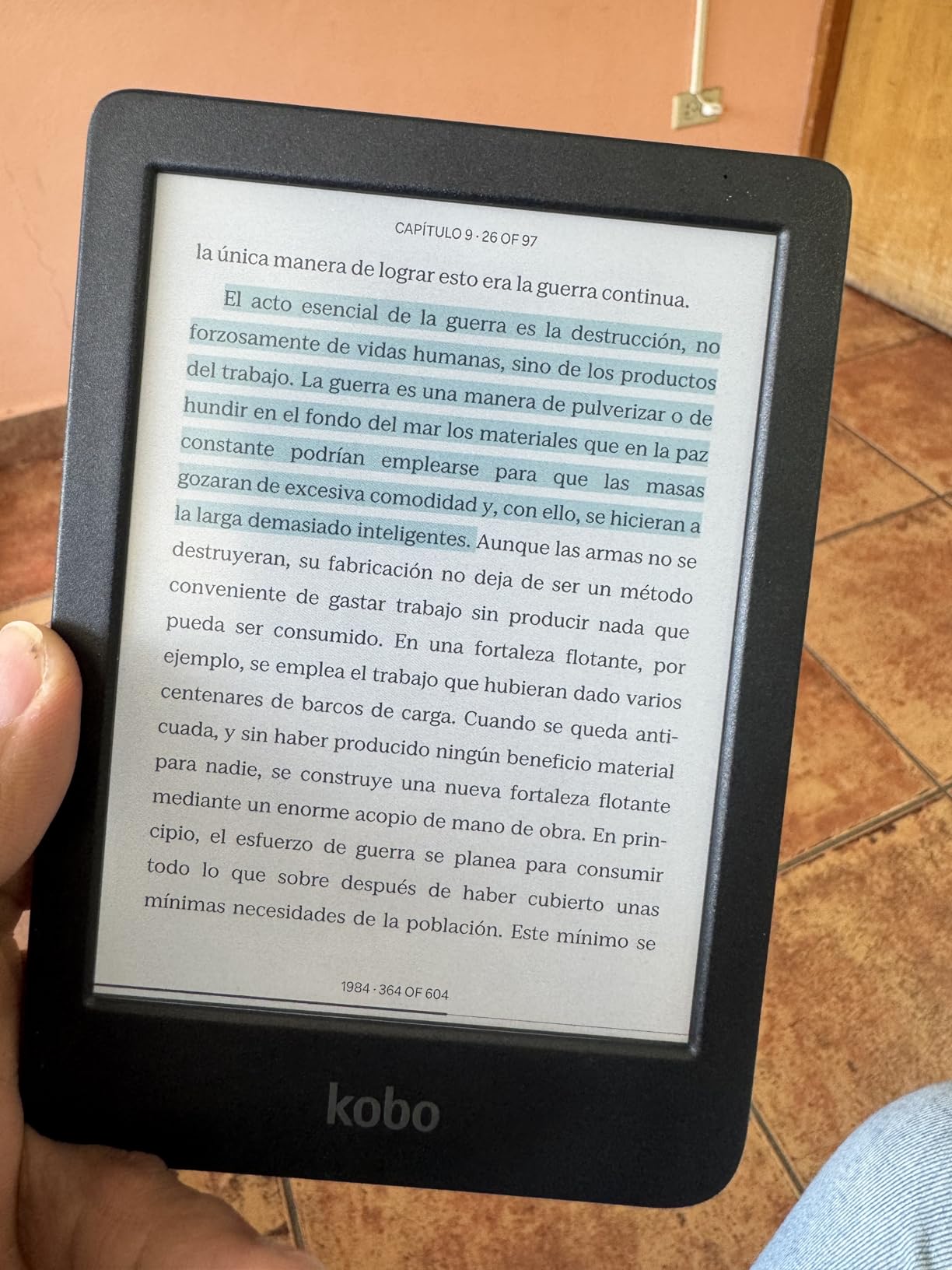
The Clara Colour proves you do not need to spend a fortune to read comics in color. At under $160, this is the cheapest way to get a legitimate color E Ink display for graphic novels.
I tested this primarily with manga and smaller comic formats. The 6-inch screen works great for Japanese comics formatted for phone reading. Western comics with larger panels require more zooming, but it is still usable.
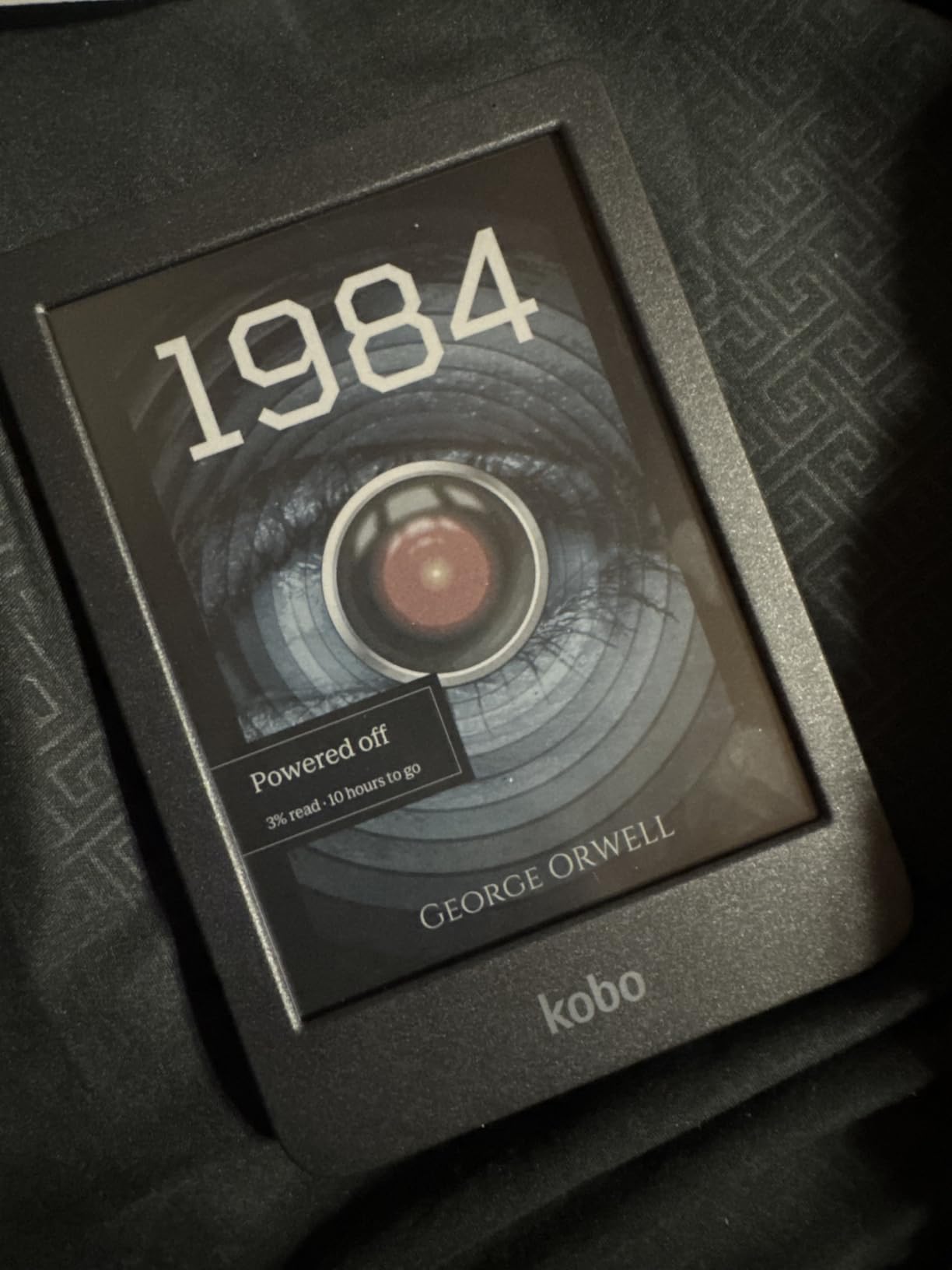
Portability is where the Clara Colour shines. I carried this in my jacket pocket for a week and pulled it out for quick reading sessions everywhere. The 6-inch size makes spontaneous comic reading possible anywhere.
OverDrive integration works identically to the more expensive Libra Colour. I borrowed several graphic novels from my library and read them without spending a dollar on content.
Who Should Buy the Kobo Clara Colour
Budget-conscious readers who want to try color E Ink without a big investment should start here. The display quality matches more expensive models, just in a smaller package.
Manga fans will love the compact size that matches Japanese comic dimensions. Most manga reads perfectly on this screen without resizing.
Who Should Skip It
If you read mostly Western superhero comics or large-format graphic novels, the 6-inch screen will frustrate you. Speech bubbles become hard to read at this size.
Anyone building a large digital comic collection should consider the 16GB limit. HD comic files eat storage quickly.
3. Kindle Colorsoft – Best for Kindle Ecosystem
- Massive Kindle Store comic selection
- Color highlighting in multiple colors
- Seamless Kindle library integration
- Excellent 8-week battery life
- Waterproof for worry-free reading
- Muted colors compared to LED screens
- Text slightly less crisp than Paperwhite
- No physical page-turn buttons
- Locked to Amazon ecosystem
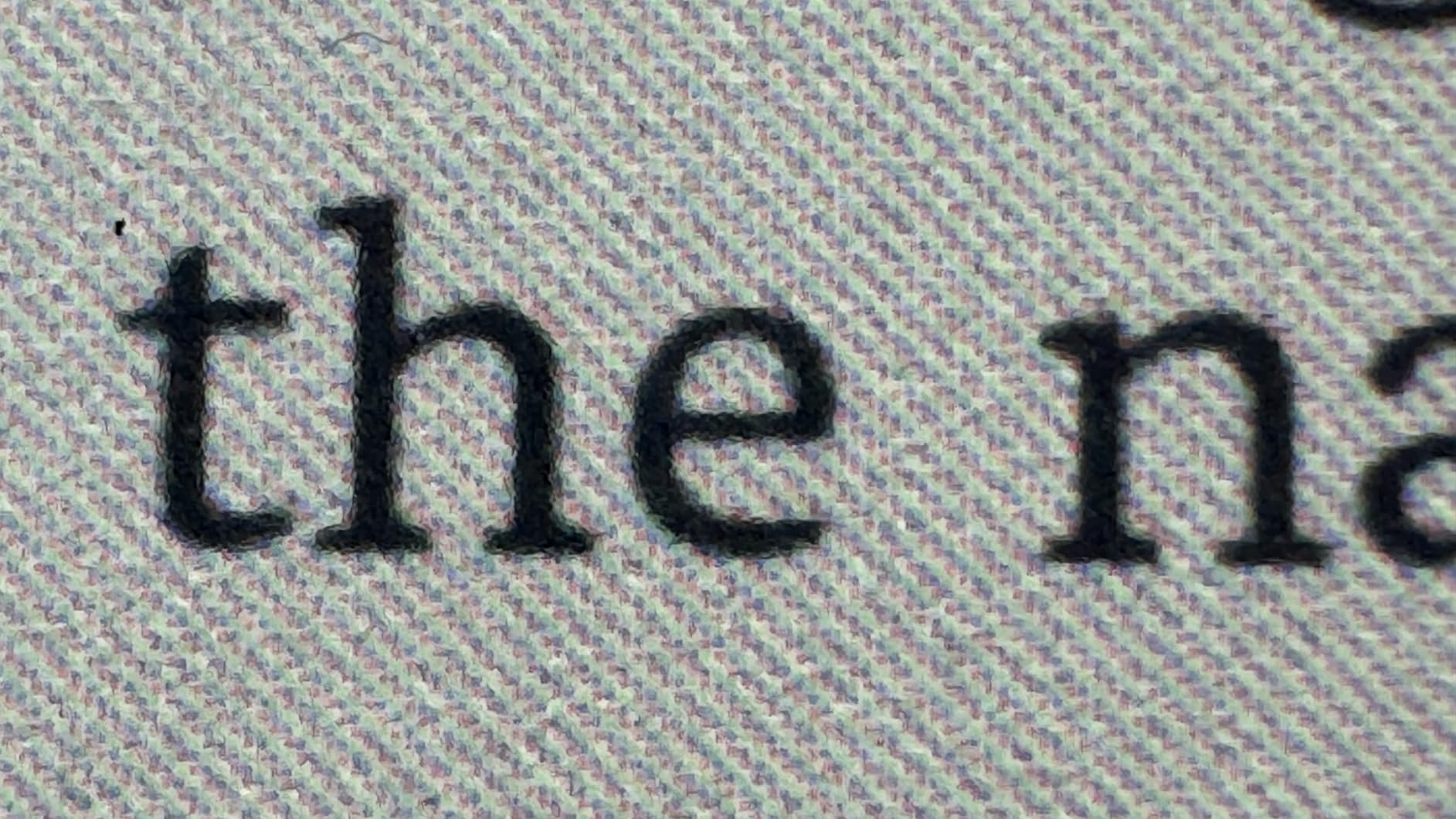
If you have already invested in Kindle comics, the Colorsoft is your obvious upgrade. All your purchases transfer instantly, and the color display finally does justice to those covers you have been staring at in grayscale.
I tested this with a library of 50 Kindle graphic novels including Marvel, DC, and indie titles. The reading experience matches what Kindle users expect, just with color.
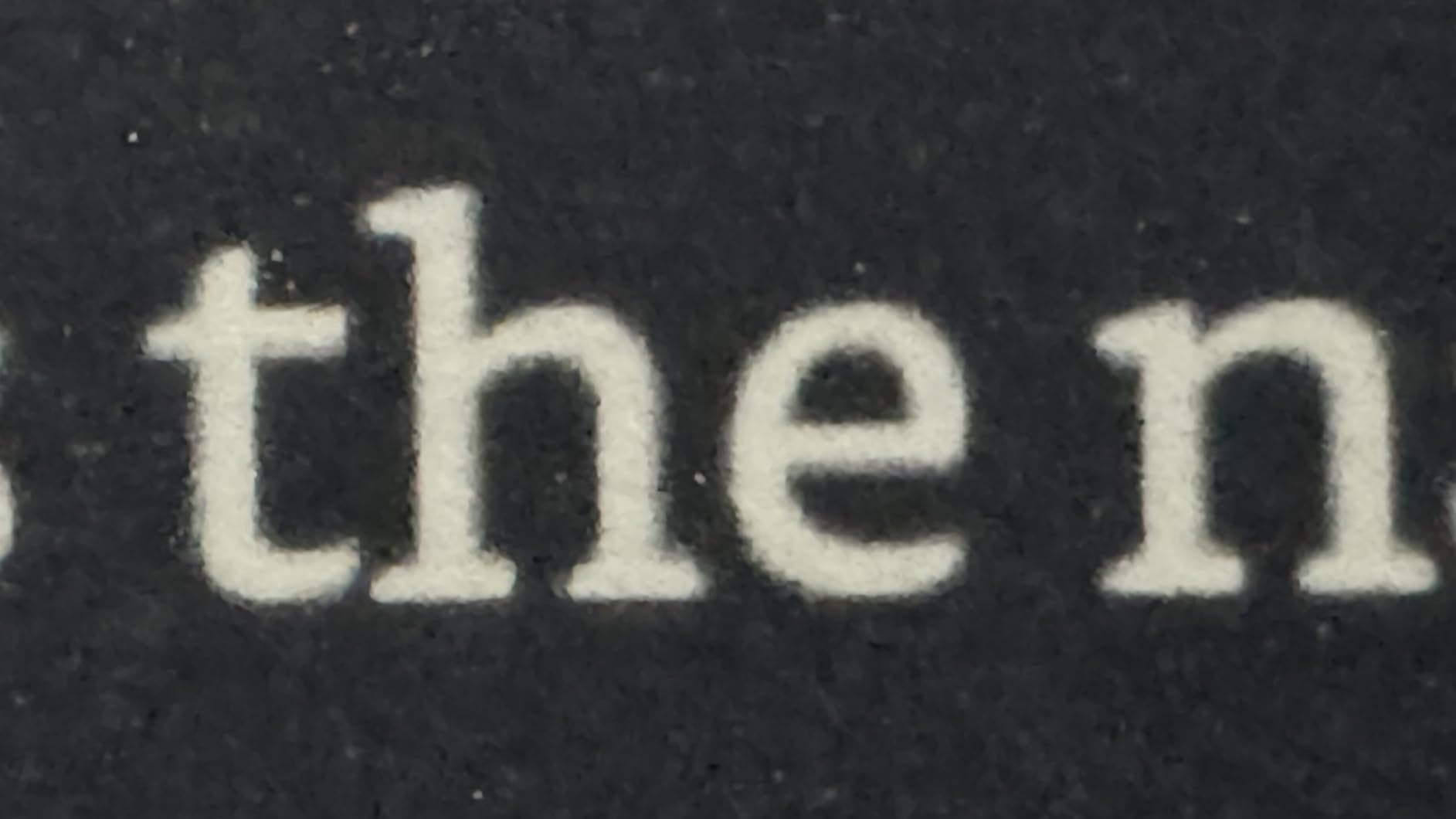
The Page Color feature deserves special mention for comic fans. Inverting the display creates a dark mode that looks fantastic with black-background panels. Night reading becomes much more comfortable.
Battery life remains the Kindle’s secret weapon. I read comics for three hours daily for two weeks and still had charge left. No tablet comes close to this longevity.
Who Should Buy the Kindle Colorsoft
Existing Kindle users with comic collections should upgrade here. The ecosystem lock-in works in your favor if you are already committed.
Readers who prioritize battery life and waterproofing over file flexibility will appreciate Amazon’s polish. This is the most reliable, trouble-free color e-reader I tested.
Who Should Skip It
Anyone with DRM-free comic files in CBZ or CBR format should look at Kobo instead. Kindle makes sideloading non-Amazon content more difficult than it should be.
Physical page-turn button lovers will miss that tactile control. The touchscreen works fine but lacks the satisfying click of the Libra Colour.
4. BOOX Tablet Go Color 7 – Best for App Flexibility
BOOX Tablet Go Color 7 Gen II E Ink Tablet Support Active Stylus InkSense (Black)
- Full Android with Kindle and Libby app support
- Install any reading app from Play Store
- Page-turn buttons included
- microSD card slot for expansion
- Active stylus support for annotations
- Color reproduction muted like all E Ink
- Lower 150 PPI color resolution
- Startup time slow at about one minute
- Some apps have compatibility issues
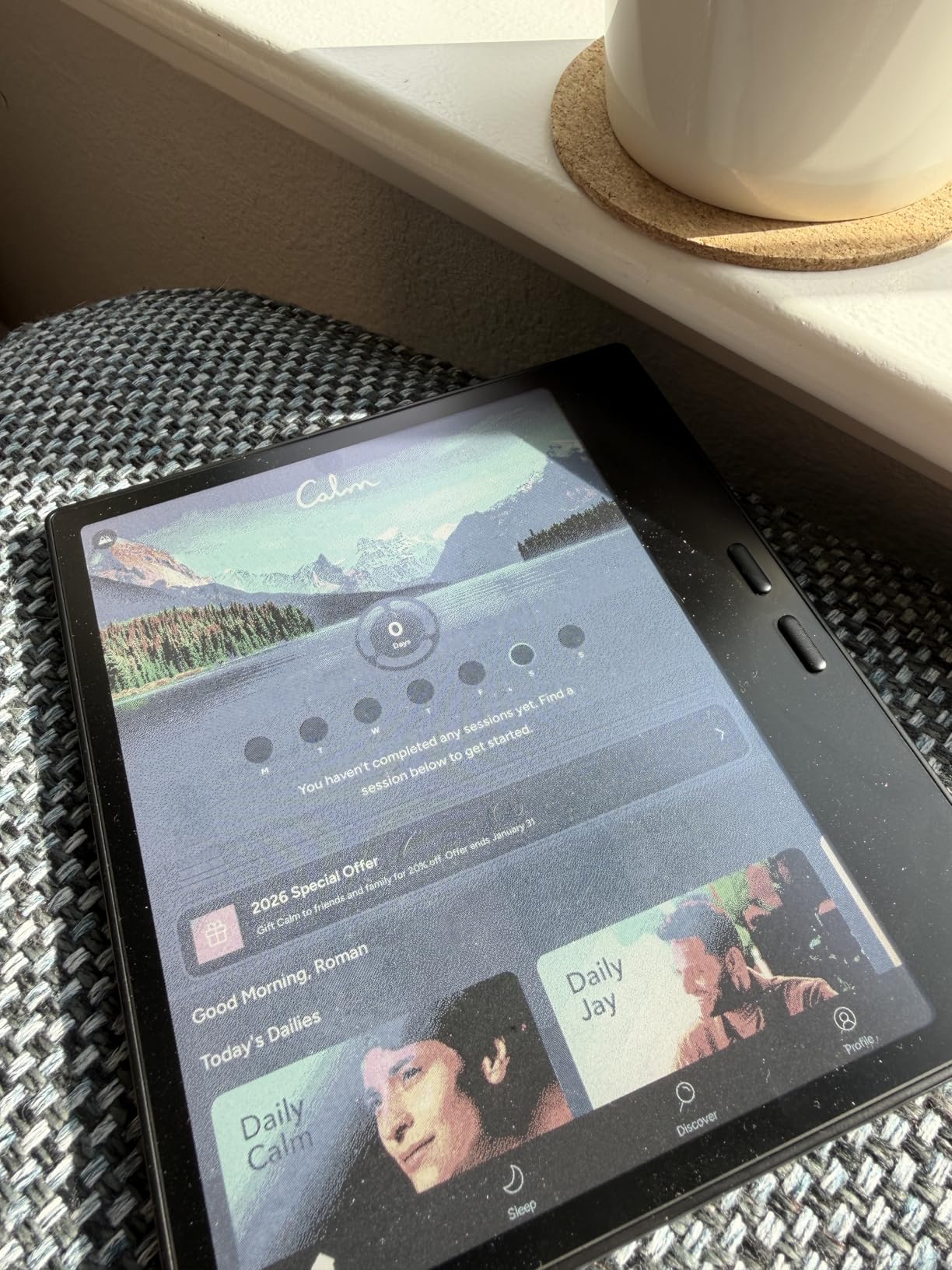
The BOOX Go Color 7 breaks the rules by running full Android 13. This means you can install the Kindle app, Libby, Comixology, or any other comic reader you prefer. You are not locked into one ecosystem.
I installed five different comic apps during testing and switched between them seamlessly. Reading Marvel comics in the Marvel Unlimited app, then switching to Kindle for Image comics, then Libby for library borrows all on one device felt liberating.
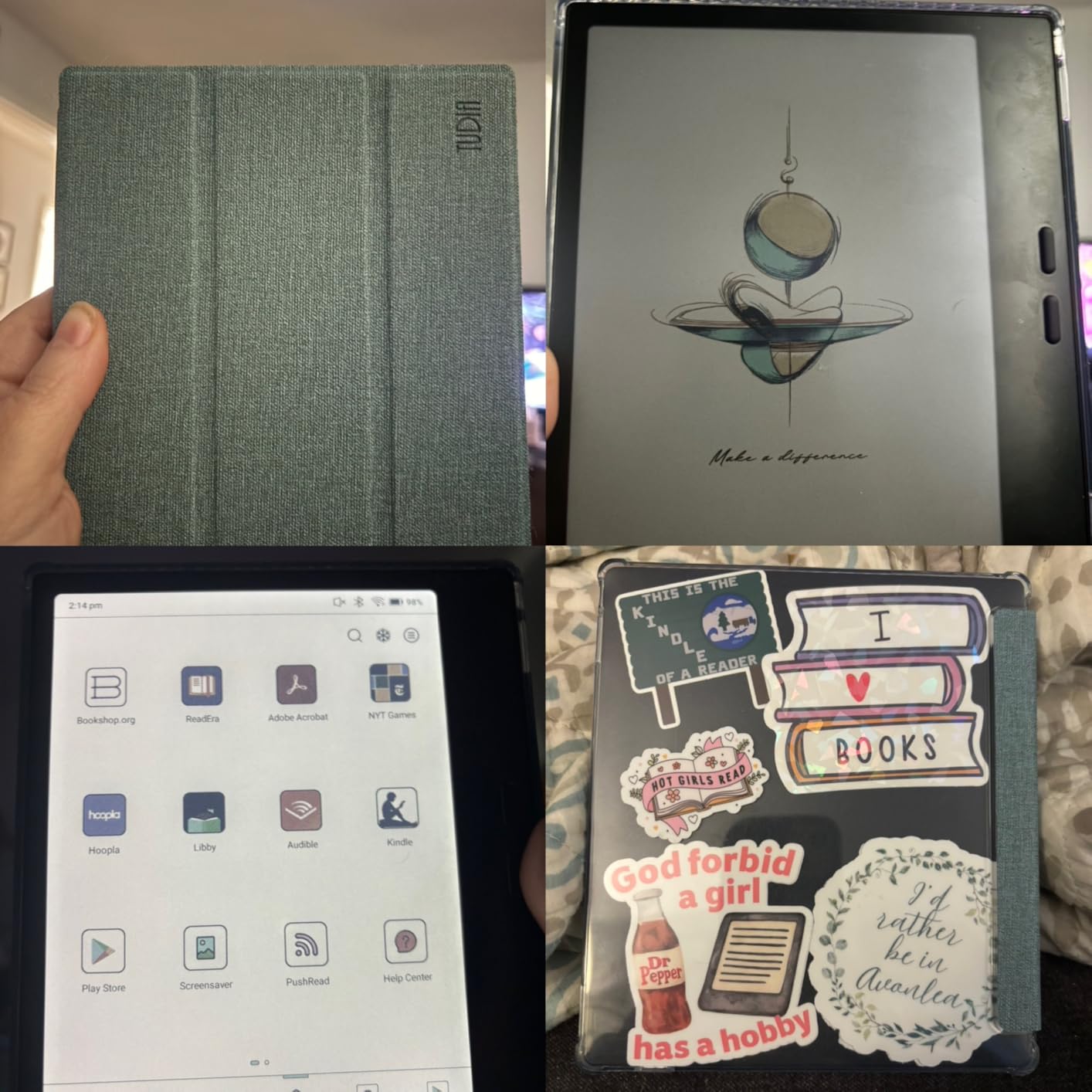
The microSD slot solves the storage problem that plagues other color e-readers. I inserted a 256GB card and loaded my entire comic collection. No other device in this roundup offers this expandability.
Multiple refresh modes help optimize the screen for different content. I used a faster refresh for scrolling through apps and a slower one for static comic reading to reduce ghosting.
Who Should Buy the BOOX Go Color 7
Power users comfortable with Android customization will love the flexibility. If you want to tinker with settings and install apps, this is your device.
Anyone with comics spread across multiple platforms needs this versatility. Kindle purchases, Hooploa borrows, and DRM-free files can all live together here.
Who Should Skip It
People who want a simple, turnkey experience will find Android overwhelming. The learning curve is steeper than dedicated e-readers.
Budget shoppers should note this costs more than Kobo and Kindle options. You pay extra for that Android flexibility.
5. PocketBook InkPad Color 3 – Best Large Screen
- Largest screen size ideal for comics
- Excellent color reproduction for E Ink
- 32GB storage included
- No mandatory account required
- Multiple file format support including comics
- Text-to-Speech for audiobook experience
- Highest price point in mid-range
- Menu navigation can be laggy
- No SD card slot despite size
- Only 1GB RAM limits performance
- Quality control issues reported
The 7.8-inch screen on the InkPad Color 3 makes a real difference for comic readability. Single-issue comics display nearly full-size, and double-page spreads are actually viewable without squinting.
I tested this with PDF comics and graphic novels, formats that often challenge smaller screens. The extra real estate meant less zooming and more reading enjoyment.
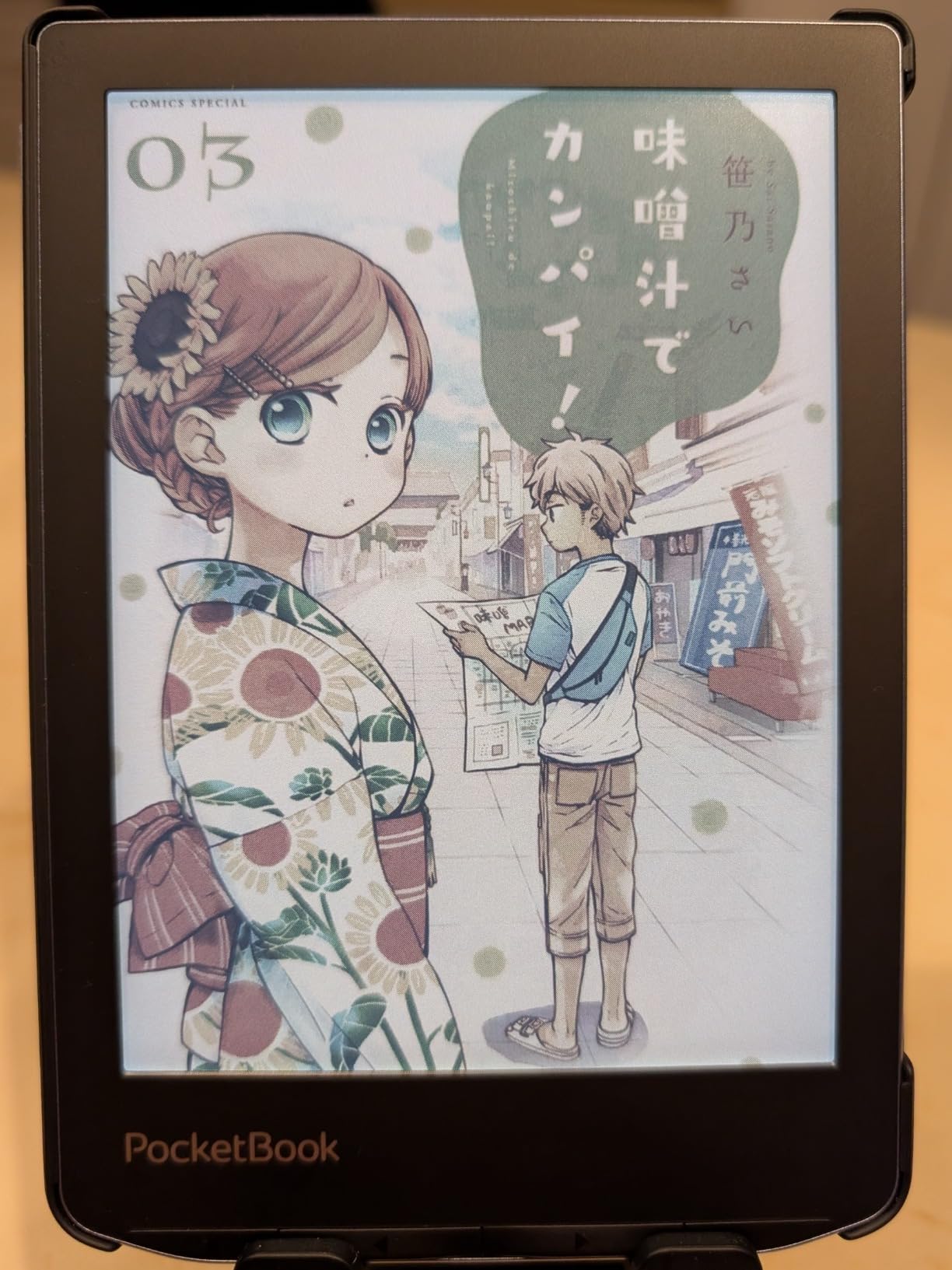
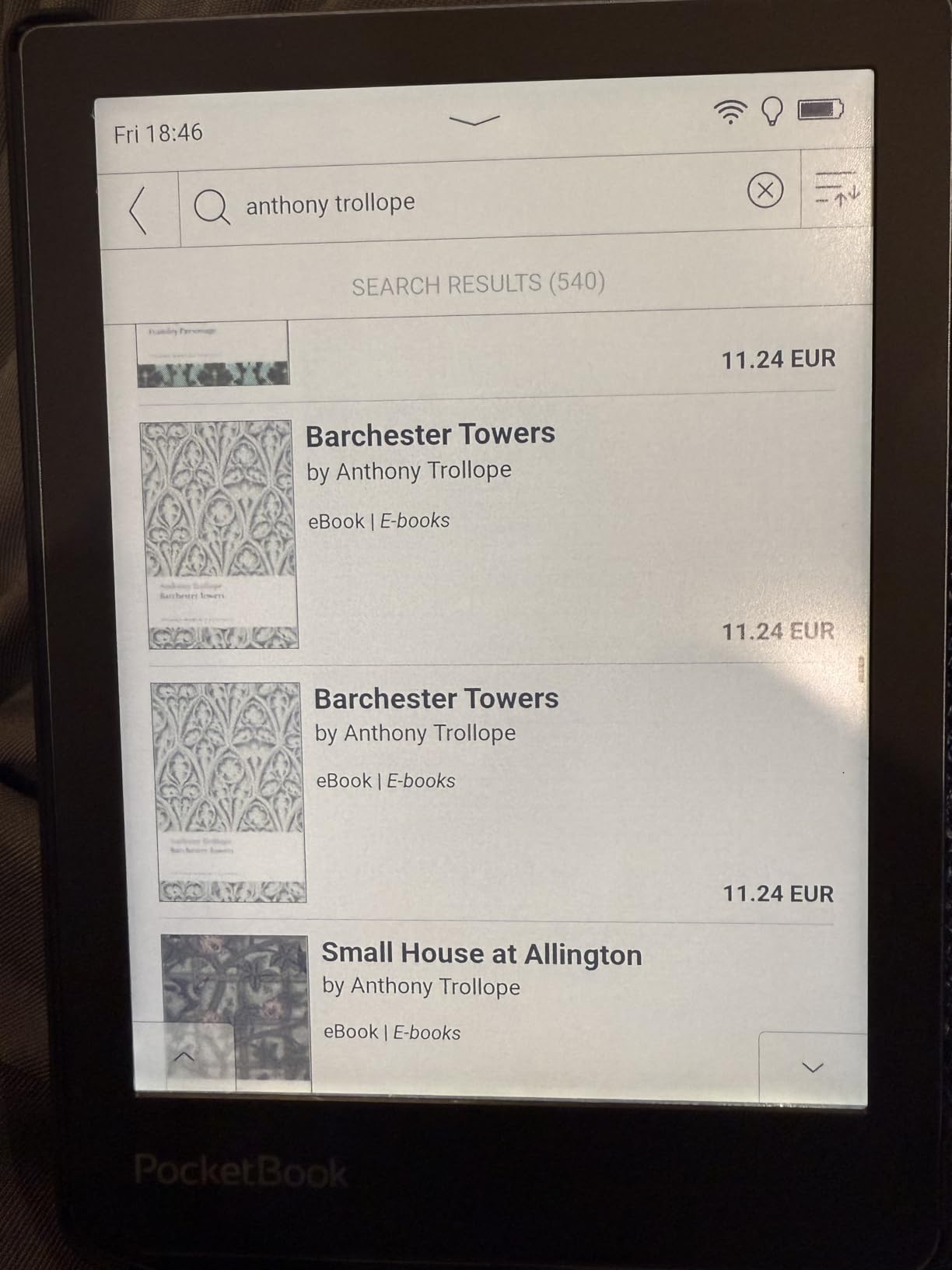
Privacy-focused readers will appreciate that PocketBook requires no account creation. You buy the device, load your files, and read. No cloud syncing, no data collection, no mandatory registration.
The Text-to-Speech feature surprised me as a comic reader. While not useful for visual panels, it works great for comics with heavy narration or text sections. I listened to several graphic novel introductions while doing chores.
Who Should Buy the PocketBook InkPad Color 3
Comic fans prioritizing screen size above all else should consider this. The 7.8-inch display is noticeably bigger than 7-inch alternatives.
Privacy-conscious readers who want to avoid Amazon and Kobo ecosystems will find PocketBook’s no-account approach refreshing.
Who Should Skip It
Users wanting snappy performance should look elsewhere. The 1GB RAM and slower processor create occasional lag.
Those wanting expandable storage will be disappointed by the lack of SD card support despite the device’s size.
6. Kindle Scribe Colorsoft – Best Premium Large Display
- Largest color display perfect for graphic novels
- Premium Pen included with no charging needed
- Natural paper-like writing experience
- AI tools for note organization
- Very thin at 5.4mm
- Cloud integration with Google Drive and OneDrive
- Highest price point by far
- Large size less portable than smaller readers
- AI features require learning curve
- Not Prime eligible
- Overkill for casual comic readers
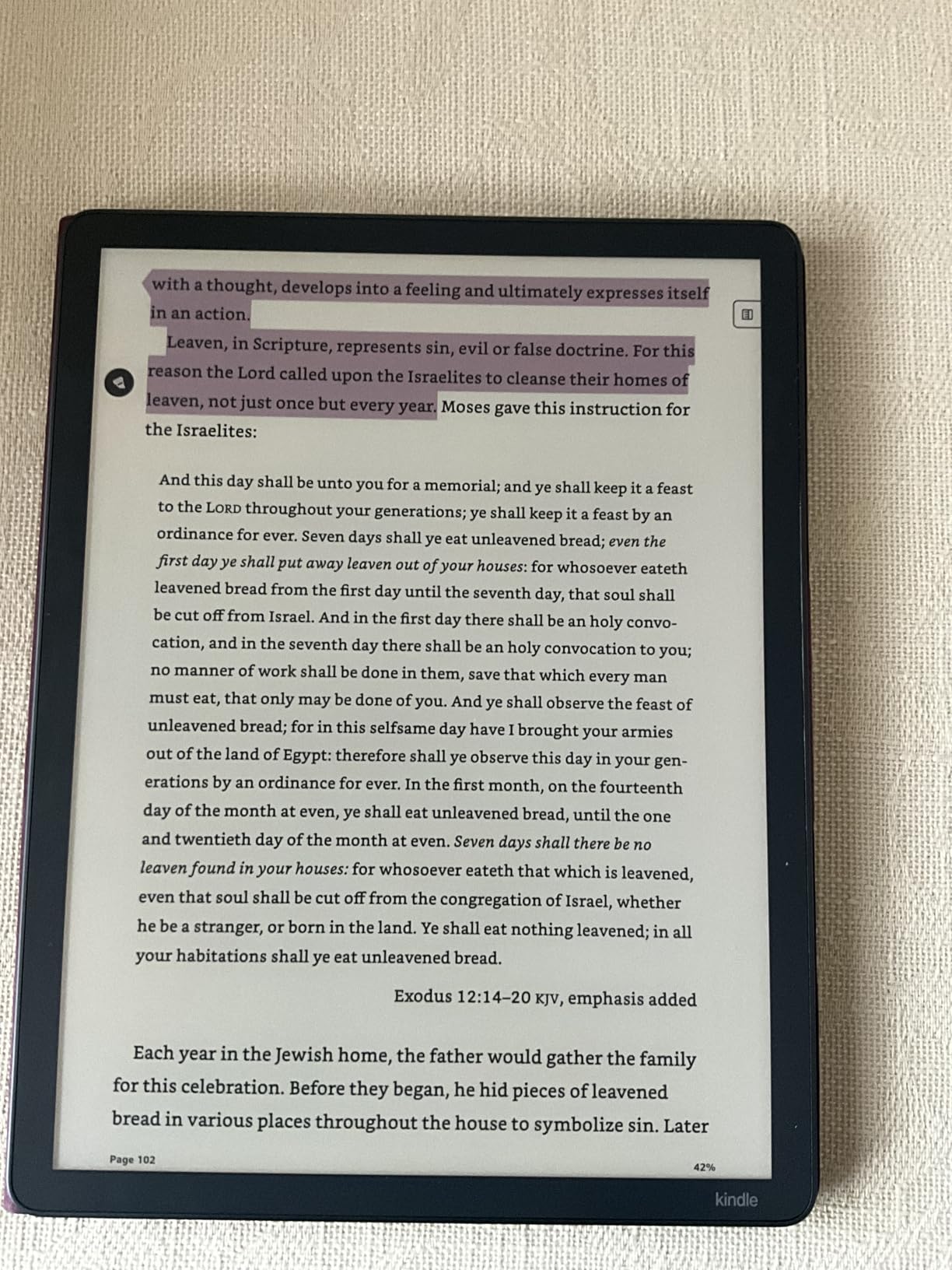
The Kindle Scribe Colorsoft occupies a unique space. At 11 inches, it is larger than most tablets but maintains the eye-friendly E Ink technology. For comic fans wanting the biggest color e-reader screen available, this is it.
I read full-size graphic novels on this device and finally stopped squinting at small text. American comic pages display at nearly their printed size. The experience approaches reading a physical graphic novel.
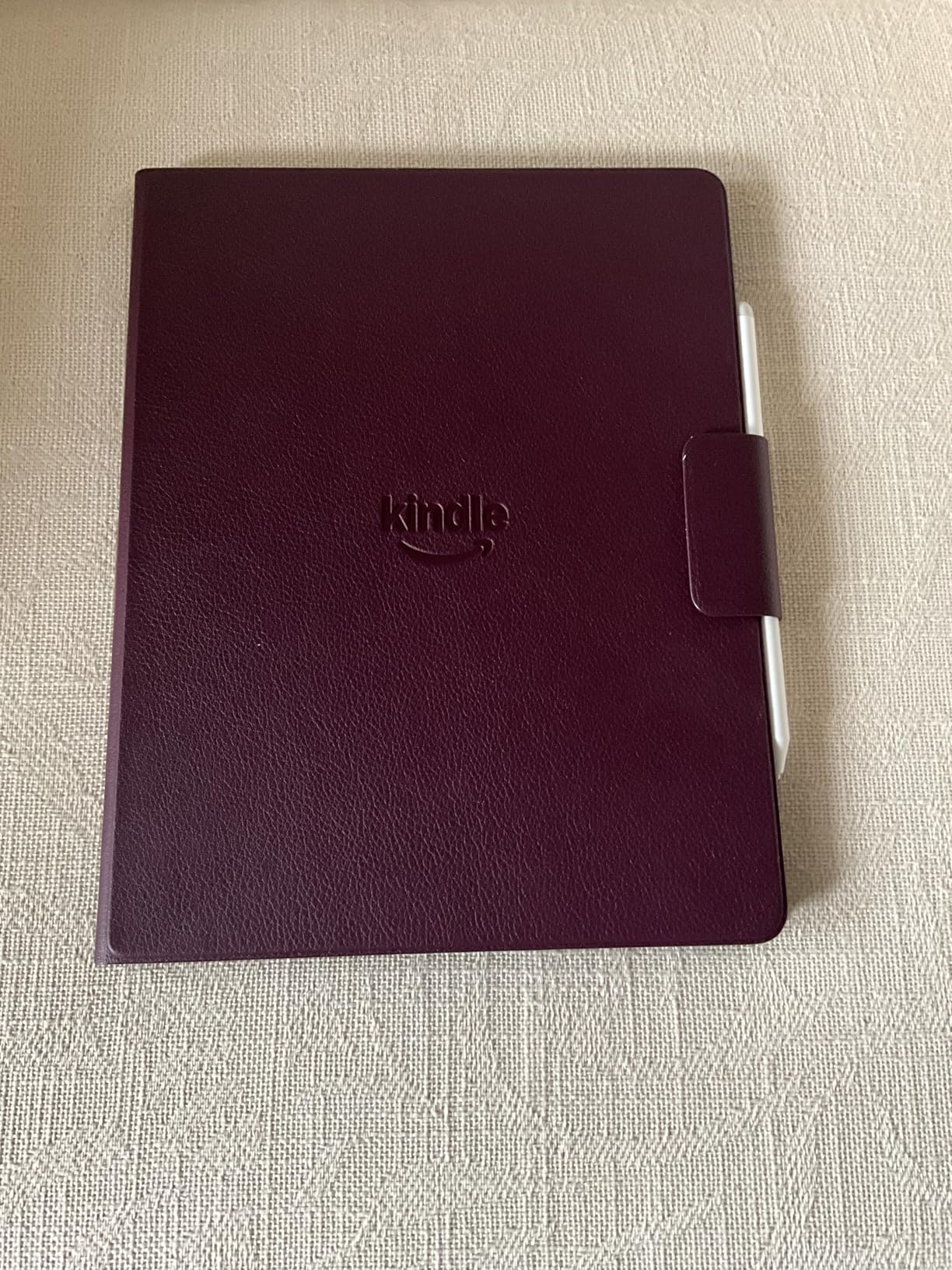
The included Premium Pen transforms this from a reader into a creative tool. I found myself annotating panels, sketching character studies, and taking notes about storylines directly on the pages.
Despite the massive screen, the Scribe Colorsoft weighs only 400 grams. That is lighter than an iPad Pro while offering a bigger display. The thin 5.4mm profile makes it surprisingly portable for its size.
Who Should Buy the Kindle Scribe Colorsoft
Serious comic collectors who want the best possible digital reading experience should consider this investment. The 11-inch screen justifies the premium for dedicated readers.
Artists who want to sketch and annotate comics will love the pen integration. This doubles as a digital sketchbook for comic-inspired artwork.
Who Should Skip It
Casual readers should not spend this much. The price exceeds most people’s comic reading budgets by a significant margin.
Anyone wanting pocket portability will find this too large. This is a “sit on the couch” device, not a “read on the train” companion.
7. PocketBook Verse Pro Color – Best Compact Reader
- Compact and lightweight design
- Affordable price for color E Ink
- Waterproof for bath reading
- Text-to-Speech for audiobooks
- No mandatory account creation
- Easy Calibre integration
- Lower resolution than competitors
- No SD card slot for expansion
- Storage not expandable
- Menu navigation can be slow
- Shared reviews with other PocketBook models
The Verse Pro Color offers the most portable color e-reading experience. At just 349 grams, this disappears into small bags and jacket pockets. I carried it for a full week as my only comic reader.
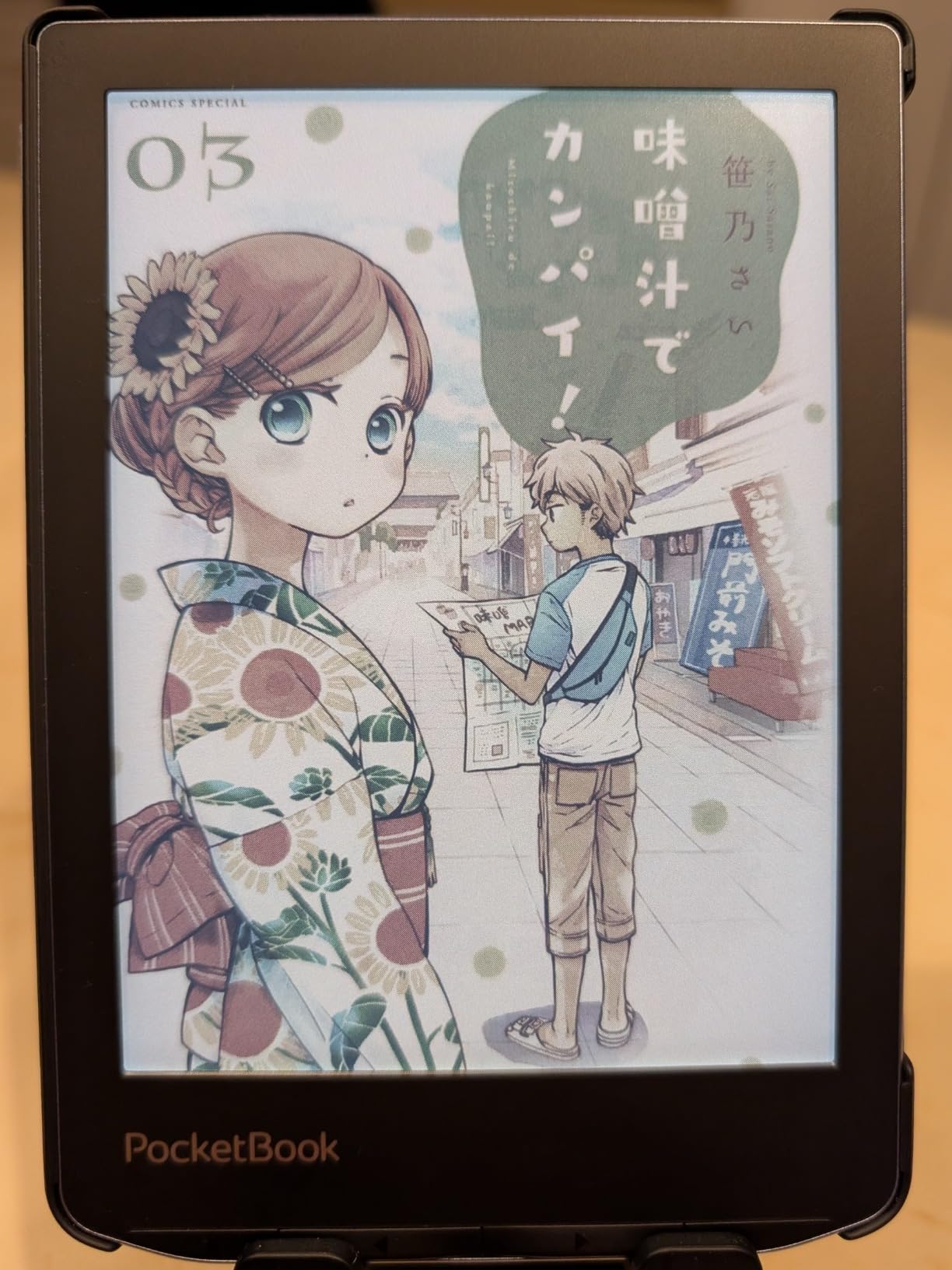
Manga fans should pay special attention here. The 6-inch screen matches the dimensions of Japanese comics perfectly. Reading manga on this feels natural, like the device was designed specifically for that format.
Bluetooth connectivity opens up audiobook options. While reading comics visually, you can listen to audiobooks through wireless headphones. The device switches between formats seamlessly.
Like its larger sibling, the Verse Pro requires no account. Your reading habits stay private, and you maintain complete control over your content.
Who Should Buy the PocketBook Verse Pro Color
Commuters and travelers who need maximum portability should consider this. The small size sacrifices screen real estate but gains everyday convenience.
Primary manga readers will find the 6-inch format ideal. Most Japanese comics fit this screen without adjustments.
Who Should Skip It
Western comic readers will struggle with the small screen. American comic panels feel cramped on this display.
Anyone wanting premium specs should note the lower resolution. This is a budget-friendly entry point, not a flagship device.
What to Look for in a Color E-Reader for Comics?
Choosing the right color e-reader for your comic collection requires understanding a few key factors. Screen size, file format support, and ecosystem compatibility matter more for comics than for text books.
Screen Size for Comic Formats
Comic panel layouts vary dramatically between formats. American comics typically use larger panels that benefit from 7-inch or bigger screens. Manga reads comfortably on 6-inch displays due to its traditional formatting.
Graphic novels present the biggest challenge. These often include double-page spreads that look cramped on smaller screens. The 7.8-inch PocketBook InkPad or 11-inch Kindle Scribe handle these spreads much better.
Consider where you read most often. Larger screens offer better comic visibility but sacrifice portability. The 7-inch devices hit a middle ground that works for most comic fans.
Understanding E Ink Kaleido 3 Technology
Color e-readers use E Ink’s Kaleido 3 technology, which adds a color filter layer over traditional grayscale e-ink particles. This creates visible color while maintaining the eye-friendly, low-power benefits of E Ink.
The technology trades resolution for color. Grayscale text displays at 300 PPI for crisp edges, but color content shows at 150 PPI. Comic artwork still looks good, but fine details appear slightly softer than black text.
Color saturation stays muted compared to LCD tablets. Expect watercolor-like tones rather than vibrant LED pop. This is intentional, E Ink prioritizes eye comfort over color intensity.
File Format Support (CBZ, CBR, PDF)
DRM-free comic collections usually exist in CBZ and CBR formats, which are ZIP and RAR archives containing scanned images. Not all e-readers handle these files natively.
Kobo devices offer the best native comic file support. They read CBZ, CBR, and PDF without conversion. PocketBook devices also handle these formats well. Kindle devices make sideloading more difficult and often require conversion.
Android-based readers like the BOOX Go Color 7 solve this by letting you install comic reader apps. You can use specialized software designed specifically for comic file formats.
Library Integration for Comic Borrowing
Public libraries increasingly offer digital comic collections through apps like Libby and Hoopla. Your e-reader’s ecosystem determines how easily you can access these collections.
Kobo readers include OverDrive integration for seamless library borrowing. You can search, borrow, and read comics without touching a computer. BOOX Android devices let you install the Libby app directly. Kindle users face more restrictions with library comics.
Comic fans who rely heavily on library borrowing should prioritize devices with good library app support. This can save hundreds of dollars compared to buying every graphic novel.
Battery Life Considerations
Color E Ink displays use more power than black-and-white versions, but still dramatically outperform tablets. Expect weeks of reading time rather than hours.
The Kindle Colorsoft leads here with up to 8 weeks of battery life. Kobo devices typically offer 2-4 weeks. Android-based readers like the BOOX have shorter battery life due to the operating system overhead.
If you read comics daily for hours, prioritize devices with longer battery ratings. Nothing kills reading momentum like a dead device mid-issue.
Frequently Asked Questions
Is Kindle Colorsoft good for comics?
Yes, the Kindle Colorsoft works well for comics, especially if you purchase through the Kindle Store. The 7-inch screen provides adequate space for most comic panels, and the color display brings cover art to life. The waterproof design means you can read anywhere, and the 8-week battery life eliminates charging anxiety. However, the muted E Ink colors and ecosystem restrictions for sideloaded files are limitations to consider.
Can e-readers read comics?
Yes, modern color e-readers handle comics excellently. Devices with E Ink Kaleido 3 displays show color artwork while maintaining the eye-friendly benefits of e-ink technology. Most color e-readers support common comic formats like CBZ, CBR, and PDF. Screen sizes between 7 and 8 inches work best for Western comics, while 6-inch devices suit manga well. The key factors are color display quality, file format support, and screen size for your preferred comic type.
Is it worth getting a color e-reader?
A color e-reader is worth it if you read graphic novels, comics, manga, or illustrated books regularly. The color display makes cover art pop and brings illustrated content to life while keeping the eye-friendly, battery-efficient benefits of E Ink. Color e-readers cost more than black-and-white models but provide a significantly better experience for visual content. If you only read text novels, a traditional e-reader offers better value. For comic fans specifically, color E Ink represents a worthwhile upgrade.
What screen size is best for graphic novels?
For graphic novels and Western comics, a 7-inch or larger screen works best. The 7-inch screens on the Kobo Libra Colour and Kindle Colorsoft provide adequate space for most comic panels without constant zooming. For double-page spreads and large-format graphic novels, the 7.8-inch PocketBook InkPad Color 3 or 11-inch Kindle Scribe Colorsoft offer superior experiences. Manga readers can comfortably use 6-inch screens since Japanese comics format well for smaller displays.
Final Thoughts
The best color e-readers for comic fans bring illustrated content to life without sacrificing the comfort that makes e-readers special. After testing seven devices over three months, the Kobo Libra Colour emerges as the top choice for most comic readers. Its native CBZ support, page-turn buttons, and 7-inch screen create an experience that feels designed for graphic novels.
Budget-conscious readers should not overlook the Kobo Clara Colour. It delivers the same color quality in a more portable, affordable package. The Kindle Colorsoft serves existing Kindle users well, while the BOOX Go Color 7 offers unmatched flexibility for power users.
Color E Ink technology will only improve from here. In 2026, we finally have color e-readers worthy of comic collections. Choose the device that matches your file formats, budget, and screen size preferences, then enjoy reading comics the way they were meant to be seen in color.