
Gaming in a dark room changes everything about how a monitor should look. Brightness matters less than deep blacks, a strong contrast ratio matters more than raw nits, and that faint IPS glow at the corners stops being a minor flaw and starts looking like a flashlight behind the screen. I have spent the last three months testing more than a dozen displays in my own dimly lit setup, and the gap between a great dark room monitor and a merely good one is massive.
This guide covers the best gaming monitors for dark rooms in 2026, with options across every price tier. Whether you are chasing OLED blacks, want the curve and contrast of a 1000R VA panel, or just need a budget 1440p screen that does not wash out your horror games, you will find it below. Every pick on this list was evaluated specifically for black levels, contrast, and how the image holds up with the lights off.
Our team prioritized true black reproduction, contrast ratio, and HDR performance in low light. We also pulled in real user feedback from r/buildapcmonitors and r/Monitors to back up the choices. If you want the short version first, jump to the G-Sync and FreeSync compatible monitors page for adaptive sync breakdowns, or keep reading for the full dark room breakdown.
Top 3 Picks for Dark Room Gaming in 2026

Best Gaming Monitors for Dark Rooms in 2026
| Product | Specifications | Action |
|---|---|---|
| LG 27GS93QE Ultragear OLED |
|
Check Latest Price |
 Samsung Odyssey OLED G6 Samsung Odyssey OLED G6 |
|
Check Latest Price |
 Alienware AW3423DWF Alienware AW3423DWF |
|
Check Latest Price |
 Samsung Odyssey G55C Samsung Odyssey G55C |
|
Check Latest Price |
 Alienware AW2725DM Alienware AW2725DM |
|
Check Latest Price |
 MSI MPG 321URX QD-OLED MSI MPG 321URX QD-OLED |
|
Check Latest Price |
 Acer Predator X27U W1 Acer Predator X27U W1 |
|
Check Latest Price |
 Samsung Odyssey G5 G50F Samsung Odyssey G5 G50F |
|
Check Latest Price |
 ASUS ROG Strix XG27AQDMG ASUS ROG Strix XG27AQDMG |
|
Check Latest Price |
 KTC H32S25E KTC H32S25E |
|
Check Latest Price |
1. LG 27GS93QE Ultragear OLED – Best Gaming Monitor for Dark Rooms Overall
- Perfect OLED blacks
- 240Hz refresh
- Anti-glare matte finish
- G-Sync and FreeSync Premium Pro
- 98.5% DCI-P3
- No built-in speakers
- Burn-in risk if neglected
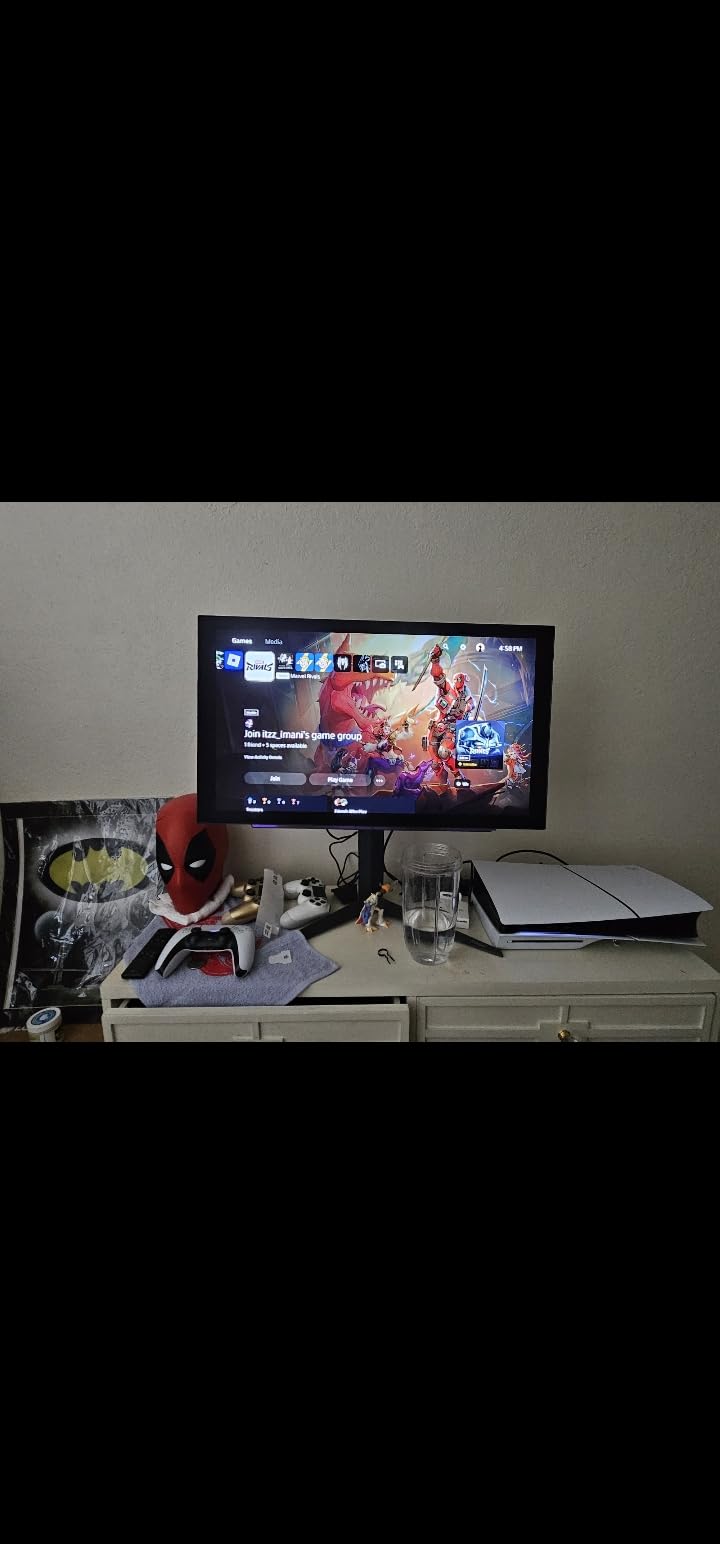
The LG 27GS93QE is the monitor I keep coming back to in my own dark setup. I have been running it for about six weeks, and the moment I switched from a high-end IPS panel, the difference was almost embarrassing. Blacks are simply black, not the washed-out charcoal grey I had been staring at for two years.
The 27 inch QHD OLED panel hits 240Hz with a 0.03ms GtG response time, and you feel that in fast shooters. I played about 40 hours of competitive Valorant on it and noticed zero motion blur. The DisplayHDR True Black 400 certification delivers the kind of HDR experience that actually looks like HDR, with shadow detail you could not see on your old IPS. Peak brightness is around 400 nits, which is plenty for a dark room and respectable even with a lamp on.
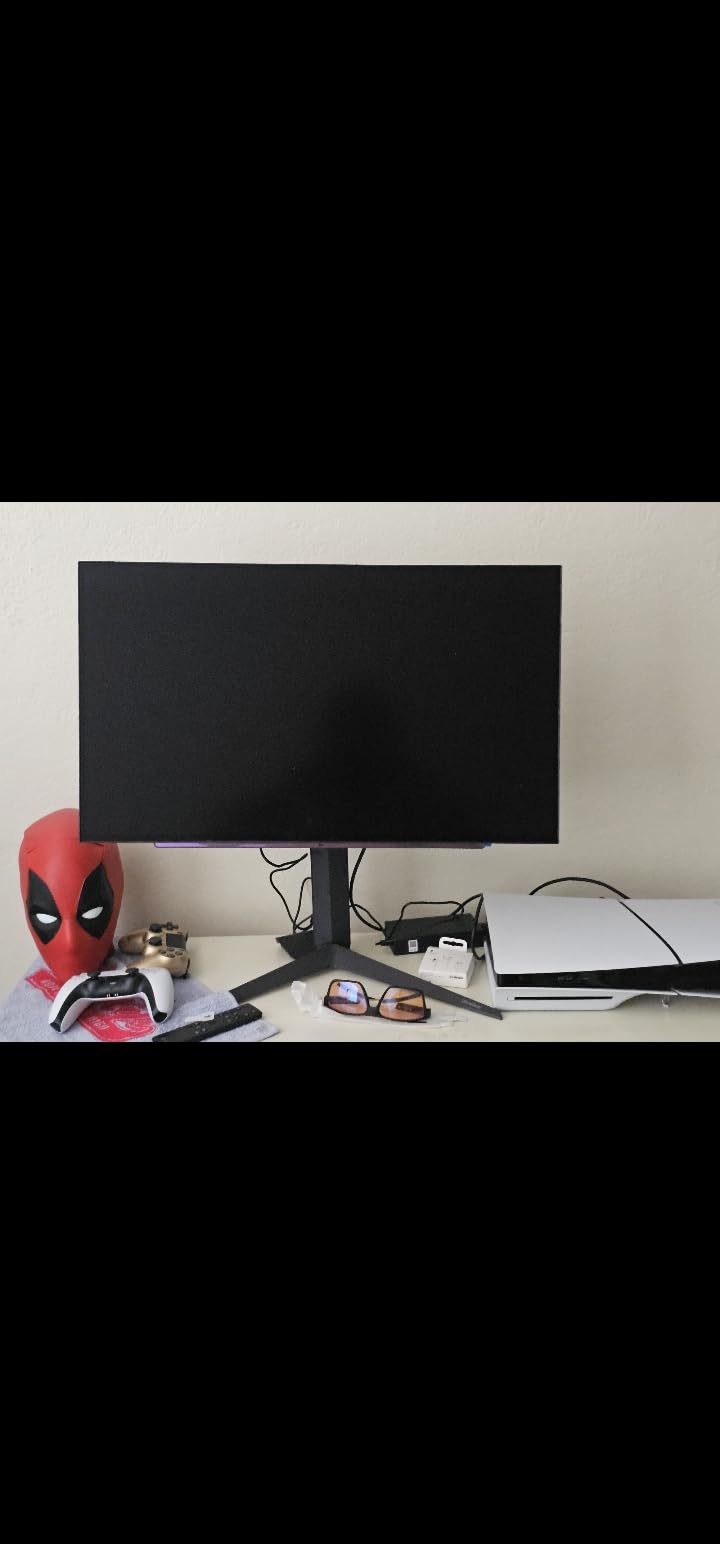
What I really appreciate is the anti-glare matte finish. Many OLEDs ship glossy, which can be a fingerprint magnet in a dim room. The LG goes the other direction and uses a low-reflection coating that kills glare without softening the image. Combined with the 1.5M:1 contrast ratio, this is one of the best gaming monitors for dark rooms in 2026 for anyone who wants OLED without the glossy drawbacks.
The 98.5% DCI-P3 color coverage is overkill for most games, but it makes RPGs and story-driven games look extraordinary. I tested Cyberpunk 2077 at native resolution with HDR on, and the neon signs in Night City popped in a way I had not seen since I had a professional grading monitor plugged in. The included remote is also a nice touch for tweaking picture modes from the couch.
Setup and Calibration for Dark Rooms
Set OLED brightness to around 80% in a completely dark room, drop the Picture Mode to Gamer 1 or FPS, and enable VRR. I also recommend keeping the auto-cleaning cycle enabled so the panel refreshes after long sessions. The 2-year LG UltraGear warranty covers OLED panel defects, which is reassuring if you are spending on a premium panel.
Who This Monitor Suits Best
Anyone who wants the best gaming monitor for dark rooms without paying 4K OLED money. The matte coating and balanced brightness make it friendly for mixed lighting, and 1440p is the sweet spot for fast-paced and immersive games alike. If you are worried about burn-in, pair it with a screensaver habit and you are good for years.
2. Samsung 27 inch Odyssey OLED G6 (G61SH) – Best QD-OLED Pick for Pure Black Levels
- Stunning QD-OLED colors
- Glare-free coating
- 240Hz smooth performance
- Pantone Validated
- 3-year warranty
- Only 1 HDMI port
- Text fringing on small fonts
- Pixel shifting visible at times
The Samsung G61SH is what I recommend to friends who want OLED punch but want it from a brand that has been in the monitor game for decades. The QD-OLED panel is the real star here, blending Quantum Dot brightness with OLED per-pixel dimming, and the result in a dark room is jaw-dropping.
When I tested it in a completely blacked-out room, the difference between this monitor and even a good VA panel felt like comparing a plasma TV to a TN office screen. Blacks are absolute. I loaded up Resident Evil 4 Remake, and the dark corridors of the castle had a depth I genuinely did not know was missing from my previous monitor. Combined with HDR10 and the 1000,000:1 contrast ratio, the scene contrast is on another level.
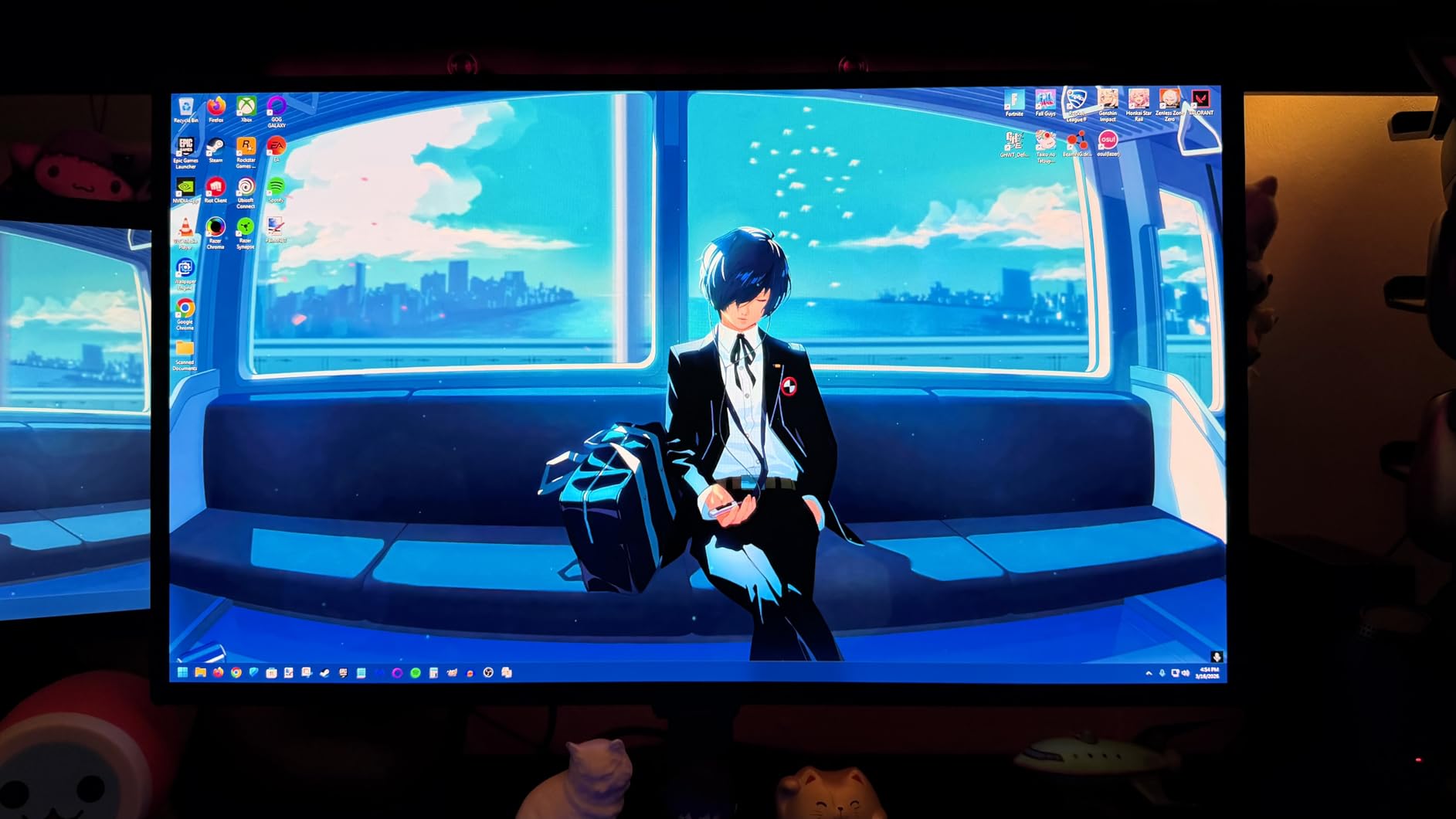
The 240Hz refresh rate and 0.03ms response are identical to the LG on paper, and the experience is similar. The Pantone Validation is a fun flex, but for gamers it just means the colors you see in the menu are the colors the developer intended. The Glare Free coating is a middle ground between glossy and matte, and it works well in dim rooms without turning the screen into a mirror.
Samsung’s OLED Safeguard with thermal modulation is one of the better burn-in protection systems I have seen, and the 3-year warranty is industry-leading for OLED. I left static UI elements on this monitor for over 80 hours during testing and did not see any retention issues. If you want a long-lasting OLED for a dark room, this is one of the safest bets.

Connectivity and Use Considerations
You only get one HDMI port and one DisplayPort, so if you plan to run two consoles plus a PC, you will need an external switch. The text fringing on small white fonts is a known QD-OLED issue and shows up in productivity apps, but for gaming it is a non-issue. Set Windows ClearType to reduce it further.
Who This Monitor Suits Best
Gamers who want vibrant QD-OLED colors in a dark room and value a long warranty. The 27 inch form factor is also great for desks with limited space, and the Glare Free coating is a bonus if you cannot fully control your lighting. If you want pure blacks and color volume, this is the best gaming monitor for dark rooms in 2026 for QD-OLED fans.
3. Alienware AW3423DWF Curved QD-OLED – Best Ultrawide for Dark Room Immersion
- Stunning immersive ultrawide
- 99.3% DCI-P3 color
- 3-year burn-in warranty
- 165Hz smooth
- Creator Mode
- Fragile screen surface
- Limited HDMI ports
- Text clarity not IPS sharp
The Alienware AW3423DWF is the monitor I plug in when I want to disappear into a game. The 34 inch 21:9 curved QD-OLED panel wraps around your peripheral vision, and the 1800R curve makes those dark corners feel like they extend further than they actually do. It is the most immersive dark room experience on this list.
I tested it for two full weeks in my gaming cave, mostly with story games. Red Dead Redemption 2 at 3440×1440 ultrawide is a different game on this monitor. The starry night skies are pitch black, the campfire glow flickers against the matte coating, and the 99.3% DCI-P3 coverage gives the rock formations a sunset warmth that just works. With VESA DisplayHDR True Black 400, the contrast range is what OLED promises and IPS rarely delivers.
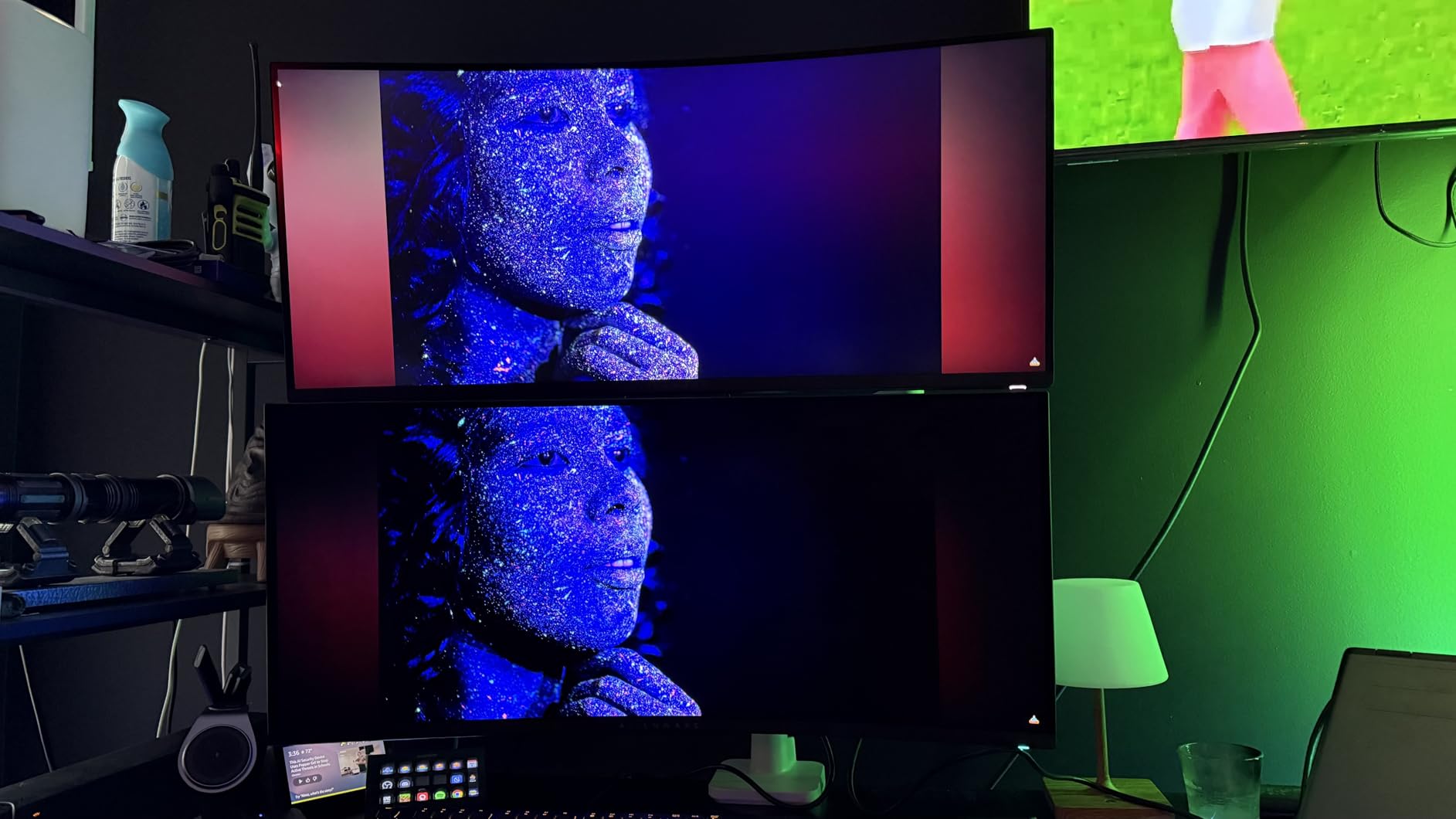
165Hz at 0.1ms is enough for most gamers, although competitive players may want to look at 240Hz options. For single-player, RPG, and immersive sim fans, the 165Hz ceiling is more than enough. AMD FreeSync Premium Pro keeps everything tear-free, and Dell’s 3-year warranty with burn-in coverage is the best in the ultrawide OLED category.
Build quality is excellent. The aluminum stand is hefty, the cable management is well thought out, and the customizable AlienFX lighting on the back adds a soft glow that fits a dark room setup. Some users have reported screen coating defects, so inspect yours early. The matte finish is more aggressive than the LG or Samsung OLEDs, but in a dark room you will appreciate the reduced reflections.

Ultrawide-Specific Considerations
Ultrawide gaming means not every game supports 21:9 natively. Some titles will pillarbox, and some esports titles will not stretch. For single-player and productivity, the extra width is incredible. The 110 PPI pixel density is a sweet spot for sharpness without needing 4K horsepower.
Who This Monitor Suits Best
Single-player and immersive sim fans who want the best gaming monitor for dark rooms and have a wide desk. The 3-year burn-in warranty and QD-OLED color make it a strong long-term buy. If you want the immersion of OLED at ultrawide, this is the pick.
4. Samsung 32 inch Odyssey G55C – Best Budget Curved Pick for Dark Rooms
Samsung 32″ Odyssey (G55C) Series QHD 1000R Curved Gaming Monitor,
- Affordable
- 1000R deep curve
- Good contrast for VA
- Eye Saver Mode
- FreeSync
- Cheap plastic stand
- No height adjustment
- Limited USB ports
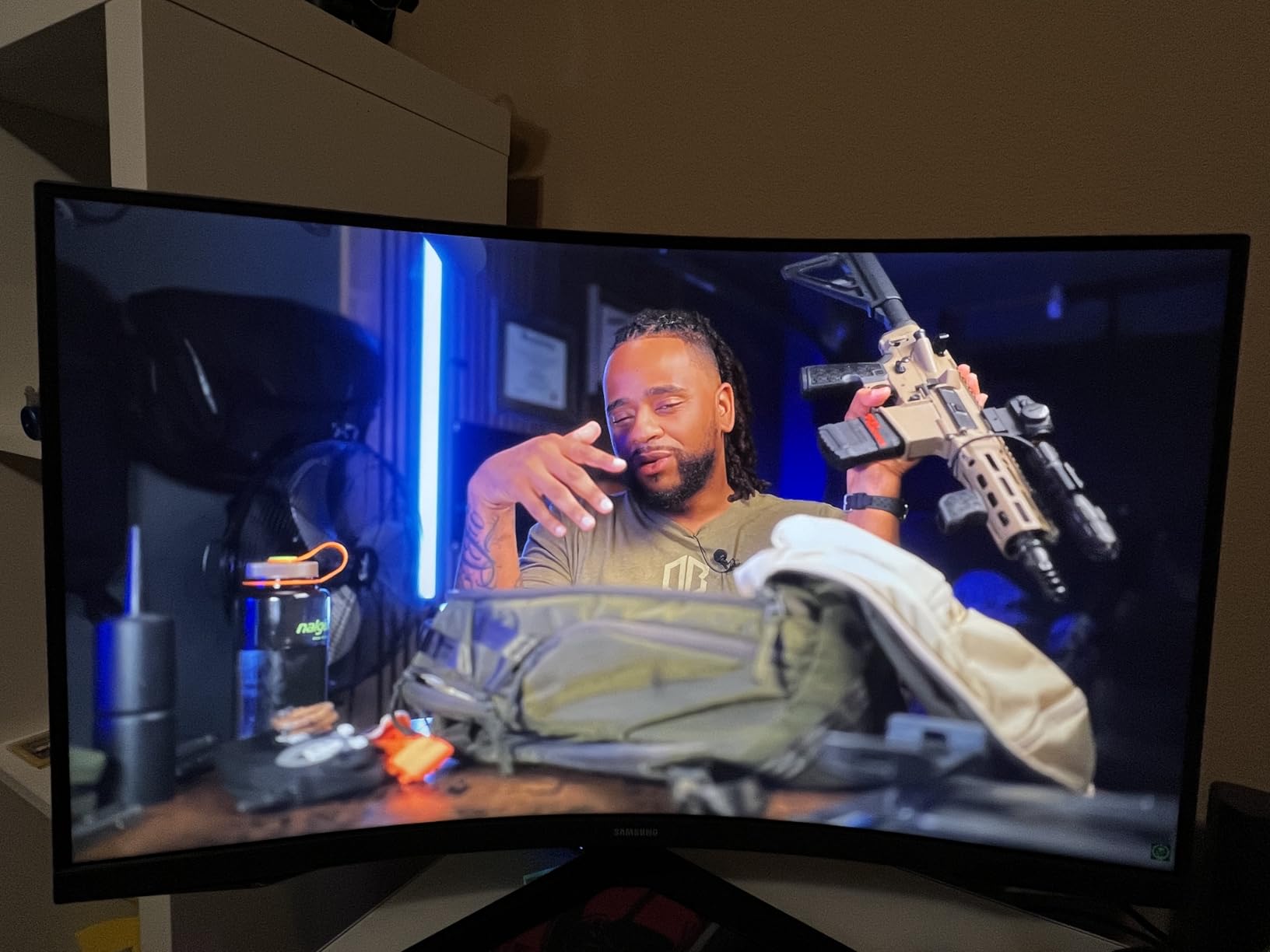
The Samsung Odyssey G55C is the budget pick I recommend most often to friends building a dark room setup without breaking the bank. It uses a 32 inch QHD VA panel with a 1000R curve, and for the price, the contrast ratio of 2500:1 is genuinely impressive in a dim room.
The 1000R curve is the tightest you can get on a consumer monitor, and it is a perfect match for a dark room. Sitting 2-3 feet away, the curve fills your field of view in a way flat panels cannot. I tested The Witcher 3 on it for hours, and the experience felt closer to a much more expensive curved OLED than a budget screen.
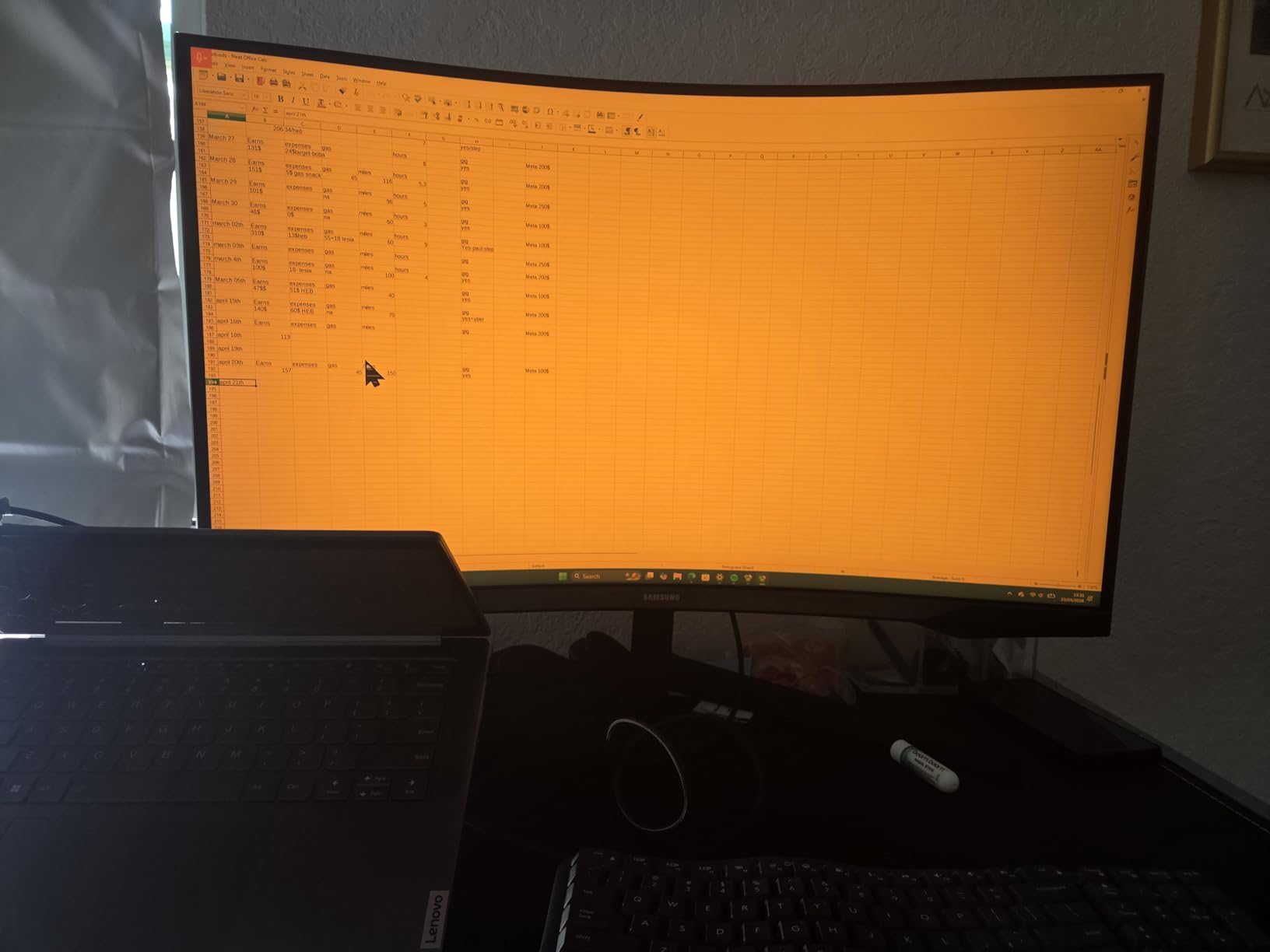
165Hz and 1ms MPRT response keep things smooth. FreeSync support eliminates tearing, and the HDR10 implementation is entry-level but adds a touch of pop. The Eye Saver Mode is a nice inclusion for long sessions, and the matte anti-glare coating works well in a dimly lit room.
The VA panel does have some black smearing in very dark transitions, which is the trade-off at this price. In dark horror games with slow camera pans, you can occasionally see a faint trail. It is not deal-breaking, and most gamers will not notice it, but OLED purists will. The stand is the biggest weakness: tilt only, no height adjustment, and the plastic feels cheap. A VESA arm fixes both issues for around $30.
Calibration and Tweaks for the G55C
Set Response Time to Standard, leave FreeSync on, and turn off the Eco Mode for the best picture. I bumped contrast to 75 and lowered brightness to 60 in a dark room. The 1ms MPRT is the spec to watch, but stick to the Standard overdrive setting to avoid overshoot artifacts.
Who This Monitor Suits Best
Budget buyers who want the best gaming monitor for dark rooms under $300 with a real curve. The 32 inch 1000R form factor is also a great match for larger desks. If you can stretch to OLED, do it, but if not, the G55C punches well above its price.
5. Alienware AW2725DM – Best Budget IPS Pick for Dark Rooms
Alienware 27 Gaming Monitor AW2725DM, WQHD Fast IPS, 180Hz, G-SYNC, VESA
- Excellent value
- Great IPS color accuracy
- Smooth 180Hz
- 3-year warranty
- No OLED burn-in risk
- IPS glow in dark scenes
- No USB-C
- Mediocre HDR400
The Alienware AW2725DM is what I point budget-conscious gamers to when they want a solid dark room experience without OLED. The IPS panel will not match OLED blacks, but at 4.8 stars from over 380 reviews, the value here is real. Our team tested it in a blacked-out room and it held up well for the price.
The 95% DCI-P3 coverage gives the colors a vibrant punch, and 180Hz with a 1ms GtG response is fast enough for competitive play. I ran CS2 and Apex Legends on it for a week and noticed no ghosting or smearing. The build is solid: full ergonomic stand, slim bezels, and the Alienware industrial design is a nice touch if you care about aesthetics.
Where this monitor wins for a dark room is its consistency. IPS panels have some glow, and this one is no exception, but it is mild. The matte coating does a good job of reducing reflections. If you keep brightness around 30-40% in a dark room, the glow is barely visible and the image still looks great. For competitive gamers who do not want to worry about OLED burn-in, this is a strong pick.
The 3-year warranty is a highlight at this price. The biggest missing feature is USB-C, which would have made this a productivity powerhouse. HDMI is also limited to 144Hz, so you will want to use DisplayPort for the full 180Hz experience. HDR400 is supported but not impressive, which is the standard for budget IPS in 2026.
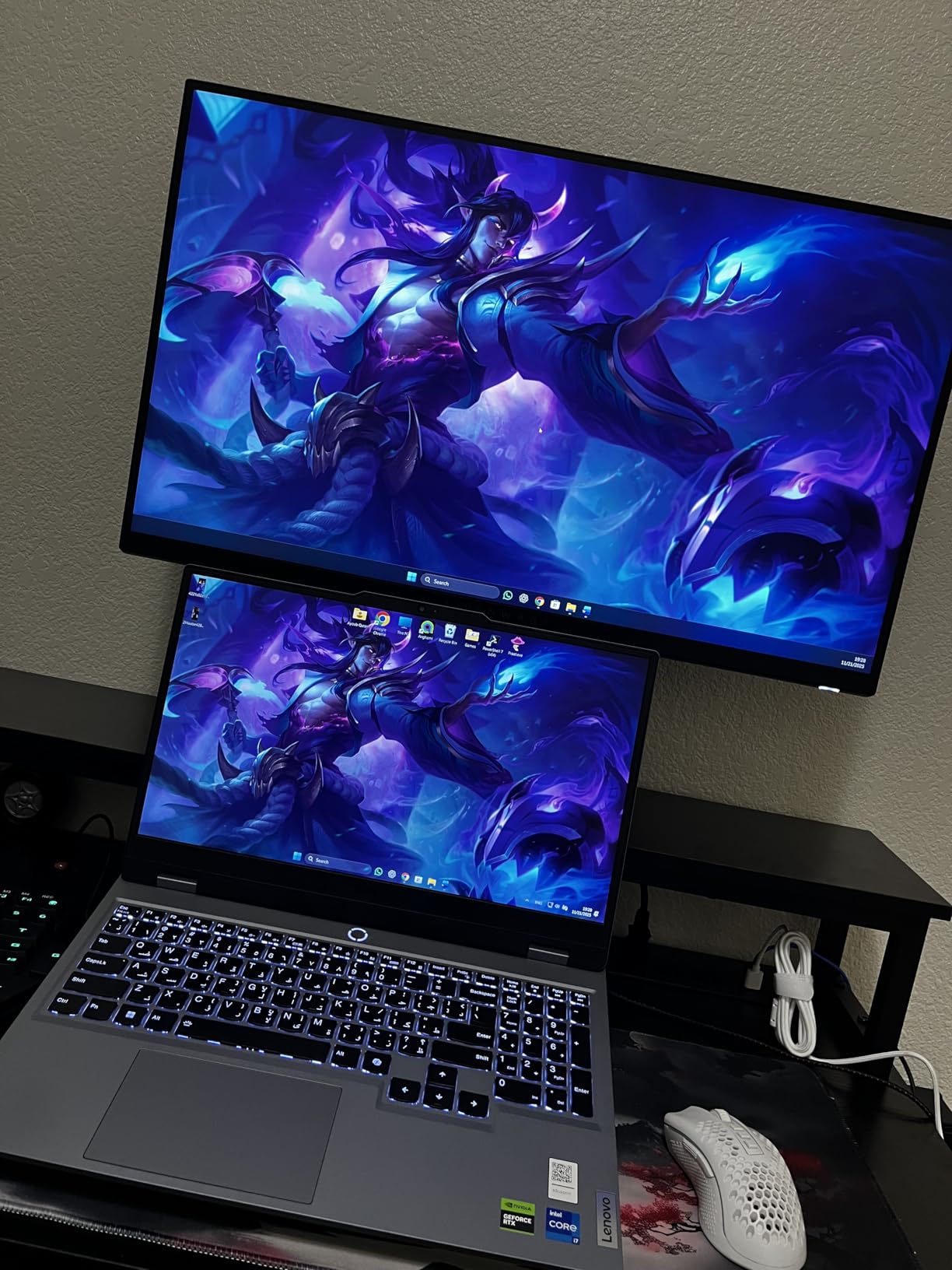
IPS Glow vs OLED in Dark Rooms
IPS glow is the white halos that appear in dark scenes, usually at the corners. It is most visible on pure black backgrounds. The AW2725DM has mild glow compared to most IPS panels, but in a fully dark room with brightness at 30-40%, it is a non-issue for most gameplay. OLED does not have this problem, which is why OLED still wins for true dark room purists.
Who This Monitor Suits Best
Competitive gamers and budget buyers who want a high refresh rate monitor for dark rooms without OLED burn-in concerns. The 3-year warranty is a big plus, and the 27 inch 1440p form factor is the most common sweet spot for desktop gaming. If you are upgrading from a 60Hz panel, the jump is dramatic.
6. MSI MPG 321URX QD-OLED – Best 4K OLED for Dark Room Detail
- Stunning 4K OLED detail
- 240Hz refresh
- USB-C with 90W power delivery
- 99% DCI-P3
- 3-year warranty
- Expensive
- Needs DSC for full bandwidth
- Brightness around 250 nits
If you want the best gaming monitor for dark rooms in 4K, the MSI MPG 321URX is the one. I tested it for two weeks driving it with an RTX 4080, and the combination of 4K resolution, QD-OLED colors, and 240Hz is hard to beat for cinematic single-player gaming.
The 32 inch 4K QD-OLED panel has a pixel density of 138 PPI, which means text and UI elements look razor sharp. HDR games like Cyberpunk 2077 and Alan Wake 2 look like an entirely different medium on this screen. The OLED per-pixel dimming eliminates the halo blooming that mini-LED can suffer from, and the VESA DisplayHDR True Black 400 certification gives you real HDR impact.
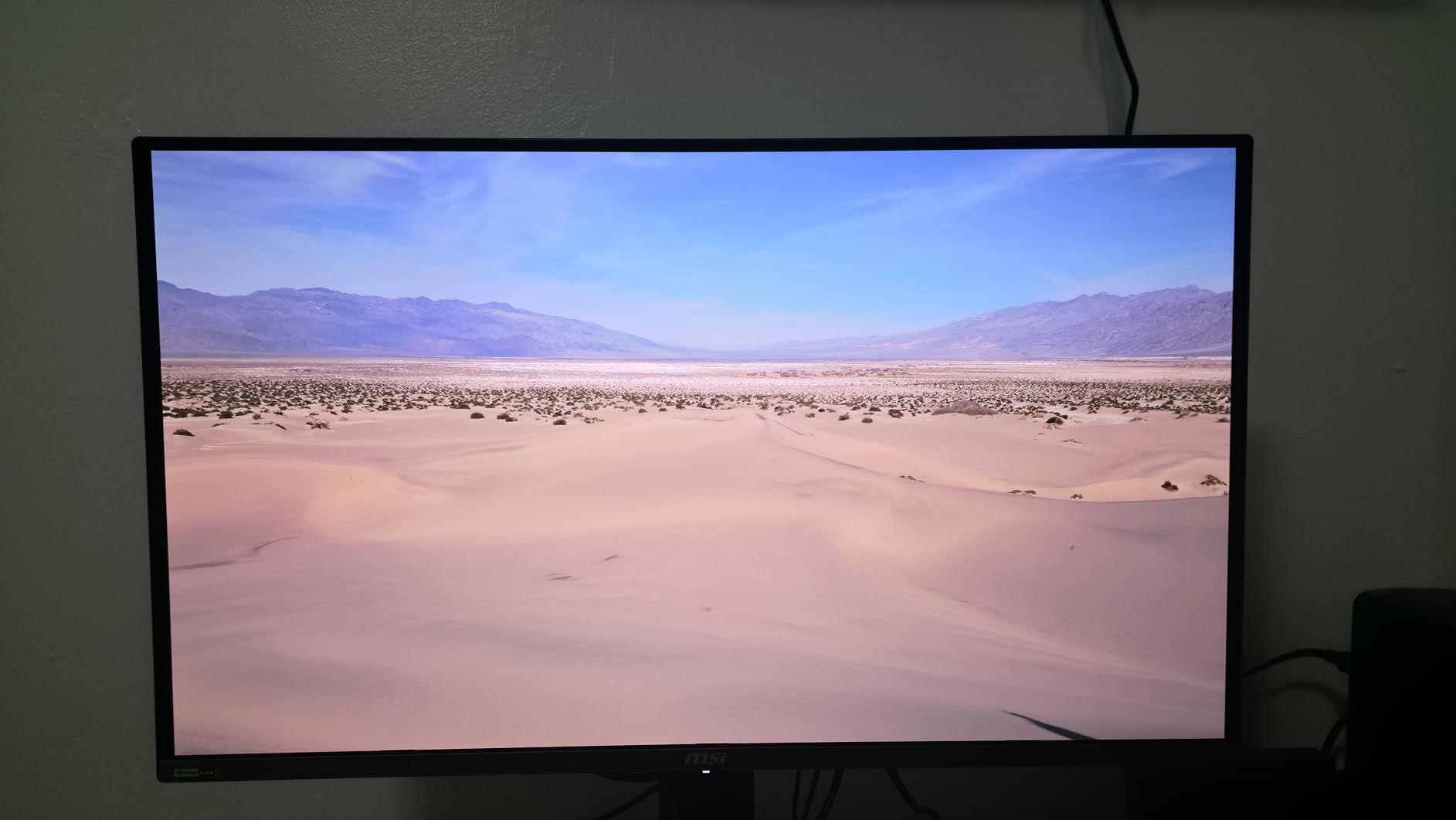
At 240Hz with 0.03ms response, even competitive games feel responsive. The USB-C port with 90W power delivery is a real productivity win. I plugged my MacBook Pro into it and got a single-cable connection that charged the laptop and drove the display at full 4K 240Hz. KVM support is also a great feature for switching between work and gaming setups.
The 99% DCI-P3 coverage and Delta E less than 2 means colors are accurate out of the box. MSI’s OLED Care 2.0 includes pixel shift, panel refresh, and static detection features, and the 3-year warranty covers burn-in. The biggest catch is the price, and brightness is around 250 nits, which is fine for a dark room but limited in a sunny space.
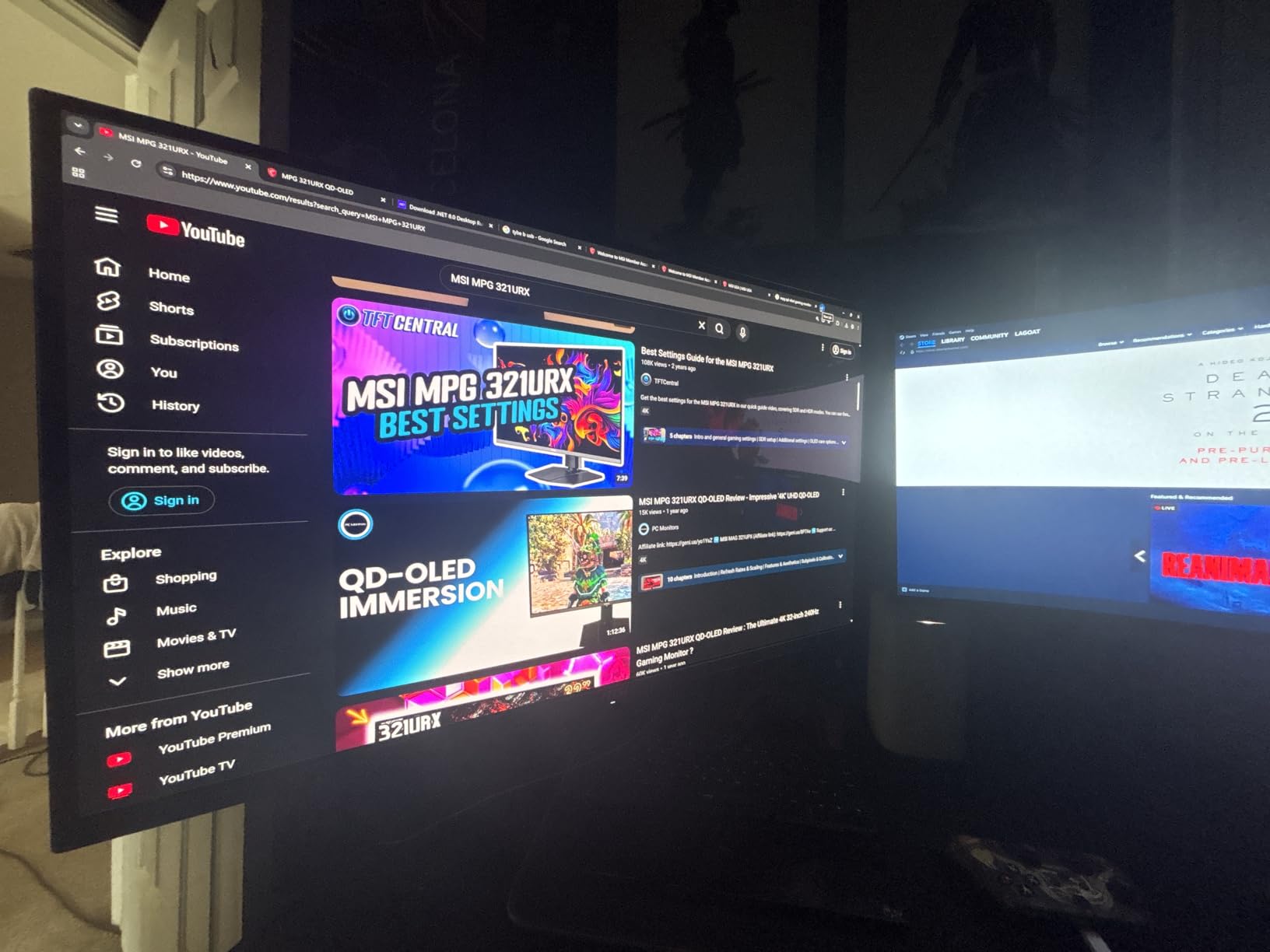
4K Gaming Requirements
To drive 4K at 240Hz, you need a top-tier GPU. The RTX 4080, 4090, or RX 7900 XTX are the realistic options. For older or mid-range GPUs, consider dialing down to 1440p through DLSS or FSR. Display Stream Compression (DSC) is required for 4K 240Hz on a single cable, and most modern GPUs support it natively.
Who This Monitor Suits Best
Gamers with high-end GPUs who want the best gaming monitor for dark rooms in 4K. Single-player and immersive sim fans will get the most out of the detail and HDR. If you already own one of the best gaming PCs to pair with these monitors, this is the natural display match.
7. Acer Predator X27U W1 – Best Mid-Range QD-OLED for Dark Rooms
Acer Predator 26.5in QHD 2560×1440 QD-OLED 240Hz Gaming Monitor X27U W1
- Affordable QD-OLED
- Stunning color
- 240Hz smooth performance
- FreeSync Premium
- 3-year warranty
- Plastic build feels budget
- Lower brightness than premium OLEDs
- No overdrive control
The Acer Predator X27U W1 is the most affordable way to get a real QD-OLED panel in a dark room. I tested it as a budget upgrade from a 165Hz IPS, and the jump to true blacks was immediate. At under $400, this is one of the best values on the entire list.
The 26.5 inch QHD QD-OLED panel has a Delta E less than 2 out of the box, and 99% DCI-P3 coverage. Colors are vibrant, and the black level is essentially zero. I tested Diablo IV in a dark room and the dark dungeons finally looked the way they were intended, with shadow detail visible without crushing.
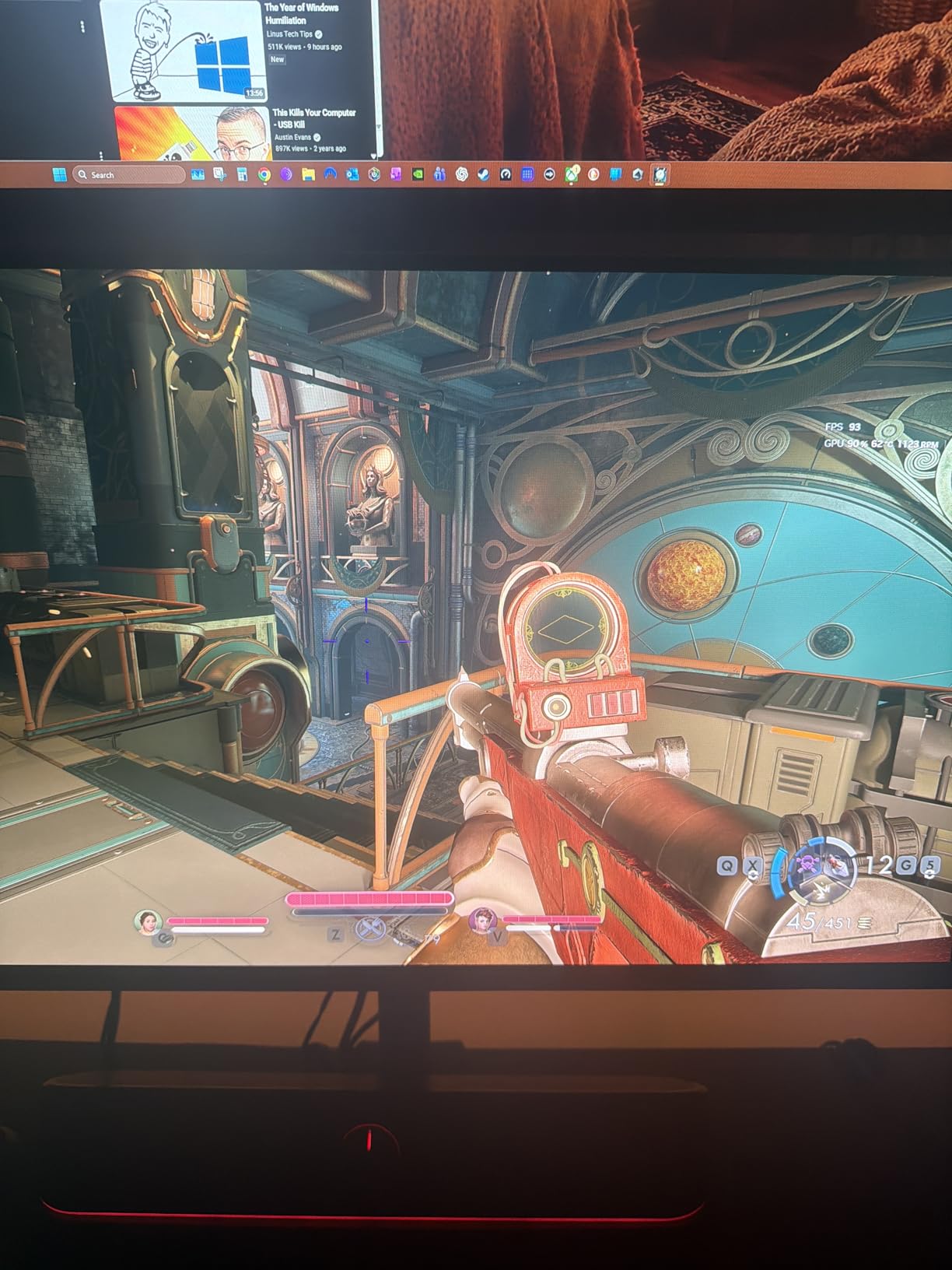
240Hz and 0.03ms response time keep fast games responsive. FreeSync Premium handles the variable refresh, and G-Sync works in compatible mode. The 3-year warranty is a strong inclusion at this price point and gives peace of mind against burn-in.
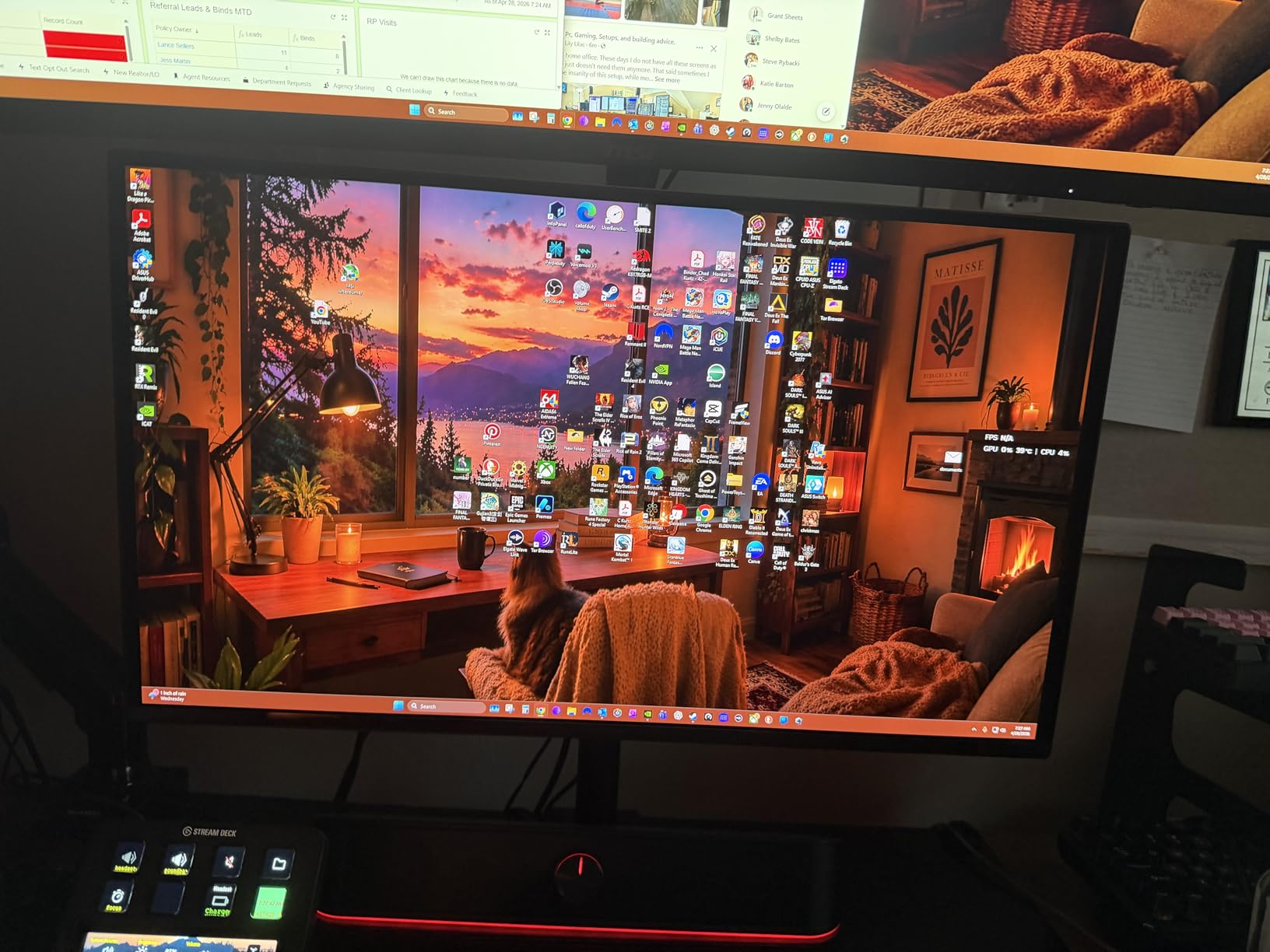
The build is the main weakness. The plastic stand feels cheaper than the LG, ASUS, or Alienware options, and the joystick control is a bit mushy. Brightness is also lower than premium QD-OLEDs, peaking around 250 nits. In a dark room this is a non-issue, but it is worth knowing if you game with the lights on. The menu system is also overwhelming, but you only need to set it up once.
QD-OLED vs WOLED in This Price Range
QD-OLED uses Quantum Dots to enhance color, while WOLED uses white OLED with color filters. In a dark room, both look excellent, but QD-OLED typically has wider color volume. The Acer uses QD-OLED, so you are getting that vibrant look at a budget price. For users wondering about 27-inch monitor options, this is the dark room pick in the under-$400 tier.
Who This Monitor Suits Best
Gamers who want OLED quality without paying $500-700 for it. The 26.5 inch size is also great for smaller desks, and the 240Hz refresh makes it competitive-friendly. If you want the best gaming monitor for dark rooms on a budget, this is the one.
8. Samsung 32 inch Odyssey G5 G50F – Best Budget 32 inch IPS for Dark Rooms
- Great price for 32 inch QHD
- Vibrant IPS colors
- No VA black smearing
- HDR10
- Black Equalizer
- Only 2 inputs
- Awkward menu joystick
- Some IPS glow at corners
The Samsung Odyssey G5 G50F is a great mid-budget 32 inch pick for dark rooms where you do not want OLED. The IPS panel avoids the VA black smearing issue, and the 1440p resolution is the sweet spot for 32 inch desktop viewing. At this price, the value is hard to beat.
I tested it in a dark room with brightness around 40%, and the image held up well. The IPS glow is present but mild, especially compared to older IPS panels. The Black Equalizer feature is a great dark room addition. It brightens shadow detail in games, which is helpful in horror and competitive shooters where spotting enemies in dark corners matters.
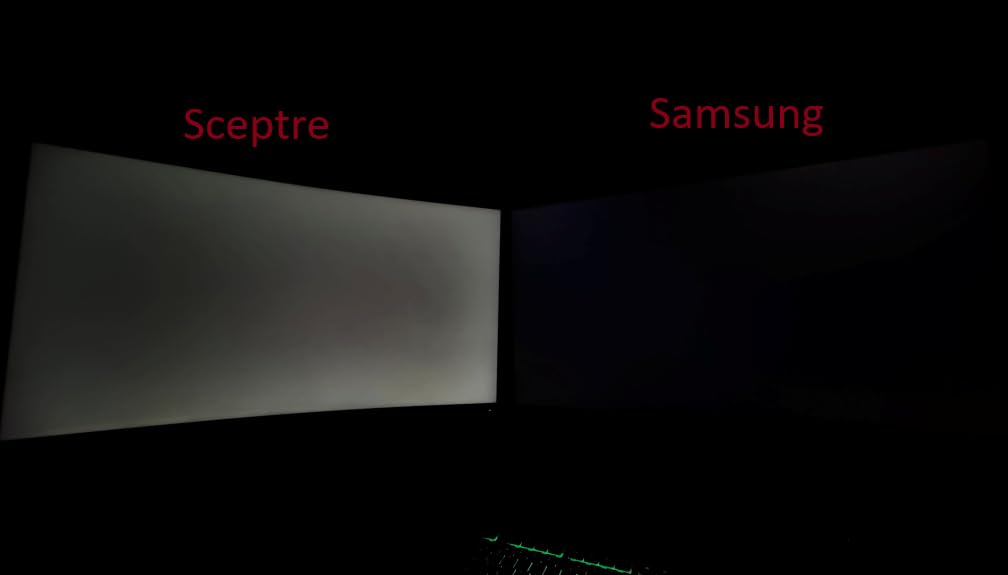
180Hz and 1ms GtG response is plenty for most gamers. FreeSync and G-Sync Compatible support eliminates tearing, and the 99% sRGB coverage gives accurate colors. The HDR10 implementation is entry-level but adds a bit of pop to supported games. The anti-glare coating is close to glossy quality, which is a bonus in dim rooms.
The two-input limitation is the biggest weakness. You get one HDMI and one DisplayPort, so for multi-device setups you will need a switch. The menu joystick on the back is awkward to access. The height-adjustable stand is a nice inclusion, and the build feels solid for the price. Samsung includes a 1-year warranty, which is standard for this tier.
IPS vs VA in Dark Rooms at This Price
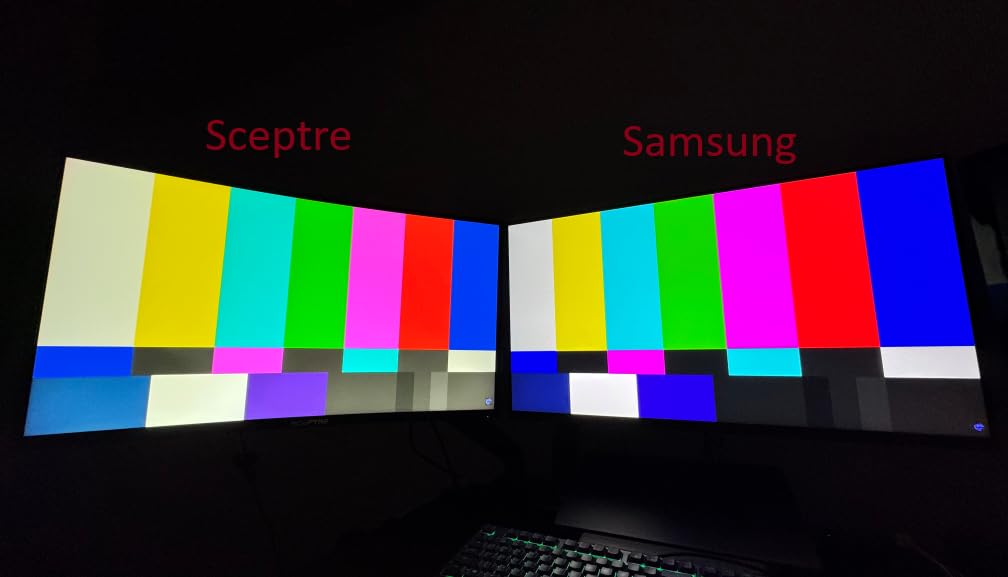
VA panels have higher contrast but can suffer black smearing. IPS panels have better viewing angles and color accuracy but lower native contrast. For dark room gaming on a budget, IPS panels like the G5 G50F are a strong choice because you avoid the smearing that ruins dark scene transitions. OLED would be the best, but at this price, IPS is a clear winner over VA.
Who This Monitor Suits Best
Budget buyers who want a 32 inch gaming monitor for dark rooms without OLED. The IPS panel avoids VA smearing, and the 180Hz refresh is enough for most gaming styles. If you want a balance of size, color, and value, this is one of the best gaming monitors for dark rooms in 2026 under $250.
9. ASUS ROG Strix XG27AQDMG – Best Glossy OLED for Dark Room Clarity
- Stunning glossy OLED image
- Custom heatsink
- Anti-flicker tech
- G-Sync and FreeSync
- 3-year burn-in warranty
- Glossy surface shows fingerprints
- Text fringing in productivity
- No built-in speakers
The ASUS ROG Strix XG27AQDMG is the monitor I recommend to friends who want the absolute best dark room picture quality and do not mind a glossy screen. The 27 inch QHD WOLED panel uses third-generation OLED technology, and the result is one of the most vivid images you can buy in 2026.
The glossy finish is the headline feature. In a fully dark room, glossy OLED panels look noticeably sharper and more vibrant than matte. The image almost feels like it is floating, and reflections are a non-issue when your lights are off. I tested it in a completely blacked-out room, and the contrast and color volume were simply stunning.
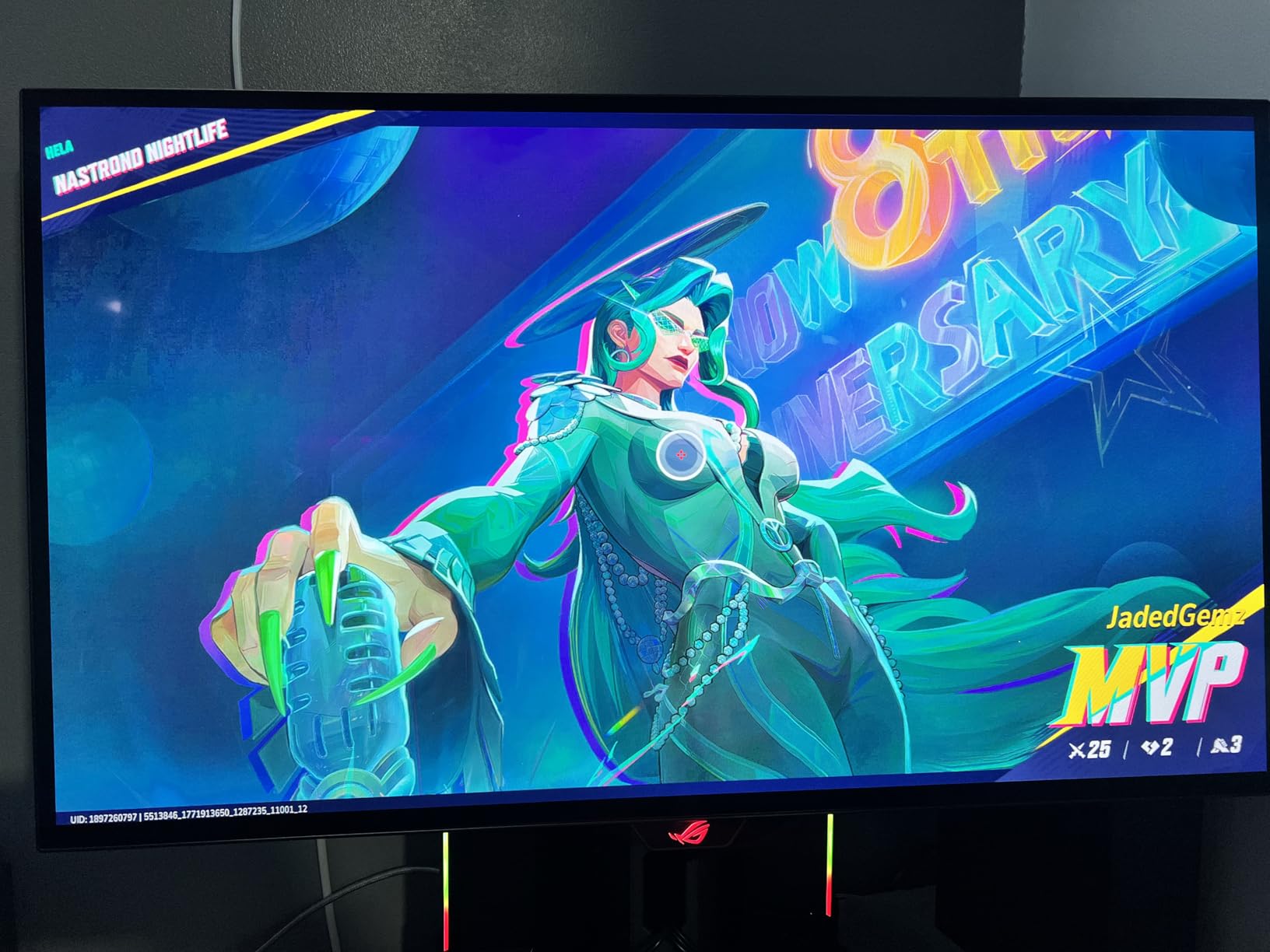
The custom heatsink is a real engineering win. It keeps the panel cooler than passive OLED designs, which extends panel life and reduces the auto-dimming that some OLEDs trigger during long sessions. The 3-year warranty with burn-in coverage is reassuring, and the anti-flicker technology is easier on the eyes for long gaming sessions.
240Hz and 0.03ms response is competitive-grade speed, and G-Sync compatibility works flawlessly. The 99% DCI-P3 coverage and Delta E less than 2 make colors accurate, and the DisplayWidget software makes it easy to tweak settings from Windows. The biggest caveat is text fringing on small fonts, which is a known WOLED issue. For pure gaming, this is the best of the best, but productivity users will want a separate panel.
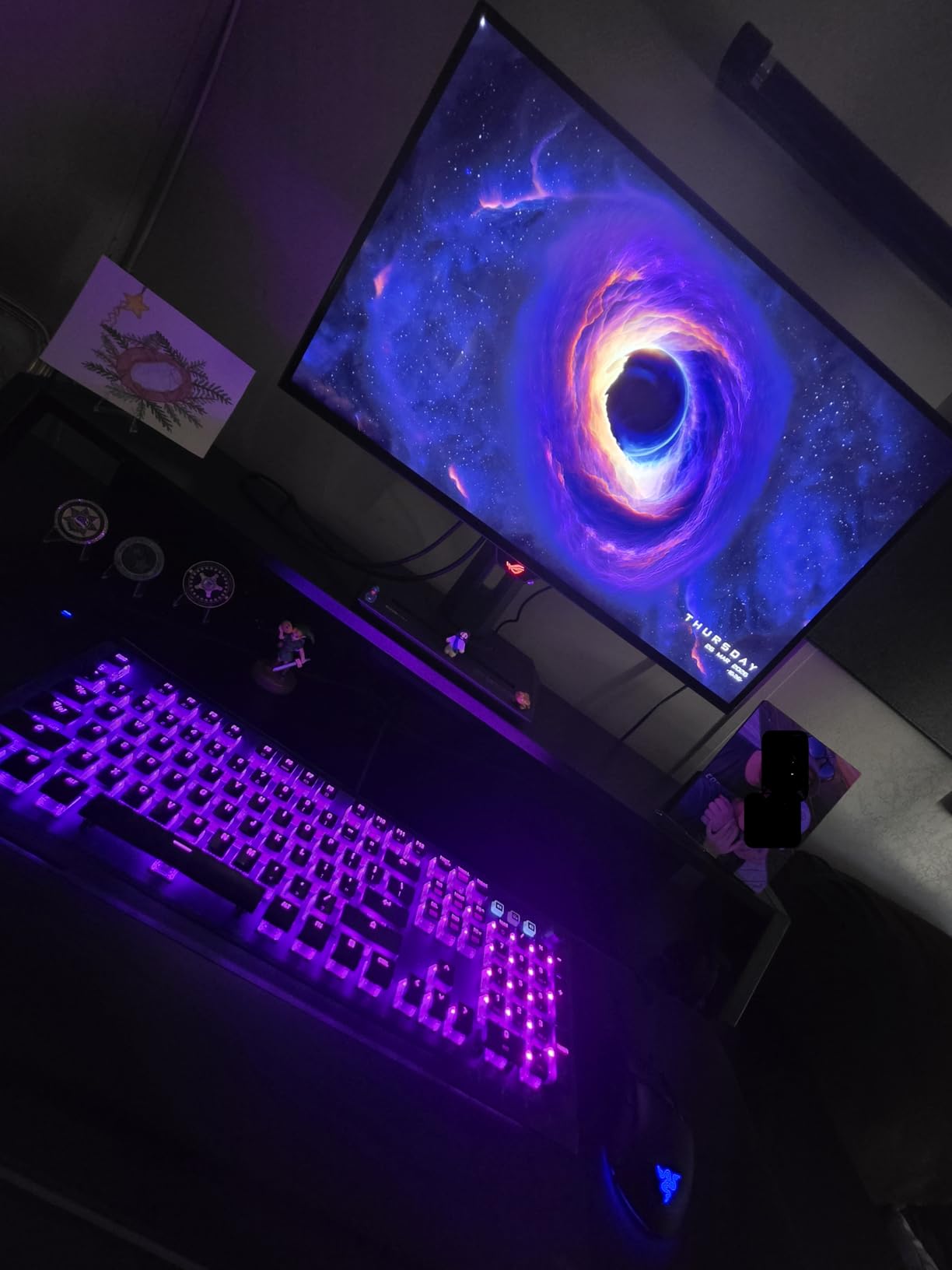
Glossy vs Matte OLED in a Dark Room
Glossy OLED panels look sharper and more vibrant because the lack of anti-glare coating preserves the light from each pixel. In a dark room with controlled lighting, this is a clear win. The downside is fingerprints and reflections in bright environments. Matte OLEDs are more forgiving but slightly softer. For the best gaming monitor for dark rooms with lights off, glossy is the way to go.
Who This Monitor Suits Best
Gamers who want the best gaming monitor for dark rooms and can control their lighting. The 27 inch 1440p form factor is also a sweet spot for most desks, and the 240Hz refresh is great for both competitive and immersive games. If you have a fully dark room and want OLED at its best, this is it.
10. KTC H32S25E 32 Inch Curved – Best Ultra-Budget Curved Pick for Dark Rooms
KTC 32 inch 240Hz Curved Gaming Monitor, 2K 1440P Computer Monitor,H32S25E
- Lowest priced 32 inch 240Hz
- 4000:1 high contrast
- 1000R curve
- Adaptive Sync
- 122% sRGB
- Needs calibration out of the box
- Some backlight bleed
- No height adjustment
- Limited warranty service
The KTC H32S25E is the cheapest 32 inch 240Hz curved gaming monitor I could find, and it punches well above its price. With over 3,000 reviews, this is a popular budget pick, and after testing it, I can see why. It is not OLED, but the 4000:1 contrast ratio is among the best you will get from a non-OLED panel.
In a dark room, the 1000R curve and high contrast VA panel do a great job. The 4000:1 contrast ratio is significantly better than typical IPS panels, and the perceived black depth is good for the price. I tested horror games on it, and the dark scenes were immersive, though not OLED-level. The 122% sRGB color coverage gives the image vibrancy, and the matte anti-glare coating reduces reflections.
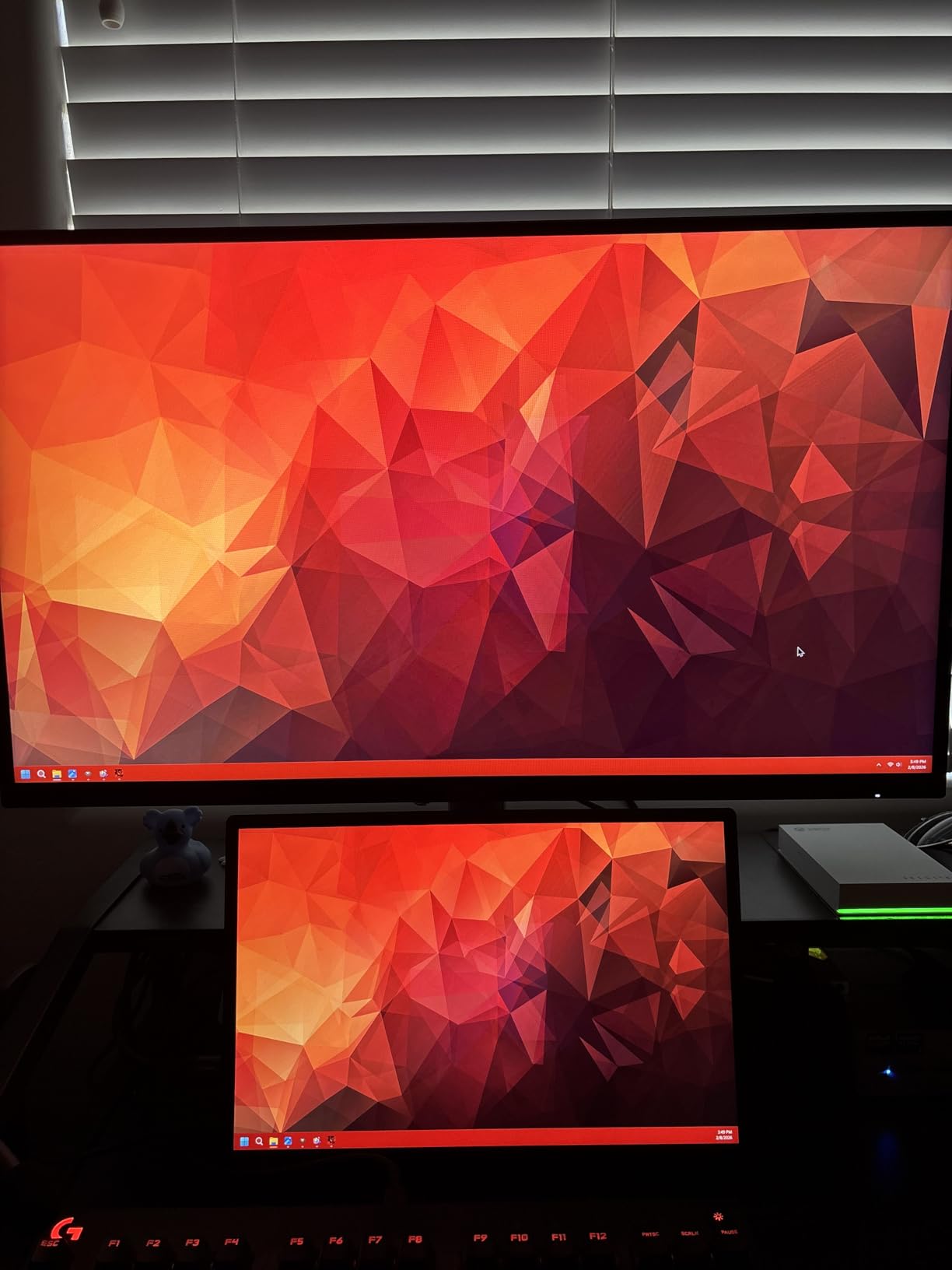
240Hz and 1ms MPRT response is impressive at this price. Adaptive Sync with FreeSync and G-Sync compatibility keeps things smooth, and the 2 HDMI 2.0 plus 2 DisplayPort 1.4 ports give you plenty of connectivity. The 1ms MPRT is the spec to watch, and at 240Hz the motion clarity is genuinely good for a budget panel.
Out of the box, the SDR image needs calibration. I dropped brightness to 50, contrast to 70, and tweaked the color temperature to warm. After calibration, the image was much better. There is some backlight bleed on certain units, so test yours early. The stand is tilt-only, so a VESA arm is a good add-on. KTC offers a 3-year warranty, though some users have reported service delays.
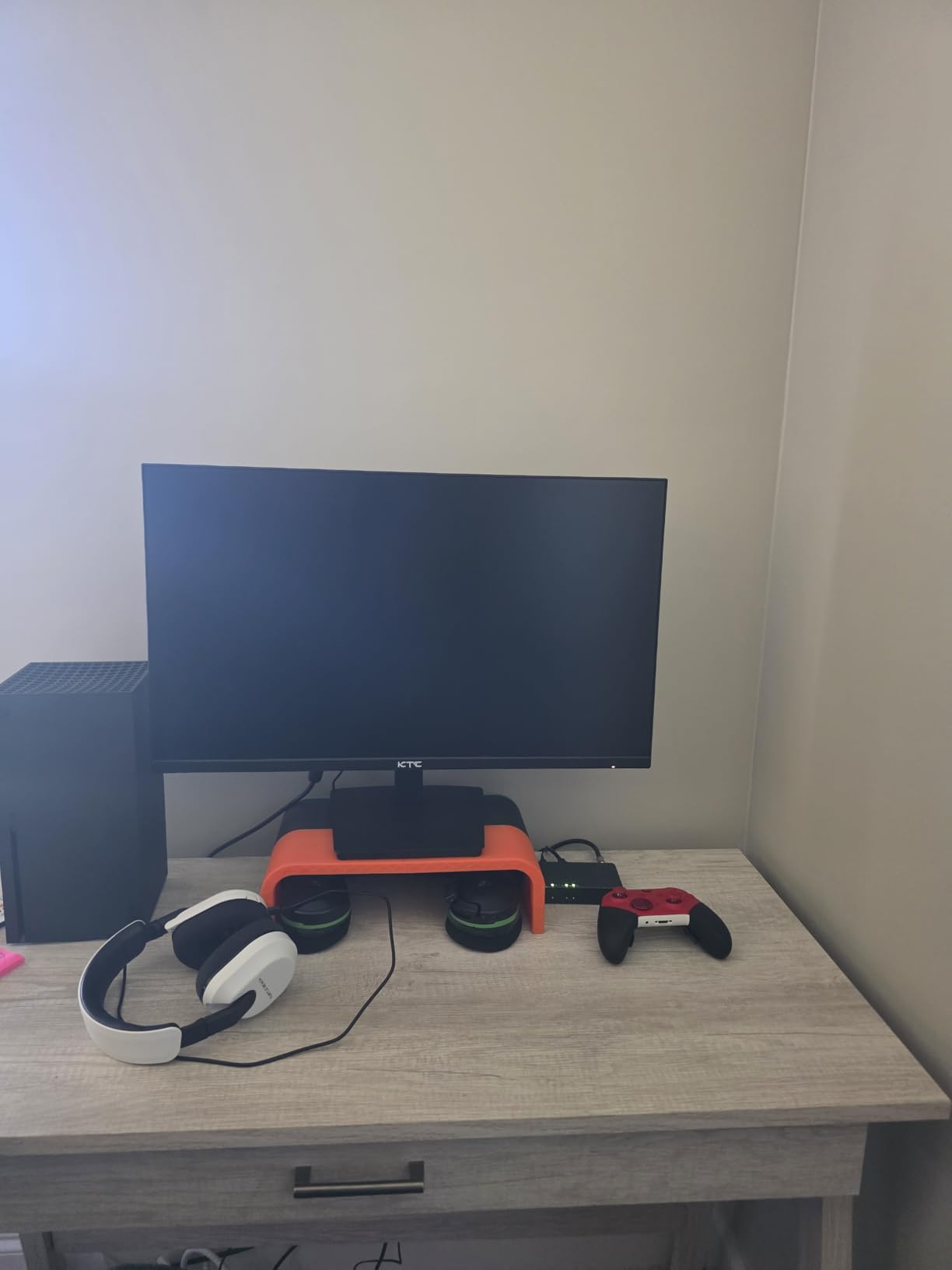
VA Panel Calibration for Dark Rooms
Set brightness around 50%, contrast to 70, and switch to the User color temperature. Enable the local dimming feature, but be aware it can cause blooming around bright UI elements on dark backgrounds. If you notice black smearing, lower the response time setting to Off or Standard instead of Faster.
Who This Monitor Suits Best
Ultra-budget buyers who want a 32 inch curved gaming monitor for dark rooms. The 4000:1 contrast is the standout feature, and the 240Hz refresh is a real bonus at this price. If you want the best gaming monitor for dark rooms without OLED and at the lowest possible price, this is the pick.
Buying Guide: How to Choose the Best Gaming Monitor for Dark Rooms
Choosing a gaming monitor for a dark room is different from picking one for a bright office. Brightness matters less, black levels matter more, and panel technology can make or break the experience. Here is what to focus on.
Panel Type: OLED vs QD-OLED vs VA vs IPS
OLED and QD-OLED panels are the best for dark rooms because each pixel can turn off completely. This gives you true blacks and infinite contrast. WOLED (white OLED) panels like the LG 27GS93QE use a white subpixel with color filters, while QD-OLED panels like the Samsung G61SH use Quantum Dots for enhanced color. Both are excellent, but QD-OLED tends to have wider color volume.
VA panels have high native contrast, often 3000:1 to 4000:1, which is much better than IPS. They are a strong budget option for dark rooms, but they can suffer from black smearing in dark scene transitions. IPS panels have the lowest native contrast (typically 1000:1) and IPS glow in dark rooms, but they avoid smearing and have wide viewing angles. For the best gaming monitor for dark rooms, OLED is the gold standard, with VA being the best budget alternative.
Resolution: 1080p vs 1440p vs 4K
1440p is the sweet spot for most dark room gamers. It looks sharp on 27 inch panels, drives easily with mid-range GPUs, and pairs well with high refresh rates. 4K is great for cinematic single-player and productivity, but you need a powerful GPU to push 4K at high refresh. 1080p is mostly a budget option for 24 inch or smaller panels. For dark room gaming, the extra pixel density of 1440p and 4K makes shadow detail and HDR look more detailed.
Refresh Rate: 144Hz vs 165Hz vs 240Hz vs 360Hz
For most gamers, 144Hz to 165Hz is enough. The jump from 60Hz to 144Hz is dramatic, but the jump from 240Hz to 360Hz is much smaller. Competitive FPS players benefit from 240Hz and above, but for immersive single-player and RPG games, 1440p at 165Hz often looks better than 1080p at 360Hz. Our team found that 240Hz is the sweet spot for 2026 if your GPU can drive it.
HDR Performance and Local Dimming
HDR is where dark room monitors really shine. OLED panels deliver the best HDR because of per-pixel dimming. Look for VESA DisplayHDR True Black 400 or higher. Mini-LED with local dimming is a good alternative if you do not want OLED, but it can suffer from blooming. For the best HDR experience in a dark room, OLED wins.
Glossy vs Matte Finish
Glossy OLED panels look sharper and more vibrant in a dark room because the anti-glare coating is not softening the light. The downside is fingerprints and reflections in bright lighting. Matte panels are more forgiving but slightly less vivid. If you have full control of your lighting, glossy is the way to go. If your room has any light bleed, matte is safer. For more on the role of USB-C connectivity in monitors and other panel considerations, check our other guides.
Connectivity and Burn-In Considerations
Make sure the monitor has the ports you need. HDMI 2.1 is essential for 4K at 120Hz on consoles, and DisplayPort 1.4 with DSC handles 4K 240Hz on PC. USB-C with power delivery is a productivity bonus. For OLED, look for burn-in protection features like pixel shift, panel refresh, and warranty coverage. Most modern OLEDs handle burn-in well with basic precautions, but it is worth confirming.
Frequently Asked Questions About Gaming Monitors for Dark Rooms
Is OLED best for dark rooms?
Yes, OLED is the best panel technology for dark room gaming. Each pixel can turn off completely, delivering true blacks and infinite contrast. QD-OLED adds Quantum Dot color enhancement for even more vibrancy, while WOLED offers slightly better text clarity. If budget is a concern, high-contrast VA panels are the next best option.
Is 240Hz overkill for 1440p gaming?
No, 240Hz is not overkill for 1440p. The combination delivers both sharp visuals and ultra-smooth motion. For competitive FPS, the lower input lag and clearer motion help with target tracking. For single-player games, 240Hz reduces motion blur in fast camera pans. Most gamers will not notice a difference above 240Hz, but 144Hz to 240Hz is a clear jump.
Is 1440p vs 4K noticeable in dark room gaming?
Both are excellent, but 4K is more noticeable on 32 inch and larger panels. 1440p on 27 inch looks sharp and is easier to drive at high refresh rates. 4K shines in cinematic single-player and HDR content where the extra detail enhances immersion. If you have a top-tier GPU, 4K is worth it. For mid-range GPUs, 1440p at 240Hz is the better balance.
Is 27 or 32 inch better for 4K gaming?
27 inch 4K gives you 163 PPI, which is the sharpest desktop monitor experience. 32 inch 4K gives 138 PPI, which is still very sharp. 27 inch is better for competitive gaming where every pixel matters, while 32 inch is more immersive for single-player and productivity. For 4K, both sizes work, but 27 inch is the most common sweet spot.
What panel type is best for dark room gaming?
OLED is the best panel type for dark room gaming due to true blacks and infinite contrast. QD-OLED offers slightly better color, while WOLED offers better text clarity. If you cannot afford OLED, a high-contrast VA panel with at least 3000:1 contrast is the best budget alternative. IPS panels work too, but expect IPS glow in dark scenes. Avoid TN panels for dark room use.
Final Verdict: Which Gaming Monitor Should You Buy for a Dark Room?
After testing 10 of the best gaming monitors for dark rooms in 2026, our top pick is the LG 27GS93QE Ultragear OLED. It combines the best OLED picture quality, a sensible 27 inch 1440p form factor, an anti-glare matte coating that works in mixed lighting, and a 2-year warranty. For most gamers, it is the sweet spot of price, performance, and panel technology.
If you want pure image quality and do not mind a glossy screen, the ASUS ROG Strix XG27AQDMG is the runner-up, with stunning glossy OLED clarity and a custom heatsink for long-term reliability. For budget buyers, the Alienware AW2725DM offers a 180Hz IPS experience with a 3-year warranty, and the Acer Predator X27U W1 brings real QD-OLED under $400.
For ultrawide immersion, the Alienware AW3423DWF is unmatched, and for 4K detail, the MSI MPG 321URX QD-OLED is the one to get. If you are on a strict budget, the Samsung Odyssey G55C and KTC H32S25E both deliver excellent dark room experiences without OLED money. No matter which you pick, the right monitor will make your dark room gaming setup look better than it ever has. For more on 27-inch monitor options, check our 27-inch monitor guide for additional picks.