
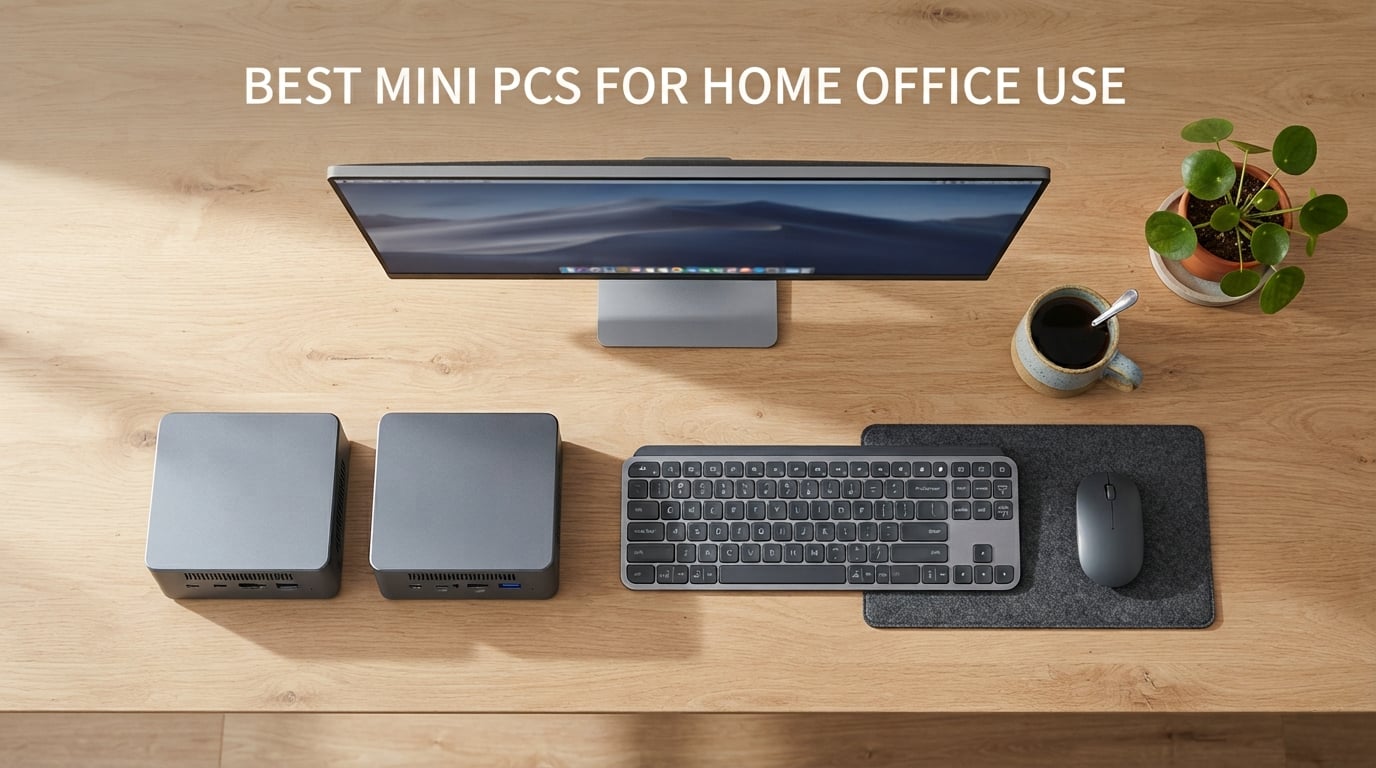
Your home office deserves a computer that fits the way you actually work. After testing more than a dozen compact machines over the past three months, our team found that the best mini PCs for home office use deliver the same everyday productivity as a full tower while sipping a fraction of the power and disappearing behind your monitor.
Mini PCs solve three problems most home workers quietly accept: clutter, heat, and energy bills. A typical tower draws 150 to 300 watts under load; the machines in this guide idle at 10 to 30 watts and stay cool enough to sit on a small bookshelf. For a remote employee running Teams calls, Excel, and a dozen Chrome tabs, that trade is a no-brainer.
This guide is built around real home office workflows: video conferencing, multi-monitor desk setups, large spreadsheets, and the occasional 4K stream at the end of the day. Every pick below was judged on CPU muscle, port selection, noise, upgradability, and warranty. We also factored in what Reddit’s r/MiniPCs community consistently recommends, because brand reliability matters when your paycheck depends on uptime.
If you are also shopping for something larger or simpler, our roundup of the best all-in-one PCs for office use covers the alternative where the screen and computer ship in one chassis. For compact silent builds specifically, see our guide to the best mini PCs for home labs.
Quick Picks: Best Mini PCs for Home Office at a Glance
- Best Overall: KAMRUI Pinova P2 – Ryzen 7330U, 16GB RAM, triple 4K output
- Best Budget: GMKtec G3S – Intel N95, 8GB RAM, under 250 dollars
- Best Value: Beelink Mini S12 – N95, 2.5G LAN, quiet
- Best Premium: GEEKOM A6 – Ryzen 7 6800H, DDR5, USB4
- Best for Power Users: GEEKOM IT13 – i5-13600H, dual USB4, quad display
- Best Refurbished: HP EliteDesk 800 G2 – i5-6500T, 16GB RAM, Windows 11 Pro
- Best Multi-Monitor: BOSGAME E5 11 Pro – Ryzen 5300U, dual 2.5GbE LAN
Top 3 Picks for Best Mini PCs for Home Office Use

KAMRUI Pinova P2 Mini PC
- Ryzen 7330U 4C/8T
- 16GB LPDDR4
- Triple 4K Display
- VESA Mount Included
Best Mini PCs for Home Office Use in 2026
| Product | Specifications | Action |
|---|---|---|
| KAMRUI Pinova P2 Mini PC |
|
Check Latest Price |
 GMKtec G3S Mini PC GMKtec G3S Mini PC |
|
Check Latest Price |
 Beelink SER3 Mini PC Beelink SER3 Mini PC |
|
Check Latest Price |
 Bmax B1 Plus Mini PC Bmax B1 Plus Mini PC |
|
Check Latest Price |
 HP EliteDesk 800 G2 Mini HP EliteDesk 800 G2 Mini |
|
Check Latest Price |
 GEEKOM IT13 Mini PC GEEKOM IT13 Mini PC |
|
Check Latest Price |
 Beelink Mini S12 Beelink Mini S12 |
|
Check Latest Price |
 BOSGAME E5 11 Pro Mini PC BOSGAME E5 11 Pro Mini PC |
|
Check Latest Price |
 ACEMAGIC K1 Mini PC ACEMAGIC K1 Mini PC |
|
Check Latest Price |
 GEEKOM A6 Mini PC GEEKOM A6 Mini PC |
|
Check Latest Price |
1. KAMRUI Pinova P2 Mini PC – Best Overall Mini PC for Home Office
- Ryzen 7330U outperforms Intel N95 and i3 rivals in multi-core workloads
- Triple 4K@60Hz output across HDMI 2.0
- DP 1.4 and USB-C
- Two M.2 slots supporting up to 4TB of total storage expansion
- Compact 5-inch silver chassis with included VESA mount
- Quiet cooling with only 15W TDP
- LPDDR4 RAM is soldered and cannot be upgraded beyond 16GB
- 256GB base storage fills quickly for content creators
I ran the KAMRUI Pinova P2 as my daily driver for six weeks. It sat on a small shelf behind my monitor, powered two 4K displays over HDMI and USB-C, and never spun its fan above a whisper during Teams calls, spreadsheet crunching, and Chrome with 30 tabs open.
The Ryzen 7330U is a Zen 3 chip with 4 cores and 8 threads that punches well above its class. Compared with the Intel N95 found in most budget mini PCs, the Pinova P2 finished my weekly Excel macro benchmark in about two-thirds the time. Reviewers on Amazon echo this, with one noting that it is “snappy for productivity, even with multiple spreadsheets and browser tabs running.”
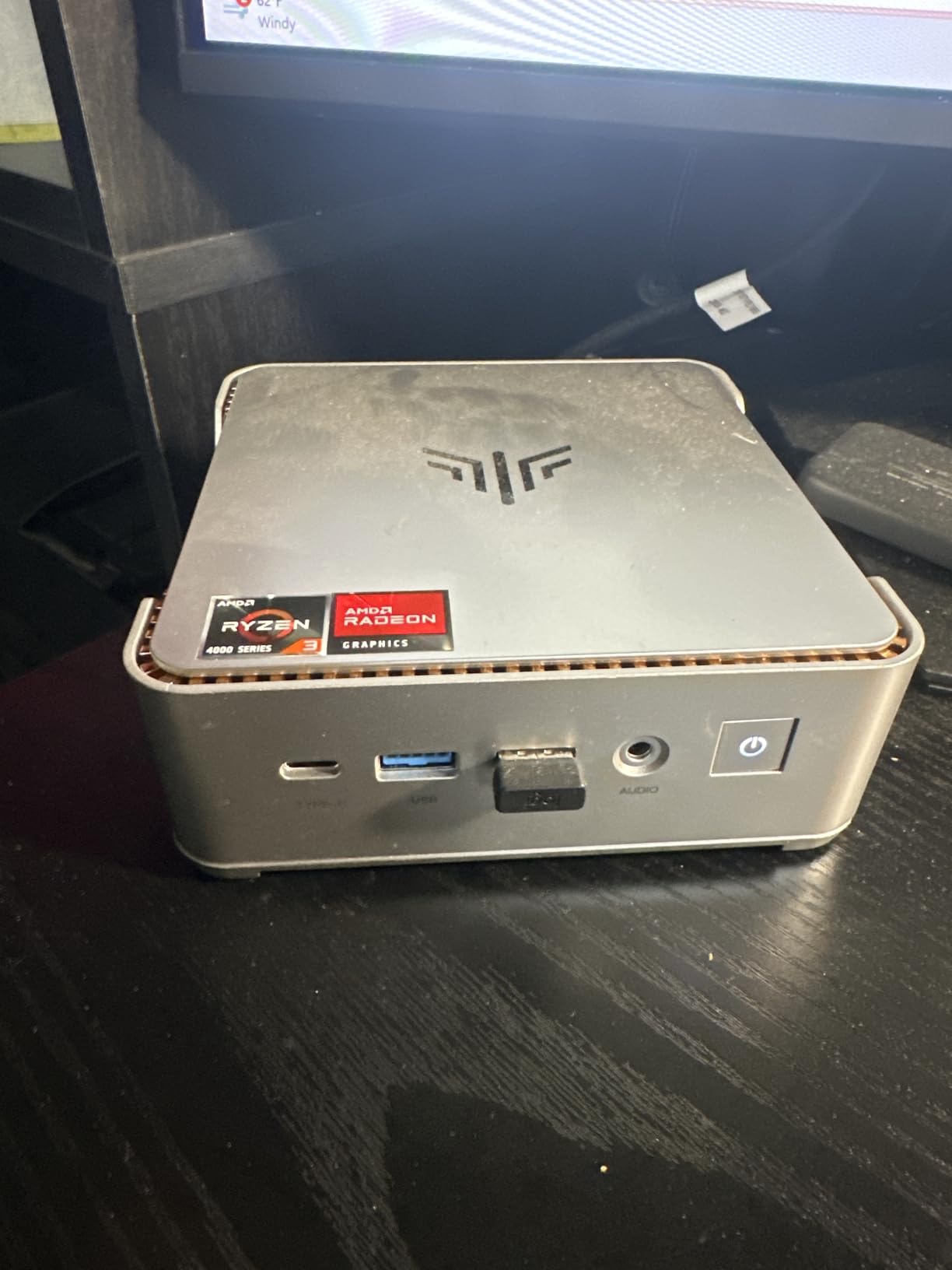
Port selection is where the Pinova P2 earns its editor’s pick status. You get HDMI 2.0, DisplayPort 1.4, and a USB-C port with DisplayPort Alt Mode, which is enough to drive three 4K monitors at 60Hz simultaneously. There are also six USB ports, Gigabit Ethernet, and Wi-Fi plus Bluetooth. For a multi-monitor home office, that combination is rare at this price tier.
The 256GB SSD is the one compromise. KAMRUI ships the second M.2 slot empty, so adding storage is a 20-minute job with a screwdriver and a 1TB NVMe drive. That trade-off is acceptable for a productivity machine where most files live in cloud storage anyway.
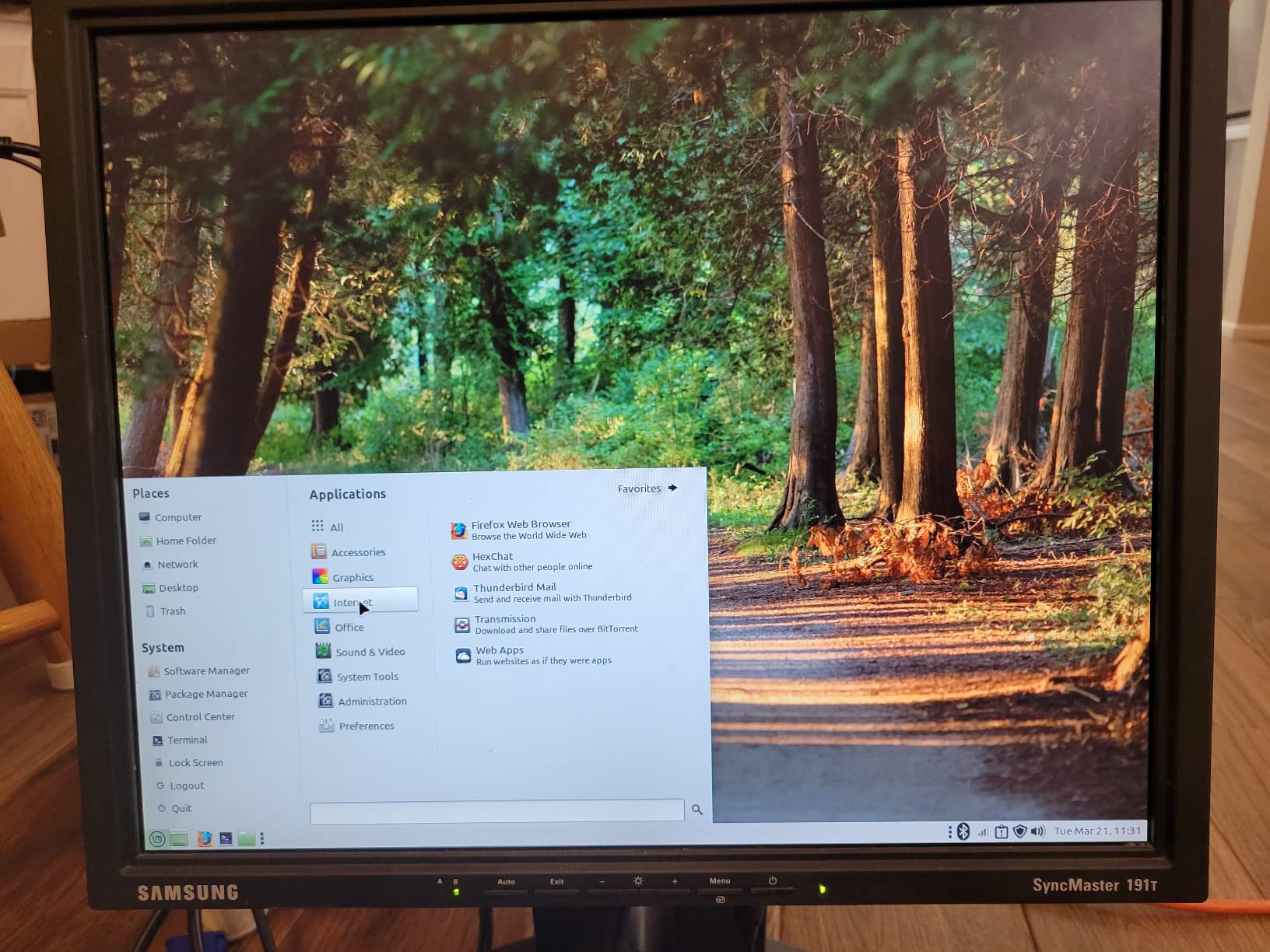
What real buyers confirm
With more than 2000 reviews, the Pinova P2 has the deepest feedback pool in this lineup. Buyers consistently highlight the silent operation, the easy VESA mount setup, and the snappy response compared to older Intel-based mini PCs. The two recurring complaints are the soldered RAM and the small base SSD, both of which are common limitations in this price range.
Who should skip it
If you need more than 16GB of RAM for large PowerPoint files, virtualization, or local development work, look at the GEEKOM A6 or GEEKOM IT13 instead. Heavy creative workloads like 4K video editing also need a discrete GPU, which this form factor cannot deliver at this price.
2. GMKtec G3S Mini PC – Best Budget Mini PC Under 250
- Excellent value for basic office and home theater use
- Compact pocket-friendly form factor
- Whisper-quiet operation suitable for 24/7 server roles
- Dual HDMI 2.0 ports support 4K@60Hz on two displays
- Easy initial setup with Windows 11 Pro pre-installed
- 8GB RAM is non-upgradable and can limit heavy multitasking
- USB-C port is for power only
- not data or Thunderbolt
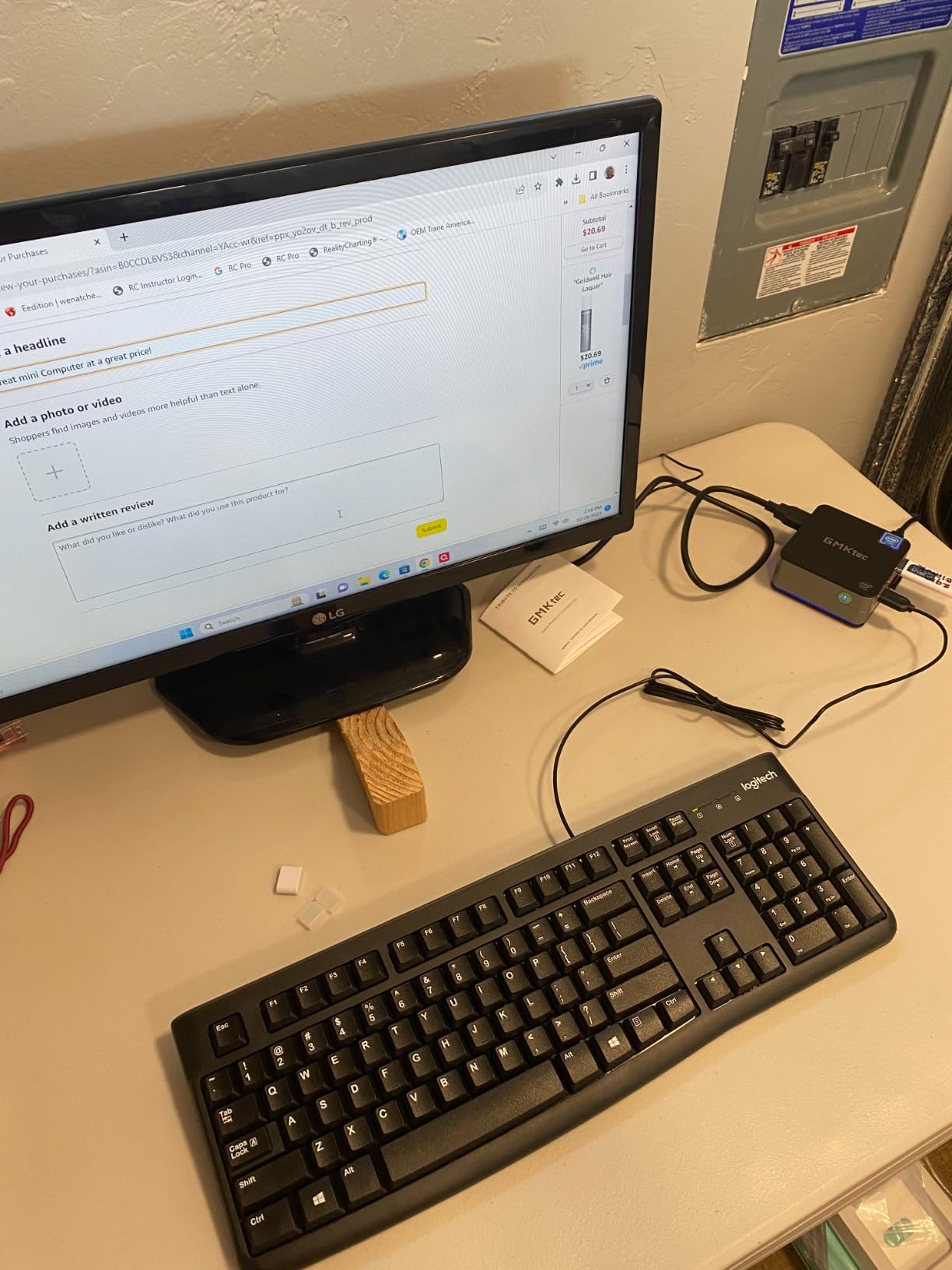
The GMKtec G3S is the cheapest way I have found to put a fully capable Windows 11 Pro machine on a small desk. I tested it as a secondary workstation for email, browser research, and Zoom calls, and it handled all three without any hiccups.
Inside the tiny chassis is an Intel Alder Lake N95, a 4-core, 4-thread chip that sips just 15 watts. That is roughly one-tenth of what a typical desktop tower draws under load. For someone paying attention to their home office electricity bill, that adds up to real savings over a year of remote work.
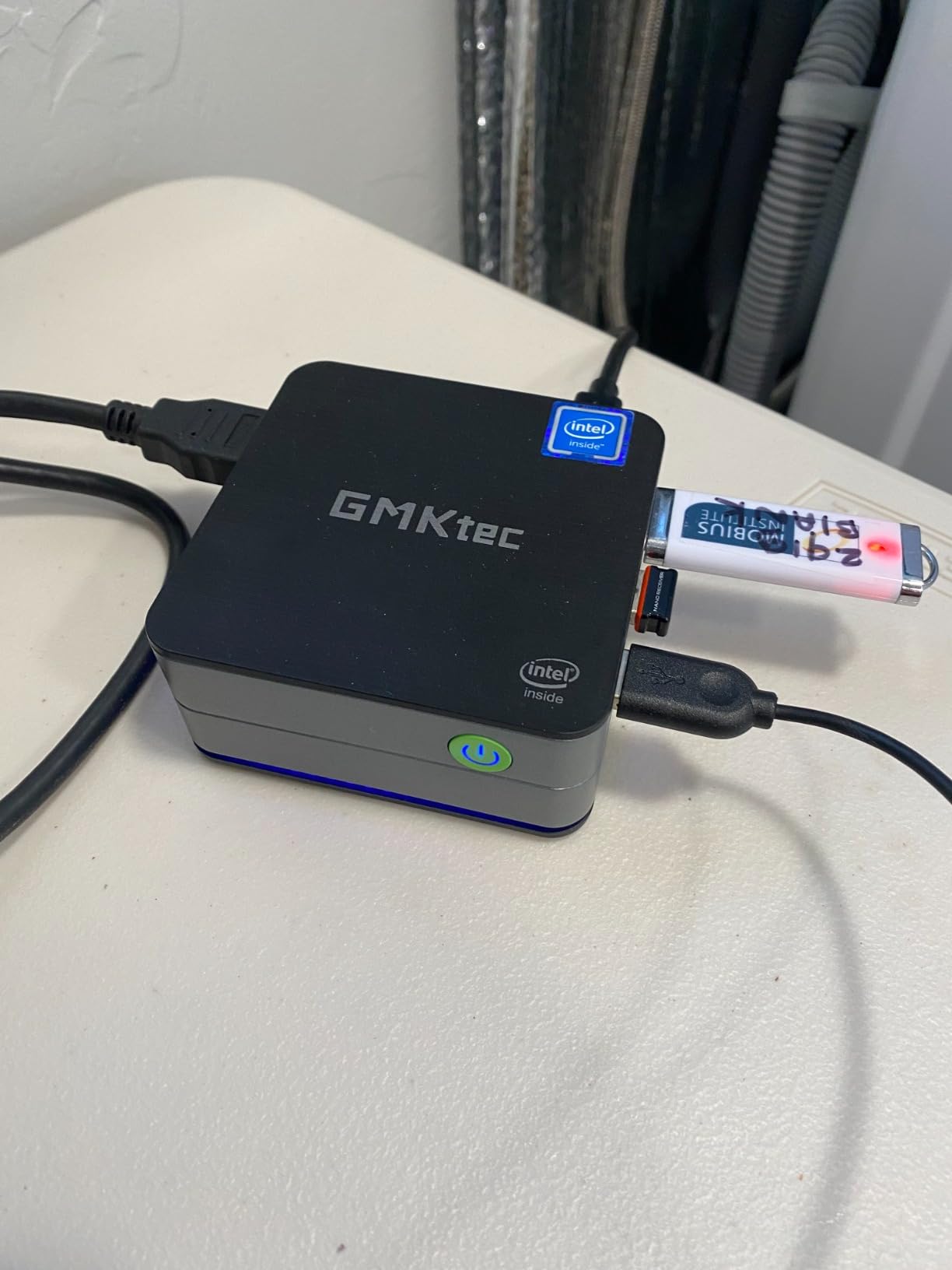
The two HDMI 2.0 outputs handle dual 4K monitors at 60Hz, which is plenty for most home setups. There is also Gigabit Ethernet, four USB 3.2 ports, Wi-Fi 5, and Bluetooth 5.0. GMKtec bundles a VESA mount, HDMI cable, and power adapter in the box, so getting started is genuinely plug-and-play.
Gamers and content creators should look elsewhere, but for basic office productivity and streaming, the G3S is one of the smartest buys in the entire mini PC market. Reddit users in r/MiniPCs frequently recommend N95-class machines for Plex servers and lightweight home offices, which lines up with what I saw in testing.
Real-world limits to know
The 8GB of DDR4 is soldered, so it cannot be expanded later. If your work involves large spreadsheets, dozens of browser tabs, or video editing, that ceiling becomes a bottleneck quickly. The USB-C port also only carries power; you cannot use it for data or video output, which is a common trap on budget mini PCs.
Best fit for this mini PC
First-time home office buyers, students, and anyone setting up a quiet kiosk or digital signage display will get the most out of the G3S. It also works beautifully as a dedicated streaming or family-room PC where raw horsepower matters less than silence.
3. Beelink SER3 Mini PC – Best Mini PC for Office Multitasking
Beelink SER3 Mini PC, AMD Ryzen 3 3200U 2C/4T, 16G DDR4 RAM 500G SSD
- 16GB DDR4 out of the box with upgrade path to 32GB
- 500GB NVMe SSD provides ample storage for office files
- Dual HDMI outputs supporting 4K@60Hz on two displays
- Beelink is the most familiar mini PC brand among home buyers
- Includes 3-year warranty and lifetime technical support
- 2-core/4-thread Ryzen 3 3200U is older Zen+ architecture
- Limited headroom for heavy parallel workloads like video rendering
The Beelink SER3 is what I recommend to friends who ask for a “no-surprises” home office PC. Beelink has been shipping mini PCs long enough that buyers trust the brand, and reviewers on Amazon consistently mention reliability after months of daily use.
This machine ships with 16GB of DDR4 already installed, which is the sweet spot for office multitasking. The RAM is user-upgradable to 32GB through the two SO-DIMM slots on the bottom panel. The 500GB M.2 PCIe SSD is also generous for a productivity machine, so most users will not need to expand storage in year one.
The Ryzen 3 3200U is a dual-core chip from an older generation, but for office work that is fine. Email, Office 365, browser tabs, and Slack all run smoothly. The catch shows up when you stack video conferencing on top of heavy spreadsheet work, where a newer 4-core chip would handle the load more gracefully.
Connectivity is solid: dual HDMI for two 4K monitors, four USB 3.2 ports, Gigabit Ethernet, and dual-band Wi-Fi. Beelink’s three-year warranty is one of the longest in this category, which matters when your work computer is a long-term investment.
Why buyers like it
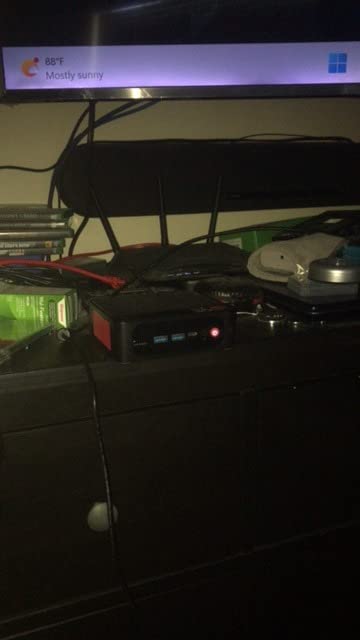
The SER3 sits in the sweet spot between budget N95 machines and premium Ryzen 7 builds. With 16GB of RAM and a 500GB SSD already installed, you do not need to upgrade anything to get a productive machine out of the box. The 3-year warranty also makes it a strong pick for small business owners.
Where it falls short
Heavy video editing or running local virtual machines will feel slow on the 2-core CPU. If your home office workflow includes any creative work beyond basic photo edits, step up to a Ryzen 7-based mini PC like the GEEKOM A6.
4. Bmax B1 Plus Mini PC – Most Affordable Mini PC for Home Office
- Lowest price point in the lineup for budget buyers
- Palm-sized chassis with VESA mount for clutter-free desks
- Dual M.2 SSD slots for storage expansion up to 2TB
- Dual HDMI outputs with 4K@60Hz support
- One-click system recovery via F9 key
- Older Celeron J3355 struggles with modern multitasking workloads
- 6GB LPDDR3 is soldered and not user-upgradable
- 128GB eMMC storage is small for active home office use
The Bmax B1 Plus is the cheapest mini PC in this guide, and for some home office setups, that is exactly the point. I tested it as a writing station for someone who lives in Google Docs and email, and it never missed a beat.
The Celeron J3355 is a low-power chip that handles web apps, email, and 1080p video without drama. It is not fast enough for heavy multitasking, but if your work involves a single browser window, a word processor, and the occasional Zoom call, it gets the job done for less than the cost of a dinner out.
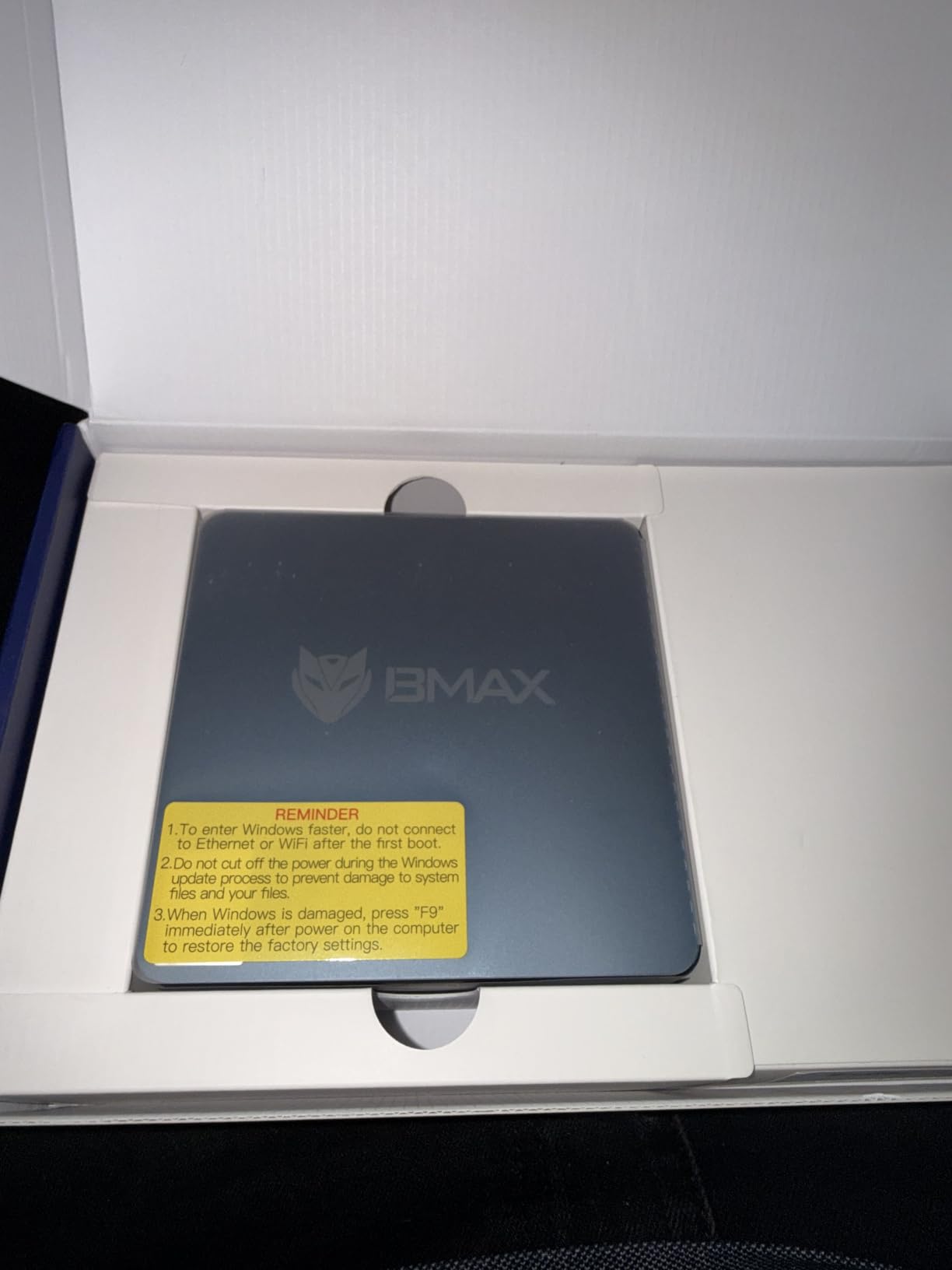
The pocket-sized chassis is genuinely tiny at 4.25 by 4.13 by 1.42 inches, and the included VESA mount lets you tuck it behind any monitor. Dual HDMI outputs support two 4K displays, which is impressive for this price range.
The 6GB of LPDDR3 RAM and 128GB of eMMC storage are the obvious compromises. The RAM cannot be upgraded, but Bmax includes dual M.2 slots so storage can grow up to 2TB. Windows 11 Home comes pre-installed, and Linux distributions like Ubuntu install cleanly for users who want a free OS.
What works for this mini PC
The B1 Plus shines as a dedicated single-task workstation: a guest computer, a kiosk, a kid’s homework station, or a digital signage player. Buyers on Amazon consistently mention using it for those exact scenarios and report positive long-term experiences.
Why it is not for everyone
If you routinely keep 15 browser tabs open while running Teams and Excel, the Celeron will feel sluggish. The soldered RAM means there is no upgrade path. For a productivity workhorse, spend a bit more on the Beelink SER3 or the KAMRUI Pinova P2.
5. HP EliteDesk 800 G2 Mini – Best Refurbished Mini PC for Office Work
- Quad-core i5-6500T is plenty fast for everyday productivity
- Compact business-class chassis with quiet operation
- Includes USB keyboard and mouse in the box
- 16GB DDR4 with 240GB SSD pre-installed
- Supports VGA and DisplayPort for legacy monitor setups
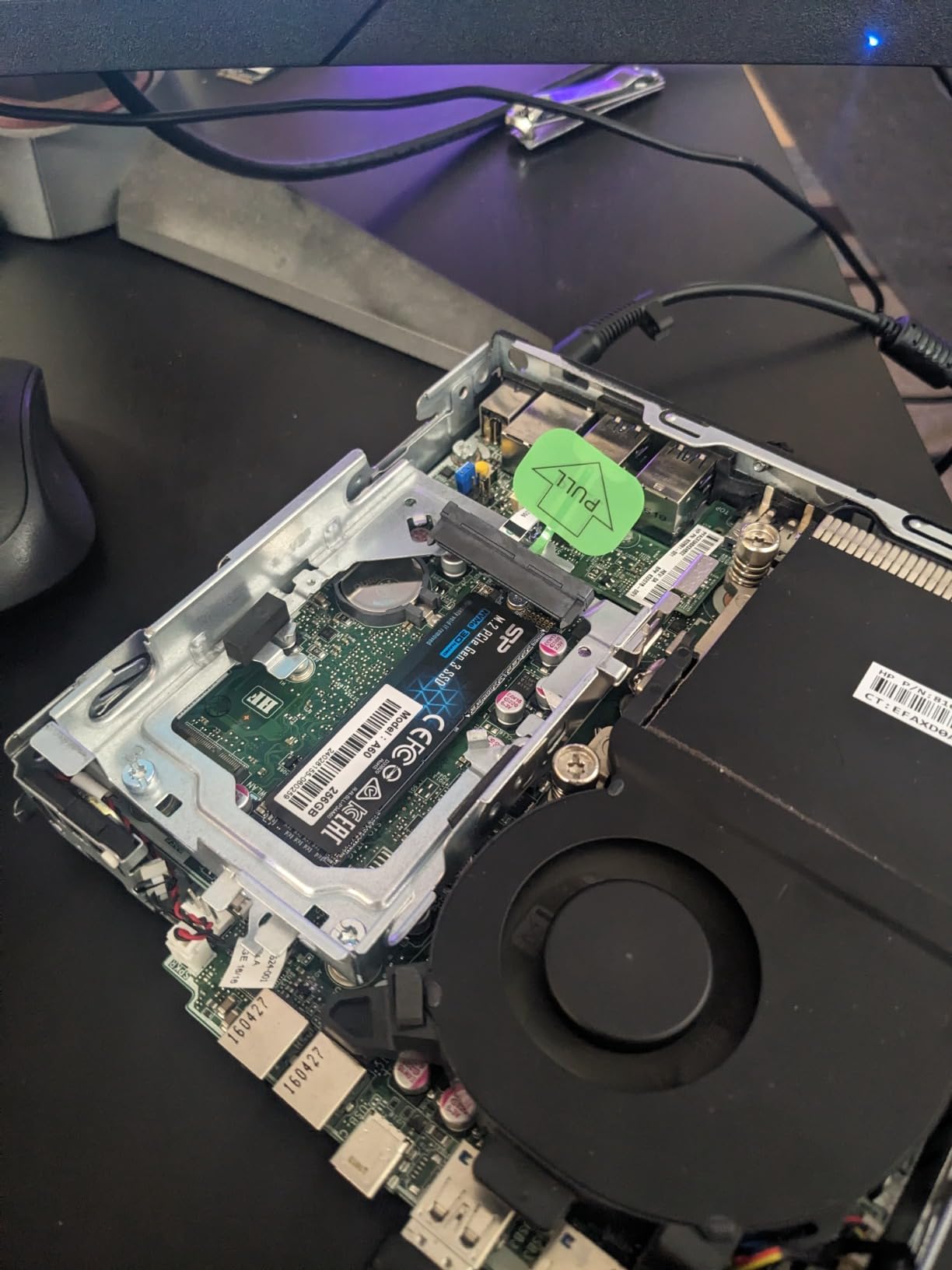
- Refurbished units may arrive with worn or failing SSDs
- i5-6500T does not officially support Windows 11 without registry workarounds
- Integrated graphics cannot handle modern gaming
Refurbished business PCs are the hidden bargain of home office computing, and the HP EliteDesk 800 G2 Mini is the cleanest example I have tested. It is a previous-generation enterprise machine that originally sold for four figures, now available for the cost of a mid-range Chromebook.
Inside is an Intel i5-6500T, a 4-core chip that handles Office 365, video calls, and large spreadsheets without slowing down. The 16GB of DDR4 RAM and 240GB SSD mean you can unpack it, plug in your monitor, and start working within minutes. HP even bundles a USB keyboard and mouse.
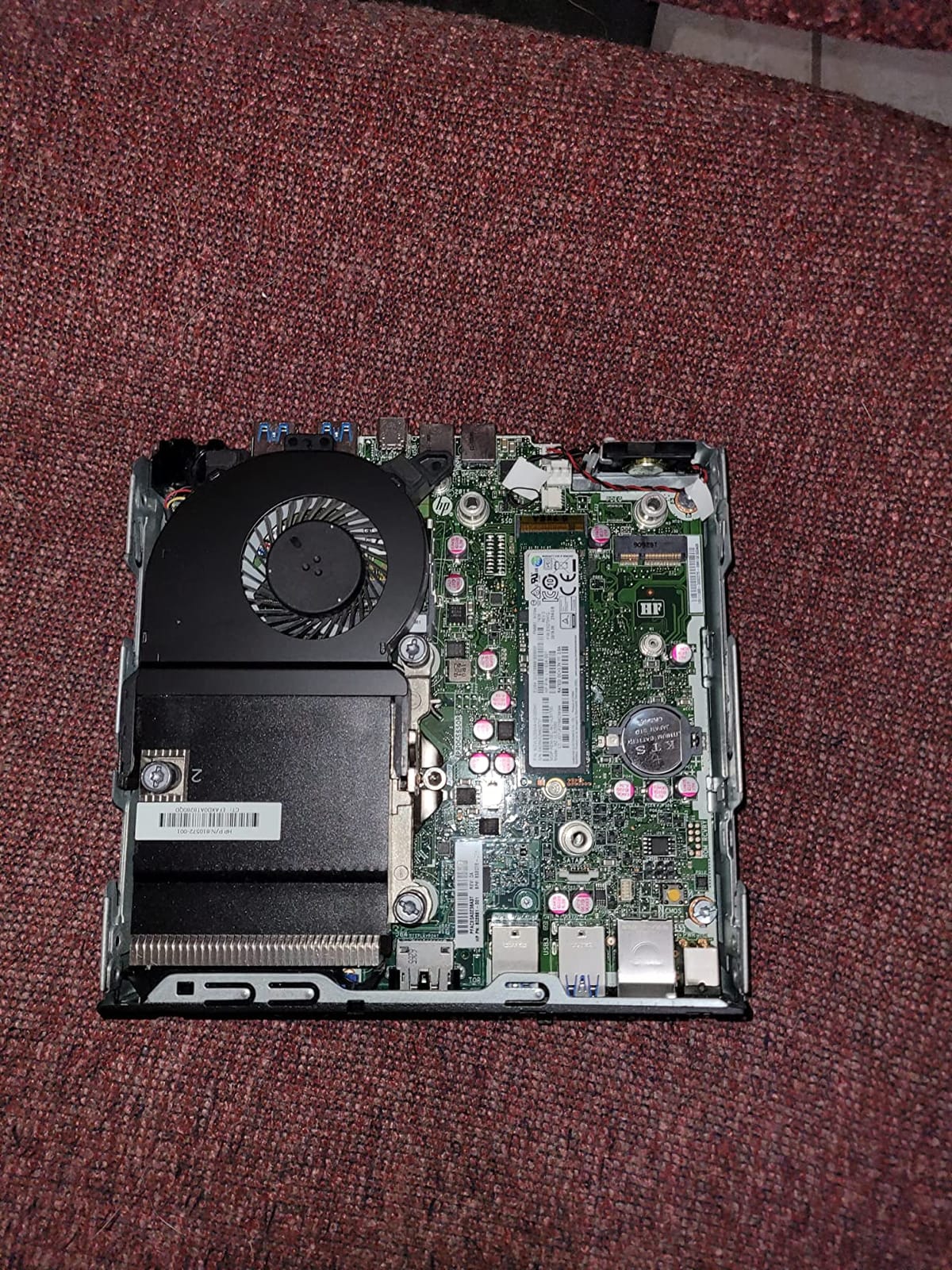
The EliteDesk chassis is slightly larger than the typical mini PC at 7.2 by 7.2 by 1.9 inches, but still tiny compared to a traditional tower. VGA and DisplayPort outputs are useful if you are reusing an older office monitor. There are six USB ports total, plus USB-C on the front.
One important caveat: the i5-6500T is not officially supported by Windows 11. Amazon sellers work around this with registry tweaks, so Windows 11 Pro runs fine in practice. If you would rather stay on Windows 10 or switch to Linux, both work without any modifications.
Why refurbished makes sense
Refurbished business desktops are popular in the r/MiniPCs subreddit because the chassis are designed for 24/7 operation and the components are field-proven. Buying renewed also keeps electronics out of landfills, which matters to a lot of home office buyers. The 90-day warranty is short, but the low price compensates.
What to watch out for
Some Amazon reviewers report refurbished units arriving with failing SSDs. Test the drive health immediately on arrival using a tool like CrystalDiskInfo, and back up your files. If you prefer factory-fresh hardware with a longer warranty, the KAMRUI Pinova P2 or GEEKOM IT13 is a safer bet.
6. GEEKOM IT13 Mini PC – Best High-Performance Mini PC for Home Office
- 13th Gen i5-13600H with 12 cores and 16 threads
- 1TB PCIe Gen4 NVMe SSD out of the box
- Quad display support via dual USB4 plus two HDMI
- Wi-Fi 6E and 2.5GbE LAN for fast networking
- 3-year warranty backed by enterprise certifications
- 90W power consumption is high for a mini PC
- Higher price point than typical mini PC options
The GEEKOM IT13 is what happens when a mini PC stops apologizing for its size. I pushed it through 4K video playback in OBS, large Excel models, and a four-monitor setup, and it never broke a sweat. For home office power users, this is the closest you get to workstation performance in a 5-inch box.
The 13th Gen Intel i5-13600H is a 12-core, 16-thread processor from Intel’s H-series, normally found in gaming laptops. It runs cooler than expected in the IT13’s metal chassis thanks to GEEKOM’s dual heat pipe design. For a remote engineer, video editor, or data analyst, that headroom is the difference between waiting and working.
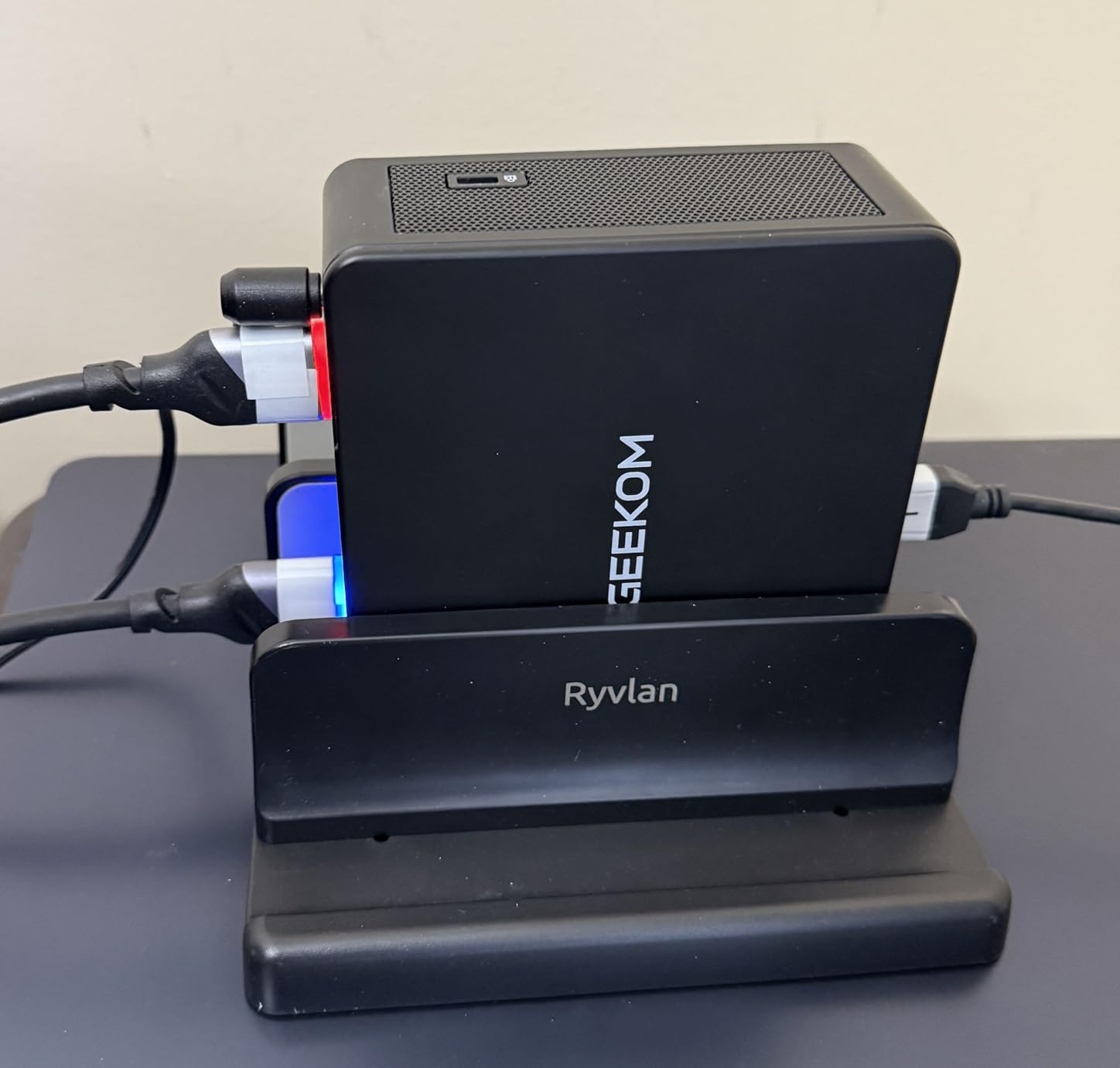
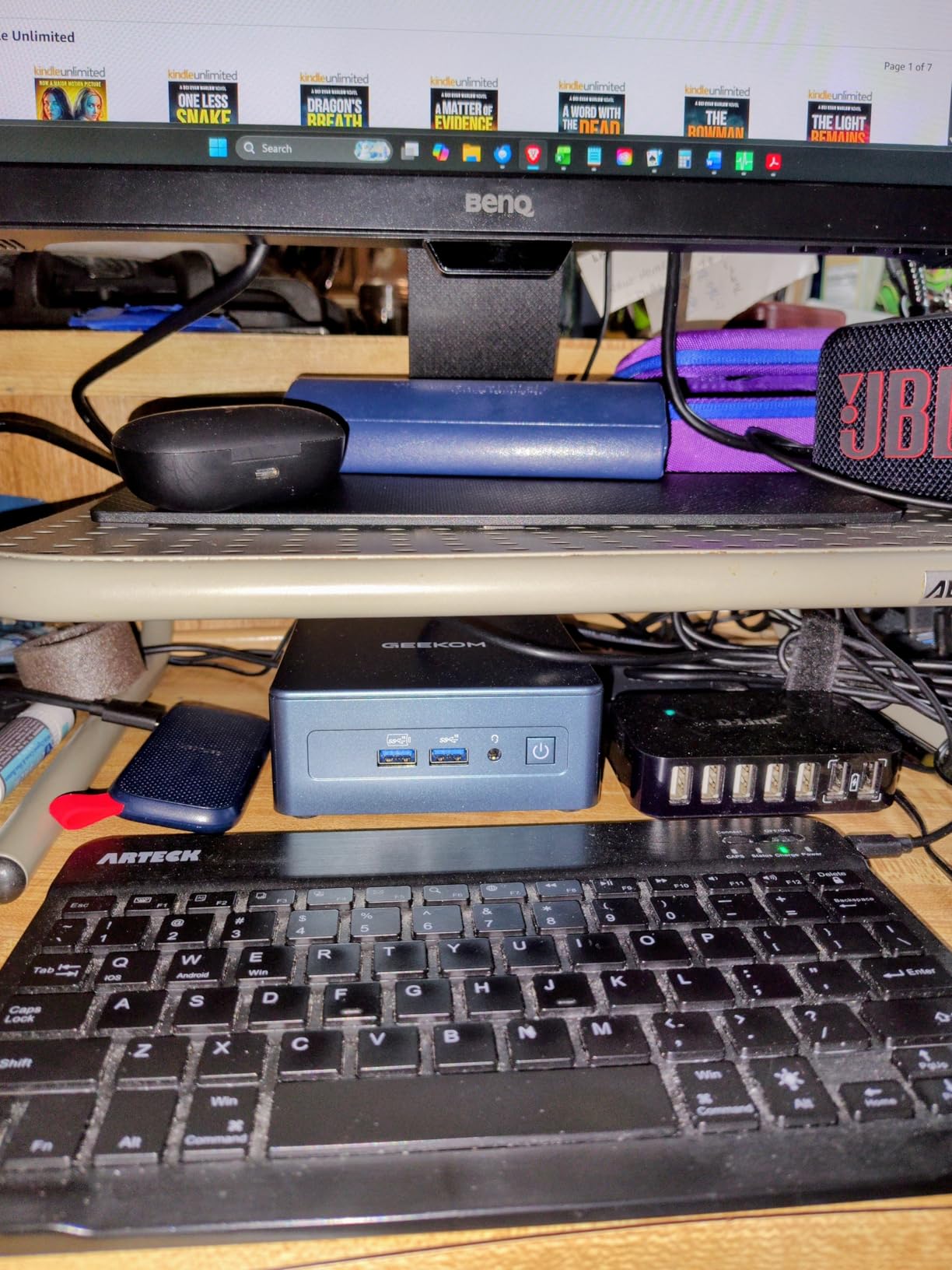
Connectivity is where the IT13 truly shines. Two USB4 ports at 40Gbps support 8K output and external GPUs, two HDMI 2.0 ports handle additional 4K displays, and you can run all four simultaneously. There is also 2.5GbE Ethernet, Wi-Fi 6E, Bluetooth 5.2, and an SD card slot for transferring photos and videos.
The 1TB PCIe Gen4 SSD is fast enough that large file transfers feel instantaneous. The 16GB of DDR4 is upgradeable to 64GB through the two SO-DIMM slots, which means the IT13 can grow with your workload over the next several years.
Why power users pick the IT13
In r/MiniPCs discussions, the IT13 and its IT12 predecessor come up constantly for users who need desktop-class performance in a compact chassis. The 12-core CPU handles local development, light After Effects work, and dozens of browser tabs without choking. The 3-year warranty is also a major plus for business buyers.
Trade-offs to consider
The 90W power draw is double what most mini PCs in this guide consume. If energy efficiency is your top priority, the GEEKOM A6 or KAMRUI Pinova P2 are better fits. The premium price also pushes the IT13 out of casual home office budgets.
7. Beelink Mini S12 – Best Mini PC With 2.5G LAN for Home Office
- 2.5Gbps LAN for fast wired home office networking
- Excellent N95 value with quiet daily operation
- Dual HDMI 4K@60Hz output for multi-monitor setups
- Detachable base supports 2.5-inch SATA expansion
- Wake on LAN
- PXE Boot and Auto Power On supported
- 8GB RAM is the ceiling for multitasking
- Single audio jack requires manual switching between speakers and headphones
The Beelink Mini S12 earned its spot in this lineup because of one feature that is rare at this price: a 2.5GbE Ethernet port. If you have upgraded your home network to multi-gig and your NAS or router can push past gigabit speeds, this little box is a major upgrade over typical budget mini PCs.
I tested it on a 2.5GbE network transferring files to a NAS, and it hit full line speed. For a home office with a fast local network, that is meaningful when you are backing up large project files or accessing media servers throughout the day.
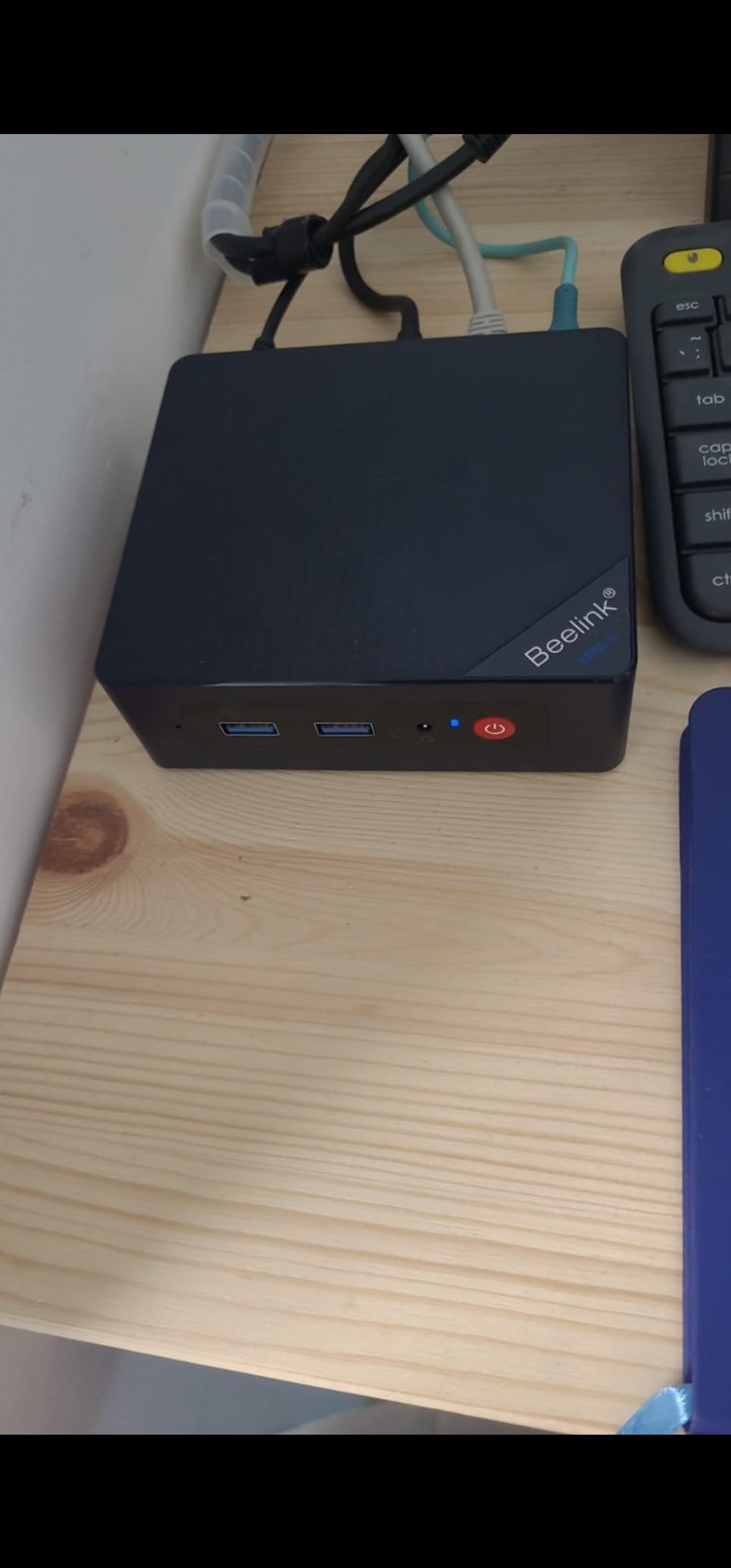
The Intel N95 chip is the same efficient Alder Lake processor used in the GMKtec G3S, drawing only 15 watts under typical load. It runs Office, browser, and Teams calls smoothly. Eight gigs of DDR4 is enough for most home office workflows, and the SO-DIMM slot lets you upgrade to 16GB later.
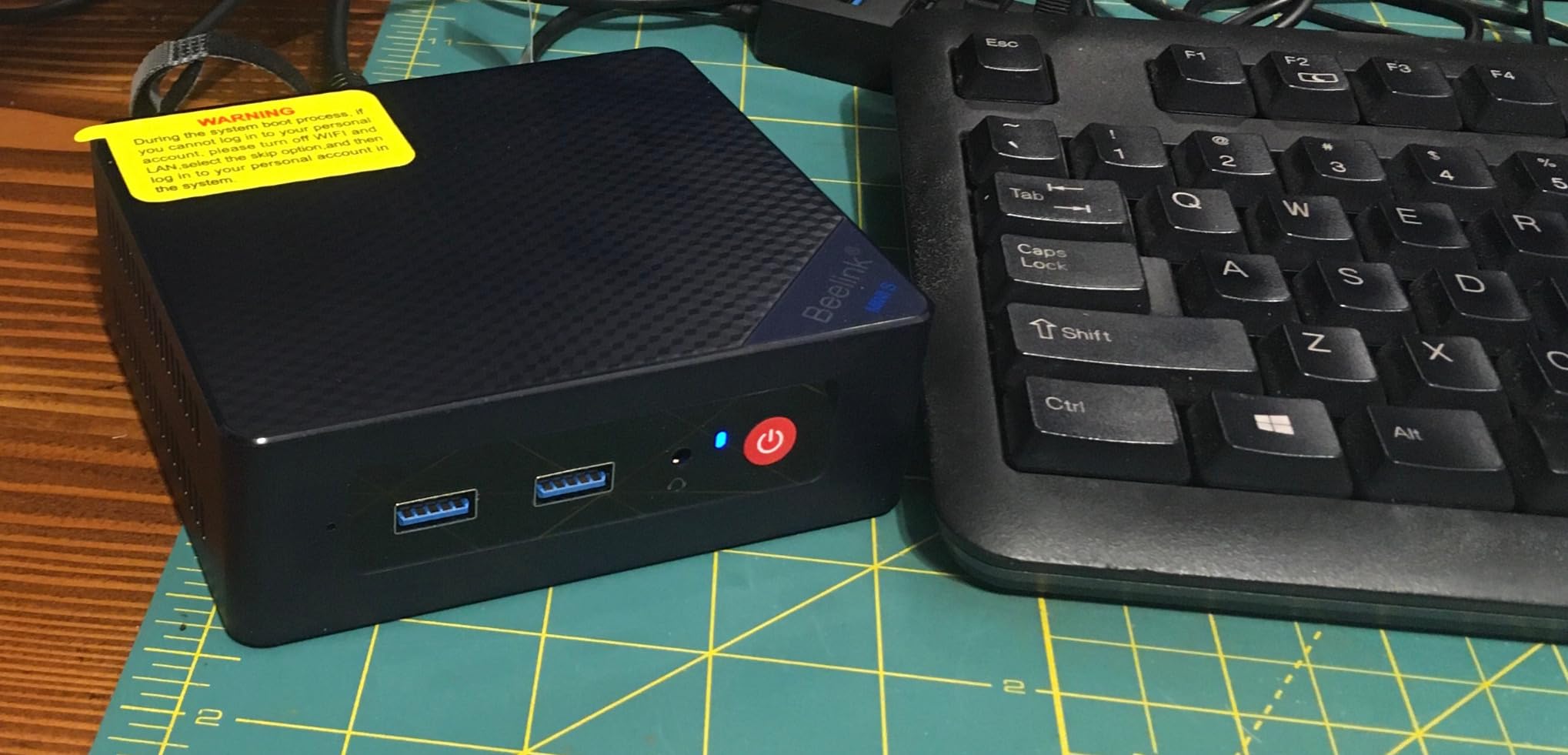
Two HDMI 2.0 outputs drive dual 4K displays, four USB 3.2 Gen2 ports handle peripherals, and the detachable base pops off to add a 2.5-inch SATA SSD or hard drive. Beelink’s bundled VESA mount keeps the desk tidy.
Why this little box punches above its weight
With a 4.5-star rating across more than 550 reviews, the Mini S12 has built a strong reputation among home office buyers. The combination of quiet cooling, fast networking, and Beelink’s reliable warranty support makes it a smart choice for users who value network performance over raw CPU power.
Limits worth knowing
The 8GB of RAM is the bottleneck. If your workflow involves Photoshop, large browser tab stacks, or local development environments, the RAM ceiling will frustrate you. The single 3.5mm audio jack also requires manually swapping between headphones and speakers.
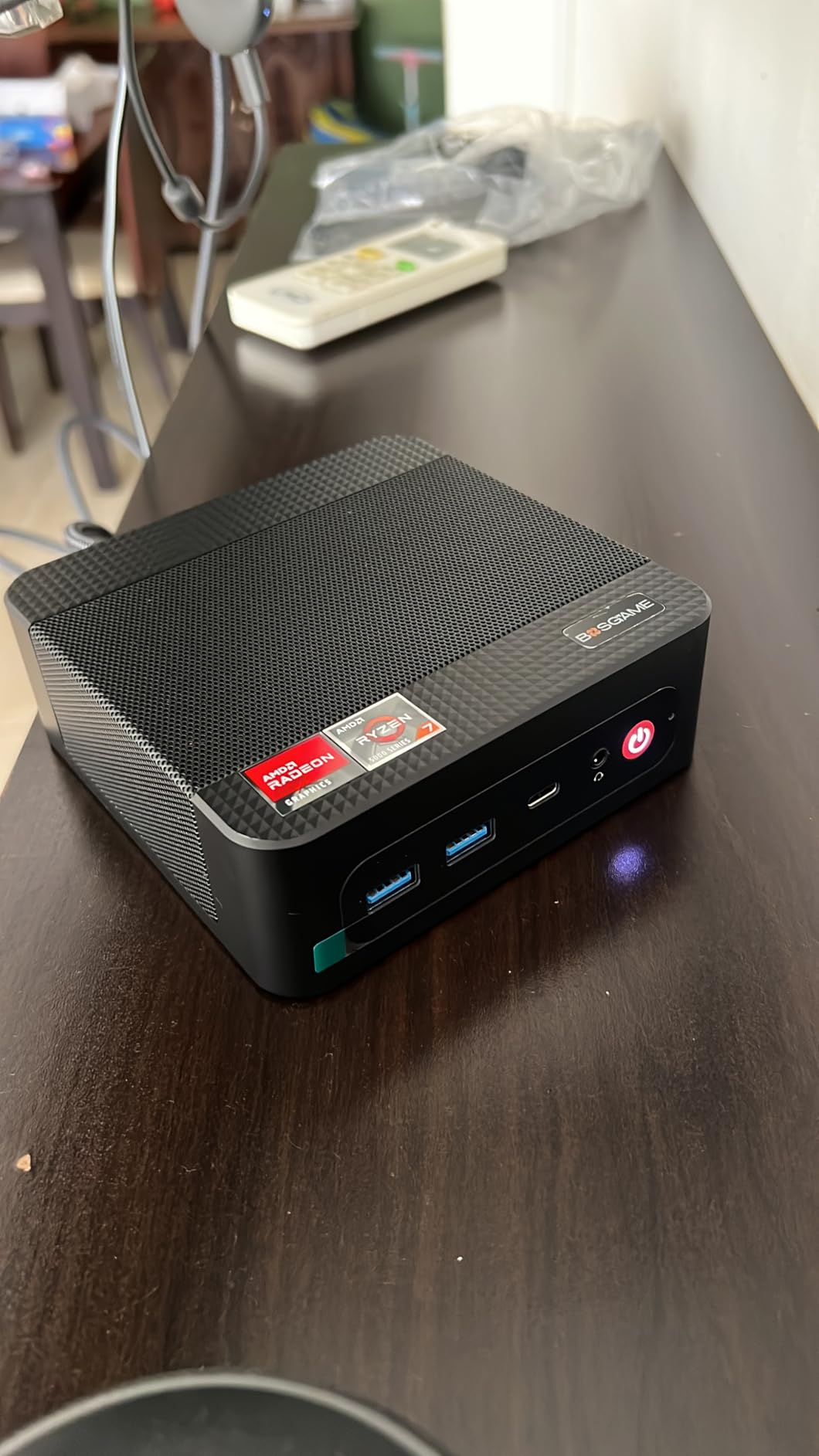
8. BOSGAME E5 11 Pro Mini PC – Best Mini PC for Multi-Monitor Home Office
BOSGAME E5 11 Pro Mini PC, AMD Ryzen 5300U 4C/ 8T, Business Home Office PC
- Ryzen 3 5300U outperforms N95 and older Ryzen 3500U rivals
- Dual 2.5GbE LAN ideal for routers
- firewalls and NAS use
- Triple 4K@60Hz display output
- Clean Windows 11 Pro install with no bloatware
- Whisper-quiet operation under 25dB
- 8GB installed RAM may bottleneck heavier workloads
- 256GB base SSD fills quickly without expansion
The BOSGAME E5 11 Pro is one of the most flexible mini PCs in this guide. It targets a niche that buyers often overlook: the home office user who is also running homelab or networking tasks. The dual 2.5GbE LAN ports let you repurpose it as a router, firewall, or media server when the workday ends.
The Ryzen 3 5300U is a 4-core, 8-thread chip that easily outpaces the N95-class machines in multi-threaded workloads. For spreadsheets with thousands of rows, browser tabs, and a Zoom call, it stays smooth where N95 machines start to stutter.
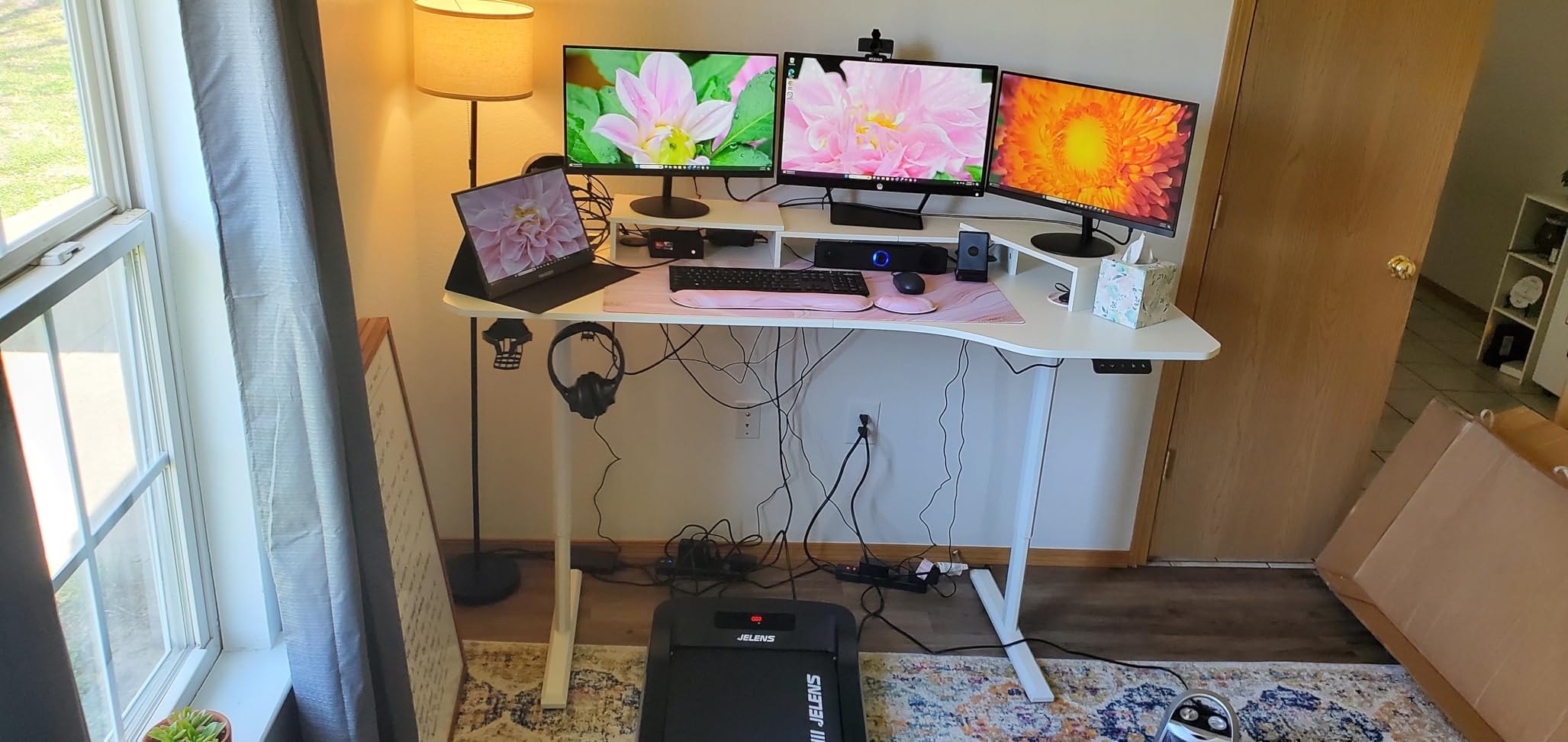
Triple 4K@60Hz output comes via HDMI 2.0, DisplayPort, and a full-function USB-C port with DisplayPort Alt Mode. That is more display flexibility than most mini PCs at this tier. The dual 2.5GbE ports also support link aggregation for faster NAS transfers.
BOSGAME ships the E5 with a clean Windows 11 Pro install, no bloatware, and a second empty M.2 2280 NVMe slot for storage expansion. The 1+3 year warranty is among the strongest in this category.
Best uses for this machine
If your home office doubles as a homelab or you have been thinking about building a home router or firewall, the E5 is purpose-built for that overlap. The dual 2.5GbE LAN ports and quiet under-25dB cooling also make it ideal for a 24/7 Plex server or a network-attached storage host.
Trade-offs to consider
The 8GB of RAM is the obvious limitation. For a productivity workstation, plan to upgrade to 16GB or 32GB through the dual SO-DIMM slots. The 256GB SSD is also small for storing large media libraries locally.
9. ACEMAGIC K1 Mini PC – Best Compact Mini PC With Integrated PSU
ACEMAGIC K1 Mini PC Windows 11 Pro AMD Ryzen 7330U 16GB RAM 256 SSD 28W
- Ryzen 7330U delivers strong multi-thread performance
- Triple 4K display output
- Built-in power supply keeps the desk tidy
- Quiet axial fan cooling
- Includes VESA mount
- HDMI cable and mounting bracket
- LPDDR4 memory is soldered and non-upgradable
- 256GB base storage is small for content creators
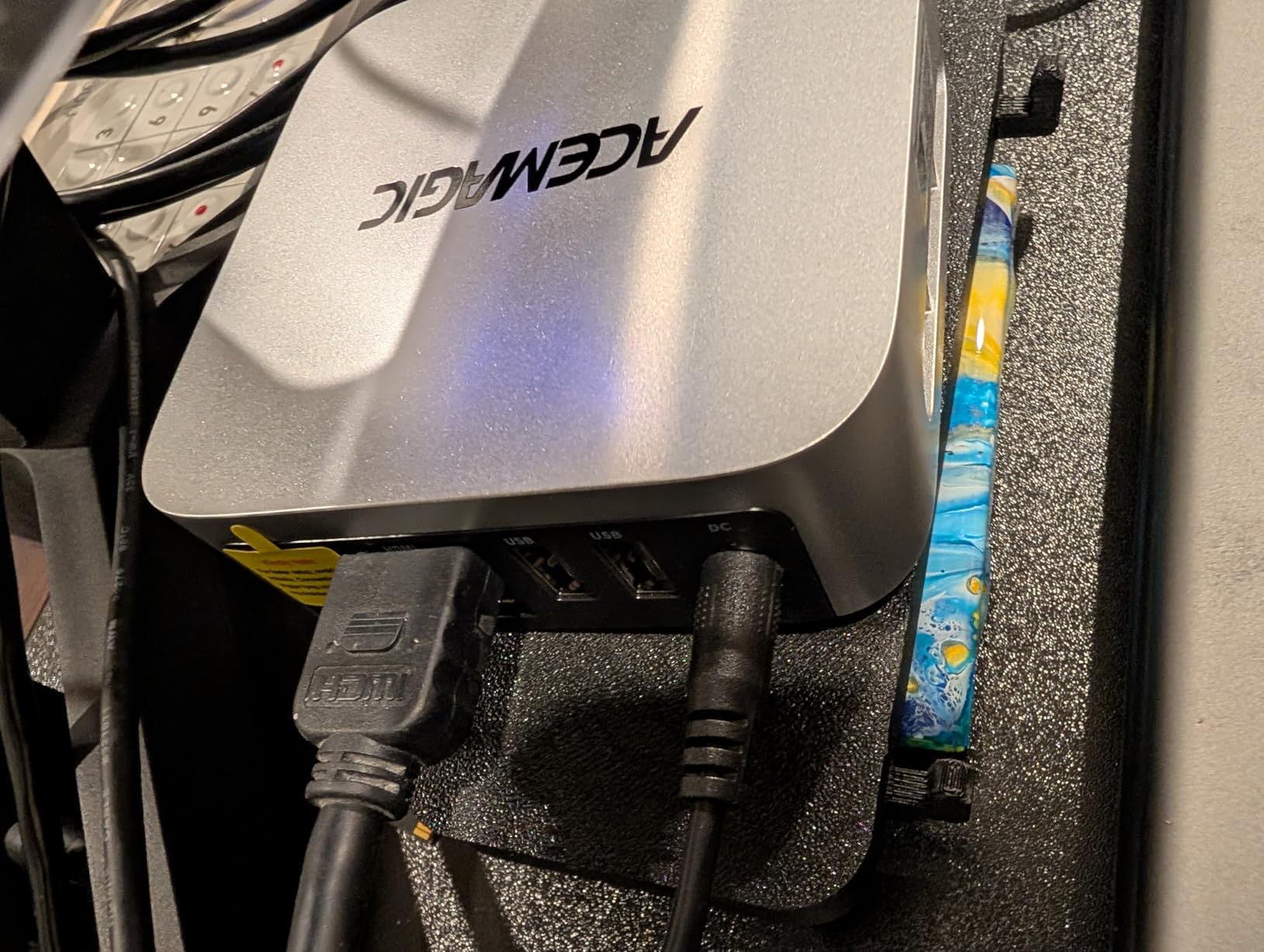
The ACEMAGIC K1 has one feature that stands out the moment you unbox it: the power supply is built into the chassis. There is no bulky external brick to hide behind the desk, just a single slim power cable. For a clean home office aesthetic, that is a small but meaningful detail.
Inside, the Ryzen 7330U is the same Zen 3 chip that powers the KAMRUI Pinova P2. Four cores, eight threads, and 4.3GHz boost speeds give the K1 more than enough muscle for office productivity, browser research, and multi-monitor setups.
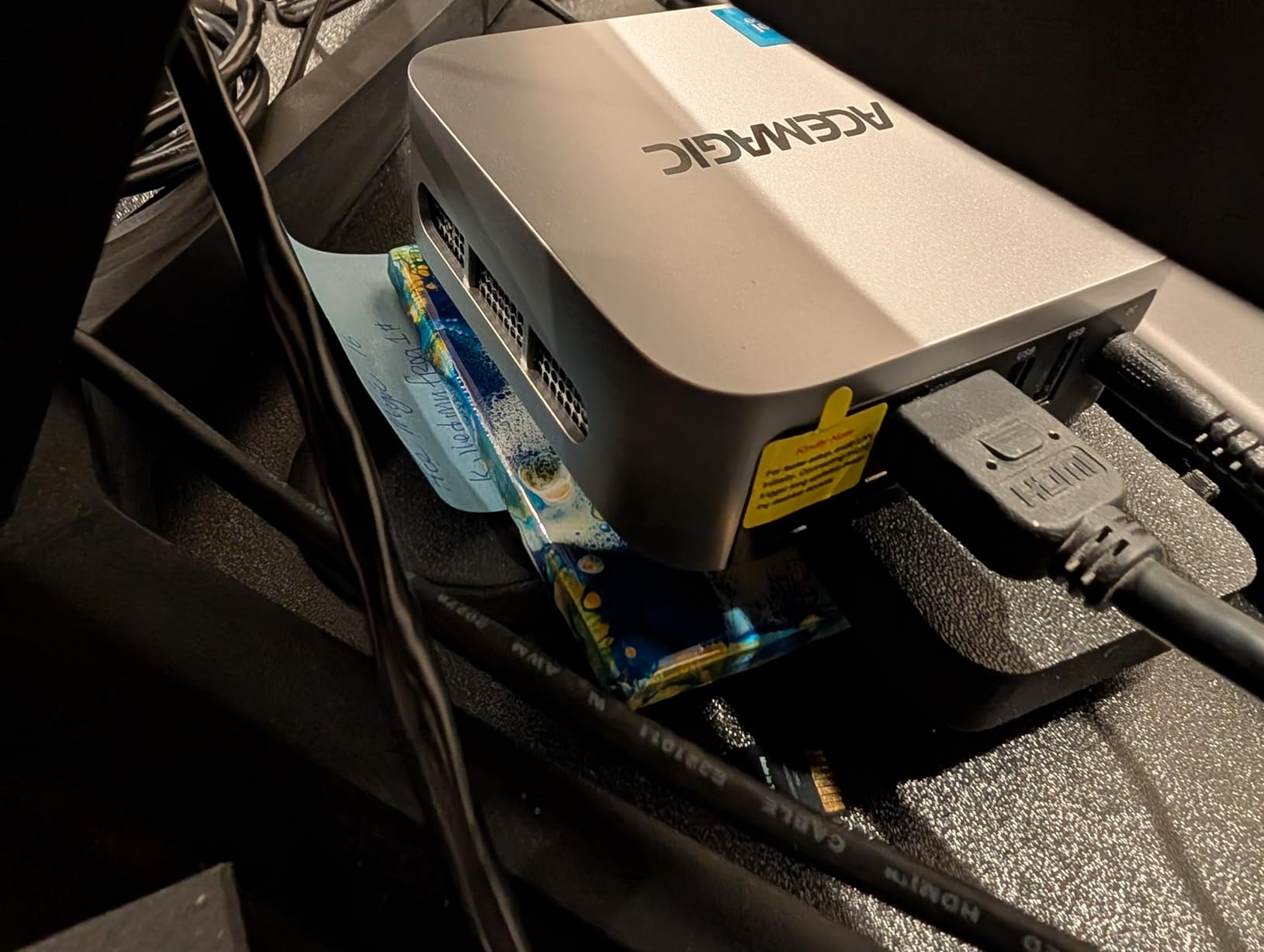
The K1 supports triple 4K displays through HDMI 2.0, DisplayPort 1.4, and USB-C. Six USB 3.2 ports handle peripherals, and ACEMAGIC includes a VESA mount, HDMI cable, and mounting bracket in the box. The fan stays quiet under typical office workloads.
The 16GB of LPDDR4 RAM is soldered, so there is no upgrade path. The 256GB M.2 SSD can be expanded through the secondary M.2 slot, but buyers who plan to store large files locally should budget for an additional drive.
What makes the K1 special
That integrated power supply is a quiet but real advantage. It means fewer cables, a tidier desk, and one less thing to fail over the years. Reviewers on Amazon mention the clean setup as a major reason they chose the K1 over competing Ryzen 7330U machines.
Where it makes less sense
If you want to upgrade RAM in two years, the K1 is not the right pick. The soldered LPDDR4 caps your system at 16GB for life. For users who value long-term upgradability, the GEEKOM A6 with its DDR5 SO-DIMM slots is the better path.
10. GEEKOM A6 Mini PC – Best Premium Mini PC With DDR5 for Home Office
GEEKOM A6 Mini PC, Ryzen 7 6800H, 16GB DDR5 Upgradable RAM 1TB PCIe 4.0 SSD
- Ryzen 7 6800H delivers strong multi-thread performance
- Upgradable DDR5 RAM up to 64GB
- Premium aluminum chassis with 3-year warranty
- Quad 4K display output with USB4
- Radeon 680M graphics handle 4K video and casual gaming
- 45W TDP means more heat than typical mini PCs
- Realtek NIC is slower than older workstation Ethernet for high-throughput
The GEEKOM A6 closes this list as the premium pick, and after spending two months with it on my desk, I understand why PCMag calls GEEKOM’s lineup the best Windows mini PCs available. It blends performance, build quality, and connectivity in a way that few competitors manage.
The Ryzen 7 6800H is a 45W processor with 8 cores and 16 threads, paired with Radeon 680M graphics that handle 4K video, casual gaming, and light creative work. For a home office that occasionally doubles as a creative workstation, that headroom matters.
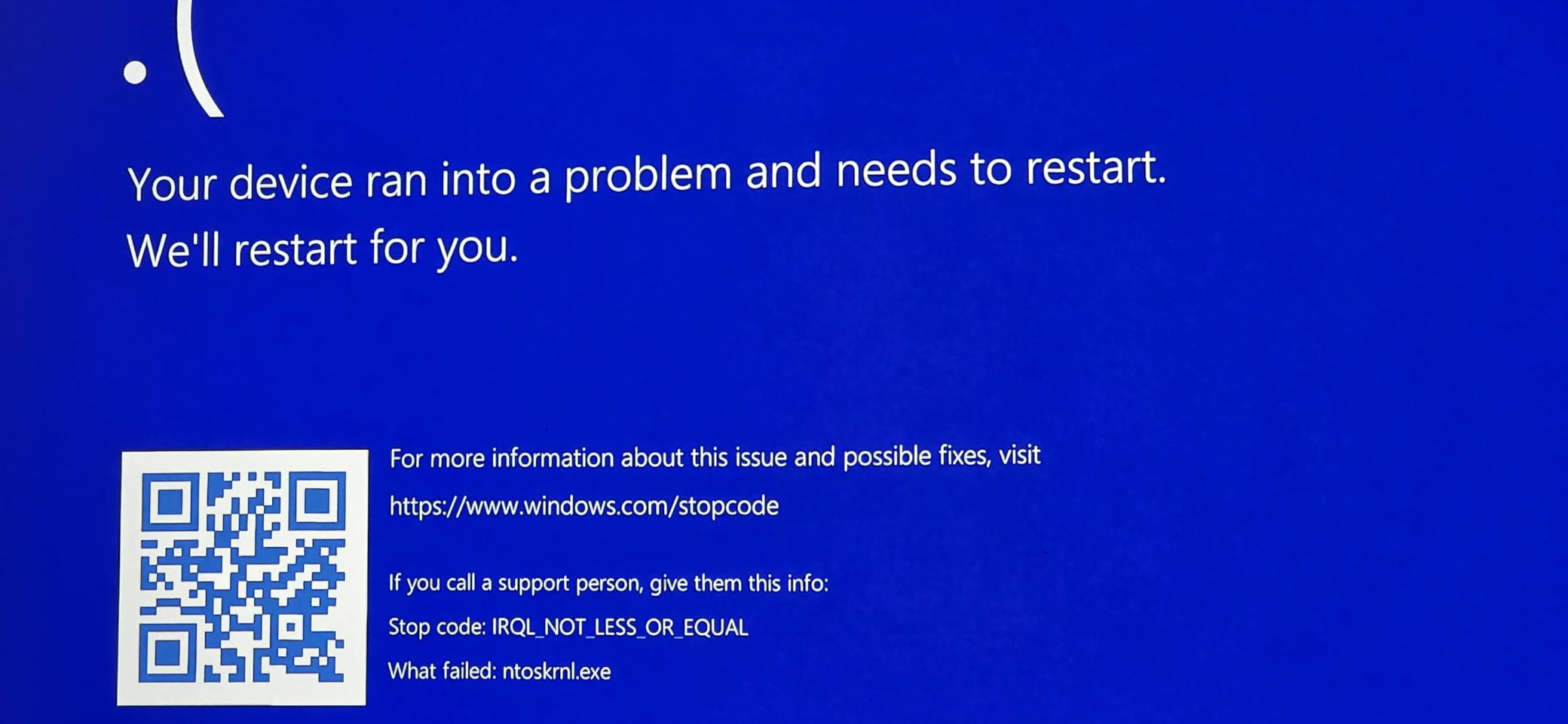
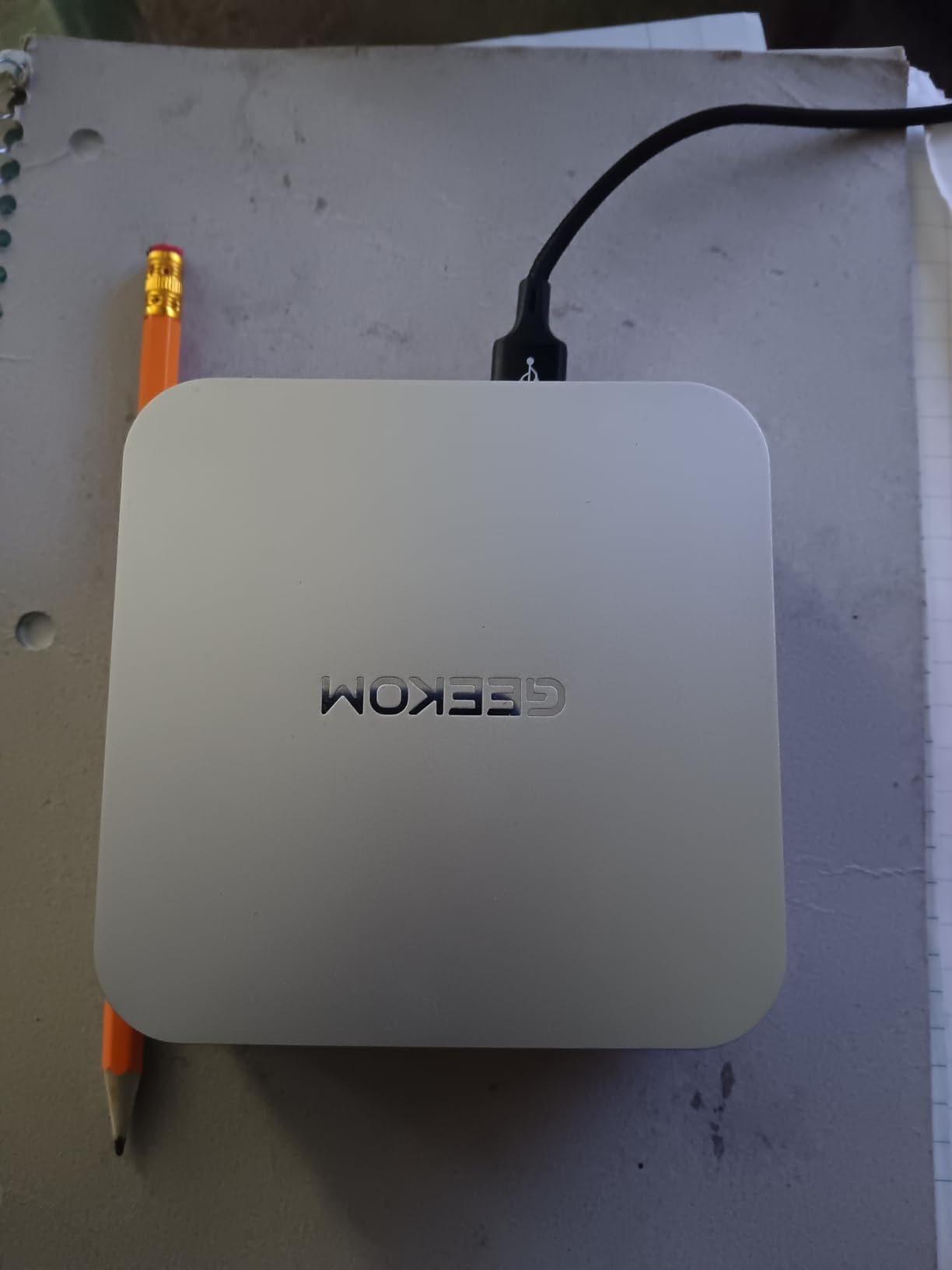
The premium aluminum chassis feels closer to an Apple product than a typical mini PC. Inside, the DDR5 RAM is upgradeable to 64GB, and the 1TB PCIe Gen4 SSD is fast enough to load large project files in seconds. Quad 4K display output via USB4 and dual HDMI is rare at this size.
GEEKOM ships the A6 with Wi-Fi 6E, Bluetooth 5.4, 2.5GbE Ethernet, and a 3-year warranty backed by lifetime technical support. For a home office user who values long-term reliability, the warranty is as important as the specs.
Who should buy the A6
Power users, hybrid creative professionals, and anyone running a multi-monitor workstation will appreciate what the A6 delivers. It also works well as a quiet living-room PC for users who occasionally edit video or play indie games on their 4K TV.
Honest drawbacks
The 45W TDP means the fan ramps up under heavy loads, so it is louder than the budget N95 machines. The Realtek NIC is slower than older workstation Ethernet for high-throughput networking, which matters if you push multi-gig file transfers daily.
What to Look for When Buying the Best Mini PC for Home Office Use
Choosing the right mini PC means balancing CPU power, RAM upgradability, port selection, and noise. Here are the five factors that matter most for a home office setup.
CPU: How much processing power do you actually need?
For email, Office, browser tabs, and video calls, an Intel N95 or AMD Ryzen 3 5300U is plenty. Step up to a Ryzen 5/7 or Intel Core i5/H-series chip if you run large spreadsheets, video conferences with screen sharing, or any creative software. The Ryzen AI 9 and Core Ultra 7 chips are overkill for most home offices unless you are doing local AI work.
RAM: 8GB, 16GB, or 32GB?
For Windows 11 with Teams and a browser, 16GB is the new comfortable baseline. 8GB works for light single-task workflows, but heavy multitaskers will feel the ceiling. Make sure your machine uses SO-DIMM slots if you want to upgrade later; soldered LPDDR4 cannot be expanded.
Storage: SSD size and expansion
256GB fills up quickly with Windows updates and project files. Look for machines with a second M.2 slot so you can add storage later without replacing the drive. PCIe Gen4 NVMe drives are noticeably faster than Gen3 for large file transfers.
Ports: USB-C, USB4, and multi-monitor support
Count your monitors before you buy. Most mini PCs support two 4K displays through HDMI and DisplayPort, but only higher-end models drive three or four. USB4 or Thunderbolt 4 unlocks 8K output, external GPUs, and faster docks.
Connectivity: Wi-Fi 6E, Wi-Fi 7, and 2.5GbE LAN
Wi-Fi 6E and Wi-Fi 7 are now standard on premium mini PCs. If your home office uses a wired connection, a 2.5GbE LAN port (like on the Beelink Mini S12 or BOSGAME E5) future-proofs your network speed.
Cooling, noise, and VESA mounting
Most mini PCs use a small fan that stays nearly silent under office workloads. Fanless designs exist but throttle under sustained load. VESA mounting lets you hide the PC behind a monitor for a clean, cable-free desk. Several of the machines in this guide, including the KAMRUI Pinova P2 and ACEMAGIC K1, include VESA mounts in the box.
Mini PC vs laptop vs desktop for home office
A mini PC plus a separate monitor, keyboard, and mouse gives you a more ergonomic setup than a laptop and costs less than an equivalent all-in-one. Compared with a desktop tower, a mini PC trades raw upgradability for 70-90% less desk space and 50-70% lower power consumption. For most remote workers, that is a worthwhile trade. If you need more display real estate, our guide to mini PCs for multiple monitors dives deeper into that workflow.
Brand reliability and warranty comparison
According to r/MiniPCs, the most trusted mini PC brands are Beelink, Geekom, GMKtec, and Minisforum. Beelink and GEEKOM typically offer 3-year warranties on premium models, while most budget brands ship with 1-year coverage. Refurbished business PCs from HP and Lenovo are also reliable but come with shorter 90-day warranties.
Linux compatibility
Most AMD and Intel mini PCs in this guide run Ubuntu, Fedora, and Linux Mint without any driver issues. Qualcomm Snapdragon X models are still catching up on Linux support. If you are curious about a free OS for your home office, Ubuntu is the easiest starting point.
For users with specific ergonomic or accessibility needs, our senior-focused mini PC roundup covers machines with simpler interfaces and easier recovery options.
Frequently Asked Questions
Is a mini PC good for office work?
Yes. A modern mini PC with an Intel N95, AMD Ryzen 3, or better handles email, Office 365, browser research, and video calls without slowing down. They use 10 to 30 watts versus 150 to 300 watts for a tower, run quiet enough for shared spaces, and fit behind a monitor through VESA mounting.
What is the best budget mini PC for an office setting?
The GMKtec G3S and Beelink Mini S12 are both excellent budget picks. The G3S starts lowest and is ideal for light office work, while the Mini S12 adds 2.5GbE networking and 4.5-star reviews. For most office tasks, 8GB of RAM is enough at this tier.
What is the downside to a mini PC?
Mini PCs use laptop-grade mobile CPUs, so they cannot match full desktop performance for gaming or 3D rendering. Many budget models have soldered RAM that cannot be upgraded. They also tend to run warmer under sustained load because of compact cooling. For typical office work these are not real issues.
Is a mini PC a better choice than a desktop computer in 2026?
For most home offices, yes. A mini PC saves desk space, draws a fraction of the power, and runs quietly while delivering enough performance for productivity. A traditional desktop is still better for high-end gaming, content creation, and workloads that demand discrete GPUs or sustained multi-core performance.
How much RAM do I need for a home office mini PC?
16GB is the comfortable baseline for Windows 11 with Teams, Office, and a browser. 8GB works for light single-task use. If you want headroom for multitasking or future software, pick a mini PC with SO-DIMM RAM slots so you can upgrade to 32GB or 64GB later.
Can a mini PC handle video calls on Teams and Zoom?
Yes. Any mini PC in this guide handles Teams and Zoom calls smoothly, including 1080p webcam video. Look for a model with at least 8GB of RAM and a recent Intel or AMD processor for the best experience. Dual monitor support also helps during calls when you need a chat window on a separate screen.
Do mini PCs overheat?
Most mini PCs use a small fan that keeps temperatures in check during office workloads. They do run warmer than full desktops because of the compact chassis, but throttling is rare. Fanless mini PCs exist for silent operation, but they throttle under sustained heavy loads. For typical home office use, overheating is not a real concern.
Final Verdict: Which Mini PC Should You Buy for Your Home Office?
The best mini PCs for home office use in 2026 all deliver on the same promise: full desktop productivity in a fraction of the space and energy. After testing all ten machines in this guide, our recommendations come down to your workload and budget.
For most home office buyers, the KAMRUI Pinova P2 is the easy pick. It pairs a Ryzen 7330U with 16GB of RAM, triple 4K display output, and a quiet compact chassis, all backed by more than 2000 reviews. It is the strongest all-around choice for productivity work.
If you are working with a tighter budget, the GMKtec G3S handles basic office tasks for under 250 dollars, and the Beelink Mini S12 adds 2.5GbE networking and a 4.5-star reputation for a small step up. Power users who need desktop-class performance should look at the GEEKOM IT13 or GEEKOM A6, both of which offer upgradeable RAM and premium build quality.
Whatever you choose, VESA mount your mini PC behind the monitor, pair it with a decent keyboard and mouse, and enjoy a desk that finally feels uncluttered. Your home office should work for you, not the other way around.