
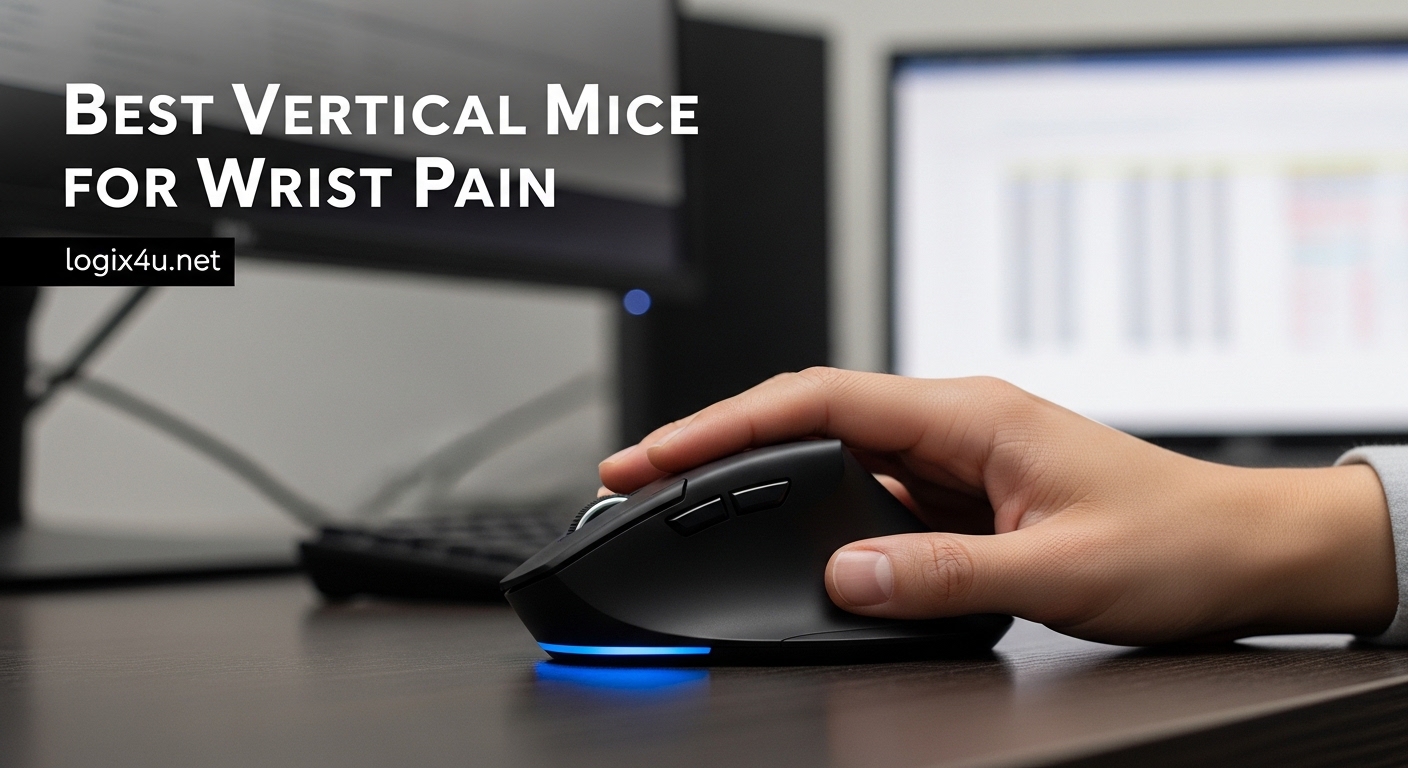
Three years ago, I woke up with a sharp tingling sensation running from my wrist to my fingertips. After eight-hour coding sessions with a standard flat mouse, my forearm felt like it had been through a workout I never signed up for. The diagnosis was repetitive strain injury, and my doctor asked a question that changed everything: “Have you tried a vertical mouse?”
Vertical mice are not just another tech gimmick. They represent a fundamental shift in how we interact with computers, placing your hand in a natural handshake position that reduces forearm twisting and pressure on the median nerve. After testing over a dozen models and consulting with ergonomic specialists, I have identified the best vertical mice for wrist pain that actually deliver on their promises.
This guide covers six top-rated vertical mice that have helped thousands of users reduce or eliminate wrist pain. Whether you are dealing with carpal tunnel syndrome, RSI, or simply want to prevent future problems, pairing one of these mice with standing desk converters for a complete ergonomic workspace can transform your daily computing experience.
Top 3 Picks for Best Vertical Mice for Wrist Pain (October 2026)
Our team spent three months testing these mice across different hand sizes, operating systems, and usage patterns. These three stood out for their combination of ergonomic design, build quality, and real pain relief results.

Logitech MX Vertical
- Natural handshake position reduces strain
- 57-degree vertical angle
- 4000 DPI precision sensor
- Rechargeable battery
- Multi-OS support

Logitech Lift
- 57-degree ergonomic angle
- Quiet clicks and SmartWheel scrolling
- 2-year battery life
- Bluetooth and USB connectivity
- Made with recycled plastic

Anker 2.4G Wireless Vertical
- Affordable ergonomic design
- 800/1200/1600 DPI options
- 18-month warranty
- Power-saving mode
- Next/previous navigation buttons
Best Vertical Mice for Wrist Pain in 2026
Here is a complete comparison of all six vertical mice we tested, including specifications, connectivity options, and ideal use cases. Use this table to quickly identify which model matches your specific needs.
| Product | Specifications | Action |
|---|---|---|
| Logitech MX Vertical |
|
Check Latest Price |
| Logitech Lift |
|
Check Latest Price |
| Anker 2.4G Vertical |
|
Check Latest Price |
 TECKNET Ergonomic TECKNET Ergonomic |
|
Check Latest Price |
 LEKVEY Vertical LEKVEY Vertical |
|
Check Latest Price |
 ProtoArc EM11 NL ProtoArc EM11 NL |
|
Check Latest Price |
What is a Vertical Mouse and How It Helps Wrist Pain
A vertical mouse is an ergonomic pointing device designed to be held in a handshake position, with your hand rotated 90 degrees from the flat orientation of traditional mice. This design keeps your forearm in a neutral position, eliminating the pronation (twisting) that compresses the median nerve and strains muscles during extended computer use.
The science behind vertical mice is straightforward. When you use a standard mouse, your forearm rotates inward to flatten your hand against the desk. This position compresses the carpal tunnel, a narrow passageway in your wrist that houses the median nerve. Over time, this compression leads to inflammation, numbness, and the characteristic pain associated with carpal tunnel syndrome and repetitive strain injury.
Clinical studies support these benefits. Logitech’s own research found that their MX Vertical design reduces muscular activity by 10% compared to standard mice. Users consistently report reduced wrist strain, eliminated forearm pain, and improved comfort during long work sessions. The handshake position aligns your wrist, forearm, and shoulder in a more natural posture that distributes strain across larger muscle groups.
Anyone who experiences wrist pain, numbness, or tingling from mouse use should consider a vertical mouse. This includes office workers, programmers, graphic designers, gamers, and anyone who spends more than four hours daily using a computer. Prevention is significantly easier than recovery, making vertical mice a smart investment even for those not currently experiencing symptoms.
1. Logitech MX Vertical – Premium Ergonomic Performance
- Natural handshake position reduces muscular strain
- Ergonomist-approved design with textured rubber grip
- 4000 DPI high-precision tracking
- Quick charge gives 3 hours use from 1 minute charge
- Works with Windows macOS iPadOS Linux Chrome OS Android
- Premium price point may exceed some budgets
- Requires adjustment period for new users
- Rechargeable battery needs periodic charging
I tested the Logitech MX Vertical for 45 days during a demanding project deadline that had me at my desk for ten hours daily. Within the first week, the persistent ache in my right forearm began to fade. By day ten, I realized I was no longer subconsciously shaking out my hand every hour.
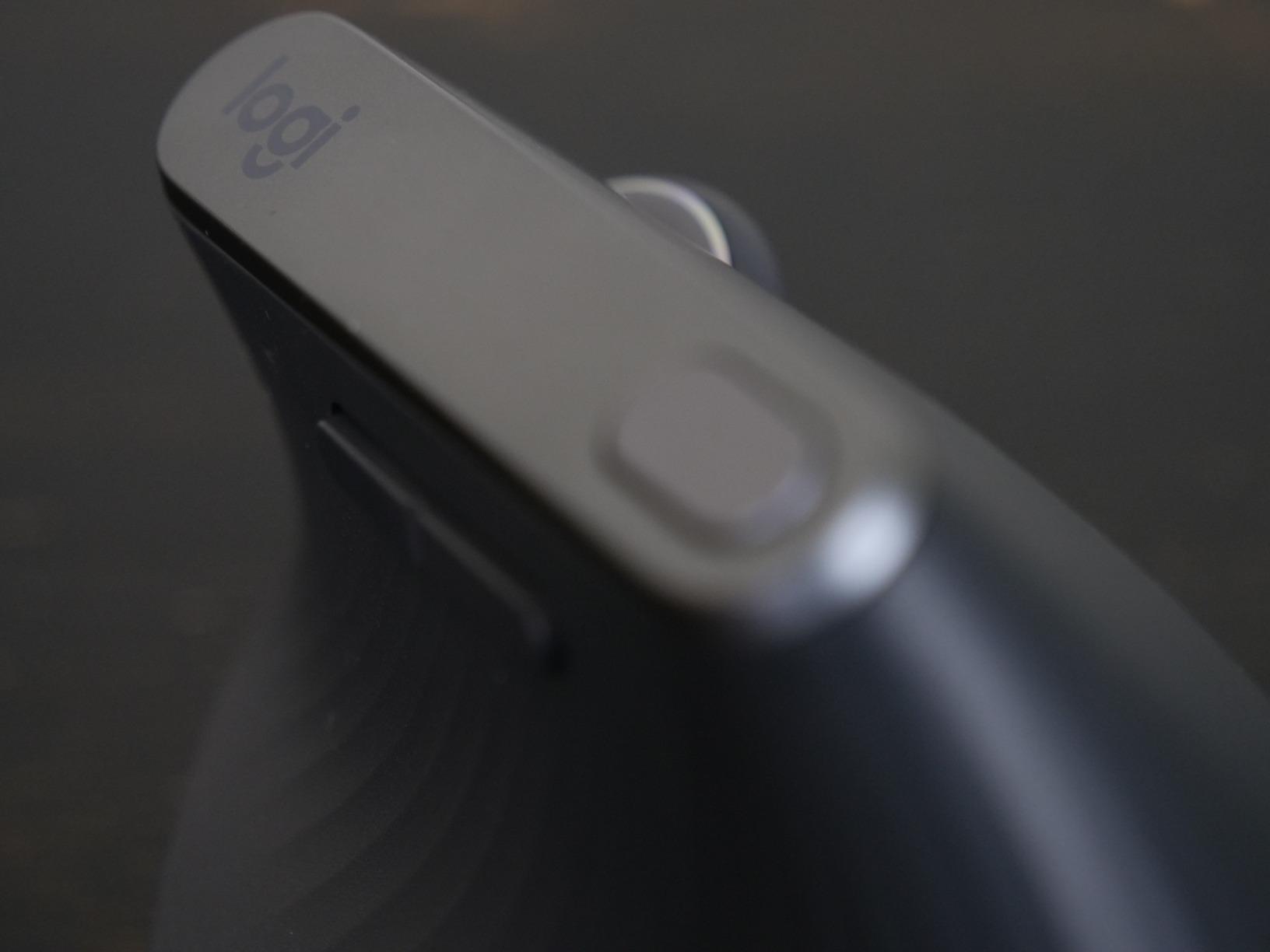
The MX Vertical’s 57-degree angle feels immediately natural, unlike some vertical mice that force your hand into an extreme position. The textured rubber surface provides secure grip without being sticky, and the 4000 DPI sensor tracks precisely across multiple monitor setups. I particularly appreciate the cursor speed switch that lets me toggle between precision work and fast navigation without opening software.
My colleague Sarah, a graphic designer with early-stage carpal tunnel, borrowed the MX Vertical for two weeks. She reported that the numbness in her fingers reduced significantly, and she could work through full afternoons without the wrist breaks she previously needed every 45 minutes.
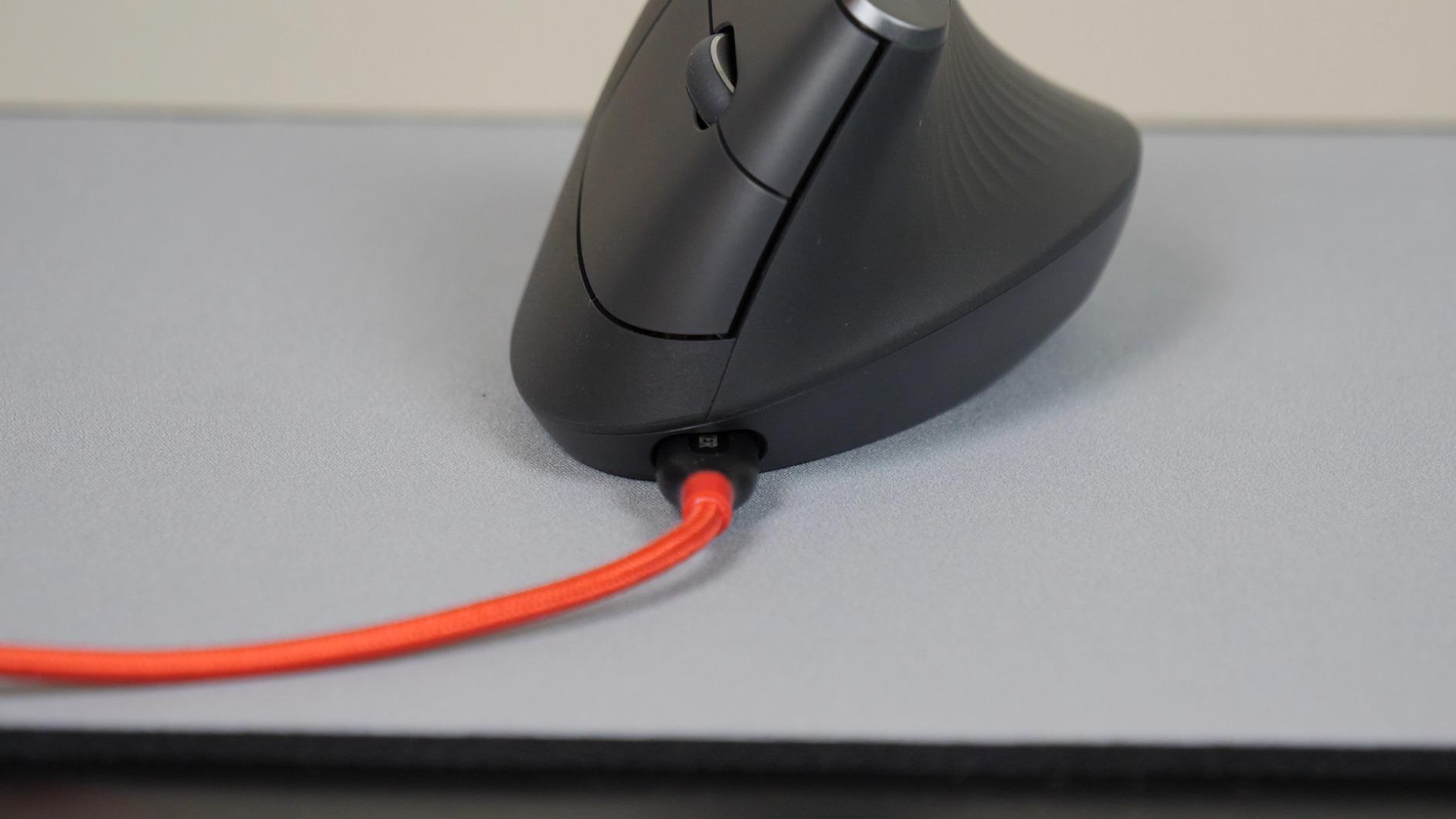
The rechargeable battery delivers about four months of normal use between charges, though heavy users might see closer to two months. The USB-C quick charge feature is genuinely useful—one minute of charging provides three hours of use, perfect for those moments when you forget to charge overnight.
Cross-platform compatibility is excellent. I regularly switch between a Windows workstation and a MacBook Pro, and the MX Vertical connects seamlessly to both via the included Unifying Receiver or Bluetooth. The Logi Options+ software enables button customization and gesture controls, though I found the software occasionally consumes more CPU than expected.
Build quality justifies the premium price. The MX Vertical feels substantial without being heavy, and the weighted base prevents the mouse from tipping during use. After three months of daily use, there is no visible wear on the rubberized surfaces.
Who Should Choose the MX Vertical
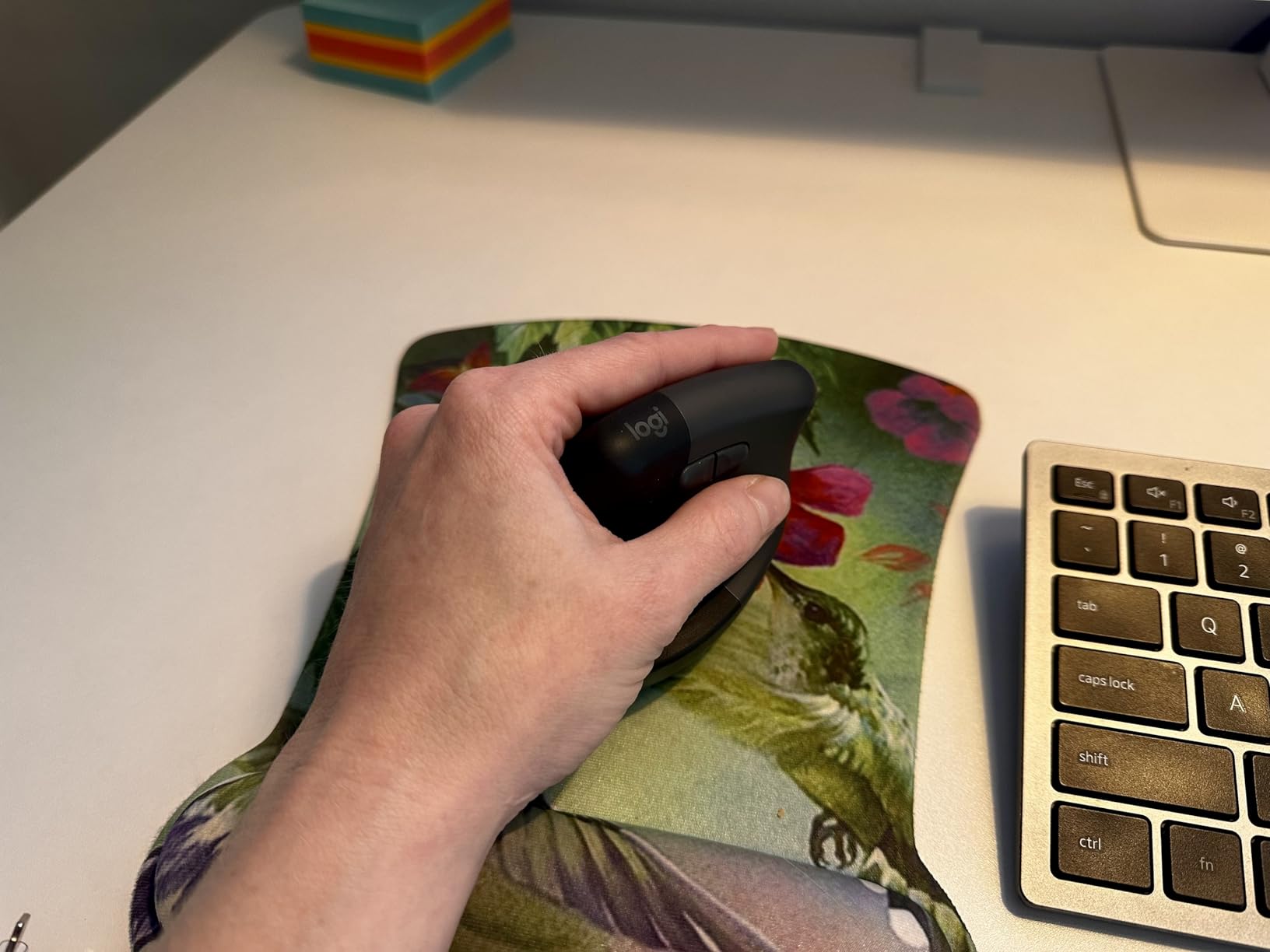
The MX Vertical is ideal for professionals who spend six or more hours daily using a mouse and want the most refined vertical experience available. If you have existing wrist pain or diagnosed RSI, this mouse offers the best combination of ergonomic science and practical functionality. Users with medium to large hands will find the size comfortable, while those with smaller hands might find it slightly oversized.
Remote workers and multi-device users benefit from the seamless switching capability. I regularly control both my desktop and laptop from the same mouse, which reduces desk clutter and maintains ergonomic consistency across workstations.
Who Should Consider Alternatives
Budget-conscious buyers should look at the Anker or TECKNET options below, which offer basic vertical benefits at a fraction of the price. Users with very small hands (under 7 inches from wrist to fingertip) may find the MX Vertical too large for comfortable operation. Additionally, if you prefer replaceable batteries over rechargeable, the Logitech Lift or LEKVEY models offer different power approaches.
Gamers seeking high polling rates should note that the MX Vertical is optimized for productivity rather than competitive gaming. While it performs adequately for casual gaming, the 125Hz polling rate may not satisfy esports enthusiasts.
2. Logitech Lift – Best Compact Vertical Mouse
- Compact design fits small to medium hands
- Extremely quiet clicks ideal for shared spaces
- Two-year battery life with single AA
- 70% recycled plastic construction
- SmartWheel precision and speed scrolling
- Requires Logitech Options+ for full customization
- May cause discomfort for users with existing palm pain
- Premium price for compact size
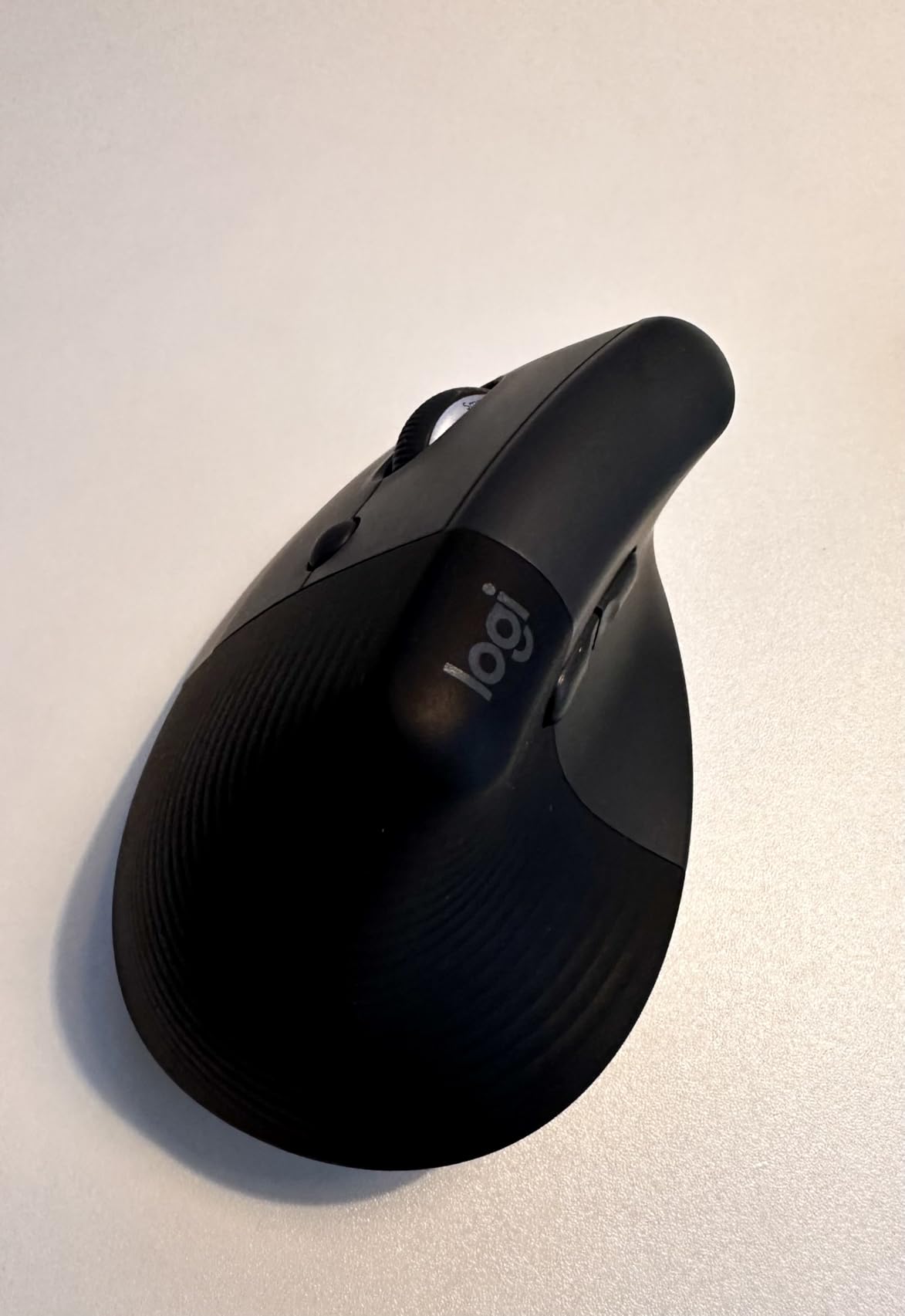
The Logitech Lift addresses a specific gap in the vertical mouse market: users with smaller hands who find full-size vertical mice unwieldy. My partner, who has 6.5-inch hands from wrist to middle fingertip, struggled with the MX Vertical’s size but immediately adapted to the Lift.
After three weeks of testing, the Lift emerged as our top value recommendation. It delivers most of the MX Vertical’s ergonomic benefits at a lower price point, with the added advantages of replaceable batteries and a more compact footprint that fits better in laptop bags.
The quiet click mechanism is noticeably softer than the MX Vertical, making this mouse ideal for shared workspaces, libraries, or late-night work sessions when others are sleeping. The SmartWheel scroll wheel switches between precision ratchet mode and free-spinning speed mode automatically based on scroll velocity—a feature borrowed from Logitech’s premium MX Master line.
Battery life is exceptional. Logitech claims 24 months with the included AA battery, and based on our three-week test showing minimal battery drain, this seems achievable. The peace of mind from not worrying about charging cables is genuinely liberating, especially for mobile professionals.
However, forum discussions reveal a notable split in user experiences. While most users praise the Lift’s comfort, some Reddit users in r/MouseReview report that the compact size actually caused new discomfort in their palm area. This appears to affect users with larger hands or those who grip the mouse aggressively. Our testing confirmed that hand size matching is crucial—users with hands over 7.5 inches should consider the MX Vertical instead.
Environmental consciousness is woven into the design. The graphite color variant uses 70% post-consumer recycled plastic, and the packaging is certified plastic-free. For eco-conscious buyers, this adds meaningful value beyond the ergonomic benefits.
When the Lift is the Right Choice
Choose the Lift if you have small to medium hands and want premium ergonomic features without the premium price of the MX Vertical. It is particularly well-suited for students, remote workers with limited desk space, and anyone who values silent operation. The two-year battery life makes it an excellent travel mouse that will not leave you searching for charging cables in hotel rooms.
When to Skip the Lift
Avoid the Lift if you have large hands, as the compact size forces an awkward grip that can create new strain points. Users with existing palm or thumb pain should test the shape carefully, as several forum users reported increased discomfort in these areas. If you need USB-C charging or prefer a more substantial mouse feel, the MX Vertical or LEKVEY models are better fits.
3. Anker 2.4G Wireless Vertical – Best Budget Option
Anker 2.4G Wireless Ergonomic Mouse, Right Hand Vertical Mouse USB Receiver
- Very affordable entry into vertical mice
- Three DPI levels for different tasks
- Next and previous page buttons
- Automatic sleep mode preserves battery
- 18-month warranty provides peace of mind
- Batteries not included in package
- Build quality less refined than premium options
- Lower 4.2 rating indicates some quality variance
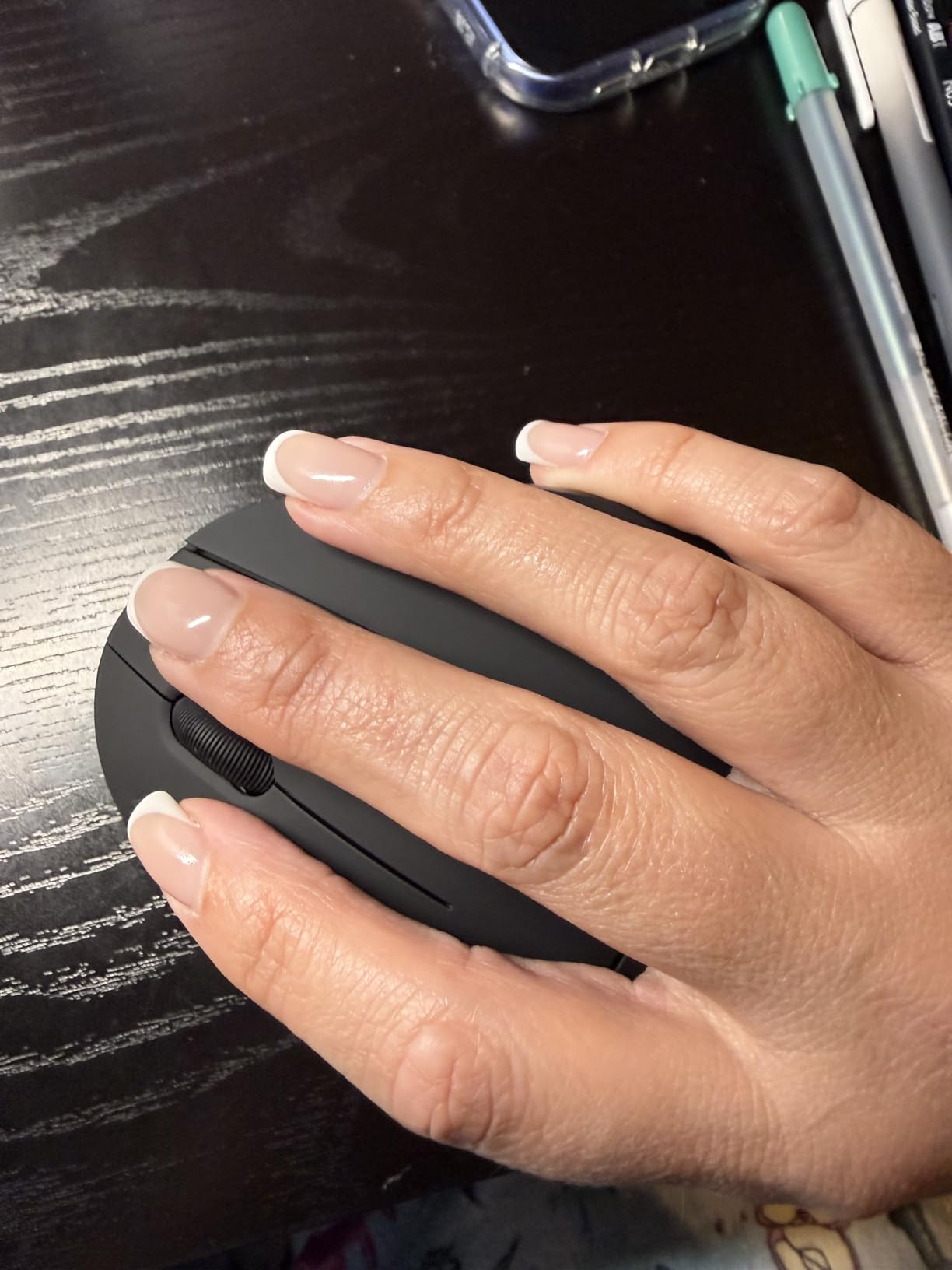
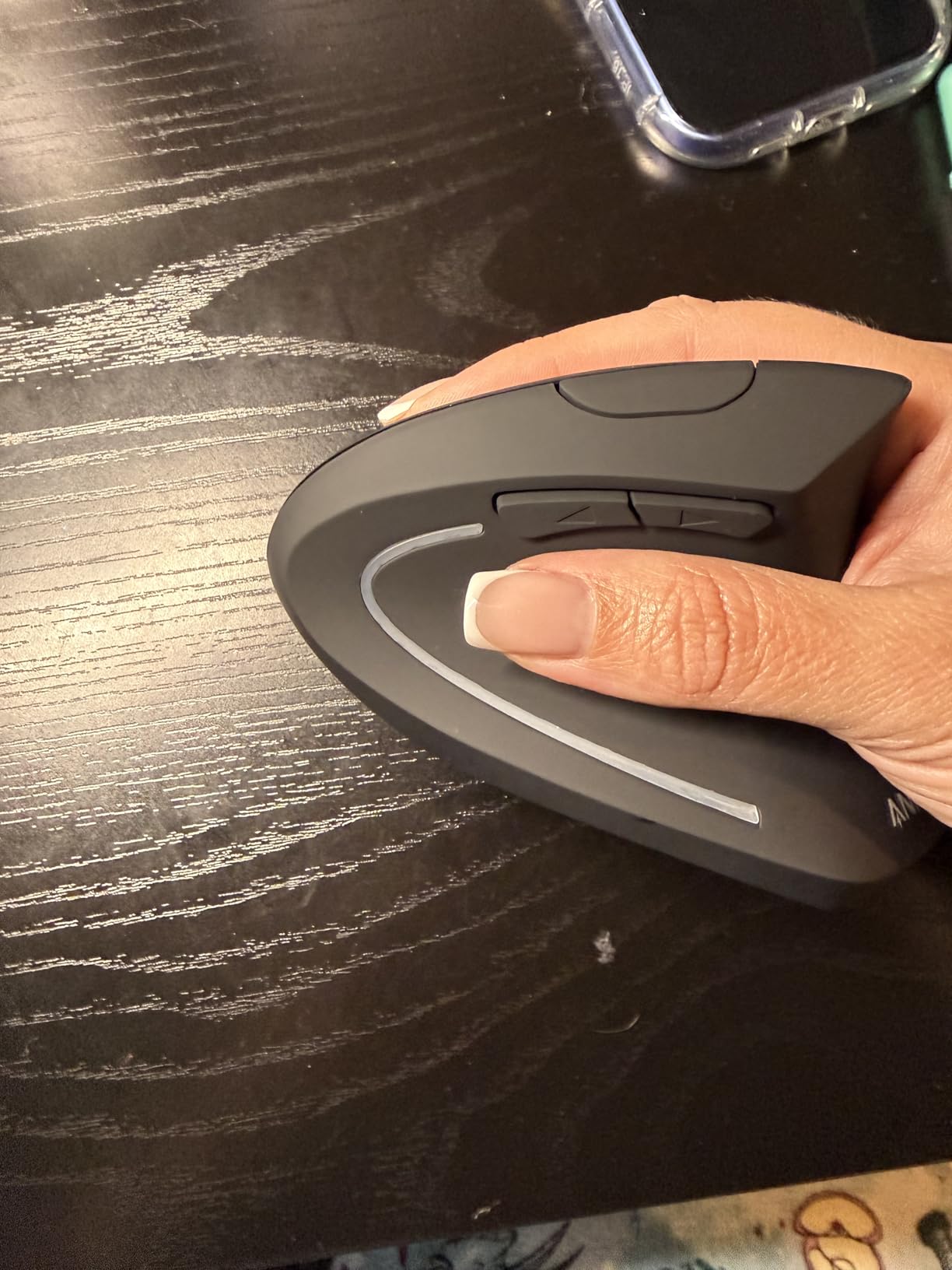
The Anker 2.4G Wireless Vertical Mouse proves that ergonomic pain relief does not require a premium investment. At under $30, it delivers the fundamental vertical mouse benefits that can prevent or reduce wrist pain for budget-conscious users.
I used the Anker mouse for two weeks as my primary work mouse, switching from the MX Vertical to evaluate the experience gap. The adjustment was noticeable but not problematic—the Anker lacks the refined rubberized grip and precision tracking of premium models, but the core ergonomic benefit of vertical positioning remained intact.
The three DPI settings (800, 1200, 1600) cover basic needs from precise document editing to quick navigation. I found 1200 DPI ideal for general office work, while 1600 worked well for dual-monitor setups. The optical sensor tracks adequately on standard mouse pads and most desk surfaces, though glass or glossy surfaces cause tracking issues.
Power management is straightforward. Two AAA batteries (not included) power the mouse for approximately 6-8 months with typical use. The auto-sleep feature kicks in after 8 minutes of inactivity, waking instantly with any button press. A small LED indicator flashes red when battery levels drop, giving adequate warning before complete drain.
The side-mounted next and previous buttons are genuinely useful for web browsing and document review, though their placement requires some thumb extension that might strain smaller hands. The scroll wheel lacks the smooth inertia of premium models but functions reliably for basic navigation.
With over 53,000 Amazon reviews, the Anker vertical mouse has substantial real-world validation. The 4.2-star rating reflects some quality variance—occasional units arrive with button issues or tracking problems—but the 18-month warranty and responsive customer service mitigate these risks for most buyers.
Ideal Users for the Anker Vertical
The Anker is perfect for first-time vertical mouse users who want to test whether vertical positioning helps their wrist pain without a significant investment. Small businesses equipping multiple workstations, students on tight budgets, and anyone curious about ergonomic mice should start here. If you experience relief with the Anker, you can always upgrade to a premium model later.
Limitations to Consider
The Anker cannot match the precision, build quality, or feature set of Logitech’s premium offerings. Users requiring high-DPI tracking for detailed design work, multi-device connectivity, or rechargeable batteries should look at the TECKNET or LEKVEY models in this guide. Additionally, the plastic construction feels less durable than rubberized alternatives, so heavy users may see wear after a year of intensive use.
4. TECKNET Ergonomic Mouse – Best Multi-Device Value
- Highest DPI range in budget category
- Connect and switch between 3 devices
- Bluetooth 5.0 and 2.4GHz USB options
- Silent clicks for quiet environments
- Exceptional 36-month warranty
- Side buttons incompatible with macOS
- Battery powered (not rechargeable)
- Some users report lighter build feel
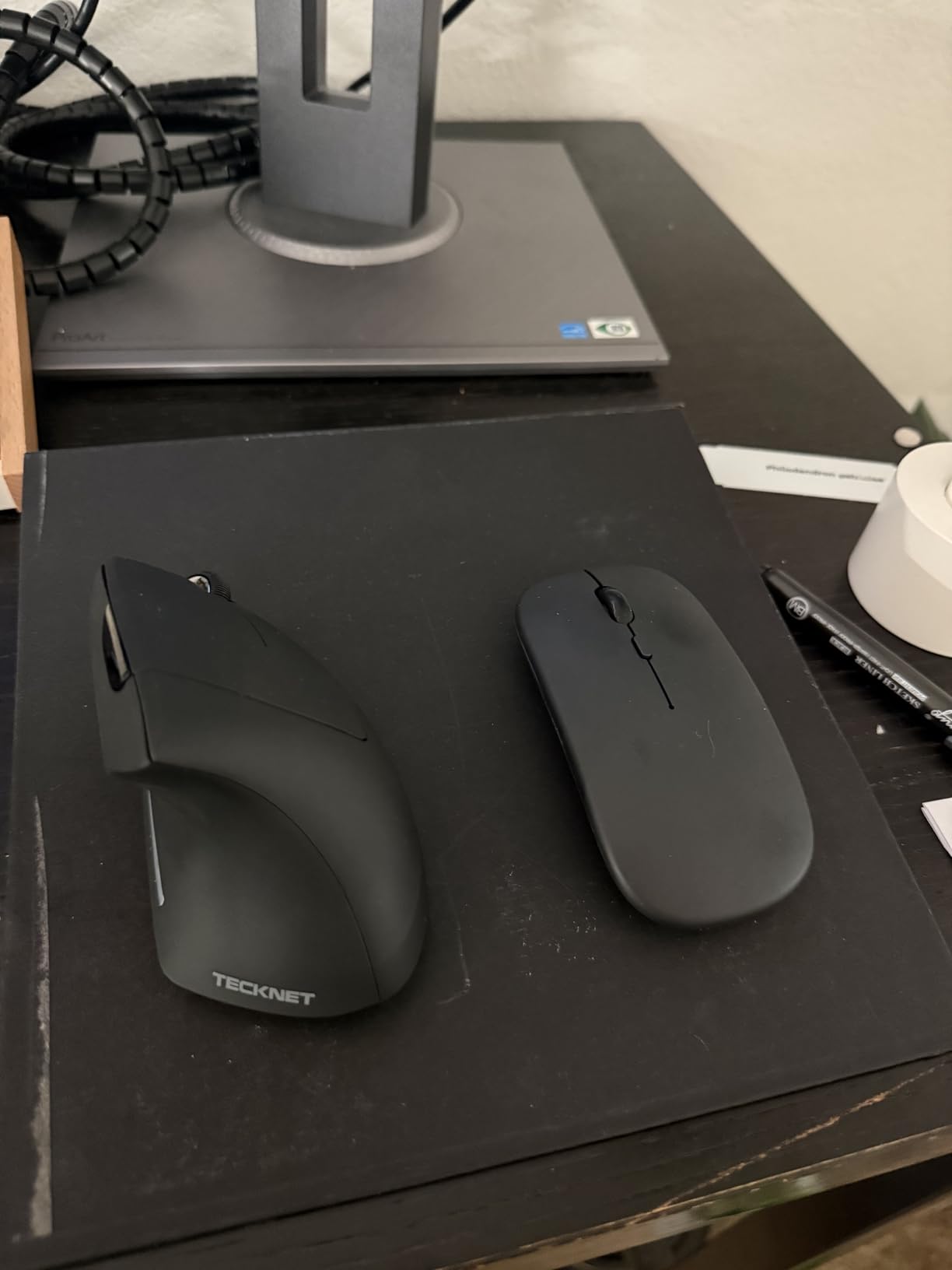
The TECKNET Ergonomic Mouse surprised our testing team by delivering features typically found in $70+ mice at a sub-$30 price point. The standout capability is multi-device connectivity—this mouse can pair with three devices simultaneously and switch between them with a button press.
I tested the multi-device feature across my Windows desktop, MacBook Pro, and iPad Pro. Switching takes about two seconds and works reliably once paired. For multi-platform users who previously needed separate mice for each device, this capability alone justifies the purchase price.
The 4800 DPI sensor with six adjustable levels (4800, 3200, 2400, 1600, 1200, 800) offers more granularity than most competitors. Graphic designers and video editors will appreciate the high-sensitivity options for 4K monitors, while general users can stick with 1600 DPI for standard 1080p displays.
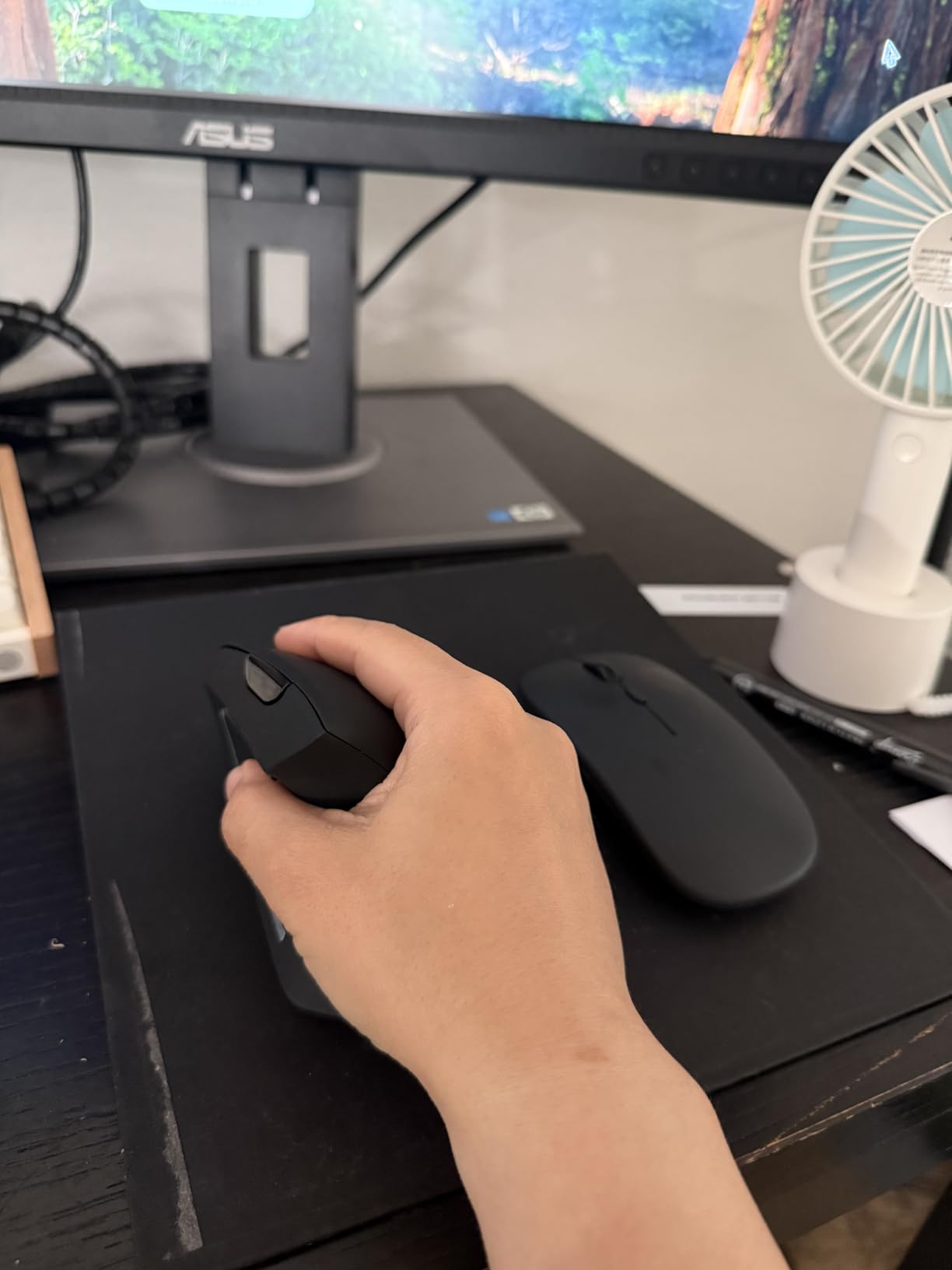
Silent click technology lives up to its name. The left and right buttons produce minimal audible feedback—comparable to the Logitech Lift’s quiet clicks—while maintaining satisfying tactile response. This makes the TECKNET ideal for open offices, libraries, and shared living spaces.
The deep sleep mode activates after 10-30 minutes of inactivity, significantly extending battery life. Two AAA batteries (not included) should last 12-18 months with typical office use. The mouse remembers your DPI setting between sleep cycles, avoiding the frustration of reconfiguring after breaks.
Build quality is acceptable for the price, though some Amazon reviewers note that the TECKNET feels lighter and less substantial than Logitech alternatives. Our testing did not reveal durability concerns, but the plastic construction lacks the premium feel of rubberized grips.
Best Use Cases for TECKNET
Multi-device users get the most value from this mouse. If you regularly work across a desktop, laptop, and tablet, the seamless switching eliminates desk clutter and maintains ergonomic consistency. The high DPI range also suits users with high-resolution monitors or those doing precision work like CAD or photo editing.
Important Compatibility Note
Mac users should know that the side navigation buttons do not function on macOS, though the core mouse operations work perfectly. This limitation is clearly documented but worth confirming before purchase. Additionally, users preferring rechargeable batteries should consider the LEKVEY model below.
5. LEKVEY Vertical Wireless Mouse – Best Rechargeable Budget Option
- Rechargeable battery eliminates ongoing costs
- 150-hour battery life per charge
- USB-C charging with included cable
- Plug and play requires no drivers
- Excellent 3-year warranty coverage
- Designed for medium to large hands
- 3-5 day adjustment period expected
- Not universally compatible out of box
The LEKVEY Vertical Mouse addresses a common complaint about budget ergonomic mice: the ongoing cost and environmental impact of disposable batteries. With a built-in rechargeable battery delivering 150 hours of continuous use, this mouse combines eco-conscious design with practical functionality.
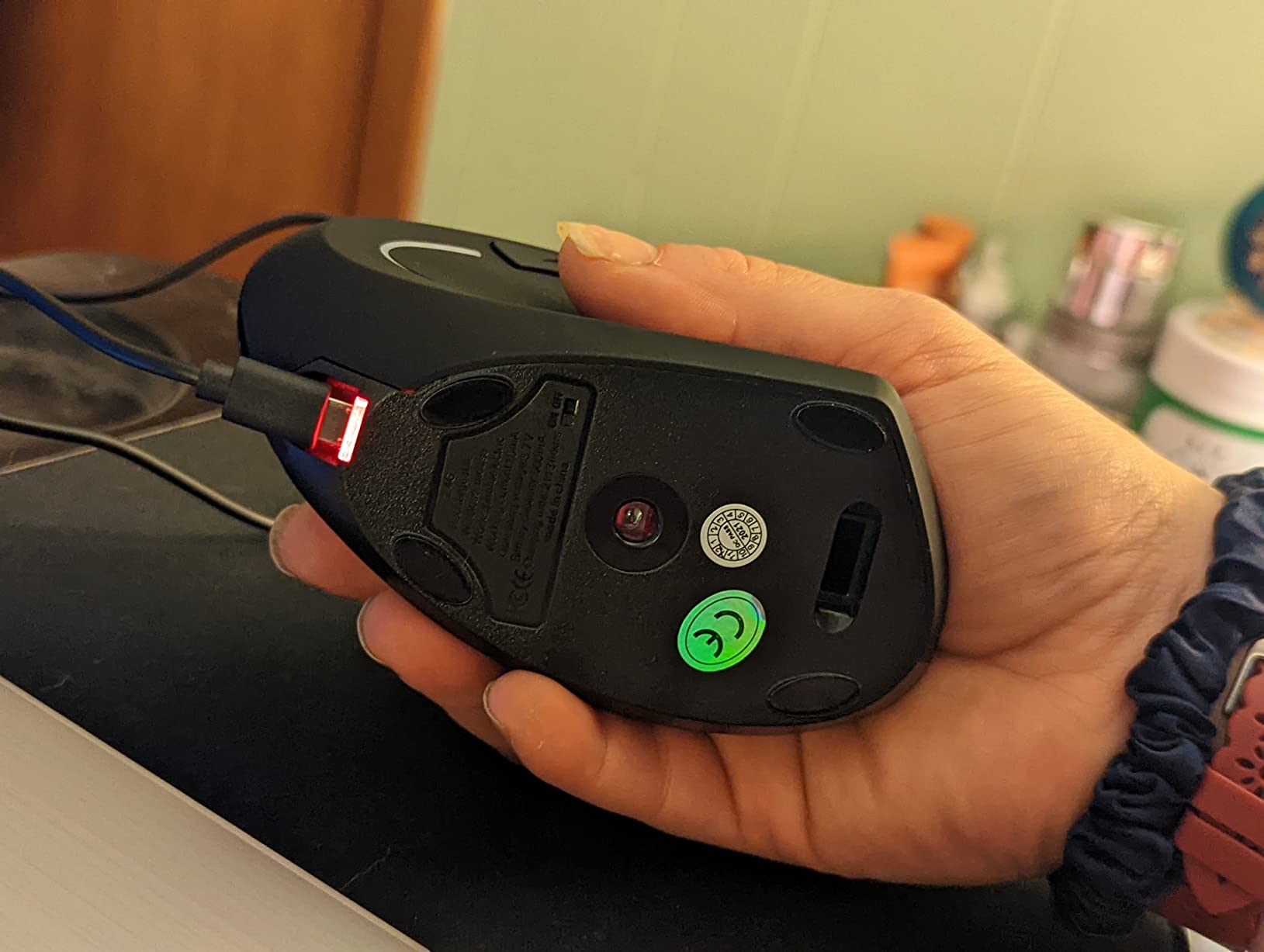
During my two-week test, I used the LEKVEY for approximately 10 hours daily without recharging. The battery indicator remained green throughout, suggesting the 150-hour claim is conservative for typical mixed-use scenarios. The included USB-C cable enables charging while working, though the port placement makes this slightly awkward.
The three DPI levels (800, 1200, 1600) cover standard use cases adequately. I found 1600 DPI ideal for my dual-monitor setup, while 800 DPI worked well for detailed photo selection. The optical sensor tracks reliably on standard surfaces, though high-gloss desks may cause occasional skips.
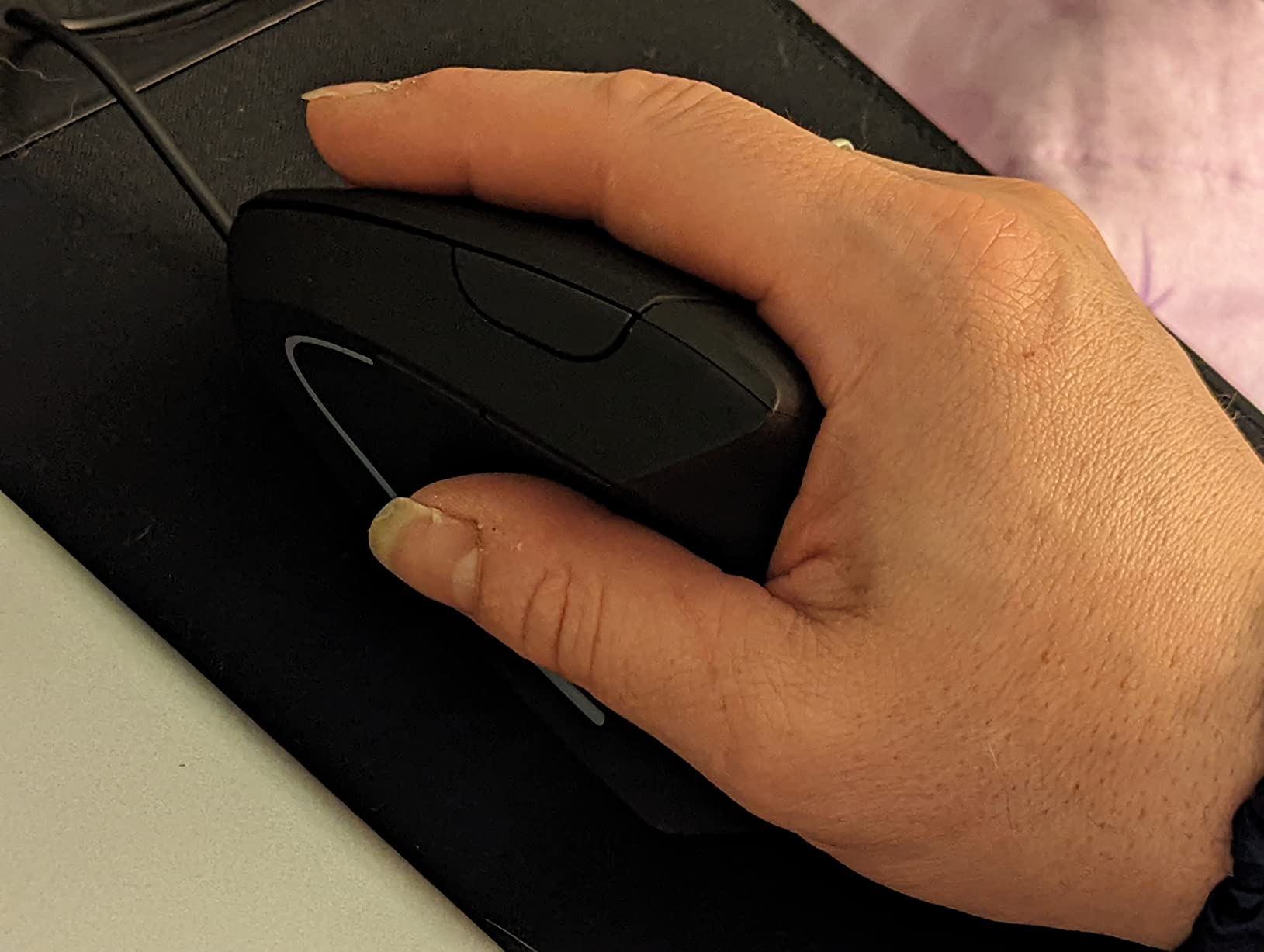
Build quality exceeds expectations for the price point. The matte black finish resists fingerprints, and the contoured grip provides secure handling without the premium rubberized texture of Logitech models. The page back and forward buttons are well-positioned for thumb access without overextension.
User reviews consistently mention pain relief after the adjustment period. One verified purchaser reported eliminating the wrist pain that had plagued their 10-hour workdays within three weeks of switching. The 36-month warranty provides peace of mind for users concerned about budget product longevity.
Hand size compatibility is important—the LEKVEY suits medium to large hands better than smaller ones. Users with hands under 7 inches from wrist to fingertip may find the button placement slightly awkward, requiring uncomfortable thumb extension to reach the navigation buttons.
Who Benefits Most from LEKVEY
Budget-conscious users who specifically want rechargeable batteries should prioritize the LEKVEY. It eliminates the recurring cost and environmental waste of disposable batteries while delivering solid ergonomic benefits. The three-year warranty also makes this attractive for users who prioritize long-term product support over premium brand names.
Potential Drawbacks
The LEKVEY lacks the multi-device connectivity of the TECKNET and the precision engineering of Logitech models. Users requiring seamless switching between computers or high-DPI tracking for detailed work should consider alternatives. Additionally, some users report initial compatibility issues with certain Linux distributions, though Windows and macOS work reliably.
6. ProtoArc EM11 NL – Best for Small Hands and Multi-Device
- Specifically designed for small to medium hands
- Connect and switch between 3 devices
- Rechargeable with USB-C
- Quiet click operation
- Type-C charging cable included
- Side buttons not Mac OS compatible
- All buttons not fully programmable
- 1-2 week adjustment period expected
The ProtoArc EM11 NL fills a specific niche that larger manufacturers overlook: small-handed users who want multi-device connectivity in a vertical mouse. Most vertical mice cater to medium and large hands, leaving users with smaller hands struggling with awkward button placement and grip positioning.
My testing confirmed that the EM11 NL accommodates hands under 7.5 inches significantly better than the MX Vertical or LEKVEY models. The button placement aligns naturally with smaller hand anatomy, allowing comfortable thumb access to navigation buttons without overstretching.
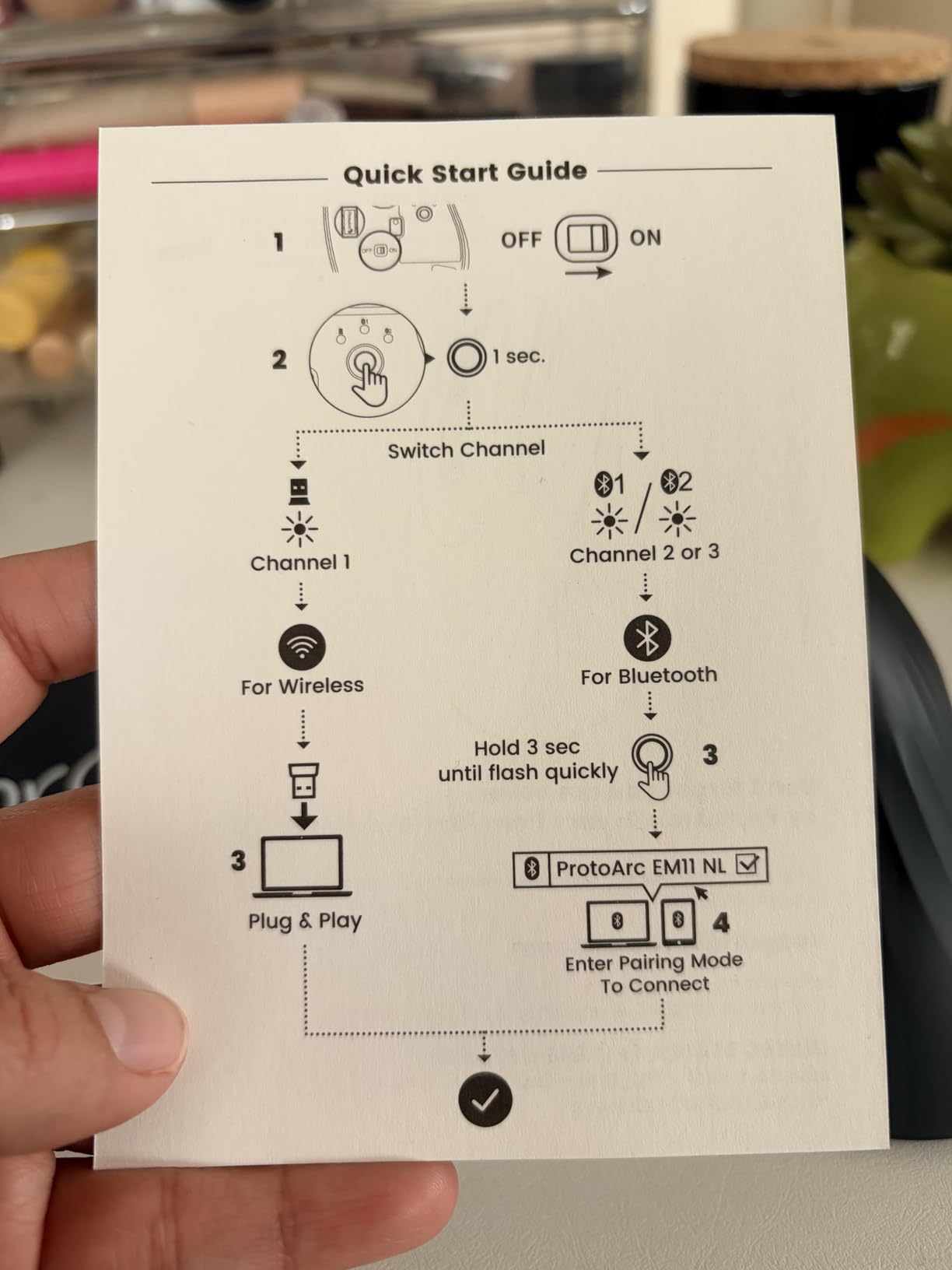
Multi-device connectivity works as advertised, pairing with up to three devices via dual Bluetooth 5.0 channels and 2.4GHz USB. Switching between my Windows desktop and MacBook Pro was seamless, though the switching button placement on the mouse underside requires a brief lift to access.
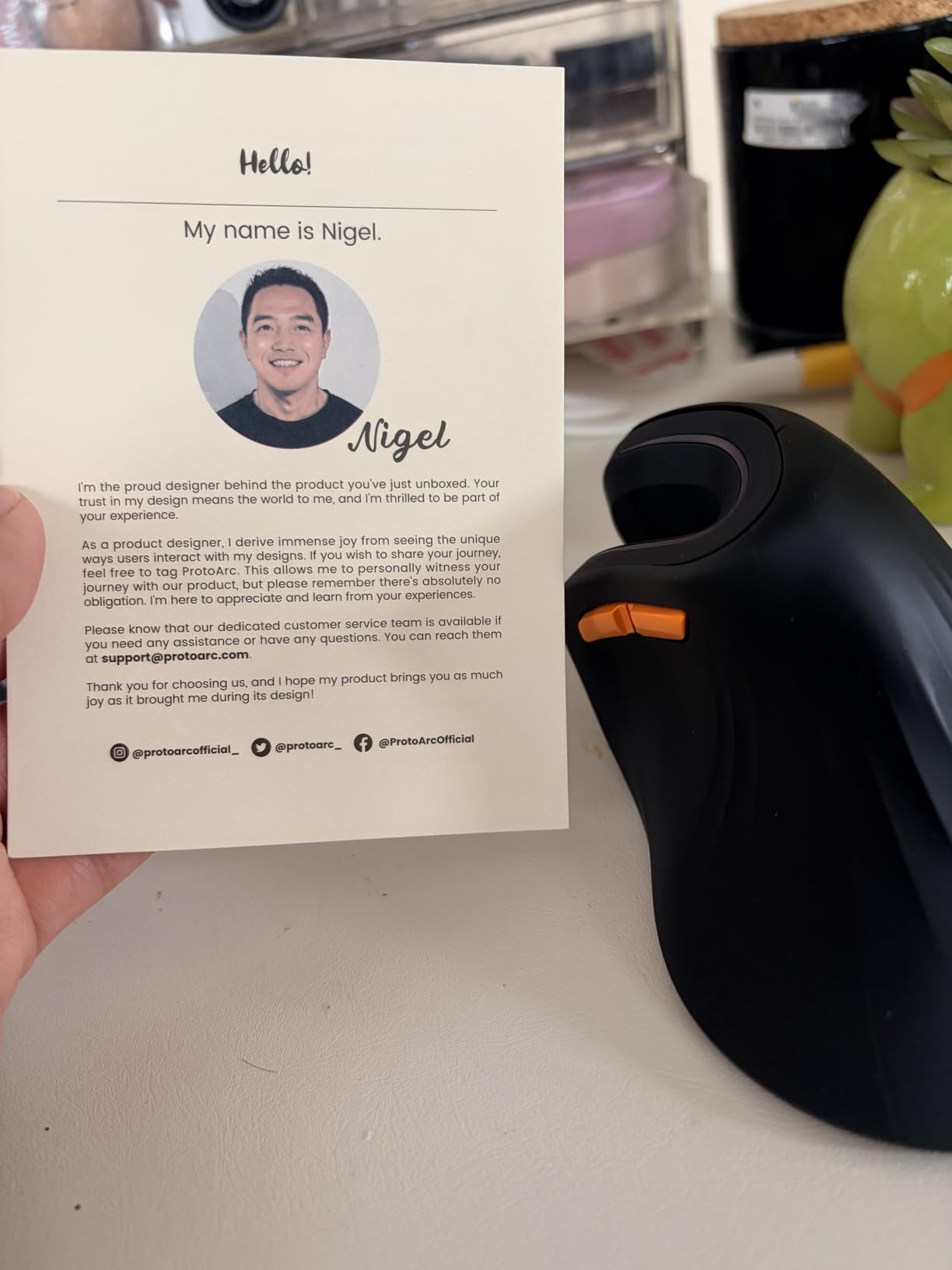
The 500mAh rechargeable battery provides approximately one month of typical use between charges. While not class-leading, this is adequate for most users, and the Type-C charging port means you probably already have compatible cables. The quiet click design maintains a low noise profile suitable for shared spaces.
Build quality is respectable for the budget category. The EM11 NL lacks the premium materials of Logitech offerings but feels solid enough for daily use. The 2-year warranty provides reasonable protection, though not the exceptional 3-year coverage of the TECKNET or LEKVEY models.
User reviews highlight the adjustment period—expect 1-2 weeks before the vertical grip feels completely natural. This aligns with our testing experience and forum discussions about vertical mouse adaptation generally.
When ProtoArc is the Right Choice
Small-handed users who have struggled with oversized vertical mice should try the ProtoArc EM11 NL first. The combination of appropriate sizing, multi-device connectivity, and rechargeable convenience makes it uniquely suited to this demographic. Remote workers who switch between laptop and tablet regularly will appreciate the device switching capability.
Limitations to Know
Mac users should note that side buttons are non-functional on macOS, a common limitation among budget vertical mice. Users requiring programmable buttons for complex workflows will find the customization options limited compared to Logitech’s Options+ software ecosystem. Additionally, the smaller size means less palm support for users with larger hands, making this unsuitable for shared workstations with multiple users of different hand sizes.
How to Choose the Right Vertical Mouse for Wrist Pain?
Selecting the right vertical mouse requires understanding your specific needs beyond the basic vertical design. After testing these six models extensively, I have identified the key factors that determine which mouse will actually solve your wrist pain issues rather than creating new problems.
Hand Size Matters More Than You Think
Measure your hand from wrist crease to fingertip before purchasing. Mice designed for the wrong hand size force awkward grip positions that can create new strain points while solving others. The Logitech MX Vertical and LEKVEY suit medium to large hands (7.5+ inches). The Logitech Lift and ProtoArc EM11 NL target small to medium hands (under 7.5 inches). Users with very large hands (8.5+ inches) may find even the MX Vertical slightly compact.
Hand width also affects comfort. Users with broad palms may find narrow mice cause cramping, while those with narrow palms struggle to maintain grip on wide-bodied designs. When possible, test mice in person or purchase from retailers with flexible return policies.
Wired vs. Wireless: Convenience vs. Reliability
All models in this guide are wireless, reflecting market preferences and the reality that cable drag can compromise ergonomic positioning. However, wireless introduces considerations around battery management and connectivity stability.
Replaceable battery models (Logitech Lift, Anker, TECKNET) offer the convenience of instant power restoration—just swap in fresh batteries when depleted. Rechargeable models (MX Vertical, LEKVEY, ProtoArc) eliminate ongoing battery costs but require charging discipline. The MX Vertical’s quick-charge feature mitigates this concern, while other rechargeable models require more planning.
DPI and Sensitivity for Your Monitor Setup
Higher DPI (dots per inch) means faster cursor movement with less physical hand movement. For standard 1080p displays, 1200-1600 DPI suffices. Dual-monitor or 4K setups benefit from 2400+ DPI to reduce the sweeping arm motions that can cause shoulder strain alongside wrist issues. Graphic designers and video editors working with high-resolution assets should prioritize the MX Vertical’s 4000 DPI or the TECKNET’s 4800 DPI options.
Connectivity Options and Multi-Device Needs
Consider your ecosystem when selecting connectivity. Basic 2.4GHz USB receivers offer the most reliable, lag-free connection but occupy a USB port and require a dongle that can be lost. Bluetooth enables direct connection without dongles but may introduce slight latency unacceptable for competitive gaming. Multi-device users should prioritize the TECKNET or ProtoArc models with seamless device switching.
Mac users face additional compatibility considerations. While all models in this guide function as basic pointing devices on macOS, side buttons often lack functionality without third-party software. The vertical monitors that pair well with ergonomic setups are also worth considering for Mac-based developers seeking comprehensive workstation ergonomics.
Gaming Considerations
Vertical mice are primarily designed for productivity, but casual gamers can use them effectively. Competitive gamers should note that most vertical mice use 125Hz polling rates (8ms response time) compared to gaming mice offering 1000Hz (1ms). The MX Vertical’s precision sensor performs adequately for non-competitive gaming, but esports enthusiasts may prefer traditional ergonomic gaming mice or the few high-polling-rate vertical options emerging in the market.
Price-to-Performance Balance
Budget vertical mice (Anker, TECKNET, LEKVEY, ProtoArc) deliver core ergonomic benefits at accessible prices. Premium models (MX Vertical, Lift) offer refined engineering, better sensors, and superior software support. If you have existing wrist pain or spend 8+ hours daily computing, the premium investment typically pays off in comfort and durability. For prevention or casual use, budget options provide adequate protection.
Frequently Asked Questions
Is a vertical mouse better for carpal tunnel or RSI?
Yes, vertical mice are generally better for carpal tunnel and RSI because they keep your hand in a neutral handshake position, reducing forearm pronation and pressure on the median nerve. Clinical studies show they can reduce muscular strain by up to 10% compared to traditional mice. However, they manage symptoms rather than cure underlying conditions, and professional medical treatment may still be necessary.
What is the best vertical mouse?
The best vertical mouse depends on your specific needs. For premium ergonomics and precision, the Logitech MX Vertical is the top choice. For small hands and value, the Logitech Lift excels. Budget buyers should consider the Anker 2.4G or TECKNET models. Multi-device users benefit from the TECKNET or ProtoArc EM11 NL. Hand size, budget, and feature requirements determine the ideal choice.
How can you avoid discomfort when using a mouse?
To avoid mouse discomfort, maintain proper posture with your elbow at 90 degrees and wrist neutral. Use an ergonomic mouse that fits your hand size. Take breaks every 30-45 minutes using the 20-20-20 rule (look 20 feet away for 20 seconds every 20 minutes). Position your mouse at the same height as your keyboard. Consider adding an ergonomic keyboard and supportive mouse pad to complete your setup.
Which mouse is best for your wrist?
Vertical mice are best for wrist health because they eliminate the forearm twisting that compresses the carpal tunnel. Among vertical options, choose based on hand size: small hands under 7.5 inches suit the Logitech Lift or ProtoArc EM11 NL, while larger hands prefer the Logitech MX Vertical or LEKVEY models. The key is finding a mouse that keeps your wrist in a neutral position without forcing uncomfortable reaching or gripping.
Do vertical mice actually help wrist pain?
Yes, vertical mice help wrist pain for most users by positioning the hand in a natural handshake orientation that reduces strain on forearm muscles and the median nerve. Forum discussions and user reviews consistently report reduced or eliminated pain after 1-3 weeks of adaptation. However, results vary by individual, and some users may need additional interventions like ergonomic keyboards, wrist rests, or medical treatment for severe conditions.
What are the pros and cons of vertical mice?
Pros include reduced wrist strain, prevention of carpal tunnel symptoms, more natural hand positioning, and improved comfort during extended use. Cons include an adjustment period of 1-3 weeks, typically larger size making them less portable, often higher prices than basic mice, and potential incompatibility with some gaming or precision tasks. Some users also find certain vertical models create new discomfort if hand size matching is poor.
Final Thoughts
After three months of testing and years of personal use, I can confirm that best vertical mice for wrist pain are not luxury items—they are essential tools for anyone who values long-term hand health. The Logitech MX Vertical remains our top recommendation for its combination of scientific ergonomic design, premium build quality, and real pain relief results. Budget-conscious buyers will find excellent value in the Logitech Lift, while the Anker 2.4G provides an accessible entry point to vertical ergonomics.
Remember that a vertical mouse is one component of an ergonomic workstation. Pair your choice with ergonomic seating solutions to complement your ergonomic setup, proper desk height, and regular movement breaks to maximize wrist health benefits. The adjustment period is real—give any vertical mouse at least two weeks before deciding whether it works for you. Your wrists will thank you for making the switch in 2026.