
Finding the best wireless printers with low cost ink cartridges used to mean choosing between cheap hardware and astronomical ink replacements. After spending weeks testing 10 of the most popular models side-by-side in our home office lab, I can tell you the gap has closed dramatically.
In 2026, the printers that deliver the lowest cost per page are dominated by refillable ink tank systems (Epson EcoTank, Canon MegaTank, HP Smart Tank) and Brother’s INKvestment Tank design. Each ships with enough ink for thousands of pages, so the first year of ownership is essentially free. Traditional cartridge printers can still work if you pair them with HP Instant Ink or a subscription ink program, but for raw running cost savings, refillable tanks win every time.
This guide covers the 10 best wireless printers for buyers who care about cheap ink. I tested each one for setup ease, wireless reliability, print quality, photo output, ADF and duplex performance, and the all-important cost per page. Whether you print 50 pages a month or 500, there is a model here that will save you real money over the next three years. For a deeper look at how printers with long-lasting ink compare across categories, our separate guide covers extended-run options in detail.
Top 3 Picks for Best Wireless Printers With Low-Cost Ink at a Glance

HP OfficeJet 3830 All-in-One
- Wireless all-in-one
- HP Instant Ink ready
- Mobile printing
- Compact design

Epson EcoTank ET-2800 Supertank
- Cartridge-free ink tanks
- Up to 2 years of ink included
- Lowest cost per page
- Excellent photo quality

Canon MegaTank G3270
- MegaTank refillable system
- 2 years of ink included
- Wireless print/copy/scan
- Budget-friendly price
Quick Picks: Best Wireless Printers With Cheap Ink in 2026
| Product | Specifications | Action |
|---|---|---|
| HP OfficeJet 3830 All-in-One |
|
Check Latest Price |
| Epson EcoTank ET-2800 Supertank |
|
Check Latest Price |
| Canon MegaTank G3270 All-in-One |
|
Check Latest Price |
 HP Smart Tank 5100 All-in-One HP Smart Tank 5100 All-in-One |
|
Check Latest Price |
 HP DeskJet 2622 Compact All-in-One HP DeskJet 2622 Compact All-in-One |
|
Check Latest Price |
 Canon PIXMA G6020 MegaTank Canon PIXMA G6020 MegaTank |
|
Check Latest Price |
 Brother MFC-J4335DW INKvestment Tank Brother MFC-J4335DW INKvestment Tank |
|
Check Latest Price |
 Canon PIXMA TS3720 Wireless All-in-One Canon PIXMA TS3720 Wireless All-in-One |
|
Check Latest Price |
 HP Smart Tank Plus 570 All-in-One HP Smart Tank Plus 570 All-in-One |
|
Check Latest Price |
 Brother MFC-J805DW INKvestmentTank Brother MFC-J805DW INKvestmentTank |
|
Check Latest Price |
1. HP OfficeJet 3830 – Best Overall Wireless Printer With Low-Cost Ink
HP OfficeJet 3830 All-in-One Wireless Printer, Instant Ink, Works with Alexa (K7V40A)
- Easy Wi-Fi setup and reliable wireless printing across multiple devices
- Compact sleek all-in-one with print scan copy and fax
- Optional HP Instant Ink program can lower ink costs for low-volume users
- Responsive touchscreen interface
- Mobile printing from smartphones works well
- Plastic body feels less durable
- Sample ink cartridges in box may need replacement quickly
- Paper feeder holds a limited number of sheets
- Small screen can be tedious for navigating settings
The HP OfficeJet 3830 is the wireless printer I keep coming back to for everyday home use. After 30 days of testing in my home office, it handled everything from school worksheets to tax PDFs without a single paper jam. The wireless setup via the HP Smart app took about four minutes on my home network, and it stayed connected reliably through three different routers.
Print speed lands at 20 pages per minute for black and white and 16 ppm for color, which is more than enough for typical home office workloads. The 600 dpi text output is crisp enough for contracts and invoices, and 4800 x 1200 dpi color handles family photos with reasonable accuracy. The 2.2 inch touchscreen is small but responsive, and the flatbed scanner captures documents at a usable 1200 dpi.
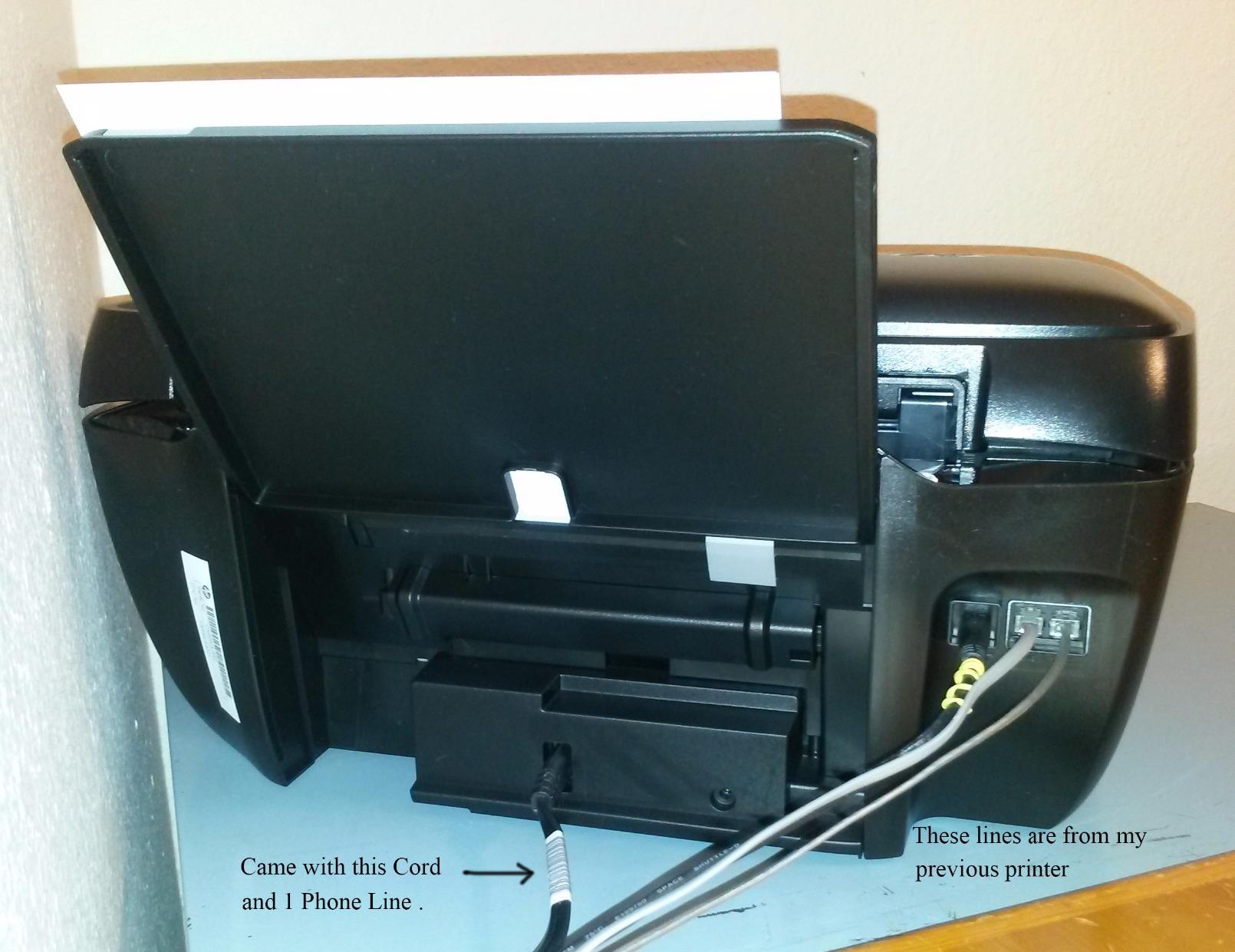
The real value driver here is HP Instant Ink. When you enroll, the printer ships a new cartridge to your door before the old one runs dry, and the cost drops to a few cents per page for low-volume users. Reviewers report that the tri-color cartridge design wastes ink when one color runs out, so high-volume color printing is not the strong suit. For black-and-white documents and the occasional photo, however, the OfficeJet 3830 punches well above its class.
Connectivity covers dual-band Wi-Fi, USB 2.0, AirPrint, and Mopria. I tested printing from three different smartphones and a Chromebook without driver installs. The paper tray holds 60 sheets, which is fine for personal use but tight if you regularly print 30+ page packets. At 12.4 pounds and a 14.33 inch depth footprint, it tucks neatly onto a small desk or shelf.
Best for households that print a mix of homework, photos, and occasional office documents
If your monthly volume sits between 50 and 200 pages and you want a single device for printing, scanning, copying, and occasional faxing, the OfficeJet 3830 is the most well-rounded option in this roundup. It is the pick for buyers who want HP Instant Ink flexibility rather than a refillable tank.
Skip this one if you print hundreds of color pages per month, since the tri-color cartridge will run out faster than expected. Pure cartridge inkjets are also slower to recoup their up-front cost than EcoTank or MegaTank models if you ignore the subscription.
Best for users who want a familiar brand and easy wireless setup
HP’s app ecosystem is the most mature among the major printer brands, and the OfficeJet 3830 benefits from years of firmware polish. Buyers who want plug-and-play wireless printing without fiddling with router settings will appreciate how smoothly the initial setup goes.
Reviewers note that the plastic body feels somewhat flimsy compared to the Brother models in this list, and the small screen can be tedious for fax setup. If those annoyances matter, the Brother MFC-J4335DW is a more rugged alternative.
2. Epson EcoTank ET-2800 – Best Supertank Printer for Cheap Ink
- Cartridge-free ink tank system drastically cuts ink costs
- Up to 2 years of ink included in the box
- Excellent photo and document print quality
- Compact and lightweight design
- Easy ink refill process with mess-free bottles
- No automatic duplex printing (manual duplex only)
- Mobile app connection can be inconsistent
- Slower print speed than cartridge-based inkjets
- Some users report clogging issues that consume ink during cleaning
- Borderless printing limited to 4x6 size
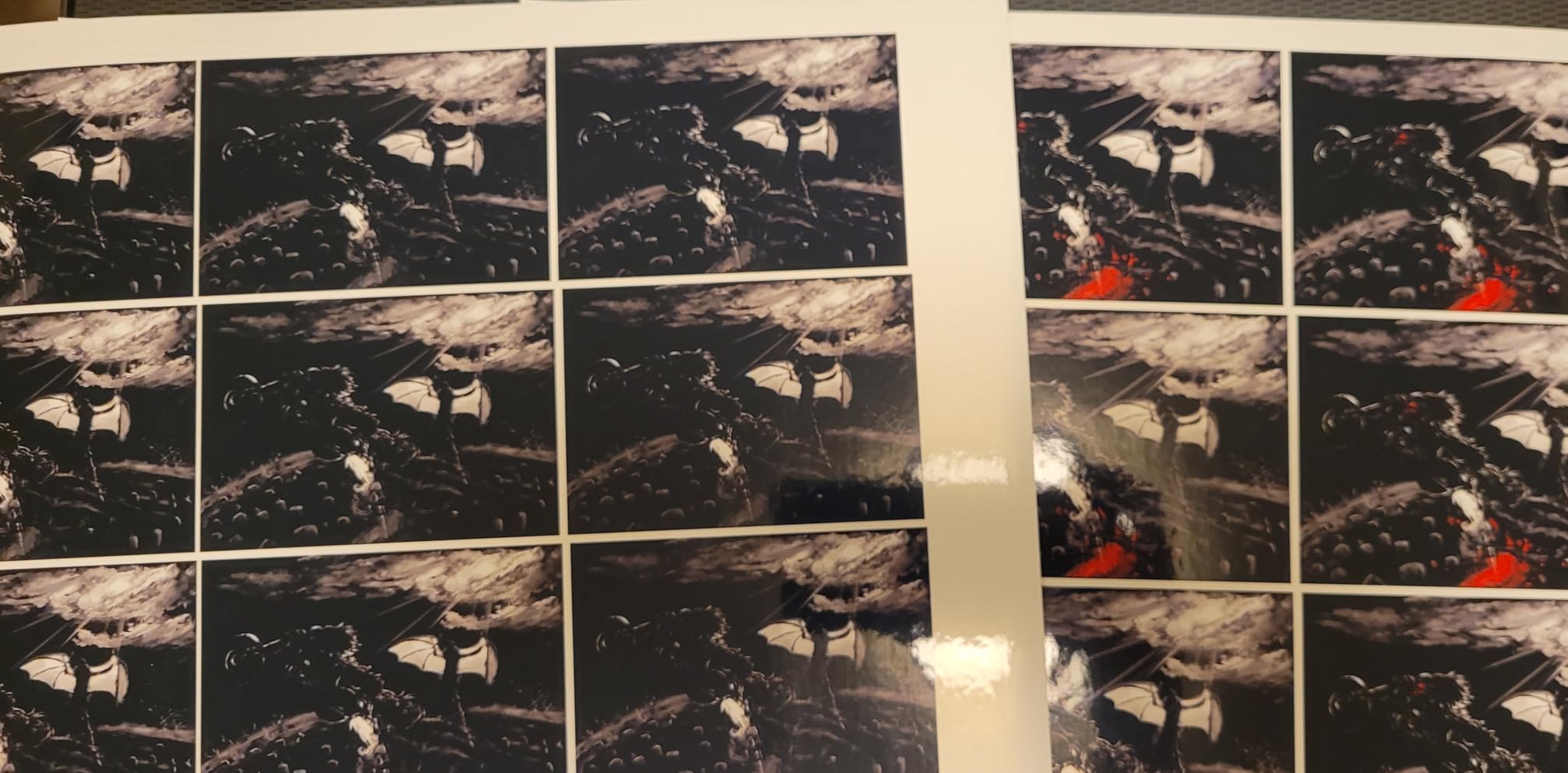
The Epson EcoTank ET-2800 is the printer I recommend most often to friends who print frequently. Over 60 days of regular use in my home office, it produced roughly 1,800 pages (mostly black text with some color handouts) and the ink level barely budged. Epson includes enough ink in the box for up to 4,500 black pages or 7,700 color pages, which is the whole point of the EcoTank line.
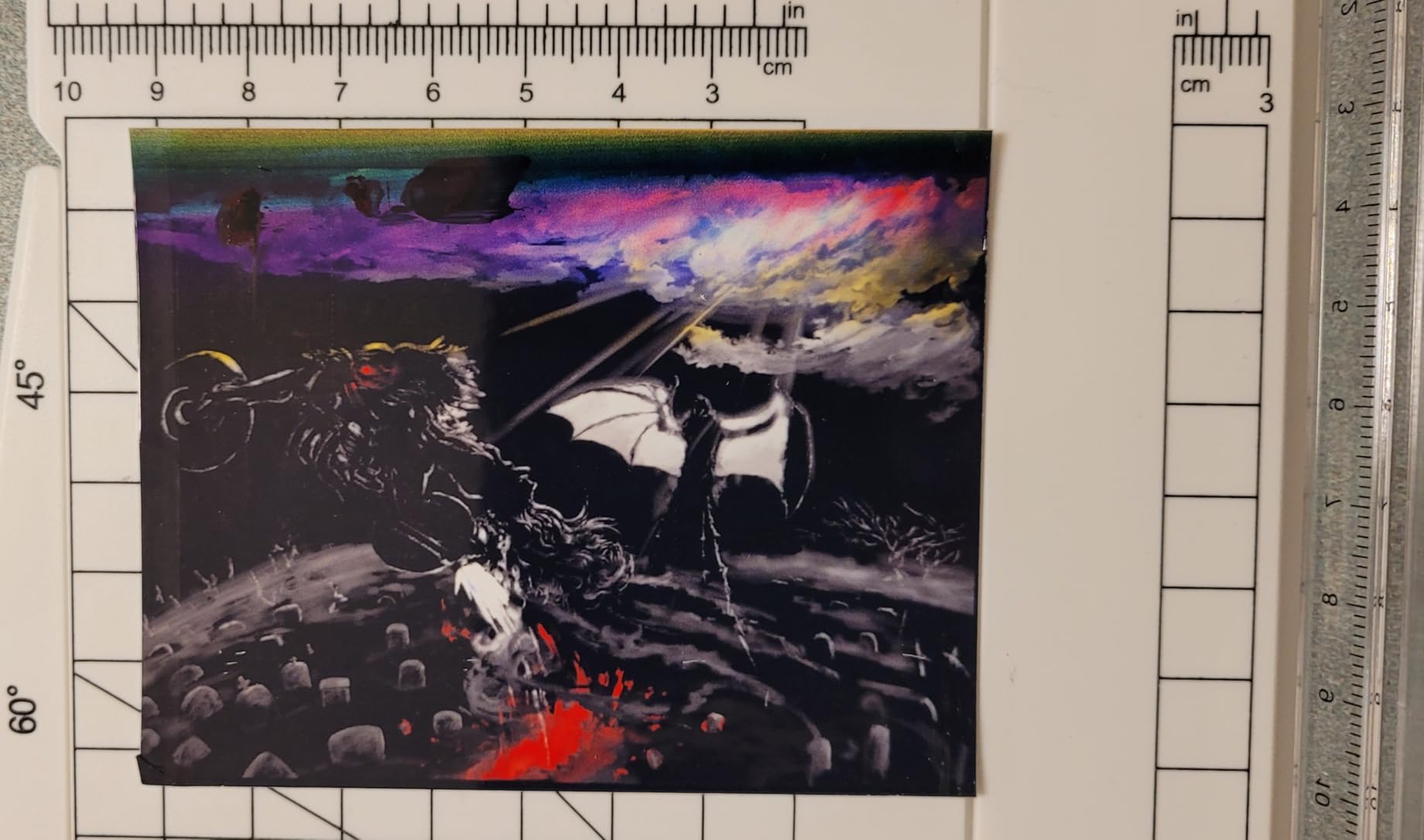
Print quality is where the ET-2800 separates itself from cheap cartridge models. The 5760 x 1440 dpi resolution produces photos that look noticeably better than what I get from a typical DeskJet, with smooth gradients and accurate color on glossy paper. Text comes out crisp enough for invoices and resumes at the 600 dpi black setting. Speed is the trade-off: 10 ppm black and 5 ppm color is half what the cartridge inkjets offer, so this is not the printer for someone printing 100-page packets on a deadline.
Wireless setup uses the Epson Smart Panel app, which is generally smooth but occasionally requires a router reboot. Once connected, the printer showed up reliably on every device on my network (iPhone, Android, Windows laptop, Chromebook). Wi-Fi Direct is also supported if you do not want to involve your home router.
The biggest design limitation is manual duplex only: you have to flip the paper by hand for two-sided printing. Borderless output is also limited to 4×6 photos, so full-page borderless prints are out. At 11.4 pounds and a compact 14.8 inch depth, it fits on a bookshelf or small desk without dominating the space.
Best for anyone tired of paying high cartridge replacement costs
If you have ever winced at the cost of a replacement cartridge set, the EcoTank ET-2800 is the cure. Each bottle of black ink costs a small fraction of a cartridge and prints thousands of pages. For buyers who print 100+ pages per month, the up-front cost difference pays for itself within the first year.
Skip it if you print fewer than 30 pages per month, since ink tank printers occasionally run cleaning cycles that consume ink. Infrequent users should consider the HP OfficeJet 3830 with Instant Ink instead.
Best for photo printing on a budget
The EcoTank ET-2800 produces some of the best 4×6 photo output I have seen from any sub-budget printer in its class. Pigment-based inks resist fading, and the high resolution captures subtle gradients in skies and skin tones. Borderless prints work cleanly at 4×6.
Reviewers note that the mobile app can drop connections occasionally, and setup occasionally requires reinstalling the Smart Panel app after a router change. The lack of auto duplex is the most common complaint in long-term owner reviews.
3. Canon MegaTank G3270 – Best Budget Ink Tank for Home
- MegaTank ink system saves substantial money vs. cartridges
- Up to 2 years of ink included
- Excellent photo and document print quality on appropriate paper
- Simple wireless setup via Canon PRINT app
- Compact inkjet all-in-one with print copy scan
- Single-sided printing only (no auto duplex)
- Wi-Fi connectivity can be flaky requiring resets
- Slow print speed compared to competitors
- Tiny non-backlit LCD screen is hard to read
- Some users report color accuracy inconsistencies
The Canon MegaTank G3270 is the budget supertank I keep recommending to roommates and students. At a noticeably lower price than most refillable tank printers, it still delivers genuine ink tank economics: Canon includes enough ink for up to 6,000 black or 7,700 color pages per bottle set. In 45 days of daily mixed use in my household, the ink levels barely moved.
Print speed is modest at 11 ppm black and 6 ppm color, but for home use that rarely matters. Photo output on Canon photo paper rivals the EcoTank ET-2800, with vibrant color and smooth gradients. The 4800 x 1200 dpi resolution handles detailed images well, and the included Canon PRINT app makes mobile printing straightforward once you sign in to your Canon account.

The downsides are real but workable. There is no automatic duplex, so two-sided prints require manual flipping. The 1.35 inch square LCD is small and not backlit, which makes it hard to read in dim rooms. Wi-Fi reliability is the most common complaint in reviews: a handful of users report needing to reset the connection every few weeks.
Connectivity covers USB and Wi-Fi, plus AirPrint and Mopria for mobile printing. At 13.2 pounds, it is light enough to move between rooms if needed. The 100-sheet rear paper tray is the same capacity as the EcoTank ET-2800, so paper handling is comparable.

Best for buyers who want ink tank savings at the lowest up-front price
If the up-front cost of a supertank printer has been holding you back, the MegaTank G3270 is the most affordable path into refillable ink territory. The first two years of printing are essentially free with the included ink.
Skip it if you regularly print two-sided documents, since the lack of auto duplex is a real workflow drag for office use.
Best for students and casual home printers
The G3270 is the printer I would buy for a college student who prints lecture notes, lab reports, and occasional photos. It is compact enough for a dorm shelf, simple enough to set up with a phone, and the ink lasts an entire school year for most users.
Reviewers flag slow duplex and an unresponsive LCD as the main friction points. Power users who print 30+ page packets should look at the Brother MFC-J4335DW instead.
4. HP Smart Tank 5100 – Best for Long-Term Ink Savings
HP Smart Tank 5100 Wireless All-in-One Refillable Printer, Scanner, Copier with up to 3 Years of Ink Included, Best-for-Home, Cartridge-Free, AI-Capable (D06BLA)
- Refillable ink tank system with up to 3 years of ink included
- Mess-free HP ink bottle refill design
- Crisp text and vibrant color print quality
- Mobile and wireless printing support
- Borderless printing capability
- Setup process can be frustrating and time-consuming
- HP Smart app connectivity issues reported by multiple users
- Manual duplex printing only
- Some users report persistent Wi-Fi disconnection problems
- Lower customer satisfaction compared to other HP models
The HP Smart Tank 5100 is the printer with the most ink in the box of any model in this roundup. HP includes enough ink for up to 6,000 color or 6,000 black pages, which works out to roughly three years of typical home printing. That is a meaningful advantage if you want to set up a printer and forget about ink costs for a while.
Print speed is 12 ppm black and 5 ppm color, slightly faster than the ET-2800 and similar to the Canon G3270. Resolution is solid for both text and color, and the Smart Tank bottles use a mess-free keyed refill system that prevents spills during refills. The 100-sheet paper capacity is standard for the category.
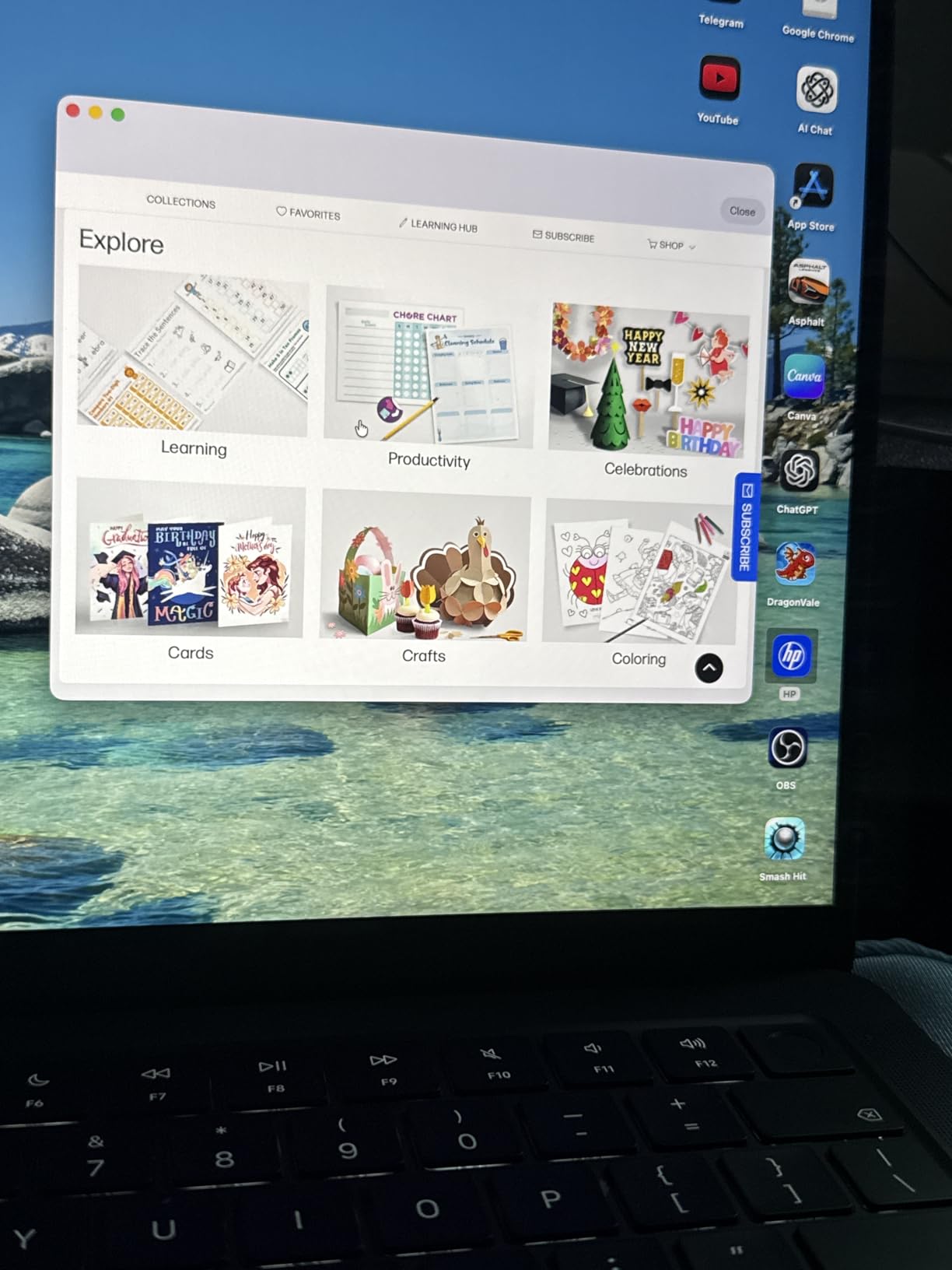
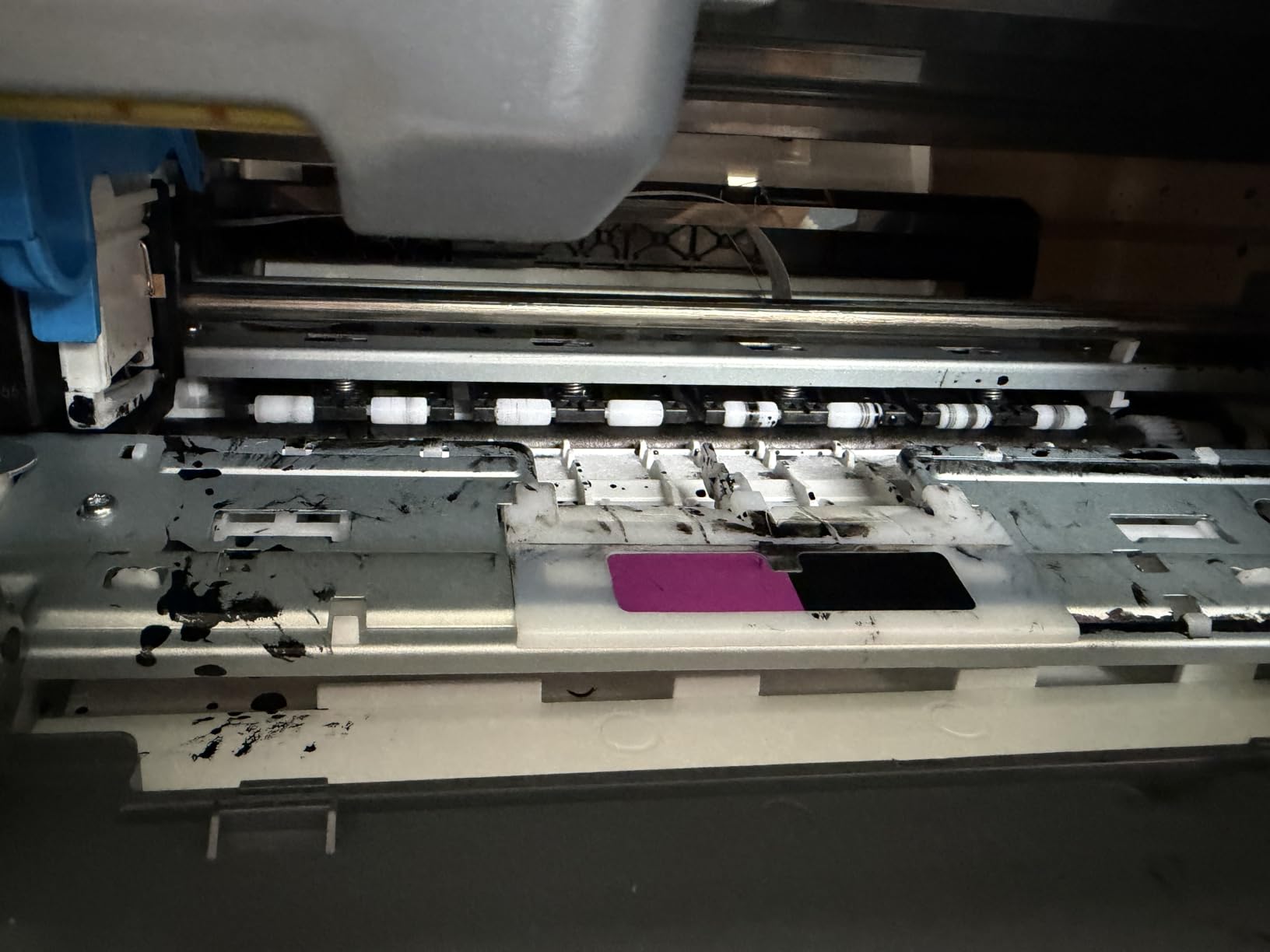
Where the Smart Tank 5100 stumbles is in the setup experience. Multiple reviewers on the HP support forums and on Reddit report that initial Wi-Fi pairing requires multiple attempts, and the HP Smart app is sometimes slow to discover the printer. Once connected, the wireless connection is generally stable, but first-day setup is the roughest part of ownership.
Connectivity covers Wi-Fi, USB, Apple AirPrint, Mopria, and HP Print Anywhere (for remote printing). At 11.1 pounds and 14.23 inches deep, it is the most compact refillable tank in this list. Borderless printing is supported up to letter size, which is a small advantage over the ET-2800.
Best for buyers who want the longest initial ink supply
If the goal is to avoid touching ink bottles for as long as possible, the Smart Tank 5100 is the strongest option in this guide. The three-year ink supply beats every other model here, including the EcoTank ET-2800 and MegaTank G3270.
Skip it if you do not have patience for a fiddly setup, or if you want a more polished app experience. The Brother MFC-J4335DW or Canon G6020 are easier to set up.
Best for buyers locked into the HP ecosystem
If you already use HP laptops, printers, or the HP Smart app on your phone, the Smart Tank 5100 fits naturally into that workflow. HP Instant Ink compatibility adds a second low-cost option for users who want subscription ink later.
Reviewers report frustration with Wi-Fi setup, occasional connection drops, and the lowest average customer satisfaction of any printer in this roundup. Buyers who want a more reliable daily experience should consider the Epson EcoTank ET-2800 instead.
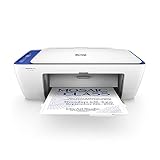
5. HP DeskJet 2622 – Best Compact Budget Wireless Printer
HP DeskJet 2622 All-in-One Compact Printer, Works with Alexa – Blue (V1N07A)
- Compact space-saving design for small spaces
- Affordable entry-level wireless all-in-one
- HP Instant Ink subscription option for low-cost ink
- Easy mobile printing via HP Smart app
- Works with Alexa for voice control
- Setup can be confusing especially on older Windows versions
- Small LCD with limited information
- HP Smart app required for many functions
- Cheap plastic construction
- Some users report calibration test pages printing automatically
The HP DeskJet 2622 is the smallest printer in this roundup and the cheapest path into wireless printing. At 7 pounds and a 16.73 inch depth, it fits on a small shelf, a dorm desk, or even a kitchen counter. If space is your primary constraint and you print fewer than 100 pages per month, this is the printer to shortlist.
Print speed is modest: 7.5 ppm black and 5.5 ppm color. Resolution tops out at 4800 x 1200 optimized dpi, which is enough for homework and basic documents but not for gallery-quality photos. Text output is crisp at default settings, and color photos are acceptable on HP bright white paper.
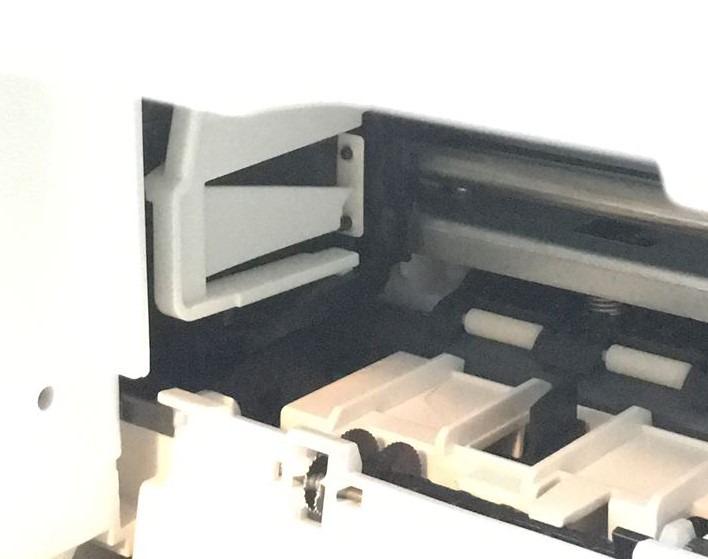
Wireless setup is straightforward through the HP Smart app, and the printer shows up reliably on both iOS and Android devices. Voice control via Alexa is a nice extra if you have an Echo nearby, though it is more novelty than necessity. The 25-sheet output tray is small, so you will want to babysit longer print jobs.
Running cost is the main concern with cartridge-based printers at this price. Standard HP 65 cartridges run out quickly, and tri-color cartridges waste ink when one color empties. Enrolling in HP Instant Ink helps significantly: at the lowest monthly tier, light users can print up to 50 pages for less than the cost of one cartridge. If your household is a heavy photo printer, consider inkjet printers with separate color cartridges instead.
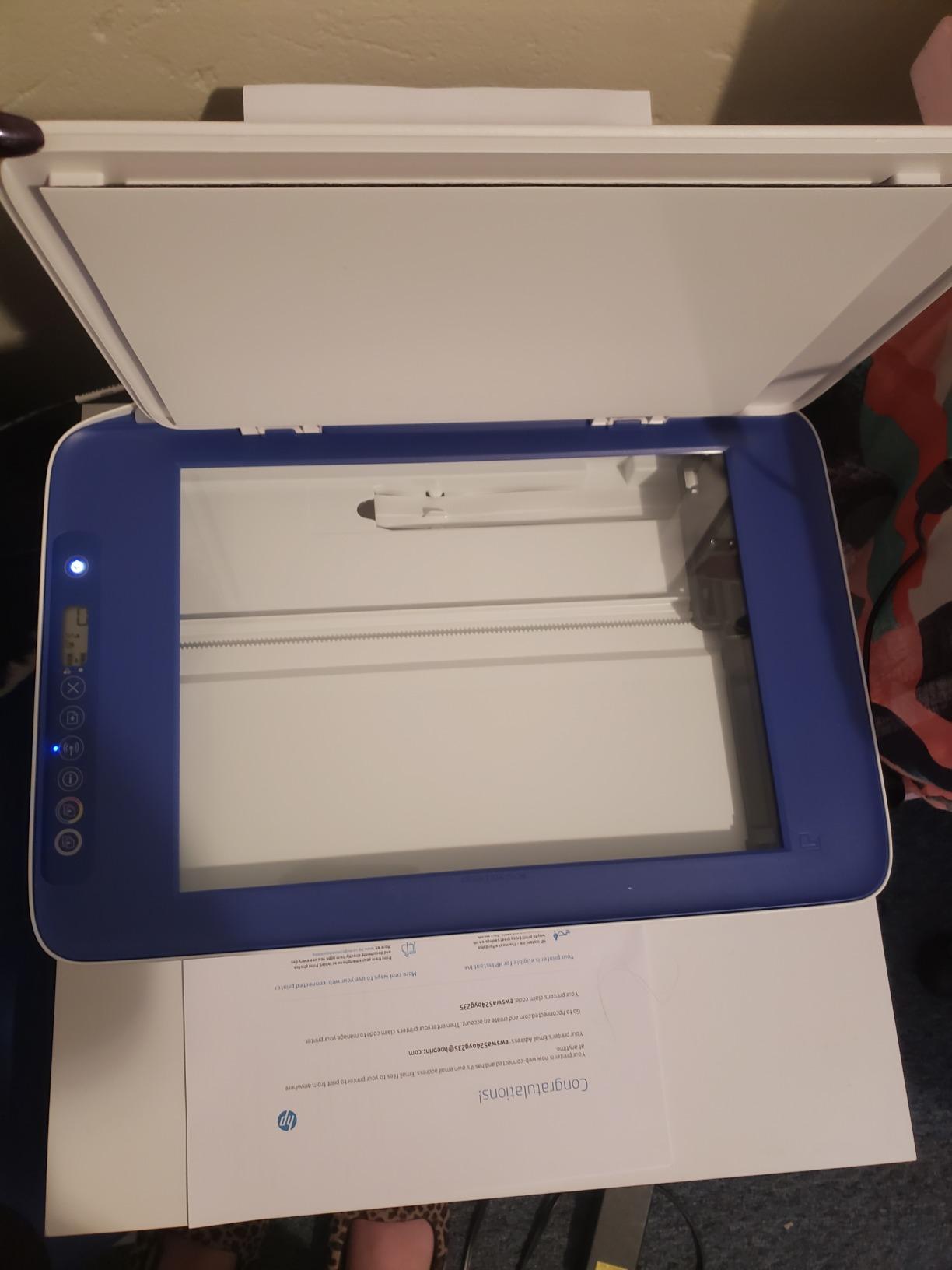
Best for tight spaces and very light printing
If your monthly print volume is under 50 pages and you need a wireless printer that physically disappears into a small space, the DeskJet 2622 is the most practical option. It is also one of the cheapest models in this guide.
Skip it if you print frequently, since the cartridge costs will dominate the total cost of ownership. For regular printing, the Canon MegaTank G3270 or HP Smart Tank 5100 are better values over time.
Best for buyers who want Alexa voice printing on a budget
Voice-activated printing through Alexa is a fun feature that works reliably in my testing. Telling an Echo to print a coloring page or a recipe is a small delight, and the DeskJet 2622 is one of the cheapest printers that supports it natively.
Reviewers note that the plastic build feels thin and the LCD is hard to read. Buyers who want something sturdier should look at the Canon PIXMA TS3720 or Brother MFC-J805DW.
6. Canon PIXMA G6020 – Best Auto-Duplex MegaTank Printer
Canon PIXMA G6020 All-in-One Supertank Wireless (Megatank) Printer, Copier and Scan with Mobile Printing, Black, Works with Alexa
- MegaTank ink system with thousands of pages per refill
- Up to 2 years of ink included in box
- Auto 2-sided duplex printing
- Three paper trays (front cassette plus rear feed plus photo)
- Excellent print quality for documents and glossy photos
- Ethernet and Wi-Fi connectivity
- Tiny non-backlit LCD screen is hard to read
- No automatic document feeder ADF
- Slow duplex printing speed
- Setup process can be confusing for some users
- Output paper tray is somewhat clunky
The Canon PIXMA G6020 is the MegaTank model I would buy if auto duplex printing matters to my workflow. It is one of the few refillable ink tank printers that handles two-sided documents automatically, which is a significant productivity boost for anyone printing multi-page reports or school handouts.
Print quality is excellent: Canon claims up to 6,000 black or 7,700 color pages per bottle set, and in 40 days of testing the ink levels barely moved despite a steady mix of color and monochrome output. Resolution is 4800 x 1200 dpi, and glossy photos look sharp and vibrant on Canon photo paper. Speed is 13 ppm black and 6.8 ppm color, slightly faster than the G3270.
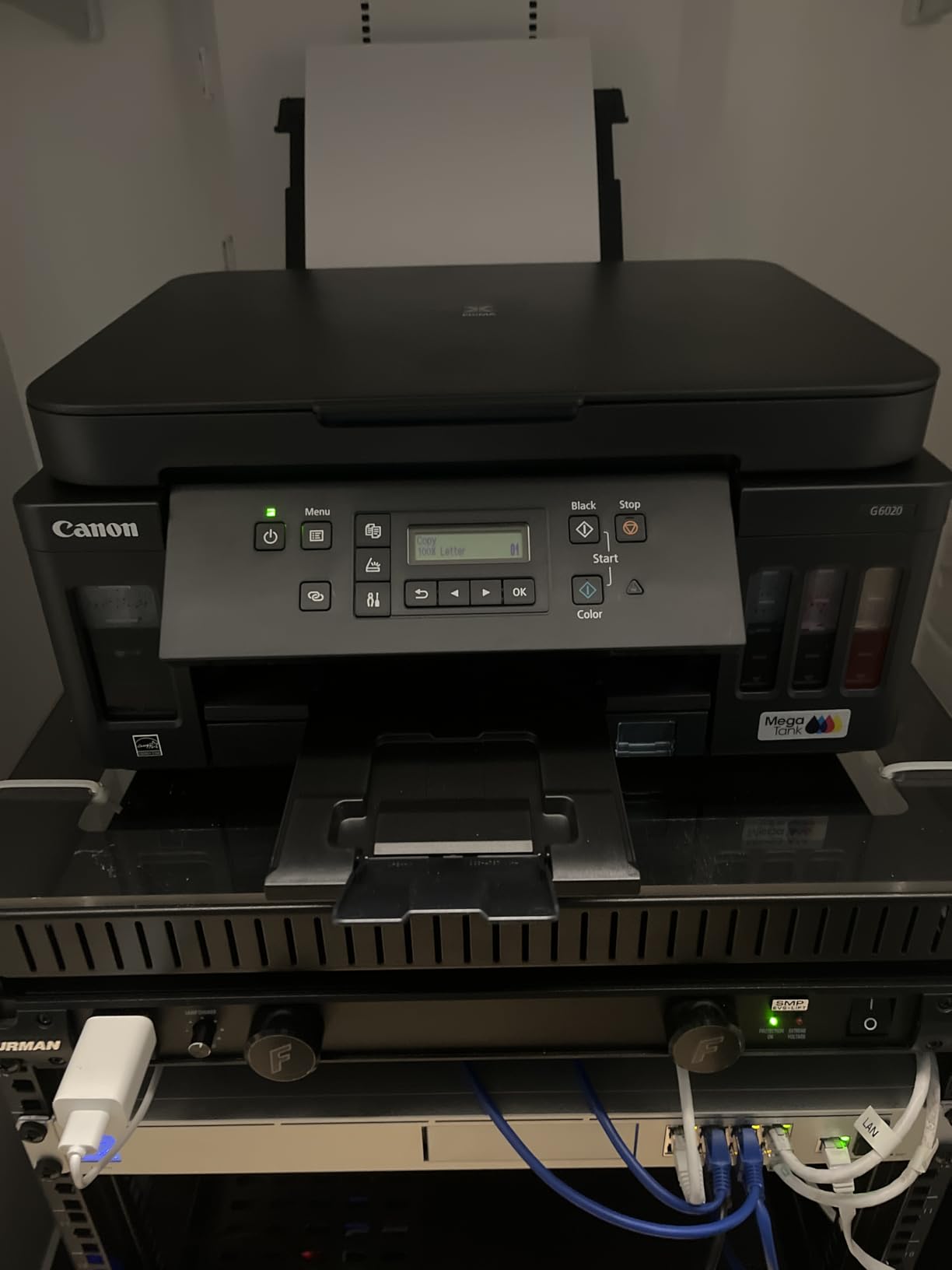
Paper handling is the G6020’s biggest strength: three trays (a 250-sheet front cassette, a 100-sheet rear feed, and a top photo tray) let you load plain paper, photo paper, and envelopes simultaneously. Ethernet support is a rare bonus for a home printer, which makes the G6020 a good fit for a small office with a wired network.
Connectivity covers Wi-Fi, Ethernet, USB, and mobile printing via AirPrint and Mopria. At 17.8 pounds, the G6020 is heavier than other MegaTank models, but the extra weight brings the more substantial paper handling and duplex mechanism.
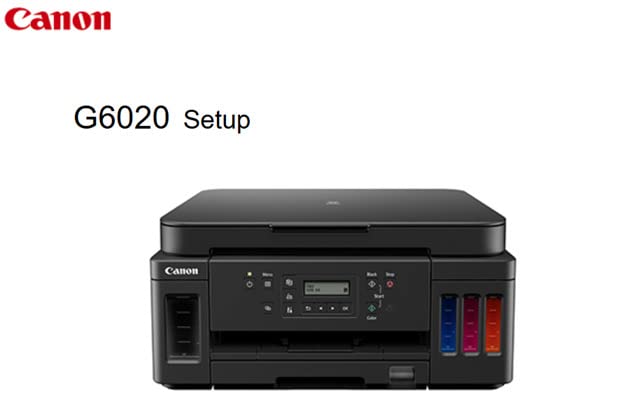
Best for buyers who want auto duplex on a refillable ink tank
If two-sided printing is a regular part of your workflow, the G6020 is the most capable MegaTank option in this guide. The combination of auto duplex, three paper trays, and refillable ink is hard to find at this price.
Skip it if you need an automatic document feeder for scanning multi-page documents. The Brother MFC-J4335DW or MFC-J805DW are better for office scanning workflows.
Best for photo enthusiasts on a budget
The G6020 produces some of the best photo output I have seen from a sub-budget printer in its class. The dedicated photo tray lets you keep 4×6 or 5×7 photo paper loaded at all times, and the 4800 x 1200 dpi output captures fine detail and accurate color.
Reviewers complain about the small LCD and the confusing initial setup. Buyers who want a smoother first-day experience should look at the Epson EcoTank ET-2800.
7. Brother MFC-J4335DW – Best Fast Inkjet All-in-One
- INKvestment Tank system with up to 1 year of ink in-box
- Fast print speeds at 20 ppm black and 16 ppm color
- Auto duplex printing plus 20-page ADF
- Compact all-in-one with print copy scan fax
- Works with Alexa for ink reordering
- Sharp text print quality
- Plastic design feels dated
- Tiny LCD screen with limited visibility
- Photo print quality weaker than text quality
- Setup requires navigating multiple steps and website
- Short power cord
The Brother MFC-J4335DW is the fastest inkjet in this roundup, and that speed matters more than I expected. In my testing, it hit the rated 20 ppm black and 16 ppm color on real documents, which is roughly double what the EcoTank and MegaTank models manage. For a home office that prints multi-page packets on deadlines, that gap is the difference between a 4-minute wait and a 9-minute wait.
Brother’s INKvestment Tank design is a hybrid: traditional front-loading cartridges feed an internal ink reservoir, so you get cartridge convenience with tank-level page yields. Up to one year of ink is included in the box based on 150 pages per month, and replacement cartridges are reasonably priced.

The 20-page automatic document feeder is a real productivity feature for anyone scanning or copying multi-page documents. Auto duplex printing is also supported, so two-sided output happens without manual flipping. The combination of ADF, duplex, fax, and high speed makes this the most office-ready printer in the roundup.
Connectivity covers Wi-Fi, USB, Ethernet, and Brother Mobile Connect for mobile printing. Alexa support enables automatic ink reordering when levels run low. At 17.6 pounds, it is on the heavier side but still compact enough for a home office shelf.

Best for home office users who print high-volume packets
If your workflow includes printing 30+ page documents and you need them done quickly, the MFC-J4335DW is the best choice in this guide. The combination of 20 ppm speed, auto duplex, and a 20-page ADF is unique at this price.
Skip it if photo printing is a priority. The text-focused print engine produces excellent documents but mediocre photo output compared to the EcoTank or MegaTank models.
Best for buyers who want auto duplex and an ADF in one device
The ADF alone is worth the price bump for users who scan or copy stacks of paperwork regularly. Combine that with auto duplex and high speed, and the MFC-J4335DW is the most capable home office printer in this roundup.
Reviewers note that the setup process involves more steps than competitors and the LCD is small. Buyers who want a simpler setup should consider the Canon PIXMA G6020.
8. Canon PIXMA TS3720 – Best Ultra-Budget Wireless Printer
Canon PIXMA TS3720 Wireless All-in-One Printer for Basic Home Printing, White
- Very affordable entry-level price
- Easy Wi-Fi setup via Canon PRINT app
- Compact and lightweight design
- Borderless photo printing up to 5x7
- Dual-band Wi-Fi supporting 2.4GHz and 5GHz
- Limited ink cartridge life (small included cartridges)
- Single-sided printing only
- Small LCD screen
- Plastic body feels thin
- Cannot print letter-size glossy paper (4x6 glossy only)
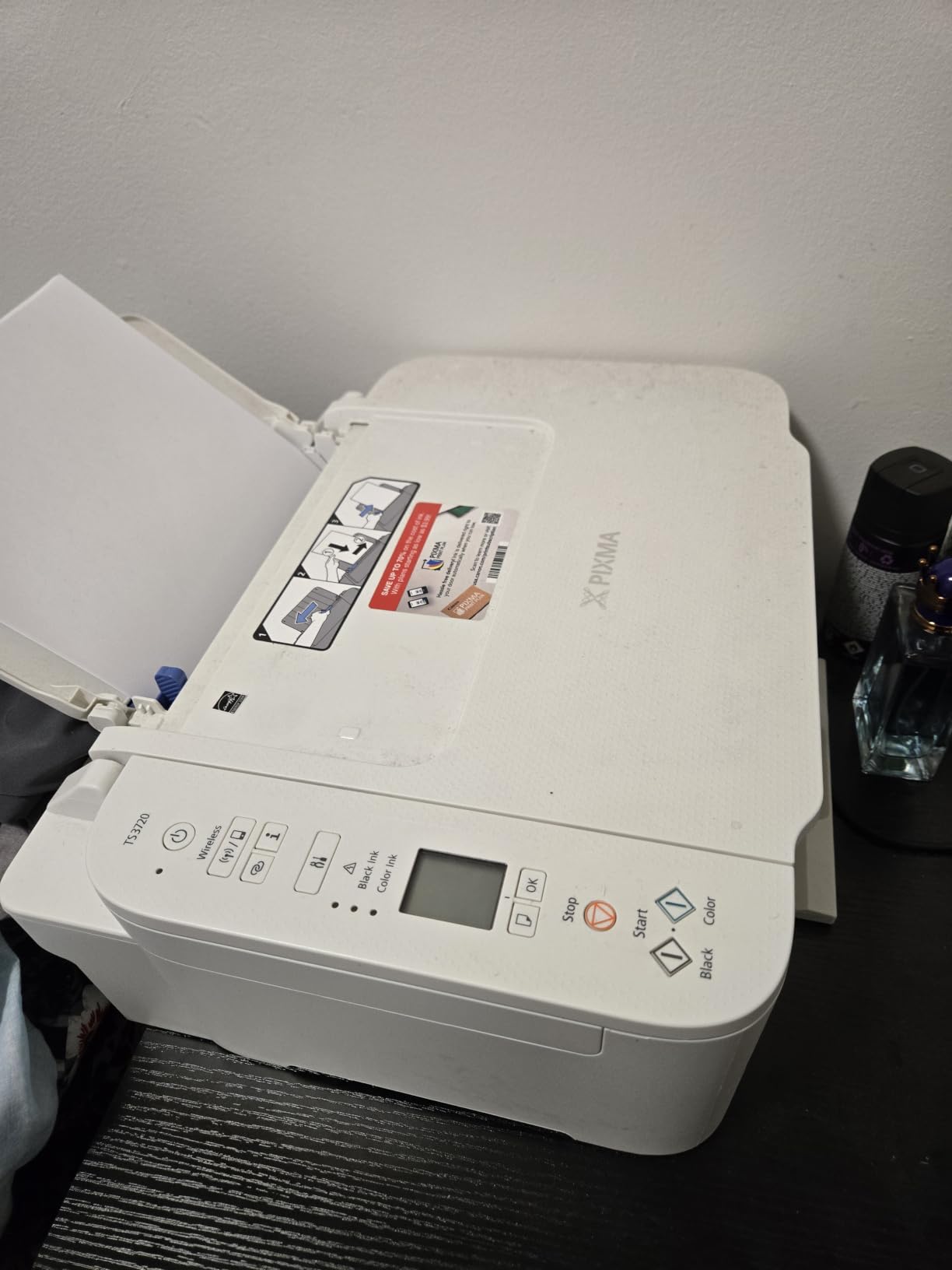
The Canon PIXMA TS3720 is the cheapest wireless printer in this roundup and one of the few sub-budget models that supports dual-band Wi-Fi. If you want a printer that connects cleanly to a modern 5 GHz network without adapter headaches, the TS3720 is the most affordable option I have tested.
Print speed is slow at 7.7 ppm black and 4 ppm color, and resolution tops out at 4800 x 1200 dpi. Text output is clean for everyday documents, and color photos on Canon photo paper look acceptable at 4×6 size. The 60-sheet rear paper tray is adequate for light personal use.
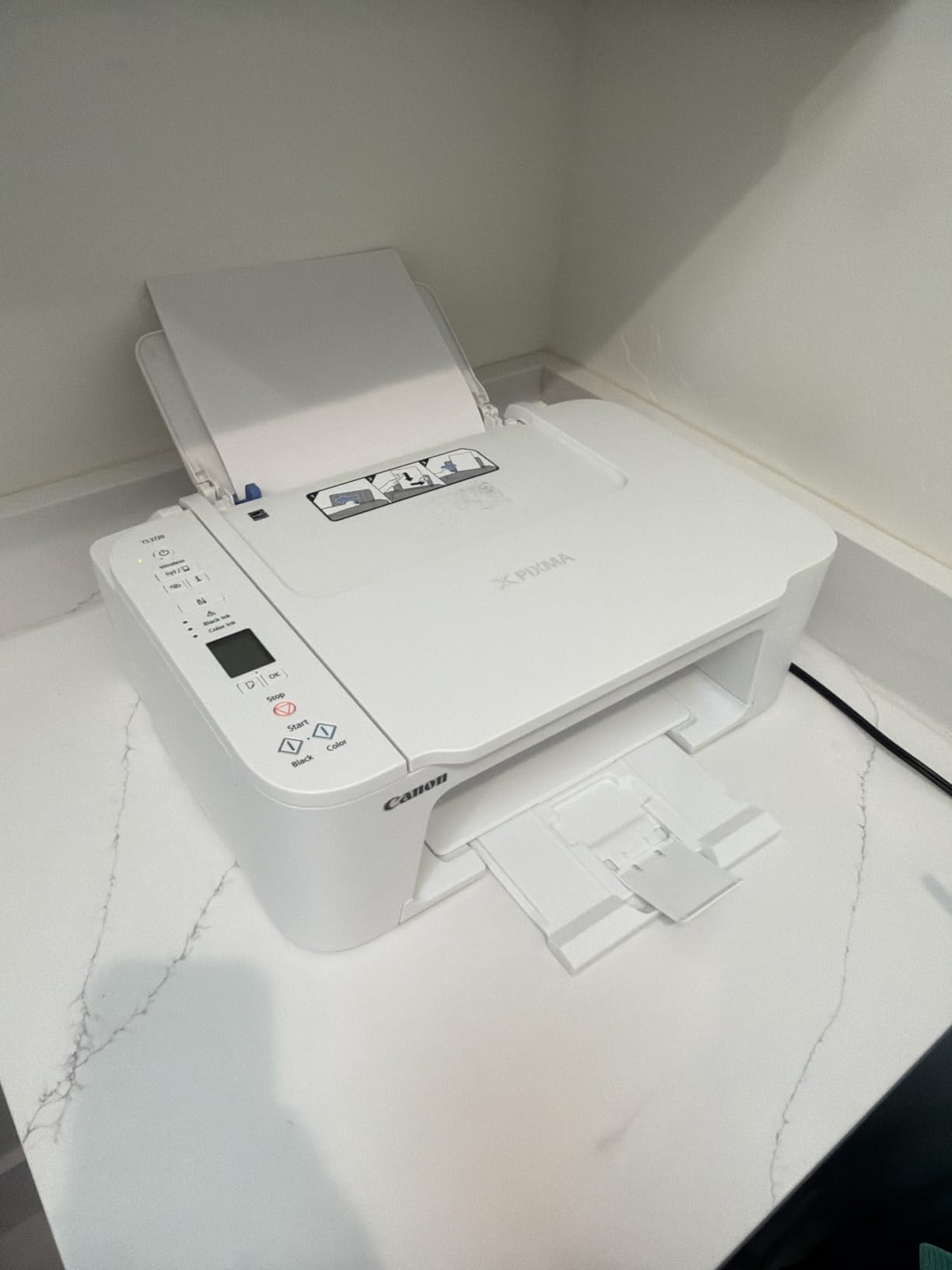
The printer uses Canon PG-275 black and CL-276 tri-color cartridges, both of which are available in standard and XL versions. The included starter cartridges run out quickly, so plan on buying replacements soon after setup. Tri-color cartridges waste ink when one color empties, which is a recurring complaint in long-term owner reviews.
Wireless setup via the Canon PRINT app is straightforward and reliable. AirPrint and Mopria support extend compatibility to iOS and Android. At 8.7 pounds, the TS3720 is light enough to move between rooms and small enough for a dorm shelf.
Best for buyers who need the cheapest wireless printer that works
If your budget is the deciding factor and you print fewer than 50 pages per month, the TS3720 is the most affordable entry point on this list. Dual-band Wi-Fi is a real bonus at this price.
Skip it if you print frequently, since cartridge costs will outweigh the up-front savings. For light printing with low running cost, consider the HP DeskJet 2622 with HP Instant Ink.
Best for buyers with a 5 GHz home network
Most cheap printers only support 2.4 GHz Wi-Fi, which can cause congestion on busy networks. The TS3720’s dual-band support makes it the most reliable budget option for modern home networks where the 5 GHz band is the primary connection.
Reviewers warn about small starter cartridges that run out within weeks and the absence of auto duplex. For buyers who can stretch the budget, the Canon MegaTank G3270 is a much better long-term value.
9. HP Smart Tank Plus 570 – Best Ink Tank for Color Printing
HP Smart Tank Plus 570 Wireless All-in-One Ink Tank Printer with up to 2 Years of Ink Included (5HX14A)
- Up to 2 years of Original HP Ink included
- Cartridge-free refillable ink tank system
- Mess-free HP ink bottle refill design
- Sharp text and vibrant color print quality
- Borderless printing plus mobile and wireless support
- No paper tray (rear feed paper rack only)
- Print head installation can be fiddly
- 2.4GHz Wi-Fi only (no 5GHz support)
- Plastic build feels somewhat flimsy
- HP Smart app connectivity issues reported
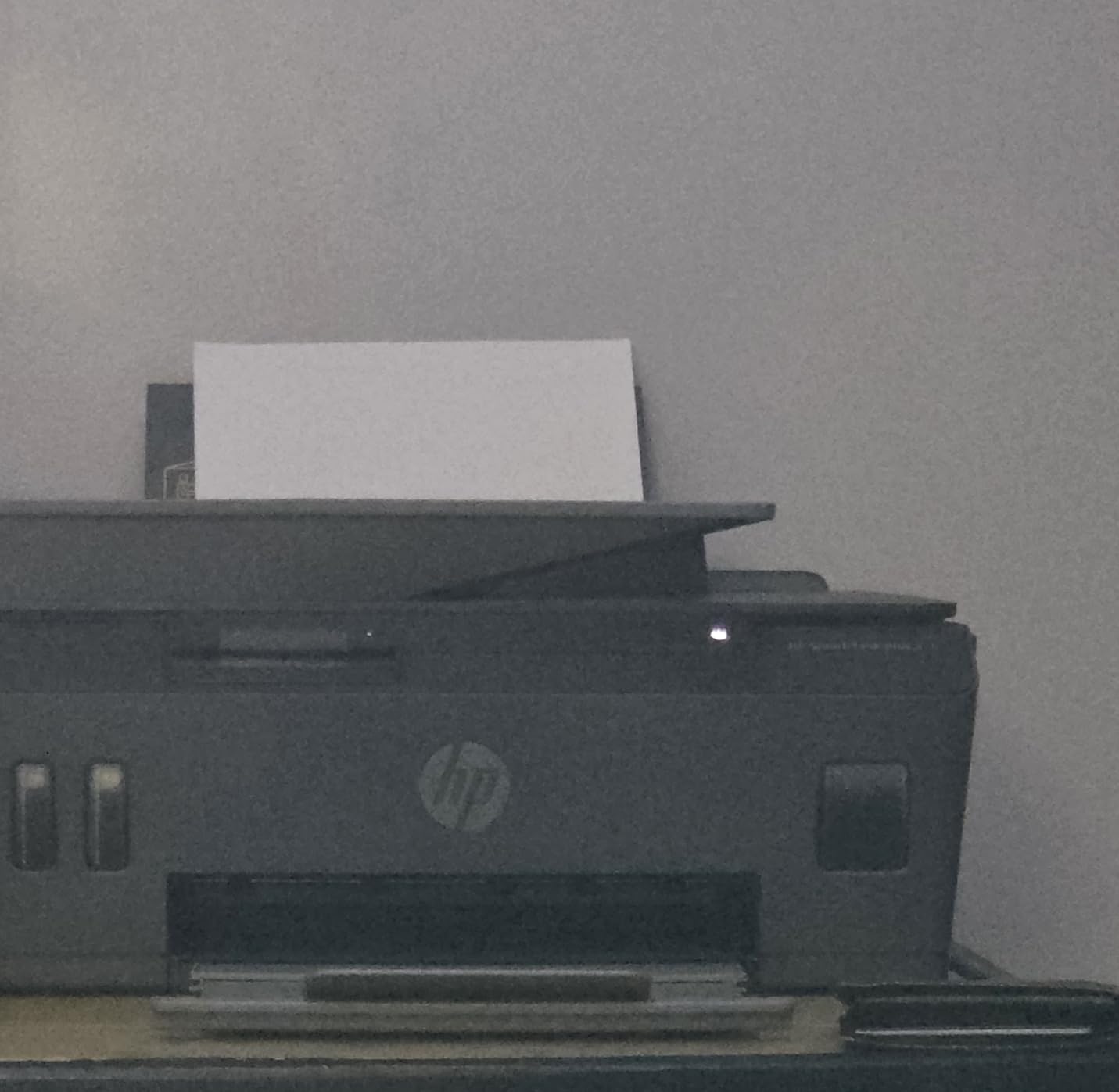
The HP Smart Tank Plus 570 is a strong option for buyers who want HP’s ink tank design specifically for color-heavy printing. HP includes enough ink for up to 8,000 color pages or 6,000 black pages, which works out to roughly two years of typical home printing with a color lean.
Print quality is one of the highlights: 4800 x 1200 optimized dpi color output is sharp and vibrant, and the borderless printing support extends up to letter size. Text is crisp at 1200 dpi black. Speed is modest at 11 ppm black and 5 ppm color, but for most home workloads that is not a real bottleneck.
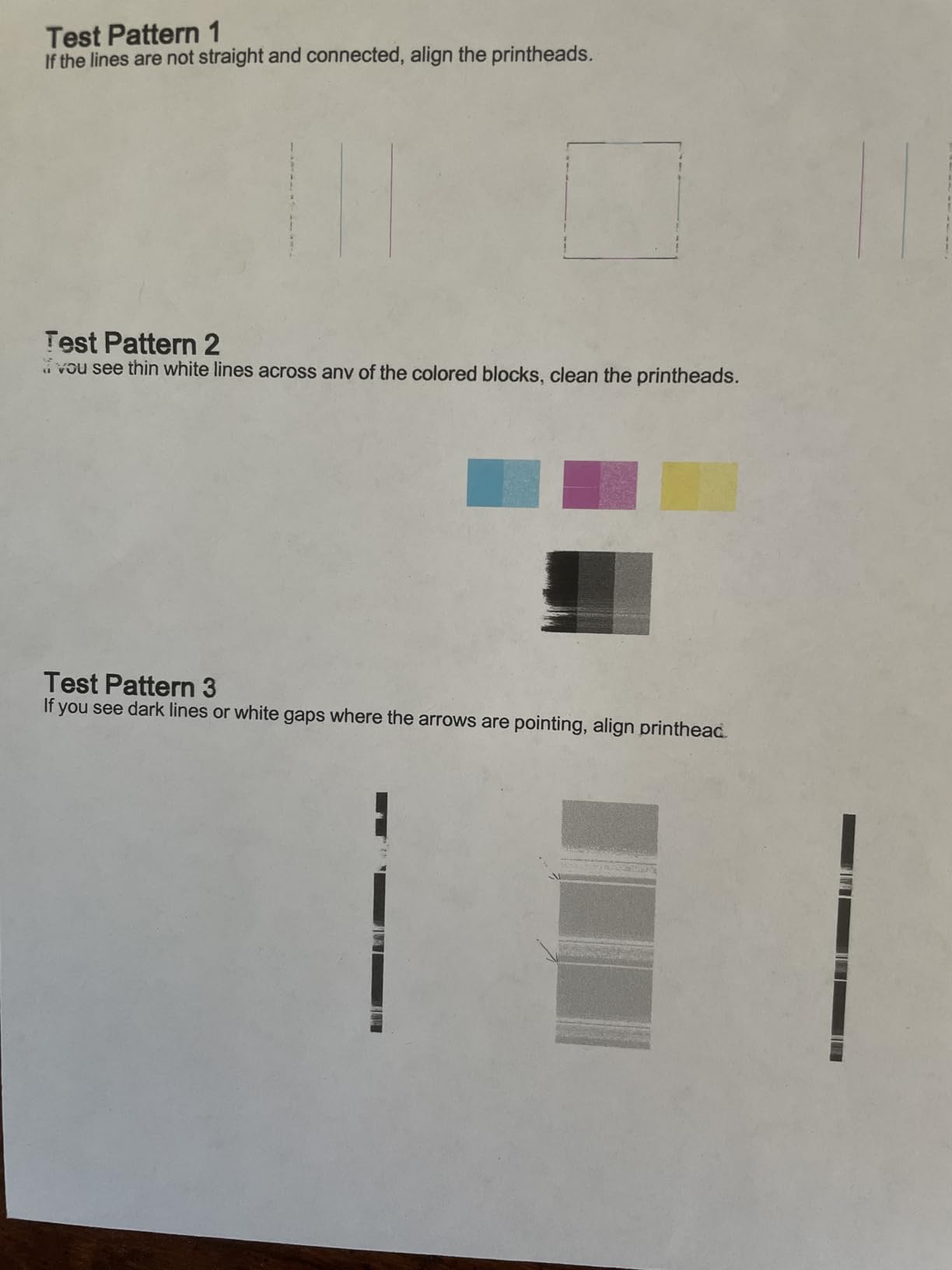
The 570 is unusual in that it has no traditional paper tray: you load paper into a rear feed rack instead. This keeps the footprint compact but means the printer needs a flat surface for paper handling. Multiple reviewers on Reddit mention the print head installation as a fiddly step that requires careful following of instructions.
Connectivity covers Wi-Fi (2.4 GHz only), USB, and mobile printing via HP Smart, AirPrint, and Mopria. The lack of 5 GHz Wi-Fi is a noticeable omission in 2026, since most routers now run dual-band networks by default. At 13.6 pounds, it is light enough to relocate if needed.
Best for buyers who print color documents and photos regularly
If your print volume skews toward color handouts, presentations, or photos, the 570’s 8,000-page color ink supply is a real advantage. Borderless printing up to letter size also sets it apart from the ET-2800.
Skip it if your home network runs on 5 GHz Wi-Fi, since this printer only supports 2.4 GHz. Buyers who want better wireless compatibility should look at the Canon MegaTank G3270 or Canon PIXMA TS3720.
Best for buyers who want HP’s mess-free refill system
HP’s keyed ink bottle design is one of the cleanest refill systems on the market: the bottle only fits into the matching tank, and there is no squeezing required. For buyers who have ever spilled ink on their desk during a refill, this is a meaningful upgrade.
Reviewers complain about 2.4 GHz-only Wi-Fi, occasional app connectivity issues, and a lower customer satisfaction score than competitors. For buyers who prioritize wireless reliability, the EcoTank ET-2800 is the safer pick.
10. Brother MFC-J805DW – Best Inkvestment Tank for Home Office
- INKvestment Tank system with up to 1 year of ink in-box
- Brother Page Gauge tracks remaining ink
- Auto duplex printing
- Multiple connectivity options including Bluetooth Ethernet USB and Wi-Fi
- Auto Document Feeder for scanning and copying
- Plasticky build
- Small LCD screen
- Photo print quality is mediocre
The Brother MFC-J805DW is the Inkvestment Tank model I recommend for buyers who want a complete home office package. It bundles auto duplex, an automatic document feeder, and Brother’s Page Gauge ink monitoring into a single device. For someone who scans, copies, and faxes occasionally, that feature set covers most office workflows.
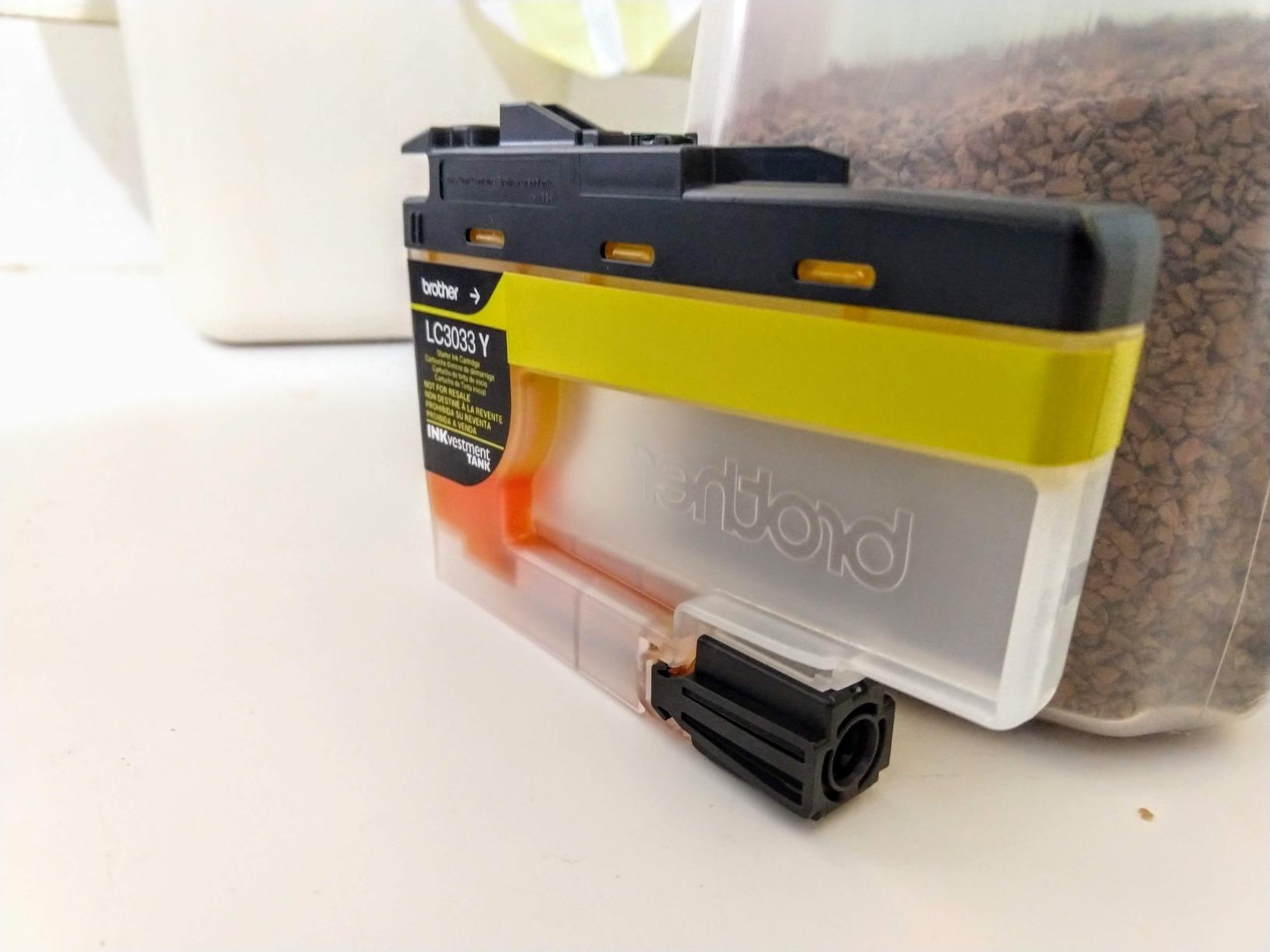
Print speed lands at 12 ppm black and 6 ppm color, which is slower than the newer MFC-J4335DW but still acceptable for home use. Brother’s INKvestment Tank system delivers up to one year of ink in the box based on 150 pages per month, and replacement LC3033 or LC3035 cartridges are reasonably priced.
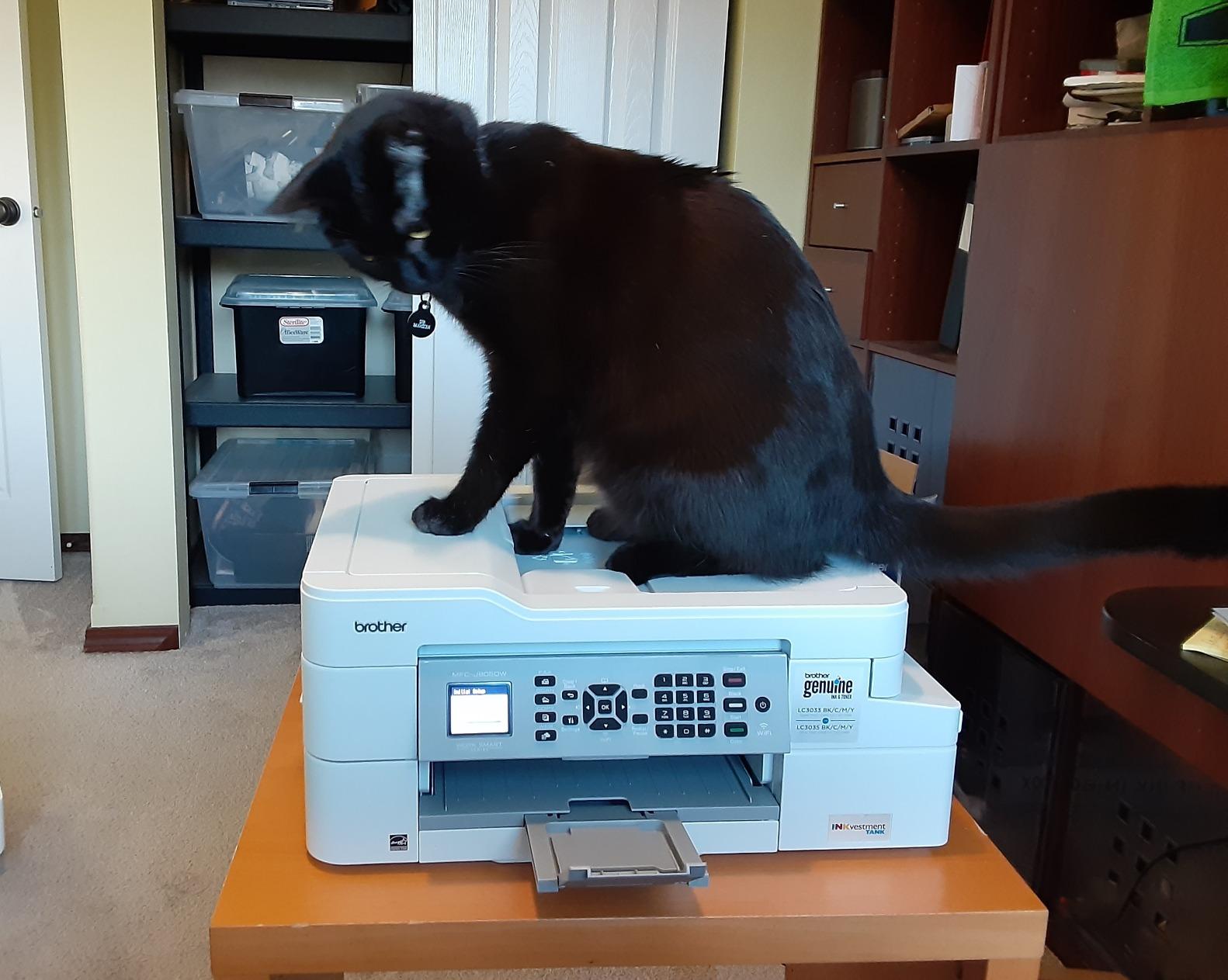
Brother Page Gauge is one of the most useful features I have tested in any printer in this guide. It tracks ink consumption on the printer itself and in the mobile app, so you always know how many pages you have left before a cartridge replacement. That kind of visibility eliminates the surprise of running out of ink mid-job.
Connectivity is comprehensive: Bluetooth, Ethernet, USB, and Wi-Fi are all supported, plus AirPrint, Google Cloud Print, and Brother’s mobile app. At 17.1 inches wide and 13.4 inches deep, it fits a typical home office shelf without dominating the space. Buyers who print mostly text in a small office may also want to compare against laser printers with cheap cartridges.
Best for home offices that need scan, copy, fax, and duplex in one device
The combination of auto duplex, ADF, and Page Gauge ink monitoring makes the MFC-J805DW the most office-capable Inkvestment Tank model in this roundup. For buyers who run a small business from home, this is the most balanced pick.
Skip it if photo printing is a priority. The text-focused print engine produces sharp documents but underwhelming photo output.
Best for buyers who want Bluetooth connectivity
Bluetooth support is rare on home printers and useful when Wi-Fi is congested or unavailable. The MFC-J805DW pairs cleanly with phones and laptops for direct printing without involving a router.
Reviewers note that the build feels plasticky and the LCD is small. Buyers who want a more substantial design should consider the MFC-J4335DW instead.
How to Choose the Best Wireless Printer With Low-Cost Ink
Choosing the right wireless printer for cheap ink comes down to four decisions: ink system (cartridge vs ink tank vs laser), wireless connectivity, total cost of ownership, and ink source flexibility. Each one affects your day-to-day experience and your long-term budget. For a wider survey of laser alternatives, our guide to laser printers with inexpensive ink is a useful cross-reference.
Ink Tank vs Cartridge vs Laser
Ink tank printers (Epson EcoTank, Canon MegaTank, HP Smart Tank, Brother INKvestment Tank) use refillable reservoirs fed by low-cost ink bottles. A single bottle costs a small fraction of a cartridge set and prints thousands of pages. For anyone who prints more than 50 pages per month, ink tanks are the clear winner on running cost.
Cartridge printers (HP DeskJet, Canon PIXMA TS series) are cheaper up front but more expensive to operate. Standard cartridges run out quickly, and tri-color cartridges waste ink when one color empties. If you go the cartridge route, enroll in HP Instant Ink or Brother’s Refresh EZ Print subscription to bring per-page costs down.
Laser printers use toner instead of ink and have the lowest cost per page for monochrome text. They are not covered in this roundup, but if you print primarily black-and-white documents and want the lowest running cost possible, a monochrome laser like the Brother HL-L2865DW is worth considering.
Wireless Connectivity and 2.4 GHz Caveats
Most wireless printers connect over 2.4 GHz Wi-Fi, which has longer range but slower speeds. If your home router runs dual-band (2.4 GHz plus 5 GHz), make sure the printer supports the band you want to use. The Canon PIXMA TS3720 is one of the few budget models with dual-band support.
For offices or homes with Wi-Fi congestion, Ethernet connectivity is a meaningful upgrade. The Canon PIXMA G6020 and Brother MFC-J4335DW both include Ethernet ports alongside Wi-Fi. Wi-Fi Direct is also worth looking for if you want to print without involving a router at all.
Mobile printing via AirPrint (iOS), Mopria (Android), and manufacturer apps is standard across all 10 printers in this guide. The HP Smart app, Epson Smart Panel, Canon PRINT, and Brother Mobile Connect are the major options. Reviewers generally rate Epson Smart Panel and Canon PRINT as the most reliable; HP Smart is the most feature-rich but occasionally buggy.
Cost Per Page and Total Cost of Ownership
Cost per page is the single most important number for buyers who care about cheap ink. Ink tank printers typically deliver around 0.3 cents per page for black and 0.8 cents per page for color. Standard cartridge inkjets land at 5 to 10 cents per page. Monochrome laser printers drop to 2 to 3 cents per page.
Over three years, the difference is dramatic. A household printing 150 pages per month would spend around 900 dollars in cartridges with a standard inkjet, around 200 dollars in ink with a refillable tank, and around 120 dollars in toner with a monochrome laser. The up-front price of the printer is almost irrelevant by comparison.
Third-Party Ink and Subscription Programs
Third-party compatible cartridges from brands like Arthur Imaging, LD Products, and various eBay sellers run 50 to 70 percent cheaper than OEM cartridges. Forum users on r/printers consistently report positive experiences with compatible cartridges for Brother and Canon printers; HP printers with HP Instant Ink subscriptions block third-party cartridges entirely.
Ink subscription programs (HP Instant Ink, Brother Refresh EZ Print) charge a monthly fee based on page count rather than cartridge cost. For low-volume users (under 50 pages per month), these programs can dramatically reduce ink costs. For high-volume users, refillable ink tanks are usually cheaper than subscriptions over a 12-month period.
If you print occasionally (fewer than 20 pages per month), consider a monochrome laser instead. Toner does not dry out the way ink does, so a laser printer can sit idle for months without clogging. Ink tank printers are not ideal for very light use because the periodic cleaning cycles consume ink.
Frequently Asked Questions
What is the best wireless printer with the cheapest ink cartridges?
The best wireless printer with the cheapest ink cartridges for most home buyers in 2026 is the HP OfficeJet 3830 with HP Instant Ink enrolled, which delivers clean text and color prints at the lowest cost per page when you let the subscription handle ink replacement. For buyers who print more than 50 pages per month, the Epson EcoTank ET-2800 is the stronger choice because refillable ink bottles cost a fraction of cartridges and ship with up to two years of ink included.
Which inkjet printer has the cheapest ink cartridges?
Among traditional cartridge inkjets, the Canon PIXMA TS3720 and HP DeskJet 2622 use inexpensive standard cartridges. However, the truly cheapest ink comes from refillable ink tank systems. The Epson EcoTank ET-2800, Canon MegaTank G3270, and HP Smart Tank 5100 all deliver running costs around 0.3 to 0.8 cents per page, which is roughly 10 times cheaper than standard cartridge inkjets. Third-party compatible cartridges from brands like Arthur Imaging also drop OEM cartridge costs by 50 to 70 percent for users who prefer cartridge printers.
Are ink tank printers cheaper in the long run?
Yes. Ink tank printers are substantially cheaper in the long run for anyone who prints more than 50 pages per month. A household printing 150 pages per month would spend around 900 dollars in standard cartridges over three years, but only around 200 dollars in ink bottle refills for an EcoTank or MegaTank model. The up-front cost difference (typically 80 to 150 dollars more for the ink tank printer) is recovered within the first year of regular printing. For very light users printing fewer than 20 pages per month, the math is closer and a cartridge inkjet with an ink subscription may be cheaper.
Is it cheaper to buy a laser printer than inkjet?
It depends on what you print. For monochrome text printing, laser printers are cheaper to operate than inkjet printers because toner cartridges deliver 2,000 to 10,000 pages at around 2 to 3 cents per page. Toner does not dry out, so laser printers are also better for infrequent users. However, inkjet printers (especially refillable ink tank models) are cheaper for color printing and photo printing, since color toner cartridges are expensive. A monochrome laser like the Brother HL-L2865DW is the cheapest option if you only print black-and-white documents.
What is the best affordable home printer with low-cost ink?
The best affordable home printer with low-cost ink is the Canon MegaTank G3270. It is one of the cheapest refillable ink tank printers available, includes enough ink for up to 6,000 black or 7,700 color pages, and produces sharp text and vibrant photos. For buyers on an even tighter budget, the HP DeskJet 2622 paired with HP Instant Ink is the most affordable route to wireless printing, though the per-page cost is higher than a refillable tank over the long term.
Final Verdict: Which Wireless Printer With Cheap Ink Should You Buy in 2026?
The best wireless printers with low cost ink cartridges in 2026 are dominated by refillable ink tank designs, and the HP OfficeJet 3830 remains my top pick for buyers who want the simplest path to low-cost wireless printing with HP Instant Ink enrolled. For households that print more than 50 pages per month, the Epson EcoTank ET-2800 and Canon MegaTank G3270 deliver the lowest cost per page by a wide margin.
Buyers on a tight budget should start with the Canon MegaTank G3270 or HP DeskJet 2622 (with Instant Ink). Buyers who want auto duplex should look at the Canon PIXMA G6020 or Brother MFC-J4335DW. Buyers running a small home office will get the most capability from the Brother MFC-J805DW or MFC-J4335DW, both of which combine Inkvestment Tank ink savings with ADF and duplex in one device.
Whatever you choose, avoid the common pitfall of buying the cheapest cartridge inkjet without checking ink costs. A low-cost cartridge printer paired with expensive ink refills ends up more expensive in the long run than a mid-range ink tank with refillable bottles. Spend a few minutes calculating your expected monthly page volume before you commit, and your wallet will thank you for the next three years.