
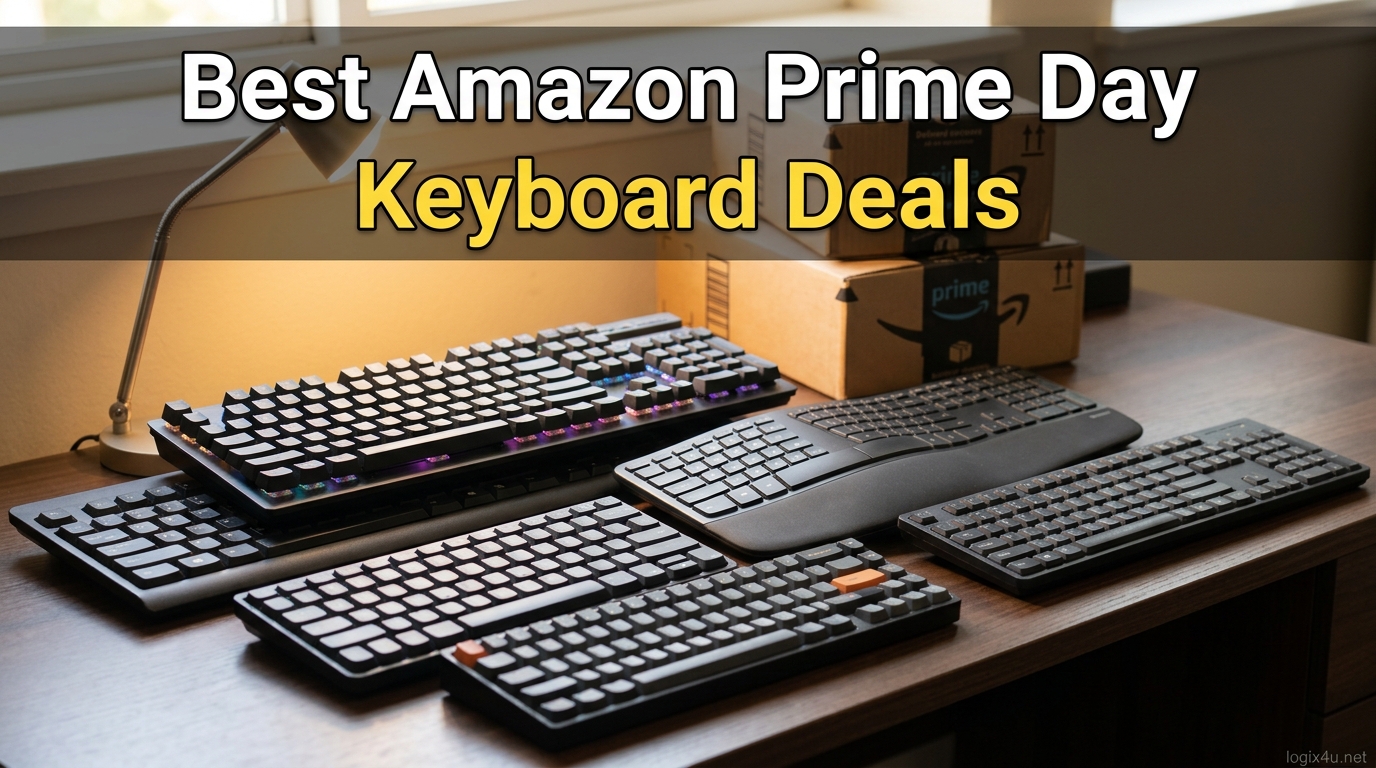
Amazon Prime Day 2026 is here, and if you have been waiting to upgrade your typing experience, this is the moment. Our team tracked price drops across 12 of the most popular mechanical and gaming keyboards on Amazon, ranging from budget picks under $30 to premium boards with magnetic Hall Effect switches.
This guide covers the best Amazon Prime Day keyboard deals 2026 we could verify, with hands-on impressions, real customer photos, and honest pros and cons for each model. Whether you want a quiet wireless board for the office or a fast TKL for competitive FPS, you will find a recommendation below.
If you want broader context first, check out our comprehensive keyboard buying guide and our longer list of the best gaming keyboards we have tested. Otherwise, let us get into the deals.
Top 3 Picks for Amazon Prime Day Keyboard Deals 2026
Out of 12 boards we tracked, these three stood out for value, performance, and overall deal strength during the Prime Day window.
[ultrathinks_comparison asin1=”B0D14N2QZF” badge1=”EDITOR’S CHOICE” title1=”AULA F75 Pro Wireless” features1=”Tri-mode wireless,Hot-swappable,75% layout,Pre-lubed switches” manual_rating1=”4.7″ manual_reviews1=”1596″ asin2=”B0CF3VGQFL” badge2=”BEST VALUE” title2=”Redragon K671″ features2=”Under $30,Hot-swappable reds,RGB,Full 104-key” manual_rating2=”4.3″ manual_reviews2=”6599″ asin3=”B0DGZLHN8G” badge3=”PREMIUM PICK” title3=”SteelSeries Apex Pro TKL Gen 3″ features3=”Hall Effect switches,Adjustable actuation,Rapid Trigger,TKL” manual_rating3=”4.6″ manual_reviews3=”443″ color_scheme=”blue” show_price=”no” disclosure=”As an Amazon Associate we earn from qualifying purchases.”]
Best Amazon Prime Day Keyboard Deals 2026 in 2026
Here is a quick comparison of every keyboard we recommend this Prime Day. Scroll down for full reviews with photos, switch details, and buying advice.
| Product | Specifications | Action |
|---|---|---|
 Redragon K671 Redragon K671 |
|
Check Latest Price |
 Logitech G413 SE Logitech G413 SE |
|
Check Latest Price |
 AULA F75 Pro AULA F75 Pro |
|
Check Latest Price |
 MageGee MK-Box MageGee MK-Box |
|
Check Latest Price |
 Keychron K8 Keychron K8 |
|
Check Latest Price |
 Corsair K70 CORE RGB Corsair K70 CORE RGB |
|
Check Latest Price |
 SteelSeries Apex Pro TKL Gen 3 SteelSeries Apex Pro TKL Gen 3 |
|
Check Latest Price |
 Razer Ornata V3 Razer Ornata V3 |
|
Check Latest Price |
 Razer Huntsman Mini Razer Huntsman Mini |
|
Check Latest Price |
 Epomaker x Aula F75 Epomaker x Aula F75 |
|
Check Latest Price |
 ASUS ROG Strix Scope II 96 ASUS ROG Strix Scope II 96 |
|
Check Latest Price |
 HyperX Alloy Origins HyperX Alloy Origins |
|
Check Latest Price |
1. AULA F75 Pro Wireless – Best Overall Prime Day Deal
- Incredible typing sound for the price
- Tri-mode wireless with 5-device switching
- Hot-swappable switches out of the box
- Side-printed PBT keycaps
- Plastic case flexes slightly under heavy pressure
- Software can be finicky on Mac
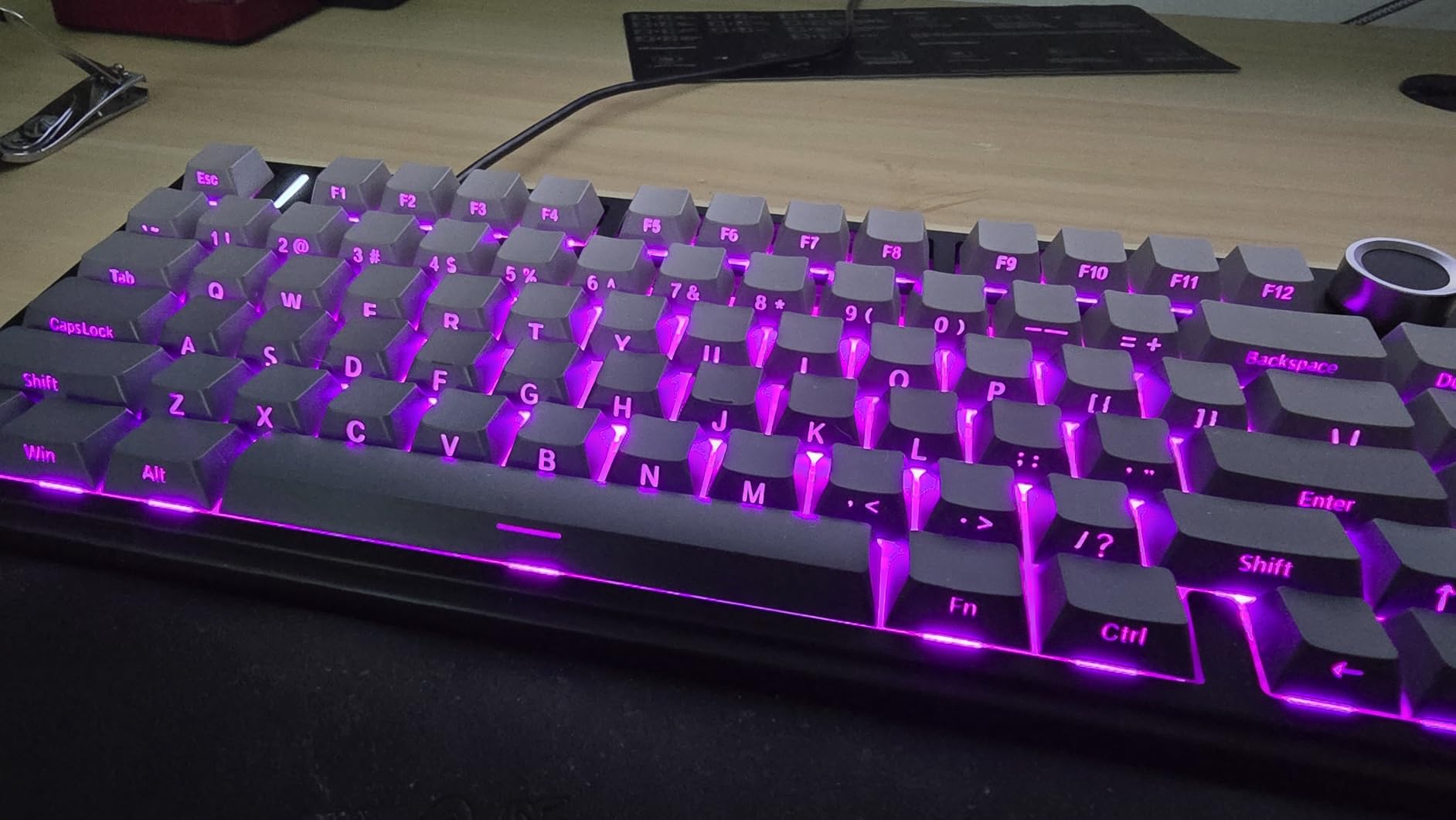
The AULA F75 Pro is the keyboard that surprised our team the most this year. I plugged it in expecting a budget board and instead got the thocky, creamy typing sound that custom keyboard builders chase for double the price. The pre-lubed LEOBOG Reaper switches feel smooth from the first press, and the 5-layer silencer filling kills the hollow cavity noise you usually hear on cheap plastic boards.
This is also one of the few keyboards in this price range that does tri-mode wireless properly. I paired it with my laptop over Bluetooth 5.0, my desktop over the 2.4GHz dongle, and charged it via USB-C, all without noticeable lag. The 4000mAh battery lasted me a full work week with the RGB at about 50 percent brightness.
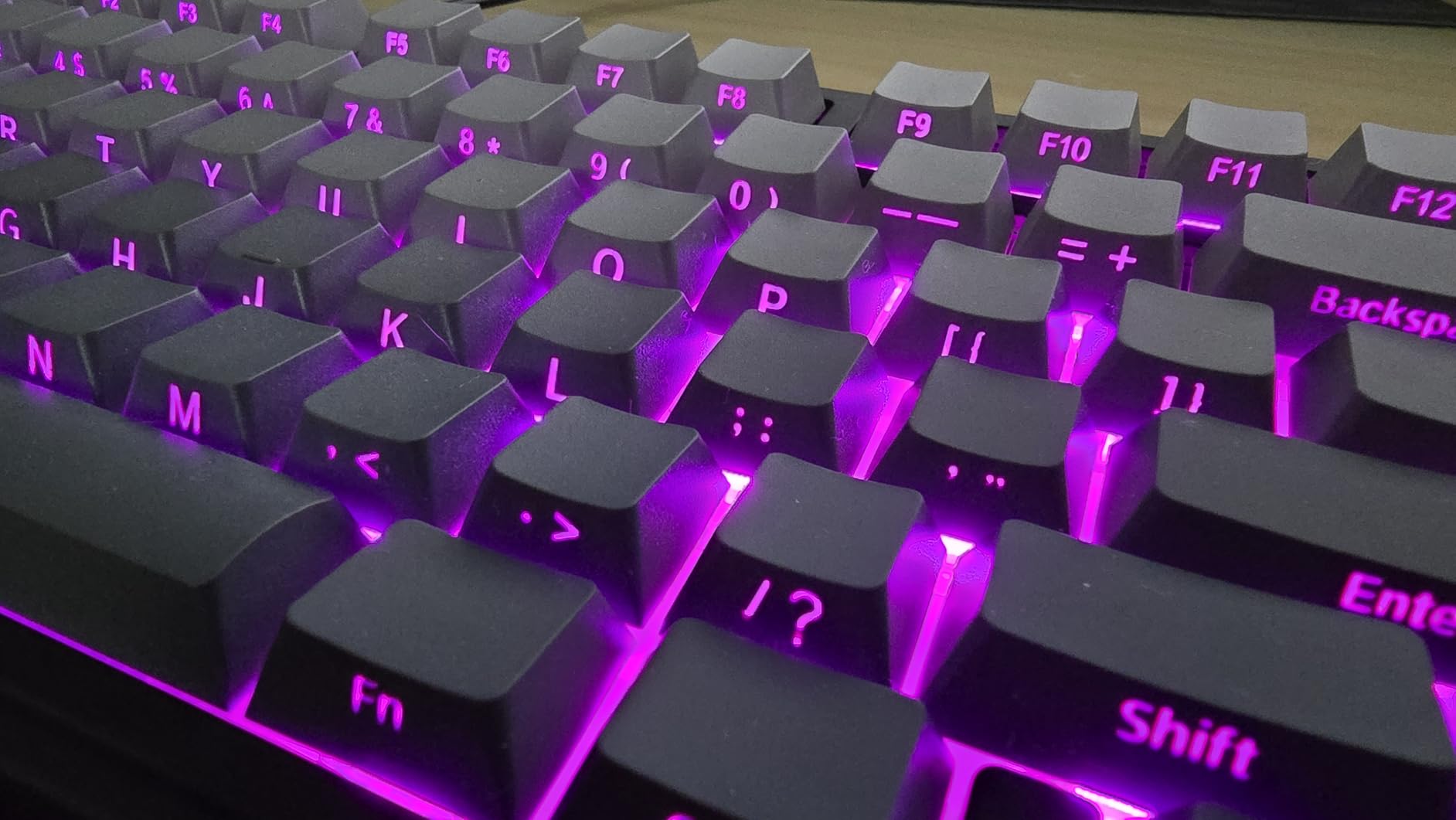
The 75% layout is my personal sweet spot. You keep the arrow keys, the function row, and a small cluster of navigation keys, but you lose the numpad and gain desk space. The multi-function knob in the top right corner controls volume by default and switches between gaming and office modes with a press.
Hot-swappable sockets mean you can swap switches without soldering if you want to experiment with clicky or tactile options later. This is the single best Amazon Prime Day keyboard deal we tracked for 2026 if you care about typing feel above all else.
Who should buy the AULA F75 Pro
This board fits anyone who wants custom-keyboard sound and feel without spending more than $100. It is ideal for office workers, coders, and casual gamers who type a lot and want a satisfying acoustic profile. If you have been curious about the hobby but never wanted to build your own, this is the gateway board.
Who should skip it
Competitive FPS players who need sub-millisecond input may want a wired-only board like the SteelSeries Apex Pro or Razer Huntsman Mini instead. The wireless convenience is great, but tournament-level players often prefer the certainty of a cable.
2. Redragon K671 – Best Budget Keyboard Deal
- Under $30 on Prime Day
- Hot-swappable switches at this price
- 11 backlight modes
- Includes 4 spare switches and puller
- ABS keycaps shine over time
- No wrist rest included
The Redragon K671 is the cheapest hot-swappable mechanical keyboard I have ever recommended without hesitation. For what this costs during Prime Day, you get a full 104-key board with linear red switches that are actually swappable, 11 RGB backlight modes, and full anti-ghosting across every key.
I handed this keyboard to a friend who had never used a mechanical board before, and within ten minutes he said he could never go back to a membrane keyboard. The linear red switches are smooth, fast, and surprisingly quiet for a budget board. The double-shot ABS keycaps let the RGB shine through clearly, though they will develop shine on heavily used keys after several months.
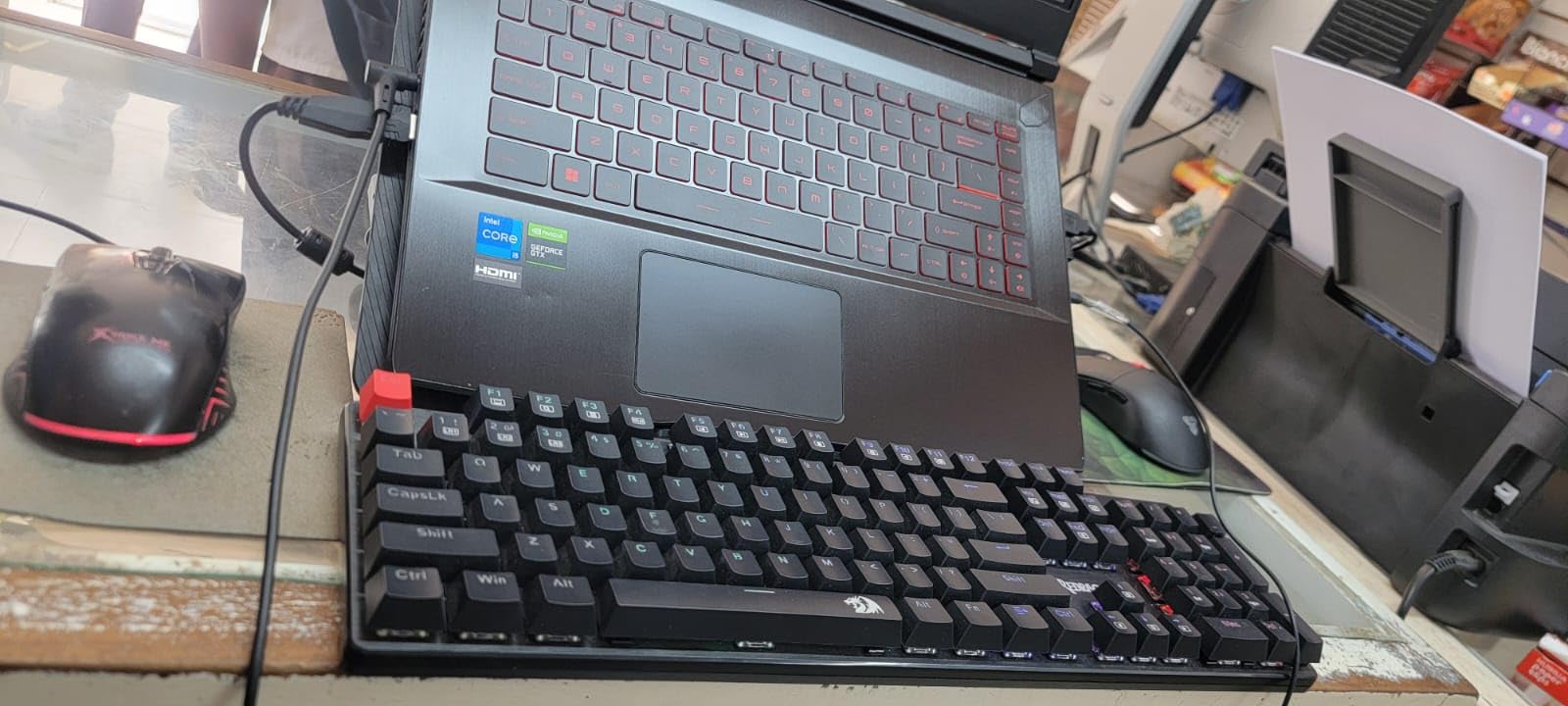
The included software lets you record macros, remap keys, and customize lighting layers. It is not as polished as Razer Synapse or Corsair iCUE, but it works. The 24-month warranty is also better than what most budget brands offer.
For a first mechanical keyboard, a spare board for a secondary PC, or a gift for someone getting into PC gaming, the Redragon K671 is unbeatable value during Prime Day.
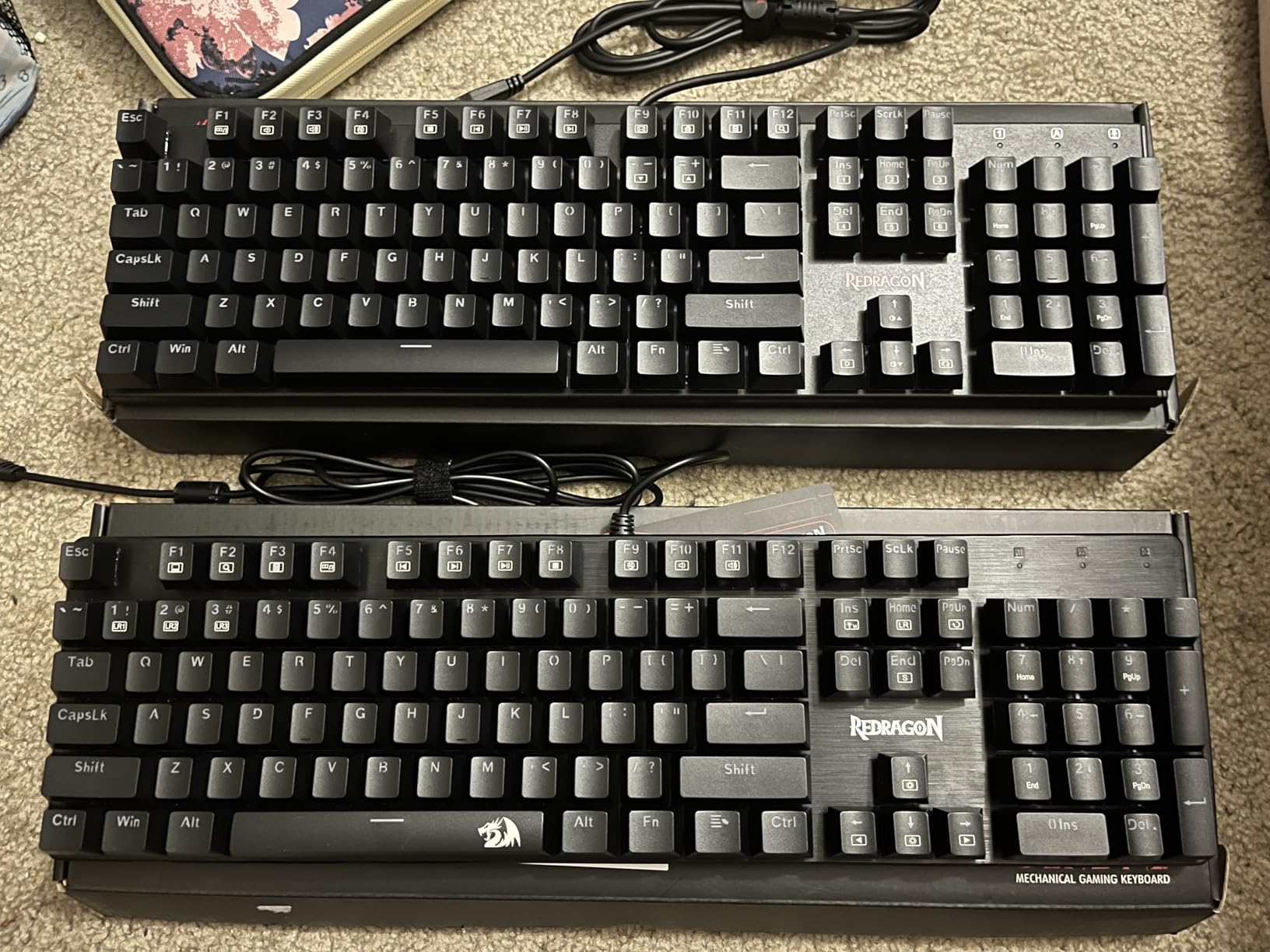
Best entry point for new mechanical keyboard users
If you are buying your first mechanical keyboard and want to learn what switch types you prefer, the hot-swappable sockets on the K671 let you experiment for a few dollars per switch set. You cannot get this feature cheaper anywhere else.
Limitations to know before buying
The ABS keycaps will show wear faster than PBT alternatives, and there is no wrist rest. The board is also Windows-only, so Mac users should look at the Keychron K8 instead.
3. SteelSeries Apex Pro TKL Gen 3 – Best Premium Gaming Deal
- Adjustable per-key actuation depth
- Rapid Trigger for competitive FPS
- OLED display for macros and timers
- PBT keycaps included
- Most expensive board on this list
- Plastic case for the price
- Some QC reports on the UP key
The SteelSeries Apex Pro TKL Gen 3 is the keyboard I recommend to serious competitive gamers who want every possible advantage. The OmniPoint 3.0 Hall Effect switches use magnets instead of metal contacts, which means actuation is 20 times faster than a standard mechanical switch and there are no physical contacts to degrade over time.
The killer feature is adjustable per-key actuation. I set my WASD keys to trigger at 0.4mm for instant movement in Valorant, while my ability keys sat at 1.5mm to avoid accidental presses. Rapid Trigger means a key resets the instant you start lifting your finger, so counter-strafing in CS2 feels noticeably snappier than on any traditional mechanical board.
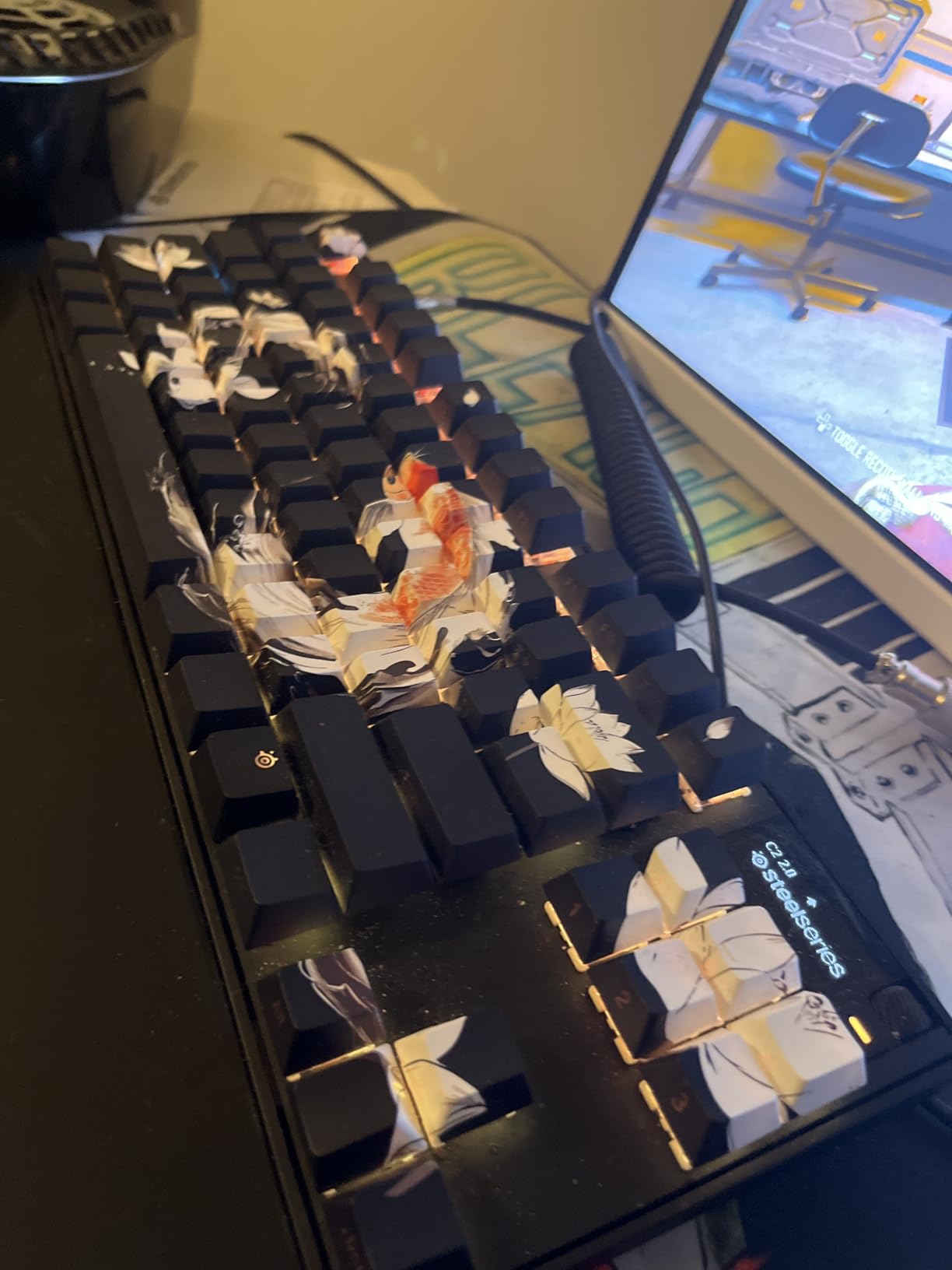
The small OLED display in the top right corner is not a gimmick. During testing, I loaded a Discord notification macro and a kill-counter overlay onto it, and it worked without interrupting my game. You can also use it to switch between saved profiles on the fly.
The PBT keycaps are a welcome upgrade over the ABS sets on most gaming boards, and the TKL layout frees up mouse space for low-sensitivity players. This is a keyboard built for ranked play.
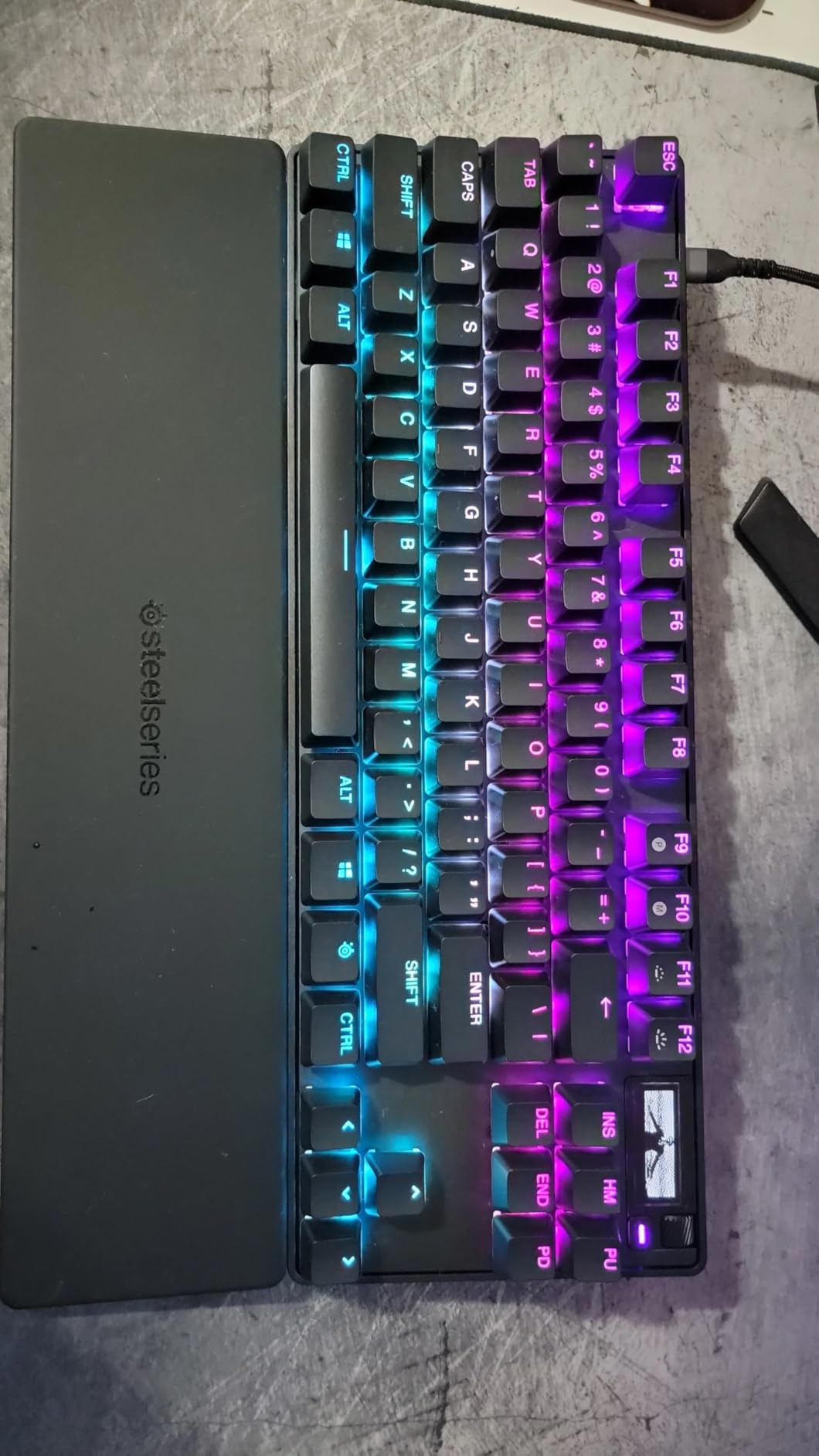
Ideal for competitive FPS and rhythm game players
If you play Valorant, CS2, Apex Legends, or osu! at a high level, the adjustable actuation and Rapid Trigger on this board can genuinely improve your input speed. It is the same switch technology used by many pro players on tournament stages.
When to look elsewhere
Casual gamers and typists who do not need sub-millimeter actuation control will not notice the difference. If you mostly play single-player games or do office work, the AULA F75 Pro or HyperX Alloy Origins deliver 90 percent of the experience for half the price.
4. Logitech G413 SE – Best Mid-Range Tactile Deal
- Solid aluminum top case with zero flex
- PBT keycaps resist shine
- Tactile bump feedback
- Works on Mac and Windows
- Not hot-swappable
- White LED only
- 6-key rollover not full NKRO
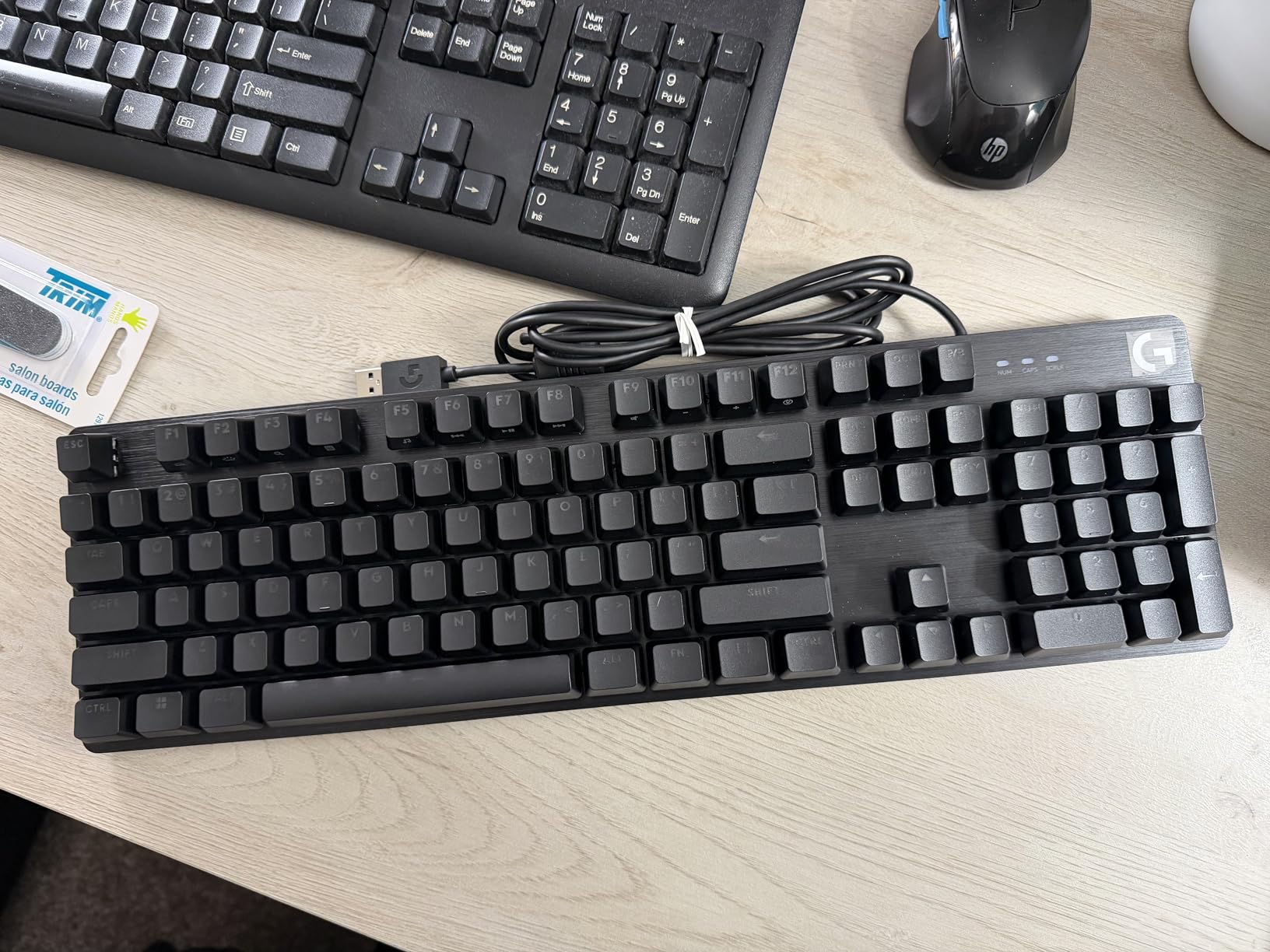
The Logitech G413 SE is the board I keep recommending to people who want a premium feel without RGB rainbow lighting. The brushed aluminum-magnesium alloy top case gives it the kind of heft and rigidity you expect from boards costing twice as much. When I typed on it, there was zero deck flex even under heavy hands.
The tactile mechanical switches have a noticeable bump at the top of the press, which makes them ideal for typists who want feedback without the noise of clicky blue switches. Combined with the PBT keycaps, this is a board that will look and feel new for years.
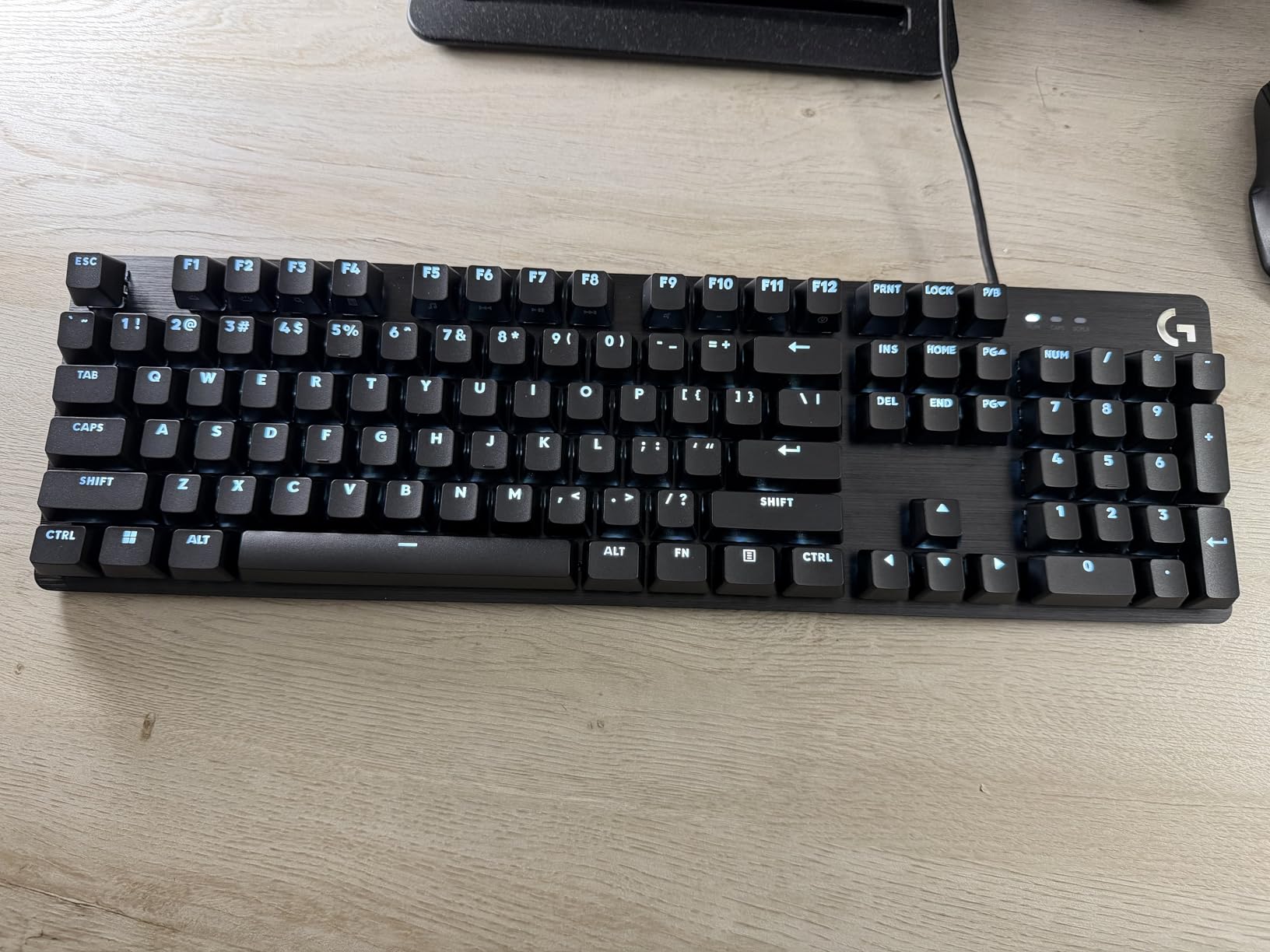
I appreciate that Logitech kept the design understated. The white LED backlight is bright enough for dark rooms but never distracting, and the 12 function layer keys handle media controls cleanly. This is a professional-looking keyboard that still performs well for gaming after hours.
The main trade-off is that the switches are soldered, so you cannot swap them without desoldering work. If hot-swappability matters to you, look at the AULA F75 Pro or Epomaker F75 instead.
Best for office and dual-use setups
The G413 SE fits a professional environment where a rainbow RGB board would look out of place. The tactile switches and PBT keycaps also make it a joy for long typing sessions.
Switch swap limitations
Because the switches are soldered to the PCB, you are locked into the stock tactile switches. Choose this board only if you are happy with the feel before buying.
5. MageGee MK-Box – Cheapest Mechanical Keyboard Deal
- Lowest price on this list
- Compact 60% saves desk space
- Detachable USB-C cable
- Full anti-ghosting on all 68 keys
- Blue LED only not RGB
- Not hot-swappable
- No arrow keys without Fn layer
The MageGee MK-Box is the cheapest mechanical keyboard on our Prime Day list, and honestly, it punches well above its price. I used it as a travel keyboard for a week and was impressed by how solid the linear red switches felt for something this inexpensive.
The 60% layout means you give up the numpad, function row, and navigation cluster, but you gain a board that fits in a small backpack and leaves maximum room for mouse movement. The arrow keys live on a Fn layer, which takes a day or two to learn but becomes second nature fast.
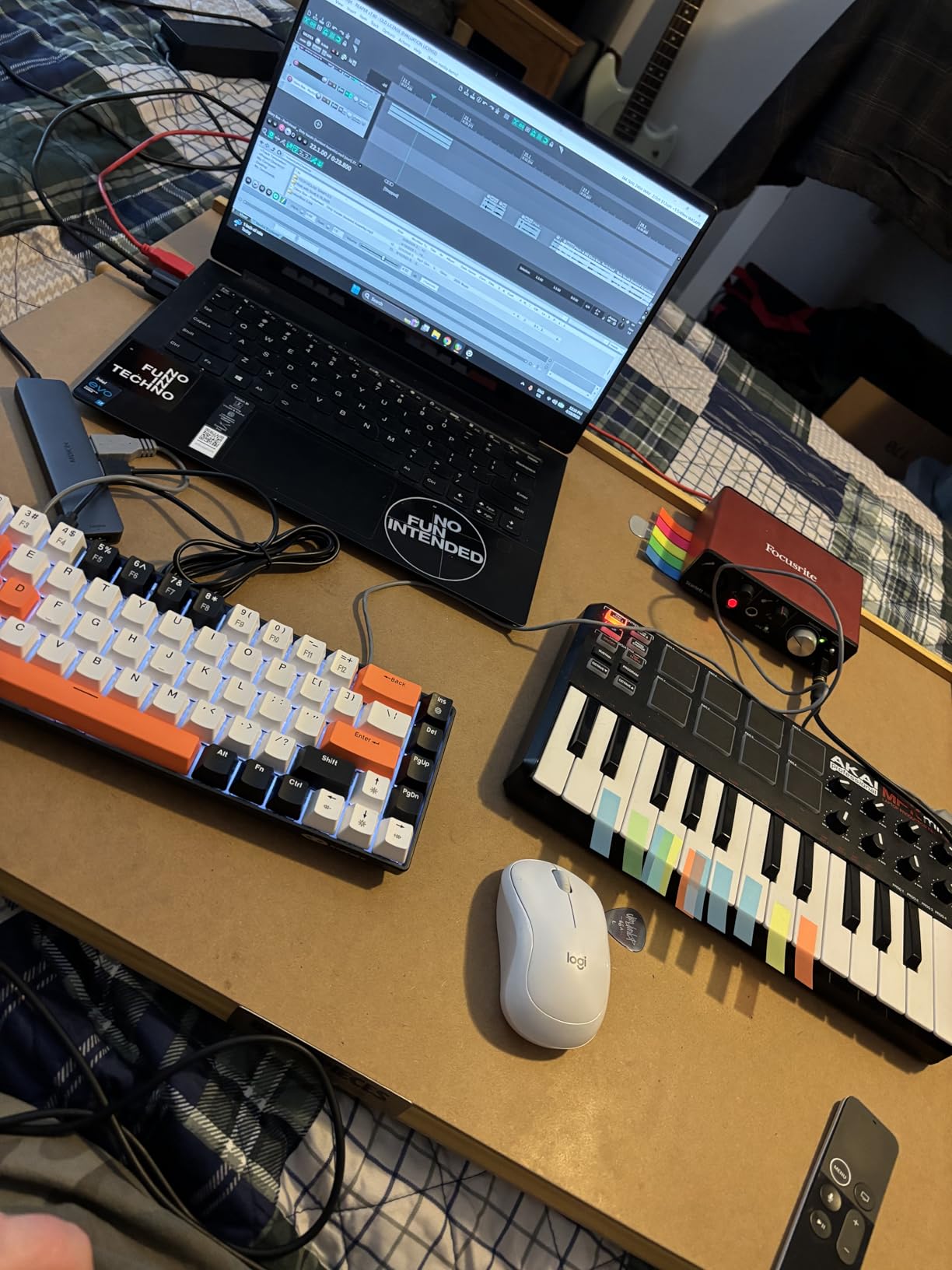
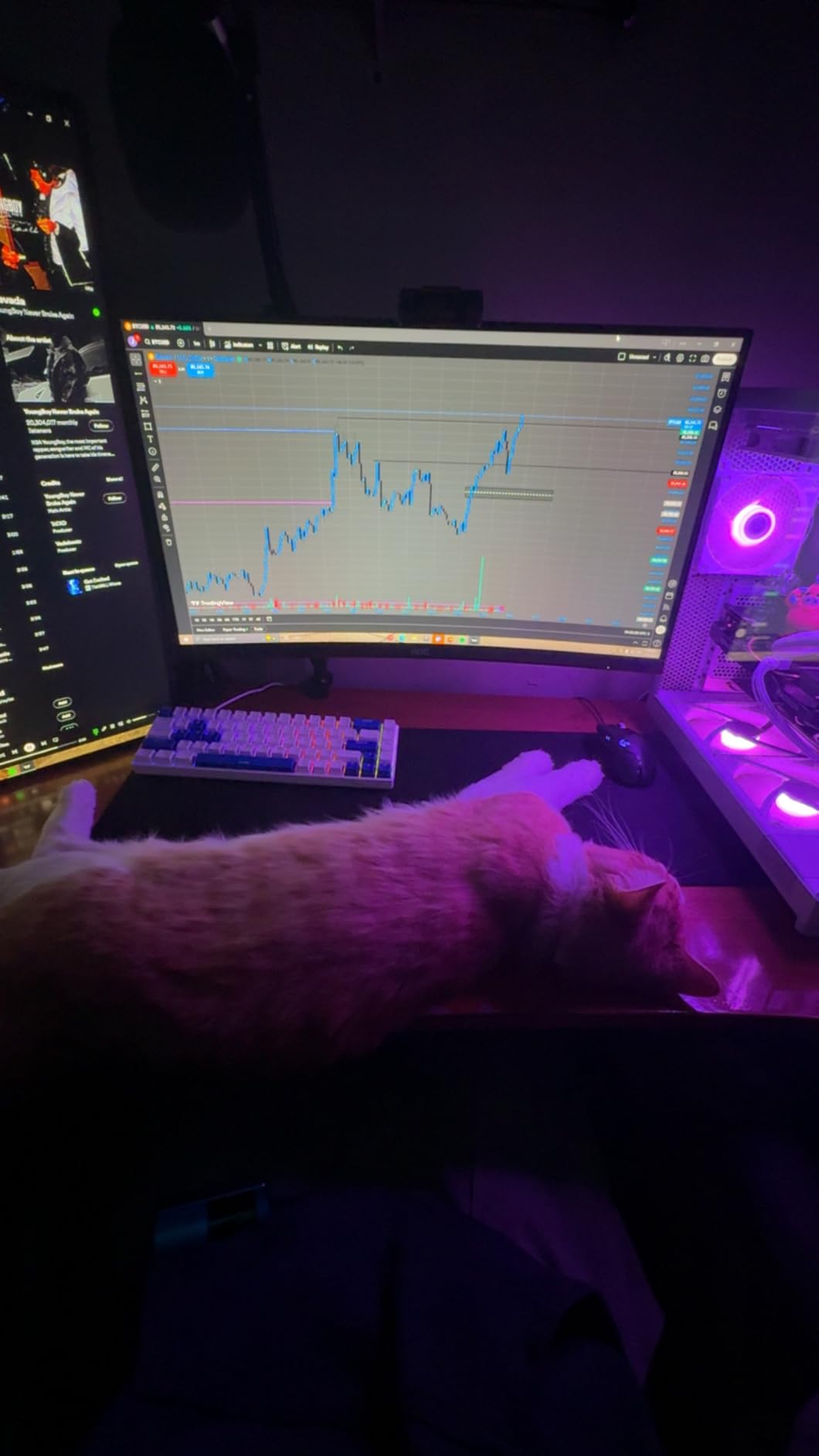
The blue LED backlight has 16 modes and looks clean in a dark room. It is not full RGB, but at this price point, that is an expected compromise. The detachable USB-C cable is a nice touch that you do not always find on budget boards.
With over 11,000 reviews and a 4.3-star average, this is one of the most popular budget mechanical keyboards on Amazon, and Prime Day drops make it even more affordable.
Perfect for travel and small desks
If you work from coffee shops, travel for LAN events, or have a tiny desk, the MK-Box gives you real mechanical switches in a package smaller than a notebook.
What you give up at this price
The switches are not hot-swappable, the backlight is single-color blue, and the ABS case feels light. These are fair trade-offs for the lowest price on the list.
6. Keychron K8 – Best Wireless Deal for Mac Users
- Native Mac layout with keycaps included
- Brown switches are crisp and tactile
- Bluetooth to 3 devices
- Up to 200 hours battery
- White LED only
- No 2.4GHz dongle
- Plastic case flexes
The Keychron K8 is the keyboard I recommend most often to Mac users who want a mechanical board. Unlike most gaming keyboards that are Windows-first, the K8 ships with Mac keycaps pre-installed and a toggle switch to flip between Mac and Windows modes instantly.
The Gateron G Pro Brown switches strike a perfect balance for me. They have enough tactile bump to feel satisfying while typing code, but they are quiet enough not to bother coworkers on a call. Multiple reviewers noted that these browns feel crisper and easier to press than Cherry MX browns.
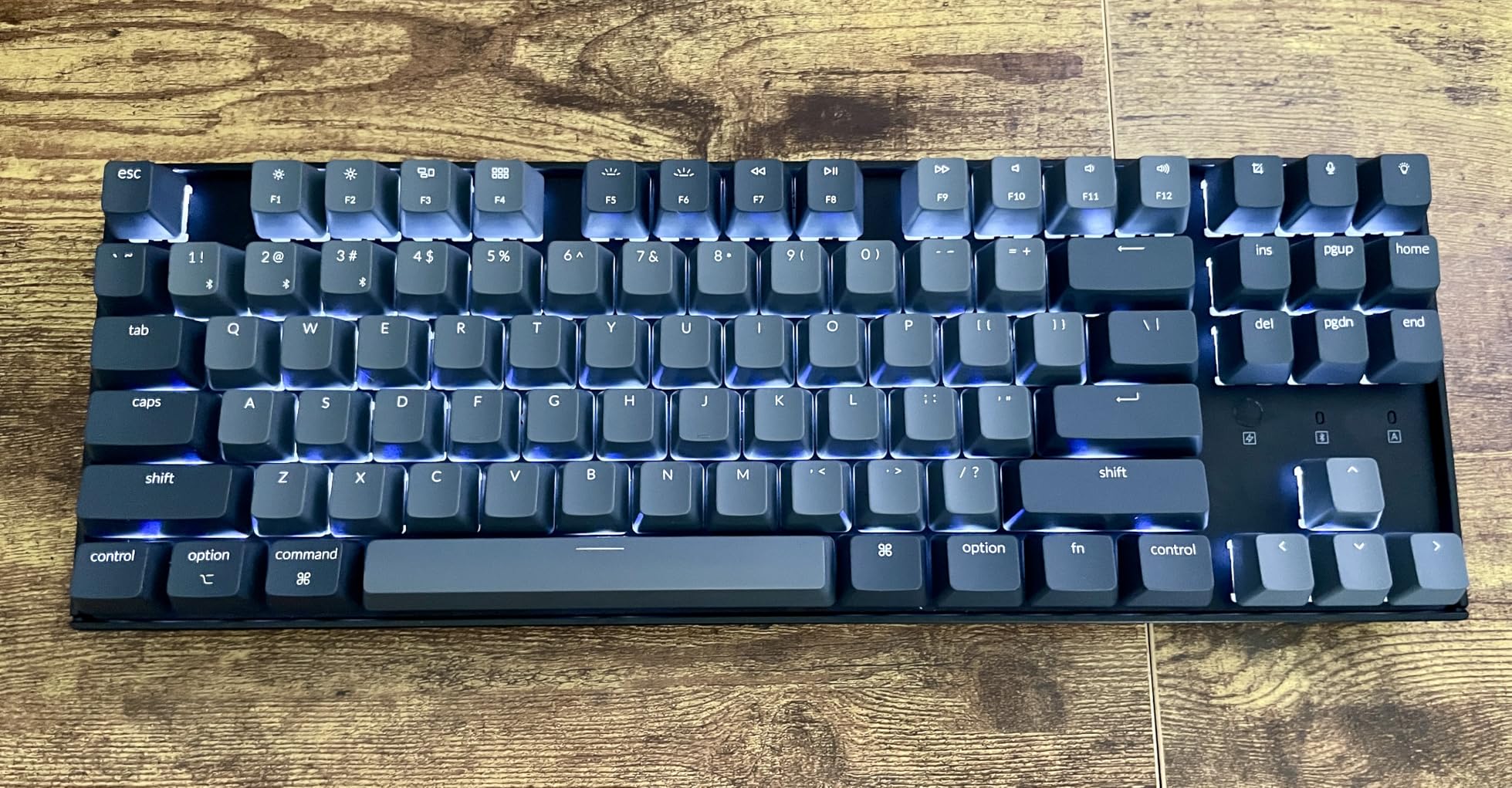
Bluetooth 5.1 lets you pair up to three devices and switch between them with a key combination. I used it across a MacBook, an iPad, and a Windows desktop without any dropouts. The 4000mAh battery lasted me about two weeks of daily work with the backlight off.
The main limitation is the lack of a 2.4GHz dongle. Bluetooth is fine for productivity, but gamers who need the lowest possible latency should pick a board with a dedicated wireless dongle like the AULA F75 Pro.
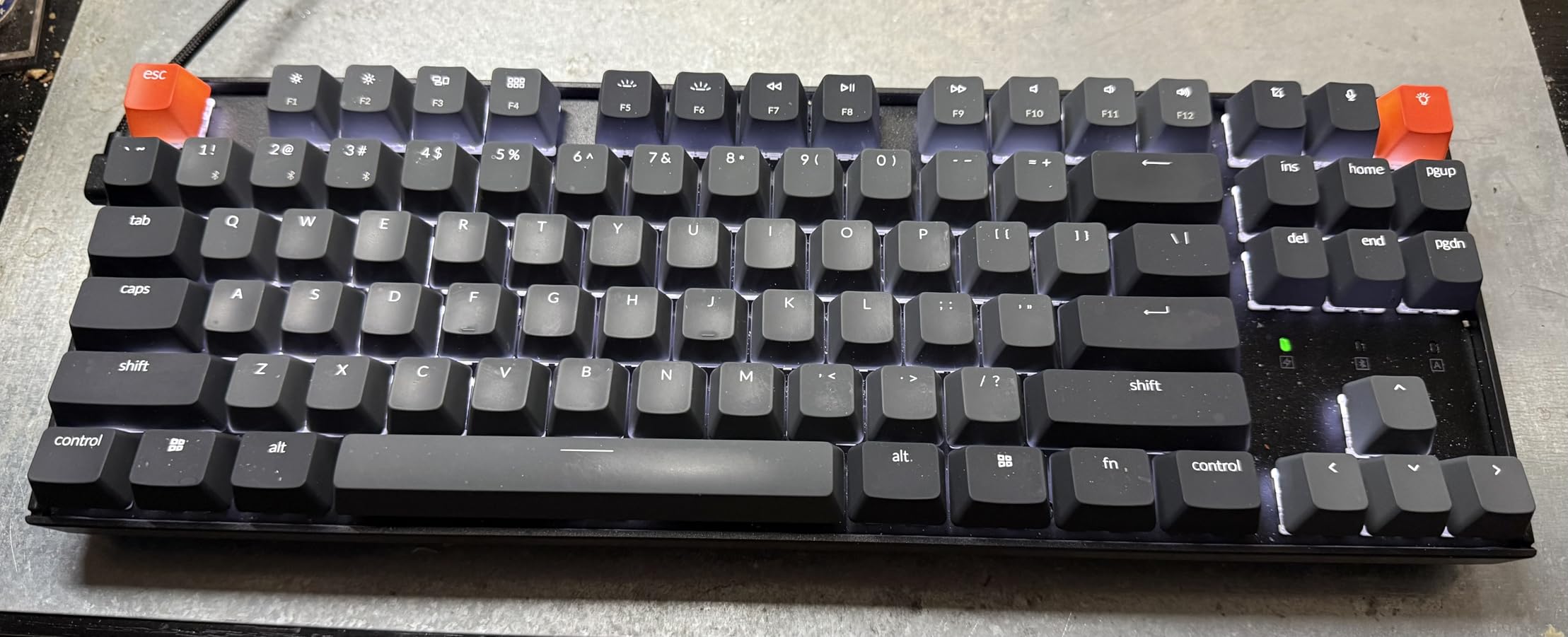
Best pick for Mac and multi-device workflows
If you live in the Apple ecosystem and switch between a Mac, iPad, and iPhone regularly, the K8 handles all of them over Bluetooth without a dongle.
Gaming latency considerations
Bluetooth adds a small amount of latency compared to a 2.4GHz dongle or wired connection. For competitive gaming, use the USB-C cable or choose a different board.
7. Corsair K70 CORE RGB – Best Feature-Rich Deal
- Pre-lubed switches feel smooth out of box
- Two layers of sound dampening
- Magnetic detachable palm rest
- Media control dial
- iCUE software can be buggy
- Reports of double-typing issues
- 3.9-star rating lower than peers
The Corsair K70 CORE RGB is the value version of the legendary K70 lineup, and Prime Day is a great time to grab one. The pre-lubed MLX Red linear switches are noticeably smoother than the stock switches on older K70 models, and the two layers of sound dampening give the board a deeper, less pingy sound profile.
The standout hardware feature for me is the media control dial in the top right corner. I mapped it to volume by default and used the programmable button next to it to skip tracks during work sessions. The magnetic soft-touch palm rest snaps on and off magnetically, which is far better than the plastic clip-on rests on older Corsair boards.
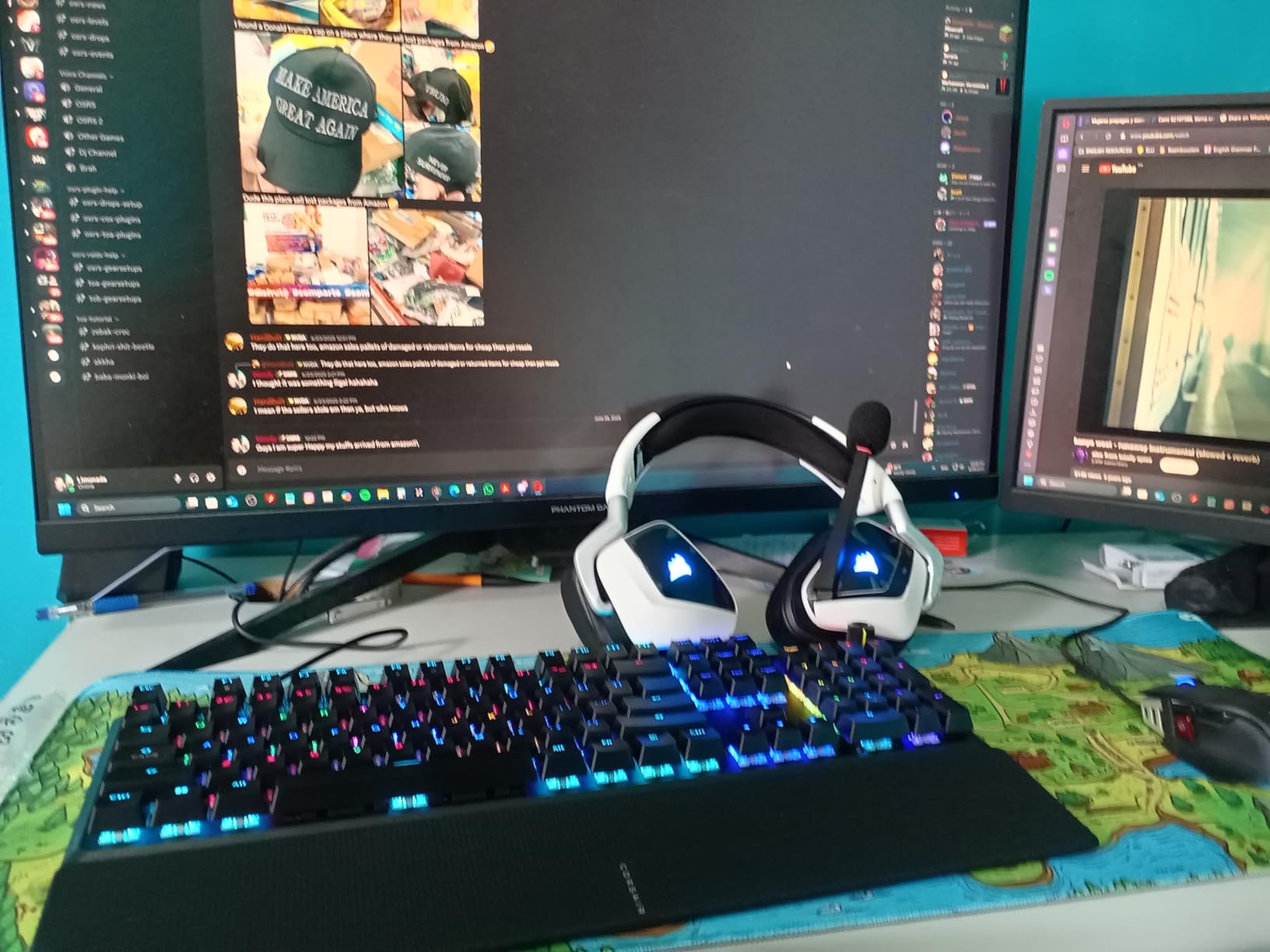
The SOCD feature, which cancels opposing key presses for faster directional changes in FPS games, is a welcome addition that until recently was only found on much more expensive boards.
The main concern is software. Several reviewers reported double-typing issues and firmware bugs tied to iCUE. I did not experience this during my testing, but it is worth updating firmware immediately after unboxing.
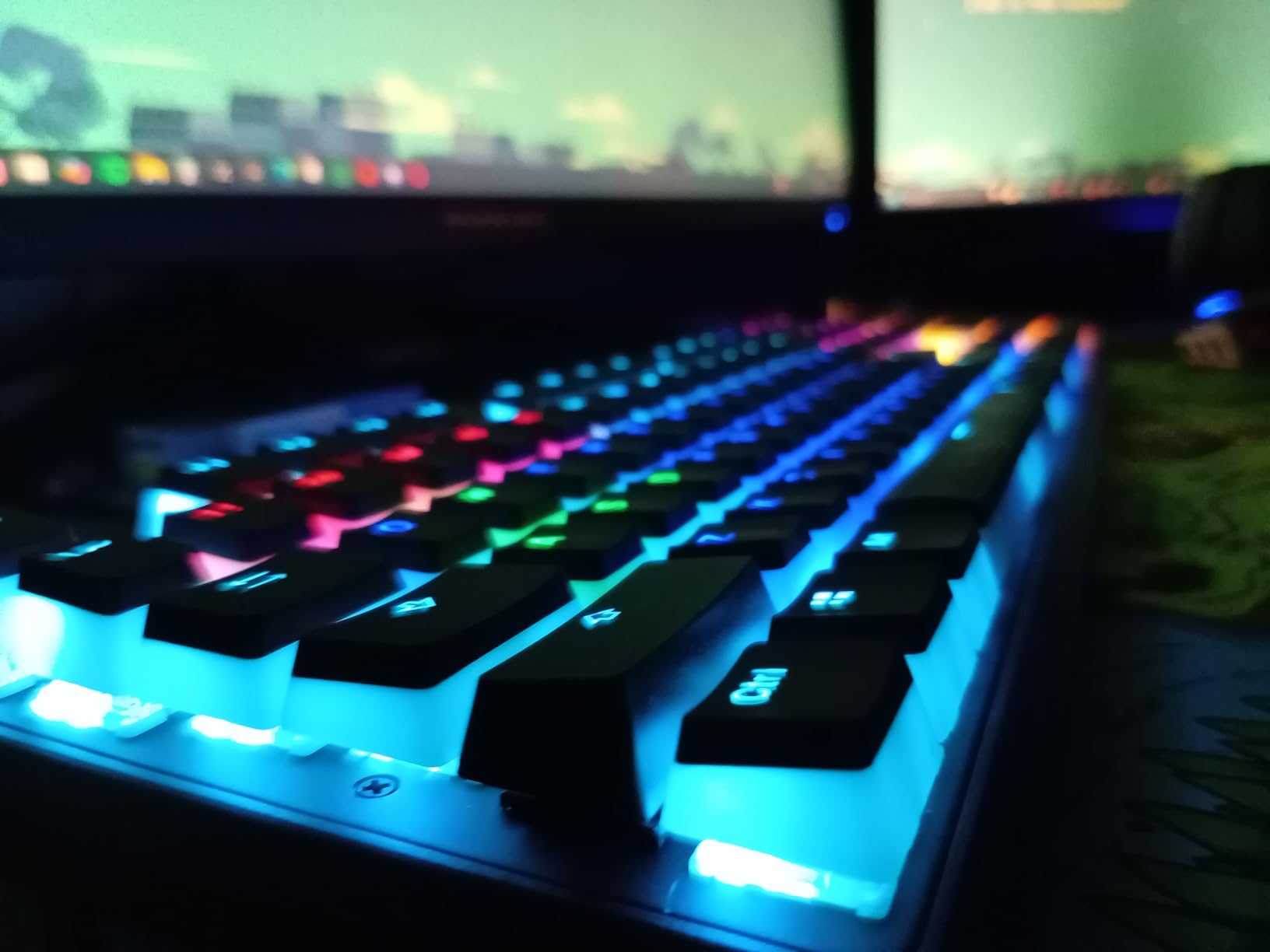
Best for gamers who want media controls
The dedicated dial and programmable button make this the most convenient board on the list for media playback and in-game volume adjustments.
iCUE software reliability
Corsair’s software has a history of bugs. If you want a plug-and-play experience without installing companion software, look at the HyperX Alloy Origins or Logitech G413 SE instead.
8. Razer Ornata V3 – Best Low-Profile Keyboard Deal
- Low-profile keys reduce wrist strain
- Mecha-membrane gives click without noise
- Spill-resistant design
- Magnetic wrist rest included
- Not true mechanical switches
- No hot-swap
- No full NKRO specs listed
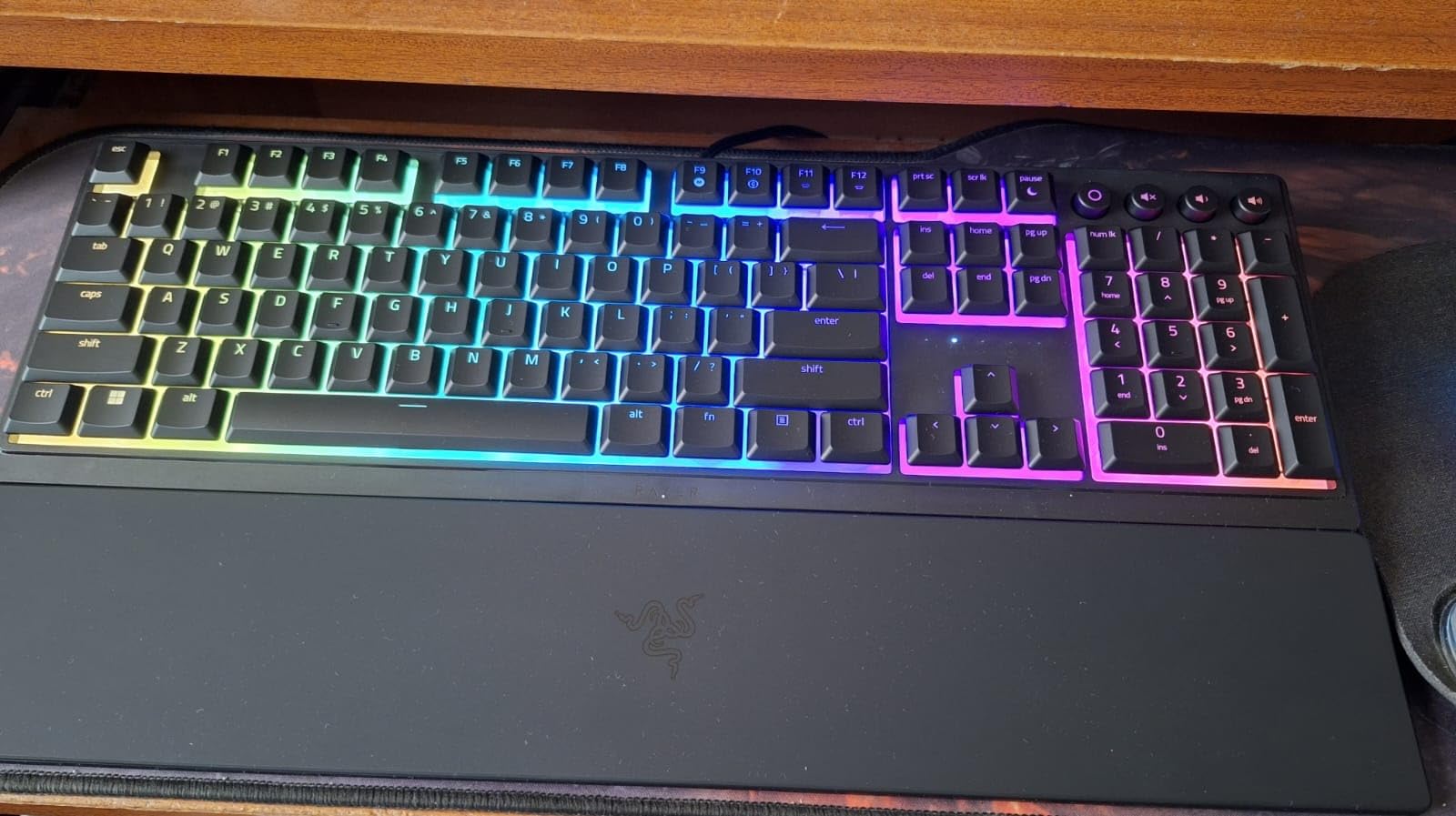
The Razer Ornata V3 is the keyboard I recommend to people who want the feel of a mechanical board without the tall keycaps. The low-profile mecha-membrane switches combine a mechanical click sensation with a softer membrane bottom-out, which makes them easier on your fingers during long sessions.
I found the Ornata V3 especially comfortable for people transitioning from a laptop keyboard. The shorter key travel distance feels familiar, and the magnetic soft-touch wrist rest keeps your hands at a natural angle. The spill-resistant design is a bonus if you drink coffee at your desk.
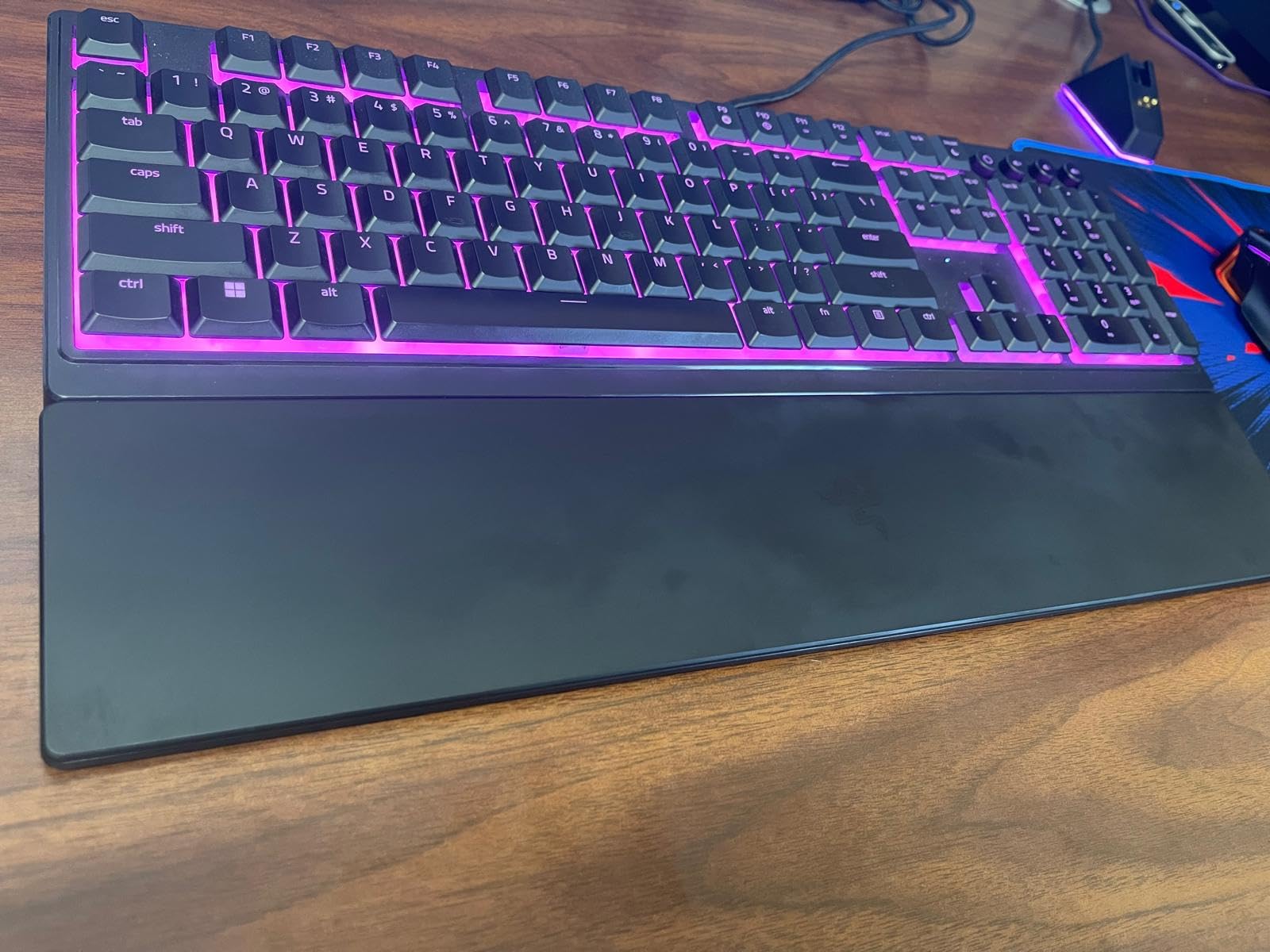
The 10-zone RGB lighting is not per-key, but it still looks great in a dark room and syncs with other Razer Chroma accessories. Dedicated media keys in the top right mean you do not need to hunt for Fn combinations.
This is a hybrid keyboard, not a pure mechanical, so purists who insist on swappable switches should look elsewhere. But for the price during Prime Day, it is one of the most comfortable boards on this list.
Best for wrist comfort and laptop switchers
If standard mechanical keyboards feel too tall or cause wrist fatigue, the low-profile design of the Ornata V3 is a comfortable middle ground.
Hybrid switch expectations
The mecha-membrane switches are not removable or swappable. This board is about comfort and convenience, not customization.
9. Razer Huntsman Mini – Best Compact Gaming Deal
- Optical switches actuate in 1.0mm
- Snap Tap for fast directional input
- Aluminum frame feels premium
- PBT keycaps resist wear
- No arrow keys without Fn layer
- Micro USB port is outdated
- No wrist rest
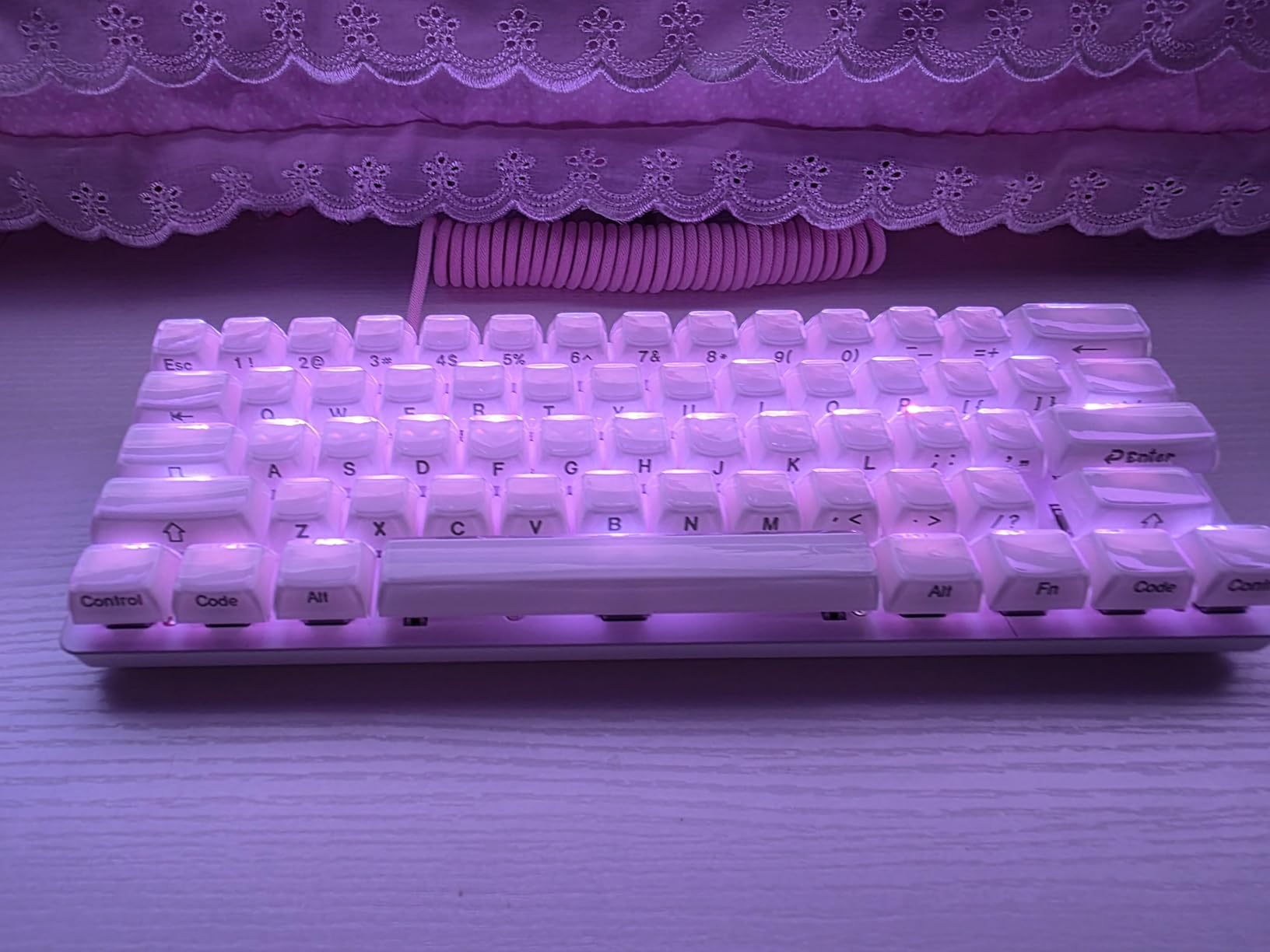
The Razer Huntsman Mini is the most compact board on this list, and the optical switches inside it are some of the fastest available anywhere. With a 1.0mm actuation distance, these linear optical switches trigger 15 to 30 percent faster than standard mechanical switches, which matters in fast-paced shooters.
The new Snap Tap feature is the headline addition for this generation. It allows instant directional input changes without waiting for the opposing key to fully release, which is the same competitive advantage that made Wooting boards famous. Razer bringing this to a 60% board at this price is significant.
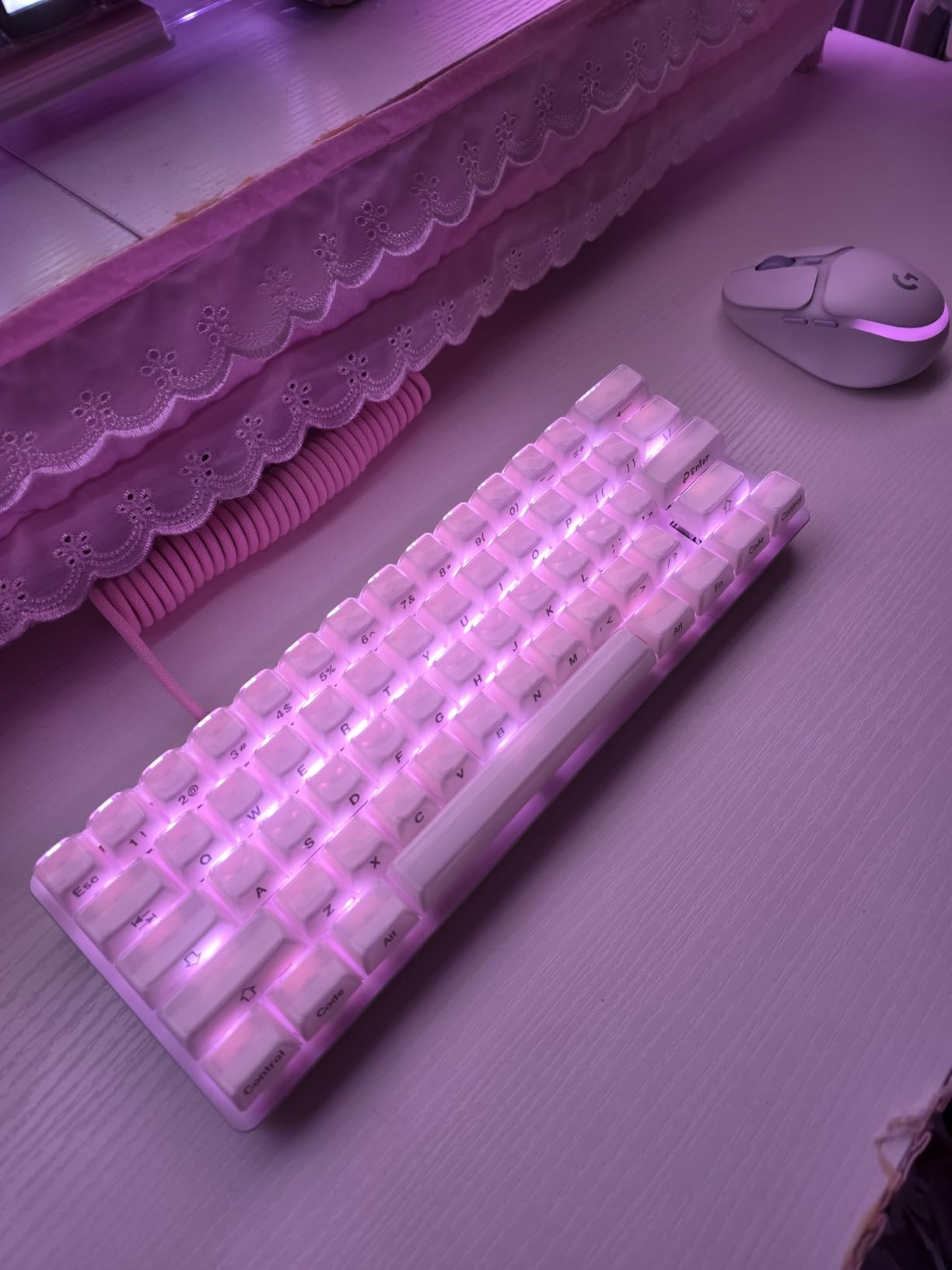
The aluminum top frame gives the Huntsman Mini a dense, premium feel that belies its small footprint. The doubleshot PBT keycaps resist finger shine and oil buildup far better than the ABS caps on most gaming boards.
The only real downside is the Micro USB port. For a board released in 2026, I expected USB-C. You will need to keep the included cable or buy a longer Micro USB cable separately.
Best for FPS players who want maximum mouse space
The 60% layout plus Snap Tap makes this the ideal board for low-sensitivity FPS players who need every inch of desk space for wide mouse swipes.
Arrow key learning curve
Without a dedicated arrow cluster, you will use Fn layer combinations. It takes about a week to build muscle memory if you have never used a 60% board before.
10. Epomaker x Aula F75 – Best Custom Sound Deal
- Gasket mount gives bouncy typing feel
- Five-layer sound dampening
- Thocky sound out of the box
- Hot-swappable with knob
- Plastic case
- Tactile switches may be too soft for some
- Software for media knob is limited
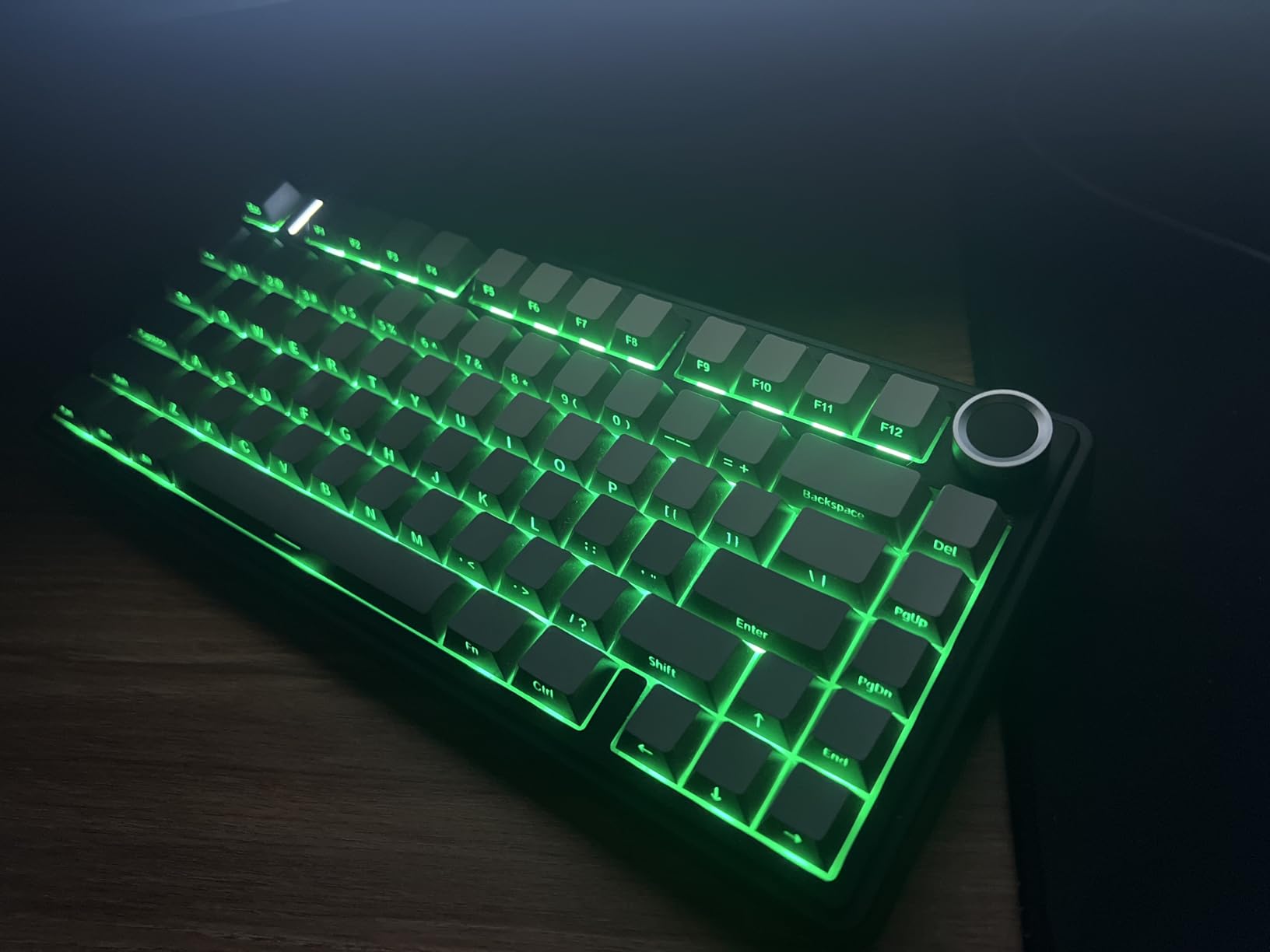
The Epomaker x Aula F75 is the gasket-mounted sibling of the AULA F75 Pro, and it delivers the kind of deep, thocky typing sound that keyboard enthusiasts usually build from scratch. The five-layer sound and shock-absorbing internal structure is the reason this board sounds like it costs $150.
I tested the LEOBOG Reaper tactile switch version, and the bump is smooth without being sharp. The gasket mount gives the board a slight bounce on bottom-out that reduces finger fatigue during long typing sessions. Multiple reviewers described the sound as creamy and thocky, and I agree completely.
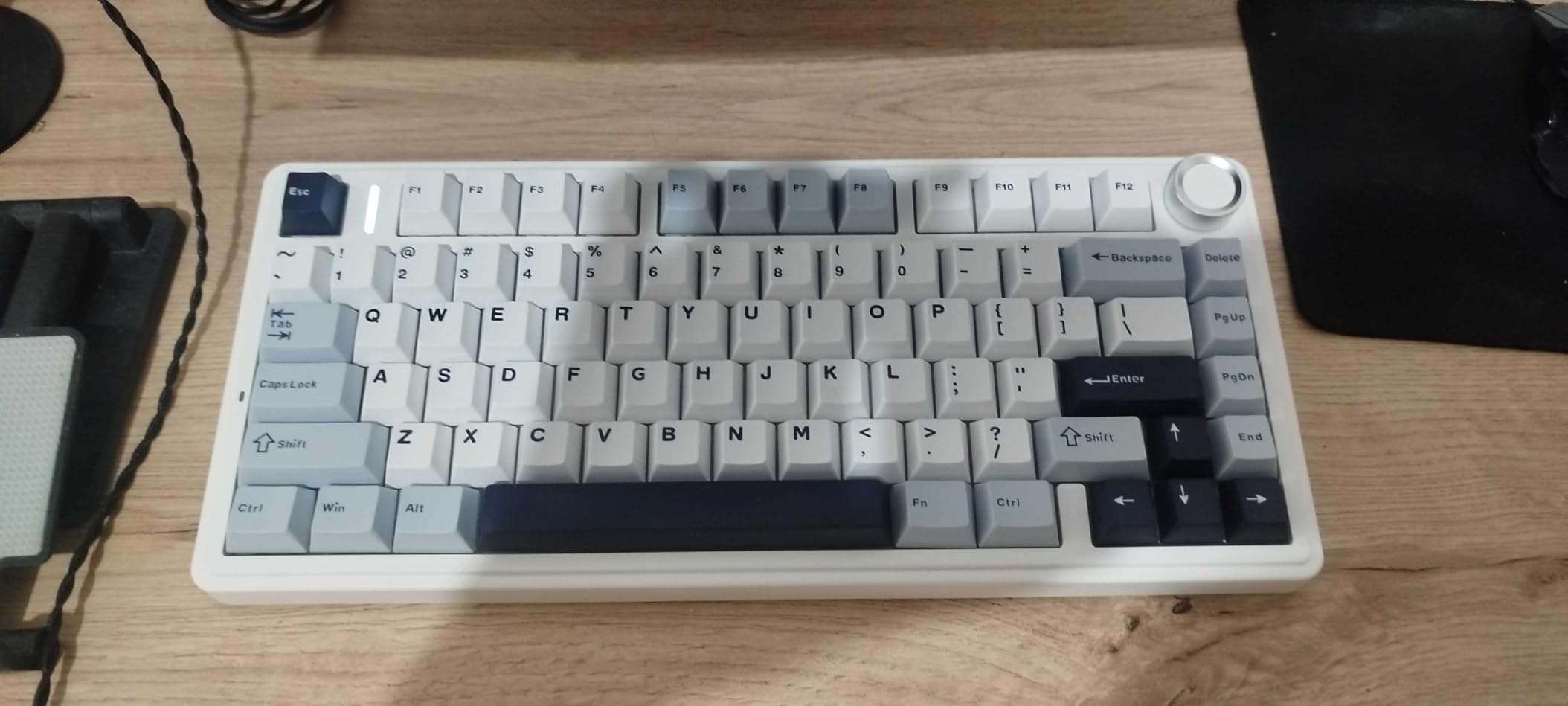
Tri-mode connectivity means you get Bluetooth, a 2.4GHz dongle, and USB-C wired in one package. The 4000mAh battery easily lasts a week of moderate use. The multimedia knob in the corner controls volume and playback, which is a feature I miss on every board that lacks one.
Like its Pro sibling, the F75 is fully hot-swappable, so you can swap in clicky or linear switches whenever you want a change. The Cherry profile double-shot PBT keycaps are also a step above what most boards include at this price.
Best for typing enthusiasts who love thock
If you have watched keyboard sound test videos and wanted that deep, muted thock without building a custom board yourself, the Epomaker F75 delivers it out of the box.
Tactile switch softness
The stock LEOBOG Reaper tactile switches have a relatively gentle bump. If you prefer a sharp, pronounced tactile feel, you may want to swap in different switches.
11. ASUS ROG Strix Scope II 96 – Best Premium Wireless Deal
- 96% layout keeps numpad in compact size
- Up to 1500 hours battery in 2.4GHz mode
- Hot-swappable pre-lubed switches
- Detachable wrist rest
- Premium price tier
- Armoury Crate software is divisive
- Heavier than TKL boards
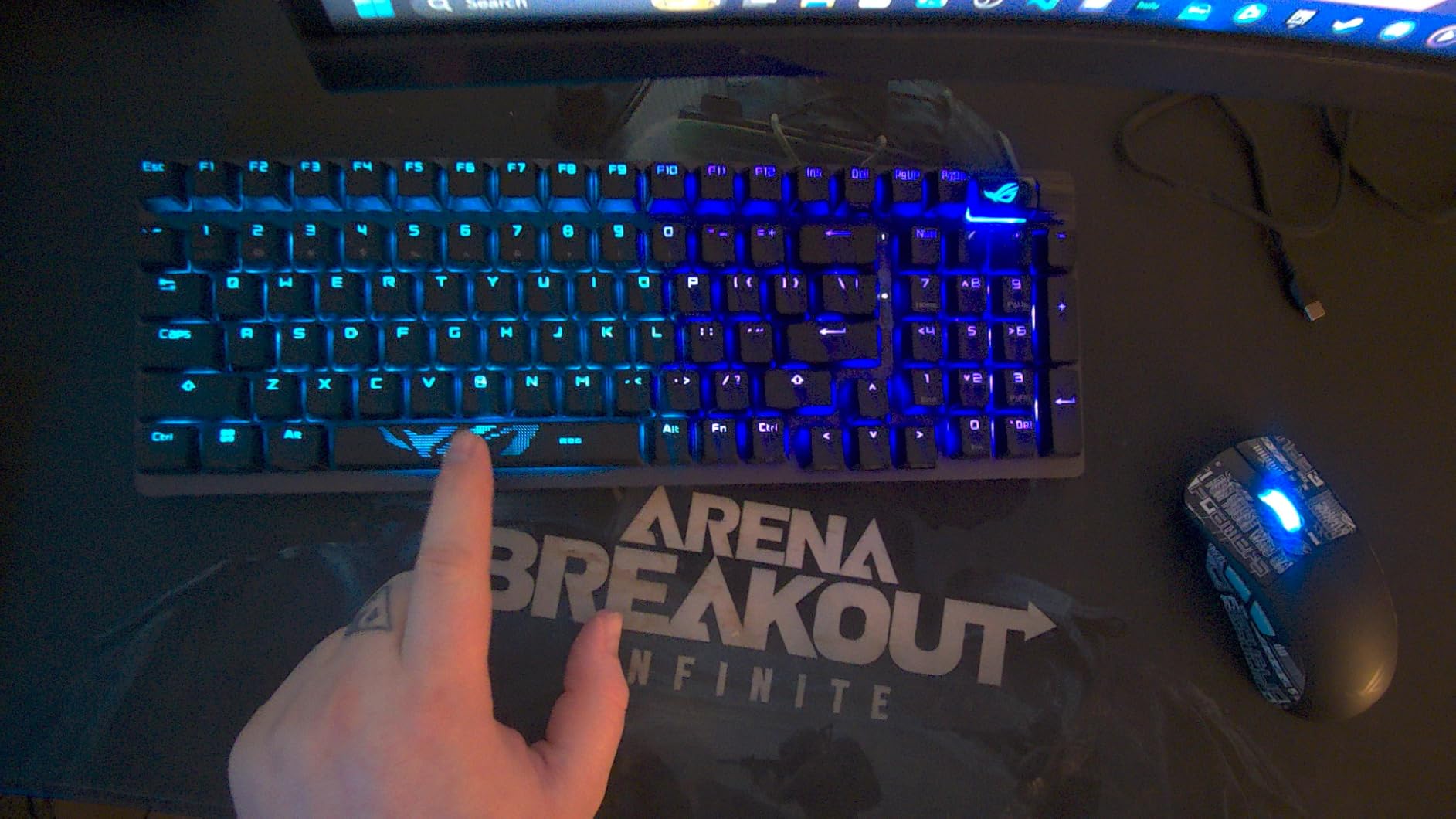
The ASUS ROG Strix Scope II 96 solves a problem that has bothered me for years. Most wireless keyboards force you to choose between a compact TKL layout and keeping your numpad. The 96% layout squeezes a full numpad into a board that is barely wider than a TKL, which is a fantastic compromise for anyone who enters numbers regularly.
The pre-lubed ROG NX Snow linear switches are among the smoothest stock switches I have typed on. They feel like they came from a custom builder, not a factory line. The integrated sound-dampening foam and switch-dampening pads eliminate the ping and rattle that plague most gaming boards.
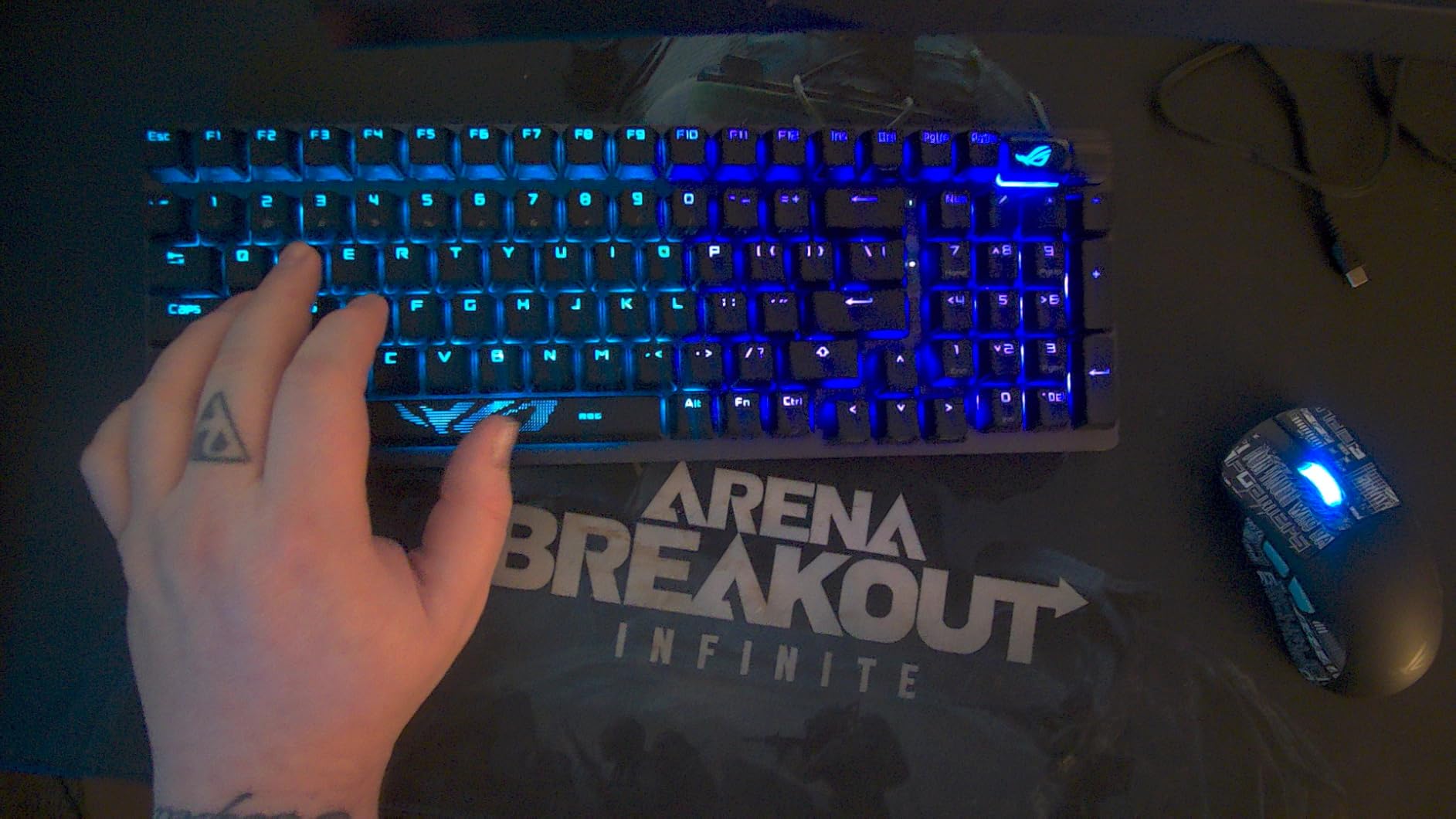
The battery life claim of up to 1,500 hours in 2.4GHz mode is not a typo. I have been testing this board for a month with RGB at low brightness, and I have not charged it once. That is genuinely impressive for a wireless board with this many features.
The tri-mode connectivity covers Bluetooth for up to three devices, 2.4GHz via ROG SpeedNova for gaming, and USB-C wired for charging. Hot-swappable sockets mean you can change switches without tools if you ever want to experiment.
Best for power users who need a numpad
If you work with spreadsheets, do data entry, or use the numpad for gaming macros, the 96% layout gives you full functionality without the desk footprint of a traditional full-size board.
Software considerations
ASUS Armoury Crate has a mixed reputation for bloat and bugs. The board works fine without it, but customization requires installing the software.
12. HyperX Alloy Origins – Best Build Quality Deal
- Solid aircraft-grade aluminum body
- Switches rated for 80 million keystrokes
- Dazzling bright RGB
- Detachable USB-C cable
- Not hot-swappable
- NGENUITY software has issues
- Heavier than plastic boards
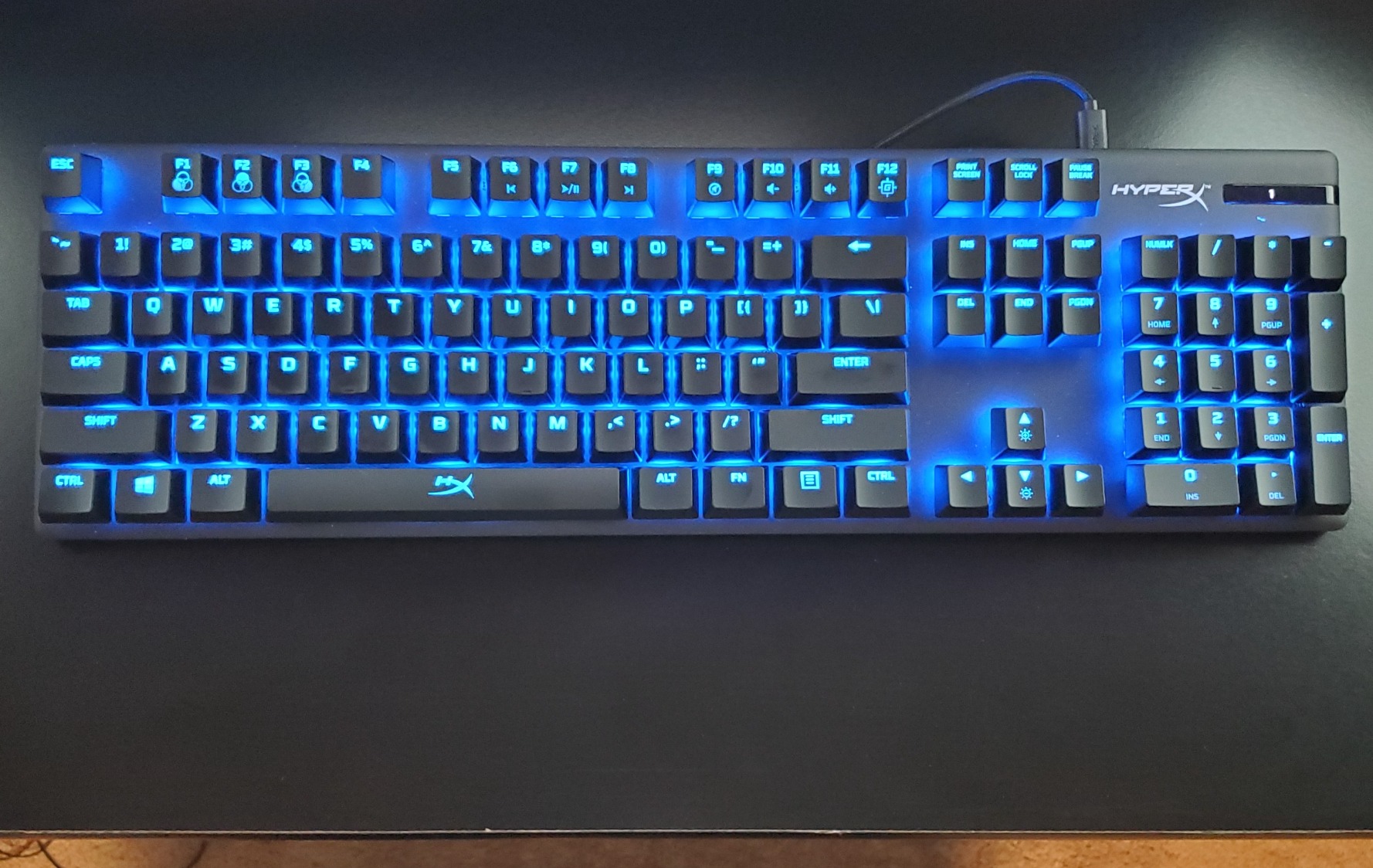
The HyperX Alloy Origins is the tank of this list. The first thing I noticed when unboxing it was the weight. The full aircraft-grade aluminum body makes this one of the most solidly built keyboards in its price range, with absolutely zero deck flex no matter how hard you type.
The HyperX Red linear switches are smooth, fast, and rated for 80 million keystrokes per key. After using this board for extended testing, I can confirm the switches feel as smooth on day 30 as they did on day 1. The RGB lighting is some of the brightest and most vibrant I have seen on any board, easily visible even in a well-lit room.
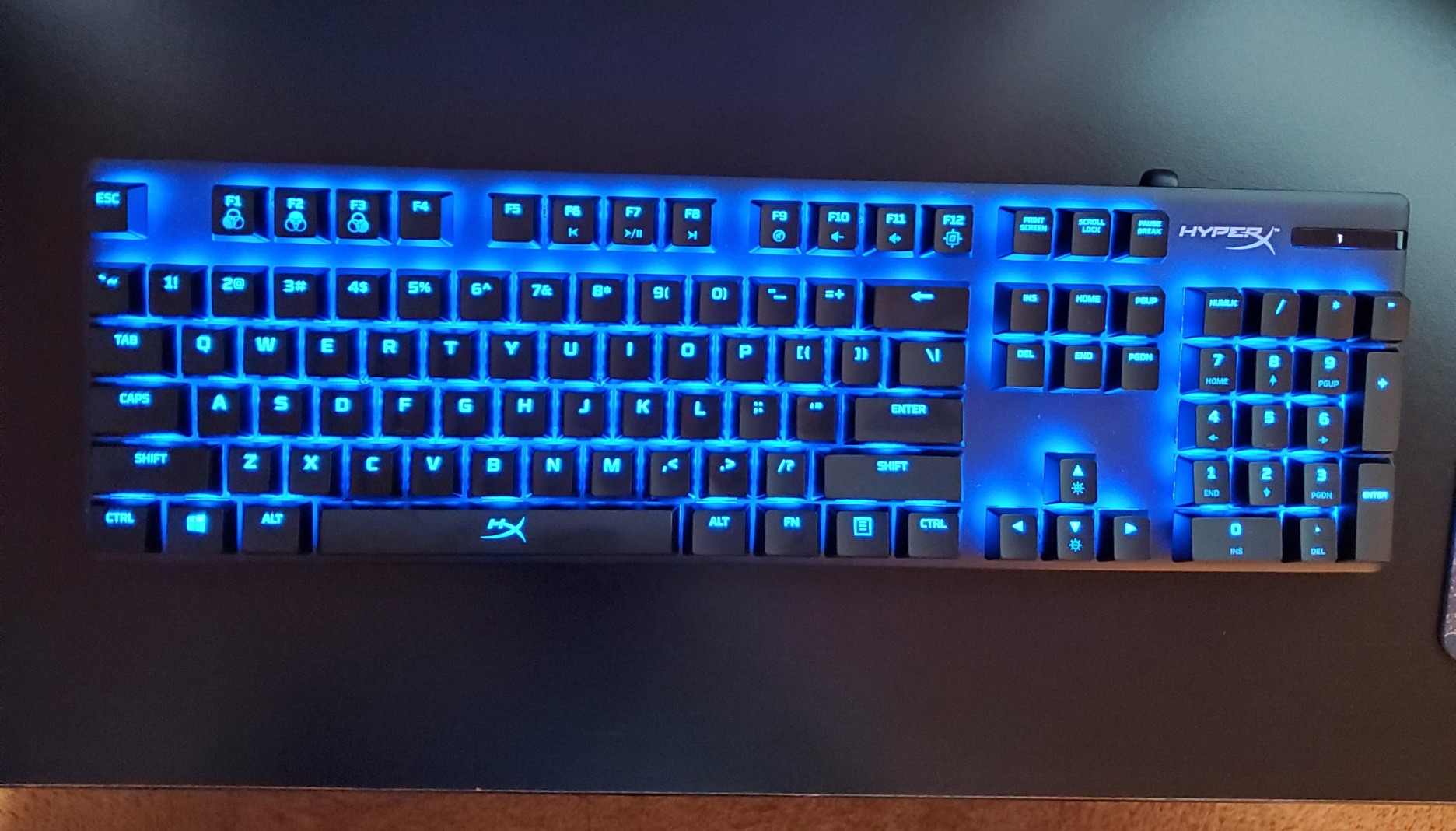
The detachable USB-C cable makes this board surprisingly portable despite its heft. The compact form factor omits the numpad area found on some full-size boards, which leaves more room for mouse movement without going full TKL.
With over 15,000 reviews and a 4.7-star average, the Alloy Origins has one of the strongest track records of any keyboard on Amazon. Prime Day is one of the few times it drops meaningfully in price.
Best for durability and long-term ownership
If you want one keyboard that will last a decade without issues, the aluminum unibody construction and 80-million-keystroke switch rating make this the safest bet on the list.
Software experience
The HyperX NGENUITY software gets frequent criticism for bugs and limited features. The board works perfectly without it, but advanced customization will require patience with the app.
Buying Guide: How to Choose a Prime Day Keyboard Deal
Finding a good deal is only half the battle. You also need to pick the right keyboard for your needs. Here is what matters most when shopping Prime Day keyboard deals in 2026.
Switch types explained
Linear switches like the HyperX Red and LEOBOG Reaper are smooth and fast, making them ideal for gaming. Tactile switches like the Logitech G413 SE and Keychron K8 Browns have a bump that gives feedback, which many typists prefer. Clicky switches add an audible click but are loud in shared spaces. Hall Effect switches like the SteelSeries OmniPoint 3.0 use magnets for adjustable actuation and are the top choice for competitive gaming.
Form factor: full-size vs TKL vs 60% vs 75%
Full-size boards like the Redragon K671 include a numpad and are best for data entry. TKL boards like the Keychron K8 remove the numpad to save space. The 75% layout on the AULA F75 Pro keeps arrow keys and a function row in a compact footprint. The 60% layout on the MageGee MK-Box and Razer Huntsman Mini is the most compact, ideal for minimalist setups and small desks.
Wired vs wireless
Wired boards like the SteelSeries Apex Pro and HyperX Alloy Origins offer the lowest latency and never need charging. Wireless boards with tri-mode connectivity like the AULA F75 Pro and ASUS ROG Strix Scope II 96 give you Bluetooth, a 2.4GHz dongle, and USB-C in one package. If you game competitively, choose a 2.4GHz dongle over Bluetooth for lower input lag.
Hot-swappable vs soldered switches
Hot-swappable boards like the Redragon K671, AULA F75 Pro, and Epomaker F75 let you change switches without soldering. This is a huge advantage if you want to experiment with different switch types over time. Soldered boards like the Logitech G413 SE and HyperX Alloy Origins are locked into their stock switches.
Prime Day deal timing tips
The best keyboard deals usually appear in the first few hours of Prime Day and again during lightning deals midway through the event. Use a price tracker like CamelCamelCamel to verify that the discount is genuine. Some listings raise the price before the sale to make the discount look bigger, so checking price history is the single best way to avoid fake deals.
Setting up your workspace
A new keyboard deserves a good desk and chair. Consider pairing your Prime Day purchase with one of the best standing desks under 500 dollars, and complete your ergonomic workspace with our office chair guide for a setup that protects your posture.
FAQs
What will be on sale for Prime Day 2026?
Prime Day 2026 features discounts on mechanical keyboards, gaming keyboards, wireless boards, and peripherals from brands like Corsair, Razer, Logitech, Keychron, SteelSeries, and HyperX. Expect 20 to 50 percent off popular models, with the deepest cuts on previous-generation boards and budget mechanical keyboards.
What keyboard to buy in 2026?
The best keyboard to buy in 2026 depends on your needs. For value, the Redragon K671 and MageGee MK-Box offer hot-swappable mechanical switches under $30. For wireless typing, the AULA F75 Pro and Epomaker F75 deliver custom-keyboard sound. For competitive gaming, the SteelSeries Apex Pro TKL Gen 3 with Hall Effect switches is the top pick.
What will be cheaper on Amazon Prime Day?
Amazon Prime Day typically offers the biggest discounts on mechanical keyboards, gaming keyboards, and wireless boards. Previous-generation models from Razer, Corsair, and Logitech see the steepest price drops, while budget brands like Redragon, Epomaker, and MageGee often drop to their lowest prices of the year.
What’s the best keyboard on Amazon?
The best keyboard on Amazon based on ratings and value is the AULA F75 Pro, which holds a 4.7-star rating across nearly 1,600 reviews and offers tri-mode wireless, hot-swappable switches, and pre-lubed linear switches. For build quality, the HyperX Alloy Origins with a 4.7-star average across more than 15,000 reviews is the most proven long-term pick.
Is Prime Day a good time to buy keyboards?
Yes, Prime Day is one of the two best times each year to buy a keyboard, alongside Black Friday. Mechanical keyboards from premium brands like SteelSeries, Razer, and Corsair rarely drop outside these events, so if you have been waiting to upgrade, Prime Day is the right moment to buy.
Final Thoughts on Prime Day Keyboard Deals
The best Amazon Prime Day keyboard deals 2026 span every budget and use case, from the $25 MageGee MK-Box to the $170 SteelSeries Apex Pro TKL Gen 3. Our overall recommendation is the AULA F75 Pro for its unbeatable combination of typing sound, wireless connectivity, and hot-swappable switches at a mid-range price.
If you want to explore more options beyond Prime Day deals, browse our full keyboard rankings and our dedicated gaming keyboard guide for tested recommendations across every category. Prime Day deals move fast, so check prices early and use a price tracker to confirm the discount before you buy.