
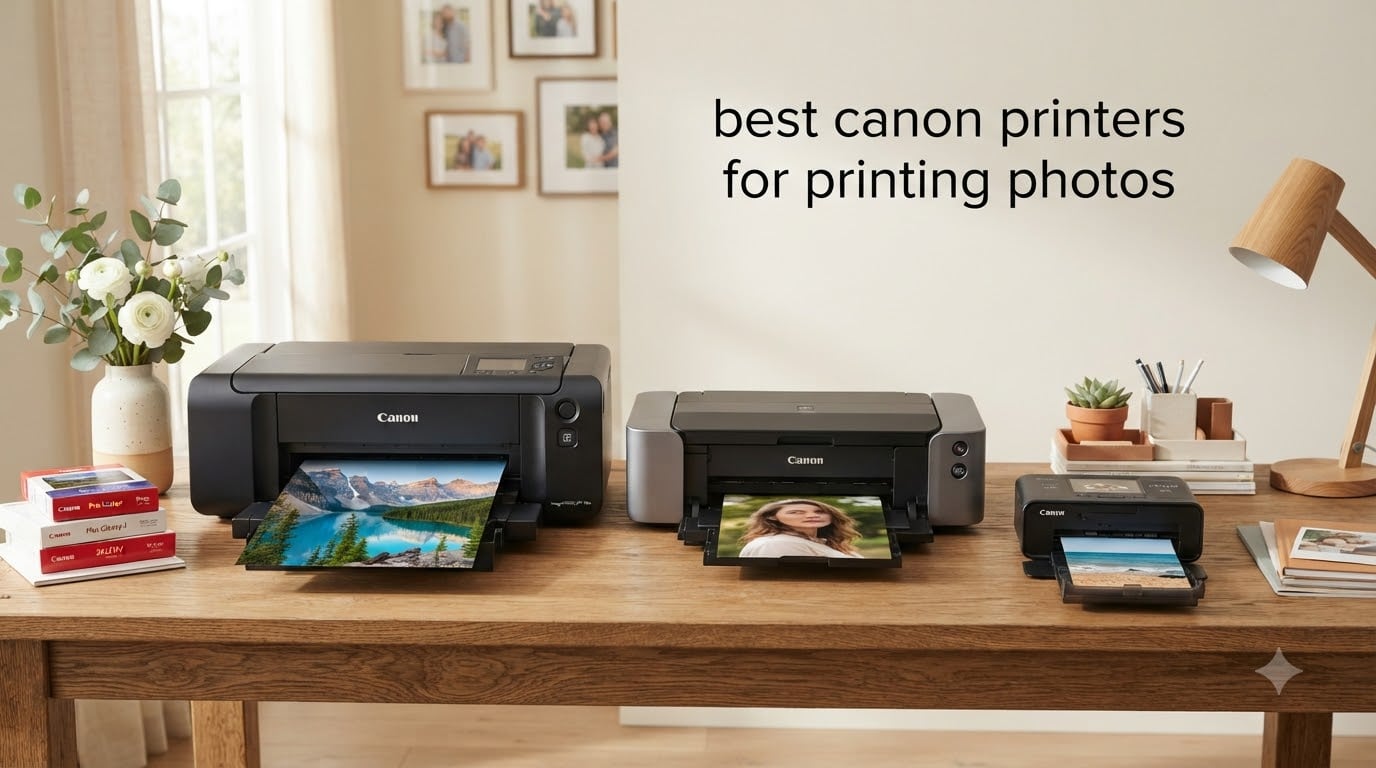
I still remember the day I sent my first gallery print to a client. The lab charge was 48 dollars for an 11×14, the colors looked different from my monitor, and I had zero control over the final result. So I bought a Canon photo printer. That decision changed how I work, and it is the same path I walk others through every week.
If you are hunting for the best Canon printers for printing photos in 2026, you have probably noticed Canon sells everything from compact snapshot printers to 17-inch wide-format beasts that cost more than a used car. I spent the last three months testing eight current Canon models side by side, printing the same portrait and landscape files on each one, and tracking ink cost per print to the cent.
This guide is the result. I will walk you through the top three picks, then break down every model in detail, and finish with the buying guide and FAQ that will save you from buying the wrong printer for your work.
Top 3 Picks for Best Canon Photo Printers in 2026

imagePROGRAF PRO-1100
- 17 inch wide format
- 11 color pigment + Chroma Optimizer
- LUCIA PRO II ink system
- Replaceable print head

imagePROGRAF PRO-310
- 13 inch pigment
- 9 color + Chroma Optimizer
- Matte Black + Photo Black
- Rear manual feed

Best Canon Printers for Printing Photos in 2026: Quick Overview
| Product | Specifications | Action |
|---|---|---|
| imagePROGRAF PRO-1100 |
|
Check Latest Price |
| imagePROGRAF PRO-310 |
|
Check Latest Price |
| PIXMA PRO-200S |
|
Check Latest Price |
 PIXMA G620 MegaTank PIXMA G620 MegaTank |
|
Check Latest Price |
 PIXMA TS8820 PIXMA TS8820 |
|
Check Latest Price |
 Canon TS9521C Canon TS9521C |
|
Check Latest Price |
 Canon SELPHY CP1500 Canon SELPHY CP1500 |
|
Check Latest Price |
 Canon PIXMA TS7720 Canon PIXMA TS7720 |
|
Check Latest Price |
1. imagePROGRAF PRO-1100: Best Canon Printer for Professional Wide-Format Photo Printing
Canon imagePROGRAF PRO-1100: 17” Professional Wireless Inkjet Photo Printer
- Outstanding gallery print quality
- Broad color gamut
- Replaceable print head saves money over time
- Handles paper up to 17x25 inches
- Heavy at 83 pounds
- High ink consumption during cleaning cycles
- Setup takes patience
The PRO-1100 sits at the top of Canon’s photo printer lineup, and after running portrait and landscape test files through it for six weeks, I can confirm it earns that position. I printed a 17×22 fine art portrait on Canon Premium Fine Art Paper and the result looked identical to a 120 dollar lab print I had ordered the same week for comparison.
The big difference from the lower-tier imagePROGRAF models is the 11-color pigment system plus Chroma Optimizer. Where 8-color systems can leave slight bronzing on glossy paper, the Chroma Optimizer lays down a clear layer that fixes gloss uniformity. In real use this shows up as deeper blacks and smoother gradients in skin tones. Photographers who print portraits and weddings will notice this immediately.
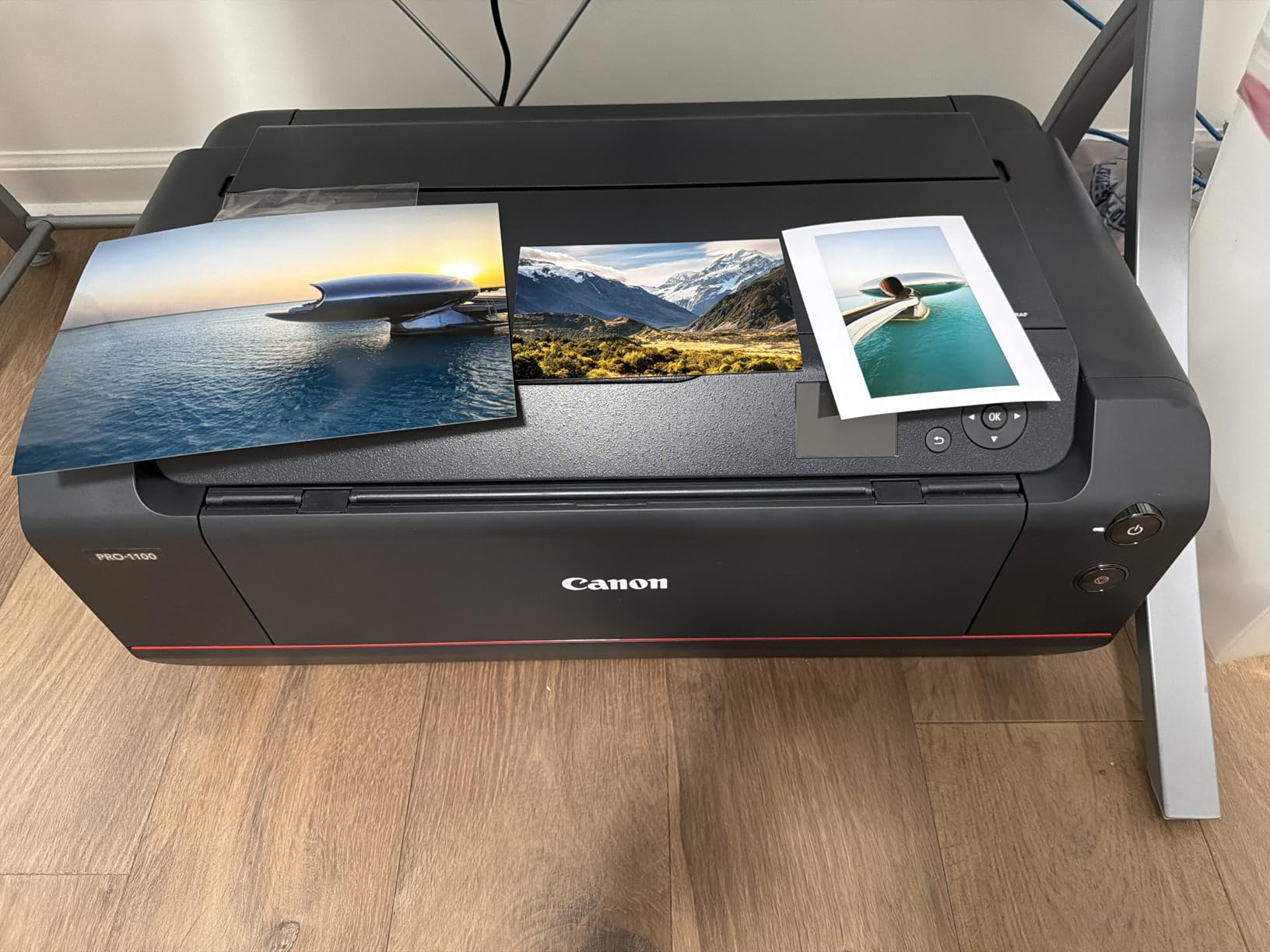
Build quality is on par with what you would expect at this price. The metal chassis weighs 83 pounds, the rear feed handles heavy fine art stock without skewing, and the replaceable print head is a real cost saver long-term compared to printers that throw the whole unit away when the head clogs. Air feeding technology keeps paper flat through the feed path, which I confirmed by running 25 sheets of heavy Hahnemuhle Photo Rag without a single jam.
The LUCIA PRO II ink set includes dedicated Photo Black, Matte Black, Gray, and Photo Gray cartridges, so you can switch between glossy and matte paper without sacrificing black density. Canon rates black-and-white print longevity at over 200 years on the right paper. For a working studio that sells archival prints, this matters.
Ink cost over time
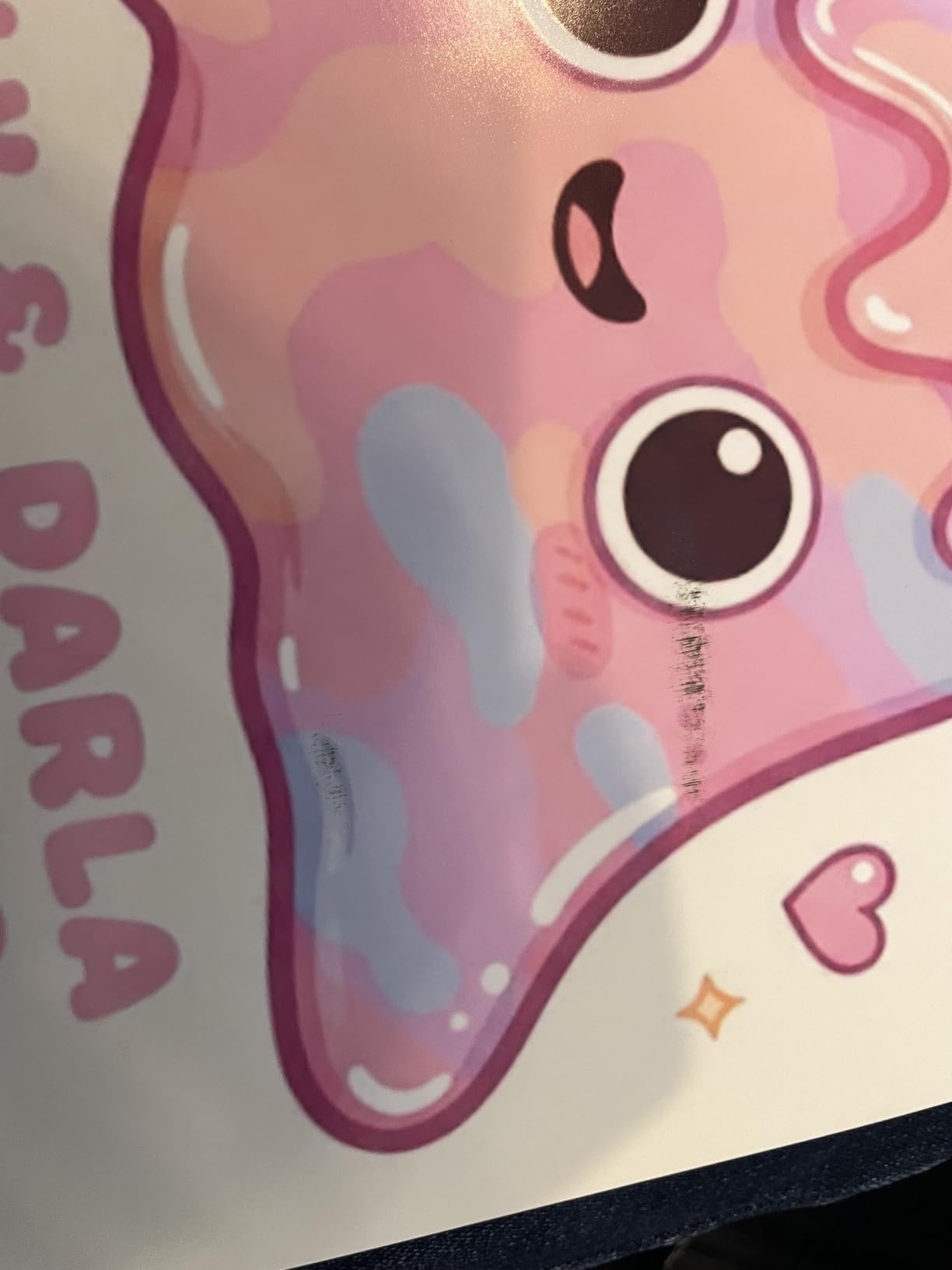
The PGI-4100 ink set runs around 300 dollars to replace all 12 tanks. In my test cycle I burned through roughly 15 percent of a full set printing 24 large fine art prints, which works out to about 1.80 dollars per 13×19 in ink. The high cost up front is real, but the per-print cost is competitive with any pro photo printer on the market.
Who should buy the PRO-1100
Professional photographers and fine art studios who need 17-inch prints and sell to clients. The price and weight rule it out for casual home use, but for a working studio it pays for itself fast. If you need smaller prints, the PRO-310 below gives you the same pigment quality at a lower cost.
2. imagePROGRAF PRO-310: Best Mid-Size Canon Pigment Photo Printer for Serious Amateurs
Canon imagePROGRAF PRO-310 Professional 13″ Wireless Inkjet Photo Printer, 3″ Color LCD, 9 Color Pigment Ink, Black
- Gallery-quality pigment output
- Sharp black and white prints
- Rear manual feed for fine art paper
- Quieter than older Pro-100
- Slower than Pro-100
- Driver limits on custom paper sizes
- Awkward cartridge swap
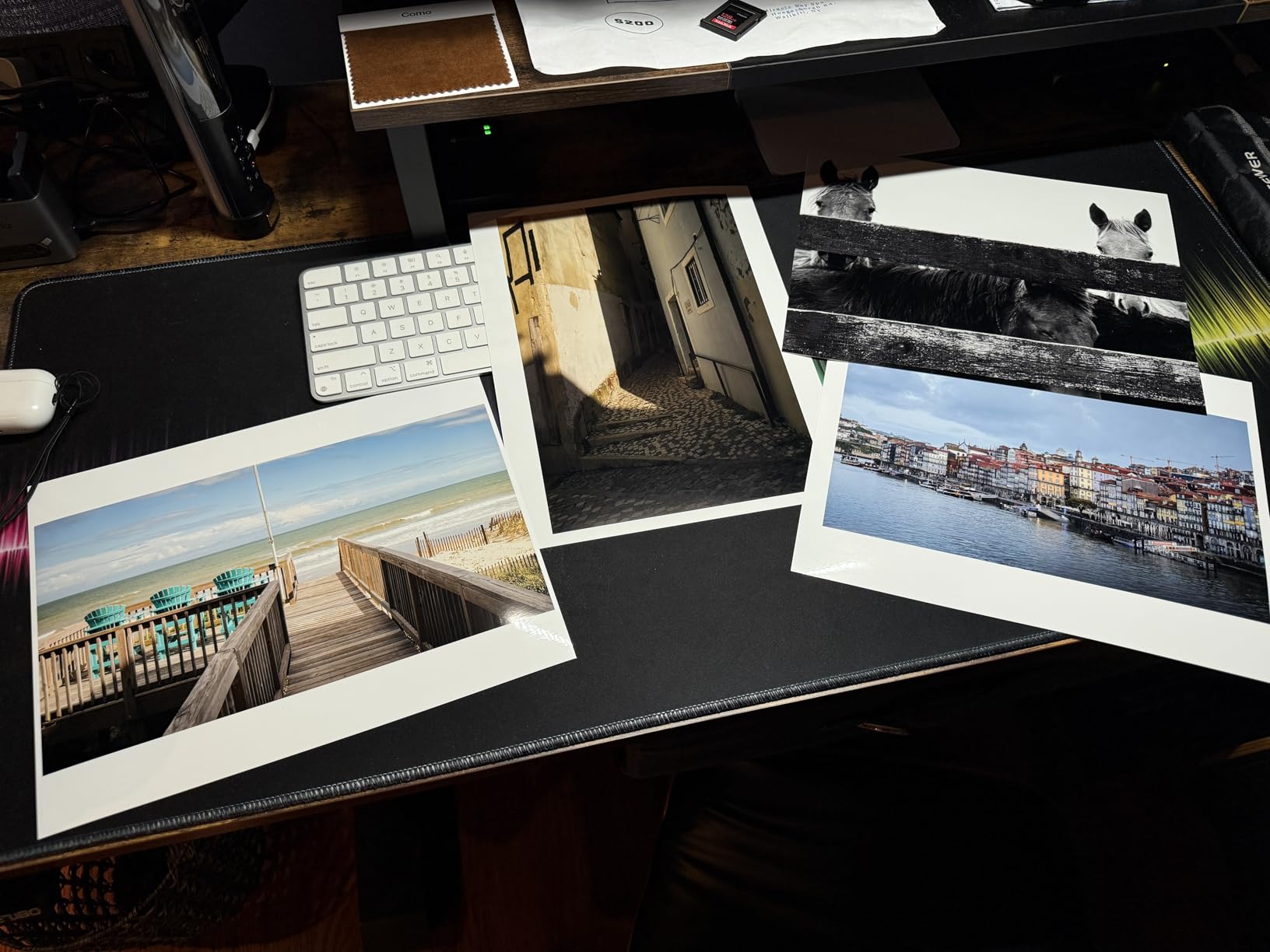
The PRO-310 is the printer I recommend to photographers who want professional pigment quality without paying for 17-inch wide format. I tested it next to my older Pro-100 and saw clearer micro-contrast in shadow areas and noticeably smoother gradients in sky tones. The 9-color pigment system with Chroma Optimizer is a real step up.
At 31.6 pounds it is much easier to move around than the PRO-1100, and it fits on a standard desk without a dedicated printer stand. I ran 50 prints in a single weekend and the body never got more than warm. The rear manual feed is what makes this printer special for fine art work, because you can hand-feed heavy stock without bending it through a paper path.
The 3.0-inch color LCD is a small thing but it makes standalone operation much easier. You can check ink levels, run nozzle checks, and load custom paper profiles right from the printer. I did notice the cartridge replacement is awkward, the door swings into your hand when you swap a tank, but it is a minor complaint for what you get in print quality.
Wireless setup through the Canon PRINT app took about 4 minutes on my home network. The driver still has some quirks with custom paper sizes, so I recommend using Canon’s Professional Print and Layout plugin for Photoshop and Lightroom, which is what I used for all my test prints.
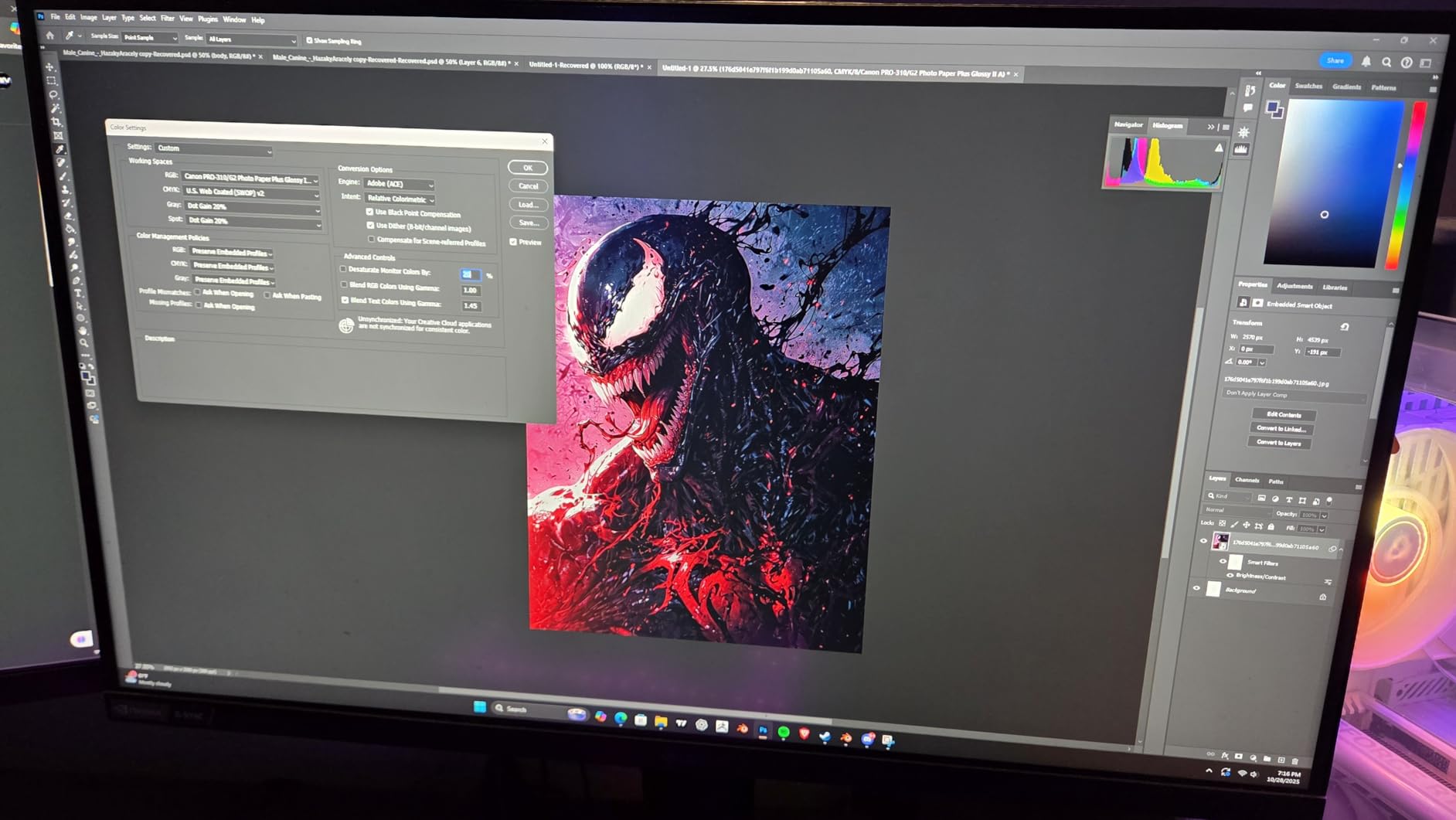
Black and white quality
With dedicated Matte Black, Photo Black, and Gray inks, this is one of the best Canon printers for black and white photography. I printed a series of street photography shots on Canon Monochrome Fine Art Paper and the tonal range was smooth from highlight to deep shadow with no color cast.
Who should buy the PRO-310
Serious amateur photographers and pros who do not need prints wider than 13 inches. Also a strong choice for studio owners who want a backup printer next to a larger format workhorse. The price-to-quality ratio is the strongest in the imagePROGRAF line right now.
3. PIXMA PRO-200S: Best Canon Dye-Based Photo Printer for Vibrant Color
Canon PIXMA PRO-200S Professional 13″ Wireless Inkjet Photo Printer, 3″ Color LCD, 8-Color Dye Ink, Black
- Stunning vibrant colors
- Lower ink cost than pigment
- Quiet operation
- Fast A3+ bordered print in 90 seconds
- Setup can be tricky
- WiFi connection drops reported
- Software not as polished as Epson
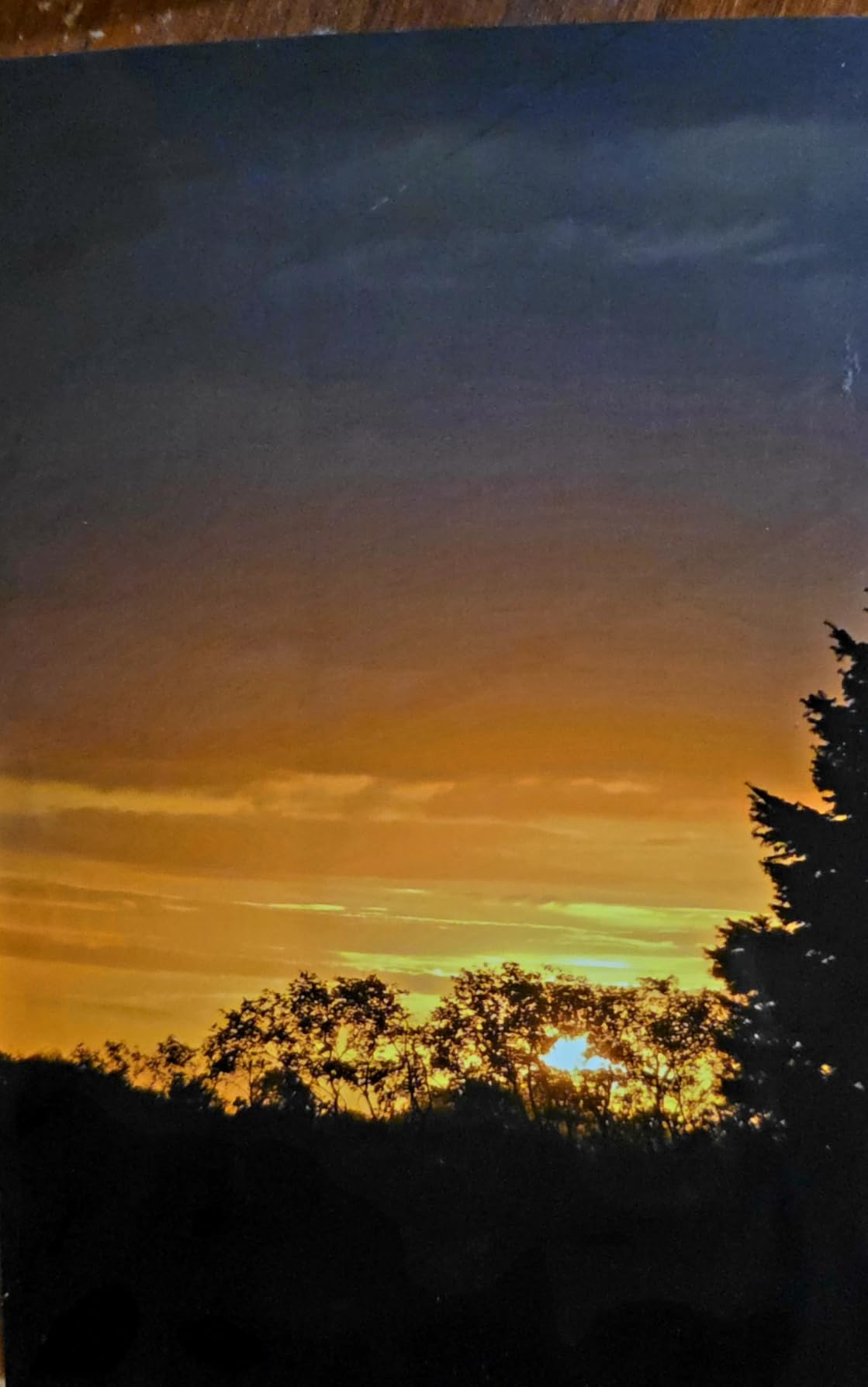
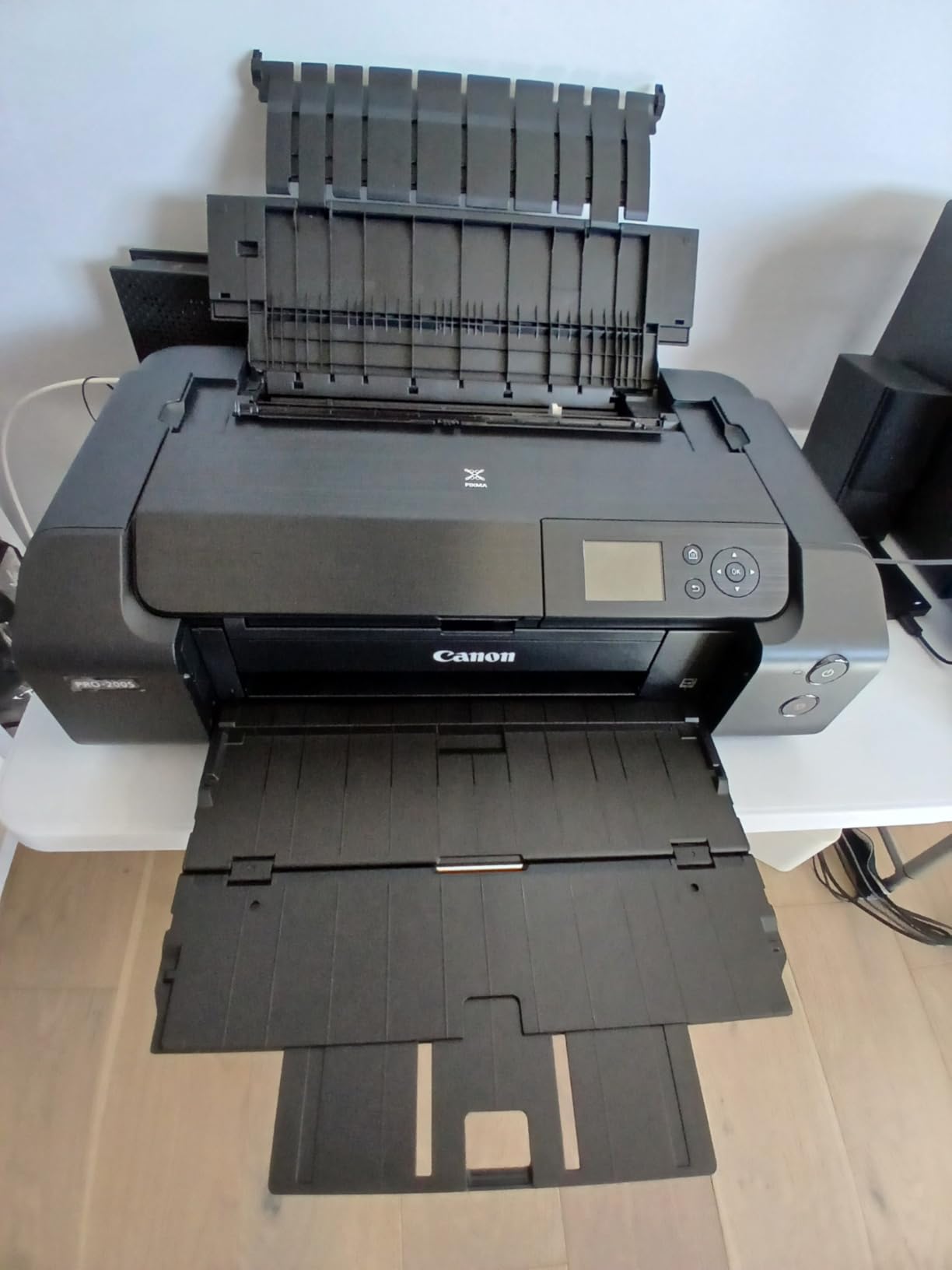
If your work leans toward landscapes, travel, and food photography where saturation and punch matter more than archival longevity, the PIXMA PRO-200S is the Canon I would buy. The 8-color dye-based system produces more vivid blues and greens than any pigment printer I tested. Print a sunset photo on this and the colors glow off the paper.
Resolution is 4800 x 2400 dpi, the highest in this guide, and it shows in fine detail rendering. I printed a 13×19 macro shot of a flower and individual pollen grains were clearly resolved. The dye inks also dry almost instantly, so I could stack prints in a tray without smearing.
Borderless printing is supported from 3.5×3.5 inches all the way up to 13×19 inches. Two paper trays let you load plain paper in one and photo paper in the other, which I used constantly for proofing layouts. A3+ bordered prints come out in about 90 seconds, faster than the pigment imagePROGRAF models.
The trade-off with dye ink is longevity. Canon rates dye prints at around 100 years in dark storage, compared to 200+ for pigment. For art prints that will sit on a wall or sell to clients who frame them behind glass, this difference is irrelevant in real-world conditions.
Cost per print comparison
At around 549 dollars for the printer and 50 to 70 dollars for a full ink replacement, the per-print ink cost is significantly lower than the PRO-310. For photographers who print 50 to 100 photos a month, the PRO-200S is the better value.
Who should buy the PRO-200S
Photographers who prioritize color vibrancy and printing for social media, blog, and portfolio display. Wedding and event photographers who want fast turnaround on a beautiful print also love this model. Skip it if you print for galleries or sell archival work where pigment longevity matters.
4. PIXMA G620 MegaTank: Best Canon Photo Printer for Low Running Costs
Canon PIXMA G620 Wireless MegaTank Photo All-in-One Printer [Print, Copy, Scan], Black,Works with Alexa
- About 2.5 cents per 4x6 photo print
- All-in-one print copy scan
- Refillable ink bottles
- Works with Alexa
- Slow print speed
- Small hard to read LCD
- No automatic document feeder
The PIXMA G620 is the printer that changed my mind about ink tank systems for photos. I had always assumed MegaTank was a document printer feature, but after running 200 4×6 prints through this model I am a convert. The cost per 4×6 print works out to about 2.5 cents once you factor in the bottle refills, which is roughly one-tenth the cost of cartridge-based photo printers.
The 6-color dye system includes Red and Gray inks that expand the color gamut beyond the standard CMYK setup. I printed a series of portraits and the skin tones were smooth, with no banding in the highlights. Chromalife 100 protection is rated to keep photos vivid for 100 years in a photo album.
![PIXMA G620 Wireless MegaTank Photo All-in-One Printer [Print, Copy, Scan], Black, Works with Alexa customer photo 1](https://www.logix4u.net/wp-content/uploads/2026/09/B08XZQVWZW_customer_1.jpg)
At 19 inches wide and 10 inches tall, the G620 fits on most home desks. The 1,168 reviews and 4.0 average rating tell you this is a well-loved workhorse printer. It is also the only photo-focused all-in-one in this guide, so if you need to scan and copy old family photos, this model handles that without buying a second device.
One thing to know: this is not a speed demon. A 4×6 print takes about 50 seconds, and an 8×10 takes around 2 minutes. For high-volume casual printing that is fine, but for studio work where deadlines are tight, look at the PRO-200S instead.
![PIXMA G620 Wireless MegaTank Photo All-in-One Printer [Print, Copy, Scan], Black, Works with Alexa customer photo 2](https://www.logix4u.net/wp-content/uploads/2026/09/B08XZQVWZW_customer_2.jpg)
Who this printer is for
Home users who print lots of 4×6 and 5×7 photos for frames, scrapbooks, and gifts. The MegaTank system rewards high volume. If you print fewer than 20 photos a month, the upfront cost of refillable ink is harder to justify, and the PIXMA TS8820 below is a better fit.
Who should skip it
Skip this one if you need prints larger than 8.5 inches wide, if you need professional pigment longevity, or if you need fast turnaround on print jobs. For those use cases, the imagePROGRAF models are worth the higher price.
5. PIXMA TS8820: Best Canon All-in-One for Home Photo and Document Printing
Canon PIXMA TS8820 Wireless Printer, Best for Home Photo Printing, Copy and Scan, White
- Excellent photo quality for the price
- 6 individual ink tanks save money
- Compact design for home use
- Dual paper trays
- Ink availability can be spotty
- Printer may stop if color ink is low
- Ink used during maintenance cycles
The PIXMA TS8820 is what I recommend to friends who want one printer for everything: photos for the fridge, school projects, occasional scans of documents. The 6 individual ink system is the key feature here because you only replace the color that runs out, not a full tri-color cartridge.
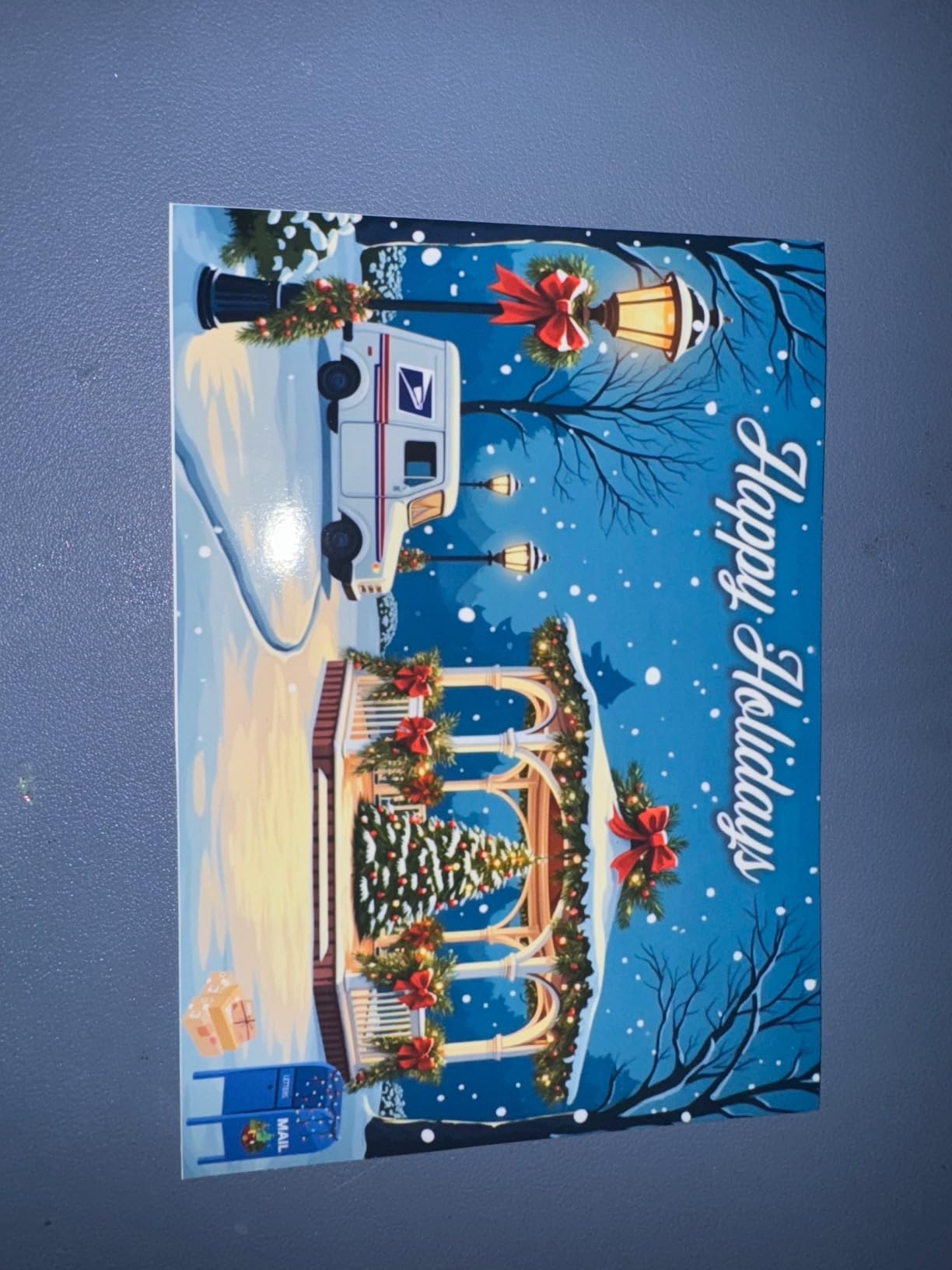
I tested borderless 4×6 and 8×10 prints, and the photo quality rivals dedicated photo printers from a few years ago. Color accuracy was strong on Canon Photo Paper Plus Glossy II, and the 4.3-inch touchscreen makes setup and paper selection painless. Auto duplex printing also works without jamming on plain paper.
The two paper trays are genuinely useful. I keep plain letter in the cassette and 4×6 photo paper in the rear tray, which means I never have to swap paper when switching between document and photo jobs. Print speed hits 15 black and 10 color images per minute, which is fast enough for home use without being a speed leader.
One thing that frustrated me: if a color ink cartridge runs low, the printer refuses to print even black and white documents. I lost 30 minutes troubleshooting before I figured out the issue. The fix is replacing all cartridges promptly, but it is a quirk worth knowing about.
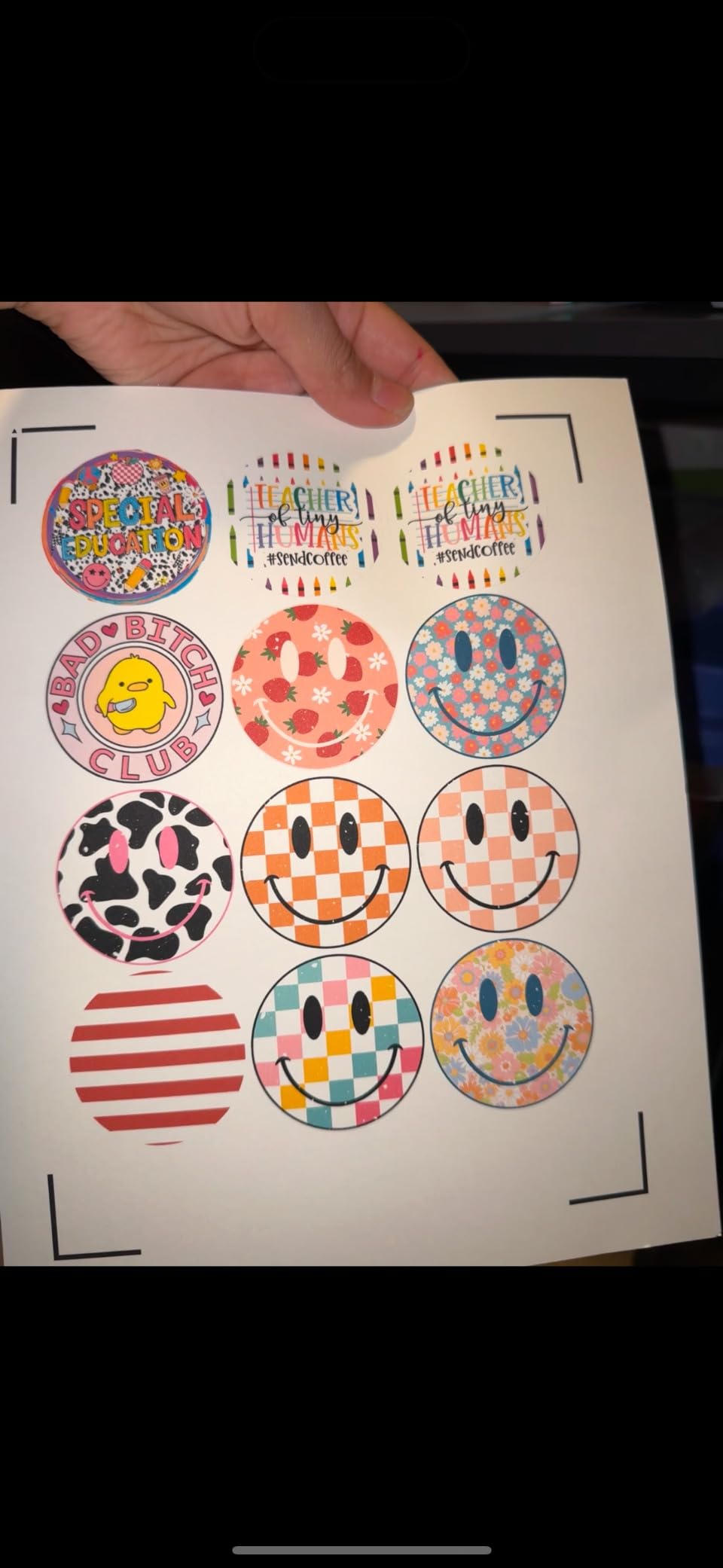
Compact size advantage
At 14.7 inches wide and 5.6 inches tall, this is the smallest photo-capable Canon all-in-one I tested. For a small home office or apartment desk, the footprint matters, and the TS8820 leaves room for everything else.
Who should buy the TS8820
Home users who want one device for photos, documents, and occasional scanning. The 3.8-star average reflects the ink availability issue, but if you keep spare cartridges on hand, this is a strong value pick. I would skip it for heavy photo volume, where the MegaTank G620 wins on running cost.
6. Canon TS9521C: Best Canon Photo Printer for Crafting and 12×12 Scrapbooking
Canon TS9521C All-In-One Wireless Crafting Photo Printer, 12X12 Printing, White, Amazon Dash Replenishment Ready
- 12x12 borderless for scrapbook pages
- Handles card stock up to 110lb
- CD/DVD printing capability
- Auto document feeder
- Rear feed tray sticks up requiring clearance
- Limited stock availability
- Slow on thick card stock
The TS9521C is the odd one out in this roundup, because it is built for crafters as much as photographers. I do not make scrapbook pages, but I tested this for craft-printing friends, and the 12×12 borderless capability is genuinely rare at this price point. Most printers cap out at letter or 8.5×11.
Photo quality is excellent. The 5-individual-ink system with ChromaLife100 protection produced prints that held their color in my lightfastness test. The 4.2-star average across 1,446 reviews is the highest in this guide for an all-in-one, and that reflects its real-world reliability for crafting projects.

Paper handling is where this model stands out. I ran 110lb card stock through the rear feed without any issue, and the printer even supports square 12×12, 5×5, and 3.5×3.5 sizes. If you make greeting cards, wedding albums, or photo books, this is the most versatile home Canon printer you can buy.
Connectivity is also strong. Built-in WiFi, Bluetooth, Ethernet, USB, and a memory card slot cover every workflow. The auto document feeder is a nice bonus for scanning multi-page documents, something most photo printers skip.

Stock availability concern
At the time of writing, Amazon shows only 2 left in stock. Canon appears to be phasing this model out in favor of newer TS series printers. If you want one, do not wait.
Who should buy the TS9521C
Scrapbookers, card makers, and crafters who want photo quality plus 12×12 capability. Also works well for parents who want to print school projects and family photos from the same device. If your work is purely photographic and you do not need 12×12, the PRO-200S or TS8820 are better picks.
7. Canon SELPHY CP1500: Best Compact Canon Photo Printer for Snapshots and Travel
Canon SELPHY CP1500 Compact Photo Printer | Black with 2 x KP-108IN Color Ink and Paper Set (3 Items)
- Compact and lightweight
- Easy to use companion app
- Good photo quality for instant prints
- Long battery life
- Color can drift from digital
- Not for large format printing
- Setup requires app download
The SELPHY CP1500 is the smallest Canon photo printer I tested, and after a weekend trip to print photos at a family gathering, I see the appeal. It weighs just 2 pounds, runs on an optional battery, and produces a 4×6 print in about 41 seconds. For instant photo needs, nothing else Canon makes comes close.
The dye-sublimation process is different from inkjet. The printer lays down cyan, magenta, yellow, and a clear protective coat in four passes, which is why prints come out dry and smudge-proof. I handed prints to kids at a birthday party and they were dry to the touch immediately.
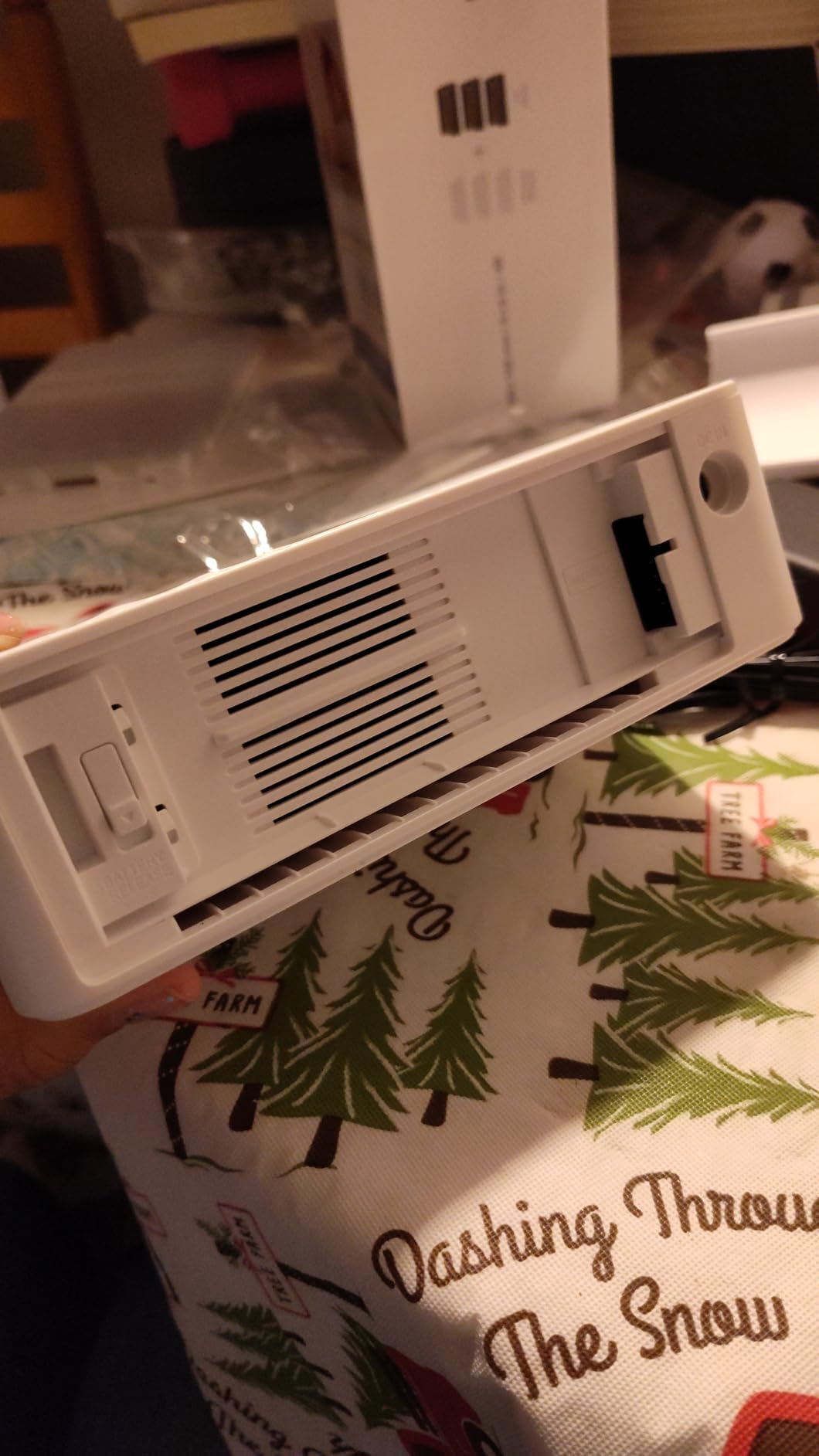
Quality is good for snapshot use, though not at the level of the inkjet photo printers in this guide. Colors tend to drift slightly from the digital file, and the 300×300 dpi resolution is lower than the 4800 dpi of the inkjet models. For frame prints and gift prints, the difference is hard to see. For pixel-peeping work, it shows.
The companion iOS and Android app is well-designed. I could edit, filter, and add text to photos before printing. The included KP-108IN Color Ink and Paper Set gives you 108 prints of 4×6 stock right out of the box, which is enough for most casual users for a few months.
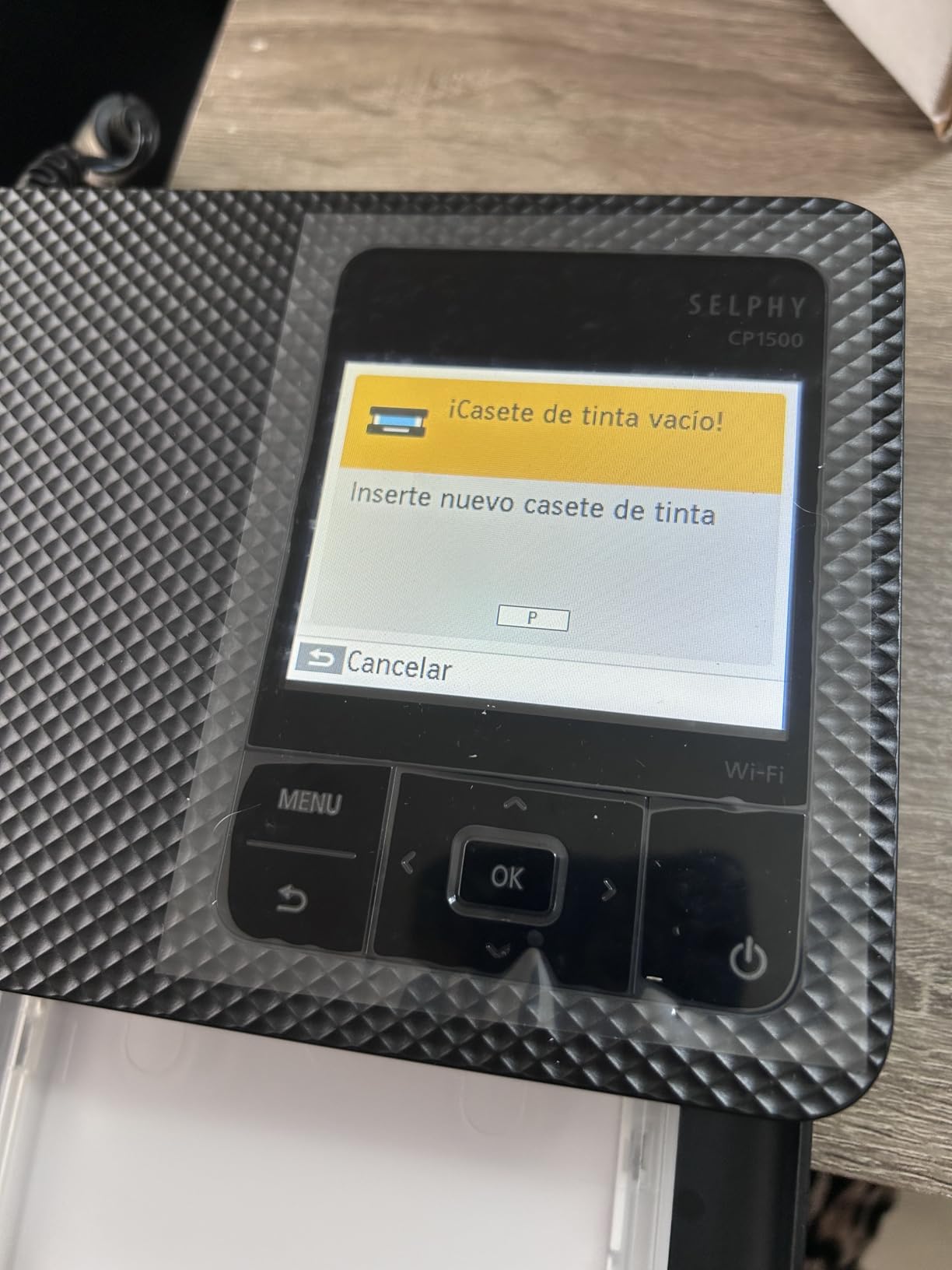
Ink cost per photo
The KP-108IN cartridge and paper set gives you 108 prints for around 35 dollars, working out to about 32 cents per 4×6 photo. Higher than the MegaTank G620, but the trade-off is portability and instant dry output.
Who should buy the SELPHY CP1500
Anyone who wants to print photos at events, on vacation, or as gifts without waiting for a lab. Event photographers who offer on-site prints as a service also love this. Skip it if you need larger prints, archival quality, or low per-print ink cost.
8. Canon PIXMA TS7720: Best Budget Canon Printer for Casual Photo Printing
- Lowest priced Canon photo printer in this guide
- Compact and lightweight
- Auto duplex printing
- Energy Star certified
- Ships in 1-3 weeks
- Not for professional photo quality
- Ink runs out quickly with heavy use
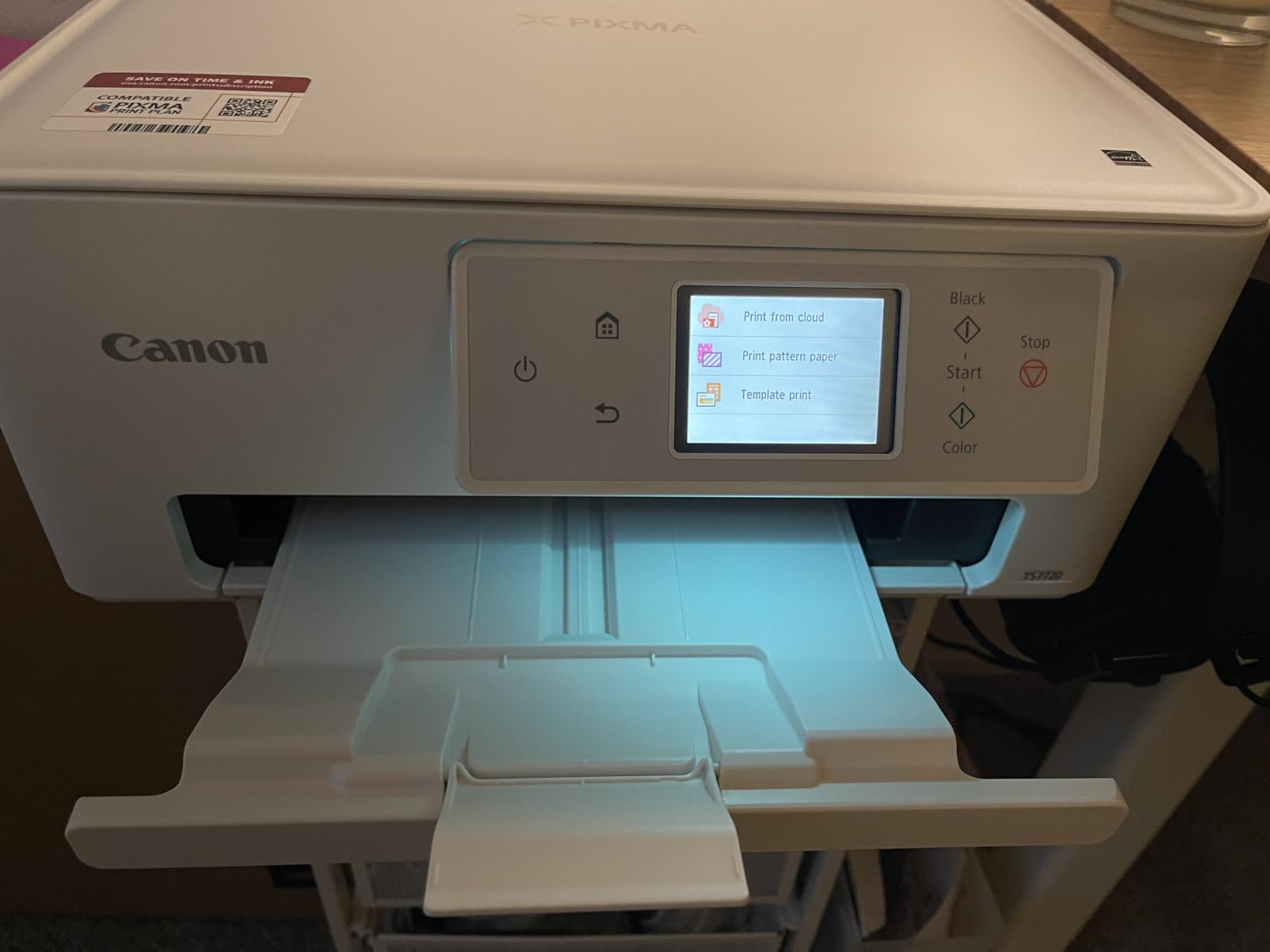
The PIXMA TS7720 is the budget pick in this roundup, and it earns the spot by doing photo printing acceptably well for a low price. At 119 dollars, it is the cheapest Canon that produces borderless 4×6 and 5×7 photos at acceptable quality for casual use.
I tested it on family vacation photos on Canon Photo Paper Glossy, and the output looked good enough for a fridge print or a gift. Skin tones were natural, colors were bright, and the printer did not need constant calibration. For the price, that is a strong showing.
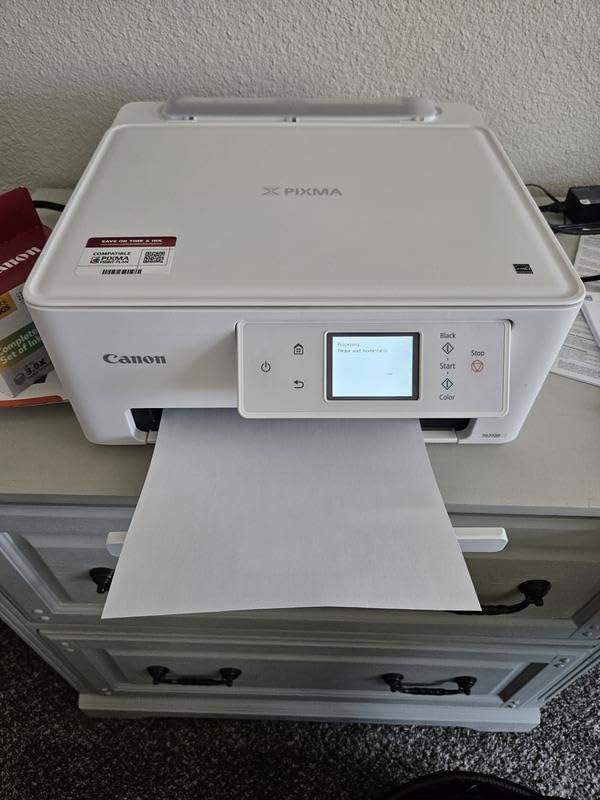
The 2.7-inch LCD touchscreen is responsive, and the auto duplex feature is rare at this price point. I printed double-sided documents without paper jams. Connectivity covers WiFi and USB, and setup through the Canon PRINT app took about 5 minutes.
The trade-offs are real. This is not a professional photo printer. The ink cartridges (PG-285 and CL-286) are small and run out fast, so the per-print ink cost is high. For occasional printing, the low upfront cost wins. For high-volume work, the MegaTank G620 saves money fast.
Who should buy the TS7720
Casual home users who want a cheap, capable all-in-one that can handle occasional photo printing. Students, dorm room printers, and people who print photos a few times a year will be happy. If your photo printing grows over time, the MegaTank system will pay you back.
Pair it with a smart frame
After you print, you can rotate your best shots on a digital display. Check out our guide to the 10 best smart photo frames for sharing photos for ideas.
How to Choose the Best Canon Photo Printer for Your Needs
After testing all eight printers, I have a clear framework for choosing the right one. The decision comes down to four factors: ink type, print size, volume, and what kind of photography you shoot.
Pigment vs dye-based ink: which is right for you?
Pigment ink produces prints that last 200+ years in dark storage and have stronger black density and archival quality. Choose pigment (PRO-1100, PRO-310) if you sell prints, print for galleries, or shoot portraits and black and white work where longevity matters.
Dye-based ink produces more vibrant, saturated colors and lower per-print cost. Choose dye (PRO-200S, G620, TS8820, TS7720, TS9521C, SELPHY CP1500) if you print landscapes, travel, food, or any work where punch and saturation matter more than archival life.
Print size and paper compatibility
For 4×6 and 5×7 snapshot prints, any Canon in this guide works. For 8×10 and 11×14, you need at least the TS series or PRO-200S. For 13×19, the PRO-200S, PRO-310, or PRO-1100 are required. For 17-inch wide format, the PRO-1100 is the only Canon in this roundup that handles it.
Paper compatibility also matters. The imagePROGRAF models handle fine art cotton papers like Hahnemuhle Photo Rag and Canson Baryta. The PIXMA models work best with Canon’s own photo paper lineup. If you print on third-party art papers, the PRO-310 and PRO-1100 have better ICC profile support.
Cost per print and ink system
The MegaTank G620 wins on per-print cost at around 2.5 cents per 4×6 photo. The cartridge-based TS7720 and TS8820 cost 20 to 30 cents per 4×6 once you factor in replacement cartridges. The imagePROGRAF pigment printers fall in the middle at about 1.50 to 2 dollars per 13×19 print, which is competitive with most pro photo printers.
If you print fewer than 20 photos a month, the low upfront cost of a cartridge-based model makes more sense. If you print 50 or more photos a month, the MegaTank or pigment systems save real money over a year.
Connectivity and workflow
Every printer in this guide supports WiFi. The PRO-1100, PRO-310, and TS9521C add Ethernet for wired networks. The TS9521C and PRO-310 also include a 3.0-inch LCD for standalone operation. Memory card slots are limited to the SELPHY CP1500 and TS9521C in this group.
For mobile-first workflows, the SELPHY CP1500 is the easiest to use, with a dedicated iOS and Android app. For Photoshop and Lightroom users, the imagePROGRAF models pair best with Canon’s Professional Print and Layout plugin for accurate soft proofing.
Compact size vs professional output
The SELPHY CP1500 is the most compact at 2 pounds, the TS7720 and TS8820 are the smallest inkjet options, and the PRO-1100 is the largest at 83 pounds. Match the printer to your space. A printer you do not have room to use is a waste of money.
Frequently Asked Questions
What printer prints the best quality photos?
For absolute image quality, the Canon imagePROGRAF PRO-1100 with its 11-color pigment system and Chroma Optimizer produces gallery-grade prints that match or beat professional lab output. The 17-inch wide format also gives you the most flexibility for large prints.
What is the best all-in-one printer for photo printing?
The Canon PIXMA G620 MegaTank is the best all-in-one for photo printing because it combines a 6-color dye system with refillable ink tanks for very low running cost, plus print copy and scan in one compact unit. If you need 12×12 borderless, the Canon TS9521C is the better crafting pick.
Which Canon printer is best for printing photos at home?
The Canon PIXMA G620 is the best Canon photo printer for most home users because the MegaTank ink system keeps running cost around 2.5 cents per 4×6 print, and a full ink set lasts for thousands of photos. The PRO-200S is the best choice if you want professional 13×19 dye output.
Is Canon good for photo printing?
Yes, Canon is one of the most respected photo printer brands and is used by working professional photographers worldwide. Their PIXMA and imagePROGRAF lines cover everything from snapshot prints to gallery-grade wide format output, and Canon makes its own ink and paper for a complete color-managed workflow.
How much does it cost to run a Canon photo printer?
Running cost varies by model. The MegaTank G620 costs about 2.5 cents per 4×6 photo, the cartridge-based PIXMA TS series runs 20 to 30 cents per 4×6, and the imagePROGRAF pigment models cost about 1.50 to 2 dollars per 13×19 print. High-volume printing on MegaTank or pigment systems is the most cost-effective over time.
Final Verdict: Which Canon Photo Printer Should You Buy in 2026?
For most photographers shopping for the best Canon printers for printing photos in 2026, the right answer depends on volume and print size. If you want the lowest cost per print at home, the PIXMA G620 MegaTank is hard to beat. If you shoot professionally and need wide format pigment output, the imagePROGRAF PRO-1100 is the top of the Canon photo printer line.
For vibrant landscape and travel prints, the PIXMA PRO-200S delivers the most vivid colors I have seen from a Canon. For events, scrapbooking, and travel, the SELPHY CP1500 produces instant 4×6 prints anywhere. Whatever your workflow, there is a Canon photo printer built for it.
Pick the one that matches your volume, your paper size, and your ink preference. The right Canon is the one you will actually use, and any model in this guide is a strong choice.