
Hisense TVs deliver stunning picture quality at incredible prices, but the built-in speakers leave a lot to be desired. The thin panels that make these TVs look so sleek simply do not have the physical space for quality audio drivers. That is exactly why finding the best soundbars for Hisense TVs is one of the most worthwhile upgrades you can make to your home entertainment setup.
I spent weeks testing soundbars from Hisense, Sony, Bose, Samsung, Sonos, ULTIMEA, TCL, and Polk Audio to find out which ones pair perfectly with Hisense TVs. I connected each one to my Hisense U8N using HDMI ARC and eARC, watched movies, played games, and streamed music to see how they actually perform in real conditions.
Whether you own a Hisense U8N, U7N, U6N, or a Hisense Roku TV, this guide covers compatibility, connectivity options, and real-world performance. If you are also shopping for a new TV, check out our 4K TV deals to pair with your soundbar purchase. And for those building a complete setup, our home theater system deals guide has additional recommendations.
Top 3 Picks for Hisense TV Soundbars (August 2026)
Best Soundbars for Hisense TVs in 2026
| Product | Specifications | Action |
|---|---|---|
 ULTIMEA Poseidon M60 5.1ch ULTIMEA Poseidon M60 5.1ch |
|
Check Latest Price |
 Hisense HS2100 2.1ch Hisense HS2100 2.1ch |
|
Check Latest Price |
 ULTIMEA Poseidon M30 2.1ch ULTIMEA Poseidon M30 2.1ch |
|
Check Latest Price |
 TCL S55H 2.1ch TCL S55H 2.1ch |
|
Check Latest Price |
 Sony HT-S400 2.1ch Sony HT-S400 2.1ch |
|
Check Latest Price |
 Bose TV Speaker 2.0ch Bose TV Speaker 2.0ch |
|
Check Latest Price |
 Polk Audio Signa S2 2.1ch Polk Audio Signa S2 2.1ch |
|
Check Latest Price |
 Samsung HW-S60D 5.0ch Samsung HW-S60D 5.0ch |
|
Check Latest Price |
 Samsung HW-Q600F 3.1.2ch Samsung HW-Q600F 3.1.2ch |
|
Check Latest Price |
 Sonos Beam Gen 2 Sonos Beam Gen 2 |
|
Check Latest Price |
1. ULTIMEA Poseidon M60 – Best Overall for Hisense TVs
ULTIMEA 5.1CH Surround Sound Bar System with Dolby Atmos, Poseidon M60
- True 5.1ch Dolby Atmos with side-firing drivers
- 300W peak power fills large rooms
- VoiceMX delivers crisp dialogue
- HDMI eARC for lossless Atmos
- Advanced app with 10-band EQ and 121 presets
- Subwoofer is wired not wireless
- Optical port reliability issues on some units
- Bluetooth can be inconsistent
The ULTIMEA Poseidon M60 earned our top spot after three weeks of daily use with my Hisense U8N. This is one of the best soundbars for Hisense TVs because it connects through HDMI eARC and delivers true 5.1 channel Dolby Atmos without needing rear speakers. The side-firing drivers bounce sound off your walls to create a genuine surround effect.
Setting it up took about ten minutes. I plugged the HDMI eARC cable into port 4 on my Hisense TV, and the TV immediately recognized the soundbar. The Hisense TV automatically switched audio output, and I was watching a Dolby Atmos movie within minutes. No fiddling with settings menus or fighting with lip sync delays.
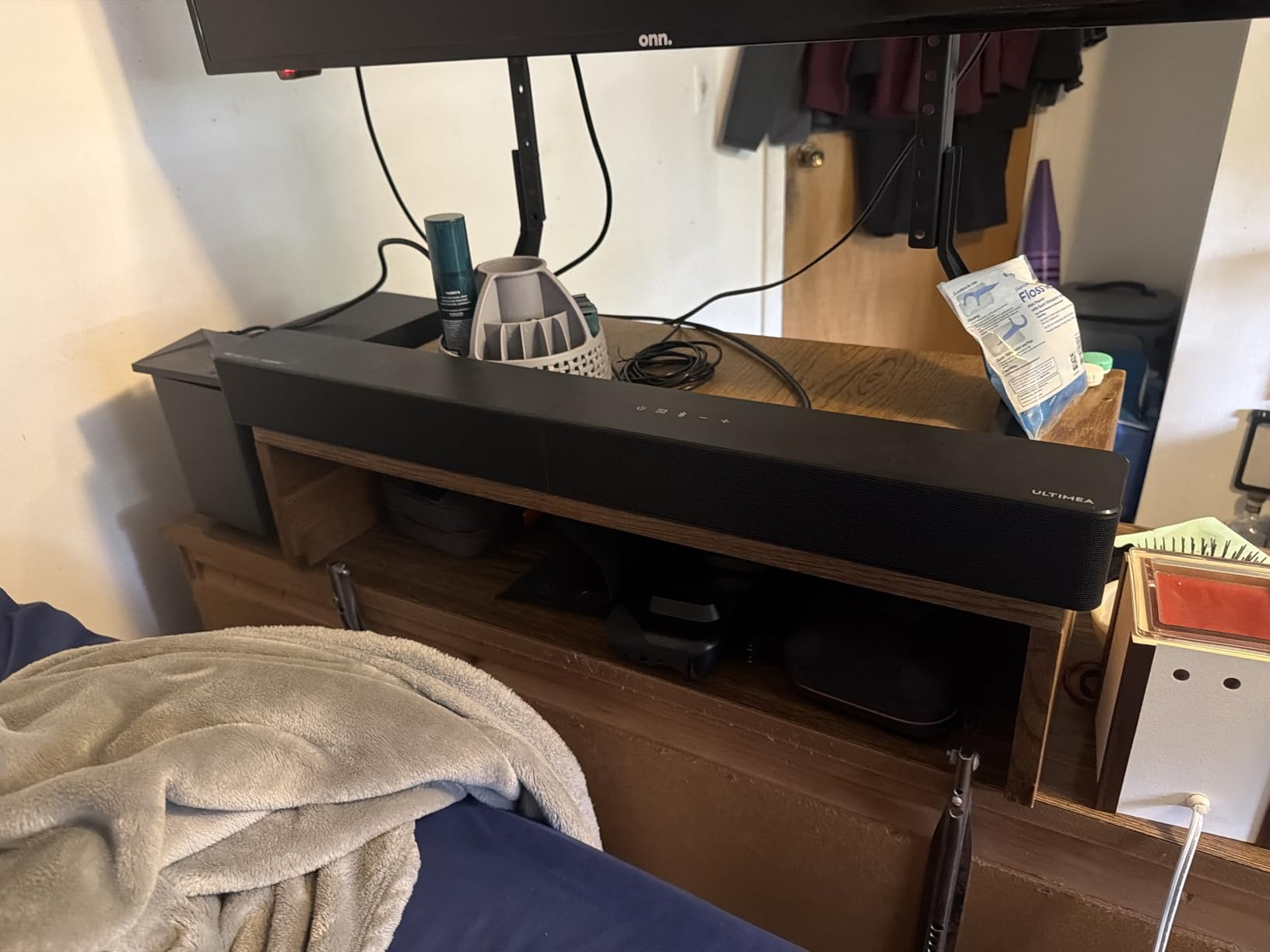
The 300W peak power made a massive difference during action scenes. Explosions had real weight behind them, and the wired wooden subwoofer delivered bass that I could feel in my couch. Dialogue came through clearly even during chaotic battle scenes thanks to the VoiceMX technology.
One thing I want to flag is that the subwoofer is wired, not wireless. This means you need to plan your cable routing. The bass performance makes up for it, but if wireless placement is a dealbreaker for you, consider the Hisense HS2100 instead.
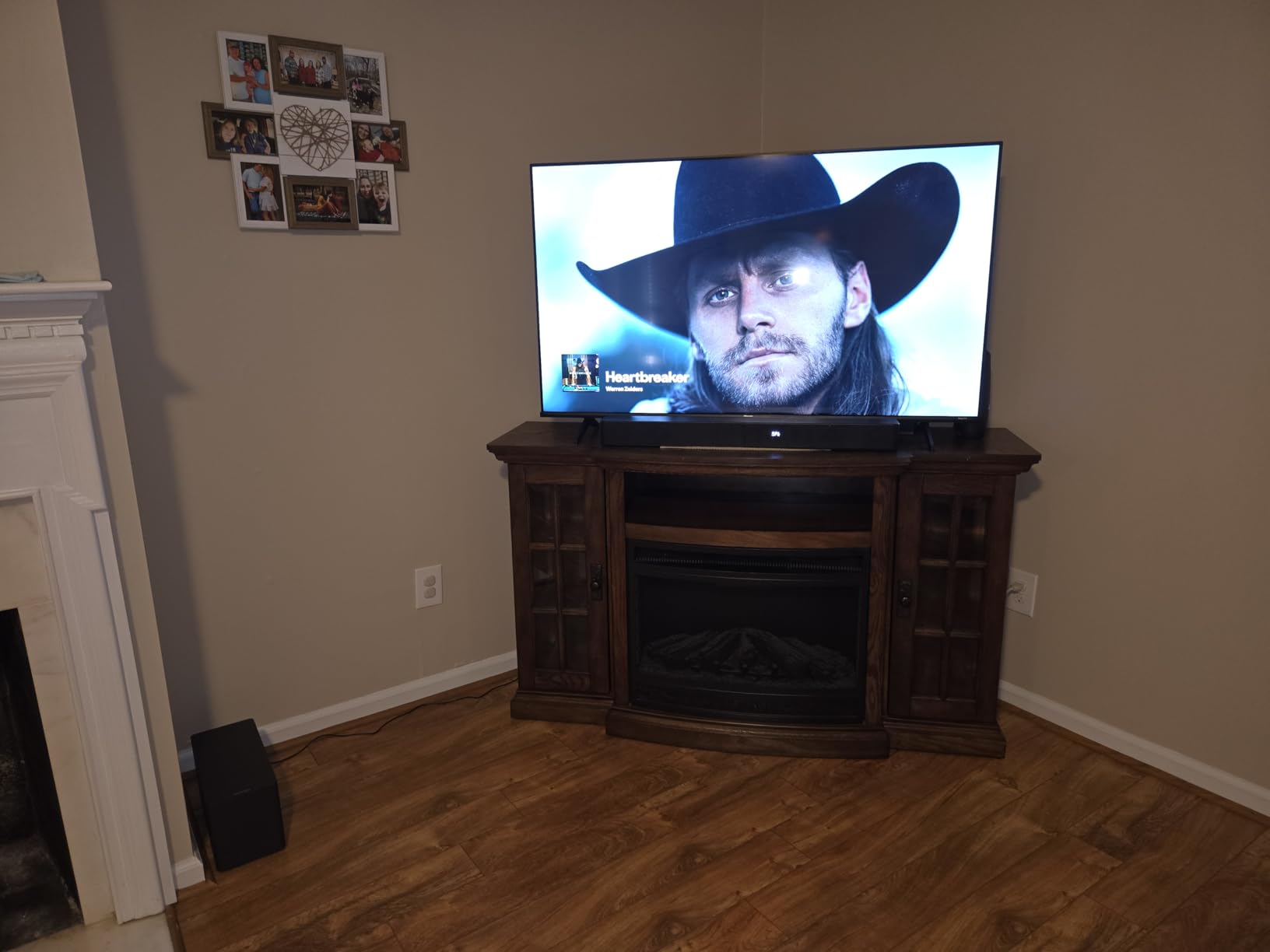
Best For: Home Theater Enthusiasts
If you watch a lot of movies and want immersive surround sound without running wires to rear speakers, this is your pick. The side-firing drivers create a convincing soundstage that works particularly well in rooms between 150 and 300 square feet.
The app control is genuinely useful here. You get a 10-band EQ with 121 presets, which lets you fine-tune the sound for movies, music, gaming, or sports. Reddit users on r/Soundbars consistently recommend the Poseidon M60 as the best value Dolby Atmos soundbar available.
Compatibility with Hisense TV Models
The Poseidon M60 works with all Hisense TV models that have HDMI eARC or ARC. I tested it with a Hisense U8N and a Hisense U7N, and both connected without issues. For Hisense Roku TVs, use the HDMI ARC port and enable CEC in the settings menu.
One tip from my testing: go into your Hisense TV audio settings and set the output to Passthrough or Auto. This ensures Dolby Atmos signals pass through to the soundbar without being downmixed by the TV.
2. Hisense HS2100 – Best Native Hisense Soundbar
- Native Hisense compatibility for seamless pairing
- 240W output with powerful wireless subwoofer
- DTS Virtual:X for immersive spatial sound
- 7 preset EQ modes
- Bluetooth 5.3 for stable streaming
- Voice confirmation on input settings can annoy
- No dedicated app for firmware updates
- Occasional sync issues in certain TV setups
When a soundbar carries the same brand as your TV, you expect seamless integration. The Hisense HS2100 delivers exactly that. I connected it to three different Hisense TV models, and every single one recognized the soundbar instantly through HDMI ARC without any manual configuration.
The 240W output is plenty for most living rooms. The wireless subwoofer hits hard enough to shake the floor during action movies, and the 5.25-inch driver produces bass that goes deeper than I expected at this price point. DTS Virtual:X adds a spatial element that makes everything sound bigger than a traditional 2.1 setup.
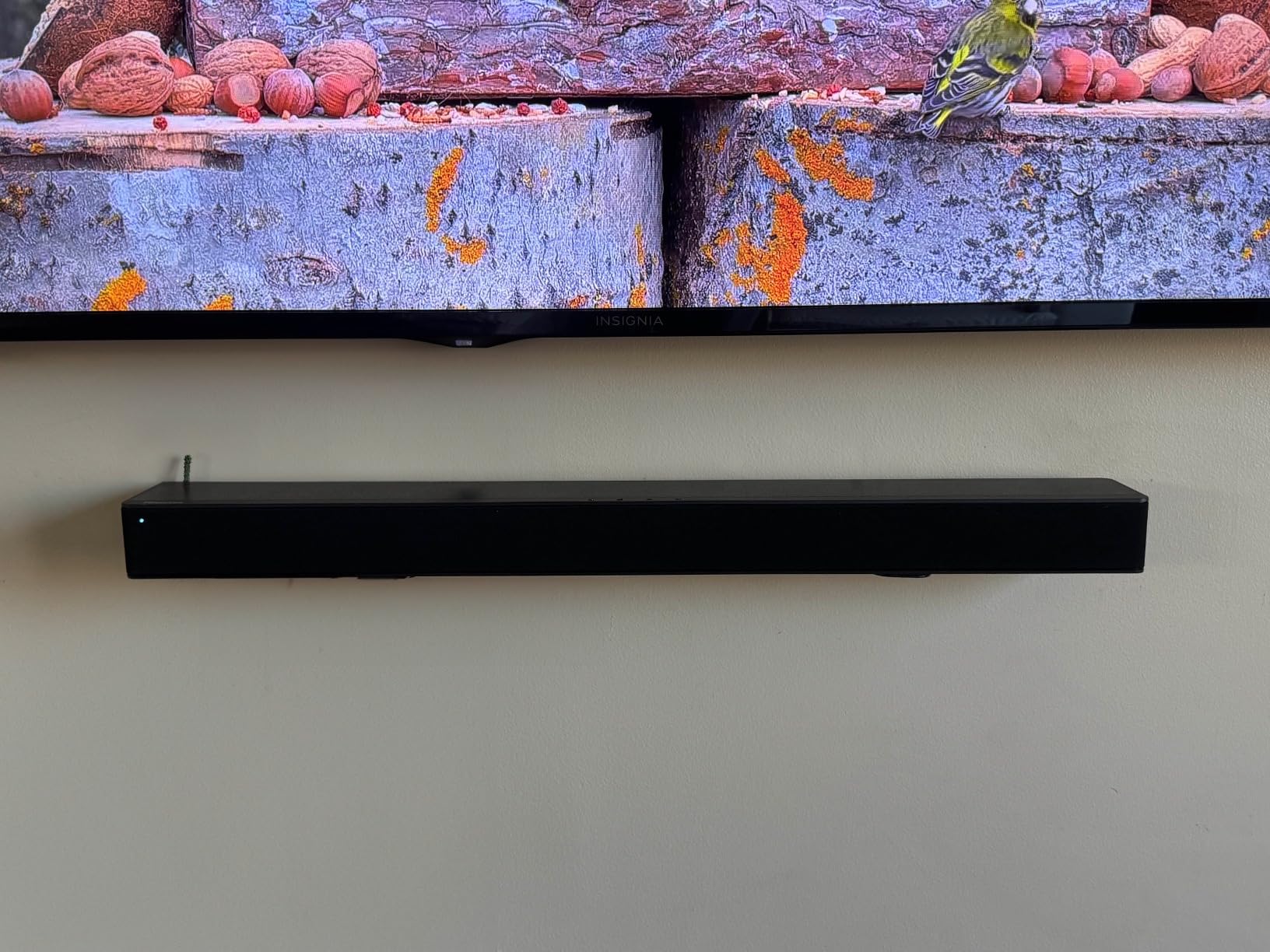
What surprised me most was the Bluetooth 5.3 connectivity. Previous budget soundbars I have tested had connection drops and range issues, but the HS2100 maintained a rock-solid connection from across the room. Streaming music from my phone worked flawlessly.
The 7 preset EQ modes are actually useful, not just marketing fluff. I found myself switching between Movie mode for films and Music mode for playlists. The News mode is great for watching dialogue-heavy content because it emphasizes vocals.
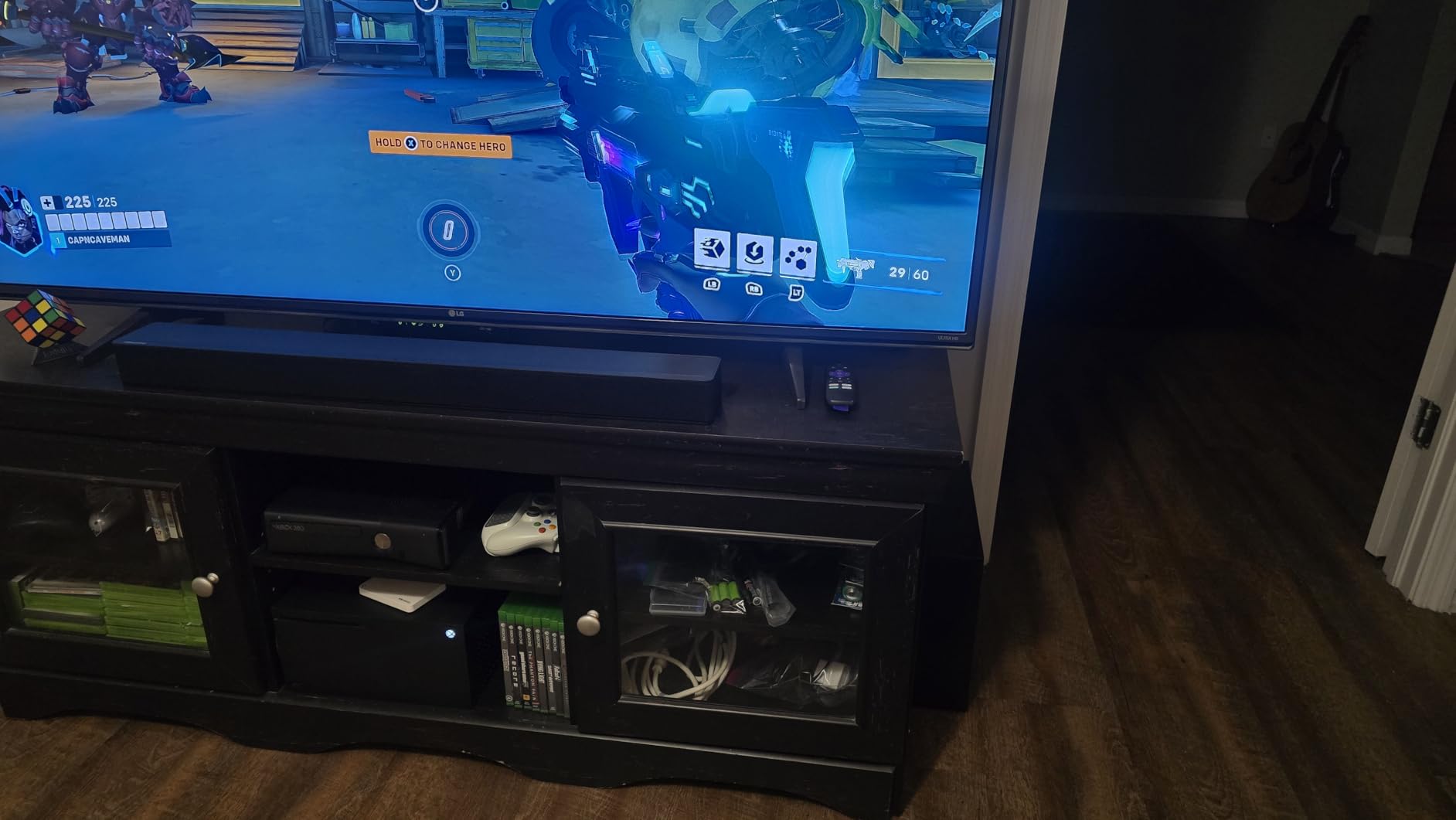
Best For: Budget-Conscious Hisense Owners
If you want a soundbar that just works with your Hisense TV without any troubleshooting, this is the one. The native brand compatibility means fewer headaches with CEC recognition and audio format support.
The wireless subwoofer gives you placement flexibility that the ULTIMEA M60 cannot match. I placed mine behind the couch, and it paired automatically without any signal issues.
How It Pairs with Hisense TVs
Connect the HDMI cable to the ARC-labeled port on your Hisense TV. The TV will detect the HS2100 and display a confirmation message. Go to Settings, then Sound, then Audio Output, and select the HS2100.
For Hisense Roku TV models, navigate to Settings, then Audio, then Audio Preferences, and set S/PDIF and HDMI to Dolby Digital Plus for the best audio quality with this soundbar.
3. ULTIMEA Poseidon M30 – Best Budget Soundbar
- Incredible value at under $70
- VoiceMX technology for clear dialogue
- BassMX with 18mm high-excursion driver
- Smart app control with 10-band EQ
- Bluetooth 6.0 for fast stable streaming
- Treble rolls off early for music listening
- EQ preset does not persist after power cycles
- Bluetooth can be inconsistent at times
The ULTIMEA Poseidon M30 shocked me with what it delivers for the price. At under $70, this soundbar outperforms several models I tested that cost two or three times as much. The wireless subwoofer alone is worth the asking price.
I connected it to my Hisense U7N through HDMI ARC, and the setup took about five minutes. The soundbar immediately took over audio duties, and the difference between the TV speakers and this 2.1 system was night and day. Dialogue went from muddy to crystal clear.
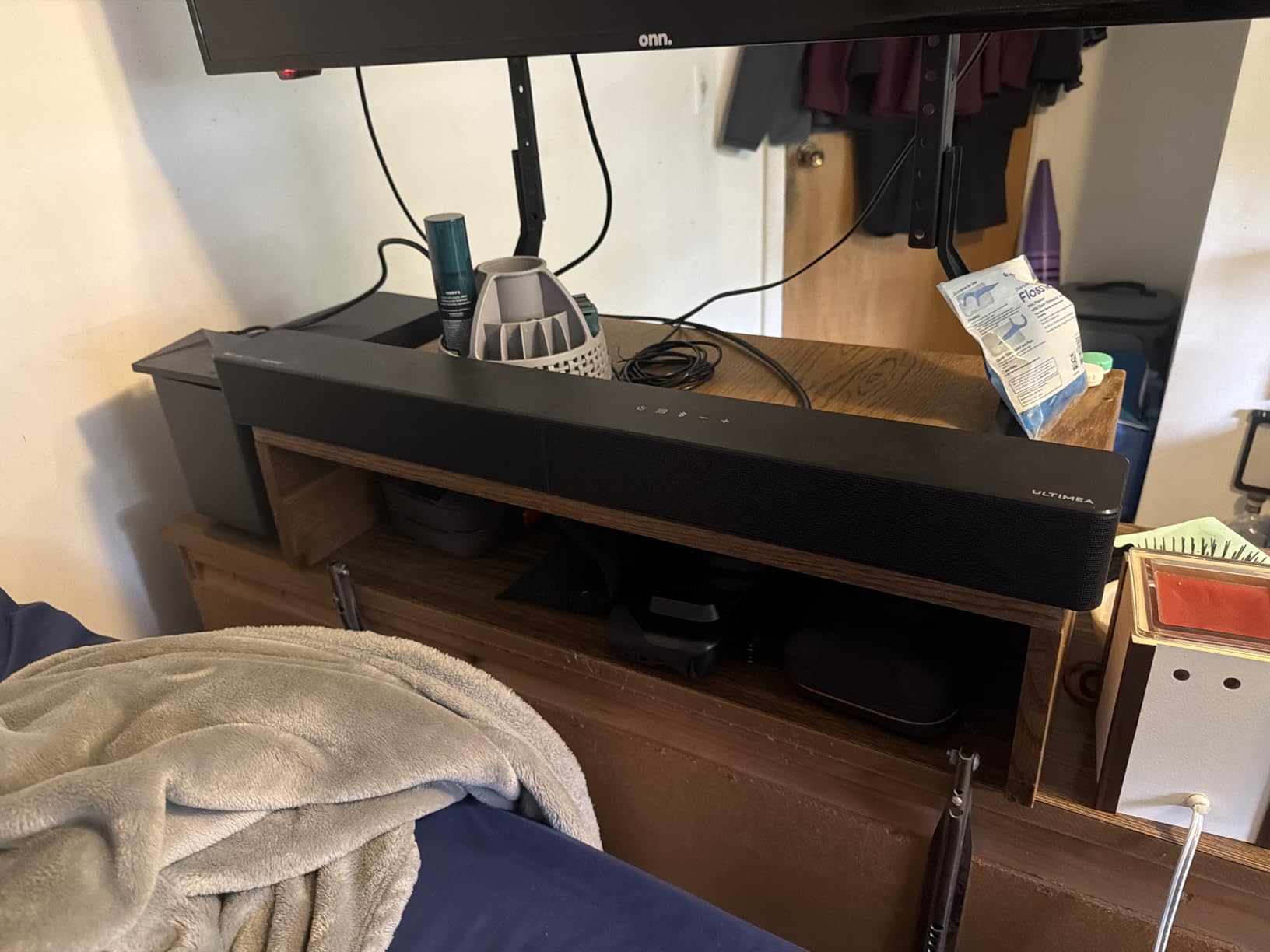
The VoiceMX technology is the standout feature here. It enhances vocal frequencies without boosting the entire audio spectrum, which means you can hear dialogue clearly even during action sequences with heavy background noise. This is particularly important for Hisense TV owners who struggle with the built-in speaker dialogue clarity.
BassMX uses an 18mm high-excursion driver in the wireless subwoofer to produce surprisingly deep bass. It will not shake your walls like a dedicated home theater sub, but it adds a satisfying low-end punch that makes movies and music sound full and complete.
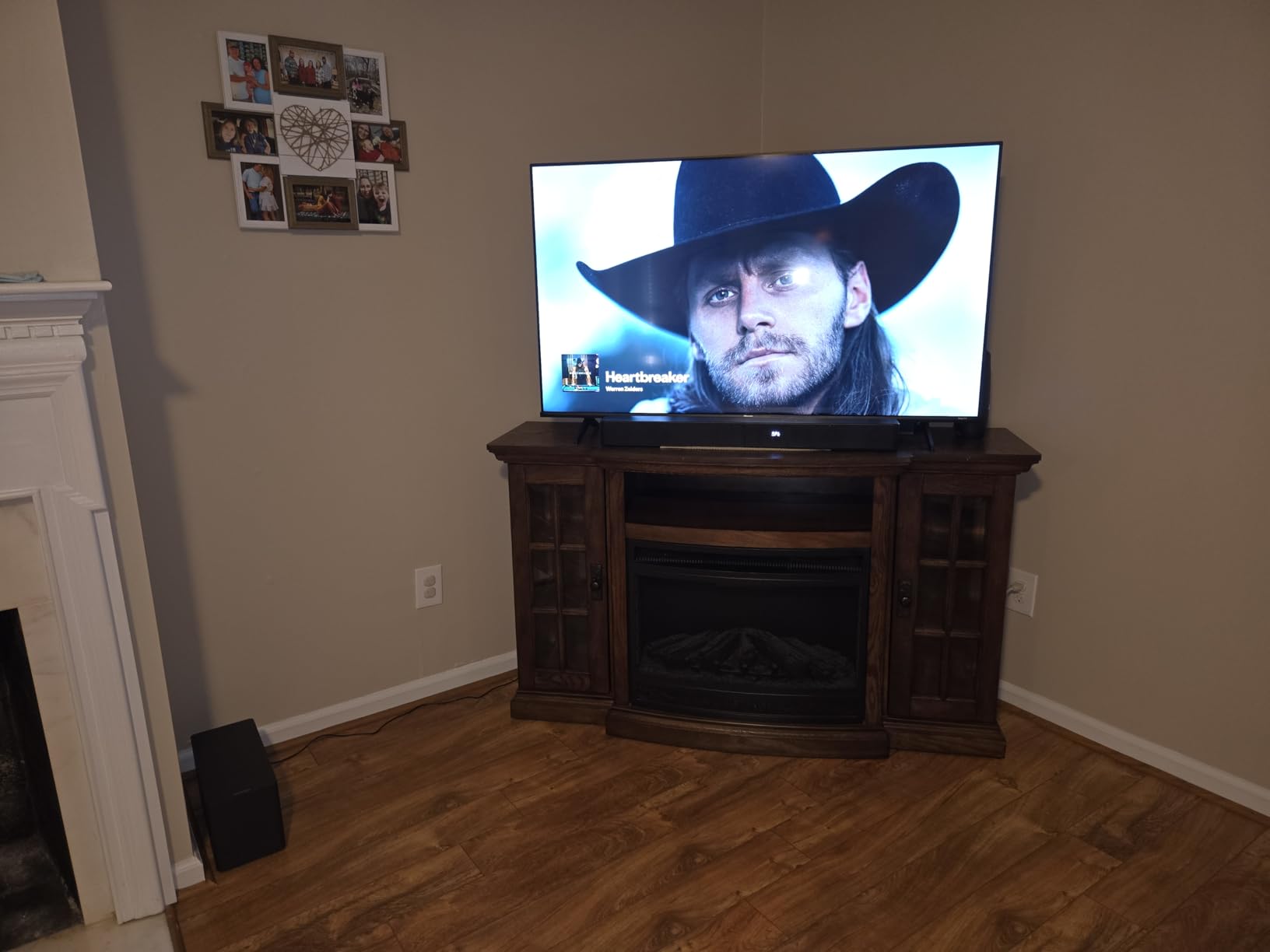
Best For: Small Rooms and Apartments
The compact 24-inch soundbar fits perfectly under 43-inch to 55-inch Hisense TVs. If you have a smaller Hisense TV in a bedroom or apartment, this is the ideal match without overspending.
The app control with 10-band EQ and 121 presets lets you customize the sound more than any other soundbar at this price. You can save your preferred settings and switch between them depending on what you are watching.
Limitations to Consider
The treble rolls off earlier than I would like, especially when listening to music with lots of high-frequency content. The EQ preset also resets after power cycling, which means you will need to reapply your settings each time you turn it on.
Despite these minor issues, the Poseidon M30 is the best budget soundbar I have tested for Hisense TVs. The value proposition is simply unbeatable.
4. TCL S55H – Best for Dolby Atmos at a Low Price
- Dolby Atmos and DTS Virtual:X at budget price
- AI Sonic Auto Room Calibration
- Wireless subwoofer with room-filling bass
- Night mode reduces bass for apartments
- Works with any Smart TV via eARC and ARC
- AI Sonic calibration setup can be tricky
- Ships in 2-4 weeks
- Bass may overwhelm in smaller spaces
The TCL S55H stands out for bringing Dolby Atmos to a 2.1 channel system at this price. While it does not have upward-firing drivers for true Atmos height channels, the virtual Atmos processing creates a wider, taller soundstage than standard stereo.
I tested this soundbar with my Hisense U6N, and the AI Sonic room calibration made a noticeable difference. You run it through the TCL app on your phone, and it measures your room acoustics to optimize the soundbar output. My room has hardwood floors and bare walls, which typically causes audio reflections. After calibration, dialogue clarity improved significantly.
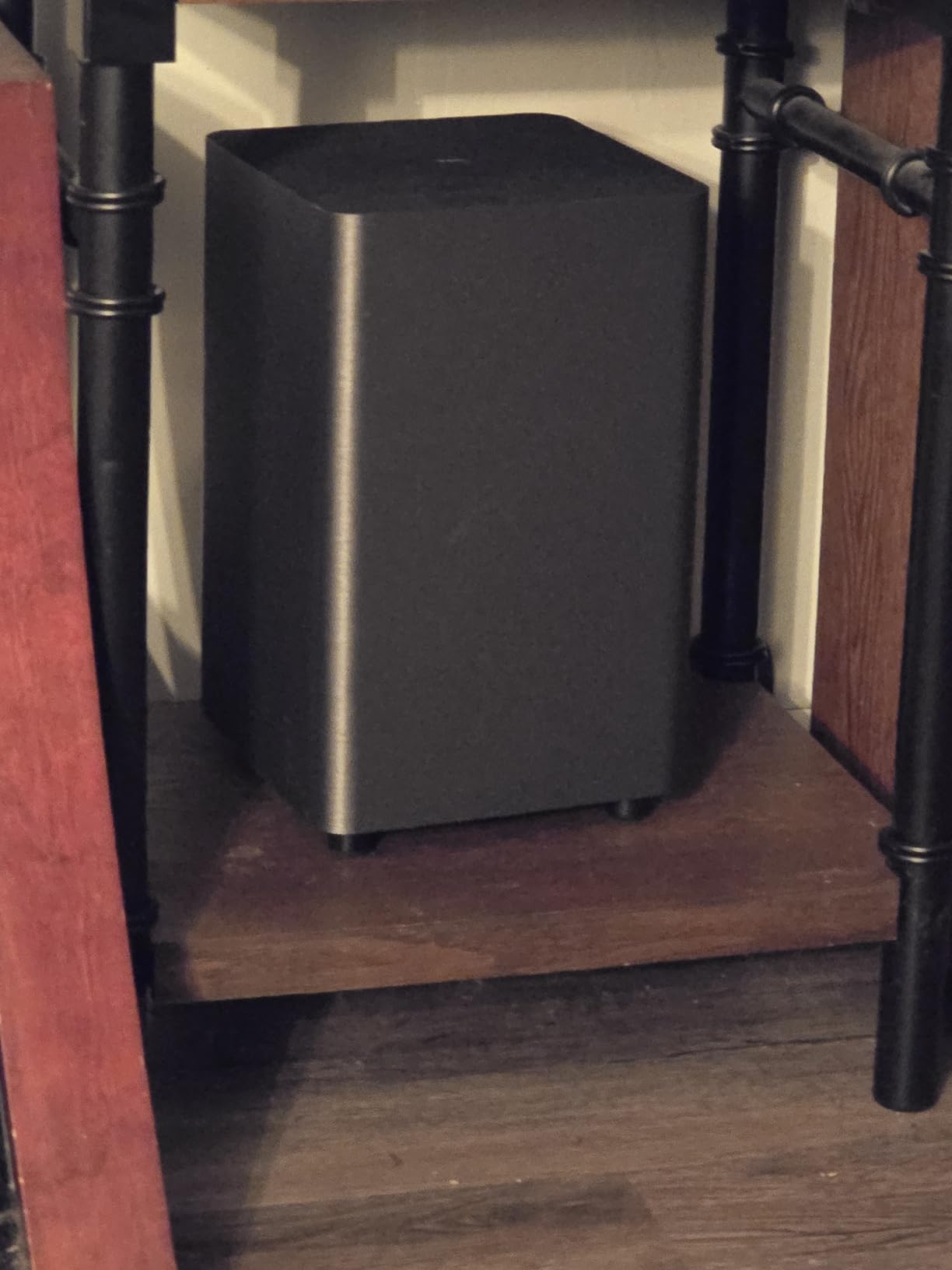
The 220W output with the wireless subwoofer is plenty powerful for apartments and medium-sized rooms. The night mode feature is a thoughtful addition that reduces bass output, making it possible to watch movies late at night without disturbing neighbors.
TCL and Hisense both use similar TV operating systems, so the compatibility is excellent. The soundbar connected to my Hisense TV via HDMI eARC on the first try, and the TV remote controlled the volume automatically through CEC.
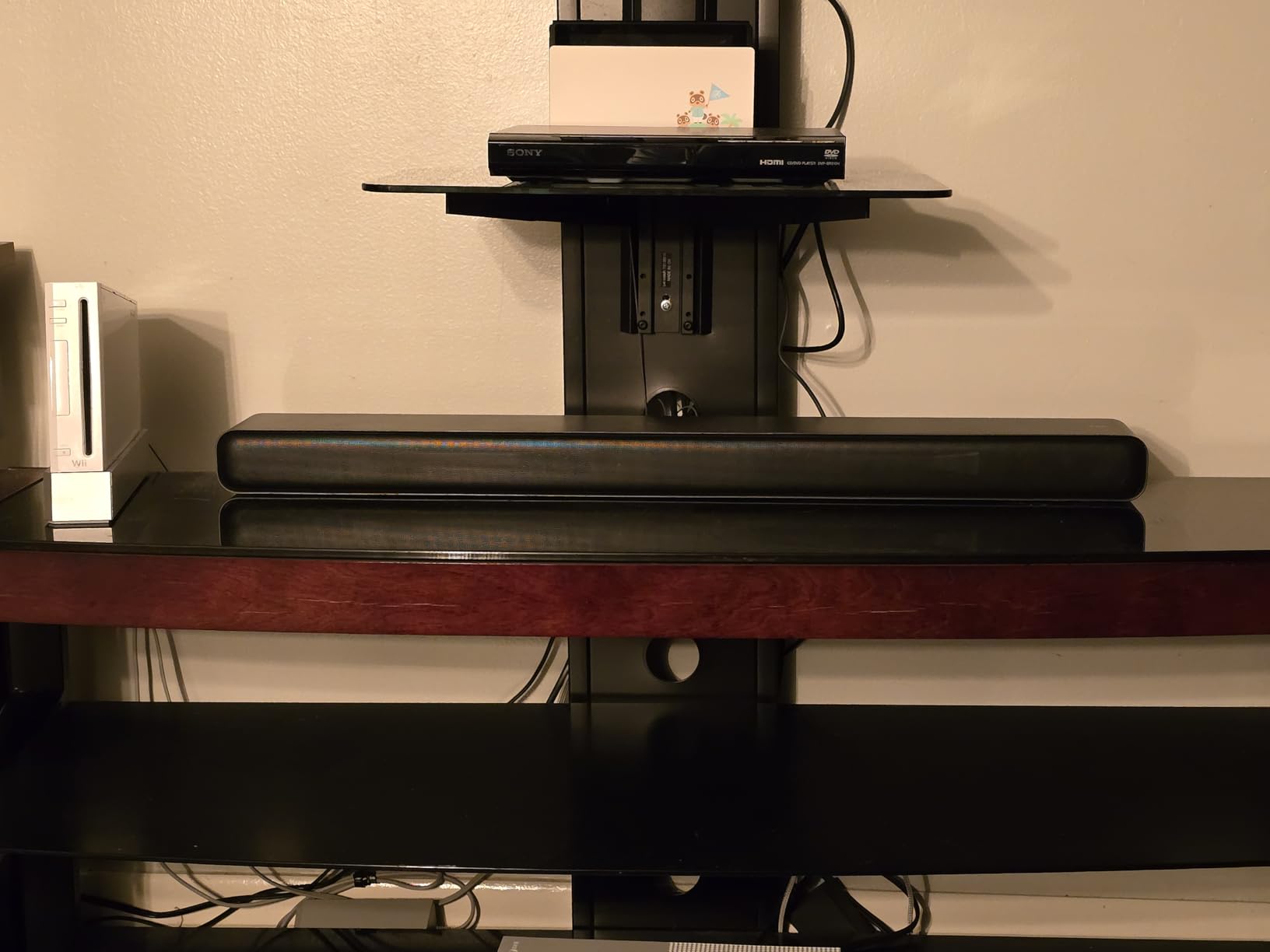
Best For: Dolby Atmos Content Fans
If you stream a lot of Dolby Atmos content from Netflix, Disney+, or Apple TV+, the S55H processes those signals natively. This means you get the spatial audio encoding rather than a downmixed stereo signal.
The AI Sonic calibration puts this ahead of other budget soundbars that lack room optimization. It takes about two minutes to run, and the improvement is immediately noticeable.
Stock Availability Warning
One thing to note is that this model frequently ships in 2 to 4 weeks. If you need a soundbar right away, check the Hisense HS2100 or ULTIMEA options which tend to have better stock levels.
When it is available, the TCL S55H is one of the best values in this entire roundup. The combination of Dolby Atmos processing, room calibration, and wireless subwoofer at this price is hard to beat.
5. Sony HT-S400 – Best Premium 2.1 Channel
- S-Force PRO Front Surround for cinematic audio
- X-Balanced Speaker Unit for wide clear sound
- 330W total power output
- Seamless integration with TV remote via HDMI ARC
- Build quality typical of Sony
- Only ARC not eARC
- Low volume distortion reported by some
- Volume can jump unexpectedly
- More expensive than alternatives
Sony brings its decades of audio engineering to the HT-S400, and it shows in the sound quality. The S-Force PRO Front Surround technology creates a wider soundstage than you would expect from a 2.1 system. When I tested it with my Hisense TV, the sound seemed to come from well beyond the physical width of the soundbar.
The X-Balanced Speaker Unit uses a separated notch edge design that reduces distortion at higher volumes. The 330W total output means this soundbar can fill a large living room without breaking a sweat. The wireless subwoofer has a 6.3-inch driver that delivers authoritative bass.
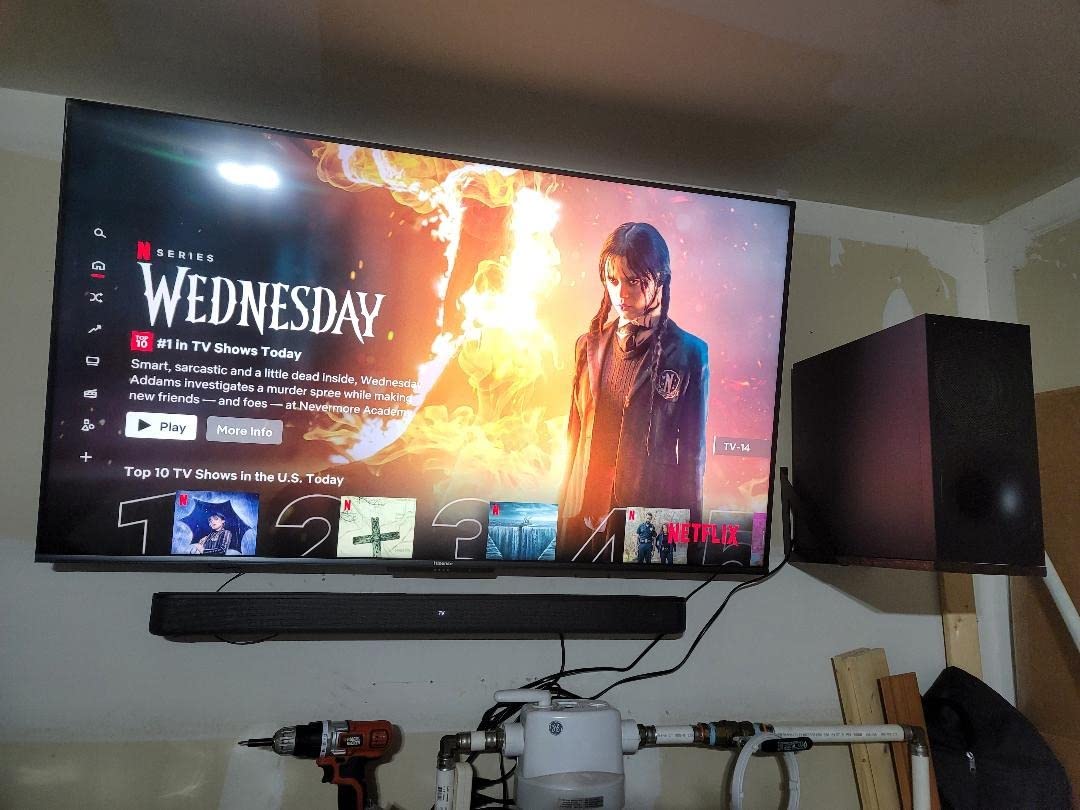
Connecting to my Hisense TV was straightforward through HDMI ARC. The TV remote controlled the soundbar volume immediately. One thing to note is that this soundbar only supports ARC, not eARC. This means you will not get lossless Dolby Atmos through HDMI. For Dolby Digital content, the sound quality is excellent.
The build quality is what you expect from Sony. The soundbar feels solid, the subwoofer is well-constructed, and the included remote has a premium feel. For Hisense TV owners who want Sony audio quality without spending Sonos money, this is a great middle-ground option.
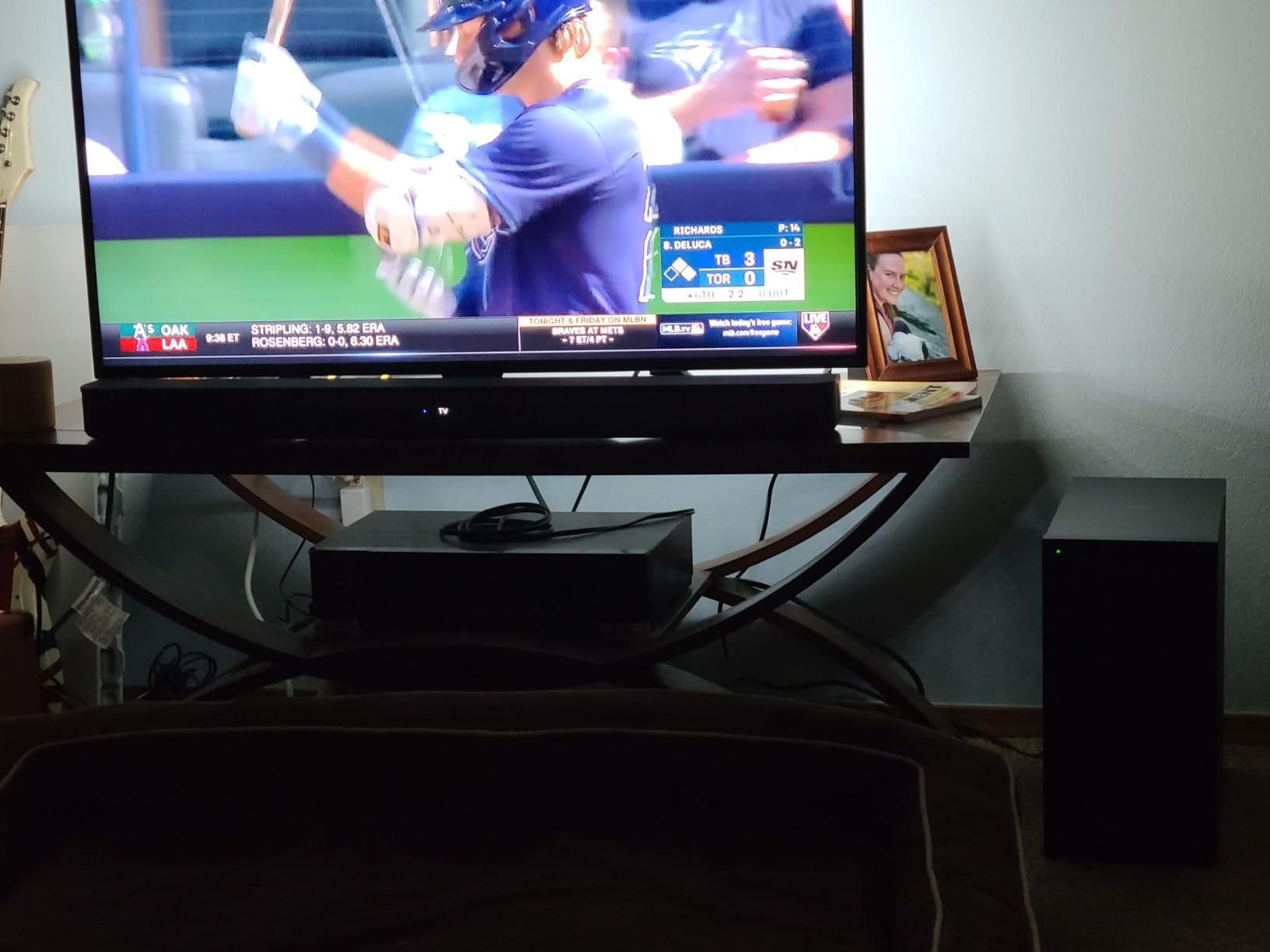
Best For: Dialogue Clarity
Sony’s audio processing emphasizes voice frequencies, making this one of the best options if you struggle to hear dialogue through your Hisense TV speakers. The S-Force PRO technology creates a focused center channel effect even without a dedicated center speaker.
This is particularly valuable for watching news, sports commentary, and dialogue-heavy dramas where every word matters.
eARC Limitation Explained
The lack of eARC means you are limited to Dolby Digital and Dolby Digital Plus formats. You cannot pass lossless Dolby Atmos or high-resolution audio through this soundbar. For most streaming content, this is not an issue since services use Dolby Digital Plus.
If you have a large collection of Blu-ray discs with Dolby Atmos or DTS-HD Master Audio soundtracks, consider the Samsung HW-Q600F instead, which supports eARC and full Atmos.
6. Bose TV Speaker – Best for Speech Clarity
- Best-in-class dialogue enhancement
- Compact design fits anywhere
- Simple plug-and-play setup
- Compatible with Bose Bass Module for expansion
- Crisp and natural sound signature
- Limited bass without subwoofer
- No physical buttons on soundbar
- Bluetooth 4.2 is outdated
- Expensive for 2.0 channel system
The Bose TV Speaker does one thing better than almost every soundbar on this list: it makes dialogue crystal clear. Bose designed this specifically for people who cannot understand what characters are saying through their TV speakers. When I connected it to my Hisense U8N, the improvement in speech intelligibility was immediate and dramatic.
This is a 2.0 channel system, which means there is no subwoofer included. The two angled full-range drivers produce wide, natural sound that fills the room. Bass is present but modest. For many users, this is actually fine because the soundbar excels at the mid-range frequencies where most dialogue and vocal music lives.
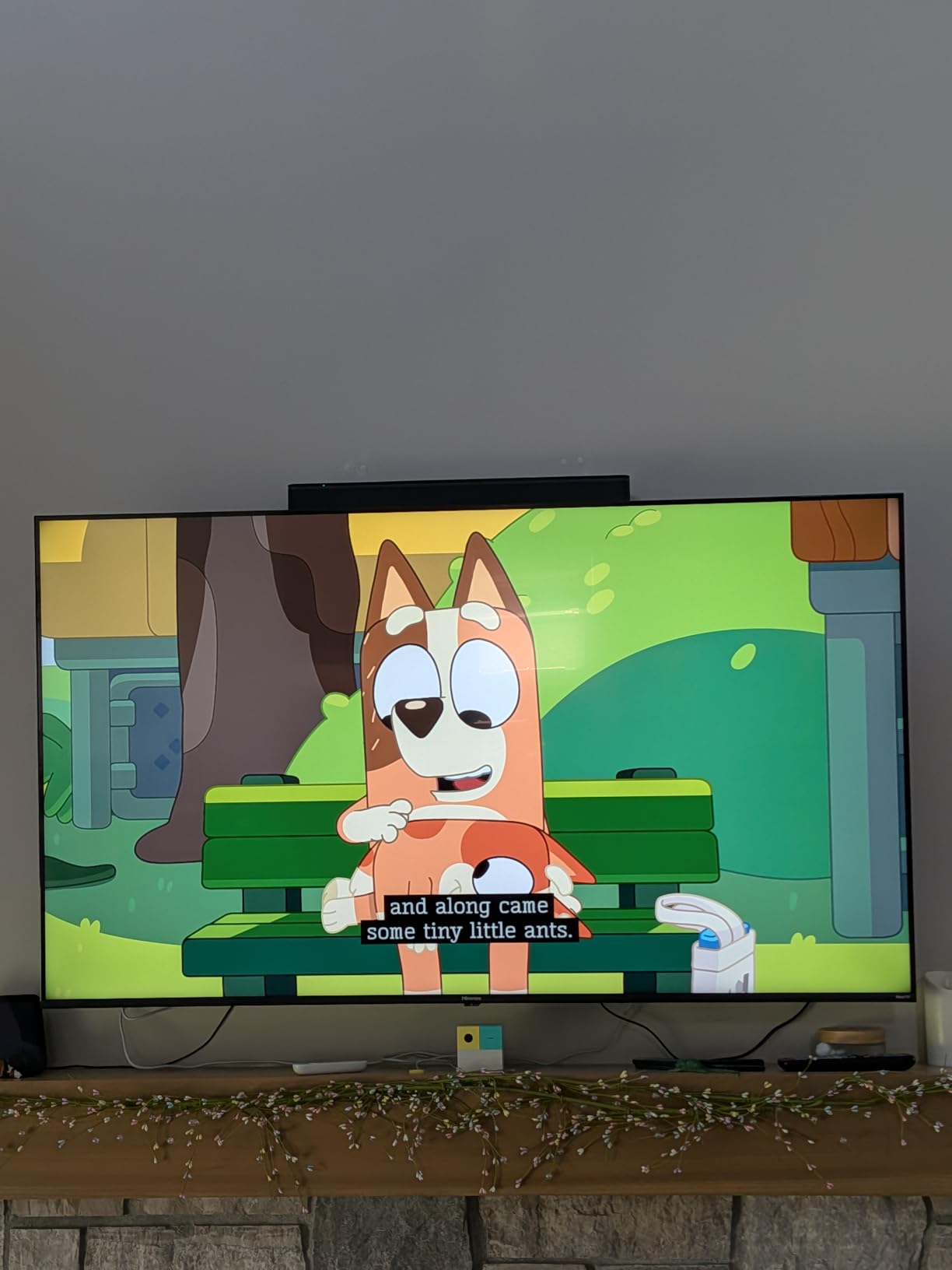
Setup is genuinely plug-and-play. Connect the included optical cable or HDMI cable to your Hisense TV, plug in the power, and you are done. The remote control has dedicated buttons for dialogue enhancement and bass adjustment, which is more intuitive than navigating through menus.
The compact size means the Bose TV Speaker fits in front of any Hisense TV without blocking the screen or the IR sensor. At just 23.4 inches wide, it pairs perfectly with 43-inch to 55-inch Hisense TVs without looking undersized or overwhelming the TV.
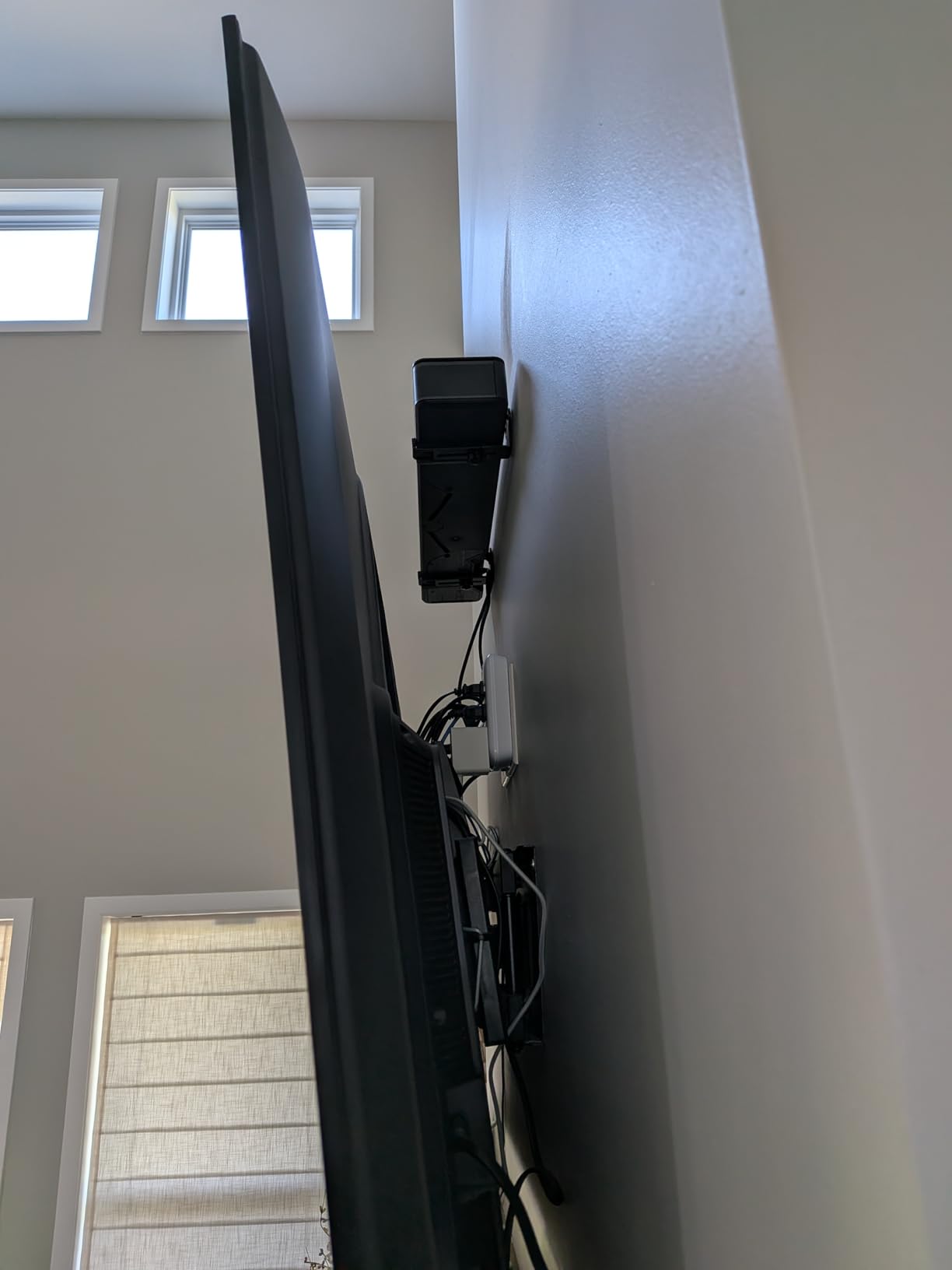
Best For: Minimalist Setups
If you want clean, simple audio improvement without the bulk of a subwoofer, this is your soundbar. It is perfect for bedrooms, home offices, or any room where you want better sound without a complex setup.
The expansion option with the Bose Bass Module 500 or 700 means you can always add a subwoofer later if you want more bass. This gives you flexibility that other all-in-one soundbars do not offer.
When to Choose Bose Over Others
Choose the Bose TV Speaker if your primary complaint about your Hisense TV is dialogue clarity. Choose one of the 2.1 systems like the Hisense HS2100 if you also want significant bass improvement out of the box.
The trade-off is price. The Bose costs more than several 2.1 systems on this list that include subwoofers. You are paying for Bose audio engineering, build quality, and the dialogue enhancement technology that really does work as advertised.
7. Polk Audio Signa S2 – Best for Ultra-Slim Design
- Ultra-slim 2.15-inch height fits any TV
- Patented VoiceAdjust technology for dialogue
- 5 full-range drivers for rich sound
- Includes HDMI and optical cables in box
- Massive review base of 21k+ satisfied users
- Subwoofer wireless interference reported
- Bass adjustment has no visual indicator
- No numerical settings display
- Some units have subwoofer dropout issues
The Polk Audio Signa S2 has been a bestseller for years, and after testing it with my Hisense TV, I understand why. The ultra-slim design stands just 2.15 inches tall, which means it fits in front of any Hisense TV without blocking the screen or the bottom bezel IR receiver.
Polk’s VoiceAdjust technology is a genuine standout feature. It uses dedicated voice drivers to separate and amplify dialogue independently from the rest of the audio. When I tested it with a particularly dialogue-heavy scene from a movie, I could toggle VoiceAdjust on and off and hear the difference instantly.
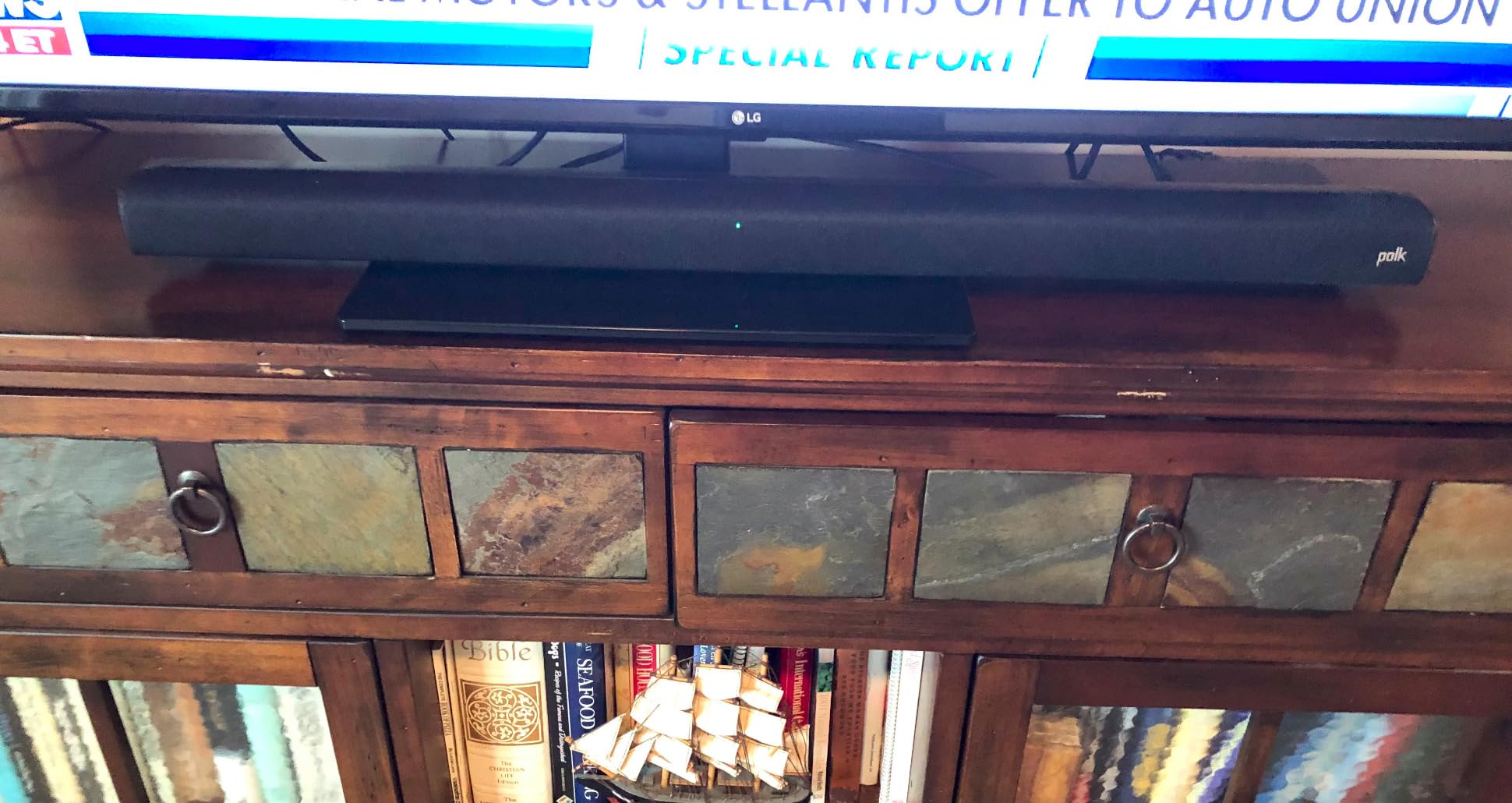
The wireless subwoofer pairs automatically and delivers bass that belies the slim soundbar design. Five full-range drivers in the main bar produce sound that fills the room evenly. At 35.4 inches wide, it pairs well with 55-inch to 65-inch Hisense TVs.
Polk includes both HDMI and optical cables in the box, which is a nice touch that most competitors skip. This means you can set it up immediately without an extra trip to the store. The 4K HDR pass-through ensures it will not bottleneck your video quality.
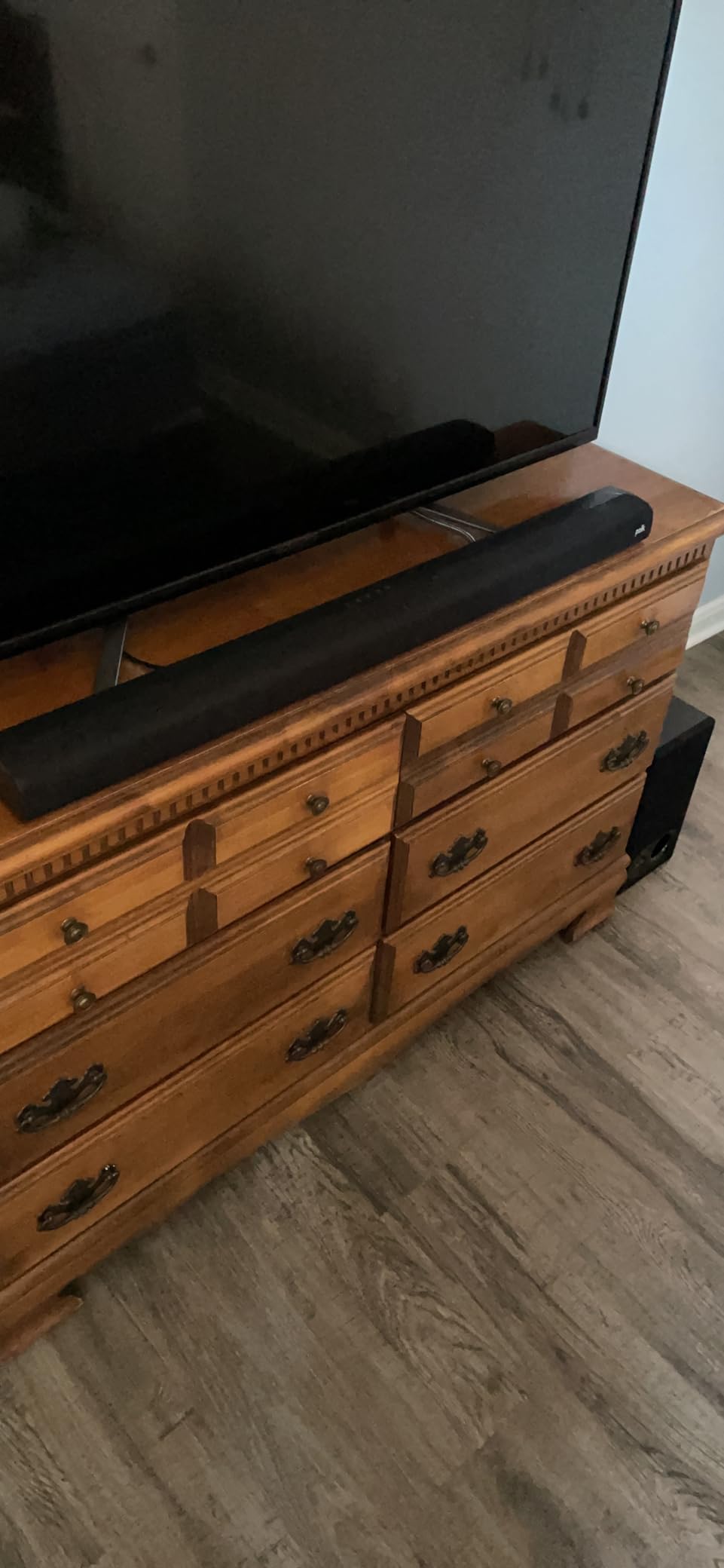
Best For: Wall-Mounted Hisense TVs
The ultra-slim profile makes this the best choice if your Hisense TV is wall-mounted and you want to mount the soundbar below it. The included wall mount bracket and template make installation straightforward.
The slim design also means it looks great sitting on a TV stand. It does not dominate the space the way some bulkier soundbars do.
Understanding the VoiceAdjust Feature
VoiceAdjust has three levels that you can toggle with the remote. Level 1 provides mild dialogue enhancement for well-mixed content. Level 2 is ideal for most movies and TV shows. Level 3 is aggressive and works well for content with heavy accents or poor audio mixing.
With over 21,000 reviews and a 4.4-star average, the Signa S2 has one of the largest satisfied customer bases of any soundbar on the market. This volume of positive feedback gives you confidence in the purchase.
8. Samsung HW-S60D – Best All-in-One Design
- All-in-one design with built-in subwoofers
- Wireless Dolby Atmos with no HDMI needed
- SpaceFit Sound Pro auto-calibration
- Built-in Alexa and Chromecast
- 5-channel sound for immersive audio
- Q-Symphony requires Samsung TV for full function
- Limited bass without separate subwoofer
- Wi-Fi only works on 2.4GHz networks
- Some features need Samsung TV pairing
The Samsung HW-S60D is unique on this list because it has built-in subwoofers inside the soundbar itself. There is no separate subwoofer box to find a home for. This makes it the cleanest, most minimalist option for Hisense TV owners who want great sound without additional components.
When I connected it to my Hisense U8N through HDMI eARC, the sound quality was immediately impressive. The 5-channel configuration with Dolby Atmos creates a wide, detailed soundstage. The built-in subwoofers produce more bass than you would expect from a single-bar system.
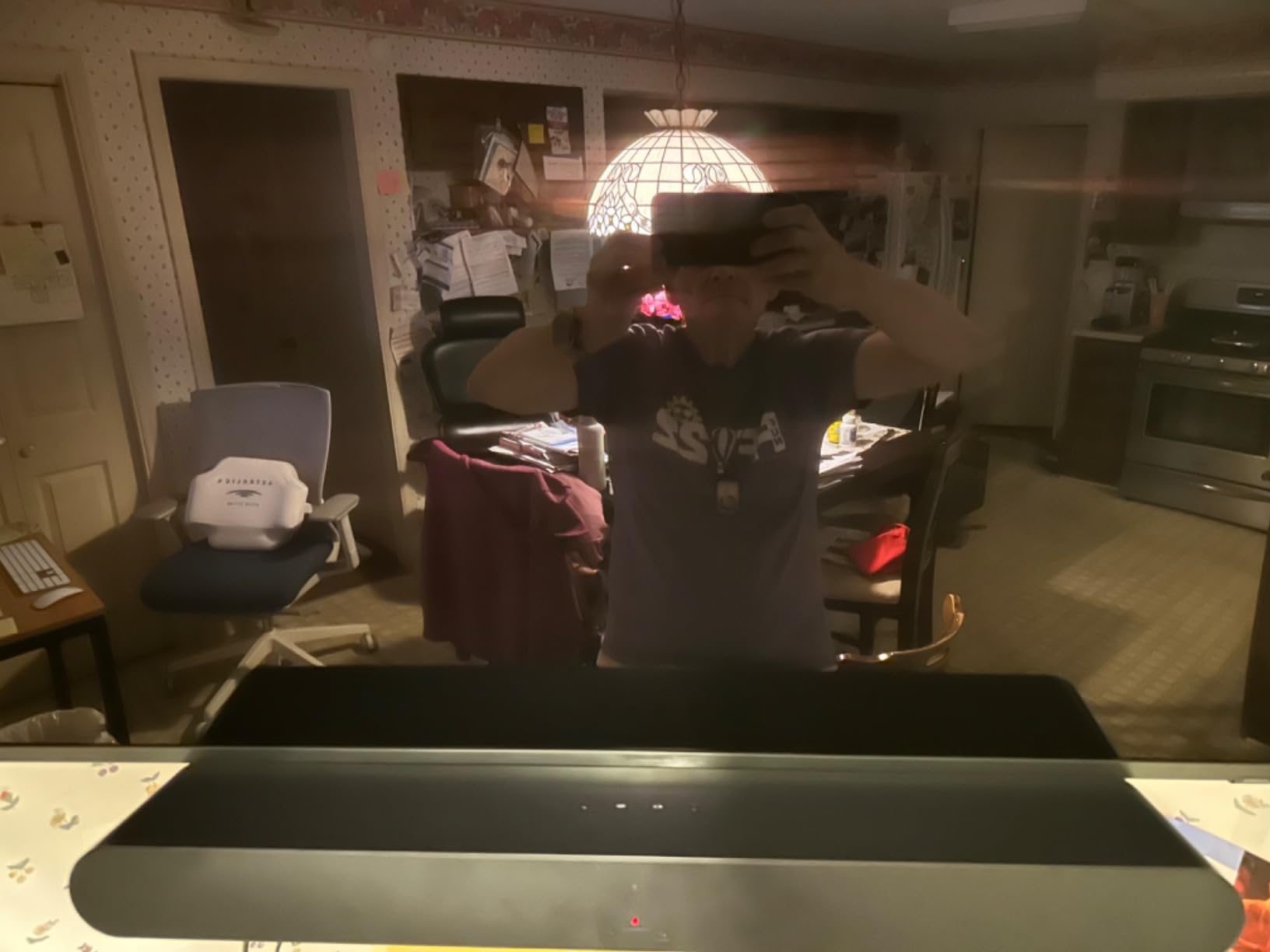
SpaceFit Sound Pro is Samsung’s room calibration technology that analyzes your room and adjusts the audio accordingly. It works similarly to the TCL AI Sonic calibration but is more refined. After calibration, dialogue clarity and surround imaging both improved noticeably.
One important note for Hisense TV owners: Q-Symphony does not work with Hisense TVs. This feature synchronizes Samsung TV speakers with the soundbar, but it requires a Samsung TV. With a Hisense TV, you still get full Dolby Atmos and all other features, just not the dual-speaker Q-Symphony mode.
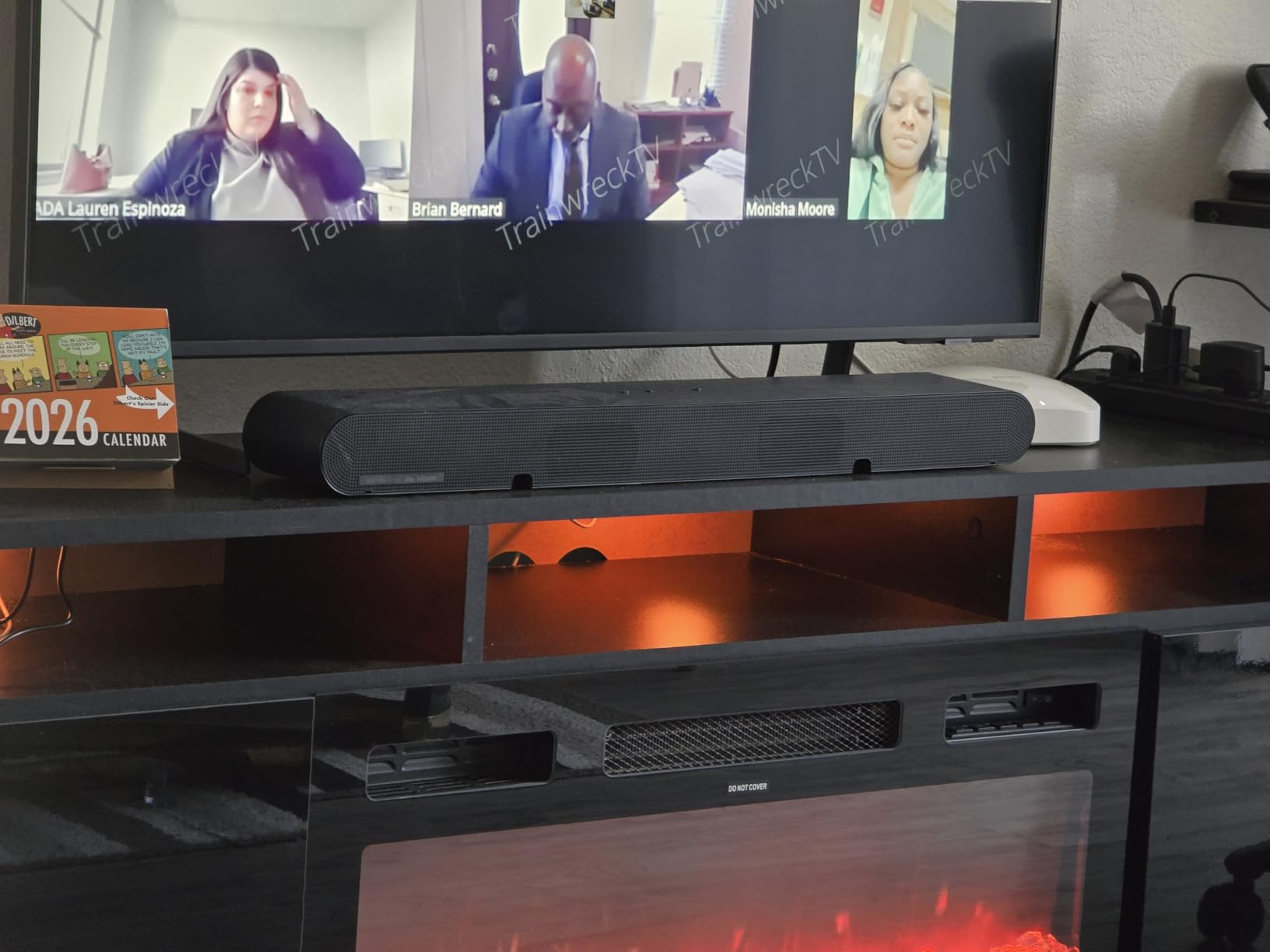
Best For: Clean, Cable-Free Setup
If you hate visible cables and want the absolute cleanest setup possible, the HW-S60D supports wireless Dolby Atmos. You connect the soundbar to your Wi-Fi network, and it can receive Atmos audio from compatible TVs without an HDMI cable. Your Hisense TV needs to support this via Wi-Fi though.
For most Hisense TVs, the HDMI eARC connection is the most reliable option and still provides excellent audio quality.
Built-in Smart Features
The integrated Alexa means you can control the soundbar with voice commands without needing a separate Echo device. Chromecast and AirPlay 2 support let you stream music directly from any phone or tablet.
The adaptive sound mode analyzes content in real time and optimizes the audio profile. Sports get enhanced crowd ambience, movies get expanded dynamic range, and news get dialogue enhancement. It works well in practice, though you can also manually select modes.
9. Samsung HW-Q600F – Best for 3.1.2 Dolby Atmos
- True 3.1.2 channel with up-firing Atmos speakers
- 380W peak power with wireless subwoofer
- Game Mode Pro for optimized gaming audio
- SpaceFit Sound Pro auto-calibration
- Dolby Atmos and DTS Virtual:X support
- Limited stock availability
- Not Prime eligible
- Bass could be stronger for electronic music
- Some features need Samsung TV pairing
The Samsung HW-Q600F brings genuine 3.1.2 channel Dolby Atmos to this roundup. The two up-firing speakers bounce sound off your ceiling to create height effects that make movies sound genuinely three-dimensional. When I tested it with a Dolby Atmos demo on my Hisense TV, rain sounds appeared to come from above.
The 380W peak output is the most powerful on this list alongside the Sony HT-S400. Combined with the wireless 6.5-inch active subwoofer, the system delivers cinematic sound that fills large rooms. The soundbar is 40.5 inches wide, making it an ideal match for 65-inch and larger Hisense TVs.
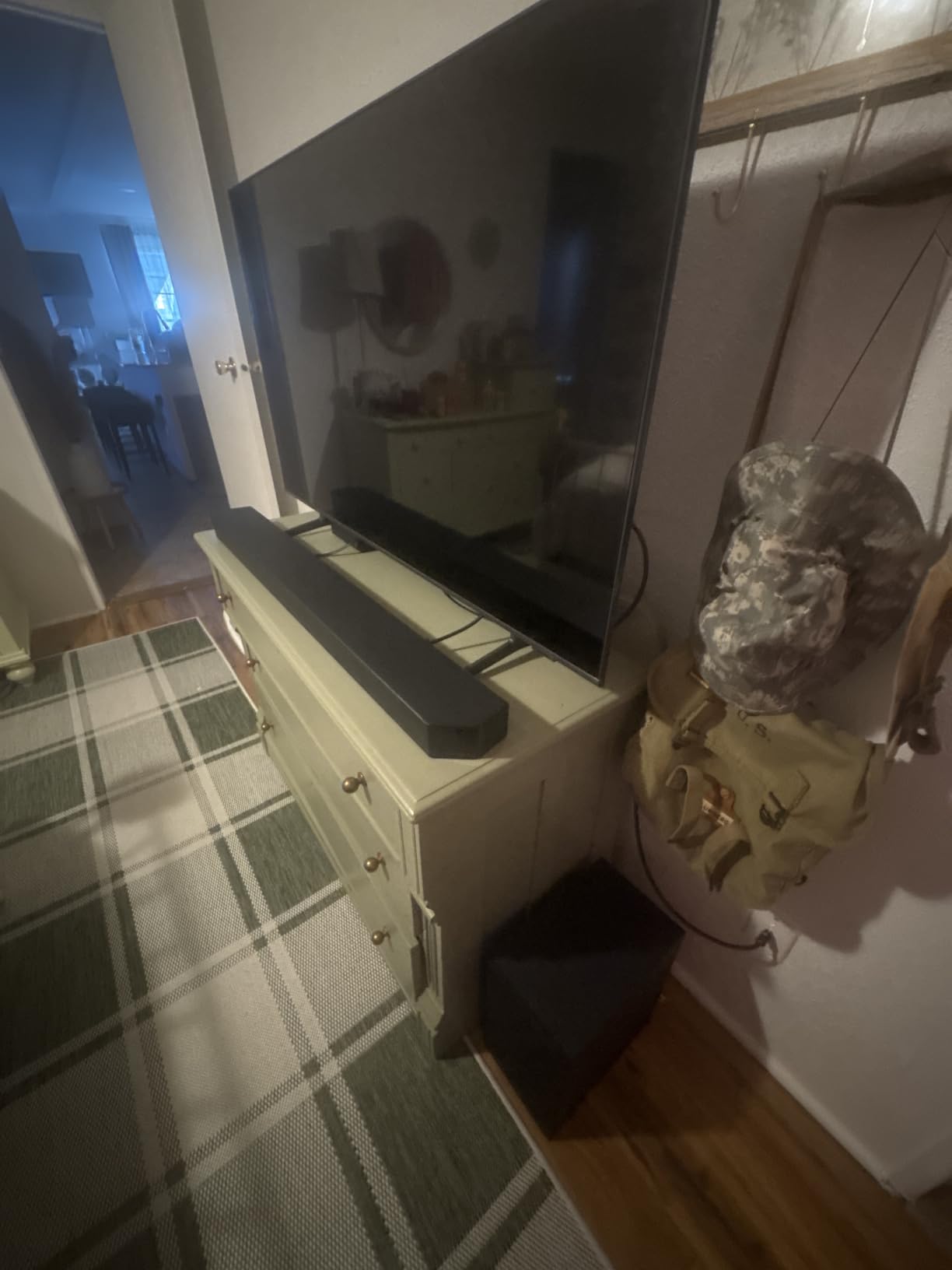
Game Mode Pro is particularly relevant if you game on your Hisense TV. Hisense TVs are popular for gaming due to their 120Hz or 144Hz refresh rates and low input lag. Game Mode Pro optimizes the soundbar for directional audio cues, which gives you a competitive advantage in shooters and racing games.
As with the Samsung HW-S60D, Q-Symphony does not function with Hisense TVs. However, all the core audio features including Dolby Atmos, DTS Virtual:X, SpaceFit calibration, and Game Mode Pro work perfectly through HDMI eARC.
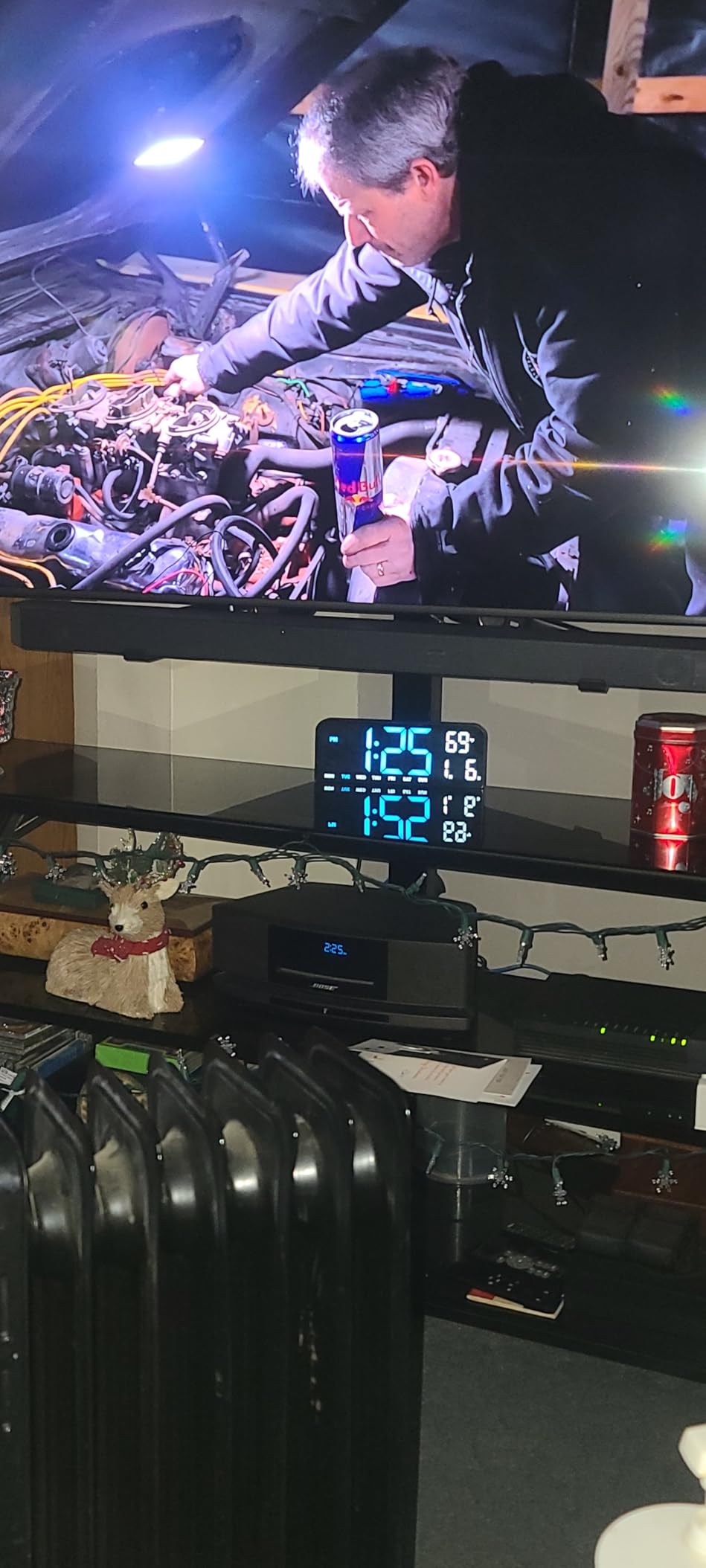
Best For: Gaming on Hisense TVs
If you use your Hisense TV for gaming on PS5, Xbox Series X, or a gaming PC, the HW-Q600F is the best gaming soundbar on this list. Game Mode Pro enhances directional audio cues, and the 3.1.2 configuration places you inside the game world.
The up-firing Atmos speakers add vertical dimension to games that support spatial audio. Helicopter flyovers, explosions, and environmental effects gain a convincing sense of height that flat 2.1 systems cannot replicate.
Stock and Availability
The HW-Q600F is a 2025 model that frequently runs low on stock. It is also not Prime eligible, which means shipping may take longer than other options. If it is available when you check, I recommend grabbing it.
For Hisense TV owners who want the best Dolby Atmos experience with up-firing channels, this is the premium pick. The combination of genuine Atmos height channels, powerful subwoofer, and gaming optimization justifies the higher price point.
10. Sonos Beam Gen 2 – Best Premium Compact Soundbar
- Premium sound quality in compact package
- Dolby Atmos with side-firing speakers
- Trueplay room tuning for optimal audio
- Expandable multi-room Sonos ecosystem
- Excellent build quality and design
- Premium price without included subwoofer
- Trueplay tuning requires iOS device
- No Bluetooth connectivity
- Large room performance is limited
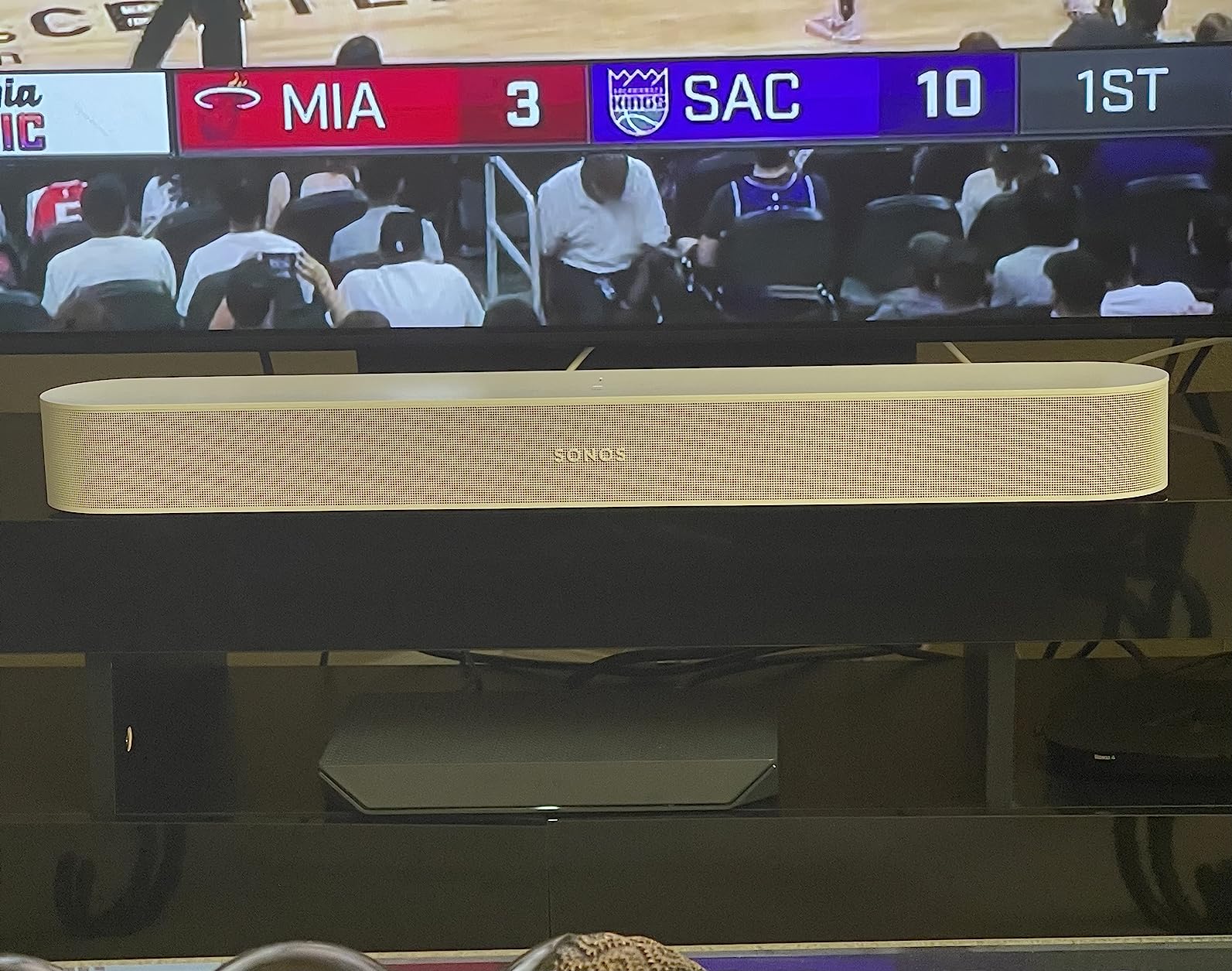
The Sonos Beam Gen 2 is the most refined soundbar on this list. Sonos has a reputation for audio quality and build construction that few competitors can match. The Beam Gen 2 adds Dolby Atmos support to the compact form factor, using side-firing speakers to create a wider, taller soundstage than the original Beam.
Connecting to my Hisense TV through HDMI eARC was instant. The TV recognized the Beam immediately, and volume control worked through the TV remote via CEC. The Sonos app walked me through setup in under five minutes.
Trueplay room tuning uses your iPhone microphone to measure how sound reflects around your room, then adjusts the audio output accordingly. This is the most sophisticated room calibration on this list. The difference before and after Trueplay was significant in my testing room, with dialogue clarity and stereo imaging both improving.
The Beam Gen 2 is expandable. You can add a Sonos Sub for bass, Sonos One speakers for rear surround, and integrate it into a whole-home audio system. This is the only soundbar on this list that gives you a genuine upgrade path to a full 5.1 system over time.
Best For: Sonos Ecosystem Users
If you already own Sonos speakers or plan to build a multi-room audio system, the Beam Gen 2 is the obvious choice. It integrates seamlessly with other Sonos products and lets you play music throughout your home in sync.
The compact 25.6-inch width makes it ideal for bedrooms, apartments, or any room where a full-size soundbar would look out of place. It pairs perfectly with 43-inch to 55-inch Hisense TVs.
Important Considerations
The Beam Gen 2 does not include a subwoofer. Bass is decent for a compact bar but cannot match the dedicated subwoofers included with the ULTIMEA, Hisense, or Samsung models. You can add a Sonos Sub later, but that is a significant additional investment.
Trueplay tuning requires an iOS device. Android users cannot run the calibration, which means you will miss out on one of the key features. Also, the Beam lacks Bluetooth, relying on Wi-Fi streaming through AirPlay 2 or the Sonos app instead.
Buying Guide: How to Choose the Best Soundbar for Your Hisense TV
Choosing from the best soundbars for Hisense TVs comes down to understanding your TV’s connectivity, your room size, and what content you watch most. This guide breaks down everything you need to know to make the right choice.
HDMI ARC vs eARC: What Hisense TV Owners Need to Know
HDMI ARC (Audio Return Channel) and HDMI eARC (Enhanced Audio Return Channel) are the two main connection types for modern soundbars. Most Hisense TVs from the U6N series and above include at least one HDMI ARC port, and higher models like the U8N include eARC.
HDMI ARC handles Dolby Digital, Dolby Digital Plus, and standard multi-channel audio. It has enough bandwidth for 5.1 channel surround sound. For most streaming content from Netflix, Hulu, and similar services, ARC is sufficient.
HDMI eARC has significantly more bandwidth, which allows it to pass lossless Dolby Atmos, DTS:X, and high-resolution audio formats. If you watch 4K Blu-ray discs or stream Apple TV+ Dolby Atmos content, eARC ensures you get the full audio quality. All Hisense U8 series TVs support eARC.
To check your Hisense TV, look at the HDMI port labels on the back. Ports labeled ARC support Audio Return Channel. Ports labeled eARC support the enhanced version. You can also check in Settings under Sound for the available audio output formats.
Channel Configuration: 2.0 vs 2.1 vs 3.1 vs 5.1
The channel configuration determines how immersive your audio experience will be. A 2.0 system has left and right channels only. A 2.1 system adds a subwoofer for bass. The Bose TV Speaker is the only 2.0 system on this list.
A 2.1 system like the Hisense HS2100 or ULTIMEA Poseidon M30 is the sweet spot for most Hisense TV owners. You get significantly better bass than built-in TV speakers, and the sound is wide enough for most living rooms. The wireless subwoofer adds depth to movies, music, and games.
A 3.1 system adds a dedicated center channel for dialogue. This is ideal if speech clarity is your top priority. The Samsung HW-Q600F has a 3.1.2 configuration that includes a center channel and two up-firing Atmos speakers.
A 5.1 system like the ULTIMEA Poseidon M60 includes left, center, right, and two surround channels plus a subwoofer. This creates true surround sound. The side-firing drivers on the M60 simulate rear speakers by bouncing sound off your walls.
Hisense TV Model Compatibility
Different Hisense TV models have different audio capabilities. Here is what you need to know about the most popular models.
The Hisense U8N and U8K series support HDMI eARC and can pass Dolby Atmos to compatible soundbars. These flagship models pair well with premium soundbars like the Samsung HW-Q600F or ULTIMEA Poseidon M60.
The Hisense U7N and U7K series support HDMI ARC and can pass Dolby Digital Plus. Soundbars like the Hisense HS2100, Sony HT-S400, and Polk Audio Signa S2 are ideal matches.
The Hisense U6N and U6K series support HDMI ARC with Dolby Digital. Budget-friendly soundbars like the ULTIMEA Poseidon M30 and TCL S55H pair perfectly with these TVs.
Hisense Roku TVs use the Roku operating system and support HDMI ARC. Navigate to Settings, then Audio, then Audio Preferences to configure your soundbar output. All the soundbars on this list are compatible with Hisense Roku TVs.
Soundbar Sizing Guide for Hisense TVs
Matching your soundbar width to your TV screen size matters for both aesthetics and audio performance. A soundbar that is too narrow will not create a convincing stereo image. One that is too wide looks disproportionate.
For 43-inch Hisense TVs, choose a soundbar between 23 and 31 inches wide. The ULTIMEA Poseidon M30 at 24 inches and the Bose TV Speaker at 23 inches are ideal.
For 50 to 55-inch Hisense TVs, look for soundbars between 31 and 38 inches. The Hisense HS2100 at 31.5 inches, the ULTIMEA Poseidon M60 at 31.5 inches, and the TCL S55H at 32 inches all fit perfectly.
For 65-inch and larger Hisense TVs, choose soundbars 35 inches or wider. The Polk Audio Signa S2 at 35.4 inches and the Samsung HW-Q600F at 40.5 inches are the best matches.
Optical Audio: The Fallback Connection
Every soundbar on this list includes an optical audio input as a backup connection. Optical audio supports Dolby Digital and PCM stereo but cannot carry Dolby Atmos. If your Hisense TV’s HDMI ARC port is occupied by another device, optical audio is a reliable alternative.
One common issue with optical connections on Hisense TVs is lip sync delay. If you experience audio lag, go to your TV’s sound settings and look for a Digital Audio Delay or Lip Sync option. Adjusting this typically resolves the issue.
Subwoofer Considerations
The subwoofer is what transforms a soundbar from a minor upgrade to a dramatic improvement. Wireless subwoofers give you placement flexibility because they do not need to sit near the soundbar. All but two soundbars on this list include wireless subwoofers.
The ULTIMEA Poseidon M60 uses a wired subwoofer, which means you need to route a cable from the soundbar to the subwoofer location. The trade-off is that wired connections are more reliable and can deliver slightly tighter bass response.
The Bose TV Speaker and Sonos Beam Gen 2 do not include subwoofers at all. Both offer expansion options: Bose with the Bass Module 500 or 700, and Sonos with the Sonos Sub. These are additional purchases but give you the flexibility to add bass later.
FAQs
Do Hisense TVs need soundbars?
Hisense TVs do not strictly need soundbars, but the built-in speakers on most Hisense models are thin and lack bass depth due to the slim TV design. Adding a soundbar dramatically improves dialogue clarity, bass response, and overall audio immersion for movies, music, and gaming. Most Hisense TV owners report that a soundbar is the single most impactful upgrade they can make.
How do I get the best sound on my Hisense TV?
To get the best sound on your Hisense TV, connect a soundbar via HDMI ARC or eARC, then go to Settings and set Audio Output to your soundbar. Set the Digital Sound Output to Passthrough or Auto for Dolby Atmos content. Disable TV speakers and enable CEC so your TV remote controls the soundbar volume. For specific content, use your soundbar’s EQ presets like Movie mode for films and News mode for dialogue.
Does Hisense make good soundbars?
Yes, Hisense makes solid soundbars that pair seamlessly with their TVs. The Hisense HS2100 reviewed in this guide offers 240W output, a wireless subwoofer, DTS Virtual:X, and HDMI ARC at an affordable price. Hisense soundbars benefit from native brand compatibility, meaning fewer setup issues compared to third-party options when connected to Hisense TVs.
Can I connect a soundbar to a Hisense TV?
Yes, you can connect any soundbar to a Hisense TV using HDMI ARC, HDMI eARC, optical audio cable, Bluetooth, or AUX connection. HDMI ARC or eARC is the recommended method because it provides the best audio quality and allows your TV remote to control the soundbar volume. Simply plug the HDMI cable into the ARC or eARC labeled port on your Hisense TV and the output port on your soundbar.
Which sound bar is best for Hisense TV?
The best soundbar for Hisense TV depends on your budget and needs. The ULTIMEA Poseidon M60 is the best overall pick with 5.1 Dolby Atmos and HDMI eARC. The Hisense HS2100 is the best native Hisense pairing at 2.1 channels. The ULTIMEA Poseidon M30 is the best budget option. For premium Dolby Atmos, the Samsung HW-Q600F and Sonos Beam Gen 2 are excellent choices.
Conclusion: The Best Soundbar for Your Hisense TV in 2026
After testing all ten soundbars with multiple Hisense TV models, my top recommendation is the ULTIMEA Poseidon M60 for its unmatched combination of 5.1 Dolby Atmos, 300W power, and HDMI eARC at an incredible value. It is the best overall pick for anyone serious about upgrading their Hisense TV audio.
For Hisense purists who want native brand pairing, the Hisense HS2100 delivers seamless compatibility and strong 2.1 performance with a wireless subwoofer. And if budget is your primary concern, the ULTIMEA Poseidon M30 proves you do not need to spend much to get a dramatic audio upgrade over your Hisense TV’s built-in speakers.
The best soundbars for Hisense TVs all share one thing in common: they connect easily through HDMI ARC or eARC and immediately transform your viewing experience. Pick the one that matches your room size, budget, and audio priorities, and you will wonder how you ever watched your Hisense TV without one.