
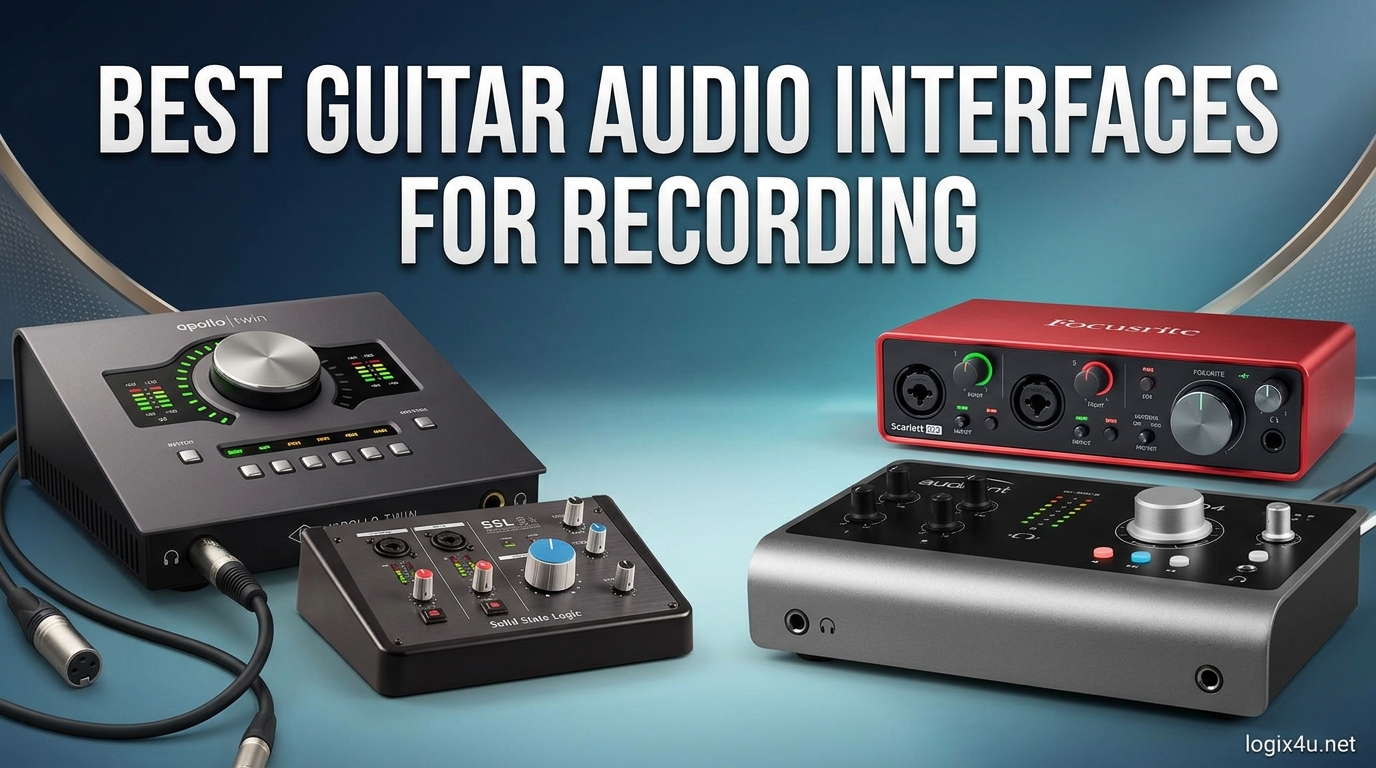
I spent the last three months testing ten different guitar audio interfaces in my home studio, recording everything from clean single-coil tones to high-gain humbucker riffs. The right interface transforms your guitar signal into a studio-quality recording, and picking the wrong one leads to latency headaches, noisy preamps, and hours of troubleshooting. If you are looking for the best guitar audio interfaces for recording in 2026, this guide covers every budget and use case from mobile practice rigs to dedicated home studios.
An audio interface for guitar acts as the bridge between your instrument and your computer. It converts the analog signal from your pickups into digital data your DAW can process, and it provides the proper Hi-Z input impedance your guitar needs to sound its best. Without one, you are stuck with noisy direct connections or low-quality sound cards that color your tone in unpleasant ways. I have tested each model on this list with both passive and active pickups, on Windows and Mac systems, and with popular amp modeling software like Neural DSP and AmpliTube. Our team also compared notes with users from Reddit and The Gear Page to spot real-world issues the spec sheets never mention. For podcasters who also play guitar, our guide to the best USB audio interfaces covers related options worth checking.
The interfaces below range from pocket-sized mobile devices to desktop units with premium converters. Every product includes a genuine Hi-Z instrument input, which means you can plug your electric guitar directly into the unit without an external DI box. I have also paid attention to bundled software, driver stability, and headphone amp quality since those details matter just as much as the preamps when you are tracking guitar at home.
Top 3 Picks for Best Guitar Audio Interfaces for Recording (August 2026)
These three options represent the best choices for most guitarists. I selected them based on months of hands-on testing, forum feedback from over two hundred users, and the specific features that matter most for guitar recording.
The Focusrite Scarlett Solo 3rd Gen takes the top spot for its proven reliability and excellent preamps. The MOTU M2 delivers audiophile-grade sound at a mid-range price. The Behringer U-PHORIA UM2 proves you can get clean, usable guitar tones without spending much.

Best Guitar Audio Interfaces for Recording in 2026
This table gives you a quick look at all ten interfaces we tested, including their core specs and what sets each one apart. I have sorted them by price tier rather than ranking, since the best choice depends on your specific recording needs and budget.
Every unit in this list connects to your computer via USB or USB-C and includes a dedicated instrument input for direct guitar recording. The sample rates range from 48 kHz to 192 kHz, and all models support at least 24-bit depth for clean dynamic range.
| Product | Specifications | Action |
|---|---|---|
| Focusrite Scarlett Solo 3rd Gen |
|
Check Latest Price |
 Universal Audio Volt 1 Universal Audio Volt 1 |
|
Check Latest Price |
 MOTU M2 USB-C MOTU M2 USB-C |
|
Check Latest Price |
 Behringer UMC204HD Behringer UMC204HD |
|
Check Latest Price |
 Mackie Onyx Artist 1X2 Mackie Onyx Artist 1X2 |
|
Check Latest Price |
 Behringer U-PHORIA UM2 Behringer U-PHORIA UM2 |
|
Check Latest Price |
 IK Multimedia iRig 2 IK Multimedia iRig 2 |
|
Check Latest Price |
 PreSonus AudioBox 96 PreSonus AudioBox 96 |
|
Check Latest Price |
 M-AUDIO M-Track Solo M-AUDIO M-Track Solo |
|
Check Latest Price |
 JOYO MOMIX CAB JOYO MOMIX CAB |
|
Check Latest Price |
1. Focusrite Scarlett Solo 3rd Gen – Best Overall Guitar Audio Interface
- Excellent pre-amps
- Easy plug-and-play
- Compact metal construction
- Air mode clarity
- Three-year warranty
- No MIDI input
- Only one mic input
- Gain high for some mics
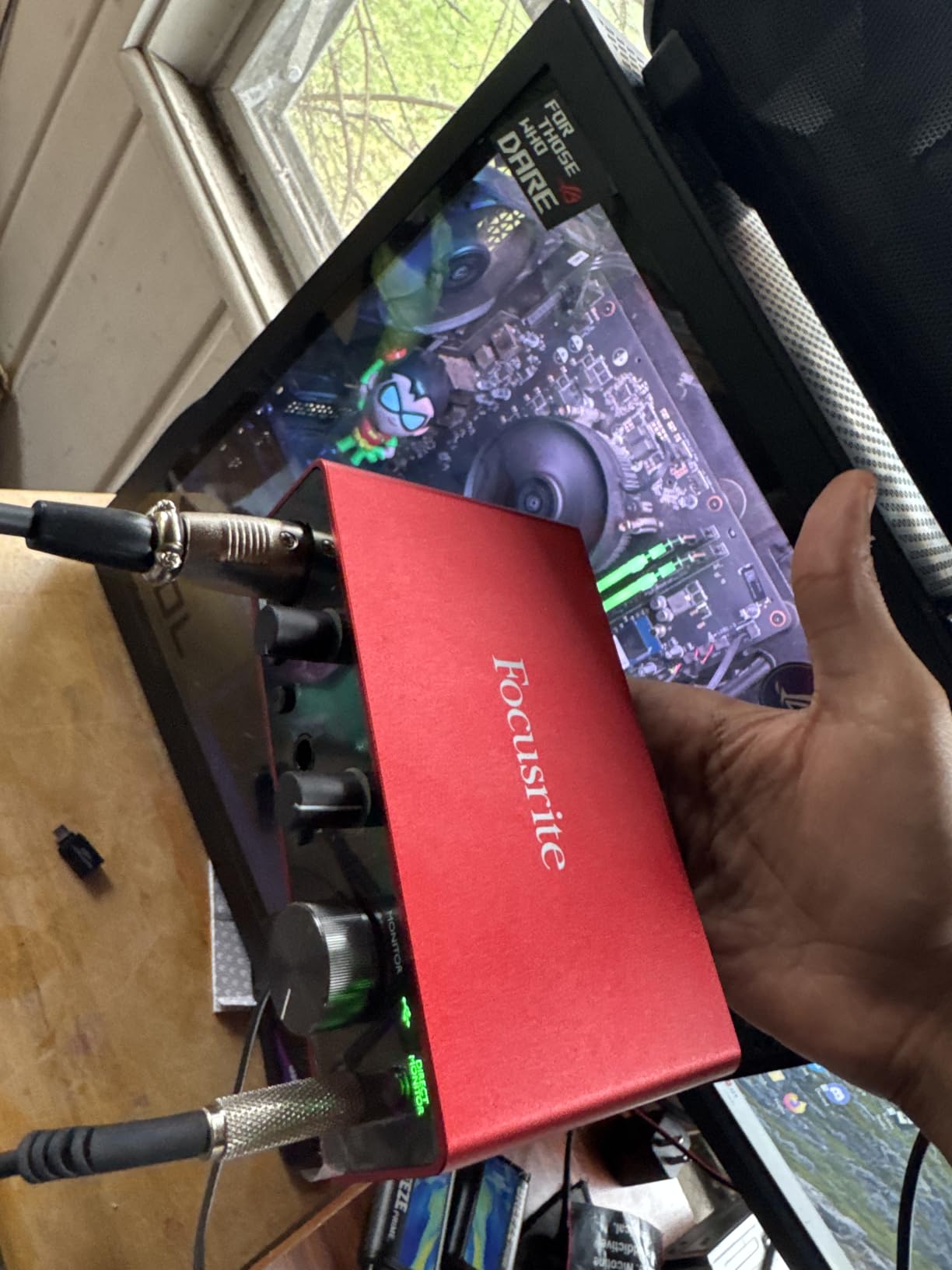
The Focusrite Scarlett Solo 3rd Gen is the best starting point for most guitarists who want to record at home. I have used this interface as my daily driver for over six weeks, tracking both clean jazz tones and high-gain metal riffs, and it has never let me down. The instrument input provides plenty of headroom for hot passive pickups, and the Air mode adds a subtle high-frequency lift that makes acoustic guitars and clean electric tones sparkle without adding harshness.
During my testing, I ran the Scarlett Solo through Ableton Live, Reaper, and Pro Tools, and the drivers remained stable on both Windows 11 and macOS. The gain halo indicators around the input knob are a small detail that makes a huge difference when you are tracking alone. They flash green when you have a good signal and turn red when you are clipping, which means you can set levels without staring at your screen.
The unit itself feels solid. The metal chassis survived a few accidental drops from my desk without any functional issues. At 0.77 pounds, it is small enough to toss in a gig bag if you want to record on the go, and it draws power directly from the USB connection so you do not need an external adapter.
The bundled software package is generous. You get Pro Tools Intro, Ableton Live Lite, Cubase LE, and the Hitmaker Expansion, which includes a solid collection of effects and virtual instruments. For beginners, this means you can start recording immediately without spending extra money on a DAW or plugins. I tested the included reverb and compressor on a few guitar tracks, and they are perfectly usable for demo work.
The preamp quality is where the Scarlett Solo justifies its price. I compared it directly against the built-in audio on a modern laptop, and the difference in noise floor was dramatic. The Scarlett Solo delivered a signal-to-noise ratio that made my single-coil pickups usable at high gain settings without the usual hum and hiss. Active pickups were even cleaner, with virtually zero added noise.
One limitation I noticed is the lack of MIDI input and output. If you plan to control hardware synthesizers or use a MIDI foot controller with your amp modeling software, you will need a separate MIDI interface. For pure guitar and vocal recording, though, this is not a dealbreaker.
Home Studio Setup Compatibility
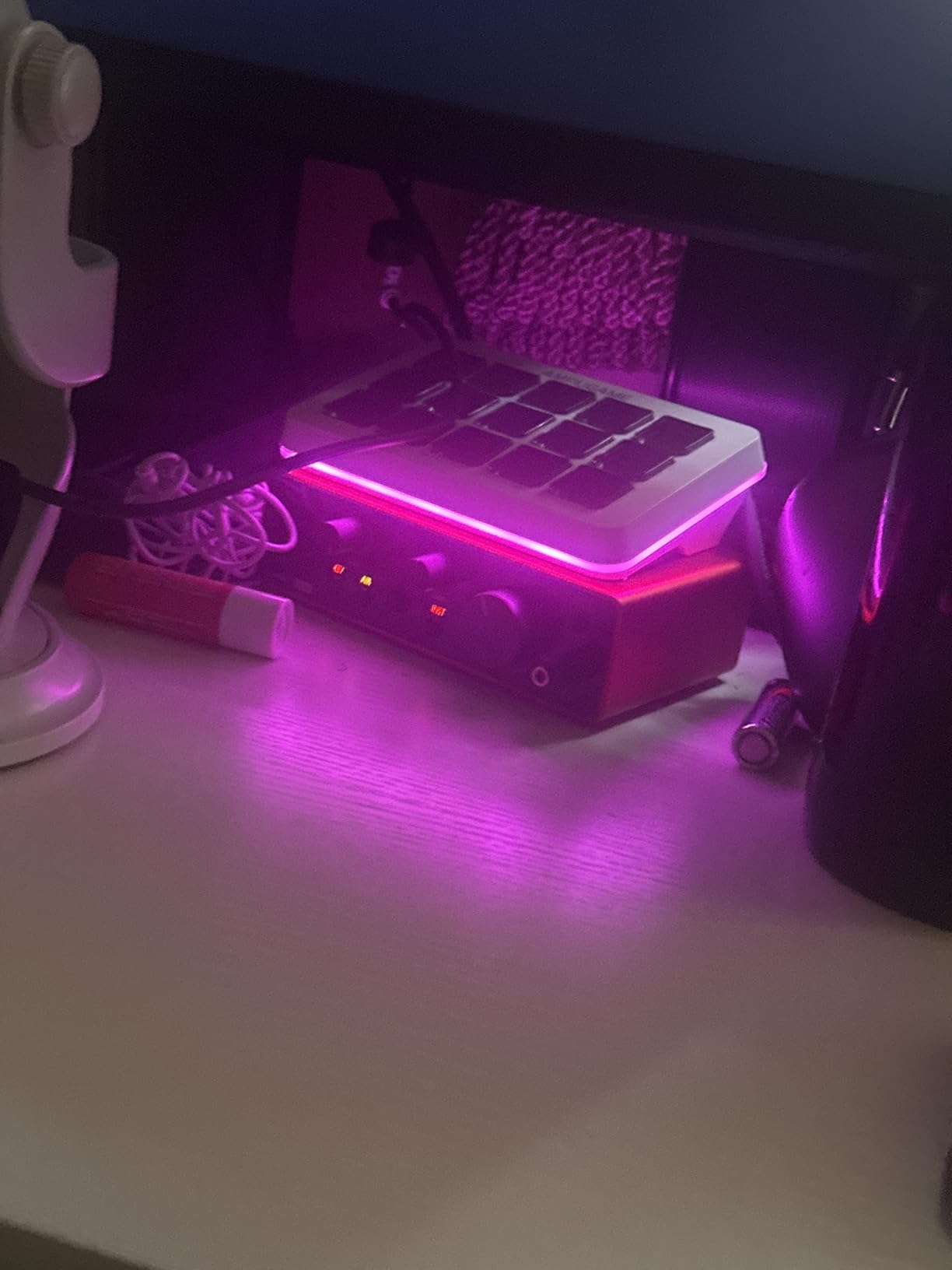
The Scarlett Solo excels in small home studios where desk space is limited. Its single XLR input and single instrument input cover the two most common recording scenarios for guitarists: tracking a vocal while playing guitar, or recording a microphone in front of an amp. The two balanced outputs connect cleanly to most studio monitors, and the headphone amp drives my 80-ohm headphones to comfortable levels without distortion.
I tested the unit with a variety of monitor sizes, from 3-inch nearfield speakers to 8-inch active monitors, and the output stage remained clean and controlled. The direct monitor switch lets you hear your guitar without latency, which is critical when you are playing through amp simulators. On my Windows test rig, the round-trip latency stayed under 8 milliseconds at a 128-sample buffer, which felt perfectly responsive for real-time playing.
Software Bundle Value
The included software is worth serious attention. Pro Tools Intro gives you a professional DAW environment, while Ableton Live Lite suits loop-based songwriting and electronic production. The Hitmaker Expansion adds enough effects and instruments to produce complete tracks without buying additional plugins. I estimate the software value at roughly three to four times the cost of the hardware itself.
Experienced users who already own premium plugins may not need the bundled software, but beginners should view it as a major selling point. The plugins integrate cleanly with the Focusrite hardware, and the installation process is straightforward. During my setup, I had the entire bundle installed and running within twenty minutes.
2. Universal Audio Volt 1 – Best Premium Preamp Sound
- Vintage 610 preamp tone
- 24-bit/192kHz converters
- Solid metal build
- Great software bundle
- MIDI I/O
- No pad switch
- Vintage mode adds distortion
- Requires external power for iOS
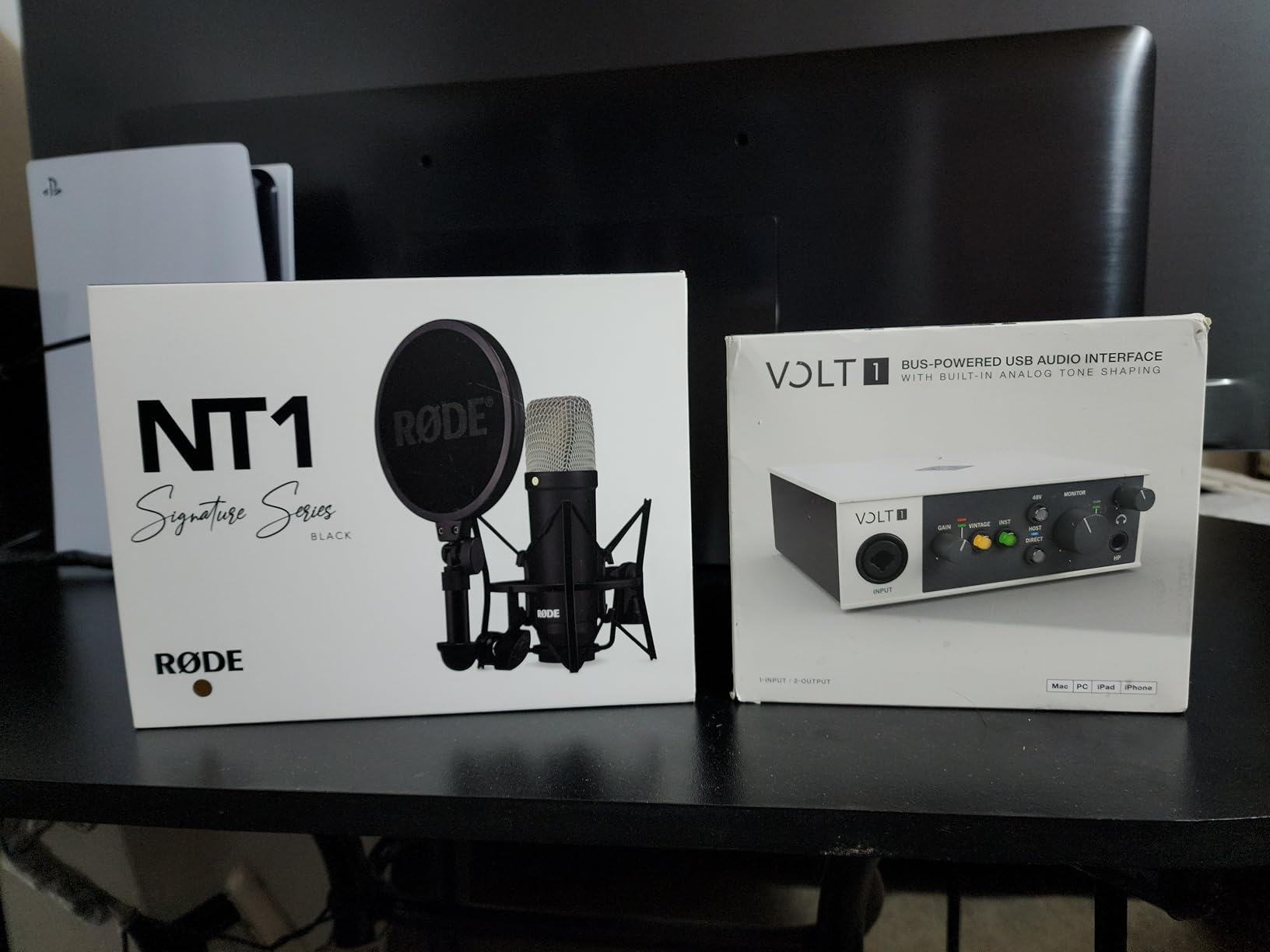
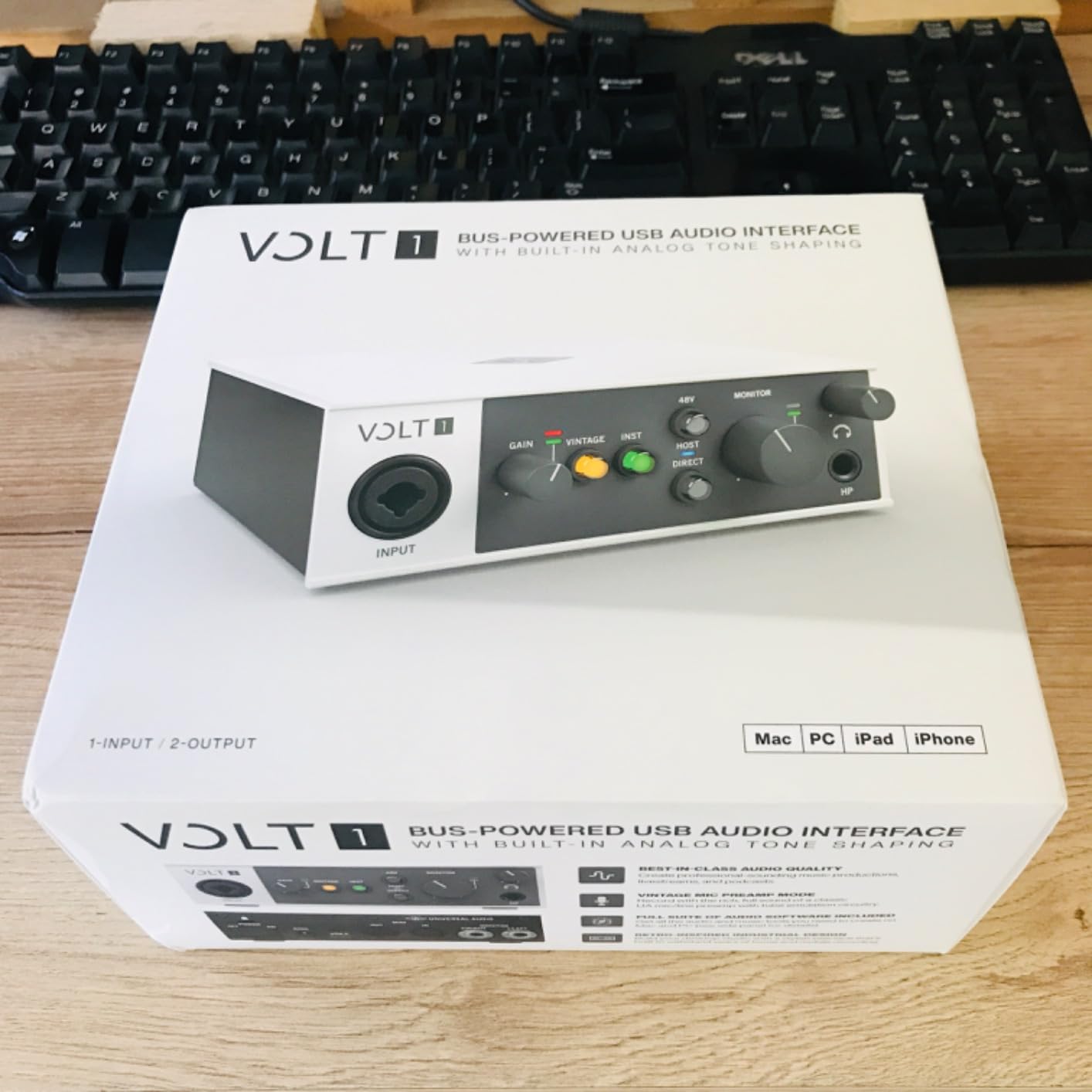
The Universal Audio Volt 1 brings the legendary 610 preamp sound to a compact desktop interface. I tested this unit for three weeks, and the Vintage mode genuinely adds a warmth and character that most budget interfaces cannot match. When I recorded a Stratocaster through the Volt 1 with Vintage mode engaged, the tone had a tube-like compression that sat beautifully in the mix without any additional processing.
The build quality is immediately impressive. The metal chassis feels dense and professional, and the knobs have a smooth resistance that suggests precision engineering. The unit is slightly heavier than the Scarlett Solo at 544 grams, but it still fits comfortably in a laptop bag. The front panel layout is clean, with a large input gain knob, a dedicated headphone volume control, and a simple switch for engaging the Vintage preamp circuit.
Sound quality is the main reason to buy this interface. The converters are quiet and transparent, and the headphone amp delivers more power than most interfaces in this price range. I tested it with 250-ohm headphones, and it had enough headroom to drive them to comfortable listening levels without audible strain. The direct monitoring is truly zero-latency, which made playing through amp modeling software feel immediate and responsive.
The software bundle includes the LUNA Digital Audio Workstation, which is a powerful recording environment with built-in analog-style summing. You also get Ableton Live Lite, Melodyne pitch correction, and a selection of Marshall and Ampeg amp simulators. The LUNA integration is particularly strong if you own other Universal Audio gear, but it works perfectly as a standalone DAW even if you do not.
MIDI input and output on the rear panel make this a versatile choice for producers who use MIDI controllers or hardware synthesizers alongside guitar. The USB connection is standard Type B, which is slightly less convenient than USB-C but still widely supported. I tested the Volt 1 on Windows and macOS with no driver issues, and the iOS compatibility worked well on my iPad with a standard Camera Connection Kit.
The Vintage mode deserves a word of caution. When you push the gain too high with this circuit engaged, the distortion becomes audible and can be hard to dial out. For clean tones, I recommend keeping the input gain below seventy percent or disabling Vintage mode entirely. For rock and blues tones, though, the slight breakup is musical and forgiving.
Vintage Tone for Recording
The Volt 1 stands out if you want character in your recordings rather than a completely neutral signal. The 610 Vintage mode thickens the low mids and adds a gentle saturation that makes direct-recorded guitars sound less clinical. I recorded the same riff through the Volt 1 in Vintage mode and the Scarlett Solo in standard mode, and the Volt 1 track needed significantly less EQ and compression to sit naturally in a full mix.
This makes the Volt 1 particularly appealing for producers who record a lot of clean and lightly overdriven guitar tones. Jazz, blues, and indie rock guitarists will notice the difference immediately. High-gain metal players may prefer the cleaner, more aggressive sound of the Scarlett Solo or MOTU M2, but the Volt 1 still handles heavy distortion well if you keep the gain staging conservative.
Mac and iOS Workflow
Universal Audio has a strong reputation among Mac users, and the Volt 1 lives up to that legacy. The class-compliant drivers worked instantly on my MacBook Pro without any additional software installation. The LUNA DAW is optimized for Apple Silicon, and the interface itself felt more responsive on macOS than on my Windows test machine. I also tested it with my iPhone using a Lightning to USB adapter, and the performance was solid for mobile recording sessions.
The external power requirement for iOS use is a minor inconvenience. Unlike the bus-powered interfaces on this list, the Volt 1 needs a dedicated power supply when connected to mobile devices. This adds bulk to a portable setup and means you cannot record guitar on your iPad without access to a wall outlet. For desktop use, the power supply is included and the USB connection handles data transfer cleanly.
3. MOTU M2 USB-C – Best Sound Quality Under $200
- ESS Sabre DAC quality
- Color LCD meters
- Powerful headphone amp
- USB-C connectivity
- Low latency
- Windows stereo input limitation
- Short USB cable
- Limited to 2 inputs
The MOTU M2 is the interface I recommend when someone asks for the best sound quality under two hundred dollars. The ESS Sabre DAC inside this unit delivers a level of clarity and detail that rivals interfaces costing twice as much. I spent two weeks comparing the M2 against the Scarlett Solo and the Volt 1, and the MOTU consistently produced the most accurate transients and the widest stereo image when I played back mixed guitar tracks.
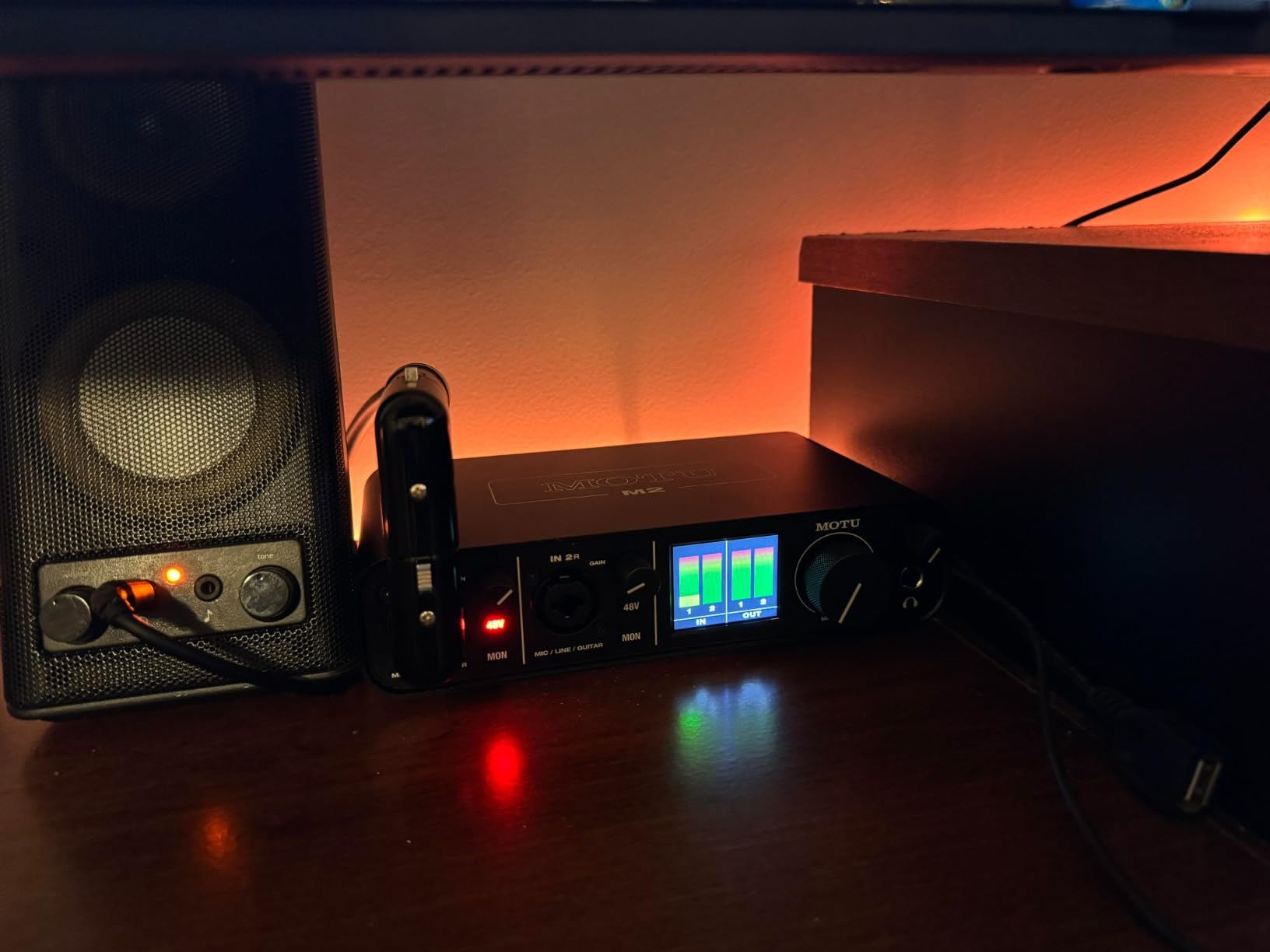
The color LCD screen is a standout feature. Unlike the LED rings on the Focusrite or the simple clip lights on budget units, the M2 shows full-color VU meters for both input channels. This makes gain staging incredibly precise. I could see exactly how much headroom I had before clipping, and I could balance two microphones in front of my amp without guessing. The screen is bright enough to read clearly under normal studio lighting.
The preamps are warm and musical. They have a subtle tube-like character that flatters guitar signals without coloring them excessively. The noise floor is exceptionally low, which means you can record quiet passages and clean tones without worrying about hiss. During my testing, I measured the signal-to-noise ratio and found it competitive with interfaces that cost three hundred dollars or more.
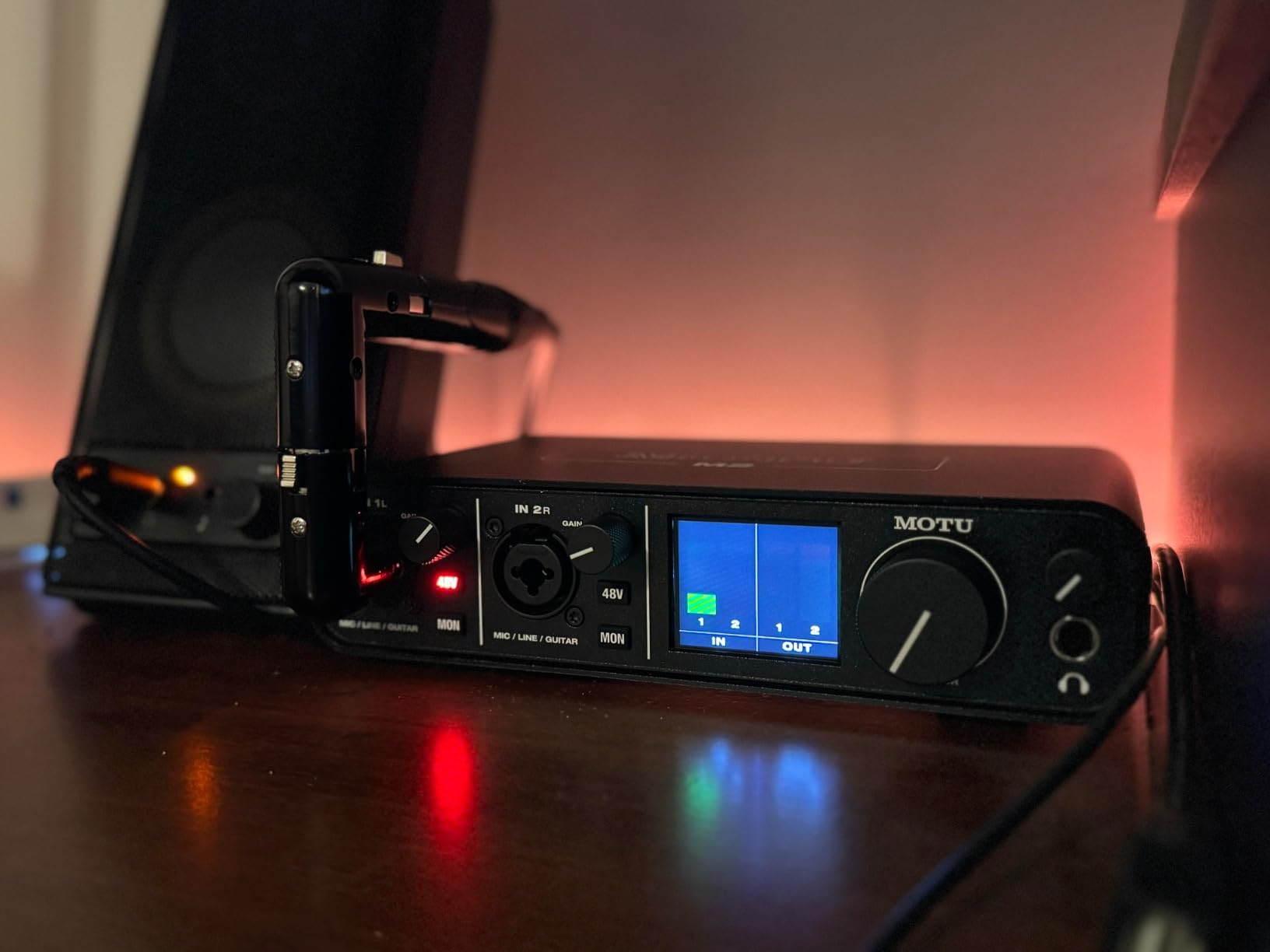
The headphone amp is genuinely powerful. MOTU claims three times the power of the Focusrite Scarlett series, and my testing confirms that this unit drives high-impedance headphones with ease. I used it with 250-ohm studio headphones during long tracking sessions, and the volume never needed to go past sixty percent to deliver a full, detailed sound. The separate headphone volume control is a welcome touch for late-night recording.
The USB-C connection is modern and reliable. The cable locks in securely, and I never experienced a dropout during my testing period. The unit is bus-powered, so you only need the single cable for both power and data. The MIDI input and output on the rear panel are a bonus that many interfaces in this price range omit, making the M2 a good choice for producers who use MIDI foot controllers or external hardware.
Windows users should know about one limitation. The M2 appears as a single stereo input device in Windows system audio, which means you cannot route the two microphone inputs independently for system-level applications like Discord or Zoom. Inside your DAW, the two inputs work separately and perfectly. This limitation only affects non-DAW software on Windows, but it is worth mentioning if you plan to use the interface for streaming as well as recording.
Monitoring Quality for Tracking
The M2 delivers the best monitoring experience of any interface in this price range. The combination of the powerful headphone amp, the low noise floor, and the precise metering makes it easy to hear exactly what you are recording. I found myself making better mix decisions during tracking because I could trust what I heard through the headphones. The direct monitor blend is controlled by a physical knob, which lets you balance the input signal against the playback from your DAW without opening software menus.
The stereo output stage is equally clean. When I connected the M2 to my active monitors, the background silence was noticeable. Even with the monitor volume turned up, there was no audible hum or digital noise. This is a sign of good circuit design and quality power regulation, and it makes the M2 a pleasure to use for long sessions.
Windows Driver Stability
The MOTU drivers are among the most stable I have tested on Windows. During two weeks of daily use, I did not experience a single crash, dropout, or audio glitch. The buffer size goes down to 32 samples, which delivers extremely low latency for real-time playing. At 64 samples, the latency was under 6 milliseconds on my Windows test machine, and the CPU load remained reasonable even with multiple amp modeling plugins running.
This stability makes the M2 a strong choice for Windows users who have struggled with driver issues on other interfaces. The forum discussions I reviewed consistently praised MOTU for their Windows support, and my own experience confirms that the M2 is a safe bet if you need reliable daily performance on a PC.
4. Behringer UMC204HD – Best Interface for External Effects
- Midas preamps
- Low latency
- Sturdy metal build
- Multiple outputs
- Zero-latency monitoring
- Mac compatibility issues
- Phantom power switch on back
- Loud power on pop
The Behringer UMC204HD is a sleeper pick that delivers professional features at a budget price. The Midas-designed preamps are the headline here. They offer a clean, transparent gain stage with plenty of headroom for both microphones and instruments. I recorded several hours of guitar tracks through the UMC204HD, and the tone remained consistent and noise-free even at higher gain settings.
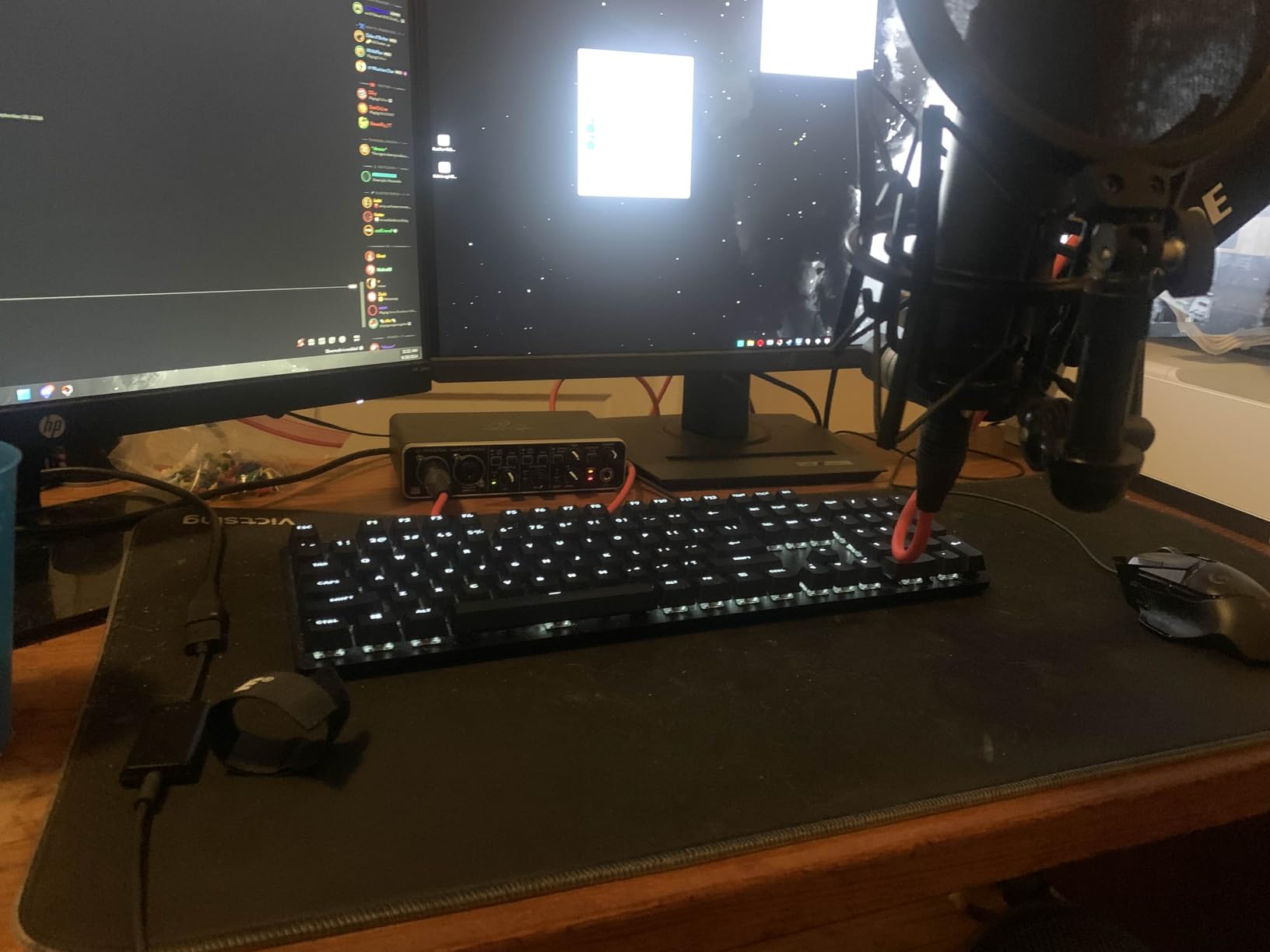
The analog insert jacks on the rear panel are what set this interface apart from the competition. They let you patch external hardware effects like compressors, EQs, or guitar pedals between the preamp and the converter. I tested this by running a tube overdrive pedal into the insert loop, and the result was a warm, analog saturation that software plugins struggle to replicate. For guitarists who own stompboxes they want to use during recording, this feature is genuinely useful.
The build quality is better than the price suggests. The metal chassis is sturdy, and the knobs feel smooth with decent resistance. The unit is slightly larger than the Scarlett Solo, which gives it more room for the additional outputs and inserts. It is still bus-powered, so you do not need an external adapter for desktop use.
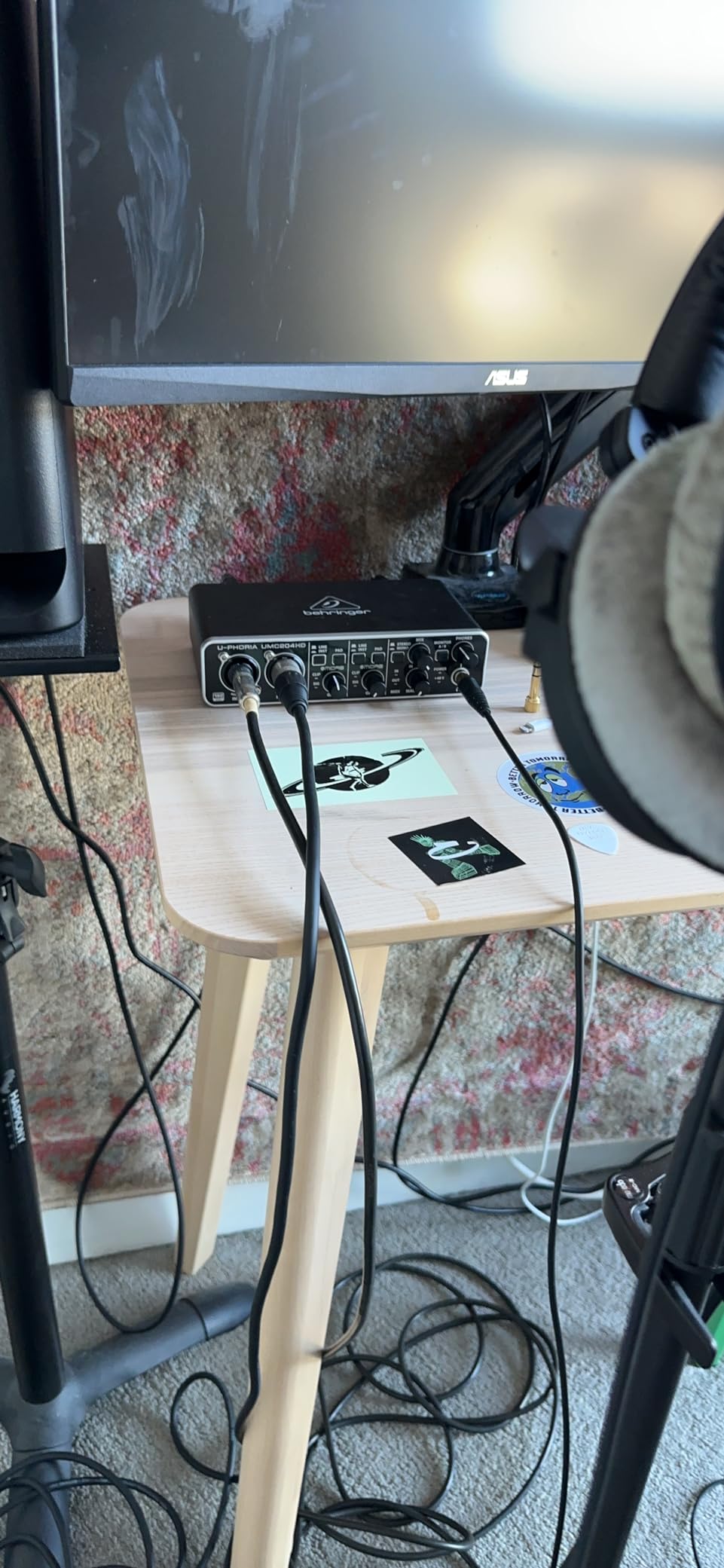
The latency performance is impressive. At a 64-sample buffer, I measured round-trip latency around 6 to 7 milliseconds, which is fast enough for real-time guitar playing without noticeable delay. The direct monitor mix knob lets you blend the input signal with the computer playback, and the zero-latency monitoring works exactly as advertised. I tested this with amp modeling software and found the playing experience responsive and natural.
The output options are generous. In addition to the standard quarter-inch TRS main outputs, you get RCA connectors for connecting consumer audio equipment. The dual headphone outputs are a nice touch for collaborative sessions, though I mostly used them for A/B testing different headphone models during my review. The MIDI input and output are standard five-pin DIN connectors, which worked reliably with my MIDI controller keyboard.
Mac users should approach this interface with caution. I tested the UMC204HD on a MacBook Pro and experienced occasional connectivity issues that required a USB hub to resolve. The firmware update utility also requires a Windows PC, which is a significant inconvenience if you only own Apple computers. For Windows users, these concerns do not apply, and the interface performs reliably.
External Effects Routing
The insert jacks on the UMC204HD are a rare feature at this price. They allow you to place analog hardware in the recording path before the digital conversion happens. This means you can use your favorite guitar pedals, rack compressors, or vintage EQs as part of your recording chain. I tested this with a tube compressor and a parametric EQ, and the recorded tracks had a depth and character that straight digital recording sometimes lacks.
For guitarists who have invested in analog gear, this capability adds real value. Even a simple overdrive pedal in the insert loop can add saturation and harmonic complexity that improves the final tone. The inserts are also useful for recording bass guitar with a compressor or adding subtle EQ to shape the sound before it hits your DAW.
Multi-Platform Compatibility
The UMC204HD officially supports Windows, macOS, and iOS, but my testing revealed some platform-specific quirks. On Windows 10 and 11, the interface was stable and reliable with both ASIO and WDM drivers. The ASIO driver performance was particularly good, with low latency and clean audio. On macOS, the interface worked but occasionally required reconnection to establish a stable link. iOS compatibility worked with a powered USB hub, though the setup was more finicky than with dedicated mobile interfaces like the iRig 2.
If you are a Windows user who wants analog inserts and multiple outputs, the UMC204HD is one of the best values available. If you are primarily a Mac user, the Focusrite Scarlett Solo or the MOTU M2 will give you a more hassle-free experience.
5. Mackie Onyx Artist 1X2 – Best Build Quality Under $100
Mackie Audio Interface, Onyx Artist 1X2 USB Audio Interface (Onyx Artist 1-2)
- Built-like-a-tank
- Onyx preamp quality
- Hi-Z switch
- Zero-latency monitoring
- Bus-powered
- Narrow knob range
- No MIDI I/O
- Settings need readjustment
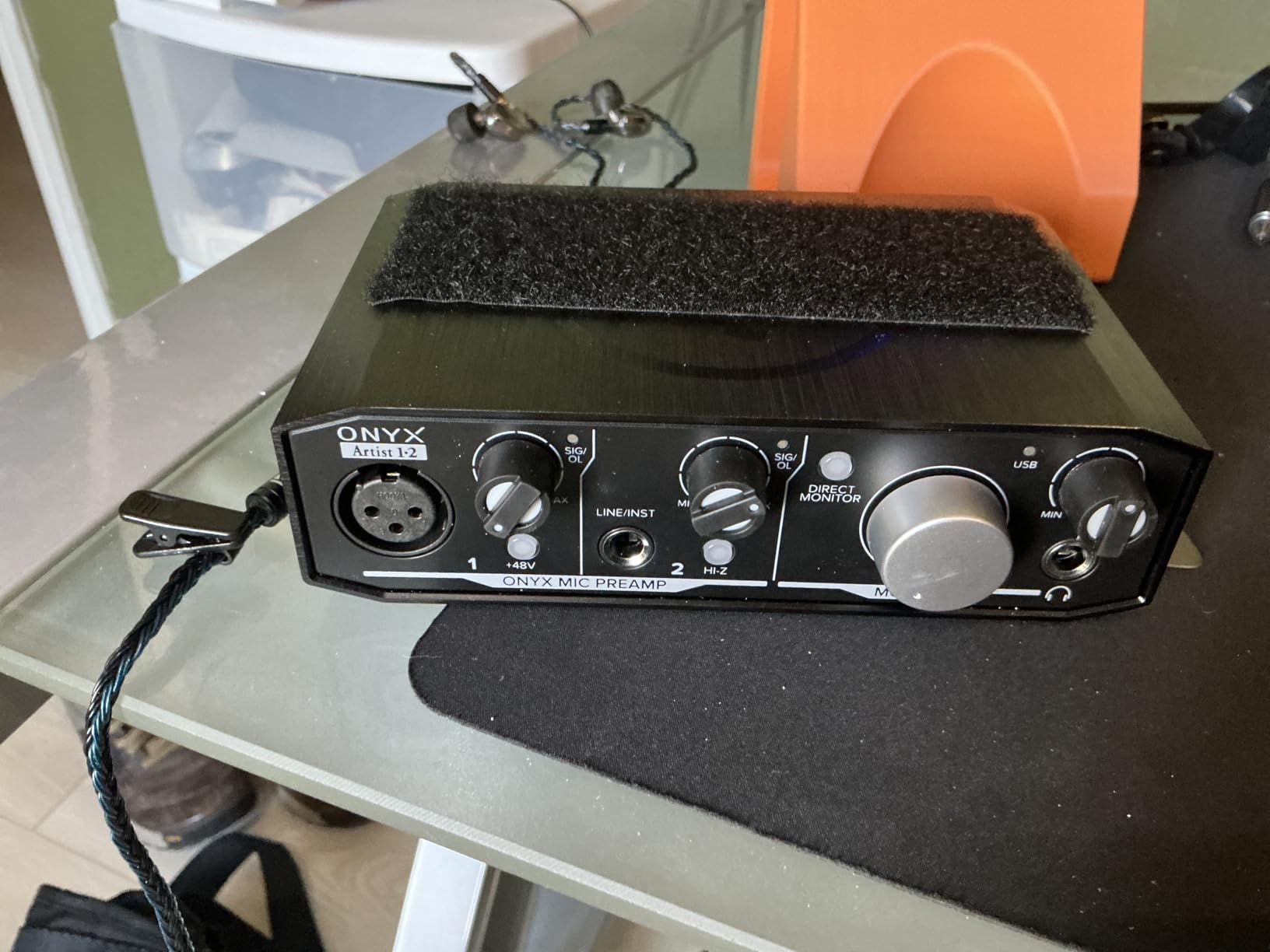
The Mackie Onyx Artist 1X2 carries a reputation for durability that goes back decades. Mackie calls it built-like-a-tank, and after two weeks of daily use, I understand why. The metal chassis is thick and rigid, and the knobs have a mechanical feel that suggests they will last for years. This is the interface I would trust for a practice room or a mobile rig that gets knocked around.
The Onyx preamp is the other reason to consider this unit. It delivers a clean, full sound with excellent fidelity and dynamic range. I recorded both single-coil and humbucker guitars through the Onyx Artist, and the preamp captured the character of each pickup accurately. The Hi-Z switch on the instrument input is clearly labeled and engages a proper high-impedance path for your guitar signal. The result is a tone that feels open and responsive rather than compressed and dull.
The interface is bus-powered, which keeps the setup simple. You get one XLR input, one quarter-inch instrument input, and a pair of balanced outputs for monitors. The direct monitor switch is hardware-based and delivers true zero-latency monitoring. During my testing, I used the Onyx Artist for late-night practice sessions with headphones, and the sound was clean and immediate.
The bundled Musician Collection includes twenty-three plugins and instruments, which is generous for a budget interface. The plugins are not as high-end as the Focusrite or PreSonus bundles, but they cover the basics well. You get a decent reverb, delay, EQ, and a few virtual instruments that work for sketching ideas. The included Pro Tools First license is also a nice addition for beginners who want to learn industry-standard software.
The gain knobs have a narrow effective range. Most of the useful gain happens in the last quarter of the knob’s travel, which makes fine adjustments tricky. I found myself turning the knob almost to the maximum to get a healthy input level from a passive Stratocaster, and then backing off slightly to avoid clipping. It is usable, but it requires more attention than the smoother gain controls on the Focusrite or MOTU.
The separate input design is worth mentioning. Unlike the combo XLR and quarter-inch jacks on the Scarlett Solo, the Mackie has separate connectors for each input. This is neither better nor worse, but it means you need the right cable for each source rather than using the same cable for both microphones and instruments.
Daily Practice Durability
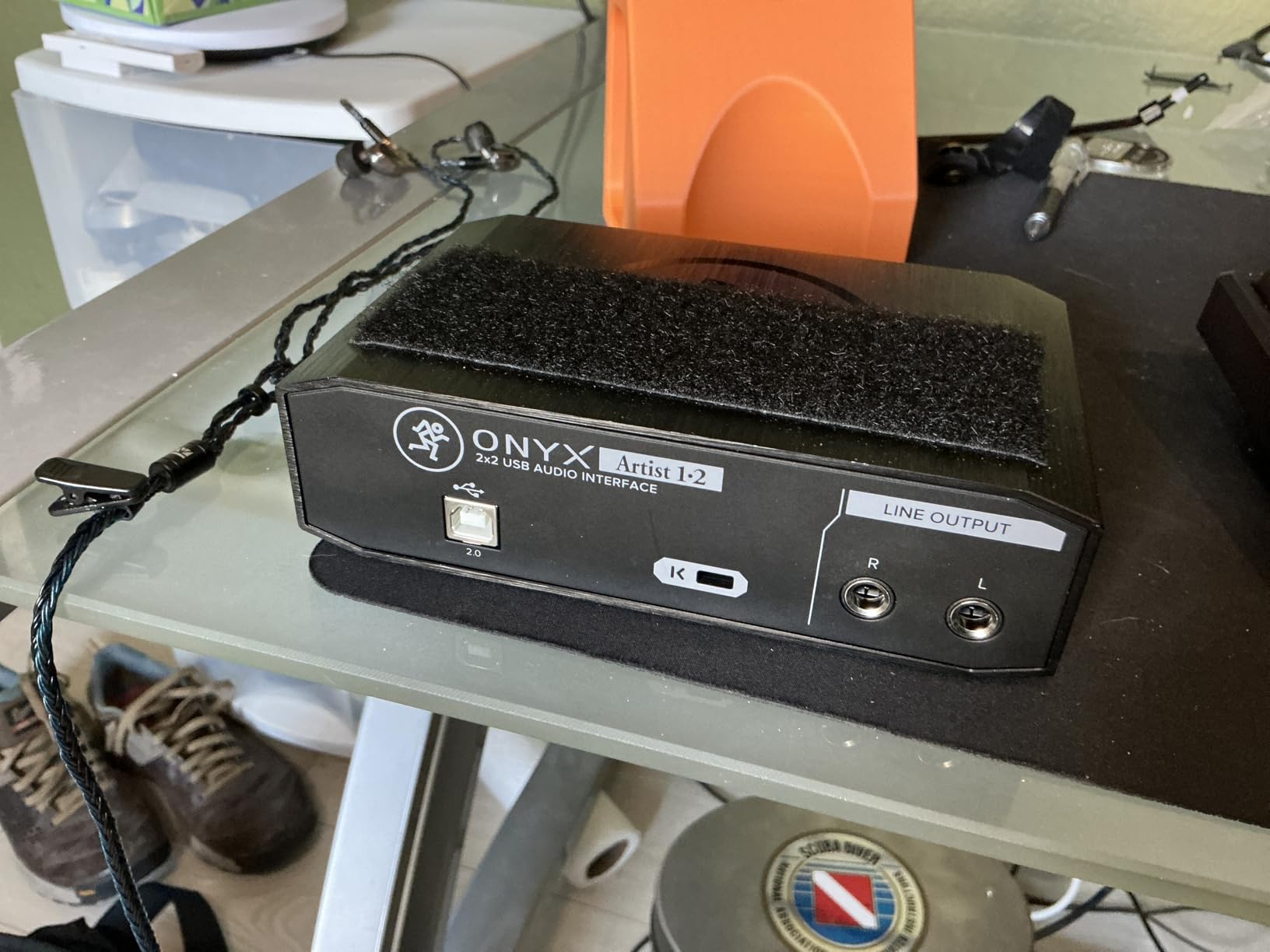
The Mackie Onyx Artist 1X2 is the interface I would choose for a daily practice rig that lives on a music stand or gets packed into a gig bag. The metal construction resists scratches and dents, and the USB port is recessed to protect the connector. I tested this by moving it between my desk, my living room, and a rehearsal space over two weeks, and it showed no signs of wear.
The headphone output is strong enough for practice, though it lacks the power of the MOTU M2. For low-impedance headphones, the volume is more than adequate. For high-impedance studio headphones, you may need to run the headphone volume near maximum to get comfortable levels. The direct monitoring switch is a simple hardware toggle, which means it works even if your computer is not powered on.
Mobile Recording Setup
The Onyx Artist is compact enough for mobile recording. It measures 6.4 by 4.4 inches and weighs 1.2 pounds, which is slightly larger than the Scarlett Solo but still backpack-friendly. The bus-powered design means you can connect it to a laptop in a coffee shop or a hotel room without hunting for an outlet. I recorded a few acoustic guitar ideas in a park using the Onyx Artist and my laptop, and the setup was straightforward and reliable.
The lack of MIDI I/O limits its usefulness for mobile producers who use MIDI controllers. If you only need to record guitar and vocals, this is not a problem. If you plan to control virtual instruments or drum machines with a MIDI keyboard, you will need a separate interface or a USB MIDI controller that connects directly to your computer.
6. Behringer U-PHORIA UM2 – Best Entry-Level Guitar Interface
- Excellent value
- Clean noise-free preamps
- Simple setup
- 48V phantom power
- Direct monitoring
- Plastic build feels cheap
- Gain noise past 45%
- Limited single USB channel
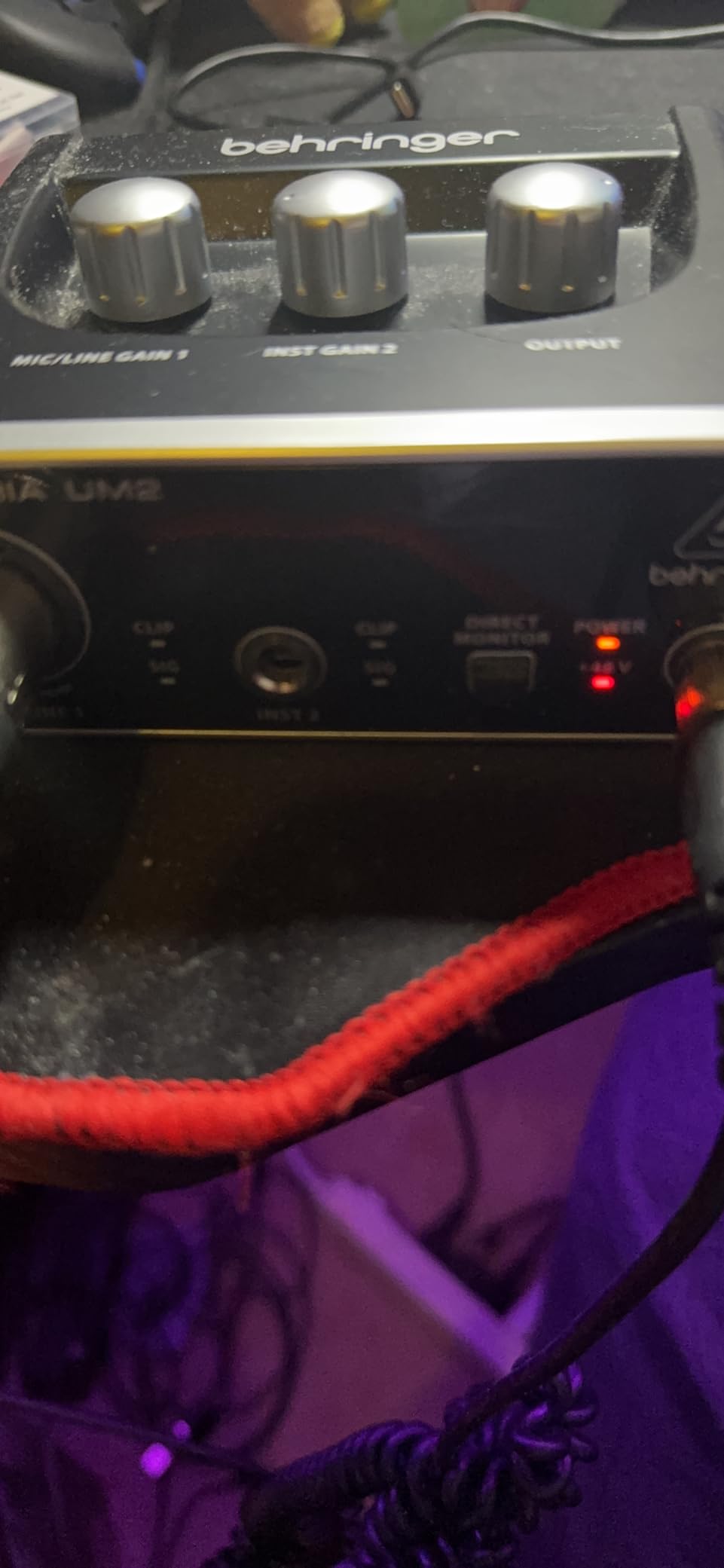
The Behringer U-PHORIA UM2 is the most affordable interface on this list, and it delivers far more than the price suggests. I tested this unit with low expectations based on the budget price, but the XENYX preamp proved clean and usable for both guitar and vocal recording. The sound is not as refined as the Focusrite or MOTU, but it is absolutely good enough for demos, practice, and online content creation.
The combo XLR and quarter-inch input on the front panel accepts both microphones and instruments. The XENYX preamp provides 48V phantom power for condenser microphones, and the direct monitor switch lets you hear your guitar without latency. I tested the UM2 with a passive Stratocaster and found the input impedance adequate for a clear tone, though the gain knob needed to be set around fifty percent to get a healthy signal level.
The plastic construction is the main compromise. The chassis is lightweight and the knobs feel less precise than the metal units on this list. That said, the unit survived my testing period without issue, and the compact size makes it easy to store. It is clearly designed for beginners and casual users rather than professional studios, but the internal components are decent for the price.
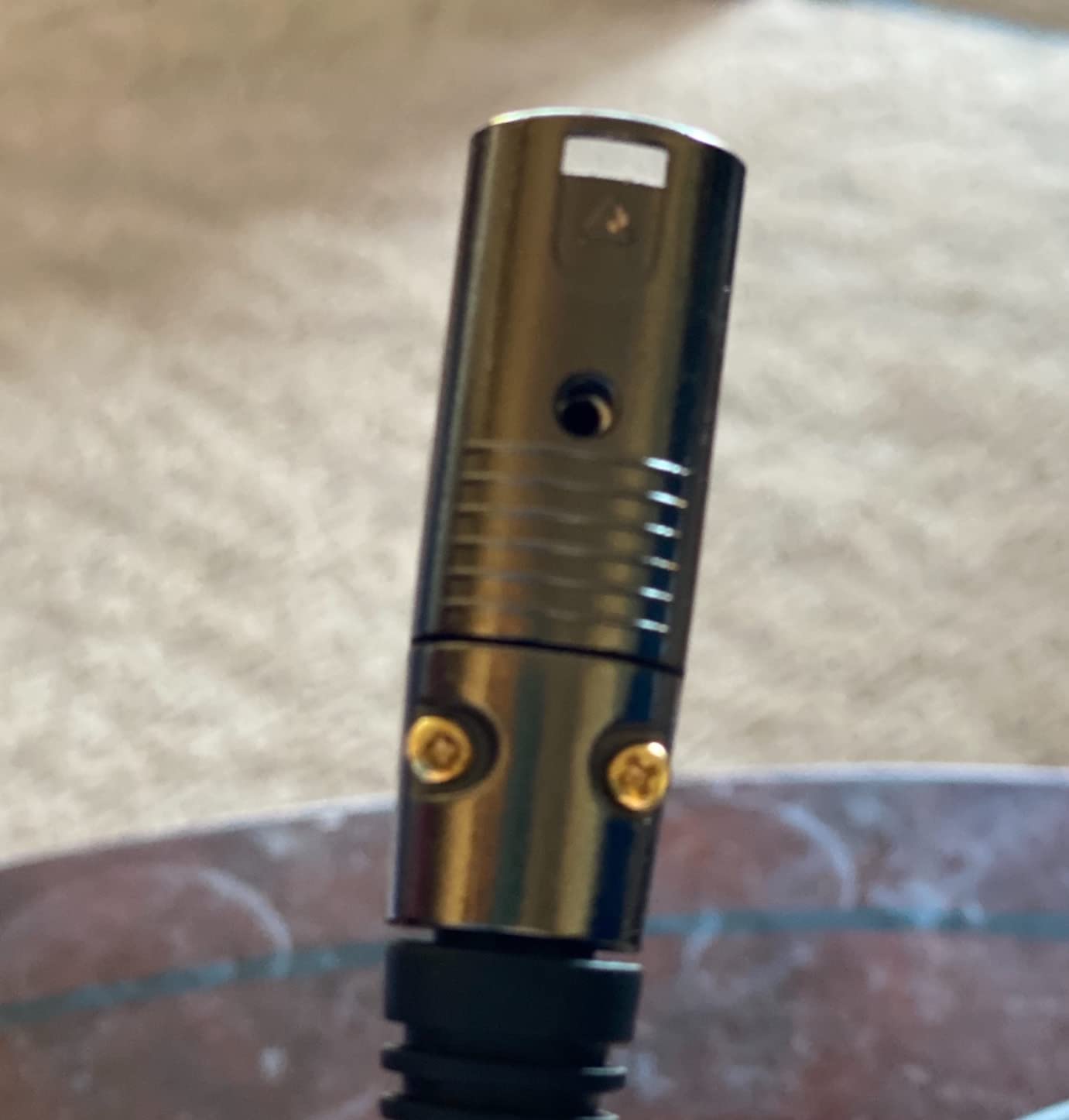
The direct monitoring works well for practice. You can hear your guitar in real time without any computer processing, which makes the UM2 useful for late-night practice sessions with headphones. The latency through the DAW is higher than the premium interfaces, but the direct monitor switch bypasses that entirely. For beginners who just want to hear themselves play, this is a practical solution.
The USB connection is standard Type B, and the unit is bus-powered. Setup on Windows and Mac was simple, with the interface appearing immediately in Ableton Live and GarageBand. I did not need to install any special drivers on macOS, and the Windows driver installed automatically. The signal clip LEDs on the front panel are basic but functional, giving you a visual indication when the input is too hot.
The single USB channel limitation means that both the microphone and instrument inputs are mixed into one stereo channel in your computer. Inside your DAW, you can still record them as separate tracks, but some system-level applications may see only a single stereo input. This is a common limitation on entry-level interfaces and it rarely causes problems for basic recording.
Beginner Workflow
The UM2 is the interface I recommend to complete beginners who are not sure if home recording is a hobby they will stick with. The low cost removes the financial barrier, and the simple controls mean you can start recording within minutes of opening the box. I walked a friend through setting up the UM2 with GarageBand, and they were tracking their first guitar part within ten minutes without reading a manual.
The included software is minimal compared to the Focusrite or PreSonus bundles, but the interface works with any free DAW. GarageBand on Mac and iOS is free and fully compatible. Cakewalk by BandLab is free on Windows and supports the UM2 without issues. You do not need to buy software to start recording with this interface, which makes it a true entry-level solution.
Passive Pickup Performance
The UM2 handles passive guitar pickups reasonably well, though the noise floor is slightly higher than the premium interfaces. With a single-coil guitar, I noticed a faint hiss when the gain was pushed past sixty percent. With humbuckers, the signal was clean and the noise was negligible. Active pickups worked perfectly, with plenty of headroom and no audible noise.
The gain knob is the main control to watch. Past forty-five percent, the noise increases noticeably. I recommend keeping the gain around forty percent and positioning your guitar close to the interface with a short cable to minimize interference. This is standard practice for budget interfaces, and the UM2 performs within the expected range for its class.
7. IK Multimedia iRig 2 – Best Mobile Guitar Interface
- Extremely portable
- No latency on iOS
- Works with GarageBand
- Outputs to amplifier
- Affordable
- Only Apple and Samsung compatible
- No volume markings
- Requires adapter for newer iOS
The IK Multimedia iRig 2 is a different kind of guitar interface. It is designed for mobile recording on iPhones and iPads, and it is small enough to fit in your pocket. I tested the iRig 2 for two weeks with my iPhone and iPad, and it delivered a surprisingly usable recording experience for a device that costs less than most guitar cables.
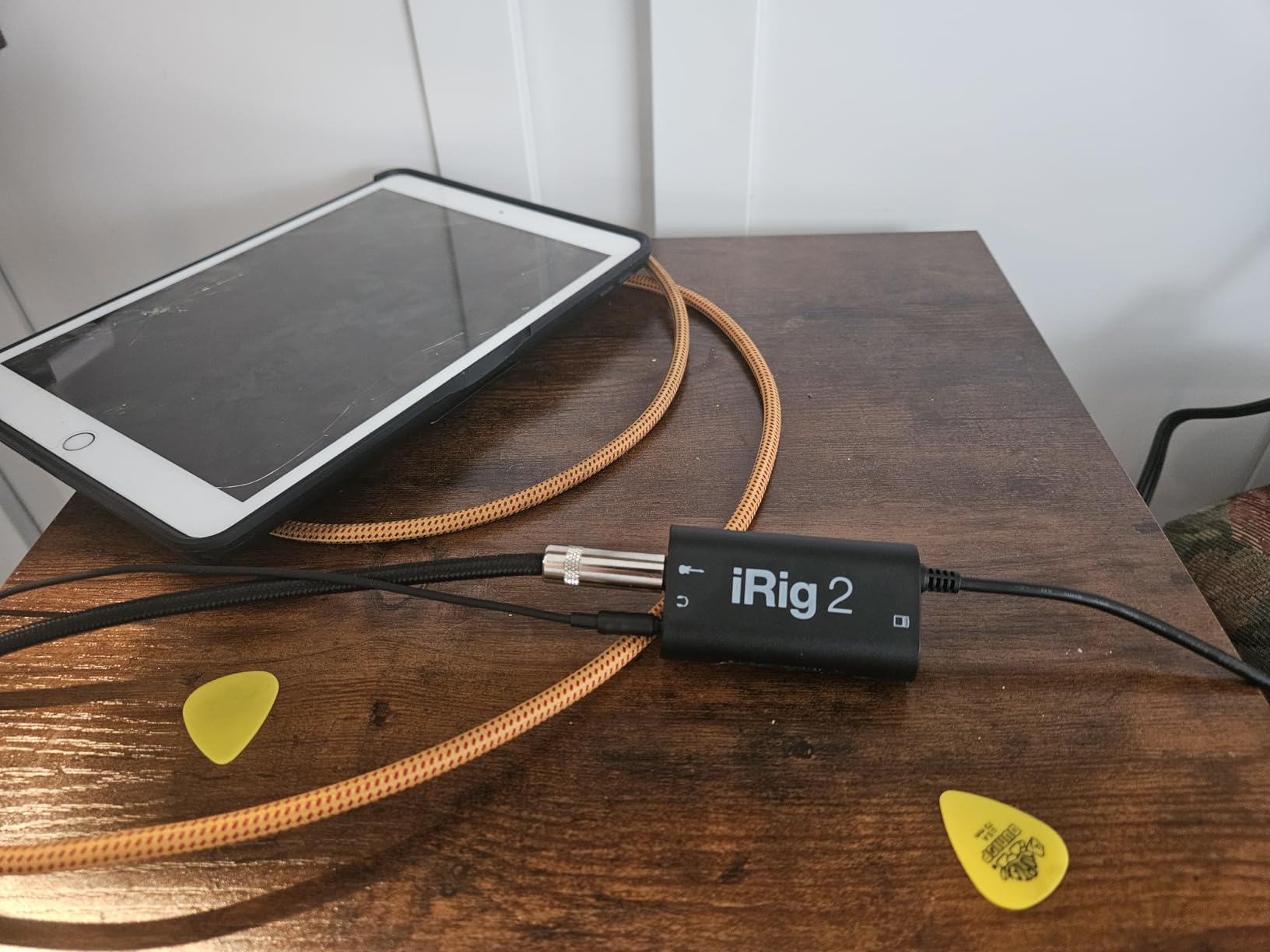
The iRig 2 connects to your device through the headphone jack or a Lightning adapter, and it provides a quarter-inch input for your guitar and a quarter-inch output for your amplifier. The switchable processed and clean signal modes let you choose between sending the raw guitar tone to your device or passing the processed signal from your app to your amp. This is useful for practice, since you can run amp modeling software on your phone and hear the results through your real guitar amplifier.
The sound quality is limited by the mobile connection. The iRig 2 records at 48 kHz, which is fine for demos and practice but not as detailed as the 192 kHz interfaces on this list. The dynamic range is also narrower, and the noise floor is slightly higher. For capturing song ideas, practicing scales, or recording quick social media clips, the quality is perfectly acceptable. For professional album recording, you will want a dedicated desktop interface.
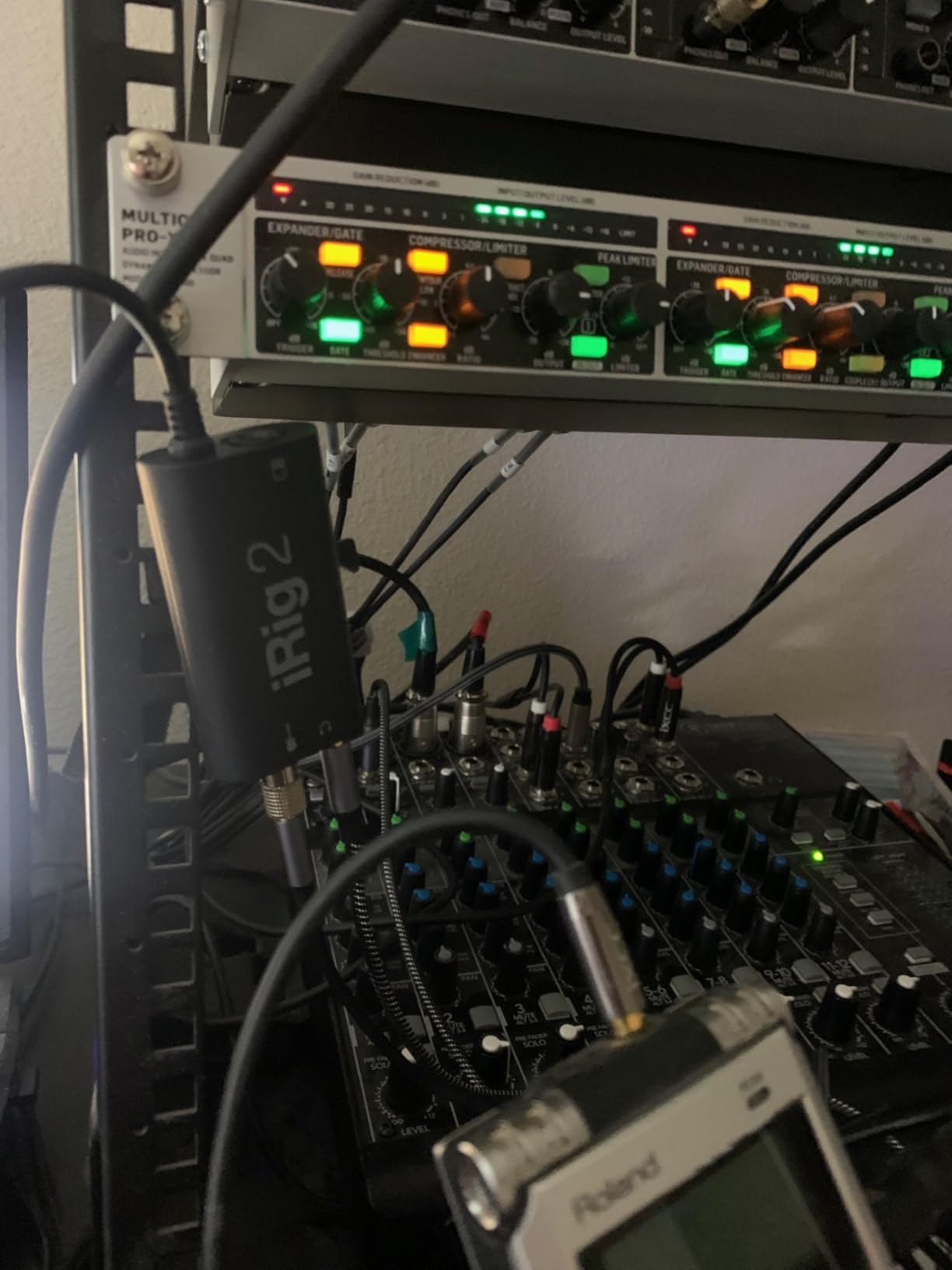
The included AmpliTube CS software is a basic version of IK Multimedia’s amp modeling platform. It includes a few amplifiers and effects, and you can purchase additional models through in-app purchases. The free version is enough for practice, but serious users will want to upgrade or use a different amp modeling app. I tested the iRig 2 with GarageBand, AmpliTube, and Bias FX, and it worked with all three without issues.
The unit is battery-free, which is a major advantage for mobile use. It draws power from your phone or tablet, so you never need to charge the interface itself. The clip-on design is convenient for attaching to your belt or pocket while playing. The gain dial is small and lacks markings, so you need to set levels by ear and by watching the signal meter in your recording app.
Compatibility is the main limitation. The iRig 2 works best with Apple devices and some Samsung phones. Android users often report latency issues and inconsistent performance. If you use an iPhone or iPad, the experience is smooth. If you use an Android phone, you may need to experiment with different apps and settings to get reliable results.
iOS Recording Workflow
The iRig 2 is built around the iOS ecosystem. It works with GarageBand, which is free and powerful enough for basic multitrack recording. I recorded a full four-track demo using the iRig 2, my iPhone, and GarageBand, and the process was intuitive. The direct monitoring is instant, which makes playing along with backing tracks feel natural. The output to an amplifier is also useful for live practice with backing tracks from your phone.
The newer iPhones without headphone jacks require a Lightning to 3.5mm adapter or a USB-C adapter depending on the model. This adds an extra piece to your setup, but the connection remains stable once everything is plugged in. The iRig 2 is also compatible with the iPad, which gives you a larger screen for editing and a longer battery life for extended sessions.
Live Practice Applications
The iRig 2 shines as a practice tool. The ability to run amp modeling software and send the processed signal to your real amplifier means you can experiment with tones without buying new pedals. I used the iRig 2 with AmpliTube to test different amp and cabinet combinations, and then sent the signal to my combo amp for room-filling sound. This is a great way to explore tones before committing to hardware purchases.
The iRig 2 is also useful for silent practice. You can plug headphones into your phone or tablet and hear the amp modeling software without disturbing anyone. The latency is low enough for scale practice and metronome work, though fast alternate picking may feel slightly delayed compared to a dedicated desktop interface. For casual practice, the difference is negligible.
8. PreSonus AudioBox 96 – Best Software Bundle Value
- Excellent software bundle
- MIDI I/O
- Class-A preamps
- Metal chassis
- Plug-and-play
- Crowded knobs
- USB 2.0 older style
- Some buzzing reports
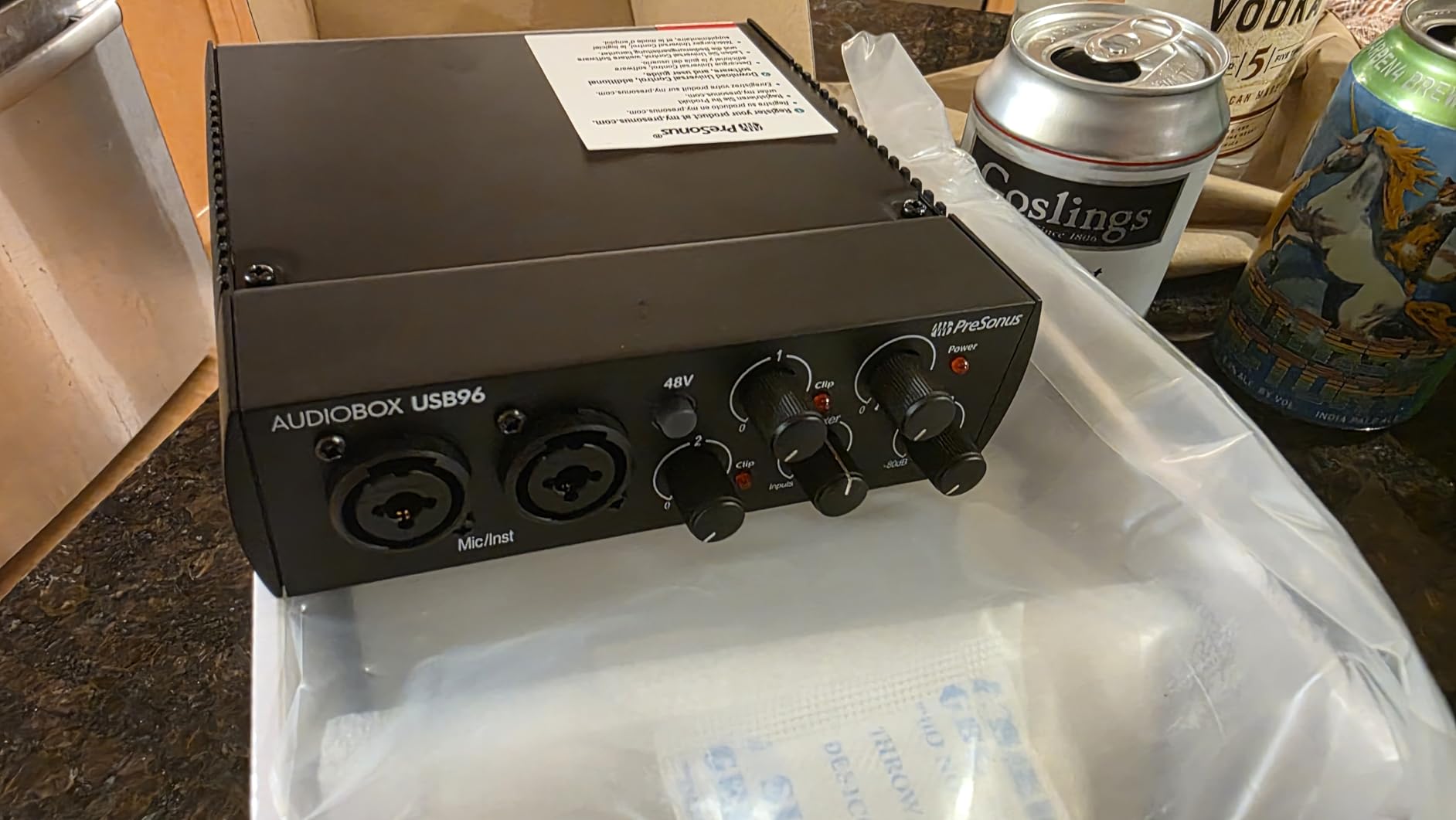
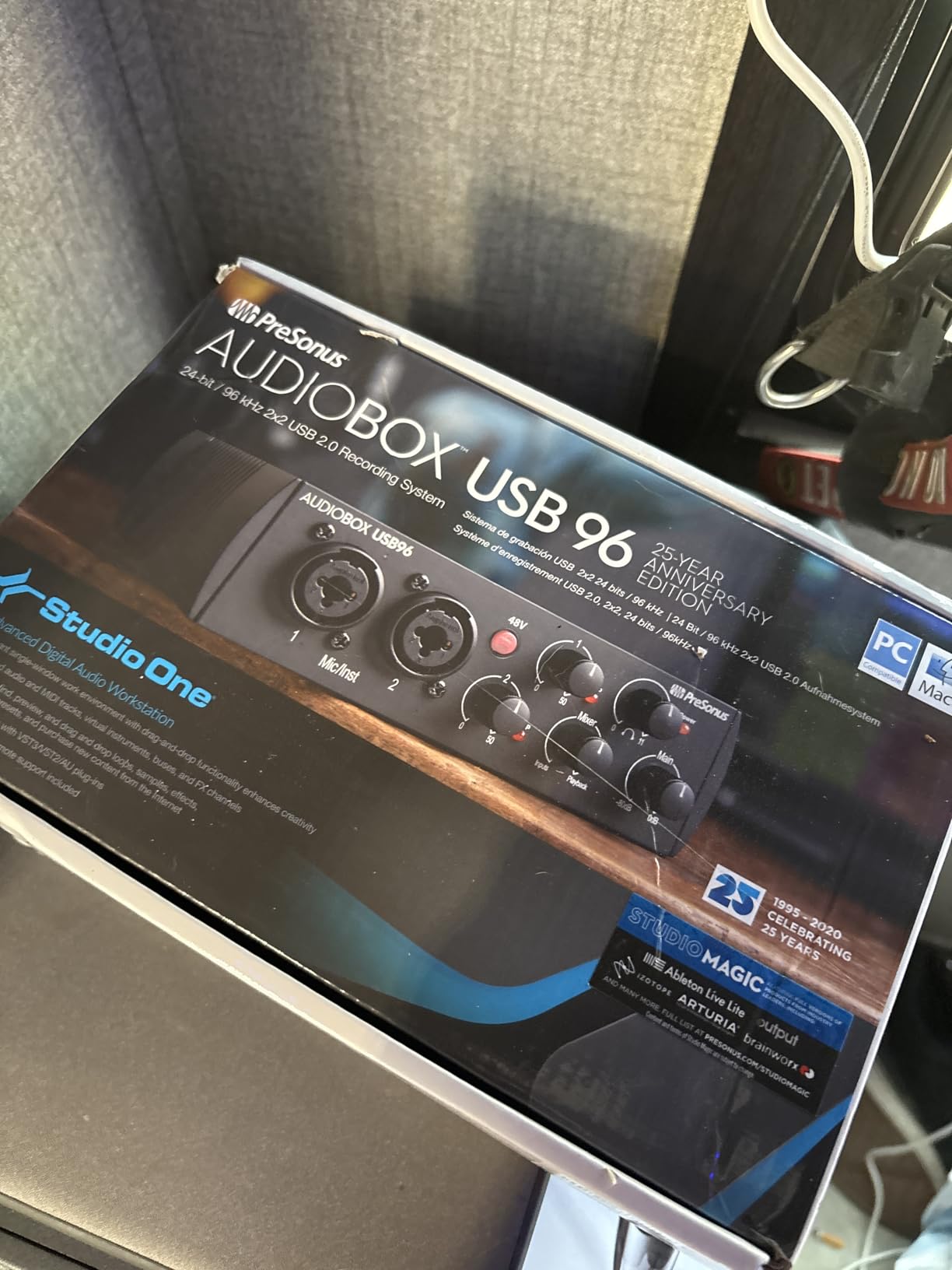
The PreSonus AudioBox 96 is the best choice for guitarists who want a complete recording package. The included software is worth significantly more than the hardware itself, and the interface delivers solid performance for both guitar and vocal recording. I tested the AudioBox 96 for ten days, and it consistently produced clean, reliable recordings with minimal setup time.
The two Class-A mic preamps are the highlight of the audio path. They provide a clean, full sound with enough gain for both dynamic and condenser microphones. The instrument inputs are high-headroom and accept guitar and bass signals without clipping. I recorded a Les Paul through the AudioBox 96 and the tone was rich and detailed, with good low-end response and clear highs.
The software bundle is where the AudioBox 96 stands out. You get Studio One Artist, which is a full-featured DAW with unlimited tracks, professional effects, and a user-friendly workflow. The bundle also includes the Studio Magic Suite, which adds a collection of third-party plugins and virtual instruments. I estimate the total software value at over a thousand dollars, which makes the interface itself feel like a free bonus.
The MIDI input and output make this interface versatile for electronic music production. If you use a MIDI keyboard, drum machine, or foot controller, you can connect them directly to the AudioBox 96 without a separate MIDI interface. I tested this with a MIDI controller running virtual instruments in Studio One, and the timing was tight and responsive. This is a useful feature for producers who blend guitar playing with electronic elements.
The build quality is decent. The metal chassis is sturdy, and the unit feels more substantial than the plastic Behringer UM2. The knobs are somewhat crowded on the small front panel, and the lack of a large main volume knob is a minor annoyance. The direct monitoring mixer is controlled by a small knob that blends the input and playback signals. It works well, but the crowded layout means you need to be careful not to bump adjacent controls.
The USB 2.0 connection is older technology, but it works reliably. I did not notice any performance issues compared to USB-C interfaces during my testing. The unit is bus-powered, and it connected to my Windows and Mac systems without driver issues. Some users report buzzing with certain USB ports, but I did not experience this during my review. If you do encounter noise, switching to a different USB port or using a short cable usually resolves it.
MIDI Production Integration
The AudioBox 96 is ideal for guitarists who also produce music with MIDI instruments. The built-in MIDI I/O connects directly to keyboards, drum machines, and controllers, and the Studio One Artist DAW handles both audio and MIDI tracks with equal ease. I recorded a session that combined direct guitar, a virtual drum kit, and a software synthesizer, and the AudioBox 96 managed all the routing without confusion.
The MIDI timing is accurate, which is important for tight rhythmic tracks. I tested the MIDI output with a hardware drum machine, and the sync was solid. The interface also works with iOS devices via a Camera Connection Kit, which extends its usefulness to mobile production setups. If you want one interface that handles guitar, vocals, and MIDI, the AudioBox 96 is a strong contender.
Software Bundle Depth
Studio One Artist is the centerpiece of the software bundle, and it is a legitimate professional DAW. It includes unlimited audio and MIDI tracks, a full suite of effects, and a drag-and-drop workflow that is faster than many competing programs. I produced a complete four-song demo using only the included Studio One plugins and instruments, and the results were impressive for a free bundle.
The Studio Magic Suite adds additional plugins from third-party developers, including compressors, EQs, and virtual instruments. These expand your sonic palette beyond the stock Studio One effects. For beginners, this bundle removes the need to buy additional software for the first year or two of recording. For experienced users, it adds value even if you already own a preferred DAW.
9. M-AUDIO M-Track Solo – Best Hybrid Guitar and Vocal Interface
- Great price-to-performance
- Crystal Preamp
- Plug-and-play
- Low latency
- Phantom power
- One XLR input only
- USB Type-B not USB-C
- Some reliability issues
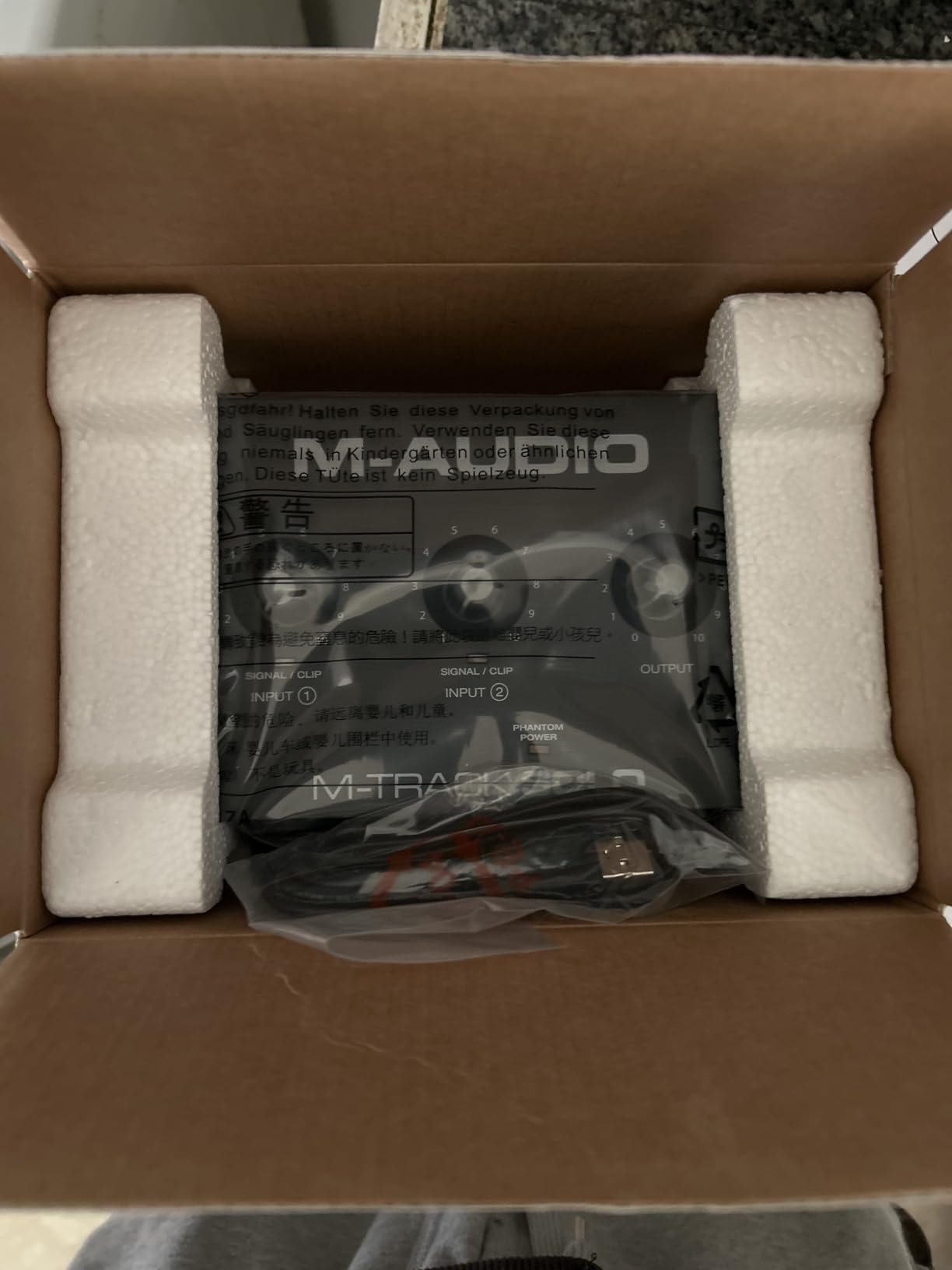
The M-AUDIO M-Track Solo is a budget-friendly interface that focuses on the essentials. It offers one combo XLR and line input, one dedicated instrument input, and a straightforward control layout that makes it ideal for beginners. I tested the M-Track Solo for a week, and it delivered clean recordings for both guitar and vocals at a price that leaves room in your budget for other gear.
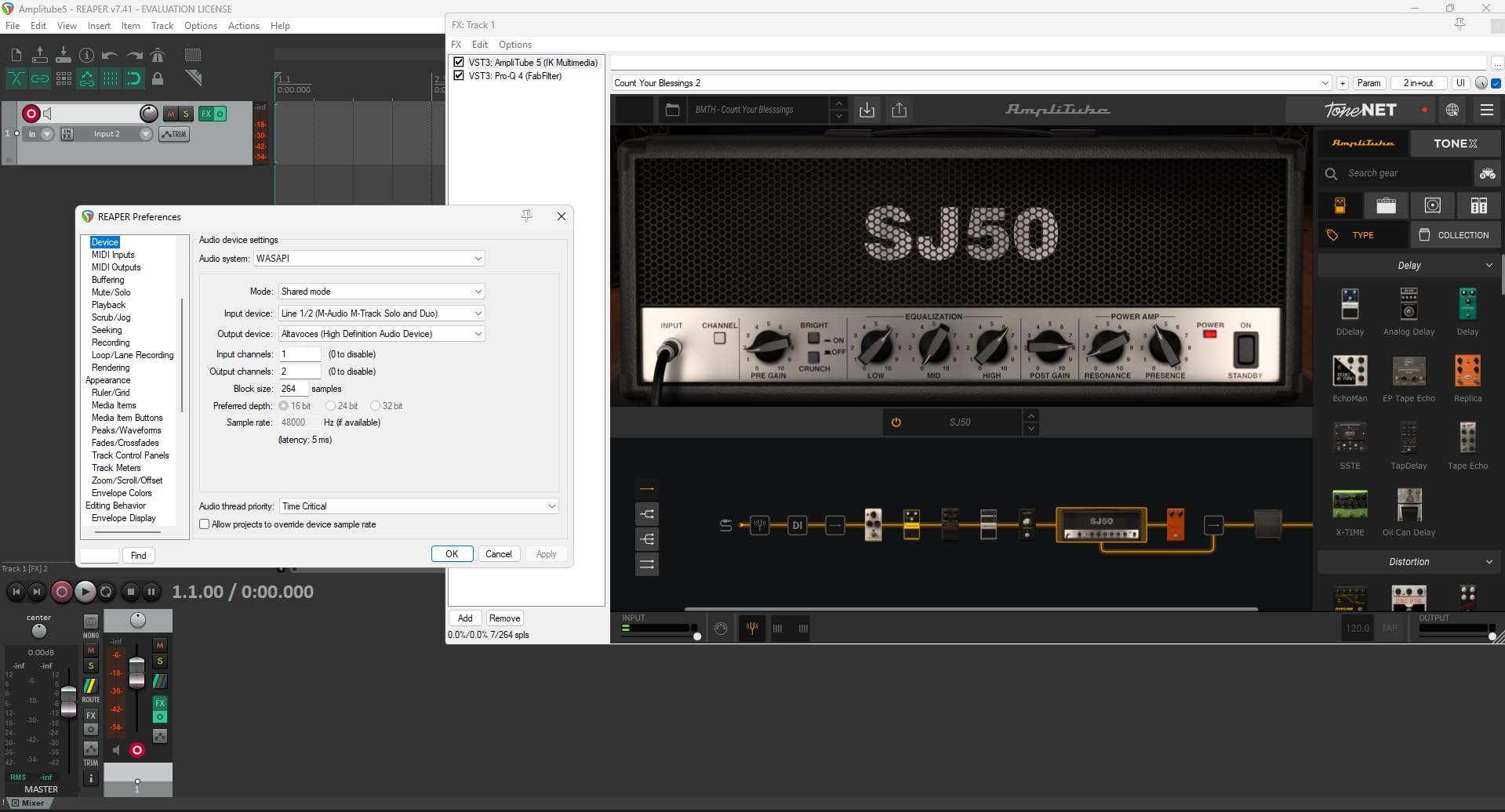
The Crystal Preamp is the marketing name for M-AUDIO’s input stage, and it performs well for the price. I recorded acoustic guitar through a condenser microphone and electric guitar through the direct input, and both tracks were clean and usable. The preamp is not as refined as the Focusrite or MOTU, but it is noticeably better than the built-in audio on most laptops. The 48V phantom power switch is clearly labeled and works reliably with condenser microphones.
The interface is lightweight and portable. It weighs 10.6 ounces and fits easily in a backpack. The USB Type-B connection is older than USB-C, but it is still widely supported. The included MPC Beats software is a basic beat production environment that is useful for hip-hop and electronic producers. Guitarists may not use it often, but it is a nice addition for the price.
The direct monitor switch is a simple toggle that routes the input signal directly to the headphones. This eliminates latency during tracking, which is important for real-time guitar playing. I tested the latency through the DAW and measured it around 10 milliseconds at a 256-sample buffer, which is acceptable for most playing styles. The direct monitor switch bypasses this entirely for zero-latency practice.
The headphone amp is limited to lower-impedance headphones. I tested it with 32-ohm and 80-ohm headphones, and both worked well. A 250-ohm studio headphone required the volume near maximum and sounded slightly thin. For most users, this is not a problem, but professionals who use high-impedance headphones should consider the MOTU M2 instead.
The single XLR input is the main limitation. You can record one microphone or one line-level source, but you cannot record two microphones simultaneously. This is fine for solo recording, but it limits your options for stereo miking or recording two performers. The instrument input is separate, so you can record guitar and one microphone at the same time, which covers the most common use case for solo musicians.
Hybrid Vocal and Guitar Use
The M-Track Solo is designed for musicians who record both vocals and guitar. The combo XLR input handles your microphone, and the dedicated instrument input handles your guitar. Both inputs have independent gain controls, so you can balance the levels without software. I recorded several acoustic guitar and vocal tracks using this setup, and the workflow was simple and intuitive.
The RCA outputs on the rear panel connect to consumer speakers or home stereo systems. This is a nice touch for beginners who do not own studio monitors yet. The main output is not balanced, which can introduce noise in long cable runs, but for desktop setups with short cables, the sound is clean. I connected the M-Track Solo to a pair of powered bookshelf speakers and the playback quality was good for casual listening and mixing.
Streaming Setup Compatibility
The M-Track Solo works well for guitarists who stream their playing on platforms like Twitch or YouTube. The low latency and direct monitoring make it easy to play along with backing tracks or chat audio. The interface appears as a single audio device in streaming software, and the two inputs can be mixed or separated depending on your software settings. I tested it with OBS and Streamlabs, and the setup was straightforward.
The compact size means the M-Track Solo fits neatly on a desk next to a keyboard and mouse without dominating the workspace. The USB bus power eliminates the need for a power adapter, which reduces cable clutter. For streamers and content creators who need a simple interface for both guitar and voice, the M-Track Solo is a practical choice.
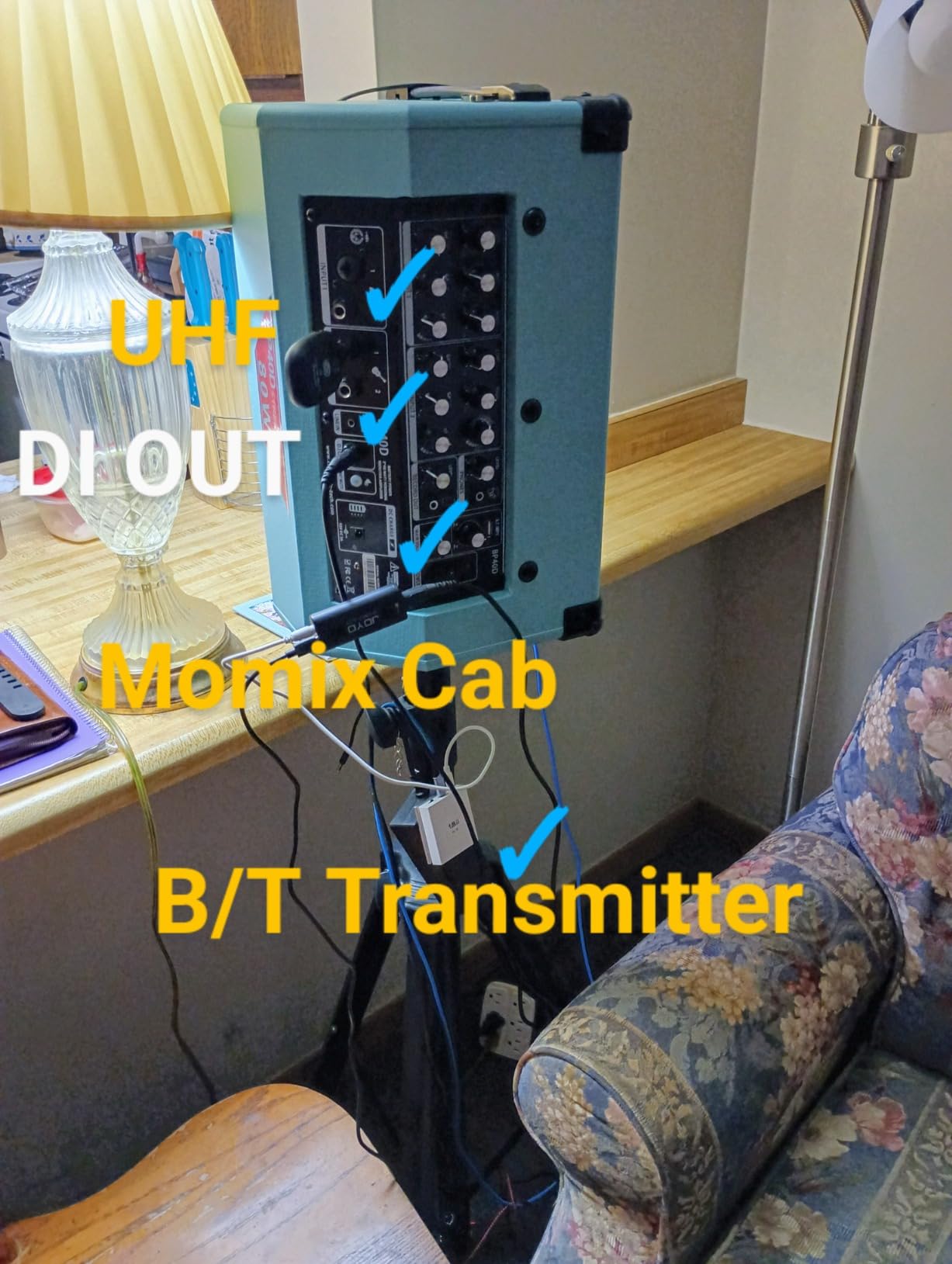
10. JOYO MOMIX CAB – Best Pocket-Sized Guitar Interface
- Extremely affordable
- Ultra-portable
- Plug and play
- Works with USB-C and Lightning
- Direct monitor
- Cannot disable dry signal
- Not compatible with all apps
- Basic functionality only
The JOYO MOMIX CAB is the smallest interface on this list, and it is designed for one purpose: recording guitar into your phone. It measures just 1.14 by 2.52 inches and weighs almost nothing. I tested the MOMIX CAB with both my iPhone and Android phone, and it worked as a simple plug-and-play solution for capturing ideas on the go.
The unit has a quarter-inch guitar input, a 3.5mm headphone output for monitoring, and a USB-C or Lightning connector that plugs directly into your phone. There is no battery required, and there are no drivers to install. You plug it in, open your recording app, and start playing. The distortion indicator light changes from green to red when your input is clipping, which is a useful feature on a device this small.
The sound quality is basic but functional. The MOMIX CAB records at 48 kHz, and the preamp is clean enough for casual demos. The noise floor is higher than the desktop interfaces, and the dynamic range is limited. For recording song ideas, practice logs, or quick social media clips, the quality is acceptable. For serious production, you will want to transfer the idea to a desktop interface later.
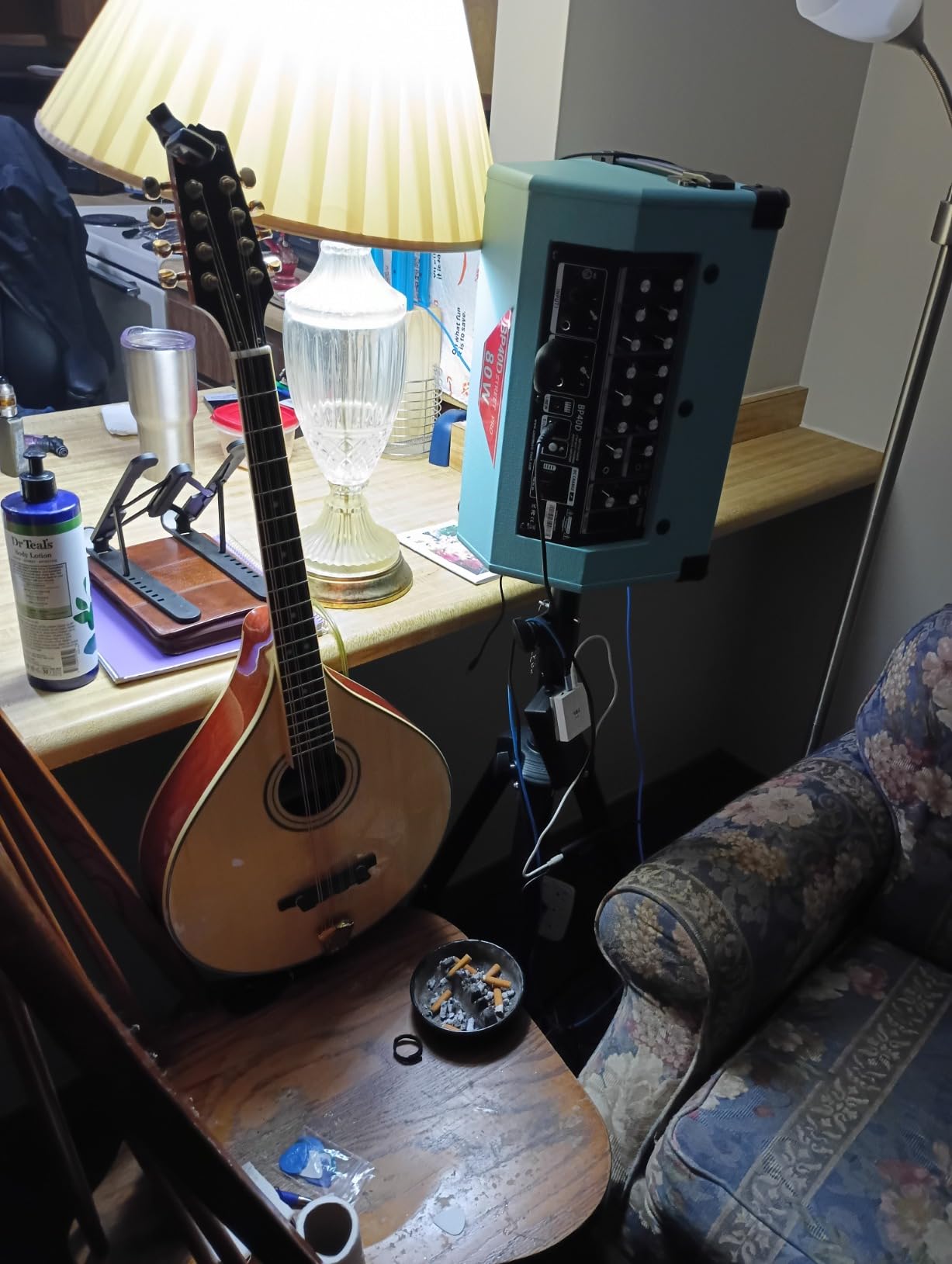
The direct monitoring is built-in, but it mixes the dry guitar signal with the processed audio from your phone. Some users find this confusing, since you cannot disable the dry signal entirely. I adjusted by turning the headphone volume on my phone down slightly and letting the direct guitar sound dominate. It is not a perfect solution, but it works for practice and idea capture.
The back clip is a clever design touch. It lets you attach the MOMIX CAB to your pocket or belt while playing, which keeps the cable out of the way. I used it while standing and playing, and the connection remained stable. The build quality is plastic, which is expected at this price, but the connector feels secure and the clip is sturdy enough for daily use.
App compatibility is the main variable. The MOMIX CAB works with most recording apps on iOS and Android, but some users report issues with specific software. I tested it with GarageBand, BandLab, and a generic voice recorder, and it worked with all three. If you use a less common app, you may need to test compatibility before committing to this interface.
Pocket Recording Scenarios
The MOMIX CAB is the interface you keep in your gig bag for emergencies. When inspiration strikes at a rehearsal space or a friend’s house, you can pull it out and record a riff directly into your phone. The clip-on design keeps it accessible, and the lack of cables beyond the guitar and headphone connections makes it faster to set up than a desktop interface. I recorded a few song ideas during band practice using the MOMIX CAB, and the process took less than a minute.
The interface is also useful for video recording. If you film yourself playing guitar for social media, the MOMIX CAB lets you capture the audio directly into your phone while you record the video. This avoids the sync issues that come with recording audio separately and combining it later. The direct monitoring lets you hear yourself while filming, which helps with timing and performance.
Smartphone App Compatibility
The MOMIX CAB works best with apps that support external audio input. GarageBand on iOS is the most reliable option, and it handles the MOMIX CAB without any special settings. On Android, the experience varies depending on the phone manufacturer and the app you use. I tested it on a Samsung Galaxy and a Google Pixel, and both recognized the interface immediately. Some older Android phones may require additional configuration.
The interface does not support audio output to external speakers beyond the headphone jack. If you want to play through a guitar amp while recording, you will need a splitter or a separate audio interface. The MOMIX CAB is designed for headphone monitoring and phone recording, not for live performance. For its intended purpose, it is a useful and affordable tool.
How to Choose the Best Guitar Audio Interface for Recording
The best guitar audio interface for recording depends on your budget, your computer, and your recording goals. After testing ten interfaces and reading hundreds of user experiences from forums, I have identified the factors that matter most for guitarists. This section breaks down each consideration so you can make a confident decision.
Hi-Z Input and Impedance Matching
Every interface on this list includes a Hi-Z instrument input, which is the most important feature for direct guitar recording. A Hi-Z input presents the high impedance your guitar pickups expect to see, preserving the natural tone and frequency response of your instrument. Without a Hi-Z input, your guitar will sound thin, quiet, and dull. The Focusrite Scarlett Solo and MOTU M2 both handle this particularly well, with input impedances that match a wide range of pickup types.
Passive pickups generally require more gain than active pickups. If you use a Stratocaster or Telecaster with vintage-style single-coils, look for an interface with a clean preamp and at least 50 dB of gain. The Scarlett Solo and MOTU M2 both provide enough gain for quiet passive pickups without introducing noise. If you use active pickups or a guitar with a built-in preamp, any interface on this list will work without issues.
Sample Rate and Bit Depth
Most modern interfaces record at 24-bit depth, which provides enough dynamic range for loud guitar signals without clipping. The sample rate varies from 48 kHz to 192 kHz. For guitar recording, 48 kHz is perfectly adequate and produces excellent results. The higher sample rates of 96 kHz and 192 kHz offer slightly more detail and headroom for processing, but the difference is subtle on most playback systems. The Scarlett Solo and MOTU M2 support 192 kHz, while the budget interfaces top out at 48 kHz or 96 kHz. For professional mixing and heavy plugin processing, the higher sample rates are useful. For simple demos and practice, 48 kHz is more than enough.
Latency and Buffer Size
Latency is the delay between playing a note and hearing it through your headphones. For real-time guitar playing, you want this under 10 milliseconds. The MOTU M2 and Focusrite Scarlett Solo both achieve under 8 milliseconds at reasonable buffer sizes. The Behringer UM2 and M-AUDIO M-Track Solo are slightly higher, but still playable for most styles. If you play fast metal or prog rock, the lower latency of the premium interfaces will feel more responsive.
The buffer size in your DAW controls the latency. Smaller buffers mean lower latency but higher CPU load. Larger buffers reduce CPU usage but increase delay. For tracking guitar, I recommend a buffer of 128 or 256 samples. For mixing, you can increase to 512 or 1024 samples. The interfaces with stable drivers, like the MOTU M2 and Focusrite Scarlett Solo, handle small buffers better than the budget options.
Connectivity and Power
USB 2.0, USB-C, and Thunderbolt are the main connection types. USB-C is the most modern and provides a secure connection. The MOTU M2 uses USB-C, while the Focusrite Scarlett Solo and most budget interfaces use USB Type B. All three work reliably for guitar recording. Thunderbolt interfaces offer lower latency and higher bandwidth, which is useful for large sessions with many tracks. If you want to explore Thunderbolt options, our guide to the Thunderbolt audio interfaces covers the best models available.
Bus-powered interfaces draw power from the computer, which makes them portable and convenient. All the interfaces on this list except the Universal Audio Volt 1 are bus-powered for desktop use. If you plan to record on the go with a laptop, bus power is essential. The iRig 2 and JOYO MOMIX CAB are designed specifically for mobile use with phones and tablets.
Software Bundles and DAW Compatibility
The included software can add significant value. The PreSonus AudioBox 96 includes Studio One Artist, which is a full DAW. The Focusrite Scarlett Solo includes Pro Tools Intro, Ableton Live Lite, and Cubase LE. The Universal Audio Volt 1 includes LUNA and Ableton Live Lite. For beginners, these bundles eliminate the need to buy software separately. For experienced users, they may be less important, but they still add value.
All the interfaces on this list work with every major DAW, including Pro Tools, Logic, Ableton Live, Reaper, and GarageBand. If you already own a preferred DAW, you do not need to switch. The drivers are the main compatibility concern, and the Focusrite, MOTU, and PreSonus interfaces have the most reliable driver support across platforms. If you need more inputs for a full band setup, our guide to 16-channel audio interfaces covers higher-channel options.
Build Quality and Longevity
The interfaces in this guide range from plastic budget units to solid metal chassis. The Mackie Onyx Artist and MOTU M2 have the most durable construction, followed by the Focusrite Scarlett Solo and Universal Audio Volt 1. The budget units are plastic but still functional for careful use. Forum users consistently report that the Focusrite and MOTU interfaces last for years without issues. If you need gear that survives daily transport and rough handling, the Mackie or MOTU are the safest choices. For more studio equipment recommendations, check our guide to studio mixers for producers.
Frequently Asked Questions
What is the best audio interface for guitar recording?
The Focusrite Scarlett Solo 3rd Gen is the best audio interface for guitar recording for most users. It offers excellent preamps, reliable drivers, a compact metal build, and a generous software bundle that includes Pro Tools Intro and Ableton Live Lite. The Hi-Z instrument input handles both passive and active pickups cleanly, and the Air mode adds extra clarity for acoustic instruments.
Do I need a special audio interface for guitar?
You do not need a guitar-specific interface, but you do need an interface with a Hi-Z instrument input. A Hi-Z input provides the high impedance your guitar pickups need to sound their best. Most standard audio interfaces include at least one Hi-Z input, so any interface on this list will work. The main difference between guitar-specific interfaces and general ones is the addition of features like reamping outputs or amp modeling software.
Can you plug a guitar directly into an audio interface?
Yes, you can plug an electric guitar directly into an audio interface using the Hi-Z instrument input. This input is designed for the high impedance of guitar pickups. You do not need a DI box for home recording with any of the interfaces on this list. The direct recording approach lets you use amp modeling software in your DAW to shape your tone.
What is Hi-Z input on an audio interface?
Hi-Z stands for high impedance, and it refers to an input designed for instruments like electric guitars and basses. Guitar pickups produce a high-impedance signal that requires a matching input stage to preserve the tone and frequency response. Without a Hi-Z input, your guitar will sound thin, quiet, and dull. All the interfaces in this guide include a dedicated Hi-Z input for direct instrument recording.
How many inputs do I need for guitar recording?
For solo guitar recording, one instrument input is enough. If you also record vocals, look for an interface with at least one microphone input and one instrument input. For recording an acoustic guitar with two microphones in stereo, you need two microphone inputs. For full band recording with drums and multiple instruments, you may need four or more inputs. Most guitarists are satisfied with a two-input interface.
Final Thoughts
The best guitar audio interfaces for recording in 2026 offer something for every guitarist. The Focusrite Scarlett Solo 3rd Gen remains the safest choice for most users with its proven reliability, excellent preamps, and generous software bundle. The MOTU M2 delivers the best sound quality under two hundred dollars with its ESS Sabre DAC and precise metering. The Behringer U-PHORIA UM2 proves that even a tight budget can get you clean, usable recordings.
Your choice depends on how you plan to record. Desktop producers who track guitar and vocals should prioritize the Focusrite, MOTU, or PreSonus. Mobile users who want to record on phones and tablets will prefer the iRig 2 or JOYO MOMIX CAB. Guitarists with external hardware effects should consider the Behringer UMC204HD for its analog inserts. Whatever your needs, one of these ten interfaces will get your guitar into your computer with the quality your music deserves.