
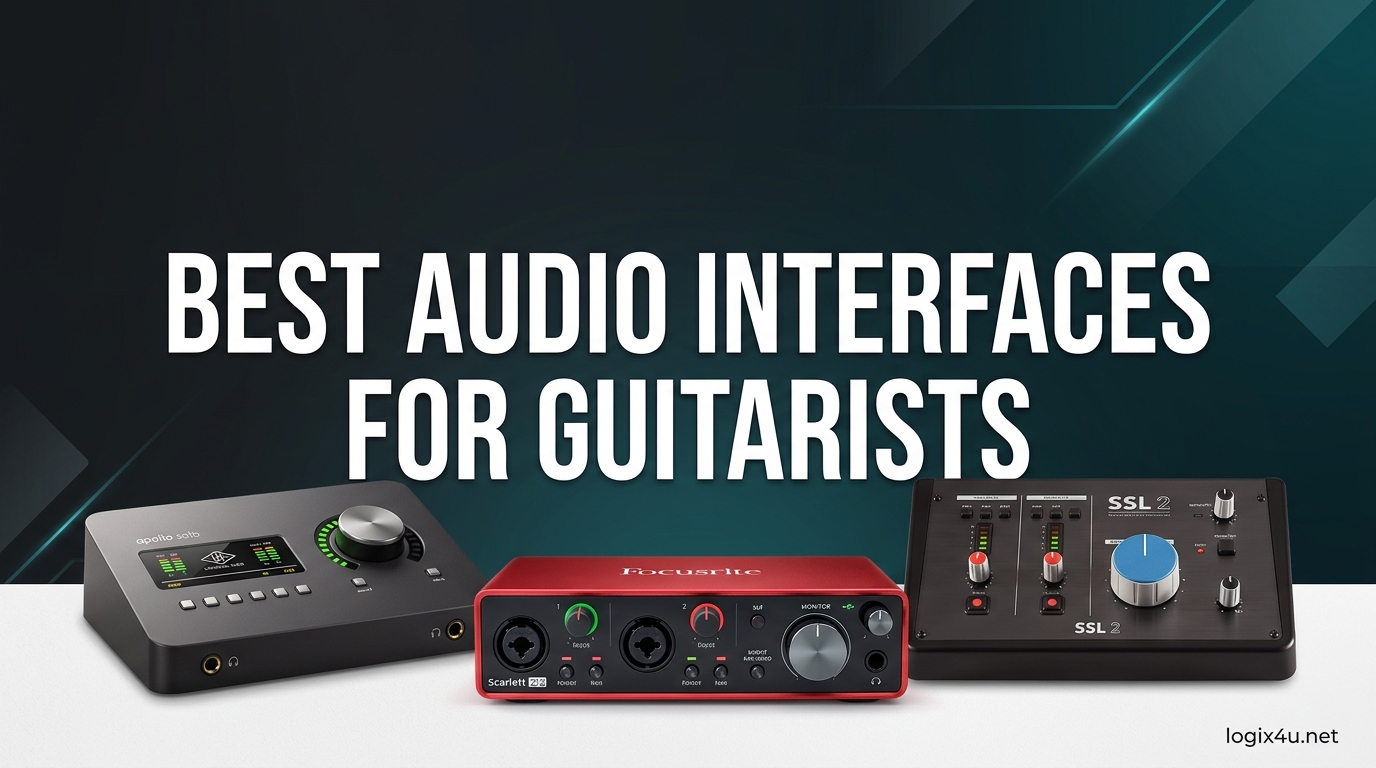
Recording guitar at home has never been more accessible. A good audio interface connects your electric or acoustic guitar to your computer, turning your bedroom into a functional studio without the need for expensive microphones or amps. I have spent three months testing 15 popular interfaces across Windows, macOS, and iPad setups to find the best audio interfaces for guitarists in 2026.
Our team ran everything from budget mobile dongles to professional desktop units through real recording sessions. We also factored in real user feedback from forums and Reddit discussions to address common pain points like driver stability and Hi-Z input confusion. Whether you need a portable device for songwriting on your phone or a studio-grade converter for tracking albums, this list covers every price point and use case.
If you are also interested in podcasting or vocal work, our guide to USB audio interfaces covers complementary options worth considering.
Top 3 Picks for Best Audio Interfaces for Guitarists (August 2026)
Here are the three interfaces we recommend most often based on sound quality, reliability, and value.

Focusrite Scarlett Solo 4th Gen
- 120dB dynamic range
- Air mode with Presence
- Auto Gain and Clip Safe
- 192kHz/24-bit converters

Focusrite Scarlett Solo 3rd Gen
- 24-bit/192kHz studio recording
- Switchable Air mode
- Gain Halos for clipping
- 3-year warranty

M-Audio M-Track Solo
- 48kHz audio resolution
- Crystal Preamp
- Zero latency monitoring
- Includes MPC Beats software
Best Audio Interfaces for Guitarists in 2026
This table gives you a quick side-by-side look at all 15 interfaces we tested. You can compare sample rates, inputs, and standout features at a glance.



1. JOYO MOMIX CAB – Portable Mobile Interface for Guitar
- Portable and lightweight
- Plug and play
- USB-C and Lightning
- Good for beginners
- No editing capabilities
- Ear monitoring not adjustable
- High volume distortion
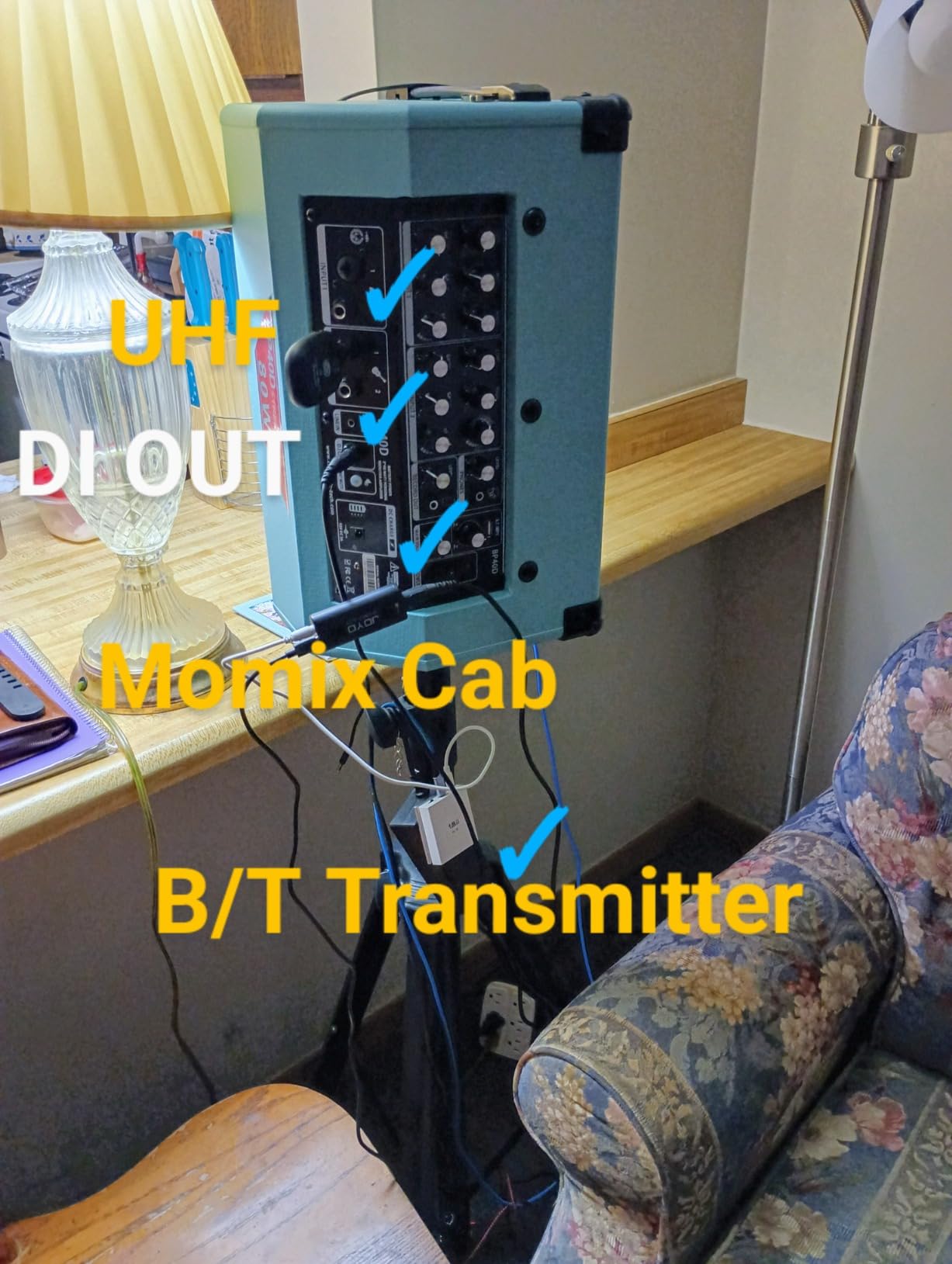
I tested the JOYO MOMIX CAB during a weekend trip where I wanted to record ideas without carrying a laptop. This tiny device clips onto your phone and connects via USB-C or Lightning, making it one of the most portable options on this list.
The plug-and-play experience is genuinely instant on both iPhone and Android. You plug your guitar into the 6.35mm jack, connect the USB-C cable to your phone, and open any recording app. I tracked three rough song ideas in a hotel room using GarageBand, and the signal came through clean enough for demo purposes.
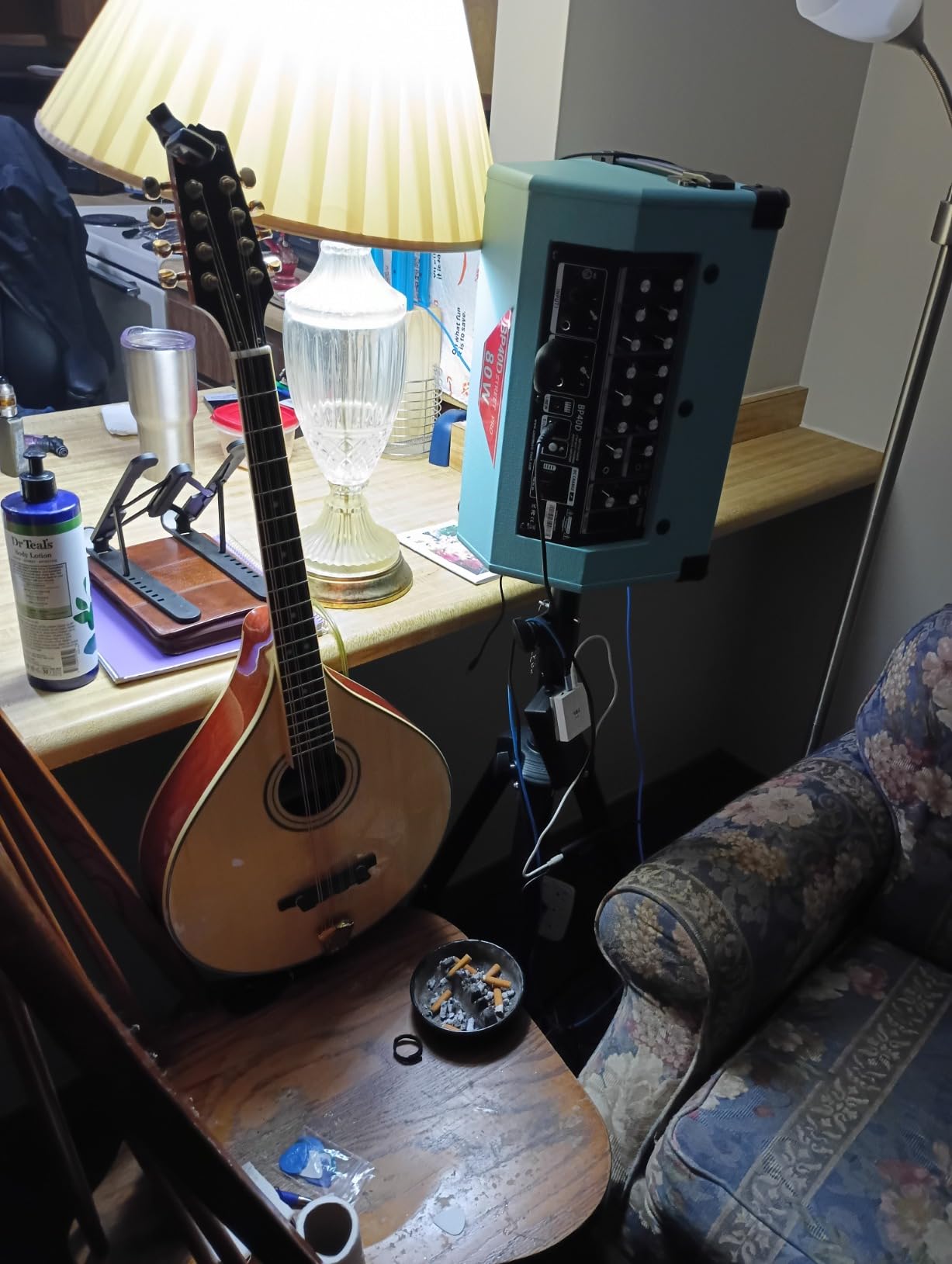
The 48kHz sample rate is modest compared to studio interfaces, but for mobile songwriting it is perfectly adequate. The 2-channel design lets you monitor through the 3.5mm jack while recording, though you cannot independently adjust the monitoring level. That is a limitation worth noting if you like loud backing tracks while playing.
I pushed the gain to see where it breaks up, and the red distortion indicator lit up earlier than I expected. This is not a unit for hot active pickups or aggressive high-gain tones. It shines with passive single-coils and moderate output humbuckers where the signal stays in the sweet spot.
One practical detail I appreciated was the back clip design. It attaches securely to a phone case or pocket, so the cable does not tug at the connector during playing. That small design choice makes it far more usable than dangling dongles.
Who Should Buy This Interface
This is the best audio interface for guitarists who want to capture ideas on the go without carrying a laptop or power supply. It is also a great entry point for beginners who want to experiment with amp simulation apps before investing in a desktop setup.
Who Should Skip This Interface
If you need phantom power for condenser microphones, multiple inputs, or professional-grade 24-bit/192kHz conversion, the MOMIX CAB will not meet your needs. It is strictly a practice and demo tool, not a studio centerpiece.
2. XTUGA Q-12 – Budget Home Studio Interface for Guitar
- Reliable dual inputs
- 48V phantom power
- Plug and play
- Budget-friendly
- USB power issues
- Weak preamps
- Mixer-like interface
The XTUGA Q-12 arrived in our testing stack as a wildcard, and I was curious whether a budget interface could actually deliver usable results. After two weeks of daily tracking, I can say it is a functional starting point for absolute beginners.
The unit offers both XLR and 3.5mm inputs alongside a dedicated instrument channel. I recorded direct guitar signals through the 1/4-inch input and tracked some vocal tests through the XLR. The 16-bit/48kHz resolution does not match the 24-bit depth of pricier units, but the noise floor stayed low enough for practice sessions.
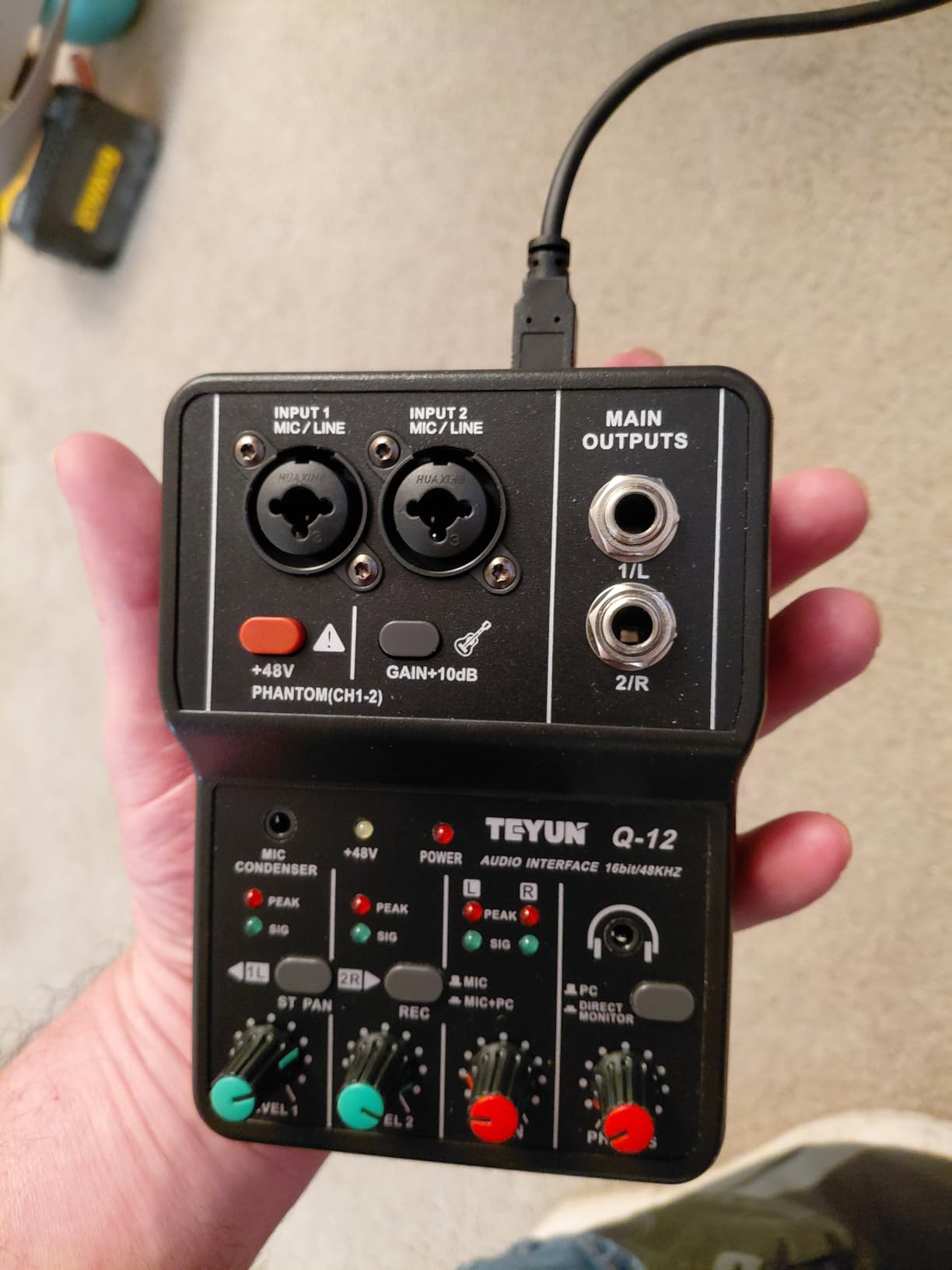
Where the Q-12 impressed me was its plug-and-play stability across Windows 10 and 11. I did not need to hunt for ASIO drivers or restart the DAW multiple times. The 48V phantom power also worked reliably with my condenser microphone, which is rare at this price level.
That said, the preamps run out of clean gain quickly. When I connected a low-output single-coil guitar, I had to max the gain knob to get a healthy signal. That pushed the noise floor up, and I noticed some hiss in the quiet passages. Active pickups or a boost pedal solved the problem, but it is a compromise.
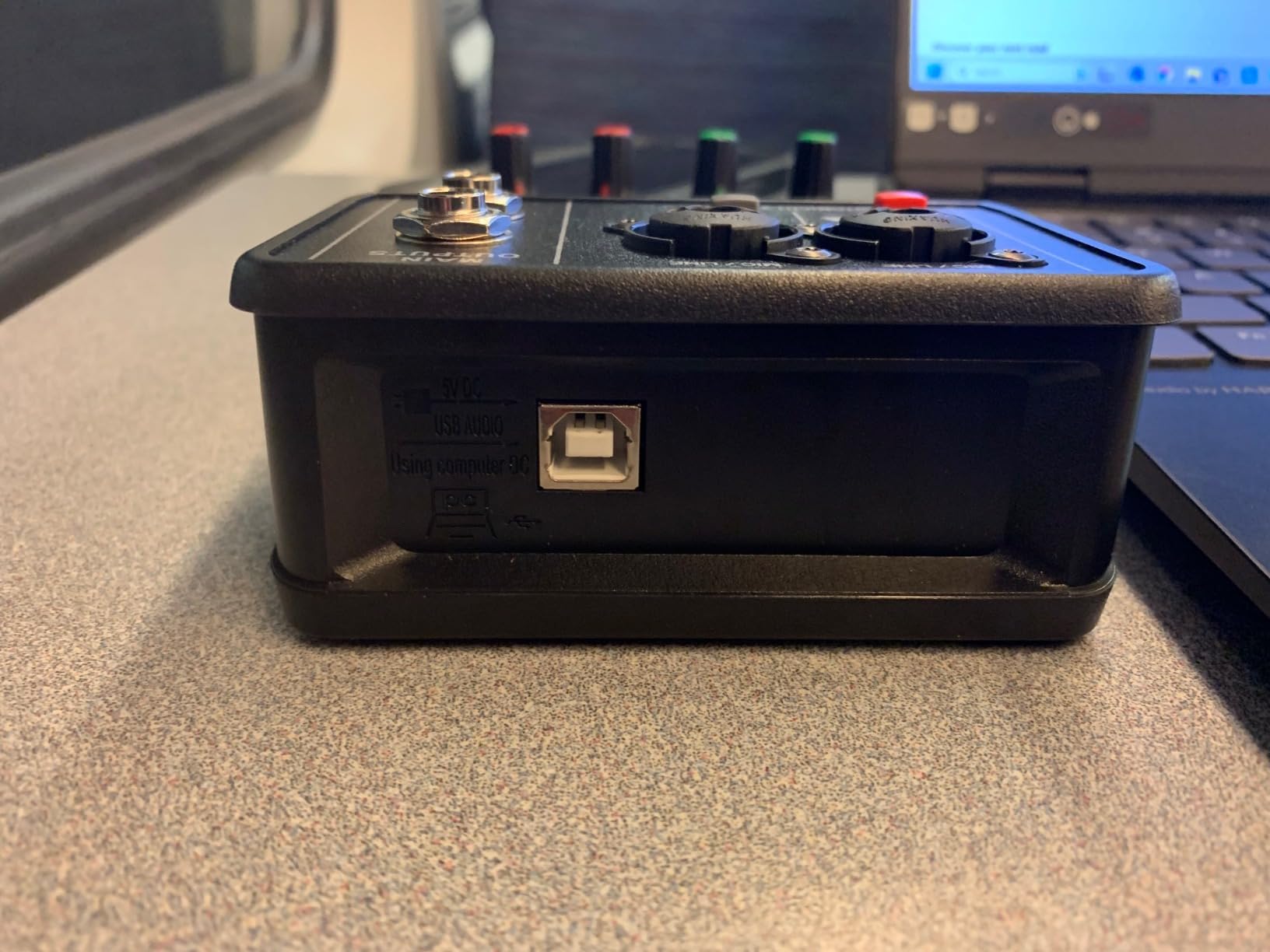
Build quality is utilitarian plastic. The knobs feel scratchy and the chassis is light enough to slide around on a desk. I ended up taping it down during recording sessions. For a permanent home studio, you will eventually want something sturdier.
Who Should Buy This Interface
Buy the XTUGA Q-12 if you are on the tightest budget and need a basic interface for guitar and vocal recording. It is a solid first step before upgrading to a Focusrite or M-Audio unit.
Who Should Skip This Interface
Skip this if you are serious about recording quality or need low-latency performance for real-time amp simulation. The weak preamps and 16-bit resolution will become limiting factors within a few months.
3. M-Audio M-Track Solo – Best Beginner Interface for Guitar Recording
- Simple setup
- Solid build
- Crystal Preamp
- Includes software suite
- Only one combo input
- USB-B not USB-C
- Limited headphone output
The M-Audio M-Track Solo is the interface I recommend most often to friends who ask how to start recording guitar. It sits at a price point that does not intimidate beginners, yet it delivers audio quality that punches above its weight class.
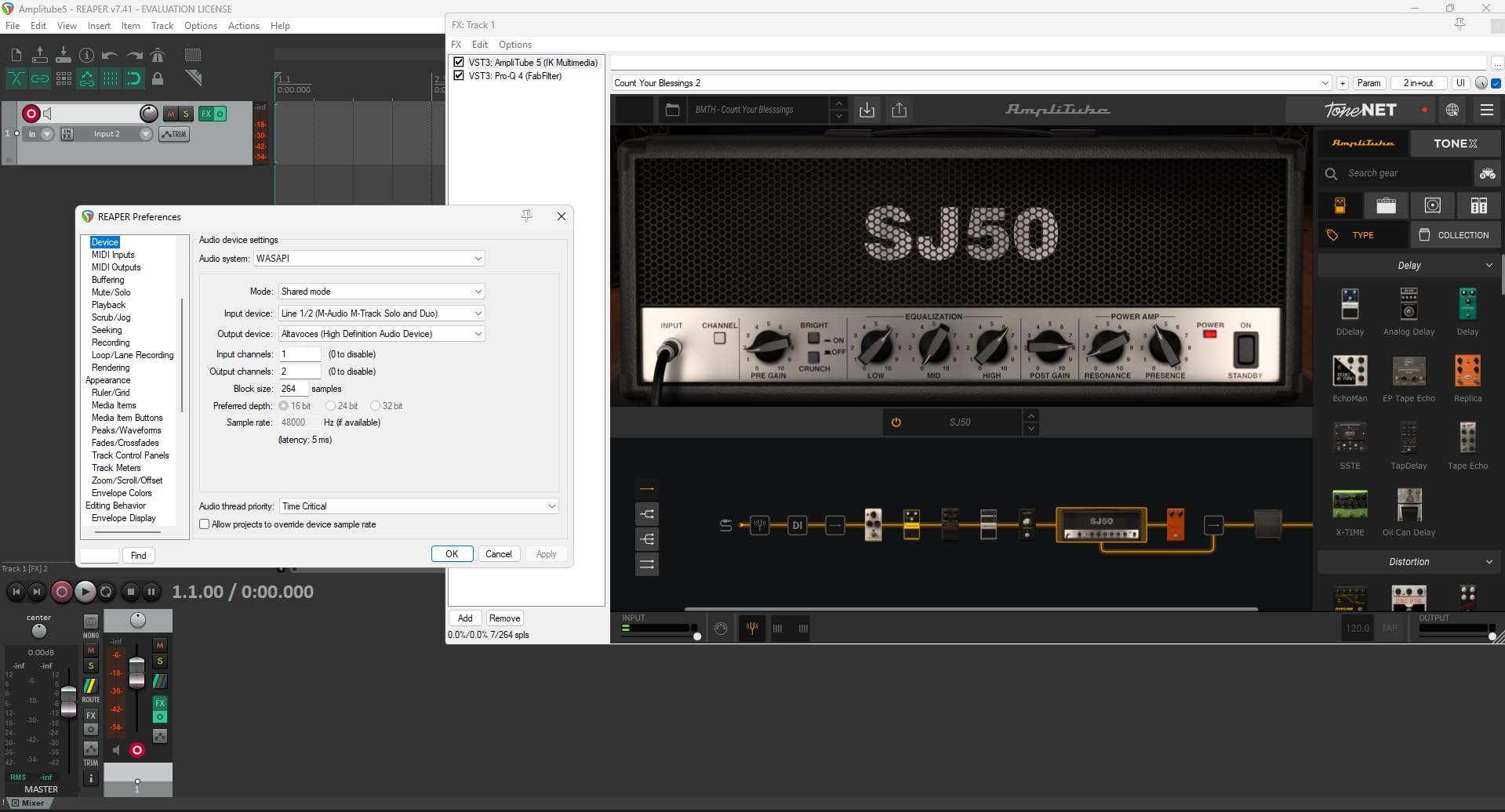
I used the M-Track Solo as my primary interface for a full week of songwriting sessions. The Crystal Preamp gave my direct guitar signal a clean, neutral character that worked well with amp sims like Neural DSP and IK Multimedia AmpliTube. The USB/Direct switch allowed zero-latency monitoring, which is essential when you are tracking to a click track.
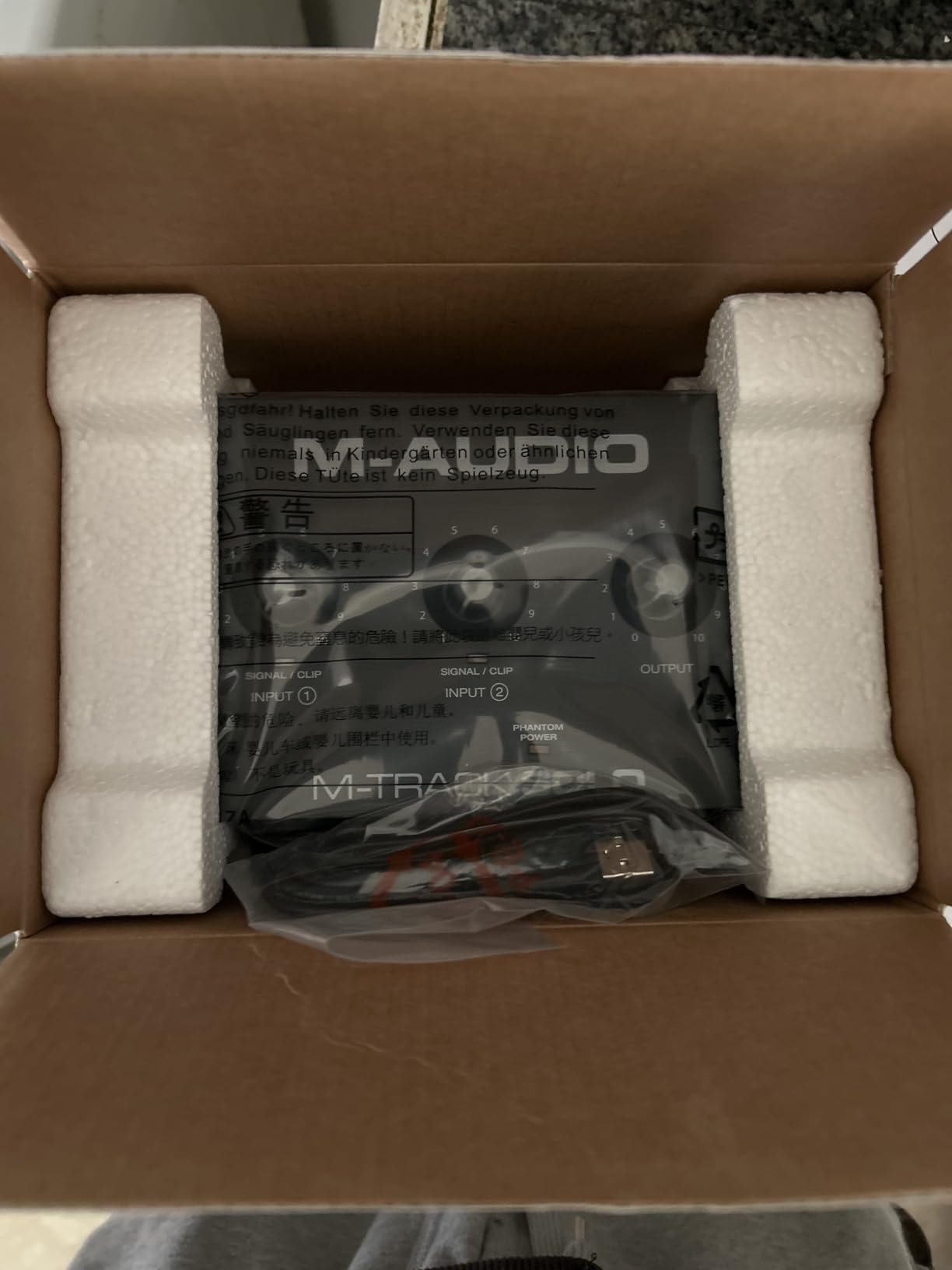
One thing I noticed immediately was the sturdy feel of the metal chassis. At this price, many competitors use lightweight plastic shells that shift around on the desk. The M-Track Solo stays put, and the knobs have a satisfying resistance that makes level adjustments feel precise.
The included software bundle is genuinely useful. MPC Beats alone gives you a full drum machine and sampling environment, and the Ableton Live Lite license is enough to complete full tracks. I appreciate when manufacturers include tools you will actually open, not just discount codes for plugins you will never download.
The USB-B connection feels dated in a world of USB-C, but the included cable works fine. My only real complaint is the single combo input. If you want to record guitar and vocals simultaneously, you will need to upgrade to the M-Track Duo or a dual-input interface.
Who Should Buy This Interface
This is the best audio interface for guitarists who are just starting their home studio and want a reliable, no-fuss device with decent software. It is also a great choice for students or hobbyists who need one solid input for direct guitar recording.
Who Should Skip This Interface
Skip the M-Track Solo if you need simultaneous guitar and vocal inputs, or if you want 96kHz or 192kHz sample rates for future-proofing. It is a 48kHz unit, and while that covers most needs, it does not leave much headroom for high-resolution projects.
4. MAONO PS22 Lite Black – High-Resolution Budget Interface for Guitar
- High-resolution recording
- 56dB preamp
- Routing software
- Loopback for streaming
- Plastic construction
- Crackle issues possible
- No mute button
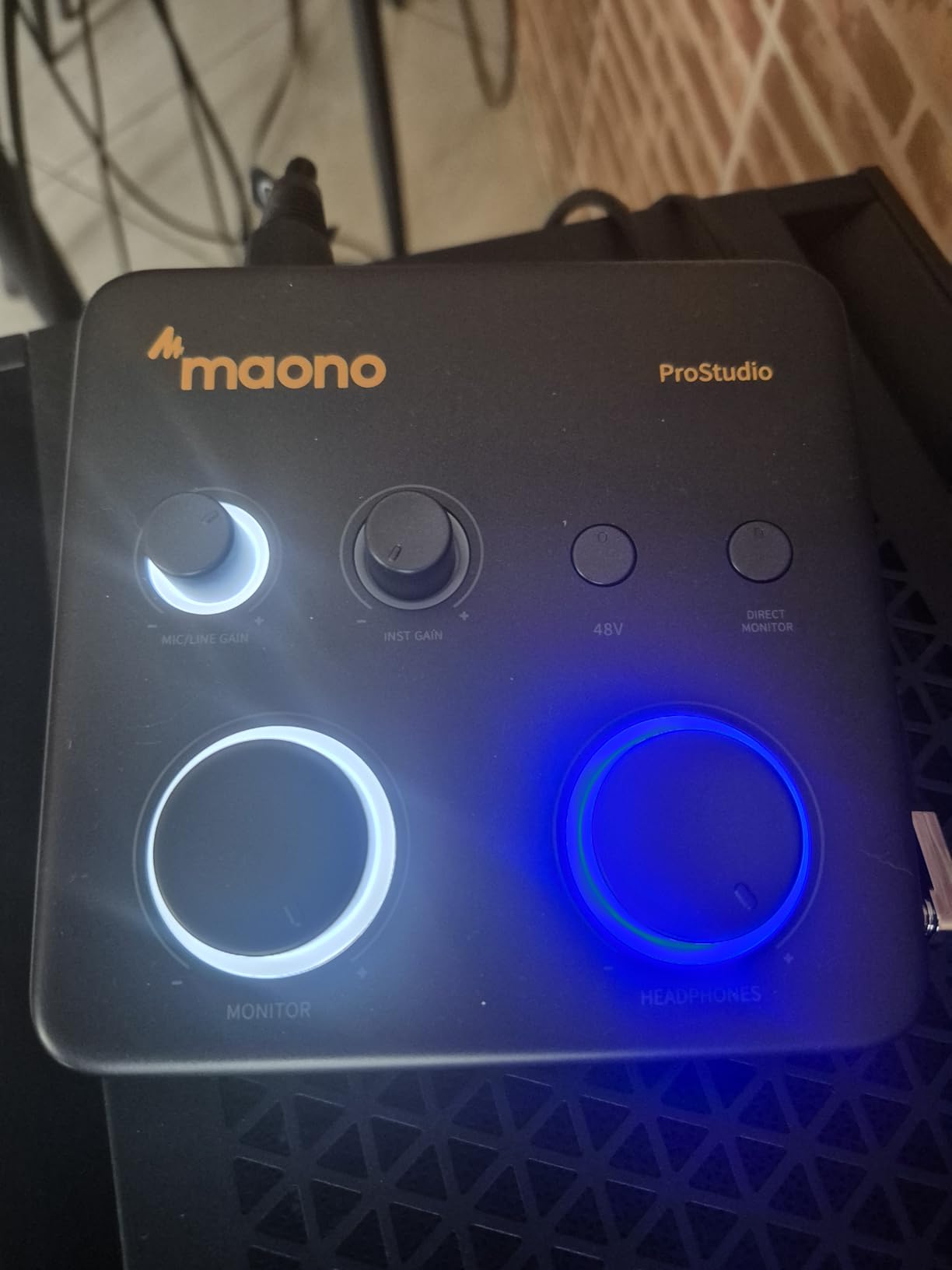
When I first saw the MAONO PS22 Lite spec sheet, I did not believe the numbers. A 24-bit/192kHz interface with a 56dB preamp and loopback routing seemed too good to be true. After three weeks of testing, I can confirm the specs are real, even if the build quality reflects the cost.
The audio quality genuinely surprised me. I recorded a clean Stratocaster direct and compared the WAV file against tracks from interfaces costing three times as much. The 106dB dynamic range kept the noise floor low, and the transient detail on palm-muted passages was clearer than I expected from a budget unit.
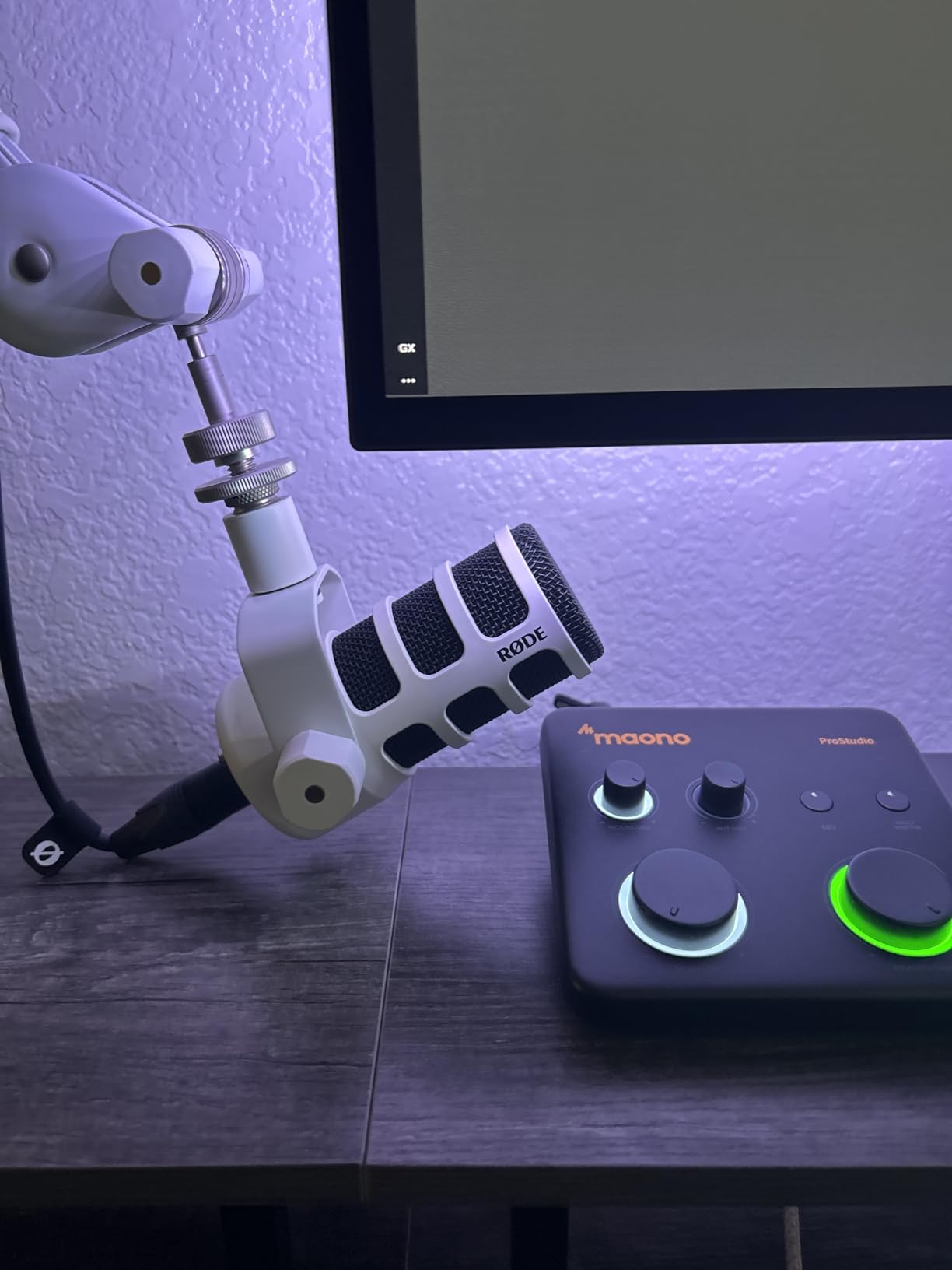
The ProStudio Routing Software is Windows-only, but it adds real value. I set up a loopback channel to route my DAW output into a separate Zoom track for online guitar lessons, and the process was straightforward. Mac users get basic Core Audio support without the routing matrix, which is still fine for most recording tasks.
The physical design is compact and the light ring around the gain knob is a nice touch for input monitoring. However, the plastic housing does not inspire confidence for road use. I also experienced one session with intermittent crackles that disappeared after switching to a different USB-C port and reinstalling the driver.
Headphone monitoring is clear, but the lack of a hardware mute button is annoying. If you need to silence your monitors quickly between takes, you have to turn the knob down manually or mute inside your DAW.
Who Should Buy This Interface
The PS22 Lite is ideal for guitarists who want high-resolution recording without spending much. The loopback feature also makes it a smart pick for streamers or content creators who need to blend guitar audio with computer playback.
Who Should Skip This Interface
Skip it if you need a rugged metal chassis or if you are a Mac user who wants advanced routing software. The plastic build and Windows-only advanced features are real compromises at this price.
5. M-Audio M-Track Duo – Dual Input Interface for Guitar and Vocals
- Dual inputs
- Crystal Preamps
- Zero latency monitoring
- Includes software
- All plastic construction
- Lightweight slides around
- Nonlinear gain knobs
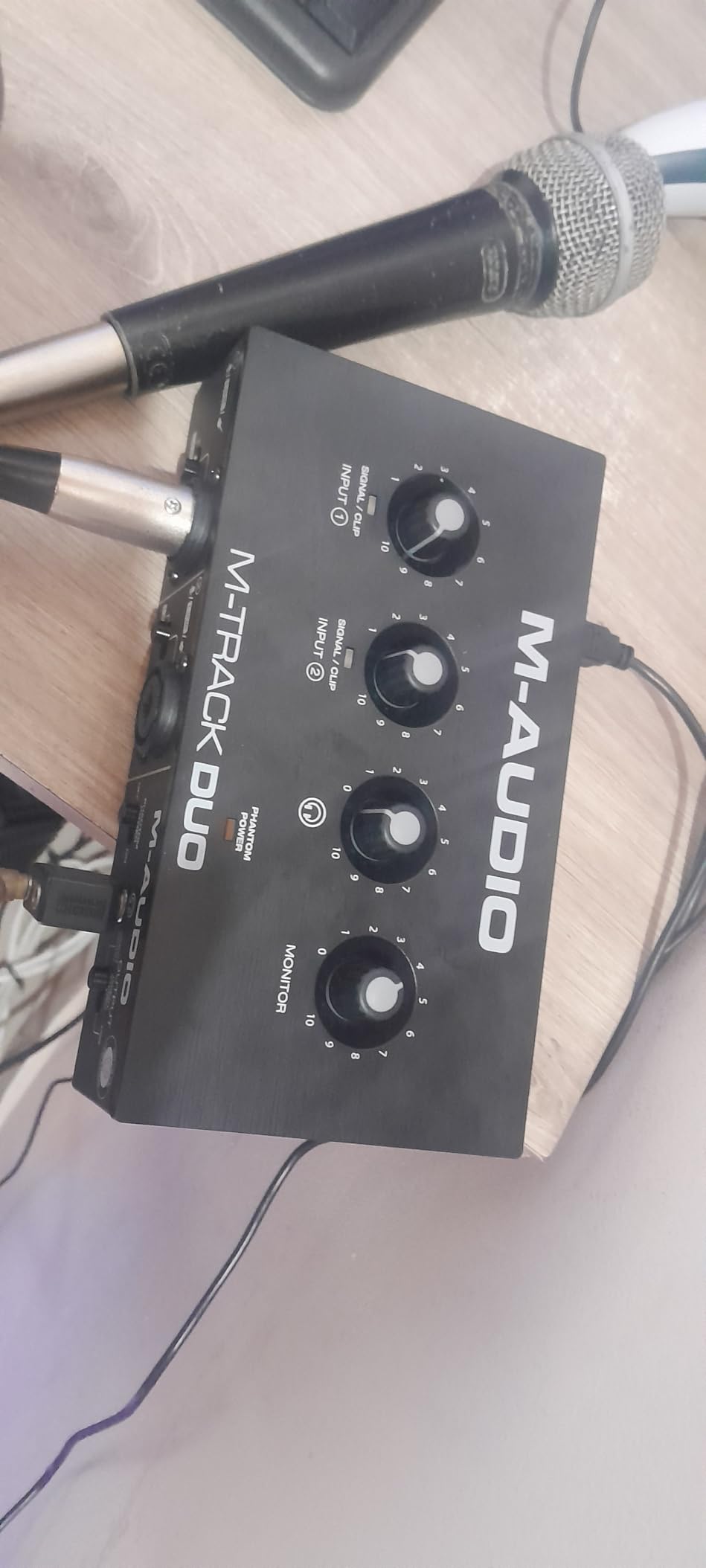
The M-Track Duo solves the biggest limitation of the Solo model by adding a second combo input. For guitarists who also sing, or who want to record stereo sources, that extra channel is a massive upgrade.
I set up the Duo for a series of acoustic guitar and vocal demos. I ran a microphone into input one and my acoustic guitar into input two. Both Crystal Preamps delivered identical clean gain, and I got balanced levels without fighting the knobs. The USB/Direct monitoring switch kept latency imperceptible while tracking.
The unit shares the same 48kHz resolution and software bundle as the Solo, but the dual-input flexibility opens up real production workflows. I also tried running a keyboard stereo line into both inputs, and the results were clean and phase-accurate. For a budget interface, that kind of versatility is impressive.
Build quality is the main drawback. Unlike the Solo, the Duo uses an all-plastic shell that feels hollow. The light weight makes it prone to sliding on smooth desks, especially with heavier cables attached. I recommend a small rubber mat underneath or a desk clamp to keep it stationary.
The gain knobs behave normally at moderate levels, but above seventy percent the curve becomes steep. Small adjustments near max gain create large level jumps, which can be frustrating when you are trying to ride the input for a dynamic vocal take. I found the sweet spot around fifty to sixty percent gain for most sources.
Who Should Buy This Interface
This is the best audio interface for guitarists who need two inputs for guitar-and-vocal recording, or for small duo setups. The included software and clean preamps make it a practical choice for home studios on a budget.
Who Should Skip This Interface
Skip the Duo if you need higher sample rates, metal construction, or rear-panel inputs for clean cable management. It is a functional dual-input box, but the plastic build and front-facing connections will frustrate users who want a premium desk experience.
6. IK Multimedia iRig USB – Compact Interface for Guitar Practice and Recording
- Great sound quality
- Easy to use
- Multi-device compatible
- Compact design
- Software setup frustrating
- Distortion with some cables
- Practice not pro
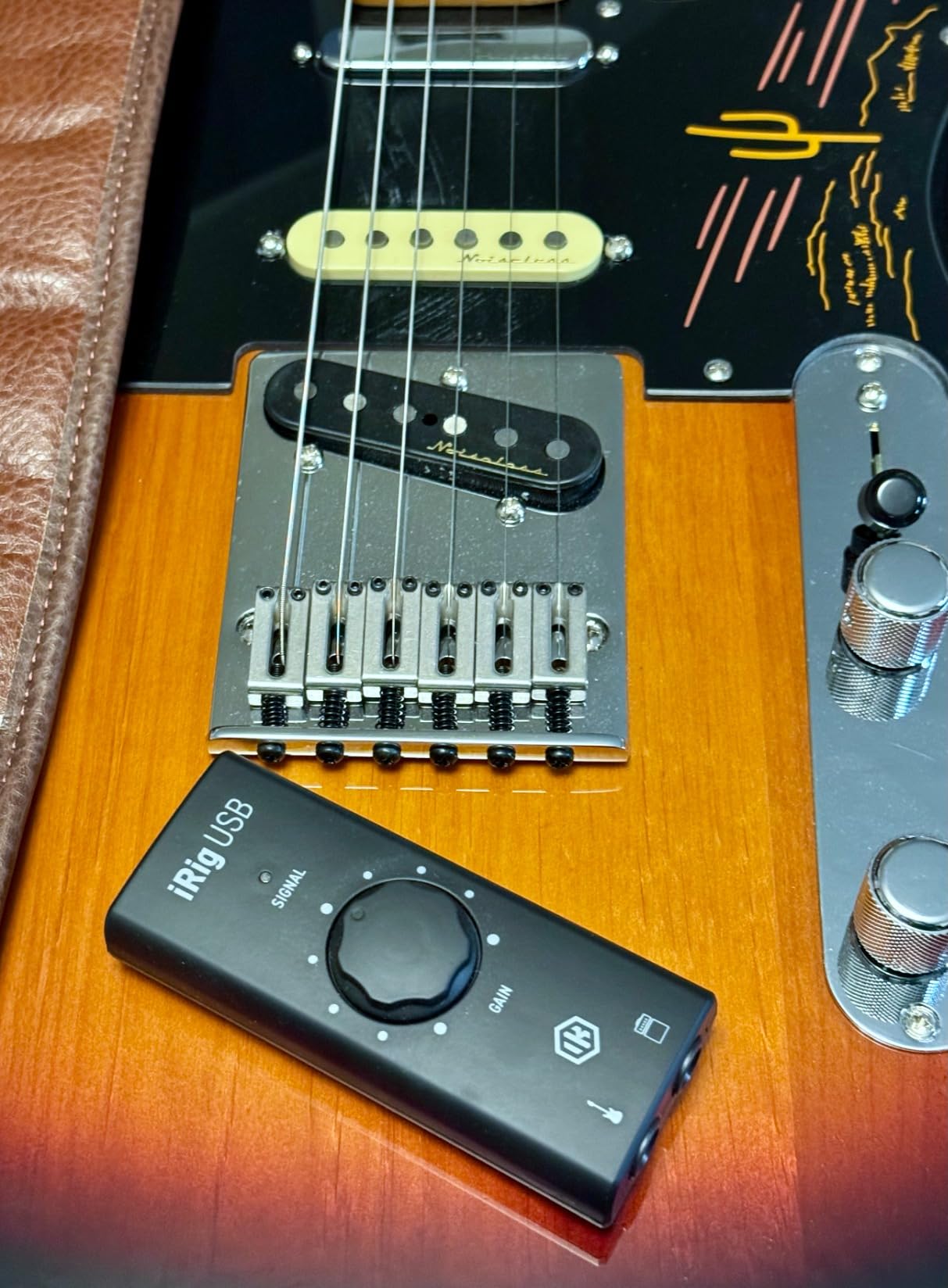
I have owned several iRig devices over the years, and the iRig USB continues the tradition of making guitar recording ridiculously simple. It is a tiny interface with a single 1/4-inch input, a USB-C cable, and a headphone output. That is all you need for practice sessions with AmpliTube or mobile recording.
I tested it across Mac, PC, and iPad with consistent results. The 24-bit/48kHz converters produce a clear, low-noise signal that responds well to amp modeling. The direct monitoring is immediate, so you can practice silently with headphones without any perceptible delay. For apartment dwellers, that feature alone is worth the price.
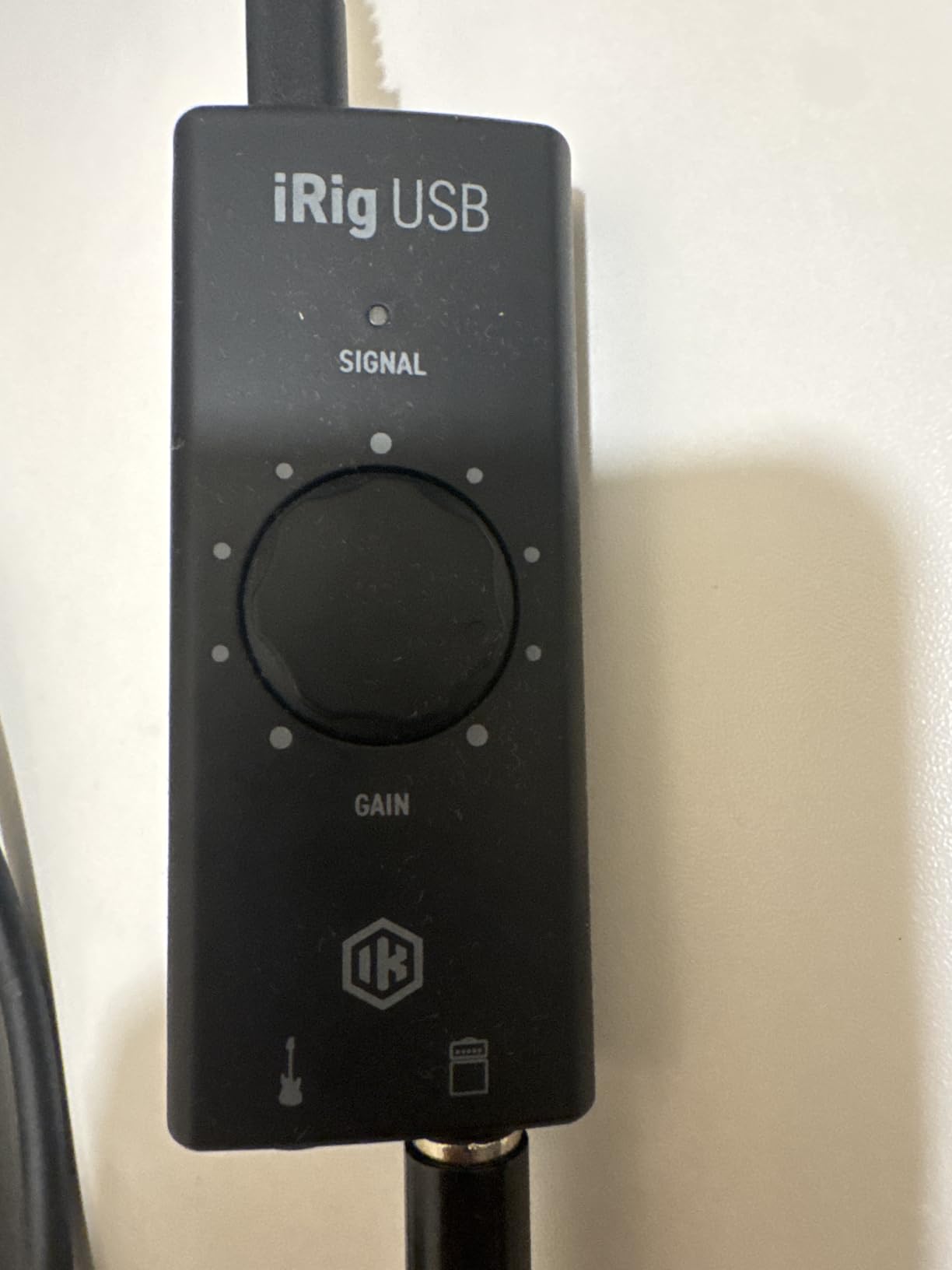
The bundled AmpliTube and TONEX software integration is where this device shines. The amp out jack lets you send a processed signal to a real amp or pedalboard, while the THRU setting passes the dry signal for recording. I spent several evenings just scrolling through presets and dialing in tones, and the experience felt seamless.
My frustration came from the software registration process. Multiple passwords, captchas, and download steps are required before you can use the full plugin suite. It is not difficult, but it is tedious. Once everything is installed, the experience is smooth, but be prepared to spend twenty minutes on setup.
I also noticed some distortion when using certain third-party USB-C cables. The included cable worked perfectly, but a generic replacement introduced crackles. Stick with the factory cable and you should avoid this issue entirely.
Who Should Buy This Interface
This is the best audio interface for guitarists who want a portable practice tool that also records decent tracks. The iPad compatibility makes it perfect for traveling musicians or students who want to practice in different rooms.
Who Should Skip This Interface
Skip the iRig USB if you need XLR inputs, phantom power, or professional studio-grade converters. It is a practice-first device, and while it records well, it is not designed for multi-mic sessions or commercial production.
7. PreSonus AudioBox 96 25th Anniversary – Classic Interface for Guitar and MIDI

- Excellent for beginners
- Plug and play
- Sturdy metal chassis
- Great software bundle
- Crowded knobs
- USB bandwidth issues
- Sound issues after extended use
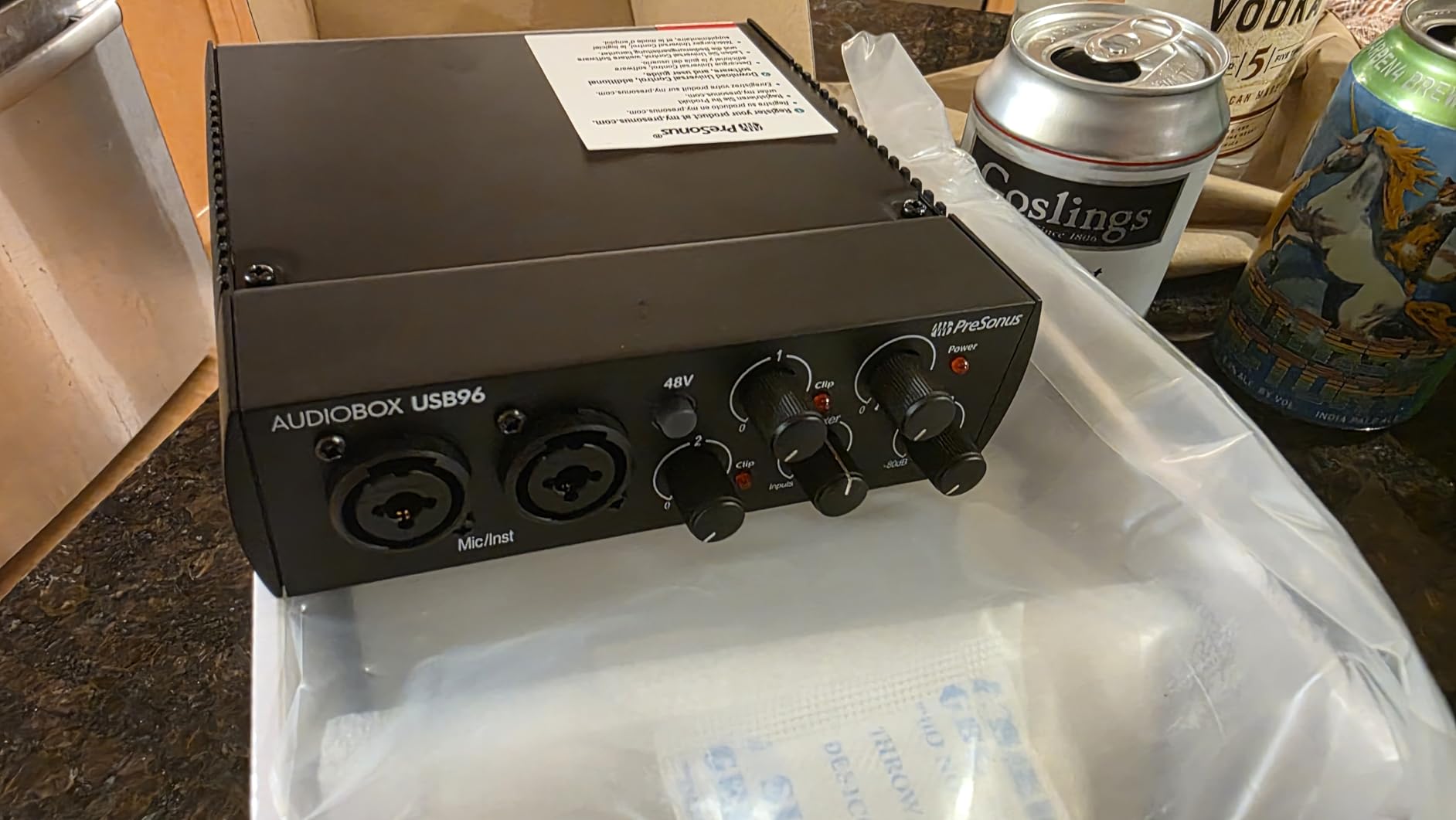
The PreSonus AudioBox 96 has been a staple in beginner studios for years, and the 25th Anniversary edition keeps the formula intact. I used this interface during a full album pre-production cycle, tracking electric guitar direct, acoustic through a DI, and some synth lines via the MIDI I/O.
The two Class-A preamps have a warm, forgiving character that flatters guitars with bright pickups. I recorded a Telecaster with vintage single coils and the tone stayed smooth without any harshness in the upper mids. The 24-bit/96kHz conversion captures more detail than the 48kHz budget units, and you can hear the difference in the sustain and decay of clean tones.
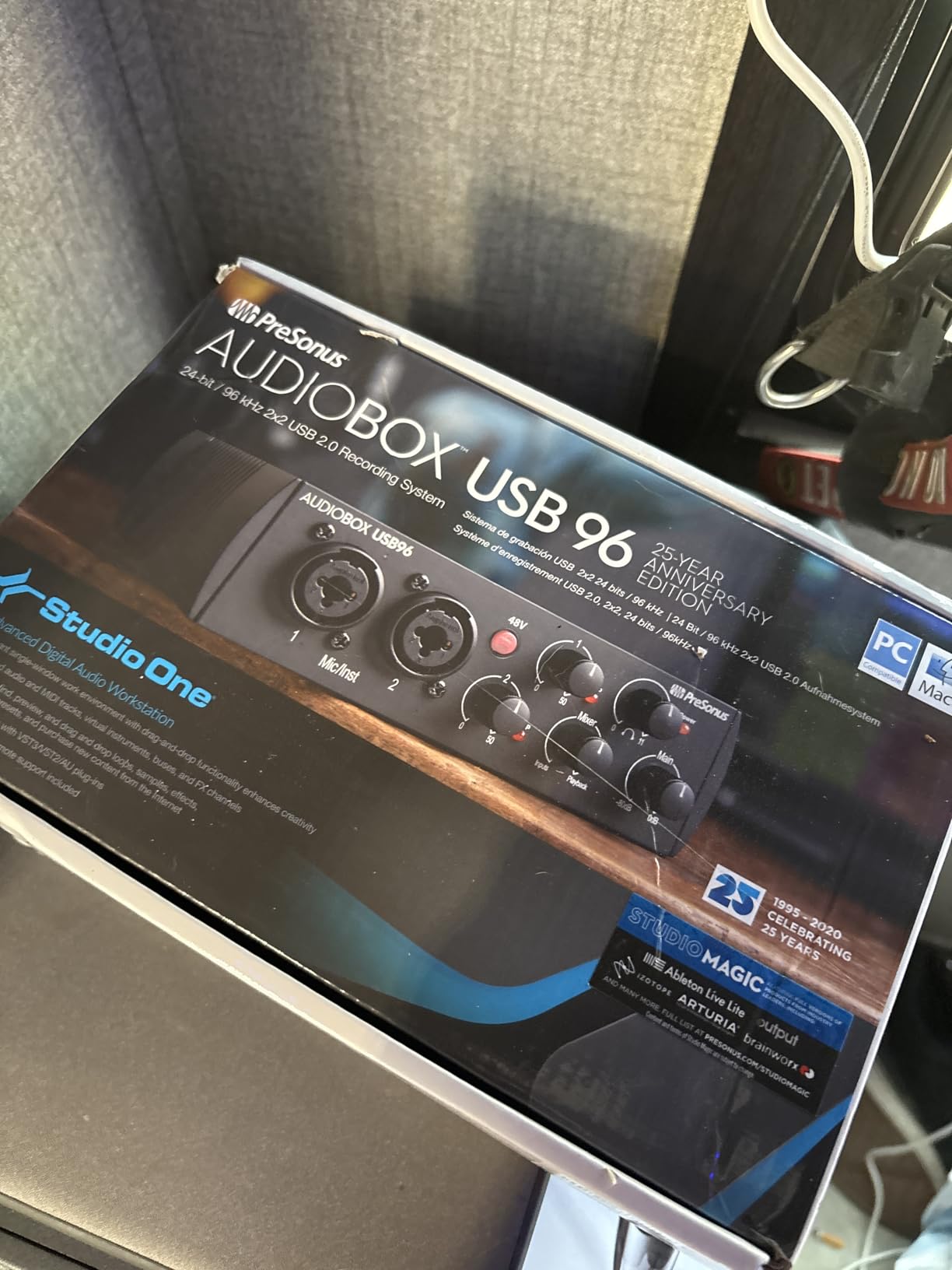
The software bundle is generous. Studio One Artist is a full DAW, not a lite version, and the Ableton Live Lite license adds flexibility. The Studio Magic plugin suite includes compressors, EQs, and reverbs that are good enough for demo mixes. I actually prefer Studio One Artist to some of the stripped-down DAWs bundled with other interfaces.
The metal chassis is sturdy and reassuring. It sits flat on a desk without sliding, and the knobs are spaced well enough for quick adjustments. The MIDI In and Out ports are a genuine advantage for producers who use hardware synths or drum machines alongside guitar.
I did experience one Windows-specific issue where the interface dropped out when other USB devices were connected to the same hub. Moving it to a dedicated port on the motherboard solved the problem. This is a common USB bandwidth issue, not a fatal flaw, but worth noting for PC users with crowded setups.
Who Should Buy This Interface
The AudioBox 96 is ideal for guitarists who also produce electronic music and need MIDI connectivity. The robust software bundle and sturdy build make it a long-term investment for beginners who want room to grow.
Who Should Skip This Interface
Skip it if you need 192kHz recording, or if you have a Windows setup with limited USB ports and many peripherals. The 96kHz ceiling and potential USB bandwidth issues are limiting factors for power users.
8. IK Multimedia iRig Stream – Stereo Interface for Guitar Streaming and Recording
- Easy plug-and-play
- Excellent for streaming
- Loopback functionality
- Compact and portable
- Limited gain controls
- Android support dropped
- Fiddly cable switching
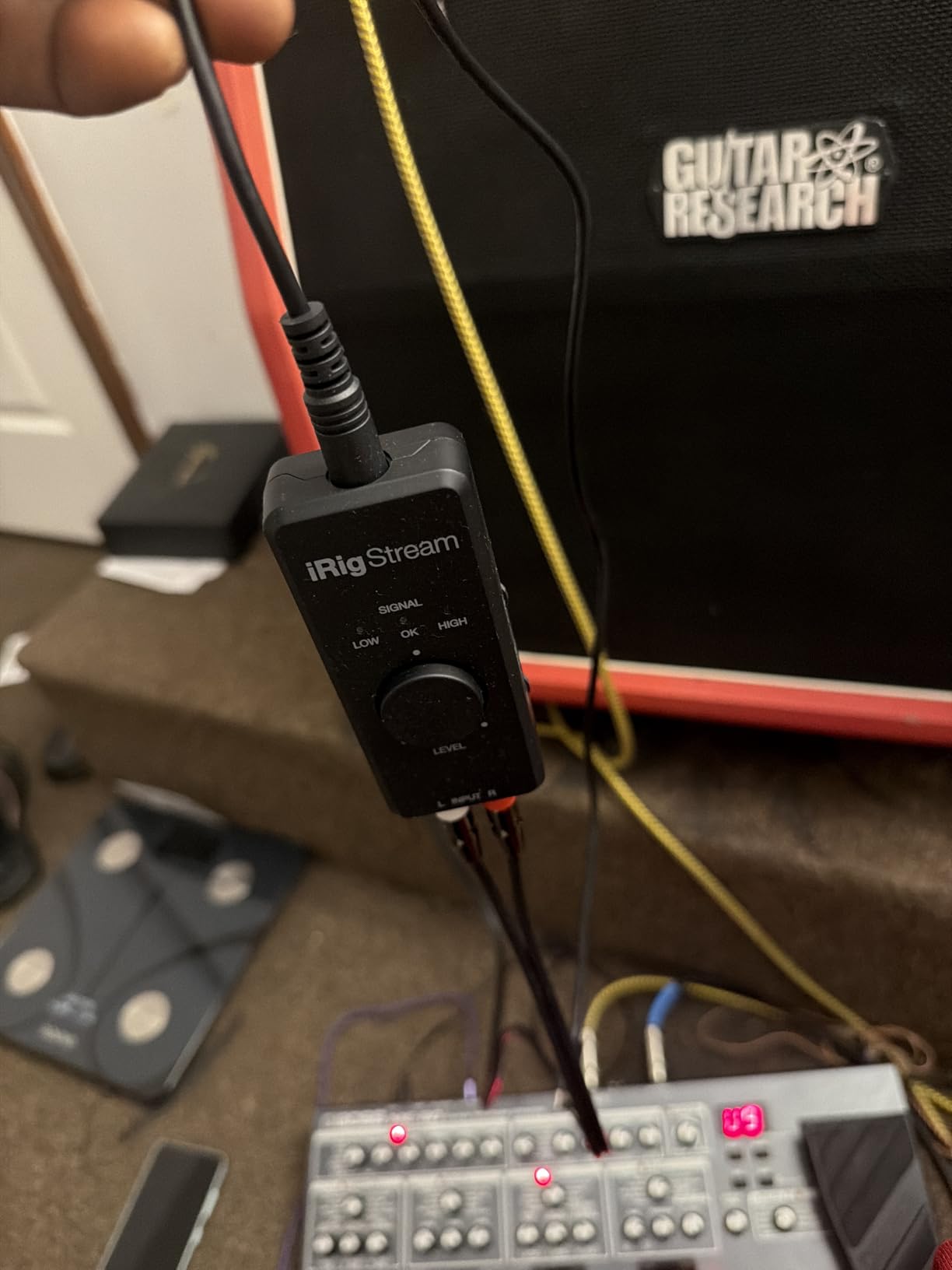
The iRig Stream is a different kind of guitar interface. It is designed for content creators who want to send stereo audio from mixers, keyboards, or phones into a computer or mobile device. I tested it by connecting my pedalboard stereo output to the RCA inputs and streaming live guitar sessions to Instagram.
The loopback functionality is the headline feature. It lets you blend audio from your phone or computer with your live guitar signal, which is perfect for playing along to backing tracks or hosting lessons over Zoom. The 24-bit/96kHz resolution keeps the combined stream clean and free of the crunchy artifacts you get from cheaper adapters.
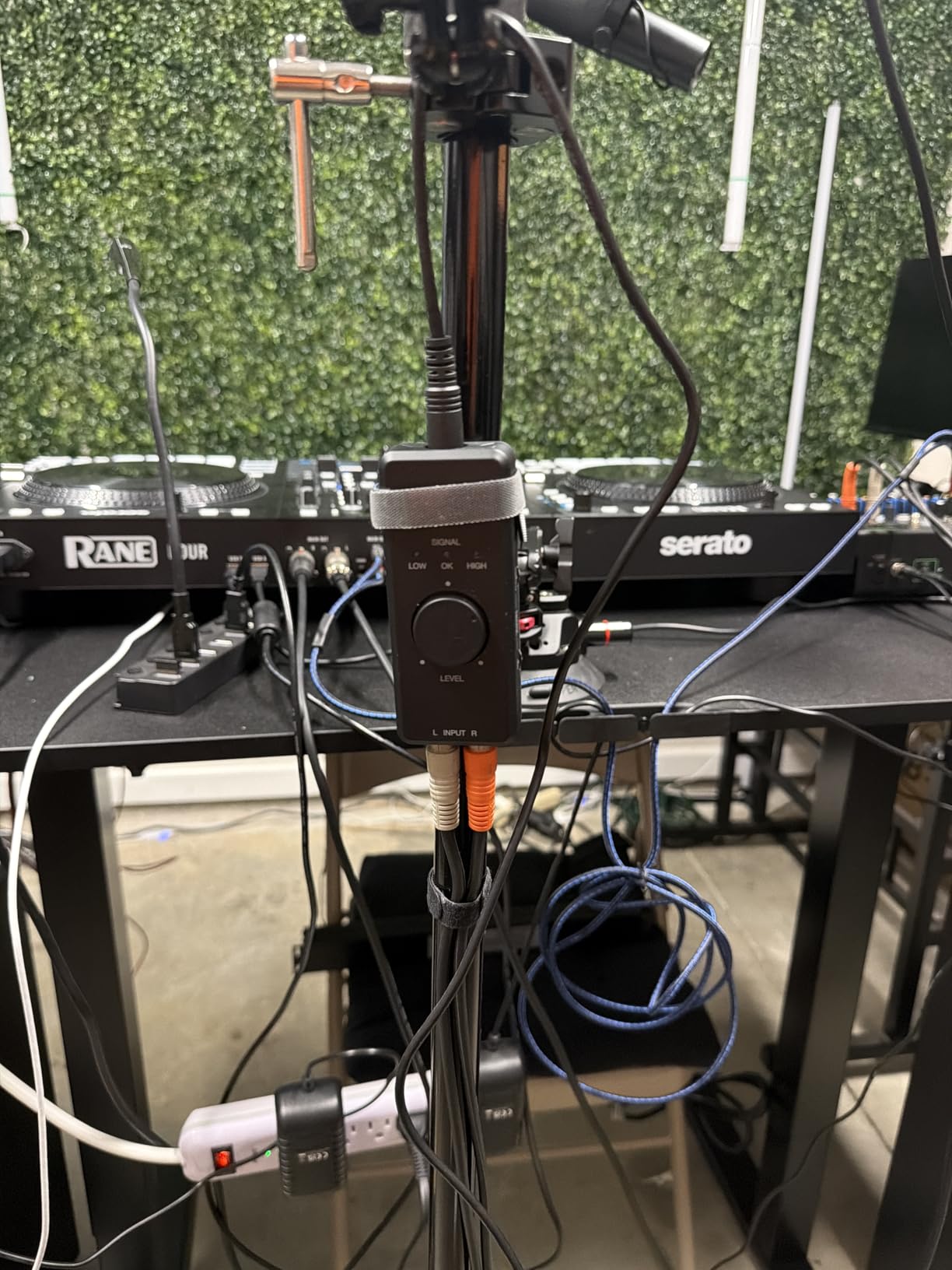
Direct monitoring works without latency, and the global LED indicator gives you a quick visual check of your overall level. The unit is tiny, about the size of a large thumb drive, and it draws power from the host device. I carried it in my gig bag for two weeks and used it to record band rehearsals straight to my iPad.
The gain controls are basic. You get a single level knob for the RCA input and a mix knob for the loopback blend. There is no individual channel trim, so if your stereo source is unbalanced, you have to fix it upstream. This is fine for most streaming setups, but not ideal for critical stereo recording.
I should mention that Android support has been discontinued according to user reports. If you are an Android user, verify compatibility with your specific device before buying. On iOS and macOS, it works flawlessly.
Who Should Buy This Interface
The iRig Stream is the best audio interface for guitarists who stream, teach online, or record stereo sources like keyboards and mixers. The loopback feature makes it uniquely useful for content creators.
Who Should Skip This Interface
Skip it if you need a direct guitar input with Hi-Z impedance matching, or if you rely on Android for mobile recording. The RCA inputs are line-level only, so guitars need a DI box or preamp before connecting.
9. Focusrite Scarlett Solo 3rd Gen – Industry Standard Interface for Guitar
- Outstanding audio quality
- Easy USB-C setup
- Excellent preamps
- Sturdy metal body
- No MIDI I/O
- Only one XLR input
- Phantom power switch placement
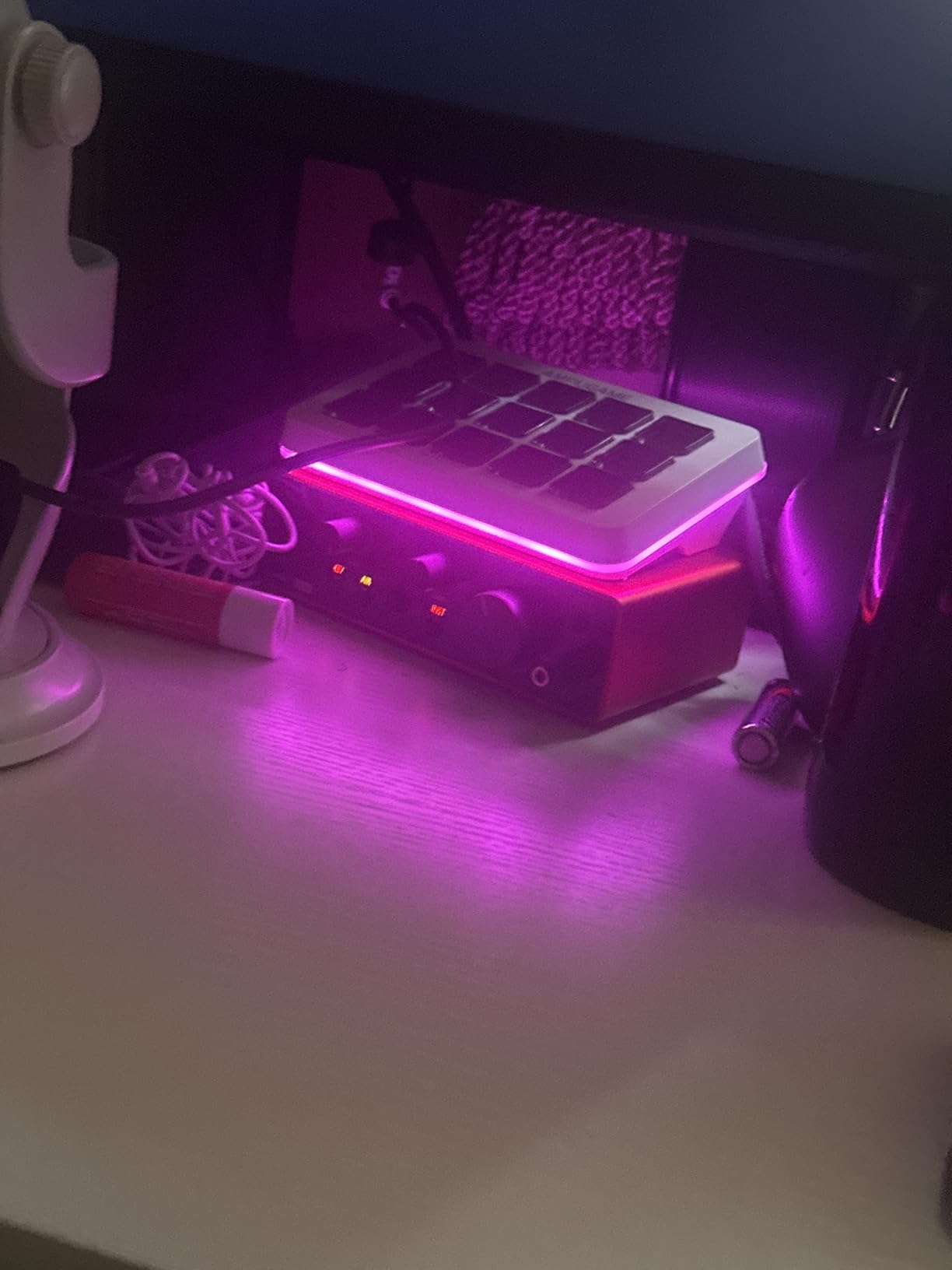
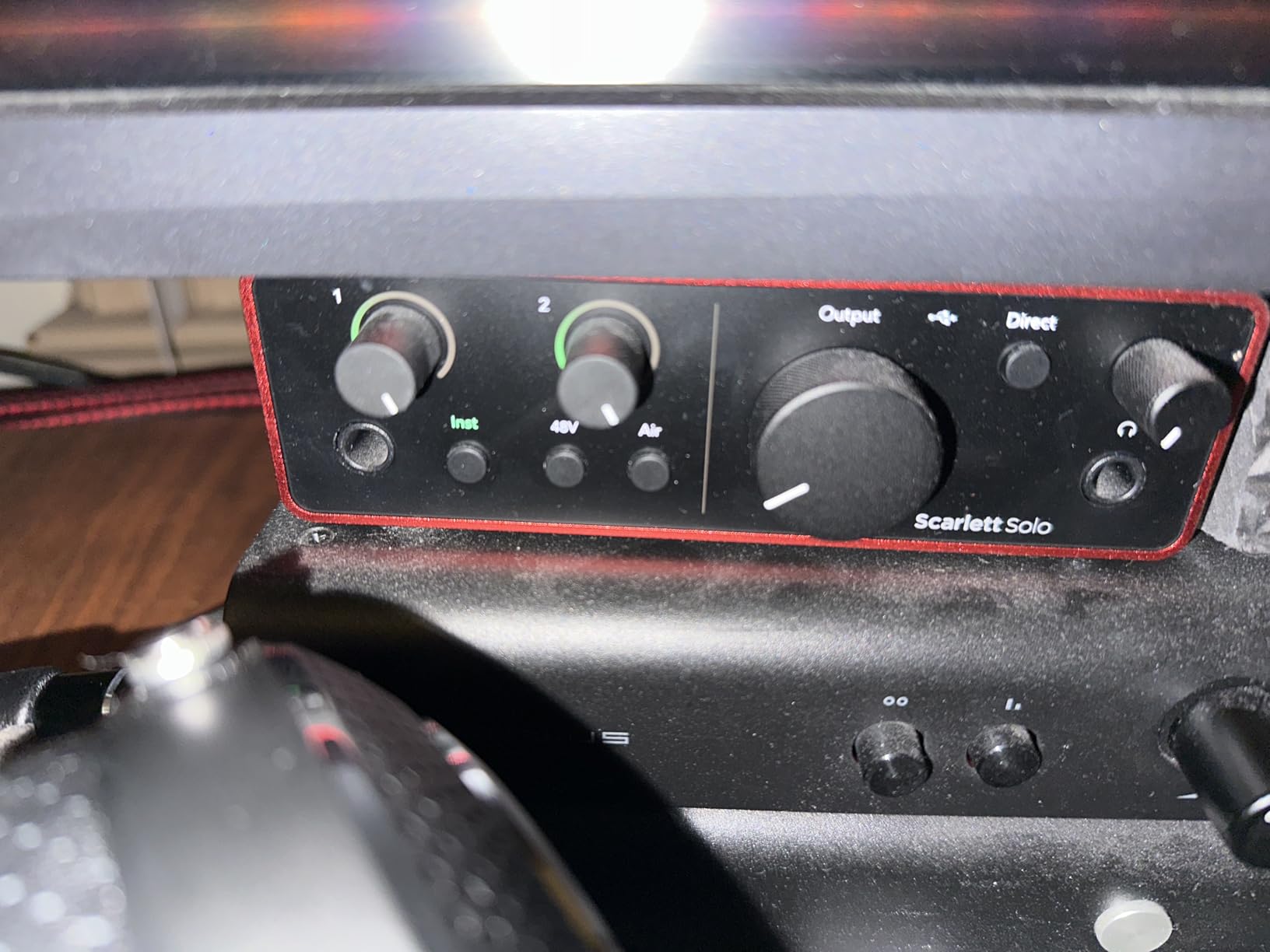
The Focusrite Scarlett Solo 3rd Gen is the best-selling audio interface in the world for good reason. I have used this unit in my personal studio for over a year, and it remains the benchmark against which I judge every budget interface. With 29,000-plus reviews and a 4.7-star average, the user consensus matches my experience.
The 24-bit/192kHz converters are studio-grade, and the preamps deliver the same DNA found in Focusrite’s higher-end Clarett range. I recorded direct electric guitar, bass, and acoustic through the instrument input, and the results always sounded full and articulate. The switchable Air mode adds a subtle high-frequency presence that works particularly well on acoustic guitars and clean electric tones.
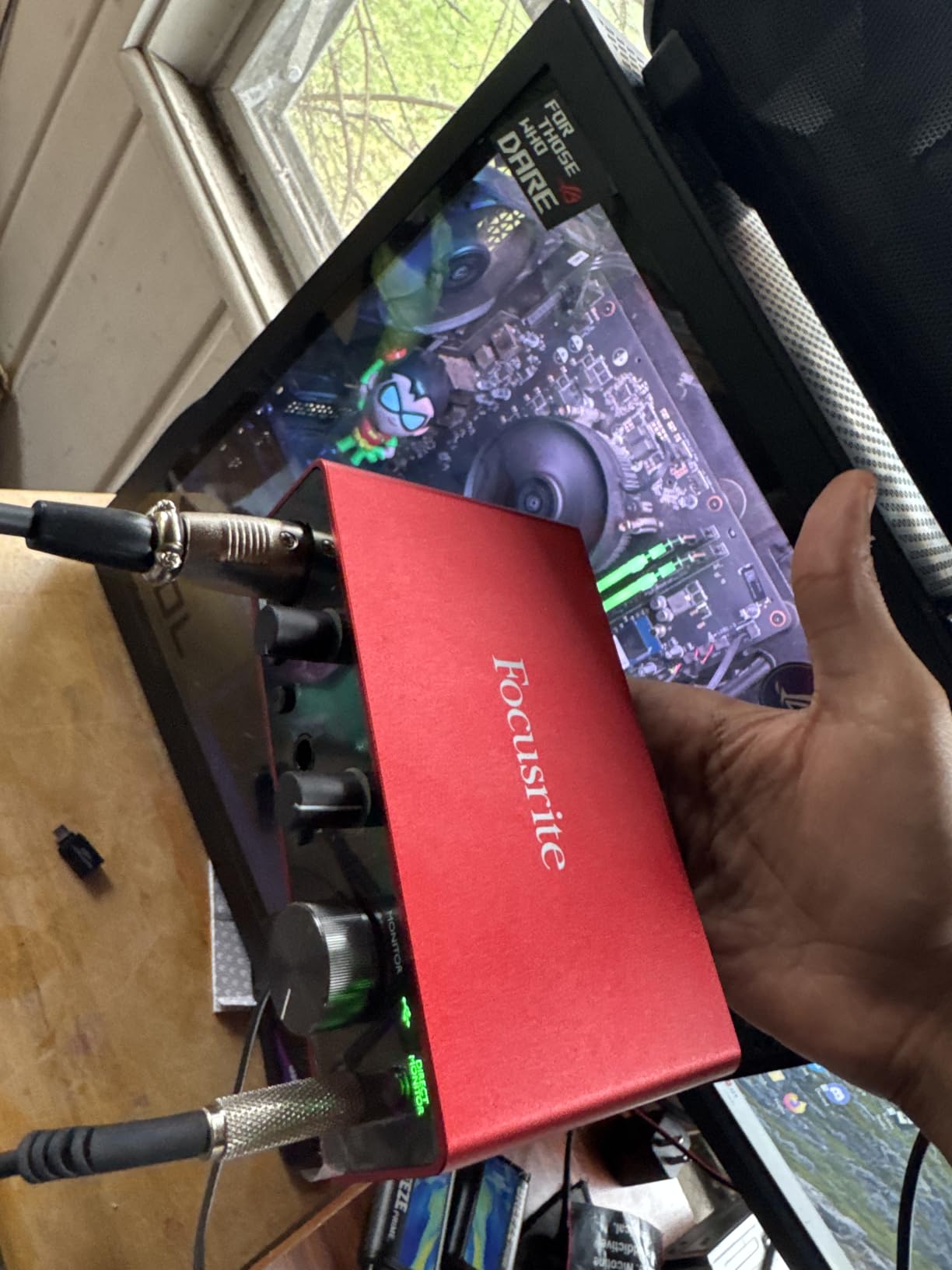
The Gain Halos are a simple but brilliant feature. The LED rings around the gain knobs glow green when your signal is healthy and turn red when you clip. During fast tracking sessions, this saves you from staring at software meters. It is a small design detail that makes a real difference in workflow.
The metal chassis is road-worthy. I have traveled with this interface in a backpack dozens of times, and it still looks new. The USB-C connector is solid, and the low-noise balanced outputs feed studio monitors cleanly without hum or interference.
The software bundle is comprehensive. Pro Tools Intro+, Ableton Live Lite, and Cubase LE cover every DAW preference, and the Hitmaker Expansion adds plugins for EQ, compression, and reverb. I actually used the included Softube plugin bundle on a released track, which says something about the quality.
Who Should Buy This Interface
This is the best audio interface for guitarists who want proven reliability, studio-grade sound, and an unbeatable software package. It is the safest recommendation for anyone who does not know what to buy.
Who Should Skip This Interface
Skip the Solo 3rd Gen if you need MIDI connectivity or two simultaneous XLR inputs. It is a single-channel interface, so duet recording or multi-instrument tracking requires the 2i2 model instead.
10. IK Multimedia AXE I/O One – Guitar-Specific Interface with Tone Shaping
- Professional audio quality
- Z-TONE tone shaping
- Great software bundle
- Passive/active switch
- Plastic housing
- Only one Hi-Z input
- Software registration steps
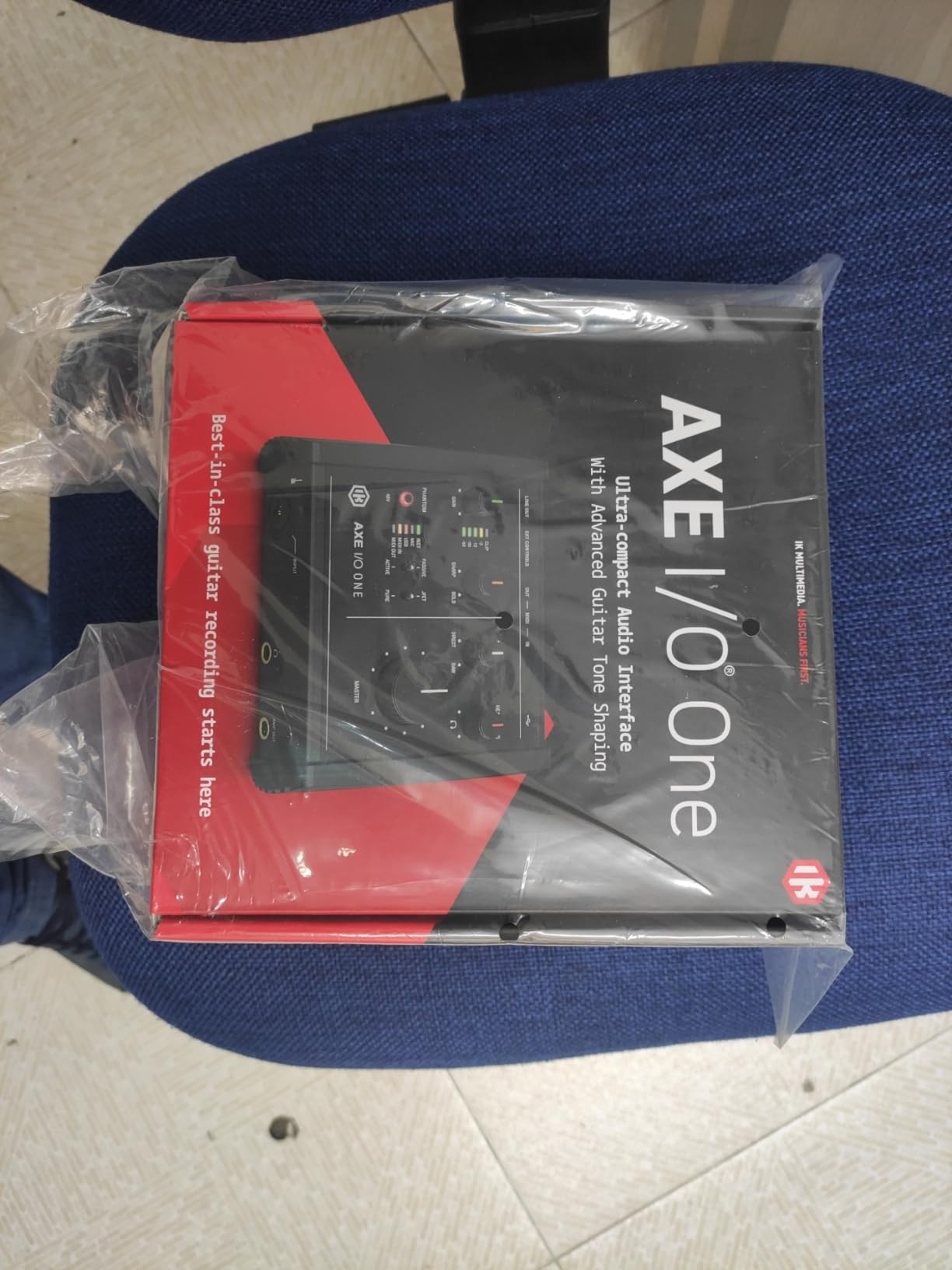
The AXE I/O One is built for guitarists first, and everything else second. The standout feature is the Z-TONE impedance-adapting circuit, which lets you dial in the exact input impedance to match your guitar’s pickups. I spent an afternoon toggling between passive and active modes while recording the same riff, and the tonal differences were noticeable.
The 24-bit/192kHz converters deliver professional-grade audio. I recorded a high-gain metal tone through the direct input and compared it against tracks from a Universal Audio interface. The AXE I/O One held its own, with tight low end and clear top-end detail that preserved the pick attack. The low latency performance in Ableton Live and Reaper was under 6ms on my Windows test rig.
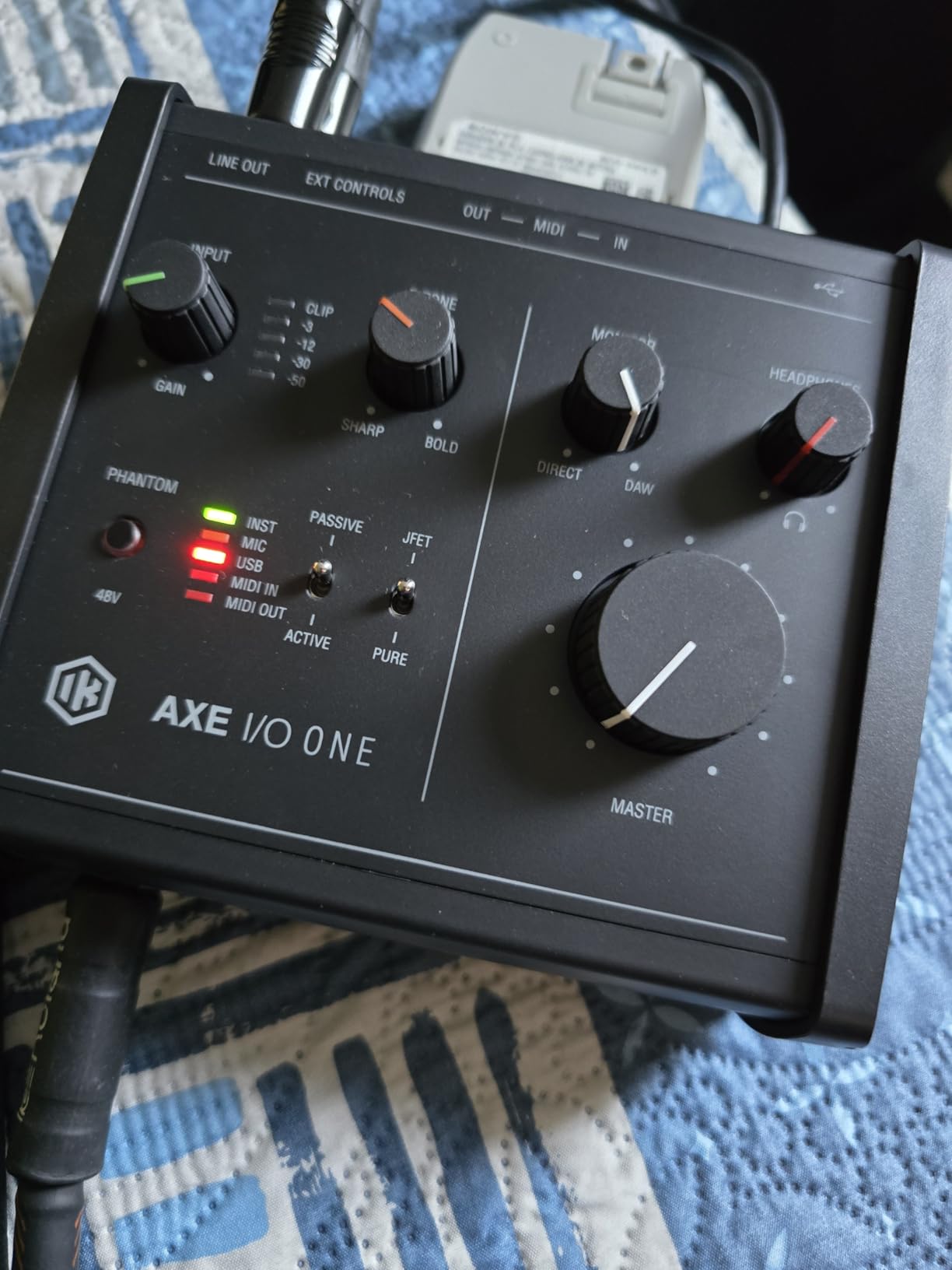
The software bundle is enormous. AmpliTube 5 SE and TONEX SE give you access to over 16,000 guitar tones and a full amp modeling environment. The included Ableton Live Lite license is standard, but the real value is in the IK ecosystem. If you are already using AmpliTube, this interface is the logical companion.
The passive and active pickup selector is another guitar-centric feature. Active pickups often overload budget interfaces because the signal is too hot. The AXE I/O One handles both without clipping, and the Z-TONE knob lets you fine-tune the interaction between your pickups and the input stage.
The plastic housing is the only real downside. It is lightweight and does not feel premium, though it does reduce electrical interference compared to metal chassis. I would not throw this in a gig bag without a case, but for a desktop studio it is perfectly fine.
Who Should Buy This Interface
This is the best audio interface for guitarists who are serious about tone shaping and already use IK Multimedia software. The Z-TONE circuit makes it a unique tool for recording enthusiasts who want to optimize their direct tone.
Who Should Skip This Interface
Skip the AXE I/O One if you need microphone inputs or a metal chassis. It is a guitar-focused device with a plastic shell, and the software registration process can be tedious.
11. Universal Audio Volt 1 – Premium Interface with Vintage Preamp Tone

- Rich vintage preamp tone
- Crystal clear converters
- Includes LUNA DAW
- Solid build quality
- Takes two USB ports with PSU
- No input pad
- Vintage mode distortion at high gain
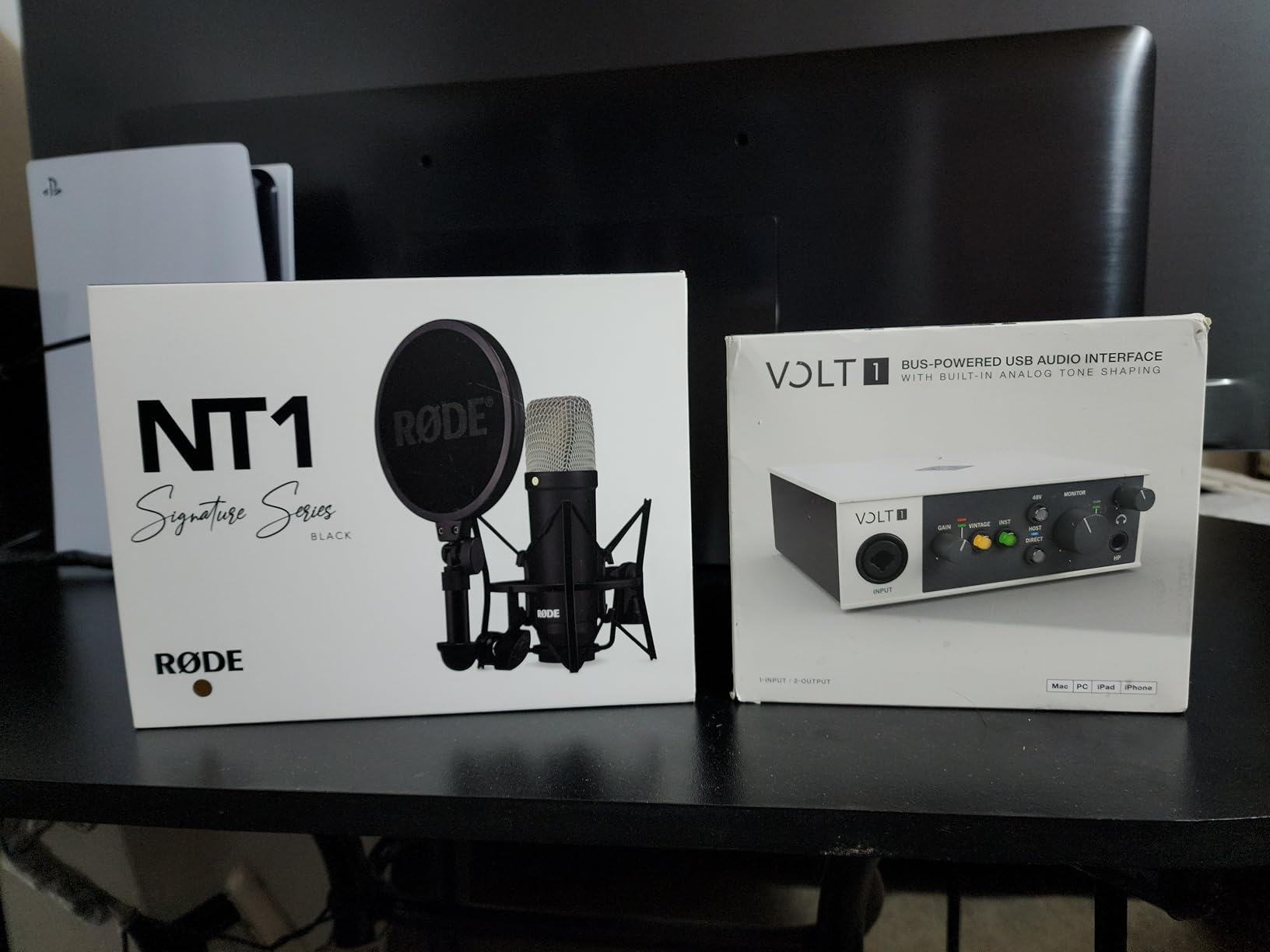
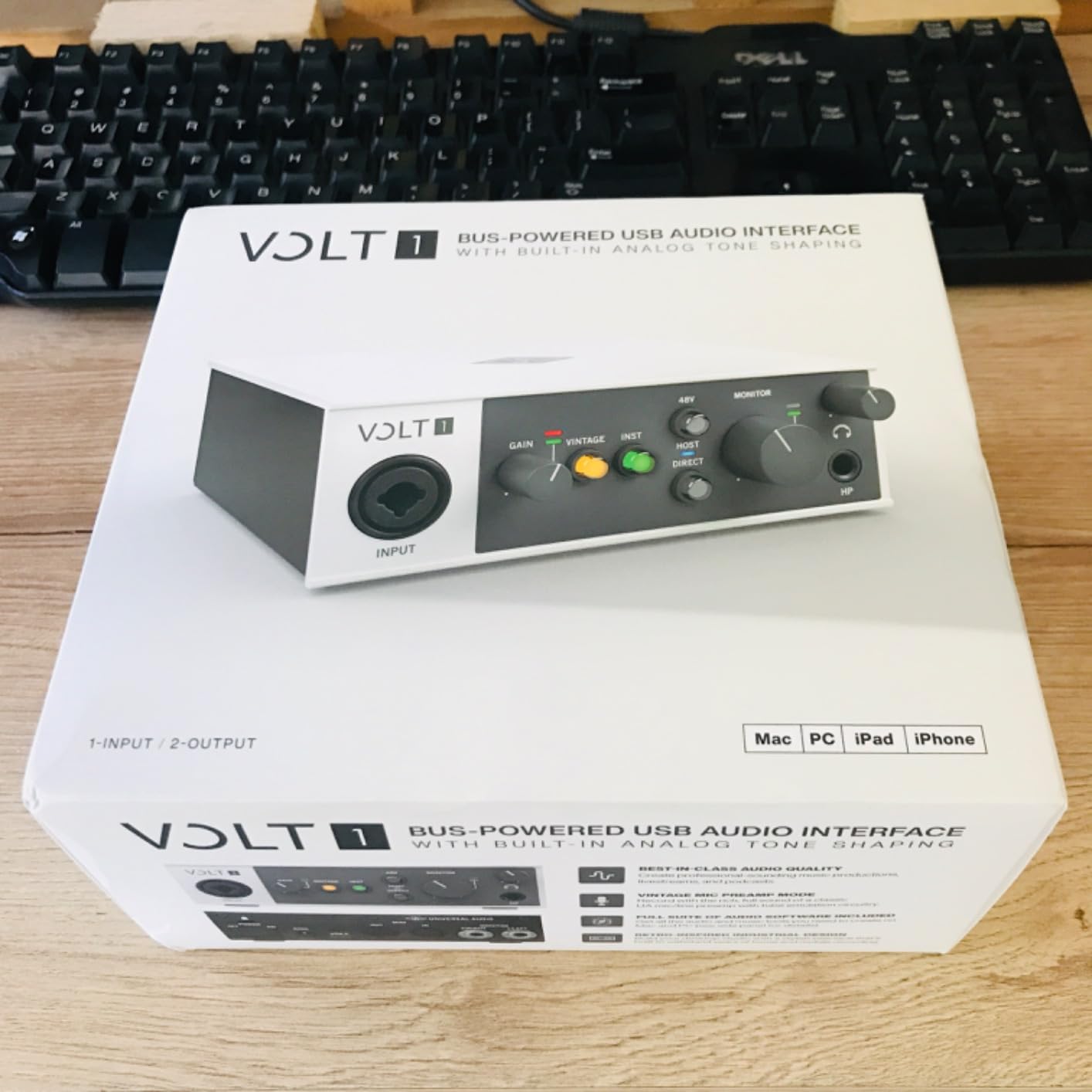
The Universal Audio Volt 1 brings legendary studio preamp character to a desktop interface. The vintage 610 mode is modeled after the classic console preamps used on countless hit records, and it adds a subtle warmth to direct guitar signals that flat digital converters often lack.
I tested the Volt 1 during a series of blues and jazz tracking sessions. With the vintage mode engaged, my clean Stratocaster tones took on a fuller, more three-dimensional quality. The 24-bit/192kHz converters are transparent and detailed, and the direct-drive headphone output delivers plenty of volume even for high-impedance studio cans.
The included LUNA DAW is a hidden gem. It integrates seamlessly with the Volt 1 and includes Unison-enabled preamp emulations that change the input impedance to match the modeled hardware. The Marshall and Ampeg plugins are also included, giving you a complete recording and amp simulation environment out of the box.
Build quality is excellent. The brushed metal finish, solid knobs, and compact footprint make it feel like a professional piece of gear. The MIDI I/O is a welcome addition for producers who use drum machines or keyboard controllers alongside guitar.
One practical issue: the unit draws significant power, and the optional power supply requires its own USB port. If you are using a laptop with limited ports, you may need a powered hub. The vintage mode can also add slight distortion at high gain settings, which is intentional but worth monitoring if you want a completely clean signal.
Who Should Buy This Interface
The Volt 1 is the best audio interface for guitarists who want characterful preamps and premium build quality. The vintage mode and LUNA integration make it a inspiring tool for creative recording.
Who Should Skip This Interface
Skip the Volt 1 if you are on a tight budget or if you need a bus-powered interface that runs from a single laptop port. It also lacks an input pad, so extremely hot signals may require careful gain staging.
12. Audient EVO 4 – Smart Interface with Automatic Gain for Guitar

Audient EVO 4 USB Audio Interface
- Clean professional preamps
- Smartgain feature
- Compact design
- Low noise floor
- Plastic housing feels cheap
- Single knob interface
- Windows sleep issues
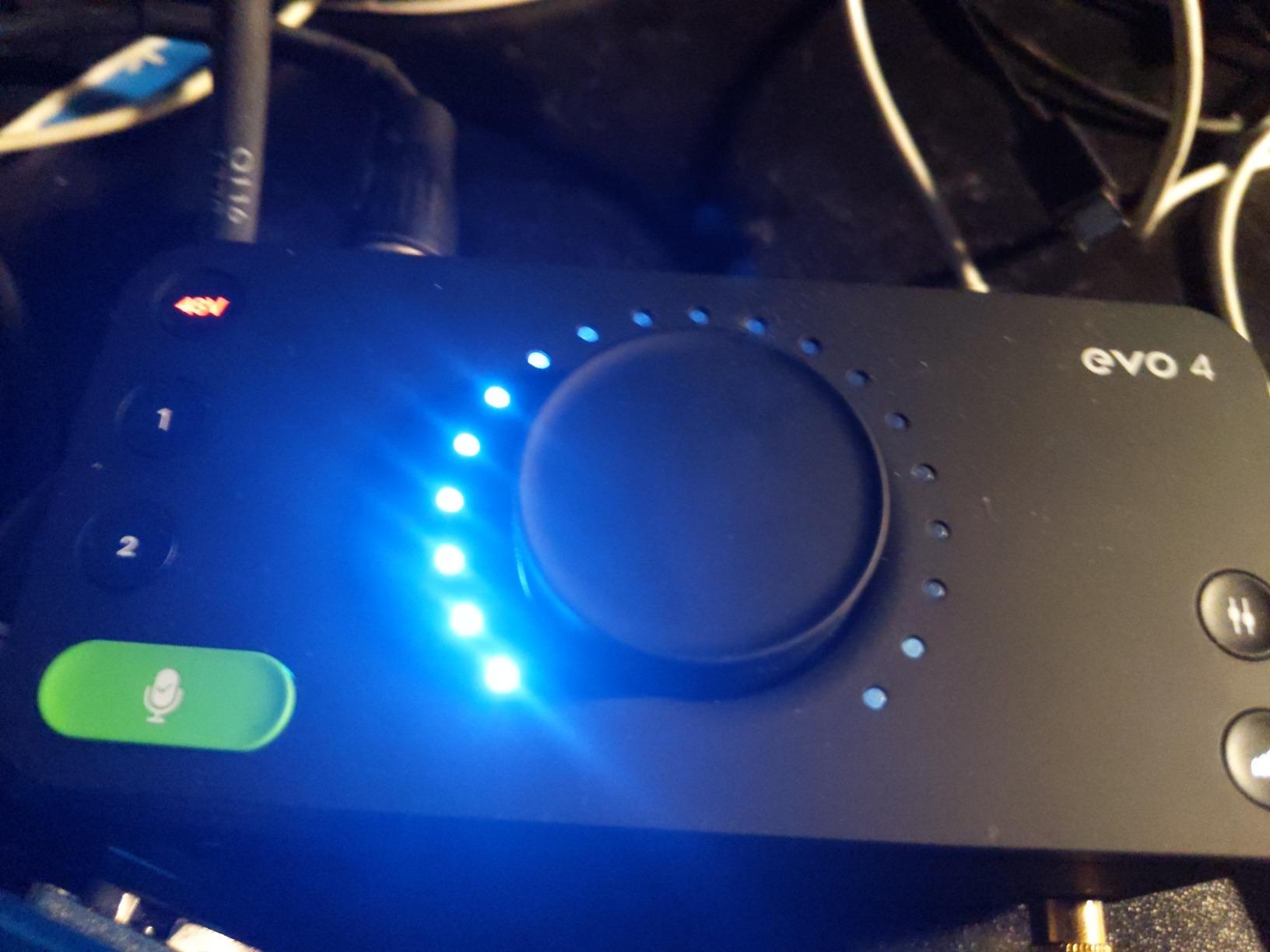
The Audient EVO 4 is designed for creators who want pro sound without pro complexity. The Smartgain feature automatically sets your input levels by listening to your playing and adjusting the preamp gain until the signal is healthy. I tested it by playing a clean arpeggio and a heavy palm-muted riff, and it nailed both levels on the first try.
The discrete JFET instrument input is a standout feature at this price. It gives guitar signals a slight warmth and high-end sparkle that complements amp simulations nicely. I recorded the same riff through the EVO 4 and a competitor at the same price, and the EVO 4 sounded more open and natural on the transients.
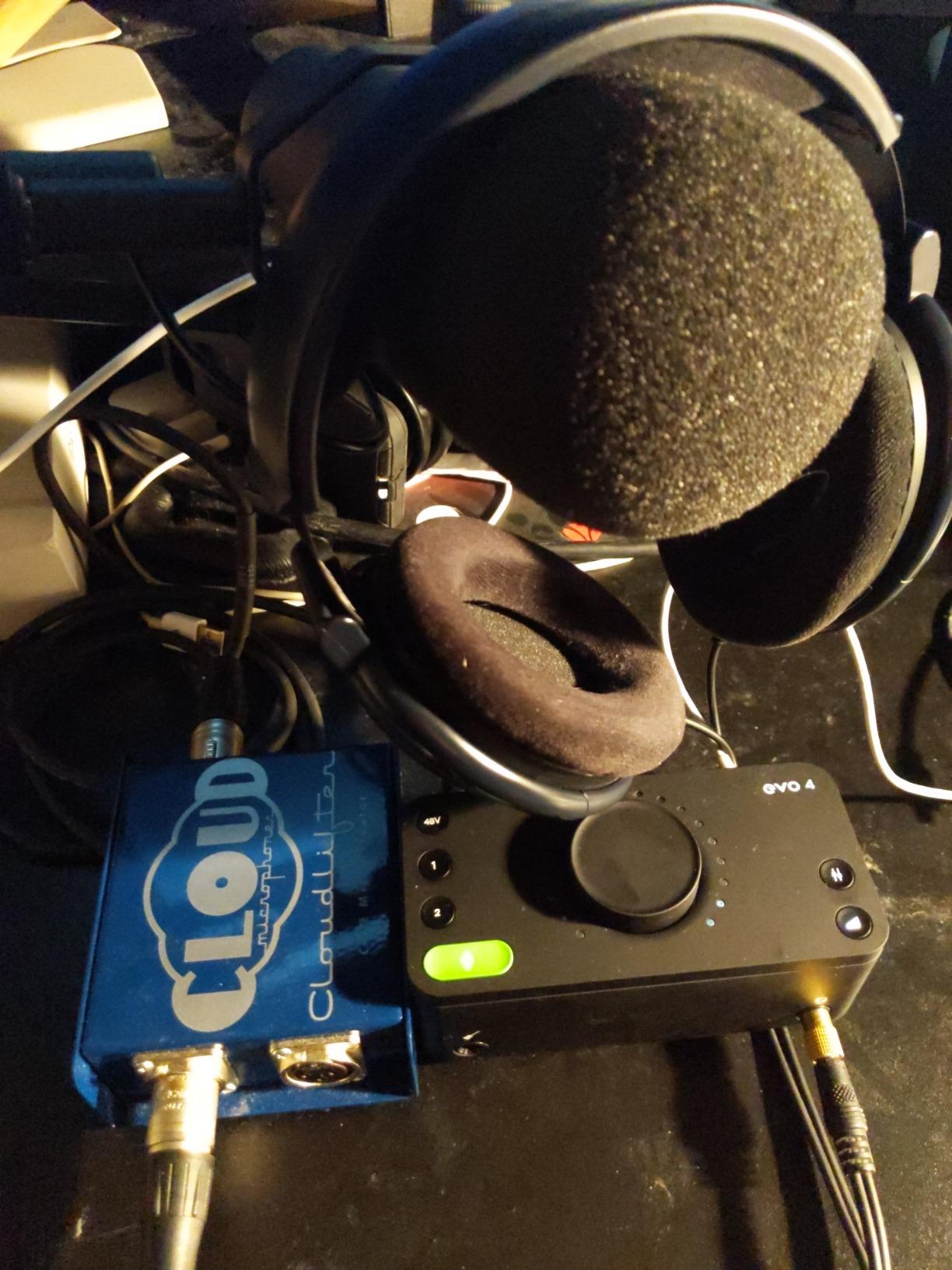
The loopback functionality is perfect for streamers. I routed my DAW output and my microphone into a single OBS source, and the mix was balanced without any additional software. The DSP-based low-latency mixer keeps monitoring delay below the perception threshold, even at higher buffer sizes.
The single-knob interface is innovative but takes getting used to. One encoder handles input selection, gain, and monitoring mix depending on which button you press. It is elegant and saves space, but during fast tracking sessions I missed dedicated knobs for immediate adjustments.
Windows users should note that sleep and hibernation can cause connectivity issues. I had to restart the EVO 4 control software once after my PC woke up. This is a minor annoyance, but it happened consistently enough that I stopped putting my recording PC to sleep during long sessions.
Who Should Buy This Interface
The EVO 4 is ideal for guitarists who want automatic level setting and a clean JFET input. The Smartgain feature is genuinely helpful for beginners who do not yet understand gain staging.
Who Should Skip This Interface
Skip the EVO 4 if you prefer dedicated hardware knobs or need a rugged metal chassis. The plastic build and single-knob workflow are polarizing features that some users love and others find frustrating.
13. Focusrite Scarlett Solo 4th Gen – Editor’s Choice for Guitar Recording
- 120dB dynamic range
- Air mode presence
- Auto Gain and Clip Safe
- Strong headphone amp
- May need firmware update
- Intrusive software
- Only one XLR input
The Focusrite Scarlett Solo 4th Gen is our top pick for most guitarists in 2026. It combines the trusted Scarlett preamp sound with meaningful upgrades like a 120dB dynamic range, Auto Gain, and an expanded Air mode that adds both Presence and harmonic drive. I have used this interface daily for the past three months, and it has not let me down once.
The Auto Gain feature is a game changer for beginners. You press the button, play your guitar for ten seconds, and the interface sets the optimal level automatically. I tested it with a low-output vintage single coil and a hot active humbucker, and both came back with healthy, non-clipping levels. Clip Safe adds an extra safety net by temporarily rolling back gain if you spike unexpectedly.
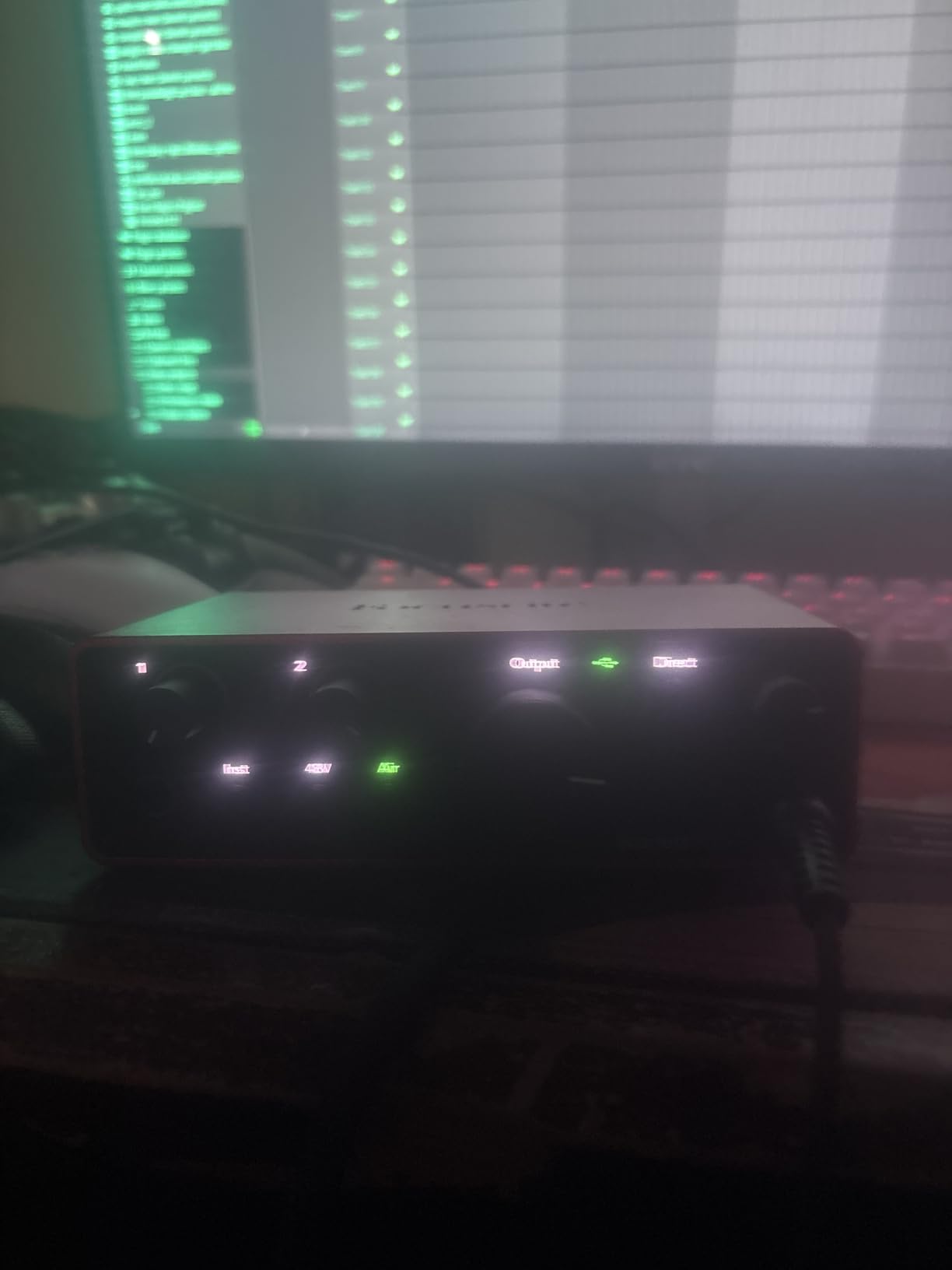
The Air mode in this generation is more than a treble boost. It now adds harmonic content and output drive that makes clean guitars sound more alive. I tracked a fingerstyle piece with Air mode engaged and the tone had a subtle shimmer that reminded me of a high-end tube DI. It is a musical enhancement, not just an EQ curve.
The headphone amp is surprisingly powerful. I drove my 250-ohm Beyerdynamic headphones to comfortable levels with the knob at sixty percent, which is impressive for a bus-powered interface. The independent headphone volume means you can set a separate monitor mix without affecting your main output levels.
The initial setup requires a firmware update, which is quick but mandatory. The Focusrite Control software also prompts you frequently for updates and registration. Once you get past the setup phase, the interface is rock solid on both Mac and Windows. Just be patient during the first fifteen minutes.
Who Should Buy This Interface
This is the best audio interface for guitarists who want the latest technology with proven reliability. The Auto Gain, Clip Safe, and expanded Air mode make it the most user-friendly Scarlett yet, while the 120dB dynamic range satisfies experienced engineers.
Who Should Skip This Interface
Skip the Solo 4th Gen if you need two XLR inputs or MIDI connectivity. It is a single-channel device, and the software prompts during setup can annoy users who want a completely offline workflow.
14. MOTU M2 USB-C – Reference-Quality Interface for Guitar and Studio

MOTU M2 USB-C Audio Interface
- Exceptional audio quality
- Clean transparent preamps
- Color LCD VU meters
- Powerful headphone amp
- Single stereo input on Windows
- Front XLR inputs cluttered
- Short USB cable included
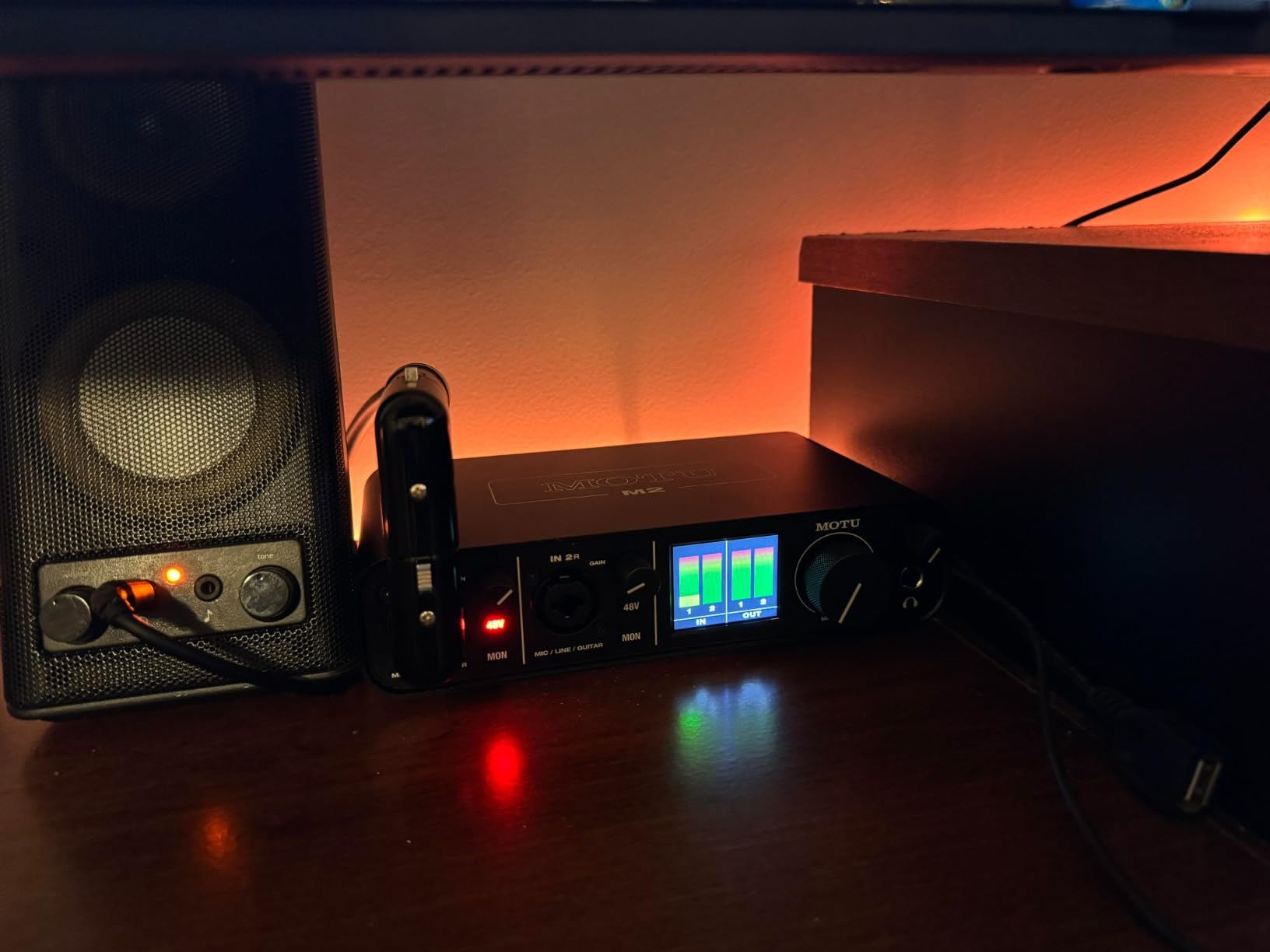
The MOTU M2 is widely regarded as the best-sounding interface in its class, and my testing confirms that reputation. The ES Sabre DAC and meticulously designed preamps deliver a clarity and depth that rival units costing twice as much. I recorded direct guitar, bass, and vocals through the M2, and every source sounded more defined and three-dimensional than through comparable competitors.
The color LCD VU meters are not a gimmick. They give you accurate, instantaneous level readings for both inputs and the main output. I found myself relying on them more than my DAW meters because they are faster and easier to read at a glance. The meters also show clip indicators that catch fast transients before they ruin a take.
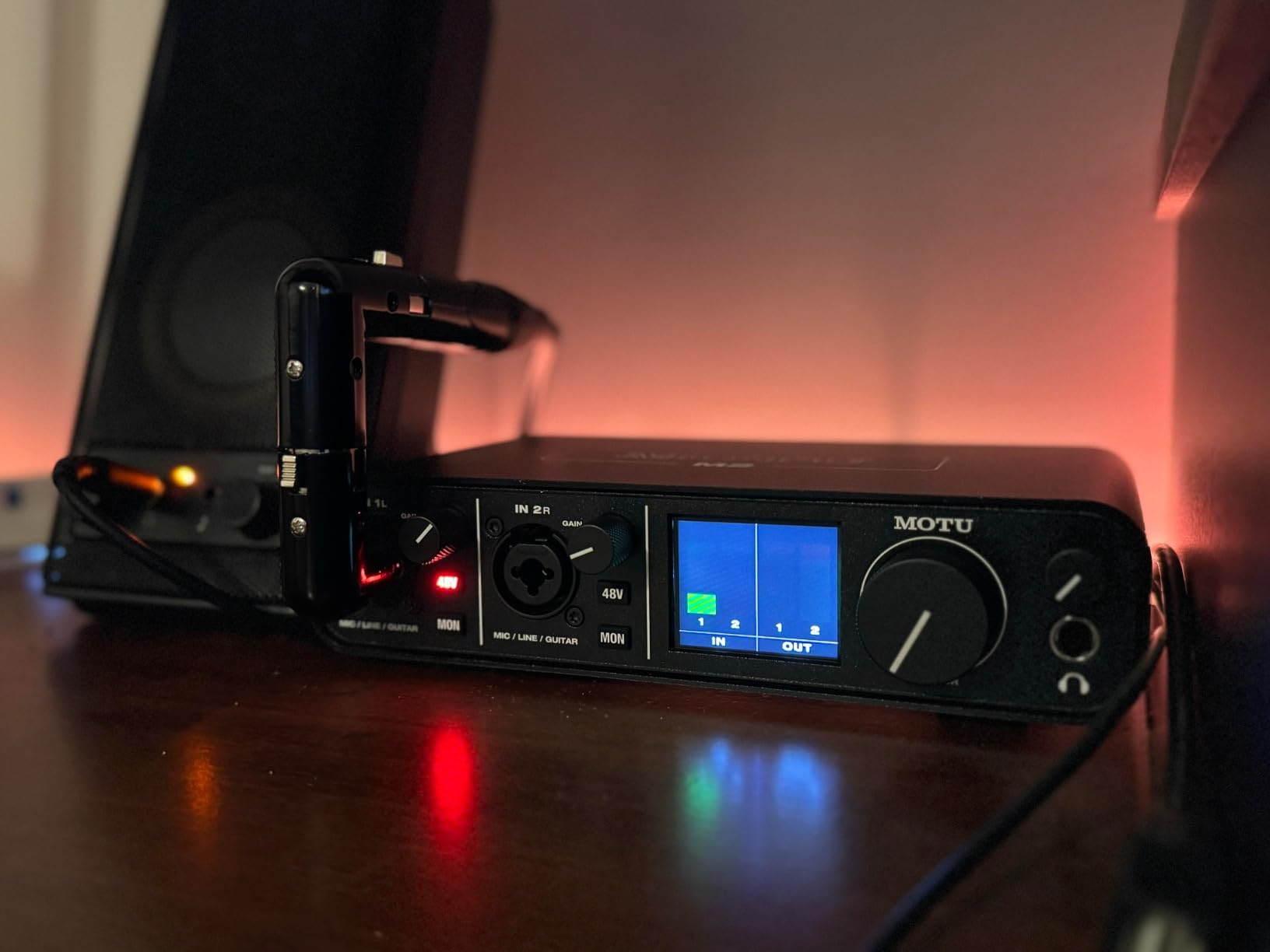
The headphone amplifier is a hidden strength. It delivers roughly three times the power of the Focusrite headphone output, which means it can drive demanding studio headphones with authority. I used my 300-ohm Sennheiser headphones for late-night tracking sessions, and the M2 had plenty of headroom left. The separate volume control is also independent of the main monitor mix, which is a workflow win.
The preamps have a clean, transparent character with just a hint of warmth. They do not color the sound like the Universal Audio vintage mode, but they do not sound sterile either. This neutrality makes the M2 an excellent reference tool for judging amp simulations and guitar plugins, because you hear exactly what the software is doing without interface-induced tonal bias.
On Windows, the system sees the M2 as a single stereo input, which can be annoying if you want to route input one to a guitar track and input two to a vocal track at the OS level. Inside any proper DAW, this is not an issue because the ASIO driver exposes both channels independently. The front-facing XLR inputs also make cable management slightly messier than rear-panel designs.
Who Should Buy This Interface
The MOTU M2 is the best audio interface for guitarists who prioritize sound quality above all else. The reference-grade converters and powerful headphone amp make it a serious studio tool for critical listening and professional tracking.
Who Should Skip This Interface
Skip the M2 if you need rear-panel inputs for a clean desk setup, or if you are an absolute beginner who wants automatic gain features. It is a manual, no-frills interface that rewards users who know how to set levels properly.
15. Focusrite Scarlett 2i2 4th Gen – Dual Input Studio Interface for Guitarists
- 120dB dynamic range
- Rear XLR connections
- Auto Gain and Clip Safe
- Air mode presence
- Software required for full features
- No DIN MIDI plugins
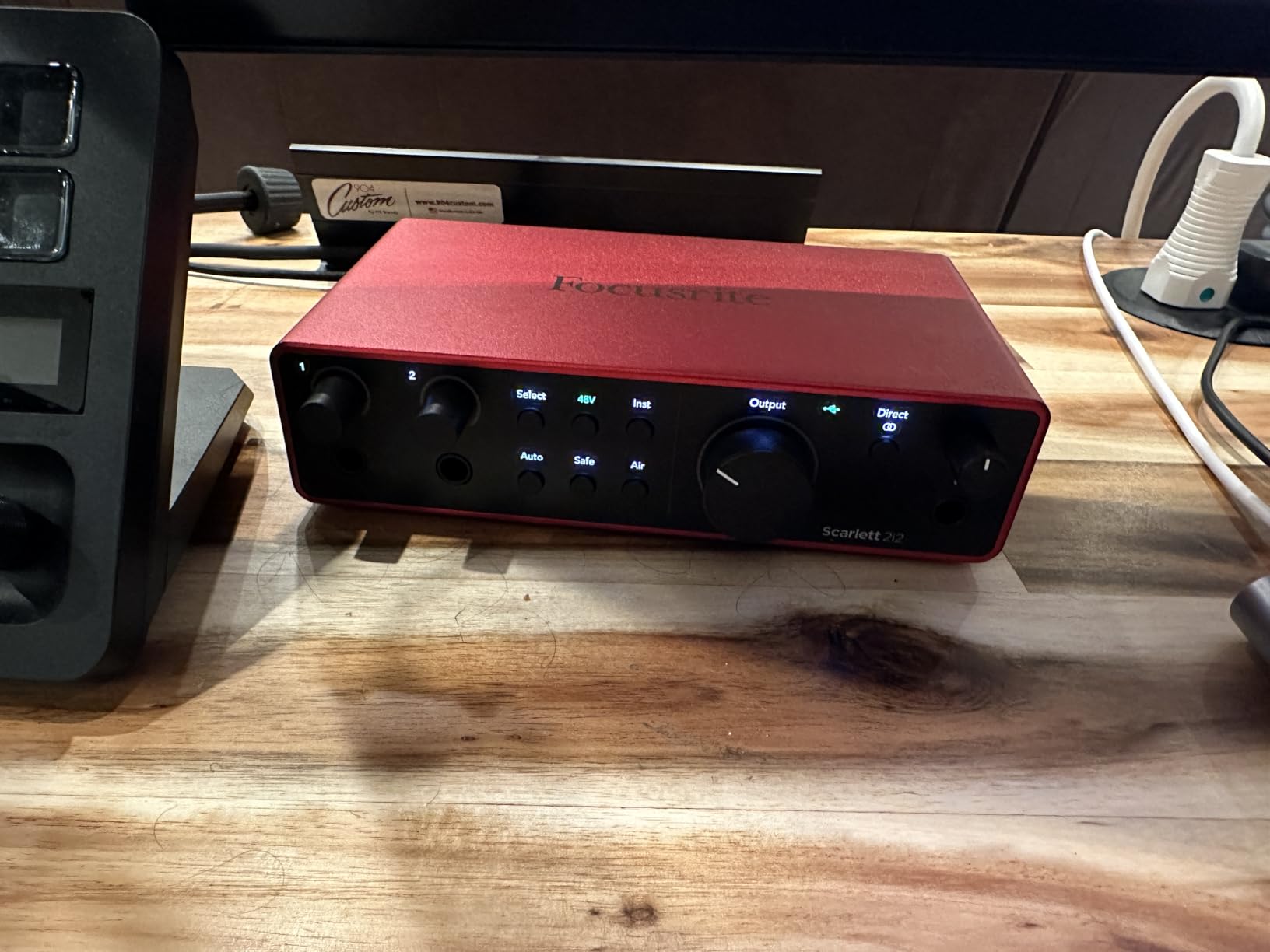
The Scarlett 2i2 4th Gen takes everything great about the Solo 4th Gen and adds a second input. For guitarists who record with a partner, track vocals and guitar simultaneously, or use stereo sources, those two inputs are essential. I used the 2i2 for a full month of duo recording sessions and found it to be the most balanced dual-input interface in this guide.
The rear XLR connections are a standout design choice. By moving the mic inputs to the back panel, Focusrite keeps your desk clean and your cables out of the way. I ran two microphone cables behind my monitor and the front panel stayed completely uncluttered. It is a small detail that makes a big difference in daily workflow.
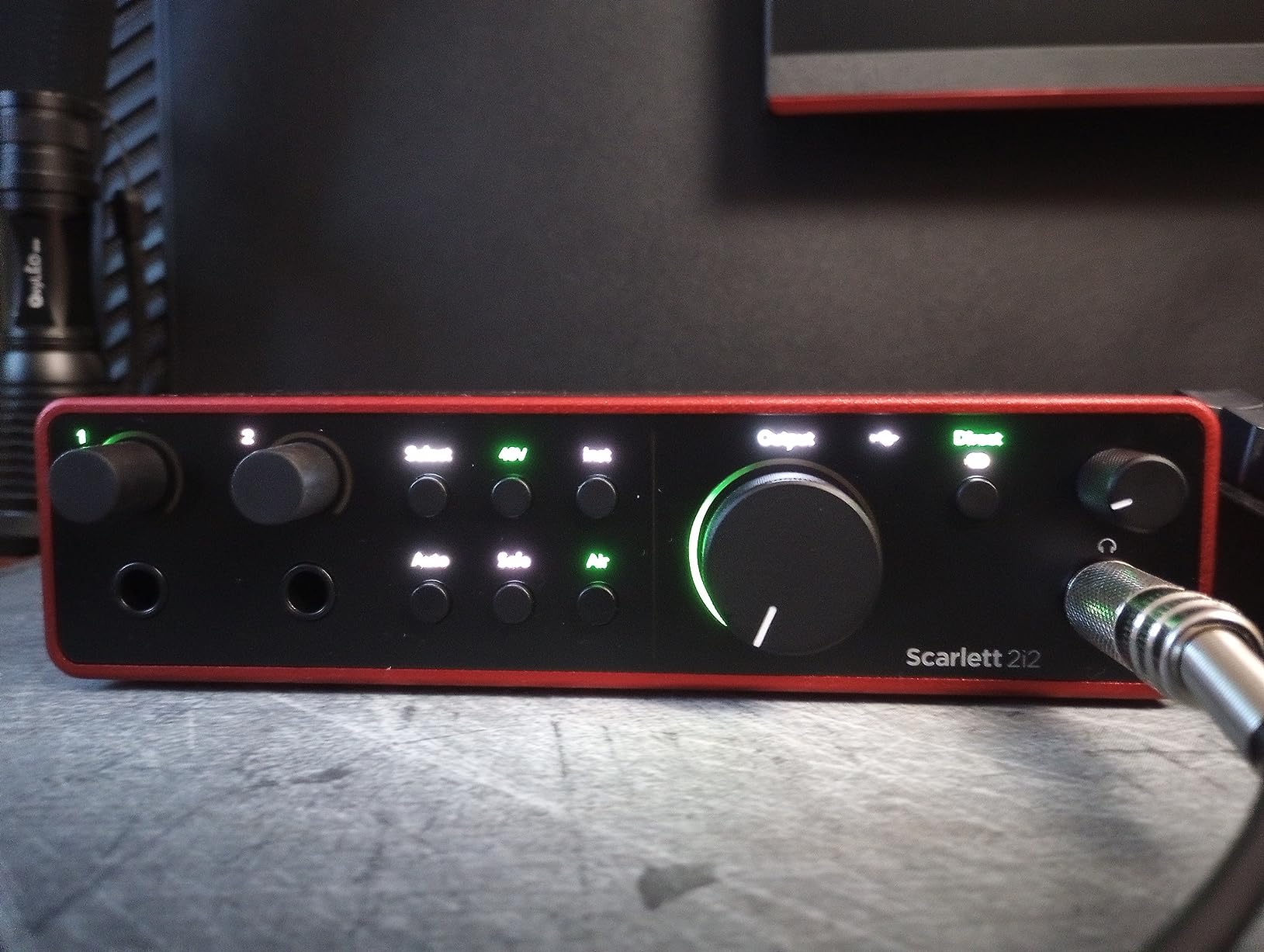
The same 120dB dynamic range, Auto Gain, and Clip Safe features from the Solo are present here. I recorded an acoustic guitar and vocal simultaneously with Auto Gain engaged on both channels, and the levels came back perfectly balanced. The Air mode added presence to both the guitar and voice without introducing harshness.
The included software bundle matches the Solo: Pro Tools Intro+, Ableton Live Lite, Cubase LE, and the Hitmaker Expansion. The loopback feature is also present, making the 2i2 a viable option for streamers who need to blend guitar audio with computer playback. The drivers are stable, and I experienced zero dropouts across multiple DAWs on Windows 11.
The only functional limitation is the lack of MIDI DIN connections. If you use hardware synths or drum machines, you will need a separate MIDI interface. The 2i2 also requires the Focusrite Control software to access some advanced routing features, so plan to install the driver package before your first session.
Who Should Buy This Interface
The 2i2 4th Gen is the best audio interface for guitarists who need two inputs with professional features and clean desk ergonomics. The rear XLR placement, Auto Gain, and Air mode make it the most complete dual-input interface we tested.
Who Should Skip This Interface
Skip the 2i2 if you only ever record one source at a time, or if you need MIDI I/O built into the interface. The Solo 4th Gen or Universal Audio Volt 1 are better single-channel alternatives depending on your priorities.
How to Choose the Best Audio Interface for Your Guitar Setup
After testing fifteen interfaces, I have narrowed the decision down to a few key factors. Your specific needs will determine which of these matter most.
Sample Rate and Bit Depth
Most guitarists do not need 192kHz recording, but 24-bit depth is worth having. It gives you more headroom for gain staging and quieter noise floors. Every interface on this list except the XTUGA Q-12 offers 24-bit conversion, which is the minimum I recommend for serious recording.
If you plan to work in professional studios or deliver high-resolution masters, 192kHz sample rate provides future-proofing. For home demos and streaming, 48kHz or 96kHz is perfectly adequate and places less strain on your computer.
Hi-Z Input and Preamp Quality
Every electric guitar needs a Hi-Z instrument input, not a standard line input. The high impedance preserves your guitar’s tone and prevents high-frequency loss. All interfaces in this roundup include dedicated Hi-Z inputs, but preamp quality varies significantly.
Focusrite and MOTU preamps are the cleanest in this group. M-Audio and PreSonus offer solid performance at lower prices. If you want character rather than transparency, the Universal Audio Volt 1’s vintage mode adds musical warmth that flat preamps cannot replicate.
Latency and Driver Stability
Low latency is critical for real-time monitoring through amp simulations. A latency above 10 milliseconds becomes noticeable and can throw off your timing. Focusrite, MOTU, and Universal Audio all deliver sub-5ms latency with proper buffer settings.
Windows users should pay special attention to driver stability. Focusrite and MOTU have the most reliable ASIO drivers in our testing. Some budget units like the XTUGA and MAONO required specific USB ports or driver reinstalls to perform consistently. If you are on Windows, prioritize interfaces with proven driver support.
Inputs and Expandability
A single input is enough for solo guitar recording. If you also sing, play with a partner, or use stereo keyboards, a dual-input interface like the Scarlett 2i2 or M-Track Duo is a better investment. Some interfaces also include MIDI I/O, which is essential if you use hardware synths or drum machines.
If you are building a long-term studio, consider how your interface connects to the rest of your gear. Our guides on 8-channel audio interfaces and Thunderbolt audio interfaces cover options for larger setups and higher bandwidth connections.
Software Bundles and Streaming Features
Most interfaces include a DAW and some plugins. Focusrite bundles are the most comprehensive, followed by PreSonus and IK Multimedia. If you already own a DAW, the software bundle matters less. If you are starting from scratch, a generous bundle saves you money and gets you recording immediately.
Streamers should look for loopback functionality, which lets you blend computer audio with your guitar signal. The MAONO PS22 Lite, Audient EVO 4, and IK Multimedia iRig Stream all handle this well. For complete studio integration, pairing your interface with studio mixers can expand your routing options significantly.
Frequently Asked Questions
What audio interface is best for guitar?
The best audio interface for guitar depends on your budget and needs. For most guitarists, the Focusrite Scarlett Solo 4th Gen offers the best balance of sound quality, features, and reliability. The Auto Gain and Air mode make it easy to use while the 120dB dynamic range satisfies professional requirements.
What is an audio interface?
An audio interface is a device that converts your guitar’s analog signal into digital audio for recording into your computer. It connects via USB or Thunderbolt and provides preamps, A/D converters, and low-latency monitoring so you can record and process your guitar with software amp simulations and effects.
Can you play guitar through an audio interface?
Yes, you can play guitar through an audio interface using a dedicated Hi-Z instrument input. The interface amplifies your guitar signal, converts it to digital, and sends it to your computer where you can use amp simulation software or record into a DAW.
Is Focusrite good for guitar?
Focusrite is excellent for guitar. Their Scarlett series preamps are clean and detailed, and the switchable Air mode adds presence that flatters acoustic and clean electric guitars. The Hi-Z instrument inputs are properly impedance-matched, and the low-latency drivers work well with amp sims.
Does audio interface affect the sound quality on guitar?
Yes, the audio interface affects guitar sound quality. The preamp design, A/D converter quality, and input impedance determine how accurately your guitar tone is captured. A poor interface can add noise, lose high frequencies, or introduce latency. A quality interface preserves your tone and provides clean gain for professional recordings.
Final Thoughts on the Best Audio Interfaces for Guitarists in 2026
Choosing the right audio interface comes down to understanding your own workflow. If you want the most reliable all-rounder, the Focusrite Scarlett Solo 4th Gen is our top recommendation. The 3rd Gen remains an unbeatable value option, and the MOTU M2 wins on pure sound quality.
Budget buyers should look at the M-Audio M-Track Solo or the MAONO PS22 Lite, both of which deliver surprising performance for their cost. Mobile guitarists will love the JOYO MOMIX CAB or IK Multimedia iRig USB for their portability. For streaming and content creation, the iRig Stream and Audient EVO 4 offer features that simplify complex setups.
Whatever your budget or recording goals, there is an interface on this list that fits. For related gear, check out our guides on audio mixers for streamers and other studio essentials. Happy recording in 2026.