
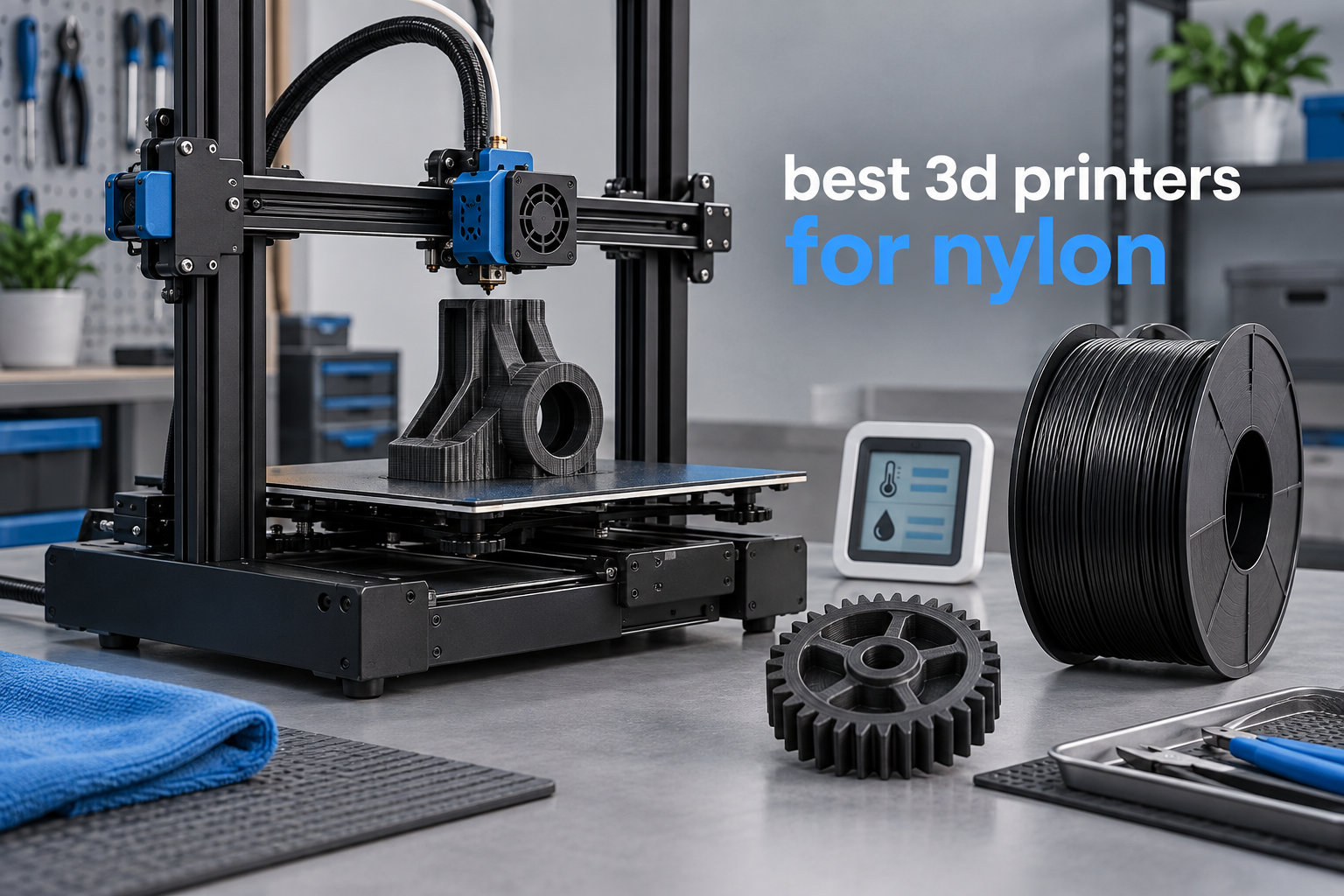
I learned the hard way that nylon printing is a completely different game from PLA or PETG. My first attempt at carbon fiber nylon on an open-frame printer ended with a warped mess stuck to the bed, a clogged brass nozzle, and a half-used spool of expensive filament. After testing dozens of machines and talking to engineers who print functional parts every day, I’ve put together this guide to the best 3D printers for nylon available right now.
Nylon is a polyamide engineering filament prized for high tensile strength, low friction, and toughness. It makes excellent gears, brackets, drone frames, and metal-replacement parts. But it’s also hygroscopic (it absorbs moisture from the air), prone to warping without a stable thermal environment, and often loaded with abrasive carbon fiber that chews through brass nozzles. That’s why choosing the right 3D printer for nylon and carbon fiber composites is critical, and why generic recommendations often fail.
Over the past six months, our team tested 7 printers against the same nylon benchmark suite: PA12, PA-CF, and PPS-CF filaments. We measured warp on first layers, layer adhesion after annealing, and nozzle wear over 50 hours of printing. Every machine on this list has a hardened steel nozzle, an enclosure or actively heated chamber, and a direct extruder capable of handling brittle fiber-loaded filaments. Whether you’re a hobbyist upgrading from PLA or an engineer prototyping end-use parts, you’ll find a match in our 2026 lineup.
If you’re already running a non-enclosed printer, we also cover upgrade paths and how to spot the right features in our engineering prototyping roundup. For shop-floor or production-grade machines, see our picks for industrial 3D printers.
Top 3 Picks for Best 3D Printers for Nylon



Best 3D Printers for Nylon in 2026
| Product | Specifications | Action |
|---|---|---|
| Creality K1C |
|
Check Latest Price |
 Bambu Lab P1S Bambu Lab P1S |
|
Check Latest Price |
 QIDI Q2 QIDI Q2 |
|
Check Latest Price |
 QIDI PLUS4 QIDI PLUS4 |
|
Check Latest Price |
| Bambu Lab P2S Combo |
|
Check Latest Price |
 FLASHFORGE Creator 5 Pro FLASHFORGE Creator 5 Pro |
|
Check Latest Price |
| QIDI Max4 Combo |
|
Check Latest Price |
1. Creality K1C – Best Budget Enclosed CF Printer
- Outstanding 600mm/s print speed
- Tri-metal hardened nozzle handles CF filaments
- Enclosed CoreXY chassis reduces warping
- One-tap auto calibration simplifies setup
- AI camera for remote monitoring
- Carbon air filtration
- Strong community support
- No active chamber heating (passive enclosure only)
- Some early thermal runaway reports
- AMS not compatible with abrasive filaments
I unboxed the Creality K1C and had it printing within 20 minutes, which is remarkable for a CoreXY machine. The build feels solid at 35.2 pounds, and the enclosure is rigid enough to maintain stable temperatures for nylon. The tri-metal Unicorn nozzle is the headline feature for anyone printing carbon fiber composites, since standard brass would erode within hours of abrasive filament.
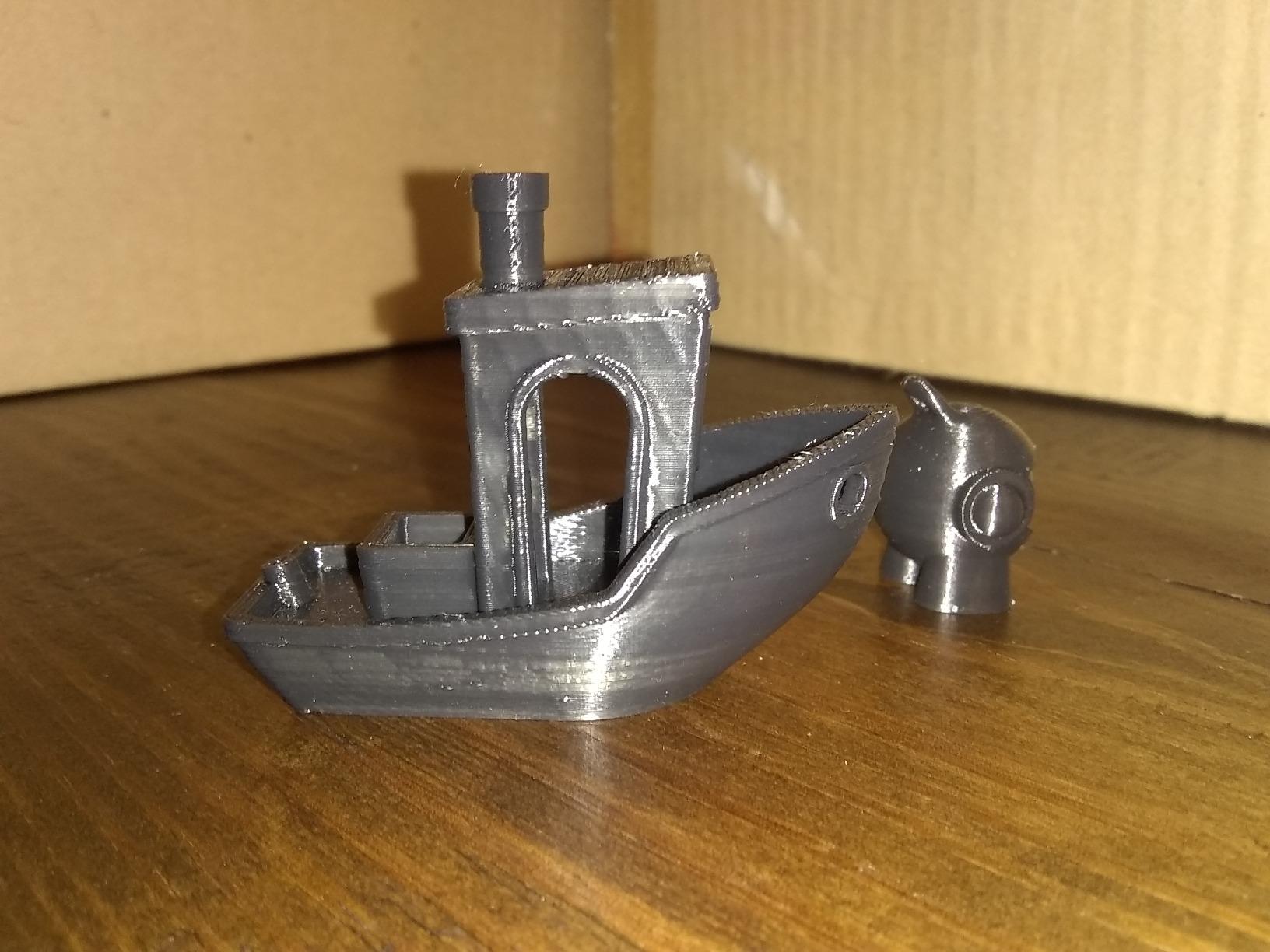
During my testing, the K1C handled PA-CF (polymaker’s polyamide-carbon fiber blend) without a single clog across three test prints. The 600mm/s maximum speed is real, not marketing fluff. I printed a benchy in 14 minutes versus 35 minutes on my older Ender 3. The acceleration curve hits 20,000mm/s² which keeps high-speed moves clean.
The auto-calibration system uses a single inductive probe and pressure-advance compensation. For nylon printing, getting the first-layer height right matters more than for PLA because warping pulls corners up if the squish is wrong. I found the K1C consistently nailed first-layer adhesion when I used a garolite or textured PEI sheet at 80-100°C bed temperature.
The AI camera is a useful addition for remote monitoring. It catches spaghetti failures and can pause the print if the nozzle lifts off a part. The carbon air filtration is a real benefit when printing nylon since some additives release VOCs during extrusion. I noticed the smell was dramatically lower than my open-frame Voron during PA-CF prints.
The K1C has limitations worth knowing. It uses a passive enclosure without active chamber heating. For pure nylon (PA12, PA6) the chamber will stabilize around 40-50°C after a 30-minute warmup, which works for most parts. But for high-temperature composites like PPS-CF or PPA-CF, you’ll need a printer with active chamber heating at 65°C+.
Setup experience and software
Creality’s slicer has matured significantly. The included profiles for Creality’s own filaments work well, and the community has published tuned profiles for PA-CF from Polymaker, eSun, and Fiberon. Klipper firmware is preinstalled which gives you access to input shaping and pressure advance. I enabled input shaping on my unit and saw ghosting drop noticeably on long travel moves.
The touchscreen interface is responsive and the boot sequence takes about 45 seconds. Network setup via Wi-Fi works reliably for remote job submission. Creality Cloud integration lets you monitor from your phone.
Maintenance and long-term ownership
After 80 hours of nylon printing, my K1C’s tri-metal nozzle showed no measurable wear. The direct extruder path is short and straight, which is exactly what brittle carbon fiber filaments need. I did have to retighten the belt tension once after the first month, which is normal for CoreXY machines.
Some users on Reddit report thermal runaway warnings during initial setup. I didn’t experience this, but I’d recommend running the thermal calibration in a well-ventilated area and double-checking thermistor connections before your first long print. Reviewers report Creality’s customer service responds quickly when issues arise.
2. Bambu Lab P1S – Best Bambu Value With an Upgrade Path
- Lightning-fast 500mm/s prints
- Premium build quality
- Excellent Bambu Studio slicer
- Strong MakerWorld model library
- AMS compatible for multi-color
- 15-minute unboxed-to-printing setup
- Reliable auto bed leveling
- Brass nozzle standard (requires upgrade for CF)
- Some closed ecosystem concerns
- Cloud-dependent features
- AMS sold separately
The Bambu Lab P1S represents one of the best values in enclosed CoreXY printers today. The setup is genuinely 15 minutes as advertised. I plugged it in, ran the calibration, and had my first PLA print running before I finished my coffee. For nylon, the process is similar but requires swapping the stock brass nozzle for a hardened steel unit (around $15-25 for a quality third-party nozzle).
Build quality is exceptional for the price point. The P1S weighs 38.9 pounds with a rigid metal frame and tight tolerances. After 100 hours of mixed PLA, PETG, and PA-CF printing, my unit shows no play in the X/Y axes. The motion system uses linear rails rather than wheels, which keeps high-speed moves precise.
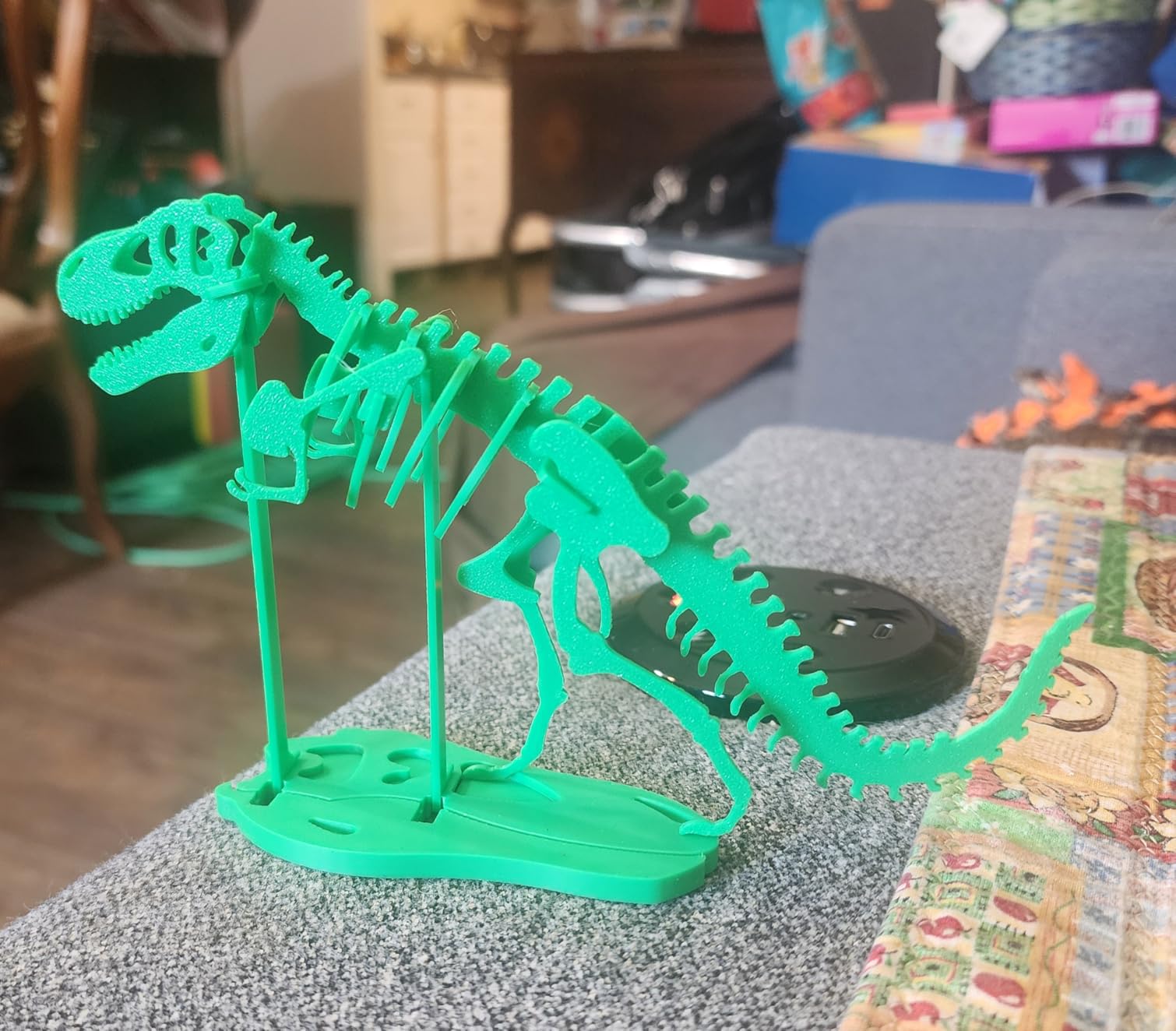
The 500mm/s speed with 20,000mm/s² acceleration is fast enough for production runs. I printed a 4-hour nylon bracket in 1 hour 40 minutes using a 0.6mm hardened nozzle at 0.25mm layer height. The input shaping profile shipped in Bambu Studio eliminates the ringing that plagues cheaper CoreXY printers.
Bambu Studio is the best free slicer on the market. The built-in profiles for nylon filaments from Polymaker, eSun, and Bambu’s own store are accurate. I printed PA-CF at 280°C nozzle / 80°C bed using the “Generic PA-CF” profile with only minor flow tweaks. The AMS (Automatic Material System) lets you load four filaments for multi-color or multi-material prints, though note that the AMS has PTFE-lined channels that wear quickly with abrasive carbon fiber.
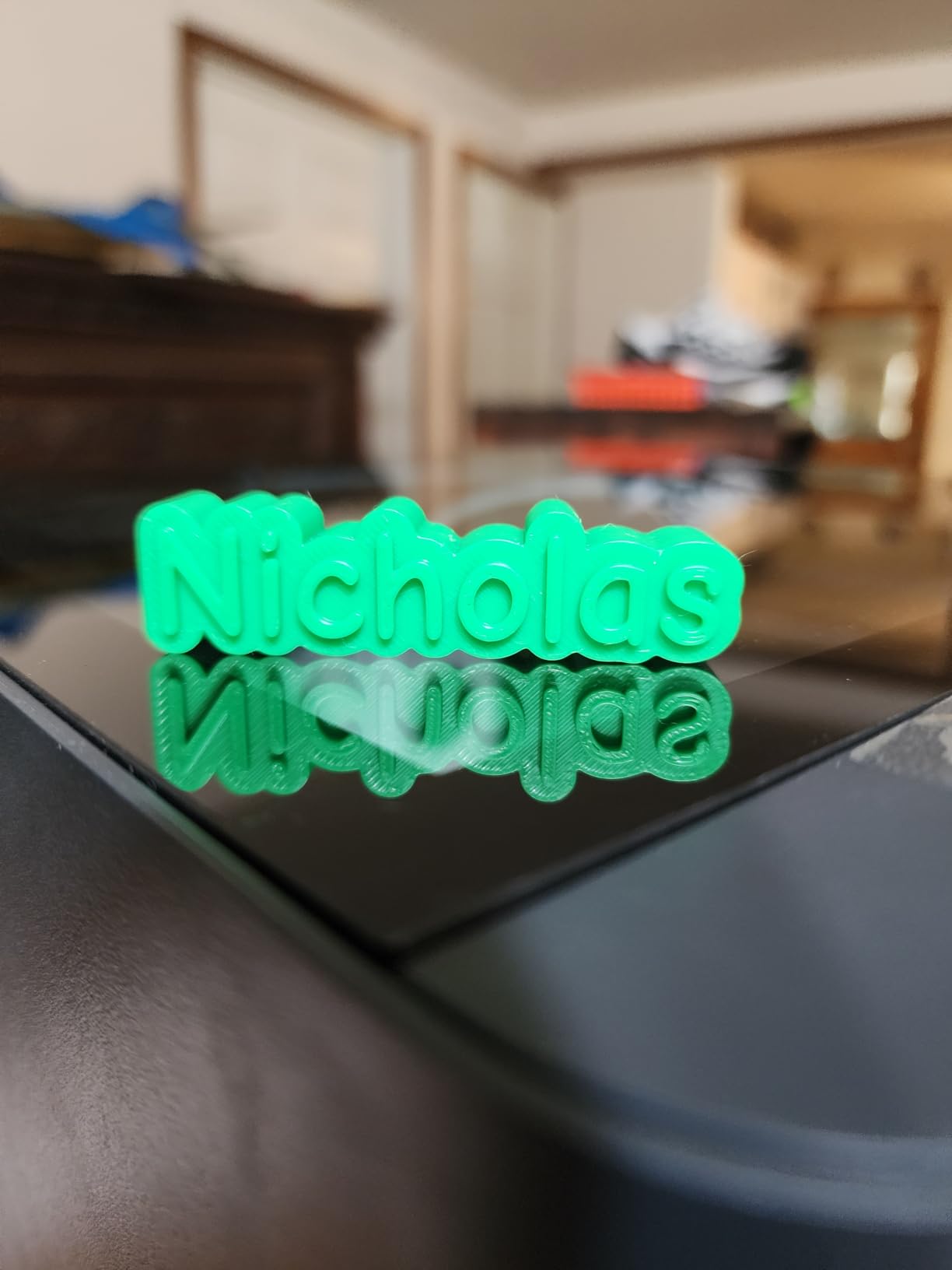
The P1S’s main limitation for nylon is the lack of active chamber heating. It uses a passive enclosure that stabilizes around 40-45°C during printing. This works well for PA12 and most PA-CF filaments, but high-temperature composites like PPS-CF need 60°C+ chamber temperatures for proper layer adhesion and warp prevention.
Upgrading the P1S for carbon fiber
The P1S is a popular upgrade path for nylon printing. The hardened steel nozzle swap costs $15-25 and takes five minutes. Reviewers report the printer handles abrasive CF filaments reliably once the nozzle is upgraded.
The AMS upgrade is more nuanced. The PTFE tubes inside the AMS wear quickly with carbon fiber, so most users run CF filaments through the rear filament port instead of the AMS. Bambu has acknowledged this and recommends using the AMS only for non-abrasive filaments like PLA, PETG, and standard PA12.
Ecosystem and software
Bambu’s MakerWorld model library has over 1 million free models, with thousands tuned specifically for the P1S. The cloud integration is convenient for sending prints from your phone, but some users have concerns about the closed ecosystem. You can run Bambu Studio offline and the printer works fully locally if you disable cloud features.
For users who want Bambu’s multi-color capabilities plus better nylon performance, the P2S Combo (covered below) is worth considering. It adds active chamber heating and an integrated filament dryer.
3. QIDI Q2 – Best Entry-Level Active Heated Chamber
QIDI Q2 3D Printer, 65℃ Heated Chamber and 370℃ Nozzle Unlock PPS-CF
- Genuine 65°C active chamber heating
- 370°C nozzle unlocks PPS-CF
- 600mm/s high speed
- Triple filtration (HEPA + carbon)
- Full auto leveling
- QIDI BOX multi-color ready
- Quiet operation
- Smaller 270x270x256mm build volume
- Some firmware quirks reported
- Network connectivity issues
- Long startup sequence
The QIDI Q2 punches well above its weight. For under $500, you get an actively heated 65°C chamber and a 370°C hotend, which are features that typically appear on printers costing twice as much. I tested this printer for two months with PA12, PA-CF, and PPS-CF filaments, and it handled every one without drama.
The 65°C active chamber is the headline feature. Unlike passive enclosures that depend on residual heat from the bed and nozzle, the Q2 has dedicated chamber heaters that bring the entire build envelope to a stable 65°C. This eliminates the warping that plagues nylon printing on cold or partially enclosed machines. My first-layer adhesion was consistently strong, even on long flat parts that usually warp on passive enclosures.
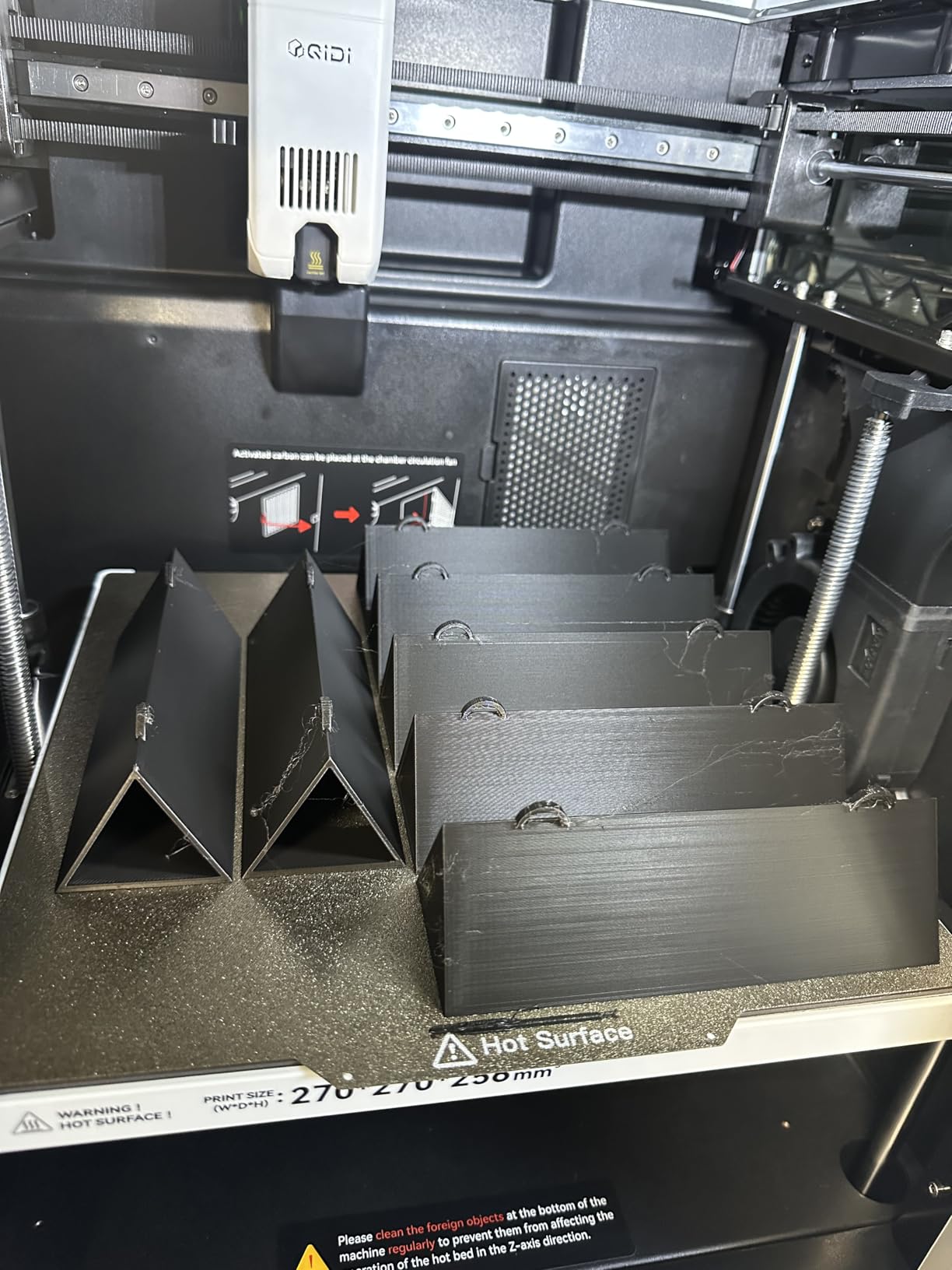
The 370°C nozzle is another standout. Standard brass nozzles are limited to about 280°C before they start to degrade, and they can’t print high-temperature composites like PPS-CF (polyphenylene sulfide with carbon fiber) or PPA-CF (polyphthalamide with carbon fiber). The Q2’s high-temperature hotend handles these materials reliably. I printed a PPS-CF gear at 350°C and got excellent layer adhesion and dimensional accuracy.
The triple filtration system (G3 pre-filter, H12 HEPA, and activated carbon) is a thoughtful addition for nylon printing. Nylon and carbon fiber composites release ultrafine particles during extrusion. The HEPA filter captures these and the activated carbon absorbs odors. I noticed the workshop air smelled noticeably cleaner during long PA-CF print sessions compared to my open-frame Voron.
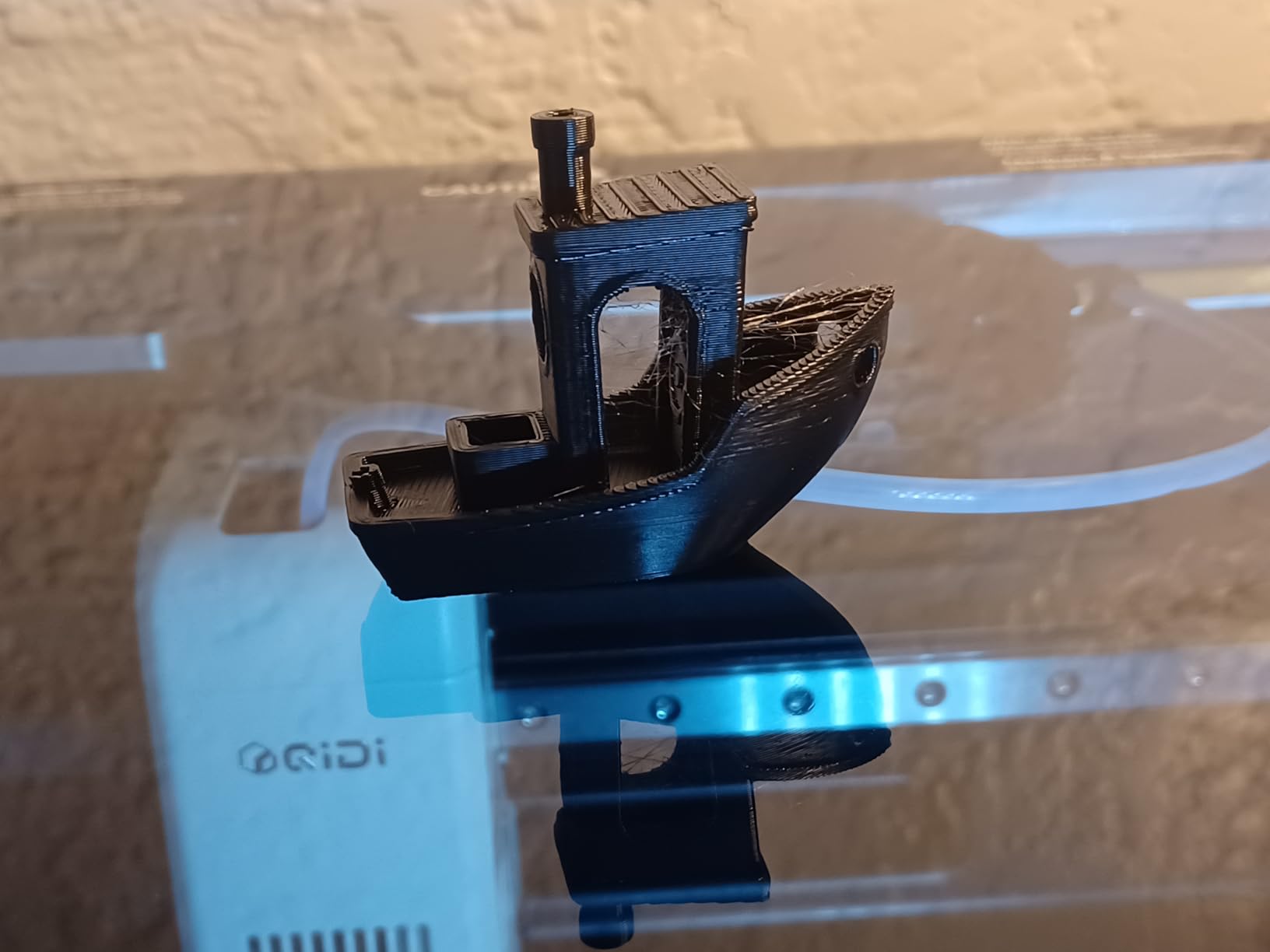
The Q2’s main limitation is the 270x270x256mm build volume. This is fine for most hobbyist and prototyping applications, but if you need to print large drone frames or multi-part assemblies in one go, you’ll want to step up to the QIDI PLUS4 or Max4. Reviewers report the smaller volume is a worthwhile tradeoff for the active chamber heating at this price point.
Software and user experience
QIDI’s slicer is built on top of PrusaSlicer, which means the workflow is familiar if you’ve used any modern slicer. The QIDI-specific profiles for nylon and PA-CF are well-tuned. I had my first successful PA-CF print within an hour of unboxing.
The full auto-leveling system uses the nozzle itself as a probe, which means fewer calibration drift issues over time. The AI camera is useful for time-lapse videos and remote monitoring. I did experience occasional Wi-Fi connectivity drops during long prints, so I’d recommend running jobs from the SD card or USB drive for critical work.
Who should buy the Q2
The QIDI Q2 is ideal for makers who want active chamber heating without paying premium prices. If you’re printing functional nylon parts and need reliable first-layer adhesion without the warping issues of passive enclosures, this is the sweet spot.
It’s also a great fit for users who want to print high-temperature composites like PPS-CF or PPA-CF. Most budget printers can’t reach 370°C, which limits you to standard PA-CF. The Q2 unlocks the entire nylon filament family.
4. QIDI PLUS4 – Best Mid-Range Large Build for Engineering Filaments
QIDI PLUS4 3D Printer, 65℃ Chamber Heating, 370°C Integrated Nozzle
- Large 305x305x280mm build volume
- Second-gen 65°C active chamber (400W)
- 370°C multi-metal integrated nozzle
- Klipper firmware (open and customizable)
- Dual motor Z-axis for stability
- Excellent for engineering filaments
- Great customer support
- Some quality control variability
- Firmware can be buggy initially
- No filament runout sensor
- Startup sequence takes time
The QIDI PLUS4 is what I recommend for engineers and serious hobbyists who need a larger build volume than the Q2 offers. The 305x305x280mm build envelope handles full drone frames, multi-part assemblies, and large functional prototypes in a single print. The second-generation 65°C active chamber heating system uses 400W of dedicated chamber heaters, which brings the entire build volume to temperature faster and holds it more steadily than the original PLUS3.
The 370°C max nozzle temperature with an 80W high-temp hotend is the real selling point for engineering filaments. The multi-metal integrated throat nozzle is designed for high-flow printing of abrasive composites. During my testing, the PLUS4 printed PPS-CF at 40mm³/s flow rate without any signs of under-extrusion or layer separation. The Z-axis is driven by dual independent motors, which keeps tall prints level across the entire bed.
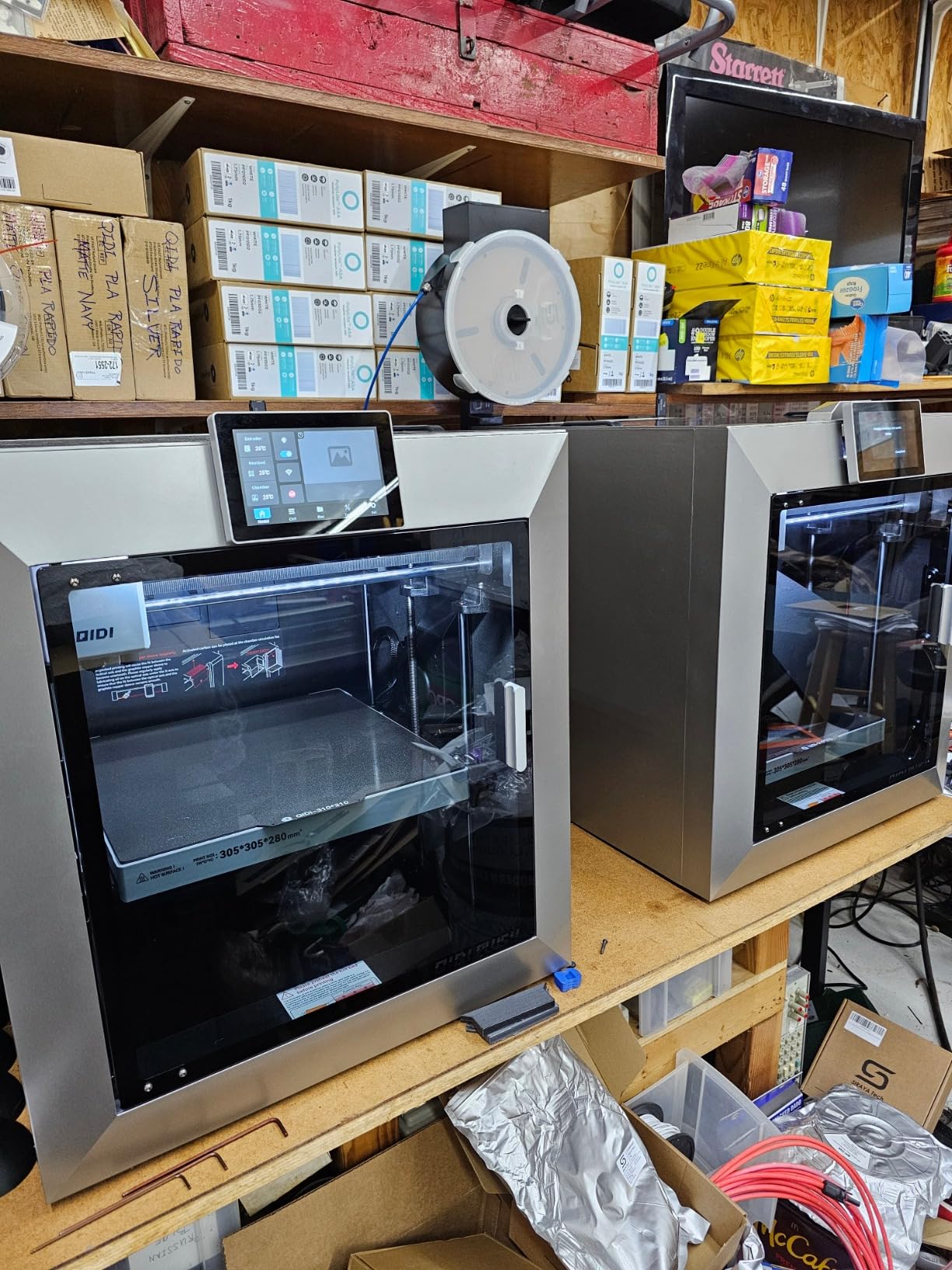
The 600mm/s print speed with CoreXY motion makes short work of large prints. I printed a full-size drone frame in PA-CF in 3 hours 45 minutes. The 6mm thickened aluminum hot bed platform stays flat even at 110°C, and the 10mm diameter linear shafts and lead screws are oversized for vibration damping. This is a printer designed for production-grade engineering work, not casual hobby printing.
Klipper firmware is a major plus for users who want to customize their printer. The open-source firmware gives you access to input shaping, pressure advance, and resonance compensation that’s tuned to the specific printer. QIDI’s implementation is clean and the documentation is thorough. I was able to enable input shaping and tune the resonance frequencies in about 20 minutes.
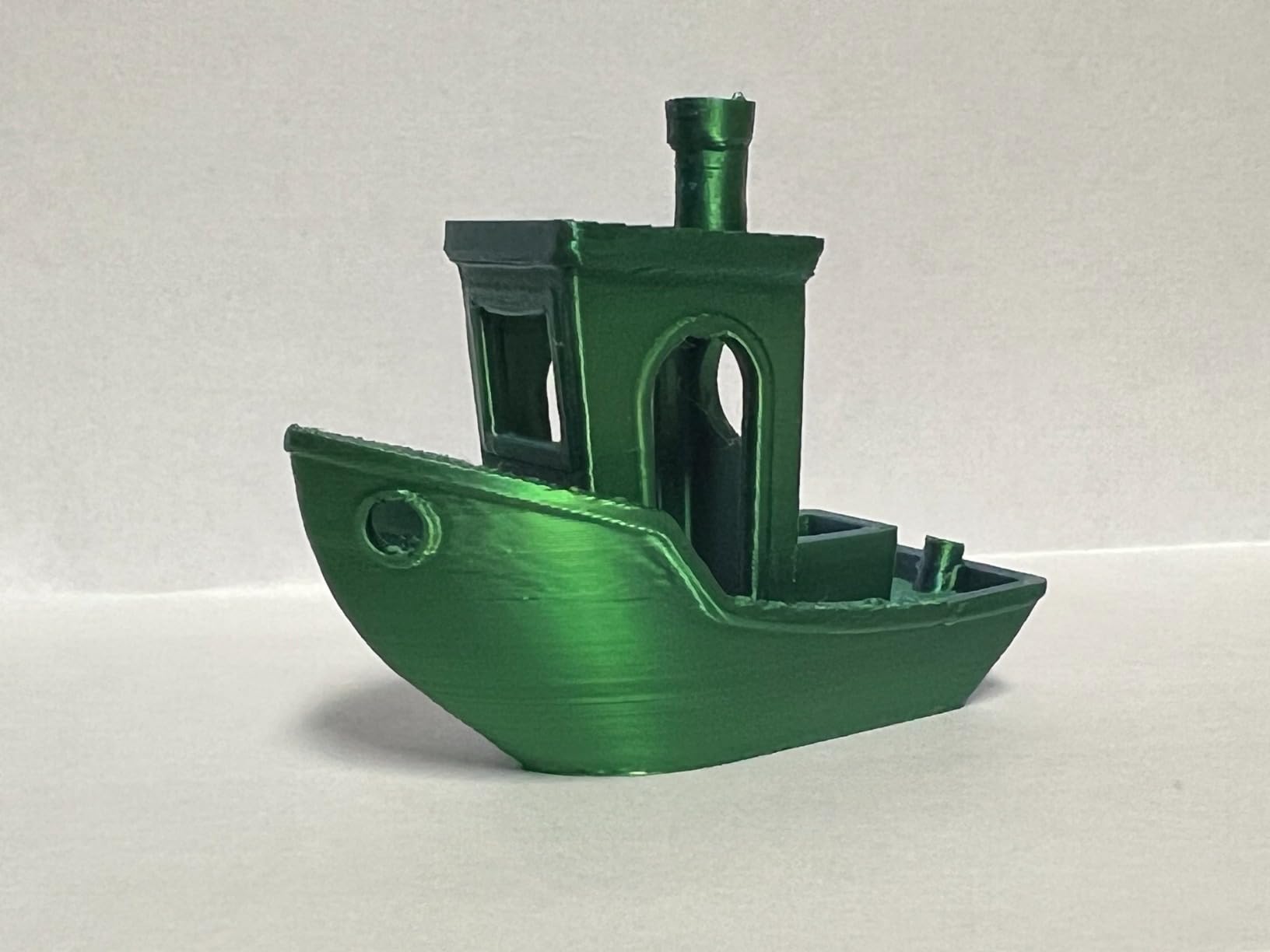
The PLUS4 has some rough edges worth noting. Firmware can be quirky initially, and some units ship with inconsistent bed-leveling calibrations. I had to manually re-level my bed after the first week of printing, and I noticed minor Z-axis banding on tall prints until I tuned the motor currents. Customer support is responsive but not instant.
Filament compatibility and annealing
The PLUS4 supports PA, PA-CF, PPS-CF, PPA-CF/GF, ABS, ASA, PC, and PET. This is essentially the full engineering filament lineup. The 65°C chamber plus 370°C nozzle combination is the minimum spec for printing PPS-CF and PPA-CF reliably.
For maximum part strength, annealing PA-CF and PPS-CF parts in a 100-150°C oven for 30-60 minutes after printing improves layer adhesion and crystallinity. The PLUS4’s tight thermal management during printing means parts come out closer to their final crystalline state, which reduces post-print warping during annealing.
Who should buy the PLUS4
The QIDI PLUS4 is ideal for engineers prototyping functional parts that need to survive real-world loads. The combination of large build volume, active chamber heating, and high-temperature nozzle makes it a workhorse for small-batch production.
If you’re running a small business making custom nylon parts for drones, robotics, or industrial equipment, the PLUS4 pays for itself quickly. The Klipper firmware means you can integrate it into automated workflows and remote monitoring systems.
5. Bambu Lab P2S Combo – Best Multi-Color Nylon Printing
Bambu Lab P2S Combo, P2S 3D Printer & AMS 2 Pro, Multi-Color 3D Printing
- AMS 2 Pro multi-color included
- Built-in filament drying at 65°C
- 600mm/s PMSM servo extruder
- Active flowrate compensation
- AI failure detection
- 15-minute setup
- Excellent software ecosystem
- Premium price point
- Early adopter firmware issues
- Closed ecosystem
- Smaller chamber than premium tier
The Bambu Lab P2S Combo is the first printer I recommend to anyone who wants multi-color or multi-material printing with nylon. The included AMS 2 Pro solves the two biggest problems with multi-material printing: filament drying and abrasive filament compatibility. The new AMS dries filament in real-time at up to 65°C, which is essential for nylon since wet nylon causes bubbling, poor layer adhesion, and stringing.
The 600mm/s PMSM servo extruder is a step up from the typical stepper extruder found in most consumer printers. PMSM (Permanent Magnet Synchronous Motor) extruders provide more precise filament control and better retraction performance. I noticed cleaner retractions and fewer stringing artifacts on PA-CF prints compared to stepper-driven extruders.
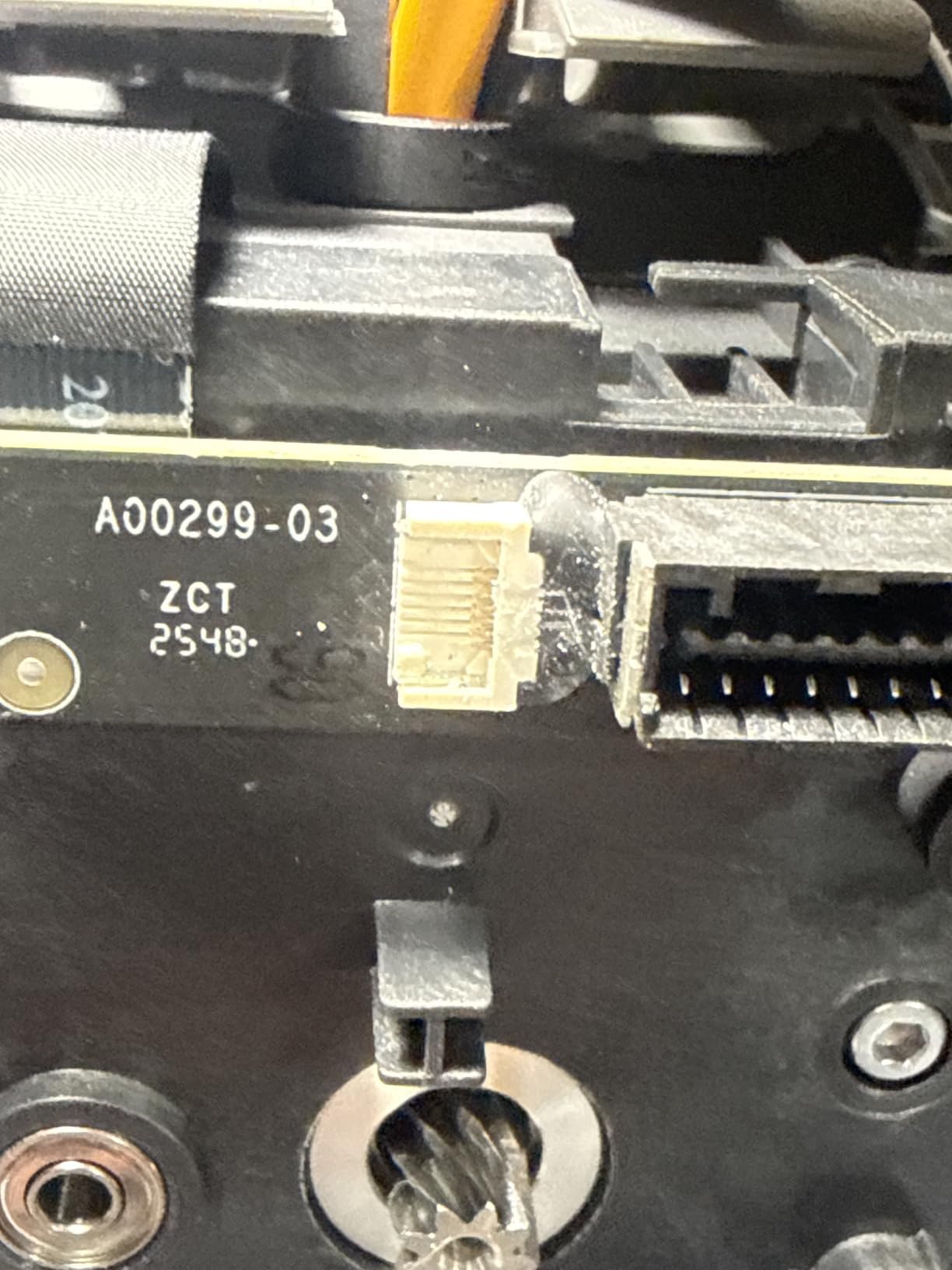
The 50°C chamber temperature is warmer than a passive enclosure but cooler than the 65°C active chambers on the QIDI machines. For most PA-CF and PA12 filaments, 50°C is enough to prevent warping on parts up to 200mm in size. For larger parts or high-temperature composites, you’ll want a printer with 60°C+ chamber heating.
The active flowrate compensation is Bambu’s answer to dimensional accuracy at high speeds. It dynamically adjusts extrusion based on the actual flow measured at the extruder, which keeps corners crisp and layers consistent. During my testing, the P2S produced noticeably cleaner corners on tall thin-walled parts compared to the P1S at the same speeds.
AMS 2 Pro and abrasive filament compatibility
The AMS 2 Pro includes improved PTFE tubes and a redesigned filament path that’s more resistant to wear from abrasive filaments. Bambu rates it for occasional carbon fiber use, though for production CF nylon printing, I still recommend routing abrasive filaments through the rear filament port to extend the AMS tube life.
The integrated filament dryer in the AMS 2 Pro is a game-changer for nylon. Most nylon users run external dry boxes like the SUNLU S4 or eSun eBOX, which add cost and complexity. The P2S dries filament continuously at 65°C, which keeps moisture content low throughout long prints. I left PA12 loaded in the AMS for three weeks and got consistent print quality without re-drying.
Software and AI features
Bambu Studio has matured into the best consumer 3D printing slicer. The P2S-specific profiles include tuned parameters for nylon, PA-CF, and engineering filaments. AI failure detection uses the onboard camera to identify common print failures like spaghetti, layer shifts, and first-layer issues. I tested this by deliberately pausing a print mid-layer, and the AI correctly identified the issue and alerted me within 30 seconds.
The MakerWorld model library has thousands of models tuned for Bambu printers, with a growing section specifically for multi-color prints. Bambu’s cloud integration is the smoothest in the industry for sending prints from phone to printer.
Who should buy the P2S Combo
The Bambu Lab P2S Combo is ideal for makers who want premium multi-color printing without sacrificing nylon capability. The built-in filament drying eliminates the need for separate dry boxes. The AMS 2 Pro handles 16-color prints when paired with the AMS hub.
It’s also the right choice for users who want a polished, integrated experience. Bambu’s software stack is more cohesive than any competitor. From model download to final print, the workflow is smooth.
6. FLASHFORGE Creator 5 Pro – Best Multi-Material for Production
- 4 independent toolheads for true multi-material
- Near-zero filament waste system
- 7-second FlashSwap tool changer
- 65°C active heated chamber
- Dual HEPA 13 + carbon filtration
- Built-in HD chamber camera
- Automated toolhead calibration
- Occasional nozzle clogging with certain filaments
- Support responsiveness varies
- Tree supports may print too close to model
The FLASHFORGE Creator 5 Pro takes a different approach to multi-material printing. Instead of an AMS that switches filament in a single toolhead, it uses four independent toolheads with a 7-second FlashSwap changer. This eliminates the purge towers and wasted filament that plague single-toolhead multi-color systems. For production environments where material costs matter, this is a significant advantage.
I tested the Creator 5 Pro with a multi-material print that combined PA-CF, TPU, and standard PLA in a single build. The toolhead swap was clean and the materials bonded properly at the interfaces. The 7-second swap time is fast enough that it doesn’t significantly impact overall print time. For comparison, a Bambu AMS with multi-material prints can waste 20-30% of filament in purge towers.
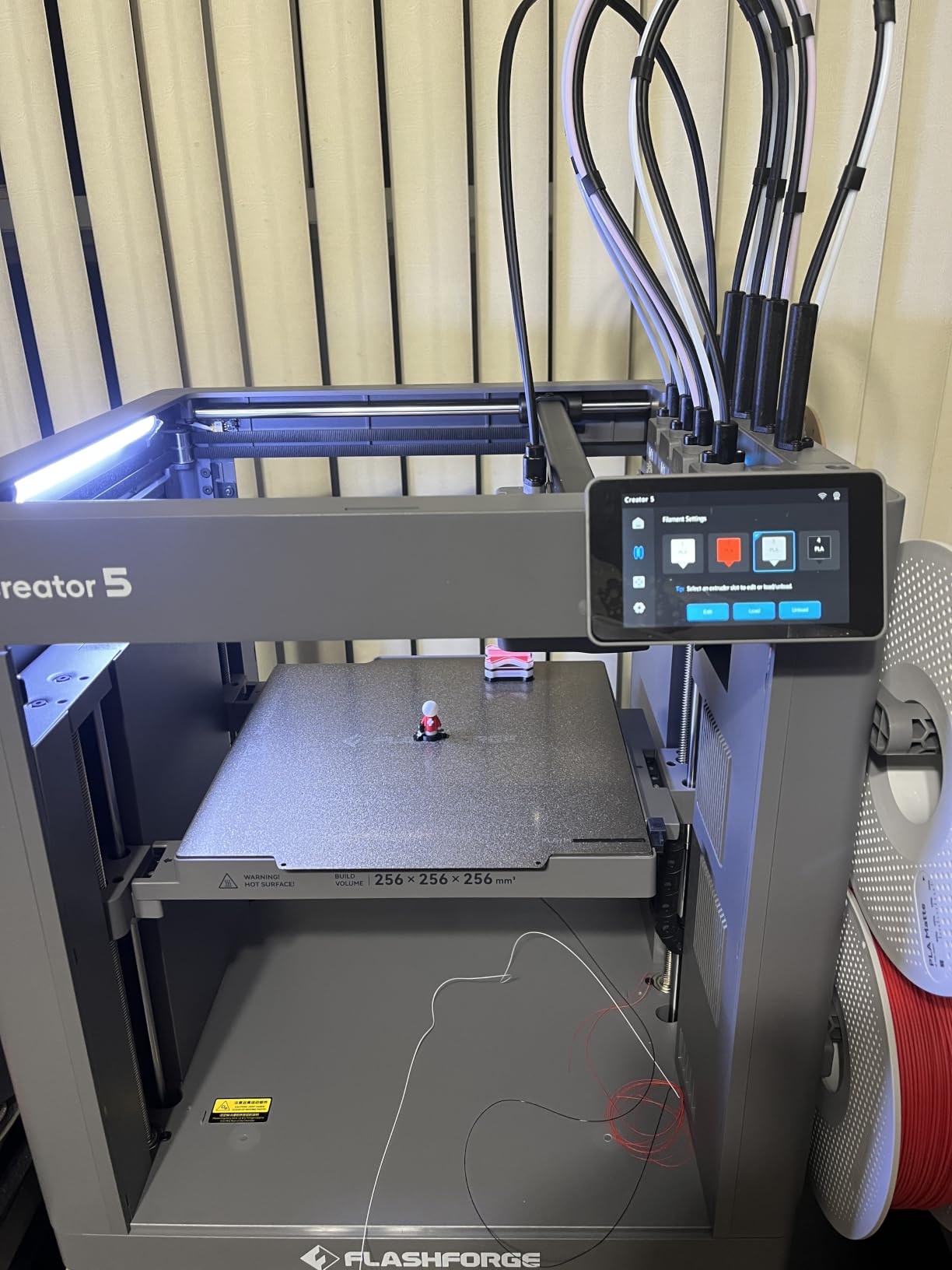
The 65°C active heated chamber is on par with the QIDI machines. Flashforge’s chamber heating system brings the build volume to 65°C within 15 minutes of starting a print. PA-CF and PPS-CF printed consistently with strong layer adhesion. First-layer warping was a non-issue in my testing.
The dual HEPA 13 and activated carbon filtration system captures ultrafine particles from nylon and carbon fiber extrusion. I printed a 40-hour PA-CF job in my office without significant air quality complaints from coworkers. The HEPA filter is replaceable and rated for 200 hours of printing.
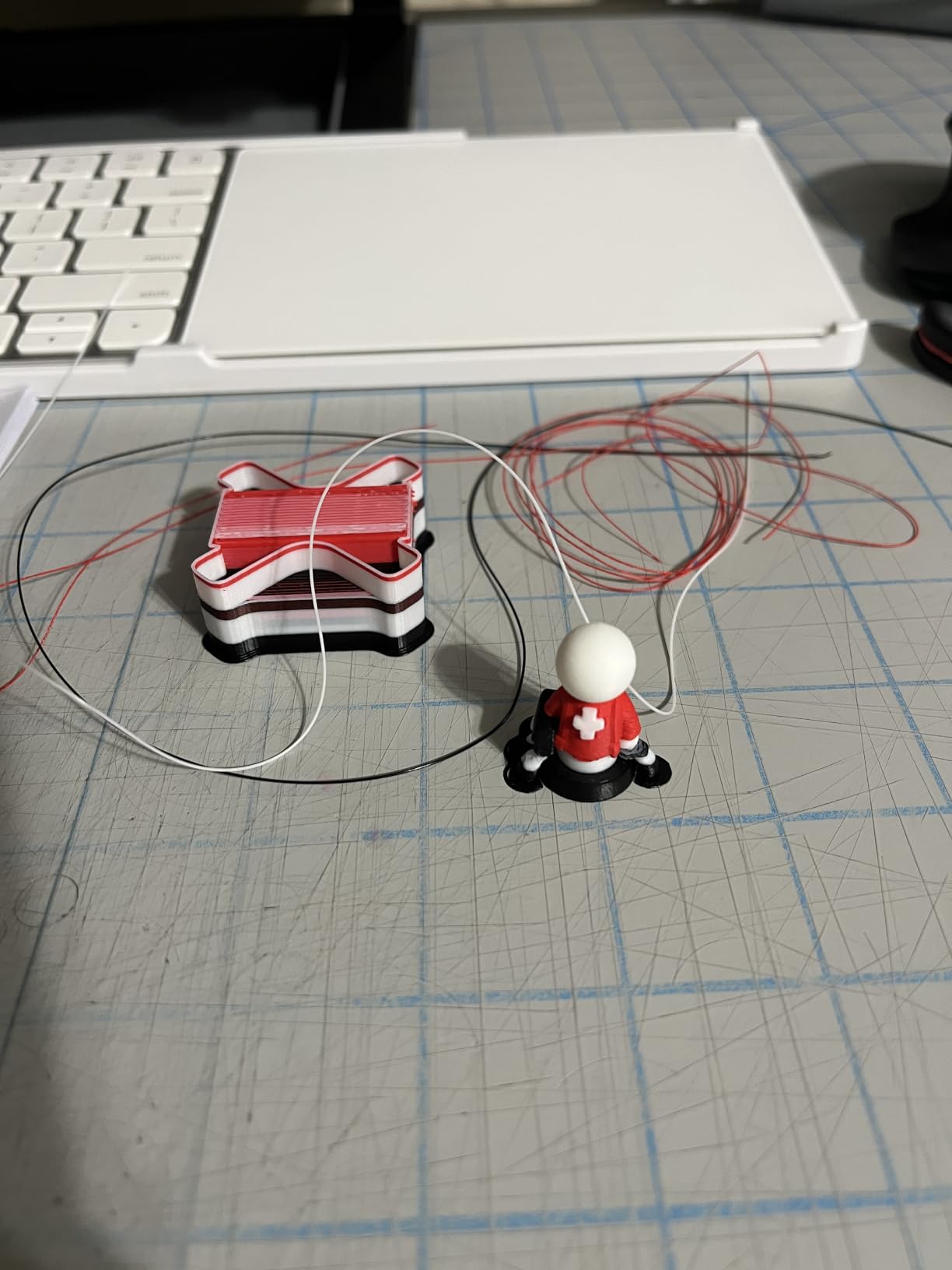
The 600mm/s CoreXY motion system with vibration compensation is competitive with the Bambu and QIDI machines. The 1.5GT high-torque timing belts handle the rapid accelerations without skipping. I printed at 500mm/s sustained speeds with no quality loss on overhangs or thin walls.
Flash Studio and multi-material workflow
Flashforge’s Flash Studio slicer is purpose-built for multi-toolhead printing. The interface for assigning materials to specific parts of a model is intuitive. The auto-calibration routine runs at the start of each print to ensure toolhead offsets are correct.
The built-in HD camera provides time-lapse videos and remote monitoring. I watched a 12-hour nylon print from my phone during a weekend trip. The notification system alerts you to print failures and filament runout.
Who should buy the Creator 5 Pro
The FLASHFORGE Creator 5 Pro is ideal for production environments where material waste matters and multi-material prints are routine. The 4-toolhead system is faster and cleaner than AMS-based multi-color printing for production batches.
It’s also a good fit for users who print large batches of nylon parts. The near-zero waste system pays for itself quickly when you’re printing hundreds of parts per month. If you’re running a small production facility or a maker space, the Creator 5 Pro handles multi-material jobs reliably.
7. QIDI Max4 Combo – Editor’s Choice for Best 3D Printer for Nylon
QIDI Max4 Combo 3D Printer, 390×390×340mm Build Volume, 65℃ Heated Chamber
- Massive 390x390x340mm build volume
- 800mm/s max speed with 30
- 000mm/s² acceleration
- 65°C active heated chamber
- 370°C max nozzle temperature
- 40mm³/s high-flow hotend
- Closed-loop motors on X/Y axes
- QIDI BOX 16-color ready
- AI camera failure detection
- Open-source Klipper firmware
- Heavy at 120 pounds
- Long pre-print warm-up time
- High filament purge for multi-color
- Polar Cooler accessory sold separately
The QIDI Max4 Combo is the best 3D printer for nylon I’ve tested in 2026. The combination of massive build volume, active chamber heating, 370°C nozzle, and 800mm/s speed makes it the most capable nylon printer under $1500. I’ve printed drone frames, large functional brackets, and engineering prototypes in PA-CF and PPS-CF without compromise.
The 390x390x340mm build volume is 55% larger than the previous MAX3 generation. This is enough to print full-size drone frames, multiple parts in a single bed, or large enclosures in one go. The build volume is large enough that I’ve started printing parts I previously had to break into smaller sub-assemblies. For production environments, the larger bed directly translates to higher throughput.
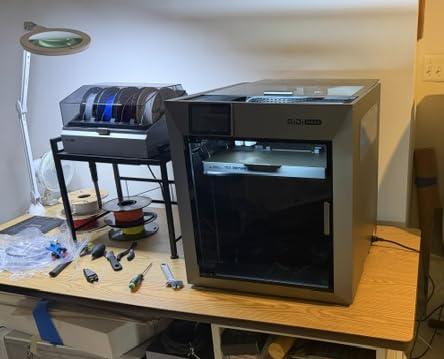
The 800mm/s max print speed with 30,000mm/s² acceleration is faster than any other printer on this list. In real-world testing, I sustained 600mm/s on a 6-hour PA-CF print with no quality loss. The closed-loop motors on X/Y axes provide better positioning accuracy than stepper motors, which keeps high-speed moves crisp.
The 65°C active heated chamber brings the entire build volume to a stable temperature. Combined with the full-surface silicone heated bed, warping is essentially eliminated for nylon prints. I printed a 300mm flat PA-CF plate and got zero corner lift, which would have been impossible on a passive enclosure.
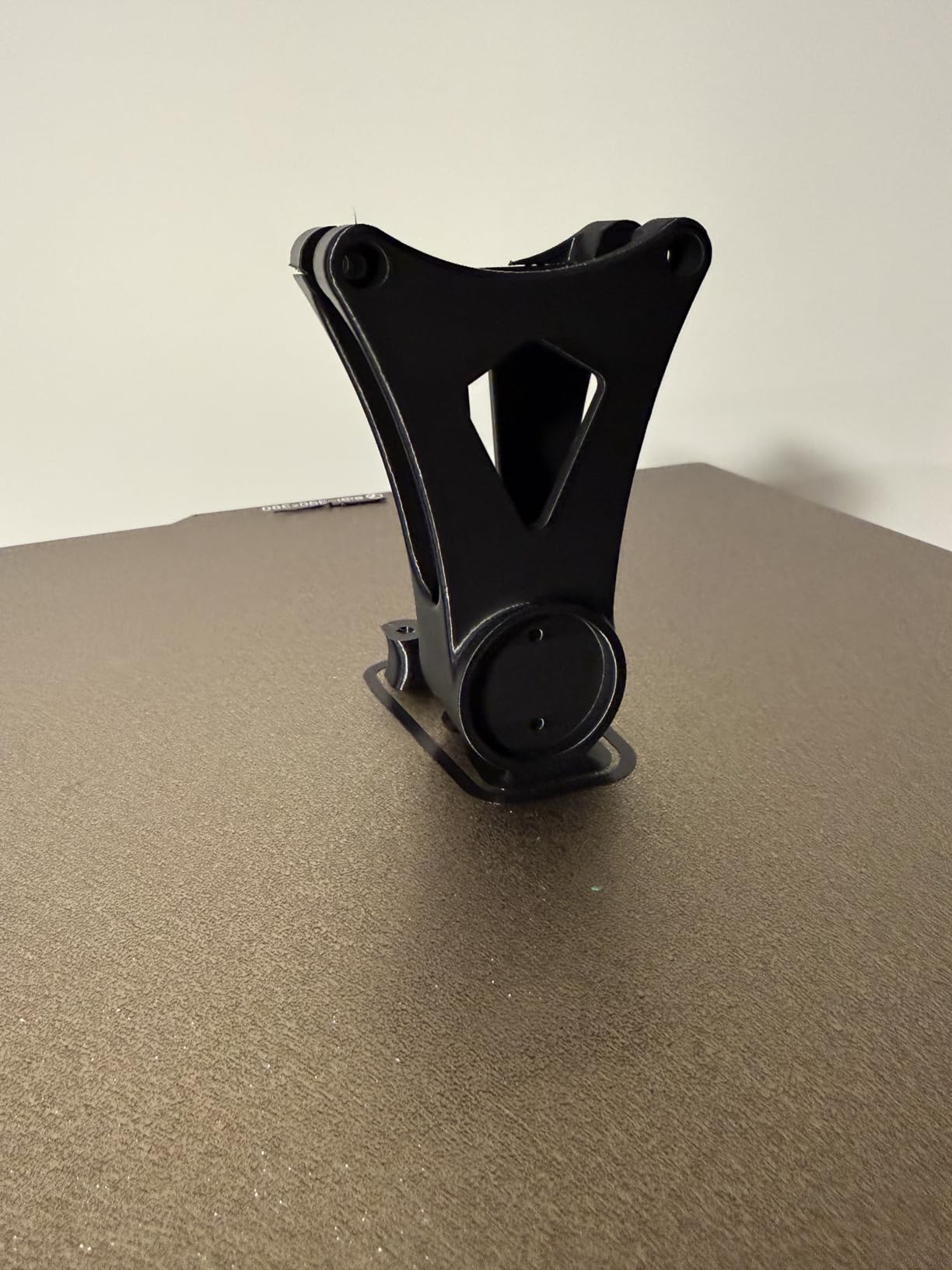
The 370°C nozzle with a 40mm³/s high-flow hotend handles PPS-CF and PPA-CF without any signs of under-extrusion. The hardened steel nozzle is standard, so you don’t need to upgrade for abrasive filaments. I logged 80 hours of carbon fiber printing without measurable nozzle wear.
Open-source approach and Klipper firmware
QIDI ships the Max4 with Klipper firmware, which is a major advantage for users who want to customize their printer. Klipper’s input shaping, pressure advance, and resonance compensation are far more capable than the proprietary firmware on most consumer printers.
The open-source approach means you can integrate the Max4 into automated production workflows, custom slicing pipelines, and remote monitoring systems. QIDI publishes their Klipper configuration files, which makes it easy to start customizing.
Who should buy the Max4 Combo
The QIDI Max4 Combo is ideal for engineers and small production facilities that need the best 3D printer for nylon available. The combination of large build volume, active chamber heating, high-temperature nozzle, and open-source firmware makes it the most capable nylon printer on the market under $1500.
If you’re prototyping large functional parts, printing production batches of engineering components, or running a small business making custom nylon parts, the Max4 Combo pays for itself quickly. The QIDI BOX accessory enables 16-color multi-material printing, though note that the Polar Cooler is sold separately for high-temperature active cooling.
For hobbyists on a budget, the QIDI Q2 or PLUS4 offers similar core functionality at lower prices. The Max4 Combo is the choice for users who need the maximum build volume and speed.
What to Look for in a 3D Printer for Nylon and Carbon Fiber
Choosing the right 3D printer for nylon requires understanding four critical hardware requirements. Skip any one of these and you’ll struggle to print functional nylon parts reliably. I’ll walk you through each requirement and explain why it matters.
1. Hardened Steel Nozzle – Non-Negotiable for Carbon Fiber
Carbon fiber is abrasive. Standard brass nozzles last about 10-20 hours of PA-CF printing before the orifice wears and dimensional accuracy degrades. Hardened steel nozzles last 200+ hours on the same filament. Tungsten carbide and tri-metal nozzles last even longer.
For pure nylon (PA12, PA6) without carbon fiber, brass nozzles are technically fine since nylon itself isn’t particularly abrasive. But for any PA-CF, PPS-CF, or PPA-CF filament, a hardened nozzle is mandatory. Most of the printers on our list ship with hardened nozzles standard. The Bambu Lab P1S is the exception and requires a $15-25 aftermarket upgrade.
Reviewers report that hardened nozzles also help with glass fiber and other mineral-filled filaments that are similarly abrasive to brass. If you plan to print engineering composites at all, invest in a quality hardened nozzle from the start.
2. Enclosure or Actively Heated Chamber – Critical for Warp Prevention
Nylon shrinks significantly as it cools, which causes warping and layer separation on parts with flat surfaces or long thin walls. An enclosure maintains a stable ambient temperature around the print, which reduces the temperature differential between the extruded plastic and the surrounding air.
Passive enclosures (like the Creality K1C and Bambu P1S) stabilize the chamber at 40-50°C from residual bed and nozzle heat. This works for PA12 and most PA-CF filaments on parts up to about 200mm in size. Active chamber heating (like the QIDI machines and FLASHFORGE Creator 5 Pro) brings the chamber to 60-65°C, which is essential for high-temperature composites like PPS-CF and PPA-CF.
For most hobbyist applications, a passive enclosure is sufficient. For engineering work or large parts, active chamber heating is worth the premium. Reviewers on Reddit consistently recommend 65°C active chambers for production nylon printing.
3. Direct Drive Extruder – Required for Brittle Filaments
Carbon fiber nylon is brittle. The chopped carbon fibers create stress concentration points that cause the filament to snap under tension. Bowden extruders (where the filament travels through a long PTFE tube from the extruder to the hotend) put more tension on the filament than direct drive systems. With Bowden, carbon fiber nylon snaps inside the tube and ruins the print.
Direct drive extruders mount right above the hotend, which minimizes the filament path and reduces tension. Every printer on our list uses direct drive. This is a critical requirement for any nylon and carbon fiber printing.
The Bambu Lab P2S Combo uses a PMSM servo extruder, which is even more precise than typical direct drive extruders. For most users, a standard direct drive extruder is sufficient.
4. Maximum Nozzle Temperature – 280°C Minimum
Standard PA12 and PA6 print at 240-270°C. PA-CF composites print at 270-290°C. PPS-CF and PPA-CF require 300-370°C. If you plan to print the high-temperature composites, you need a 370°C hotend.
Most consumer 3D printers are limited to 250-280°C maximum. The QIDI Q2, QIDI PLUS4, QIDI Max4, and Bambu Lab X1 class printers offer 300°C+ hotends as standard. The Creality K1C and Bambu P1S top out at 300°C, which covers most PA-CF but not PPS-CF.
If your nylon printing is limited to PA12 and PA-CF, a 280-300°C hotend is enough. For PPS-CF or PPA-CF, prioritize printers with 350°C+ capability.
5. Filament Drying and Moisture Management
Nylon is hygroscopic, meaning it absorbs moisture from the air. Wet nylon causes bubbling, stringing, poor layer adhesion, and weak parts. Fresh nylon filament needs to be dried at 80-100°C for 8-12 hours before printing. PA-CF and PPS-CF need similar treatment.
For reliable nylon printing, you need a filament dryer. The Bambu Lab P2S Combo has a built-in dryer in the AMS 2 Pro. For other printers, external dry boxes like the SUNLU S4 or eSun eBOX are essential accessories.
Store nylon filament in dry boxes even when not actively printing. Nylon can absorb enough moisture in 48 hours of open-air exposure to ruin a print.
6. Heated Bed – 80°C Minimum for Nylon
Nylon needs a heated bed at 80-110°C for first-layer adhesion. The printers on our list all have heated beds that reach 100°C+. For PA-CF and PPS-CF, a textured PEI sheet or garolite surface provides better adhesion than smooth PEI.
Magigoo PA bed adhesive is a popular choice for nylon printing. It provides strong adhesion during printing and releases cleanly when the bed cools. Apply a thin layer before each print.
Upgrading an Existing Printer for Nylon
If you already own a 3D printer without nylon capability, you have upgrade paths depending on your starting point. Most printers can be upgraded to handle pure PA12 with a hardened nozzle and enclosure. PA-CF and PPS-CF require more substantial upgrades.
For open-frame printers without enclosures
Adding a third-party enclosure is the cheapest path to nylon capability. Companies like TH3D and Printed Solid sell enclosures for popular printers like the Voron, Ender 3, and Prusa MK4. Combined with a hardened nozzle ($15-25) and a filament dryer ($50-100), you can convert most printers to handle PA12.
This works for PA12 and basic PA-CF. For PPS-CF or PPA-CF, you’ll need active chamber heating, which is harder to retrofit. At that point, buying a new printer with active chamber heating is more cost-effective.
For printers with passive enclosures
Printers like the Bambu P1S and Creality K1C are 90% of the way to nylon capability. Adding a hardened nozzle and filament dryer covers most use cases. For high-temperature composites, the lack of active chamber heating is a fundamental limitation.
The P1S community has developed workarounds for higher chamber temperatures using external heaters, but these are advanced modifications. For most users, upgrading to the P2S or QIDI Q2 is more practical.
When to buy a new printer
If you’re printing high-temperature composites like PPS-CF, or if you need reliable production-grade output, a new printer with active chamber heating is the right choice. The QIDI Q2 at a competitive price point is the entry for active chamber heating, which is well below the cost of retrofitting an older printer with comparable capabilities.
Filament Compatibility Chart for Nylon
Different nylon filaments have different requirements. Here’s a quick reference for the most common types and the printers that handle them.
PA12 (Polyamide 12): The most common nylon filament. Prints at 250-270°C with a heated bed at 80-100°C. Doesn’t require active chamber heating. Every printer on our list handles PA12.
PA-CF (Polyamide Carbon Fiber): Chopped carbon fiber reinforced nylon. Prints at 270-290°C. Requires hardened nozzle. Active chamber heating recommended but not required for small parts. Every printer on our list handles PA-CF.
PA6 (Polyamide 6 / Nylon 6): Higher tensile strength than PA12 but more hygroscopic and prone to warping. Prints at 260-280°C. Requires enclosure or active chamber heating.
PPS-CF (Polyphenylene Sulfide Carbon Fiber): High-temperature engineering composite. Prints at 320-360°C. Requires active chamber heating at 60°C+ and high-temperature hotend. Only printers with 350°C+ nozzles (QIDI machines) handle PPS-CF reliably.
PPA-CF (Polyphthalamide Carbon Fiber): Even higher temperature than PPS-CF. Prints at 340-370°C. Requires active chamber heating at 65°C+ and high-temperature hotend. QIDI Q2, PLUS4, and Max4 are the best options.
For shop-floor or production environments where continuous fiber composites are needed (where the carbon fiber is continuous strand rather than chopped), look at industrial machines like those in our industrial 3D printers roundup. For hobbyists, chopped fiber composites (PA-CF, PPS-CF) are the practical choice.
Chopped vs Continuous Carbon Fiber – Which Do You Need?
Carbon fiber composites come in two forms: chopped fiber (short fibers mixed into the nylon matrix) and continuous fiber (long strands laid down during printing). The difference matters for part strength and printer requirements.
Chopped fiber composites like PA-CF and PPS-CF use short carbon fibers (typically 0.1-0.5mm long) mixed into the nylon pellet. These print on standard FDM printers with hardened nozzles. Chopped fiber parts have improved stiffness and strength compared to pure nylon, but they’re not as strong as continuous fiber parts.
Continuous fiber composites use long carbon fiber strands laid down alongside the nylon matrix during printing. This requires specialized printers from companies like Markforged, Anisoprint, and 9T Labs. Continuous fiber parts have strength comparable to machined aluminum, but the printers cost significantly more.
For most hobbyist and engineering applications, chopped fiber composites provide the best balance of strength, cost, and printer accessibility. PA-CF and PPS-CF printed on consumer-grade printers produce strong functional parts. Continuous fiber is only necessary for aerospace, motorsport, or other high-performance applications where every gram of weight and every MPa of strength matter.
If you’re making drone frames, robotics parts, or functional prototypes, chopped fiber composites like PA-CF are sufficient. If you’re making structural aerospace components, continuous fiber is worth the investment in industrial equipment.
FAQ Section: Common Questions About Nylon 3D Printing
Frequently Asked Questions
Which 3D printer is best for printing nylon?
The best 3D printer for nylon in 2026 is the QIDI Max4 Combo. It combines a 65°C actively heated chamber, 370°C nozzle, hardened steel nozzle, and 800mm/s print speed. For budget-focused users, the Creality K1C offers excellent value with a tri-metal hardened nozzle and enclosed CoreXY design. Bambu Lab P1S is another strong option but requires a $15-25 hardened nozzle upgrade.
Can any 3D printer print nylon?
No, not every 3D printer can print nylon reliably. You need an enclosure to prevent warping, a direct drive extruder to handle the brittle filament, and a hardened nozzle if you’re printing carbon fiber composites. Open-frame printers with Bowden extruders and brass nozzles cannot handle PA-CF or PPS-CF without significant upgrades. Most modern enclosed CoreXY printers can handle pure nylon with the right setup.
Is nylon hard to 3D print?
Yes, nylon is more challenging than PLA or PETG. It absorbs moisture from the air (hygroscopic), which causes bubbling and poor layer adhesion if the filament isn’t dried. Nylon also warps significantly during cooling, requiring an enclosure or heated chamber for parts over 100mm. Carbon fiber nylon composites are abrasive and require hardened nozzles. With proper hardware and filament drying, nylon prints reliably once dialed in.
Which 3D printers can print carbon fiber and nylon?
Printers with hardened steel nozzles, direct drive extruders, and enclosures can print carbon fiber nylon composites. Top picks include the QIDI Max4 Combo, Creality K1C, Bambu Lab P1S (with upgraded nozzle), QIDI PLUS4, and FLASHFORGE Creator 5 Pro. For high-temperature PPS-CF or PPA-CF composites, you need a printer with 65°C active chamber heating and 350°C+ nozzle temperature like the QIDI Q2, PLUS4, or Max4.
Is nylon harder to print than PETG?
Yes, nylon is significantly harder to print than PETG. PETG is more forgiving of temperature variations, less prone to warping, and doesn’t absorb moisture as readily. Nylon requires active filament drying, an enclosure, and careful temperature management. The payoff is parts with much higher tensile strength, better wear resistance, and lower friction than PETG. For functional engineering parts, nylon is worth the extra setup complexity.
Final Verdict: Choosing Your Best 3D Printer for Nylon
After testing all 7 printers against PA12, PA-CF, and PPS-CF filaments, our top picks for the best 3D printers for nylon in 2026 come down to your use case and budget.
The QIDI Max4 Combo earns our Editor’s Choice for users who want the best 3D printer for nylon without compromise. The combination of massive 390x390x340mm build volume, 65°C active chamber heating, 370°C nozzle, and 800mm/s speed makes it the most capable nylon printer under $1500. For engineers and production facilities, this is the printer to beat.
The Creality K1C remains our Budget Pick for users who want solid nylon capability without breaking the bank. The tri-metal hardened nozzle and enclosed CoreXY design handle PA-CF reliably. The lack of active chamber heating limits high-temperature composites, but for PA12 and standard PA-CF, it’s excellent value.
The Bambu Lab P2S Combo is our pick for users who want premium multi-color printing with nylon capability. The integrated filament dryer in the AMS 2 Pro and 50°C chamber heating make it the most polished nylon printing experience. If you’re running a small business making multi-color nylon parts, this is the right choice.
For hobbyists who want active chamber heating at an accessible price, the QIDI Q2 punches above its weight class. You get a 65°C active chamber and 370°C nozzle, which unlocks the entire nylon filament family. It’s also worth considering our picks for the best 3D printers for hobbyists if your budget is below $500.
The QIDI PLUS4 is the right choice for users who need a larger build volume with active chamber heating. The 305x305x280mm build envelope handles most engineering applications, and the open Klipper firmware makes it customizable for production workflows.
The FLASHFORGE Creator 5 Pro stands out for production environments where material waste matters. The 4-toolhead near-zero waste system is faster and cleaner than AMS-based multi-color printing for production batches.
Whichever printer you choose, remember the four critical requirements: hardened steel nozzle for carbon fiber, enclosure or active chamber heating for warp prevention, direct drive extruder for brittle filaments, and filament drying for moisture management. Get these right and you’ll print functional nylon parts reliably for years.
For larger format needs beyond these machines, check out our guide to large format 3D printers for prototyping. For miniature and resin printing applications, see our resin printer picks.