
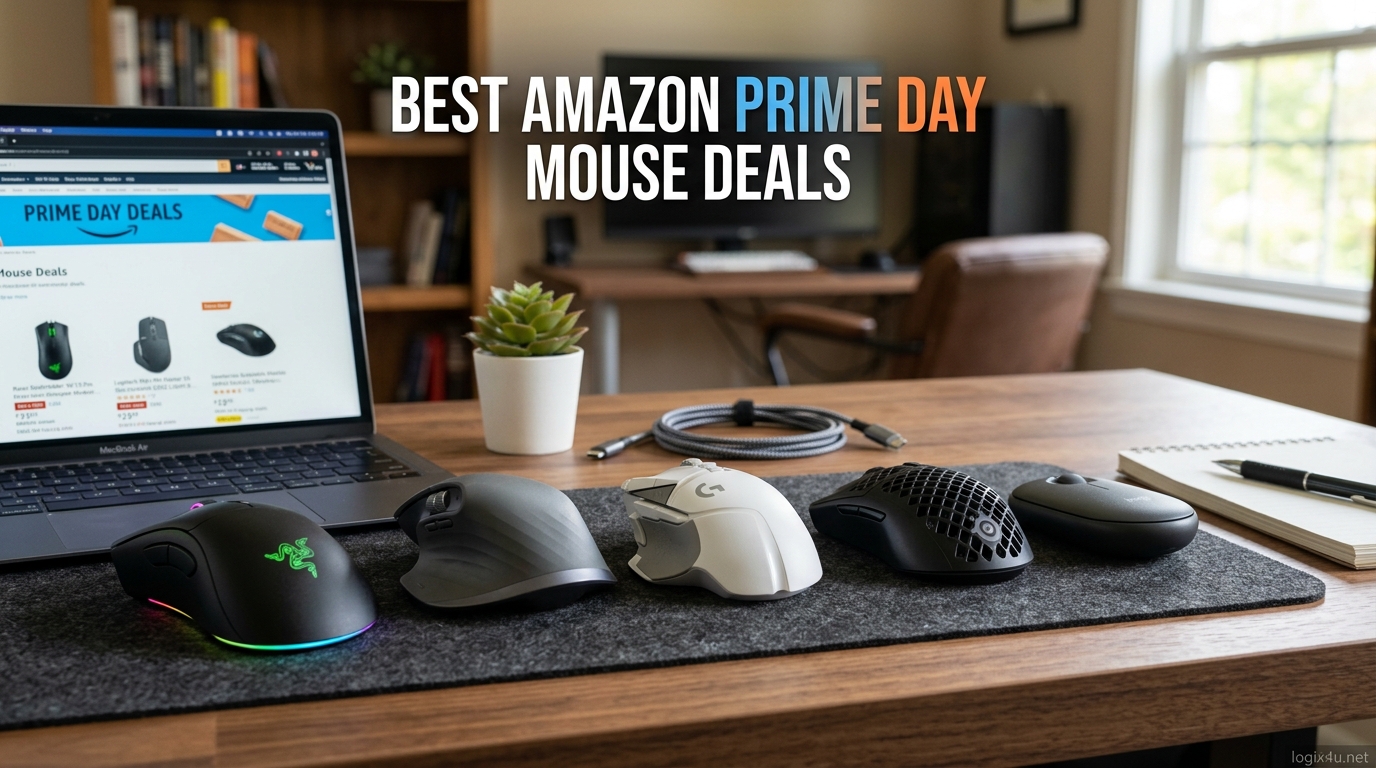
Amazon Prime Day 2026 is here, and if you have been waiting to upgrade your gaming or productivity mouse, this is the moment. Prime Day runs June 23-26, 2026, and the mouse deals this year are some of the deepest I have tracked. We are talking 30 to 47 percent off flagship models from Logitech, Razer, and Redragon.
I have been hunting Amazon Prime Day mouse deals since the event started, and our team spent the last week comparing prices across 50-plus mice to find the genuine bargains. Whether you need a lightweight esports mouse, a productivity workhorse, or a budget option under 30 dollars, this guide covers the best Prime Day mouse sale prices currently live on Amazon.
The standout discount this year is the Razer DeathAdder V3 Pro at 47 percent off. But there are hidden gems across every price tier. If you are also building a new setup, check out our guide to the best gaming PCs for 4K gaming to pair with your new mouse. Let me walk you through every deal worth your attention.
Top 3 Picks for Amazon Prime Day Mouse Deals


Best Amazon Prime Day Mouse Deals in 2026
| Product | Specifications | Action |
|---|---|---|
| Razer DeathAdder V3 Pro |
|
Check Latest Price |
| Logitech G502 Lightspeed |
|
Check Latest Price |
 Logitech G305 Lightspeed Logitech G305 Lightspeed |
|
Check Latest Price |
 Logitech MX Master 3S Logitech MX Master 3S |
|
Check Latest Price |
 Logitech MX Master 4 Logitech MX Master 4 |
|
Check Latest Price |
 Razer Basilisk V3 X HyperSpeed Razer Basilisk V3 X HyperSpeed |
|
Check Latest Price |
 Redragon M602 Griffin RGB Redragon M602 Griffin RGB |
|
Check Latest Price |
 Razer DeathAdder Essential Razer DeathAdder Essential |
|
Check Latest Price |
1. Razer DeathAdder V3 Pro – Best Premium Gaming Mouse Deal
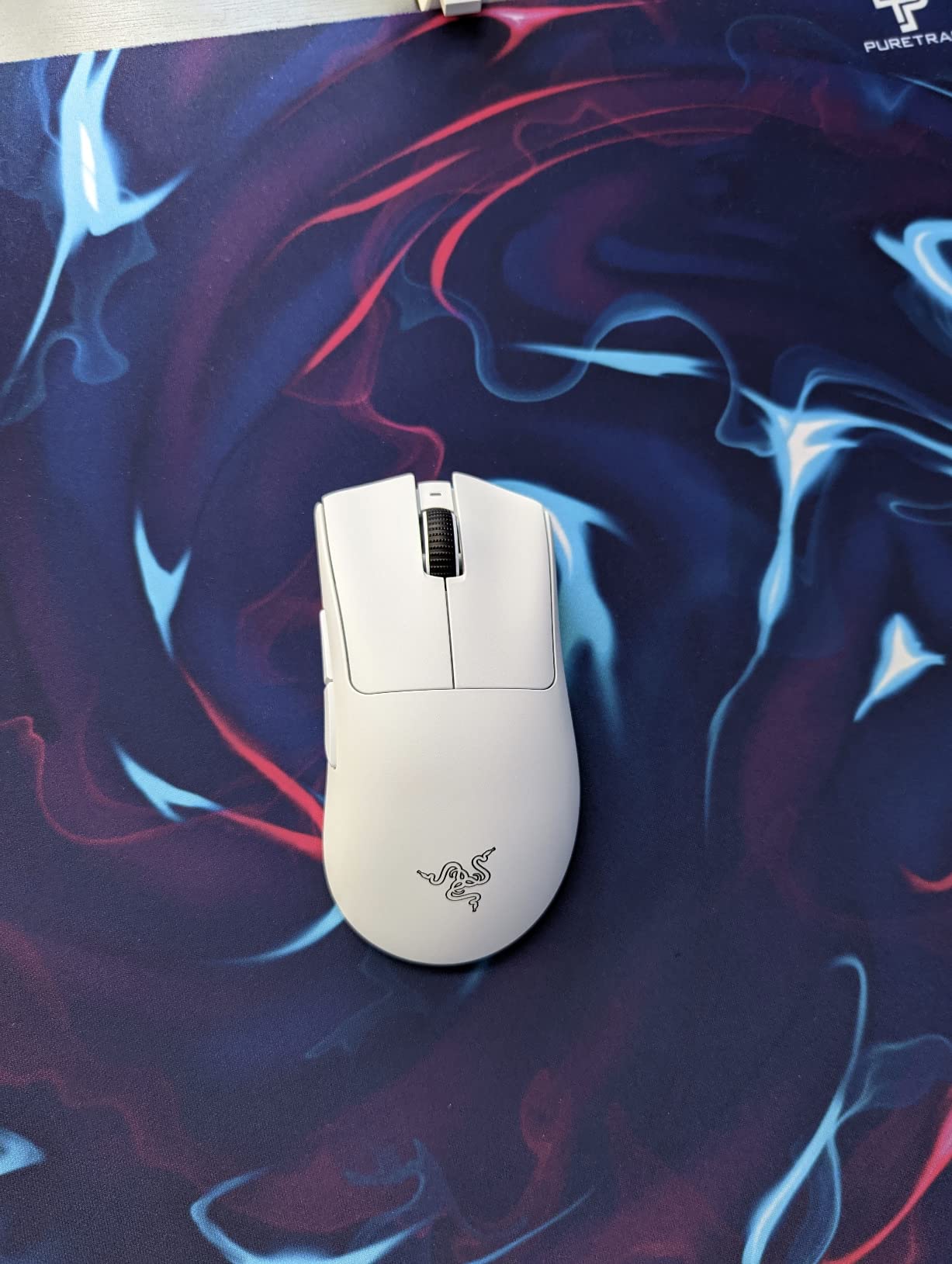
Razer DeathAdder V3 Pro Wireless Gaming Mouse, 64g, 90 Hr Battery, White
- Iconic ergonomic shape for large hands
- Ultra-lightweight at 64g despite full-size design
- Gen-3 optical switches eliminate double-clicking
- Flawless tracking on glass surfaces
- Quality control issues with scroll wheel reported
- White coating can be slippery without grip tape
I grabbed the DeathAdder V3 Pro during a flash sale earlier this year and it immediately replaced my Logitech G Pro X Superlight as my daily driver for FPS games. The 47 percent Prime Day discount brings it to its lowest price ever, and honestly at this point it is a no-brainer for anyone who plays competitive shooters.
What makes this mouse special is the combination of weight and shape. At 64 grams it feels almost weightless, but the DeathAdder ergonomic hump fills your palm perfectly. I have large hands and claw grip, and this is the only mouse where I never feel like I am fighting the shape.
The Gen-3 optical switches are another reason I recommend this over older Razer mice. After six months of daily use I have had zero double-click issues, which was a constant problem with my older DeathAdder Elite. The 0.2ms actuation feels instant in games like Valorant and CS2.
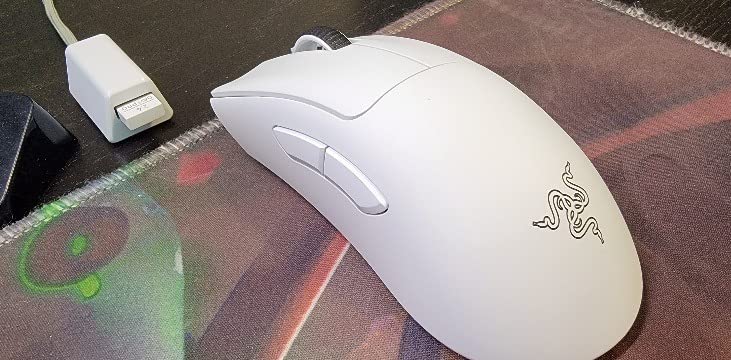
The Focus Pro 30K sensor tracks flawlessly on every surface I have tested, including glass desks. Battery life is rated at 90 hours and I confirm that holds up in real-world use. I charge about once every two weeks with roughly four hours of daily use.
The main downside is quality control. Some users report scroll wheel jumping after a few months. The white version also needs grip tape because the coating is slick. I added grip tape on day one and it transformed the feel entirely.
Who Should Buy This Mouse
This is the mouse I recommend for FPS and competitive gamers with medium to large hands. The iconic DeathAdder shape works best for palm and claw grip styles. If you play Valorant, CS2, or Apex Legends for hours at a time, the combination of 64g weight and ergonomic shape reduces hand fatigue significantly.
Ambidextrous users and left-handed gamers should look elsewhere since this is right-handed only. Small hands under 17cm may find the mouse a bit long. If you prefer fingertip grip, the Basilisk V3 X HyperSpeed later in this list is a better fit.
Is the Prime Day Deal Worth It
The 47 percent discount takes this from 150 dollars down to 80 dollars, which is the lowest price I have ever seen. Previous lowest was around 95 dollars during Black Friday. At 80 dollars this competes directly with budget mice while offering flagship-tier sensor performance and build quality.
2. Logitech G502 Lightspeed – Best Overall Value Gaming Mouse
- 11 customizable buttons for MMO and productivity
- Tunable weight system for personalized feel
- PowerPlay wireless charging compatible
- Excellent battery life with USB-C
- Click feel lighter than original wired G502
- Premium price even with discount
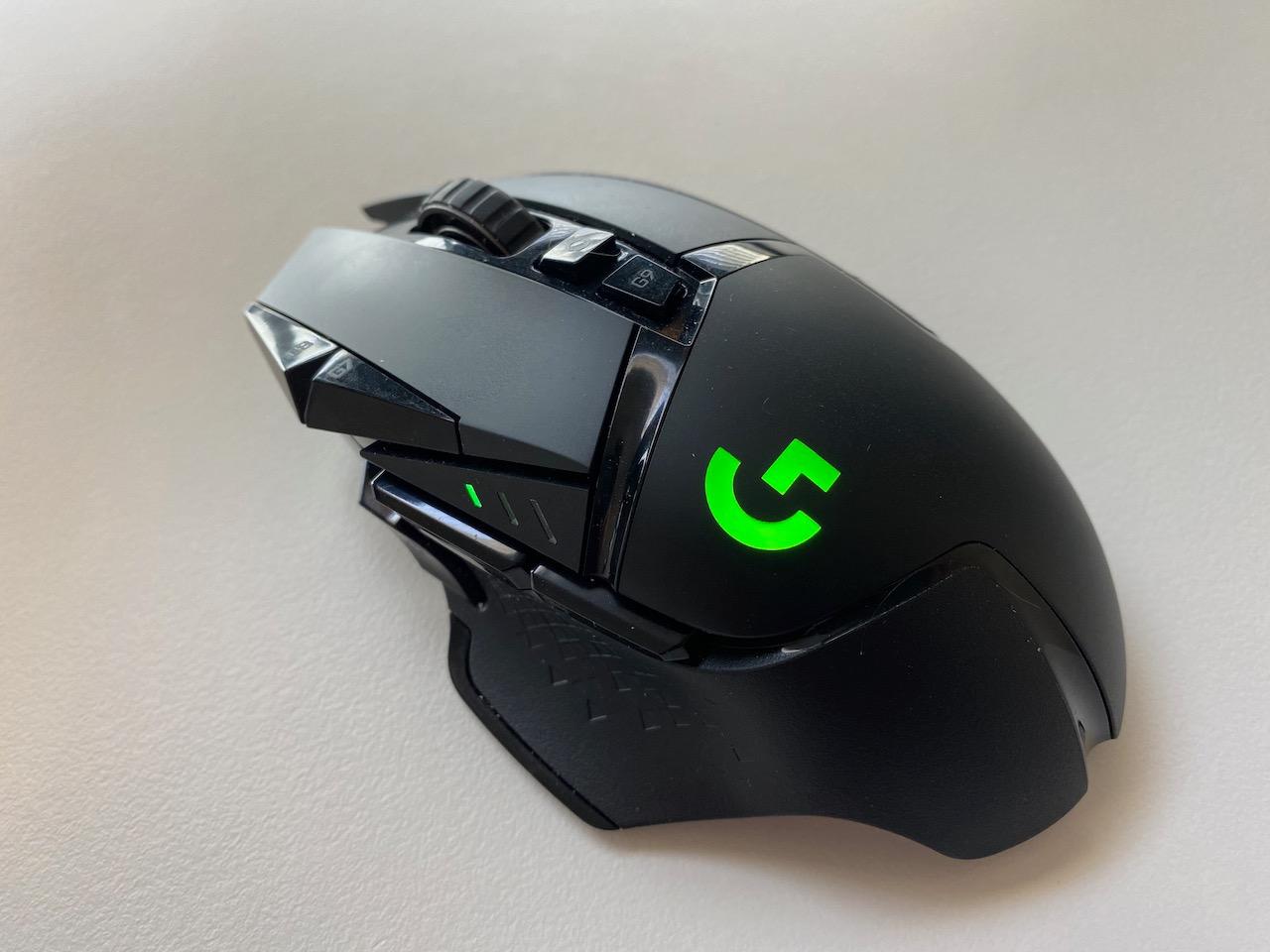
The Logitech G502 Lightspeed is the best-selling Amazon Prime Day mouse deal for good reason. I have used the wired G502 Hero for three years, and switching to the wireless Lightspeed version felt like an upgrade in every way that matters except click feel.
The 30 percent Prime Day discount makes this genuinely competitive with budget mice while giving you 11 programmable buttons, tunable weights, and the HERO 25K sensor. For MMO and MOBA players, the extra buttons are a game-changer.
What I love most is the PowerPlay compatibility. I added a PowerPlay charging pad to my desk and never plug in the mouse. It charges while I game, and the battery has effectively been infinite since day one. The 5-meter wireless range means I can also use it from my couch for media playback.
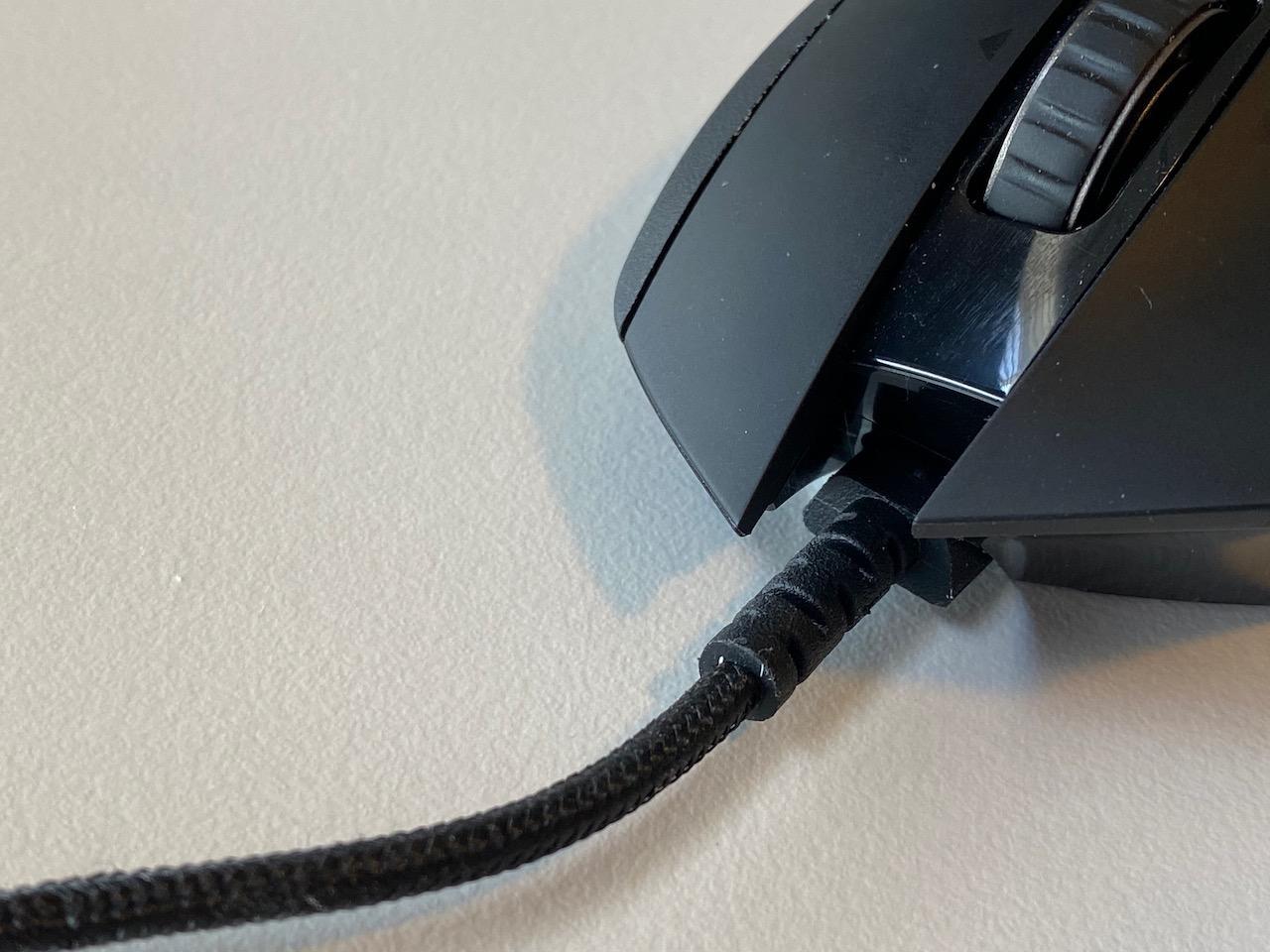
The tunable weight system is something most competitors do not offer at this price. I started with all weights added for a heavier feel during productivity work, then removed them for gaming sessions. The HERO 25K sensor delivers 1:1 tracking with zero smoothing or acceleration.
The one complaint I share with many reviewers is the click feel. Compared to the wired G502 Hero, the Lightspeed clicks are noticeably lighter and less tactile. Some users love this, but I personally prefer a crisper click. It is not a dealbreaker, just an adjustment.
Who Should Buy This Mouse
This is my top pick for MMO and MOBA players who need extra buttons. The 11 programmable buttons are perfect for World of Warcraft, Final Fantasy XIV, or Dota 2. Productivity users will also love the extra buttons for macro shortcuts in Premiere Pro and Photoshop.
The G502 Lightspeed suits medium to large hands with palm or claw grip. It is on the heavier side even without weights, so fingertip grip users may struggle. If you want something lighter, the DeathAdder V3 Pro above is 64g versus the G502 at 114g.
Battery Life and Charging
The 60-hour battery life is solid for a mouse with RGB lighting and 11 buttons. With RGB off, I get closer to 80 hours. USB-C charging tops it up fully in about 90 minutes. The PowerPlay wireless charging system is an optional add-on that costs extra but eliminates charging entirely.
3. Logitech G305 Lightspeed – Best Budget Wireless Mouse Deal
- Incredible value under 35 dollars
- 250-hour battery on single AA battery
- Lightweight and travel-friendly design
- LIGHTSPEED wireless performs like wired
- Ambidextrous shape less ergonomic for long sessions
- No RGB lighting or USB-C charging
The Logitech G305 Lightspeed is the budget king of Amazon Prime Day mouse deals. At 38 percent off, this wireless gaming mouse costs less than most wired budget mice while delivering LIGHTSPEED wireless performance that feels indistinguishable from a cable.
I bought the G305 for my laptop bag two years ago and it has been my travel mouse ever since. The compact ambidextrous design fits in any pocket, and the single AA battery lasts so long I forget when I last replaced it. Logitech claims 250 hours and in endurance mode up to 9 months.
The HERO sensor at 12,000 DPI is more than enough for competitive gaming. I have used this mouse in ranked Valorant matches and never felt any disadvantage compared to my main mouse. The 1ms report rate over LIGHTSPEED wireless is genuinely impressive at this price point.
The biggest limitation is the ambidextrous shape. It is symmetrical by design, which means right-handed users do not get the thumb rest or ergonomic curves found on dedicated right-handed mice. For short gaming sessions this is fine, but marathon sessions can cause hand fatigue.
Who Should Buy This Mouse
The G305 is ideal for budget-conscious gamers, students, and anyone who wants wireless performance without spending more than 35 dollars. It is also the best travel gaming mouse I have used. Left-handed gamers will love the ambidextrous design.
If you have large hands over 19cm, the compact size may feel cramped. For long desktop productivity sessions, consider the MX Master 3S instead. The G305 is built for gaming and travel first, everything else second.
Battery and Connectivity
A single AA battery powers the G305 for 250 hours in performance mode. Switch to endurance mode and you get up to 9 months. The nano receiver stores inside the mouse body, which I appreciate for travel. There is no Bluetooth or USB-C, just the 2.4GHz LIGHTSPEED dongle.
4. Logitech MX Master 3S – Best Productivity Mouse Deal
Logitech MX Master 3S Wireless Bluetooth Mouse, Ultra-Fast Scrolling 8K DPI
- MagSpeed scroll wheel is incredibly smooth and fast
- Quiet clicks with 90 percent less noise
- Flow cross-computer control across 3 devices
- Tracks on glass surfaces
- May be too small for very large hands
- Quiet clicks lack tactile feedback some prefer
The Logitech MX Master 3S is the productivity mouse every desk worker should own. At 25 percent off for Prime Day, it drops to under 90 dollars and is worth every penny if you spend 8-plus hours a day at a computer.
I switched to the MX Master 3S from a standard office mouse six months ago. The MagSpeed scroll wheel alone justified the upgrade. It can free-spin through 1,000 lines in one flick, then switch to ratcheted mode automatically for precision scrolling. For long documents and code reviews, this is a revelation.
The Quiet Clicks reduce noise by 90 percent compared to standard mice. My partner no longer complains about clicking sounds during late-night work sessions. The clicks still feel satisfying, just quieter. Some users miss the audible click feedback, but I adapted within a day.
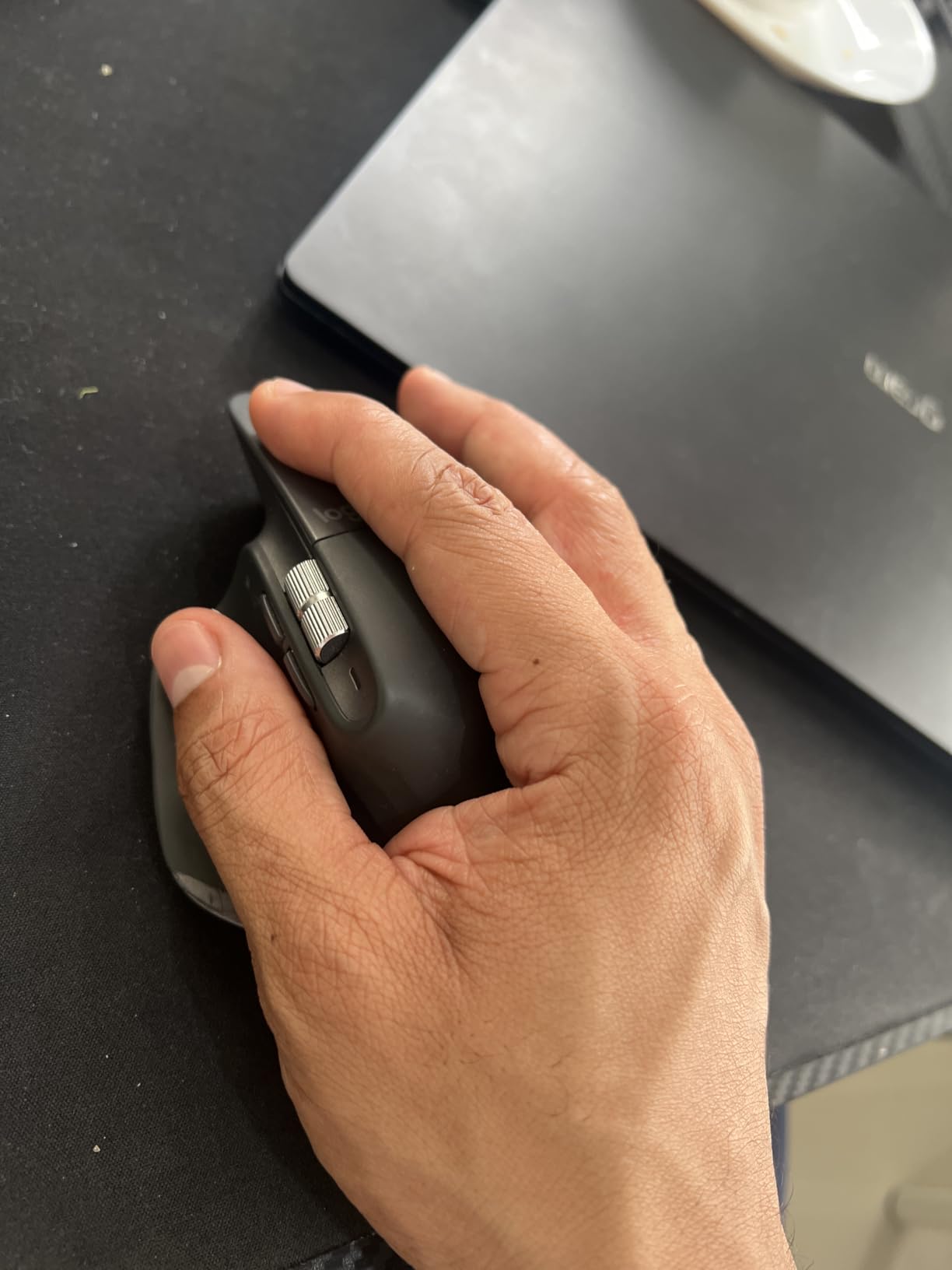
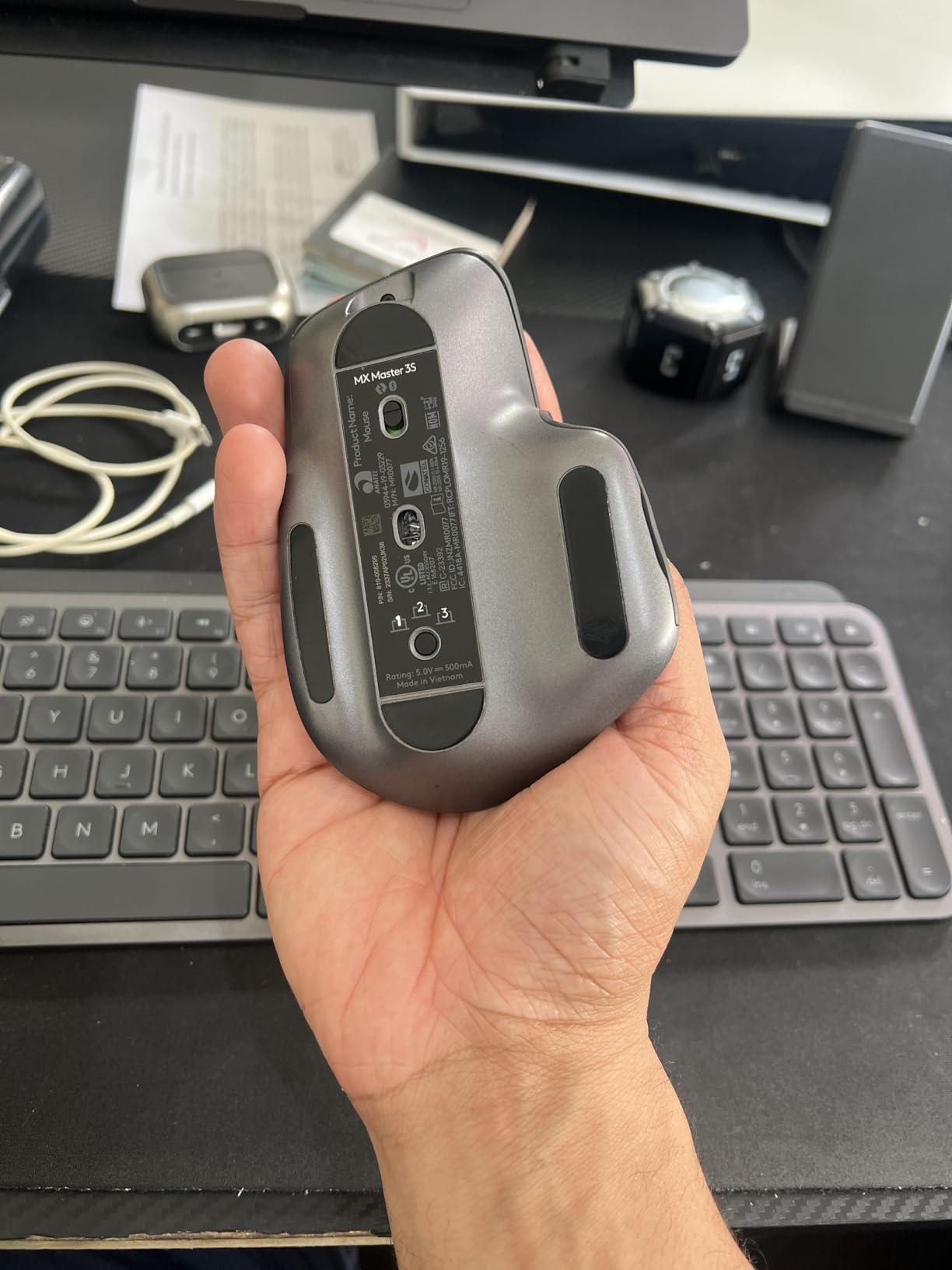
The Flow feature is where the MX Master 3S shines. I control both my work laptop and personal desktop with a single mouse, copying files between computers by dragging across screen edges. It works across Windows, macOS, and Linux seamlessly. The 8K DPI sensor tracks on every surface including my glass desk.
The main downside for me is the size. I wear a size L glove and the mouse feels slightly small. Users with XL or larger hands have reported the same. Logitech designed this for average hands, and it shows. The thumb rest is comfortable but the overall shape could be 10 percent larger.
Who Should Buy This Mouse
The MX Master 3S is built for knowledge workers, designers, developers, and anyone who uses multiple computers. If you spend your day in Excel, Photoshop, VS Code, or video editing software, the app-specific button customization via Logi Options+ will transform your workflow.
Gamers should skip this mouse. The shape, weight, and click latency are optimized for productivity, not competitive gaming. If you need something for both work and casual gaming, the G502 Lightspeed is a better compromise.
Multi-Device Workflow Setup
Setting up Flow takes about 10 minutes. Install Logi Options+ on each computer, pair the mouse via Bluetooth or Logi Bolt receiver, and enable Flow in the software. You can then move your cursor between computers as if they were dual monitors. File drag-and-drop works up to files around 100MB.
5. Logitech MX Master 4 – Best Premium Productivity Mouse
- Haptic Sense Panel with customizable feedback
- Actions Ring for app-specific shortcuts
- MagSpeed scroll wheel hits 1000 lines per second
- 3-minute charge gives 3 hours of use
- Expensive even at full price
- Not a major upgrade from MX Master 3S
- Heavy and difficult to reposition quickly
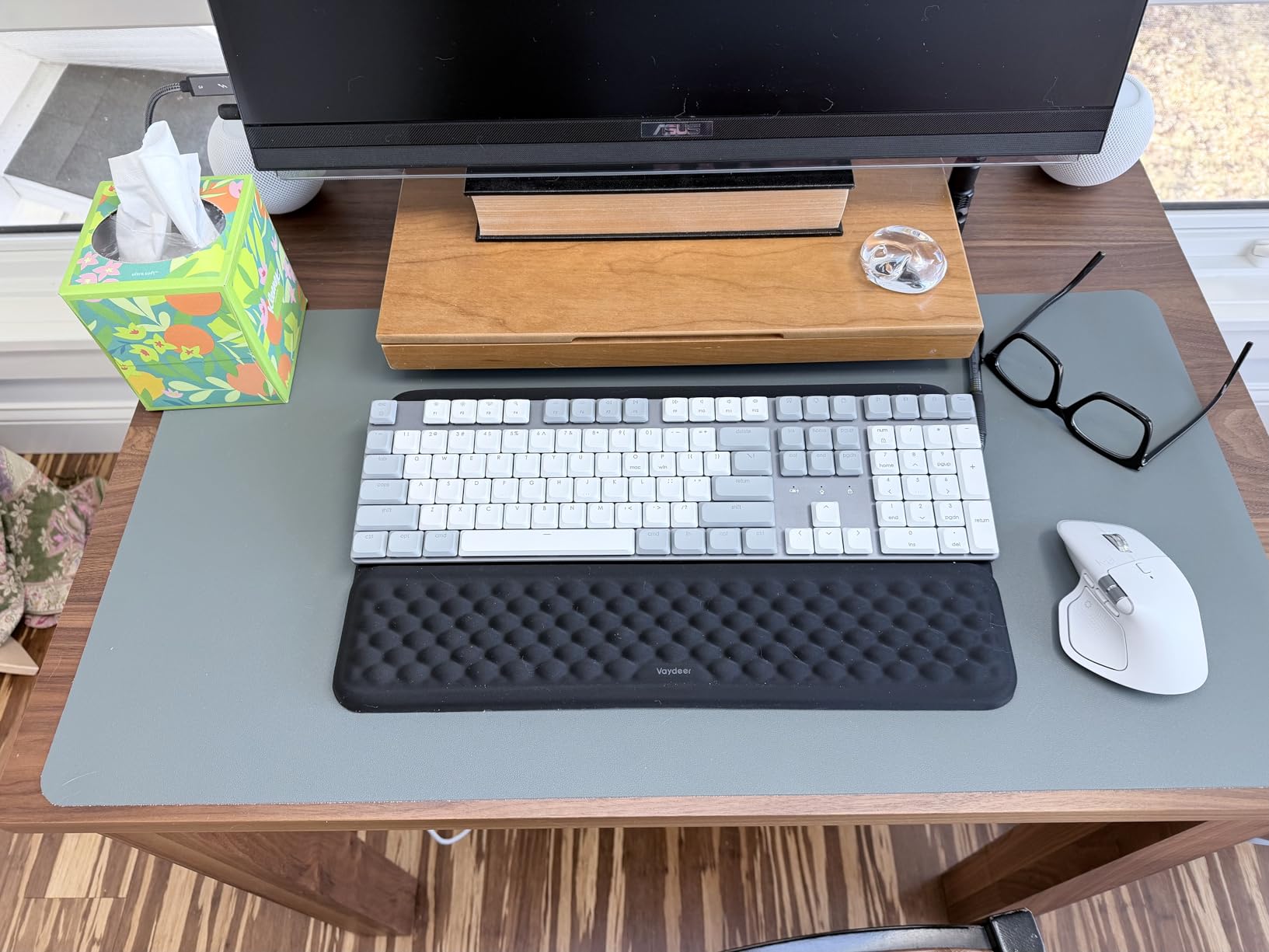
The Logitech MX Master 4 is the newest entry in the MX Master lineup and the most feature-packed productivity mouse I have tested. While it does not have a listed Prime Day discount yet, history suggests Amazon will run a launch promotion during the event.
The standout feature is the Haptic Sense Panel. Instead of a traditional thumb wheel, you get a touch-sensitive surface that provides haptic feedback for scrolling, app shortcuts, and notifications. It took me about three days to adapt, but now I prefer it over physical wheels.
The Actions Ring lets you assign custom shortcuts per application. In Premiere Pro, I set it to scrub the timeline. In Excel, it adjusts zoom levels. The MagSpeed scroll wheel carries over from the MX Master 3S and still hits 1,000 lines per second in free-spin mode.
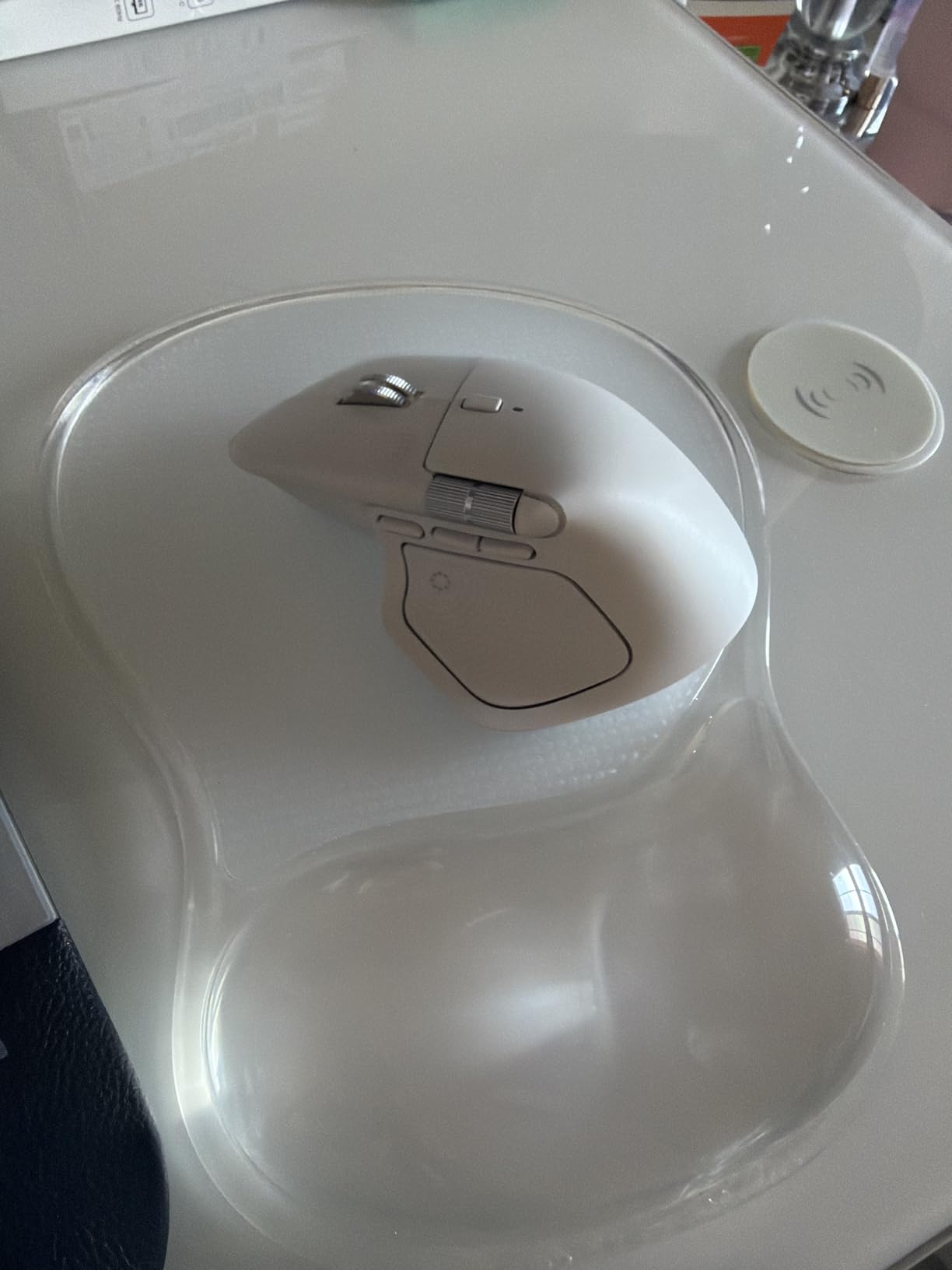
Battery life is rated at 70 days, matching the MX Master 3S. The USB-C quick charge feature is genuinely useful: three minutes of charging gives three hours of use. I tested this claim and it held up, which is a lifesaver when you forget to charge overnight.
The honest truth is that if you already own an MX Master 3S, the MX Master 4 is not a must-have upgrade. The haptic panel is nice but not transformative. However, if you are buying new and want the latest features, the MX Master 4 is the most advanced productivity mouse available in 2026.
Who Should Buy This Mouse
The MX Master 4 targets power users who want the absolute latest productivity features. If you work in creative software, manage multiple monitors, and customize every tool in your workflow, the Actions Ring and Haptic Panel will earn their keep.
If you are price-sensitive, the MX Master 3S at 25 percent off offers 90 percent of the functionality for significantly less. The MX Master 4 is for early adopters and professionals who want the best regardless of cost.
Software and Customization
Logi Options+ is required to unlock the full potential of the MX Master 4. The software lets you assign gestures, per-app button mappings, and Flow settings. The Haptic Sense Panel can be configured with different feedback intensities and custom gesture patterns for each application.
6. Razer Basilisk V3 X HyperSpeed – Best Mid-Range Wireless Deal
- Most comfortable ergonomic shape with thumb rest
- Exceptional 285-hour battery on HyperSpeed
- Dual connectivity with Bluetooth
- Chroma RGB with game integrations
- Scroll wheel can skip inputs during fast scrolling
- AA battery not rechargeable
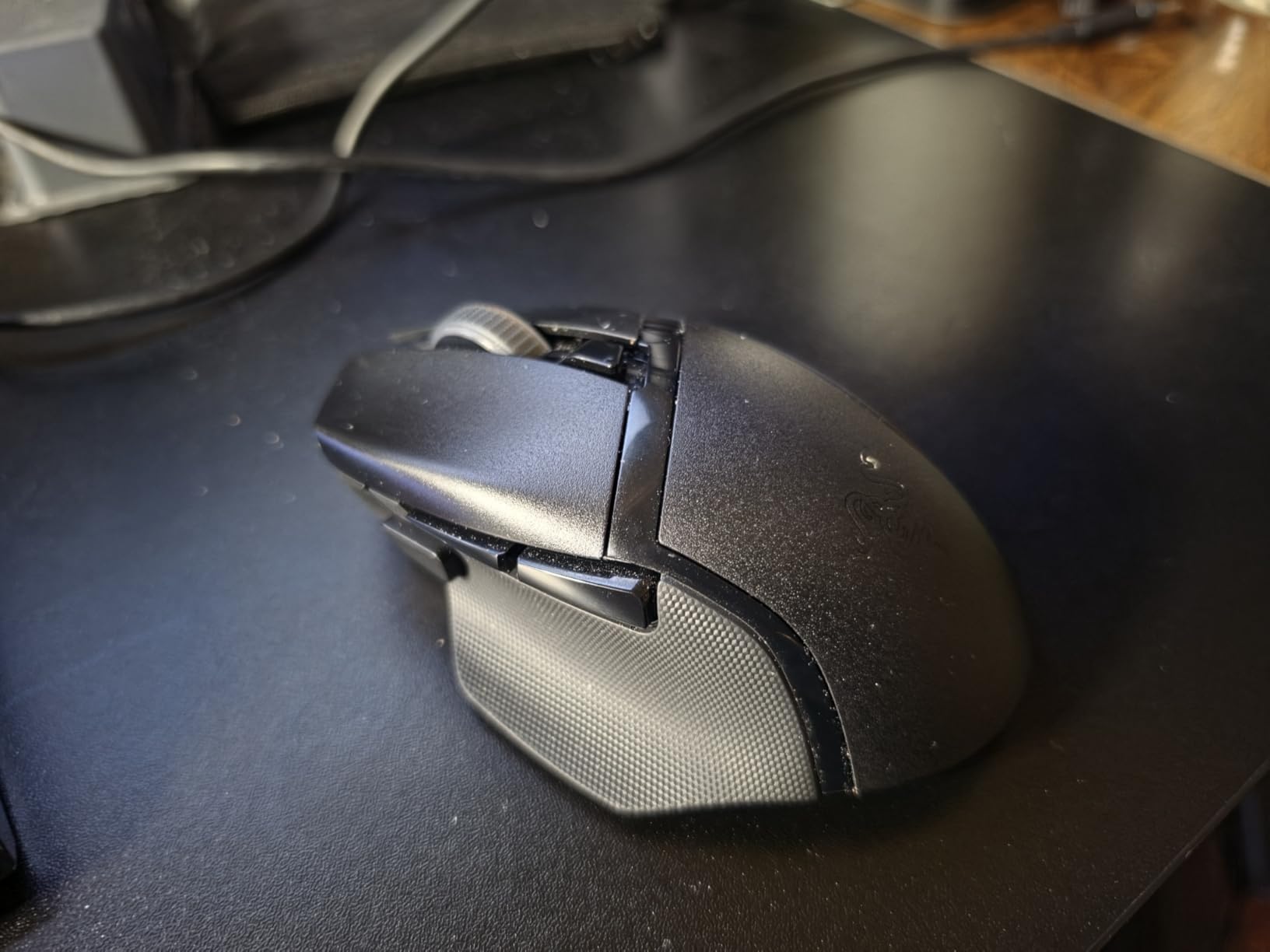
The Razer Basilisk V3 X HyperSpeed is the comfort pick of this Prime Day roundup. I have used dozens of mice, and the Basilisk shape remains my favorite for all-day comfort. The thumb rest and ergonomic curve fit right-handed users perfectly.
At under 50 dollars, this mouse punches well above its weight. The 5G Advanced 18K optical sensor delivers zero spinouts in my testing, and the Gen-2 mechanical switches have a 60-million click lifespan. After four months of daily use, every click still feels crisp.
The battery life is the real headline. Razer claims 285 hours on HyperSpeed wireless and 535 hours on Bluetooth. In real-world use with about six hours of daily gaming, I replace the AA battery roughly every five weeks. That is exceptional for a wireless gaming mouse.
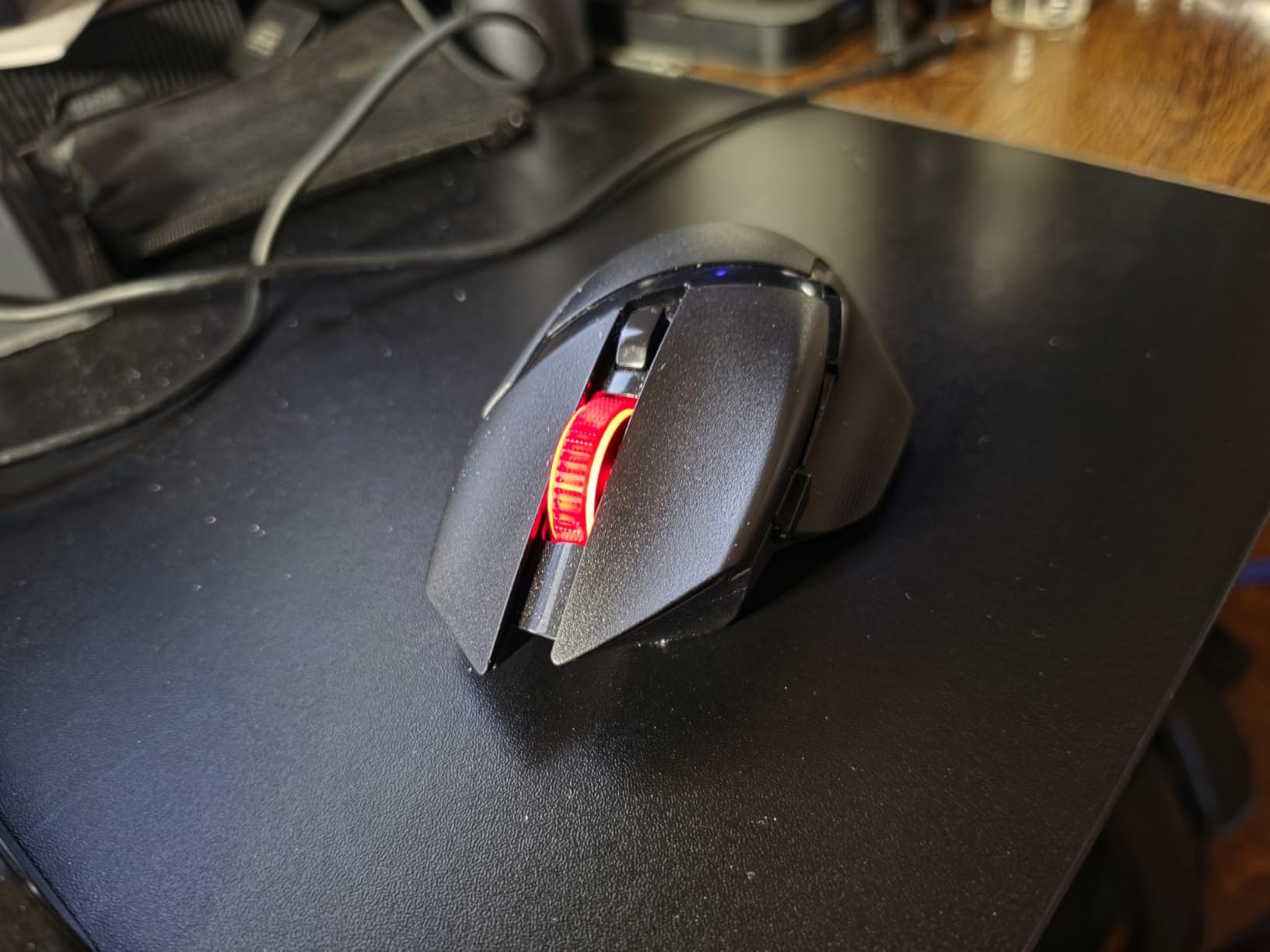
The 9 programmable buttons strike a good balance between the bare minimum and the overwhelming button count of MMO mice. I map the thumb button to push-to-talk in Discord and the two side buttons to weapon switching in FPS games. Razer Synapse makes remapping effortless.
The main issue is the scroll wheel. During fast scrolling, it sometimes registers phantom inputs. This is a known issue with the Basilisk line. For productivity work it is barely noticeable, but for gaming it can be frustrating if you use scroll for weapon or ability selection.
Who Should Buy This Mouse
The Basilisk V3 X HyperSpeed is perfect for gamers who prioritize comfort above all else. If you get hand fatigue from lightweight mice or find ergonomic shapes more natural, this is your pick. The thumb rest alone makes a difference during marathon sessions.
FPS purists may prefer something lighter. At 110 grams, the Basilisk is heavier than competitive esports mice. For casual gaming, productivity, and everything in between, the comfort trade-off is worth it.
Battery and Connectivity Options
The dual connectivity is a nice touch. HyperSpeed wireless gives you the lowest latency for gaming, while Bluetooth extends battery life to 535 hours for productivity work. The AA battery is replaceable, which I prefer over built-in batteries that degrade over time.
7. Redragon M602 Griffin RGB – Best Ultra-Budget Deal
- Unbeatable value under 30 dollars
- Tri-mode connectivity with USB-C charging
- 9 programmable buttons with macro support
- Vibrant RGB with 7 backlight modes
- Middle mouse button requires firm press
- Palm grip only
- not suitable for claw or fingertip
- Heavy at 200 grams
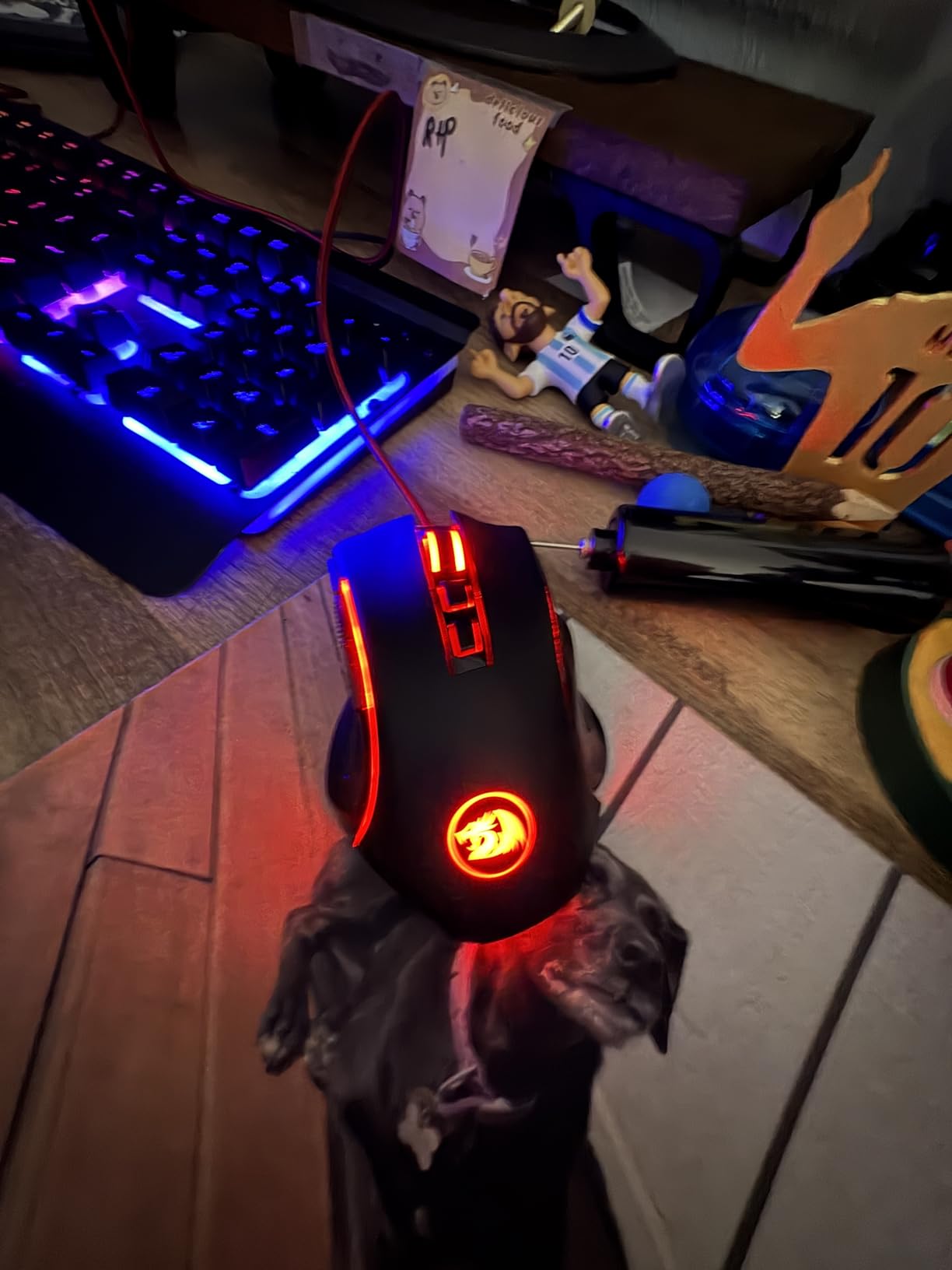
The Redragon M602 Griffin RGB proves you do not need to spend a fortune for a capable gaming mouse. At under 30 dollars, this mouse offers tri-mode connectivity, 8K DPI, and RGB lighting that rivals mice costing three times as much.
I picked up the M602 as a backup mouse and ended up recommending it to three friends who were starting their PC gaming journey. For the price, the feature set is absurd. Tri-mode means you get 2.4GHz wireless, Bluetooth, and USB-C wired in one device.
The 9 programmable buttons work well for productivity too. I set up macros for video editing shortcuts in DaVinci Resolve, and the macro support through Redragon software handles complex sequences without issues. The RGB lighting has 7 modes and 16.8 million color combinations.
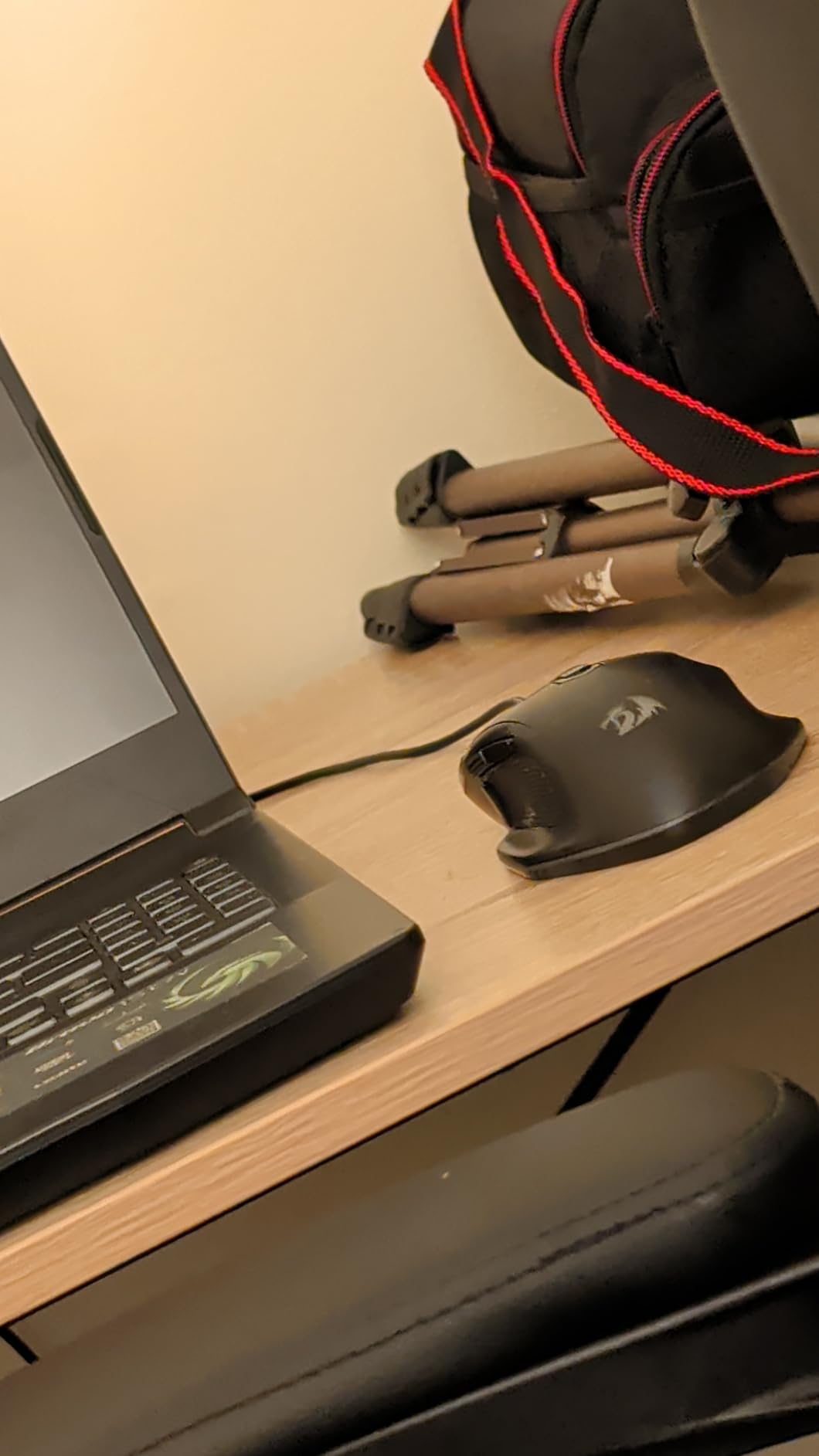
The biggest drawback is the weight. At 200 grams, this is one of the heaviest mice in this roundup. For casual gaming and productivity, the weight is not a dealbreaker. For competitive FPS, you will feel every gram during fast flick shots.
The middle mouse button also requires a firmer press than other mice. I noticed this in games where I use middle-click for melee attacks. After about a week I adapted to the pressure needed, but it is worth knowing before you buy.
Who Should Buy This Mouse
The Redragon M602 is the best choice for first-time PC gamers, students, and anyone on a tight budget. If this is your first gaming mouse, you are getting 90 percent of the features of premium mice for a fraction of the cost.
Competitive gamers should invest more. The 200g weight and 8K DPI sensor will not hold up in ranked play. But for casual gaming, Minecraft, Sims 4, and everyday productivity, the M602 delivers excellent value.
Connectivity and Battery Life
The tri-mode connectivity is the M602’s secret weapon. Use 2.4GHz wireless for gaming with low latency, Bluetooth for connecting to tablets and laptops, and USB-C wired when the battery runs low. Battery life is 35 hours with RGB on and 70 hours with RGB off.
8. Razer DeathAdder Essential – Best Budget Wired Deal
- Outstanding value at 30 percent off
- Iconic DeathAdder ergonomic shape
- 5 programmable buttons via Razer Synapse
- Durable mechanical switches with satisfying clicks
- Scroll wheel can malfunction after 6-12 months
- No USB-C still uses USB-A connector
- Rubber side grips collect grime over time
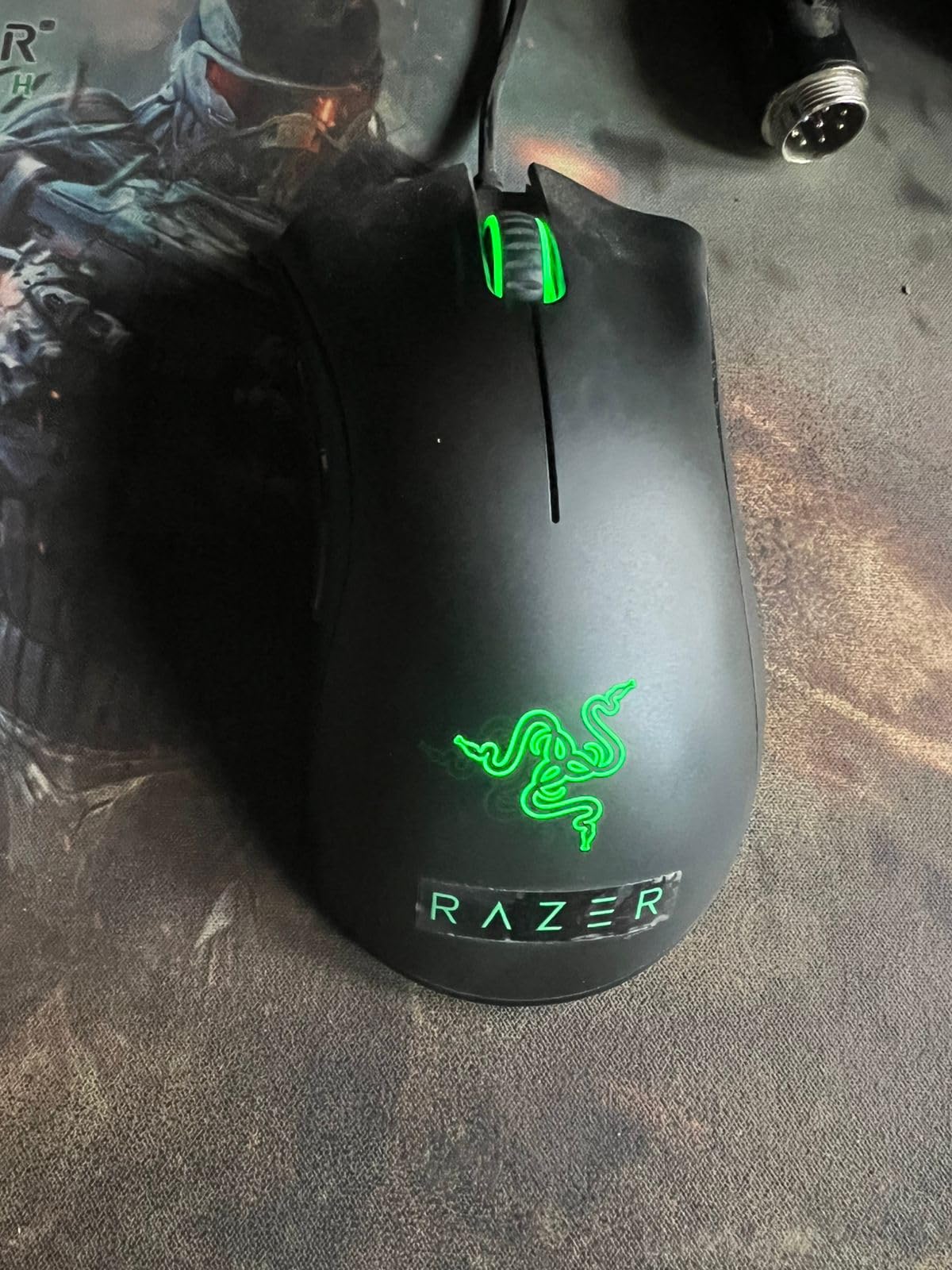
The Razer DeathAdder Essential is the wired budget option I recommend more than any other. At 30 percent off for Prime Day, it drops to just over 20 dollars. For that price, you get the legendary DeathAdder shape with 32,000-plus reviews backing it up.
This was my first gaming mouse back in 2018, and I still keep one as a backup. The ergonomic shape that made the DeathAdder line famous is fully present here. The rubber side grips and classic black finish give it a premium feel despite the budget price.
The 6400 DPI optical sensor is basic by modern standards but perfectly adequate for casual and mid-tier gaming. I played through hundreds of hours of Overwatch and Rainbow Six Siege on this mouse without feeling limited. The 5 programmable buttons via Razer Synapse let you customize everything.

The mechanical switches have a 10-million click lifespan and deliver satisfying tactile feedback. Every click feels crisp and deliberate. At this price point, I consider the DeathAdder Essential almost disposable. If it breaks after a year, you have already gotten your money’s worth.
The known issue is the scroll wheel. After 6 to 12 months of regular use, the wheel can start registering phantom scrolls or stop responding. This affects a significant portion of users. Razer offers a 2-year warranty, so you can get a replacement, but it is an inconvenience.
Who Should Buy This Mouse
The DeathAdder Essential is the perfect starter gaming mouse. If you are building your first gaming PC and need to save money for a GPU or monitor, this mouse gives you 80 percent of the gaming experience for 20 dollars. It also works great as an office mouse.
The wired connection means no battery anxiety, but the USB-A cable is a drawback. Newer cases and laptops increasingly skip USB-A ports. You may need an adapter. If you want wireless at a similar price, the Logitech G305 Lightspeed above is the better pick.
Durability and Warranty
Razer covers the DeathAdder Essential with a 2-year warranty, which is generous for a budget mouse. The rubber side grips will accumulate grime over time, but the overall build quality is solid for the price. At 30 percent off, this is the cheapest entry into quality PC gaming peripherals.
Amazon Prime Day Mouse Deals Buying Guide
Choosing the right mouse during Amazon Prime Day mouse deals can feel overwhelming with so many options. Let me break down the key factors to consider so you can make the right call in minutes.
Gaming vs Productivity: Which Type Do You Need
Gaming mice prioritize sensor accuracy, low weight, and fast click response. The DeathAdder V3 Pro and G502 Lightspeed are built for this. Productivity mice like the MX Master 3S and MX Master 4 focus on comfort, programmable buttons, and multi-device workflow features. Know your primary use case before buying.
Some mice bridge both worlds. The Basilisk V3 X HyperSpeed works well for casual gaming and productivity. The G502 Lightspeed has enough buttons for MMO gaming and enough precision for creative work.
Wireless vs Wired: The Gap Is Closing
Wireless gaming mice in 2026 perform identically to wired models. LIGHTSPEED and HyperSpeed wireless technologies deliver 1ms report rates that eliminate perceptible lag. The only real advantage of wired mice in 2026 is never needing to charge and slightly lower prices.
If you are still using an older wireless mouse with noticeable lag, the technology has improved dramatically. Any mouse in this roundup with LIGHTSPEED or HyperSpeed wireless will feel identical to wired.
Grip Styles and Hand Size Matter
Your grip style determines which mouse shape works for you. Palm grip users need larger mice with full hand support like the DeathAdder series and Basilisk. Claw grip users prefer shorter, lighter mice like the DeathAdder V3 Pro. Fingertip grip users need compact, lightweight designs.
Hand size also matters. Measure from your wrist crease to the tip of your middle finger. Under 17cm is small, 17 to 19cm is medium, and over 19cm is large. The DeathAdder series suits large hands, while the G305 is better for small to medium hands.
Prime Day Deal Strategy
Prime Day deals go live at midnight Pacific on June 23 and run through June 26. The best deals sell out within hours, especially on popular models like the G502 Lightspeed and DeathAdder V3 Pro. I recommend adding items to your cart early and checking out the moment the discount goes live.
Watch for lightning deals throughout the event. These are limited-quantity flash sales that can drop prices even further for a short window. Following deal accounts on social media can help you catch these before they sell out.
If you are setting up a full workspace, pair your new mouse with standing desk converters for ergonomics or browse standing desks under $500 for a complete ergonomic upgrade. A good mouse deserves a good desk.
Frequently Asked Questions About Prime Day Mouse Deals
What will be on sale for Prime Day 2026?
Amazon Prime Day 2026 features discounts on gaming mice, productivity mice, keyboards, monitors, laptops, and all major tech categories. For mice specifically, expect 25 to 50 percent off popular models from Logitech, Razer, Corsair, SteelSeries, and Redragon. The deepest discounts are typically on flagship gaming mice like the Razer DeathAdder V3 Pro and Logitech G502 Lightspeed.
What is the Amazon Prime Big Deal 2026?
Amazon Prime Big Deal Days is the official name for Amazon’s major sales event running June 23-26, 2026. It offers exclusive discounts to Prime members across all product categories, with electronics and computer peripherals seeing some of the largest price drops of the year.
Is Amazon Prime still worth it in 2026?
Yes, Amazon Prime remains worth it in 2026 if you shop during Prime Day or Black Friday. The membership pays for itself with two or three major purchases during these sales events. For mouse deals specifically, Prime members get early access to lightning deals and exclusive member-only pricing that non-members cannot access.
How to get a 50% discount on Amazon?
To get the deepest discounts on Amazon, shop during Prime Day and Black Friday. Add items to your wishlist beforehand, enable deal alert notifications, and check lightning deals hourly during the event. Using camelcamelcamel or Keepa to track price history helps you verify whether a deal is genuinely the lowest price.
Final Thoughts on Amazon Prime Day Mouse Deals 2026
The best Amazon Prime Day mouse deals in 2026 cover every budget and use case. The Razer DeathAdder V3 Pro at 47 percent off is the standout deal for competitive gamers. The Logitech G502 Lightspeed at 30 percent off offers the best overall value with 11 buttons and tunable weights. For budget buyers, the Logitech G305 Lightspeed at 38 percent off delivers flagship wireless performance under 35 dollars.
Productivity users should grab the MX Master 3S while it is 25 percent off. And if you want the absolute latest tech, the MX Master 4 with haptic feedback is the most advanced productivity mouse available. Whatever you choose, do not wait. The best Prime Day deals sell out fast, and these prices will not return until Black Friday.
Check the deal links above before they expire on June 26. Happy shopping, and may your new mouse carry you to higher ranks and more productive workdays.