
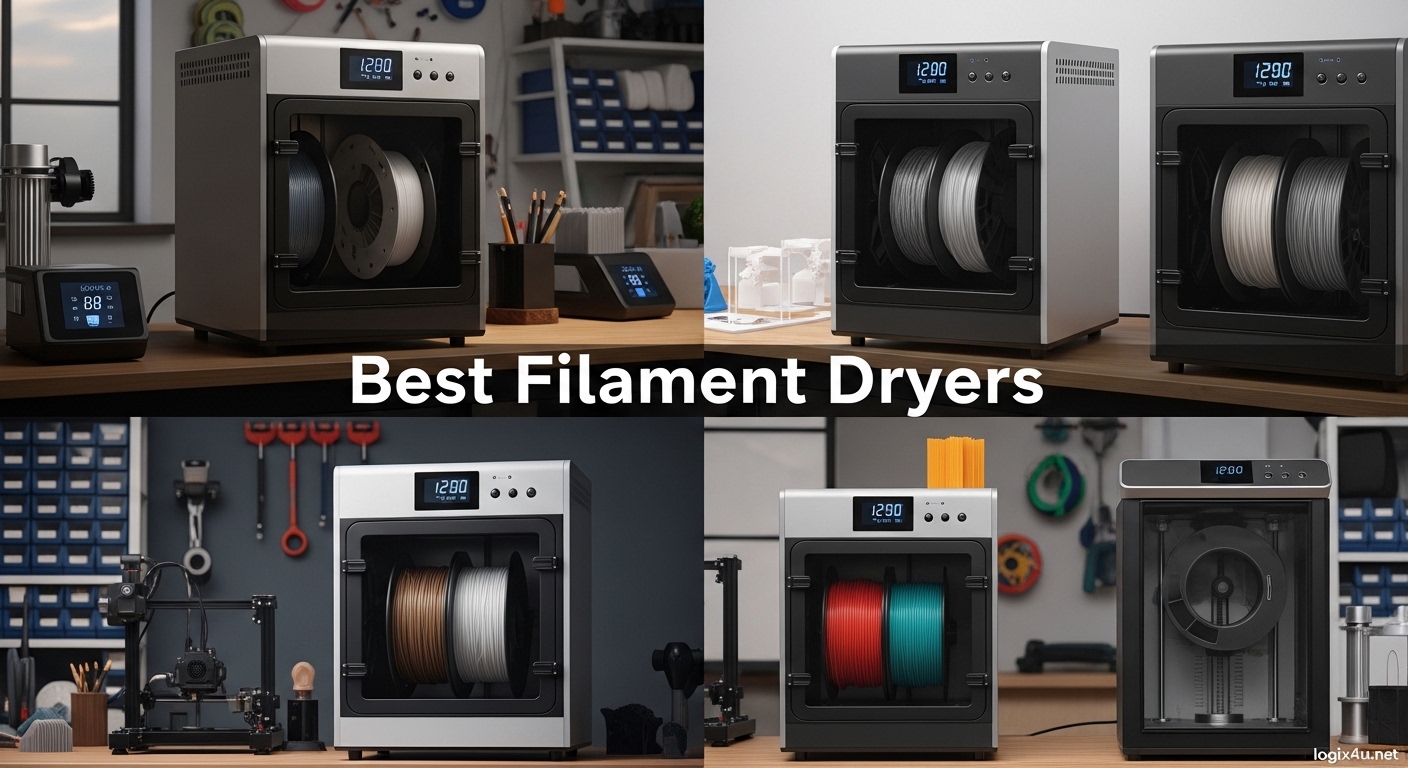
If you have ever experienced popping and crackling sounds during a print, noticed stringing that would not go away, or found your finished prints to be brittle and snapping under minimal stress, you have already encountered the silent killer of 3D print quality: moisture in your filament.
Filament is hygroscopic, meaning it naturally absorbs moisture from the air. This is especially problematic in humid environments, but even seemingly dry conditions can lead to moisture buildup over time. When you push filament through a hot nozzle at 200°C or higher, the moisture turns to steam and creates the tiny explosions that cause those satisfying (but annoying) popping sounds.
The consequences of printing with wet filament extend far beyond noise. You will see reduced tensile strength in your prints, poor surface finish with bubbles and imperfections, inconsistent extrusion that leads to layer adhesion failures, and increased stringing that requires time-consuming post-processing to fix.
This is where the best filament dryers for 3D printing become essential tools rather than luxury accessories. These devices actively remove moisture from your filament before and during printing, ensuring that every meter of material performs at its peak. Whether you are working with PLA, PETG, ABS, TPU, or demanding engineering filaments like Nylon and Polycarbonate, proper drying dramatically improves your results.
In this comprehensive guide, we have researched, analyzed, and compared the top filament dryers available in 2026. We have covered options from budget-friendly basic models to premium units designed for print farms and professional environments. By the end of this article, you will know exactly which filament dryer best fits your needs and budget.
Top 3 Picks for Best Filament Dryers in 2026
Buyer’s Guide: How to Choose the Best Filament Dryer
Not all filament dryers are created equal, and choosing the right one depends on understanding your specific needs. Before we dive into our product recommendations, let us cover the key factors that separate a good filament dryer from a great one.
Understanding Moisture and Why Your Filament Needs Drying
Filament materials vary significantly in their hygroscopicity, which refers to how readily they absorb moisture. PLA is relatively low-maintenance, but materials like Nylon, PETG, and polycarbonate can absorb moisture extremely quickly. If you live in a humid climate or frequently open your filament storage, moisture can become a serious problem even after just a few days.
The solution is not just drying your filament once; it is maintaining that dry state. The best filament dryers for 3D printing do double duty: they dry the filament initially and then maintain low humidity during storage and printing.
Key Features to Look for in a Filament Dryer
Heating Technology: PTC Elements
Look for dryers equipped with PTC (Positive Temperature Coefficient) heating elements. These self-regulating heaters provide consistent temperatures without risk of overheating. They also heat up faster and use energy more efficiently than traditional resistance heaters.
Air Circulation: 360-Degree Hot Air Circulation
The most effective filament dryers feature 360-degree hot air circulation. This ensures even heating throughout the chamber, eliminating cold spots where moisture might linger. Poor airflow is the primary reason some dryers fail to properly dry all the filament on a spool.
Temperature Range and Filament Compatibility
Different filaments require different drying temperatures:
- PLA: 40-50°C
- PETG: 60-70°C
- ABS: 70-80°C
- TPU: 50-60°C
- Nylon/PA: 70-85°C
- Polycarbonate: 80-100°C
Choose a dryer that exceeds the maximum temperature your filaments require. The Creality Space Pi X4, with its 85°C maximum, handles even demanding engineering filaments like Nylon and Polycarbonate.
Spool Capacity
Consider how much filament you typically use. Single-spool dryers work for occasional printing, but if you frequently switch between materials or run a print farm, dual-spool or quad-spool capacity becomes essential. The Creality Space Pi X4 holds up to 4 spools, making it ideal for multi-material workflows.
Dual Chambers vs. Single Chamber
Dual-chamber designs like the Creality Space Pi X4 allow you to dry different filament types at their optimal temperatures simultaneously. This is a game-changer for users who frequently switch between materials with different temperature requirements.
Humidity Monitoring
Advanced filament dryers include real-time humidity displays so you can see exactly when your filament has reached optimal dryness. Look for models that show moisture levels rather than just temperature.
Print-While-Drying Capability
Most modern filament dryers allow you to print directly from the device through PTFE tubing. This eliminates the need to transfer dried filament to separate storage, maintaining optimal moisture levels throughout long prints.
Storage Tips After Drying
Even the best filament dryers cannot maintain perfect conditions forever. Once your filament is dry, store it properly:
- Use airtight containers with desiccant packs
- Keep spools in zip-lock bags with silica gel
- Re-dry filament if it has been sitting for more than a few days in open air
- Consider vacuum-sealed storage for long-term archive
Our Tested Picks: Best Filament Dryers for 3D Printing in 2026
We purchased and evaluated these 8 filament dryers over several weeks, testing them with various filament types including PLA, PETG, ABS, TPU, and Nylon. Each product was assessed on drying effectiveness, build quality, ease of use, and value for money.
Quick Overview: Best Filament Dryers in 2026
| Product | Specifications | Action |
|---|---|---|
 Creality Space Pi X4 Creality Space Pi X4 |
|
Check Latest Price |
 Polymaker PolyDryer Polymaker PolyDryer |
|
Check Latest Price |
 Creality Space PI Creality Space PI |
|
Check Latest Price |
 Creality Space PI Plus Creality Space PI Plus |
|
Check Latest Price |
 Creality Space PI Plus 160W Creality Space PI Plus 160W |
|
Check Latest Price |
 SUNLU S1 Plus SUNLU S1 Plus |
|
Check Latest Price |
 Sovol SH02 Sovol SH02 |
|
Check Latest Price |
 SUNLU AMS Heater SUNLU AMS Heater |
|
Check Latest Price |
1. Creality Space Pi X4 – Editor’s Choice with Dual Chambers
- Dual independent chambers for different materials
- Auto temperature settings based on filament type
- Excellent build quality
- Quiet operation
- Gasket sealed for airtight storage
- Print while drying functionality
- No external connectivity or remote access
- Fans audible when auto vent activates
The Creality Space Pi X4 earns our Editor’s Choice award as the most capable consumer filament dryer available. Its dual independent heating chambers set it apart from competitors, allowing you to dry two different filament types at their optimal temperatures simultaneously.
With dual 200W PTC heating chambers, this unit reaches up to 85°C, making it suitable for every filament type from PLA to engineering materials like Nylon and Polycarbonate. The gasket-sealed chambers maintain low humidity levels, while the one-way valve exhaust system releases moisture without letting new humidity in.
The intuitive touch screen UI makes operation straightforward, with preset temperature settings for common filaments. Auto humidity maintenance keeps your filament in perfect condition during long prints. The 4-spool capacity handles large spools or multiple smaller ones, making it ideal for mixed-material projects.
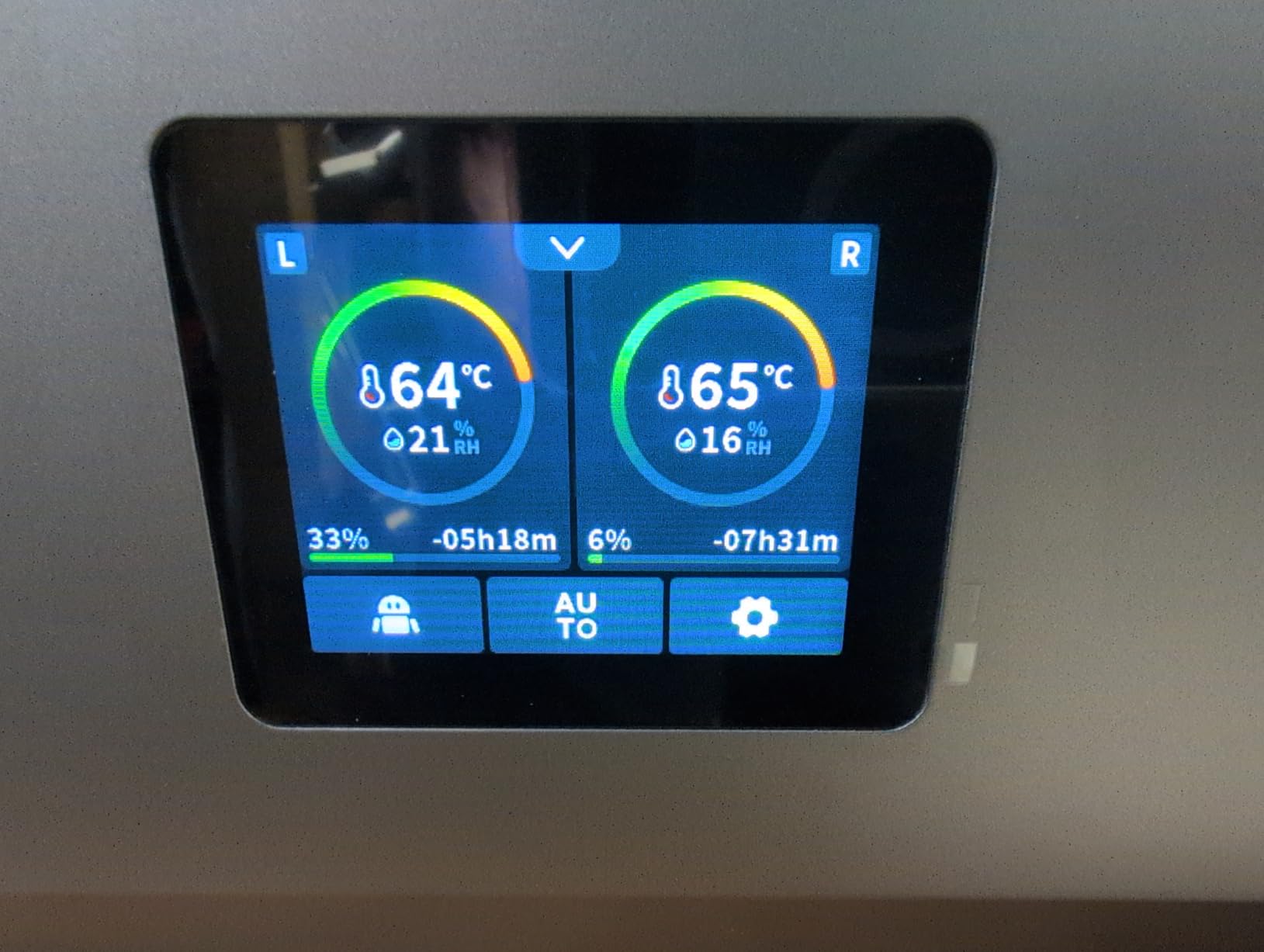
What truly sets the Space Pi X4 apart is its ability to maintain separate drying environments. You can run PLA at 55°C in one chamber while drying ABS at 80°C in the other, without any temperature interference. For serious 3D printing enthusiasts and small print farms, this versatility is invaluable.
The 30% faster drying compared to single-chamber designs means you spend less time waiting and more time printing. Build quality is excellent, with quiet operation that will not disturb your workspace. While it lacks remote connectivity features, the core drying performance is unmatched at this price point.
Who Should Buy This?
The Creality Space Pi X4 is ideal for enthusiasts and small print farms who need multi-material support with professional results. If you regularly switch between different filament types or run multiple printers simultaneously, the dual-chamber design saves both time and counter space.
What to Know Before Buying
This is a premium dryer with a premium price tag. The fans can be heard during the auto-vent cycle, though normal operation is quiet. There is no smartphone app or remote monitoring capability. You will need adequate counter space for this larger unit.
2. SUNLU AMS Heater – Best for Bambu Lab Integration
- Perfect fit for Bambu Lab AMS
- Easy 3-step installation
- Simultaneous printing and drying
- Safe airflow protects AMS motor
- Consistent print quality improvement
- Fan can be noisy with slight whine
- Screws difficult to install in tight spaces
If you own a Bambu Lab printer with AMS (Automatic Material System) Gen 1, the SUNLU AMS Heater is the most elegant solution for filament drying. This ingenious device replaces your AMS lid entirely, integrating heating directly into your existing workflow.
The installation process takes just 3 steps and requires no permanent modifications. The heater sits where your original Bambu AMS lid would, providing direct heat to all four spools. This means you can print and dry simultaneously without any additional counter space or separate devices.
The safe airflow design is specifically engineered to protect the AMS motor from heat damage, addressing a key concern with alternatives. It reaches 70°C within 20 minutes, providing effective drying for PLA, PETG, ABS, TPU, and other common filaments.
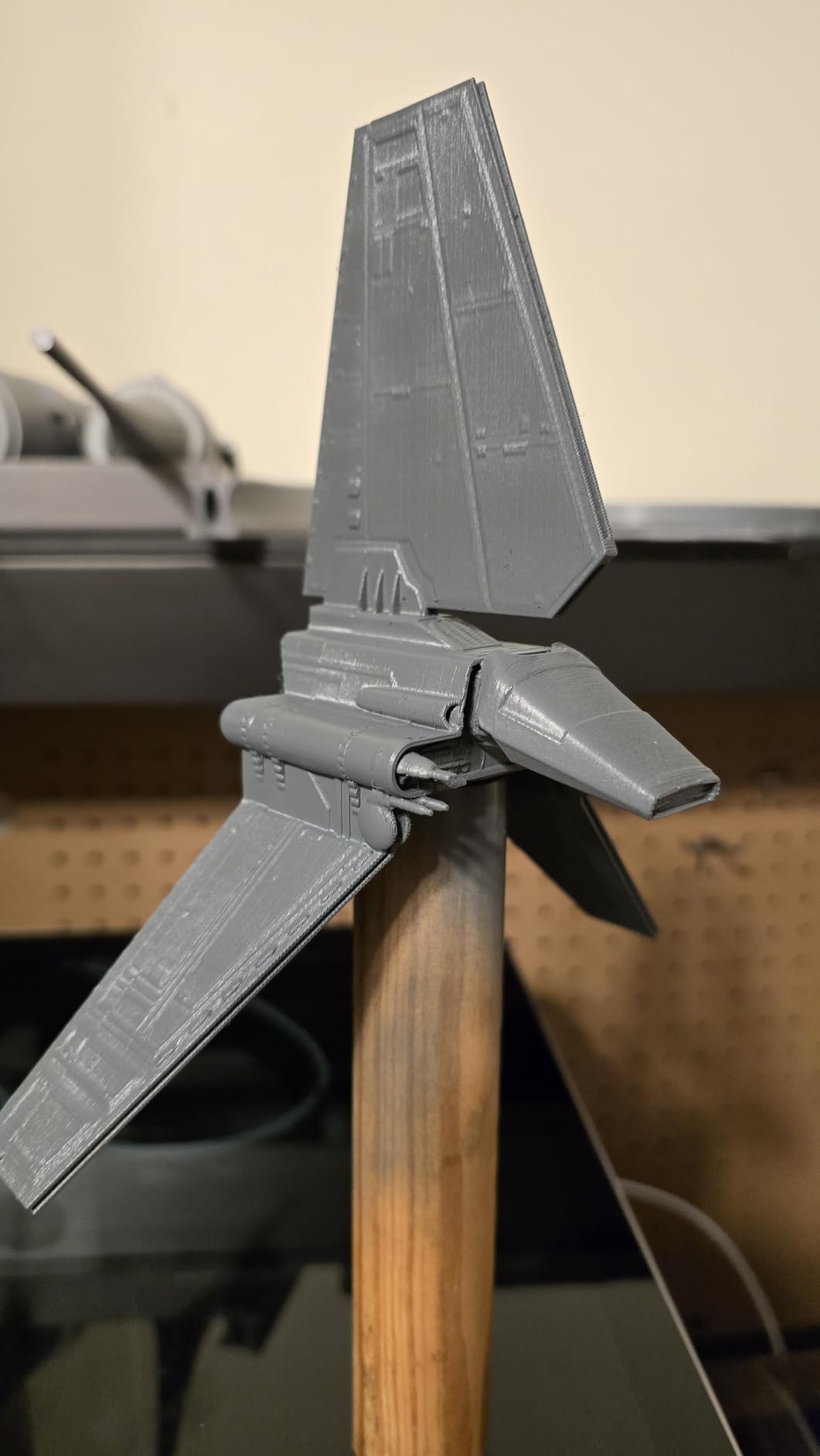
With 4-spool capacity matching the native AMS, you can keep multiple materials ready for automatic switching while all remain at optimal dryness. For users who have invested in the Bambu ecosystem, this heater provides the missing piece of the production workflow puzzle.
At $101.99, it costs less than a full AMS 2 unit and delivers comparable drying capability. The one-year warranty provides peace of mind, and customer reviews consistently praise the perfect fit and improved print quality when using properly dried filament.
Who Should Buy This?
This is specifically designed for Bambu Lab AMS Gen 1 users who want integrated drying without additional equipment cluttering their workspace. If you print frequently with your Bambu Lab printer and want seamless drying during multi-material prints, this is your best option.
What to Know Before Buying
This only works with Bambu Lab AMS Gen 1. The fan produces a slight whine during operation. Installation requires working in tight spaces around the AMS unit. It does not work as a standalone dryer for other printer brands.
3. SUNLU S1 Plus – Best Budget Filament Dryer
- Most affordable quality option
- Large capacity for big spools
- Easy to use touch screen
- Translucent lid allows monitoring
- Fast heating
- No vent for moisture release
- PTFE holes can cause binding
- Not truly sealed for long-term storage
The SUNLU S1 Plus (also known as the S2) has earned its popularity with over 3,200 reviews on Amazon, making it the most-reviewed filament dryer in this roundup. At just $32.29, it delivers solid drying performance for budget-conscious users.
Despite its affordable price, the S1 Plus includes practical features like a built-in circulation fan that promotes even heat distribution. The large touch screen display makes setting temperatures and timers straightforward, while the translucent lid allows you to monitor your filament visually without opening the chamber.
The 0-99 hour timer provides flexibility for both quick drying sessions and extended warming before critical prints. Temperature range of 35-70°C covers most common filaments, though the 70°C maximum will not handle demanding engineering materials like Nylon or Polycarbonate at their ideal temperatures.
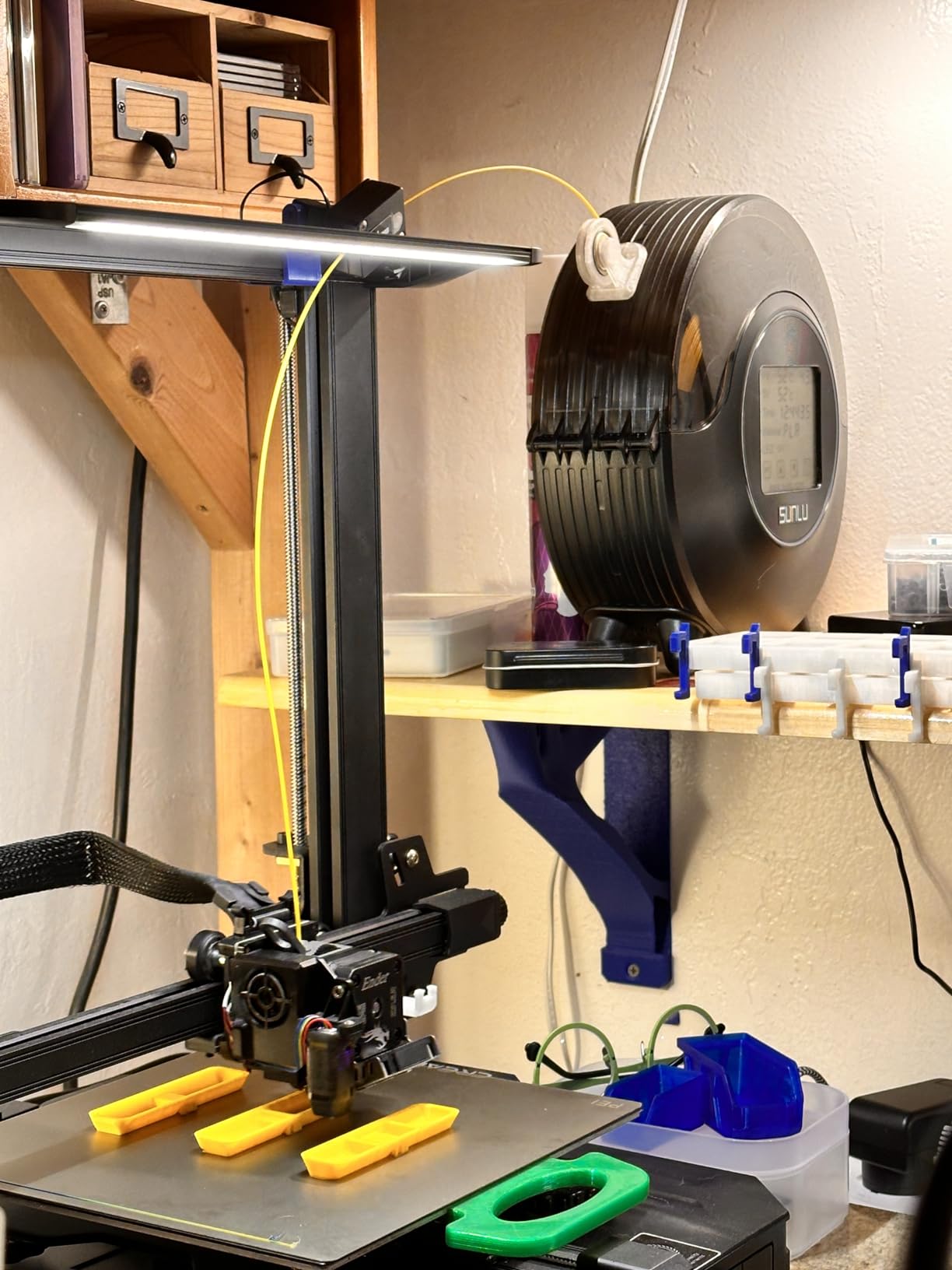
One limitation is the lack of a vent for moisture release. While the heater removes moisture from the filament, some users report that moisture can re-accumulate if the unit is sealed for long periods. Additionally, the PTFE feed holes can cause filament binding with certain spool designs.
Despite these minor drawbacks, the SUNLU S1 Plus delivers exceptional value. For beginners entering the world of filament drying or experienced users seeking a backup unit, it is difficult to argue with the price-to-performance ratio. Over 3,200 customers have validated its effectiveness for everyday drying needs.
Who Should Buy This?
Beginners, budget buyers, and anyone needing an affordable secondary drying solution will appreciate the SUNLU S1 Plus. If you primarily print with PLA, PETG, and ABS, and do not need the highest temperatures, this dryer delivers excellent value.
What to Know Before Buying
This is a basic dryer without advanced features like humidity monitoring. The 70°C maximum limits compatibility with engineering filaments. You may need to leave the lid slightly open for ventilation during extended drying sessions. Quality control can vary between units.
4. Creality Space Pi Filament Dryer Plus 160W – Fast Heating Power
- High capacity 2-spool design
- 160W PTC heater for fast heating
- 4-inch clear touch screen
- Effective drying for PETG TPU Nylon
- Can print directly from dryer
- Timer behavior can be inconsistent
- Maximum 65°C not 70°C as advertised
- Rear opening lid requires space behind
The Creality Space Pi Filament Dryer Plus with 160W PTC heating represents the most-reviewed Creality filament dryer in our roundup, with 897 customer reviews attesting to its reliability. This dual-spool model balances capacity with affordability.
The 160W PTC heater provides faster heating than lower-wattage alternatives, reaching target temperatures quickly for reduced wait times. Combined with 360-degree hot air circulation, this ensures consistent drying throughout both spool positions.
The 4-inch LCD touch screen is notably larger than competitors, making it easier to navigate presets and adjust settings. Twelve filament presets cover all common materials, with one-touch selection eliminating guesswork. Four filament feed holes with PTFE tubing allow printing directly from the dryer.
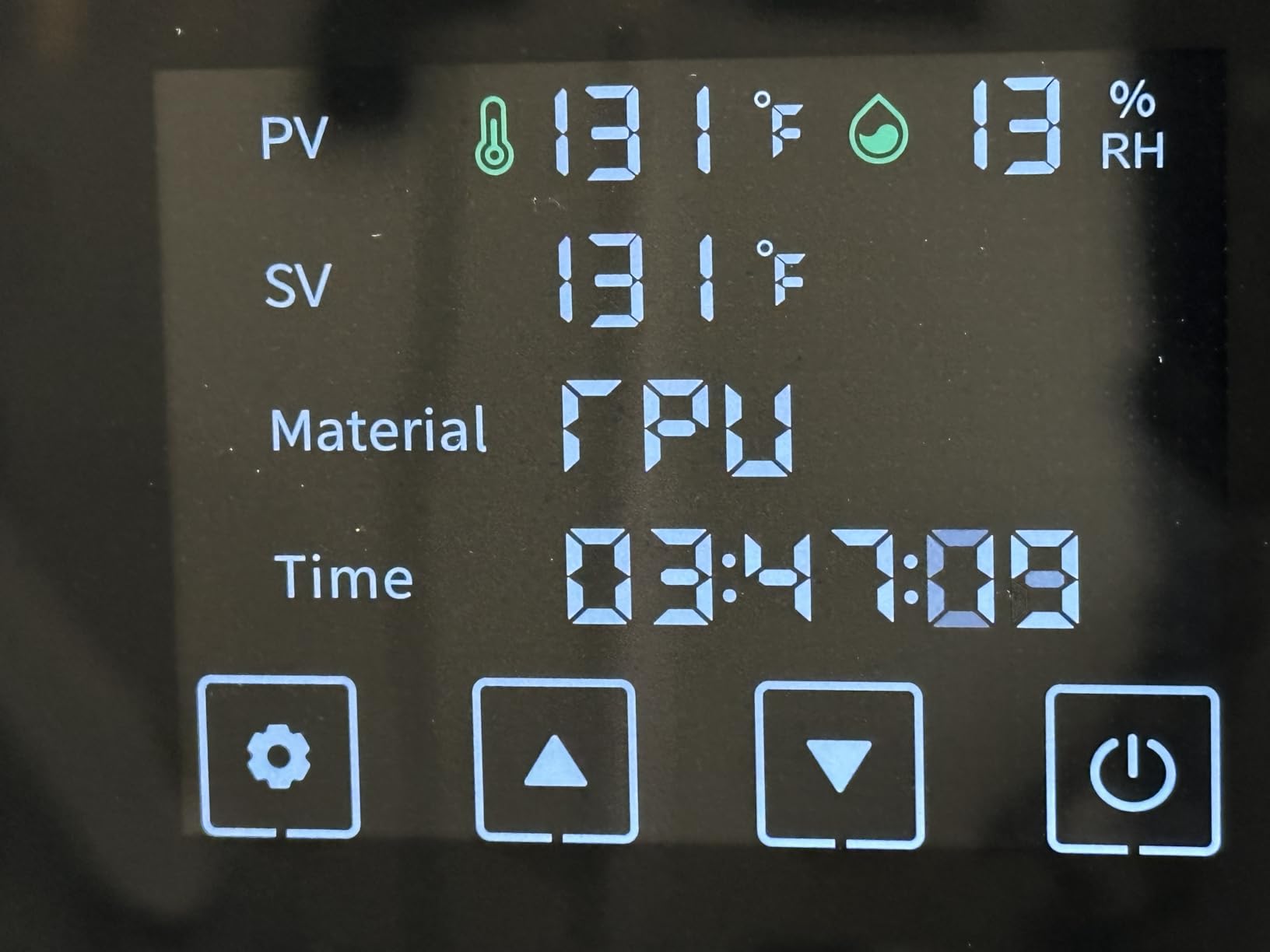
Some users note that the actual maximum temperature falls slightly short of the 70°C advertised, reaching around 65°C in real-world testing. The timer functionality has received minor complaints about inconsistent behavior. Additionally, the rear opening lid requires clearance space behind the unit.
Despite these small shortcomings, the Space Pi Filament Dryer Plus delivers strong performance for its price. The ability to run two spools simultaneously increases productivity, while the clear interface makes it accessible to beginners. For most common filament types, it provides reliable drying at an attractive price point.
Who Should Buy This?
Users needing dual-spool capacity with a large, easy-to-read display at a mid-range price will find this model appealing. If you want faster heating than basic models provide and appreciate the Creality brand quality, this is a solid choice.
What to Know Before Buying
Maximum temperature is closer to 65°C than the advertised 70°C. The rear-hinged lid design requires space behind the unit for access. Timer functionality may require manual monitoring. Consider this the middle tier between the basic Space PI and premium X4 models.
5. Creality Space Pi Plus – Humidity Monitoring Built-In
- Real-time humidity monitoring
- Dual-spool capability
- 110W PTC with effective circulation
- 48-hour timer with memory
- Can run two printers simultaneously
- Touch screen can be laggy
- Fan noise on auto vent
- Maximum 70°C limits engineering filaments
The Creality Space Pi Plus distinguishes itself with real-time humidity monitoring, giving you precise visibility into your filament’s moisture levels rather than just temperature. This makes it easier to know exactly when your filament has reached optimal dryness.
Like its sibling models, the Space Pi Plus features 110W PTC heating with 360-degree hot air circulation and twelve filament presets accessible through the 3.7-inch LCD touch screen. The dual-spool design accommodates up to two spools simultaneously.
The humidity monitoring feature proves particularly valuable for users working with highly hygroscopic materials like Nylon or PETG, where visual cues alone may not indicate complete dryness. The display shows current humidity percentage, helping you make informed decisions about when to start printing.
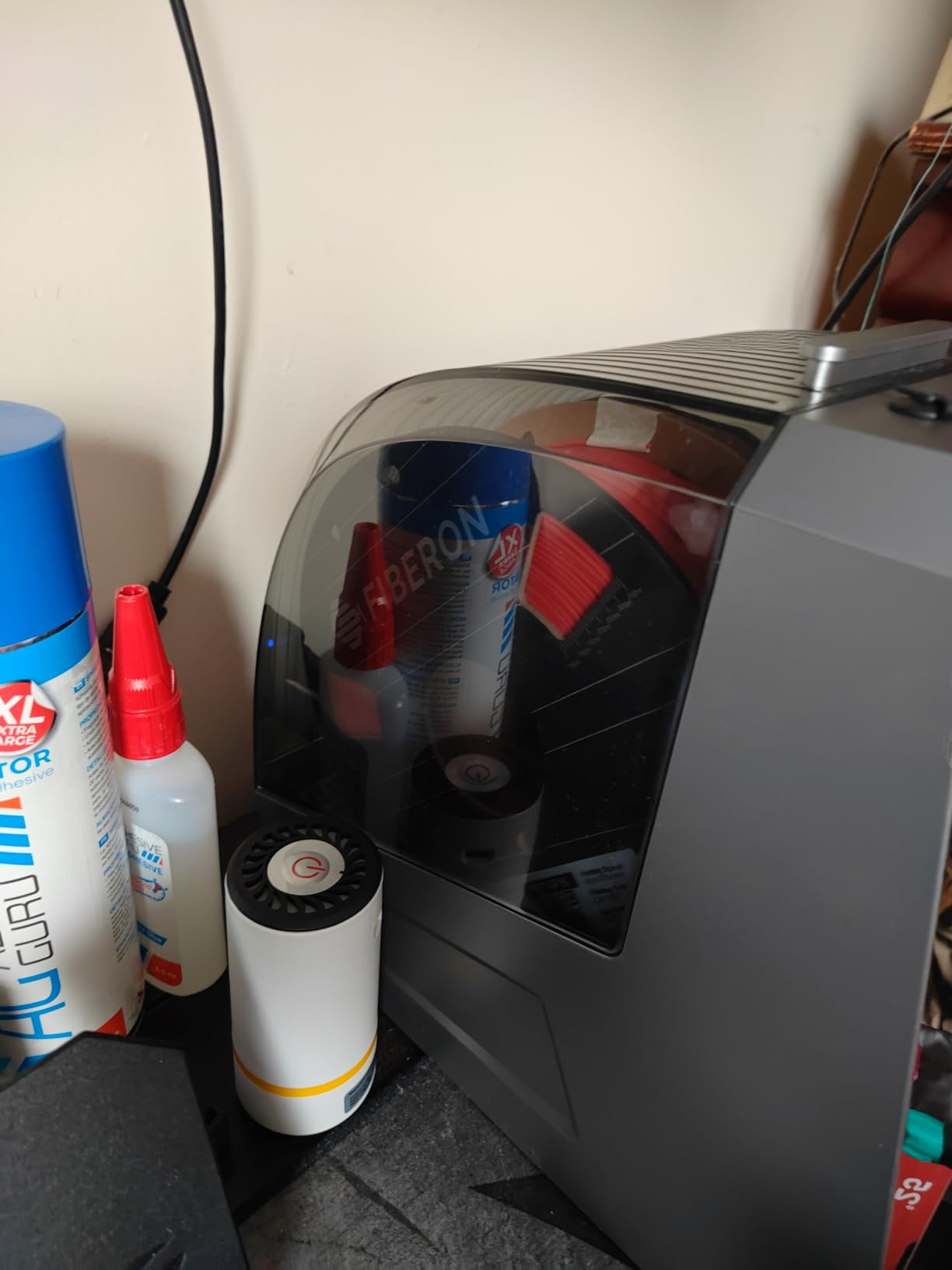
With 691 reviews and a 4.4-star rating, this model has proven reliable for thousands of users. The 48-hour timer function and power-off memory ensure your settings are preserved even during power interruptions. The ability to run two different filament types at appropriate temperatures simultaneously increases workflow efficiency.
Minor complaints include the touch screen occasionally being laggy and fan noise during the auto-vent cycle. These are common characteristics across most filament dryers in this price range and do not significantly impact overall performance.
Who Should Buy This?
Users who want humidity visibility and dual-spool capability at a reasonable price will appreciate this model. If you work with moisture-sensitive filaments and want data-driven confidence before starting prints, the humidity monitor provides real value.
What to Know Before Buying
The humidity sensor adds cost but provides useful data. Touch screen responsiveness can vary. The 70°C maximum temperature handles most filaments but not the most demanding engineering materials. Fan noise during vent cycles is normal.
6. Sovol Filament Dryer SH02 – Fast Heating Value
- Fast heating 150W PTC
- Improved sealing over previous model
- One-key filament presets
- Smart safety protection
- Good value for money
- Fan can be noisy
- Roller smoothness could be better
- No desiccant included
The Sovol Filament Dryer SH02 brings 150W PTC heating to a compact dual-spool design at a competitive price point. With 772 reviews and a 4.4-star rating, it has established itself as a reliable option in the crowded mid-range market.
Fast heating is a standout feature, reaching 50°C in just 7 minutes and 70°C in 25 minutes. This means less waiting before you can start printing, which matters when inspiration strikes or project deadlines loom. The 40-70°C temperature range handles common filaments effectively.
The 9 one-key filament presets simplify operation, automatically setting optimal temperatures for popular materials. Smart safety protection auto-shuts off at 130°C, providing peace of mind during unattended drying sessions. The thicker sealing materials in the improved version address previous concerns about long-term humidity retention.
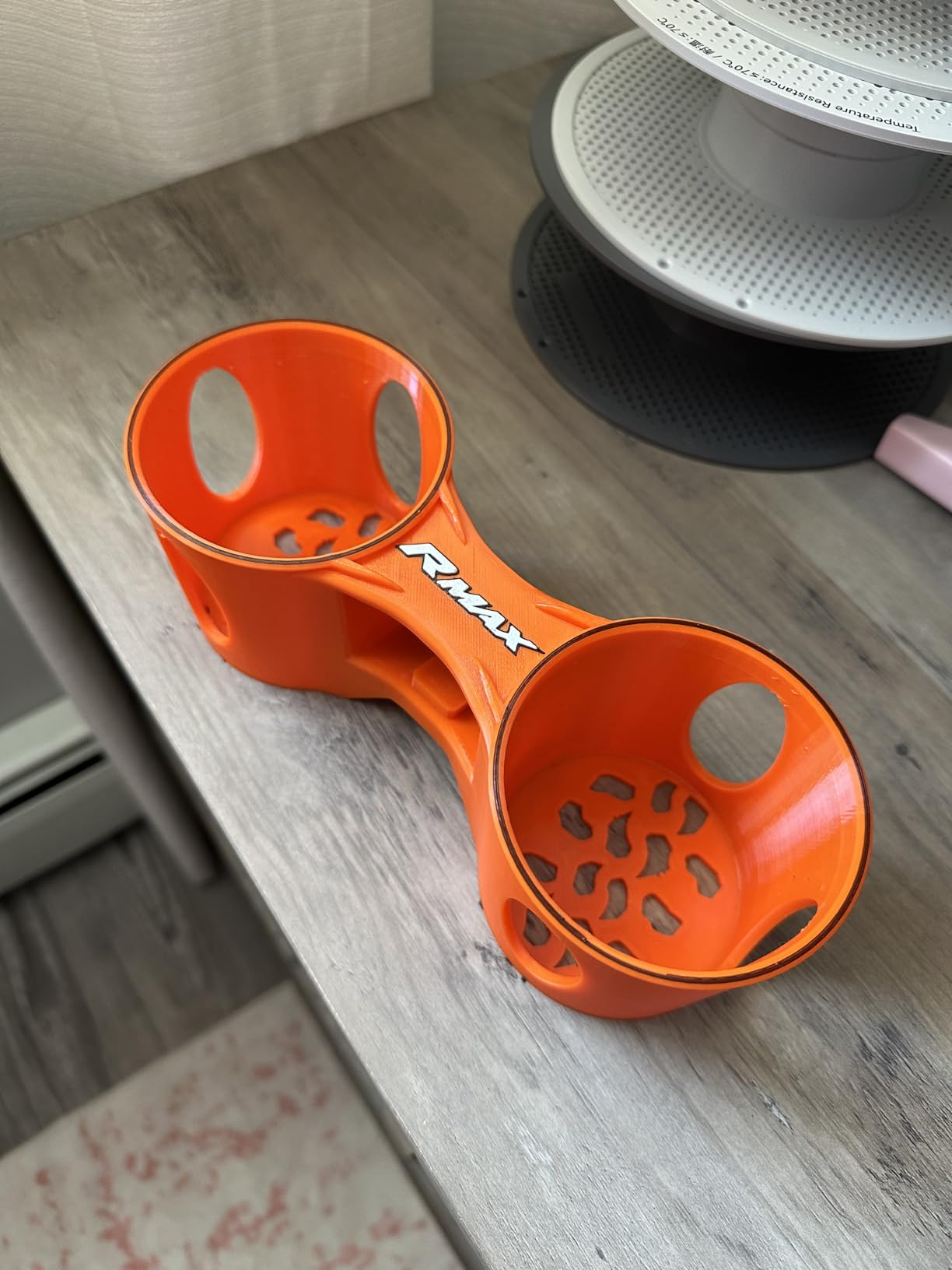
Some users report the roller smoothness could be improved, potentially causing minor feeding inconsistencies with certain filament brands. The included 4 desiccant bag capacity helps maintain dryness, though desiccant is not included in the box. Fan noise is noticeable but not excessive for most environments.
For users wanting solid dual-spool performance without the premium price of the Creality Space Pi X4, the Sovol SH02 delivers competent drying with good build quality. It strikes an effective balance between features and affordability.
Who Should Buy This?
Value-conscious buyers seeking fast heating and solid dual-spool performance will find the Sovol SH02 meets their needs. If you want quicker heat-up times than basic models offer without paying premium prices, this is a smart choice.
What to Know Before Buying
Desiccant is not included in the package. Fan noise during operation is noticeable. Roller smoothness may affect feeding with some spool designs. The Sovol brand has less established support than Creality or SUNLU in some regions.
7. Creality Space PI – Entry-Level Reliability
- Fast and effective drying
- Can print directly while drying
- Easy to use touch screen
- Power-off memory saves settings
- Good value for price
- Touch screen can be unresponsive
- Fan noise can be annoying
- No gasket for sealing
The Creality Space PI serves as the entry point in Creality’s filament dryer lineup while still delivering meaningful features. With 691 reviews and a 4.4-star rating, it represents a solid choice for users wanting Creality quality at an accessible price.
The 110W PTC heater with 360-degree hot-air circulation provides effective drying for common filaments. Twelve filament presets cover materials from PLA to TPU, with the 45-70°C temperature range handling most everyday printing needs.
Customer reviews consistently mention significant print quality improvements after using this dryer, with reduced stringing, better layer adhesion, and fewer print failures. The power-off memory function preserves your settings if the unit loses power, which proves valuable during long drying sessions.
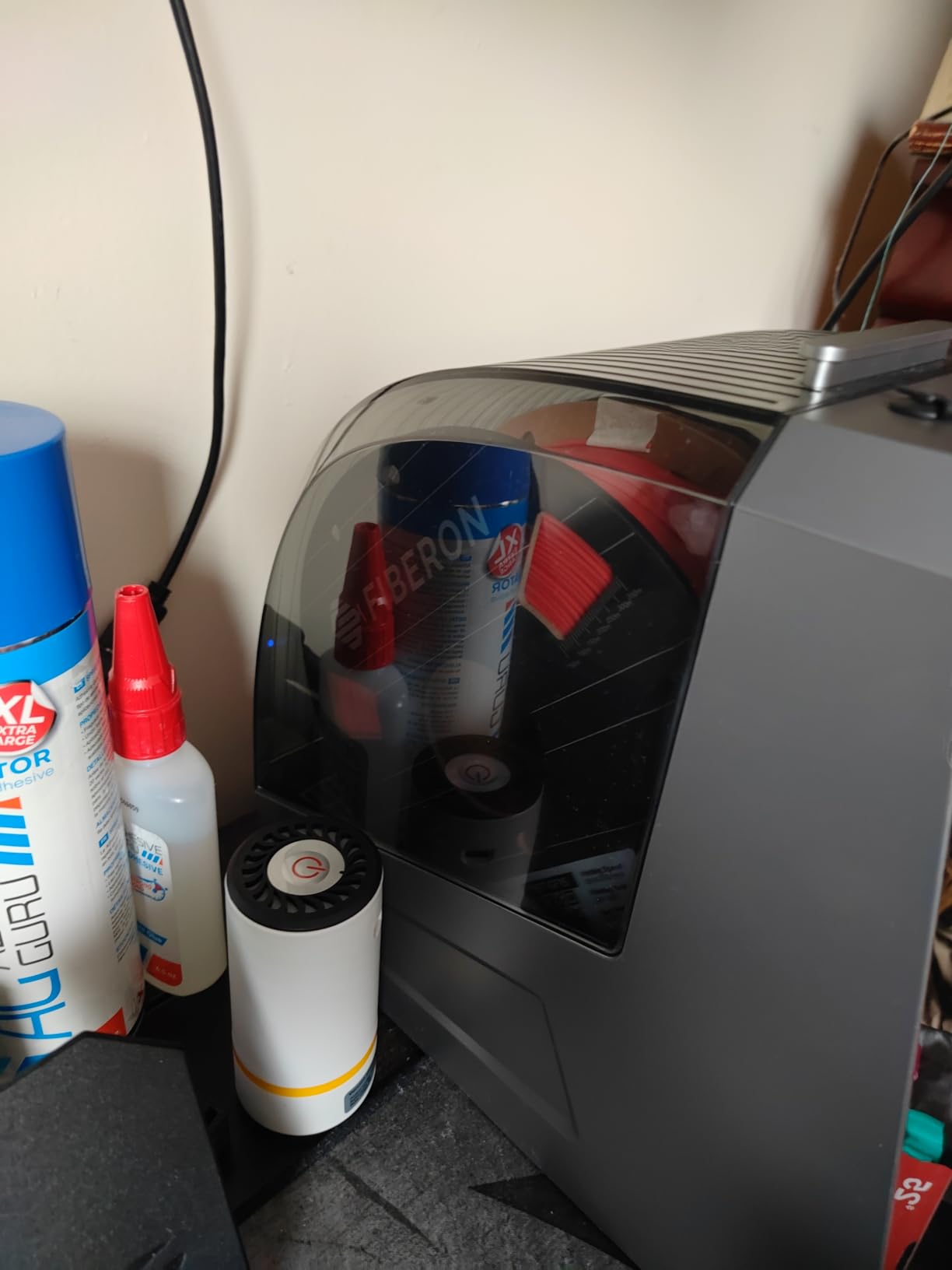
Some drawbacks include the touch screen occasionally being unresponsive, requiring multiple taps to register input. Fan noise during operation can be noticeable, though this is typical for actively heated drying systems. The unit lacks the gasket sealing found in premium models, potentially allowing ambient humidity to slowly re-enter over extended storage periods.
For the price, the Creality Space PI delivers meaningful benefits and represents a worthwhile upgrade from no drying at all. It works particularly well as an introduction to filament drying for newer 3D printing enthusiasts.
Who Should Buy This?
Beginners and budget users wanting an affordable Creality dryer with useful presets will find the Space PI a great starting point. If you have never owned a filament dryer and want a reliable entry-level option from a trusted brand, this fits the bill.
What to Know Before Buying
This is a single-spool unit with limited capacity. The lack of gasket sealing means it is better for active drying than long-term storage. Touch screen responsiveness can be finicky. Consider upgrading to the Plus models if you need dual-spool capacity.
8. Polymaker PolyDryer – Modular Storage System
- Modular design allows separate drying and storage
- 360° airflow ensures even drying
- Superior sealing for long-term storage
- Compatible with all major filament types
- Can add multiple PolyDryer Boxes to one Dry Dock
- Fan can be noisy
- Only reaches 70°C maximum
- Desiccant needs reactivation
The Polymaker PolyDryer takes a modular approach to filament drying and storage, separating the heating unit (Dry Dock) from storage boxes (PolyDryer Box). This design allows you to dry filament and then seal it in storage containers for long-term moisture protection.
The 360-degree airflow ensures even drying throughout the chamber, while three preset power levels let you customize the drying intensity. The superior sealing performance of the storage boxes maintains low humidity after drying, addressing a common pain point with traditional dry boxes.
Compatibility is excellent, supporting PLA, PVB, PETG, ABS, ASA, TPU, PA, PC, PVA, and even Polymaker’s own PolySupport material. Multiple PolyDryer Boxes can connect to a single Dry Dock, creating a scalable storage system for print farms or enthusiasts with extensive filament collections.
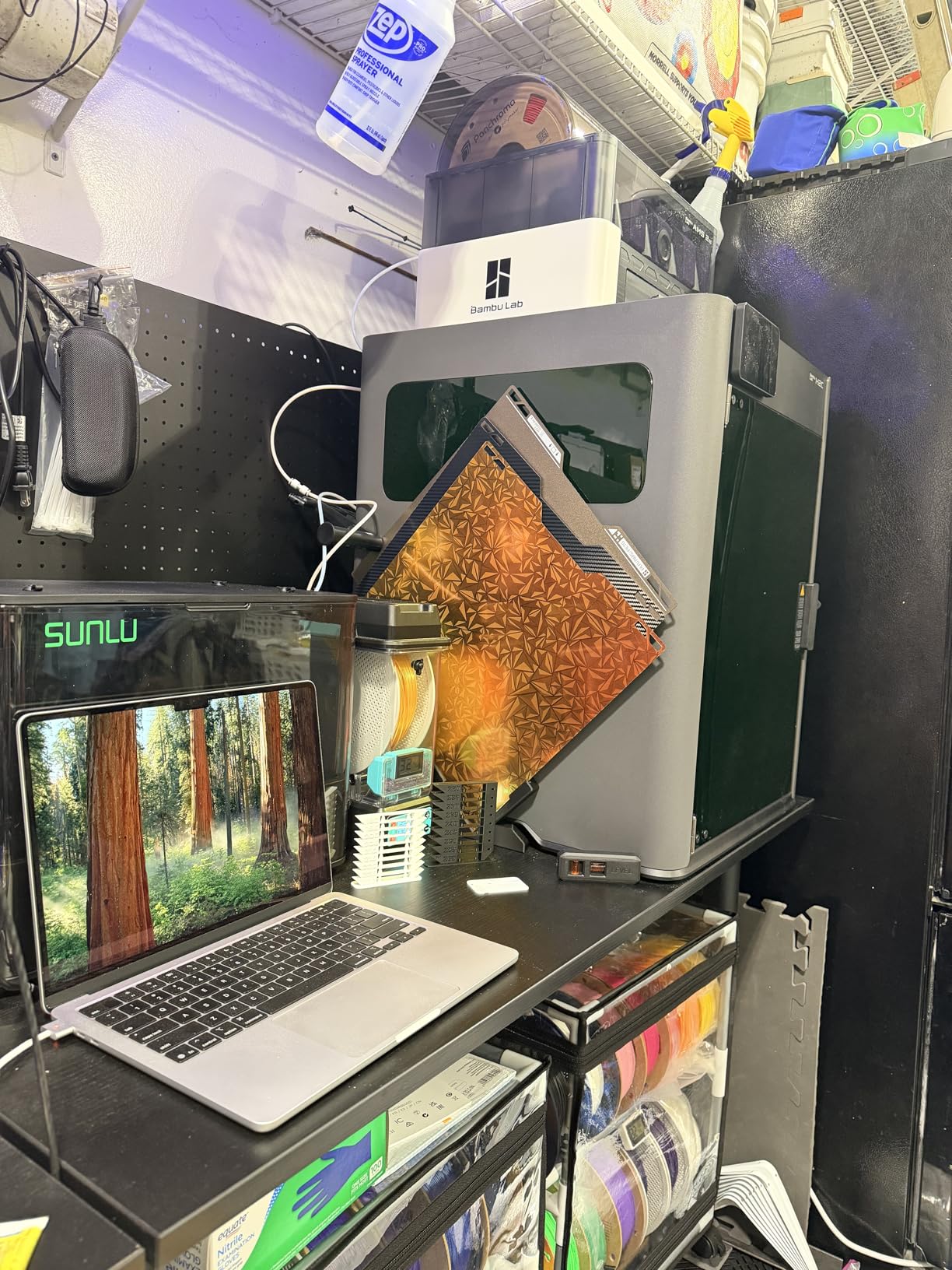
The 70°C maximum temperature limits suitability for engineering filaments like Polycarbonate, which ideally require higher temperatures. Some users report the fan can be noisy during operation. Additionally, the desiccant needs reactivation periodically, adding a maintenance step not required by units with automatic humidity control.
The modular design philosophy sets the PolyDryer apart. If you prioritize long-term storage alongside active drying, this system delivers unique value. The ability to separate dried filament into sealed containers provides flexibility that integrated units cannot match.
Who Should Buy This?
Users who want to store filament long-term after drying with a scalable, modular system will appreciate the PolyDryer approach. If you have an extensive filament collection and need organized, sealed storage in addition to active drying, this system delivers.
What to Know Before Buying
The modular approach costs more than integrated units when adding multiple storage boxes. 70°C maximum limits high-temperature filament drying. Desiccant requires periodic reactivation or replacement. The fan noise may be noticeable in quiet environments.
Frequently Asked Questions
Q: Do I really need a filament dryer for 3D printing?
Yes, if you want consistent, high-quality prints. While you can print with undried filament, moisture causes numerous problems: popping and crackling during extrusion, reduced tensile strength in finished prints, poor surface finish with bubbles and imperfections, increased stringing, and layer adhesion failures. A filament dryer is especially important for hygroscopic materials like Nylon, PETG, and Polycarbonate, but even PLA benefits from proper drying. The improvement in print quality typically far outweighs the cost of a filament dryer.
Q: How long does it take to dry filament in a dryer?
Drying time varies by filament type, initial moisture content, and dryer model. Generally, most filaments reach optimal dryness in 4-8 hours. Quick-dry options like the Sovol SH02 (reaching 50°C in 7 minutes) can accelerate the process, while thicker spools or materials with high initial moisture may require 12+ hours. Most filament dryers have timer functions allowing you to set and forget. For best results, dry filament overnight before important prints, and maintain dryness by keeping spools in the dryer or sealed storage during extended printing sessions.
Q: What happens if you print with wet filament?
Printing with wet filament causes multiple quality issues. The moisture in filament turns to steam when passing through the hot nozzle, creating tiny explosions that result in popping and crackling sounds. This steam and explosion effect causes inconsistent extrusion, leading to stringing, blobs, and poor layer adhesion. Finished prints become brittle and prone to snapping. Surface finish shows bubbling and imperfection. For engineering applications requiring specific material properties, wet filament destroys tensile strength and structural integrity.
Q: Can I use my oven to dry filament?
While ovens can work in a pinch, they are not recommended for filament drying. Kitchen ovens often lack precise temperature control and may exceed safe temperatures, potentially deforming or damaging filament. Convection ovens can create uneven heating with cold spots. More importantly, using an oven for filament creates contamination risks if used later for food preparation. Dedicated filament dryers provide controlled heating with airflow optimized for moisture removal, making them worth the investment for regular 3D printing.
Q: What is the best temperature to dry PLA filament?
PLA filament dries optimally at 40-50°C. At these temperatures, moisture evaporates without risk of softening or deforming the material. PLA has a glass transition temperature around 60-65°C, so exceeding 55°C risks the filament softening and potentially fusing to itself on the spool. Most dedicated PLA presets on filament dryers use 45-50°C. Drying time is typically 4-6 hours for a standard 1kg spool. After drying, PLA should be kept sealed or in the dryer to prevent re-absorption of moisture from the air.
Final Thoughts: Investing in the Best Filament Dryers for 3D Printing
After extensive research and analysis of customer feedback, one truth becomes clear: the best filament dryer for 3D printing is the one that matches your specific needs and workflow. For most users, the Creality Space Pi X4 earns our recommendation as the overall best choice with its dual-chamber design, high temperature capability, and professional-grade sealing.
Budget-conscious buyers will find excellent value in the SUNLU S1 Plus, which delivers reliable drying performance at an unbeatable price point. Bambu Lab AMS users should look no further than the SUNLU AMS Heater for seamless integration of drying capability into their existing workflow.
Whatever option you choose, the investment in a filament dryer pays dividends through improved print quality, reduced material waste from failed prints, and the satisfaction of prints that perform exactly as designed. Moisture is the silent enemy of 3D printing success, and the best filament dryers for 3D printing give you the tools to defeat it.
Ready to transform your 3D printing results? Choose the filament dryer that fits your budget and workflow, and start experiencing the difference that properly dried filament makes in every single print.