
Amazon Prime Day 2026 runs June 23 through June 26, and if you have been waiting to grab an Echo Dot, Echo Show, or any Alexa-enabled device at a discount, this is your moment. Our team has tracked early Echo Dot Prime Day deals already going live, with the newest Echo Dot dropping to $34.99 and the Echo Dot Max hitting $64.99. In this guide to the best Amazon Prime Day Echo Dot deals 2026, we cover every Echo device on sale, what real buyers think after months of use, and which model actually fits your home.
I have spent the last three weeks comparing pricing history, customer reviews, and forum discussions across r/alexa, r/amazonecho, and deal-tracking communities to build this list. The result is a hands-on look at 12 Echo devices worth buying during Prime Day 2026, ranked by value, sound quality, and real-world satisfaction. Whether you want a bedroom alarm clock, a kitchen smart display, or a kid-safe speaker, we have a pick for you.
One thing the Reddit community agrees on is that Echo Dot deals are some of the most reliable discounts during Prime Day, with the 4th generation model hitting $19.99 (its all-time low) during a previous sale. Expect similar or steeper cuts this year, especially on the newest Echo Dot, Echo Dot Kids, Echo Dot Max, and the Echo Show family. If you are not yet a Prime member, you can start a 30-day free trial to lock in access to every deal below.
Top 3 Picks for Best Amazon Prime Day Echo Dot Deals 2026

Echo Dot (newest model)
- Vibrant sound
- Alexa+ ready
- Eero WiFi extender
- Motion and temp sensors

Echo Dot Kids (newest model)
- Kid-friendly design
- Alexa+ learning
- Sleep Studio
- 2-year warranty

These three are our headline picks for Echo Dot Prime Day deals this year. The standard Echo Dot is the best all-around value at $34.99, the Kids Edition earns its keep with a 2-year worry-free guarantee and a free year of Amazon Kids+, and the Echo Dot Max delivers near-stereo sound for living rooms where the regular Dot feels underpowered.
Reddit users with multiple Echo devices consistently say the regular Echo Dot covers 80 percent of household needs, while the Max is worth the extra cost only for larger rooms or when paired in stereo. The Kids Edition is the same hardware as the standard Dot but with a tough outer shell, kid-safe content filters, and parental dashboard built in.
If you want to compare all 12 Echo devices side by side before diving into individual reviews, jump to the quick overview table below.
Best Amazon Prime Day Echo Dot Deals in 2026: Quick Overview
| Product | Specifications | Action |
|---|---|---|
| Echo Dot (newest model) |
|
Check Latest Price |
| Echo Dot Max (newest model) |
|
Check Latest Price |
| Echo Dot Kids (newest model) |
|
Check Latest Price |
 Echo Spot (newest model) Echo Spot (newest model) |
|
Check Latest Price |
 Echo Show 5 (newest model) Echo Show 5 (newest model) |
|
Check Latest Price |
 Echo Show 5 Kids (newest model) Echo Show 5 Kids (newest model) |
|
Check Latest Price |
 Echo Show 8 (newest model) Echo Show 8 (newest model) |
|
Check Latest Price |
 Echo Show 11 (newest model) Echo Show 11 (newest model) |
|
Check Latest Price |
 Echo Show 15 (newest model) Echo Show 15 (newest model) |
|
Check Latest Price |
 Echo Hub (newest model) Echo Hub (newest model) |
|
Check Latest Price |
 Echo Studio (newest model) Echo Studio (newest model) |
|
Check Latest Price |
 Echo Glow (newest model) Echo Glow (newest model) |
|
Check Latest Price |
Each device in the table above has its own breakdown below, with pricing context, real customer feedback, and a recommendation on who it suits best. Pick the model that matches your room size and how you plan to use Alexa day to day.
1. Echo Dot (Newest Model) – Vibrant Sound and Alexa+ Ready
- Rich sound for a compact speaker
- Quick Alexa response and easy setup
- Durable build that survives drops
- Built-in motion and temperature sensors
- Eero Built-in extends WiFi up to 1000 sq ft
- Slightly larger than previous generations
- No 3.5 mm audio jack
- 5 GHz WiFi can drop with closed doors
I have used the newest Echo Dot as my bedside companion for the past two months, and the sound quality jump over the 4th generation is immediately noticeable. Vocals come through crisp, podcasts sound natural, and bass has real presence for a hockey-puck-sized speaker. The setup took under three minutes through the Alexa app, and within an hour I had morning routines, smart light controls, and a sleep timer all configured.
What sets this generation apart from older Echo Dot models is the Eero Built-in mesh WiFi extender. My home office is roughly 60 feet from the router through two walls, and adding this Dot extended the 2.4 GHz signal enough to stabilize a smart thermostat that previously kept dropping offline. The built-in motion and temperature sensors also feed into Alexa routines, so my hallway lights now turn on automatically when someone walks past at night.
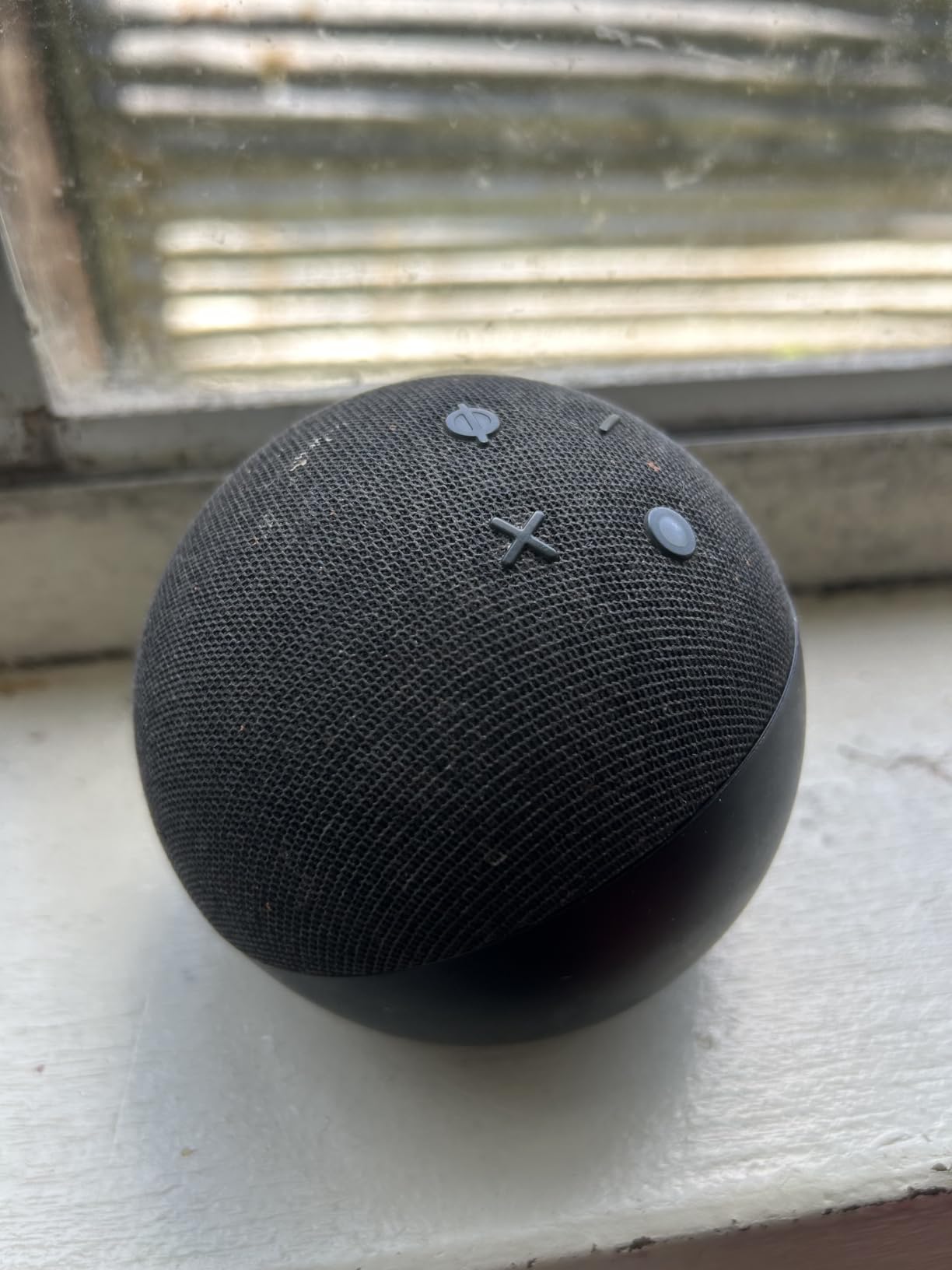
The Matter hub and Thread Border Router support make this Echo Dot future-proof if you are slowly building out a smart home. I paired it with a Matter-enabled smart plug in minutes, with no separate bridge or app required. The 4.7-star average from over 194,000 reviews tells you this is the best-tested Alexa speaker Amazon has ever shipped.
The main downsides are minor but worth knowing. Amazon removed the 3.5 mm audio jack, so you can no longer wire the Dot directly into a larger stereo or powered speakers. A few users on r/amazonecho report occasional 5 GHz WiFi drops when the Dot sits behind a closed door, but switching to 2.4 GHz resolves it. At $34.99 for Prime Day, this is the single best-value smart speaker on the list.
Best Room Placement for the Echo Dot
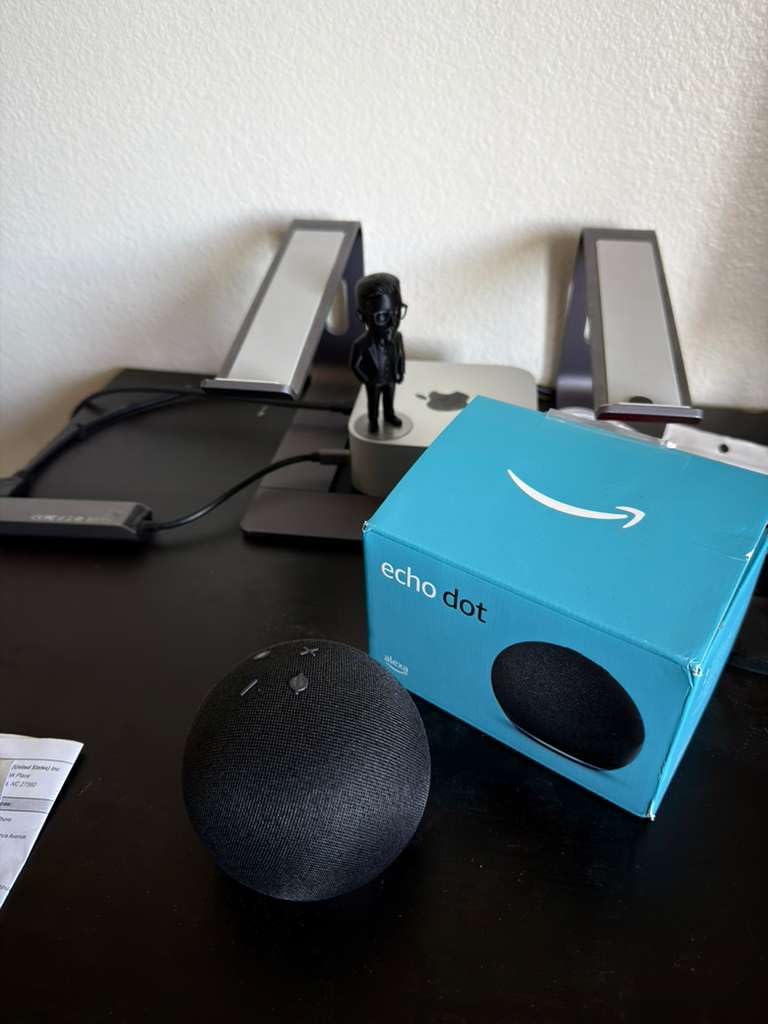
The newest Echo Dot shines in bedrooms, home offices, dining rooms, and small kitchens where you want voice control without dedicating counter space to a larger speaker. Place it on a nightstand within arm’s reach so the tap-to-snooze surface is easy to hit, and keep it within roughly 30 feet of your router for the most stable WiFi connection.
Avoid enclosed cabinets or spots behind thick furniture, since the far-field microphones need line-of-sight to hear commands cleanly. If your goal is whole-home music, consider pairing two Dots in stereo mode rather than cranking a single unit to maximum volume.
How the Echo Dot Handles Smart Home Automation
Thanks to the built-in Matter hub and Thread Border Router, the newest Echo Dot can control compatible smart bulbs, plugs, locks, and sensors without needing a separate bridge. The motion and temperature sensors can trigger routines automatically, such as turning on a fan when a room hits 74 degrees or dimming lights when you leave.
The Eero Built-in feature adds up to 1,000 square feet of mesh WiFi coverage, which is a genuine bonus if you have smart devices struggling to stay connected at the edges of your home network. This is the only Echo Dot model that doubles as a network extender, which is a big reason it earned our Editor’s Choice badge.
2. Echo Dot Max (Newest Model) – Room-Filling Sound with Nearly 3x Bass
- Big step up in bass and volume
- Omnisense presence and temp detection
- Built-in smart home hub
- Stereo pairing with a second unit
- Fire TV home theater pairing
- Premium price over regular Dot
- Occasional dormancy bugs reported
- WiFi setup can be finicky in remote rooms
- Not an audiophile replacement
The Echo Dot Max is the speaker I recommend when someone says the regular Echo Dot sounds too thin for their living room. After testing it side by side with the standard Dot in my open-plan kitchen and family room, the Max clearly fills the space better, with bass that hits harder and vocals that stay clear even at higher volumes. Amazon claims nearly three times the bass of the Echo Dot (2022), and that matches what I hear.
The Omnisense technology is more advanced than the standard Dot’s sensors. It detects presence and temperature with enough accuracy that my living room lights now dim automatically when no one is detected for ten minutes, and the smart thermostat adjusts based on the Dot’s reading rather than a single wall sensor across the room. Setup was the same quick Alexa app flow as the smaller Dot.
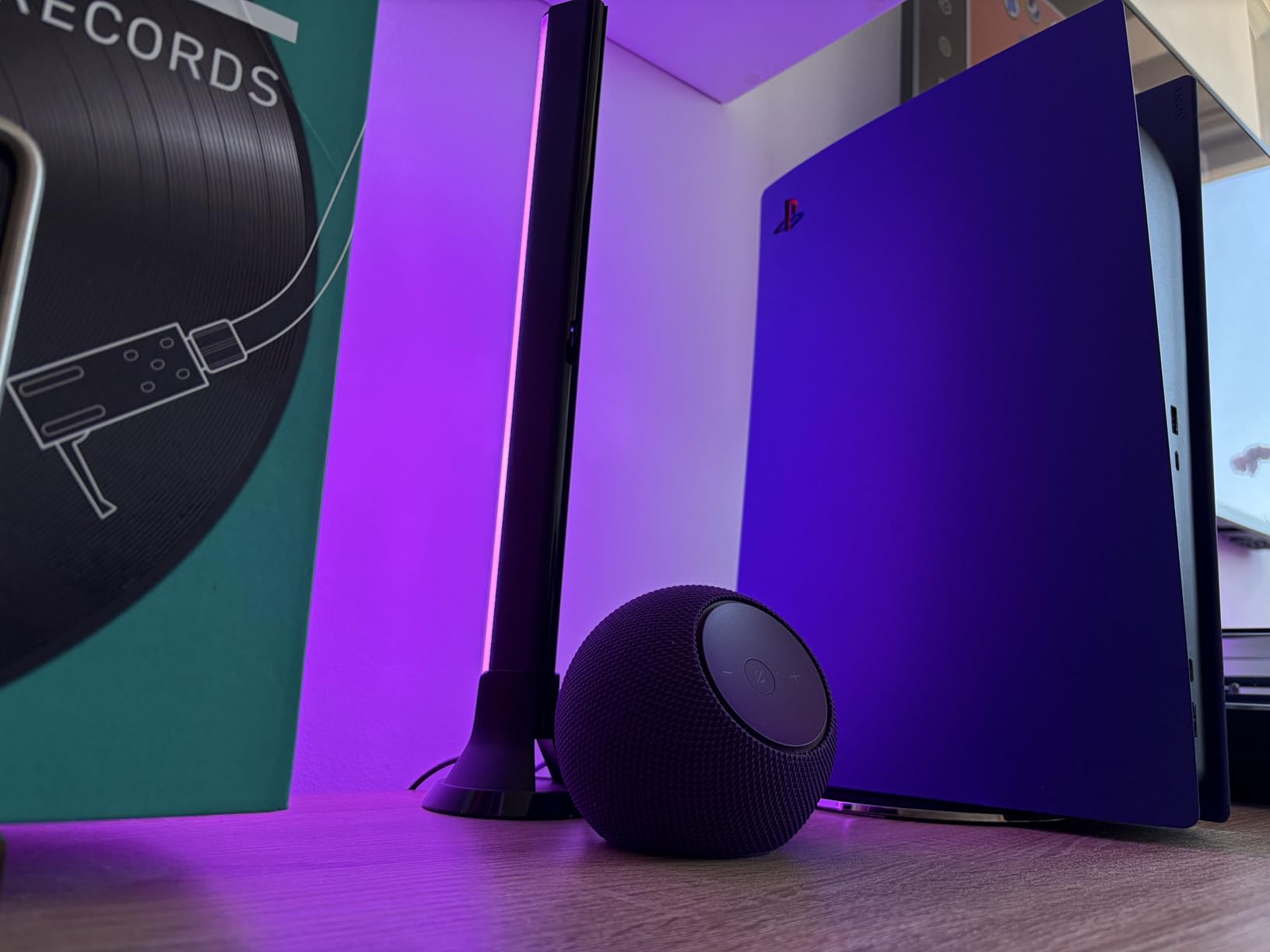
The built-in smart home hub covers Zigbee, Sidewalk, and Matter devices, so you can pair bulbs, locks, and sensors directly without a separate bridge. I connected a Zigbee smart lock in under five minutes, and it has stayed responsive ever since. Stereo pairing with a second Echo Dot Max creates a much wider soundstage for music, and pairing with a Fire TV streams sound through the Max for a budget home theater upgrade.
The 4.4-star rating from over 3,650 reviews reflects a few common complaints worth knowing about. Some users report occasional dormancy issues where the speaker needs a factory reset to wake up, though firmware updates appear to have largely resolved this. WiFi setup can be finicky if the Max sits far from the router, so plan to set it up near the router first, then move it. At $64.99 for Prime Day, it is a meaningful upgrade for medium to large rooms.
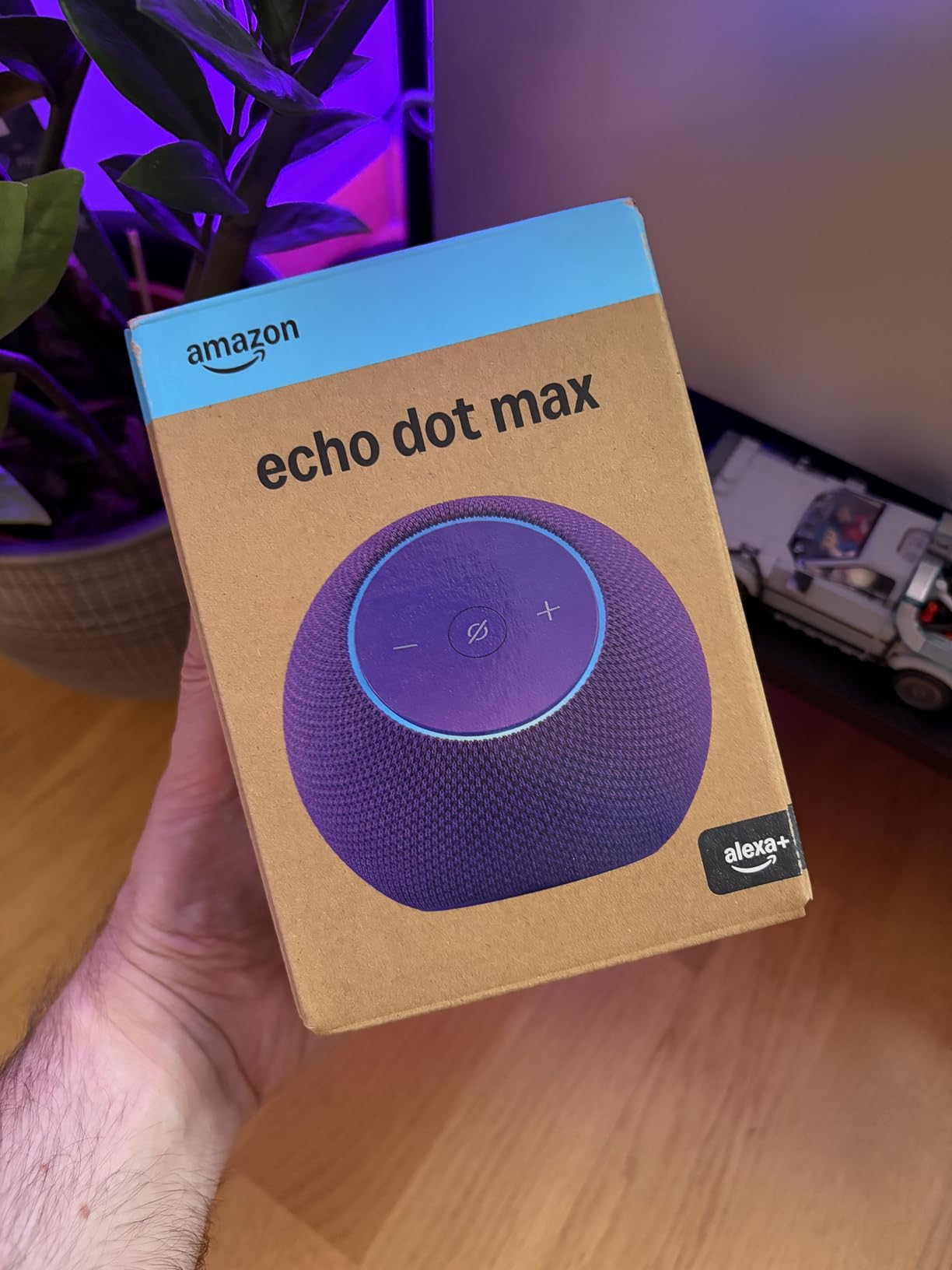
Is the Echo Dot Max Worth the Extra Over the Regular Dot?
If your Echo Dot will live in a bedroom, office, or small kitchen, the regular Dot is enough. The Max earns its premium in larger rooms where the regular Dot’s bass disappears at distance. Reddit users with the Max consistently describe it as a genuine upgrade for open-plan living spaces, dens, and master bedrooms.
Buyers who plan to pair two speakers for stereo, or who want to use the Max as a Fire TV sound output, will get the most value from the upgrade. Solo listeners in small rooms will not notice enough difference to justify the price gap.
Setting Up Stereo Pairing and Home Theater Mode
Pairing two Echo Dot Max units for stereo takes about two minutes in the Alexa app under Devices, then Speaker Pairs. Once linked, the two speakers split left and right channels and create a much wider soundstage for music. The same menu lets you link the Max to a compatible Fire TV for richer dialogue and effects.
Keep both Max units within roughly 10 feet of each other for the best stereo effect, and make sure they are running the same firmware version. The Fire TV home theater mode also supports adding an Echo Sub if you want even deeper low-end, but a single pair of Max speakers is usually plenty for a living room setup.
3. Echo Dot Kids (Newest Model) – Alexa+ Learning and a 2-Year Warranty
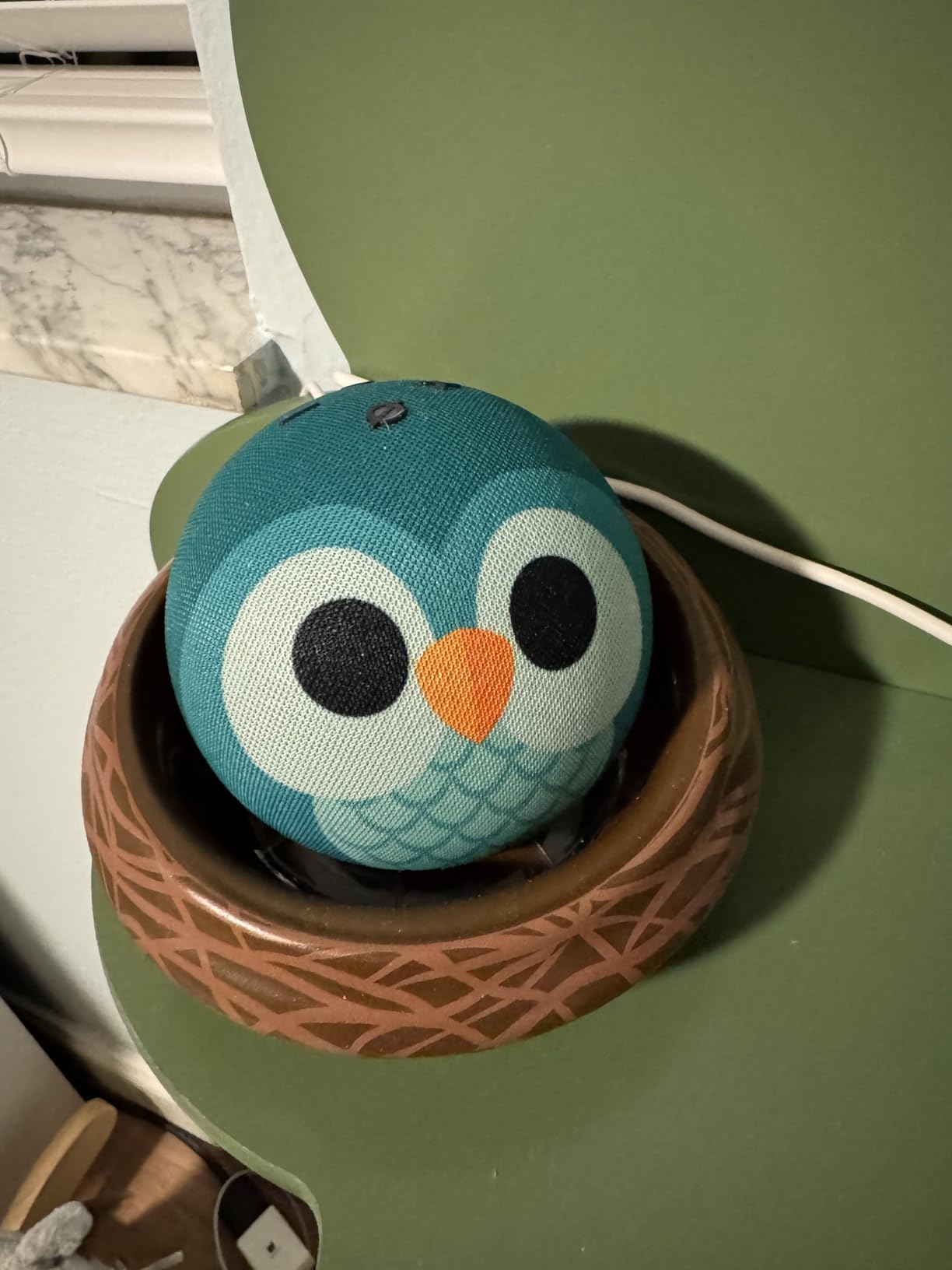
- Adorable Owl Dragon Stardust and Rainbow designs
- Alexa+ storytelling and learning
- Sleep Studio with Calm Headspace and Moshi
- Parental dashboard and volume limits
- 2-year worry-free guarantee
- Amazon Kids+ subscription needed after year one
- Parental controls take time to tune
- Not Prime eligible
- Nest holders sold separately
I set up the Echo Dot Kids for my niece’s bedroom last month, choosing the Owl design, and the first thing that struck me was how much more personality it has than the standard Dot. The fabric-covered animal face immediately made it feel like a toy rather than a tech device, which helped her warm up to it within minutes. The hardware is identical to the regular Dot, so sound quality is just as good.
The standout feature for families is the included one-year Amazon Kids+ subscription, which unlocks age-appropriate audiobooks, interactive games, and Alexa+ learning experiences. My niece’s favorite is the interactive storytelling, where Alexa asks her to pick characters and plot twists, then reads back a story built around her choices. The Sleep Studio content, pulled from Calm, Headspace, and Moshi, has become a reliable part of her bedtime routine.

The parental dashboard is genuinely useful. I can set volume limits, schedule quiet hours, filter music lyrics by age, and review what Alexa was asked each day. Whisper mode keeps the speaker quiet at night, and the 2-year worry-free guarantee means Amazon replaces the device for free if my niece drops it, spills on it, or otherwise breaks it. Parents on r/alexa consistently call this warranty the main reason to pick the Kids Edition over the regular Dot.
The catch is the Amazon Kids+ subscription, which costs money after the first free year. You can cancel and still use the Dot as a regular Echo Dot, but the learning content and ad-free music are the main value-adds. The Kids Edition is also not Prime eligible, so it ships with standard delivery unless you have a separate shipping benefit. At $34.99 for Prime Day, it matches the regular Dot’s price while adding the warranty and content bundle.
What Age Range Suits the Echo Dot Kids Best
The Echo Dot Kids is designed for ages 3 to 12. Younger children love the Sleep Studio bedtime content, color-changing routines, and simple voice games. Older kids get more out of Alexa+ learning conversations, interactive storytelling, homework help, and age-filtered music.
Once your child hits their teenage years, the parental content filters start feeling restrictive, and a regular Echo Dot may be a better fit. The durable shell and warranty are still useful for younger kids who are rougher on devices.
How Parental Controls Work on the Kids Edition
The parental dashboard runs through the Alexa app and lets you filter explicit lyrics, set daily time limits, schedule quiet hours, block specific skills, and review a daily activity log of everything your child asked Alexa. You can also enable whisper mode so the speaker responds quietly after bedtime.
Setting up the filters takes about 15 minutes the first time, and you will likely tweak them over the first few weeks as you see what content your child gravitates toward. The dashboard is the same one used by Amazon Kids+ tablets, so if you already use a Fire Kids tablet, the interface will feel familiar.
4. Echo Spot (Newest Model) – The Smart Alarm Clock Without Ads
- Sleek nightstand-friendly design
- Customizable clock face
- Auto brightness for nighttime
- Eero Built-in WiFi extender
- Tap to snooze and gradual wake
- No ads on display
- Screen is smaller than it looks in photos
- Tap snooze can misfire with a fan running
- Screen not suitable for video
- Basic smart home dashboard
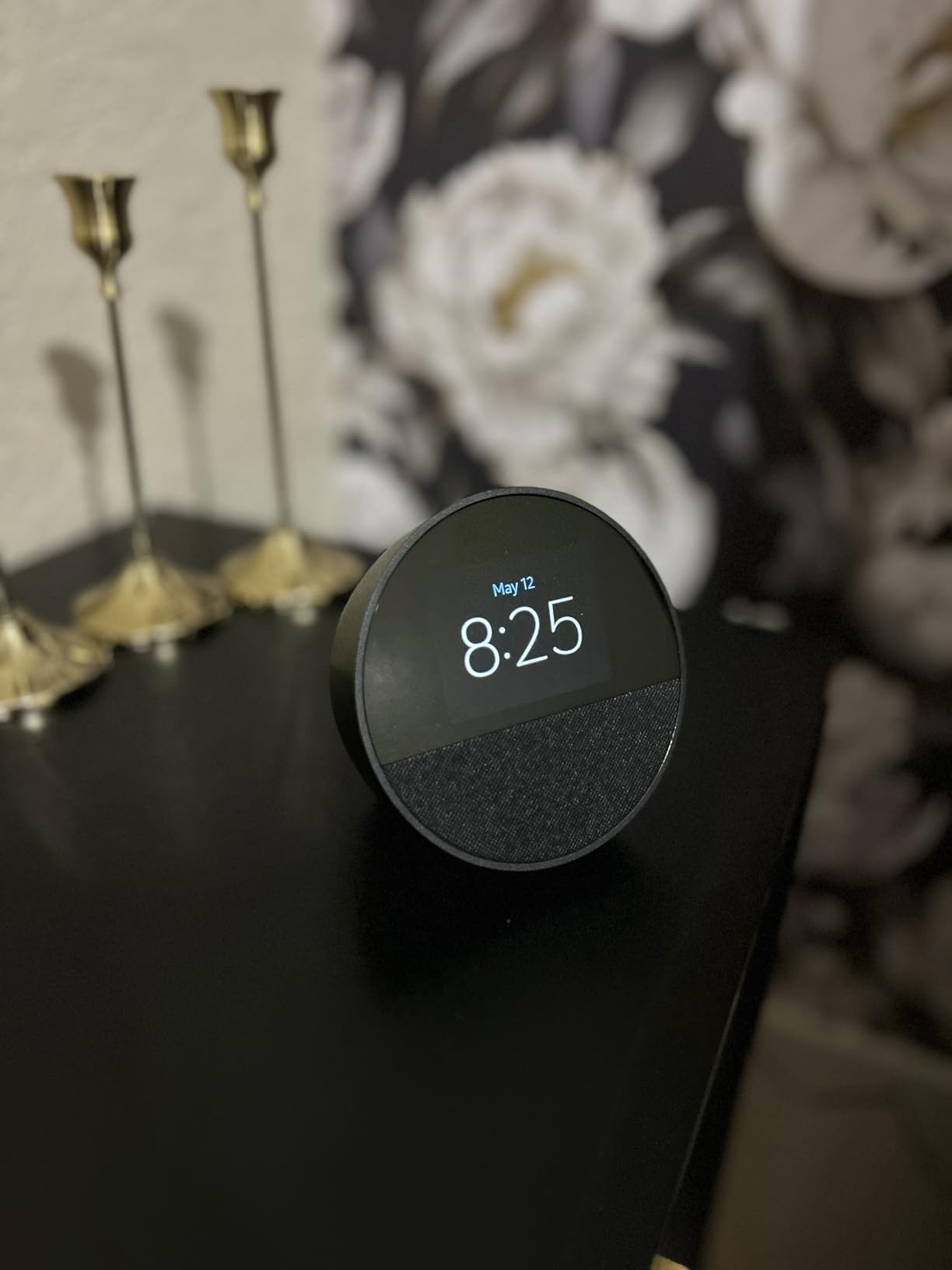
The Echo Spot replaced my old digital alarm clock three weeks ago, and I am not going back. The half-dome design looks modern on a nightstand, the display auto-dims to a comfortable glow at night, and the customizable clock faces mean I can switch between a clean digital readout and a weather-forward face depending on my mood. Sound quality is surprisingly rich for the size, with clear vocals and enough bass for podcasts and casual music.
What pushed me toward the Spot over the Echo Show 5 is the absence of ads on the home screen. The Show 5 started showing sponsored content on the clock face, which is the last thing I want glowing at me at 3 a.m. The Spot keeps the display clean, with optional weather, music controls, and smart home tiles you actually choose. The tap-to-snooze function is satisfying: a gentle tap on top silences the alarm for nine minutes.
The Eero Built-in mesh extender is the same feature found on the newest Echo Dot, and it works the same way here. My bedroom sits at the far end of the house from the router, and adding the Spot extended WiFi enough to stabilize a smart bulb that had been flaky for months. Motion detection lets you trigger routines, such as turning on a hallway nightlight when the Spot senses movement.
The main complaint worth noting is that the tap-to-snooze feature can misfire if you have a ceiling fan or vibrating device near the Spot. A few users on r/amazonecho report their alarm snoozing itself when a fan running nearby shakes the surface. The screen is also smaller than product photos suggest, so do not plan to use it for watching video or reading recipes. As a smart alarm clock, it earns its 4.5-star rating from over 42,000 reviews.
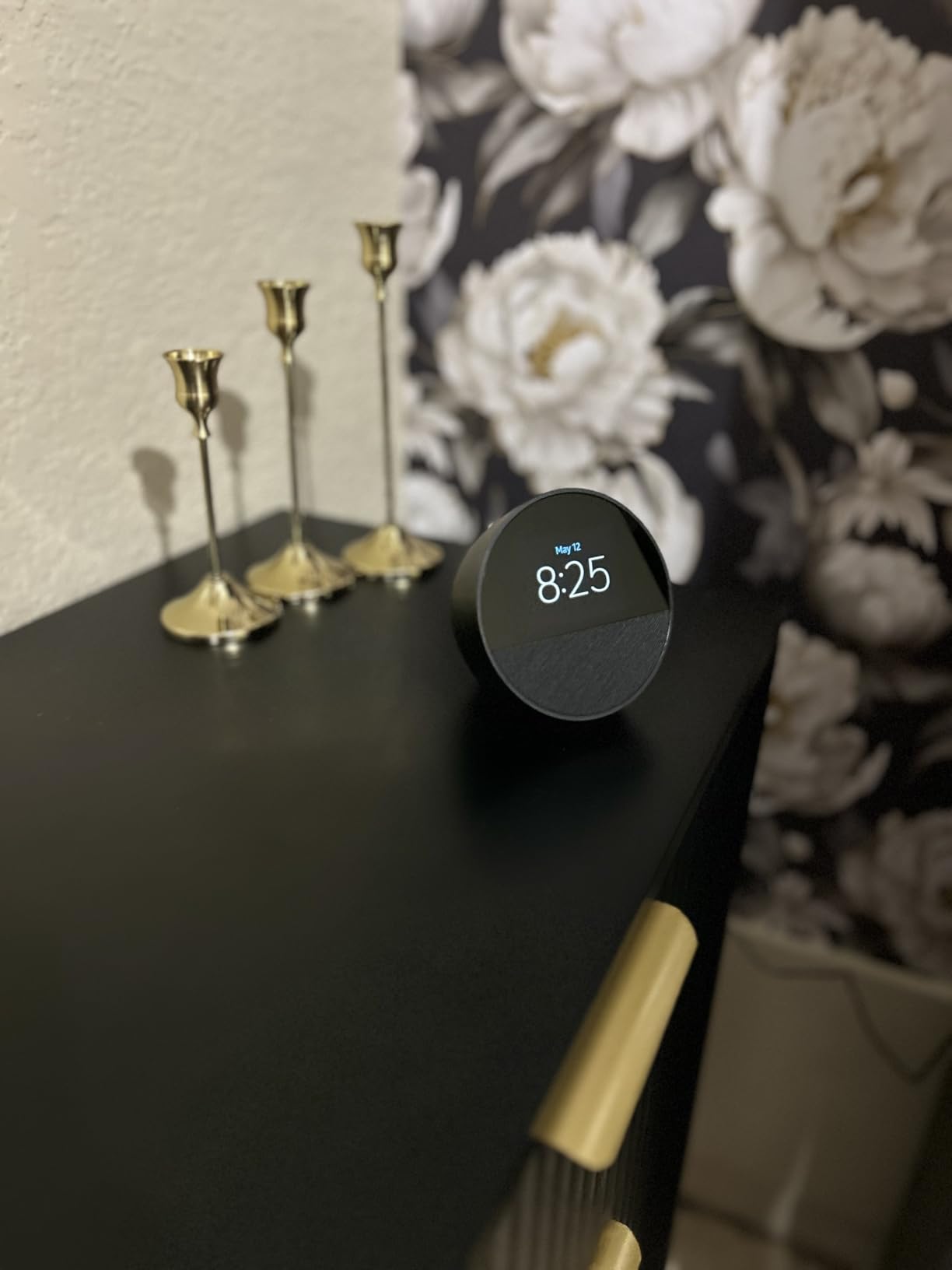
How the Echo Spot Compares to the Echo Show 5 as a Bedside Clock
The Echo Spot has no ads on the home screen, while the Echo Show 5 shows sponsored content, which is a dealbreaker for many bedside users. The Spot is also smaller and more clock-focused, while the Show 5 has a larger screen and a camera for video calls.
Pick the Spot if your main goal is a clean, ad-free alarm clock with great sound. Pick the Show 5 if you want video calls, recipe displays, and a smart home dashboard with more screen real estate, and you can tolerate occasional sponsored content.
Using the Echo Spot for Wake-Up Routines
The Spot supports gradual wake-up routines that slowly brighten the display and fade in music over several minutes, which is far gentler than a blaring alarm. You can chain this with smart lights, so your bedside lamp also fades up at the same time the Spot starts playing music.
Setting up a routine takes about five minutes in the Alexa app. Choose a wake-up time, pick a music source, set the brightness ramp duration, and select any smart lights to include. The Spot also handles multiple alarms, so you can have different wake times on weekdays and weekends.
5. Echo Show 5 (Newest Model) – Compact Display with 2x Bass
- Bright 5.5 inch display for glanceable info
- 2x bass improvement over previous gen
- Camera with physical privacy shutter
- Video calls to Alexa contacts
- Smart home control and photo slideshow
- Ads now appear on the home screen
- Screen can feel laggy switching apps
- Many features need paid subscriptions
- Adaptive brightness is limited
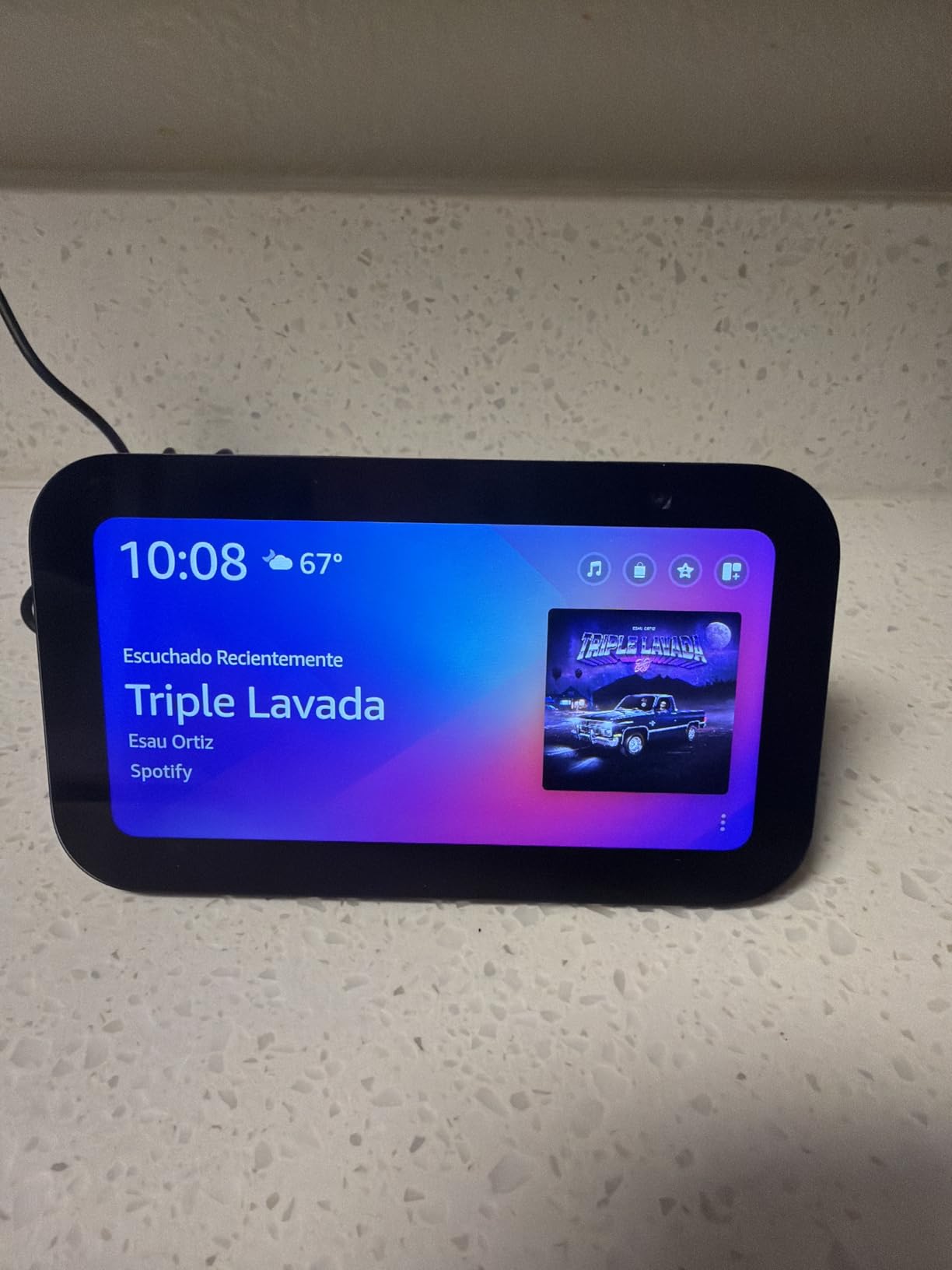
The Echo Show 5 is the smallest smart display in Amazon’s lineup, and I tested it as a kitchen-counter companion for two weeks. The 5.5-inch screen is bright enough to read recipes, check weather, and view a smart doorbell feed at a glance, though it is too small for watching video for any length of time. The 2x bass improvement over the previous generation is immediately noticeable when streaming music, and Alexa+ conversations feel more natural than on older Show models.
The built-in 2 MP camera with a physical privacy shutter lets you make video calls to other Echo devices and the Alexa app. I tested calls between the Show 5 and my phone, and quality was acceptable for quick check-ins, though it can get choppy on weaker WiFi. The photo slideshow feature turns the Show into a digital frame when not in use, and Prime members get unlimited cloud photo storage.
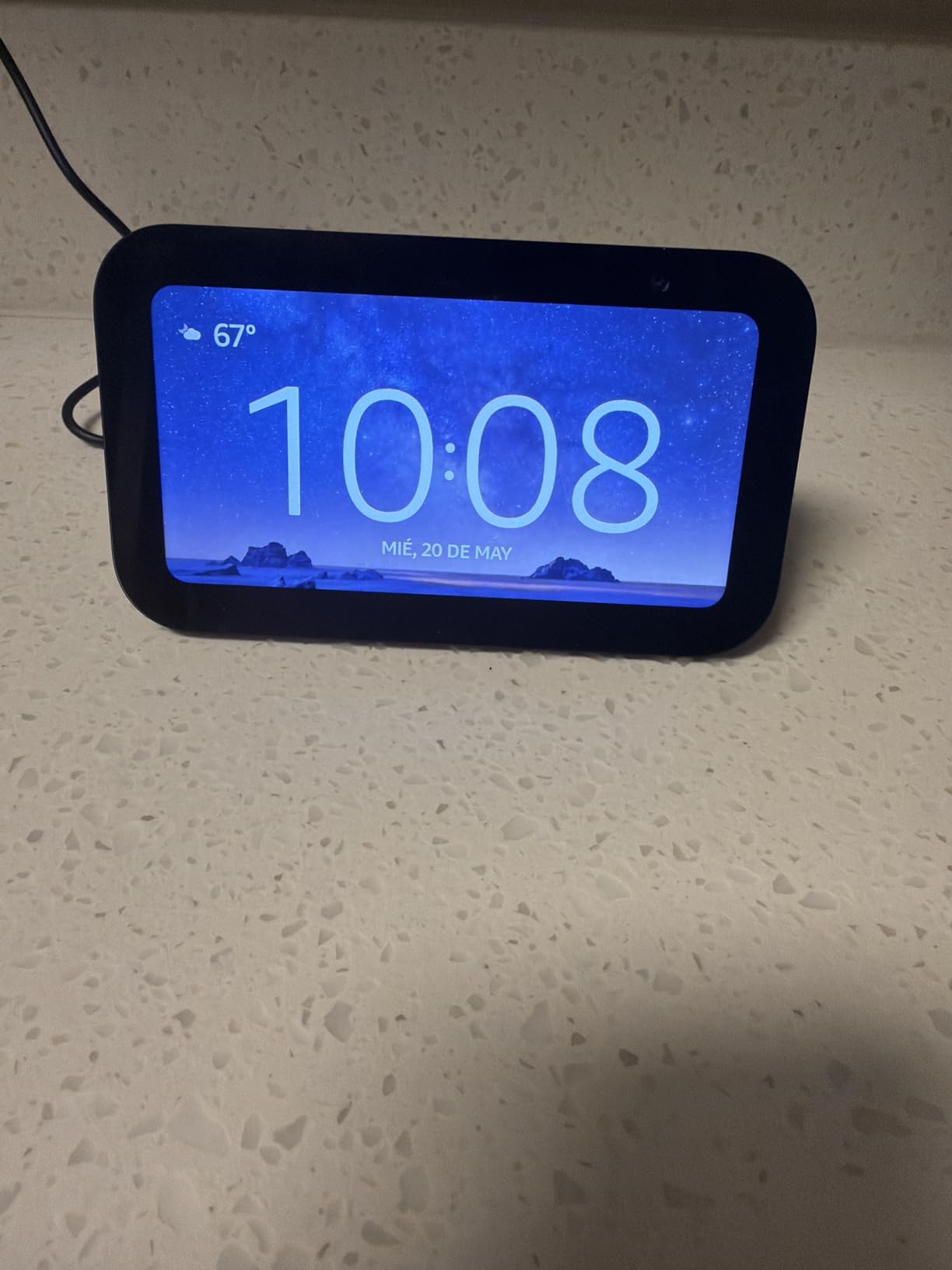
The biggest complaint, echoed across thousands of reviews and Reddit threads, is that Amazon now shows ads on the Show 5 home screen. These appear as sponsored product carousels and rotating promotional content, which many bedside users find intrusive. If ads on a clock face are a dealbreaker, the Echo Spot is the better pick. The Show 5 also feels laggy when switching between music, smart home, and recipe cards.
Many of the best Show features require paid subscriptions, including Amazon Music Unlimited, Amazon Kids+, and some Ring camera plans. The free tier limits you to 10 on-device contacts and basic smart home control. The 4.2-star rating from over 67,000 reviews reflects this split: users who wanted a compact smart display love it, while users who expected a premium experience at this price feel let down by the ads and subscription gates.
Is the Echo Show 5 Worth It Despite the Ads
If you plan to use the Show 5 in a kitchen or living room where the occasional sponsored carousel is tolerable, the device offers solid value, especially on Prime Day discount. The display is bright, the sound is improved, and the smart home dashboard works well for controlling lights and thermostats.
If the Show 5 will live on a nightstand, the ads become much more annoying. In that case, switch to the Echo Spot, which has no ads and a cleaner clock-focused interface designed for bedrooms.
Best Uses for the Echo Show 5 Around the Home
The Show 5 works best on a kitchen counter for recipe viewing, on a desk for video calls and calendar glances, and as a smart home dashboard for controlling lights, plugs, and cameras. The 5.5-inch screen is large enough for one person to read comfortably but not ideal for group viewing.
Avoid using it as a primary TV replacement or for long-form video watching. The screen size and resolution are tuned for glanceable information, not entertainment. Pair it with a Ring doorbell for a quick view of who is at the door without pulling out your phone.
6. Echo Show 5 Kids (Newest Model) – Smart Display Built for Children
- Bright kid-friendly display
- Includes 1 year of Amazon Kids+
- Strong parental controls
- Age-appropriate content filtering
- Durable with 2-year worry-free guarantee
- Touch screen can be unresponsive
- Lowest volume still too loud for some
- Alexa occasionally misunderstands kids
- Settings navigation takes practice
The Echo Show 5 Kids is essentially the Echo Show 5 wrapped in a kid-friendly Galaxy-themed shell, with parental controls and Amazon Kids+ baked in. I set one up for a friend’s seven-year-old, and within an hour she was asking Alexa for animal facts, watching age-appropriate video content, and using the display for morning routines that included a countdown timer for getting dressed.
The included one-year Amazon Kids+ subscription is the main value driver. It unlocks audiobooks, educational videos, interactive Alexa+ conversations, and ad-free music tailored for ages 3 to 12. The parental dashboard lets you filter content by age, set daily screen time limits, and review a log of everything your child asked or watched. The co-create stories feature, where Alexa builds original stories with illustrations based on your child’s prompts, was a genuine hit.

The 5-inch display is bright and sharp enough for kids to watch short videos and follow along with interactive content. Sound quality is good for the size, with enough volume to fill a bedroom. The built-in camera has a physical privacy shutter, and there is a dedicated mic-off button. The 2-year worry-free guarantee means Amazon replaces the device for free if it breaks, which is reassuring for a kids’ device.
Common complaints from reviews include a touch screen that can be unresponsive at times, a lowest volume setting that is still too loud for some kids, and Alexa occasionally misunderstanding younger children’s speech patterns. The 4.2-star rating from over 3,400 reviews is solid for a kids’ smart device, and most negative reviews focus on software quirks rather than hardware failures.

How the Echo Show 5 Kids Differs from the Echo Dot Kids
The Echo Dot Kids is a speaker only, while the Show 5 Kids adds a 5-inch touchscreen for video content, visual routines, and interactive learning. The Show 5 Kids costs about $25 more than the Dot Kids, which reflects the display and camera hardware.
Pick the Dot Kids if your child mainly wants music, audiobooks, and voice-based learning. Pick the Show 5 Kids if your child benefits from visual content, recipe-style routines, and the ability to make video calls to family through Alexa.
Managing Screen Time on the Show 5 Kids
The parental dashboard lets you set daily time limits, schedule quiet hours, and pause the device remotely from your phone. You can also filter content by age band, block specific skills, and review a daily activity log of everything your child watched or asked.
Most parents in r/amazonecho recommend starting with conservative limits and adjusting based on usage. The Show 5 Kids also supports calming ambient sounds for bedtime, which can replace a separate white noise machine in a child’s room.
7. Echo Show 8 (Newest Model) – HD Display with Spatial Audio
- Vibrant HD display with 15 percent more area
- Excellent spatial audio with 2x bass
- Built-in smart home hub with Zigbee Matter and Thread
- AZ3 Pro chip for fast response
- Auto-framing 13 MP camera for video calls
- Sound quality a downgrade from 2023 model for some
- Physical camera shutter removed
- UI still laggy in places
- Not compatible with Gen 3 accessories
The Echo Show 8 (newest model) is the smart display I recommend most often to people who want a kitchen or living room command center without paying for the larger Show 11 or 15. The 8.7-inch HD screen has 15 percent more viewing area than the 2023 model, which makes recipes, weather cards, and video calls noticeably more readable. The AZ3 Pro chip keeps Alexa responses snappy, and the spatial audio tuning delivers up to 2x the bass of the previous generation.
I installed the Show 8 in my kitchen as a recipe and smart home hub. The built-in smart home hub supports Zigbee, Sidewalk, Matter, and Thread, so I paired a Zigbee smart bulb and a Matter smart plug without needing separate bridges. The Omnisense technology detects presence and temperature, which feeds into routines that turn off lights when the kitchen is empty. The 13 MP auto-framing camera keeps me centered during video calls, even when I am moving around cooking.
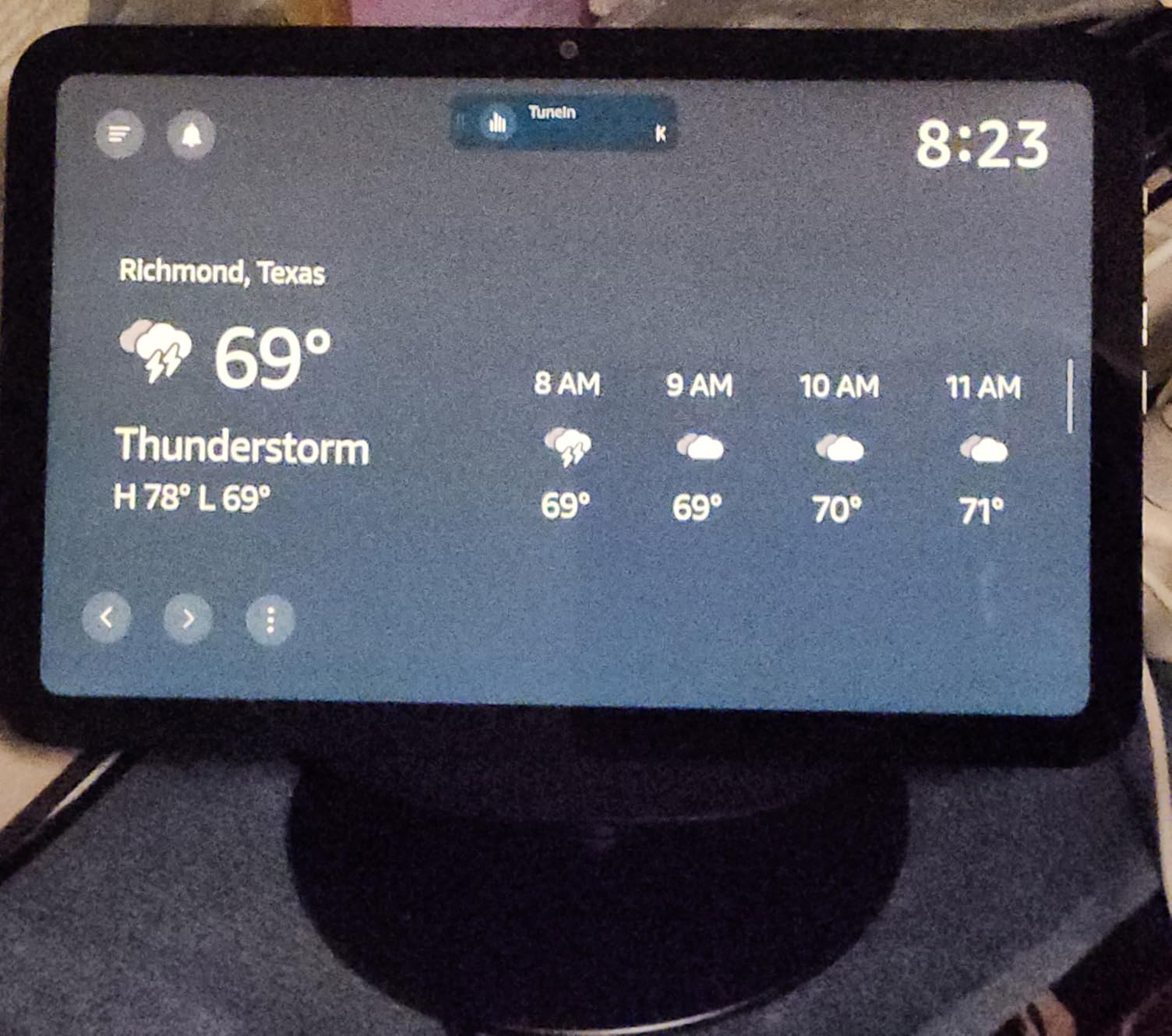
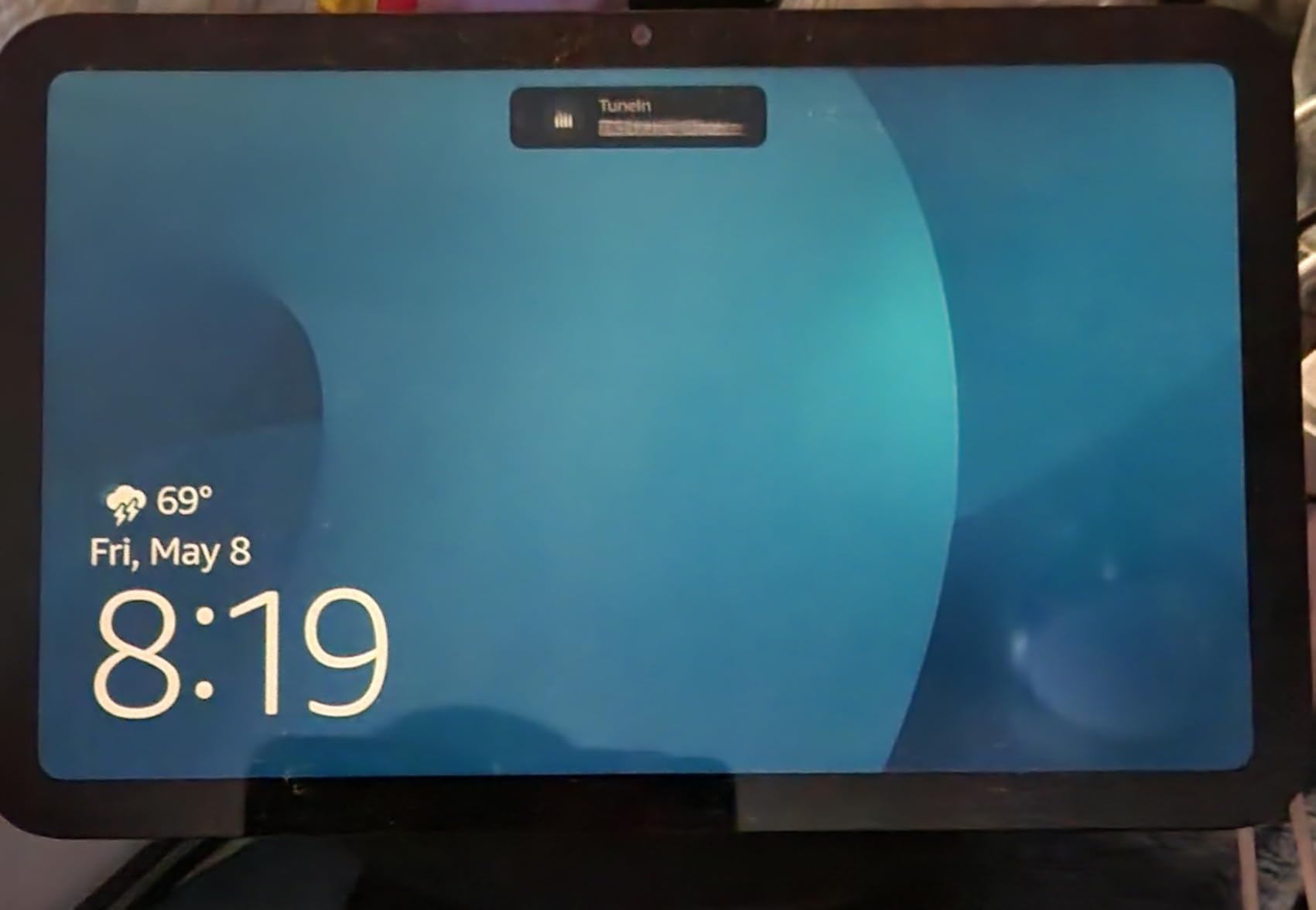
The biggest complaints from long-time Echo Show users focus on sound quality and hardware changes. Some reviewers report the newest Show 8 sounds worse than the 2023 model for music, with a thinner midrange. Amazon also removed the physical camera shutter switch, replacing it with a software-only disable that some users find less reassuring. The UI is still laggy in places, particularly when switching between music, smart home, and recipe cards.
The Show 8 is not compatible with Gen 3 power cords or stands, so if you are upgrading from an older model, budget for new accessories. Apple ecosystem integration is limited, and Samsung calendars are not natively supported. Despite these issues, the 4.4-star rating from over 5,200 reviews reflects a device that excels as a kitchen companion and smart home hub, especially at Prime Day pricing.
How the Echo Show 8 Fits as a Kitchen Hub
The 8.7-inch screen is the sweet spot for kitchen use: large enough to read recipes from across the counter, but compact enough to fit on a shelf or under a cabinet. The Show 8 also handles grocery list management, timers, and unit conversions hands-free, which is genuinely useful when your hands are covered in flour.
The built-in smart home hub means you can control lights, plugs, and cameras directly from the display without reaching for your phone. Pair it with a Ring doorbell to see who is at the front door while you cook.
Video Call Quality and Privacy Features
The 13 MP auto-framing camera keeps you centered during calls and supports 3.3x zoom, which is useful for showing objects or documents to the person on the other end. Video calls to other Echo devices and the Alexa app are free, and quality is solid on a good WiFi connection.
Privacy controls include a mic-off button and a camera disable, though the physical shutter from previous generations has been removed. If a physical shutter is important to you, the Show 5 retains one, or you can use a third-party privacy cover designed for the Show 8.
8. Echo Show 11 (Newest Model) – Full-HD Display for Serious Smart Homes
- Vibrant Full-HD 11 inch display with 60 percent more area
- Spatial audio with dedicated woofer and dual drivers
- Built-in smart home hub
- 13 MP auto-framing camera
- Excellent value for the feature set
- Software has occasional bugs
- No automatic brightness control
- Alexa+ may need Prime subscription
- Not portable and needs a permanent spot
The Echo Show 11 is the smart display I recommend for people who want a serious smart home command center rather than a bedside clock. The 11-inch Full-HD screen has 60 percent more viewing area than the Show 8, which makes it large enough to watch recipe videos, monitor multiple security cameras simultaneously, and run a dashboard of widgets without squinting. The AZ3 Pro chip keeps everything responsive, and Alexa+ conversations feel noticeably more natural than on older Show hardware.
The audio is a real step up from the Show 8 thanks to a dedicated woofer and dual full-range drivers. In my testing, the Show 11 filled a living room with music more convincingly than any smaller Echo Show, with bass that had real depth and vocals that stayed clear at higher volumes. The built-in smart home hub covers Zigbee, Sidewalk, Matter, Thread, and Wi-Fi 6E, so this single device can replace a standalone bridge for most smart home setups.
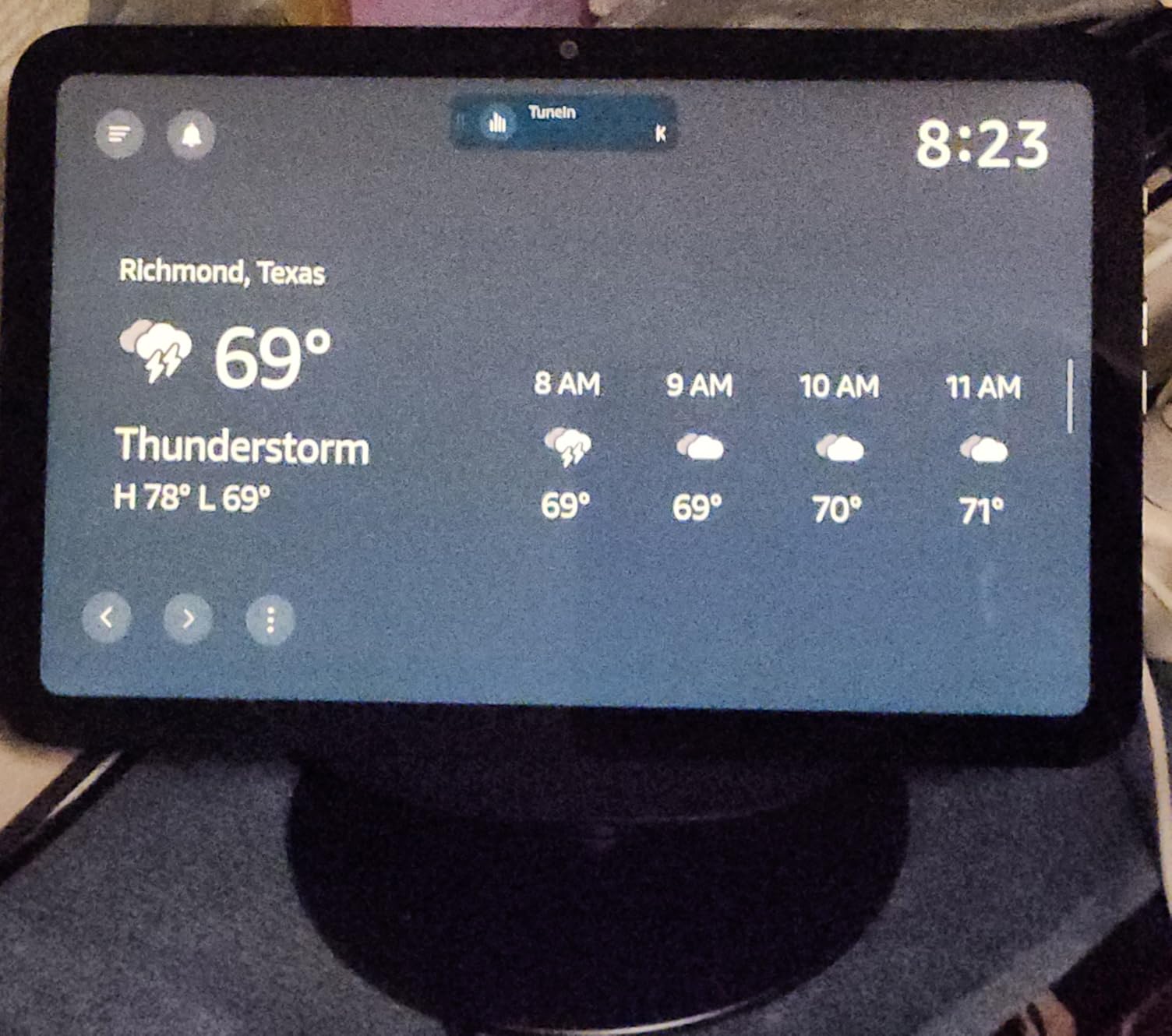
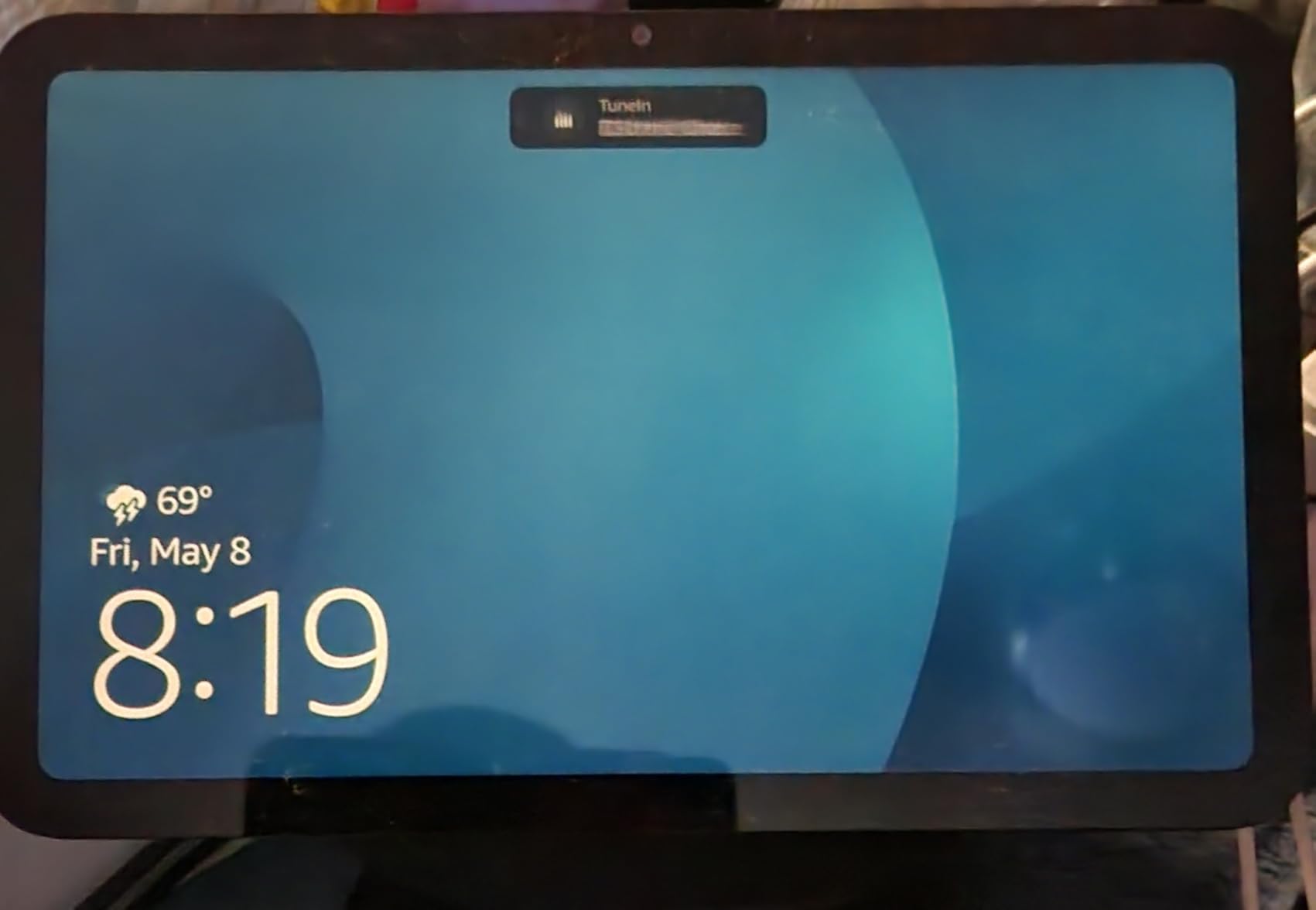
The Omnisense technology adds temperature, presence, and visual ID detection, which lets the Show 11 trigger routines based on who is in the room and what the ambient conditions are. The 13 MP auto-framing camera with 3.3x zoom and noise reduction produces clear video calls, and the photo slideshow feature turns the screen into a digital frame when not actively in use.
Common complaints include occasional software bugs, the lack of automatic brightness control (you adjust brightness manually or via voice), and the fact that Alexa+ features may require a Prime subscription. The Show 11 is also not portable: it is designed as a stationary hub, so plan for a permanent counter or wall location. The 4.4-star rating from over 5,200 reviews reflects a device that delivers excellent value for serious smart home users willing to work around minor software quirks.
When the Echo Show 11 Beats the Show 8 or Show 15
The Show 11 is the best choice if you want a large, readable display for a kitchen counter, living room shelf, or home office desk, but do not need the wall-mounted format of the Show 15. The 11-inch screen is large enough for group viewing and security camera feeds, while still sitting comfortably on a surface.
Pick the Show 8 for smaller spaces and tighter budgets. Pick the Show 15 if you specifically want a wall-mounted family dashboard with Fire TV built in. The Show 11 hits the middle ground that most smart home users actually need.
Setting Up a Smart Home Dashboard on the Show 11
The Show 11 supports customizable widgets for calendars, to-do lists, weather, smart home device toggles, and camera feeds. Drag widgets onto the home screen to build a dashboard that shows everything you care about at a glance, then use voice commands to drill into details.
The built-in smart home hub means Zigbee, Matter, and Thread devices pair directly without a separate bridge. Pair a Ring alarm system and you can arm and disarm it from the Show 11 touchscreen, view live camera feeds, and get motion alerts on the display.
9. Echo Show 15 (Newest Model) – Wall-Mounted Kitchen Hub with Fire TV
- Stunning 15.6 inch Full-HD display acts like a wall TV
- Fire TV built in with thousands of apps
- Customizable widgets for family organization
- Auto-framing camera for video calls
- Excellent smart home dashboard
- Calendar limited to widget not full page
- Widget customization is restricted
- Fire TV app can have loading issues
- Expensive vs smaller Show models
The Echo Show 15 is the largest smart display in Amazon’s lineup, designed to live on a kitchen or family room wall as a shared family command center. I tested it mounted in a kitchen, and the 15.6-inch Full-HD screen genuinely transforms the space: shared family calendars, weather, to-do lists, and smart home controls are all visible at a glance, and the auto-curated photo slideshow keeps the screen useful when no one is actively interacting with it.
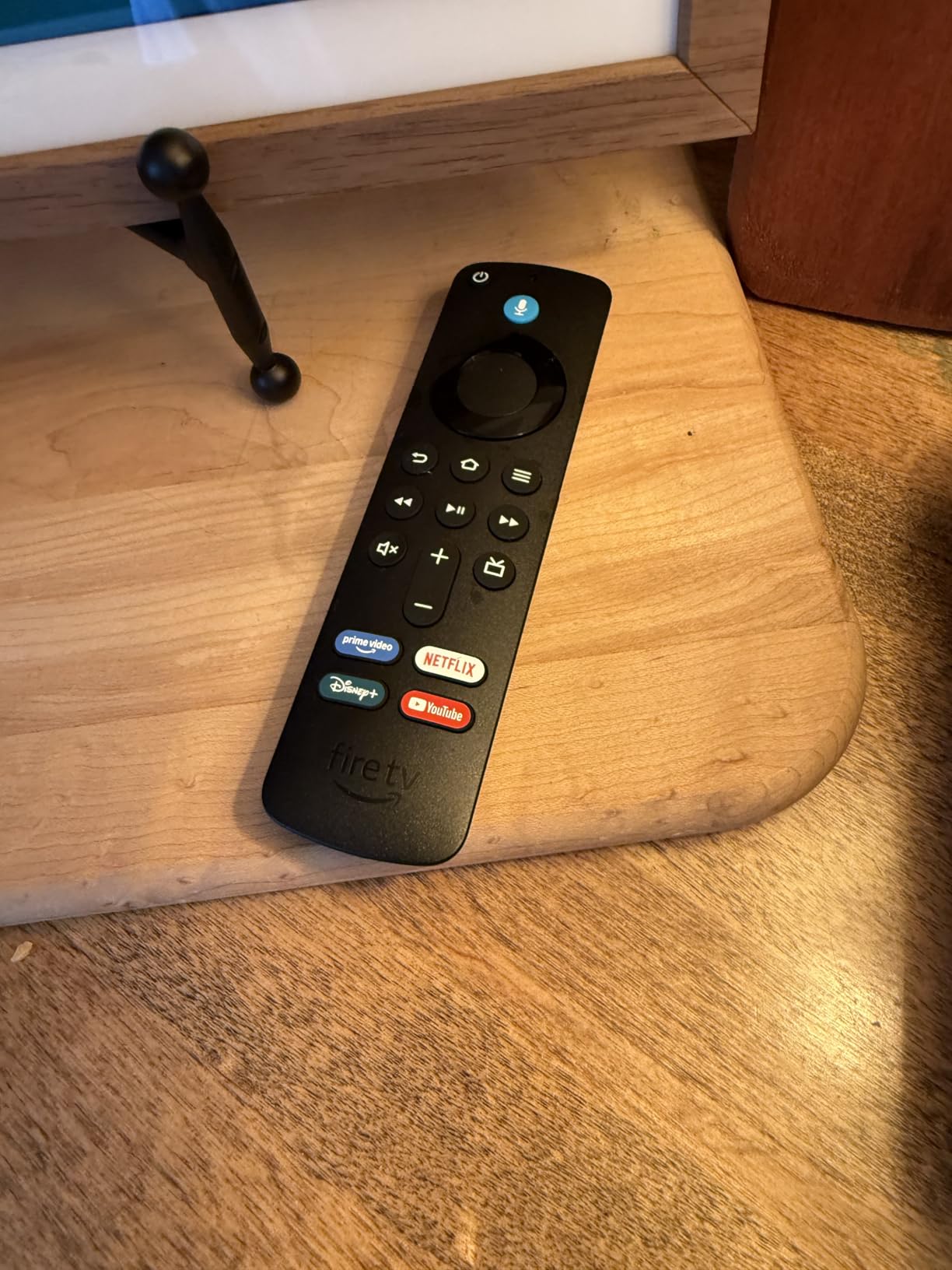
The built-in Fire TV is what separates the Show 15 from every smaller Echo Show. You get access to thousands of apps including Prime Video, Netflix, YouTube, and Apple TV, plus an included remote control. I streamed a movie in the kitchen while cooking, and the experience felt closer to a small wall-mounted TV than a smart display. Sound quality is good for the size, with enough volume to fill a kitchen.
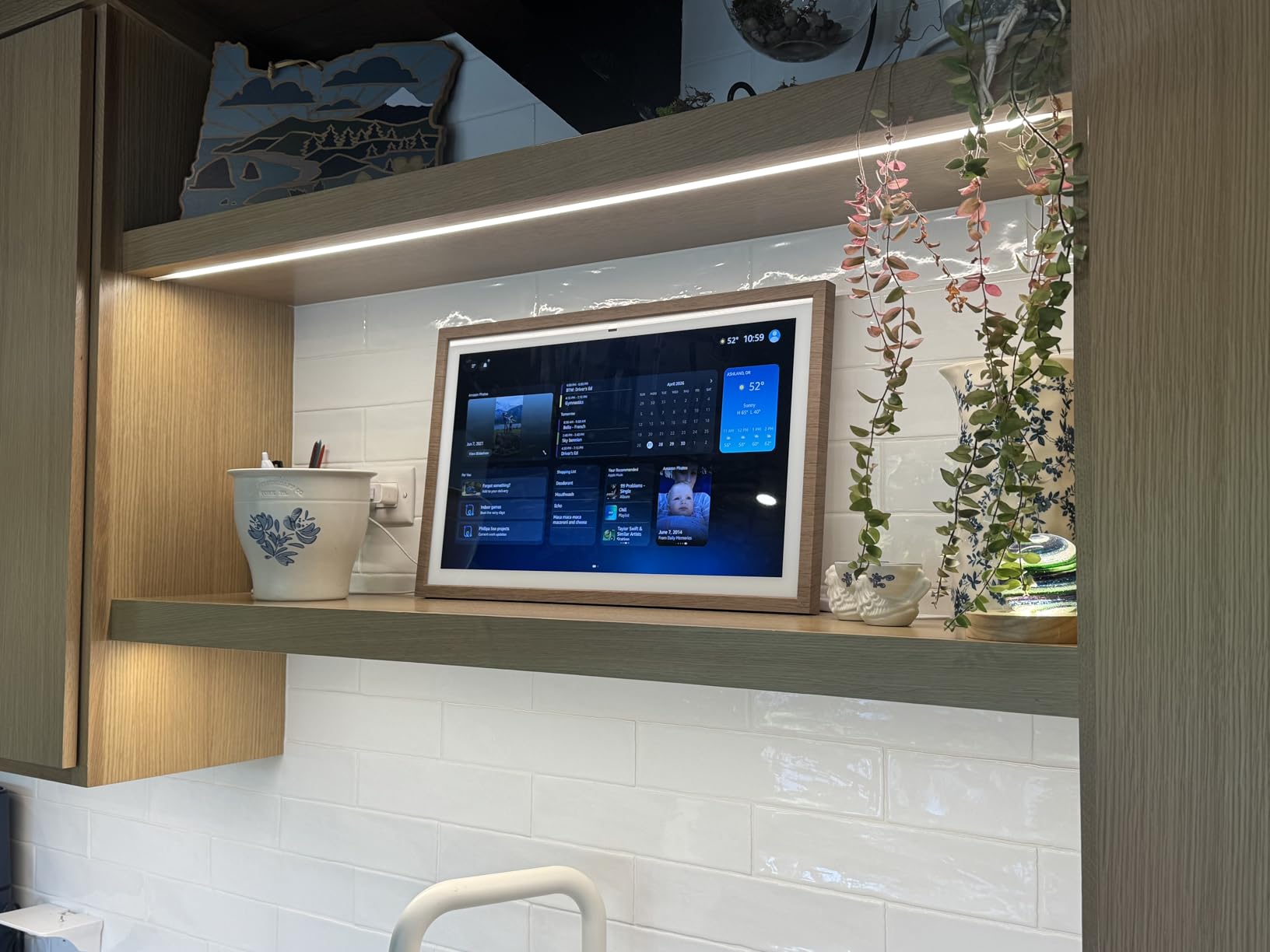
The widget-based dashboard is the Show 15’s core identity. You can pin calendars, sticky notes, weather forecasts, smart home device toggles, and to-do lists to the home screen, creating a shared family hub that anyone can glance at on their way out the door. The auto-framing camera with 3.3x zoom handles video calls, and Alexa+ integration adds conversational AI for more natural requests.
The main complaints center on widget limitations. The calendar is restricted to a widget view rather than a full-page display, widgets cannot be resized, and customization options are more limited than users expect for a device at this price. The Fire TV app can have loading issues, the included remote has battery drain problems according to some users, and not all smart home brands integrate seamlessly. The 4.4-star rating from over 5,600 reviews reflects a premium device that is excellent for its intended purpose but overkill for users who do not want a wall-mounted family dashboard.
Is the Echo Show 15 Worth the Premium Price
The Show 15 makes sense if you specifically want a wall-mounted family hub with Fire TV built in and have a kitchen or living room wall where a 15.6-inch display fits naturally. The combination of shared dashboard, photo frame, and streaming device is genuinely unique.
If you do not need the wall-mounted format, the Show 11 delivers most of the same smart display features for about $100 less, in a footprint that fits on a counter or shelf. The Show 15 is a deliberate design choice, not a default upgrade.
Mounting and Placement Options for the Show 15
The Show 15 ships with a wall-mount bracket designed for standard stud spacing. Mount it at eye level in a kitchen or family room where the whole family can see the shared dashboard. Amazon also sells a stand if you prefer a countertop placement, though the wall-mount is the intended use case.
Plan for a power outlet within reach of your chosen spot, since the Show 15 is not battery-powered. Route the power cable cleanly along the wall for a tidy installation. Avoid direct sunlight on the screen, which can wash out the display and trigger automatic brightness adjustments.
10. Echo Hub (Newest Model) – Dedicated Wall-Mounted Smart Home Panel
- Purpose-built wall-mounted smart home control panel
- Supports Zigbee Matter Thread Sidewalk and Wi-Fi
- Excellent for Ring alarm and camera monitoring
- No ads on home screen
- Good value around 100 dollars
- Screen feels sluggish like a cheap tablet
- Limited app ecosystem
- Not meant for music or video
- Power adapter requires specific PD standard
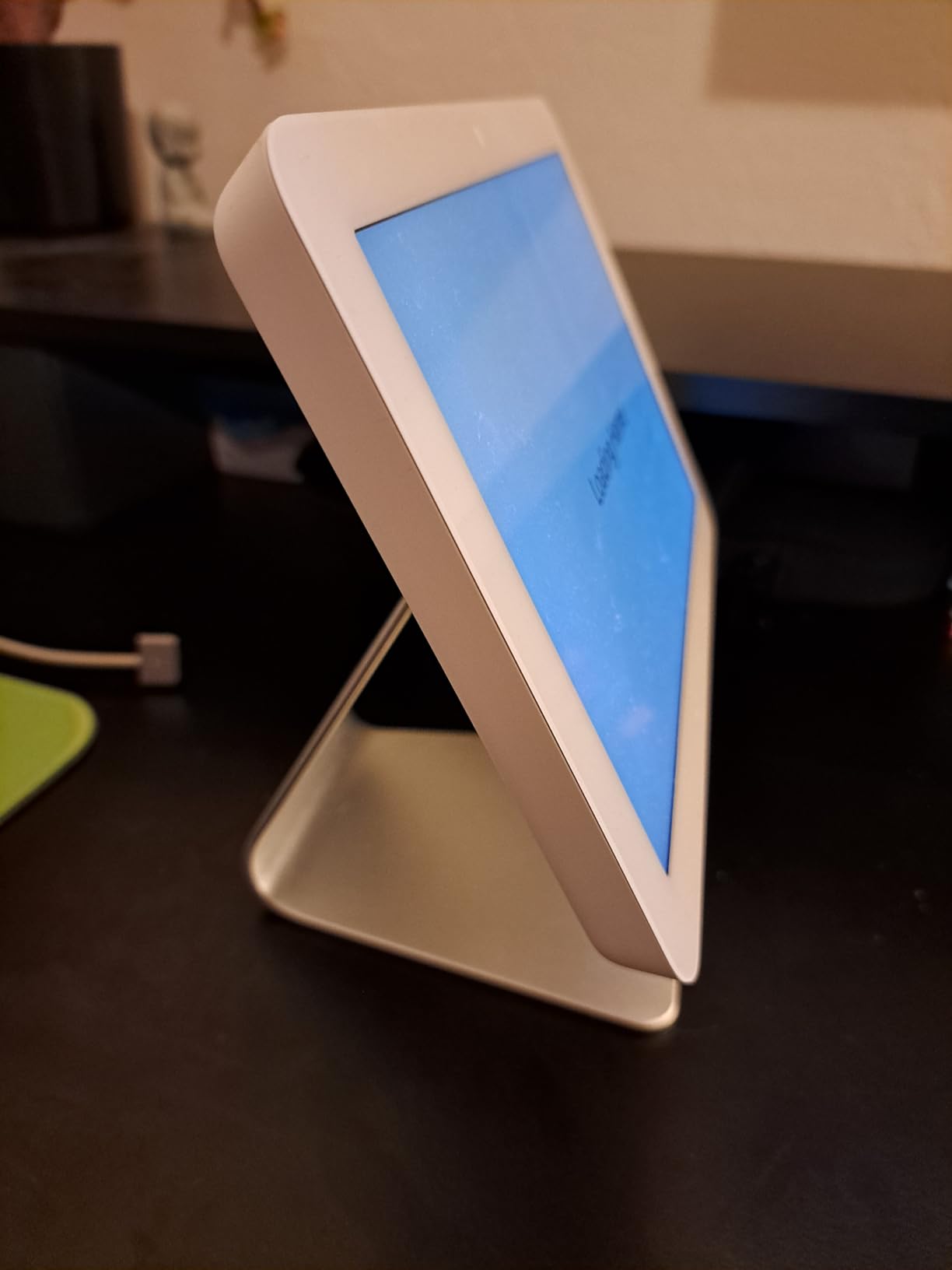
The Echo Hub is a different beast from every other Echo device on this list. It is not a speaker or a general-purpose smart display: it is a purpose-built, wall-mounted control panel for managing a smart home. I installed one in a hallway next to a Ring alarm keypad, and it has become the single best place in the house to check camera feeds, arm or disarm the alarm, and toggle lights room by room.
The built-in hub supports Wi-Fi, Bluetooth, Zigbee, Matter, Sidewalk, and Thread, which covers virtually every smart home protocol in use today. I paired Zigbee smart bulbs, a Matter smart plug, and a Thread sensor without needing any separate bridges. The customizable dashboard lets you pin device toggles, camera feeds, routines, and weather widgets to the home screen, and there are no ads cluttering the interface.
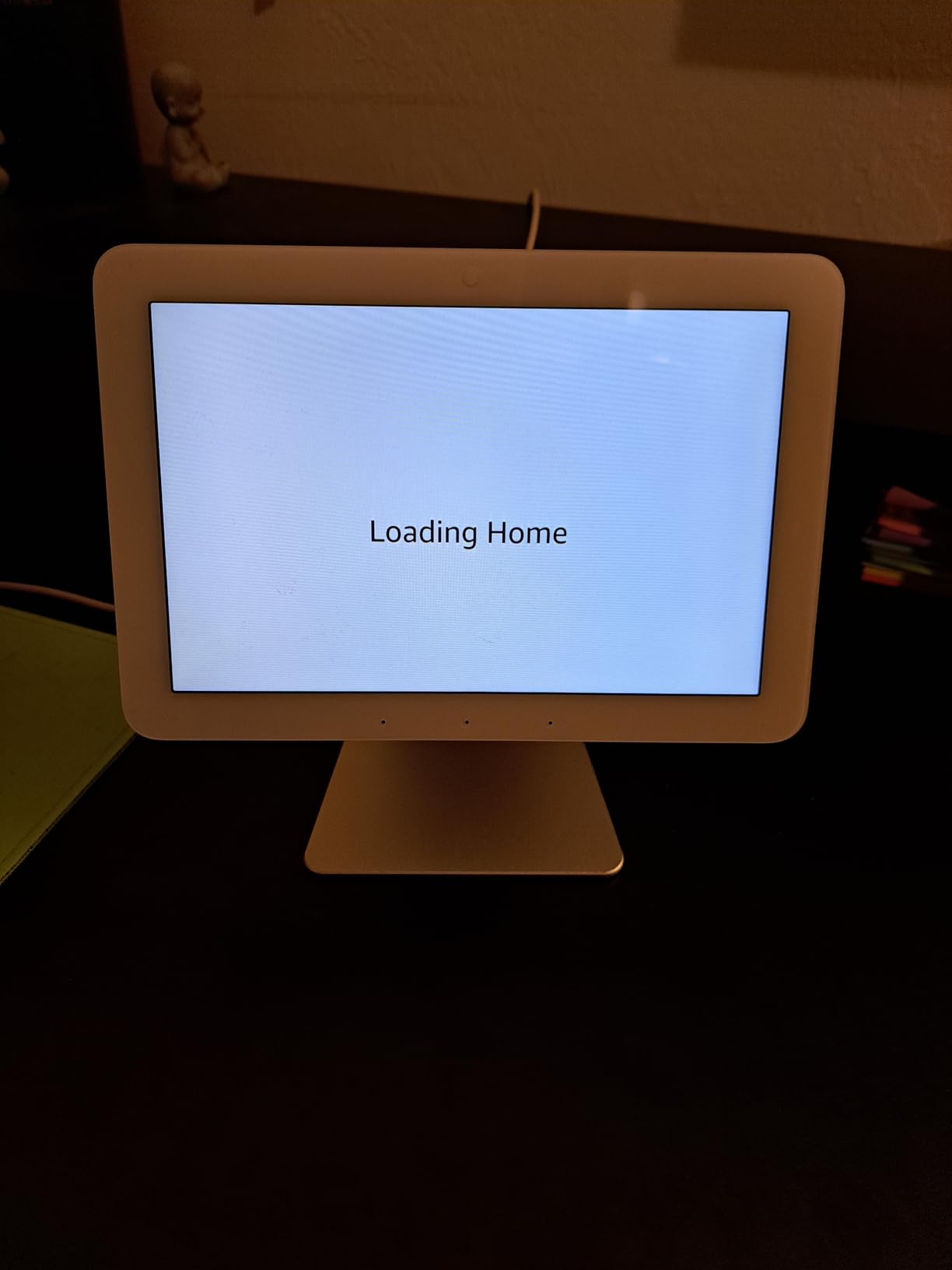
The Echo Hub excels as a security monitoring station. Ring alarm arming and disarming, live camera feeds, and motion alerts all live on a single screen, which is far faster than unlocking your phone and opening the Ring app. The compact 8-inch form factor fits cleanly on a wall without dominating the space, and the included wall-mount bracket makes installation straightforward.
The trade-offs are significant and worth understanding before buying. The touchscreen feels sluggish, more like a budget Android tablet than a modern smart display. The speaker is poor and not meant for music or video. The app ecosystem is limited, with no support for Fire TV or rich media apps. The power adapter requires a specific PD3.0/PD3.1 with PPS standard, which is incompatible with some chargers. The 4.0-star rating from over 1,687 reviews reflects a niche device that is excellent for its specific purpose but disappointing if you expect general smart display performance.
Who Should Buy the Echo Hub vs an Echo Show
Buy the Echo Hub if you already have a smart home setup with Zigbee, Matter, Thread, or Ring devices and want a dedicated wall-mounted control panel. The Hub is faster and cleaner than pulling out your phone for every routine action, and the no-ads interface is a genuine advantage.
Buy an Echo Show instead if you want a smart display that also handles music, video calls, recipes, and streaming. The Hub is intentionally limited to smart home control, and trying to use it as a general-purpose display will disappoint you.
How to Power and Mount the Echo Hub
The Echo Hub supports Power-over-Ethernet if your home is wired for it, which gives the cleanest installation with a single cable. Otherwise, it uses USB-C power with a specific PD standard, so check your charger compatibility before discarding the included adapter.
The included wall-mount bracket is designed for standard drywall installation. Mount it at a comfortable height near your main entry or in a hallway where you naturally pass through. A separate stand is available if you prefer countertop placement, but the wall-mount is the intended use case.
11. Echo Studio (Newest Model) – Dolby Atmos Spatial Audio Speaker
Amazon Echo Studio (newest model), Immersive spatial audio and Dolby Atmos, Designed for Alexa+, Graphite
- Immersive spatial audio with Dolby Atmos
- 40 percent smaller than original Studio
- Room adaptation analyzes acoustics
- Smart home hub and eero Built-in
- Stereo pairing and Fire TV home theater
- Some users say sound is worse than original Studio
- Limited Spotify playlist support
- Equalizer only via voice not app
- Long software update times
- Higher price point
The Echo Studio (newest model) is Amazon’s flagship audio-focused smart speaker, and I tested it head to head with the Echo Dot Max in my living room. The Studio produces a wider, more immersive soundstage thanks to Dolby Atmos spatial audio and dedicated drivers tuned for room-filling output. The room adaptation technology analyzes your room’s acoustics and adjusts the sound profile, which produces a noticeable improvement in spaces with odd shapes or hard surfaces.
The newest Studio is 40 percent smaller than the original tower-style model, which makes it easier to place on a shelf or media console without dominating the space. The built-in smart home hub and eero mesh WiFi extender bring the same smart home and network benefits as the Echo Dot and Dot Max. Pair two Studios for stereo, or link with a Fire TV for a home theater mode that produces genuinely cinematic dialogue and effects.
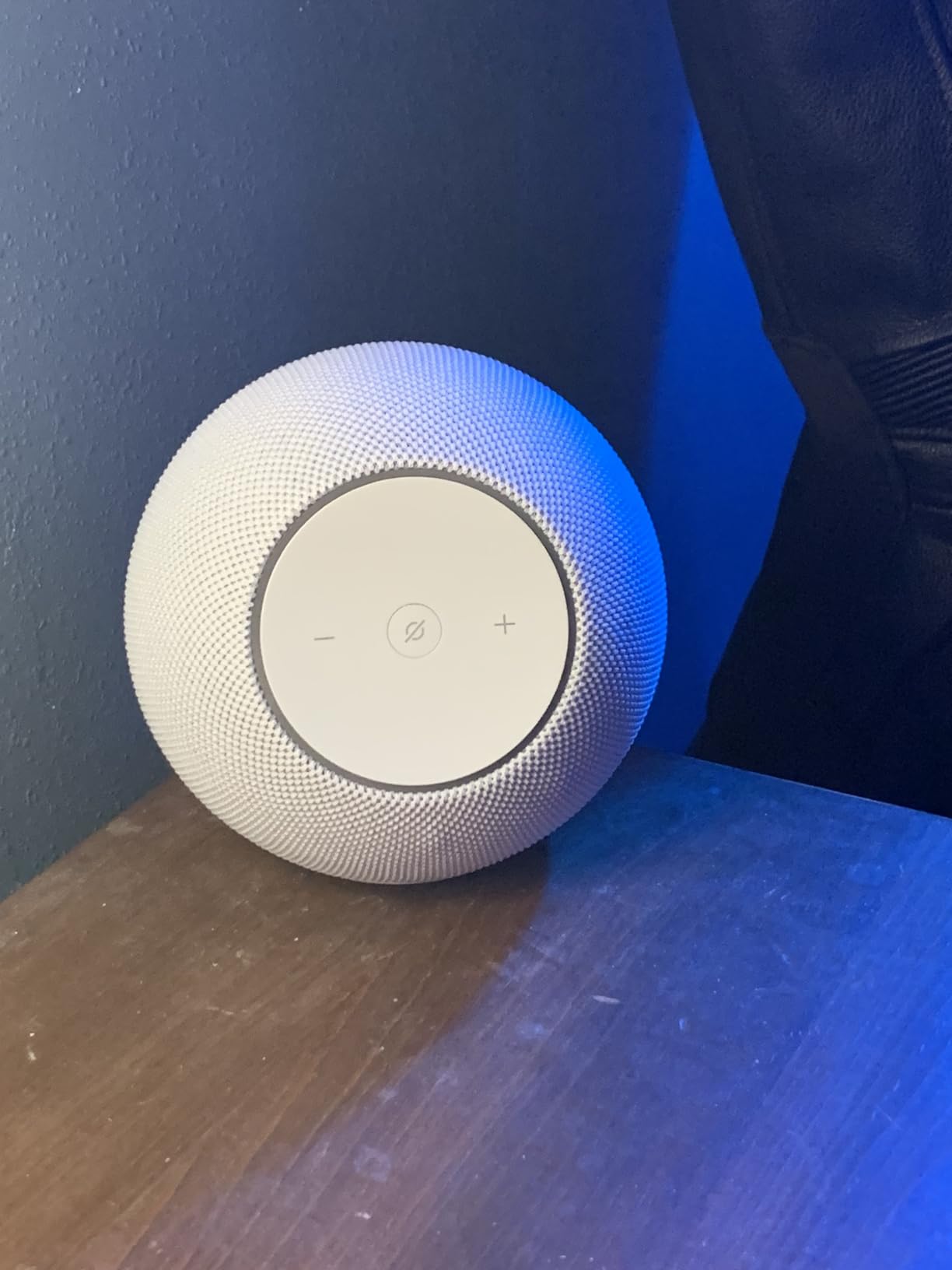
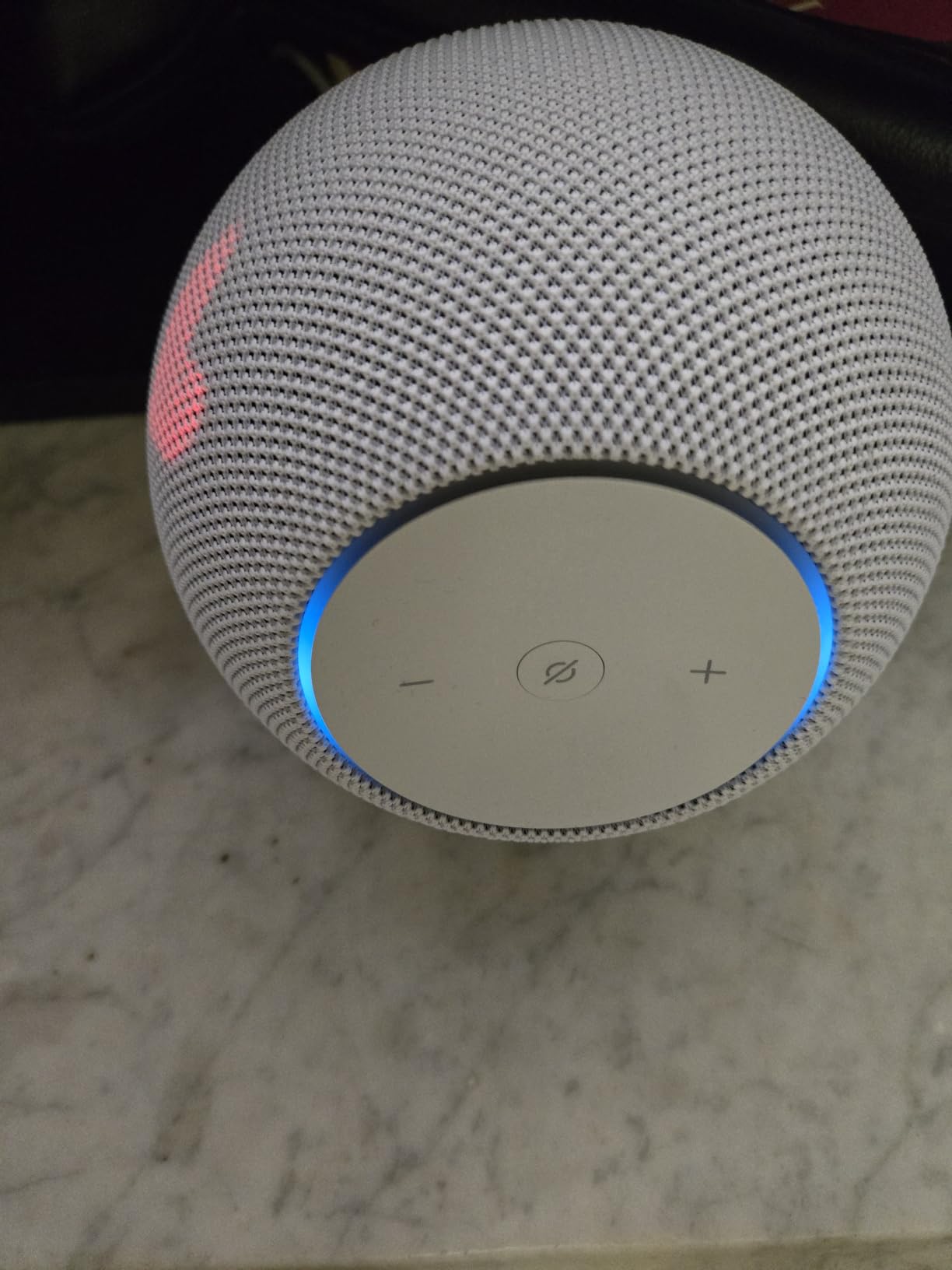
Alexa+ integration gives you more natural conversation with Alexa, including follow-up questions without repeating the wake word. Multi-room music support lets the Studio join other Echo devices in synchronized playback throughout the house. The microphone enable and disable button gives a physical privacy control, and setup through the Alexa app is the same quick process as every other Echo device.
The main controversy around the newest Studio is whether it sounds better or worse than the original. Some long-time Echo Studio owners report that the new model sacrifices vocal clarity and bass depth for the smaller footprint, and that it does not match the original tower-style Studio for audiophile listening. Other complaints include limited Spotify playlist support, an equalizer that is only adjustable via voice commands rather than the app, and long software update times (up to 30 minutes reported). The 4.1-star rating from over 900 reviews reflects a capable smart speaker that is not necessarily a worthy upgrade for owners of the original Studio, but is a strong choice for new buyers who want premium audio in the Alexa ecosystem.
Is the Echo Studio Better Than the Echo Dot Max for Music
The Studio produces a wider, more immersive soundstage with Dolby Atmos and dedicated drivers, making it the better choice for dedicated listening sessions and home theater use. The Dot Max is more compact and affordable, making it the better choice for medium rooms where you want good sound without paying Studio prices.
If you already own an Echo Dot Max and are happy with the sound, the Studio is not a necessary upgrade unless you specifically want Dolby Atmos or stereo pairing with a second Studio for a dedicated music setup.
Using the Echo Studio in a Home Theater Setup
Pair the Studio with a compatible Fire TV to enable Alexa Home Theater mode, which routes TV audio through the Studio for richer dialogue and effects. Two Studios in stereo plus an Echo Sub create a genuine 2.1 home theater setup controlled entirely by voice.
For best results, place the Studio at ear level near your TV, run the room adaptation calibration, and enable Dolby Atmos content from Prime Video or supported streaming apps. The Studio handles dialogue clearly enough that you may not need a separate soundbar for a small to medium living room.
12. Echo Glow (Newest Model) – Multicolor Night Light for Kids
- Millions of colors for mood lighting
- Voice controlled via Alexa
- Sunrise alarm for gentle wake-ups
- Color-changing countdown timers
- Great for kids bedtime routines
- Affordable price
- Not very bright especially in color modes
- No music sync mode
- No built-in speaker
- WiFi connectivity issues reported
- Requires specific command phrasing
The Echo Glow is not a speaker: it is an Alexa-enabled multicolor night light that pairs with any Echo device for voice control. I added one to my niece’s bedroom alongside her Echo Dot Kids, and it has become the visual centerpiece of her bedtime routine. The Glow can shift through millions of colors, run a sunrise alarm that gradually brightens to wake her up, and display color-changing countdown timers that help her track getting-ready time in the morning.
Setup takes about two minutes through the Alexa app, and the Glow pairs with your existing Echo devices for voice control. Saying “Alexa, set the Glow to blue” instantly changes the color, and you can create routines that shift colors based on time of day or triggers. Parents of children with special needs frequently recommend the Glow on r/alexa for its visual cues, which can signal transitions between activities without verbal reminders.

The tap-to-change-color feature is a fun physical interaction: tap the top of the Glow and it cycles through preset colors. The dynamic modes, including disco and campfire effects, add personality for playtime. The compact design sits unobtrusively on a nightstand or dresser, and the plug-in USB power means you never need to worry about charging.
The Glow’s limitations are worth knowing. It is not very bright, especially in color modes, so do not expect it to replace a reading lamp. There is no true music sync mode despite the advertised “dance party” feature, no built-in speaker, and commands can be picky about phrasing. Two Glows cannot be synced together for coordinated lighting. At full price it feels overpriced, but on Prime Day discount it is a fun, affordable addition to a kids’ Alexa setup. The 4.5-star rating from over 52,000 reviews reflects a device that delivers exactly what it promises for the right use case.
Best Ways to Use the Echo Glow with Kids
The Glow excels as a bedtime routine visual cue, a sunrise alarm for gentle wake-ups, and a color-changing countdown timer for tasks like brushing teeth or getting dressed. Pair it with an Echo Dot Kids for the full experience, since the Glow itself has no speaker.
Parents of children with autism or ADHD frequently use the Glow for visual schedules, where color changes signal activity transitions. The disco and campfire dynamic modes also work well as rewards or playtime signals.
Setting Up Alexa Routines with the Echo Glow
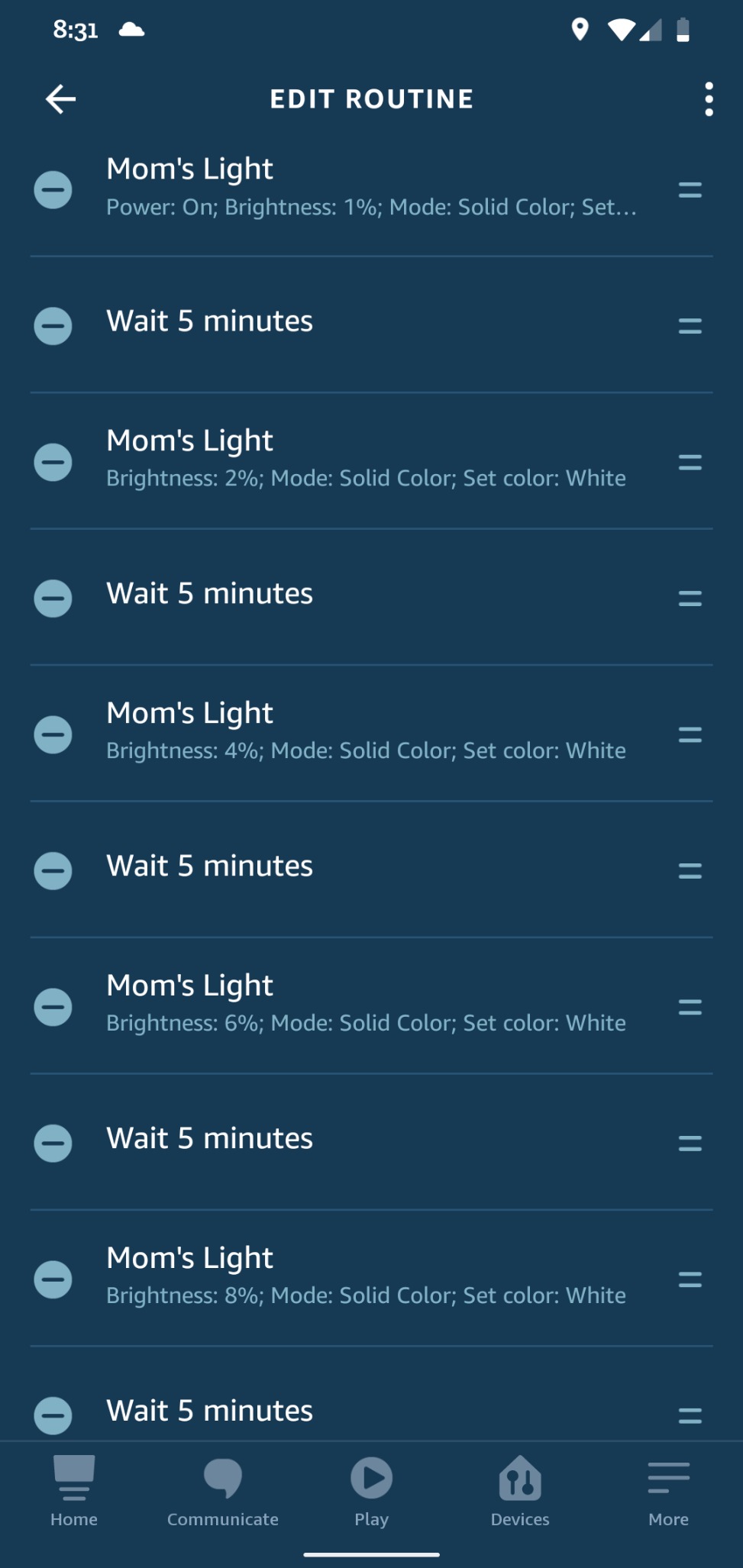
Create routines in the Alexa app that trigger the Glow based on time, voice commands, or other smart home events. For example, set the Glow to dim red at 8 p.m. as a bedtime signal, brighten yellow at 7 a.m. as a wake-up cue, or flash green when a timer finishes.
The Glow supports color, brightness, and dynamic mode changes within routines, so you can build multi-step visual schedules. Keep in mind that two Glows cannot be synced, so each device runs its routines independently unless you trigger them simultaneously through a single Alexa command.
Echo Dot Buying Guide: Which Model Is Right for You
Choosing the right Echo device for Prime Day 2026 comes down to three questions: where will it live, what will you use it for, and what is your budget. The newest Echo Dot at $34.99 covers the majority of households, but the wrong choice can leave you with a speaker that is too quiet for your room or a display that is too small for your needs. Here is how our team breaks down the decision.
For bedrooms and small offices, the Echo Dot or Echo Spot is the right call. The Dot gives you full sound quality and smart home hub features for the lowest price. The Spot adds a clock display and tap-to-snooze if you want a smart alarm clock, and crucially it has no ads on the home screen, unlike the Echo Show 5. Either option costs under $50 on Prime Day.
For kitchens and living rooms, step up to the Echo Show 8 or Show 11. The 8.7-inch Show 8 is the sweet spot for recipe viewing, video calls, and smart home dashboards, while the 11-inch Show 11 delivers a larger screen and dedicated woofer for users who want a serious command center. Both include built-in smart home hubs with Zigbee, Matter, and Thread support.
For larger rooms where the regular Dot sounds thin, the Echo Dot Max or Echo Studio are the audio-focused upgrades. The Max at $64.99 delivers room-filling sound with nearly 3x bass for medium spaces, while the Studio at $174.99 adds Dolby Atmos spatial audio and room adaptation for dedicated listening setups. Pair two of either for stereo.
For kids, choose between the Echo Dot Kids and the Echo Show 5 Kids. The Dot Kids is a speaker only with a 2-year worry-free warranty, while the Show 5 Kids adds a touchscreen for video content and visual routines. Both include a year of Amazon Kids+ and parental controls. Add an Echo Glow for $19.99 as a multicolor night light that pairs with either kids’ device.
For dedicated smart home control, the Echo Hub is a wall-mounted panel designed specifically for managing lights, locks, cameras, and security systems. It is not a general-purpose smart display, but for households with extensive smart home setups, it is faster and cleaner than using your phone for every action.
Budget-wise, the Echo Glow at $19.99 is the cheapest entry point, followed by the Echo Dot and Dot Kids at $34.99, the Echo Spot at $44.99, the Echo Show 5 at $59.99, the Echo Dot Max at $64.99, the Echo Hub at $109.99, the Echo Show 8 at $124.99, the Echo Show 11 at $149.99, the Echo Studio at $174.99, and the Echo Show 15 at $249.99. Prime Day discounts typically shave 20 to 50 percent off these list prices.
Prime Day 2026 Shopping Tips for Echo Dot Deals
Reddit users and deal-tracking communities consistently recommend a few strategies for getting the best Echo Dot price during Prime Day. First, sign up for a 30-day Prime free trial if you are not already a member, since every Prime Day deal requires an active membership. Cancel before the trial ends if you do not want to keep it.
Second, do not wait for the main event if you see an early deal that matches the historical low. Stock runs out fast on the newest Echo Dot and Dot Kids, and Reddit users regularly report missing deals because they waited for a deeper cut that never came. The early deals already live as of mid-June are typically within a few dollars of the best prices seen during the main event.
Third, use a price tracking tool like camelcamelcamel or Keepa to verify that a “deal” is actually a discount. These tools show the full price history of any Amazon product, so you can confirm whether the current price is genuinely low or just a temporary dip. The lowest confirmed Echo Dot price was $19.99 for the 4th generation during a previous sale, so anything at or near that level is worth grabbing immediately.
Fourth, consider bundle deals that pair an Echo Dot with a Ring doorbell, Blink camera, or smart bulb. No major competitor currently covers Echo Dot bundles in depth, which means bundle discounts during Prime Day can offer better value per device than buying items separately. Look for bundles that include a smart bulb or smart plug as a free or low-cost add-on.
Finally, avoid buying refurbished Echo devices unless you are on a tight budget and the discount is significant. Amazon’s renewed Echo inventory is generally reliable, but Prime Day new-device discounts are steep enough that the savings on refurbished units are rarely worth the trade-off in warranty and lifespan.
Frequently Asked Questions
How much will Echo Dot be on Prime Day?
During Prime Day 2026, the newest Echo Dot is already available at $34.99 in early deals, with the Echo Dot Kids also at $34.99 and the Echo Dot Max at $64.99. Expect these prices to hold or drop slightly during the main four-day event from June 23-26, 2026.
What is the lowest price for Echo Dot?
The lowest confirmed price for an Echo Dot was $19.99 for the 4th generation model during a previous Prime Day sale. The newest Echo Dot (5th generation equivalent) typically bottoms out around $22 to $25 during major sales events.
What is the best Alexa 2026?
The best Alexa device in 2026 depends on your needs. For most homes, the Echo Dot (newest model) at $34.99 offers the best value with vibrant sound, Alexa+ support, and a built-in smart home hub. For premium audio, the Echo Studio with Dolby Atmos is the top pick.
What is the best Amazon Echo dot to buy?
The newest Echo Dot (5th generation) is the best Echo Dot to buy for most people, offering improved sound, Alexa+ support, Eero Built-in WiFi extension, and a Matter smart home hub for around $35 on Prime Day. The Echo Dot Max is better for larger rooms, and the Echo Dot Kids is ideal for children.
Is there another Amazon Prime Day in 2026?
Amazon Prime Day 2026 runs June 23-26 as the main summer event. Amazon typically holds a second Prime Day event in October called Prime Big Deal Days, so if you miss the summer sale, another opportunity for Echo Dot discounts usually arrives in the fall.
What not to buy on Prime Days?
Avoid buying refurbished Echo devices at small discounts when new units are nearly as cheap on Prime Day, skip older generation Echo Dots unless heavily discounted, and be cautious of bundle deals that include accessories you do not actually need. Always verify the deal price against the regular price using a tool like camelcamelcamel.
Conclusion: Best Amazon Prime Day Echo Dot Deals 2026
The best Amazon Prime Day Echo Dot deals 2026 cover a wide range of devices, budgets, and use cases. For most buyers, the newest Echo Dot at $34.99 is the standout pick, combining vibrant sound, Alexa+ support, a built-in smart home hub, and Eero WiFi extension in the most affordable package. The Echo Dot Kids at the same price adds a 2-year worry-free warranty and a year of Amazon Kids+, making it the best value for families.
For larger rooms, the Echo Dot Max at $64.99 delivers room-filling sound with nearly 3x bass and the same smart home hub features. The Echo Spot at $44.99 is the best ad-free smart alarm clock on the list, and the Echo Show 8 at $124.99 is the sweet-spot smart display for kitchens and living rooms. Serious smart home builders should consider the Echo Hub or Echo Show 11, while audio enthusiasts will find the most to love in the Echo Studio with Dolby Atmos.
Prime Day 2026 runs June 23 through June 26, but early deals are already live and stock moves fast. Sign up for a Prime free trial if you are not a member, verify prices with a tracking tool, and grab the device that fits your room and routine before the best deals sell out. Whatever Echo device you choose, these are some of the most reliable discounts of the year.