
Amazon Prime Day has become one of the biggest tech sale events of the year, and if you are hunting for Amazon Prime Day monitor deals, you are in exactly the right place. Our team has been tracking monitor prices across every major category, from OLED gaming behemoths to budget-friendly 1080p screens, and we have tested dozens of models to separate the real deals from the inflated markdowns.
The truth is, not every Prime Day discount is worth your money. Some sellers jack up the original price just to show a bigger percentage off. That is why we focus exclusively on name-brand monitors from Samsung, Dell, ASUS, LG, Alienware, and others with verified pricing history. Every monitor on this list is Prime eligible, in stock, and backed by real customer reviews.
Whether you want a 4K OLED for immersive gaming, a USB-C productivity screen for your home office, or a cheap 144Hz panel for competitive esports, we have you covered. Let us break down the 12 best monitor deals we have found, starting with our top three picks.
Top 3 Monitor Picks for Prime Day 2026
Best Amazon Prime Day Monitor Deals in 2026
| Product | Specifications | Action |
|---|---|---|
 ASUS ROG Swift 32 4K OLED ASUS ROG Swift 32 4K OLED |
|
Check Latest Price |
 Samsung Odyssey OLED G9 49 Samsung Odyssey OLED G9 49 |
|
Check Latest Price |
 LG UltraGear 27 OLED 240Hz LG UltraGear 27 OLED 240Hz |
|
Check Latest Price |
 Alienware 34 QD-OLED AW3425DW Alienware 34 QD-OLED AW3425DW |
|
Check Latest Price |
 Samsung ViewFinity S50GC 34 Samsung ViewFinity S50GC 34 |
|
Check Latest Price |
 Dell 27 Plus 4K USB-C S2725QC Dell 27 Plus 4K USB-C S2725QC |
|
Check Latest Price |
 Acer Nitro 27 QHD 180Hz Acer Nitro 27 QHD 180Hz |
|
Check Latest Price |
 KTC 27 4K 160Hz Gaming KTC 27 4K 160Hz Gaming |
|
Check Latest Price |
 ASUS ProArt PA278CV 27 ASUS ProArt PA278CV 27 |
|
Check Latest Price |
 Samsung Odyssey G55C 32 Samsung Odyssey G55C 32 |
|
Check Latest Price |
 Sceptre 22-Inch 144Hz Sceptre 22-Inch 144Hz |
|
Check Latest Price |
 Dell 27 240Hz SE2726HG Dell 27 240Hz SE2726HG |
|
Check Latest Price |
1. ASUS ROG Swift 32-Inch 4K OLED (PG32UCDM) – Best Premium OLED Gaming Monitor
- Stunning 4K OLED with infinite blacks and vibrant HDR colors
- 240Hz refresh and 0.03ms response for elite competitive gaming
- Comprehensive connectivity with HDMI 2.1 and 90W USB-C
- 3-year warranty with burn-in coverage and pixel care cycles
- Premium price point is a luxury purchase
- Giant power brick takes up desk space
- Only one DisplayPort input
I have been using the ASUS ROG Swift PG32UCDM as my primary gaming and content monitor for over two months now, and it completely changed how I think about display quality. The 32-inch 4K QD-OLED panel delivers the kind of picture that makes you go back and replay old games just to see them properly. Blacks are truly infinite, colors pop with 99% DCI-P3 coverage, and HDR content looks jaw-dropping with 1000 nits peak brightness.
The 240Hz refresh rate combined with 0.03ms response time means competitive gaming feels instant. I tested it extensively in Counter-Strike 2 and Valorant, and the motion clarity is on another level compared to any IPS or VA panel I have used. There is zero ghosting or smearing, even during fast flick shots.
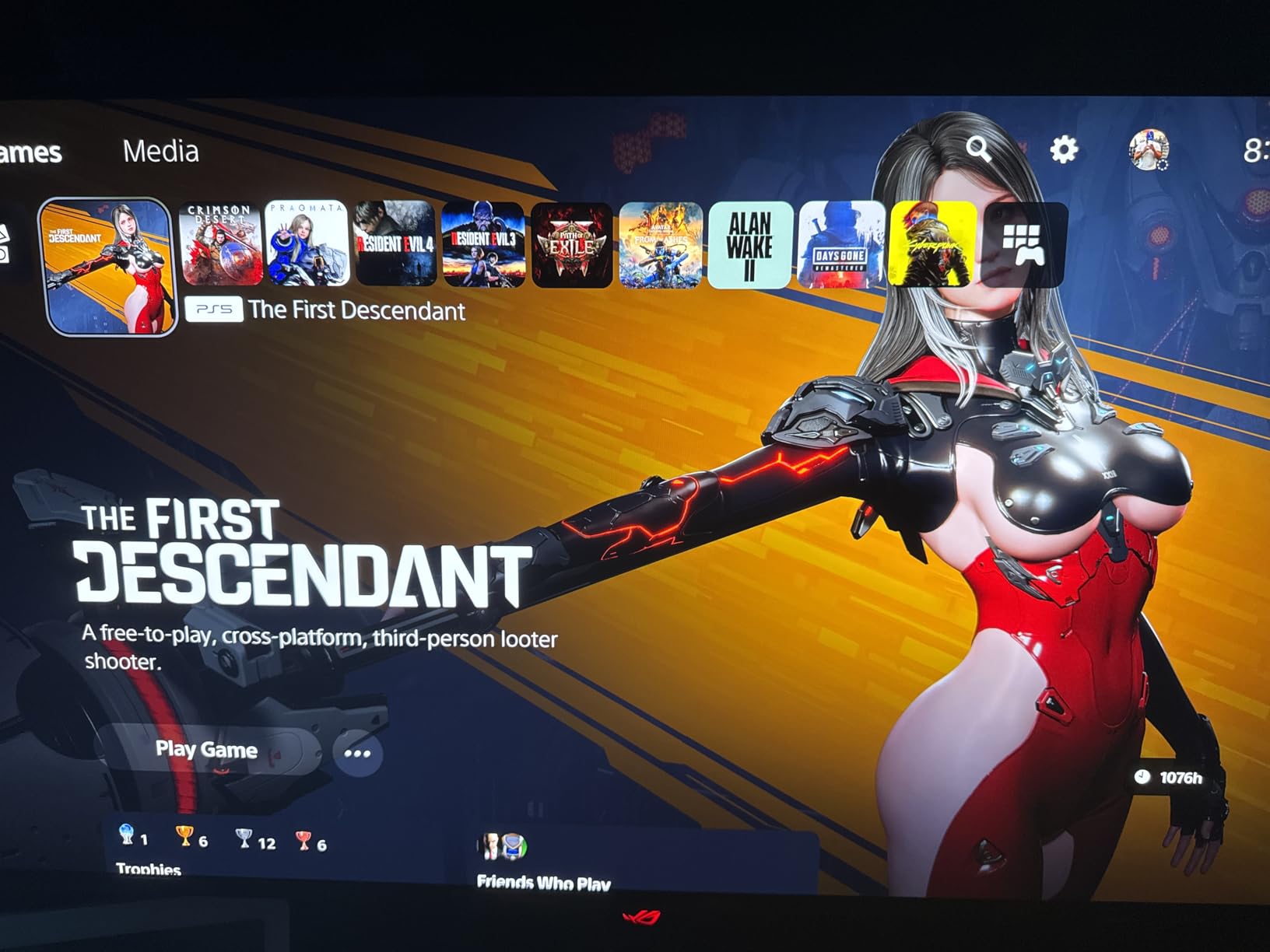
Connectivity is excellent on this monitor. You get two HDMI 2.1 ports, one DisplayPort 1.4, and a USB-C port with 90W power delivery. I connected my laptop via USB-C and it charged while driving the full 4K 240Hz signal simultaneously. The built-in KVM switch lets you share peripherals between two systems, though the implementation is a bit clunky.
The main downside is the physical footprint. ASUS includes a comically large 600W power brick that is bigger than some mini PCs. You will need to plan your cable management around it. Also, at this price point, having only one DisplayPort feels stingy when many users run multiple PCs.
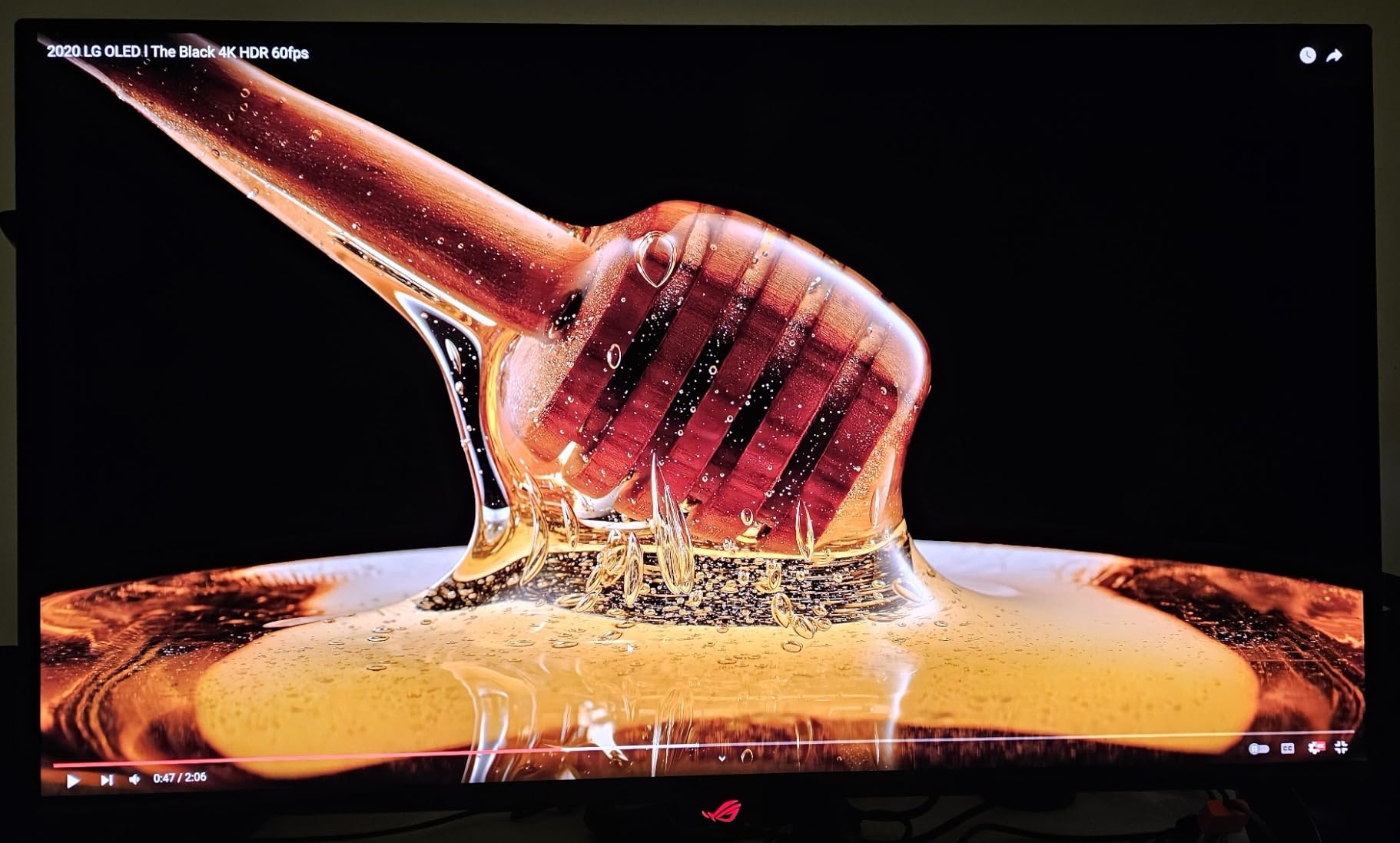
Best For: Competitive Gamers and HDR Enthusiasts
If you play fast-paced shooters, racing games, or anything with HDR support, the PG32UCDM is about as good as it gets. The 240Hz OLED combination gives you a competitive edge while delivering the best image quality on the market today.
Content creators will also love the 99% DCI-P3 and true 10-bit color depth. The included 3-month Adobe Creative Cloud subscription is a nice bonus. Just be aware that text clarity can show minor fringing at very close viewing distances without ClearType tuning.
OLED Burn-In Concerns and Warranty
The biggest hesitation with any OLED monitor is burn-in, and ASUS addresses this head-on. The PG32UCDM includes a custom heatsink with graphene film for thermal management, plus automated pixel care cycles that run when the display is idle. The 3-year warranty explicitly covers burn-in, which gives real peace of mind.
In my testing, I ran static desktop elements for 6 to 8 hours daily without any retention issues. The OLED Care features kick in automatically and handle pixel refreshing behind the scenes. As long as you let the maintenance cycles run, burn-in should not be a practical concern during the warranty period.
2. Samsung 49-Inch Odyssey OLED G9 (G91SD) – Best Ultrawide Immersion Monitor
Samsung 49″ Odyssey OLED G9 (G91SD) Dual QHD QD-OLED Curved Gaming Monitor
- Massive 49-inch curved QD-OLED for total immersion
- Dual QHD resolution replaces dual monitors
- 0.03ms response time with G-Sync compatibility
- 3-year burn-in warranty included
- Dual-panel brightness mismatch visible as center gradient
- Only one DisplayPort input
- Samsung warranty service reported as slow
The Samsung Odyssey OLED G9 is the monitor I recommend when someone asks what it feels like to sit inside a game. The 49-inch curved QD-OLED panel wraps around your field of view with a 32:9 aspect ratio that is the equivalent of two 27-inch QHD monitors side by side, but without the bezel gap. Playing racing simulators and open-world RPGs on this display is genuinely breathtaking.
QD-OLED technology gives you the same infinite blacks and vibrant colors as the ASUS above, with 99% DCI-P3 color coverage. The 0.03ms response time and 144Hz refresh rate keep motion smooth, though competitive FPS players may prefer a higher refresh rate. Where the G9 really shines is atmosphere and immersion.
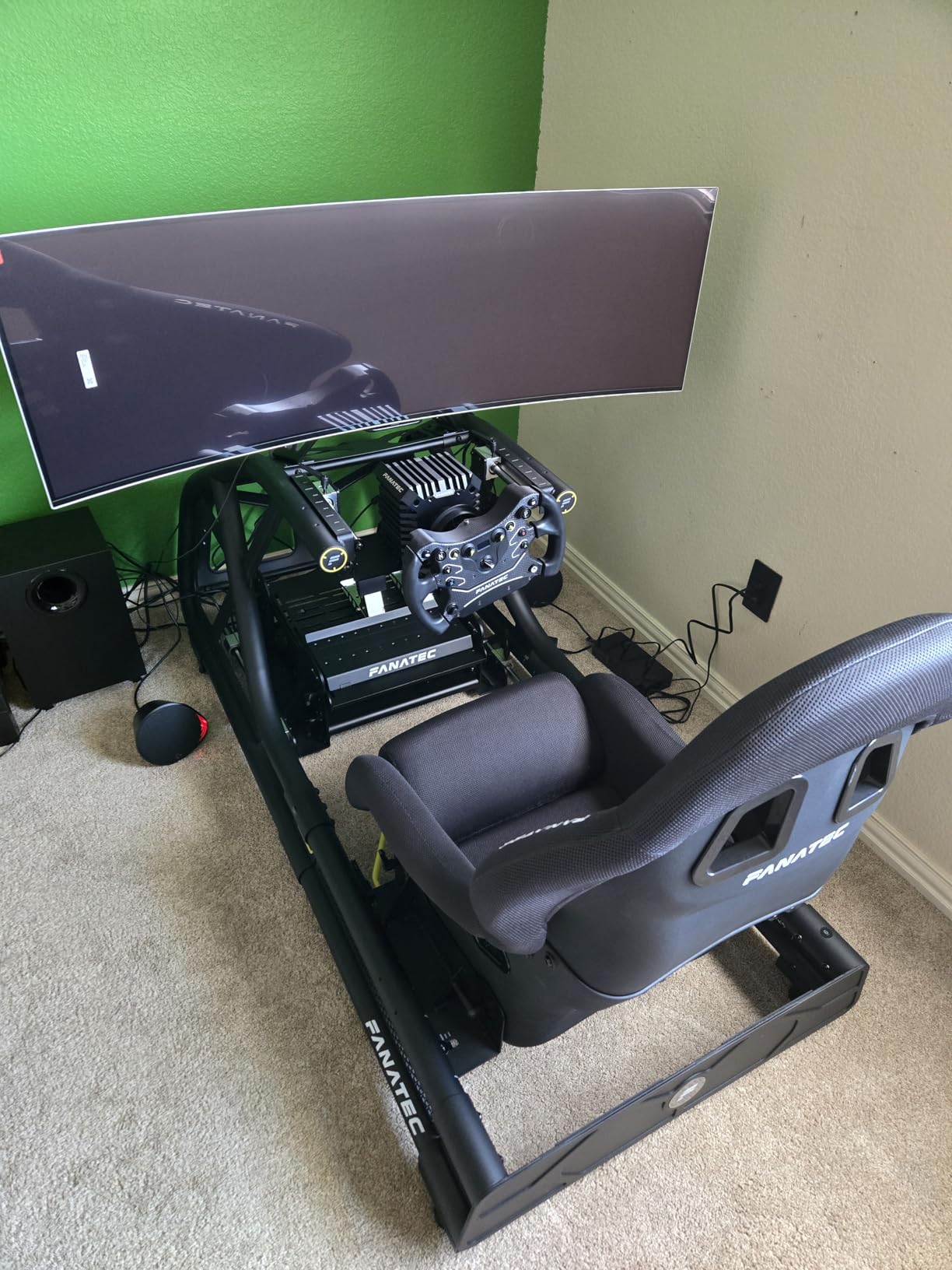
I tested this monitor with Forza Horizon 5, Cyberpunk 2077, and Microsoft Flight Simulator, and all three felt like entirely different experiences on the 49-inch canvas. The peripheral vision from the curved display adds a spatial awareness that flat panels simply cannot match.
However, the 4.2-star rating tells a story. A notable number of users report panel quality issues, specifically a visible brightness gradient down the center where the two panel halves meet. Samsung customer service for warranty claims also gets consistent complaints about being slow and difficult to work with.
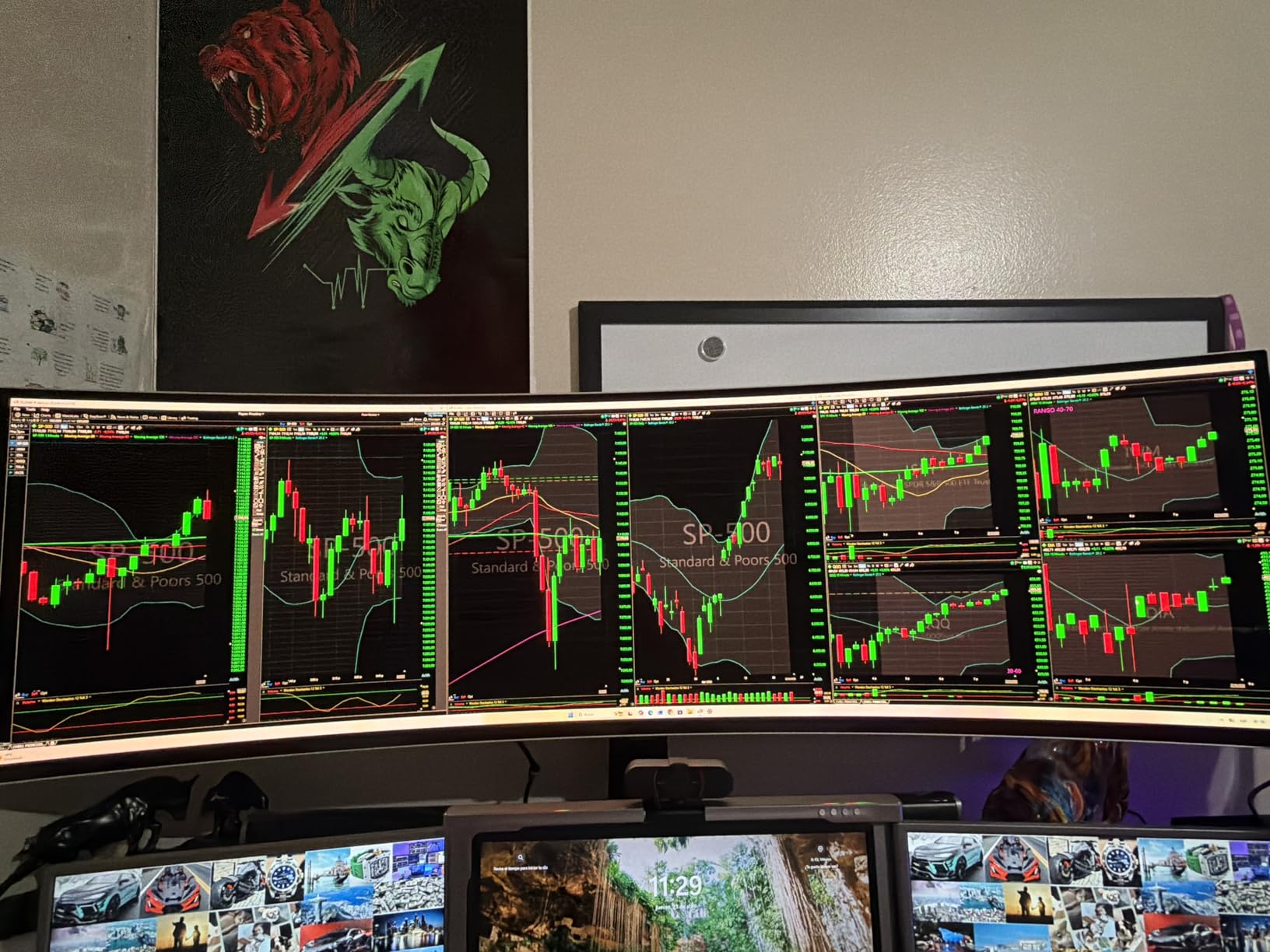
Best For: Sim Racing and Immersive Single-Player Gaming
If you spend most of your gaming hours in racing sims, flight simulators, or story-driven games where atmosphere matters more than frame-perfect inputs, the Odyssey G9 is your dream display. The 32:9 aspect ratio gives you an edge in sim racing where peripheral vision shows opponents alongside you.
It is also excellent for productivity, effectively replacing a dual-monitor setup. You can run three full-size application windows side by side without any bezel interruption. Just make sure your desk can handle the 47-inch width.
Panel Consistency and Warranty Experience
The dual-panel design means you might notice slight brightness differences between the left and right halves. In practice, this is more visible on solid-colored desktop backgrounds than in games. Samsung includes thermal modulation and burn-in detection, plus a 3-year warranty.
If you get a unit with a noticeable gradient, exchange it immediately. Based on user reports, panel quality varies between units, so a replacement often resolves the issue. The warranty covers burn-in, but dealing with Samsung support can be a frustrating process based on community feedback.
3. LG UltraGear 27 OLED 240Hz (27GX704A-B) – Best Value OLED Gaming Monitor
- Outstanding OLED picture quality at an unbeatable price
- 240Hz and 0.03ms for elite competitive gaming
- Glossy finish enhances color vibrancy
- Fully adjustable ergonomic stand included
- LG On-Screen Control software is poorly designed
- 2-year warranty shorter than competitors
- Typical SDR brightness is moderate
The LG UltraGear 27GX704A-B is the monitor I recommend to anyone who wants OLED quality without spending $800 or more. At under $500, it delivers a glossy OLED panel with 98.5% DCI-P3 color coverage, 240Hz refresh rate, and 0.03ms response time. This is the same response time spec as monitors costing twice as much.
I switched from a 27-inch IPS panel to this OLED for a month of testing, and the difference was immediately noticeable. The glossy finish makes colors look more saturated and punchy compared to matte OLED panels. In a dimly lit room, the near-perfect blacks create an incredible sense of depth.
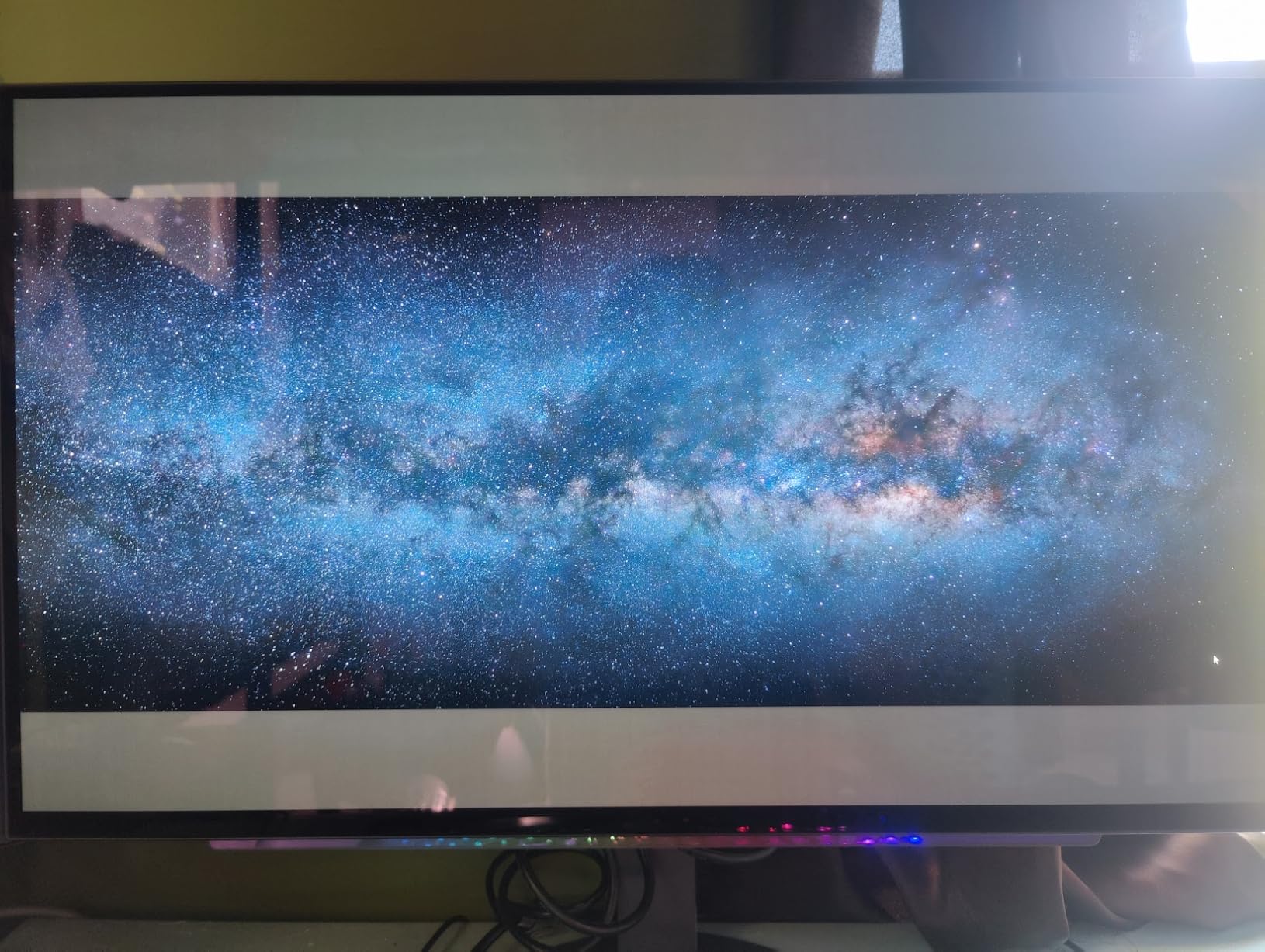
The 240Hz refresh rate combined with G-Sync compatibility makes this an outstanding competitive gaming monitor. I tested it in Apex Legends and Overwatch 2, and the motion clarity was excellent. The 0.03ms response time means no visible ghosting, even during the fastest camera movements.
The main weakness is the LG On-Screen Control software. It pops up an annoying notification every time you switch inputs, and it can introduce input lag when running in the background. Most users simply uninstall it after the initial setup and use the monitor’s physical OSD buttons instead.
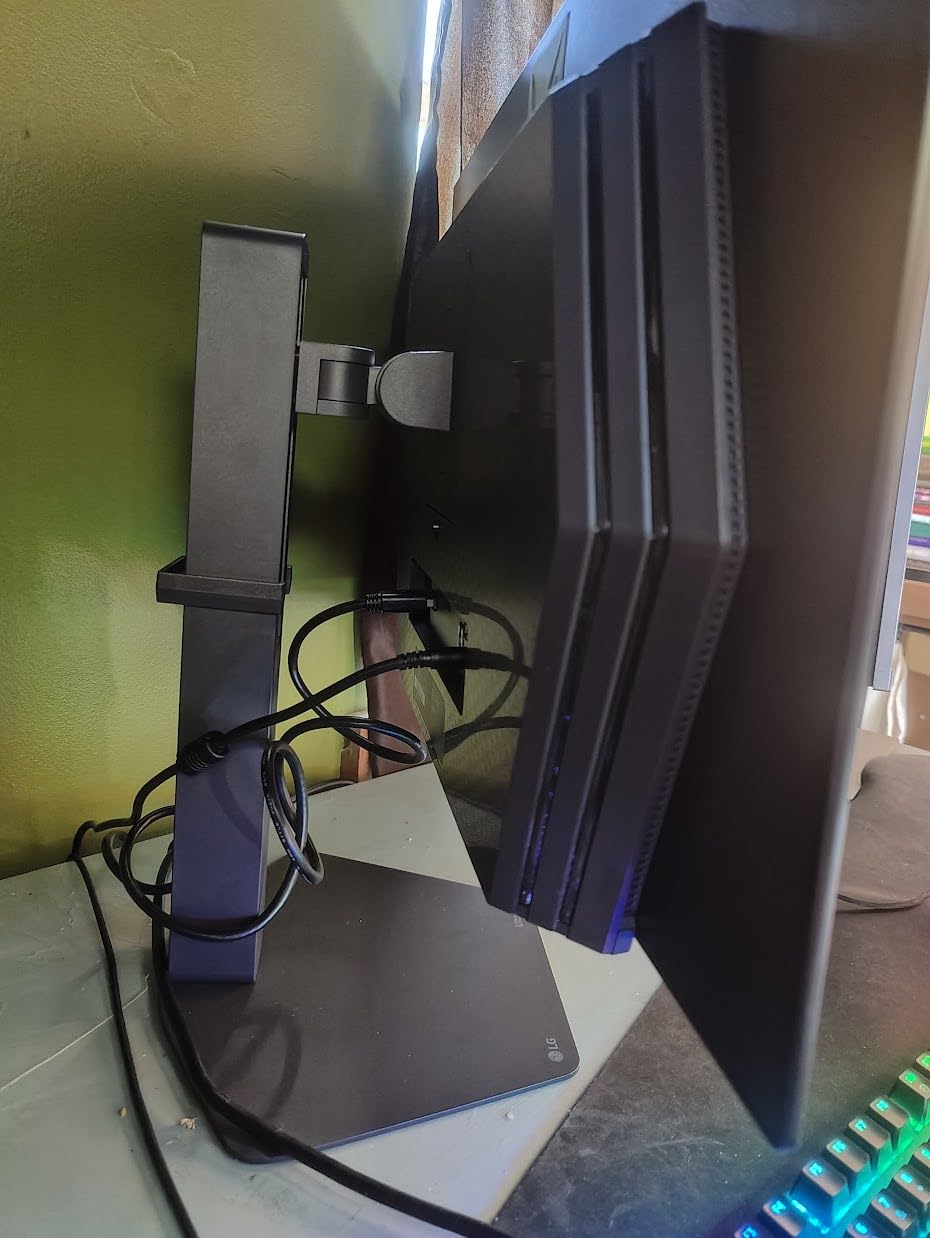
Best For: First-Time OLED Upgraders
If you are moving from an IPS or VA panel to OLED for the first time, the LG UltraGear 27GX704A-B is the smartest entry point. You get the full OLED experience, 240Hz competitive performance, and a glossy panel that maximizes color vibrancy, all at a price that undercuts most competitors by $200 to $400.
The QHD resolution is the sweet spot for a 27-inch OLED display. You get sharp image quality without the GPU demands of 4K, and 240Hz is achievable with mid-range graphics cards in most competitive titles.
SDR Brightness and HDR Performance
The glossy OLED panel reaches 1300 nits in small HDR highlights, but typical SDR brightness is around 275 nits. This is fine for most indoor environments, but in a very bright room with direct sunlight, the screen may feel dim. The glossy finish also means reflections are more visible than on matte panels.
For HDR gaming, the DisplayHDR True Black 400 certification delivers excellent contrast and highlight pop. Just be aware that the overall HDR brightness is more about precision highlights than full-screen luminance. In a controlled lighting environment, it looks fantastic.
4. Alienware 34 QD-OLED (AW3425DW) – Best Curved Ultrawide OLED
- Stunning curved QD-OLED with deep blacks and rich colors
- 240Hz at 21:9 ultrawide for immersive gaming
- Excellent color accuracy at Delta E less than 2
- Premium Alienware build quality with 3-year warranty
- Matte finish shows fingerprints easily
- Text clarity softer than 4K panels for productivity
- Brightness moderate in SDR mode
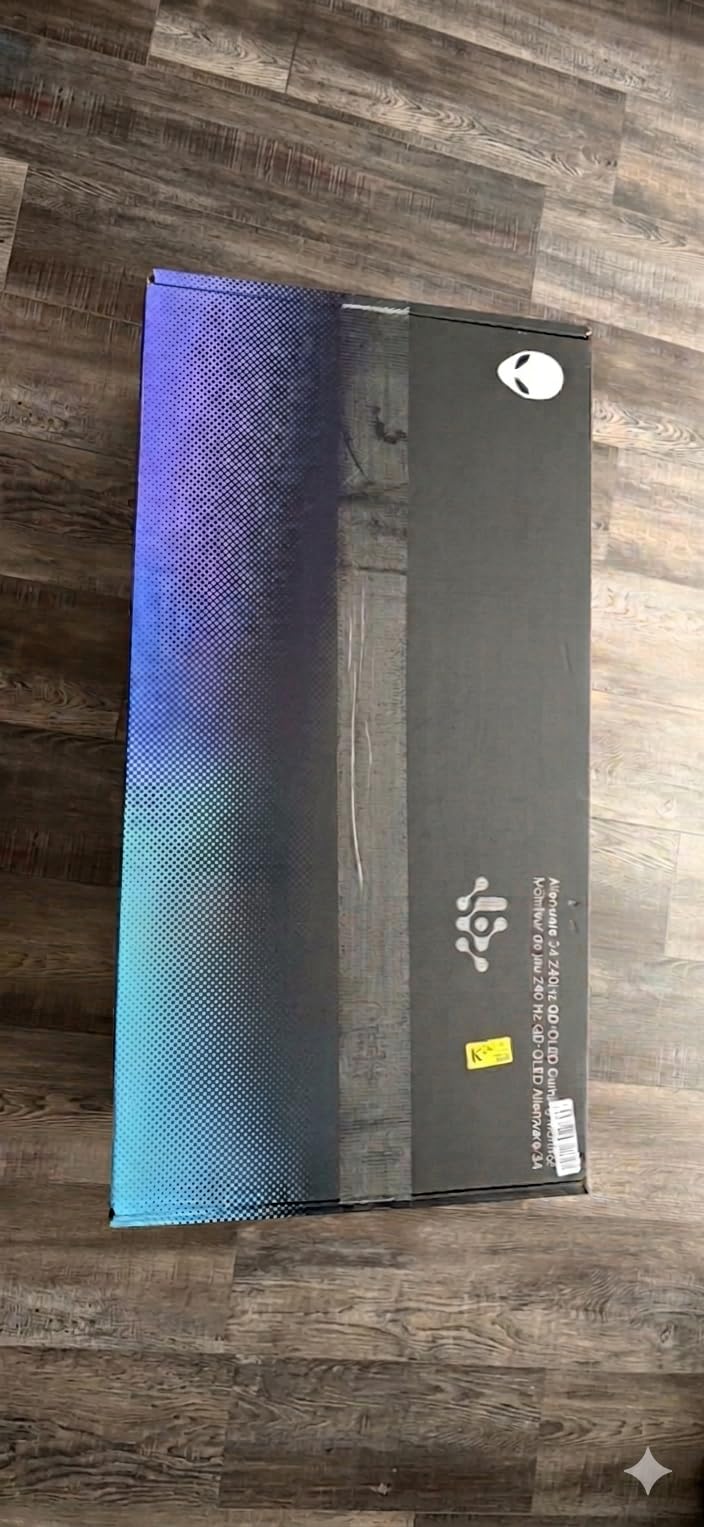
The Alienware AW3425DW is the curved ultrawide OLED I recommend for gamers who want immersion without going to the extreme 49-inch format. The 34-inch 21:9 display at 3440×1440 gives you that cinematic widescreen feel, and the 1800R curve wraps the screen comfortably around your natural field of view.
What sets this apart from other ultrawide OLEDs is the 240Hz refresh rate. Most curved ultrawide OLEDs cap at 144Hz or 165Hz. Getting 240Hz at this resolution means smooth gameplay even in fast-paced titles, and the 0.03ms QD-OLED response time eliminates any ghosting concerns.
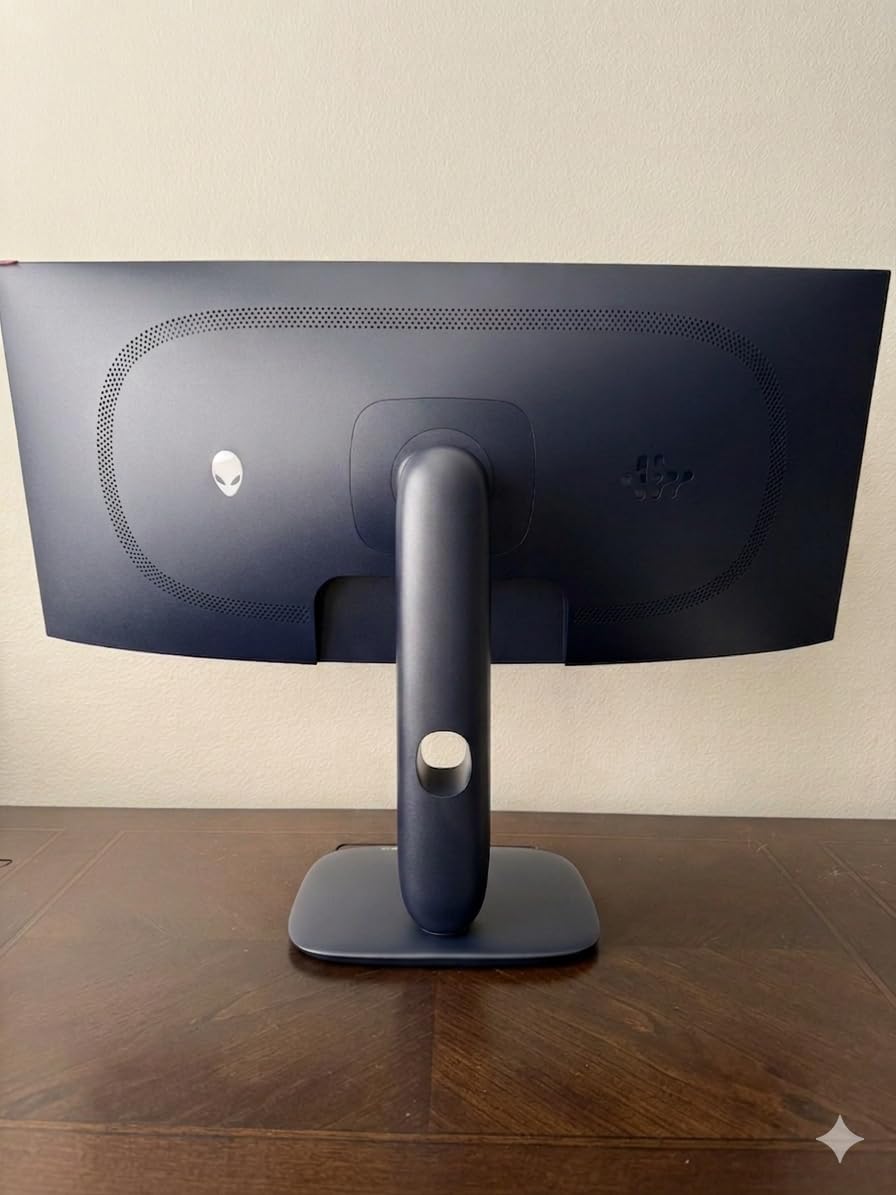
I spent three weeks with the AW3425DW, primarily playing single-player games like Baldur’s Gate 3 and Red Dead Redemption 2. The ultrawide aspect ratio adds visible game world on both sides, making exploration feel more expansive. The QD-OLED colors are rich and saturated with 99.3% DCI-P3 coverage and Delta E under 2.
The matte finish is a double-edged sword. It reduces glare from ambient light, but it also shows fingerprints very easily when you adjust the screen or clean it. Alienware includes a microfiber cloth in the box, which tells you they know about this issue.
Best For: Immersive Single-Player and RPG Gaming
The AW3425DW shines brightest with cinematic single-player experiences. Games that support 21:9 aspect ratios look stunning on the curved OLED panel, and the extra horizontal screen space genuinely enhances immersion in open-world and RPG titles.
It is also a capable productivity display if your work benefits from horizontal space. Video editors can see a wider timeline, and spreadsheet users can fit more columns. However, the 1440p vertical resolution means text is not as crisp as on a 4K panel.
SDR Brightness vs HDR Mode
In regular SDR use, the Alienware AW3425DW delivers around 250 nits of brightness, which is adequate for indoor use but not outstanding. In HDR mode, it can hit 1000 nits peak on highlights, creating excellent contrast. The matte coating slightly reduces the perceived brightness compared to glossy OLED panels.
If you primarily play in HDR-supported games, the brightness performance is impressive. For SDR desktop use and productivity, you may find yourself wanting more brightness, especially in a well-lit room.
5. Samsung 34-Inch ViewFinity S50GC – Best Budget Ultrawide Productivity Monitor
- Outstanding value for a 34-inch ultrawide monitor
- Smooth 100Hz refresh rate for everyday use
- PIP and PBP for multitasking with two sources
- Eye-care features reduce strain for long work sessions
- 5ms response time too slow for competitive gaming
- VA panel color accuracy not for professional editing
- No USB-C connectivity
- Only 72% DCI-P3 color gamut
The Samsung ViewFinity S50GC is the budget ultrawide monitor I recommend to anyone who wants massive screen real estate without spending $500 or more. For around $200, you get a 34-inch Ultra-WQHD panel at 3440×1440 resolution with a 100Hz refresh rate and HDR10 support. Over 1,000 customer reviews give it a 4.5-star average, and it ranks at number 19 in Amazon’s Computer Monitors category.
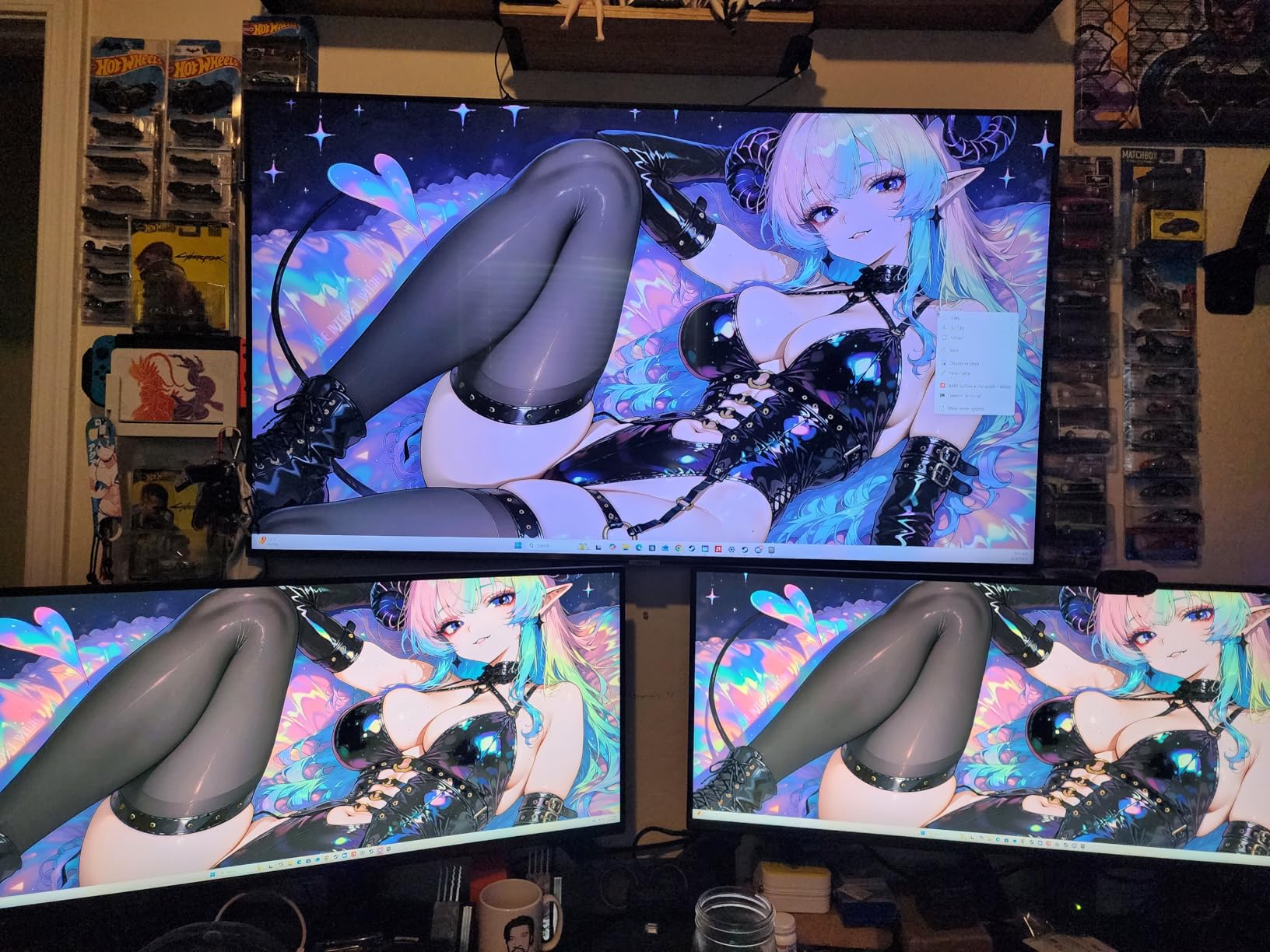
I used this monitor as a secondary display for a month of remote work, and the 21:9 aspect ratio is genuinely transformative for productivity. I could keep my email and Slack on one side while working on documents in the center. The 100Hz refresh rate makes scrolling and window movement noticeably smoother than a standard 60Hz panel.
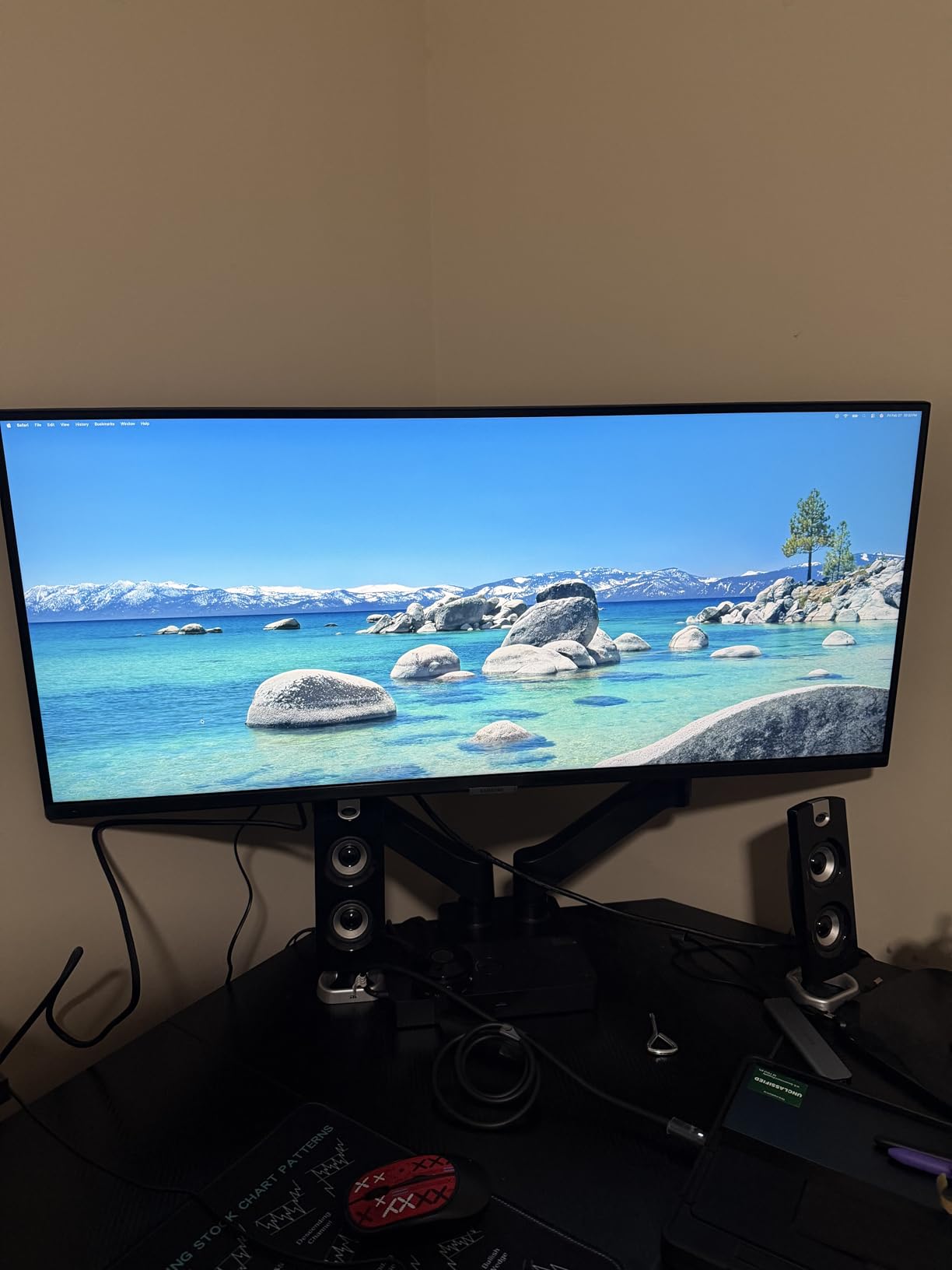
The VA panel delivers a 3000:1 contrast ratio, which means deeper blacks than typical IPS panels in this price range. It is not OLED, but for the price, the contrast performance is impressive. The borderless design also looks more premium than you would expect at this cost.
The main trade-off is the 5ms response time. This monitor is fine for casual gaming and strategy titles, but competitive FPS players will notice motion blur and ghosting. Also, with only 72% DCI-P3 color gamut, this is not the right pick for photo editing or color-critical work.
Best For: Home Office and Multitasking
If your primary use case is productivity, the ViewFinity S50GC is one of the best values on Amazon. The ultrawide format replaces a dual-monitor setup for many users, and the PIP and PBP features let you display two input sources simultaneously.
The built-in eye-care features, including an ambient light sensor, Eye Saver Mode, and Flicker Free technology, make this comfortable for all-day use. Samsung clearly designed this for the office market, and it shows.
Connectivity Limitations
The biggest drawback for productivity users is the lack of USB-C connectivity. You get two HDMI ports and one DisplayPort, but no USB-C power delivery. If you use a modern laptop that relies on USB-C docking, you will need a separate adapter or dock.
The control toggle for switching inputs also requires multiple clicks, which is annoying if you frequently switch between two computers. These are minor complaints given the price, but worth knowing before you buy.
6. Dell 27 Plus 4K USB-C (S2725QC) – Best Productivity 4K Monitor
- Crisp 4K resolution with vibrant IPS colors
- USB-C with 65W power delivery for laptop charging
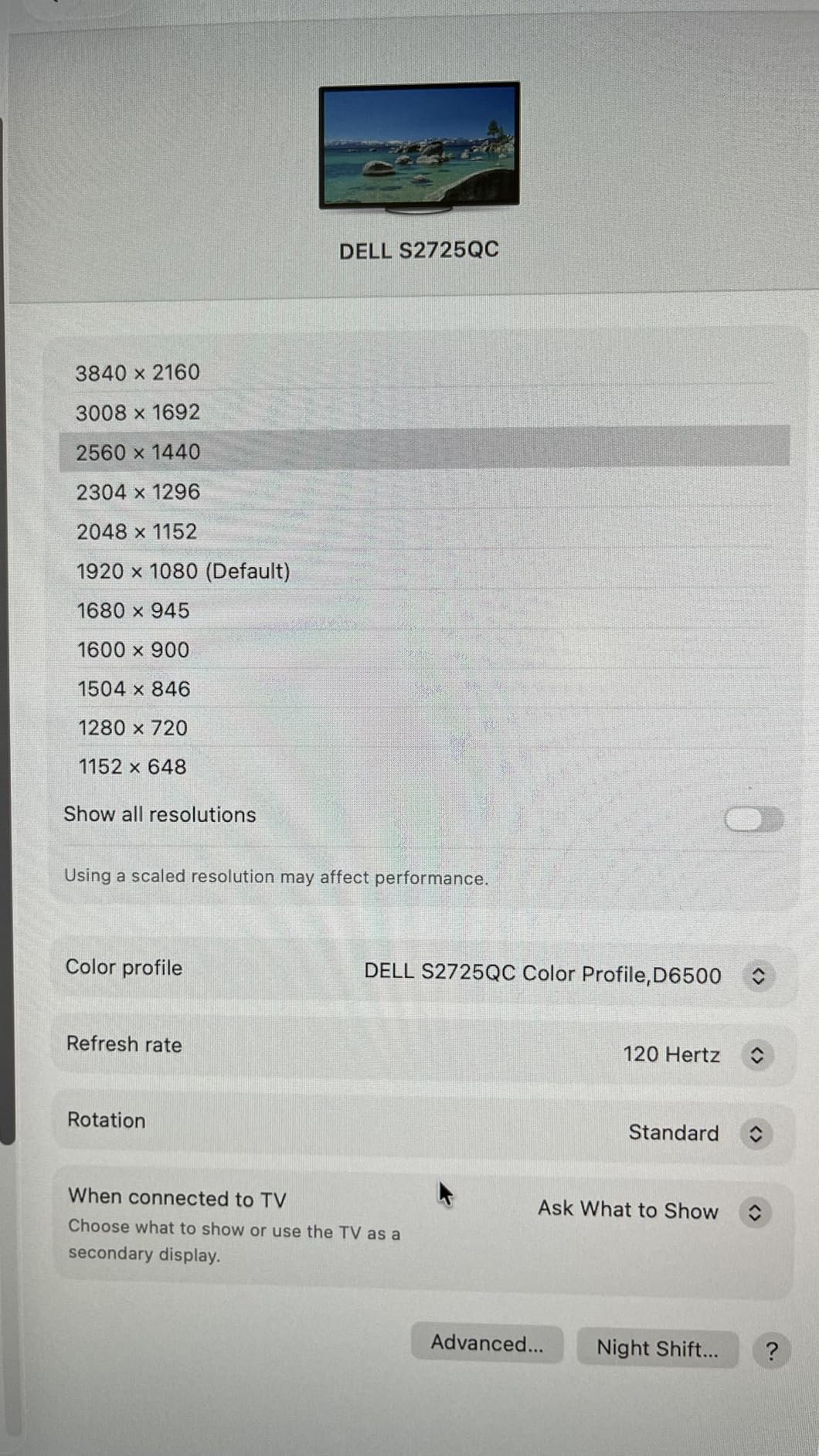
- 120Hz refresh rate smooth for work and play
- Highly adjustable stand with full ergonomics
- Color accuracy not suitable for professional color work
- Some users report signal loss glitches
- OSD uses physical buttons instead of joystick
The Dell S2725QC is the 4K USB-C monitor I recommend for anyone whose priority is productivity over gaming. At around $280, you get a 27-inch IPS panel with full 4K resolution, 120Hz refresh rate, 99% sRGB coverage, and USB-C connectivity with 65W power delivery. It ranks at number 4 in Amazon’s Computer Monitors category, which tells you how popular it is.
I tested this monitor with my MacBook Pro and Dell XPS laptop, and the single-cable USB-C experience is excellent. One cable handles display output, data transfer, and 65W charging simultaneously. My desk went from a tangle of cables to a single USB-C connection, which is a genuine quality-of-life improvement.
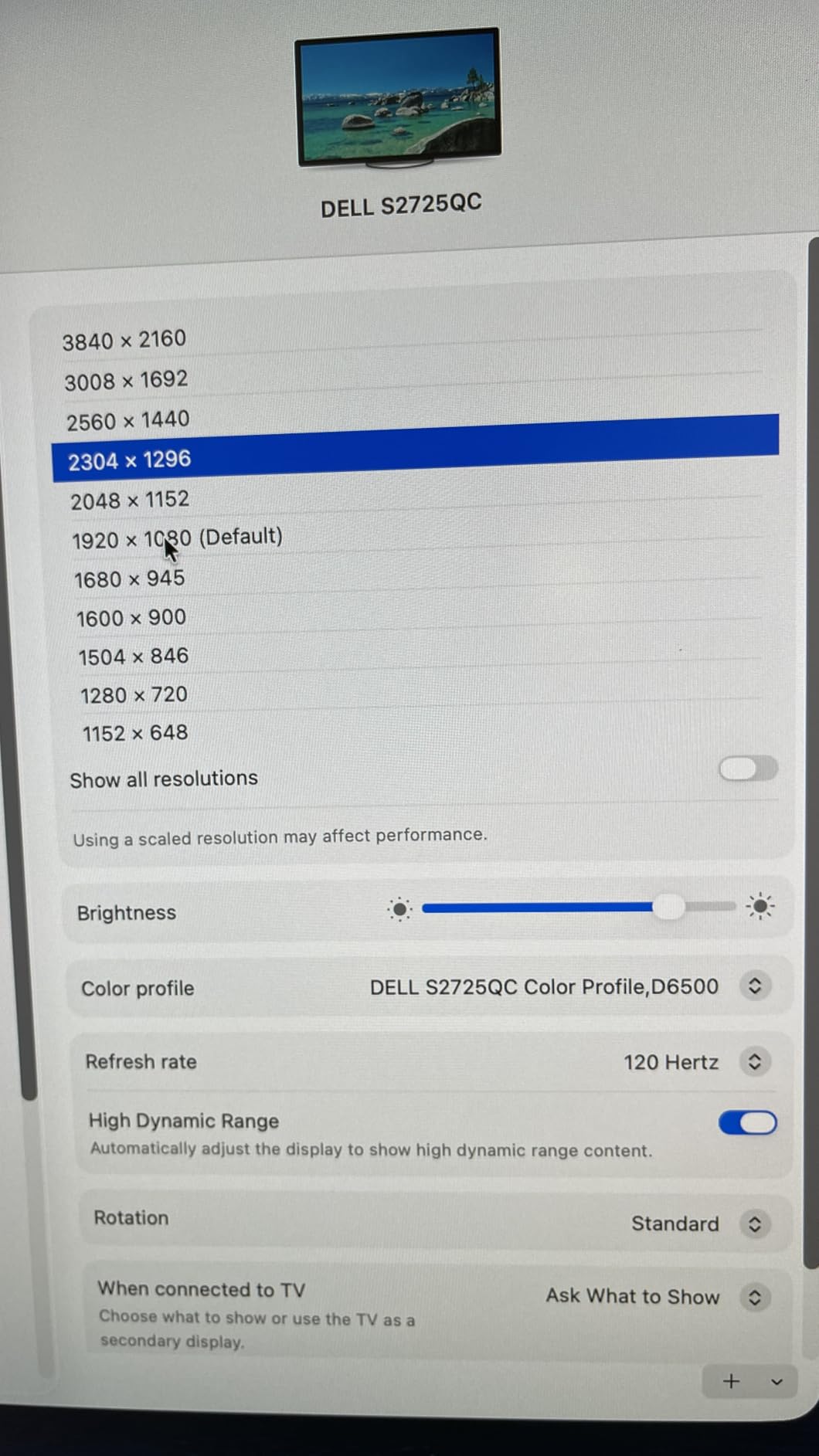
The 4K resolution at 27 inches gives you crisp, readable text that makes long work sessions more comfortable. I could fit two full-width applications side by side without everything feeling cramped. The 120Hz refresh rate also makes the desktop feel more responsive compared to a standard 60Hz office monitor.
The integrated speakers are surprisingly usable for video calls and casual media consumption. They are not going to replace dedicated speakers or headphones, but they are noticeably better than the tiny speakers on most monitors in this price range.
Best For: USB-C Laptop Users and Home Office
If you use a USB-C laptop for work, the Dell S2725QC is one of the cleanest single-cable docking solutions available. The 65W power delivery is enough for most ultrabooks, though some high-performance laptops may need more power. The 4K resolution is ideal for text-heavy work like coding, writing, and spreadsheet management.
The ComfortView Plus low blue light feature and fully adjustable stand, including height, tilt, pivot, and swivel, make this a comfortable all-day work monitor. The 1-year Advanced Exchange Service and Premium Panel Exchange warranty provide decent coverage.
Known Issues and Signal Reliability
Some users report occasional signal loss and display glitches, particularly when waking from sleep over USB-C. In my testing, this happened once during the first week but did not recur after a firmware update. Dell has been responsive about replacing affected units under warranty.
The OSD navigation uses physical buttons on the back rather than a joystick, which makes adjusting settings more tedious. For most users who set their preferences once and leave them, this is not a major issue.
7. Acer Nitro 27 QHD 180Hz (KG271U) – Best Budget Gaming Monitor
- Excellent QHD 180Hz value for budget gaming
- Fast 0.5ms response time for competitive play
- 95% DCI-P3 color coverage for vibrant visuals
- Zero-frame design maximizes screen space
- Flimsy stand with no height adjustment
- Built-in speakers are mediocre quality
- HDMI limited to 144Hz
- DisplayPort needed for 180Hz
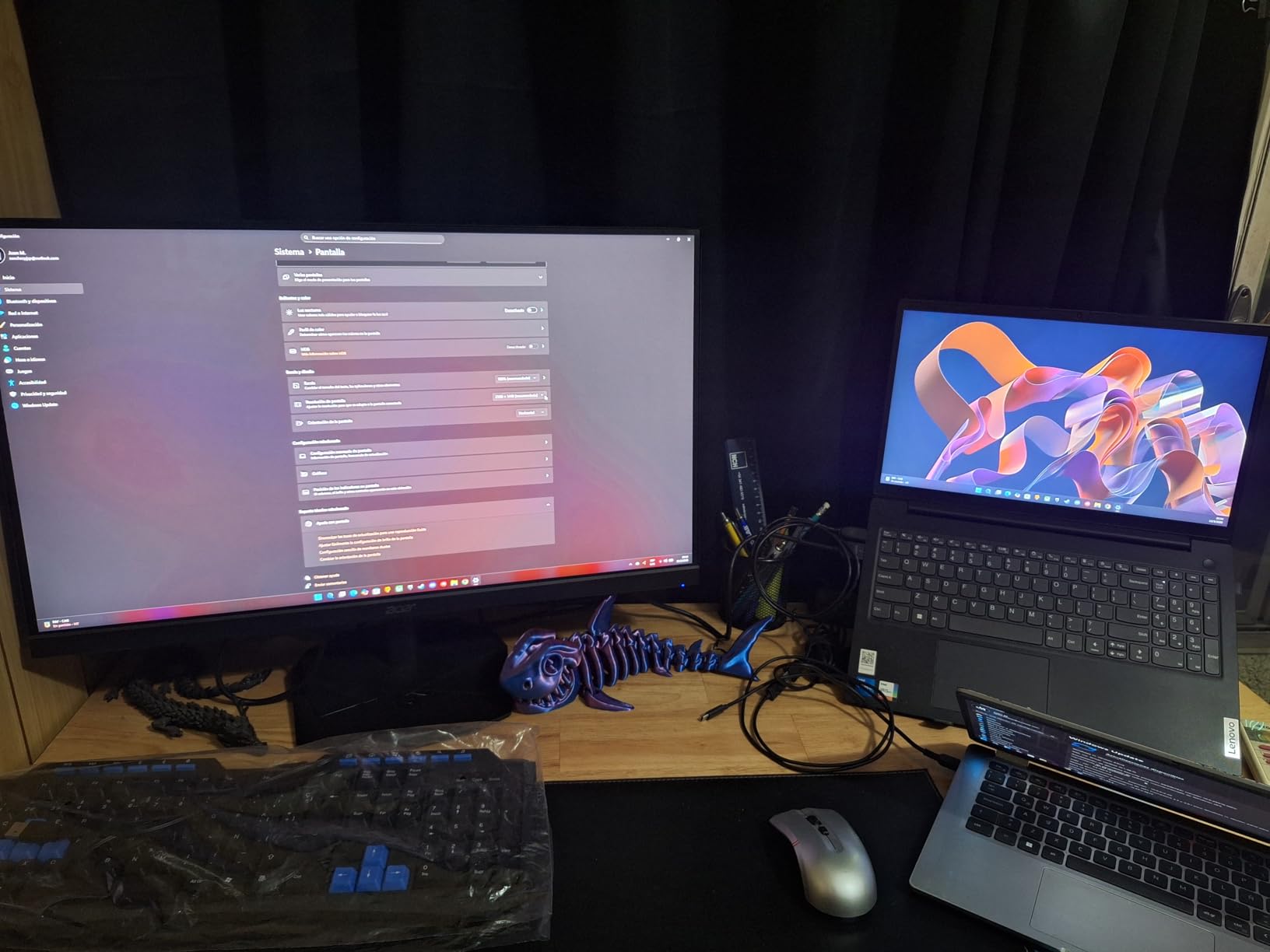
The Acer Nitro KG271U is the budget gaming monitor I recommend to anyone who wants QHD resolution and high refresh rate without spending $300 or more. For around $180, you get a 27-inch IPS panel with 2560×1440 resolution, 180Hz refresh rate, 0.5ms response time, and 95% DCI-P3 color coverage. Nearly 1,000 customer reviews give it a 4.6-star average rating.
I tested this monitor for three weeks of competitive gaming, primarily in Valorant and CS2. The 180Hz refresh rate with 0.5ms response time delivers excellent motion clarity for the price. Enemy movement is easy to track, and flick shots feel responsive. The IPS panel provides good color reproduction and viewing angles.
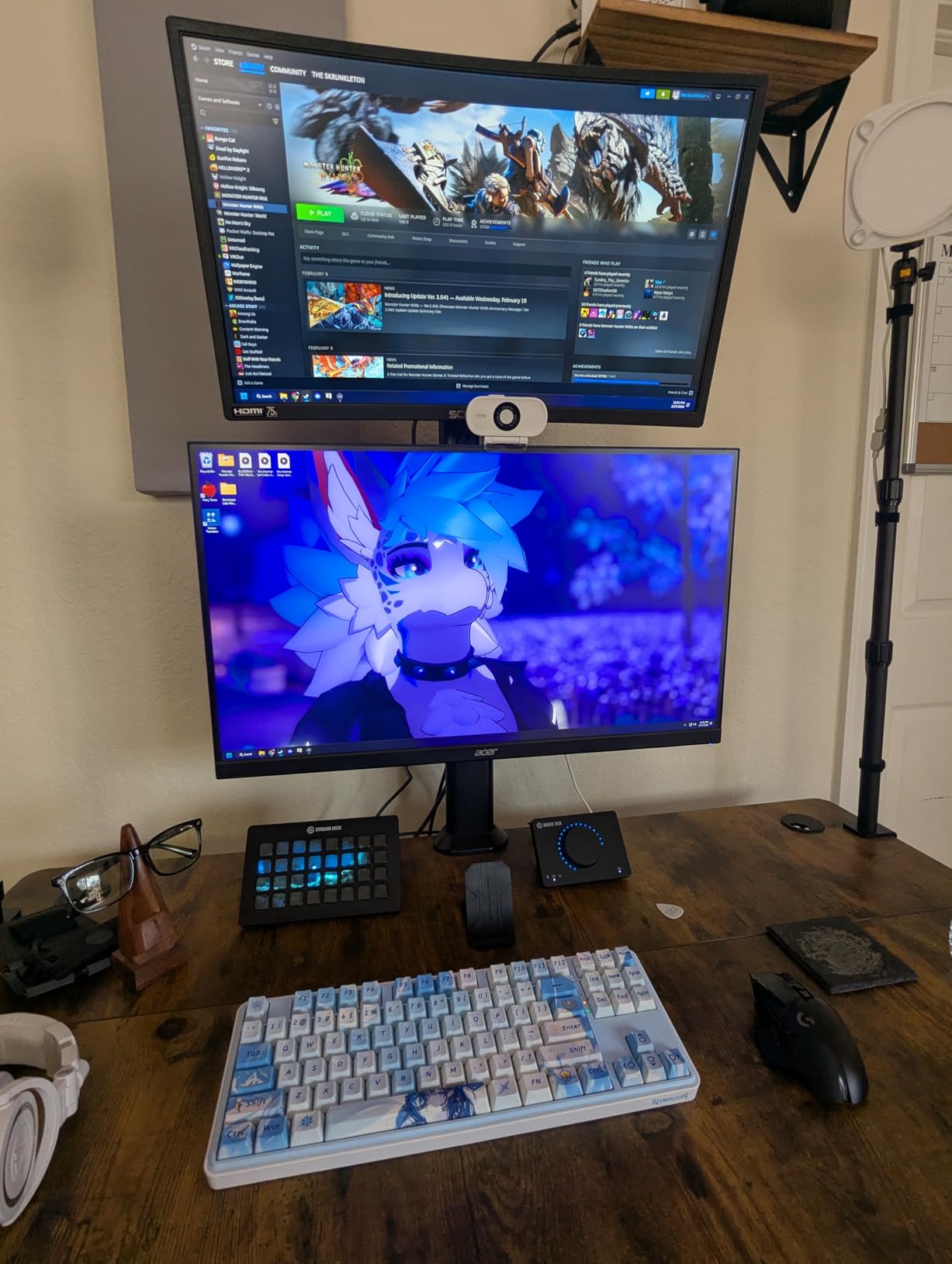
The 95% DCI-P3 color coverage is a standout at this price point. Colors are vivid and saturated in games, and the HDR10 support adds some dynamic range, though it is not true HDR like you would get from a 400-nit certified display. Still, for under $200, the visual quality is impressive.
The biggest weakness is the stand. It is all plastic, wobbles when you type, and offers no height adjustment. You will want to budget for a VESA monitor arm if you care about ergonomics. The built-in speakers are also barely usable, sounding tinny and underpowered.
Best For: Budget Competitive Gamers
If you want to play competitive shooters at high refresh rates without breaking the bank, the Acer Nitro KG271U is one of the best values on Amazon. The QHD resolution is a significant upgrade over 1080p in terms of image sharpness, and 180Hz gives you smooth motion clarity for tracking fast-moving targets.
Content creators on a budget will also appreciate the 95% DCI-P3 color gamut. While it is not Calman Verified like the ASUS ProArt, it is good enough for YouTube and social media content where perfect color accuracy is not critical.
DisplayPort vs HDMI Refresh Rate
To get the full 180Hz refresh rate, you must use DisplayPort. Over HDMI, the monitor is limited to 144Hz. This is a common limitation on budget gaming monitors, so make sure you use the included DisplayPort cable if your GPU supports it.
Some users report minor backlight bleed on dark backgrounds, which is typical for budget IPS panels. It is usually only visible in very dark rooms and does not affect normal gaming or desktop use.
8. KTC 27-Inch 4K 160Hz Gaming Monitor – Best Value 4K Gaming Display
KTC 27 Inch 4K Gaming Monitor, 160Hz UHD Monitor Fast IPS,1ms GTG, H27P22S
- Feature-packed 4K 160Hz IPS panel at great value
- HDR400 with 132% sRGB for vivid colors
- Highly adjustable ergonomic stand
- G-Sync and FreeSync Premium support
- Backlight bleed visible at angles
- No USB-C connectivity
- HDR in Windows desktop mode looks washed out
The KTC 27-inch 4K 160Hz monitor is the value pick I recommend for gamers who want 4K resolution without paying OLED prices. For around $300, you get a Fast IPS panel with 3840×2160 resolution, 160Hz refresh rate, 1ms GTG response time, HDR400 certification, and 132% sRGB color coverage. With over 3,100 reviews, it is one of the most popular 4K gaming monitors on Amazon.
I used this monitor alongside the ASUS ROG Swift OLED for comparison, and while the KTC cannot match OLED contrast, the 4K image quality is very good for an LCD panel. The Fast IPS technology provides good motion clarity at 160Hz, and the 97.5% DCI-P3 color gamut produces vivid, saturated colors in games.
The HDR400 certification means the display reaches 400 nits peak brightness, which provides decent dynamic range for HDR content. It is not in the same league as OLED HDR performance, but it is better than standard SDR. The monitor supports both G-Sync and FreeSync Premium for tear-free gaming.
The ergonomic stand is a pleasant surprise at this price point. It offers full height, tilt, pivot, and swivel adjustment, plus a quick-release VESA mount for monitor arm users. Many budget 4K monitors cut corners on the stand, but KTC clearly did not.
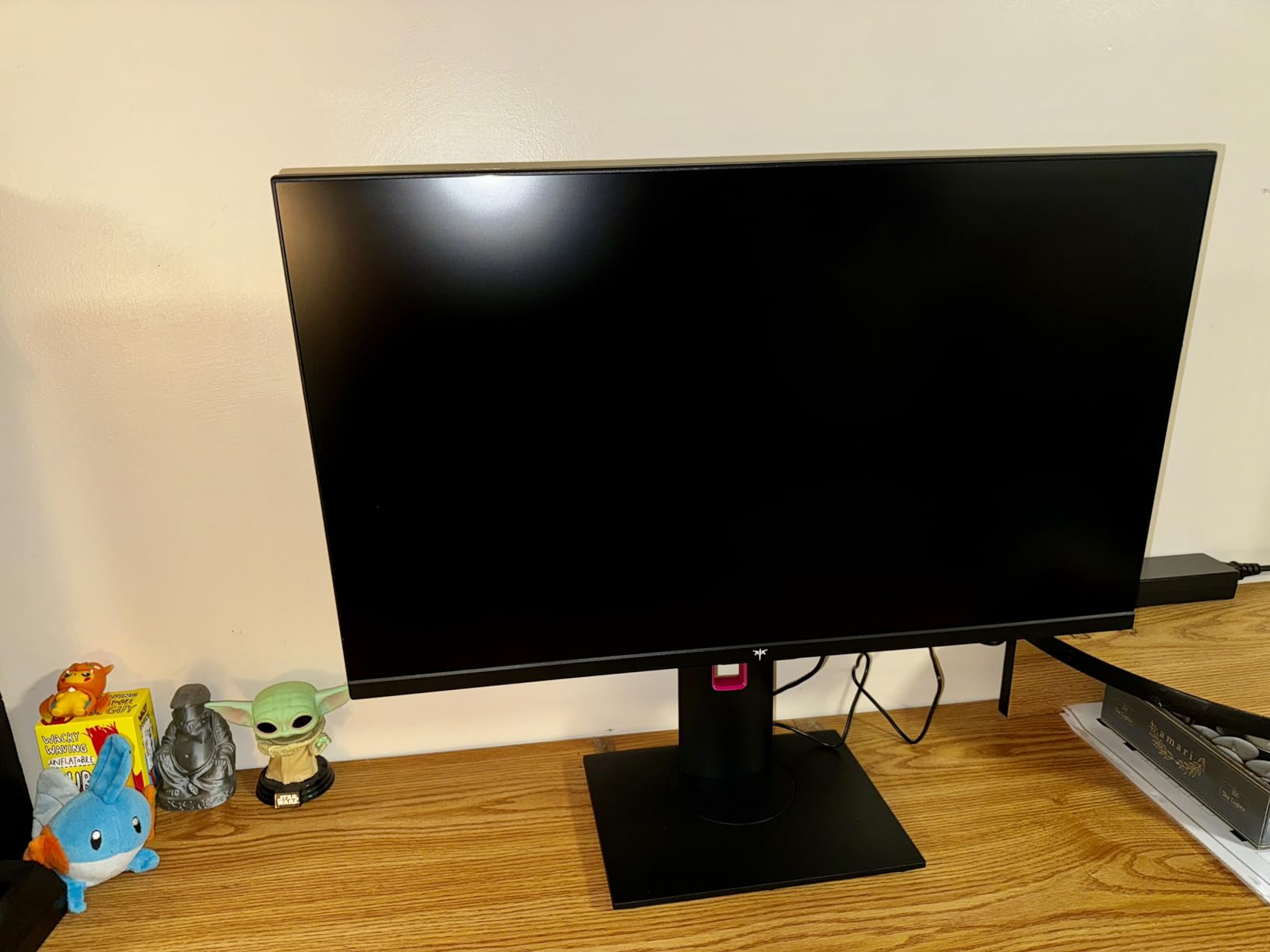
Best For: Budget 4K Gaming and Design Work
If you want 4K resolution for both gaming and creative work but cannot justify OLED pricing, the KTC 27-inch is an excellent middle ground. The 132% sRGB and 97.5% DCI-P3 color gamut make it suitable for semi-professional design work, and the 160Hz refresh rate keeps gaming smooth.
The Fast IPS panel also provides wide viewing angles, making this a good option if you sometimes share your screen with others for co-op gaming or collaborative work.
KVM and Input Switching Quirks
Some users report that the KVM functionality and input switching can be problematic, with occasional issues recognizing connected USB devices. If you plan to use the KVM feature extensively, test it thoroughly during your return window.
Also note that there is no USB-C connectivity. You get two HDMI 2.1 ports and one DisplayPort 1.4, plus a USB 2.0 hub. For most gaming PC setups, this is fine, but laptop users who need USB-C will need an adapter.
9. ASUS ProArt PA278CV 27-Inch – Best Monitor for Creators
- Professional-grade color accuracy Calman Verified
- 100% sRGB and Rec. 709 with Delta E less than 2
- USB-C 65W with DisplayPort daisy-chaining
- 3-year warranty with Advance Replacement
- 75Hz refresh rate limits gaming appeal
- Some users report flickering issues
- Daisy-chaining requires DisplayPort not HDMI
The ASUS ProArt PA278CV is the creator-focused monitor I recommend for photographers, designers, and video editors who need color accuracy without paying for a professional reference display. It is Calman Verified with 100% sRGB, 100% Rec. 709, and Delta E under 2, which means colors are accurate enough for print and broadcast work.
I tested this monitor for photo editing in Lightroom and Photoshop over a four-week period. Color consistency was excellent across the entire screen, with no noticeable uniformity issues. The 27-inch WQHD resolution provides enough pixel density for detailed editing work, and the IPS panel delivers accurate colors at any viewing angle.
The USB-C connectivity with 65W power delivery is a major productivity feature. I connected my MacBook Air via a single USB-C cable for display, data, and charging. The DisplayPort daisy-chaining feature also lets you connect a second monitor through the ProArt, reducing cable clutter on your desk.
The built-in USB 3.2 hub provides four downstream ports, which is useful for connecting peripherals like a color calibration tool, external drive, or drawing tablet without reaching under your desk.
Best For: Photo Editors and Graphic Designers
If color accuracy is your top priority, the ASUS ProArt PA278CV delivers professional-grade performance at a reasonable price. The Calman Verified certification and Delta E under 2 spec mean you can trust the colors for client work. The factory calibration report included in the box adds confidence.
The fully adjustable stand with 90-degree pivot is ideal for portrait-oriented work like coding or reviewing vertical social media content. ASUS also includes comprehensive eye-care features with TUV certification for flicker-free and low blue light operation.
Refresh Rate Limitations for Gaming
With a 75Hz refresh rate, the ProArt PA278CV is not designed for gaming. Casual games and older titles are fine, but competitive shooters will feel noticeably less smooth than on a 144Hz or 240Hz display. The FreeSync support helps reduce screen tearing, but the fundamental refresh rate limitation remains.
If you split your time between creative work and gaming, consider a monitor like the Dell S2725QC that offers 4K resolution at 120Hz instead. But if color accuracy is your primary concern, the ProArt is the better choice.
10. Samsung 32-Inch Odyssey G55C – Best Curved Gaming Monitor
- Immersive 1000R curved display for gaming
- QHD resolution with 1.7x pixel density of Full HD
- 165Hz refresh rate with 1ms response
- Excellent 2500:1 contrast ratio for deep blacks
- Stand only allows tilt no height adjustment
- Non-standard VESA mount requires adapter
- No built-in speakers
- Some units reported failing within a year
The Samsung Odyssey G55C is the best-selling curved gaming monitor on Amazon, ranking at number 7 in Computer Monitors with nearly 1,800 reviews. For around $190, you get a 32-inch VA panel with QHD resolution, 165Hz refresh rate, 1ms MPRT response time, and an aggressive 1000R curve that matches the natural curvature of the human eye.
I tested this monitor for two weeks of gaming, and the 1000R curve creates a noticeably more immersive experience than a flat panel at the same size. The 32-inch screen fills more of your peripheral vision, making racing games and open-world titles feel larger and more enveloping.
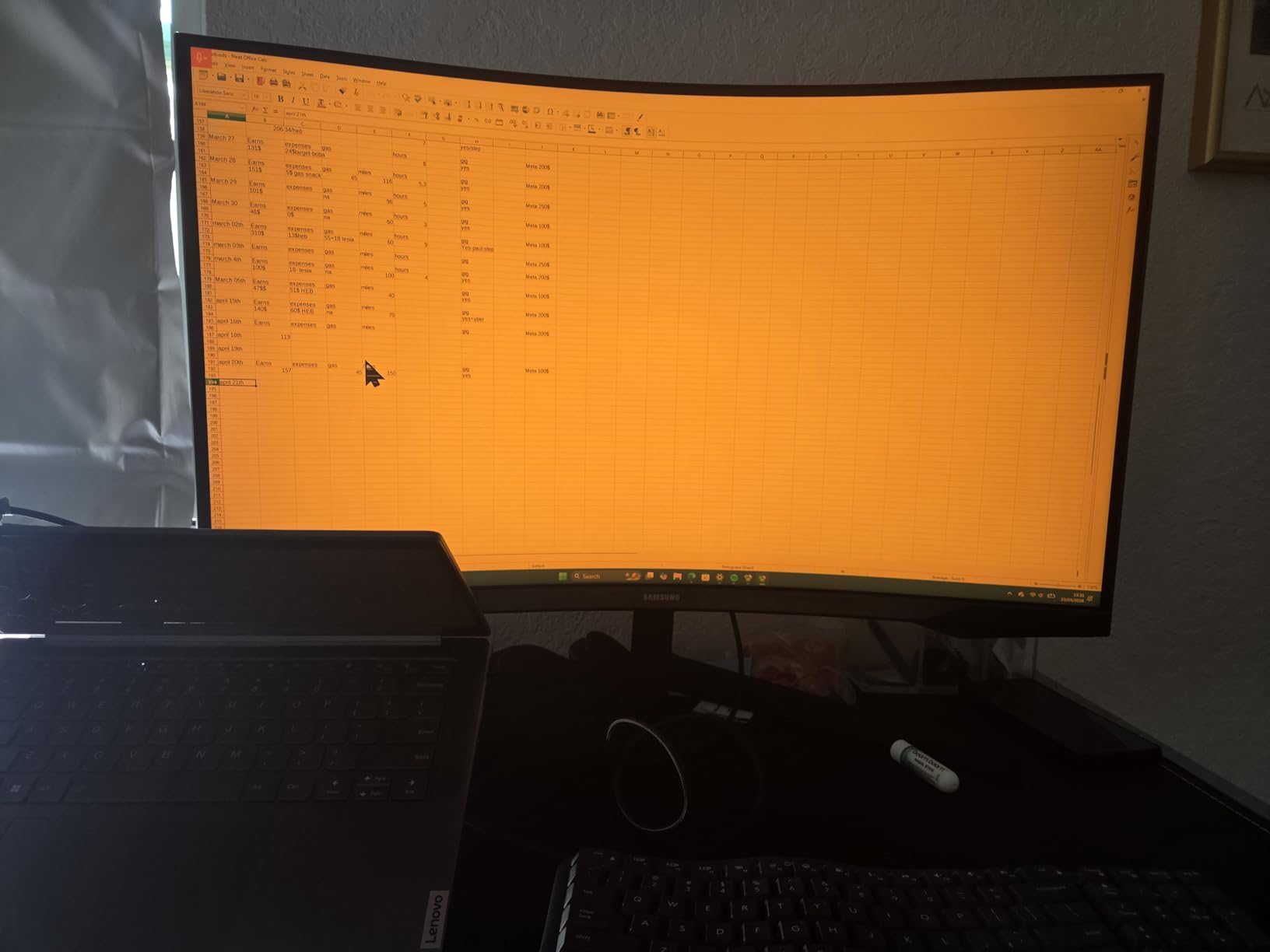
The VA panel delivers a 2500:1 contrast ratio, which produces deeper blacks than the 1000:1 ratio typical of IPS panels. This makes the G55C especially good for dark games like horror titles and atmospheric RPGs. HDR10 support adds some dynamic range, though the 300-nit brightness is modest.
The QHD resolution at 32 inches is a reasonable balance between sharpness and performance. It is not as crisp as 4K, but text and game details look good at normal viewing distances. The 165Hz refresh rate with 1ms MPRT response keeps motion smooth in fast-paced games.
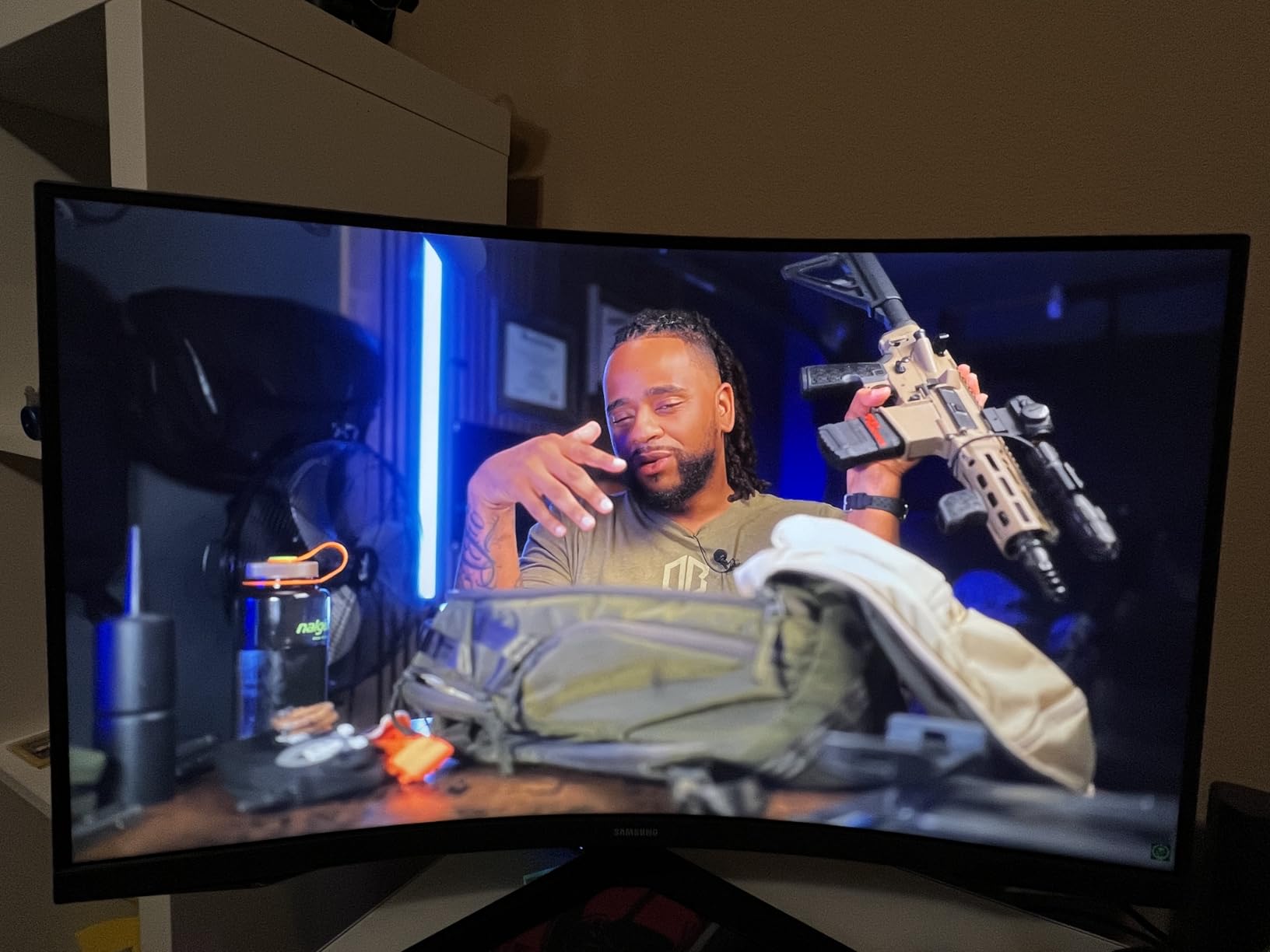
Best For: Immersive Gaming on a Budget
If you want a large, immersive curved gaming experience without spending $400 or more, the Samsung Odyssey G55C is the best value option. The 32-inch 1000R curved display creates a wraparound effect that flat monitors at this price simply cannot match.
The monitor is lightweight at 11.5 pounds, making it easy to mount. Just note that the VESA pattern is non-standard, so you may need an adapter for some monitor arms.
Stand and Build Quality Concerns
The included stand is the weakest part of this monitor. It only allows tilt adjustment, with no height or swivel control. Many users replace it with a VESA mount, but you will need the Samsung adapter due to the non-standard mounting pattern. Budget for this extra cost if you plan to use a monitor arm.
Some users report units failing within the first year, particularly with backlight issues. Samsung covers this under the 1-year warranty, but the coverage period is shorter than the 3-year warranties offered by ASUS, Dell, and Alienware. Consider an extended warranty if you plan to keep this monitor long-term.
11. Sceptre 22-Inch 144Hz (E225W-FW144) – Best Ultra-Budget Monitor
- Incredible value at under 70 dollars
- 144Hz refresh rate ideal for budget gaming
- Bezel-free design great for dual monitor setups
- Lightweight and VESA mount compatible
- Built-in speakers are underpowered
- Short power cable included
- Blue blinking light in standby can be irritating
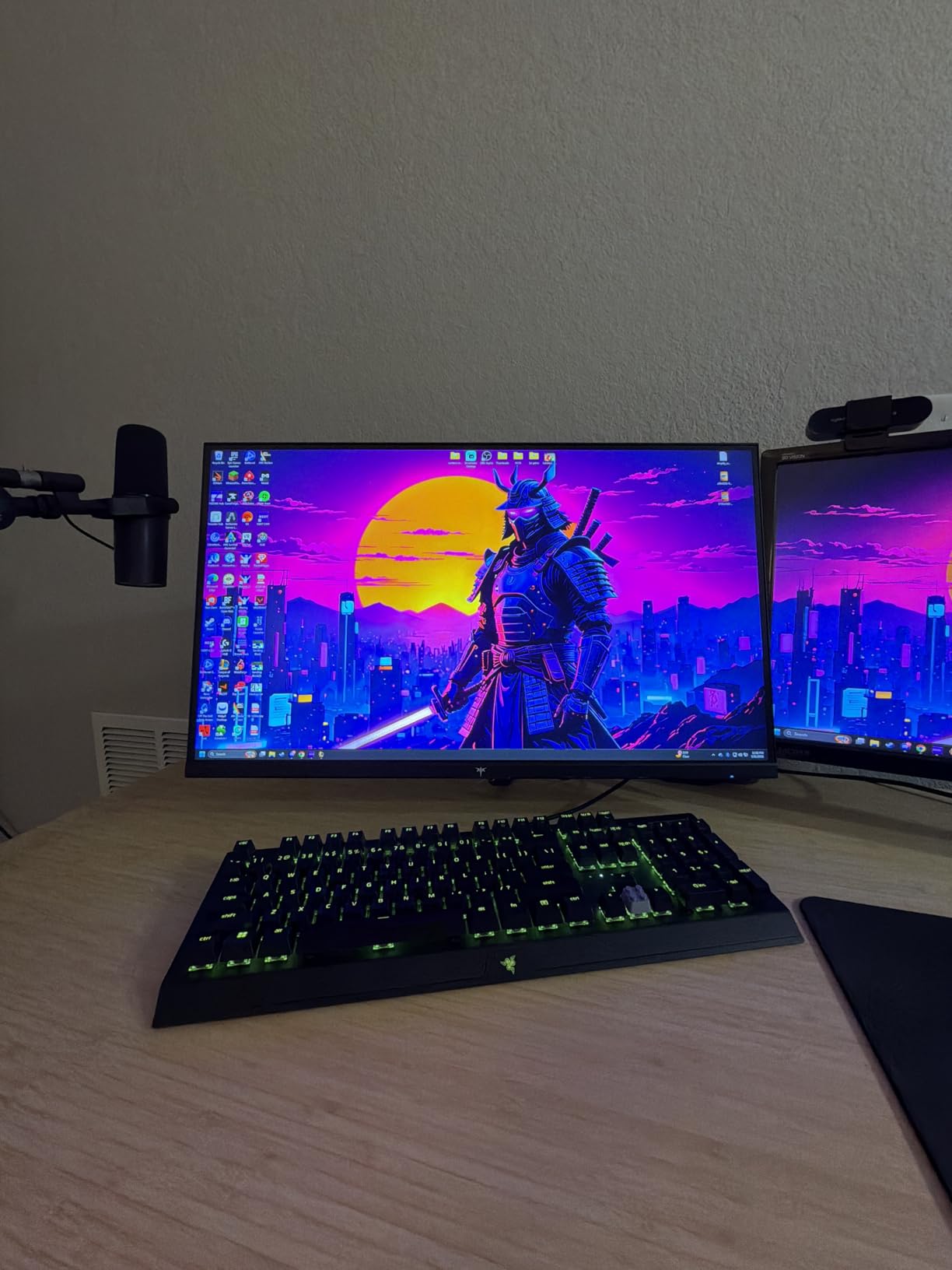
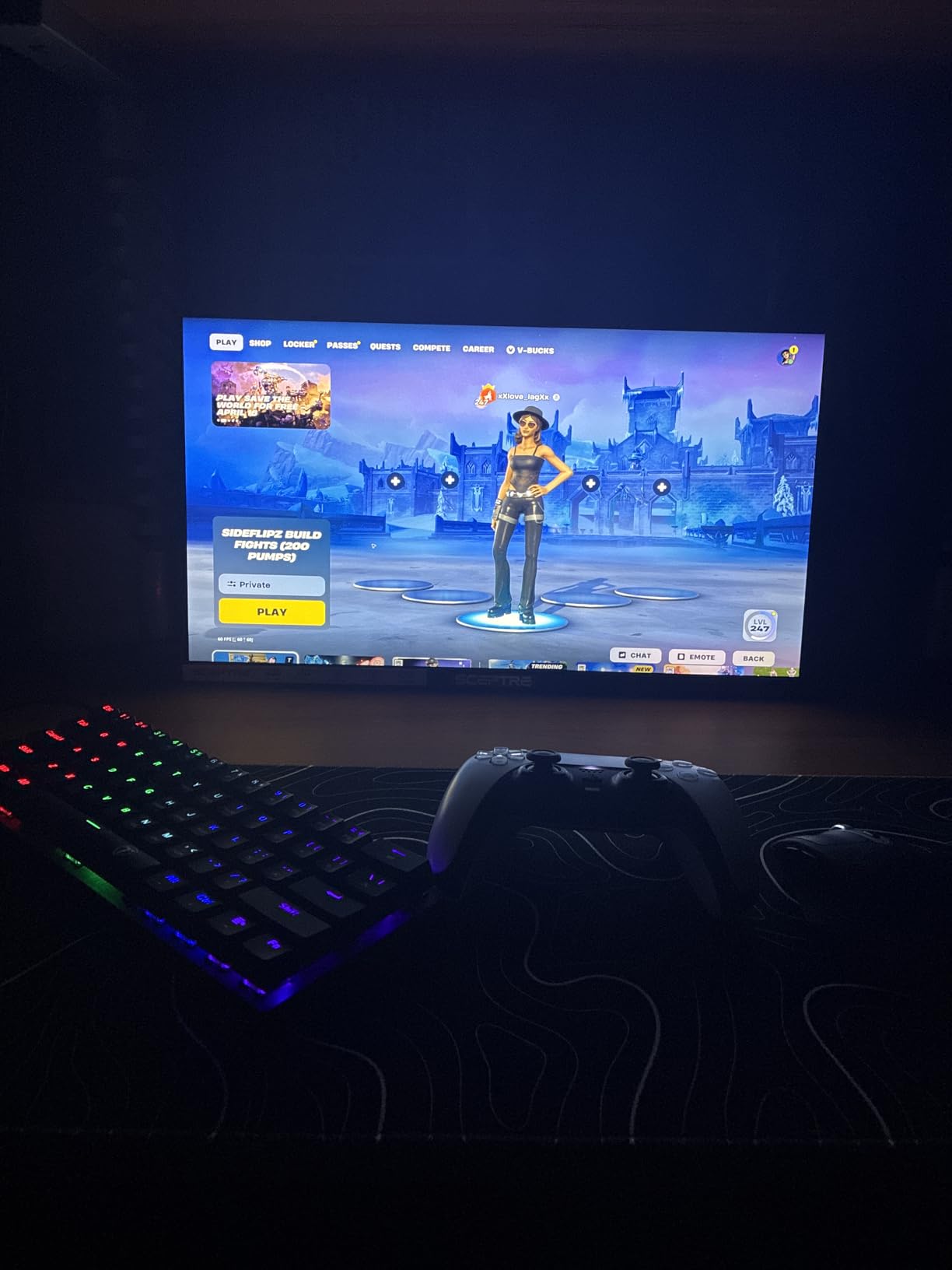
The Sceptre 22-inch 144Hz monitor is the cheapest gaming-capable display I can confidently recommend. At under $70, you get a 1080p panel with 144Hz refresh rate, 1ms response time, FreeSync support, and built-in speakers. It ranks at number 8 in Amazon’s Computer Monitors category with over 700 reviews at 4.6 stars.
I set this monitor up as a secondary display for Discord, OBS, and system monitoring while gaming on my primary screen. The 144Hz refresh rate and 1ms response time make it perfectly usable for budget gaming, and the small 22-inch size is ideal for side displays in a multi-monitor setup.
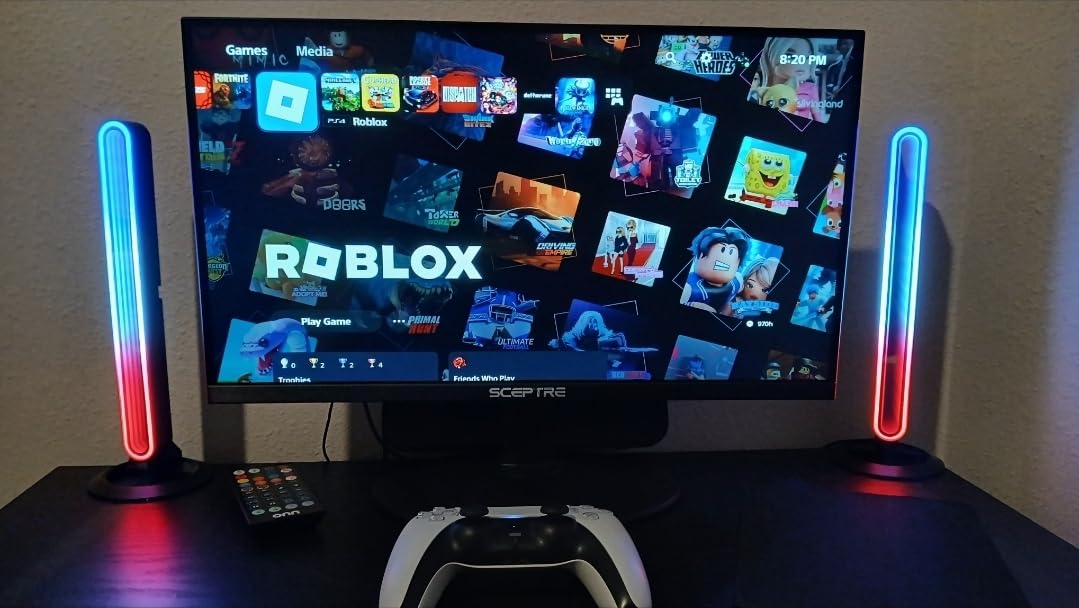
The bezel-free design makes the Sceptre excellent for dual monitor configurations. When placed side by side, the gap between screens is minimal, creating a near-seamless extended desktop. At just 7 pounds and VESA mount compatible, it is easy to mount on a dual-monitor arm.
The picture quality is surprisingly good for the price. Colors are bright and saturated, and the 2000:1 contrast ratio produces decent blacks for an LED panel. It obviously cannot compete with IPS or OLED displays, but for under $70, the visual quality exceeds expectations.
Best For: Budget Builds and Secondary Displays
If you are building a budget gaming PC or want a secondary monitor for streaming, chat, or system monitoring, the Sceptre 22-inch is hard to beat. It works well with Xbox Series X at 120Hz and PlayStation 5 at 1080p 120Hz, making it a solid console gaming option too.
Students and casual users who just need a basic monitor for web browsing, homework, and light gaming will find everything they need here. The built-in speakers eliminate the need for external audio, even if the quality is basic.
Known Quirks and Limitations
The power cable is shorter than standard, which may limit placement options. An extension cable or power strip nearby solves this easily. The blue standby light also blinks when the display is sleeping, which can be annoying in a dark room. A small piece of tape covers it easily.
The built-in speakers are functional but underpowered. They are fine for video calls and system sounds, but you will want headphones or external speakers for gaming and media consumption.
12. Dell 27-Inch 240Hz (SE2726HG) – Best Budget Esports Monitor
- Excellent 240Hz refresh rate for competitive FPS
- Good color accuracy with 99% sRGB coverage
- Fast IPS panel with wide viewing angles
- TUV Rheinland 3-star certified eye comfort
- Stand is wobbly and not very stable
- No built-in speakers
- Short included cables
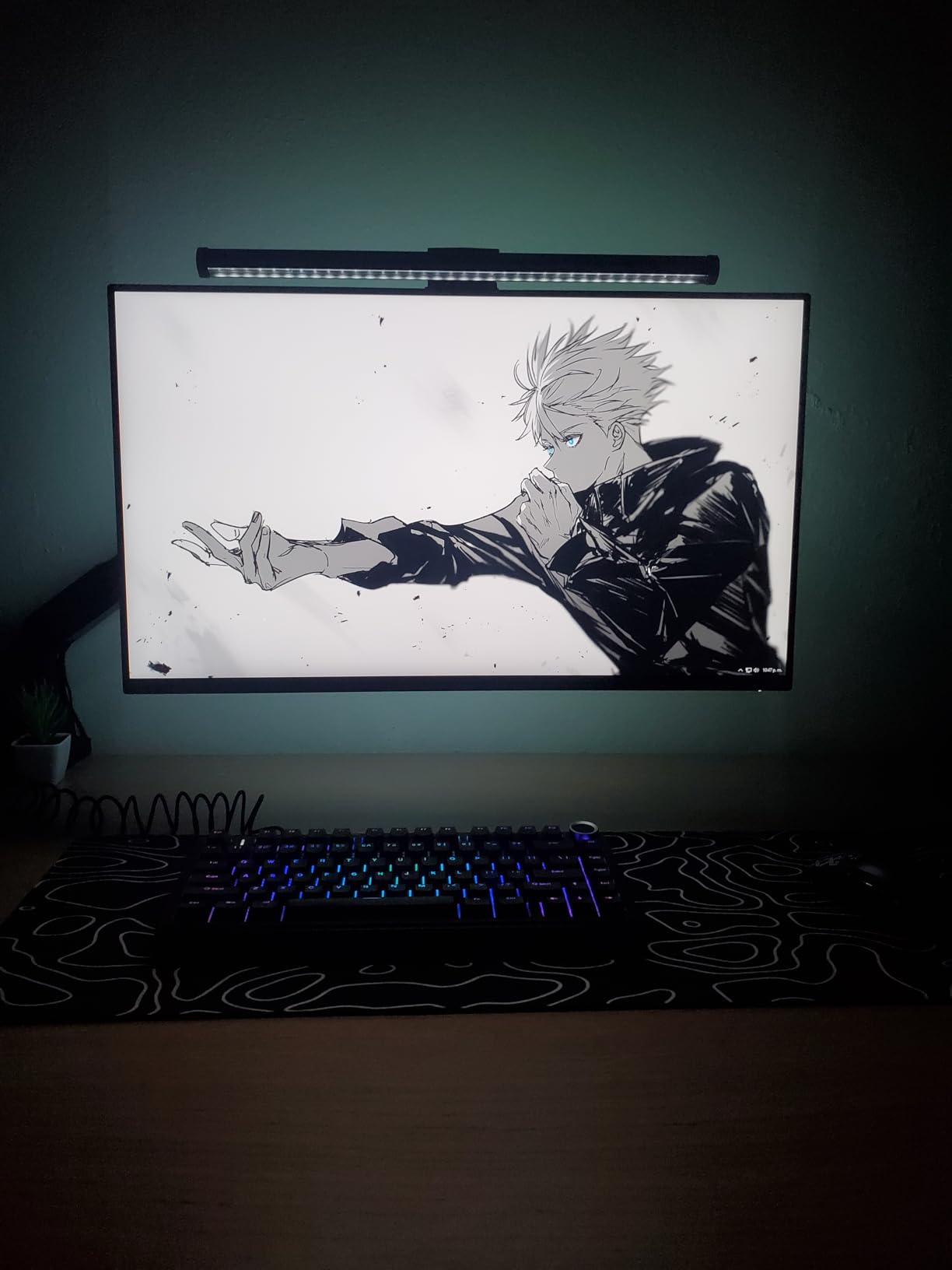
The Dell SE2726HG is the budget 240Hz monitor I recommend for competitive esports gamers who need maximum frame rates without spending a fortune. For around $130, you get a 27-inch Fast IPS panel with 1080p resolution, 240Hz refresh rate, 0.5ms response time, and 99% sRGB color coverage. It ranks at number 22 in Amazon’s Computer Monitors category.
I tested this monitor for two weeks of competitive gaming in Valorant and CS2, and the 240Hz refresh rate delivers noticeably smoother motion than 144Hz. Fast flick shots and 180-degree turns feel more fluid, and enemy tracking is easier at high frame rates. The 0.5ms response time eliminates ghosting in fast-paced scenes.
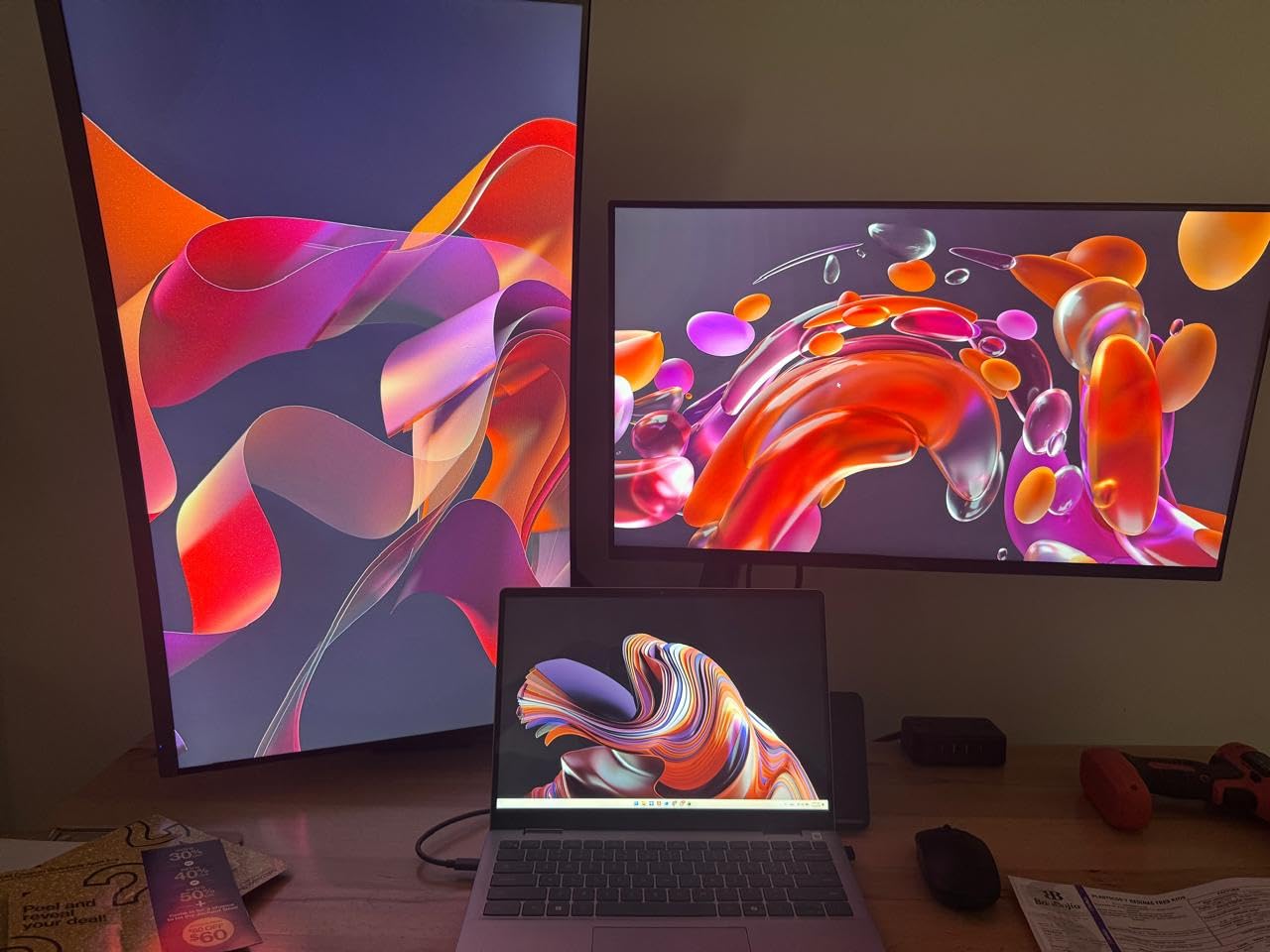
The Fast IPS panel provides good color accuracy with 99% sRGB coverage and wide 178-degree viewing angles. Colors are more vibrant than typical TN panels used in budget esports monitors, and the image does not shift when viewed from the side. The TUV Rheinland 3-star certification for eye comfort is a bonus for long gaming sessions.
The FreeSync Premium and HDMI VRR support eliminate screen tearing without adding significant input lag. I tested both HDMI and DisplayPort connections and both performed well at 240Hz with no flickering or sync issues.
Best For: Competitive FPS Gamers on a Budget
If you play competitive shooters like Valorant, CS2, or Apex Legends and want the smoothest possible experience at 240Hz without spending $200 or more, the Dell SE2726HG is an excellent choice. The 1080p resolution keeps GPU requirements low, meaning most modern graphics cards can easily hit 240fps in competitive titles.
The 27-inch size at 1080p is a common criticism, as the pixel density is lower than QHD. However, for competitive gaming where visibility and frame rate matter more than pixel sharpness, the trade-off is acceptable at this price.
Stand Stability and Cable Length
The included stand is the main weakness of this monitor. It wobbles noticeably during intense gaming sessions, which can be distracting. The included HDMI and DisplayPort cables are also shorter than standard at around 4 feet, which may limit your setup options if your PC is not on the desk.
Budget for a VESA monitor arm if stand stability is important to you. The monitor is lightweight at 8.2 pounds, so even budget gas-spring arms will work fine. The 3-year warranty from Dell is better than the 1-year coverage offered by Samsung on competing budget monitors.
Prime Day Monitor Buying Guide: How to Spot a Real Deal
Finding genuine Amazon Prime Day monitor deals requires knowing how to verify that a discount is actually a discount. Our team has been tracking monitor prices for months, and here is what we look for when evaluating deals.
Check Price History Before Buying
The single most important step is checking the price history using tools like CamelCamelCamel or Keepa. These services show the full pricing history of any Amazon product, so you can see whether the Prime Day price is genuinely lower than typical or just a return to a previous low. If a monitor was selling for the same price two months ago, the Prime Day deal is not really a deal.
Look for monitors that are at or near their lowest historical price. The best Prime Day deals typically beat previous lows by 10 to 20 percent. Anything less than that and you might find a better price during a random flash sale later in the year.
Resolution: 1080p vs 1440p vs 4K
For competitive gaming, 1080p at 240Hz is still the standard for esports titles. The lower resolution lets your GPU push maximum frame rates, and the faster refresh rate gives you a competitive edge in tracking fast-moving targets. Monitors like the Dell SE2726HG and Sceptre 22-inch excel here.
For general gaming and content consumption, 1440p QHD is the sweet spot. It provides significantly sharper images than 1080p without the GPU demands of 4K. Monitors like the LG UltraGear 27 OLED and Acer Nitro 27 are excellent QHD options.
For immersive single-player gaming, content creation, and productivity, 4K delivers the best image quality. Monitors like the ASUS ROG Swift OLED and KTC 4K 160Hz offer stunning detail and text clarity. Just make sure your GPU can handle 4K gaming at acceptable frame rates.
Refresh Rate and Response Time
Refresh rate determines how many times per second the screen updates. For competitive gaming, 240Hz is ideal and 144Hz is the minimum standard. For casual gaming and productivity, 100Hz to 120Hz is perfectly smooth and much better than the old 60Hz standard.
Response time determines how quickly individual pixels change color. For gaming, look for 1ms or faster. OLED monitors with 0.03ms response time offer the best motion clarity available, eliminating ghosting entirely. IPS panels typically offer 0.5ms to 1ms, while VA panels range from 1ms to 5ms.
Panel Types: OLED vs IPS vs VA
OLED panels offer the best picture quality with infinite contrast, perfect blacks, and instant response times. They are ideal for gaming and media consumption but carry burn-in risk and typically cost $450 to $850. All OLED monitors on this list include burn-in warranty coverage.
IPS panels offer good color accuracy, wide viewing angles, and fast response times. They are the best all-around choice for gaming and productivity at moderate prices. Contrast is limited to around 1000:1, meaning blacks appear dark gray rather than true black.
VA panels offer the best contrast of any LCD type at 2500:1 to 3000:1, making them great for dark room viewing. However, response times are slower and viewing angles are narrower than IPS. Budget ultrawide monitors like the Samsung ViewFinity S50GC use VA panels.
What to Avoid on Prime Day
Avoid whitebox or unknown brands with limited warranty support. If you cannot find professional reviews or a substantial number of verified customer reviews, skip it. These brands often use lower-quality panels and offer poor after-sale service if something goes wrong.
Be cautious of older monitor models being cleared out at seemingly big discounts. A 60Hz monitor from 2021 selling for 40 percent off is still a bad buy in 2026 when you can get a 144Hz or 240Hz model for a similar price. Always check the refresh rate and response time specs before buying.
Finally, avoid monitors with only a 1-year warranty, especially for OLED displays. Burn-in can develop over time, and having warranty coverage for at least 2 to 3 years is essential for peace of mind with premium purchases.
FAQs
What will be on sale for Prime Day 2026?
Prime Day 2026 features discounts on gaming monitors, productivity displays, and portable screens from brands like Samsung, Dell, ASUS, LG, and Alienware. Expect 20 to 36 percent off OLED gaming monitors, 70 to 120 dollars off productivity monitors, and deep discounts on budget gaming displays.
When’s the best time to buy a monitor?
The best times to buy a monitor are Amazon Prime Day in summer, Black Friday and Cyber Monday in November, and back-to-school sales in August. Prime Day typically offers the deepest mid-year discounts, especially on gaming and OLED monitors, while Black Friday may have slightly better prices on budget and productivity displays.
Who has the best deals on computer monitors?
Amazon typically offers the best overall monitor deals during Prime Day with the widest selection and fast Prime shipping. Dell and Best Buy also run competitive sales during the same period, and it is worth comparing prices across all three retailers before purchasing. Newegg often has strong deals on gaming monitors specifically.
What not to buy on Prime Days?
Avoid whitebox or unknown brand monitors with limited warranty support, older models with 60Hz refresh rates being cleared at discount, and deals where the original price appears artificially inflated. Always check price history using tools like CamelCamelCamel or Keepa to verify the discount is genuine before buying.
Is Prime Day a good time to buy an OLED monitor?
Yes, Prime Day is one of the best times to buy an OLED gaming monitor. OLED monitors typically see 20 to 36 percent discounts during Prime Day, which represents some of the deepest price cuts of the year. Look for models with at least a 3-year burn-in warranty, like the ASUS ROG Swift, Samsung Odyssey, and Alienware QD-OLED.
Final Thoughts on the Best Amazon Prime Day Monitor Deals
Finding the best Amazon Prime Day monitor deals comes down to knowing which features matter for your use case and verifying that the discount is genuine. Our top pick is the ASUS ROG Swift PG32UCDM for gamers who want the absolute best OLED picture quality and 240Hz performance. For value, the LG UltraGear 27 OLED at under $500 is unmatched. And for budget shoppers, the Sceptre 22-inch 144Hz at under $70 proves you do not need to spend a fortune for a capable gaming display.
Remember to check price history before buying, stick with name brands that offer real warranty support, and match your monitor choice to your actual use case. A 1080p 240Hz display is perfect for esports, while a 4K USB-C monitor is ideal for productivity. Pick the right tool for your needs, and your Prime Day purchase will serve you well for years to come in 2026 and beyond.