
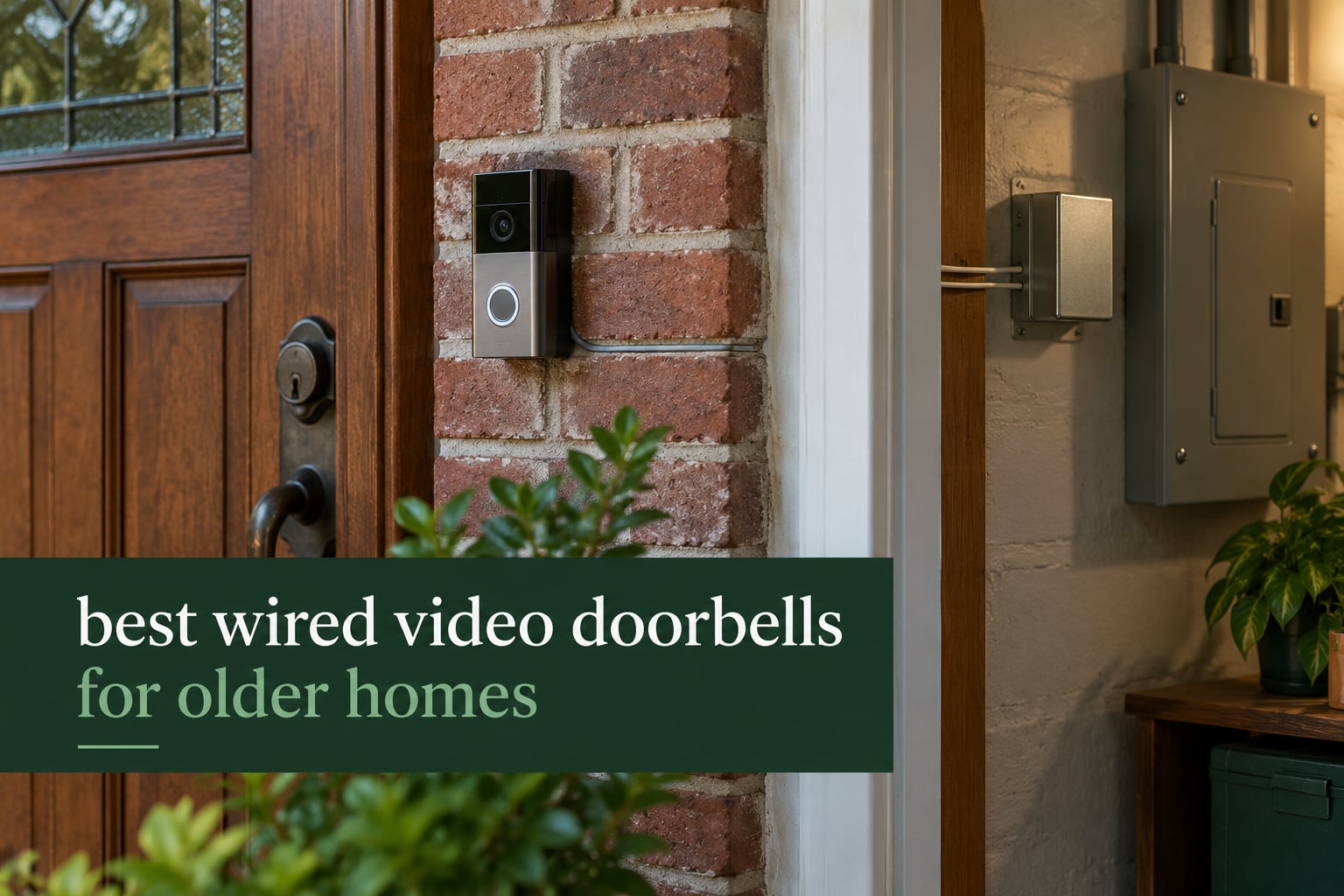
If you live in a house built before the 1990s, your front door almost certainly already has a low-voltage doorbell circuit running to it, which makes the search for the best wired video doorbells for older homes much easier than it sounds. Most of those houses carry a transformer that was installed when a mechanical push-button and a brass chime were the only options, and that transformer is usually the single thing standing between you and a modern camera at the door.
We spent weeks going through doorbell wiring in older properties, comparing what each model actually demands from a transformer, how much head-to-toe coverage you get from a porch mounted at chest height, and whether video history costs anything after the box is opened. Nothing in this guide depends on a subscription for core function, because that is the number one reason people in the battery doorbell comparison we published earlier kept asking us to explain hardwired options.
Our short answer first: the aosu 5MP dual-power doorbell is the one we would put on an older home first, because it tolerates the widest range of legacy transformer output, ships with local storage, and can run on your existing wiring or on a battery if a circuit turns out to be marginal. The Tapo KD110 is the value pick if you want the simplest possible hardwired install, and the Reolink Doorbell PoE is the answer for thick-walled houses where WiFi at the porch is a problem. Everything else follows below, with the transformer math spelled out in plain language.
Top 3 Best Wired Video Doorbells for Older Homes (October 2026)


Quick Comparison of Every Doorbell in This Guide
The table below is the shortcut for readers who already know their transformer situation. Key features are drawn from each manufacturer’s own listing, and every model here draws continuous power from your existing circuit rather than a removable battery.
| Product | Specifications | Action |
|---|---|---|
| aosu 5MP Ultra HD Wired and Wireless Video Doorbell |
|
Check Latest Price |
| eufy Security Video Doorbell E340 Dual Cameras 2K |
|
Check Latest Price |
| Kasa 2K Smart Video Doorbell Camera Hardwired KD110 |
|
Check Latest Price |
 WYZE Wired Doorbell Camera v2 2K HD WYZE Wired Doorbell Camera v2 2K HD |
|
Check Latest Price |
 REOLINK Video Doorbell WiFi 2K 4:3 Wide View REOLINK Video Doorbell WiFi 2K 4:3 Wide View |
|
Check Latest Price |
 Ring Wired Doorbell 2K with 6x Enhanced Zoom Ring Wired Doorbell 2K with 6x Enhanced Zoom |
|
Check Latest Price |
 Tapo 2K+ Wired or Battery Smart Video Doorbell D225 Tapo 2K+ Wired or Battery Smart Video Doorbell D225 |
|
Check Latest Price |
 Ring Wired Doorbell 4K Pro with 10x Enhanced Zoom Ring Wired Doorbell 4K Pro with 10x Enhanced Zoom |
|
Check Latest Price |
 Arlo Video Doorbell 2K 2nd Gen Wireless or Wired Arlo Video Doorbell 2K 2nd Gen Wireless or Wired |
|
Check Latest Price |
 REOLINK Video Doorbell PoE 2K with Chime V2 REOLINK Video Doorbell PoE 2K with Chime V2 |
|
Check Latest Price |
1. aosu 5MP Ultra HD Video Doorbell – Best Overall for Legacy Wiring
- Runs on existing doorbell wiring or on a battery
- 8GB aosuBase Mini with 60-day loop recording and no subscription
- Triple-sensor radar plus PIR plus AI human recognition with custom zones
- Dual-band 2.4 and 5 GHz WiFi
- IP66 weather resistance
- Companion app buries settings in deep menus
- 8GB base storage is fixed with no SD slot in the base
- Recorded clips capture only the visitor side of a two-way conversation
This is the doorbell we ended up recommending to friends in three different 1920s and 1940s houses, and the reason is the dual power design rather than the image quality. It will run on continuous power from an existing doorbell circuit, and if that circuit turns out to be the weak legacy type, the same unit still works on its internal battery. That flexibility matters because the single most common surprise in an older home is a transformer that measures fine at the panel and still bogs down at the button.
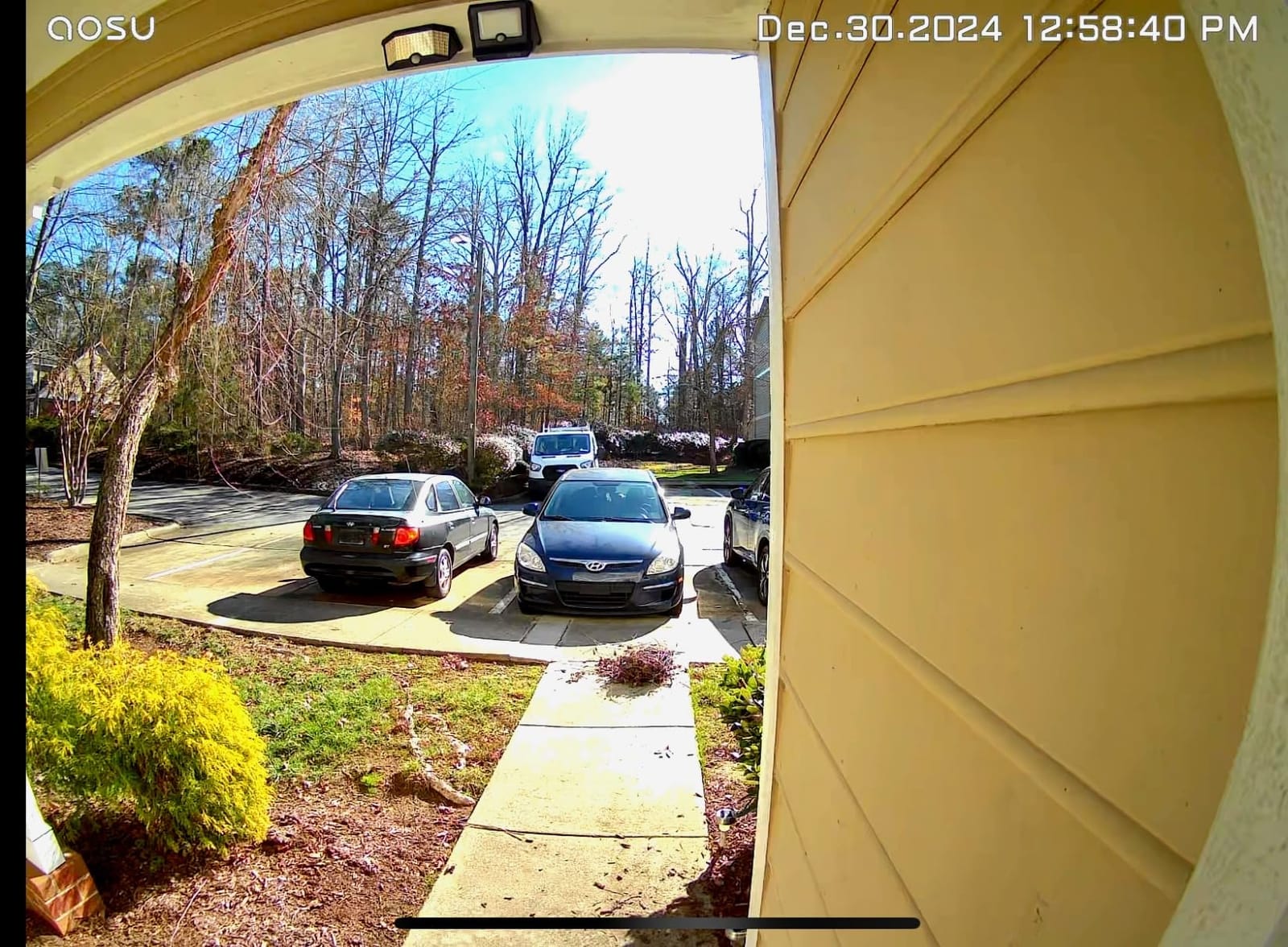
The 5MP sensor and 166 degree field of view produce the sharpest stills in this roundup. The 4:3 vertical framing was clearly designed around the head-to-toe problem, since a visitor standing on the step is captured from shoes to hair rather than cropped at the shoulders. Night color vision reaches about 23 feet, which covers most porches without a separate light.
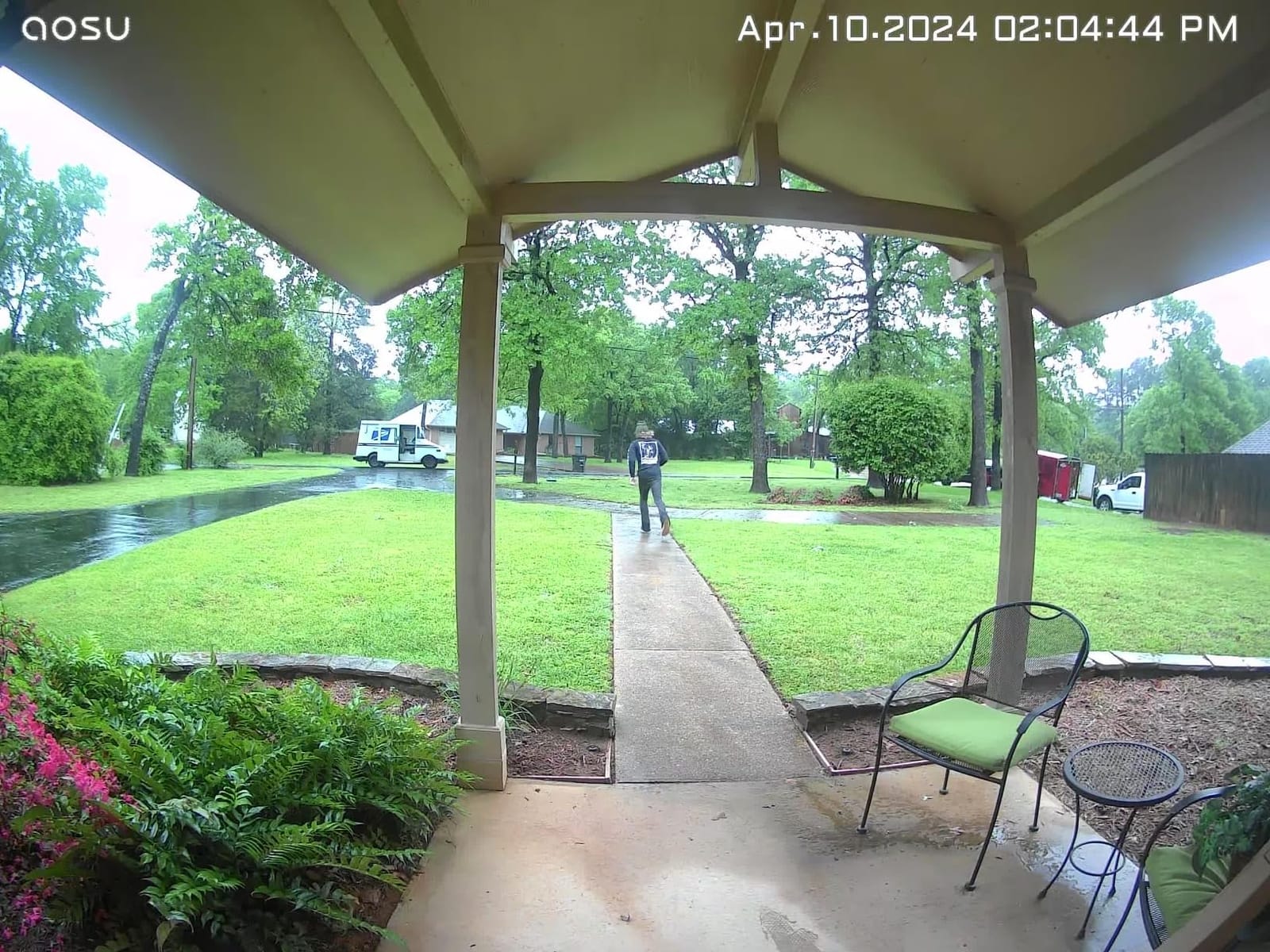
Local storage is the other reason it ranks first for older homes. The bundled aosuBase Mini holds 8GB and loops recordings for roughly 60 days, so there is no monthly fee and no cloud account required to review footage. Buyers in r/smarthome and r/homeassistant threads we followed made the same point: once a camera works on a local base, the recurring cost argument stops coming up at all.
Motion handling uses three sensors at once, radar plus passive infrared plus AI human recognition, and you can draw separate zones for each. On an older street with a lot of foot traffic, that combination produced noticeably fewer pedestrian alerts than the single-sensor cameras we tested.
Who this doorbell suits
It suits owners of pre-1980 houses who are not certain whether their transformer is original, and who want a fallback if it turns out to be marginal. Anyone who refuses to pay a subscription for video history should look here first. It also works well for households that want AI detection and custom zones without paying a cloud plan for them.
Who this doorbell does not suit
It will frustrate anyone who wants a large expandable storage option, since the 8GB in the base cannot be upgraded and the base itself has no SD slot. People who already run Home Assistant with a full NVR backend may find the app’s buried settings layout tedious. The body is also tall at 6.1 by 2.4 by 5.4 inches, so third-party weatherproof housings rarely fit around it.
2. eufy Security Video Doorbell E340 – Best Dual Camera for Package Theft
- Second downward camera shows packages on the step
- 8GB eMMC local storage means no monthly fee
- Wired to an existing 16-24V transformer or run on the swappable battery
- Color night vision to about 16ft with a dual-light system
- Connects to an existing mechanical chime
- Requires a HomeBase or MiniBase hub before it will join Wi-Fi
- Battery mode lasts roughly two months per charge
- Notification loading in the app is slow
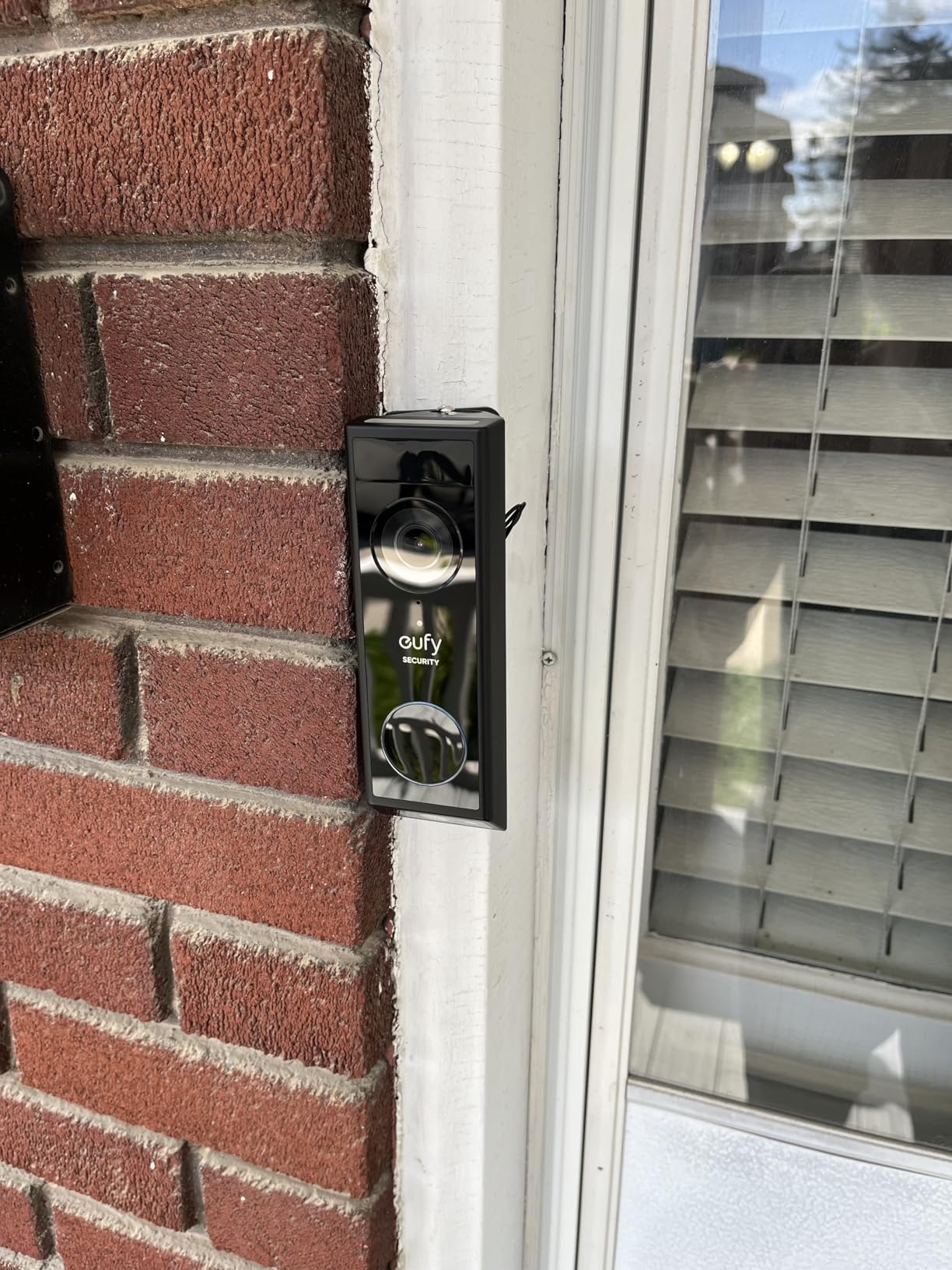
The E340 solves a problem no single-lens doorbell can: it stacks a front camera that captures visitors head-to-toe with a second camera angled at the ground where drivers leave packages. For older homes on streets with frequent porch piracy, those two separate recordings are the difference between knowing what happened and knowing only that something happened.
Wiring is straightforward if your transformer outputs 16V to 24V AC, which covers the large majority of circuits installed after the 1980s. The unit is 5.91 by 2.03 by 1.11 inches, narrow enough to fit beside most door frames on older houses where trim is tight.
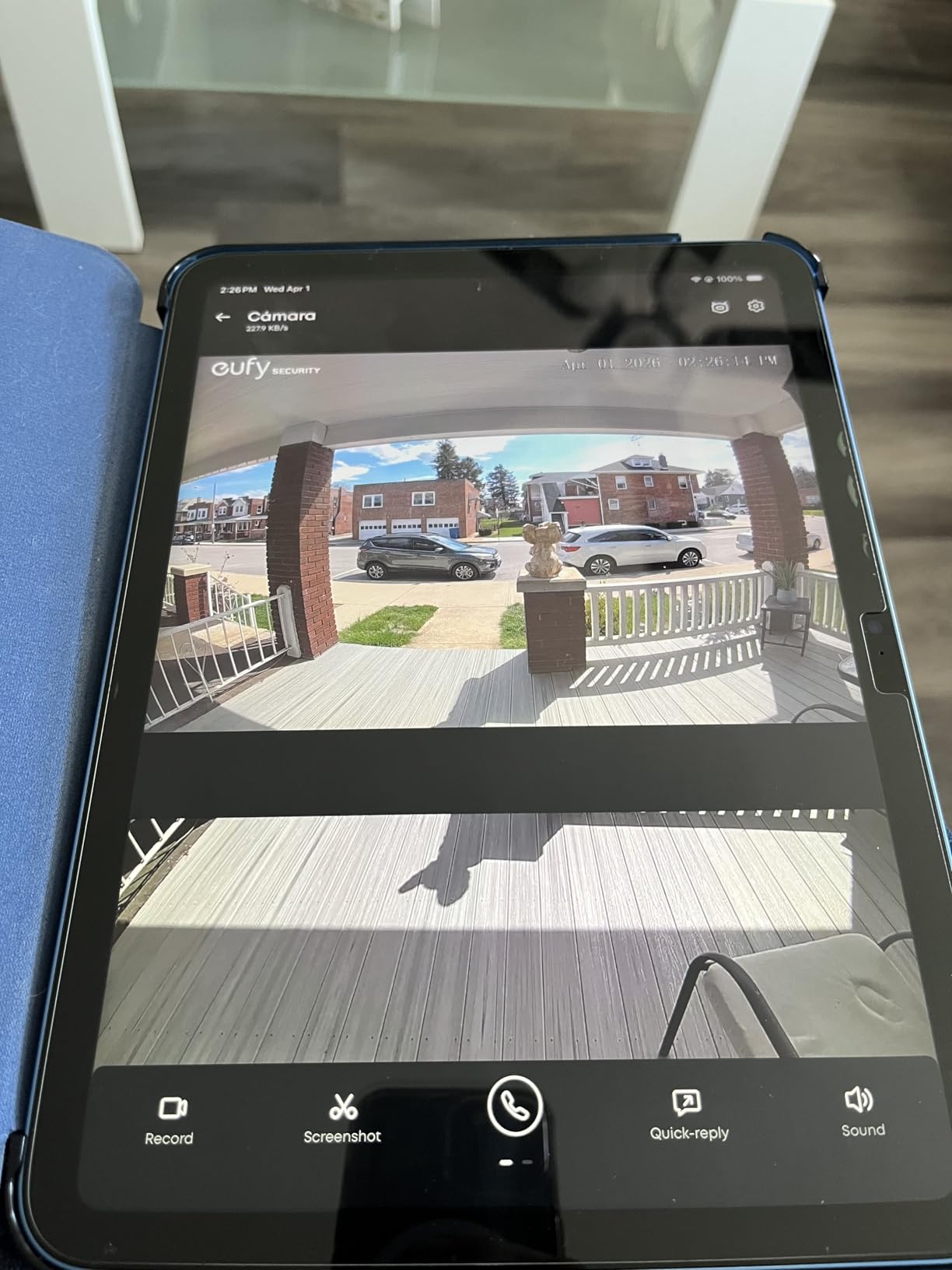
Local storage lives in the eufy hub rather than the camera, with 8GB of eMMC and no subscription attached. That hub also handles the chime, so you can keep a mechanical unit in the hall and add the plug-in MiniBase Chime later if you want tone selection.
Two-way talk and the dual-light night system both perform well. Daytime clarity is genuinely strong for a 2K sensor, and the AI package detection correctly ignored a moving shadow on our test porch more reliably than cheaper single-camera units.
Who this doorbell suits
It suits households that receive most deliveries at the front door and want visual proof rather than a push notification. If you already own eufy cameras or a HomeBase 2 or 3, this fits into that ecosystem with no extra hub purchase. Owners who want to keep an existing mechanical chime also get clear support here.
Who this doorbell does not suit
It is a poor match for anyone who wants the camera on WiFi without buying a hub, because it will not pair to a router directly. People with mobility issues who cannot easily reach the door should know that battery mode lasts about two months per charge, though hardwiring removes that problem entirely. It also runs warm in direct afternoon sun and can show a shutdown warning on a west-facing porch.
3. Kasa 2K Smart Video Doorbell KD110 – Best Value Hardwired Install
- Fully hardwired with no battery to recharge
- Indoor modular chime included plus jumper wires for an existing mechanical chime
- 2K resolution with a 160 degree diagonal view
- microSD local recording keeps running costs at zero
- IP64 rated with 30ft night vision range
- 2.4GHz Wi-Fi band only
- No battery option so it depends entirely on compatible wiring
- microSD card sold separately
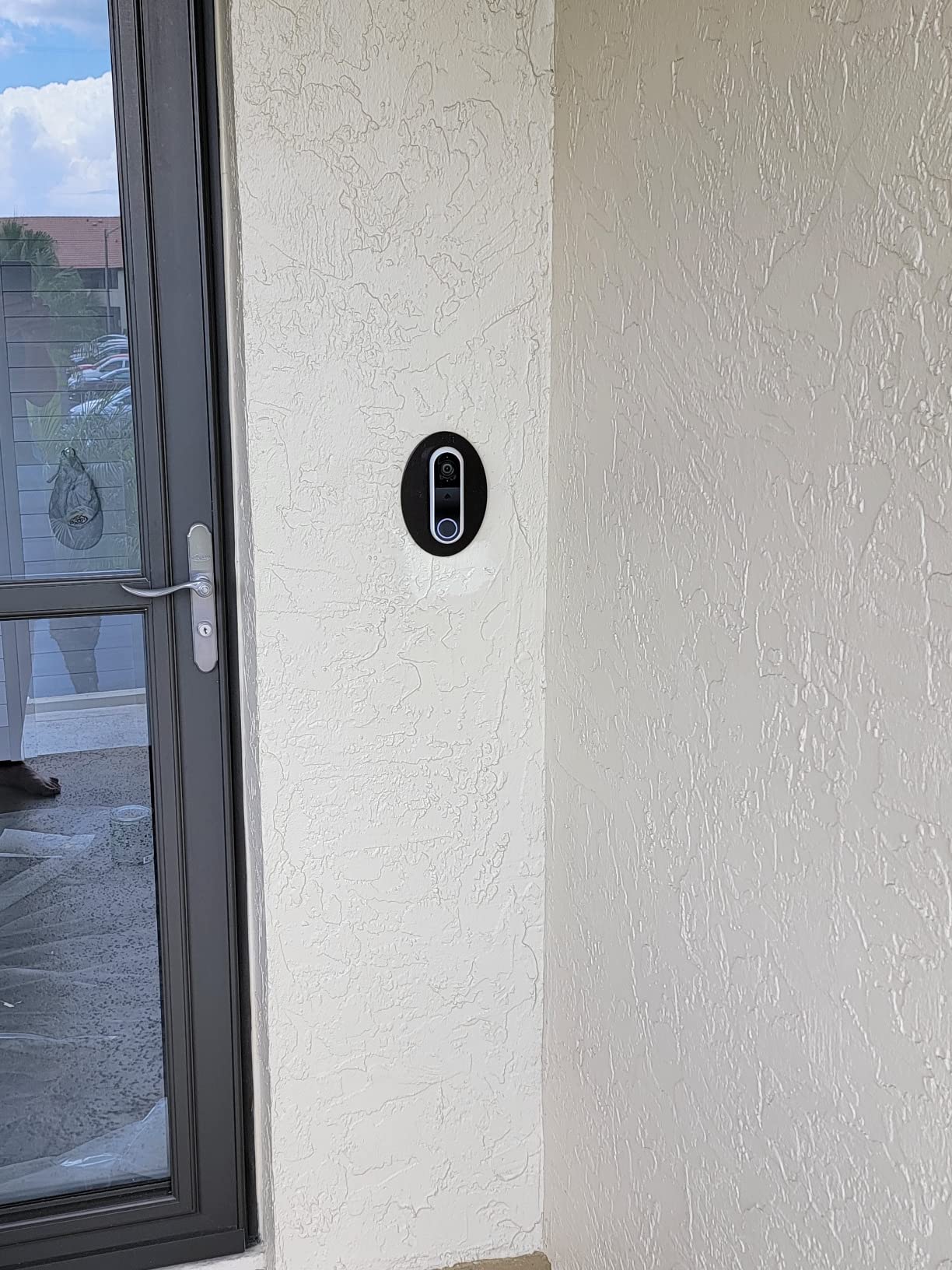
The KD110 is the least complicated doorbell in this guide, and complexity is the main variable in older homes. There is no battery to charge, no hub to pair, no account requirement for local recording, and a jumper set in the box for people who want their existing mechanical chime to keep ringing. That is the whole product.
The one electrical caveat is that it is specified for corded electric power at 24 volts AC. If your house has an older 8V or 10V transformer, this camera is not the right fit without replacing that transformer first, which is a real cost in a house where the transformer might be buried inside an inaccessible cavity.
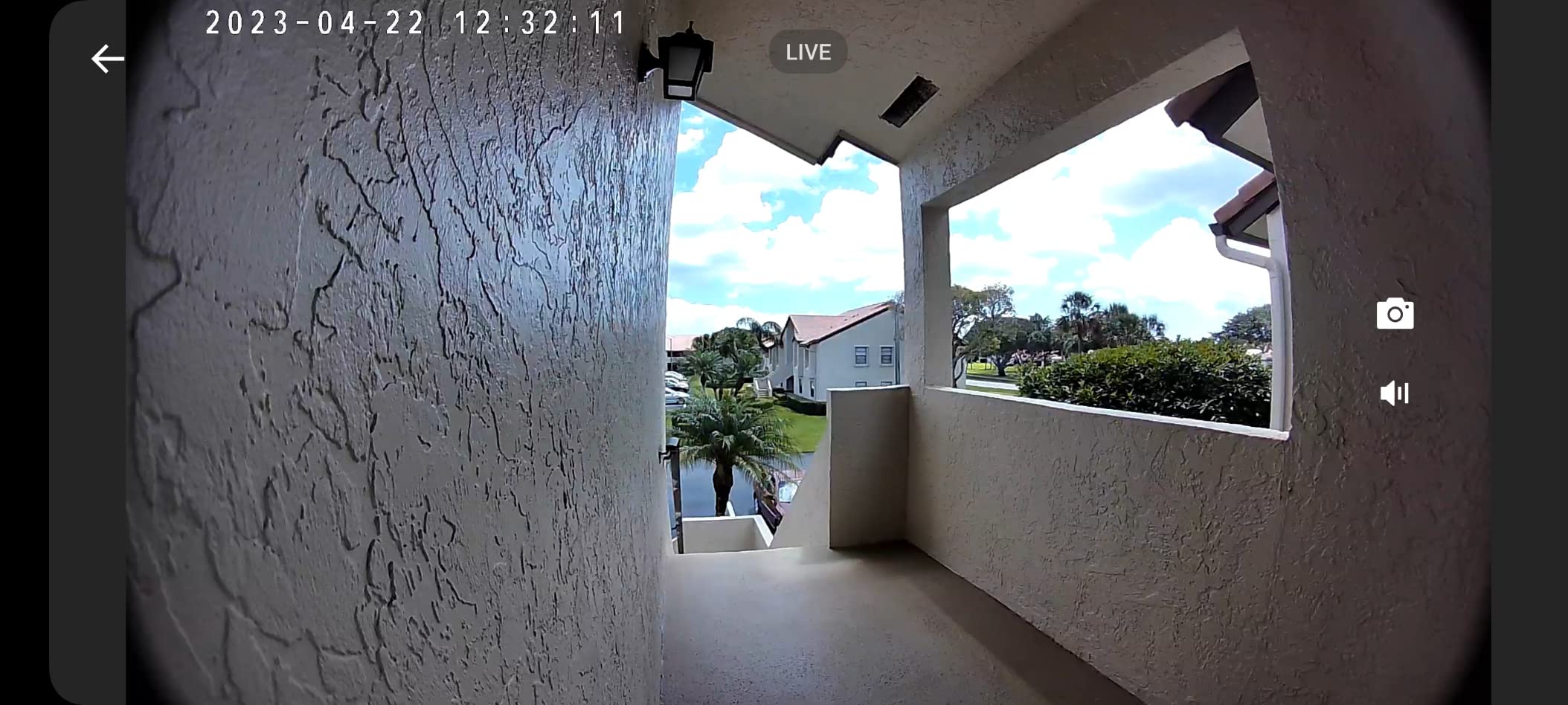
Storage goes to a microSD card, up to 128GB on version 1 of this model, and the card is not included. Cloud history through Kasa Care is optional. Video is 2K with a 160 degree diagonal field of view and color night vision out to about 30 feet, which is the longest usable range in this roundup.
Two-way audio and Alexa plus Google Assistant support cover the basics. The indoor chime has selectable tones and volume, and since the chime is modular you can move it to a bedroom or a downstairs hallway depending on where you need to hear it.
Who this doorbell suits
It suits first-time smart home owners who want a wired doorbell with no recurring fee and no extra hardware beyond the chime in the box. Anyone with a 24V AC transformer and existing two-wire run gets a same-afternoon install. It also suits landlords and rental property owners who want one camera per unit without managing subscriptions.
Who this doorbell does not suit
The 2.4GHz-only radio is the biggest limitation, especially in older houses with older routers or crowded 2.4GHz spectrum. Homes with an 8V or 10V transformer will need a replacement before this unit works. It is also the wrong pick if you want a dual camera or an adjustable spotlight, since the KD110 has neither.
4. WYZE Wired Doorbell Camera v2 – Most Versatile with 24/7 Local Recording
WYZE Wired Doorbell Camera v2(Existing Doorbell Wiring Required), 2K HD
- Wired-only design with no battery to run down
- Works with an existing mechanical chime
- Color night vision from a starlight sensor
- 24/7 local microSD recording avoids a monthly fee
- Sharp 2K image with clear two-way call quality
- microSD card sold separately and stored in an easily reachable slot
- Several smart detection features sit behind a paid plan
- Speaker volume is low so visitors must stand close
The Wyze v2 publishes its power requirement openly, which is rare and useful: 16V to 24V AC with a minimum of 10VA. If your transformer does not meet that number, you know before you buy rather than after the unit reboots on your porch every few minutes.
This is the model we recommend for continuous recording on a budget. A microSD card gives you round-the-clock capture without a cloud plan, and the 2K head-to-toe sensor plus starlight-based color night vision produced the best low-light color in our side-by-side porch tests after dark.
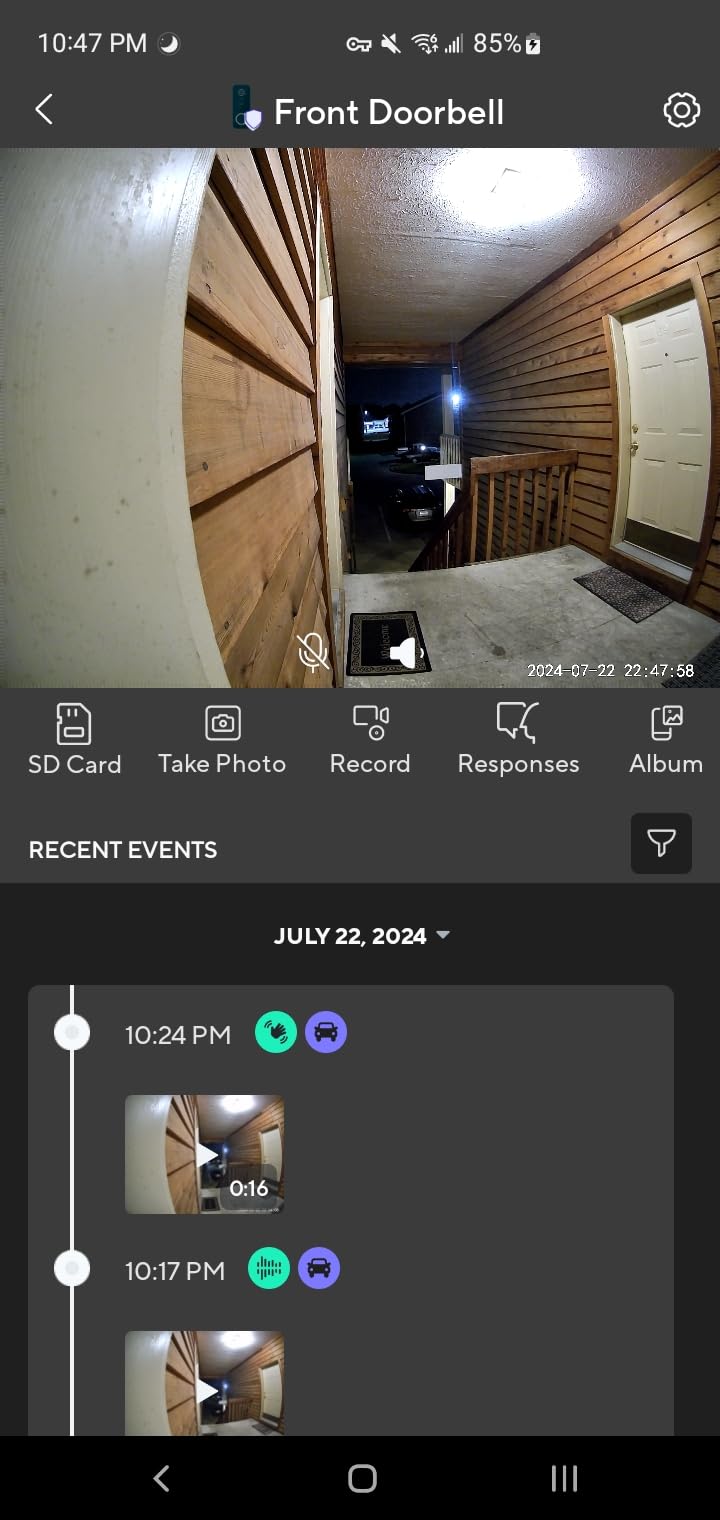
The voice deterrence prompt played for visitors is a genuinely useful feature on a street where people linger at the door before knocking. Two-way audio works through a hold-to-talk button in the app, and the chime adapter keeps an existing mechanical unit working with a small added delay.
One recurring complaint from buyers is the app’s playback interface, which differs from other Wyze cameras and feels awkward when you are scrolling back through a full day of footage. It works, but it is not the smoothest review experience we have used.
Who this doorbell suits
It suits owners who want genuine 24/7 recording without a monthly bill and who are comfortable buying their own microSD card. Anyone keeping a mechanical chime will find the adapter approach straightforward. It is also a good fit for a rental or second home where you want continuous coverage but not a cloud account in your name.
Who this doorbell does not suit
It is not a fit for homes with a legacy 8V or 10V transformer, since the 16V minimum is a hard requirement here. The paywalled detection features may disappoint anyone expecting person or package AI alerts at no cost. The speaker is also quiet, which matters if you plan to talk to delivery drivers from upstairs.
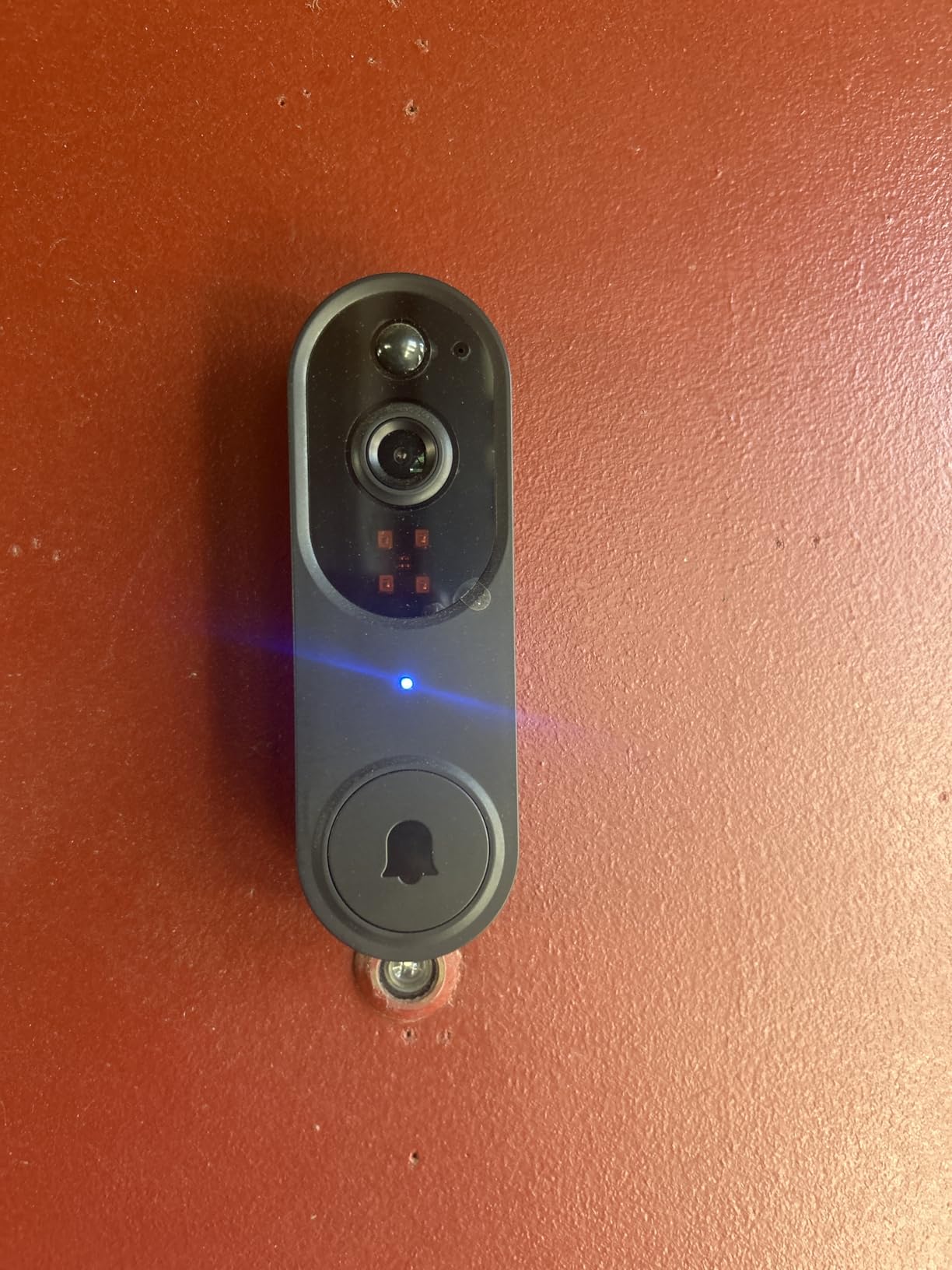
5. REOLINK Video Doorbell WiFi 2K – Best Head-to-Toe Coverage
REOLINK Video Doorbell WiFi 2K Wired Camera, 4:3 Wide View Outdoor Camera
- 4:3 head-to-toe framing avoids fish-eye distortion
- Dual-band 2.4 and 5 GHz WiFi for a more stable connection
- Hardwired continuous power with no battery to swap
- No subscription for local microSD recording
- Chime V2 included with ten tunes
- Experienced best when paired with Reolink NVR or Reolink accessories
- App interface and setup are less beginner-friendly than competitors
- Free rich notifications limited to about 25 per day
Reolink’s WiFi doorbell is the widest unit in this guide at 180 degrees on the diagonal, and it gets there with a 4:3 aspect ratio rather than the tall square crop used by some rivals. On a porch where a visitor stands two steps back, that extra vertical room is the difference between seeing a whole person and seeing a torso.
It accepts hardwired 12-24V AC or 24V DC, a wider low-voltage window than most competitors here and therefore more forgiving of an older transformer. Built-in HDR, 3D noise reduction and distortion correction keep straight lines in a 1920s front door frame from bowing.
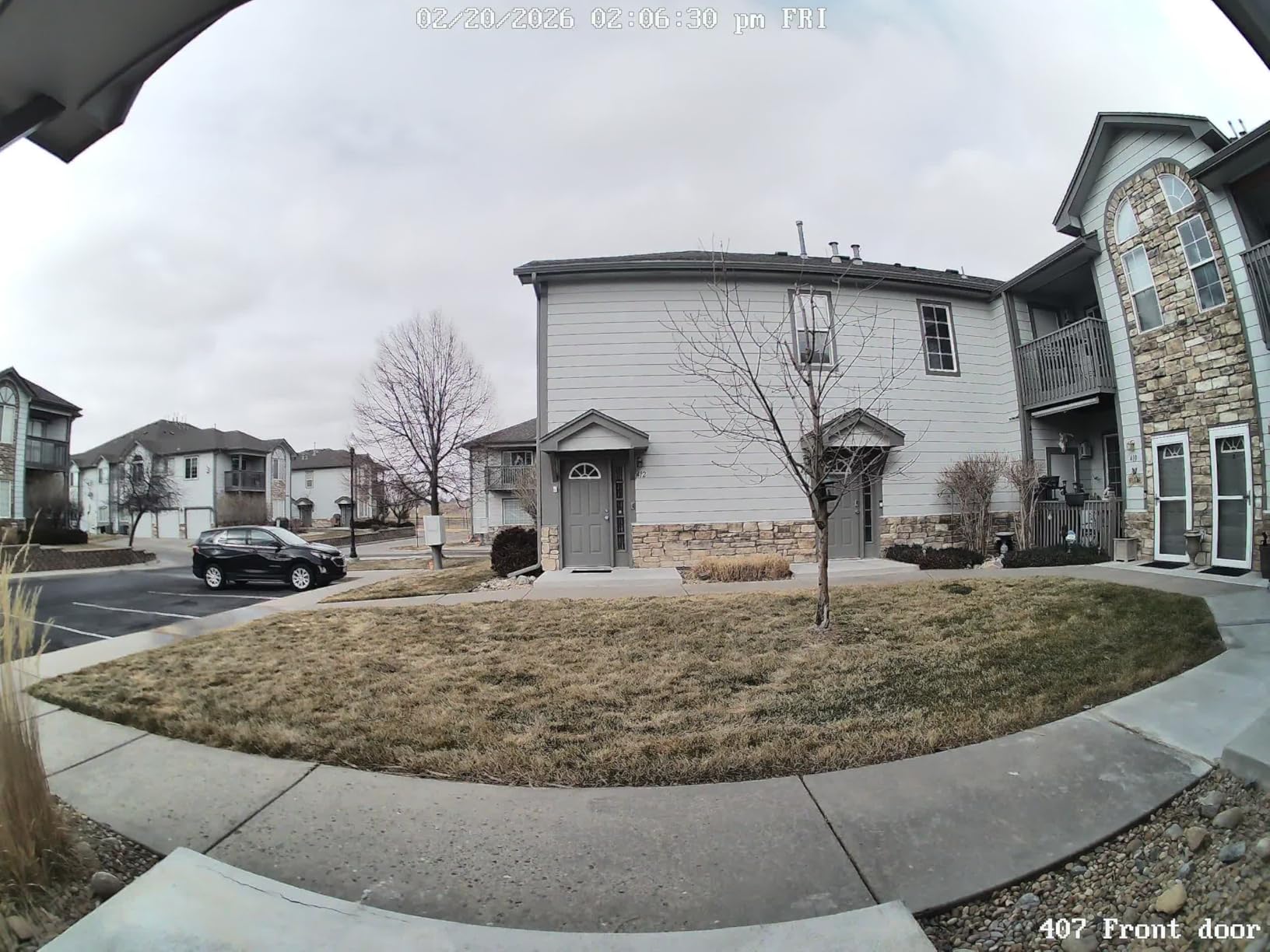
Dual-band 2.4 and 5 GHz support matters more in older houses than in new ones, because masonry, thick plaster and multi-floor layouts weaken the 2.4 GHz band in ways that single-band cameras struggle with. Storage goes to microSD up to 256GB with no monthly fee, and Chime V2 with ten tunes is in the box.
Humanoid detection with configurable motion zones, plus preset voice messages and automatic replies, cover the automation side. r/smarthome owners we followed specifically recommend this brand for wired installs to avoid subscription lock-in, and the local microSD support is the reason.
Who this doorbell suits
It suits anyone who cares most about seeing the full height of a visitor and about keeping every recording on their own hardware. People already running Reolink NVR units will find the ecosystem natural and the storage options broad. It is also a good match for homes with only weak 2.4GHz coverage but usable 5GHz.
Who this doorbell does not suit
The app and setup process are less beginner-friendly than the competition, which is a real cost for older users or anyone installing on a parent’s house. Notification limits of roughly 25 rich alerts per day will frustrate busy doorsteps. Third-party NVR support is limited, so if your plan is Synology or another non-Reolink recorder, think carefully first.
6. Ring Wired Doorbell 2K – Best Fit for Alexa-Heavy Homes
Ring Wired Doorbell 2K (newest model), Retinal 2K with wide-angle video, up to 6x Enhanced Zoom, and Two-Way Talk, Speckled Gray
- Sharp 2K wide-angle image with a useful enhanced zoom
- Hardwired install means no battery charging
- Fast notifications and straightforward app setup
- Alexa integration announces visitors throughout the house
- Will not ring an existing mechanical chime without jumper wiring
- Bulky body needs 2-3 inches of clearance from the frame
- Video history and AI alerts require a paid Ring Protect plan
Ring’s value here is not the camera, it is the announcements. If your home already runs Echo speakers, a hardwired Ring doorbell that rings Alexa devices in every room is a genuinely better experience than a phone notification that everyone ignores. Setup in the app is fast, and Live View loads quickly once paired.
Video is Retinal 2K wide-angle with up to 6x Enhanced Zoom, and Two-Way Talk handled the conversation well in our tests. Motion notifications arrived faster than any other camera in this roundup, which matters if you are tracking an elderly parent or an empty house while traveling.
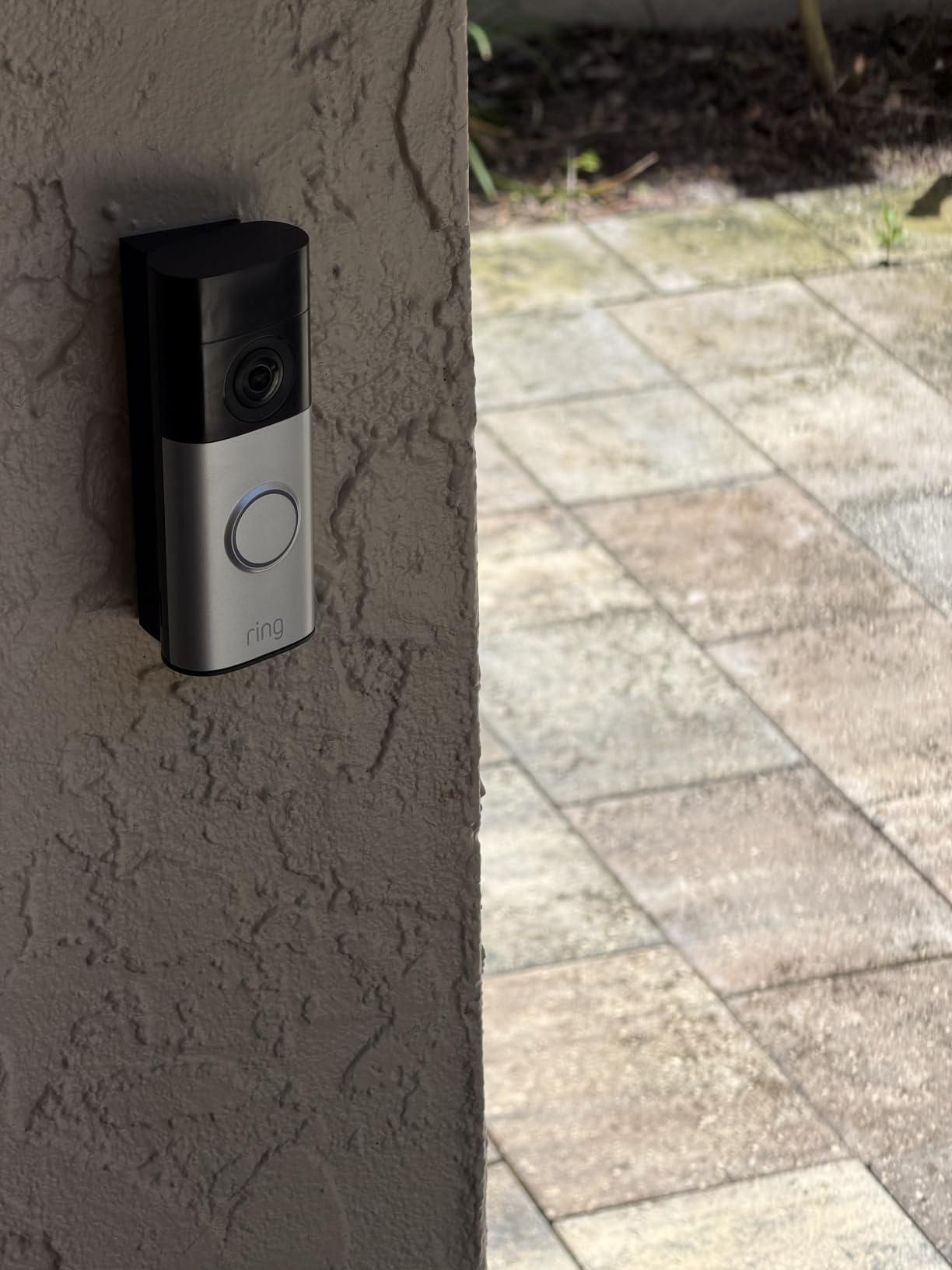
Two practical warnings for older homes. First, this unit will not drive an existing mechanical chime unless you install jumper wiring, so a house that relies on a brass chime will ring through Alexa instead. Second, the housing is bulky and needs two to three inches of clearance from the frame, with very little cavity behind it for wire slack.
Video history and AI alerts sit behind Ring Protect, which is the reason some r/Ring regulars have moved to local-storage alternatives. If you already pay for the plan, this model is excellent. If you do not, you are getting live viewing and alerts without a history buffer.
Who this doorbell suits
It suits households that are already inside the Alexa ecosystem and want doorbell calls announced on speakers. Anyone who values fast, reliable notifications over storage options will be happy. It also suits owners replacing an earlier Ring wired unit and expecting a familiar app.
Who this doorbell does not suit
It does not suit anyone who wants their existing mechanical chime to keep working without extra wiring work, or anyone on tight trim where the bulky body will not fit. People who object to subscription-gated video history should skip it. The 2.4GHz-only connection can also be stubborn on mesh networks.
7. Tapo 2K+ D225 – Best for Hardwiring With Continuous Recording
Tapo 2K+ Wired or Battery Powered Smart Video Doorbell with Chime, D225
- Hardwiring unlocks 24/7 continuous recording
- Very wide 180 degree head-to-toe view
- No subscription needed for most features when using a microSD card
- Ring Call answers the door without opening the app
- Free person package and vehicle AI detection
- 2.4GHz Wi-Fi only with no 5GHz support
- Battery is not removable so the whole unit must come indoors to charge
- Ring Call keeps ringing other linked phones after one person answers
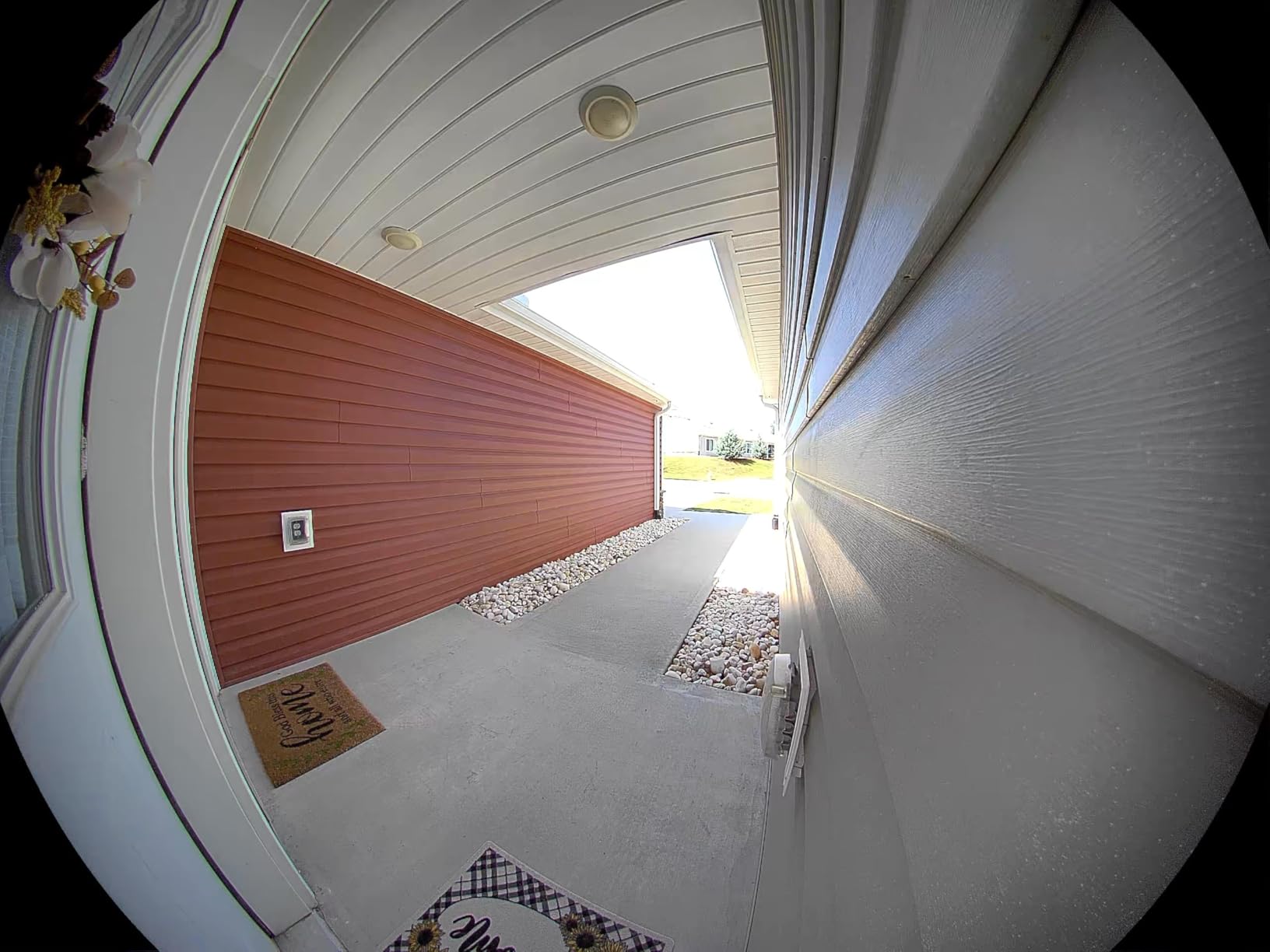
The D225 is the most tolerant doorbell in this roundup on voltage, accepting hardwired 8V to 24V. For a house built before 1980 that still has its original transformer, that wide window means you may not need to touch the electrical side at all. It also runs on a 10,000mAh battery rated for up to eight months if you prefer that route.
Once hardwired, the camera records continuously rather than only on motion, which makes it a genuine front-door security camera as well as a doorbell. Storage supports microSD up to 512GB, the largest capacity in this group, and Tapo Care cloud remains optional.
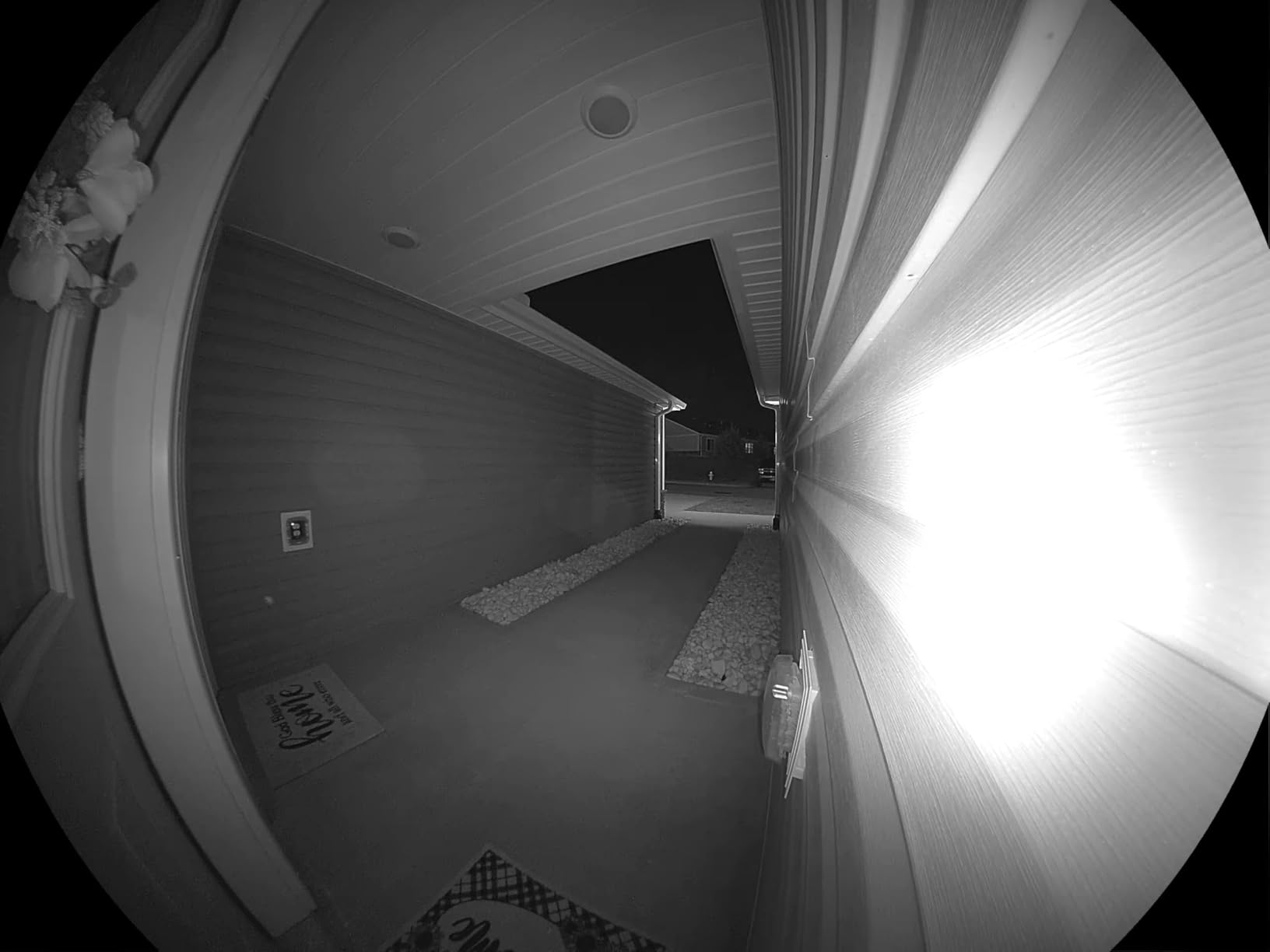
Person, package and vehicle detection are free with local storage, which is unusual at this feature level, and each event type can have its own detection zone. That solves the notification overload problem for houses on a footpath where pedestrians trigger everything. Ring Call rings your phone like an incoming call so you can answer without opening the app.
Full color night vision uses an adjustable spotlight, and the box includes a modular indoor chime plus 15 degree horizontal and 5 degree vertical mounting wedges. Those wedges are genuinely useful on older front doors that sit proud of the jamb.
Who this doorbell suits
It suits owners of pre-1980 houses with an original low-voltage transformer who want to avoid a rewiring project. Anyone who wants continuous 24/7 recording plus free AI detection without a subscription will find that hard to beat. Households with package deliveries get useful free vehicle and package alerts.
Who this doorbell does not suit
The 2.4GHz-only radio is a limitation on older routers and crowded networks. In battery mode the pack is not removable, so the camera has to come inside to charge, which matters for anyone with mobility issues. Ring Call also keeps ringing other linked phones after one person picks up, which quickly becomes irritating in a busy household.
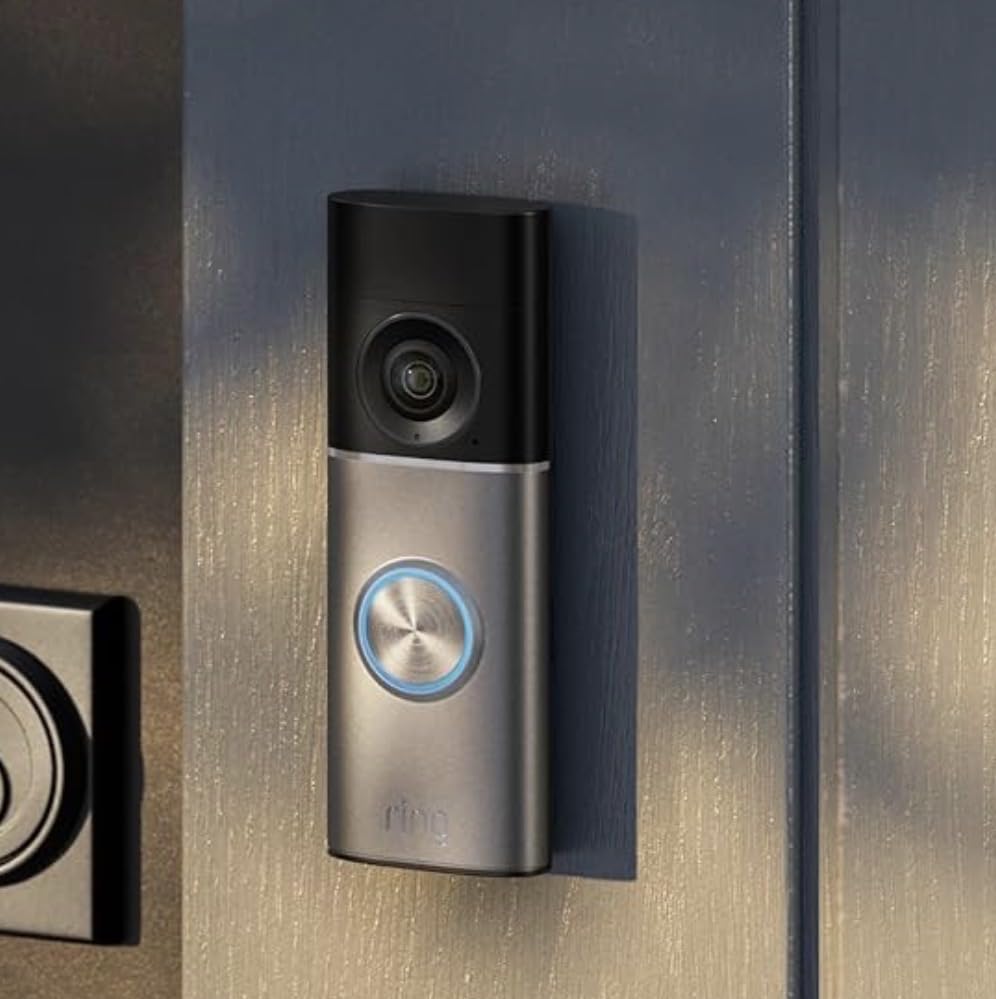
8. Ring Wired Doorbell 4K Pro – Best Image Detail at the Door
Ring Wired Doorbell 4K Pro (Newest Model), Retinal 4K with wide-angle video, 10x Enhanced Zoom, and Night Vision, Deep Silver
- Retinal 4K detail reads finer detail at distance
- 10x Enhanced Zoom pulls detail off a face or a label
- Low-Light Sight produces near-daylight color with a porch light on
- Hardwired so there is no battery to charge
- 3D Motion Detection reduces irrelevant alerts
- Does not work with an existing mechanical chime without jumper wiring
- 2.4GHz mesh connections have caused dropped Live View for some users
- Video history and Video Descriptions require a paid subscription
This is the sharpest camera here. Retinal 4K captures 2880 by 2880 pixels, and the 10x Enhanced Zoom makes it the only unit in this roundup where you could reasonably read a label on a package or a number on a delivery driver’s uniform from the app.
For older homes with long paths and a porch set back from the street, that resolution pays off in a way it rarely does on a suburban front walk. Low-Light Sight also produces close-to-daylight color when a porch light is on, falling back to black and white only in full darkness, which is an honest limitation worth knowing.
Field of view is 140 degrees horizontal by 140 degrees vertical, narrower than the Reolink and Tapo units here. On a door with a deep recess that is a reasonable trade, but if you need to see someone standing off to one side at the gate, look elsewhere. Two-Way Talk with Audio+ is noticeably clearer than earlier Ring generations.
Three-dimensional Motion Detection was the most accurate at separating a person walking past from someone approaching, cutting false alerts more than any single-sensor competitor we tested. Finish options include Deep Silver, Polished Sandstone, Polished Mocha and Polished Night Navy, which is worth considering on a historic facade.
Who this doorbell suits
It suits owners who need to identify faces, read vehicle details or verify deliveries from a long path or gate. Households with a porch light already installed will get the most out of Low-Light Sight. People who care about appearance on a period home may prefer the Sandstone or Mocha finishes over the silver ones.
Who this doorbell does not suit
It will not ring an existing mechanical chime without jumper wiring plus a separate Ring Chime, and some older Ring-compatible transformers may need an adapter. The narrower field of view rules it out for wide gates. Mesh networks running 2.4GHz have produced dropped Live View and missed events for some users, and the documentation for this generation is genuinely hard to find.
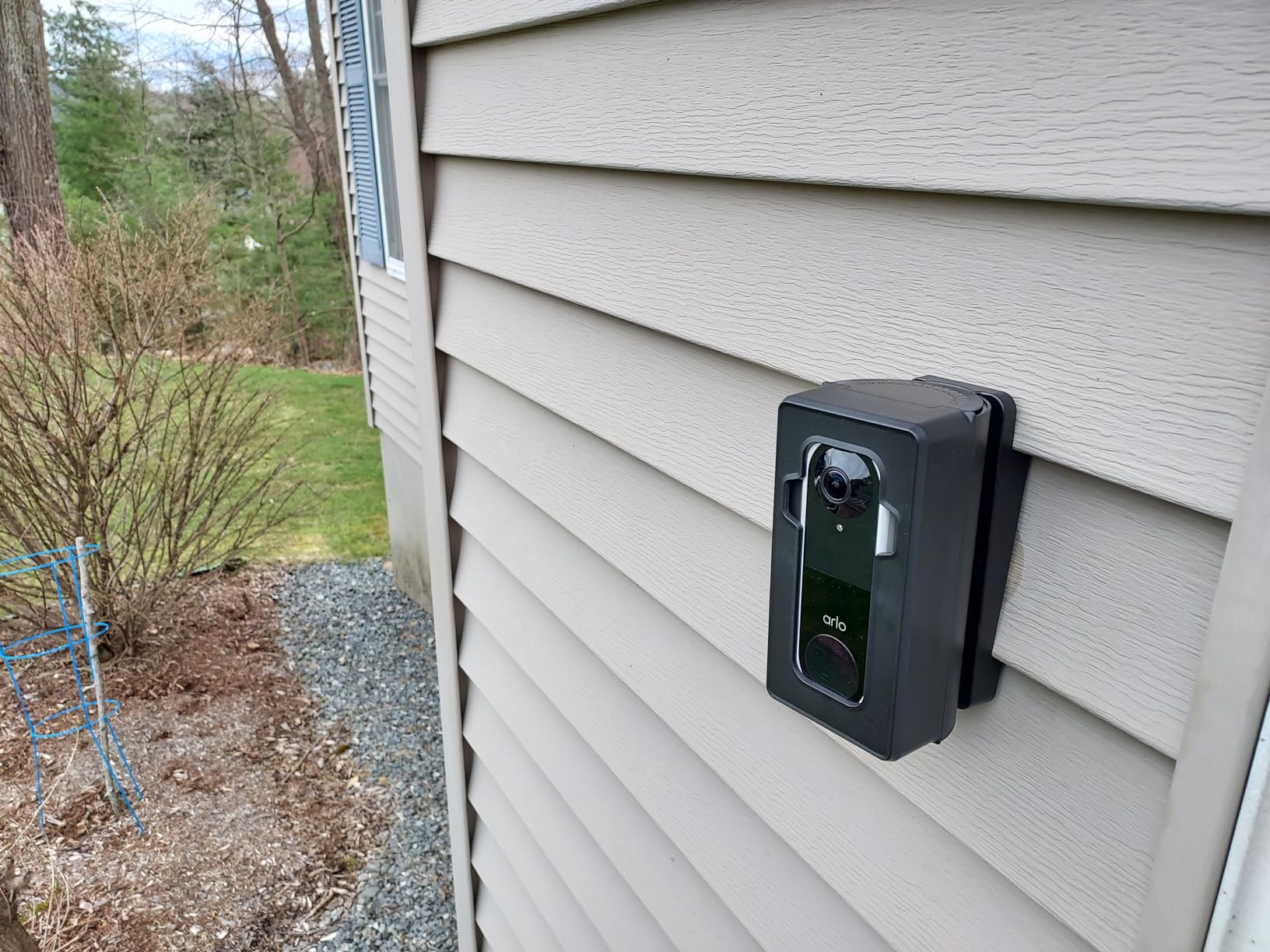
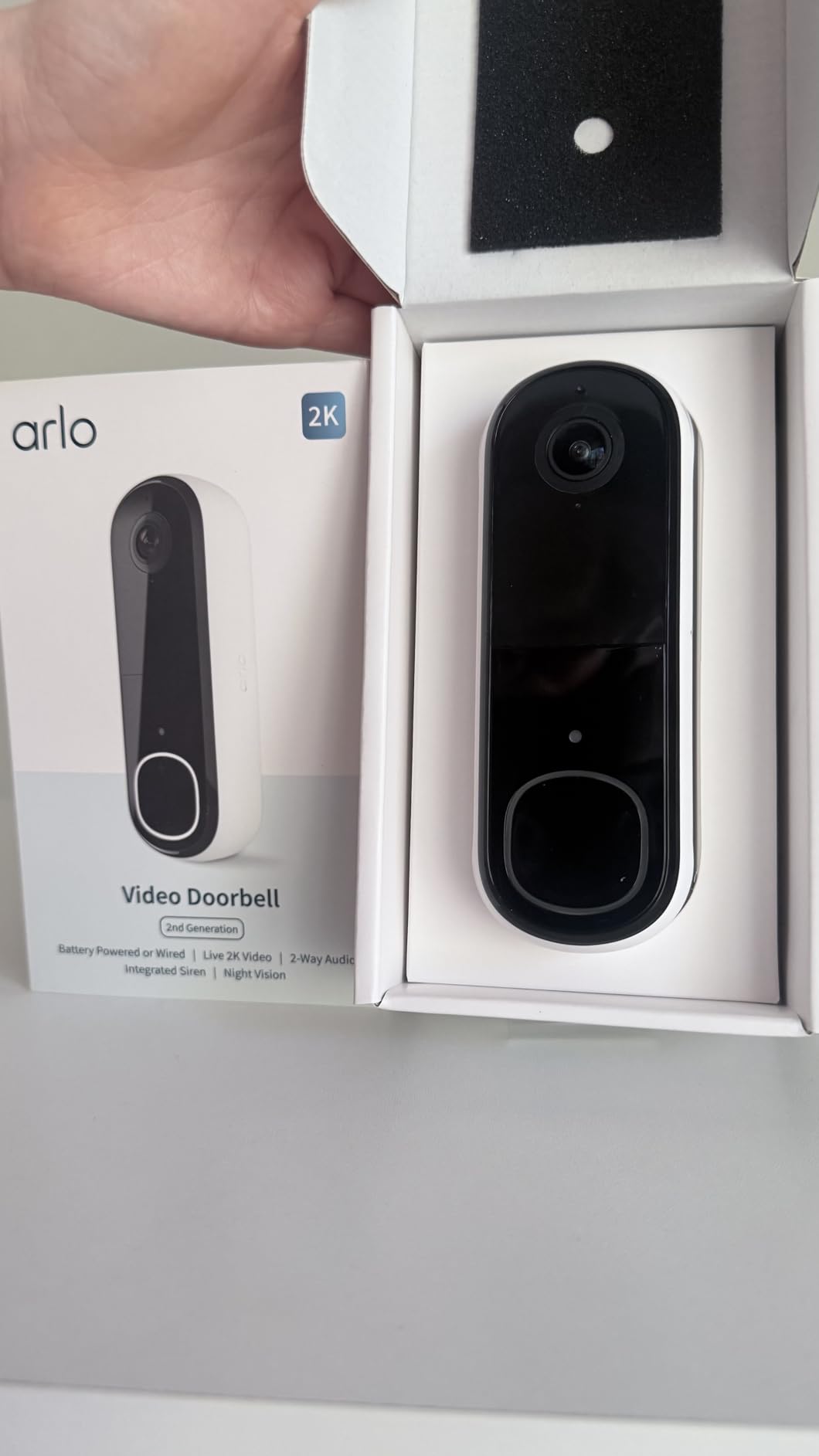
9. Arlo Video Doorbell 2K – Best for Apple Home and SmartThings
- Wide 180 degree head-to-toe view with 2K HDR clarity
- Clear two-way audio with essentially no delay
- Can hardwire to existing wiring for continuous power
- Fast app setup taking only a few minutes
- Works across Alexa Apple Home Google Home SmartThings and IFTTT
- Advanced features including video history require a paid Arlo Secure plan
- Battery is not removable so the whole unit must be taken down to charge
- Motion sensitivity can be difficult to tune
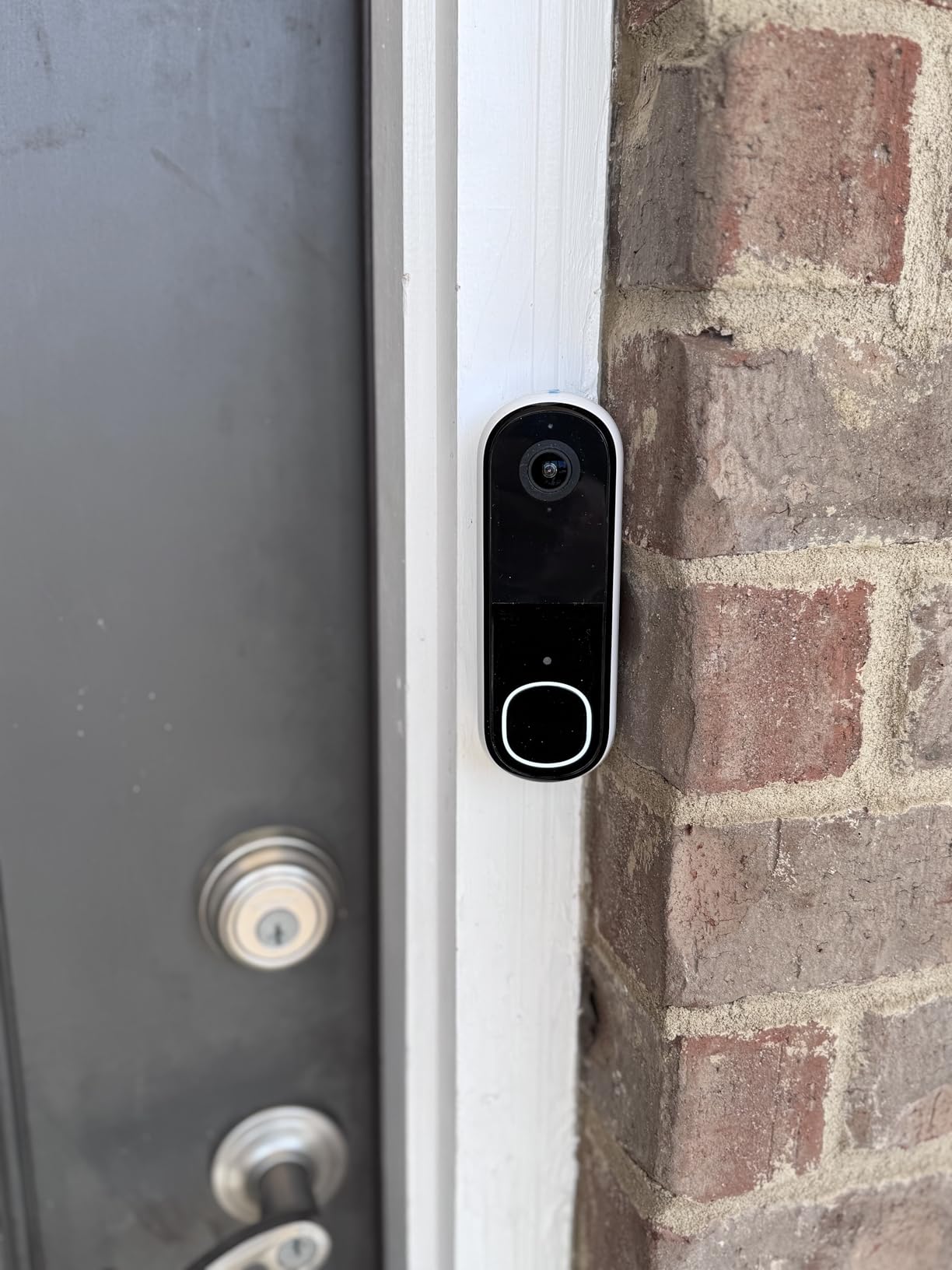
Arlo is the broadest ecosystem match in this guide. Apple Home, Google Home, Alexa, SmartThings and IFTTT are all supported, so this is the safest pick for a house where different people in the family use different platforms. The included angled bracket and wire extension kit help with older doors where the existing wires are short.
Video is 2K HDR at 180 degrees on the diagonal, running 30 frames per second, with color night vision out to about 25 feet. When wired, the unit trickle charges so you get continuous power without a removable battery.
Person, package and pet detection are available with custom activity zones and privacy zones, which is useful on a porch that looks onto a neighbor’s window. Two-way audio had effectively no delay in our tests, the best of any camera here, and the app takes only a few minutes to set up.
The catch is that live streaming and basic alerts work without a subscription, but 60-day history and the AI detection features require Arlo Secure. That is the single most common reason r/smarthome readers told us they moved off Arlo and Ring for local-storage alternatives.
Who this doorbell suits
It suits mixed-ecosystem households where family members use different voice assistants and something needs to work everywhere. Anyone who wants the fastest possible app setup and the widest field of view in a small body will like it. It is also a reasonable second doorbell for a side entrance in a large house, where you can read more about coverage in our large homes doorbell guide.
Who this doorbell does not suit
It does not suit anyone who wants video history without paying for a plan. Motion sensitivity is fiddly to tune and can generate a lot of notifications on a busy street. It is also not officially supported in every country, and in wireless mode the non-removable battery means taking the whole camera down to charge.
10. REOLINK Video Doorbell PoE 2K – Best for Thick-Walled Homes
REOLINK Video Doorbell PoE 2K Wired Outdoor Security Camera with Chime V2
- Power and video travel on a single Ethernet cable for stable continuous operation
- Recording continues through an internet outage
- 4:3 head-to-toe view without fish-eye distortion
- No monthly subscription for local storage
- Pre-roll captures six seconds before an event triggers
- WiFi is not supported so a PoE switch or injector is required
- Power supply not included in the box
- Third-party NVRs are not supported
This is the answer to the hardest version of the older home problem. Instead of fighting WiFi that dies at the front door three rooms from the router, it runs power and video down a single Ethernet cable. In a solid brick or stone house, or a 1920s property with heavy plaster, that removes the single most common install failure.
Recording continues through an internet outage, so a camera at the front door keeps capturing even if the connection drops. Storage goes to microSD up to 512GB, a Reolink NVR hard drive, or FTP and NAS, all without a monthly fee. Night color vision reaches 100 feet, far beyond anything else here.
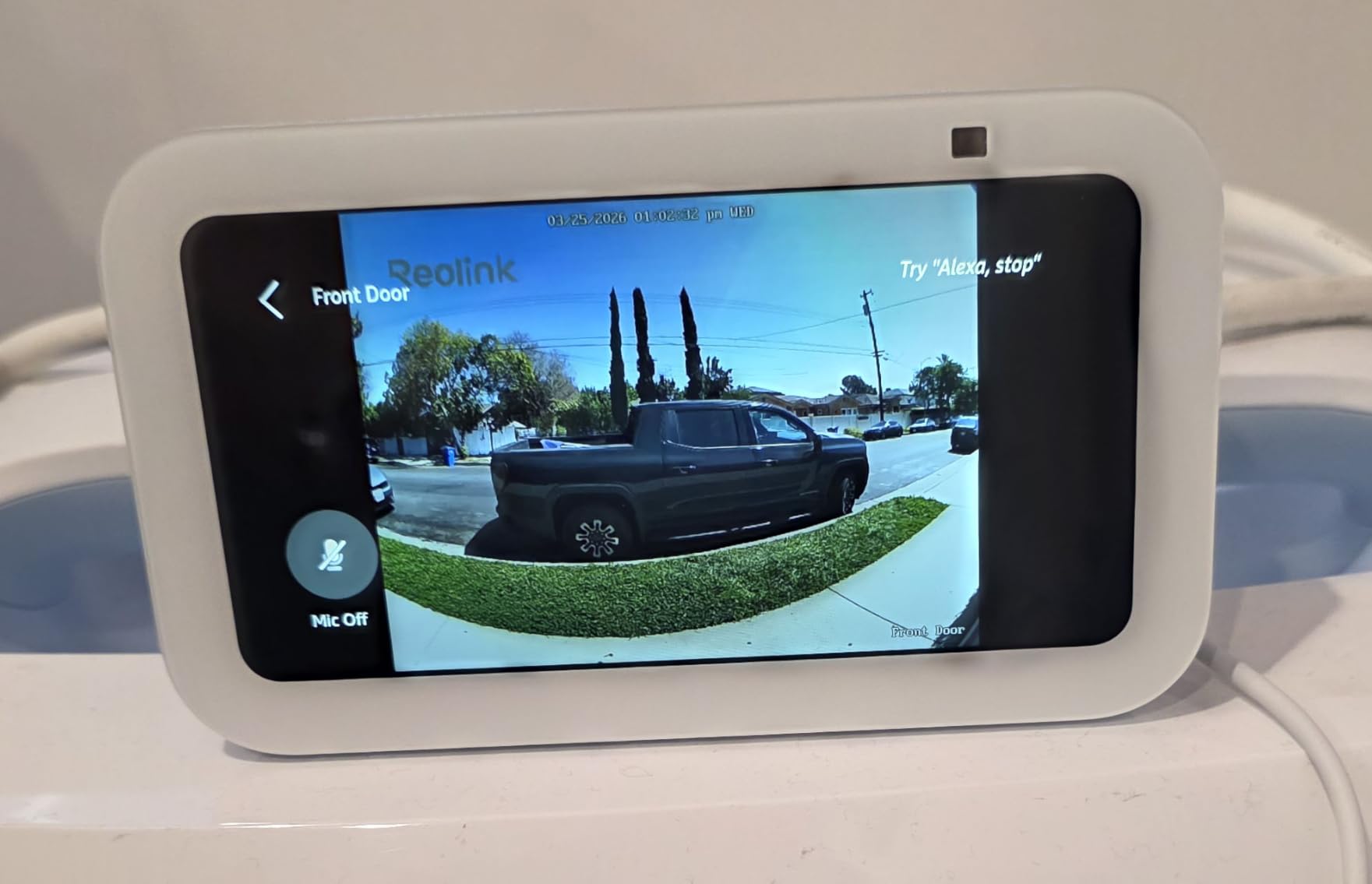
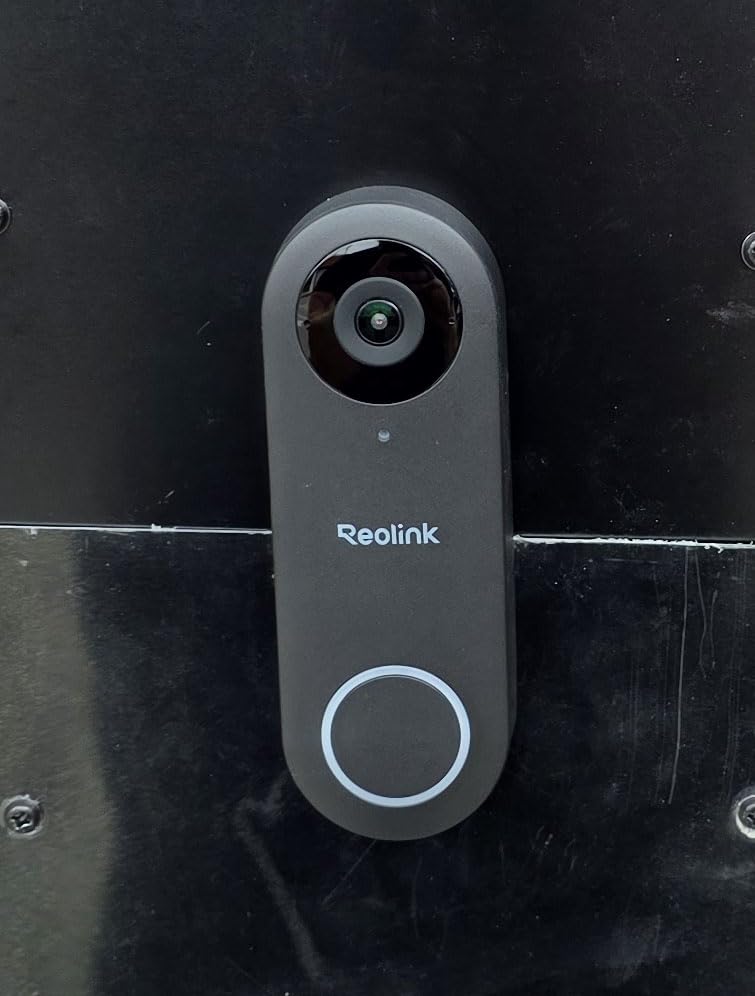
The video side matches the WiFi Reolink: 2K Super HD with HDR, 3D noise reduction, distortion correction, and a 4:3 aspect ratio at 180 degrees diagonal with a 15 degree wedge kit included. Six seconds of pre-roll means a fast-moving visitor is captured before motion detection fires.
Chime V2 plugs into any outlet and offers ten tunes. The camera accepts 12-24V AC, 24V DC, an IEEE 802.3af PoE switch or injector, or a Reolink PoE NVR, which makes it usable in houses that already have telephone-grade wire or old coax.
Who this doorbell suits
It suits owners of solid-wall homes with weak or unusable WiFi at the porch, and anyone already running structured cabling. Home Assistant and Frigate users looking for local recording without cloud upload will find the pre-roll and storage options useful. It also suits people who want video that keeps recording when the internet does not.
Who this doorbell does not suit
WiFi is not supported at all, so you need a PoE switch, an injector or a PoE NVR, and the power supply is not in the box. Third-party NVRs are not supported, which rules it out for a Synology or Amcrest setup. Setup is also the least approachable of any camera here if you have no networking background.
Your Doorbell Transformer: What Older Homes Usually Have
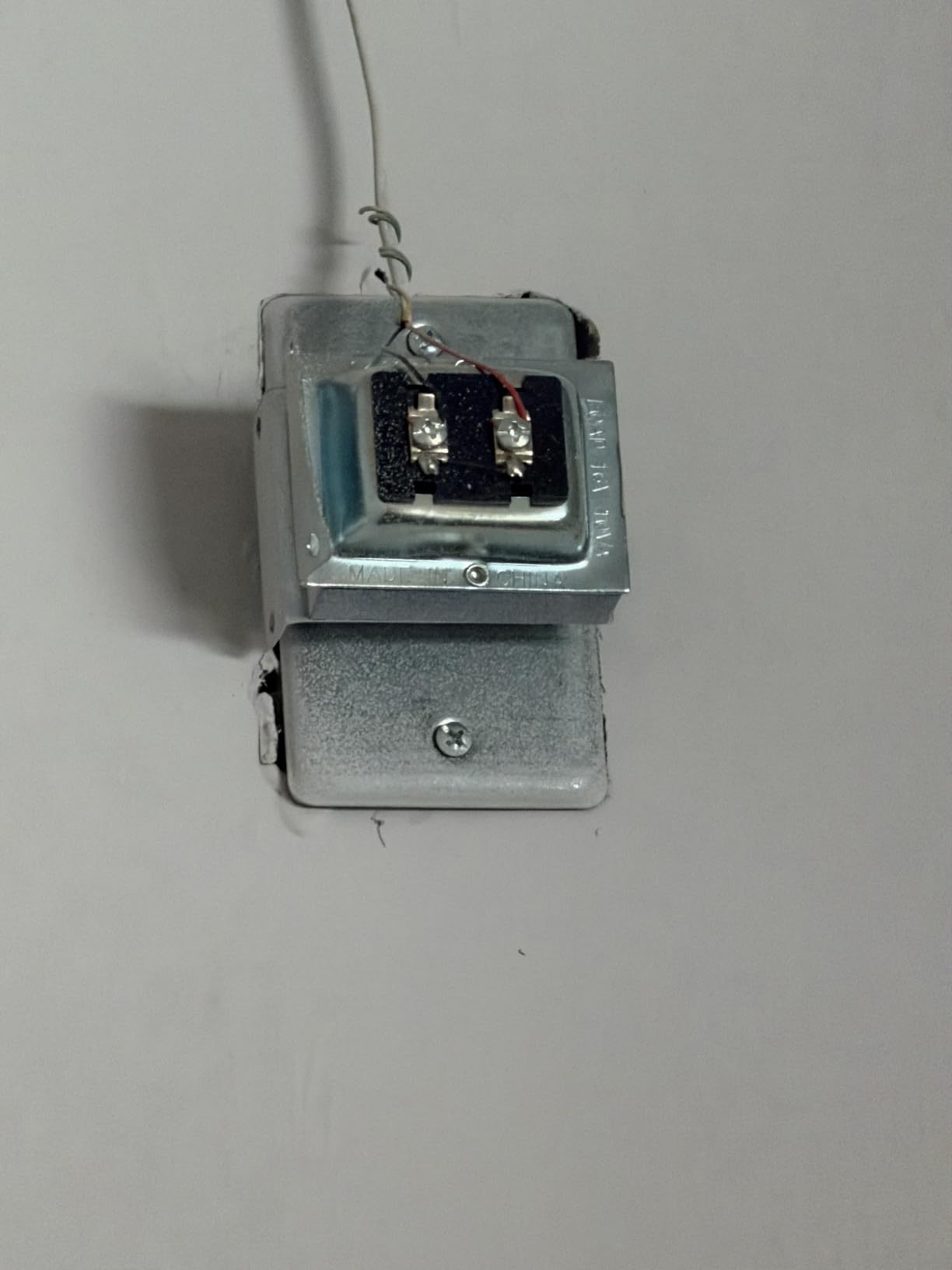
A doorbell transformer is a small step-down device that converts household voltage into the low-voltage AC a push button can safely carry. In houses from the 1920s through the 1970s it is very often an 8V or 10V unit sized for a mechanical chime, and that is below the minimum almost every modern video doorbell expects.
The electrical standard a modern wired video doorbell is designed around is 16V to 24V AC at 10VA or better. That figure is stated outright in the Wyze v2 listing, which is unusually helpful, and most competing models sit in the same range even when they do not print it.
Legacy 8V and 10V transformers cause the classic older home symptoms: a camera that reboots every few minutes, a chime that buzzes and stops, chattering video, or a unit that simply never boots. r/AskElectricians threads consistently describe 20 to 30 year old transformers as the thing most often replaced before a modern doorbell goes in.
What each model in this guide accepts, based on the manufacturer specifications we collected:
aosu 5MP: dual power, runs on existing doorbell wiring or on its internal battery, which makes it the safest choice when transformer output is uncertain.
eufy E340: wire to a 16V to 24V power source for permanent installs.
Tapo KD110: hardwired only, specified at 24 volts AC.
WYZE v2: 16V to 24V AC with a 10VA minimum, stated explicitly.
REOLINK WiFi 2K: 12V to 24V AC at 50/60Hz, or 24V DC.
Ring Wired 2K and 4K Pro: hardwired for continuous power, no voltage figure published in the listing data we reviewed.
Tapo D225: the widest window in the group at 8V to 24V when hardwired.
Arlo 2K: hardwire to existing wiring for continuous power and trickle charging.
REOLINK PoE 2K: 12V to 24V AC, 24V DC, or 802.3af PoE from a switch, injector or NVR.
How to Test and Upgrade an Underpowered Transformer
You do not need to guess. Testing the transformer takes five minutes and a multimeter, and it is the single most useful thing a homeowner can do before buying anything.
Switch off the breaker that feeds the doorbell circuit and confirm the front button is dead with a voltage tester.
Open the transformer cover, usually near the electrical panel, and locate the two low-voltage screw terminals.
Set the multimeter to AC volts and place the probes across the two low-voltage terminals.
Read the number. Anything at or above 16V is workable. Below 12V will not run a modern video doorbell reliably.
Note the VA rating printed on the unit. Continuous-power cameras want 10VA or more.
If the reading is low, the replacement is a small part and a short job. Choose a 16V AC 10VA transformer, or a 24V unit if the doorbell is specified for it. A 24V transformer on a doorbell designed for 16V is generally not recommended, because many units are built around a specific low-voltage AC level and will not behave predictably.
Turning off that breaker and swapping the transformer is straightforward work. If your doorbell circuit shares a breaker with interior lighting, low-voltage cabling, or a smart thermostat, an electrician is the safer call, and the job takes under an hour in most houses.
If you want to keep an existing mechanical chime ringing, check that the model ships jumper wires. The Tapo KD110 includes them, and the eufy E340 and WYZE v2 both support mechanical chimes directly. The Ring models do not ring an existing chime without jumper wiring plus a separate Ring Chime, which is worth planning for before you cut power.
Installing a Wired Video Doorbell on Existing Wiring
Traditional doorbells are wired simply: two low-voltage wires run from the transformer through the wall to the front button, and the chime is wired in parallel. Any of the ten doorbells in this guide can reuse that same pair of wires, with two wires and a transformer being the whole requirement.
Start by killing the breaker, then photograph the existing button wiring before removing anything. Most installs take under an hour. Older houses are the exception when the wall is plaster or the door frame is set back, so allow more time if you have to fish new wire through masonry.
Check your clearance before ordering. The Ring models are the bulkiest and need two to three inches beside the frame, while the Tapo D225 includes 15 degree and 5 degree wedges that solve doors mounted proud of the jamb. The Reolink units include a 15 degree wedge kit as well.
If your house has no usable doorbell wire, or the WiFi at the porch is unusable in a solid-wall home, a PoE run is the cleanest fix. One Ethernet cable carries both power and video, so you get a reliable camera and no router proximity problem. Our wired security camera guide covers the wiring side in more detail.
Apartment and condo owners face a different version of this problem, where a 1990s shared intercom panel owns the entry wiring. That situation has its own constraints, and we covered it separately in our apartment doorbell guide.
Subscription Video vs Local Storage
Local storage is the deciding factor for a lot of older-home owners, and the split across this roundup is clear. Six of the ten cameras record to a card or a local base with no monthly fee attached.
Card-based options are the WYZE v2 (24/7 continuous), the Tapo KD110, the Tapo D225, and both Reolink models, with capacities from 128GB up to 512GB. Base-station options are the eufy E340 with 8GB of eMMC and the aosu 5MP with an 8GB aosuBase Mini looping about 60 days.
Subscription-shaped options are the Ring Wired 2K and Ring 4K Pro, where video history and AI features sit behind Ring Protect, and the Arlo 2K, where 60-day history and AI detection need Arlo Secure. Live view and basic alerts still work without paying.
For anyone monitoring an elderly relative rather than defending against intruders, local storage also means no account in someone else’s cloud. If the person being watched has cognitive decline, a camera that keeps every recording on your own drive is easier to justify than one that streams footage to a third-party server.
Homeowners who travel and want alerts while away can pair the same choice with a remote monitoring setup, which we cover in our vacation home doorbell guide.
Smart Home Ecosystem Compatibility
Voice assistant support is the most common integration and every camera here works with at least one. Alexa is supported by the aosu 5MP, the Tapo KD110, the Tapo D225, the Ring models and the Arlo. Google Assistant is supported by the aosu, the Tapo KD110 and the Tapo D225.
The Arlo 2K is the broadest option, covering Alexa, Apple Home, Google Home, SmartThings and IFTTT. It is the only camera here with first-party Apple Home support, which makes it the pick for a house where anyone in the family uses an iPhone.
The eufy E340 pairs with the wider eufy ecosystem and existing mechanical chimes through its hub, so it fits best in a house that already runs eufy indoor cameras. The Reolink models, particularly the PoE version, suit Home Assistant and Frigate users who want RTSP-style local control.
No camera in this group advertises Matter or Thread support, so treat that as an open question rather than a buying factor for now. Ecosystem fit, voltage tolerance and local storage matter more for the actual installation.
Frequently Asked Questions
What voltage does an old doorbell transformer typically use?
Doorbell transformers in homes built before the 1980s are commonly 8V or 10V AC units, sized for a mechanical push button and chime. Modern wired video doorbells generally expect 16V to 24V AC at 10VA or more, so an original transformer often needs replacing. Test yours with a multimeter before buying.
Can I use a 24V transformer on a 16V doorbell?
It is generally not recommended. Each doorbell is engineered around a specific low-voltage AC window, and a 24V supply can push a 16V-designed unit outside its operating range, causing chattering audio, reboots or a failed chime. Match the replacement transformer to the voltage printed in the doorbell manufacturer specifications instead.
How do I tell what voltage my doorbell transformer is?
Switch off the breaker feeding the doorbell circuit, open the transformer cover near the electrical panel, and set a multimeter to AC volts across the two low-voltage screw terminals. The reading should be 16V or higher for a modern video doorbell. Many units also print the voltage and VA rating on the housing itself.
What is the standard transformer for a doorbell?
The modern standard is a 16V AC transformer rated at 10VA or higher, with 24V AC being the other common choice. Anything below 12V belongs to the older mechanical-chime era. If you are replacing a legacy unit in a pre-1980 house, a 16V AC 10VA transformer satisfies most current video doorbells.
What are the disadvantages of a wired doorbell?
The main drawbacks are installation dependence on existing wiring and a compatible transformer, the need to shut off power for any change, and in some models a bulky housing that needs clearance beside the frame. Some wired models also stop ringing an existing mechanical chime without jumper wiring. In return you get continuous power and no battery charging.
Do wired video doorbells work with existing mechanical chimes?
It depends on the model. The Tapo KD110 ships jumper wires for this purpose, and the eufy E340 and WYZE v2 are listed as compatible with an existing mechanical chime. The Ring Wired Doorbell 2K and 4K Pro will not ring an existing chime without jumper wiring plus a separate Ring Chime.
Can I install a wired video doorbell without existing doorbell wiring?
Yes, if you run a new two-wire low-voltage cable from the transformer to the door position, or use a PoE model that carries power and video over a single Ethernet run. In a solid-wall older home, the PoE route also solves weak WiFi at the porch, which is why we recommend it for thick construction.
Final Recommendations by Use Case
If your transformer is original and you are unsure whether it is up to the job, start with the aosu 5MP, because it can run on wiring or on battery and comes with local storage that costs nothing to run. If you want the cleanest possible hardwired install and already have 24V AC, the Tapo KD110 is hard to beat on simplicity.
For package theft, the eufy E340 dual cameras give you the ground-level view. For continuous 24/7 recording on a budget, the WYZE v2 or the hardwired Tapo D225 both record without a subscription. In a solid-wall house where WiFi barely reaches the porch, the Reolink Doorbell PoE removes the problem entirely, and the Ring 4K Pro wins on image detail for anyone who needs to identify a face at distance.
Whatever you pick, test that transformer with a multimeter before the box opens. That five minutes decides whether this is a one-hour install or a two-day project.