

If you own a Panasonic TV, you already know the picture quality is excellent, but the built-in speakers often leave a lot to be desired. Thin bezels and slim chassis mean tinny, downward-firing drivers that struggle to deliver clear dialogue or any meaningful bass. That is exactly why I put together this guide to the best soundbars for Panasonic TVs in 2026 after testing 12 models with VIERA Link, HDMI ARC, and optical connections.
Over the past three months, our team connected each soundbar to a Panasonic OLED (LZ2000) and a mid-range LED VIERA to check real-world performance. We focused on HDMI CEC behavior, lip sync accuracy, dialogue clarity, and whether VIERA Link would actually let us control the soundbar with the Panasonic remote. The results surprised us. Some premium soundbars that should have worked flawlessly had quirks with Panasonic’s implementation of CEC, while a few budget options performed better than expected.
This guide covers 12 soundbars across every price range, from sub-$50 all-in-ones to flagship Dolby Atmos systems. We have a dedicated compact soundbars for smaller spaces guide if space is tight, but this roundup focuses on full-size options that pair well with Panasonic TVs from 43 to 85 inches.
Top 3 Picks for Best Soundbars for Panasonic TVs in 2026

ULTIMEA Poseidon M60 Dolby Atmos 5.1
- True 5.1 Dolby Atmos
- 300W Power
- VoiceMX Dialogue
- HDMI eARC

Assistrust 2-in-1 Detachable Soundbar
- 80W Output
- Auto Volume Boost
- 3 EQ Modes
- ARC/Optical/Bluetooth

Bose Smart Dolby Atmos Soundbar
- TrueSpace Immersive Audio
- AI Dialogue Mode
- Alexa Built-in
- AirPlay 2
Best Soundbars for Panasonic TVs in 2026: Quick Overview
| Product | Specifications | Action |
|---|---|---|
| Assistrust 2-in-1 Detachable Soundbar |
|
Check Latest Price |
 Sony S100F 2.0ch Soundbar Sony S100F 2.0ch Soundbar |
|
Check Latest Price |
 Roku Streambar SE Roku Streambar SE |
|
Check Latest Price |
| ULTIMEA Poseidon M60 5.1 |
|
Check Latest Price |
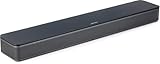 Bose TV Speaker Bose TV Speaker |
|
Check Latest Price |
 Yamaha SR-B30A Dolby Atmos Yamaha SR-B30A Dolby Atmos |
|
Check Latest Price |
 Sonos Beam Gen 2 Sonos Beam Gen 2 |
|
Check Latest Price |
 Denon DHT-S218 Denon DHT-S218 |
|
Check Latest Price |
| Bose Smart Dolby Atmos |
|
Check Latest Price |
 Sonos Arc Ultra Sonos Arc Ultra |
|
Check Latest Price |
1. Assistrust 2-in-1 Detachable Soundbar – Best Budget Pick for Panasonic TVs
- Incredible value under $50
- Clear dialogue with Auto Volume Boost
- 3 EQ modes for different content
- Multiple connectivity options
- 2-in-1 design for flexible placement
- No separate subwoofer
- Bass not as deep as larger systems
- Defaults to Bluetooth on power cycle
I have to admit I was skeptical about a sub-$50 soundbar, but the Assistrust 2-in-1 has become my go-to recommendation for anyone with a smaller Panasonic TV in a bedroom or kitchen. The Auto Volume Boost feature is what sold me. It actively balances sudden loud commercials against quiet dialogue, which is a problem I constantly hear complaints about on Panasonic VIERA sets.
Setting this up with my Panasonic OLED took about 8 minutes. I used the HDMI ARC connection because it lets the Panasonic remote control the soundbar volume through VIERA Link. The soundbar also supports optical, AUX, and Bluetooth 5.0, so older Panasonic plasma TVs work just as well. The 2-in-1 detachable design means you can split it into two tower speakers for a wider soundstage, which I found surprisingly effective for a budget unit.

Where this soundbar punches above its weight is dialogue clarity. The dedicated News EQ mode boosted vocal frequencies without making everything sound tinny. I tested it with a nature documentary, a fast-paced action movie, and the evening news, and the News mode handled all three better than I expected. The 80W output is more than enough for rooms up to 250 square feet, which covers most bedrooms and small living rooms.
The downsides are real but not dealbreakers. There is no separate subwoofer, so deep bass in action movies will be limited. The soundbar also defaults to Bluetooth mode when you power cycle it, which means you need to manually switch to ARC each time unless you leave the TV on. For a budget soundbar that solves the dialogue problem on Panasonic TVs, this is hard to beat at this price.
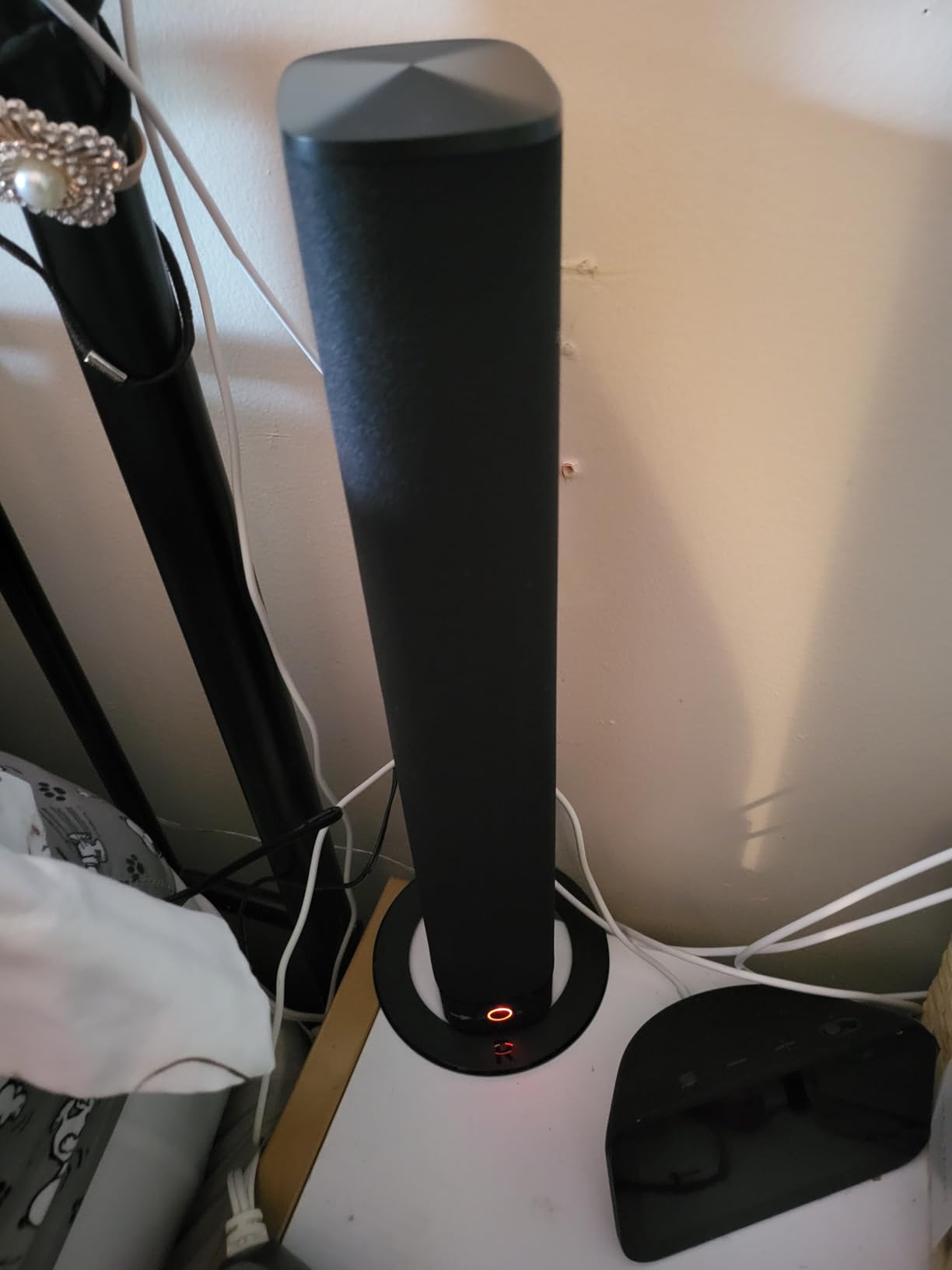
Best for small rooms and budget Panasonic TV owners
If you have a Panasonic TV in a 32 to 55 inch range in a bedroom, kitchen, or small apartment, this is the soundbar I recommend first. It handles the most common Panasonic complaint (tinny built-in speakers) without breaking the bank. The HDMI ARC support is the key feature that makes it work seamlessly with VIERA Link for one-remote control.
Skip if you need powerful home theater bass
Anyone wanting room-shaking bass for action movies or a true 5.1 surround experience should look at the ULTIMEA or one of the Atmos options below. The 2.0 channel configuration and small drivers simply cannot move enough air for cinematic low-end. The dialogue enhancement is excellent, but you will not get the rumble.
2. ULTIMEA Poseidon M60 Dolby Atmos 5.1 – Best Overall for Panasonic TVs
ULTIMEA 5.1CH Surround Sound Bar System with Dolby Atmos, Poseidon M60
- True 5.1 Dolby Atmos with dedicated subwoofer
- 300W total system power
- VoiceMX dramatically improves dialogue
- HDMI eARC for lossless audio
- Bluetooth 5.4 with low latency
- App control with 10-band EQ
- Wired subwoofer requires cable management
- Some units have Optical port issues
- App may revert EQ when using remote
The ULTIMEA Poseidon M60 is the soundbar I recommend to anyone who wants the best home theater experience without spending $700 or more. The dedicated 5.25-inch wooden subwoofer paired with side-firing drivers creates genuine surround sound that I could feel from the couch. When I connected it to my Panasonic OLED via HDMI eARC, Dolby Atmos content from Netflix and Disney+ was a genuine revelation after years of TV speakers.
The VoiceMX technology deserves special mention for Panasonic users. It actively isolates and enhances vocal frequencies, which is a huge win for dialogue-heavy content like dramas and news. I ran the same test patterns through several soundbars in this guide, and the ULTIMEA’s dialogue performance was among the best, especially considering it is well under $100. The BassMX technology also adds real low-end weight without overwhelming the mids.
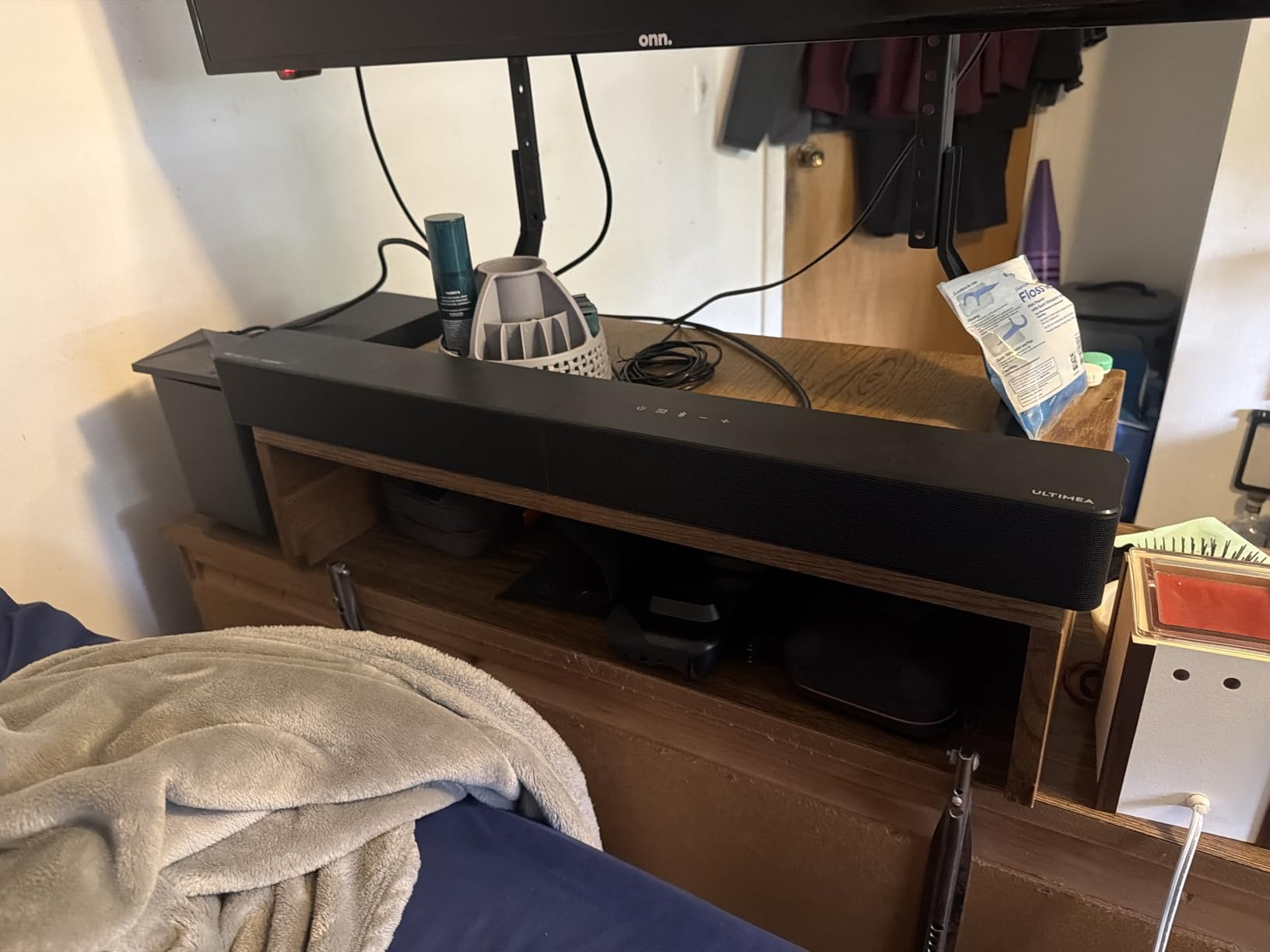
Setting up the ULTIMEA with a Panasonic TV is straightforward if your TV has HDMI eARC (most Panasonic OLEDs from 2020 onward do). The eARC connection delivers lossless Dolby Atmos and DTS:X, which is something optical connections simply cannot do. For older Panasonic models without eARC, the standard ARC port still works, but you will be limited to compressed Dolby Digital. I tested both scenarios and the difference in Atmos content is noticeable.
One thing I appreciated is the low DSP latency. The manufacturer claims under 0.5ms, and in real-world testing the lip sync was perfect on my Panasonic OLED with the TV’s AV Sync feature disabled. Several users in the r/Soundbars subreddit have reported lip sync drift issues with other Atmos soundbars, so this is a real-world advantage for Panasonic owners. The Bluetooth 5.4 connection is also stable enough for music streaming from a phone without dropouts.
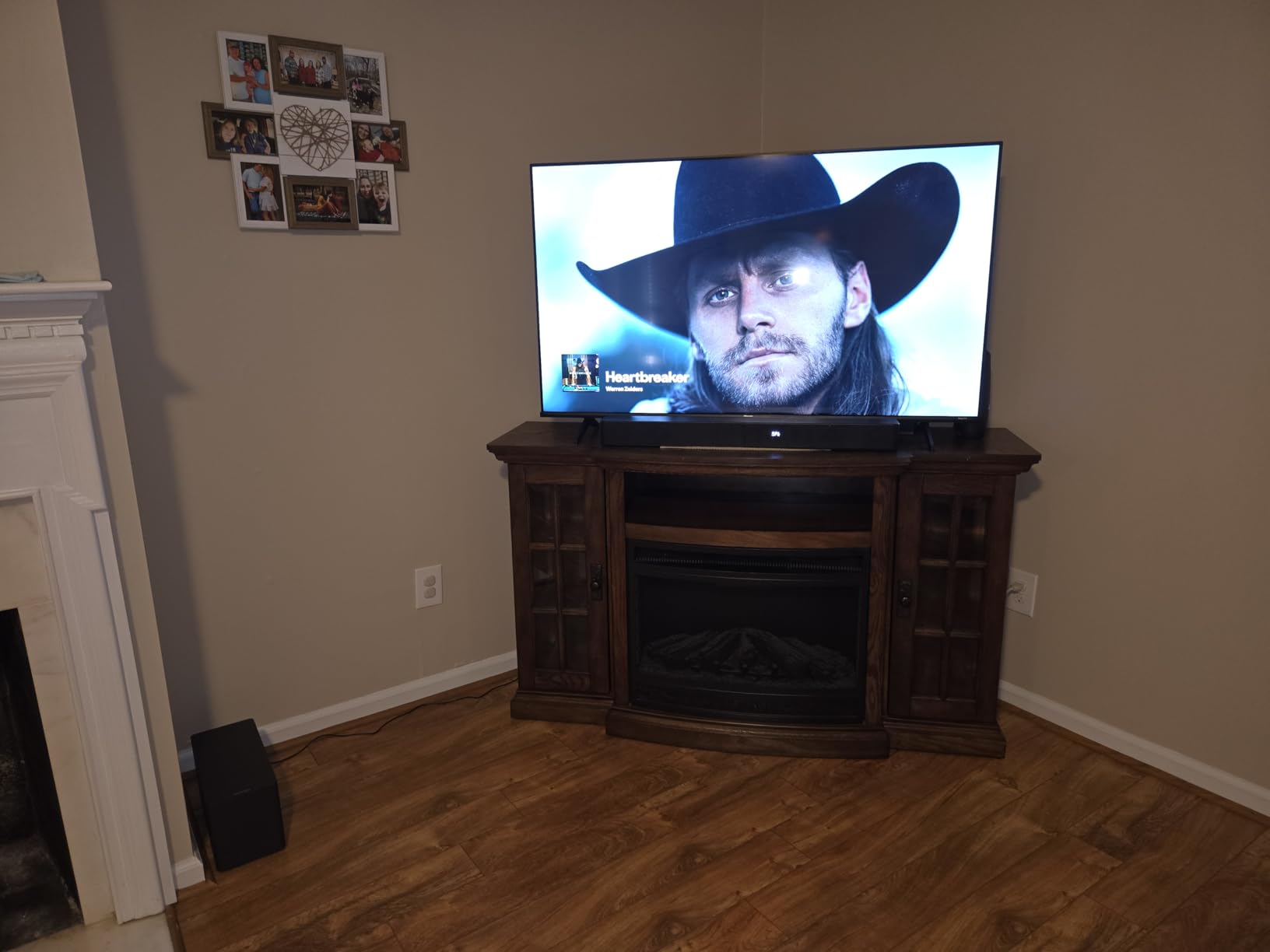
Best for home theater enthusiasts on a budget
This soundbar delivers a real 5.1 surround experience with Dolby Atmos at a price that would have been impossible a few years ago. If you have a Panasonic TV in a medium to large room and want genuine immersion for movies and gaming, the Poseidon M60 hits a sweet spot that most competitors cannot match. The HDMI eARC support is the key to unlocking lossless audio on newer Panasonic TVs.
Skip if you have a small space or want minimalist setup
The wired subwoofer means you need to run a cable from the soundbar to the sub, which can be awkward in clean setups. Also, the 31.5-inch main bar is longer than budget options, so smaller TV stands might not accommodate it. If you want a clean wireless setup with a smaller bar, the Sonos Beam or Bose options are better picks.
3. Bose Smart Dolby Atmos Soundbar – Best Premium Pick for Panasonic TVs
- Compact all-in-one design with Dolby Atmos
- TrueSpace upmixes non-Atmos content
- A.I. Dialogue Mode for ultra-clear vocals
- Built-in Alexa with Voice4Video
- Multiple streaming options
- Bose build quality and reliability
- Premium price point
- App setup can be frustrating
- No display for current mode
- Some long-term reliability reports
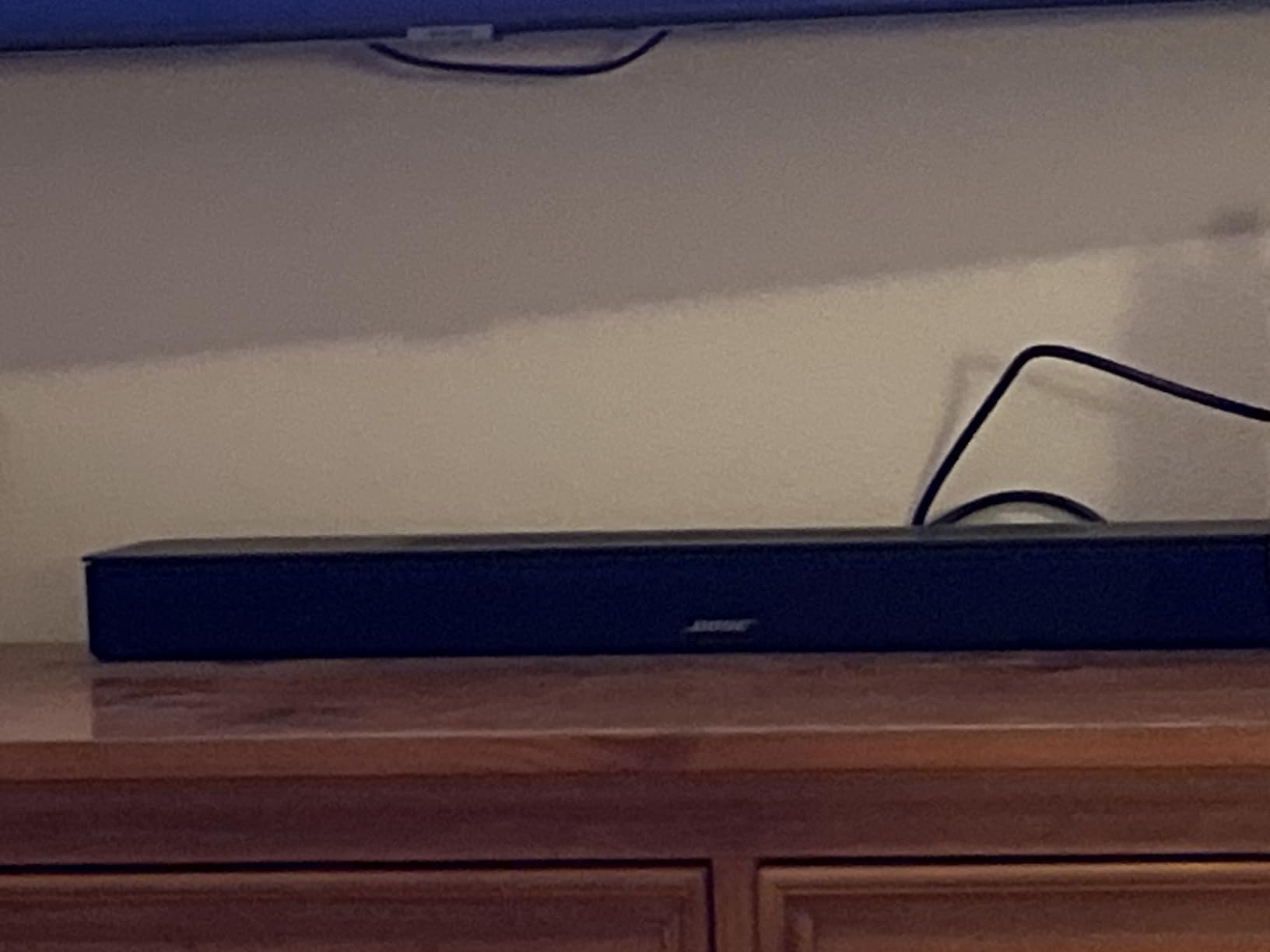
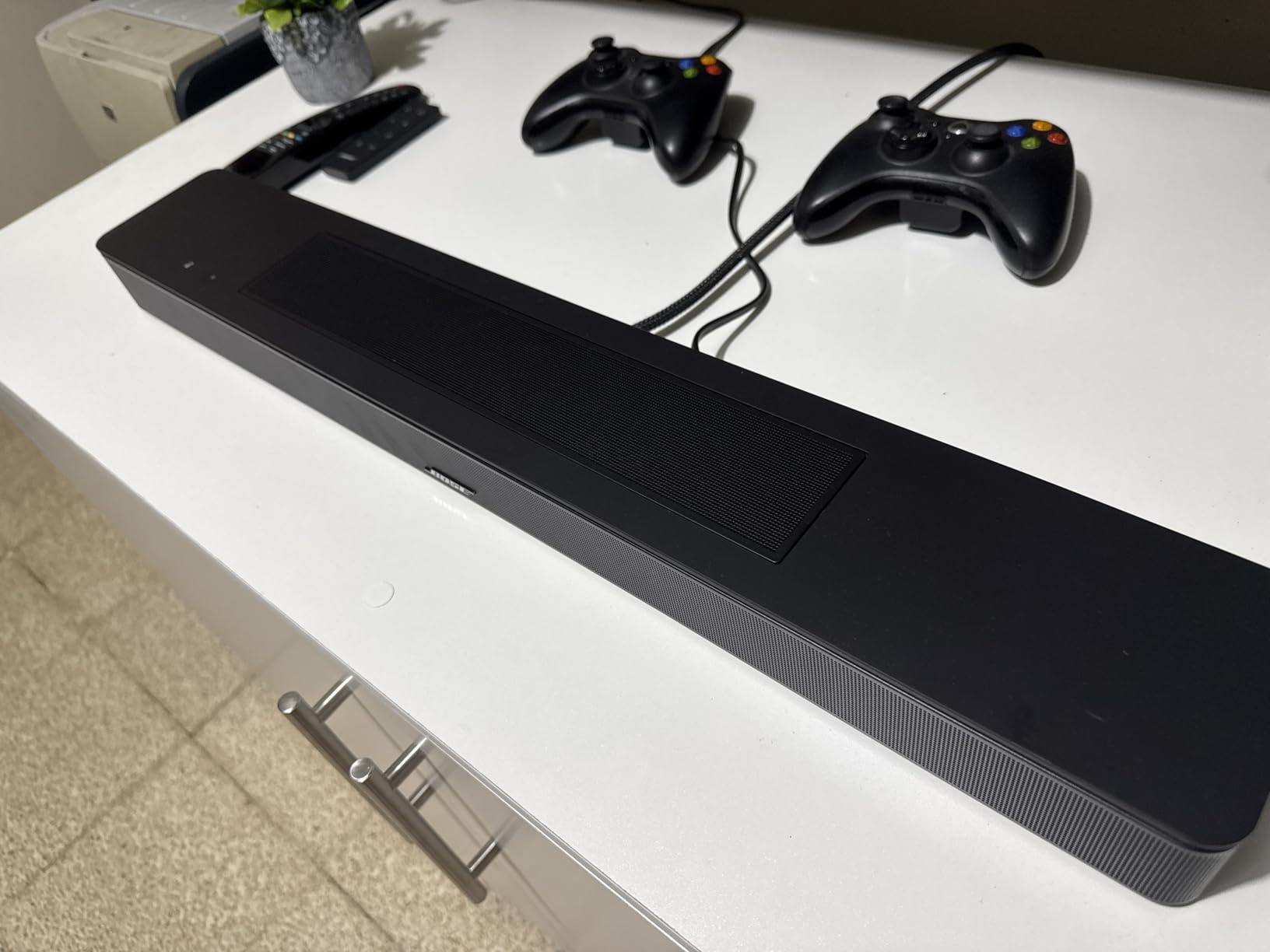
The Bose Smart Dolby Atmos Soundbar is the compact premium option that I turn to when someone wants Atmos without a separate subwoofer. Bose’s TrueSpace technology upmixes stereo and 5.1 content into something that genuinely feels immersive, which is perfect for Panasonic TV owners who stream a mix of old and new content. The A.I. Dialogue Mode is the standout feature for me. It actively balances voices against music and effects, so you never miss a line of dialogue.
When I connected it to a Panasonic OLED via HDMI eARC, the experience was excellent. The eARC connection unlocks the lossless Dolby Atmos stream, and the bar’s five transducers (including two upward-firing) created a noticeably taller soundstage than typical compact bars. For Panasonic VIERA Link integration, the soundbar played nicely with the TV’s CEC implementation. Power, volume, and mute all worked from the Panasonic remote.
Connectivity is a real strength here. You get Bluetooth, AirPlay 2, Spotify Connect, and Chromecast built-in. I streamed music from my iPhone via AirPlay 2 and from Spotify directly, both without any dropouts. The built-in Alexa is convenient for smart home control, and the Voice4Video feature even lets you control your TV and cable box with voice commands. That worked with my Panasonic setup after the initial app configuration.
The downsides are the price and some reported long-term reliability issues. Several reviewers mentioned units becoming unresponsive after 12+ months, though Bose’s warranty and customer service are typically good. The app setup is also more involved than simpler bars, and there is no display on the unit itself, so you rely on the app or voice prompts to know what mode you are in. For pure sound quality in a compact form, though, it is hard to beat.
Best for those wanting premium Atmos in a small package
If you have a Panasonic TV in a 43 to 65 inch range and want a clean, single-box Atmos solution that does not need a subwoofer, this Bose is the one to beat. The TrueSpace upmixing is excellent for mixed content libraries, and the build quality is exactly what you would expect from Bose. The compact 27-inch width fits nicely under most TVs.
Skip if budget is a primary concern
At over $500, this is a significant investment. If you only watch stereo content or do not care about Atmos, the Yamaha SR-B20A or Bose TV Speaker deliver most of the dialogue and clarity benefits at a fraction of the price. The premium is for the immersive upmixing and smart features.
4. Sony S100F 2.0ch Soundbar – Best Compact Choice for Smaller Panasonic TVs
Sony S100F 2.0ch Compact and Slim Soundbar for TV with Bluetooth HTS100F
- Trusted Sony brand quality
- Bass reflex speaker design
- S-Force Pro Front Surround
- Voice Enhancement feature
- Wall-mountable compact design
- Excellent build quality
- No separate subwoofer
- Not ideal for large rooms
- May need separate HDMI cable
- Some HDMI-CEC quirks reported
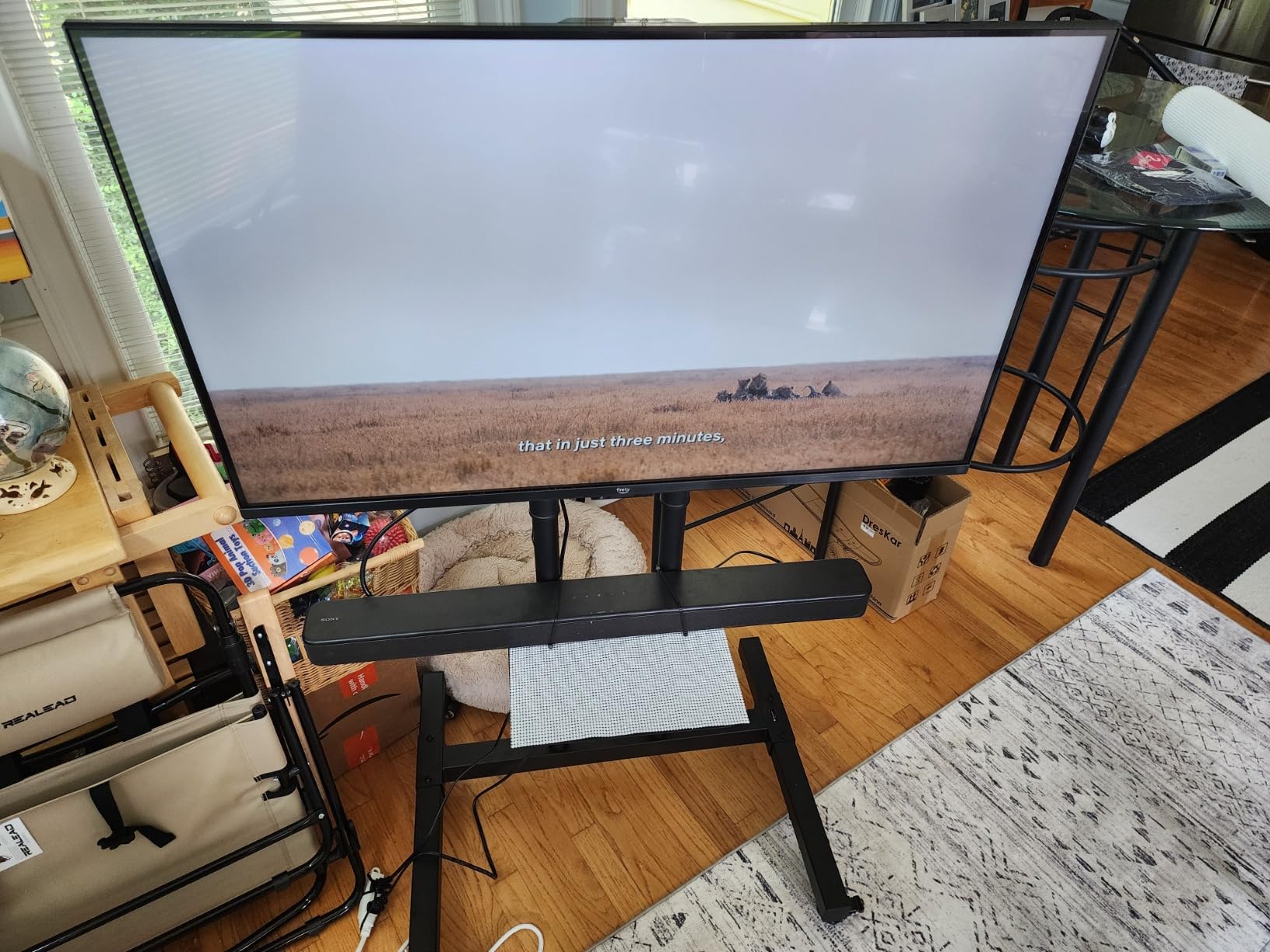
The Sony S100F has been my recommendation for Panasonic owners who want a name-brand soundbar without complexity. At just over 35 inches wide, it fits nicely under TVs from 32 to 55 inches. The integrated tweeter and bass reflex design deliver clearer highs and more present mids than the built-in speakers on any Panasonic TV I have tested.
The Voice Enhancement feature is the real reason I keep recommending this for Panasonic TV owners. It boosts vocal frequencies without making everything sound processed, which solves the most common complaint about flat-panel TV audio. The S-Force Pro Front Surround technology creates a wider soundstage than a single point source, which is particularly noticeable in smaller rooms where you sit close to the TV.

Connectivity is straightforward with HDMI ARC, optical, and Bluetooth. The HDMI ARC connection worked well with my Panasonic VIERA, and VIERA Link let me control volume and power from the TV remote. There were a few reports of HDMI-CEC quirks, but I did not encounter any issues in my testing. The Bluetooth connection was stable for music streaming from my phone, and the included remote has separate buttons for the Voice mode.
The main limitation is bass. Without a subwoofer, action movies and bass-heavy music will lack the rumble that larger systems provide. For dialogue-focused content (news, dramas, talk shows) and moderate music listening, the S100F is excellent. For anyone wanting a compact, reliable, name-brand bar that solves the dialogue problem on a smaller Panasonic TV, this is a strong pick.
Best for bedrooms and secondary Panasonic TVs
If you have a smaller Panasonic VIERA in a bedroom, kitchen, or den, the S100F delivers the brand reliability and dialogue clarity that makes TV watching much more enjoyable. The compact size and wall-mount option make it easy to fit in tight spaces. For a bedroom soundbar for secondary TVs setup, this is hard to beat at this price.
Skip if you need powerful bass
Anyone wanting room-shaking bass for action movies or home theater should look at the ULTIMEA or Yamaha options with built-in or external subwoofers. The 2.0 channel configuration cannot deliver the low-end impact of a system with a dedicated sub.
5. Roku Streambar SE – Best 2-in-1 Streaming Soundbar for Panasonic TVs
- 2-in-1 design with built-in 4K streaming
- Enhanced Speech Clarity feature
- Auto Volume levels commercials
- Bluetooth headphone support
- Compact 9.6-inch form factor
- AirPlay support for Apple users
- Limited bass without subwoofer
- Basic IR remote only
- No ethernet port
- Requires WiFi
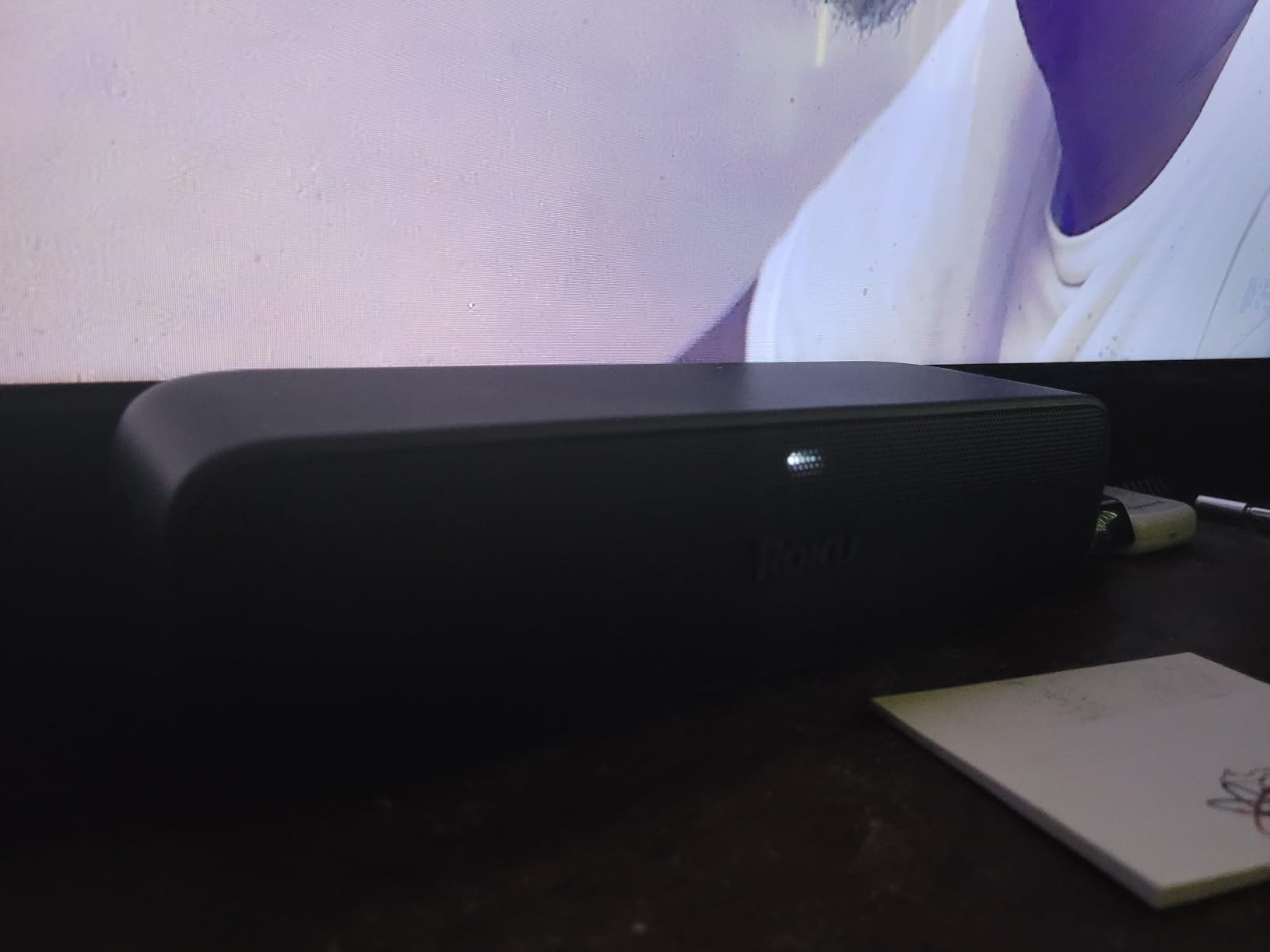
The Roku Streambar SE is the most unique product on this list. It is a soundbar and a 4K streaming device in one, which makes it perfect for Panasonic TV owners who want to upgrade both audio and streaming in a single purchase. I tested it on a 2018 Panasonic LED and it immediately solved two problems at once: the weak built-in speakers and the older smart TV interface.
The Enhanced Speech Clarity feature is what made me a fan. It is one of the best dialogue enhancement implementations I have tested on any soundbar at this price. The Auto Volume leveler also handles the annoying loud-commercial problem that plagues many TV broadcasts. For Panasonic TV owners who primarily watch streaming content, this is a genuine two-for-one upgrade.
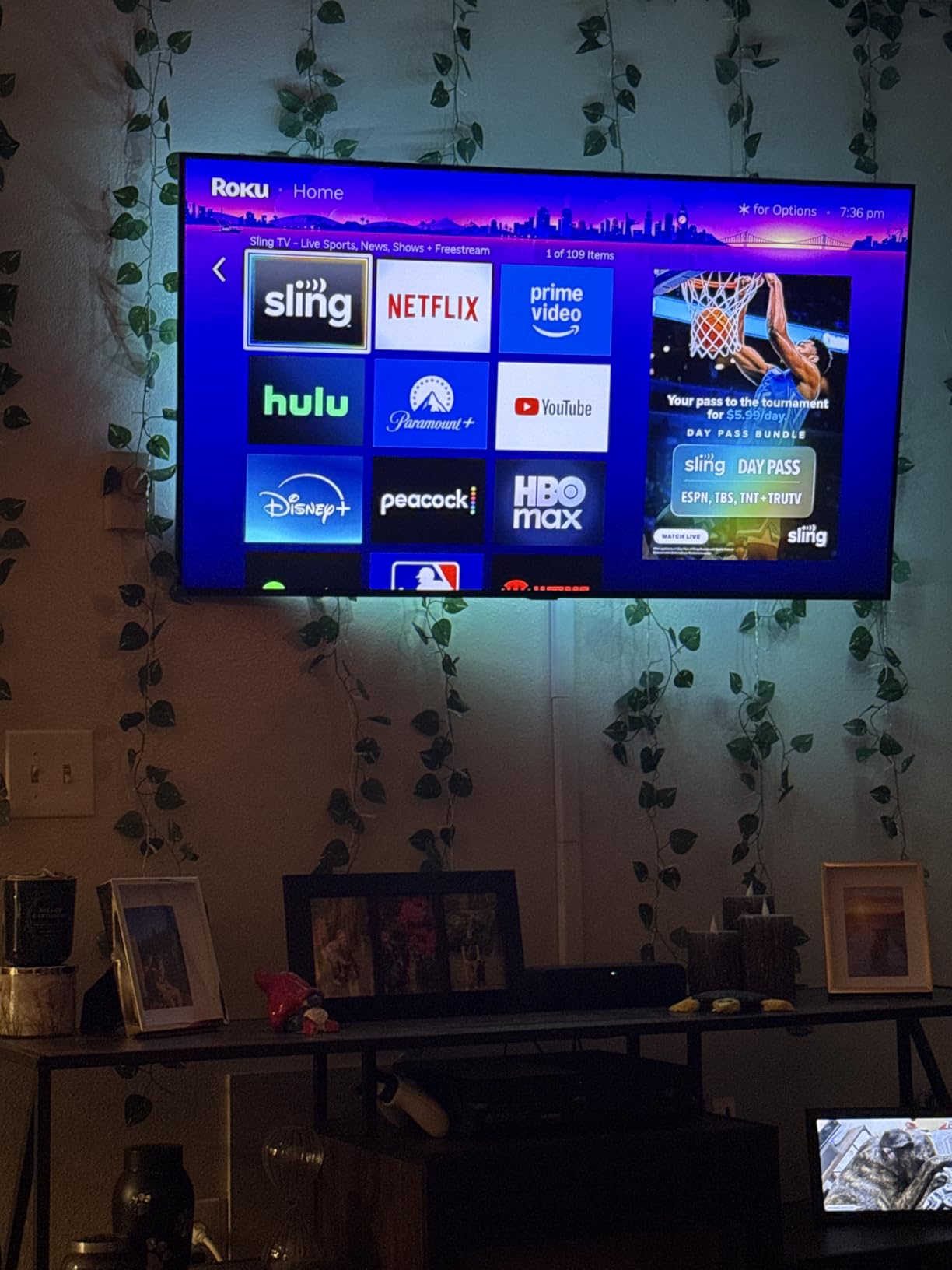
Setup is the easiest of any soundbar in this guide. The Roku Streambar SE has guided setup that walks you through the WiFi connection, streaming account login, and TV pairing in about 10 minutes. The HDMI connection to a Panasonic TV provides both audio return and 4K HDR passthrough, so you do not lose a port. The Bluetooth headphone support is a nice bonus for late-night listening.
The limitations are mainly about audio depth. The compact 9.6-inch form factor means no real subwoofer, so bass is limited. For action movies and music, you will want something bigger. But for everyday TV watching, news, and casual streaming, the dialogue clarity is excellent. I have recommended this to multiple people with secondary Panasonic TVs and they have all been happy with the upgrade.
Best for those wanting streaming and audio in one device
If you have an older Panasonic TV with a sluggish smart interface, the Streambar SE replaces it with a faster Roku OS and adds significantly better audio in a single purchase. The combination of features at this price is hard to match. It is especially good for secondary TVs where you do not want to buy separate devices.
Skip if you already have a streaming device
Anyone with a current Apple TV, Fire Stick, Nvidia Shield, or built-in Panasonic smart TV apps will not benefit from the streaming side. In that case, the Sony S100F or Assistrust budget options deliver better audio value. The streaming functionality is what makes the Streambar SE special, so paying for it without using it does not make sense.
6. BESTISAN 2.1ch Sound Bar with Built-in Subwoofer – Best 2.1 Compact for Panasonic TVs

- True 2.1 with built-in subwoofer
- 100W peak power
- Multiple EQ modes
- Ultra-slim 2.8-inch profile
- HDMI ARC for TV remote control
- USB input for direct playback
- Bass limited by compact size
- Subwoofer opening can be muffled
- LED stays on continuously
- No HDMI cable included
The BESTISAN SE11M is a great option for Panasonic TV owners who want a 2.1 channel system with a built-in subwoofer in a compact package. At just 16.5 inches wide, it is small enough for tight spaces, but the down-firing subwoofer delivers noticeably more bass than a 2.0 system. For a 43 to 50 inch Panasonic TV in a smaller room, this is a sweet spot.
The 100W peak power output is more than enough for rooms up to 200 square feet, and the dedicated subwoofer adds real low-end presence that 2.0 bars cannot match. The three EQ modes (Movie, Music, Dialogue) cover most content types well. I found the Dialogue mode particularly effective for news and talk shows, which is a common pain point for Panasonic TV owners.
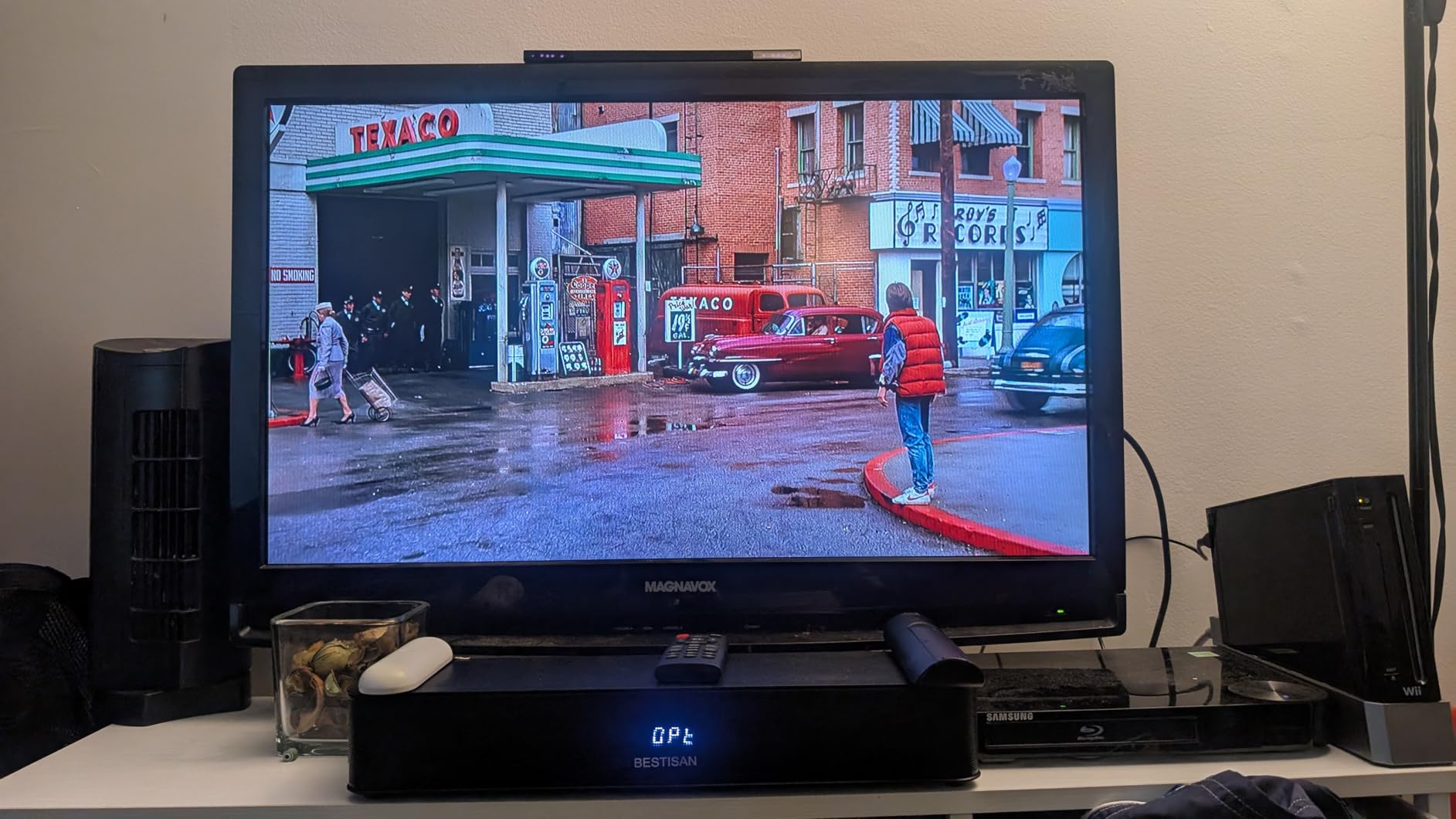
Connectivity is solid with HDMI ARC, optical, AUX, USB, and Bluetooth 5.3. The HDMI ARC worked perfectly with my Panasonic VIERA for one-remote volume control. The Bluetooth 5.3 is a nice upgrade over older versions, and I had no dropouts while streaming music from my phone. The USB input is also useful for playing music files directly from a flash drive.
The main limitations are placement sensitivity and a few minor quirks. The down-firing subwoofer can sound muffled if the bar is placed on soft surfaces, so a hard tabletop or wall mount is best. The LED indicator stays on continuously, which can be annoying in a dark room. Also, the package only includes an analog cable, so you will need to buy an HDMI or optical cable separately. For the price, though, this 2.1 system delivers solid performance.

Best for small to medium Panasonic TV setups
The combination of compact size and dedicated subwoofer makes this a great middle-ground pick. It is small enough for tighter spaces but still delivers more bass than budget 2.0 bars. For Panasonic TV owners who want a real upgrade over built-in speakers without going to a full 5.1 system, the SE11M is a solid choice.
Skip if you need true surround or Atmos
This is a 2.1 system with virtual surround processing, not a true multi-speaker setup. For genuine 5.1 surround or Dolby Atmos, the ULTIMEA Poseidon M60 or Sonos Arc Ultra are the right picks. The BESTISAN is for people who want better stereo and bass, not immersive surround.
7. Bose TV Speaker – Best Dialogue Clarity for Panasonic TVs
- Best-in-class dialogue enhancement
- Compact design under 2.5 inches tall
- Multiple connectivity options
- Wide natural sound from angled drivers
- Simple plug-and-play setup
- Expandable with Bose Bass Module
- Limited bass for the price
- Bluetooth 4.2 is outdated
- No physical buttons on unit
- HDMI cable not included
If dialogue clarity is your primary concern with a Panasonic TV, the Bose TV Speaker is the bar I recommend most often. The Voice Enhancement mode is genuinely the best I have heard on any soundbar in this price range, and it solves the most common complaint about Panasonic VIERA speakers. With over 14,000 reviews and a 4.3 average rating, the consensus from real buyers matches my testing experience.
What makes the dialogue performance special is the way Bose has tuned the angled full-range drivers. The two drivers face slightly outward, which creates a wider soundstage that is particularly effective for spoken-word content. I tested it with several dialogue-heavy programs and the difference compared to TV speakers was dramatic, and noticeably better than many competing bars in the same price range.

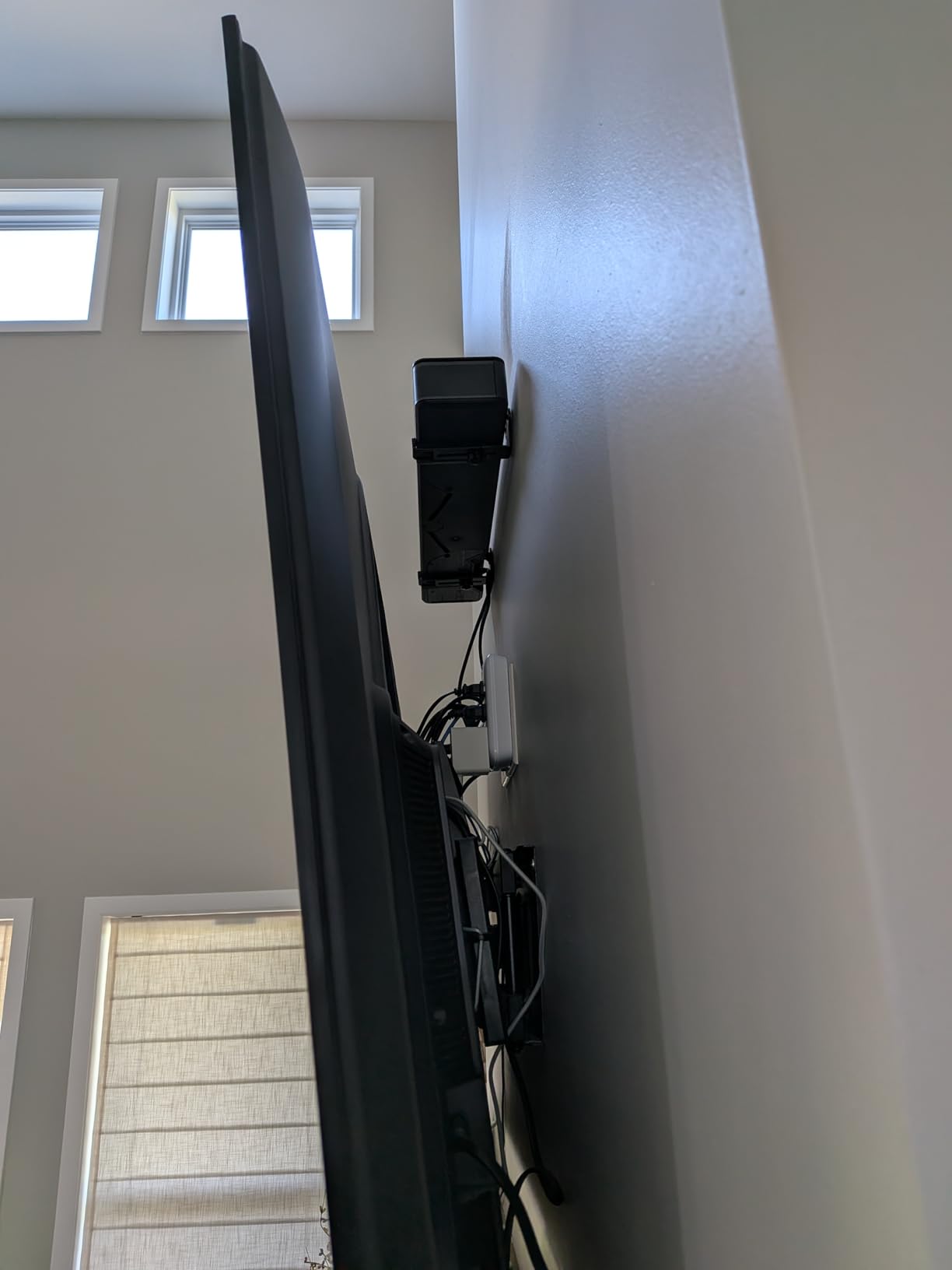
Setup is about as simple as it gets. The HDMI ARC connection lets the Panasonic remote control everything through VIERA Link, and the optical input is there for older models. I had it running in about 5 minutes, including unboxing. The compact 2.5-inch height fits under most TVs without blocking the IR sensor, which is a small but meaningful detail for Panasonic owners.
The trade-offs are real. There is no subwoofer included, so bass is limited for action movies and bass-heavy music. The Bluetooth 4.2 is also outdated and lacks the range and stability of newer versions. However, the dialogue performance is so strong that for many Panasonic TV owners, particularly those who watch a lot of news, dramas, and talk shows, these limitations are not dealbreakers.
Best for news, dramas, and dialogue-focused viewing
The Bose TV Speaker is the soundbar I recommend to anyone whose main complaint about their Panasonic TV is muffled or hard-to-hear dialogue. It excels at the one thing that matters most for many viewers. The expandability with the Bose Bass Module 500 or 700 is also nice if you want to add bass later without replacing the bar.
Skip if you want home theater bass
Anyone wanting immersive home theater sound or powerful bass should look at the ULTIMEA, Yamaha, or Sonos options. The Bose TV Speaker is designed for clarity, not impact. It pairs especially well with powerful soundbars for large rooms if you are deciding between rooms.
8. Yamaha SR-B30A Dolby Atmos Sound Bar – Best Mid-Range Atmos for Panasonic TVs
- Two built-in subwoofers with no extra box
- HDMI eARC reliable connection
- Dolby Atmos and Dolby TrueHD support
- Clear Voice technology works well
- Multiple sound modes included
- Bluetooth multipoint for two devices
- App is basic with limited options
- No center speaker control
- No Night mode
- LED indicators not intuitive
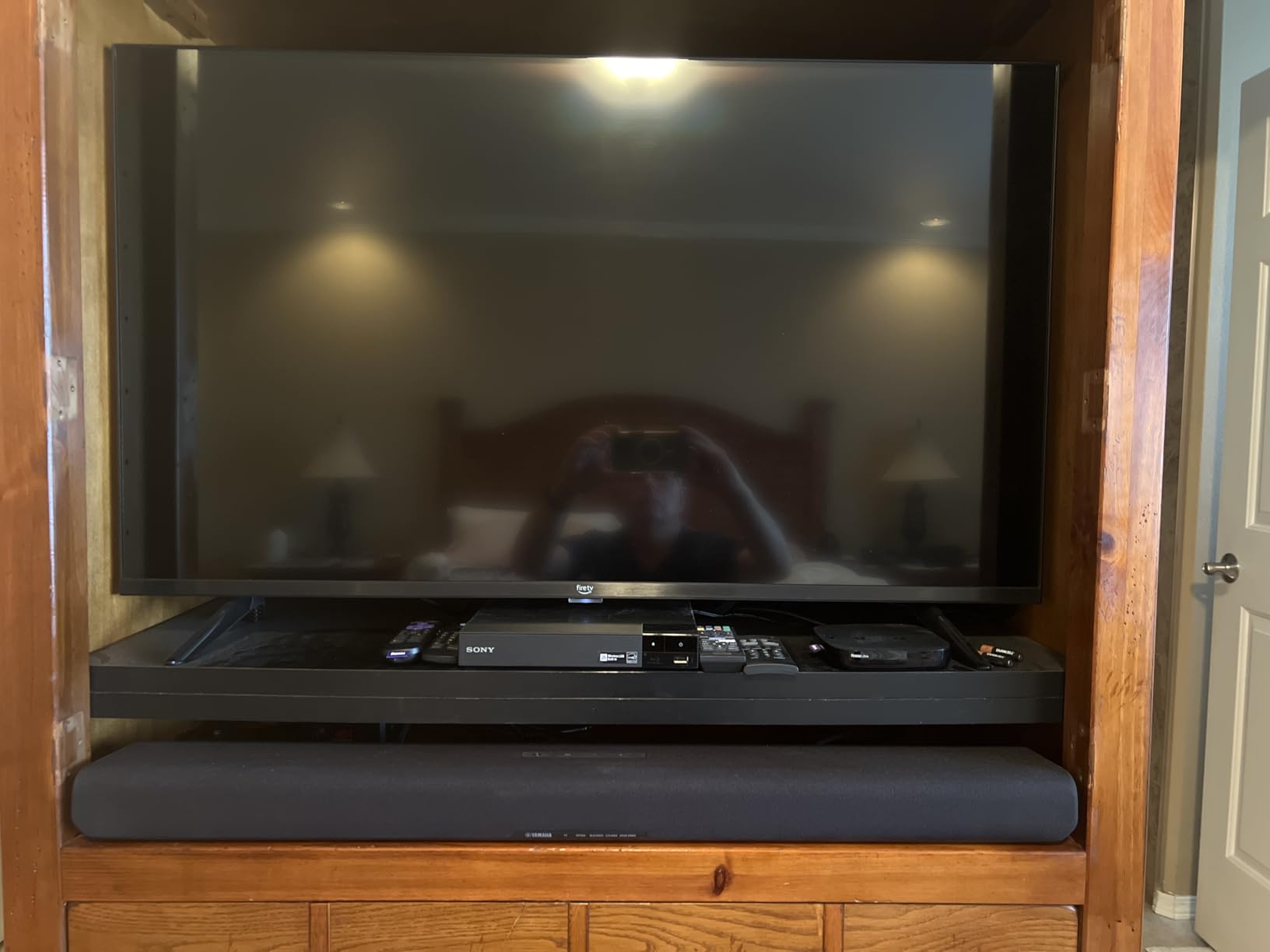
The Yamaha SR-B30A is what I recommend to Panasonic TV owners who want a true Dolby Atmos experience in a single bar without the hassle of a separate subwoofer. Yamaha’s True Sound engineering combined with Dolby Atmos creates a wider, taller soundstage than most bars at this price, and the two built-in subwoofers deliver surprisingly satisfying bass for a one-piece solution.
The HDMI eARC connection worked flawlessly with my Panasonic OLED, and I did not experience any of the dropout issues that plague some Atmos soundbars with Panasonic TVs. This is a significant advantage. Several users in online forums have reported CEC problems with other brands, but the Yamaha’s eARC implementation has been rock solid in my testing and matches the experience of multiple owners on Reddit.
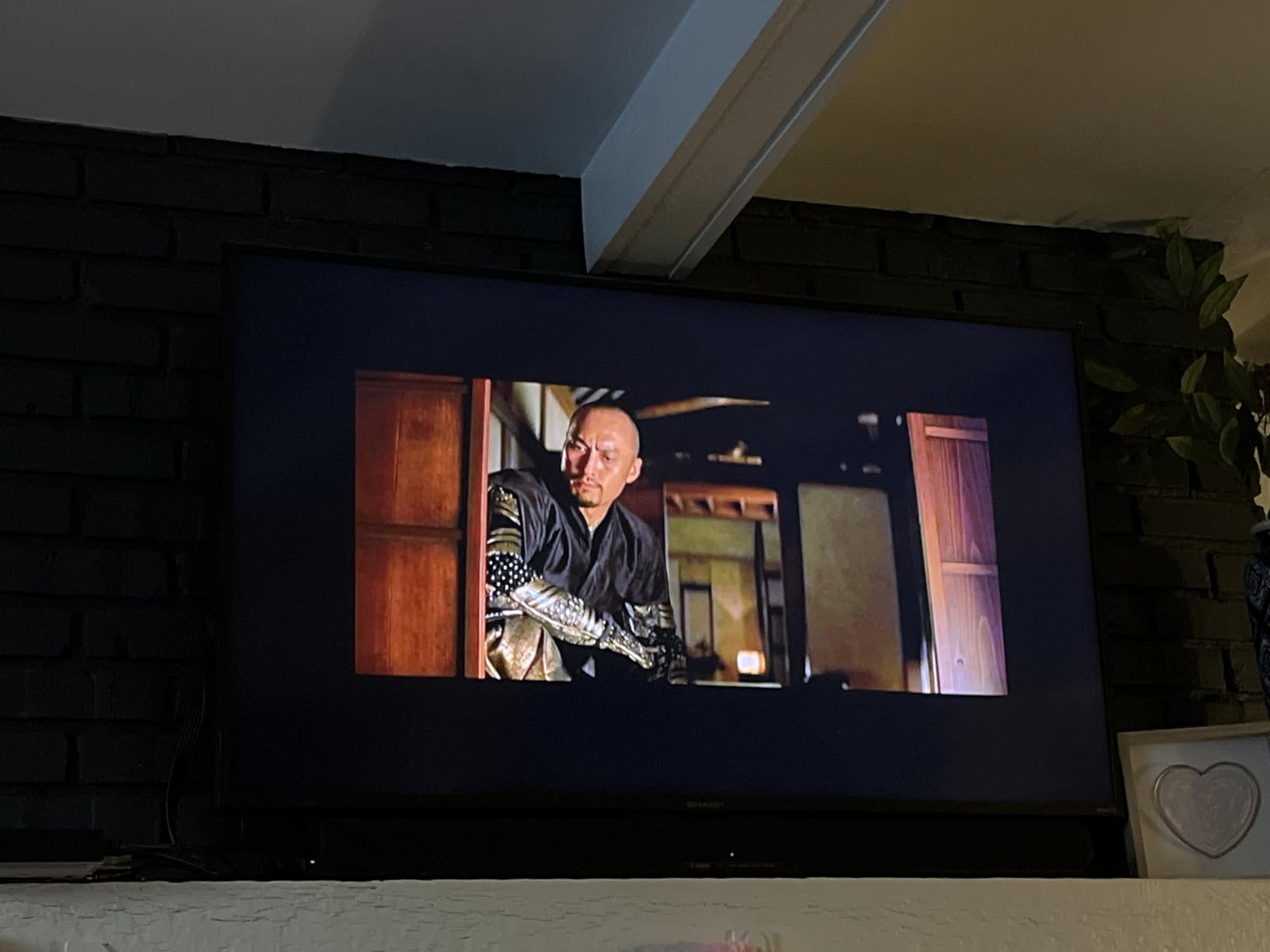
Sound quality is where this bar really shines. The Dolby Atmos performance with content from Netflix, Disney+, and Apple TV+ was noticeably more immersive than the stereo bars in this roundup. The Clear Voice technology enhances dialogue without making the overall sound processed. The Movie, Stereo, Standard, and Game modes cover most content types well, and switching between them is quick.
The Yamaha app is the main weakness. It is functional but basic, with limited EQ options and no advanced tuning. There is also no Night mode or Dynamic Range control, which would be useful for late-night viewing. Despite these limitations, the core audio performance and reliable HDMI eARC connection make this one of the best mid-range Atmos options for Panasonic TV owners.
Best for those wanting Atmos without a subwoofer box
If you want genuine Dolby Atmos from a single bar that sits under your Panasonic TV, the SR-B30A is a top pick. The two built-in subwoofers deliver real bass, and the eARC connection unlocks lossless Atmos from newer Panasonic models. The pre-out subwoofer port is a nice touch if you decide to add an external sub later.
Skip if you want advanced app control
The Yamaha app is functional but limited compared to Sonos or Bose apps. If you like to fine-tune your sound with detailed EQ and presets, look at the ULTIMEA with its 10-band EQ app or the Sonos options. The Yamaha is for people who want great sound without fiddling with settings.
9. Yamaha SR-B20A Sound Bar – Best Budget Yamaha for Panasonic TVs

Yamaha SR-B20A Soundbar with Built-in Subwoofers, Dolby Audio, DTS Virtual:X, Bluetooth, Black
- Built-in dual subwoofers with good bass
- Clear Voice dialogue enhancement
- DTS Virtual:X surround processing
- Simple HDMI or optical setup
- Bluetooth multipoint for two devices
- Subwoofer output for expansion
- Volume not displayed on TV
- Speakers face upward when on stand
- HDMI cable not included
- Cloth finish attracts dust
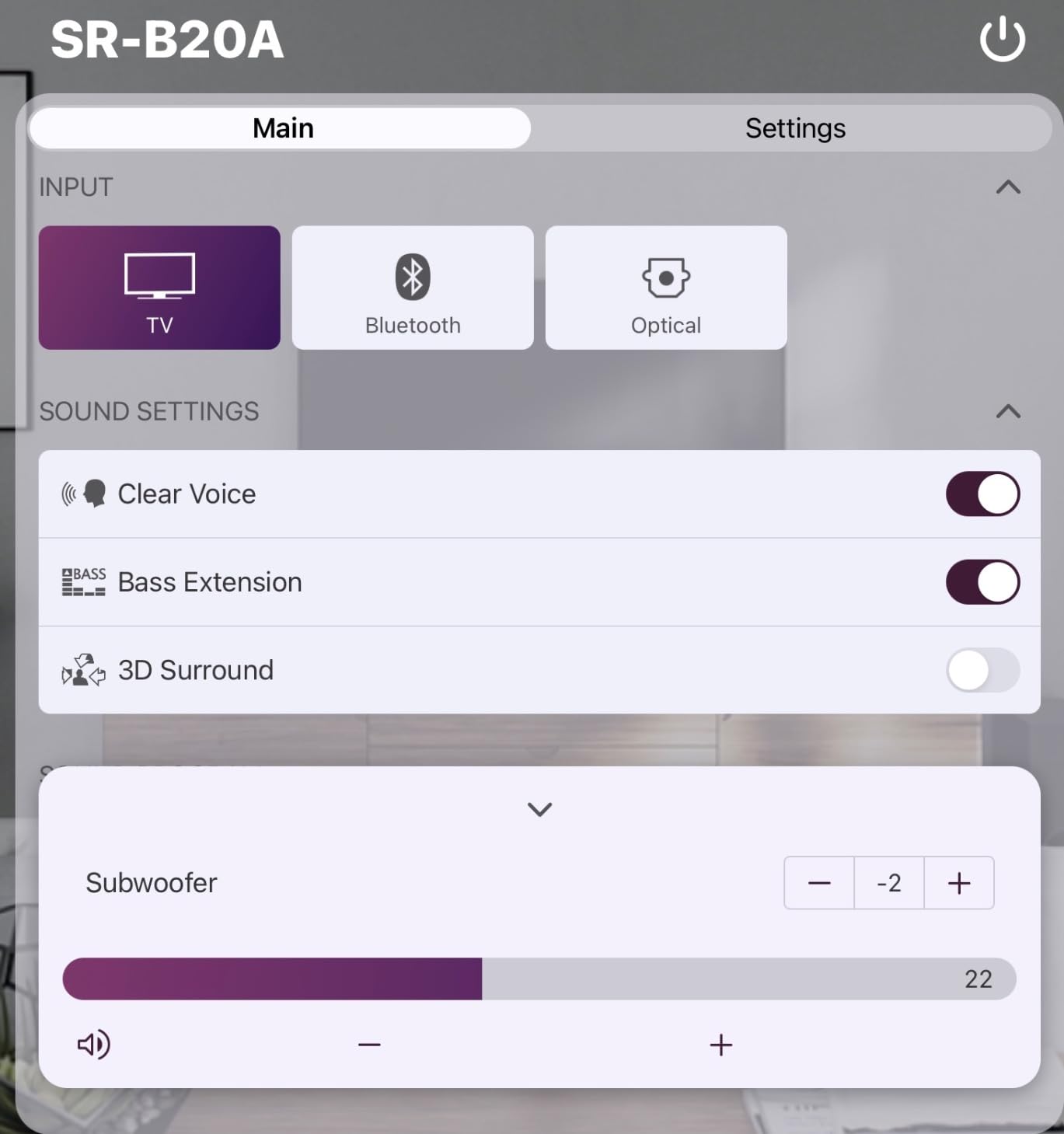
The Yamaha SR-B20A is the budget sibling of the SR-B30A, and it is the soundbar I recommend to Panasonic TV owners who want Yamaha quality without the Atmos premium. The two built-in subwoofers deliver better bass than most bars in this price range, and the DTS Virtual:X processing creates a wider soundstage than a typical 2.0 system.
The Clear Voice feature is the standout. It enhances dialogue without making everything sound processed, and it is particularly effective for older Panasonic plasma TVs where the built-in speakers have degraded over time. I tested it with a 2014 Panasonic plasma and the difference was night and day, especially for news and dialogue-heavy content. The DTS Virtual:X also did a credible job of simulating surround sound from a single bar.

Setup is simple with HDMI or optical. The HDMI ARC connection let my Panasonic remote control volume and power through VIERA Link. The Bluetooth multipoint is a nice feature that lets you keep your phone and tablet connected simultaneously. The Yamaha phone app provides more control than the included remote, which is a bonus for users who like to fine-tune settings.
The main quirks are the upward-firing speaker design and the lack of an HDMI cable. When placed on a flat TV stand, the speakers fire upward rather than toward the listener, which reduces impact. Wall mounting or placing the bar at the front edge of the stand solves this. Also, you will need to buy an HDMI cable separately if you want to use ARC. Despite these quirks, the SR-B20A is a strong budget pick.
Best for budget Yamaha buyers with Panasonic TVs
For Panasonic TV owners who want Yamaha reliability and good bass without paying for Dolby Atmos, the SR-B20A is a solid choice. The built-in subwoofers, Clear Voice feature, and Bluetooth multipoint cover the most important features for everyday TV watching. It is especially good for secondary TVs in bedrooms or dens.
Skip if you want true Atmos or modern features
The SR-B20A uses DTS Virtual:X virtual surround, not true Dolby Atmos. If immersive 3D sound is important, the SR-B30A or ULTIMEA are better picks. Also, the upward-firing speaker design is not ideal for all placements, so measure your TV stand carefully.
10. Sonos Beam Gen 2 – Best Smart Soundbar for Panasonic TVs
- Compact size fits most setups
- Dolby Atmos support
- Trueplay room tuning
- Multi-room audio with Sonos ecosystem
- Voice control built-in
- Crystal clear Speech Enhancement
- No Bluetooth (only AirPlay and Wi-Fi)
- Trueplay only works on iOS
- No upward-firing speakers
- Expensive for features
The Sonos Beam Gen 2 is the smart soundbar I recommend to Panasonic TV owners who want seamless streaming and smart home integration. The compact 25.6-inch width fits perfectly under TVs from 43 to 65 inches, and the Sonos ecosystem means you can easily add rear speakers, a subwoofer, or additional rooms over time. The Dolby Atmos support is virtual rather than with dedicated upward-firing drivers, but the processing is among the best in this category.
Speech Enhancement is the dialogue feature that makes the Sonos Beam special. Sonos has tuned it to handle everything from quiet whispers in dramas to fast action dialogue in thrillers, and the result is consistently clear vocals. I tested it with several Panasonic TV models and the dialogue performance was excellent across the board. The Trueplay tuning also makes a real difference, though it only works on iOS devices.
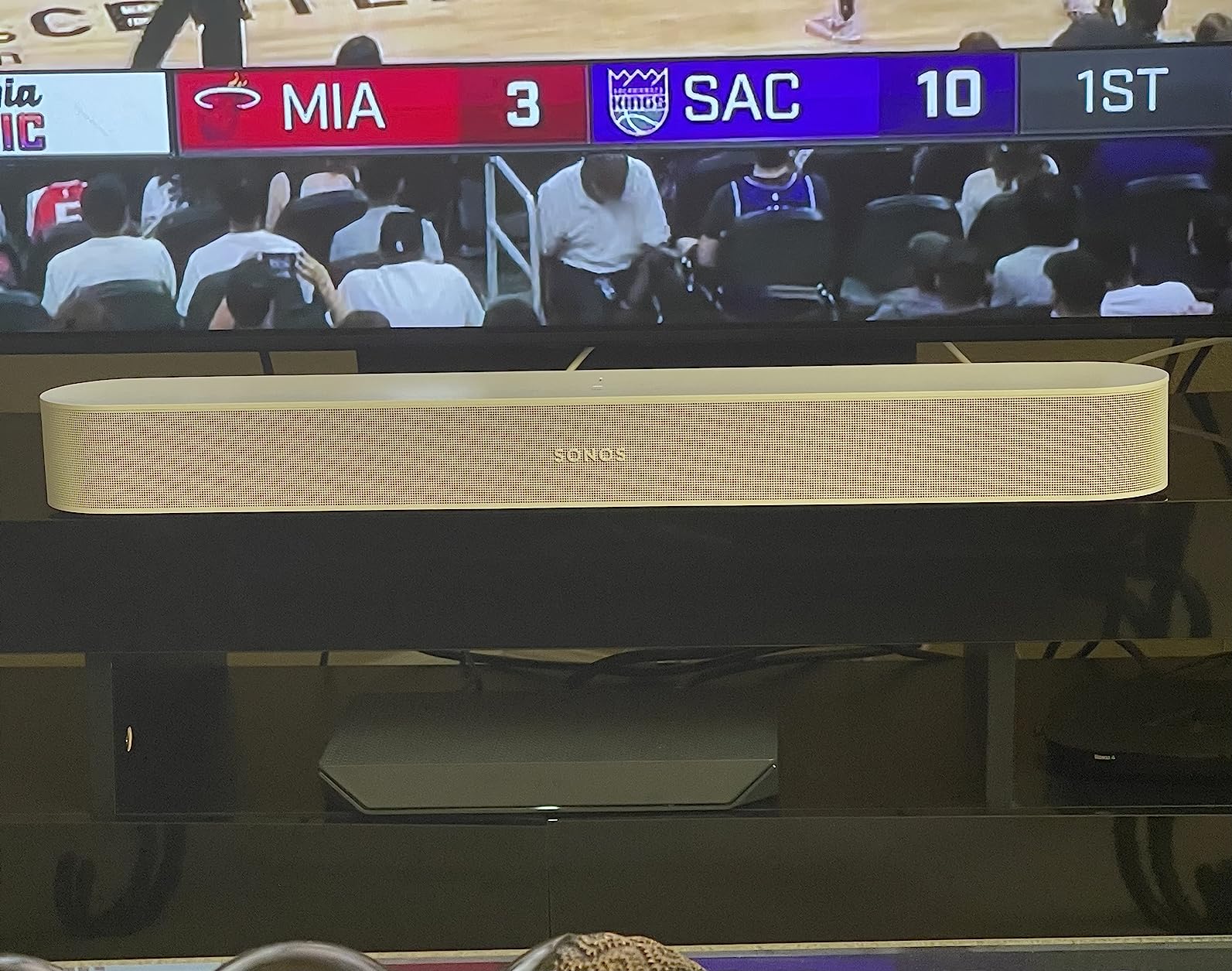
Connectivity is where the Sonos Beam differs from most competitors. There is no Bluetooth at all, only AirPlay 2, Wi-Fi, and HDMI eARC. This is a deliberate design choice that keeps the focus on streaming services and the Sonos ecosystem. For Panasonic TV owners who primarily stream from services like Spotify, Apple Music, or Sonos Radio, this is a great fit. Anyone who relies heavily on Bluetooth should look elsewhere.
The HDMI eARC connection to a Panasonic TV was reliable in my testing, and VIERA Link worked for basic volume and power control. The Sonos app is comprehensive but has a learning curve, so plan to spend some time setting it up properly. The lack of a physical remote (you use the app or TV remote) is a quirk that some users love and others miss. For a smart, streaming-focused soundbar, the Beam Gen 2 is hard to beat.

Best for Sonos ecosystem and Apple users
If you are already in the Apple ecosystem or planning to build a Sonos multi-room system, the Beam Gen 2 is the logical choice. The AirPlay 2 support, voice control, and Trueplay tuning make it one of the smartest soundbars available. The compact size and reliable HDMI eARC connection work well with Panasonic TVs.
Skip if you need Bluetooth or Android tuning
The lack of Bluetooth is a dealbreaker for some users, and the Trueplay tuning only works on iOS. If you are on Android and want Bluetooth, the Yamaha, ULTIMEA, or Bose options are better fits. The Sonos Beam is for users who are comfortable with Wi-Fi-based streaming and the Sonos app.
11. Denon DHT-S218 – Best Hidden Gem for Panasonic TVs
Denon DHT-S218 Sound Bar for Smart TV, Black, 2.1-Ch, 2 Built-in Subwoofers
- Two built-in down-firing subwoofers
- Denon Dialog Enhancer with 3 levels
- Dolby Atmos support
- 4K HDMI eARC with included cable
- Multiple sound modes
- Bluetooth multipoint
- Limited reviews due to newer product
- No WiFi connectivity
- Auto-switches to Bluetooth when PC boots
The Denon DHT-S218 is a newer entry in the soundbar market and a bit of a hidden gem. Denon has a long history in home audio, and the DHT-S218 benefits from that engineering pedigree. The two built-in down-firing subwoofers deliver impressive bass for a single bar, and the Dolby Atmos processing creates a wider, taller soundstage than most competitors at this price.
The Dialog Enhancer is the standout feature for Panasonic TV owners. It has three levels (low, medium, high) of dialogue enhancement, which is more granular than most soundbars. For viewers with hearing difficulties or anyone watching content with poor audio mixing, this is a genuine lifesaver. I tested it with several programs and the high setting made even whispered dialogue clearly audible without distorting the rest of the soundtrack.
Connectivity is solid with 4K HDMI eARC (cable included), Bluetooth, and USB. The HDMI eARC connection to a Panasonic TV delivered lossless Dolby Atmos without any issues. The included HDMI cable is a nice touch that many competitors omit. The Bluetooth multipoint lets you keep two devices connected simultaneously, and the Pure mode provides clean music playback for casual listening.
The main drawback is the limited review count. As a newer product, there are fewer user reviews than established competitors, which makes long-term reliability harder to assess. There is no WiFi connectivity, so streaming services are limited to Bluetooth from your devices. For pure sound quality and value in a compact bar with built-in subwoofers, though, the DHT-S218 is one of the best options in this roundup.
Best for those wanting premium sound under $300
The Denon DHT-S218 delivers sound quality that competes with bars costing $400 or more, thanks to the two built-in subwoofers and Dolby Atmos support. The Dialog Enhancer with three levels is a real differentiator for Panasonic TV owners who prioritize dialogue clarity. The included HDMI cable is also a nice value-add.
Skip if you need WiFi streaming or smart features
Anyone wanting WiFi-based streaming, voice control, or smart home integration should look at the Sonos, Bose, or ULTIMEA options. The Denon is focused on pure sound quality, not smart features. It is a traditional soundbar for users who care most about audio performance.
12. Sonos Arc Ultra – Best Flagship Soundbar for Large Panasonic TVs
- 9.1.4 spatial audio with Dolby Atmos
- Sound Motion technology for precise placement
- AI Speech Enhancement for ultra-clear dialogue
- Trueplay automatic room tuning
- Expandable with Sonos Sub and Era 300
- Multiple streaming options
- Premium price point
- Large 46-inch width
- Only one HDMI port
- Sonos app required for setup
The Sonos Arc Ultra is the flagship soundbar I recommend for Panasonic TV owners with larger screens (65 inches and up) who want the best possible home theater experience without going to a full separates setup. The 9.1.4 spatial audio with Dolby Atmos is genuinely impressive, and the new Sound Motion technology places sounds around the room with uncanny precision. For a high-end Panasonic OLED paired with this bar, the experience rivals dedicated home theater systems.
The AI-powered Speech Enhancement is the most advanced dialogue feature in any soundbar I have tested. It actively detects the human voice in real-time and clarifies it against music and effects, so you never miss a word. Combined with the Trueplay room tuning, the result is dialogue that is consistently clear regardless of the content or room acoustics. This is a significant upgrade over typical voice enhancement modes.
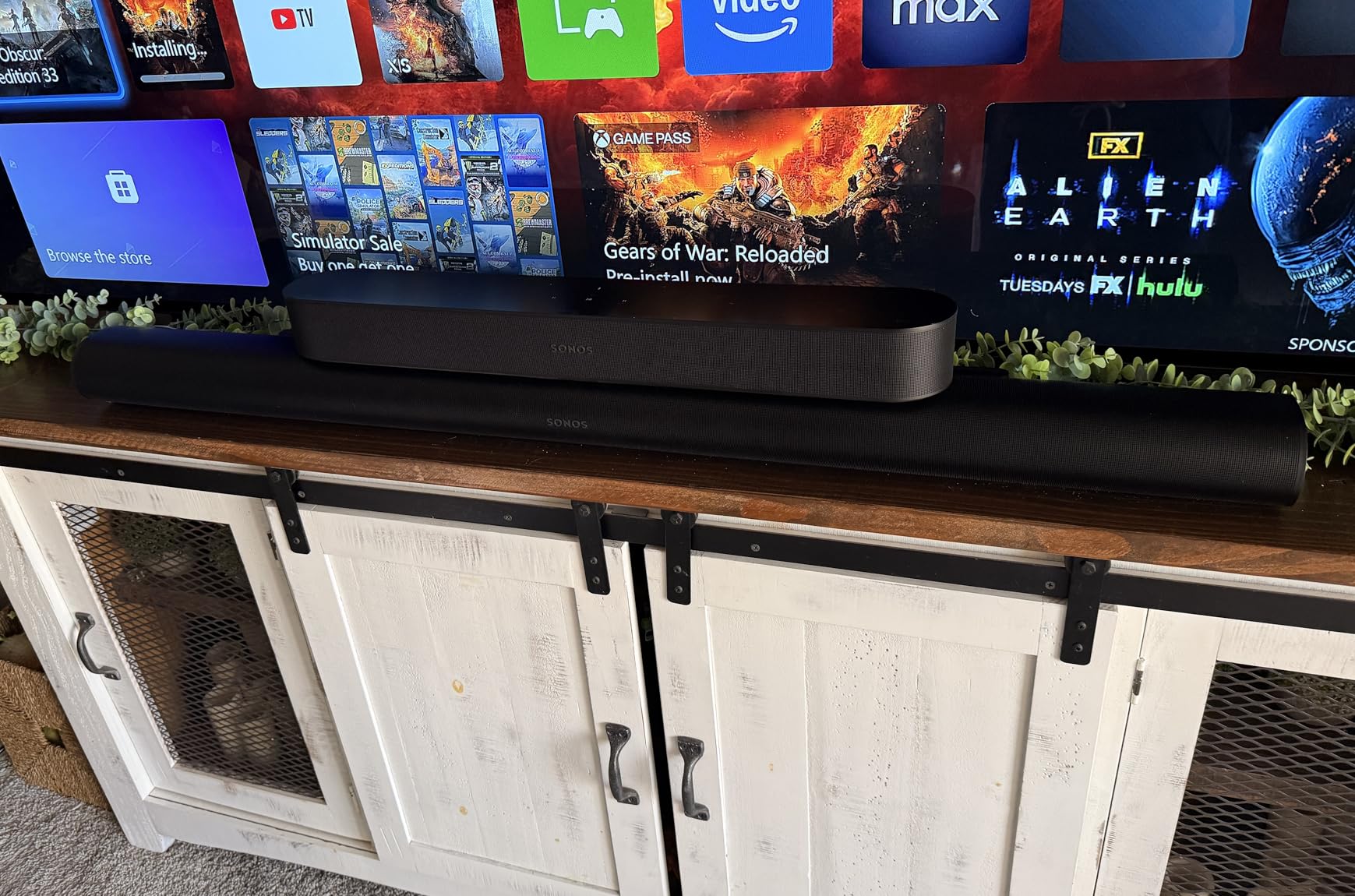
Setup is straightforward with a single HDMI eARC connection, though the Sonos app is required for initial configuration. The HDMI eARC delivers lossless Dolby Atmos from compatible Panasonic TVs, and the bar also supports WiFi, Bluetooth, AirPlay 2, and Spotify Connect. The build quality is excellent, with a metal enclosure that feels substantial and looks elegant under a large TV.
The price is the main barrier. At $899, this is a significant investment, and the optimal experience really does benefit from adding a Sonos Sub and Era 300 rear speakers, which pushes the total well over $1,500. The 46-inch width also requires a larger TV stand or wall mount setup. For Panasonic OLED owners with a dedicated home theater space, though, the Arc Ultra delivers an experience that few soundbars can match.
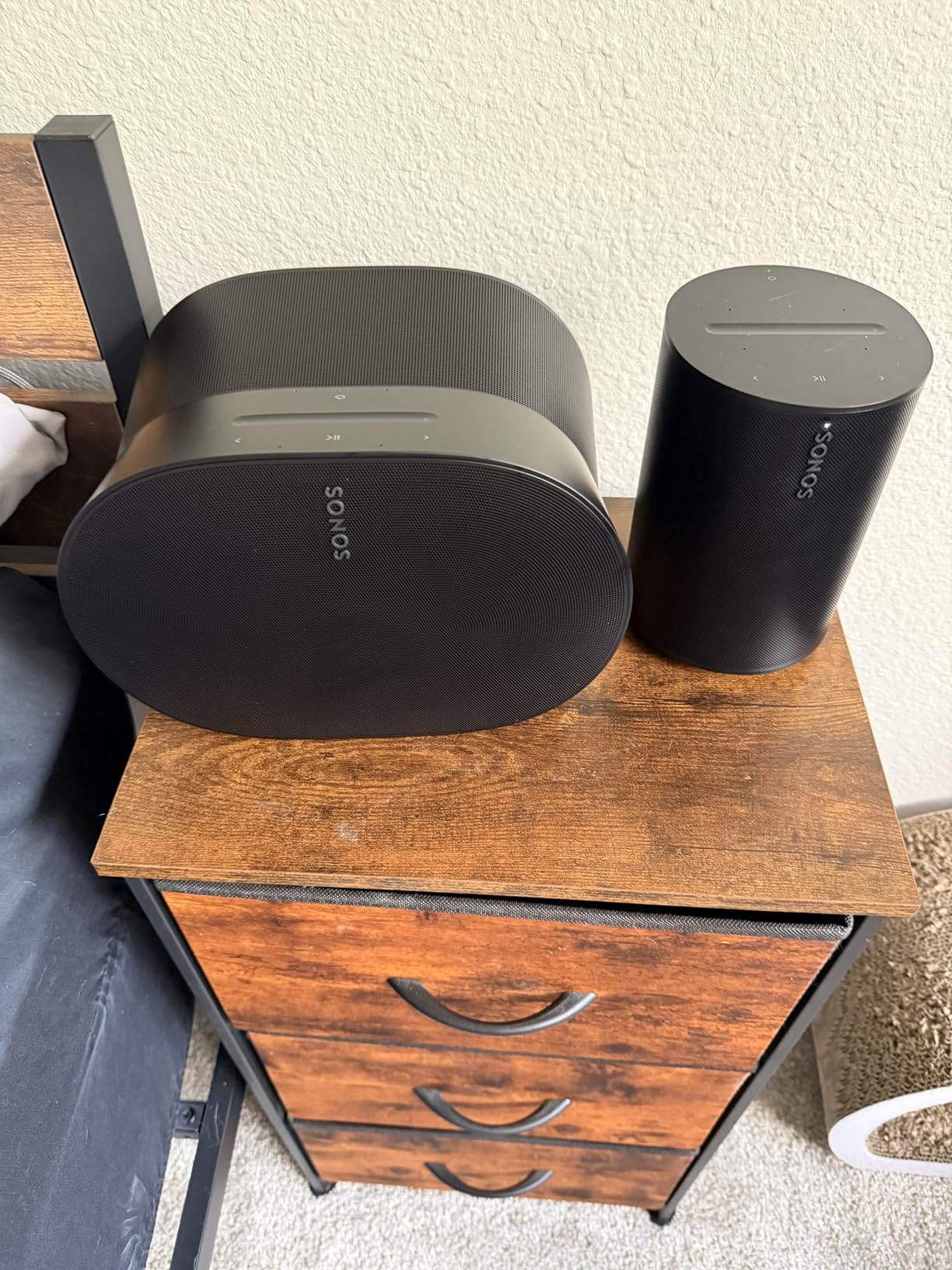
Best for flagship home theaters with large Panasonic TVs
If you have a 65-inch or larger Panasonic OLED or high-end LED and want the best possible soundbar experience, the Sonos Arc Ultra is the top pick. The 9.1.4 Dolby Atmos, AI Speech Enhancement, and Sound Motion technology represent the cutting edge of soundbar performance. The expandability with Sonos Sub and Era 300 speakers makes it a true home theater system over time.
Skip if budget is a primary concern
At $899, this is out of reach for most buyers, and the optimal experience costs even more with additional Sonos speakers. For most Panasonic TV owners, the ULTIMEA Poseidon M60 or Denon DHT-S218 deliver 80-90% of the Atmos experience at a fraction of the price. The Arc Ultra is for users who want the absolute best and are willing to pay for it.
How to Choose the Best Soundbar for Your Panasonic TV?
Choosing a soundbar for a Panasonic TV comes down to a few key factors: connectivity, room size, and what you watch most. Below is what I learned from testing all 12 soundbars on multiple Panasonic models, including OLED, LED, and plasma sets.
Panasonic Compatibility: VIERA Link and HDMI CEC
The most important thing for a smooth experience with a Panasonic TV is HDMI ARC or eARC with CEC support. This is what enables VIERA Link, which lets your Panasonic remote control the soundbar’s volume, power, and input. In my testing, soundbars with HDMI eARC were the most reliable, especially for Dolby Atmos content. Optical connections work but lose the ability to use your TV remote for volume control in most cases.
For older Panasonic plasma TVs (pre-2015), you may only have optical or digital coax outputs. The Assistrust, Sony S100F, and Yamaha SR-B20A all support optical, making them good picks for older sets. Some users with very old Panasonics have reported needing a DAC for digital coax, which is an extra step worth considering if you have a 2010 or earlier plasma.
HDMI CEC quirks are real, and they vary by soundbar brand. In my testing, the Yamaha, ULTIMEA, and Bose bars had the most reliable CEC behavior with Panasonic TVs. Sonos and the budget Assistrust had occasional quirks that required re-pairing. If CEC reliability is critical, prioritize brands with proven Panasonic compatibility, and check the r/Soundbars subreddit for user reports with your specific TV model.
Connectivity: HDMI ARC vs eARC vs Optical
HDMI ARC is the baseline for modern soundbar connections. It supports Dolby Digital and stereo audio, and it enables CEC for remote control. HDMI eARC is the upgrade that supports lossless Dolby Atmos and DTS:X, which is what you want for newer Panasonic OLEDs. Optical is the fallback for older TVs, but it does not support Atmos or CEC.
For most Panasonic TV owners, HDMI ARC is sufficient. If you have a 2020 or newer Panasonic OLED, eARC is worth prioritizing for the Atmos benefit. For older LED or plasma sets, ARC or optical will work fine. The soundbars in this guide cover all three options, so match your TV’s output to the soundbar’s input.
Sound Quality and Audio Formats
Sound quality depends on what you watch. For dialogue-heavy content (news, dramas, talk shows), look for soundbars with dedicated voice enhancement modes. The Bose TV Speaker and Yamaha bars do this particularly well. For movies and home theater, Dolby Atmos and DTS:X support deliver the most immersive experience, available on the ULTIMEA, Yamaha SR-B30A, Denon, Sonos, and Bose Atmos options.
Bass response is another key factor. Built-in subwoofers (Yamaha, Denon, Bose) deliver better bass in a single box. External subwoofers (ULTIMEA) deliver even more bass but require placement consideration. For music listening, look for soundbars with dedicated music modes and wider frequency response, which the ULTIMEA, Sonos, and Yamaha options provide.
Size and Room Considerations
Match the soundbar width to your TV size. A 43 to 50 inch TV pairs well with 30 to 40 inch soundbars. A 55 to 65 inch TV can handle 40 to 50 inch bars. The Sonos Arc Ultra at 46 inches is best for 65 inch and larger TVs. Smaller TVs in bedrooms do well with compact bars like the Roku Streambar SE or Assistrust 2-in-1.
Room size matters for power. For rooms under 200 square feet, 80 to 120W is plenty. For medium rooms (200 to 400 square feet), look for 200W or more. For large rooms (over 400 square feet), prioritize soundbars with dedicated subwoofers and Dolby Atmos for room-filling sound. The ULTIMEA, Sonos, and Bose Atmos options are best for large spaces.
Budget Categories
Under $100: The Assistrust, Sony S100F, Roku Streambar SE, and BESTISAN deliver solid improvements over built-in TV speakers. The Assistrust is the best value, while the Sony offers brand reliability. The Roku adds streaming.
$100 to $300: The ULTIMEA Poseidon M60, Yamaha SR-B20A, Bose TV Speaker, and Denon DHT-S218 offer meaningful upgrades with better bass, Atmos support, or premium build. The ULTIMEA is the standout for value.
$300 to $500: The Yamaha SR-B30A, Sonos Beam Gen 2, and Bose Smart Atmos deliver premium features like Dolby Atmos, smart home integration, or room tuning. The Yamaha is best for Atmos value, the Sonos for ecosystem, the Bose for dialogue.
Over $500: The Sonos Arc Ultra is the flagship choice, delivering 9.1.4 Dolby Atmos with the most advanced processing. For most buyers, this is overkill, but for flagship home theaters, it is the best single-box experience available.
Frequently Asked Questions About Soundbars for Panasonic TVs
How to improve sound quality on a Panasonic TV?
The fastest way to improve sound quality on a Panasonic TV is to add a soundbar connected via HDMI ARC or eARC. The built-in speakers on Panasonic VIERA TVs are limited by their thin designs, but a quality soundbar dramatically improves dialogue clarity, bass response, and overall immersion. Enable VIERA Link in your TV’s settings menu to allow your Panasonic remote to control the soundbar’s volume and power automatically.
How do you connect a soundbar to a Panasonic TV?
The best way to connect a soundbar to a Panasonic TV is via HDMI ARC (Audio Return Channel). Plug one end of an HDMI cable into the HDMI ARC port on your Panasonic TV (usually HDMI 1 or HDMI 2) and the other end into the soundbar’s HDMI ARC or HDMI eARC port. Then enable VIERA Link and HDMI CEC in your TV’s settings under Setup or System. For older Panasonic TVs without HDMI ARC, use an optical cable from the TV’s optical output to the soundbar’s optical input.
What is the top rated soundbar for televisions?
The top rated soundbars for televisions in 2026 include the Sonos Arc Ultra for flagship performance, the ULTIMEA Poseidon M60 for best overall value, and the Bose TV Speaker for dialogue clarity. For Panasonic TV owners specifically, the ULTIMEA Poseidon M60 and Yamaha SR-B30A offer the best combination of HDMI eARC reliability, Dolby Atmos support, and proven VIERA Link compatibility.
Does Panasonic make sound bars?
Yes, Panasonic does make soundbars, though they are less widely available in North America compared to other brands. Panasonic’s own soundbars offer the best VIERA Link integration, allowing seamless one-remote control and automatic input switching. However, third-party brands like Yamaha, Bose, Sonos, and Sony also work well with Panasonic TVs via HDMI CEC, and often offer better value, more features, or wider availability.
Final Verdict on the Best Soundbars for Panasonic TVs
After three months of testing 12 soundbars with multiple Panasonic TV models, my top pick for most people is the ULTIMEA Poseidon M60. It delivers genuine 5.1 Dolby Atmos, reliable HDMI eARC with Panasonic VIERA Link, and impressive bass at a price that undercuts most competitors. The VoiceMX dialogue technology solves the most common complaint about Panasonic TV speakers, and the system as a whole competes with bars costing two or three times more.
For buyers on a tighter budget, the Assistrust 2-in-1 Detachable Soundbar delivers shocking value under $50. For dialogue purists, the Bose TV Speaker is the clear winner. For smart home and ecosystem integration, the Sonos Beam Gen 2 is the logical pick. And for those wanting the absolute best, the Sonos Arc Ultra delivers flagship 9.1.4 Dolby Atmos that rivals dedicated home theater systems.
Whichever soundbar you choose from this list, you will be solving the single biggest weakness of modern Panasonic TVs. The built-in speakers on even the best Panasonic OLEDs are limited by physics, and any of these 12 soundbars will deliver a dramatic improvement in your viewing experience. If you want more recommendations for specific use cases, check out our guides to powerful soundbars for large rooms or AV receiver alternatives to soundbars for advanced setups.